If you’ve ever held a plastic access card, a warehouse tag, or a library label and wondered “Is this an RFID tag, and what type is it?”, you’re not alone. RFID technology hides in plain sight — inside cards, stickers, and even tools — and it comes in several different types. Knowing how to identify your RFID tag can save hours of trial and error, especially if you’re troubleshooting or planning to integrate it into a new system.
Step 1: Look for Clues on the Tag or Card
Sometimes the answer is right in front of you. Check the surface of the card or packaging — you might find a small print like “13.56 MHz”, “125 kHz”, or “UHF”. These numbers tell you the operating frequency:
- 125 kHz (LF) – often used for access control or animal tracking
- 13.56 MHz (HF/NFC) – found in transport cards, ID cards, and smartphones
- 860–960 MHz (UHF) – used in logistics, inventory, or vehicle management
If nothing is printed, don’t worry — there are other ways to figure it out.
Step 2: Try Reading It With Your Phone
Most smartphones come with an NFC function, which can read HF (13.56 MHz) RFID tags. Simply turn on NFC and use an app like “NFC Tools” to scan your tag.
- If your phone detects it and shows information such as a chip ID or type, you’re dealing with an HF/NFC tag.
- If it doesn’t respond at all, your tag is probably LF or UHF, which phones can’t detect.
It’s a quick and easy test — no special equipment needed.
Step 3: Use a Professional RFID Reader
If you want to know for sure, a multi-frequency RFID reader is the way to go. These devices can detect the tag’s frequency, protocol, and even specific chip details. Many technicians use them when matching tags to readers in warehouse systems or testing access control cards.
Professional readers can instantly tell you whether a tag runs on LF, HF, or UHF, and which communication standard it follows — like ISO14443, ISO15693, or EPC Gen2. That’s the most reliable way to identify an RFID tag, hands down.
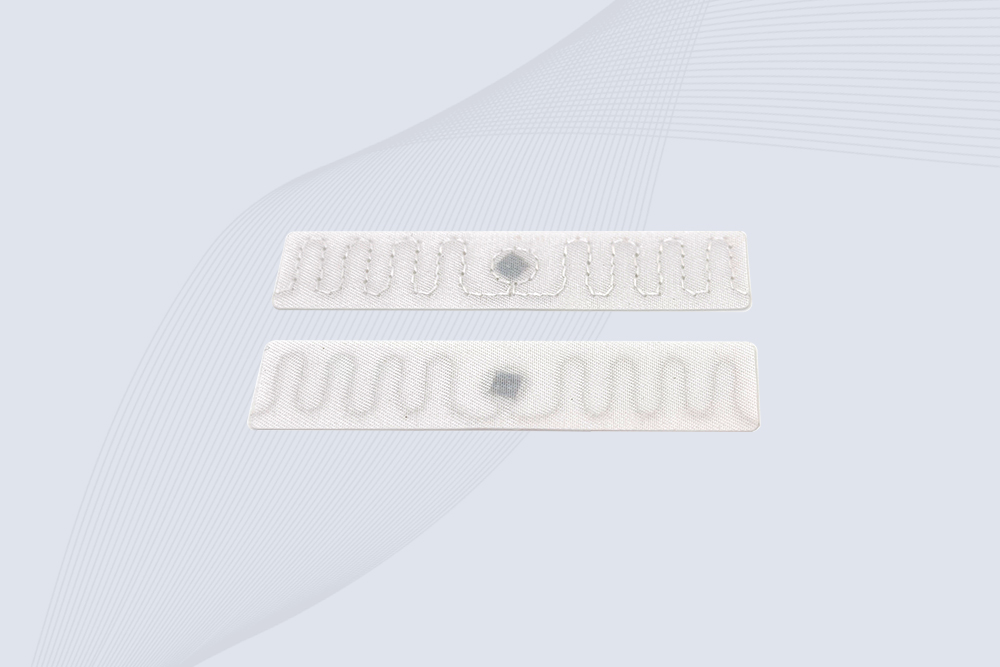
Step 4: Observe the Shape and Material
Sometimes the design gives it away:
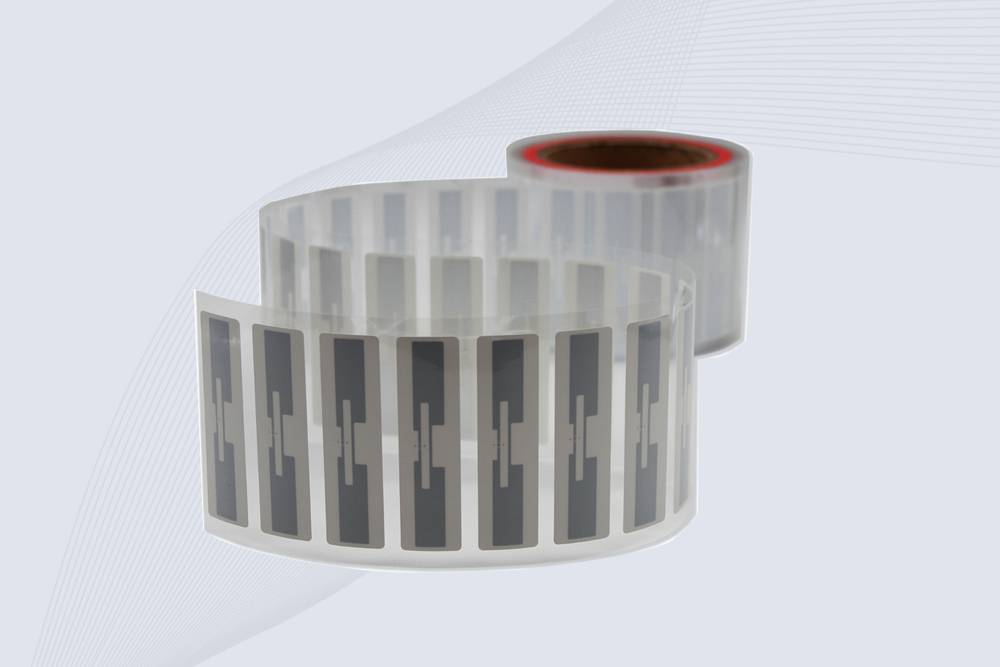
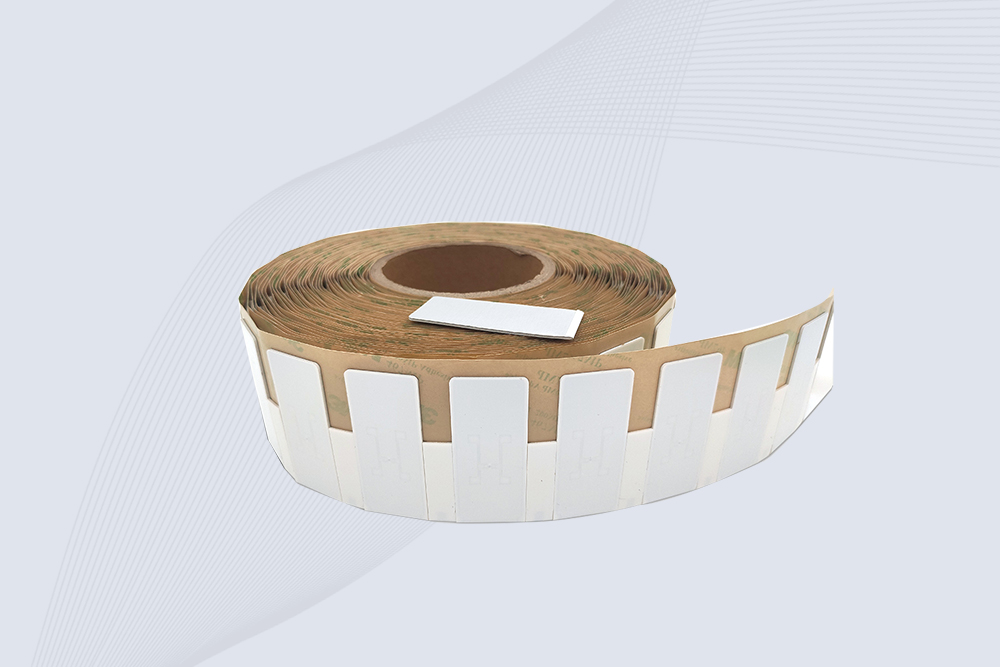
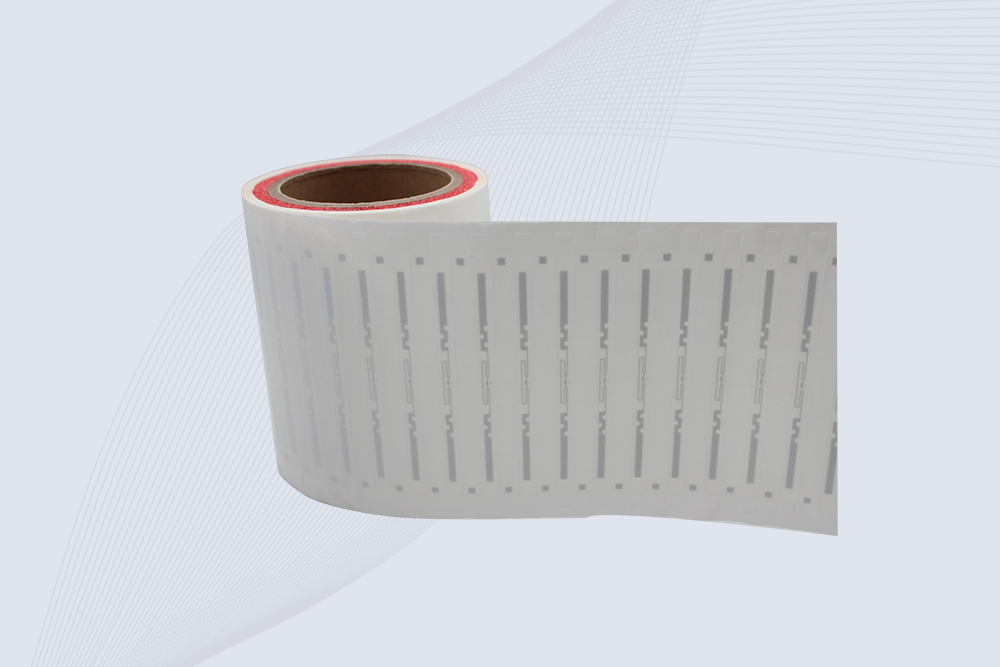
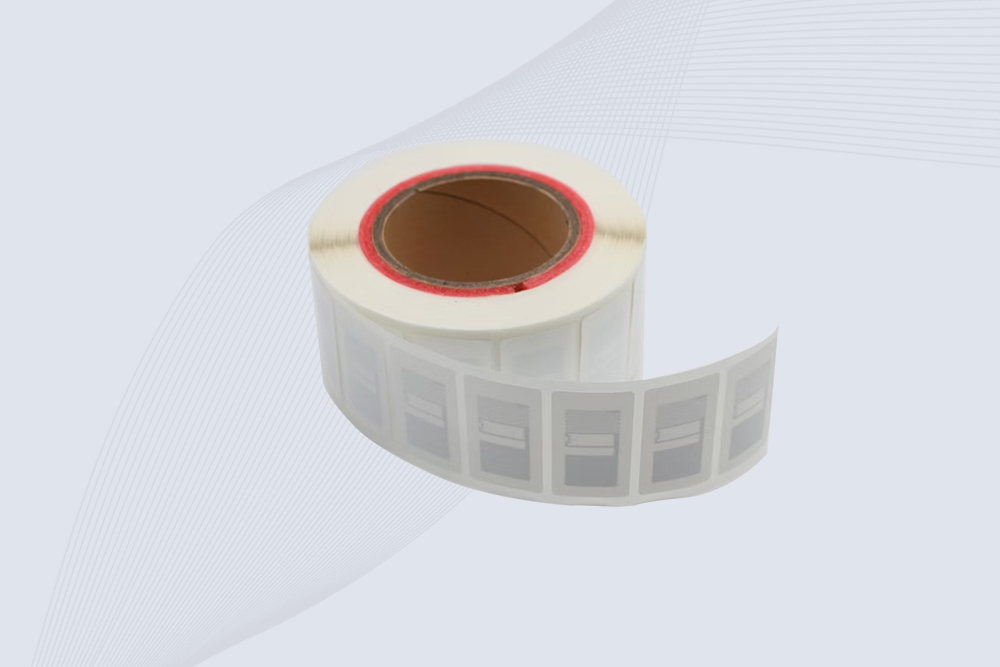
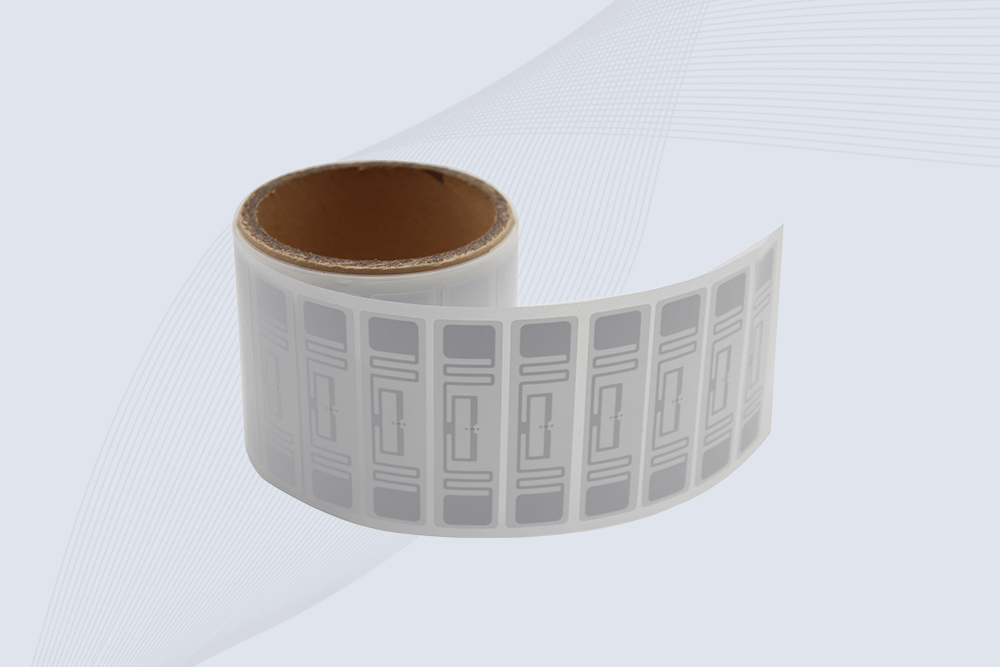
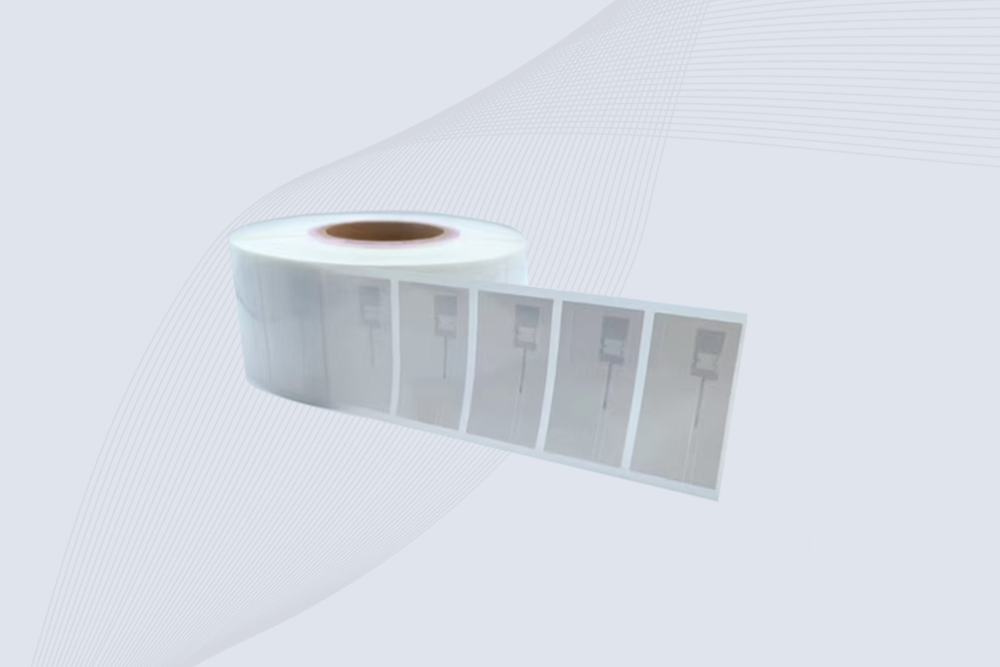
- Paper or sticker labels are usually UHF (used in logistics, inventory, shipping).
- Thin PVC cards are often HF (used in ID and access systems).
- Key fobs or round tags tend to be LF.
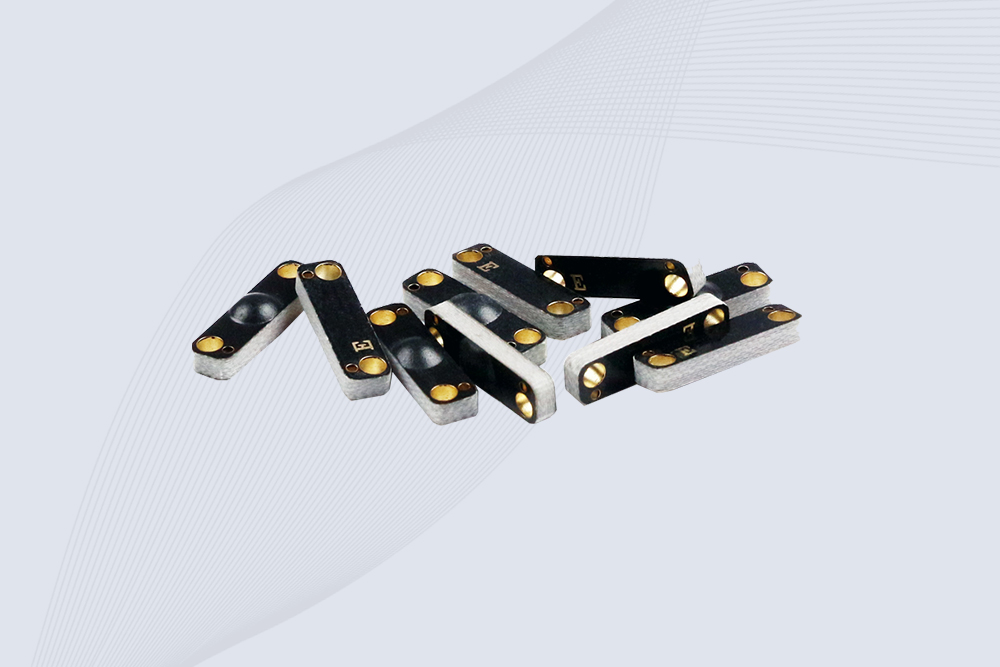
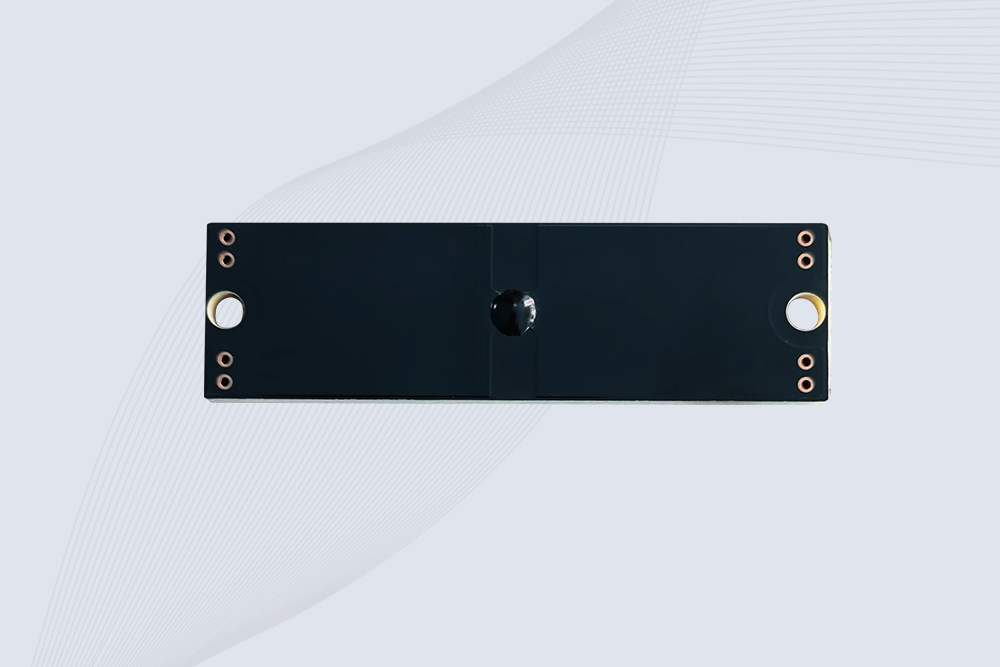
- Hard plastic or metal tags are built for UHF, especially in industrial environments.
If you notice the tag struggles to work near metal, that’s another sign it might be a UHF tag — high frequencies don’t like metal surfaces unless the tag is specially designed for it.
Step 5: Common Issues When Identifying Tags
If your reader or phone can’t detect the tag:
- The frequency may not match your reader.
- The antenna or chip might be damaged.
- Metal or water nearby could be interfering with the signal.
Try testing the tag in an open area or with a different reader to rule out these issues.
How to find RFID tag number?
The RFID tag number is usually stored inside the chip, so you won’t always see it printed on the surface. The easiest way to find it is by scanning the tag with a compatible RFID reader. Once the reader detects the tag, it will display the unique ID (often called UID, EPC, or serial number).
In many systems—like warehouse inventory or asset tracking—that number is automatically linked to a database record. So what you actually see in software might be a product name or asset ID, but behind the scenes the RFID tag number is what the reader captured.
How to check RFID card frequency?
There are a couple of quick ways to check an RFID card’s frequency.
First, look at the card itself. Some manufacturers print clues such as 125 kHz or 13.56 MHz directly on the card. If nothing is printed, try scanning it with an NFC-enabled smartphone. Phones can read 13.56 MHz (HF/NFC) cards, so if the phone detects it, that’s likely the frequency.
If the card doesn’t respond at all, it might be LF (125 kHz) or UHF, which requires a dedicated RFID reader to confirm.
Related Read:How to Check RFID Card Frequency
How to identify RFID card type?
Identifying an RFID card type usually involves looking at a few different hints rather than relying on one single test.
Start with how the card is used. Office access cards and transport cards are commonly HF (13.56 MHz). Older building access systems often use LF 125 kHz cards. If the card is attached to inventory labels or shipping boxes, it’s probably UHF.
For a definitive answer, scanning the card with a reader that supports multiple frequencies is the most reliable method.
How to know RFID card frequency?
If you’re unsure about the frequency of an RFID card, try a quick process of elimination.
Use an NFC-enabled phone first. If the phone reads the card, it’s almost certainly 13.56 MHz HF. If nothing happens, the card may operate at 125 kHz or possibly UHF.
Another trick technicians use is testing with different readers. When a card suddenly responds to a specific reader type, that immediately reveals the frequency it uses.
How to check RFID tag number?
To check an RFID tag number, you need a reader that supports the tag’s frequency. Once the tag enters the reader’s range, the device captures its unique identifier and displays it in the reader software or mobile app.
Depending on the system, the number might appear as:
- UID (Unique Identifier)
- EPC code
- Serial number
If you’re working with inventory systems, the EPC is the value most commonly used for tracking items in databases.
Understanding RF Identification Tag and How It Works
An RF identification tag is a small electronic device that stores identification data and communicates wirelessly with an RFID reader through radio frequency signals. Unlike traditional barcodes, an RF identification tag does not require direct scanning or a visible line of sight, making it widely used for automatic identification and tracking applications.
Depending on the working frequency and application requirements, RF identification tags can be divided into LF, HF, and UHF types. LF tags are commonly used for access control and animal tracking, HF tags are often found in smart cards, NFC applications, and library systems, while UHF RF identification tags are widely used in logistics, warehouse inventory, retail, and industrial asset management because they provide longer reading distances and faster multi-tag identification.
When selecting an RF identification tag for a project, frequency compatibility is only the first step. Businesses also need to consider factors such as reading distance, tag material, operating environment, and whether the tag will be attached to metal, plastic, or other surfaces. For example, standard RFID labels may perform well on cardboard packaging but require specially designed anti-metal tags when applied to equipment, tools, or steel containers.
In real-world RFID deployments, choosing the right RF identification tag can directly affect system reliability. A properly matched tag and reader combination helps improve inventory accuracy, reduce manual scanning work, and create a smoother automated tracking process for warehouses, manufacturing facilities, libraries, and retail operations.
Final Thoughts
Identifying RFID tag isn’t just about frequency numbers — it’s about understanding context. Where the tag is used, what material it’s made of, and how it behaves around metal or water can all tell you something.
For quick checks, a smartphone works great. For full certainty, a professional reader is worth having — especially if you’re working with mixed-frequency systems. Once you know what kind of RFID tag you have, setting up readers or troubleshooting connectivity becomes much easier.
what is an rfid tag
If you’re just getting into RFID, the first thing people usually ask is simple: what is RFID tag? For deeper technical explanation of What Is RFID Tag?, see this related guide:RFID Basics: What Is an RFID Tag?
how to check rfid card frequency
If you’ve ever tried replacing an RFID card or matching it with a new reader, you’ve probably run into the same problem most people do: you don’t actually know what frequency the card uses.
At first glance, RFID cards all look almost identical. But inside, they can work on completely different frequencies, and that matters more than most people realize. A card that works perfectly with one system may do absolutely nothing on another reader simply because the frequencies don’t match.
The good news is that checking an RFID card frequency usually isn’t difficult. In many cases, you can figure it out in just a few minutes using a phone, a reader, or even the card itself.
For deeper technical explanation of how to check rfid card frequency?, see this related guide:how to check rfid card frequency
how to check rfid tag is working or not
To check how to check rfid tag is working or not, use an RFID reader to scan the tag and verify if it returns a valid ID consistently within expected read range and speed.
That’s the direct answer. But in real deployments, a “working” tag is not just readable—it must be stable, repeatable, and resistant to interference.
I’ve tested batches where 100% of tags responded… but only 82% were usable in production. The difference? Environment, orientation, and signal noise.
Related Read:how to check rfid tag is working or not
How to Detect RFID Tags
A surprisingly common question people ask is:
“How do I know if there’s an RFID tag inside this card, sticker, or device?”
Maybe you’ve found an old access card and want to know whether it still contains a working RFID chip. Maybe you’re trying to identify a warehouse label. Or maybe you’re simply curious whether an item contains RFID technology at all.
The tricky part is that RFID tags are often hidden.
Related Read:How to Detect RFID Tags
rfid tag types
Types of RFID tags mainly include passive, active, and semi-passive tags, each designed for different ranges, power needs, and tracking scenarios in real-time identification systems.
Related Read:types of rfid tags: What They Are and How They Differ
A tag reads perfectly on cardboard, plastic, or wood. Then someone sticks the same tag onto a metal toolbox, steel container, server rack, or machine housing—and suddenly the read distance drops dramatically, or the tag disappears completely.
Related Read:RFID Anti Metal Tags,Why Ordinary RFID Labels Stop Working on Metal
How Do You Actually Find the Number Stored Inside an RFID Card?
Identifying an RFID tag is only the first step. After knowing the tag type, many users need to check the exact card identifier for testing, programming, or system integration.
If you already know your RFID card type but need to find its UID or card number, our latest guide explains the practical methods:
How to Check RFID Card Number: A Practical Guide for RFID Buyers and System Integrators
It covers smartphone testing, RFID reader methods, and important points for bulk RFID card purchasing.
What Does an RFID Tag Look Like?
Before selecting RFID tags for your project, it is helpful to understand their physical appearance and different designs. Our latest guide explains what RFID tags look like and how different industries choose the right RFID tag type.
how to check whether your sticker or decal contains RFID?
Many users can identify an RFID tag after seeing the chip structure, but when RFID technology is hidden inside a printed sticker or decal, the identification process becomes slightly different. If you are checking RFID stickers, RFID decals, or customized labels, our guide on how to know if your decal has RFID provides practical testing methods.

2025-12-17
CYKEO Passive RFID Tags are made for wet and high-humidity environments where standard labels do not last. This rfid passive tag is often used around liquids, chemicals and temperature changes, providing stable reading distance and long data life for industrial tracking.
2025-12-17
CYKEO CYKEO-PCB1504 Metal RFID Tags is a compact anti-metal UHF RFID solution built for direct mounting on metal surfaces. With stable 8-meter read range, Ucode-8 chip, and long data retention, this rfid metal tag fits tools, containers, automotive parts, and industrial asset tracking.
2025-12-17
CYKEO CYKEO-PCB7020 On-Metal RFID Tags are designed for reliable tracking on steel and metal surfaces. Built with an FR4 epoxy body and industrial-grade chips, these On-Metal RFID Tags deliver stable performance, long data life, and chemical resistance, making them a dependable RFID anti-metal tag for harsh environments.
2025-12-17
The CYKEO CYKEO-60-25 Anti-Metal RFID Tag is built for metal surfaces where standard tags fail. Designed for long-range performance, harsh environments, and stable data retention, this Anti-Metal RFID Tag is ideal for industrial assets, containers, and equipment tracking using on metal RFID tags.
2025-12-17
The CYKEO RFID Laundry Tag is designed for long-term textile identification in harsh laundry environments. Built to withstand high heat, chemicals, and repeated washing, this RFID Laundry Tag delivers stable performance for hotels, hospitals, and industrial laundry operations using laundry rfid tags at scale.
2025-12-17
The CYKEO CYKEO-125-7 RFID Book Tag is designed for reliable book and document tracking in libraries and archives. This RFID Book Tag delivers long read range, dense placement support, and stable performance on shelves, making it a practical rfid tag on books for library automation, file management, and archival systems.
2025-12-16
CYKEO RFID tags in hospitals are designed for sterile environments where accuracy matters. These autoclavable RFID tags support long-term tracking of surgical tools, implants, and medications, helping hospitals improve visibility, compliance, and patient safety.
2025-12-16
CYKEO RFID Cable Tie Tag is built for reliable identification on metal surfaces. This UHF RFID Cable Tie Tag is widely used in rfid tags for inventory systems, industrial asset management and Hospital RFID Tags, offering stable read performance, long service life and global EPC Gen2 compatibility.
2025-12-16
CYKEO RFID Asset Tag is designed for stable identification of metal assets in industrial environments. This UHF RFID Asset Tag is commonly used for rfid tag asset tracking on equipment, tools and containers, providing reliable reads, long service life and ISO/IEC 18000-6C support.
2025-12-16
CYKEO UHF RFID Card is designed for fast identification and long-term use in industrial and commercial systems. Supporting ISO 18000-6C, this UHF RFID Card works at 860–960 MHz and is suitable for custom RFID cards used in asset tracking, access control and inventory management.
2025-12-16
CYKEO HF RFID Cards are designed for secure and stable access control systems. These 13.56 MHz RFID key cards support ISO 14443-A, reliable rewriting and long service life, making HF RFID Cards suitable for offices, campuses, events and membership management.
2025-12-16
CYKEO UHF RFID Tag is designed for reliable tracking of metal jewelry and high-value items. This Jewelry RFID Tag supports long-range reading up to 8 meters, anti-counterfeit protection and stable performance on metal, making it suitable for retail, inventory control and asset management.
 Cykeo RFID IoT Solution Products R&D Manufacturer