Let’s crush that viral TikTok myth right now: Your iPhone can’t magically clone RFID access cards. Despite its fancy NFC chip, Apple blocks card emulation – meaning you can’t turn your phone into a hotel keycard or office badge. But before you groan…
Here’s the workaround that actually works:
The Hardware Trick Security Pros Use
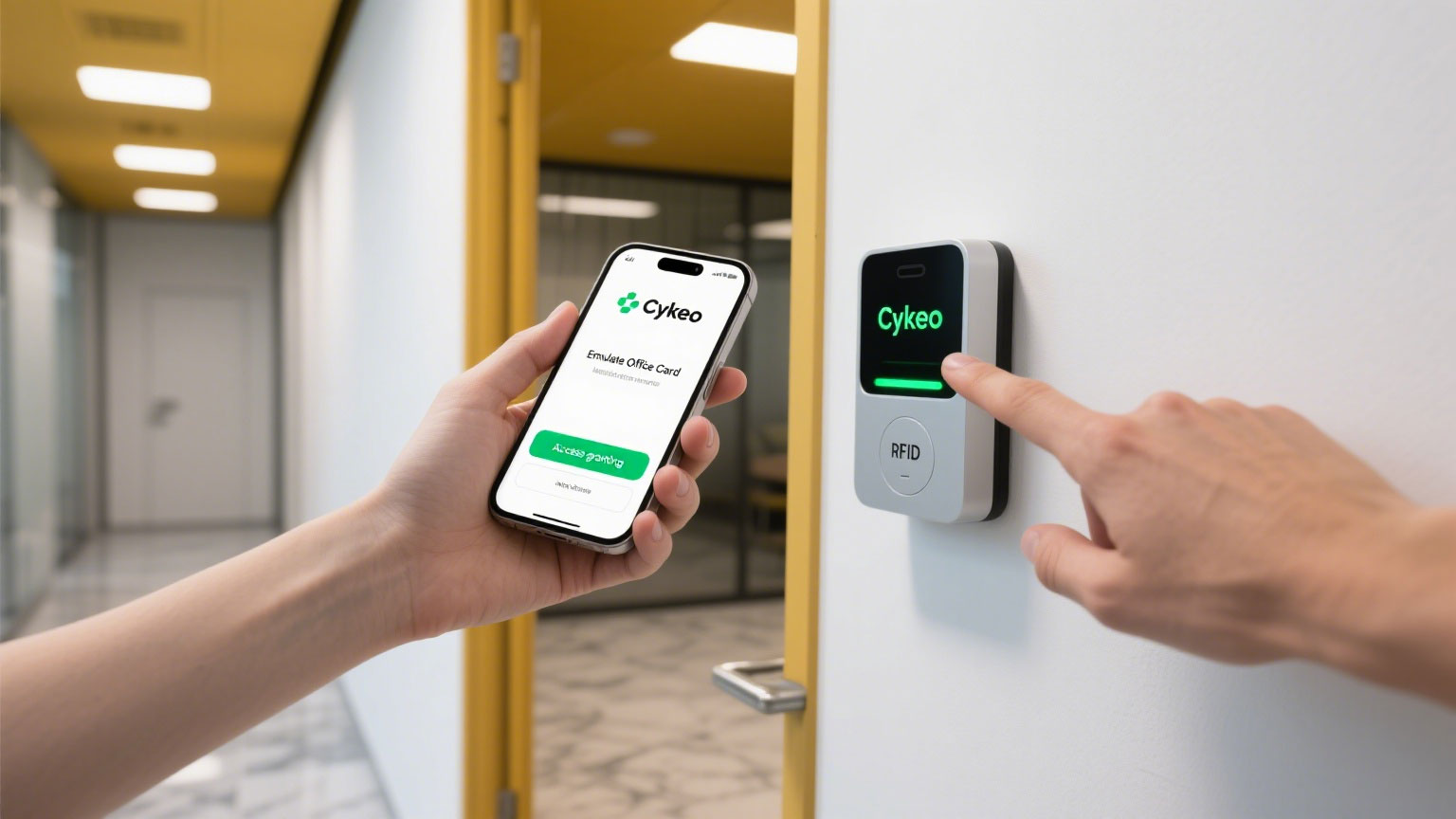
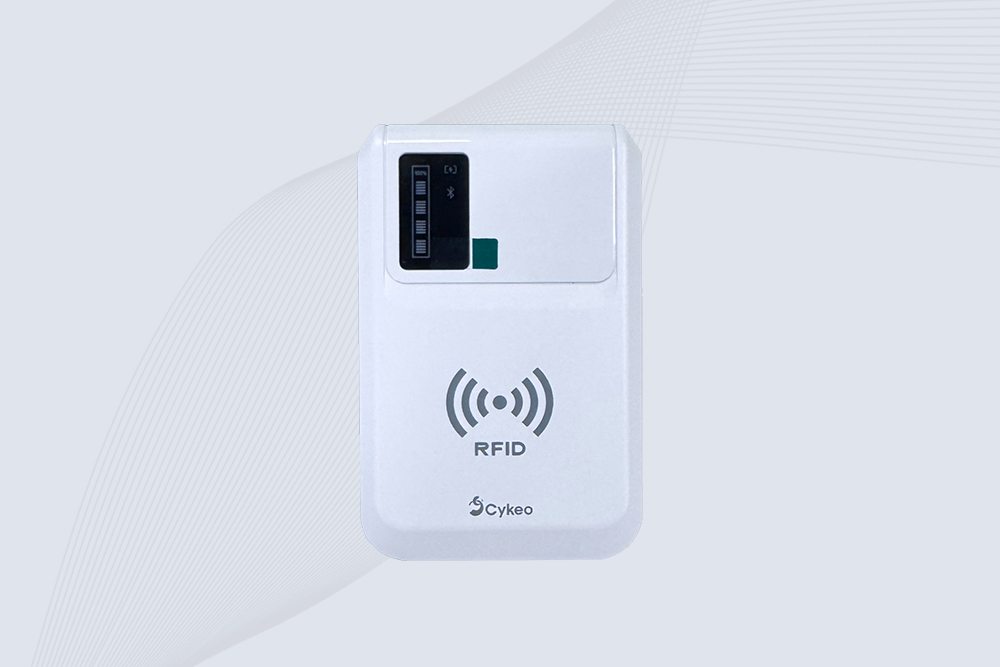
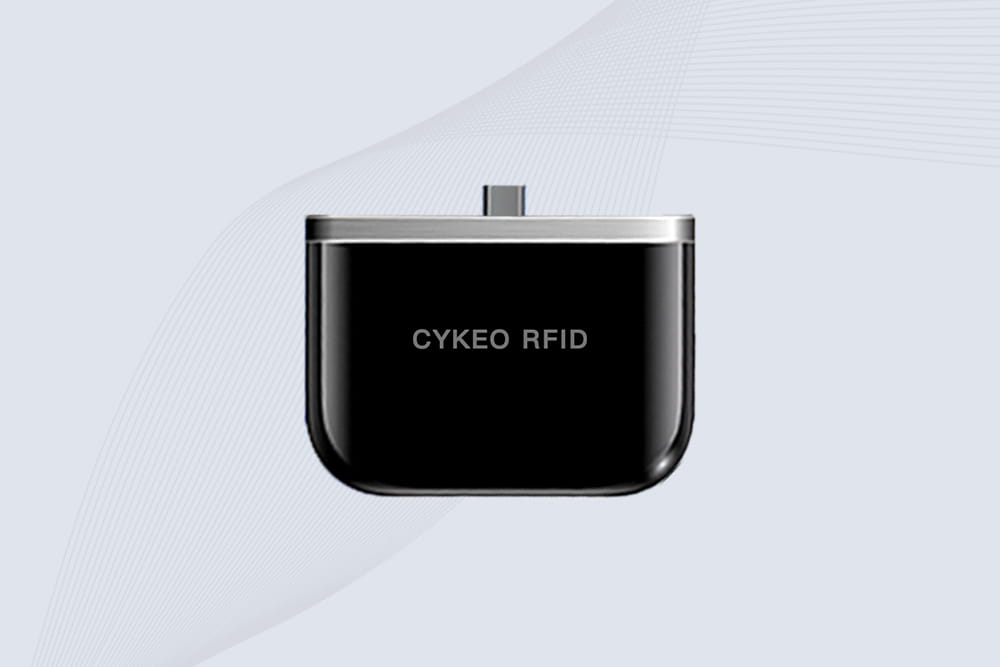
Meet the pocket-sized solution: Cykeo’s Bluetooth RFID emulator. This isn’t an app – it’s a physical device that bridges your iPhone’s limitations:
How it works:
Clone: Tap your existing RFID card to Cykeo’s reader
Connect: Pair to iPhone via Bluetooth (iOS 13+)
Emulate: Hold Cykeo near any RFID reader – it transmits your cloned card data
Real-life use case:
*“I manage 3 co-working spaces. Instead of issuing 500+ keycards, members emulate access via our app + Cykeo. Saves $12k/year in plastic cards.”* – Facility Manager, Austin
Why Your Bare iPhone Fails at Card Emulation
🚫 NFC restrictions: iPhone NFC only works with Apple Pay (not card cloning)
🔒 Frequency gap: Most access cards use 125kHz – iPhones only support 13.56MHz
📵 No broadcast mode: iPhones can’t transmit card data like dedicated emulators
Legality: Always get permission before cloning any card
The Bottom Line
Want an iPhone RFID card emulator? Skip the sketchy App Store scams. Pair your device with Cykeo’s Portable iPhone RFID Reader to: → Replace bulky keychains → Grant temporary access to guests → Backup lost cards
⚠️ Warning: Never emulate cards you don’t own – this isn’t a lock-picking tool!
Related Reading
Someone has a building access card, office key card, apartment fob, or hotel credential and wonders:
“Can I just copy this to my iPhone and stop carrying the card around?”
Discover Cykeo’s handheld RFID reader costs for budget and premium models. Compare features, prices, and use cases for retail, logistics, and industrial automation.
Trying to solder your way to more range? We explain why the method for how to extend RFID chip antenna is a full redesign, not a simple mod, and what really works.
 Cykeo RFID IoT Solution Products R&D Manufacturer