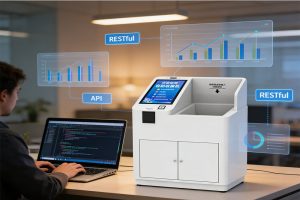
Retail inventory management involves more than counting products on shelves. Store employees need to receive new stock, identify items, check product availability, process returns, and keep inventory records up to date. When these tasks depend entirely on manual counting and barcode scanning, maintaining accurate records can take considerable time.
An RFID Reader for Retail can help retailers identify tagged products and transfer their data into inventory management software. USB RFID readers are particularly useful at fixed workstations, such as stockrooms, receiving desks, service counters, and inventory control stations.
However, not every retail task requires the same RFID equipment. The right solution depends on the type of product tags, the number of items being processed, the store’s software, and the workflow employees need to complete.
Before selecting hardware for a retail deployment, review our [USB RFID reader selection guide] to understand the main factors affecting device compatibility and performance
Why Retailers Need Better Inventory Visibility
A retail store can have hundreds or thousands of product variations. Different sizes, colors, models, and product batches may share similar descriptions while having separate inventory records.
When employees cannot locate an item shown as available in the system, several problems may follow. Customers may be told that a product is in stock when the shelf is empty. Replenishment may be delayed, and employees may spend additional time searching storage areas.
Traditional inventory processes often combine barcode scanning, manual counting, and spreadsheet updates. These methods remain useful, but they can become labor-intensive when stores handle large product assortments or frequent stock movements.
RFID provides another way to identify products. When compatible RFID tags are attached to merchandise, a reader can capture their identifiers without requiring an employee to scan each barcode individually.
The resulting data can support stock checks and inventory updates, provided the reader is connected to suitable software and the store maintains reliable product records.
How USB RFID Readers Work in Retail Environments
A USB RFID reader connects to a computer or compatible workstation. It communicates with RFID tags using a supported radio frequency and transfers the resulting tag data to an application.
The reader does not automatically know the product name, selling price, or stock quantity associated with a tag. The retail software must match the identifier to the corresponding product record.
Identifying Tagged Products
Each RFID tag contains an identifier or other data that the reader can retrieve, depending on the tag technology and configuration.
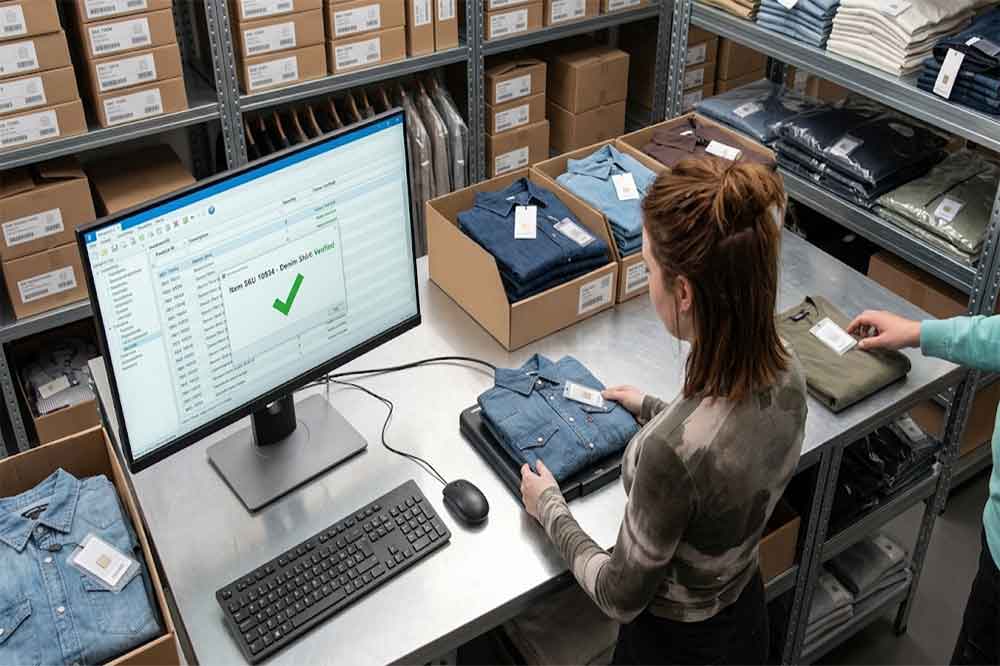
For example, a clothing retailer may associate a tag identifier with a particular garment, size, color, and stock record. When an employee reads the tag at a stockroom workstation, the application can retrieve the corresponding product information.
The exact information stored on the tag varies by system. Many retail applications use the tag identifier as a reference to information held in a central database rather than storing the complete product record on the tag.
Tag compatibility is essential. LF, HF, and UHF RFID technologies operate differently, and a reader designed for one frequency does not automatically support tags from another frequency.
Transferring RFID Data to Retail Software
USB RFID readers may support keyboard emulation, virtual COM port communication, or a manufacturer-provided SDK and communication protocol.
Keyboard emulation can be suitable for simple product lookups or data entry. Serial communication and SDK-based integration may provide greater control when an application needs to manage reading operations, process tag events, or apply specific transaction rules.
For a retail inventory system, the software typically needs to:
Receive the tag identifier.
Match it with a product record.
Check the current inventory status.
Validate the intended transaction.
Save the update and report the result.
A successful tag read should not automatically be treated as a completed stock movement. The application must determine whether the item is being received, transferred, returned, or simply checked.
Five Retail Inventory Applications for USB RFID Readers
1. Receiving New Stock
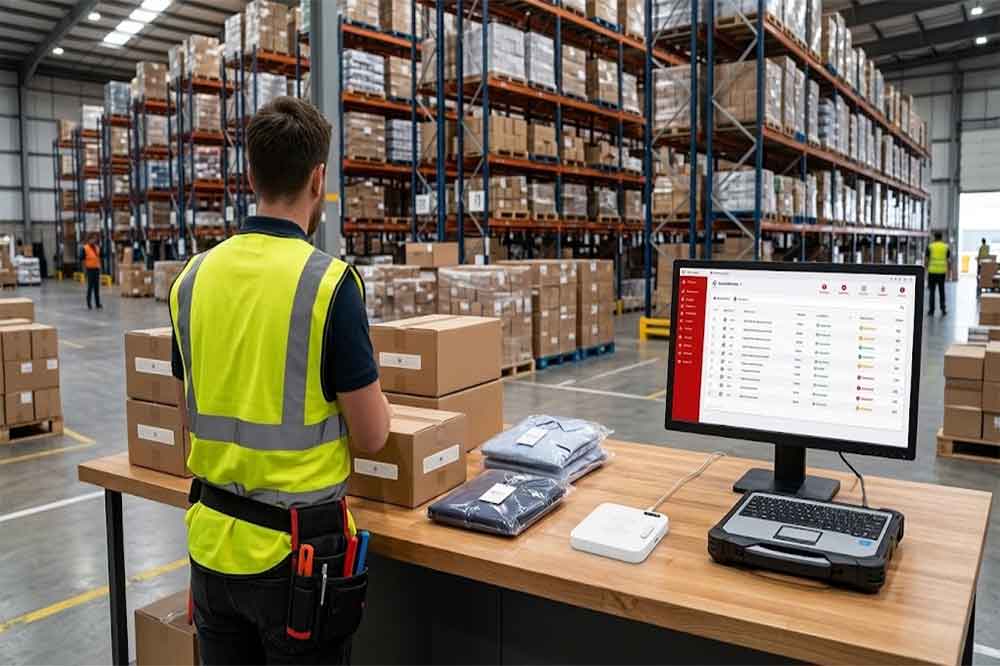
When a store receives a delivery, employees need to compare the delivered products with purchase orders and receiving records.
A USB RFID reader can support this process at a receiving workstation. Employees can present tagged items to the reader, and the software can display the associated product information.
The application may then help employees confirm expected items, identify unexpected products, and record accepted quantities.
For larger deliveries, a single USB reader may not be the best choice for reading many tagged products at once. The project team should evaluate whether the intended workflow requires individual item presentation, a multi-tag reading capability, or a different RFID system.
2. Checking Store Inventory
Stock counting is another potential application.
An employee can read tagged merchandise at a workstation and compare the captured identifiers against the store’s inventory records. This can help identify missing records, unexpected items, or discrepancies that require further investigation.
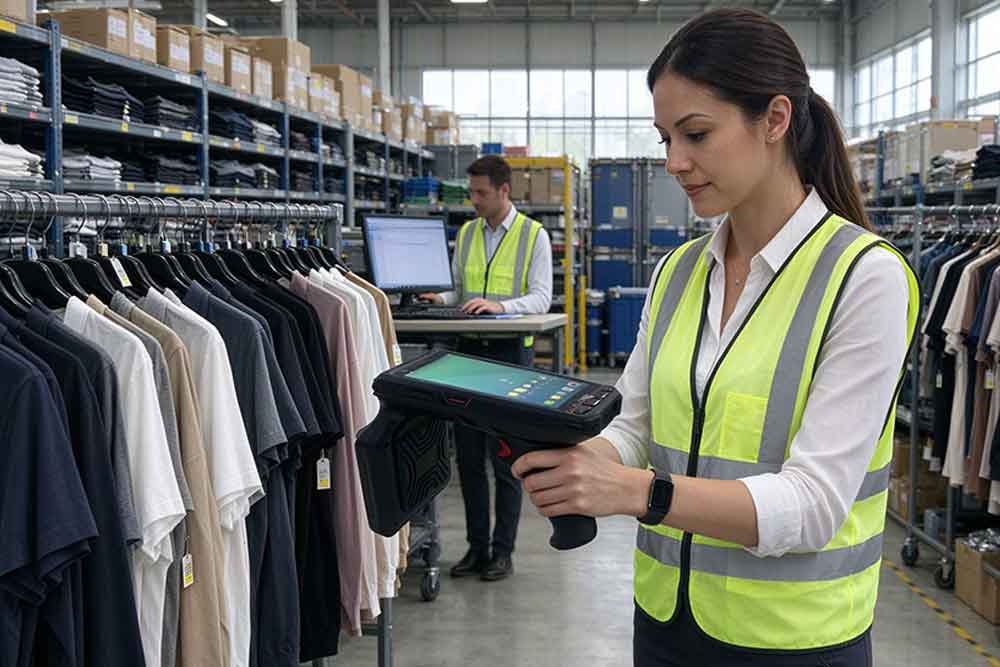
A USB RFID reader is especially practical when products are brought to a fixed station. It may be less suitable when employees need to walk through aisles and identify items in place. In that situation, a handheld RFID reader may offer a more appropriate workflow.
Retailers should also consider read reliability. Tag orientation, materials, product packaging, nearby metal, and the reader’s supported frequency can affect performance.
3. Replenishing Shelves
Retail inventory systems often use stock records to help employees decide which products need replenishment.
For example, a stockroom employee may identify tagged products at a workstation before preparing items for the sales floor. The software can compare the selected items with replenishment requirements and record the transfer.
This process can reduce repeated manual searches and help employees confirm that the correct products are moving between locations.
The software should maintain separate inventory locations for the stockroom and sales floor if the business needs visibility into both. Reading a tag alone does not establish the item’s new location; the employee or system must confirm the movement.
4. Managing Returns and Exchanges
Returned merchandise creates another inventory challenge. A product may need inspection before it can be placed back into available stock.
At a service counter, a USB RFID reader can help identify the returned item and retrieve its product record. The application can then guide employees through the return process.
Depending on the store’s policies, the software may classify the item as available, awaiting inspection, damaged, or awaiting further processing.
This approach can help maintain a clear record of the transaction, but the reader does not independently determine whether a product is eligible for a refund or resale. Those decisions depend on the store’s business rules and return procedures.
5. Tracking High-Value Merchandise
Some retailers need additional inventory controls for electronics, specialist equipment, luxury goods, or other high-value products.
An RFID-enabled workstation can help staff verify product identifiers during receiving, internal transfers, repairs, or returns. The application can record which items were processed and when the transaction occurred.
For example, a service department might read a tagged device before sending it for repair. The software can retrieve the device record and associate the transaction with the relevant service ticket.
Where access control or employee accountability is required, the software can also link the transaction to an authorized user. These functions depend on the wider system rather than the USB RFID reader alone.
USB RFID readers and barcode scanners can both support retail inventory operations, but they work differently.
Barcode scanners capture printed codes, generally requiring the scanner to be aimed at the barcode. They are widely used at checkout counters, product lookup stations, and receiving desks.
RFID readers communicate with compatible RFID tags through radio frequency. Depending on the reader and tag configuration, they may identify tags without direct visual alignment.
RFID does not automatically outperform barcodes in every retail situation. Barcode labels are often inexpensive and easy to deploy, while RFID requires compatible tags, readers, and software.
Consideration
USB RFID Reader
Barcode Scanner
Identification method
Radio frequency
Optical scanning
Tag or label required
Compatible RFID tag
Printed barcode
Direct line of sight
Not always required
Usually required
Multiple-item reading
Possible on supported models
Usually one code at a time
Software integration
Depends on interface and protocol
Depends on interface and protocol
Typical cost considerations
Reader and RFID tag costs
Scanner and barcode label costs
Some retailers use both technologies. Barcode scanners may remain the primary checkout tool, while RFID readers support selected inventory, receiving, or asset-tracking processes.
How to Integrate a Retail RFID Reader with Inventory Software
A retail RFID project should be designed around the actual transaction process.
First, confirm the RFID tag type and frequency used by the merchandise. Next, select a compatible reader and determine whether keyboard emulation, serial communication, or an SDK is appropriate.
The application then needs to map the captured identifiers to the correct product records. If the system manages multiple stores or stockroom locations, it should also record where each inventory transaction occurs.
Consider a simple stockroom workflow:
An employee presents a tagged product to the reader.
The application retrieves the associated product record.
The employee selects the intended action, such as receiving or transferring stock.
The system validates the transaction and updates the relevant record.
The application confirms the result and records any errors.
Before deployment, test duplicate reads, invalid tags, missing product records, interrupted USB connections, and repeated transactions. These issues can affect inventory accuracy even when the reader itself is functioning correctly.
What to Consider When Choosing an RFID Reader for Retail
Retailers and solution providers should evaluate the complete application rather than selecting a device based on a single specification.
Tag compatibility: Confirm the frequency, tag type, and supported reading functions required by the products.
Reading workflow: Decide whether employees will present one item at a time or whether the application requires multiple-tag reading.
Communication interface: Check whether the reader supports the required USB mode, serial protocol, SDK, or other documented interface.
Software compatibility: Verify operating-system support and confirm how the reader’s output will reach the retail application.
Installation environment: Consider desk space, cable arrangement, workstation design, and the effect of nearby materials on reading performance.
Supplier support: For commercial deployments, review technical documentation, sample availability, integration assistance, and customization options.
For system integrators and retailers deploying across multiple locations, repeatable configuration and straightforward troubleshooting can be just as important as the reader’s basic performance.
Businesses evaluating hardware options can explore the USB RFID Reader product range to identify devices for their intended application.
Common Challenges in Retail RFID Projects
One common challenge is selecting a reader that does not support the tags already used by the retailer. This can be avoided by confirming frequency and protocol compatibility before purchasing equipment.
Another issue is assuming that every tag read represents a separate product transaction. A reader may capture the same tag repeatedly during a session. Software should apply appropriate filtering and transaction validation to prevent accidental duplicate stock updates.
Data mapping can also cause problems. If the tag identifier format differs from the format expected by the inventory database, the application may fail to locate the correct product.
Finally, the physical reading environment matters. Metal shelving, liquid-containing products, packaging, tag placement, and reader configuration can affect results. A practical test using representative merchandise is more reliable than assuming that a specification alone guarantees performance.
Retailers should begin with a clearly defined workflow, test it under normal operating conditions, and expand deployment after confirming that both the hardware and software meet the requirements.
A USB RFID reader can support retail inventory management by helping employees identify tagged products, check stock, process returns, and record inventory movements through connected software.
Its suitability depends on the reading workflow, tag compatibility, communication interface, and the retailer’s existing systems. Fixed workstations are natural candidates for USB readers, while mobile stock checks may require different equipment.
For retailers, integrators, and OEM solution providers, the most effective approach is to define the business process first, test the complete solution, and choose hardware that fits the operational requirements. An RFID reader for retail is most valuable when its captured data leads to accurate, validated, and useful inventory records.
SSD-D3AL is a USB-HID UHF RFID reader with 0–30 cm reading, 0–15 cm writing, over 600 tags/s recognition, USB plug-and-play operation and OEM Logo customization.
SSD-D1AL is a compact USB UHF RFID reader with Impinj E710/X3M1 chipset, USB-HID, 600+ tags/s recognition, 4/8/16 antenna support and plug-and-play USB power.
CYKEO CYKEO-D1LA USB RFID Reader is a compact desktop solution with near-field control for precise tag reading and encoding. Powered by USB, supporting ISO 18000-6C, and built for stable batch writing, this usb rfid tag reader fits retail, libraries, offices, and controlled RFID encoding tasks.
CYKEO CYKEO-D1L RFID scanner USB is a compact desktop UHF RFID scanner designed for short-range tag writing and verification. This usb rfid scanner supports batch encoding, stable 0–26 dBm output, and works across Windows, Linux, and Android systems.
CYKEO CYKEO-D1C USB RFID Card Reader is a near-field UHF desktop writer designed for secure, short-range tag encoding. With USB-C connectivity and stable 26 dBm output, this rfid reader usb c is ideal for badge issuance, label encoding, and controlled desktop RFID workflows.
CYKEO CYKEO-D2L RFID Reader USB is a compact desktop encoder built on the Impinj R500 chip. With near-field control and stable USB power, this usb rfid card reader delivers precise tag writing for offices, retail counters, and small-scale logistics encoding tasks.
CYKEO CYKEO-D3L USB RFID Tag Reader delivers stable UHF tag reading and writing for daily desktop and light industrial tasks. Designed for controlled short-range operation, this USB RFID Tag Reader works reliably with rfid tag and reader systems in libraries, tool tracking, and inventory registration.
The CYKEO CYKEO-D4L UHF RFID Tag Reader is a stable Desktop RFID Reader designed for accurate tag registration, borrowing, and return workflows. Built with the Impinj R2000 chip, this UHF RFID Tag Reader delivers controlled short-range reads for libraries, asset tracking, and inventory management environments.
The CYKEO CYKEO-D5L Desktop RFID Card Reader is a stable UHF RFID Card Reader designed for controlled short-range reading and writing. Built for libraries, tool rooms, and asset desks, this UHF RFID Card Reader supports dense tag handling, secure data processing, and easy USB integration.
The CYKEO CYKEO-D6L RFID Reader Writer is a heavy-duty Desktop RFID Reader designed for short-range, high-accuracy tag programming. Built for libraries, labs, and asset desks, this RFID Reader Writer supports batch processing, stable 33dBm output, and seamless integration with existing management systems.
Cykeo CYKEO-D8A embedded RFID badge reader offers 30+ tags/sec scanning, 20cm anti-crosstalk precision, and DC 12V power for unmanned stores, warehouses, and smart inventory systems.
Cykeo’s CYKEO-D8C UHF RFID gate reader achieves 200-tag/batch scanning with adjustable power control, ideal for retail inventory and smart warehouse management.
RFID Industry Writer | IoT & Asset Tracking Analyst
James writes about RFID technology, asset tracking, and the practical challenges of digital transformation across warehousing, retail, manufacturing, and logistics.
His work focuses on how RFID is applied in real-world operations—improving inventory visibility, automating workflows, and helping businesses manage assets with greater accuracy and efficiency.
He regularly covers topics including UHF RFID, smart cabinets, RFID portals, tool tracking, warehouse automation, and industrial IoT trends..
Discover the best waterproof RFID devices for harsh marine and port environments. Compare IP68 ratings, saltwater resistance, and rugged UHF performance for logistics efficiency.
RFID on clothes means a Radio Frequency Identification tag attached to garments, enabling digital identification, inventory tracking, and textile management ...
Discover how do rfid tags work without power using passive energy from readers. Learn real-world applications, data insights, and Cykeo RFID solutions for efficient tracking.
If you’re a developer working on retail setups, warehouse automation, or any IoT project, you know hardware can be a pain to work with. The CK-DP11D UHF RFID Checkout Kiosk changes that. It’s designed to play nice with your code, with APIs, SDKs, ...
 Cykeo RFID IoT Solution Products R&D Manufacturer