 Cykeo RFID IoT Solution Products R&D Manufacturer
USB RFID Readers
Cykeo provides USB RFID readers for short-range identification and desktop applications. The product range includes USB Type-C readers, desktop readers with RS485 or Ethernet, and integrated readers designed for checkout counters or settlement frames.
These USB RFID readers are commonly used in office systems, access desks, kiosks and embedded equipment. SDKs, APIs and demo programs are supplied to help developers connect the reader to existing software with minimal setup. For interface selection and basic configuration, Cykeo’s engineers can provide technical guidance during integration.
RFID Desktop Reader
A USB RFID reader is designed for close-range tag reading where stable data exchange and simple installation are required. Compared with long-range systems, USB readers focus on controlled reading distances, usually within desktop or counter-level working areas.
Read More
In practical use, the reading performance depends on antenna design, tag standard and the installation environment. USB RFID readers connect directly to host devices such as PCs, industrial terminals or embedded controllers. Once connected, the reader sends tag data to the host system for further processing, such as verification, registration or transaction handling.
For many applications, USB readers are selected because they are easy to deploy, require no complex wiring, and work reliably in fixed positions where rfid tags are presented one by one.
Common Application Areas:
1.Office and Desktop Applications
USB RFID readers are widely used on desks for card issuance, registration and identity verification. Staff can read cards directly through PC software without additional controllers.
2.Access Control and Reception Desks
At reception counters or internal access points, Cykeo RFID readers USB are used to read staff cards or visitor badges. The reader connects to the access control system and supports quick verification.
3.Checkout and Settlement Systems
In retail or service environments, RFID USB readers integrated into settlement frames are used to identify RFID cards, tickets or tagged items during payment or checkout processes.
4.Self-Service Terminals and Kiosks
Self-service machines apply usb rfid card reader to read user cards or tags. The reader works as an input device for authentication or service selection.
5.Embedded Equipment and Cabinets
For projects such as RFID smart cabinets or tool management systems, USB RFID readers are installed inside the equipment and connected to an internal controller or industrial PC.
6.Educational and Testing Systems
Training labs and testing platforms use USB RFID readers to demonstrate RFID functions, develop software logic, or verify tag performance in a controlled environment.
About Cykeo
Cykeo is an RFID hardware manufacturer specializing in RFID readers, usb rfid scanner, RFID modules and RFID antennas. Our USB RFID readers are developed for software developers, system integrators, solution providers and agents who build their own RFID-based applications.
Instead of closed systems, Cykeo supplies standard hardware with open SDKs and APIs. This allows customers to design their own workflows, user interfaces and data handling logic while using stable RFID reading hardware as the foundation.

SSD-D4AL USB RFID Reader
Discover SSD-D4AL, a USB-HID UHF RFID reader with 4/8/16 antenna options, Impinj E710/X3M1 chipset, plug-and-play USB power, and OEM customization.
More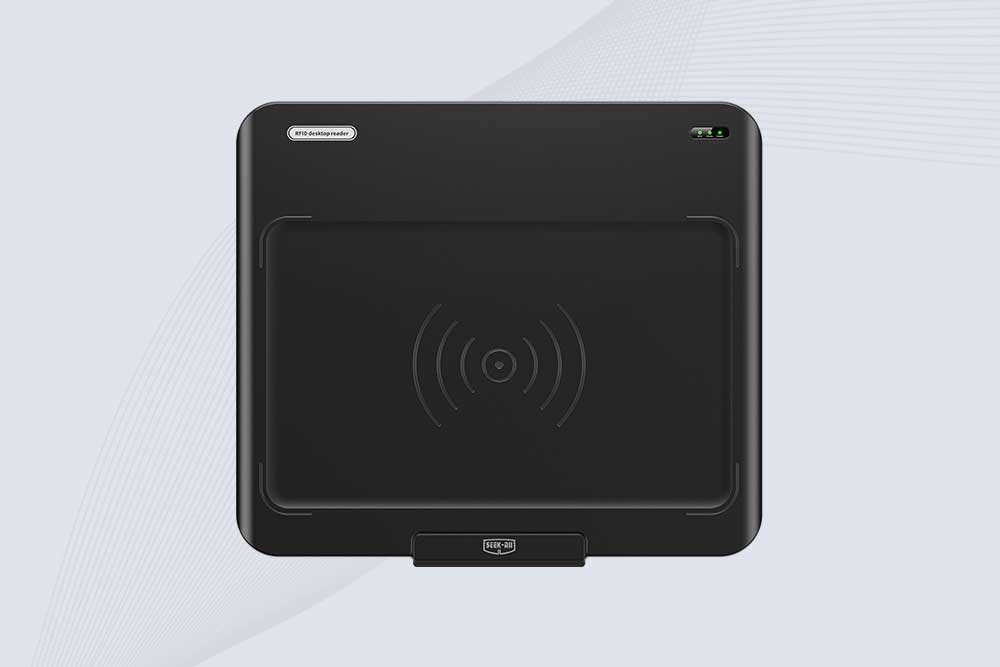
SSD-D3AL USB RFID Reader
SSD-D3AL is a USB-HID UHF RFID reader with 0–30 cm reading, 0–15 cm writing, over 600 tags/s recognition, USB plug-and-play operation and OEM Logo customization.
More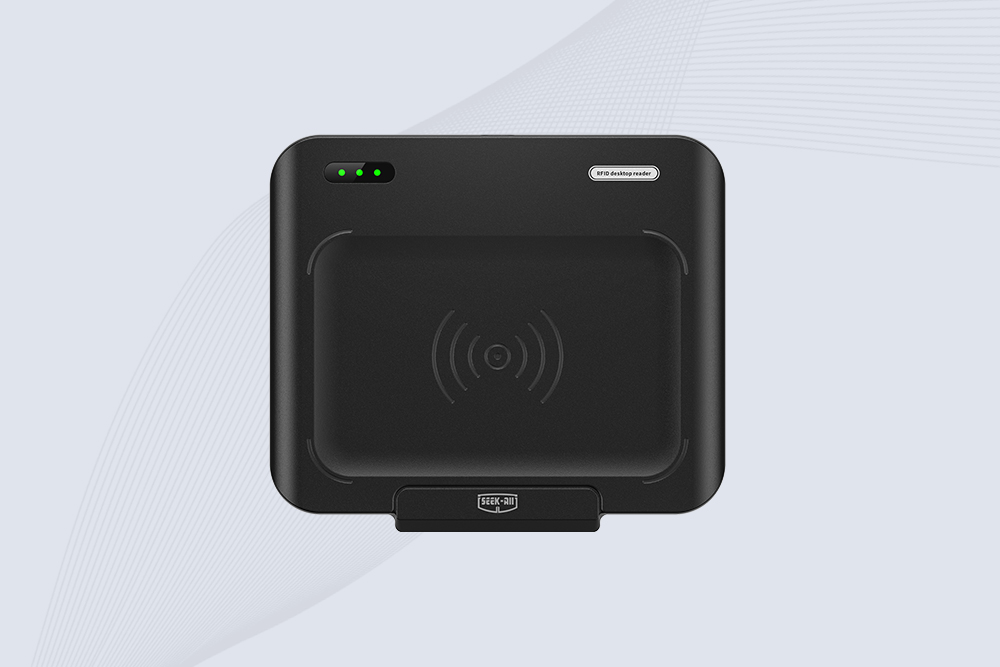
SSD-D1AL USB RFID Reader
SSD-D1AL is a compact USB UHF RFID reader with Impinj E710/X3M1 chipset, USB-HID, 600+ tags/s recognition, 4/8/16 antenna support and plug-and-play USB power.
More
CYKEO-D1LA USB RFID Reader
CYKEO CYKEO-D1LA USB RFID Reader is a compact desktop solution with near-field control for precise tag reading and encoding. Powered by USB, supporting ISO 18000-6C, and built for stable batch writing, this usb rfid tag reader fits retail, libraries, offices, and controlled RFID encoding tasks.
More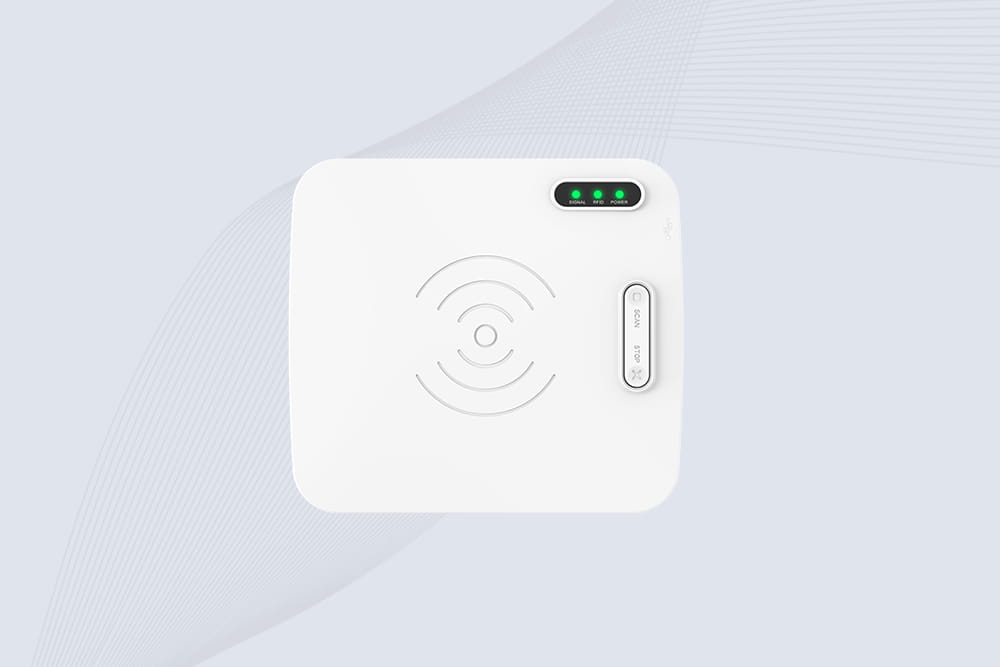
CYKEO-D1L RFID scanner USB
CYKEO CYKEO-D1L RFID scanner USB is a compact desktop UHF RFID scanner designed for short-range tag writing and verification. This usb rfid scanner supports batch encoding, stable 0–26 dBm output, and works across Windows, Linux, and Android systems.
More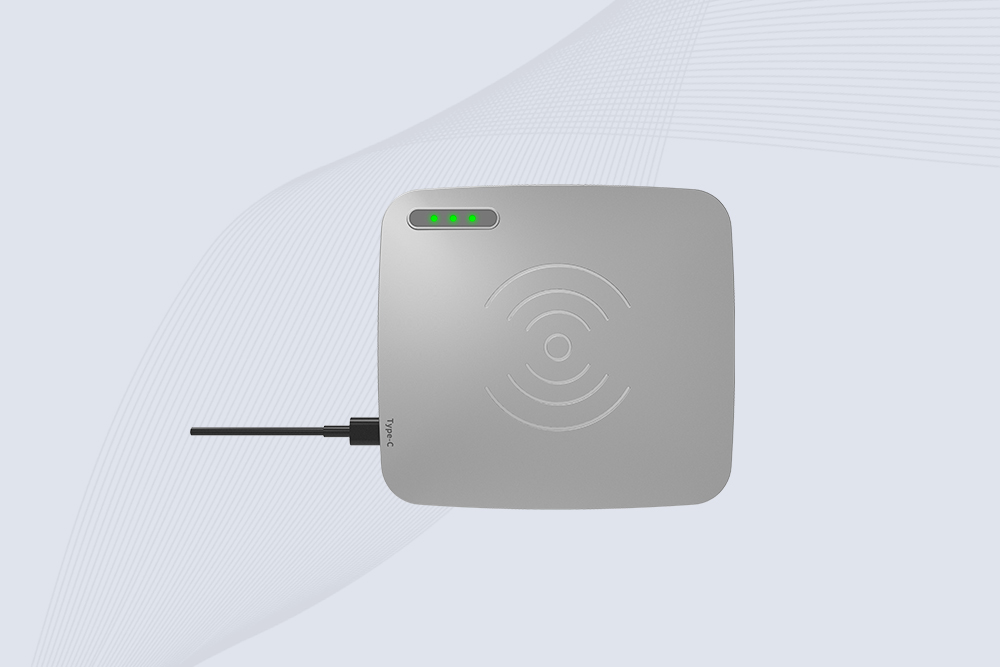
CYKEO-D1C USB RFID Card Reader
CYKEO CYKEO-D1C USB RFID Card Reader is a near-field UHF desktop writer designed for secure, short-range tag encoding. With USB-C connectivity and stable 26 dBm output, this rfid reader usb c is ideal for badge issuance, label encoding, and controlled desktop RFID workflows.
More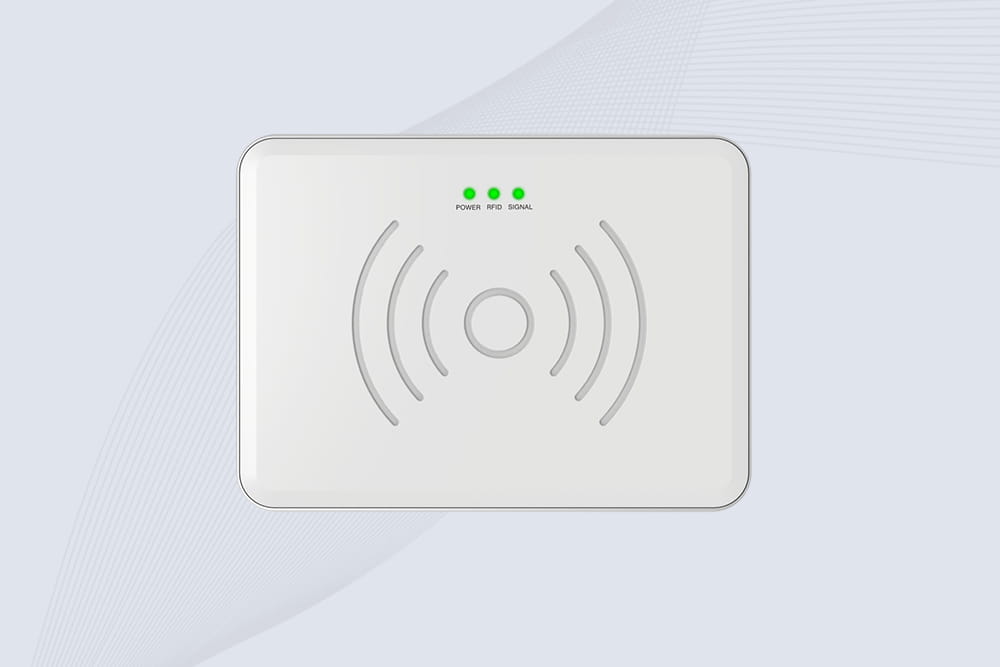
CYKEO-D2L RFID Reader USB
CYKEO CYKEO-D2L RFID Reader USB is a compact desktop encoder built on the Impinj R500 chip. With near-field control and stable USB power, this usb rfid card reader delivers precise tag writing for offices, retail counters, and small-scale logistics encoding tasks.
More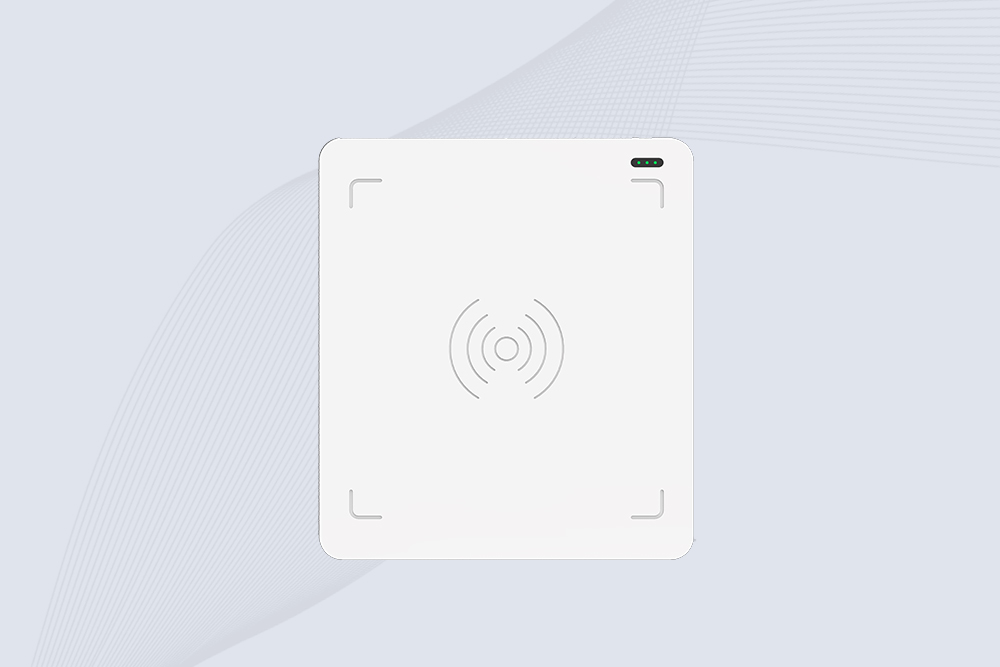
CYKEO-D3L USB RFID Tag Reader
CYKEO CYKEO-D3L USB RFID Tag Reader delivers stable UHF tag reading and writing for daily desktop and light industrial tasks. Designed for controlled short-range operation, this USB RFID Tag Reader works reliably with rfid tag and reader systems in libraries, tool tracking, and inventory registration.
More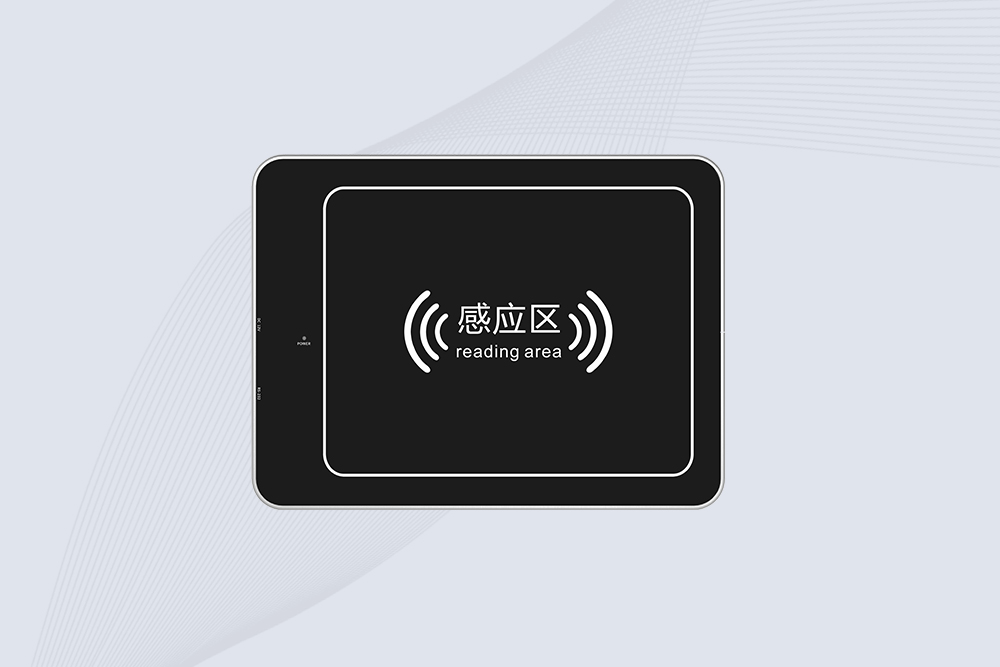
CYKEO-D4L Desktop UHF RFID Tag Reader
The CYKEO CYKEO-D4L UHF RFID Tag Reader is a stable Desktop RFID Reader designed for accurate tag registration, borrowing, and return workflows. Built with the Impinj R2000 chip, this UHF RFID Tag Reader delivers controlled short-range reads for libraries, asset tracking, and inventory management environments.
More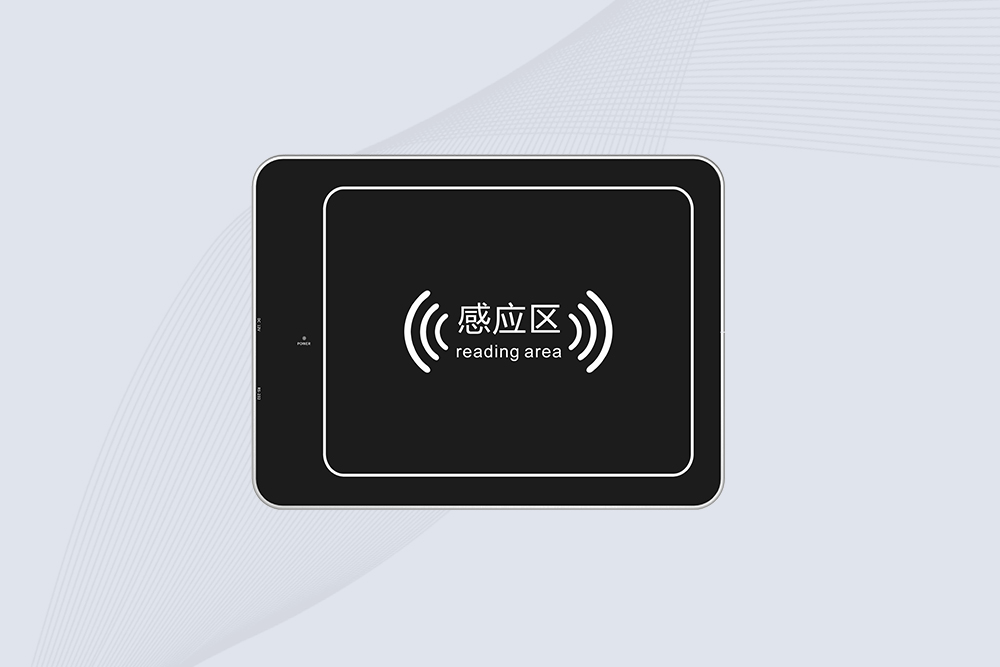
CYKEO-D5L Desktop RFID Card Reader
The CYKEO CYKEO-D5L Desktop RFID Card Reader is a stable UHF RFID Card Reader designed for controlled short-range reading and writing. Built for libraries, tool rooms, and asset desks, this UHF RFID Card Reader supports dense tag handling, secure data processing, and easy USB integration.
More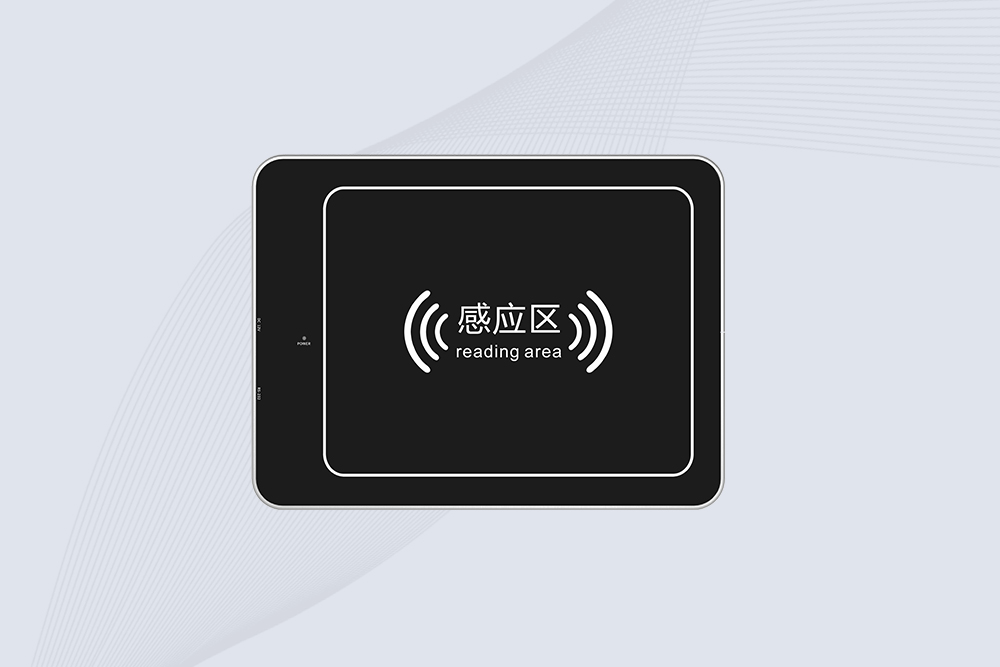
CYKEO-D6L Desktop UHF RFID Reader Writer
The CYKEO CYKEO-D6L RFID Reader Writer is a heavy-duty Desktop RFID Reader designed for short-range, high-accuracy tag programming. Built for libraries, labs, and asset desks, this RFID Reader Writer supports batch processing, stable 33dBm output, and seamless integration with existing management systems.
More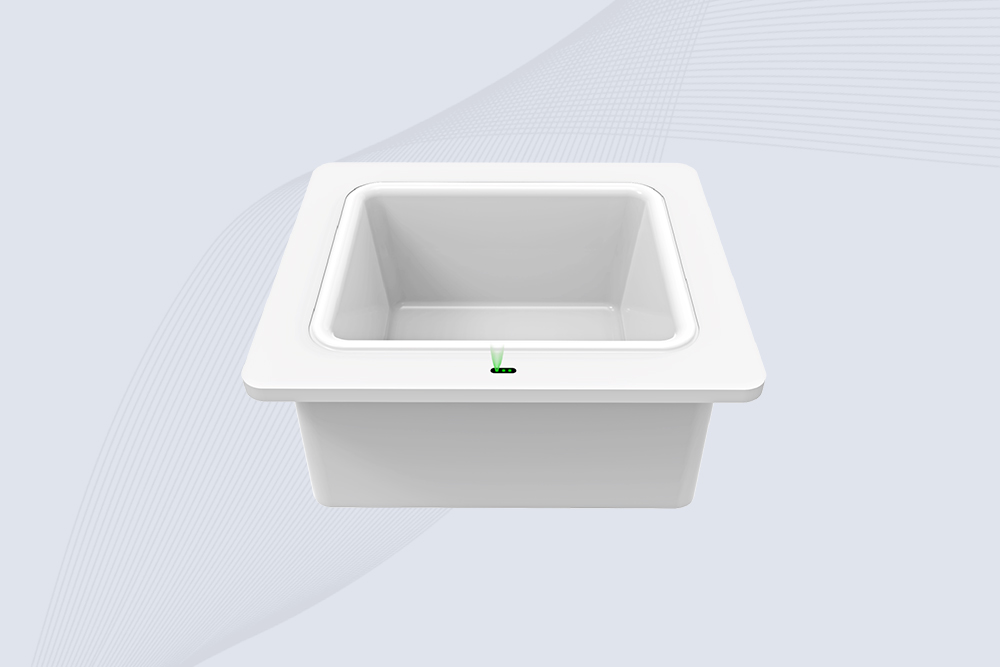
CYKEO-D8B RFID Desktop Reader
Cykeo CYKEO-D8B UHF RFID tunnel and RFID Desktop Reader features 30+ items batch reading,
More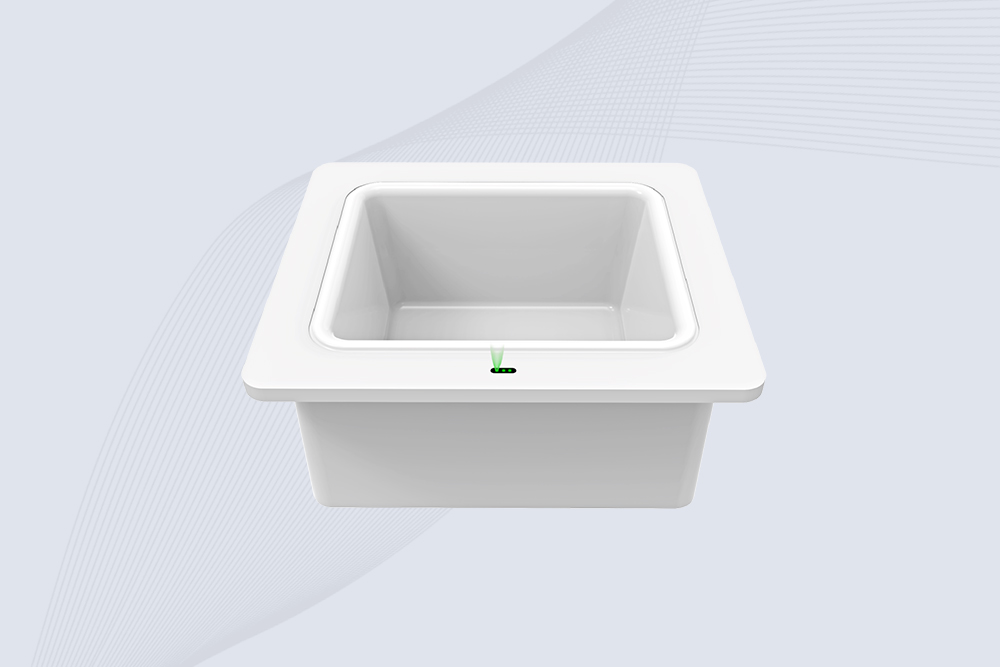
CYKEO-D8A Embedded RFID Badge Reader
Cykeo CYKEO-D8A embedded RFID badge reader offers 30+ tags/sec scanning, 20cm anti-crosstalk precision, and DC 12V power for unmanned stores, warehouses, and smart inventory systems.
More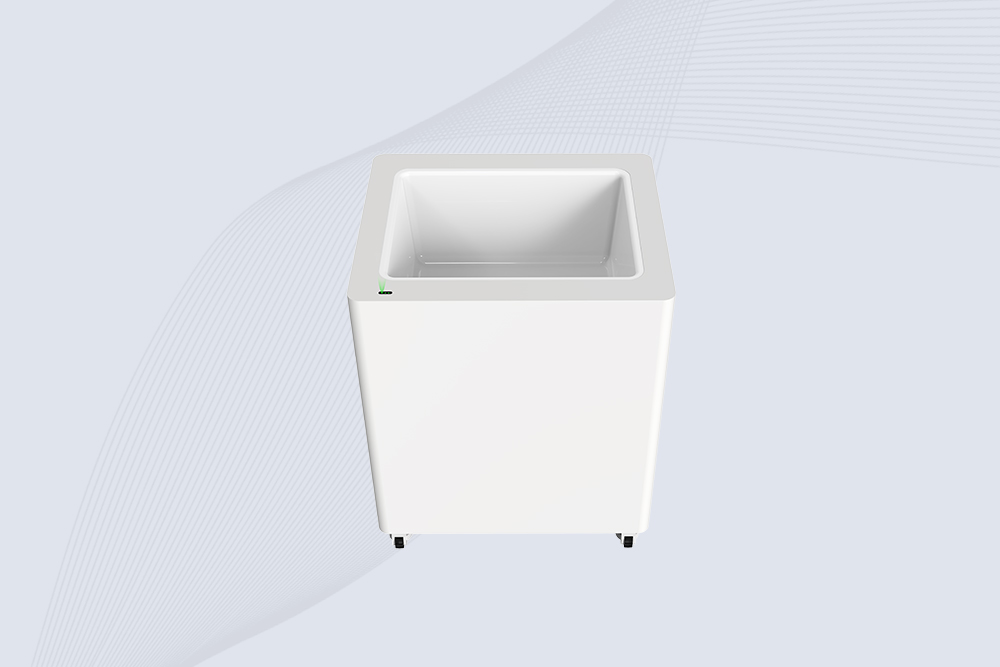
CYKEO-D8C RETAIL UHF RFID READER
Cykeo's CYKEO-D8C UHF RFID gate reader achieves 200-tag/batch scanning with adjustable power control, ideal for retail inventory and smart warehouse management.
MoreMore about RFID Reader USB
USB RFID readers from Cykeo offer consistency in high performance. Our RFID readers with USB compatability offer the functionality needed for use in any successful RFID system. A RFID reader is a radio frequency transmitter and receiver which reads and writes information to an RFID tag. USB RFID readers are small, lightweight readers that are perfect for desktop applications.
Cykeo offer a very strong after-sales team and rapid technical support services, including support for SDKs, APIs, software integration, system development, mobile or desktop applications, as well as any related configuration or troubleshooting assistance, making your project very convenient from planning to implementation.
More About RFID USB Reader
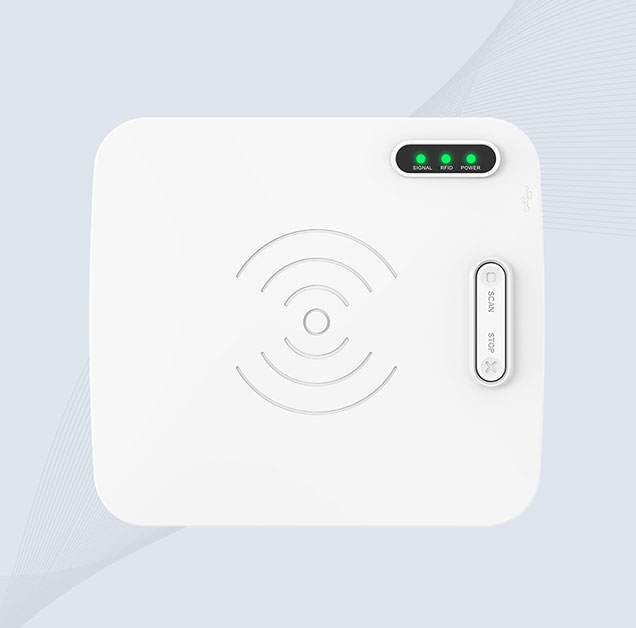
A RFID USB reader is a plug-and-play device that connects directly to a computer or terminal through a standard USB port. It allows fast, straightforward reading of RFID tags without extra power supplies or complicated configuration. Simply plug in the device; no driver installation is required to start using it.
Compact but capable, RFID USB readers are commonly used at desktop check-in and check-out stations, visitor registration desks, and for basic tag reading or writing. They are especially useful where space is limited and simplicity matters. For many teams, a USB RFID reader is an affordable way to add RFID to existing PC-based systems, cutting down on training time and avoiding major changes to current workflows.
At Cykeo, we offer a wide range of RFID readers to suit various applications and industries. From handheld RFID readers, USB RFID readers, Long Range RFID Reader, Portable RFID Reader, RFID Gate Reader, and fixed RFID readers to multi-functional, multi-frequency options, our carefully developed product portfolio provides RFID hardware for any type of system and project. Whether you’re upgrading your supply chain operations or enhancing workplace security, our RFID readers deliver reliability, precision, and performance to meet your business needs.
What Are USB RFID Readers?
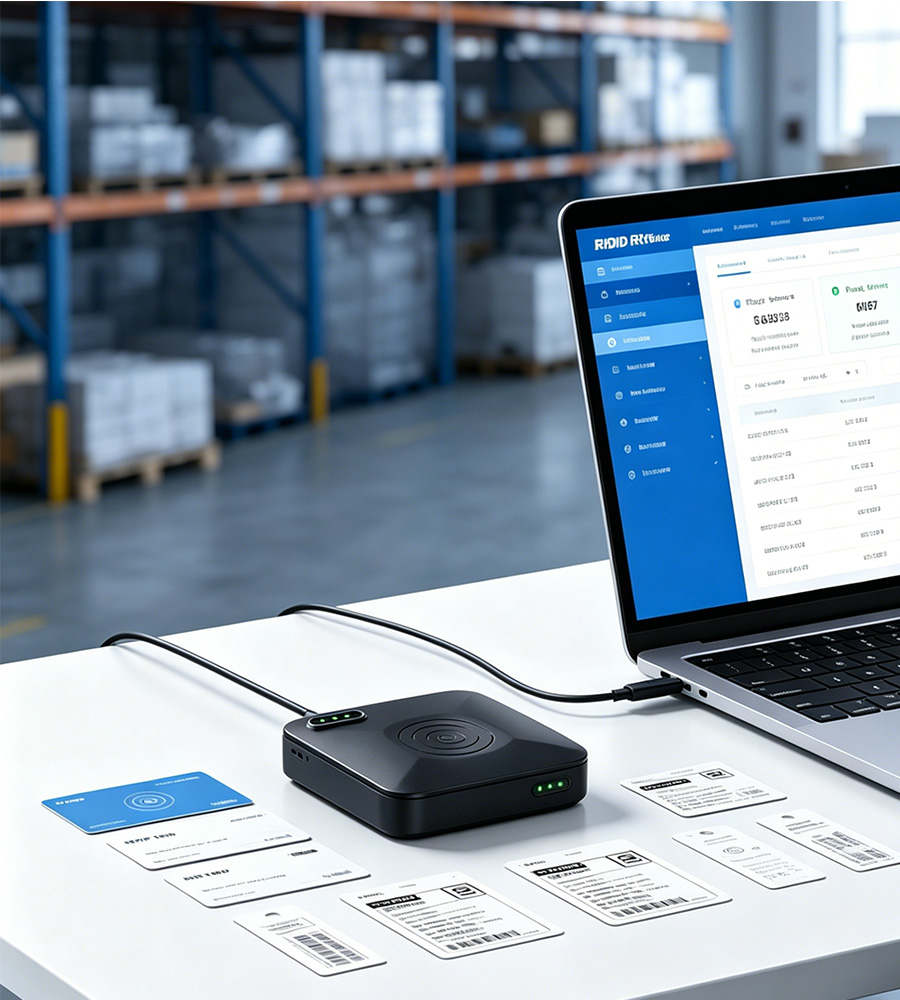
USB RFID reader is a compact RFID device that connects directly to a computer, laptop, industrial PC, or embedded terminal through a USB interface. It reads, writes, and programs RFID tags without requiring an external power supply or complex installation, making it one of the easiest ways to deploy RFID technology for desktop applications.
Compared with fixed RFID readers designed for long-range and continuous monitoring, USB RFID readers focus on short-range, high-precision tag identification and encoding. They are widely used for asset registration, inventory management, library systems, retail labeling, healthcare tracking, access credential issuance, and RFID testing.
RFID reader USB communicates with RFID tags using radio frequency signals. Once connected to a host device through USB, it powers the integrated antenna and exchanges data with compatible RFID tags. The reader then transfers EPC, TID, User Memory, or other tag information directly to software running on the connected computer.
Many desktop RFID USB readers also support tag writing, EPC encoding, batch programming, and data export, allowing users to prepare RFID labels before deployment in warehouses, retail stores, or production lines.
Decision Framework
When Should You Choose USB RFID Readers?
✓ Good Fit
Choose USB RFID Readers When…
- You need to read or write RFID tags at a desktop workstation.
- You want a plug-and-play USB device with quick installation.
- You need to encode RFID labels before deployment.
- You are developing or testing RFID software and applications.
- You need accurate single-tag verification with a controlled reading range.
- You want an affordable RFID solution for asset management, libraries, retail, or office use.
✗ Poor Fit
Don't Choose USB RFID Readers When…
- You need long-range RFID reading over several meters.
- You want to monitor moving items automatically on conveyors or production lines.
- You need 24/7 unattended RFID operation without a connected PC.
- You plan to connect multiple external antennas for wider coverage.
- You need to read large numbers of RFID tags simultaneously in warehouses or logistics centers.
- You are building RFID gates, access control systems, or industrial tracking solutions, where a fixed RFID reader is more suitable.
Note For Partners: Before selecting a USB RFID reader, ensure it supports your required RFID protocols, provides compatible SDKs and APIs, meets your read/write requirements, matches your USB interface, offers an appropriate reading range for your application, and can support future system expansion if your project grows.
Cykeo USB RFID Readers vsFixed RFID Readers
| Feature | USB RFID Reader | Fixed RFID Reader |
|---|---|---|
| Primary Purpose | Desktop RFID tag reading, writing, and encoding | Continuous, long-range RFID identification and automation |
| Installation | Plug-and-play via USB, no external power required | Fixed installation with external power and network connection |
| Reading Range | Short range (typically within 10–30 cm) | Long range (up to 15–20 m, depending on antennas and tags) |
| Tag Capacity | Best for one or a few tags at a time | Reads hundreds of tags simultaneously (400–600+ tags/sec) |
| External Antennas | Built-in antenna only | Supports 4, 8, or 16 external antennas for wide-area coverage |
| Typical Applications | Tag encoding, asset registration, desktop inventory, software development | Warehouse automation, RFID portals, production lines, access control, logistics |
| Operation Mode | Manual or operator-assisted | Fully automatic 24/7 unattended operation |
| Host Connection | USB to PC or laptop | Ethernet, RS232, RS485, GPIO, USB, HDMI, Wi-Fi (model dependent) |
| Power Supply | Powered directly by USB | External 12V industrial power supply |
| System Integration | Desktop software and local applications | ERP, WMS, MES, PLC, IoT, industrial automation platforms |
| Best For | Manufacturers, developers, testing labs, RFID label programming | Warehouses, factories, retail distribution, transportation, and enterprise asset tracking |
| Cost | Lower initial investment | Higher investment with greater automation and scalability |
Our customers give this evaluation
Real feedback from global B2B users after deploying CYKEO USB Rfid Reader in warehouseinventory management,Employee access card, Retail inventory solution,Hospital equipment tracking,Factory production line,Multi-client RFID Project.

David Miller – RFID System Integrator (USA, Texas)
⭐⭐⭐⭐⭐
Product Used: CYKEO-D4L UHF RFID Tag Reader / CYKEO-D6L RFID Reader Writer
Application: Warehouse desktop tagging & EPC encoding station
We integrated CYKEO USB RFID readers into our warehouse labeling system for a logistics client in Texas. We used around 35 units of D4L and D6L for tag encoding and verification.
The SDK support for C# made integration smooth with our existing WMS platform. REST API also helped our backend team connect quickly with ERP.
Delivery was faster than expected, and CYKEO handled our OEM request for firmware customization without delays. The readers are stable even during continuous batch encoding.
Support team responded quickly during integration phase, especially when we adjusted power settings for different tag types.
Result: Reduced labeling errors by around 40%, improved encoding speed significantly.

Michael Chen – Software Developer (Singapore)
⭐⭐⭐⭐⭐
Product Used: CYKEO-D1LA USB RFID Reader / CYKEO-D2L RFID Reader USB
Application: RFID desktop software development & testing platform
I used CYKEO readers for building an RFID inventory management app. The D1LA worked well for quick tag scanning during development, and D2L gave stable read/write performance for testing EPC workflows.
SDK documentation is clear, especially Java integration examples. I also tested C# API, and it was easy to plug into our internal tools.
What I liked most is the consistency of data output. No random reads, which is important for debugging.
Result: Saved at least 2–3 weeks of development time compared to previous hardware.

Ahmed Al-Mansoori – Procurement Manager (UAE, Dubai)
⭐⭐⭐⭐⭐
Product Used: CYKEO-D5L Desktop RFID Card Reader / CYKEO-D1C USB RFID Card Reader
Application: Employee access card issuance system
We purchased around 120 units for multiple project sites in Dubai. CYKEO handled OEM branding for our partner rollout, which was important for our government-related project.
From purchase to shipment, communication was smooth. They supported bulk customization and packaging requirements without issues.
Devices are stable in daily card issuing operations. Our HR system now issues RFID cards in seconds.
Result: Faster onboarding process and reduced manual card registration workload.

Sarah Johnson – Warehouse Operations Manager (UK, Manchester)
⭐⭐⭐⭐⭐
Product Used: CYKEO-D8B UHF RFID Tunnel / CYKEO-D8C UHF RFID Gate Reader
Application: Warehouse inbound/outbound scanning system
We installed CYKEO D8B tunnel reader for carton-level scanning and D8C gate reader for outbound verification.
Before this, we relied on manual barcode scanning, which caused delays. Now the RFID tunnel reads multiple items instantly.
Integration with our WMS system was straightforward using REST API. Engineering support helped adjust antenna configuration for our narrow warehouse aisle.
Result: Increased throughput by around 60% at shipment stage.

Carlos Ramirez – RFID Solution Provider (Mexico City)
⭐⭐⭐⭐⭐
Product Used: CYKEO-D3L USB RFID Tag Reader / CYKEO-D6L RFID Reader Writer
Application: Retail inventory solution deployment
We build RFID retail solutions for supermarkets in Mexico. CYKEO devices are now part of our standard kit.
D3L is perfect for fast tag checking at POS, while D6L helps us encode labels during inventory setup.
What we appreciate is their OEM flexibility. We requested firmware adjustment for Spanish language output format, and it was implemented in next batch.
Result: Helped us expand into 3 new retail chains.

Emily Brown – IT Engineer (Germany, Hamburg)
⭐⭐⭐⭐⭐
Product Used: CYKEO-D2L RFID Reader USB / CYKEO-D1C USB RFID Card Reader
Application: Hospital equipment tracking system
We deployed CYKEO readers in a hospital asset tracking project. Devices were used for tagging medical equipment and staff identification cards.
The stability of the USB connection is very good. No data loss during continuous operation.
SDK for C# integration was helpful for our internal hospital system. Technical support also helped us fine-tune read range to avoid interference.
Result: Equipment tracking accuracy improved significantly.

Raj Patel – Automation Engineer (India, Pune)
⭐⭐⭐⭐⭐
Product Used: CYKEO-D4L UHF RFID Tag Reader / CYKEO-D8A RFID Badge Reader
Application: Factory production line tracking
We integrated CYKEO RFID readers into a production tracking system for automotive parts.
D4L is used at workstation level, while D8A handles worker badge authentication.
API integration with our MES system was smooth. Engineering support provided quick adjustments for industrial noise environment.
Result: Reduced missing part issues on assembly line.

Olivia Smith – RFID Project Manager (Australia, Sydney)
⭐⭐⭐⭐⭐
Product Used: CYKEO-D1LA USB RFID Reader / CYKEO-D5L Desktop RFID Card Reader
Application: Multi-client RFID deployment platform
We manage RFID deployment projects across retail and logistics clients. CYKEO USB readers are part of our standard deployment toolkit.
D1LA is used for quick setup and testing, while D5L is used for card issuance systems.
What stands out is CYKEO’s ability to support bulk OEM orders and consistent hardware quality across batches.
Result: Improved project delivery speed and reduced hardware variance issues.
USB RFID Reader Guide
Working principle
- How to Install and Configure a USB RFID Reader on Windows 10/11: No-Frills Guide
- How to Install a USB RFID Reader on Windows 11: Fix Driver Issues & Start Scanning Fast
- Best Budget USB RFID Readers Under $100 for Small Business Inventory Systems
- How to Choose a USB RFID Reader? A Simple, Real-Talk Breakdown
FAQ About USB RFID Card Reader
How do USB RFID readers work?
USB RFID reader works like a very small radio station connected to your computer.
Once plugged in, the reader draws power from the USB port. It sends out a low-power RF signal. When an RFID tag enters that field, the tag responds by reflecting or transmitting its ID and memory data back to the reader. The reader converts that signal into digital data and passes it to the computer through USB.
From the computer’s point of view, most USB RFID readers behave like a keyboard, serial device, or HID input. No mystery. The reader reads, formats the data, and sends it upstream. What you do with it depends on your software.
How do you read data from a USB RFID reader writer?
In practice, reading data is simple.
First, connect the reader and confirm that the operating system recognizes it. Many USB RFID reader writers appear as a virtual COM port or HID device. Once that’s confirmed, you open the port using your software or vendor tool.
When a tag is placed on the reader, it sends back raw data or formatted strings. For read/write models, you can also send commands to access tag memory blocks. Authentication may be required, especially for HF cards.
The key point: the reader does not store logic. Your software controls what gets read, written, or ignored.
How do you connect a USB RFID reader to a computer?
Connection is straightforward.
Plug the reader into a USB port. That’s it physically. The operating system usually installs a driver automatically. Some readers don’t need drivers at all.
After that, check how the device shows up:
- As a keyboard input
- As a USB HID device
- As a virtual serial (COM) port
Once identified, your software listens to that interface and waits for data. No networking, no IP setup, no external power.
What is the difference between a Desktop RFID Reader and an RFID Reader USB-C?
They’re often confused, but they’re not the same thing.
A Desktop RFID Reader describes the form factor and use case. It’s meant to sit on a desk, counter, or workstation. Enrollment desks, card issuing, asset check-in. Stable position, predictable reads. These readers usually have a built-in antenna and fixed read zone.
An RFID Reader with USB-C describes the connector, not the role. USB-C is just the interface used for power and data. A USB-C reader can be desktop, handheld, or even embedded.
In short:
- Desktop reader = how and where it’s used
- USB-C reader = how it connects
You’ll often see desktop readers using USB-C now, but not every USB-C RFID reader is designed for desktop operation.
What is the typical range of a USB RFID card reader?
The range is intentionally short.
Most USB RFID card readers are designed for close-range control, not bulk scanning. For LF and HF readers, the read distance is usually 2–10 cm. Some HF models can reach slightly beyond that, but not much.
UHF USB readers exist, but even then the range is usually under 1 meter unless an external antenna is used. USB readers are meant for desks, counters, and enrollment stations. If you need long distance, a fixed reader is the wrong comparison.
Can a USB RFID reader read multiple tags at once?
Usually, no—and that’s by design.
Most USB RFID readers do single-tag reading. They expect one card or tag in the field at a time. Anti-collision protocols exist, especially in HF and UHF systems, but USB readers are not optimized for bulk reading.
If multiple tags are present, the reader may read only one, behave inconsistently, or fail the read. For multi-tag environments, fixed or handheld UHF readers are the correct tools.
How do you read data from a USB RFID scanner in C#?
It depends on how the reader presents itself.
If the reader acts like a keyboard, C# can capture input through standard input events. This is common for low-cost USB RFID scanners.
If it uses a virtual COM port, you open the port using System.IO.Ports.SerialPort, set the baud rate, and listen for incoming data. When a tag is read, the reader sends a data string, which you parse.
Some manufacturers also provide SDKs or DLLs. In that case, you call their API directly. It’s cleaner, but you’re locked into their ecosystem.
Either way, the logic stays simple: open connection, wait for data, process it, close or loop.
How is power configured on an RFID Desktop Reader?
Power is usually controlled by software, not hardware switches.
Most desktop RFID readers operate at low to medium RF output, especially HF and desktop UHF models. The output power can be adjusted through:
- Vendor configuration tools
- SDK commands
- AT or API commands via serial/USB
In real setups, power is kept lower than the maximum. Why? To avoid reading the wrong tag. On a desk, precision matters more than distance. Too much power causes ghost reads, edge reads, or unstable behavior.
If the reader doesn’t expose power settings, it’s fixed by design. That’s common with entry-level desktop readers.