 Cykeo RFID IoT Solution Products R&D Manufacturer

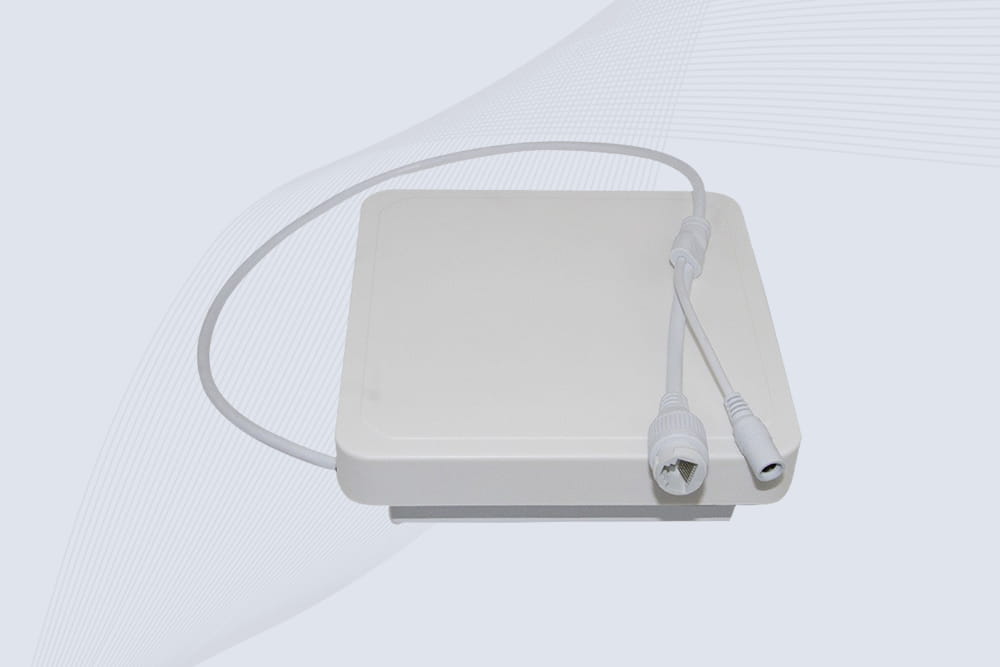
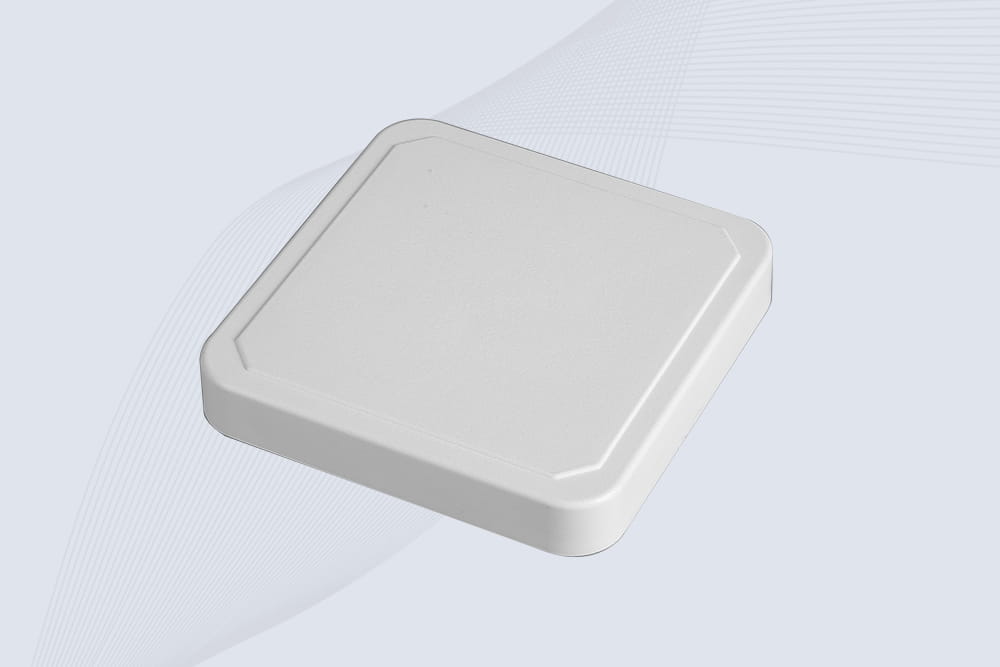
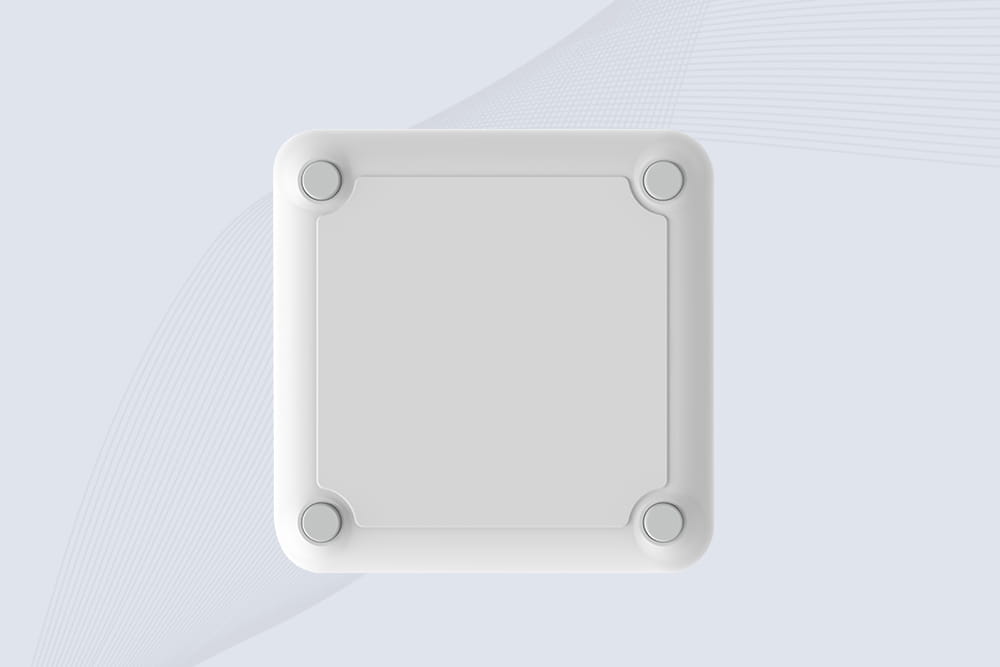
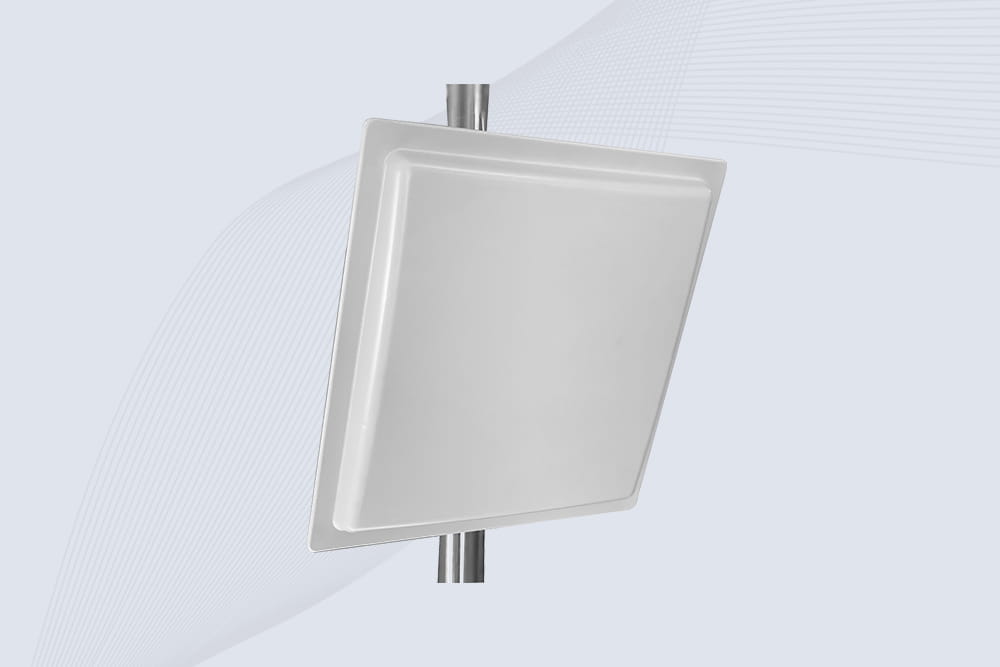
RFID Gate System: Modern Access Control That Actually Works
347how RFID gate systems provide contactless, automated access for residential, commercial, and industrial sites. Explore UHF RFID readers and integration options.
MoreAll RFID Product
Yes, most NFC-enabled smartphones can emulate RFID tags, acting as programmable digital identifiers for access control, payments, or asset tracking. However, compatibility depends on the RFID system’s frequency and protocol. Here’s how NFC-RFID integration works and its practical applications.
| Challenge | Solution |
|---|---|
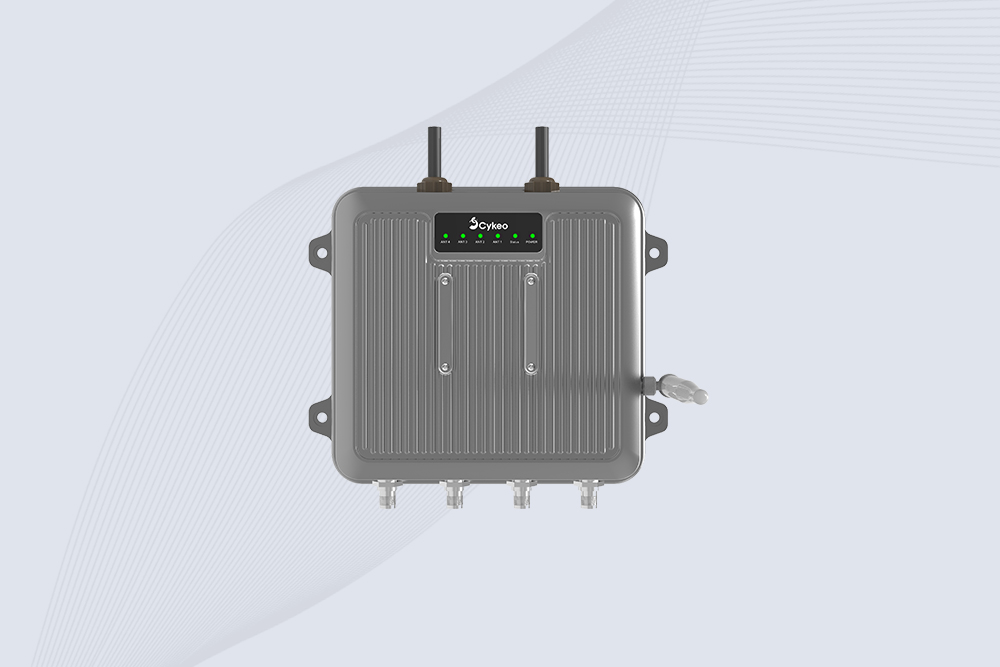
| UHF RFID Incompatibility | Use hybrid systems like Cykeo’s MultiScan Gateway to bridge NFC and UHF. |
| Security Risks | Encrypt emulated tags via apps supporting AES-128. |
| Battery Dependency | NFC emulation works even when the phone is off (on select Android/iOS devices). |
A retail chain reduced customer wait times by 50% using NFC phone emulation for loyalty check-ins, integrated with Cykeo’s RFID inventory system.
How to use iPhone as RFID card?
It depends on what kind of “RFID” you mean.
An iPhone can act like a contactless card, but only within the NFC standard (13.56 MHz). That’s the same range used for access cards or Apple Pay. So for NFC-based systems, yes — it works.
For UHF RFID systems, it’s different. iPhone itself can’t emulate those tags.
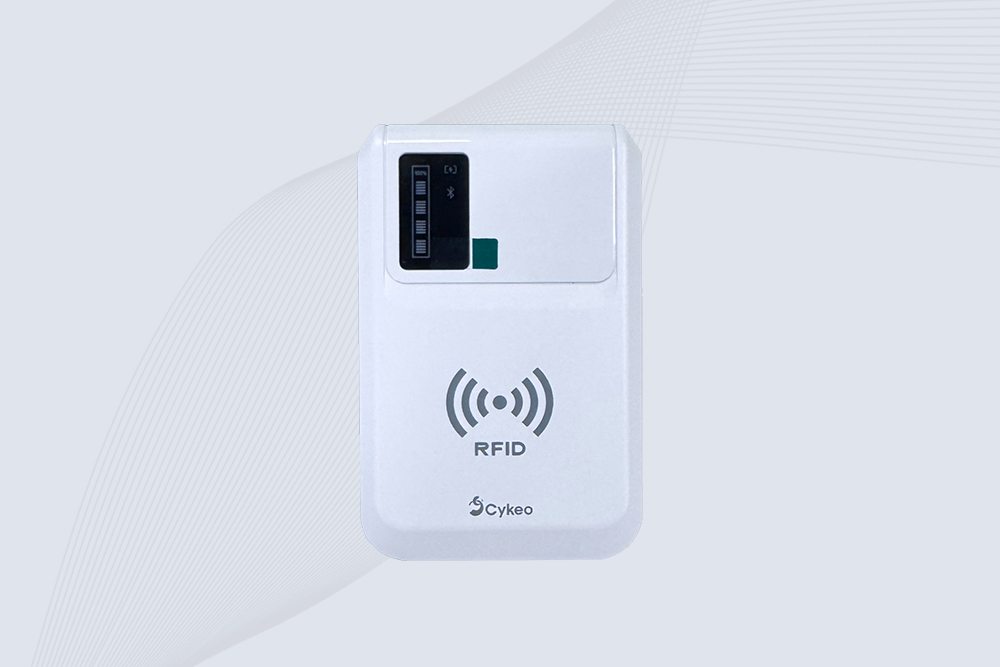
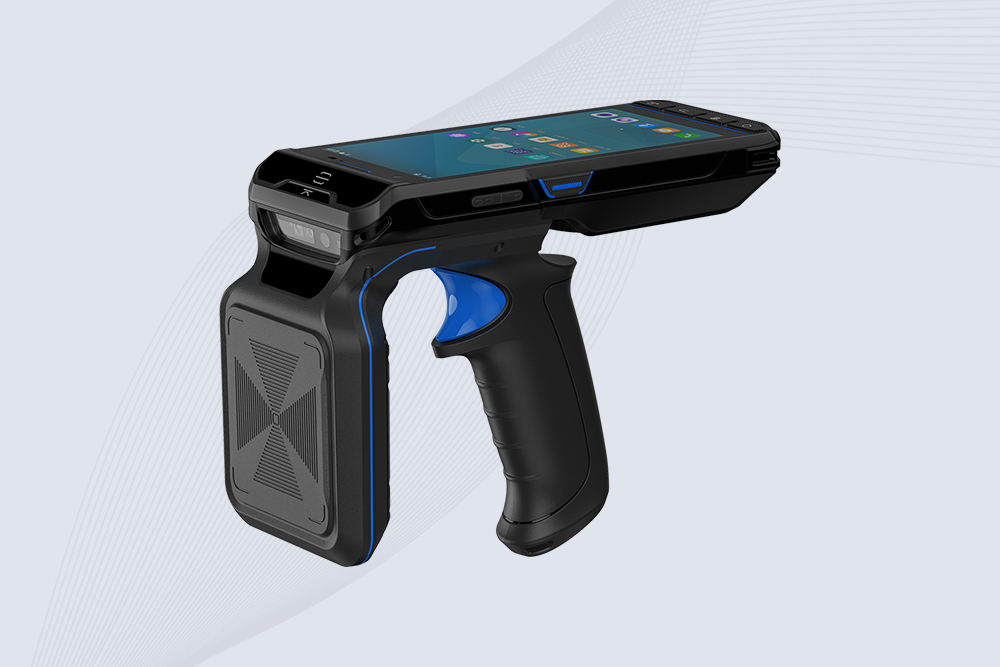
In real projects, what we usually do is combine the phone with external hardware. For example, connecting to a Cykeo iPhone RFID Reader via Bluetooth allows the phone to interact with RFID systems that it normally couldn’t handle alone.
Can RFID be read by phone?
Yes — but not all types.
Phones can directly read HF RFID (NFC tags). That part is straightforward.
The limitation shows up with UHF RFID, which is widely used in logistics, warehousing, and asset tracking.
A phone alone won’t read UHF tags.
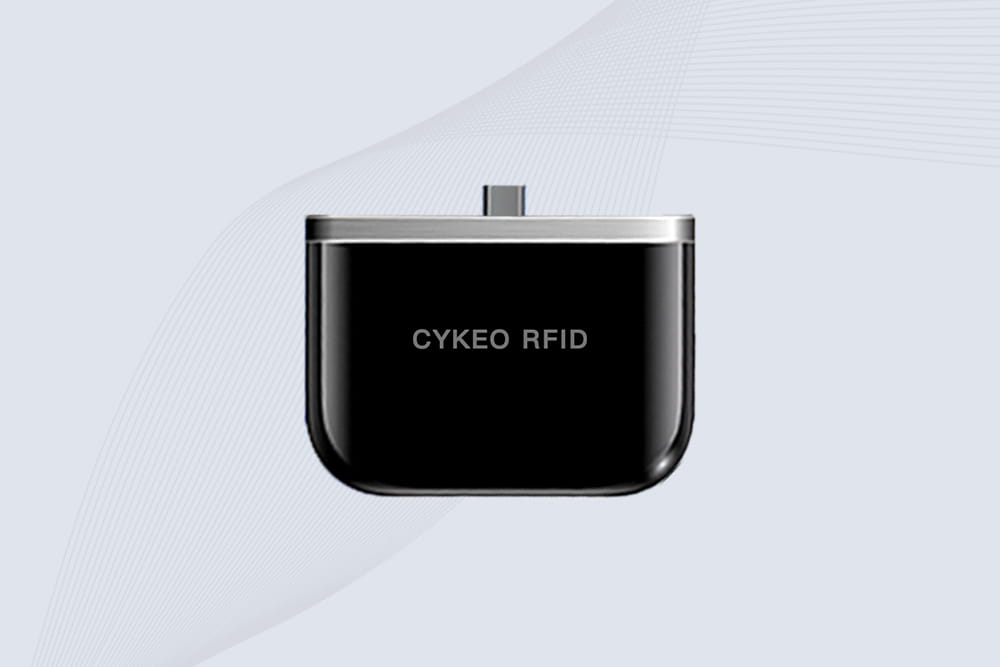
In practice, people solve this by pairing the phone with a handheld scanner. For example, using a Cykeo android rfid scanner or an iPhone RFID Reader connected via Bluetooth or USB-C (BSB-C). Once connected, the phone becomes the interface, and the scanner handles the actual tag reading.
Do phones have RFID readers?
Not in the full sense.
Most modern smartphones have NFC, which is a subset of RFID. That means they can read and interact with HF tags at 13.56 MHz.
But that’s only part of the RFID spectrum.
They do not include UHF RFID reading capability by default. So if your project involves long-range scanning or bulk tag reading, a built-in phone function won’t be enough.
That’s why external RFID readers are commonly used alongside phones in commercial setups.
How to add RFID to iPhone?
You don’t really “add” RFID to the iPhone itself.
What you do instead is extend it.
In real deployments, the iPhone is used as the control device, and the RFID function comes from an external reader. With a Cykeo iPhone RFID Reader connected via Bluetooth, the phone can read UHF tags, process data, and sync with backend systems.
Same idea applies on Android using USB-C or Bluetooth with a Cykeo android rfid scanner.
So the phone becomes the brain — the reader does the heavy lifting.
What is the difference between RFID and NFC?
NFC is basically a small part of RFID.
RFID covers a wide frequency range — LF, HF, and UHF. NFC sits inside HF RFID, specifically at 13.56 MHz, and is designed for short-range communication.
In simple terms:
NFC → short range, built into phones, used for payments and access
RFID → broader category, includes long-range systems like UHF for logistics
That’s why a phone can handle NFC easily, but needs extra hardware for full RFID functionality.
how RFID gate systems provide contactless, automated access for residential, commercial, and industrial sites. Explore UHF RFID readers and integration options.
More
Wondering "how do you read a RFID sticker"? Discover simple methods using smartphones, handheld readers, and fixed scanners. Step-by-step instructions for reading any RFID label with CYKEO.
More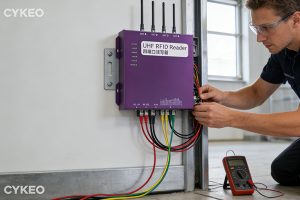
Learning how to install RFID card reader? Step-by-step for USB desktop readers, door access control systems, and industrial panel mounting. Wiring diagrams and configuration tips from CYKEO engineers.
More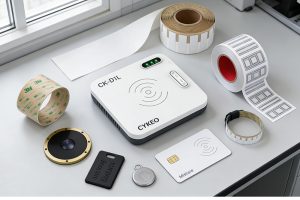
Learn about radio frequency identification tags—what they are, how they work, the different types (LF, HF, UHF), and their applications in retail, logistics, and access control. Expert guidance from CYKEO engineers.
More