 Cykeo RFID IoT Solution Products R&D Manufacturer
How to Check RFID Card Frequency
639Wondering how to check RFID card frequency? Learn simple methods to identify LF, HF, and UHF RFID cards, understand common frequencies, and choose the right reader for your application.
MoreAll RFID Product
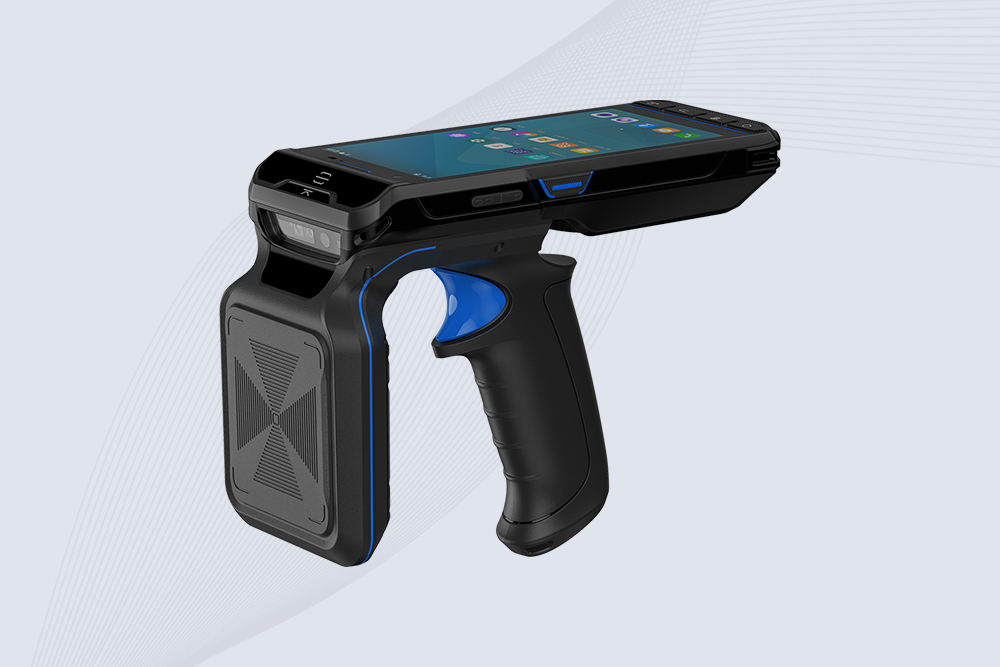
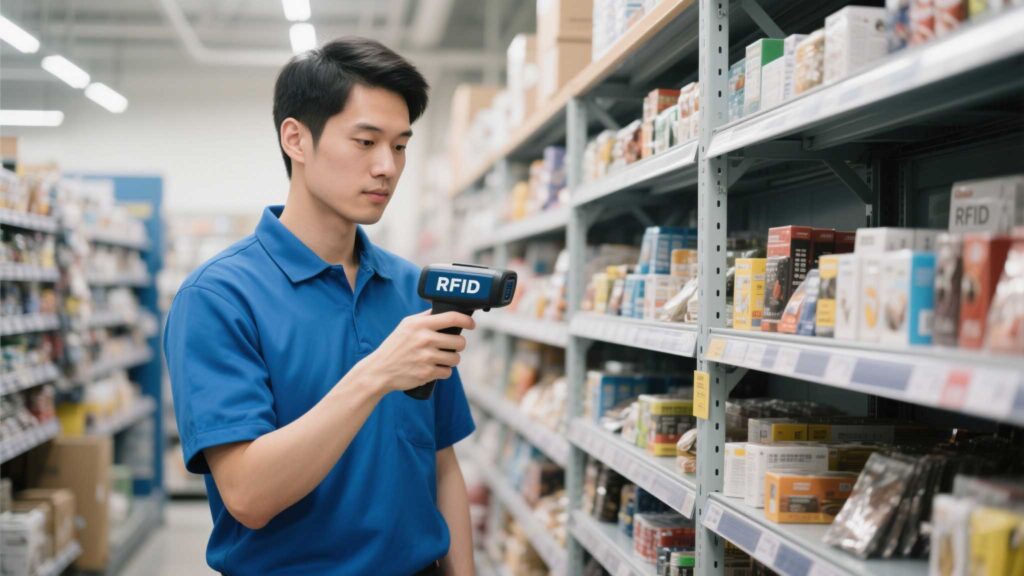
Picking the right handheld RFID scanner isn’t just about specs—it’s about finding a tool that aligns with your team’s workflow, budget, and long-term goals. With options ranging from rugged industrial models to budget-friendly entry-level devices, how do you decide? Let’s break down the essentials to help you choose wisely.

What will the scanner do daily? Your industry and tasks dictate priorities:
Ask: Will it handle repetitive tasks, harsh environments, or high-volume scanning?
Not all scanners work with all tags. Key factors:
Pro Tip: Test the scanner with your existing RFID tags before committing.
A scanner that breaks after six months isn’t a bargain. Look for:
Example: Cykeo’s handheld scanners are built to withstand warehouse drops and outdoor weather, making them a fit for logistics and construction teams.
A scanner is only as good as its software. Ensure it works with:
Avoid: Scanners that lock you into proprietary software without export options.
Dead scanners kill productivity. Compare:
Rule of Thumb: Aim for 8–12 hours of continuous use per charge.
Cheaper upfront costs can hide long-term expenses. Consider:
Tip: Mid-tier scanners like Cykeo’s offer enterprise features without enterprise pricing.
Even reliable tech needs backup. Prioritize brands that provide:
Will this scanner grow with your business? Look for:
Takeaway: The best handheld RFID scanner isn’t the priciest—it’s the one that solves your specific problems without creating new ones. Whether you’re tracking medical equipment in a hospital or managing retail stockrooms, focus on durability, compatibility, and ease of integration. Brands like Cykeo strike a balance between performance and affordability, but always tailor your choice to your team’s needs.
Wondering how to check RFID card frequency? Learn simple methods to identify LF, HF, and UHF RFID cards, understand common frequencies, and choose the right reader for your application.
More
how RFID gate systems provide contactless, automated access for residential, commercial, and industrial sites. Explore UHF RFID readers and integration options.
More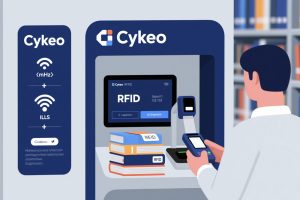
Learn how to configure UHF RFID readers for library book checkout systems. Optimize settings, integrate with ILS, and ensure seamless patron workflows with Cykeo solutions.
More
Learn how RFID scanners communicate with tags, their core components, and the science behind wireless data capture in logistics, retail, and healthcare.
More