 Cykeo RFID IoT Solution Products R&D Manufacturer

How Does RFID Work: The Technology Behind Automatic Identification
231How does RFID work? Learn RFID tag communication, reader technology, and real applications with Cykeo RFID experts. Discover smarter identification solutions.
MoreAll RFID Product
You’ve got RFID tags, but no professional scanner. Don’t panic—your smartphone might already hold the solution. While not all RFID systems are phone-friendly, Near Field Communication (NFC), a subset of RFID, lets you test tags with devices you carry daily. Here’s how to verify RFID functionality, troubleshoot issues, and even prototype simple systems without investing in hardware.
Before choosing an RFID reader for your project, it is important to understand which tag types your smartphone can recognize. You can also learn more about how to identify an RFID tag.
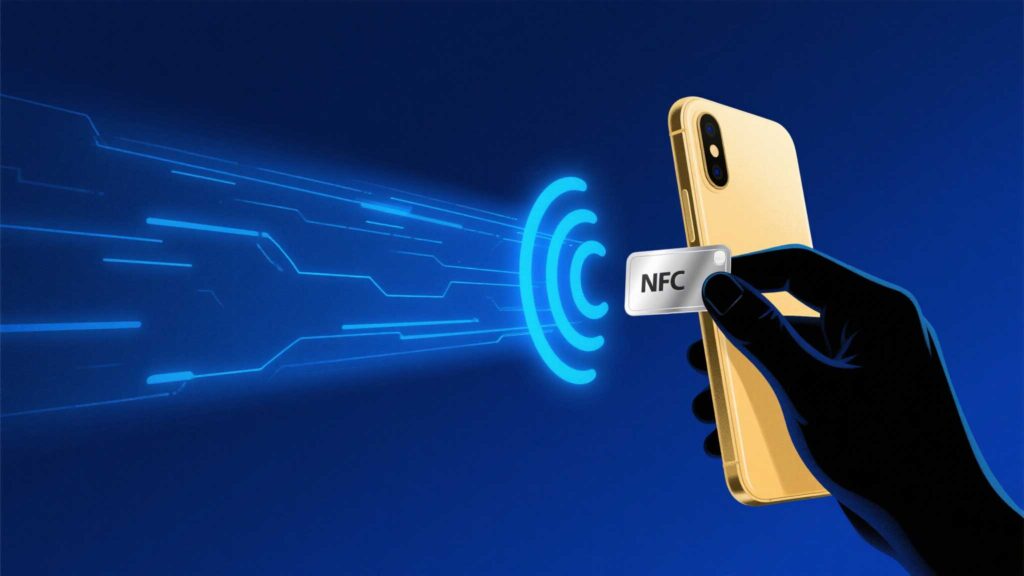
Smartphones primarily support NFC (13.56 MHz HF RFID), which is used for contactless payments, transit cards, and smart posters. If your tags are UHF (Ultra-High Frequency) or LF (Low Frequency), a phone won’t read them natively.
Quick Check:
Case Study: A Cykeo client tested NFC-based loyalty tags using a smartphone, cutting prototype costs by 90% before launching a retail pilot.
Before you start testing, it helps to understand what an RFID phone tag actually is. In practice, the term covers any passive RFID tag that a smartphone can interact with—almost always NFC tags operating at 13.56 MHz (ISO 14443 / ISO 15693). Common examples include NTAG213, NTAG215, and NTAG216 stickers, MIFARE Ultralight cards, and NFC-enabled wristbands. If you are unsure which category your tag falls into, our practical walkthrough on how to identify an RFID tag covers the visual and frequency-based checks step by step.
Not every RFID phone tag behaves the same way, though. Memory size matters: an NTAG213 holds 144 bytes—enough for a short URL—while an NTAG216 offers 924 bytes for vCards or app-launch commands. When your phone touches a compatible tag and shows the “NFC tag detected” prompt, it has recognized one of these formats; our guide on what “NFC tag detected” means explains what happens behind the scenes and why some tags trigger the prompt while others stay silent.
For a condensed, printable version of the phone-based testing workflow—including the exact app settings for Android 9.0+ devices—see our companion guide on how to test RFID tags with a phone, which pairs well with this article for teams training warehouse or retail staff.
For non-NFC tags, phones can’t read them directly, but you can improvise:
If you are still sourcing tags rather than testing existing stock, pick an RFID phone tag with phone compatibility as the first requirement. Three rules of thumb:
Once the tags arrive, you can write and clone compatible NFC data on Android to standardize encoding before deployment. And if a tag still fails to respond after encoding, run through our NFC and RFID reader compatibility checklist to rule out phone-side issues before blaming the tag.
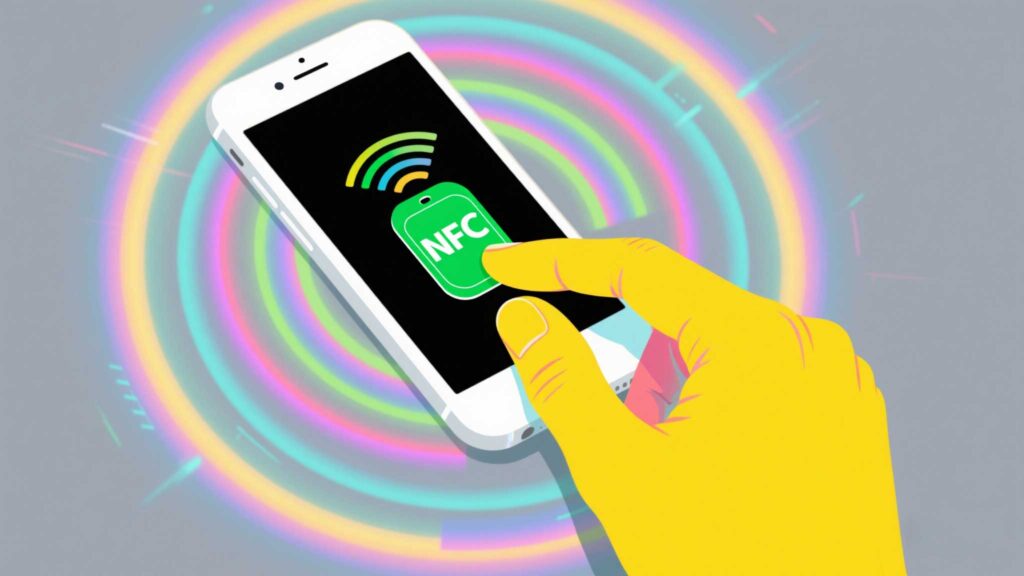
Problem: Phone doesn’t detect the tag.
Problem: Tag is UHF, not NFC.
Problem: Tag data is corrupted.
Takeaway: Your smartphone isn’t a full RFID replacement—but it’s a powerful tool for quick checks, prototyping, and light-duty tasks. By pairing it with affordable adapters or Cykeo’s mobile-friendly readers, even small businesses can validate tags without breaking the bank.
No. A smartphone reads only 13.56 MHz NFC-format tags (NTAG, MIFARE, ISO 15693). UHF tags used in logistics and LF 125 kHz access cards are invisible to phone hardware. For a full comparison of what each frequency can and cannot do, see our guide on whether mobile phones can read RFID tags.
Open NFC Tools or NXP TagInfo, tap the tag, and read the memory map. A blank NTAG tag shows all zeros in the user memory area; an encoded tag displays its NDEF records (URL, text, or app command). If your phone shows nothing at all, first verify the NFC radio itself with our guide on checking if NFC is working on your phone.
For reading and writing: NFC Tools (Android/iOS). For deep chip diagnostics: NXP TagInfo. For iPhone automation: the built-in Shortcuts NFC trigger. All three turn your phone into a basic RFID tag scanner for smartphone-compatible NFC tags—but none of them can decode UHF EPC data, which requires a Bluetooth UHF reader.
Partially. Modern Android devices detect and display NDEF data natively the moment a compatible RFID phone tag touches the back of the phone—no app needed. For UID inspection, memory dumps, or write operations you still need an app. The complete no-app workflow is described in How to Test RFID Tags With Your Phone Without a Scanner.
Phone-based RFID phone tag testing is not a gimmick—it solves real day-to-day problems:
It is equally important to know where phone testing stops working. For a candid breakdown of range, speed, and frequency limits, read Can Phones Read RFID Tags? Let’s Get Real—it explains why UHF inventory tags will always require dedicated hardware, no matter which app you install.
Before choosing an RFID reader for your project, it is important to understand which tag types your smartphone can recognize. You can also learn more about how to identify an RFID tag.
Once you understand the basic differences between RFID tags, you may want to test whether your smartphone can recognize them. Our guide on how to test RFID tags with your smartphone without a scanner explains the practical steps.
RFID reading performance depends on tag frequency, antenna design, surrounding materials, and reader capabilities. To better understand smartphone limitations, explore our guide on testing NFC and RFID reader compatibility.
When your smartphone displays an NFC tag detected notification, it means the phone has recognized a compatible NFC tag nearby. If you want to understand why some tags are detected while others are not, check out our guide on how to check if NFC is working on your phone.
Once NFC is enabled, you may want to explore what happens when you scan different RFID tags. Our guide on what NFC tag detected means explains how smartphones recognize compatible NFC tags.
If you are comparing smartphone-based access credentials, Android devices offer another interesting perspective. Read our guide on how to copy an RFID card to Android to understand the compatibility differences between mobile platforms.
Before using professional RFID testing equipment, many users want to quickly check their RFID tags with a smartphone. This method can work for NFC-based RFID tags, but it is important to understand the difference between NFC, HF RFID, and UHF RFID tags. If you want to know how to test RFID tags with your phone without a scanner and understand the limitations of smartphone testing, check our detailed guide:How to Test RFID Tags With Your Phone Without a Scanner
Learn how to add an RFID module to Proteus, configure the required library files, and set up the simulation environment for RFID projects. This practical tutorial helps students, developers, and electronics engineers understand how to simulate RFID module connections and test basic RFID functions before moving to real hardware development.
User Guide
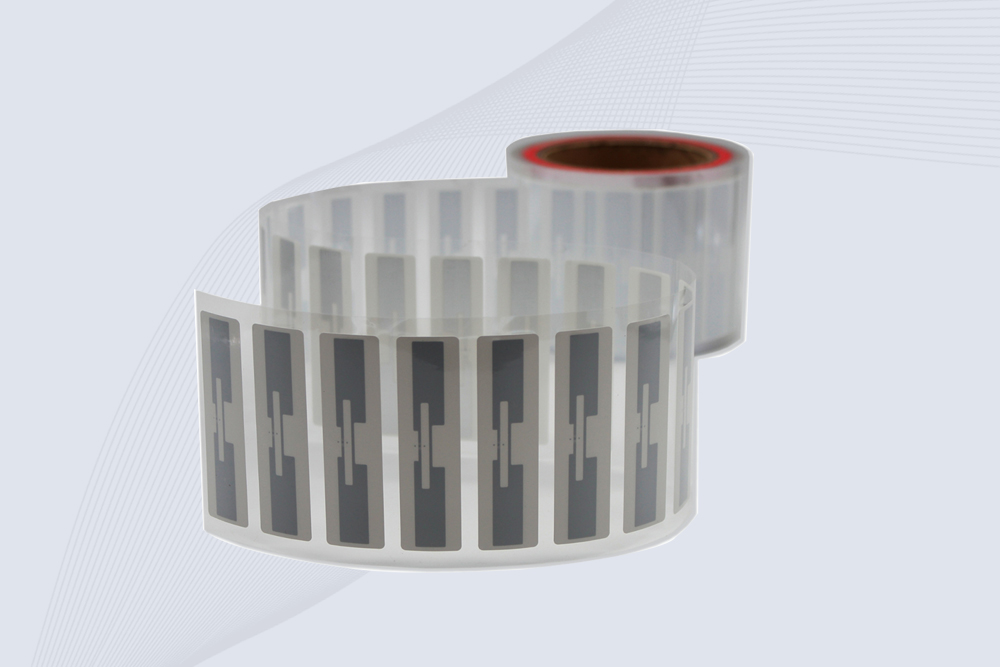
CYKEO Passive RFID Tags are made for wet and high-humidity environments where standard labels do not last. This rfid passive tag is often used around liquids, chemicals and temperature changes, providing stable reading distance and long data life for industrial tracking.
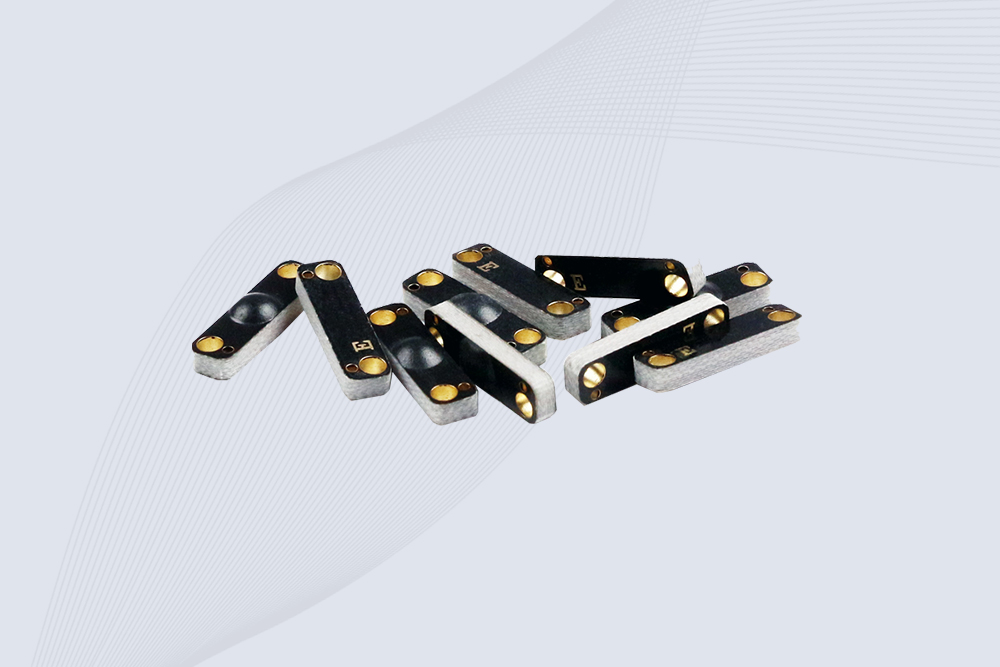
CYKEO CYKEO-PCB1504 Metal RFID Tags is a compact anti-metal UHF RFID solution built for direct mounting on metal surfaces. With stable 8-meter read range, Ucode-8 chip, and long data retention, this rfid metal tag fits tools, containers, automotive parts, and industrial asset tracking.
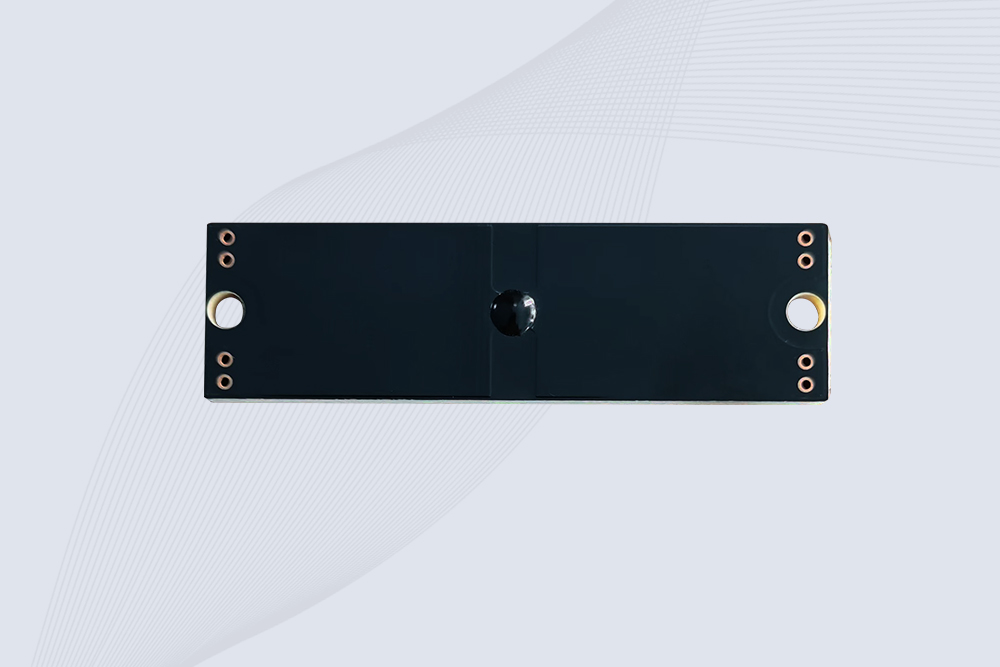
CYKEO CYKEO-PCB7020 On-Metal RFID Tags are designed for reliable tracking on steel and metal surfaces. Built with an FR4 epoxy body and industrial-grade chips, these On-Metal RFID Tags deliver stable performance, long data life, and chemical resistance, making them a dependable RFID anti-metal tag for harsh environments.
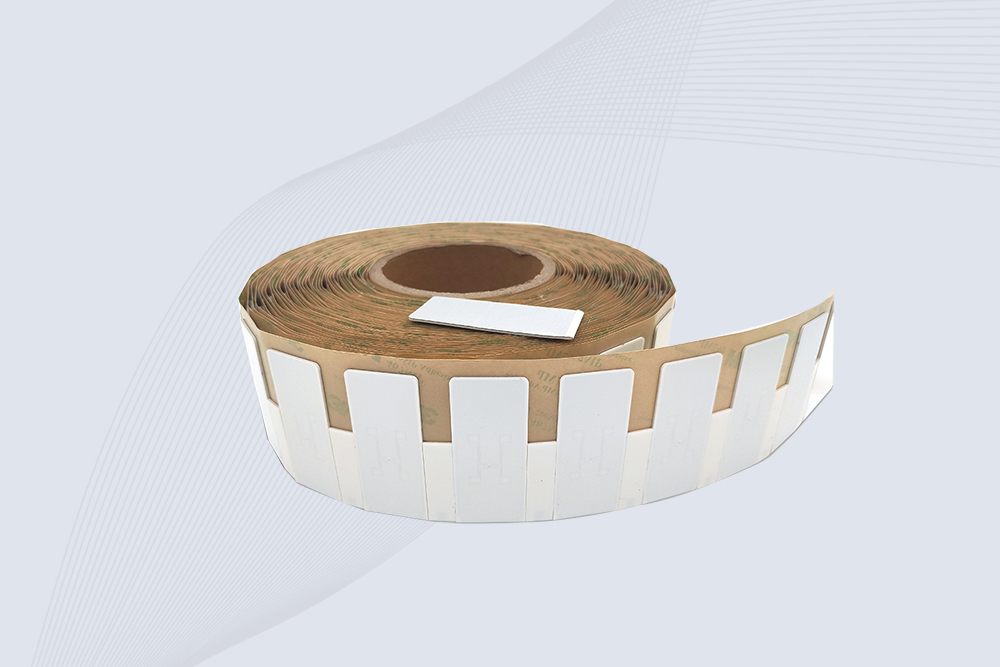
The CYKEO CYKEO-60-25 Anti-Metal RFID Tag is built for metal surfaces where standard tags fail. Designed for long-range performance, harsh environments, and stable data retention, this Anti-Metal RFID Tag is ideal for industrial assets, containers, and equipment tracking using on metal RFID tags.
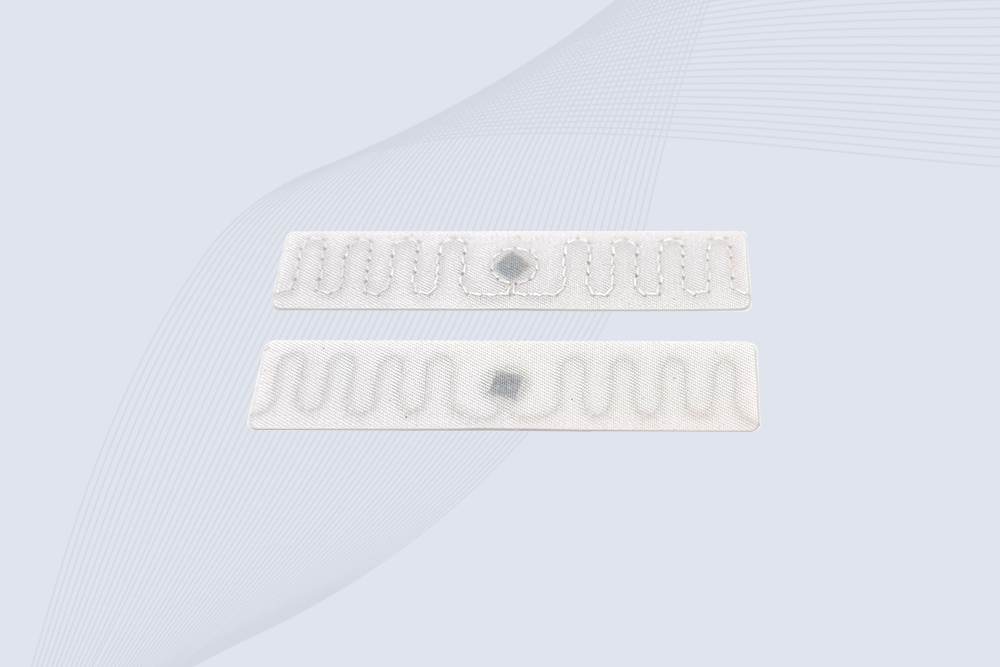
The CYKEO RFID Laundry Tag is designed for long-term textile identification in harsh laundry environments. Built to withstand high heat, chemicals, and repeated washing, this RFID Laundry Tag delivers stable performance for hotels, hospitals, and industrial laundry operations using laundry rfid tags at scale.
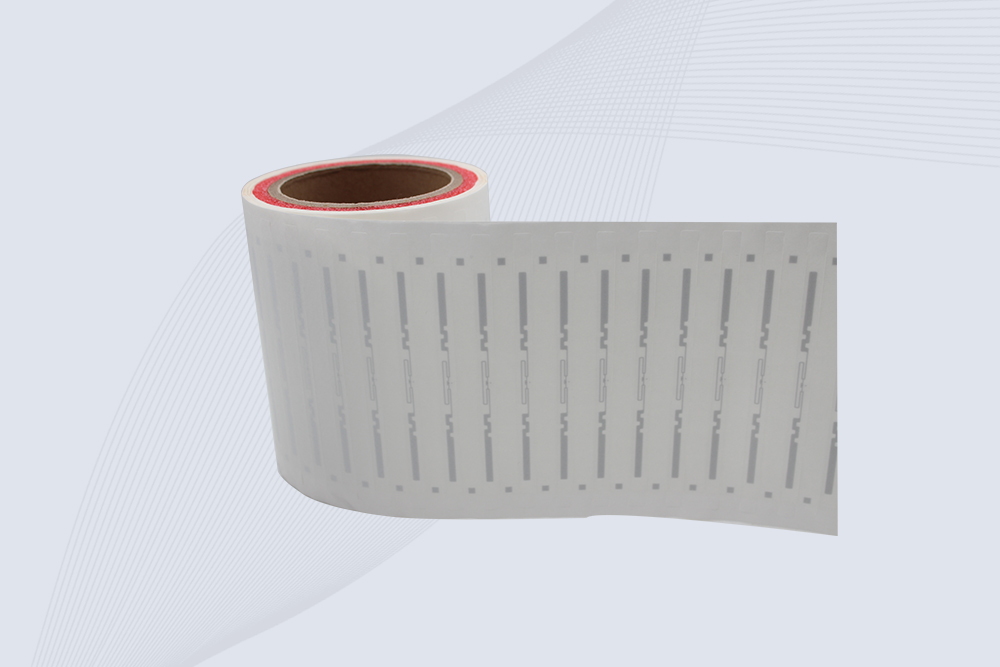
The CYKEO CYKEO-125-7 RFID Book Tag is designed for reliable book and document tracking in libraries and archives. This RFID Book Tag delivers long read range, dense placement support, and stable performance on shelves, making it a practical rfid tag on books for library automation, file management, and archival systems.
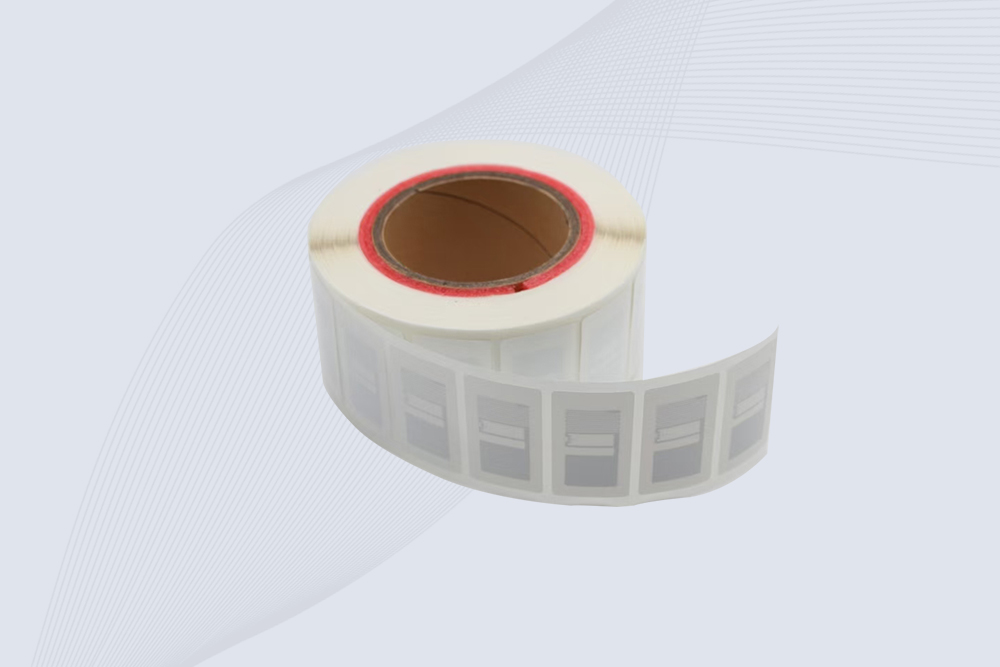
CYKEO RFID tags in hospitals are designed for sterile environments where accuracy matters. These autoclavable RFID tags support long-term tracking of surgical tools, implants, and medications, helping hospitals improve visibility, compliance, and patient safety.

CYKEO RFID Cable Tie Tag is built for reliable identification on metal surfaces. This UHF RFID Cable Tie Tag is widely used in rfid tags for inventory systems, industrial asset management and Hospital RFID Tags, offering stable read performance, long service life and global EPC Gen2 compatibility.
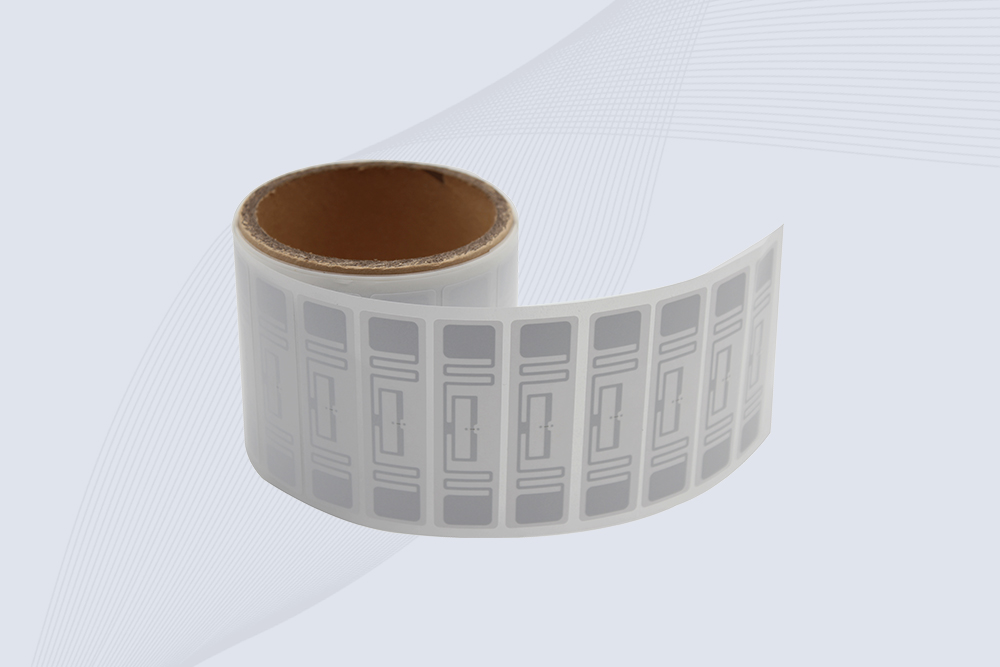
CYKEO RFID Asset Tag is designed for stable identification of metal assets in industrial environments. This UHF RFID Asset Tag is commonly used for rfid tag asset tracking on equipment, tools and containers, providing reliable reads, long service life and ISO/IEC 18000-6C support.
CYKEO UHF RFID Card is designed for fast identification and long-term use in industrial and commercial systems. Supporting ISO 18000-6C, this UHF RFID Card works at 860–960 MHz and is suitable for custom RFID cards used in asset tracking, access control and inventory management.
CYKEO HF RFID Cards are designed for secure and stable access control systems. These 13.56 MHz RFID key cards support ISO 14443-A, reliable rewriting and long service life, making HF RFID Cards suitable for offices, campuses, events and membership management.
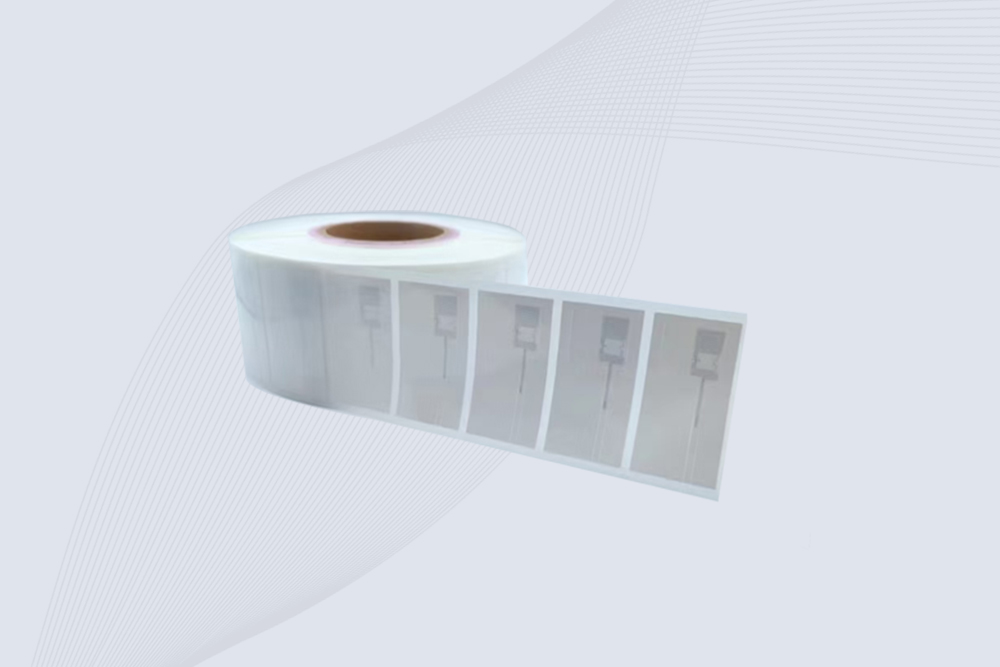
CYKEO UHF RFID Tag is designed for reliable tracking of metal jewelry and high-value items. This Jewelry RFID Tag supports long-range reading up to 8 meters, anti-counterfeit protection and stable performance on metal, making it suitable for retail, inventory control and asset management.

How does RFID work? Learn RFID tag communication, reader technology, and real applications with Cykeo RFID experts. Discover smarter identification solutions.
More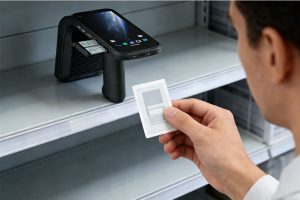
Unlock the power of UHF RFID with this easy-to-follow guide on programming RFID cards and applying UHF RFID technology in asset management, logistics, and smart warehousing. Learn how to streamline your operations with real-world insights and prac...
More
inventory management rfid tags enable real-time asset visibility, reduce manual errors, and improve warehouse accuracy up to 99% for efficient operations.
More
Discover the essential features of a warehouse-ready RFID reader—durability, long-range scanning, and anti-interference. Learn how Cykeo’s solutions optimize inventory accuracy.
More