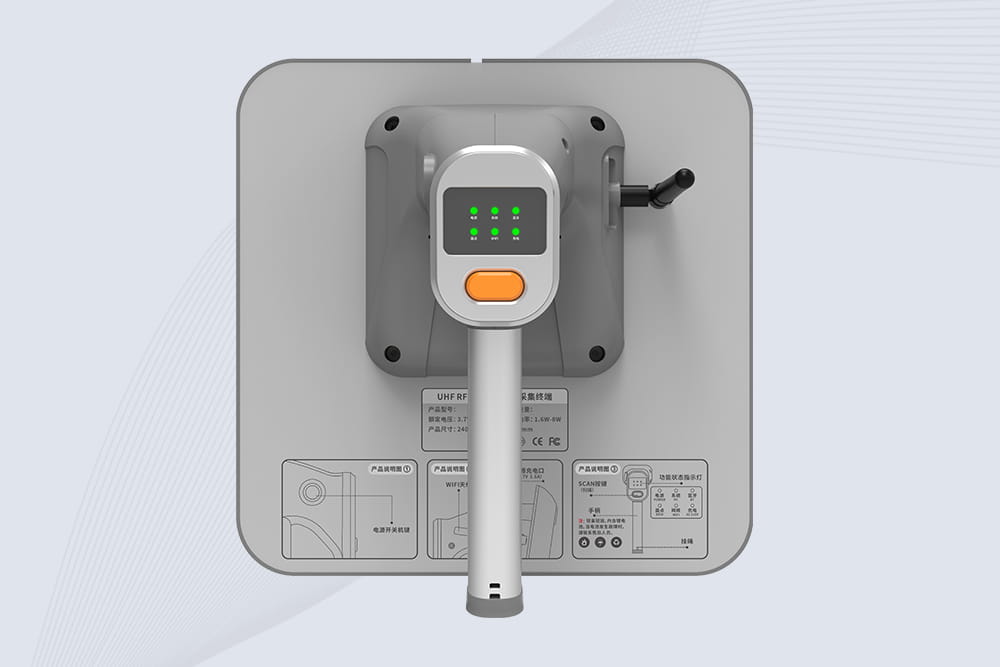
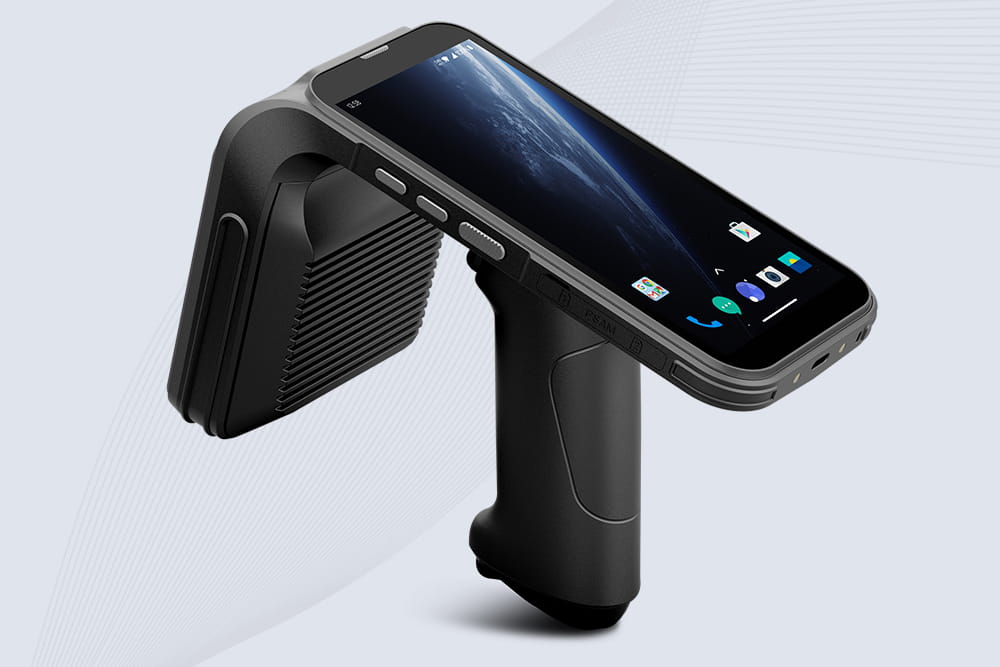
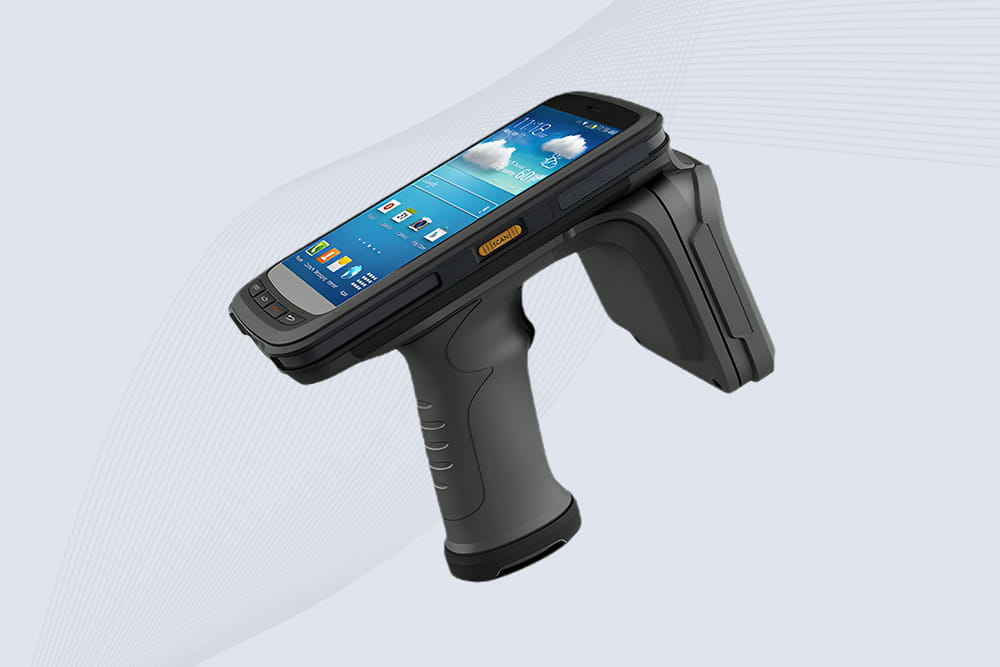
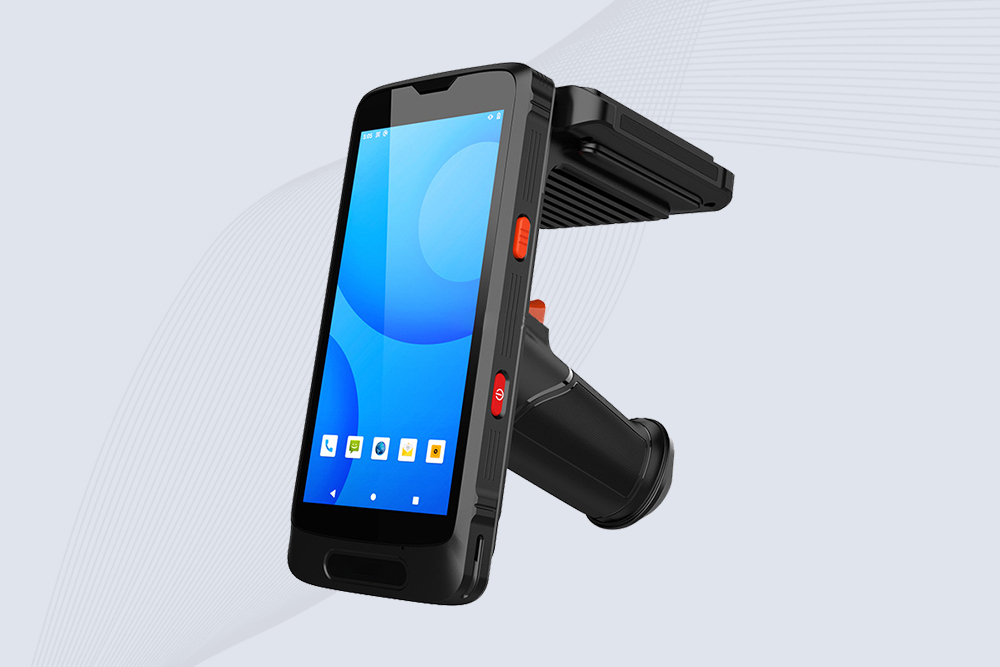
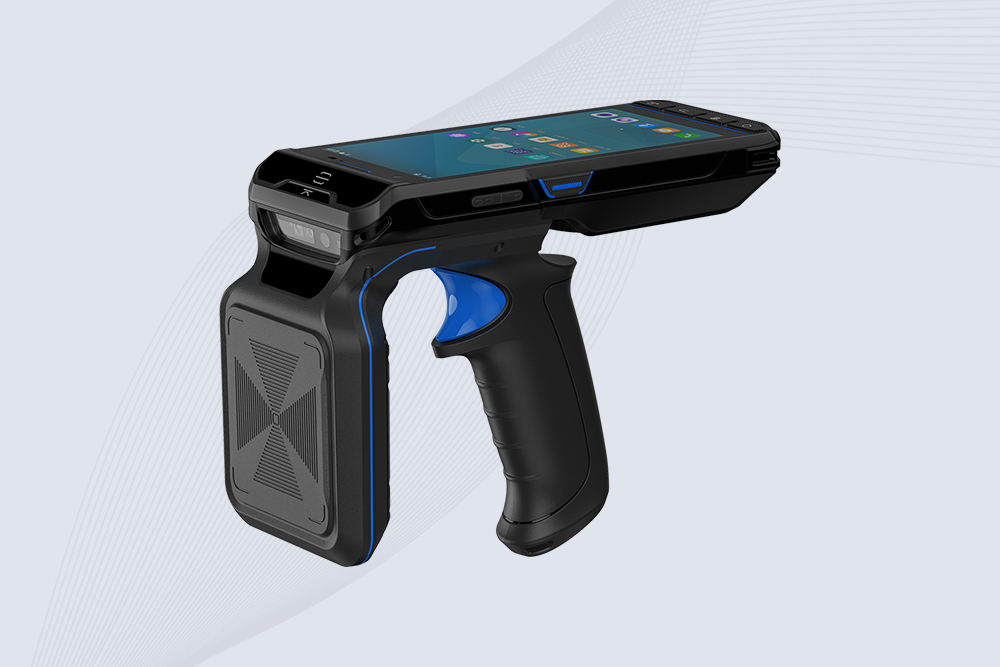
So you’ve got a Bluetooth RFID reader and an Android tablet. You’re ready to scan inventory at a warehouse, check guests into an event, or track equipment—until the reader refuses to pair. No sweat. Let’s fix this in 5 steps, no computer science degree required.
Step 1: Check Your Android Tablet’s Compatibility
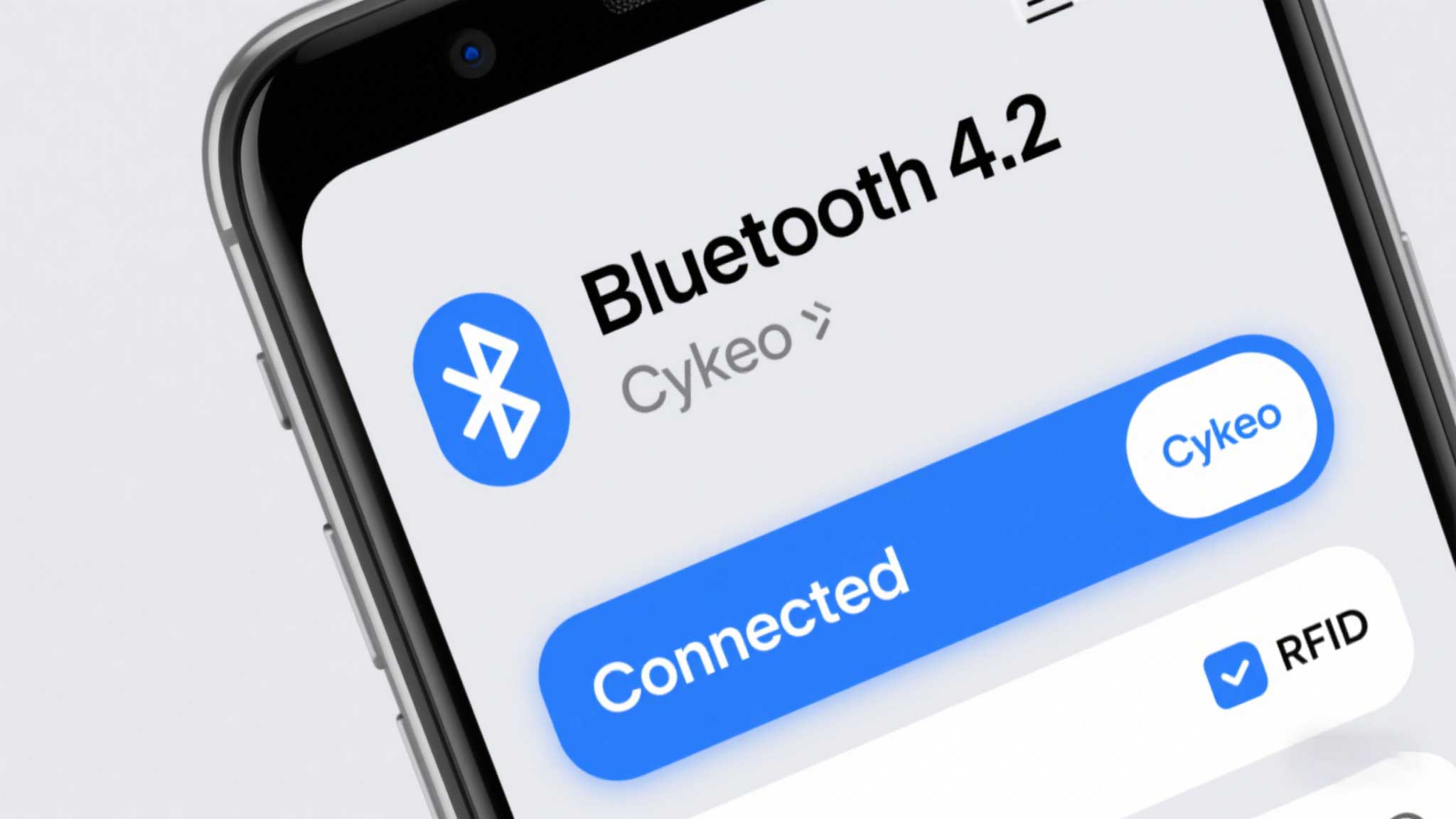
Most RFID readers need Android 9+ and Bluetooth 4.0+ (BLE). Here’s how to confirm:
Go to Settings > About Tablet > Software Info.
Look for Android Version (needs 9 or higher).
Back to Settings > Connected Devices > Bluetooth. If you see “Bluetooth 4.0” or “BLE” in specs, you’re golden.
Why This Matters: Older tablets (like Amazon Fire 7) often lack BLE support, so they’ll pair but fail to scan tags reliably.
Pro Tip: Cykeo’s readers work with 95% of Android tablets made after 2018. Avoid Walmart’s ONN tablets—BLE is glitchy.
Step 2: Pair the Reader in 60 Seconds
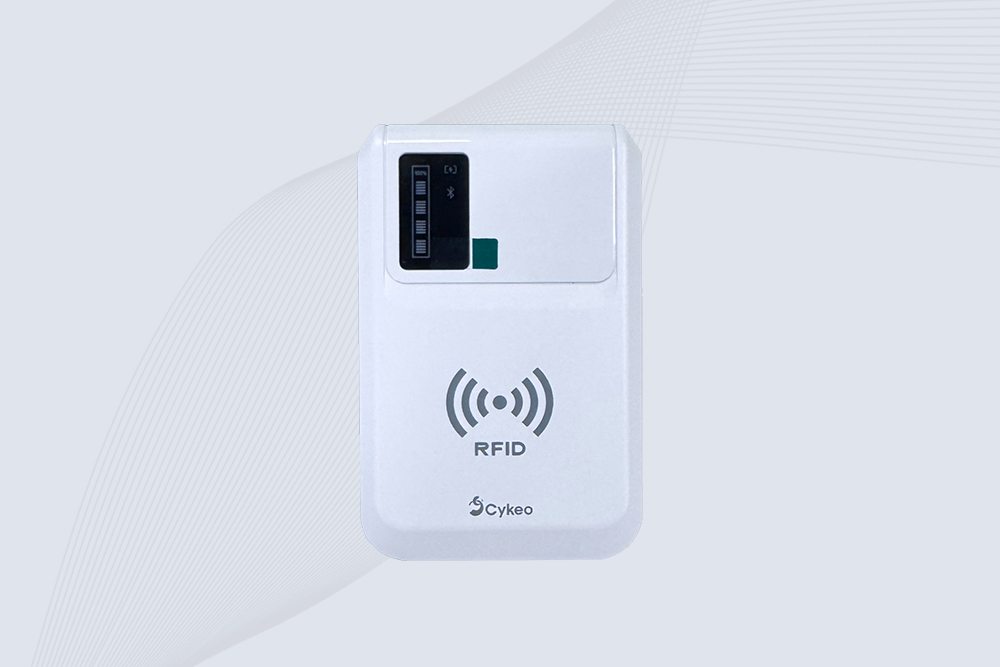
Charge the Reader: Low battery = pairing fails.
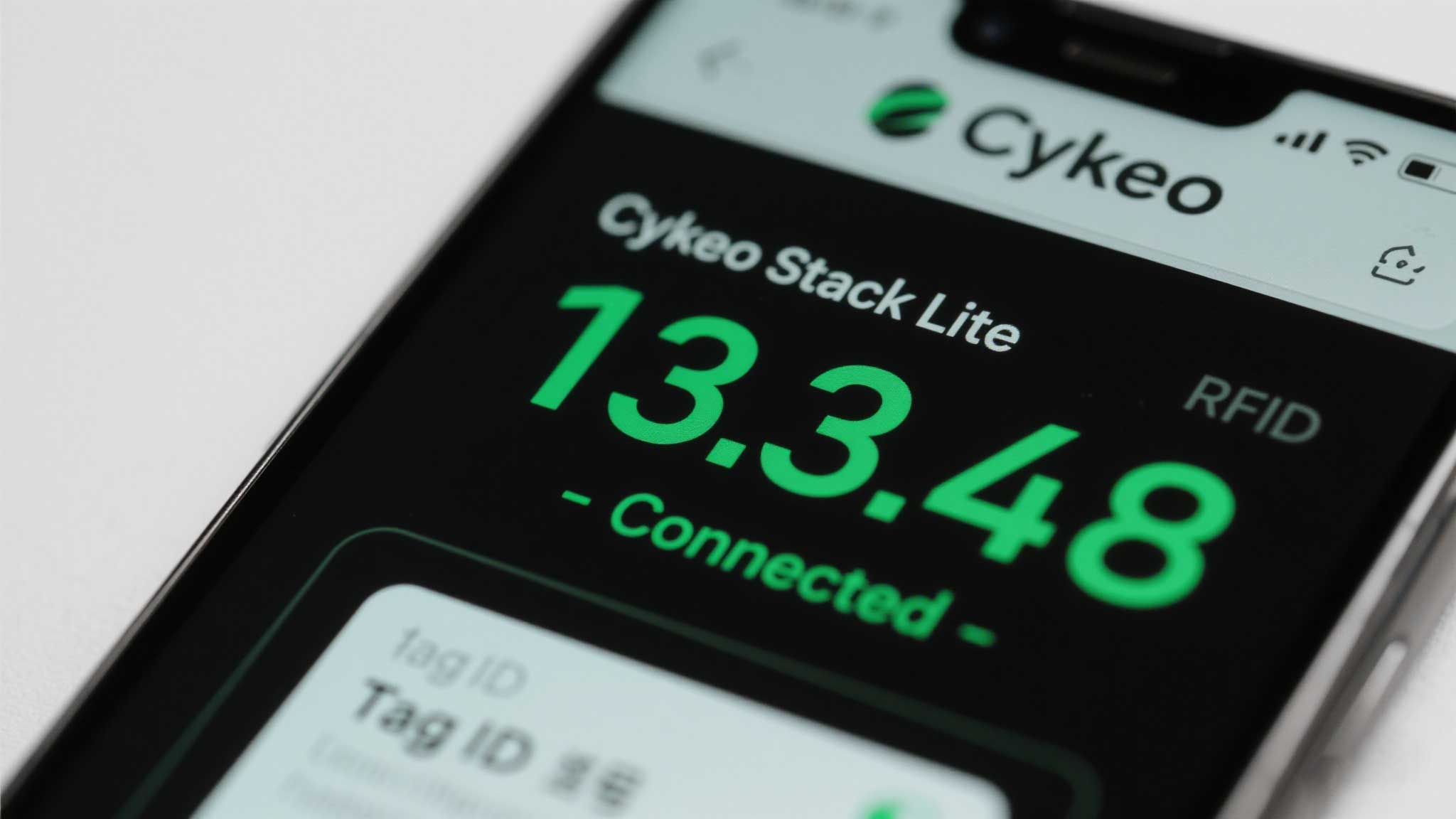
Enable Discovery Mode: Hold the reader’s power button until its LED blinks red/blue.
Samsung Galaxy Tab A7 Lite: Bluetooth 4.2 but disconnects every 10 minutes.
Lenovo Tab M10: Android Go edition butchers BLE support.
Pre-2019 Tablets: Like a 1998 Nokia—cute but useless here.
Final Takeaway: Pairing a Bluetooth RFID reader with Android tablets takes 5 minutes… unless you own a potato-tier device. Stick with mid-range Samsung or Google tablets, use Cykeo’s tools, and scan like you’re getting paid for it.
A warehouse RFID project usually starts with a simple goal: “Know where our inventory is.” But after talking with warehouse operators and system integrators, the real requirement is usually more specific. They want to know: The long range RFID rea...
Learn the best practices to maintain RFID handheld devices for longevity and performance. Discover cleaning, firmware, and battery care tips for seamless operations.
Understand RFID antenna gain, how it affects reading distance and coverage, and why choosing the right gain level matters for warehouse, industrial, and custom RFID projects.
Learn how RFID retail inventory antenna systems improve shelf monitoring and warehouse inventory accuracy. Discover practical RFID shelf zone control methods and smart inventory solutions for retail and distribution centers.
 Cykeo RFID IoT Solution Products R&D Manufacturer