Introduction: Why Care About Android RFID Emulator?
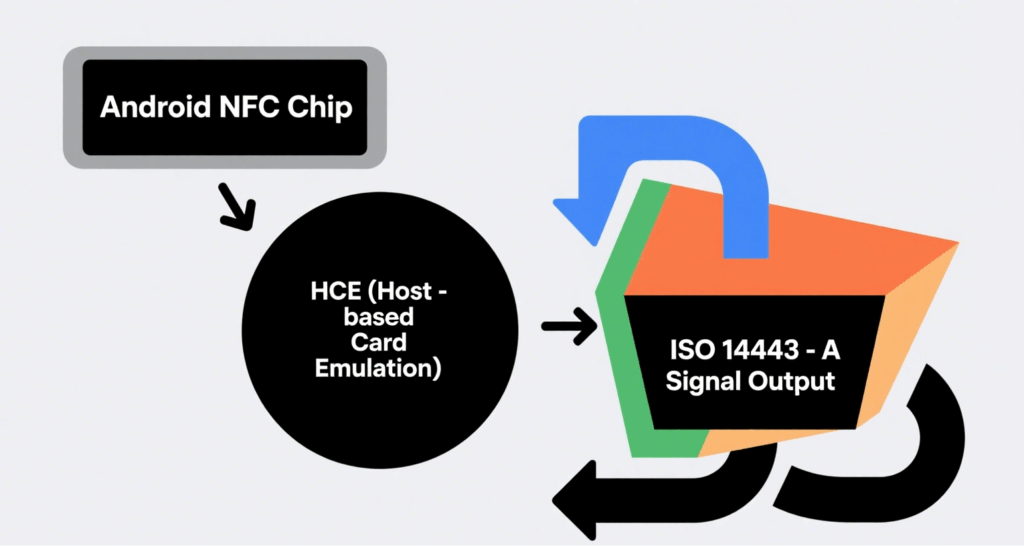
In traditional RFID projects, developers often rely on physical tags in bulk for functional validation and system debugging. The Android RFID Emulator uses the phone’s built-in NFC module and Host-based Card Emulation (HCE) to simulate a “virtual tag” compliant with ISO 14443-A/B protocols. This eliminates the cost and logistics constraints of physical tags during R&D, testing, and prototyping phases, offering a more flexible solution for system integrators and device manufacturers.
How It Works: How HCE Turns Phones into RFID Tags
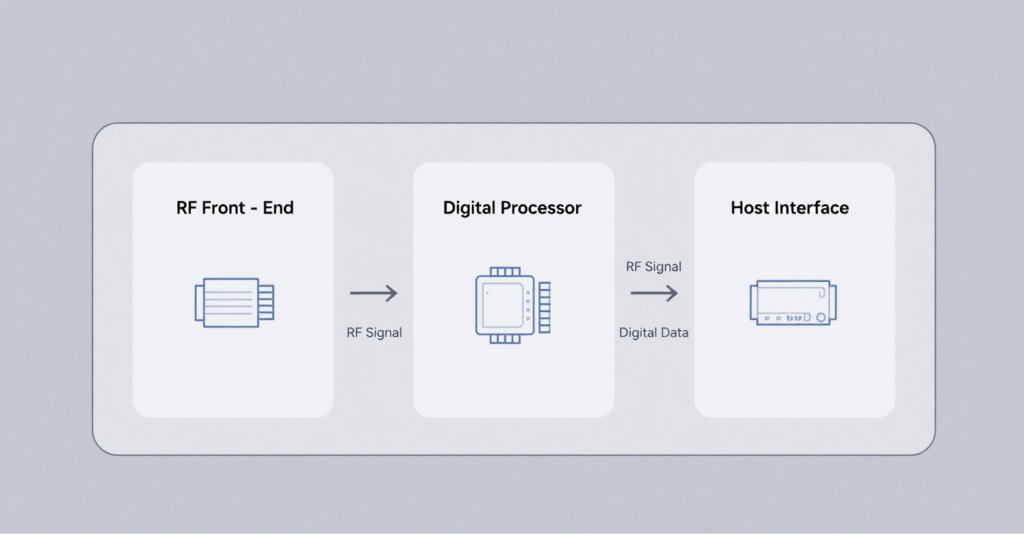
NFC Controller: At the hardware layer, it generates a 13.56 MHz RF field.
System Service (NfcService): Manages APDU command transmission and reception.
HCE Service: Java/Kotlin service at the app layer, responsible for interpreting commands and returning data.
ISO 7816-4 APDU: Defines the data packet format exchanged between the reader and emulator.
When the RFID reader activates the field, the Android phone enters card emulation mode. The app maps the registered AID to the HCE Service, which responds on behalf of the virtual card.
Core Components and Technical Requirements
Component
Description
Key Notes
NFC-enabled Android Device
Recommended: Android 8.0+ with NXP/Qualcomm NFC chips
Stable RF power and read range
Android SDK
Offers HostApduService and CardEmulation APIs
AID registration and APDU parsing
Secure Storage (Optional)
Android Keystore or Secure Element (SE)
For storing keys and sensitive data
Key Application Scenarios
Access Control Simulation: Verify door reader compatibility before deployment.
RFID Firmware/Software Debugging: Quickly switch UID and data blocks.
Payment or Ticketing Sandbox: Simulate cards in offline environments.
Education & Training: Demonstrate RFID protocols in classrooms.
Advantages: Why Use an Emulator?
Cost Efficiency: No need to purchase large quantities of disposable tags.
Rapid Iteration: Instant data updates shorten test cycles.
Portability: A single phone is enough for on-site debugging.
Programmability: Custom APDU logic integrates easily with CI/CD pipelines.
Limitations and Security Considerations
Limited RF Power: Mobile antennas have short read ranges (<4 cm).
Compatibility Issues: Some legacy readers only accept fixed-length UIDs.
Security Risks: Malicious emulation may lead to access control fraud—countermeasures include UID whitelisting and read-distance detection.
Step-by-Step Guide: Setting Up an Android RFID Emulator
Prepare the Environment: Install Android Studio 2023+, create an Empty Activity project.
Implement HostApduService: Override processCommandApdu() and onDeactivated().
Register AID: Define AID in res/xml/apduservice.xml.
Deploy & Debug: Use an RFID reader to send APDU and verify responses.
Best Practices: Enhancing Stability and Security
Tune CLF Parameters: Use an oscilloscope to monitor field strength and fine-tune antenna matching.
Dynamic UID Simulation: Match the format and length of real card UIDs.
Power Management: Deactivate RF in onDeactivated() to conserve battery.
Secure Storage: Store sensitive keys in Android Keystore or SE.
Conclusion
The Android RFID Emulator has become a vital tool in the RFID ecosystem to reduce testing costs and accelerate product launches. With the rise of wearable devices and Matter/NFC interoperability standards, RFID emulation is expanding from smartphones to smartwatches and rings—offering more flexible solutions for access control, payment, and logistics tracking. To address compatibility and security challenges, companies should incorporate measures like hardware whitelisting and two-factor authentication to ensure robust system performance.
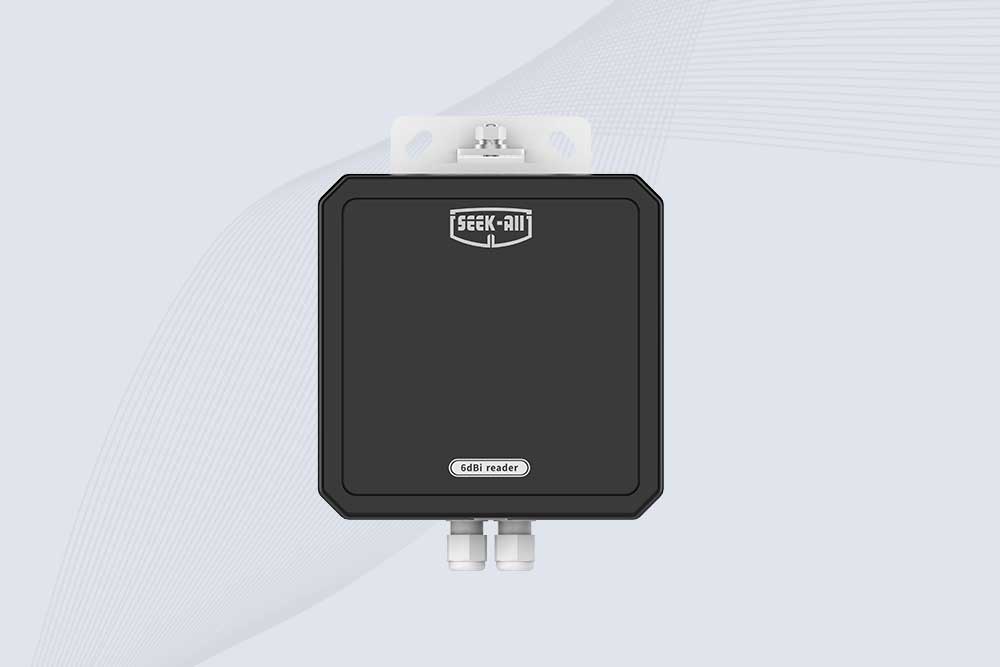
SSD-RA06L is an industrial UHF RFID reader with a built-in 6 dBi antenna, 3 m read range, 600+ tags/s, Ethernet, RS232, and optional Wi-Fi, 4G, and PoE.
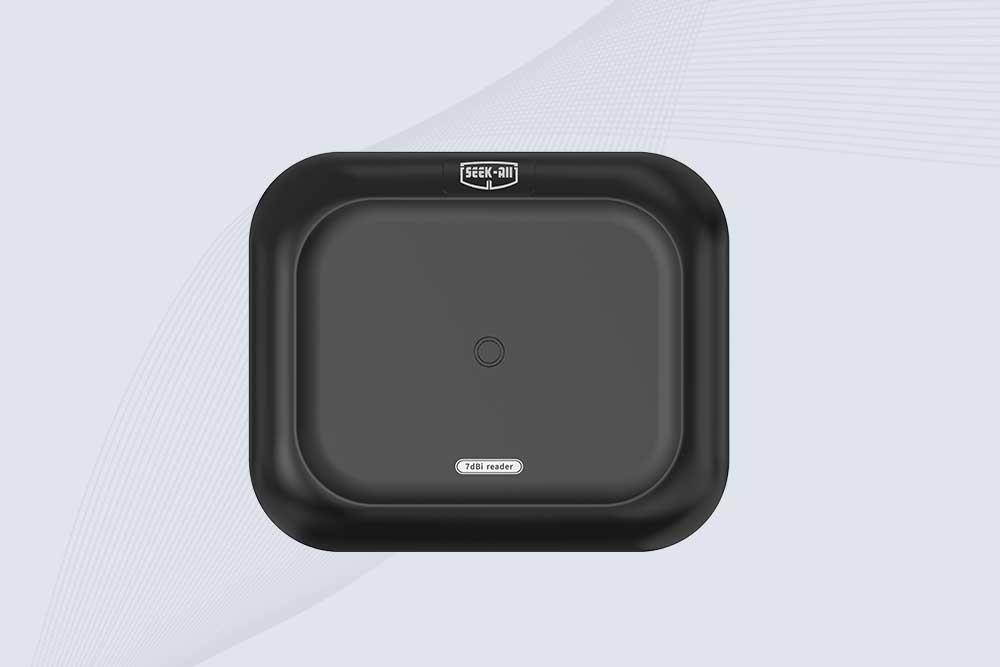
SSD-RA07L industrial UHF RFID reader with integrated 7 dBi antenna, up to 6 m reading distance, over 600 tags/s, Ethernet, RS232, and optional Wi-Fi, 4G, and PoE.
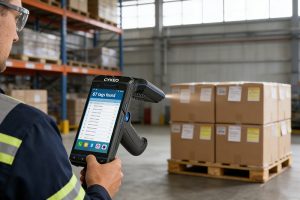
Wondering what is RFID handheld reader? We explain the definition, how it differs from fixed readers, key features, and real-world applications for inventory and asset tracking. Clear guidance from CYKEO engineers.
Struggling with HF RFID interference in your library? Learn how to reduce signal issues, improve scan accuracy, and keep your inventory system running smoothly.
Learn how to seamlessly connect long-range RFID readers to IoT platforms for real-time asset tracking. Discover Cykeo’s solutions for industrial automation and smart supply chains.
Learn how to use an RFID card reader effectively for access control and identification. Our guide covers installation, card presentation, configuration, and system integration.
 Cykeo RFID IoT Solution Products R&D Manufacturer