Handheld barcode scanners have become an essential tool in modern retail, warehousing, logistics, and asset management. Whether you’re doing inventory checks, processing checkout transactions, or managing industrial production lines, having the right scanner can make a big difference in speed and accuracy. This guide walks you through what to look for, how they work, and where each type fits best.
1. Types of Handheld Barcode Scanners
Handheld scanners come in three main flavors:
Laser Scanners Perfect for reading one-dimensional (1D) barcodes, they are fast and accurate but usually need to be aligned properly to read the code.
Imager Scanners Using optical imaging technology, imagers can read both 1D and 2D barcodes, including QR codes. They can scan from any angle and even read codes displayed on screens, making them very versatile.
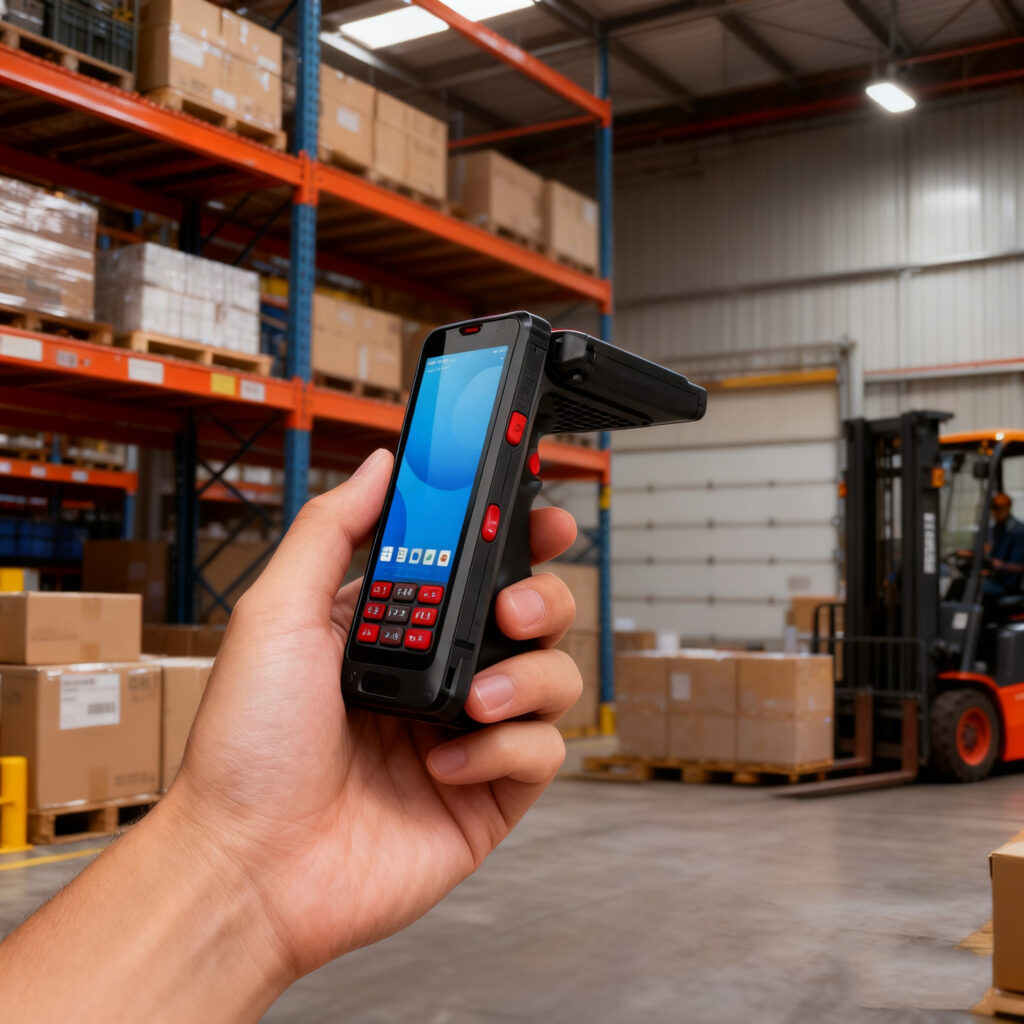
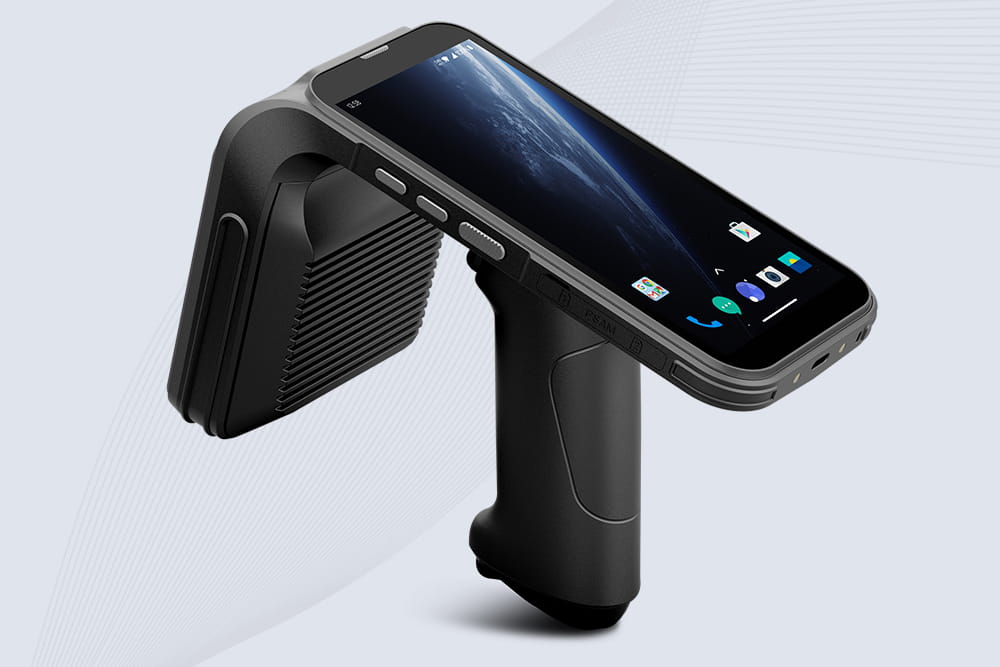
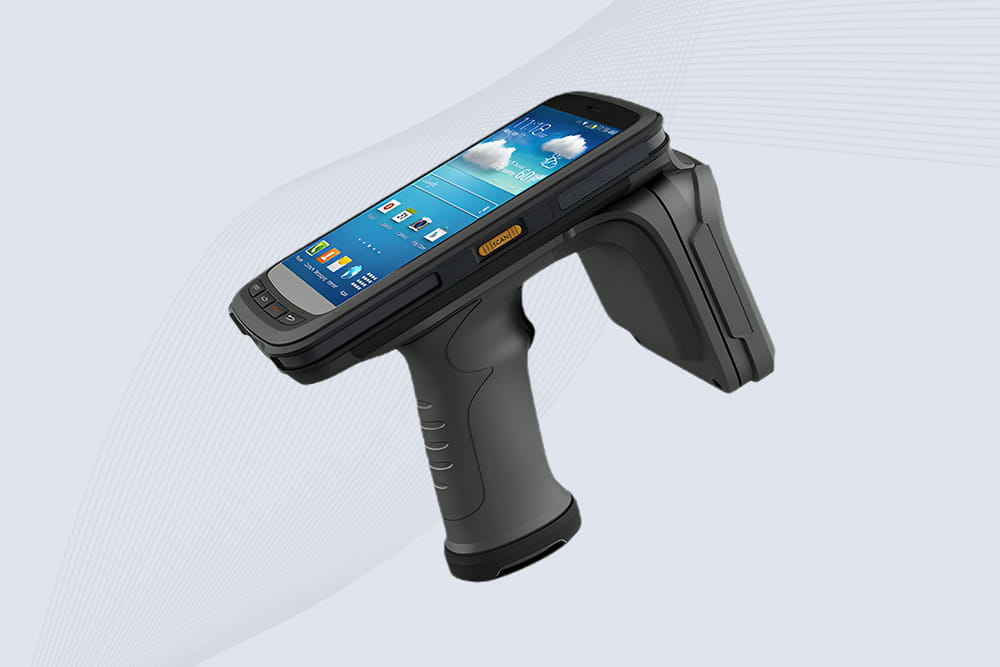
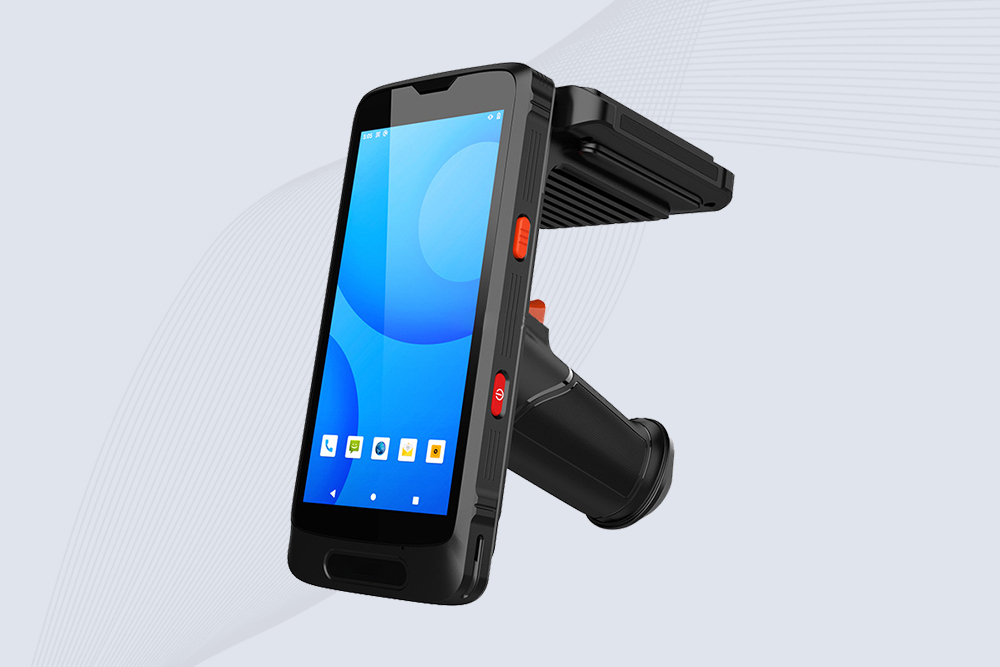
Mobile Computer / Smart Scanners These devices combine scanning with computing power. They can process data, transmit it wirelessly, and integrate directly with management systems. Ideal for situations where real-time inventory updates or more complex operations are needed.
2. Key Factors to Consider
When picking a handheld scanner, keep these points in mind:
2.1 Barcode Type Support
1D Barcodes: Standard retail items, warehouse labels
2D Barcodes: QR codes, stacked codes, digital tickets
Make sure the scanner can handle all the barcodes you work with; otherwise, you could run into limitations down the line.
2.2 Usage Environment
Retail Checkout: Needs quick recognition and long-term comfort.
Warehouse / Logistics: Should be durable, dust- and water-resistant, and maybe even low-temperature tolerant.
Mobile / Outdoor Use: Wireless scanners are handy for moving around without cables.
2.3 Scanning Technology
Laser: Great for fast 1D barcode reading
Imaging / CCD: Reads multiple barcode types from various angles
Area Imagers: Works well with small or unusual barcodes
2.4 Connectivity
Wired: Reliable, no charging needed, perfect for fixed stations
Wireless: Bluetooth or 2.4G offers freedom, but battery life is a factor
2.5 Durability and Ergonomics
If your staff scans all day, ergonomic design helps prevent hand fatigue.
Look at drop, dust, and water resistance if the scanner will be used in harsher conditions.
2.6 Integration and Compatibility
Check that the scanner works smoothly with your existing inventory, POS, or mobile systems.
Scanners intended for enterprise use usually support multiple interfaces and protocols.
3. Usage Tips and Best Practices
Keep barcodes clean; smudges or dirt can cause scanning errors.
Use the correct scanning distance for best accuracy.
Clean the scanner lens regularly and check cables and batteries.
Train staff on proper handling and positioning to maximize efficiency.
4. Practical Advice
The best scanner isn’t necessarily the most expensive—it’s the one that fits your actual needs:
Define what you need it for: retail, warehouse, industrial, or mobile operations.
Make sure it supports all barcode types you use.
Match scanning technology to the job: laser, imager, or 2D.
Decide on wired or wireless based on mobility needs.
Check durability and ergonomics for long-term comfort and reliability.
Balance features and budget; don’t pay for extras you won’t use.
A well-chosen handheld scanner can speed up operations, reduce mistakes, and add real value to your workflow.
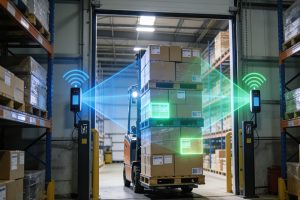
Learn how UHF RFID antenna design improves pallet and carton scanning in warehouse environments. Practical insights on dock door layouts, antenna placement, and reliable RFID gate systems.
RFID multiple tag reading tested: Discover real-world speeds, interference solutions, and how Cykeo users scan pallets in seconds. No hype - just warehouse results.
This article provides an in-depth analysis of the principles, types, and deployment methods of RFID in clothing tags. It explores their value and development trends in retail, laundry management, smart wearables, and more, helping the industry ach...
 Cykeo RFID IoT Solution Products R&D Manufacturer