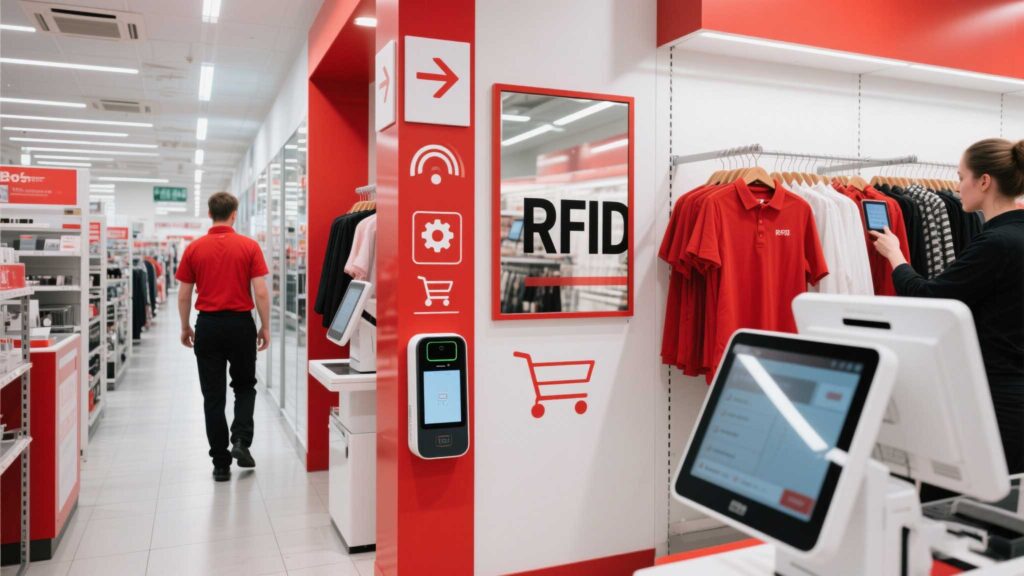
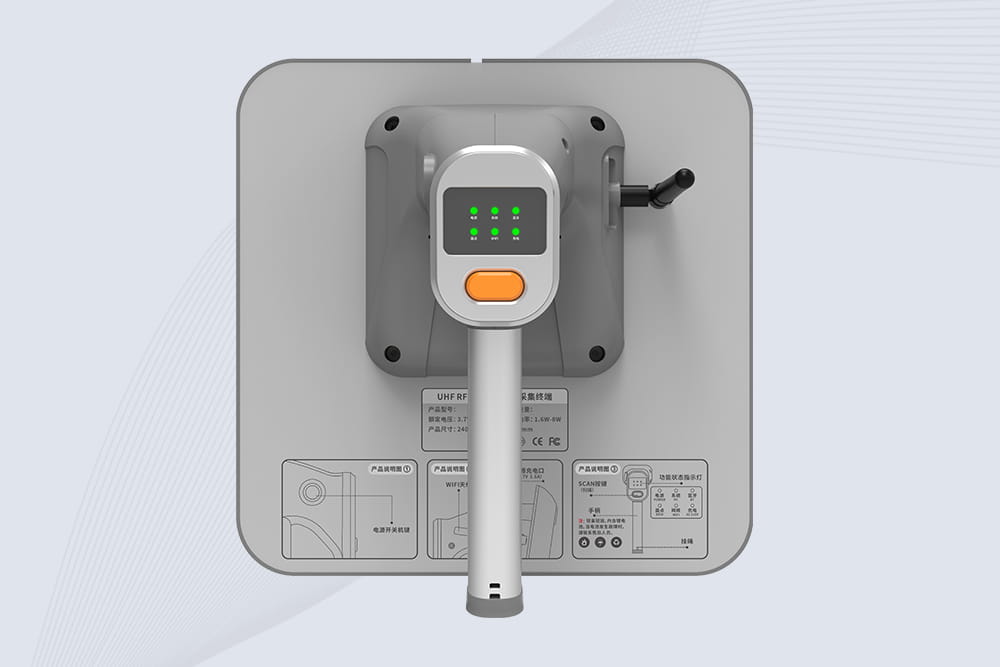
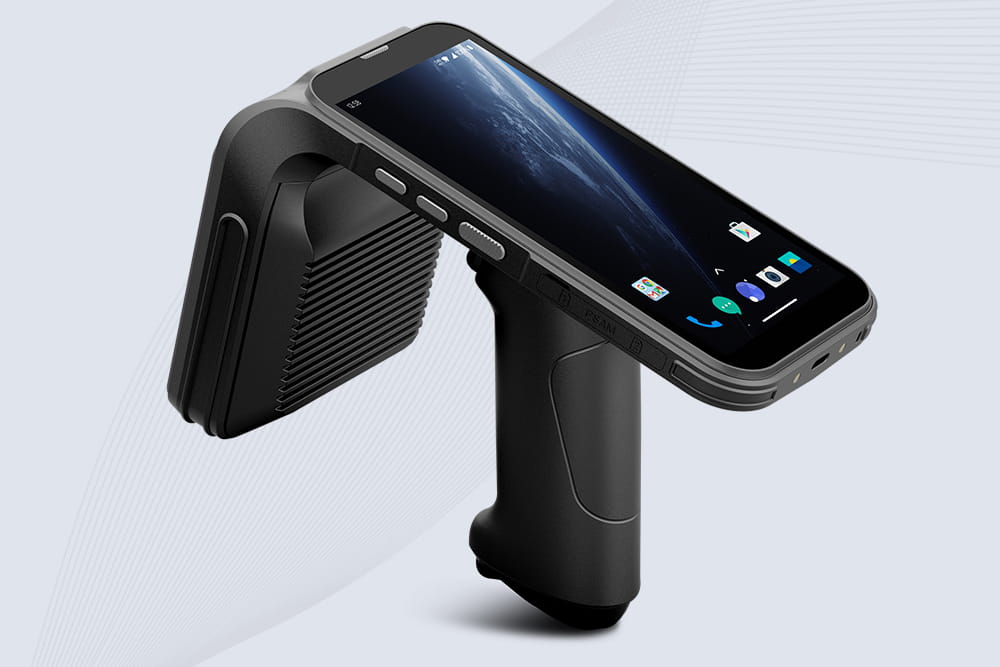
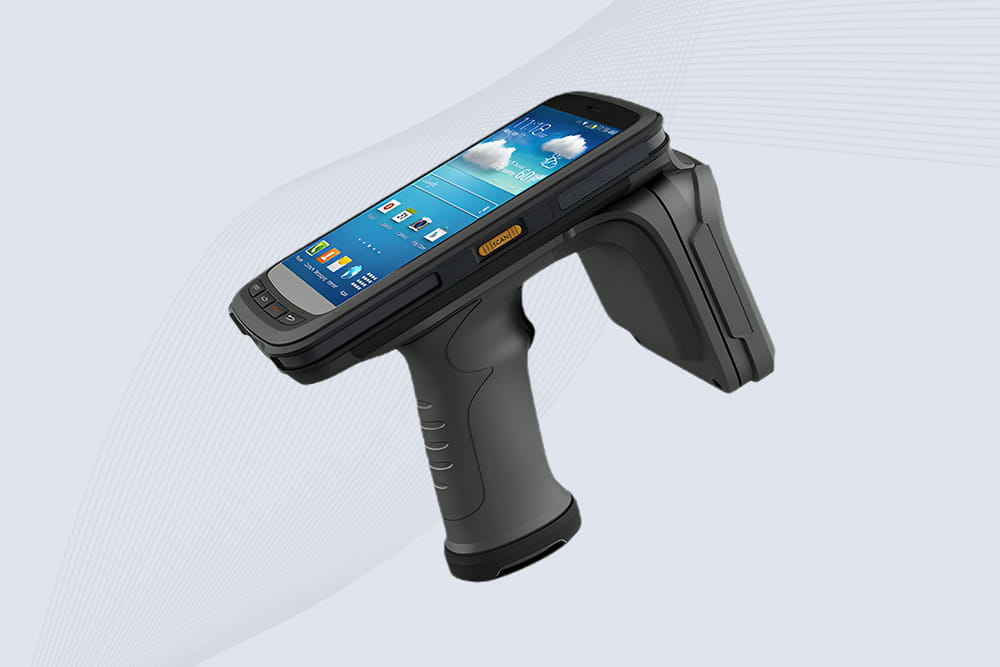
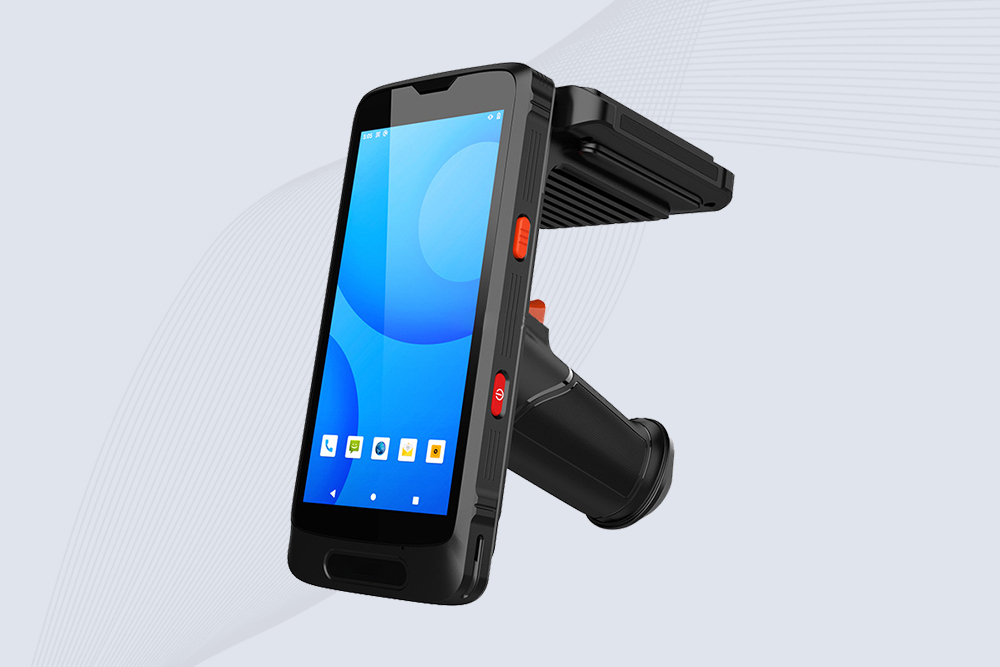
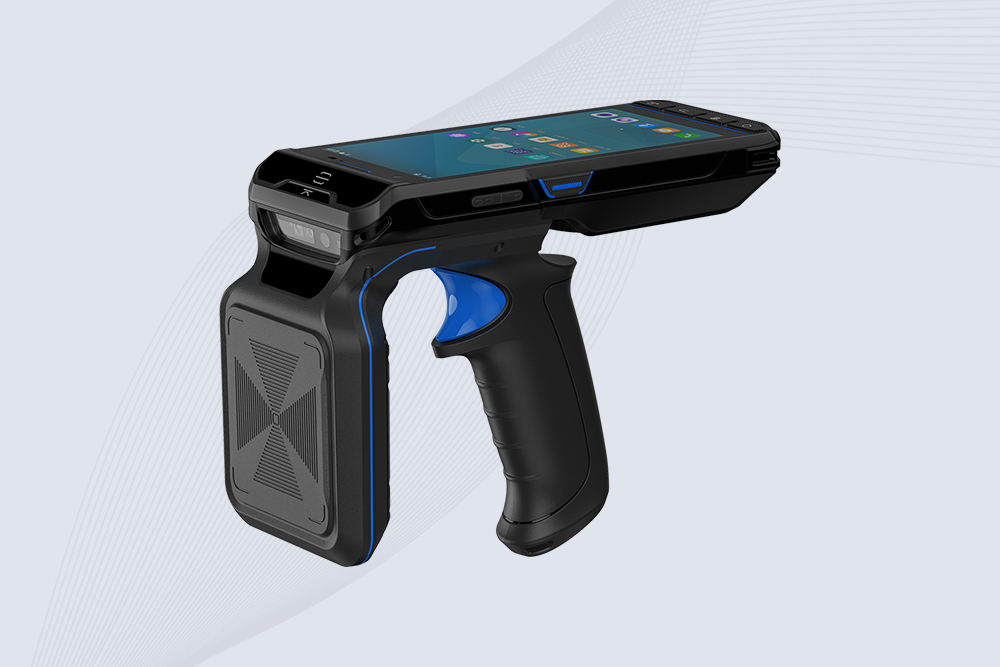
Retail environments demand fast, accurate RFID scanning to manage high-traffic checkouts, dense inventories, and dynamic stockrooms. Properly configuring handheld RFID scanners minimizes misreads, speeds up processes, and integrates seamlessly with POS systems. Here’s a step-by-step guide to optimize settings for peak performance.
1. Adjust Read Range for Crowded Spaces
Retail shelves and checkout lanes often have tightly packed items, which can cause interference. Optimize settings by:
Reducing Power Output: Lower transmit power to 1–2W to avoid cross-reading adjacent tags.
Antenna Tuning: Use circular polarized antennas to improve read accuracy in cluttered areas.
Session Control: Set scanners to Session 0 (UHF) to prioritize tags closest to the reader.
Cykeo’s scanners include a “Retail Mode” that auto-adjusts power and filters out duplicate reads, ideal for busy clothing stores or electronics shops.
2. Mitigate Interference from Metals and Liquids
Metal racks and liquid products (e.g., bottled drinks) disrupt RFID signals. Counteract this by:
Tag Placement: Use on-metal RFID tags or position tags 2–3 inches away from metal surfaces.
Filter Settings: Block phantom reads by programming scanners to ignore tags outside preset RSSI thresholds.
3. Streamline Integration with Retail Software
Batch Uploads: Configure scanners to sync data with POS/inventory systems every 15–30 minutes.
Barcode-RFID Hybrid Scanning: Enable dual-mode scanning to handle non-RFID items like produce.
Custom Alerts: Set low-stock notifications when tagged items dip below threshold levels.
A fashion retailer using Cykeo’s scanners reduced checkout errors by 75% after enabling real-time stock updates and barcode fallback.
4. Staff Training for Consistent Results
Ergonomic Grips: Train staff to hold scanners at 30–60-degree angles for optimal tag reads.
Battery Management: Use “Battery Saver Mode” during off-peak hours to extend shifts.
Error Reporting: Teach teams to flag unreadable tags for immediate replacement.
Why Cykeo Simplifies Retail RFID Optimization
Cykeo’s scanners are pre-configured for retail workflows, featuring one-touch presets for checkout lanes, stockrooms, and seasonal pop-up stores. Their devices support auto-calibration for varying tag densities, ensuring reliable performance during Black Friday rushes or daily restocks.
Discover how long do led tennis court lights last and how RFID inventory tagging system improves accuracy, reduces loss, and enables real-time inventory control.
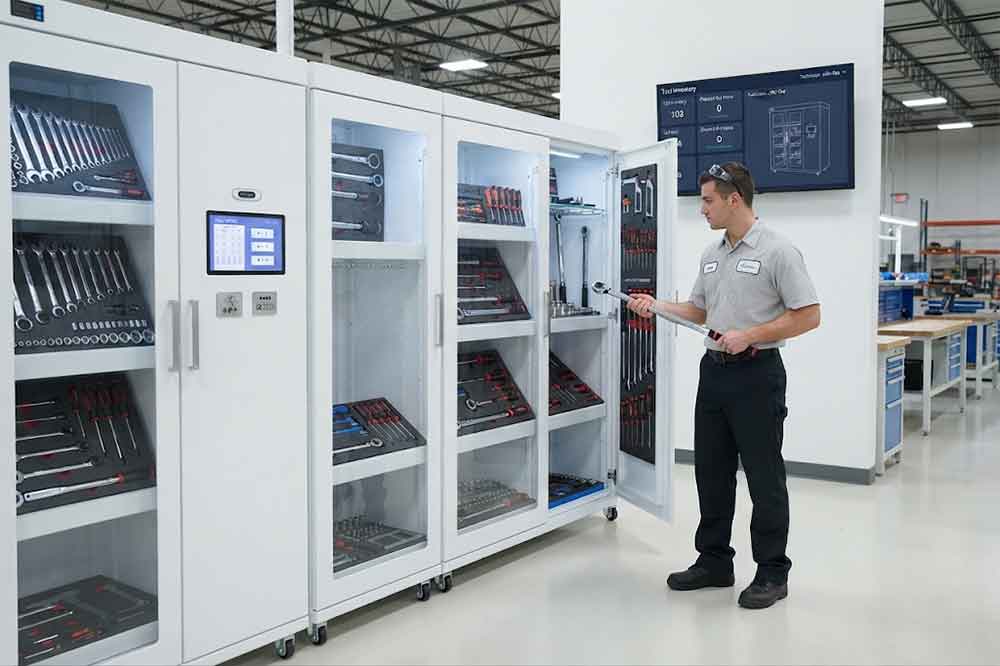
RFID tool cabinet can help tool cribs manage shared tools, checkout and return, inventory, user access, and tool locations in one system. It gives tool room ...
rfid tracking devices improve real-time asset visibility, reduce manual inventory work, and support fast UHF identification across warehouses, hospitals, and industrial sites.
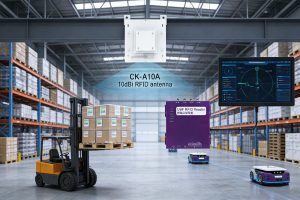
Reliable solution for real-time asset tracking,CK-A10A 10dBi RFID antenna enhances efficiency and accuracy in logistics operations, even in complex environments for RFID developers and equipment suppliers.
 Cykeo RFID IoT Solution Products R&D Manufacturer