 Cykeo RFID IoT Solution Products R&D Manufacturer
How Do Metal RFID Tags Work?
66Metal RFID tags deliver reliable UHF asset tracking on metal surfaces for industrial equipment, warehouse inventory, and manufacturing environments with high read accuracy.
MoreAll RFID Product
When you want to check if your RFID (Radio Frequency Identification) system is functioning correctly, there are a few simple steps you can follow to verify its operation. RFID technology is commonly used in access control systems, inventory management, and contactless payments, making it important to ensure it’s working properly.

Here’s how you can check if your RFID is working:
By following these steps, you can easily determine whether your RFID system is functioning properly and identify any issues early. If you are still facing challenges, reaching out to the support team of your RFID brand like Cykeo can provide you with further assistance.
The simplest way is to scan the tag with a compatible RFID reader. Bring the tag within the reader’s normal detection range and see if the system responds. Most readers will either display the tag ID, beep, or show a signal indicator.
If nothing happens, try another tag with the same reader. If the second tag works, then the first tag may be damaged. If neither works, the problem is probably with the reader or the configuration rather than the tag itself.
There are several reasons this happens, and it’s rarely just one thing.
First check the distance and orientation between the tag and the reader. RFID signals are sensitive to angles. A tag that works perfectly at one angle might fail at another.
Metal surfaces, liquids, and electronic equipment nearby can also weaken the signal. Another common cause is frequency mismatch—for example, trying to read a 125 kHz tag with a 13.56 MHz reader.
When troubleshooting RFID detection problems, testing the tag with another reader is usually the fastest way to narrow it down.
Most RFID tags don’t have an “on/off” switch. Passive tags are activated automatically when they enter the electromagnetic field of a reader. If the reader can detect the tag and display its ID, the tag is active and working.
For systems like access cards or asset tracking tags, activation may also involve registering the tag number in software. In that case, the tag itself works, but it won’t trigger any action until the system recognizes its ID.
Start with the basic checks first.
Make sure the reader has power and the antenna is connected properly. Then try scanning the tag again at different distances or angles. Sometimes a small position change is enough.
If the issue continues, test another tag with the same reader. This helps determine whether the problem is with the tag or the reader. Environmental interference—especially metal surfaces or nearby electronics—can also affect performance.
If none of these steps solve the issue, contacting the RFID device manufacturer for technical support is usually the next step.
To check the RFID tag number, you need a reader that supports the tag’s frequency. When the reader scans the tag, it will display a unique identifier—often called a UID, EPC code, or serial number.
In many applications such as inventory tracking or access control, that number is then linked to a record in the system database. So while users see a product name or employee ID on screen, the RFID tag number is what the reader actually captures.
Testing whether an RFID tag can be detected is only the first step. In real RFID projects, especially warehouse inventory, asset tracking, and industrial applications, a tag that can be read does not always mean it will perform well after deployment.
Factors like metal surfaces, tag positioning, reader compatibility, and application environment can affect reading distance and stability.
If you are purchasing RFID tags in bulk or designing an RFID solution, understanding how to properly test RFID tags before installation can help avoid unexpected performance issues.
You can learn more about practical testing methods, common failure reasons, and how to select the right RFID tags for different applications in our detailed guide:
How to Check If an RFID Tag Is Working: A Practical Guide for RFID Buyers and System Integrators
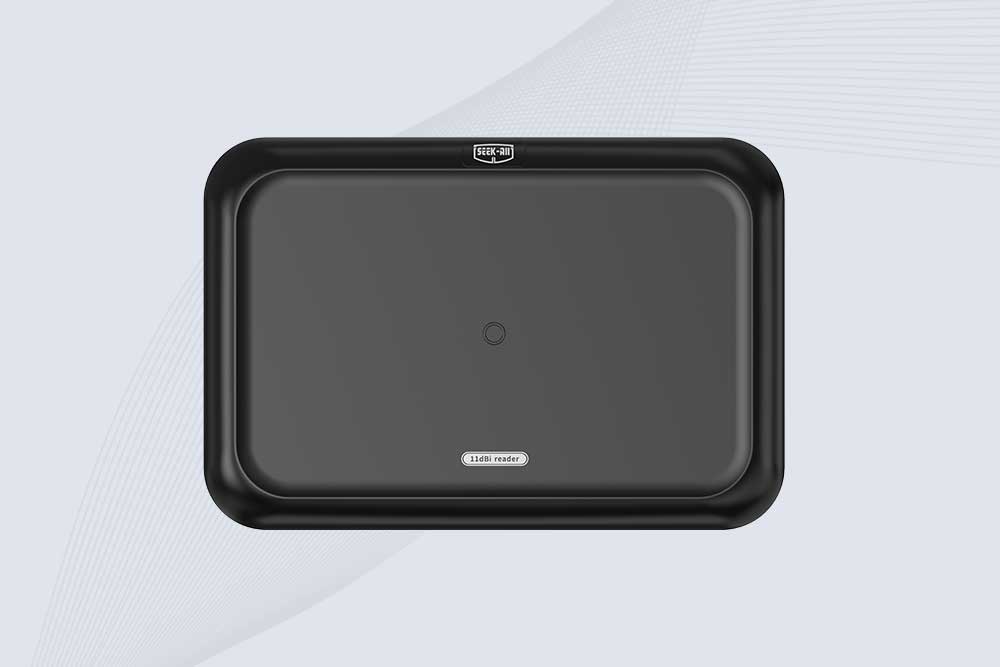
SSD-RA11L is an 11 dBi UHF RFID reader with up to 15m reading distance, 600+ tags/s speed, integrated antenna and flexible connectivity.
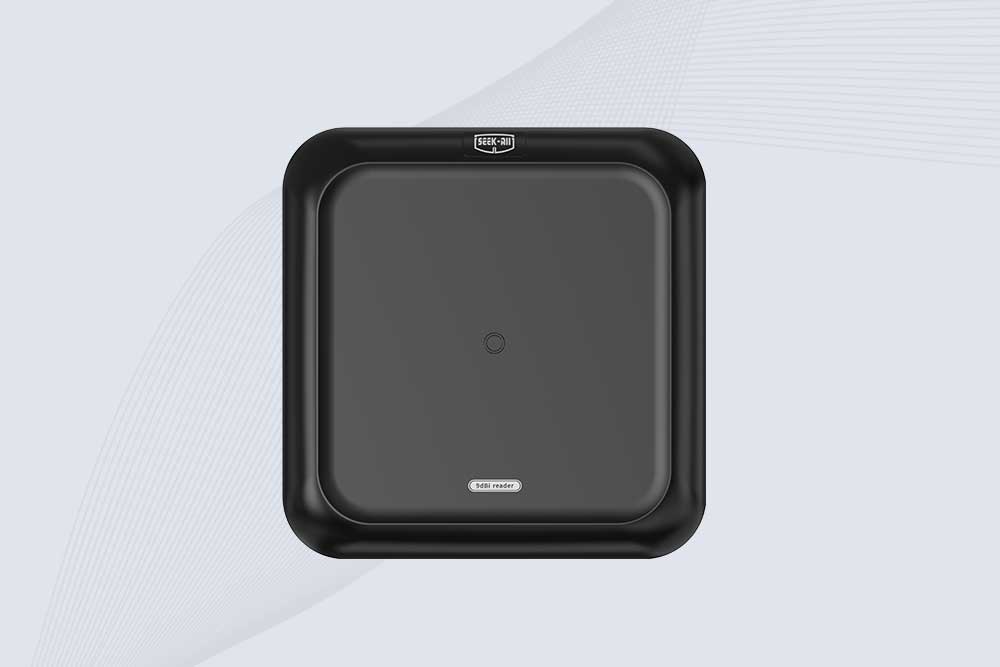
SSD-RA09L is a long range UHF RFID reader with a built-in 9 dBi antenna, 10m reading range, 600+ tags/s speed and flexible interfaces.
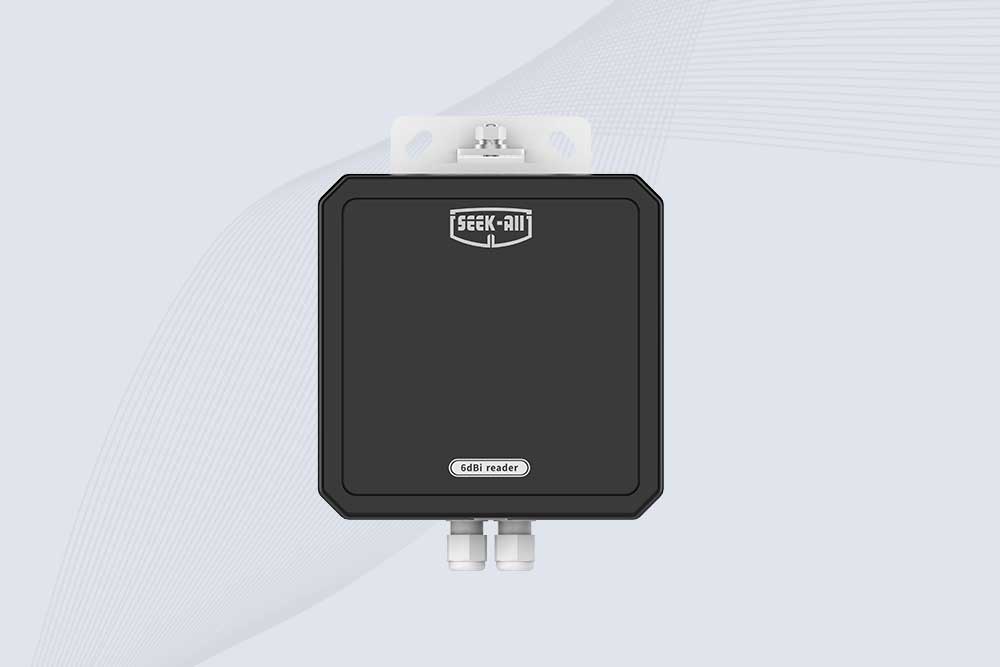
SSD-RA06L is an industrial UHF RFID reader with a built-in 6 dBi antenna, 3 m read range, 600+ tags/s, Ethernet, RS232, and optional Wi-Fi, 4G, and PoE.
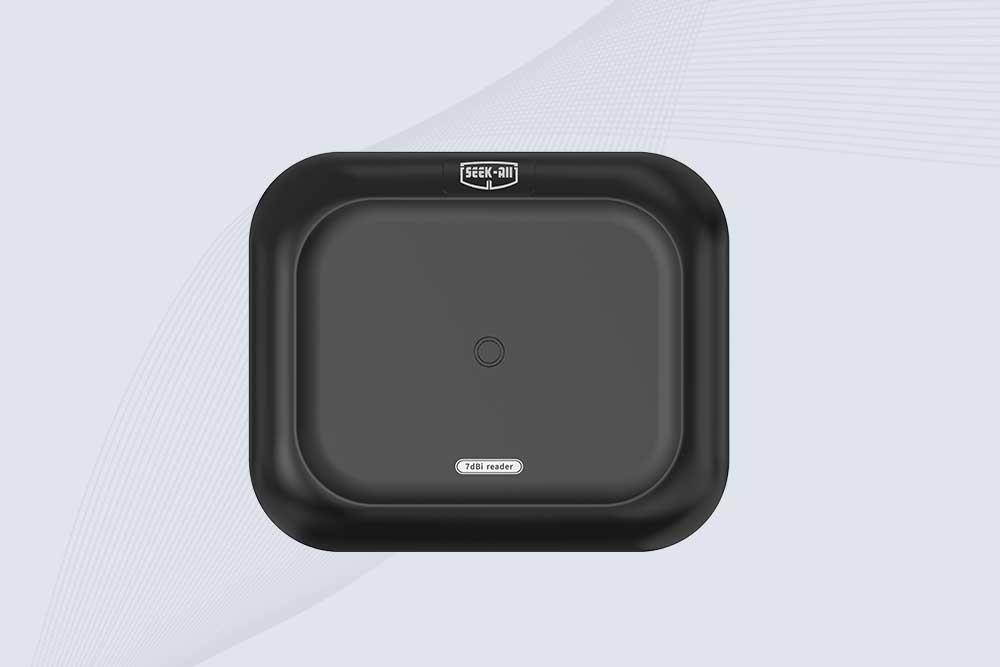
SSD-RA07L industrial UHF RFID reader with integrated 7 dBi antenna, up to 6 m reading distance, over 600 tags/s, Ethernet, RS232, and optional Wi-Fi, 4G, and PoE.
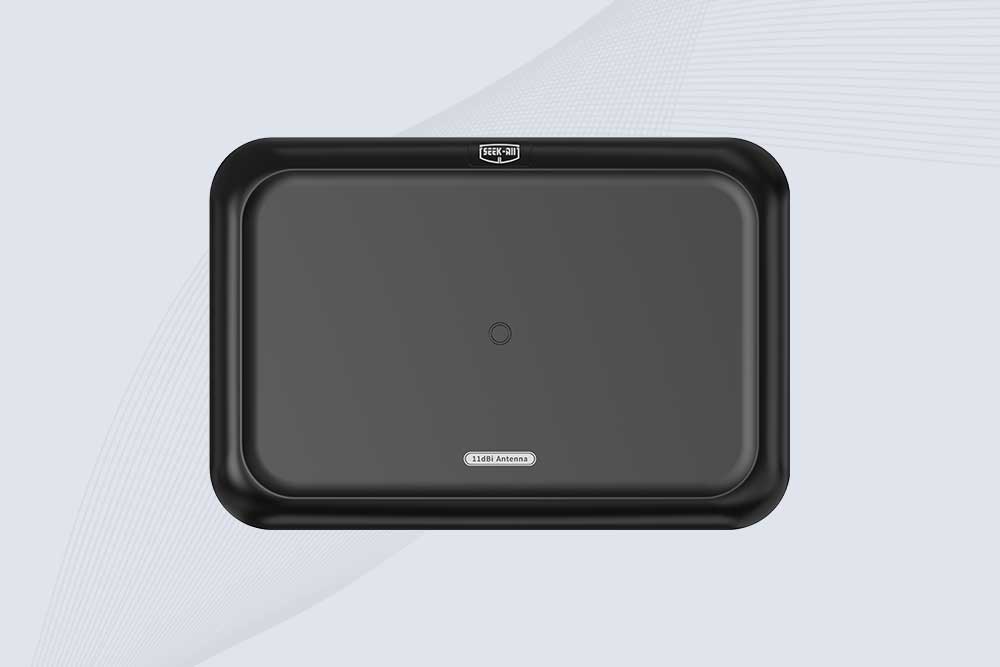
SSD-A11 UHF RFID antenna features 840–960 MHz adjustable frequency, ≥10.5 dBi gain, circular polarization and 50Ω impedance for fixed RFID systems.
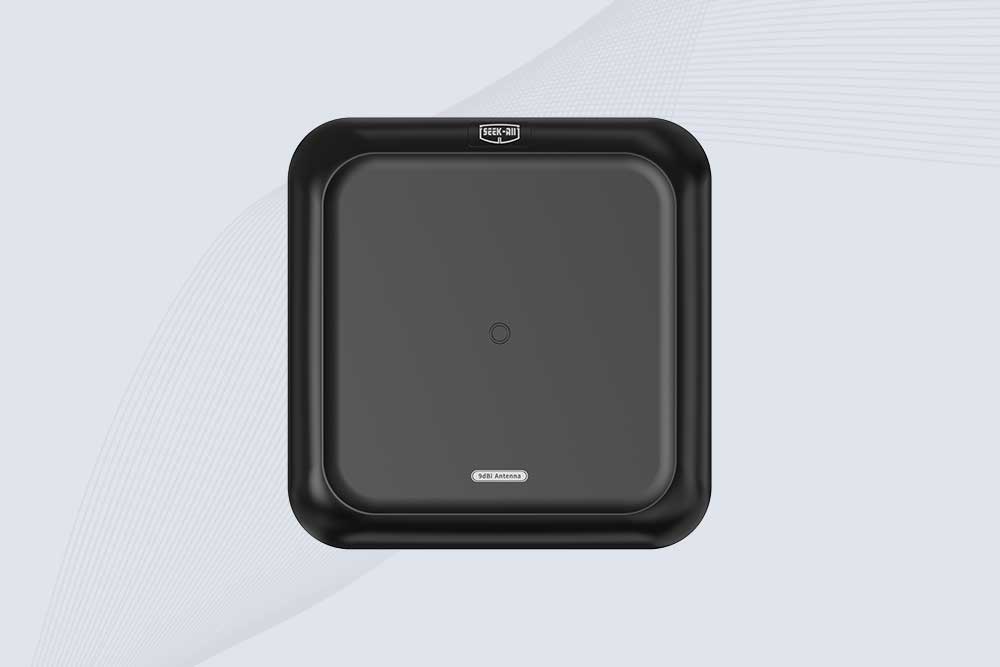
SSD-A09 is a 9 dBi UHF RFID antenna with 840–960 MHz adjustable frequency, circular polarization, 50Ω impedance and directional 60° × 60° coverage.
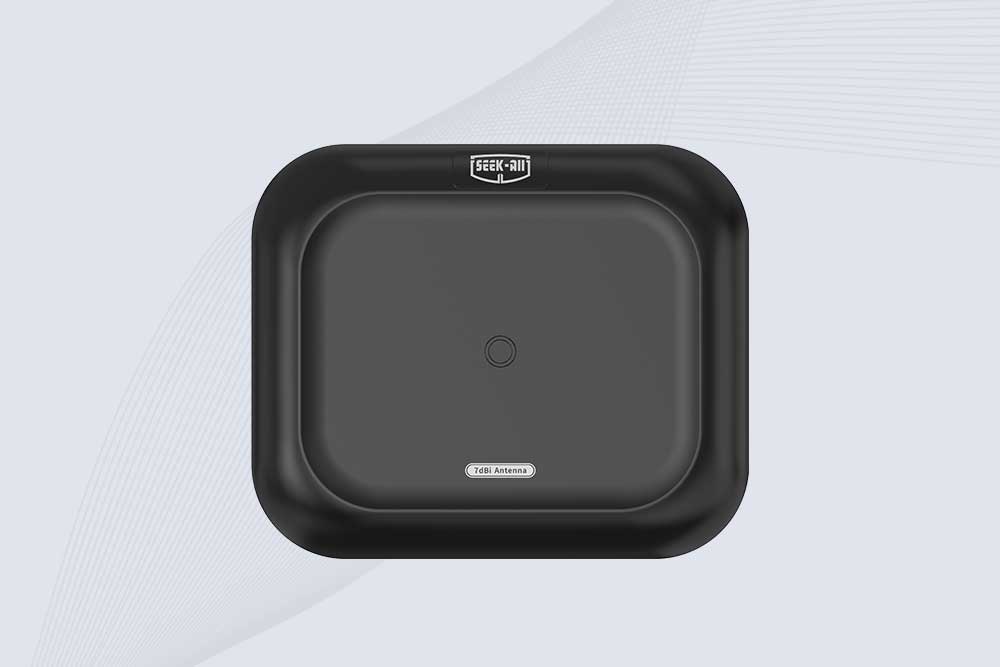
Explore the SSD-A07 UHF RFID antenna with 7 dBi gain, circular polarization, adjustable 840–960 MHz frequency, and 60°/75° beamwidth for stable RFID read/write performance.

SSD-A06 UHF RFID antenna with circular polarization, adjustable 840–960 MHz frequency, ≥4.5 dBi gain, and a compact directional design for RFID systems.
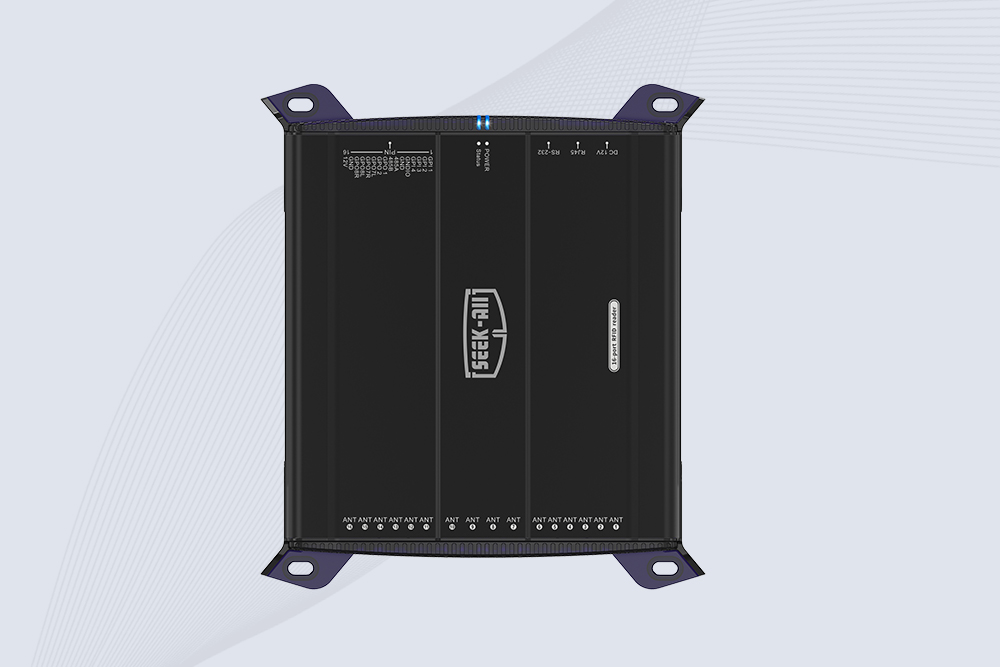
SSD-R16L Multi-Channel RFID Infrastructure for Automated Inventory Management ✔️ 16-Port High-Density RFID Reading Equipped with 16 SMA antenna ports, SSD-R16L supports multi-antenna deployment for warehouses, retail stores, logistics, production lines, and large-area RFID identification. ✔️ High-Speed & Long-Range Performance With up to 33…
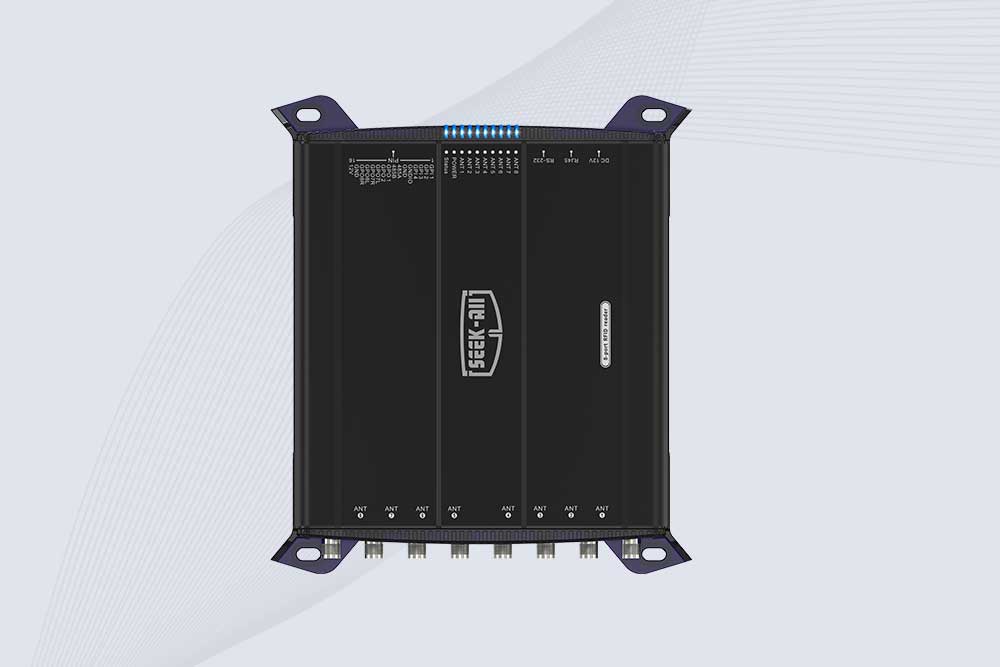
SSD-R8L 8-port UHF RFID reader with 33dBm output, up to 20m reading range and 600+ tags/s recognition. Ideal for warehouse, logistics, retail and asset tracking.
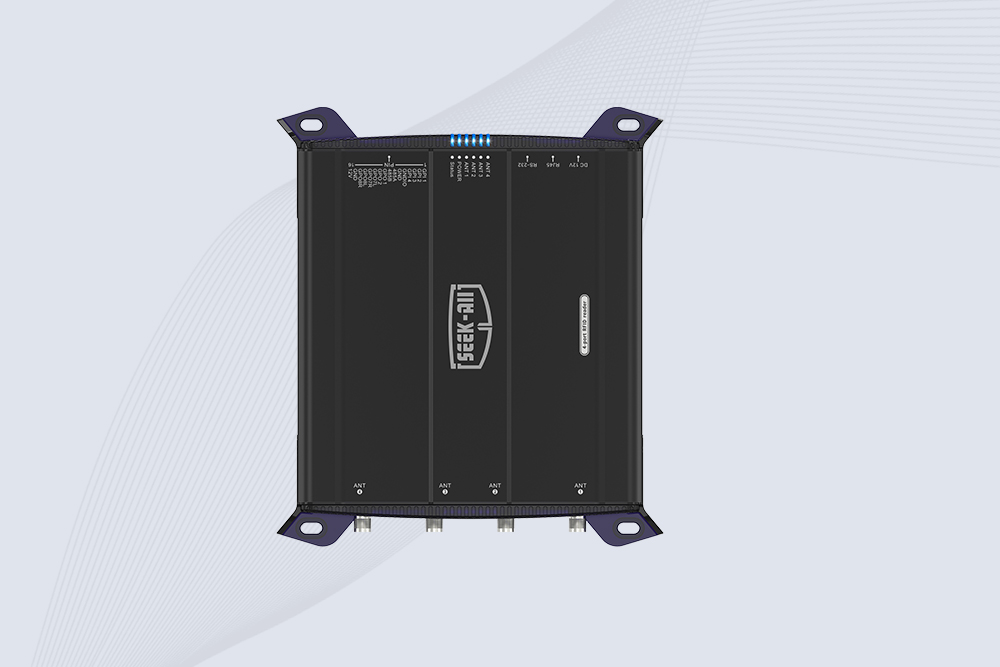
SSD-R4L is a 4-port UHF RFID fixed reader with 33dBm output power, up to 20m reading range, EPC C1G2 support and 600+ tags/s reading speed.
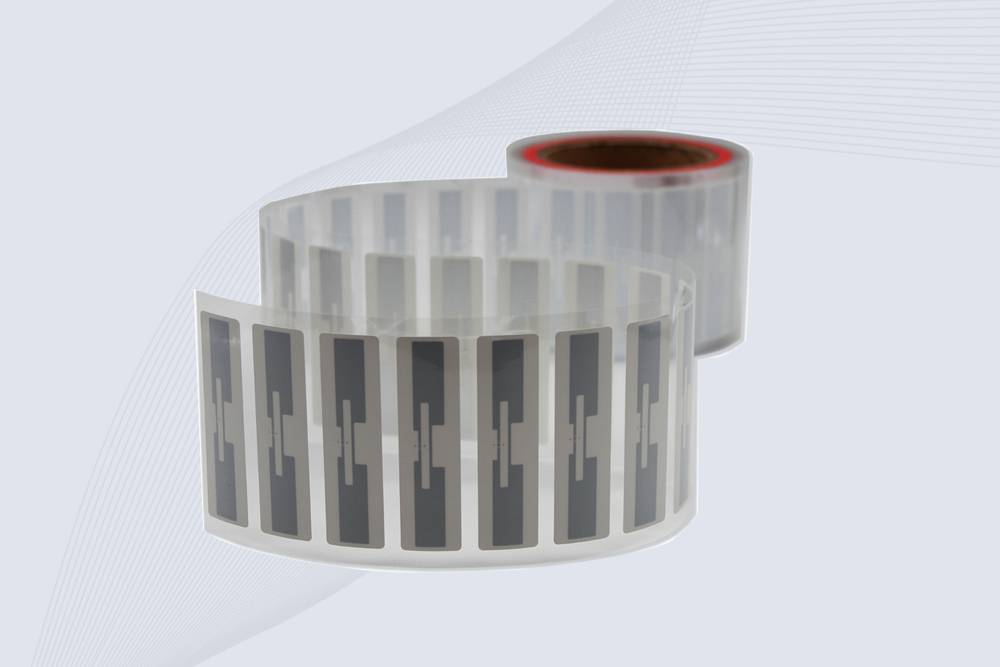
CYKEO Passive RFID Tags are made for wet and high-humidity environments where standard labels do not last. This rfid passive tag is often used around liquids, chemicals and temperature changes, providing stable reading distance and long data life for industrial tracking.
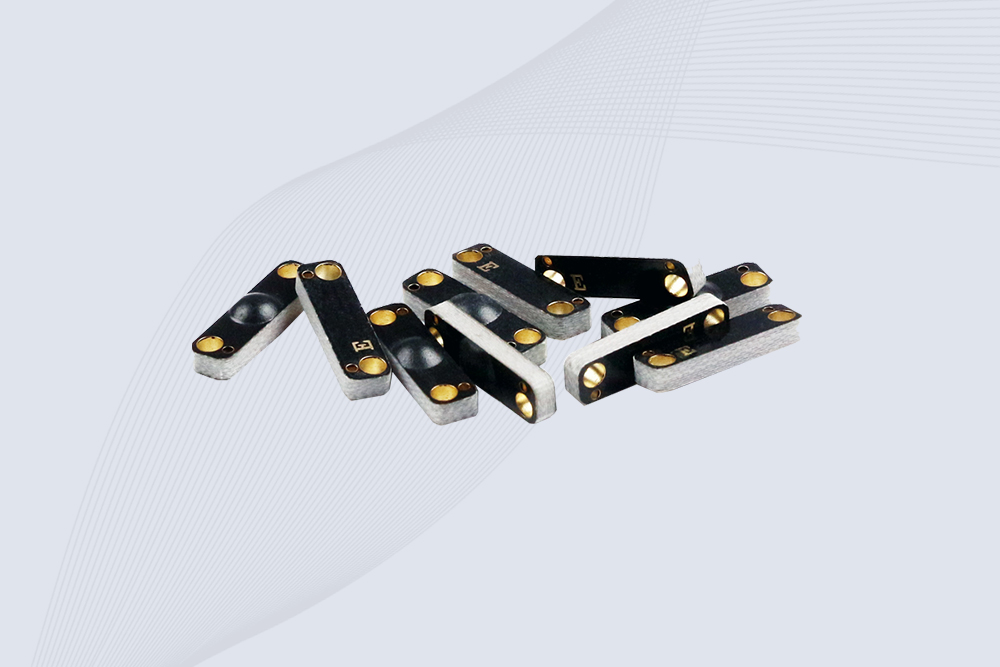
CYKEO CYKEO-PCB1504 Metal RFID Tags is a compact anti-metal UHF RFID solution built for direct mounting on metal surfaces. With stable 8-meter read range, Ucode-8 chip, and long data retention, this rfid metal tag fits tools, containers, automotive parts, and industrial asset tracking.
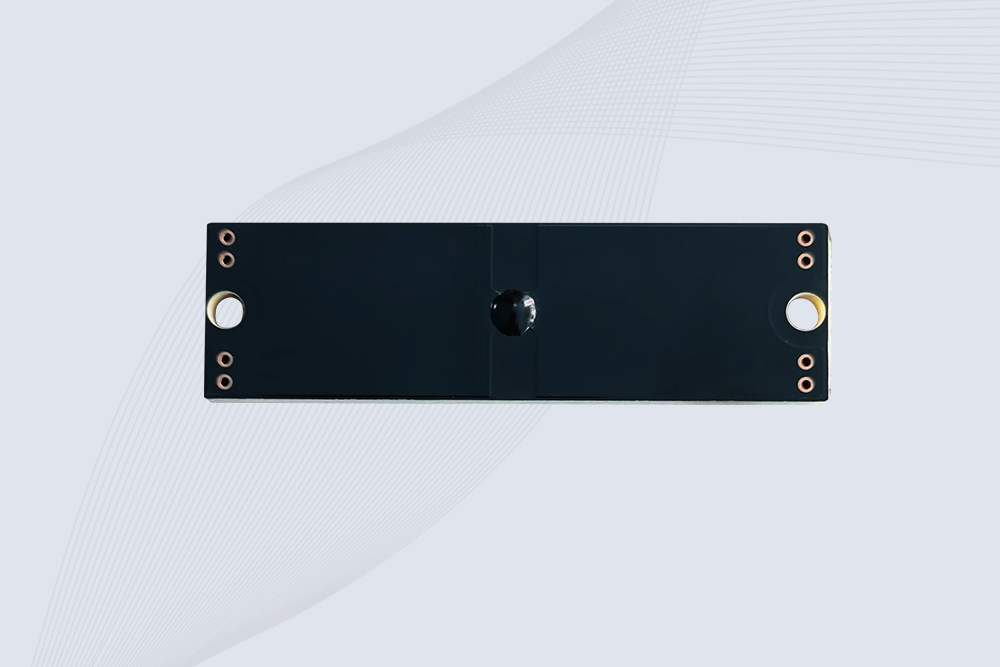
CYKEO CYKEO-PCB7020 On-Metal RFID Tags are designed for reliable tracking on steel and metal surfaces. Built with an FR4 epoxy body and industrial-grade chips, these On-Metal RFID Tags deliver stable performance, long data life, and chemical resistance, making them a dependable RFID anti-metal tag for harsh environments.
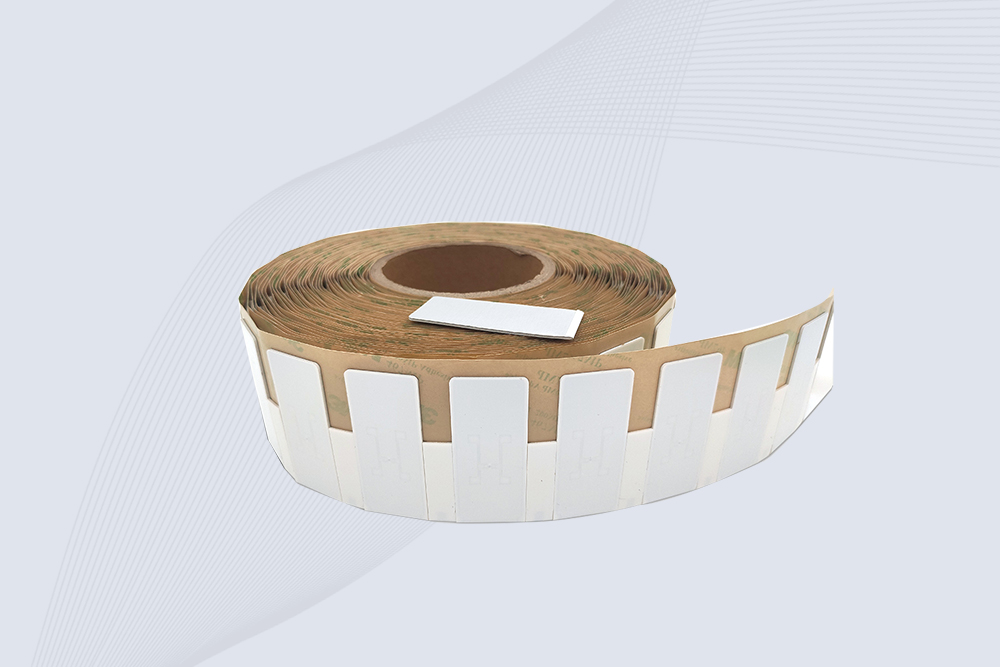
The CYKEO CYKEO-60-25 Anti-Metal RFID Tag is built for metal surfaces where standard tags fail. Designed for long-range performance, harsh environments, and stable data retention, this Anti-Metal RFID Tag is ideal for industrial assets, containers, and equipment tracking using on metal RFID tags.
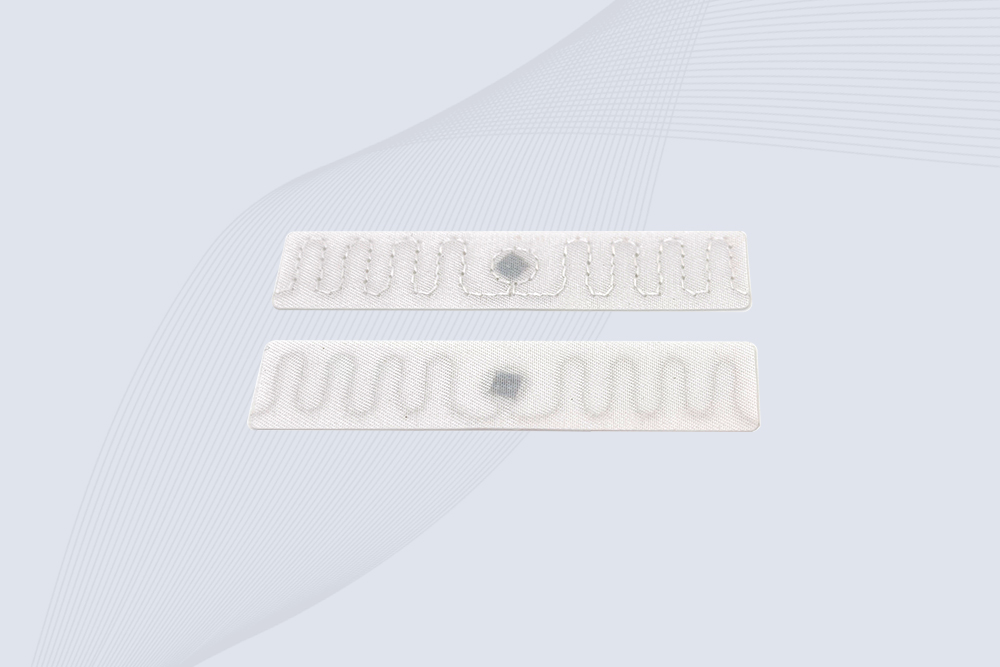
The CYKEO RFID Laundry Tag is designed for long-term textile identification in harsh laundry environments. Built to withstand high heat, chemicals, and repeated washing, this RFID Laundry Tag delivers stable performance for hotels, hospitals, and industrial laundry operations using laundry rfid tags at scale.
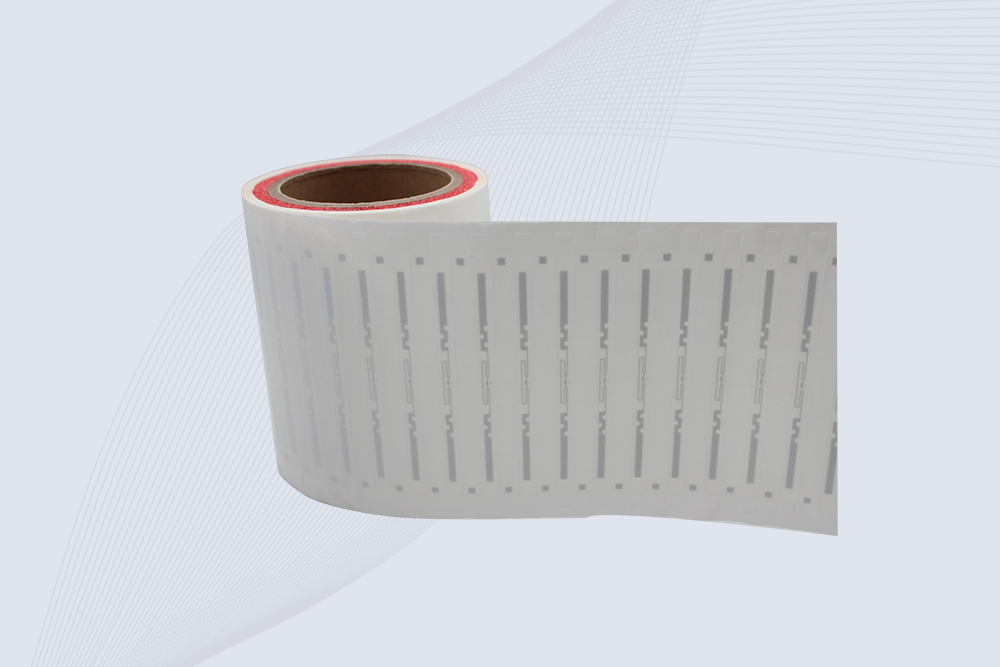
The CYKEO CYKEO-125-7 RFID Book Tag is designed for reliable book and document tracking in libraries and archives. This RFID Book Tag delivers long read range, dense placement support, and stable performance on shelves, making it a practical rfid tag on books for library automation, file management, and archival systems.
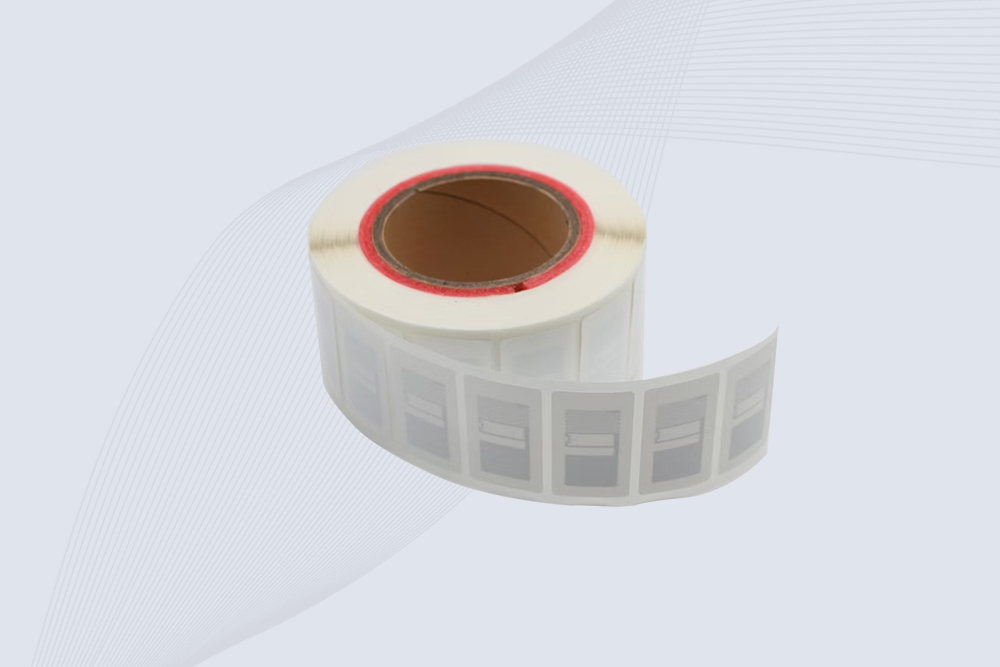
CYKEO RFID tags in hospitals are designed for sterile environments where accuracy matters. These autoclavable RFID tags support long-term tracking of surgical tools, implants, and medications, helping hospitals improve visibility, compliance, and patient safety.

CYKEO RFID Cable Tie Tag is built for reliable identification on metal surfaces. This UHF RFID Cable Tie Tag is widely used in rfid tags for inventory systems, industrial asset management and Hospital RFID Tags, offering stable read performance, long service life and global EPC Gen2 compatibility.
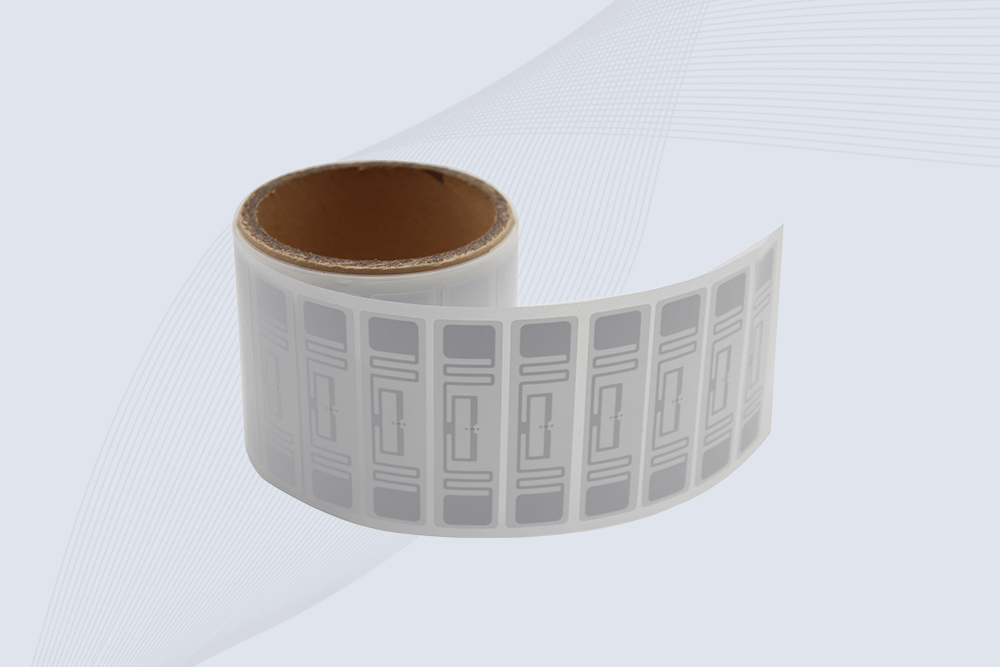
CYKEO RFID Asset Tag is designed for stable identification of metal assets in industrial environments. This UHF RFID Asset Tag is commonly used for rfid tag asset tracking on equipment, tools and containers, providing reliable reads, long service life and ISO/IEC 18000-6C support.

CYKEO UHF RFID Card is designed for fast identification and long-term use in industrial and commercial systems. Supporting ISO 18000-6C, this UHF RFID Card works at 860–960 MHz and is suitable for custom RFID cards used in asset tracking, access control and inventory management.
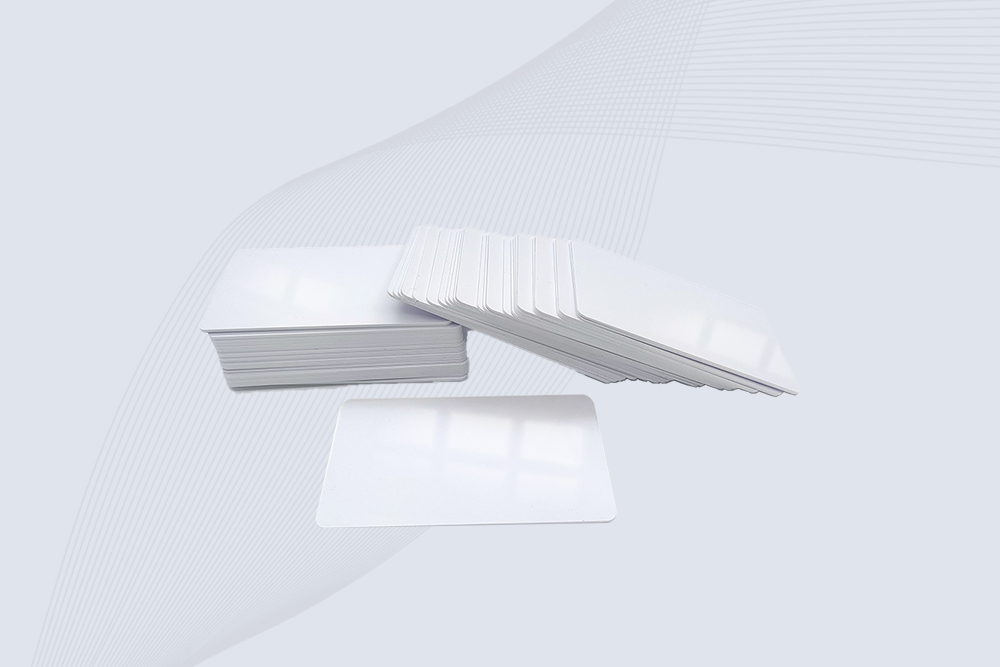
CYKEO HF RFID Cards are designed for secure and stable access control systems. These 13.56 MHz RFID key cards support ISO 14443-A, reliable rewriting and long service life, making HF RFID Cards suitable for offices, campuses, events and membership management.
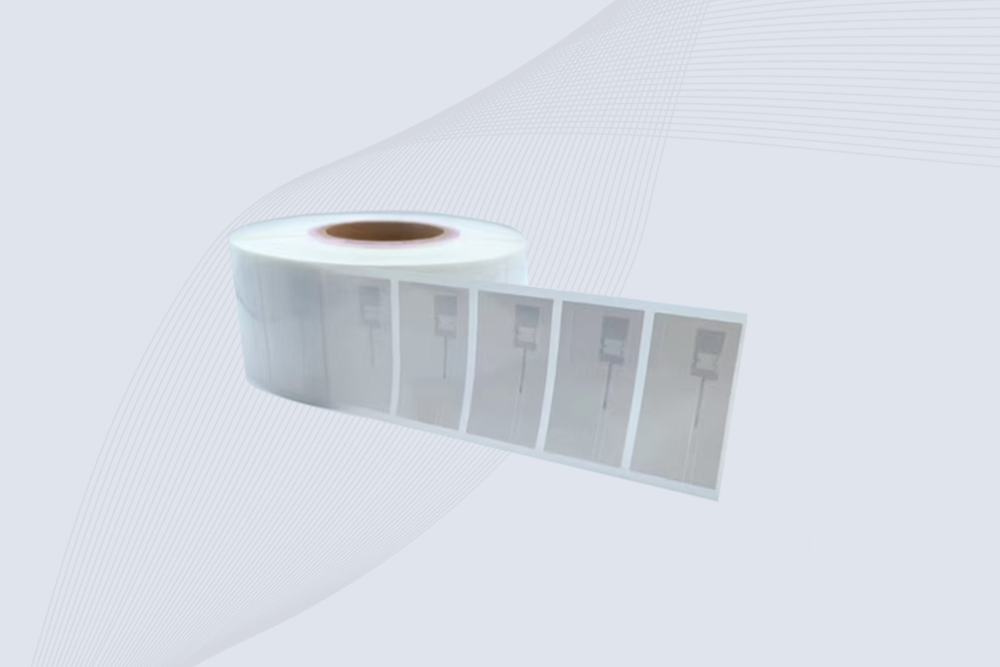
CYKEO UHF RFID Tag is designed for reliable tracking of metal jewelry and high-value items. This Jewelry RFID Tag supports long-range reading up to 8 meters, anti-counterfeit protection and stable performance on metal, making it suitable for retail, inventory control and asset management.
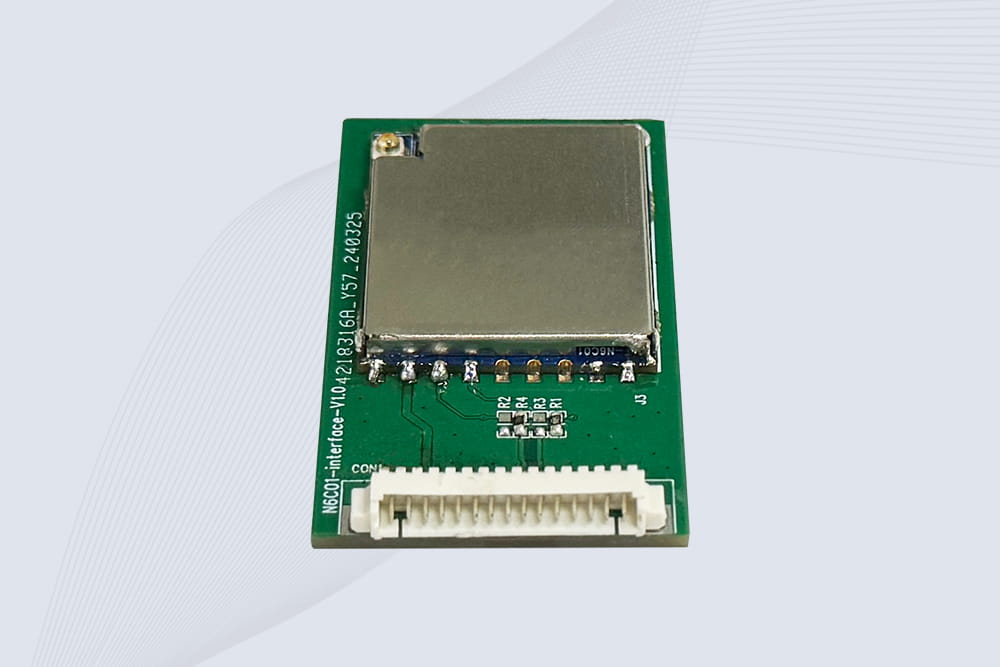
CYKEO Embedded RFID Modules are designed for compact industrial and IoT devices that require stable UHF performance. These UHF RFID Modules support global protocols, flexible power control, and reliable multi-tag reading for smart cabinets, production lines, and asset tracking systems.
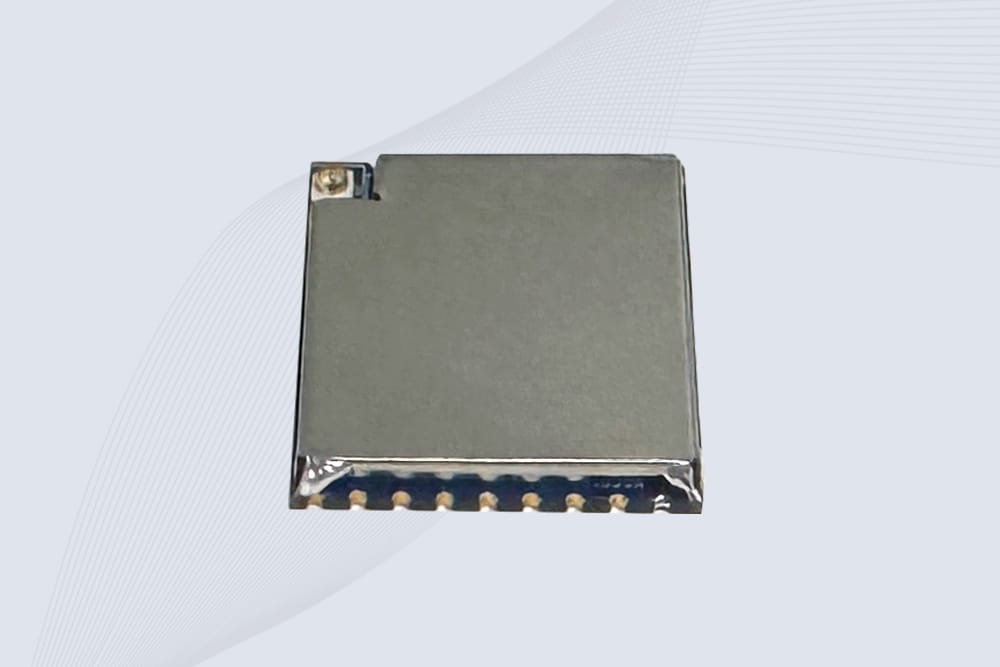
CYKEO Embedded RFID Module is built for compact IoT and industrial devices that need stable UHF performance. This UHF module supports global protocols, low power operation, and reliable multi-tag reading for smart lockers, production lines, and always-on RFID systems.
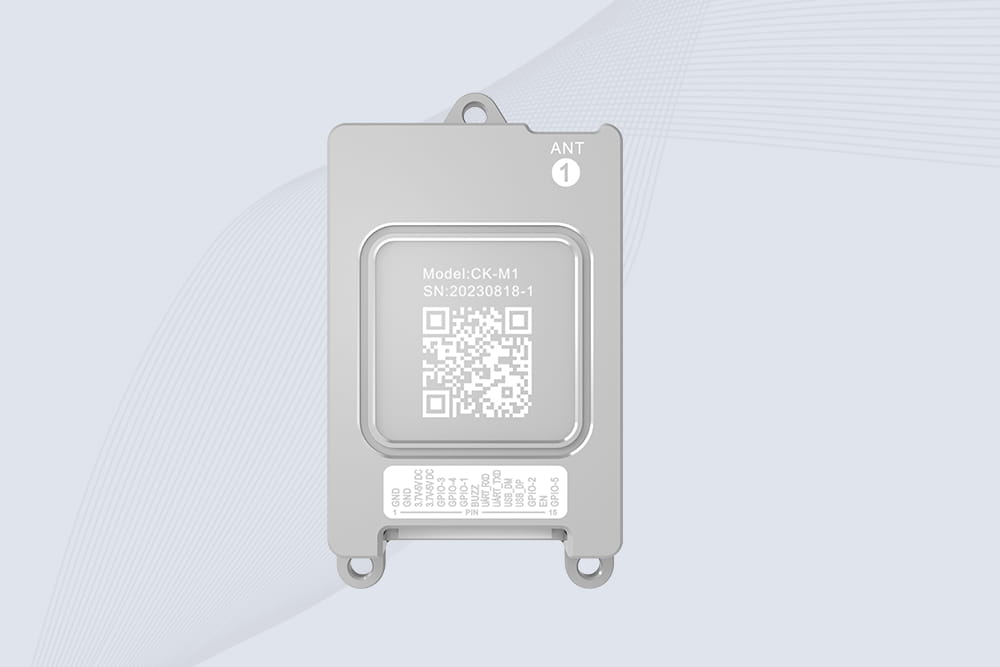
CYKEO CYKEO-M1 drone rfid module is a compact UHF RFID reader module designed for drones and UAV platforms. It supports long-range aerial scanning, fast multi-tag reading, and stable performance in wind, vibration, and outdoor environments.
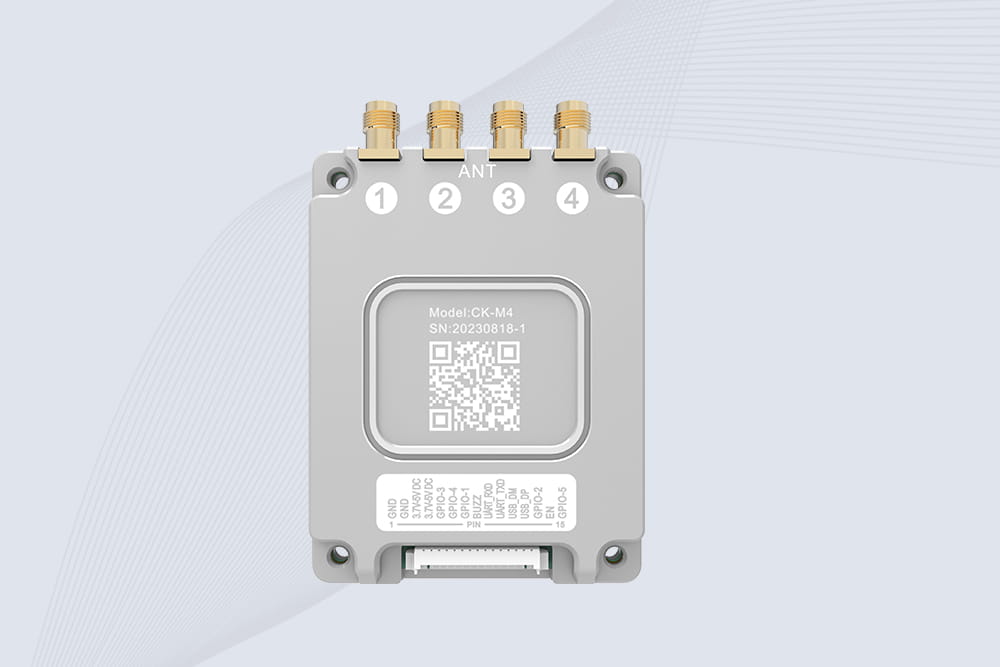
CYKEO CYKEO-M4 RC522 RFID Module is an industrial-grade UHF RFID reader with 4 ports, supporting ISO, EPC, and GB protocols. High-speed, accurate reading for IoT, automation, and warehouse applications.
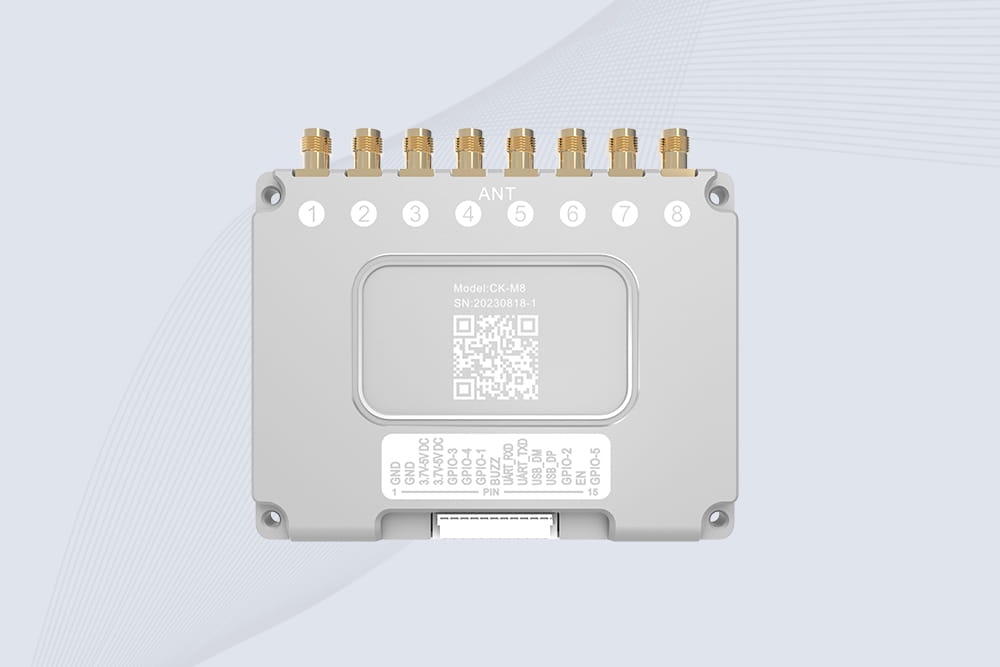
CYKEO CYKEO-M8 Module RFID is an 8-port UHF R2000 RFID Module designed for high-density, multi-tag environments. Stable 33dBm output, ISO & GB protocol support, ideal for warehouses, factories, and automated systems.
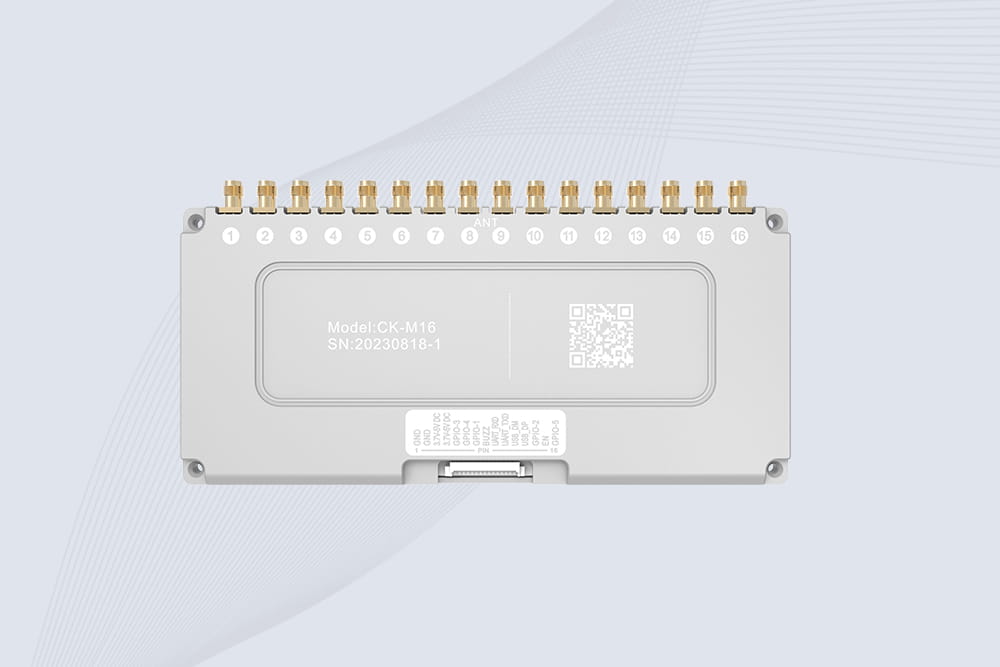
CYKEO CYKEO-M16 RFID Module is a 16-port UHF RFID reader module based on the R2000 chipset. Designed for dense tag environments, it supports ISO and GB standards and delivers stable multi-antenna control for industrial automation.
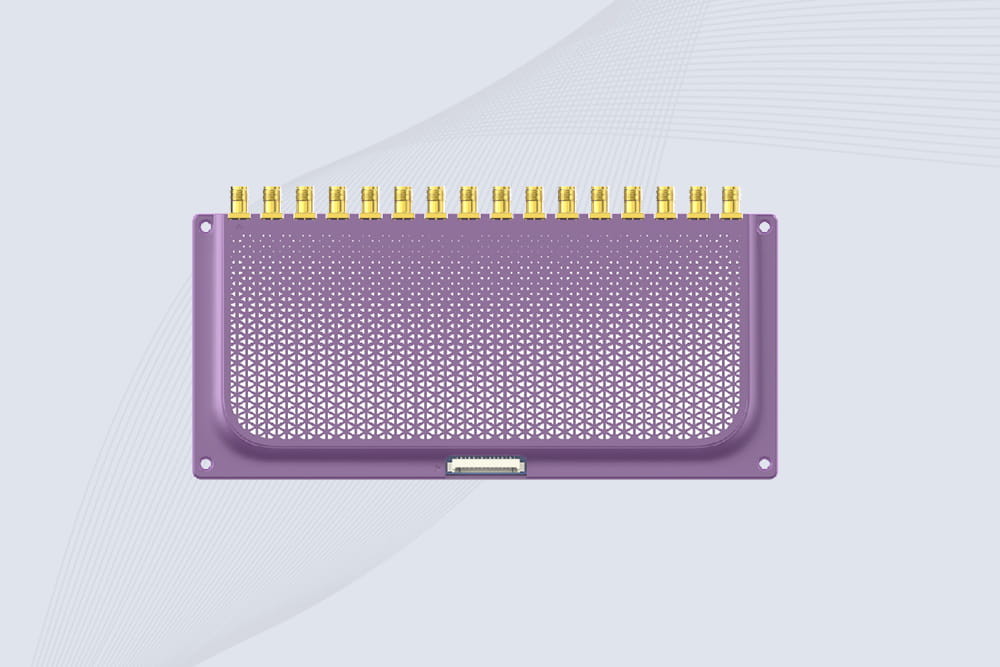
The CYKEO CYKEO-M16L RFID Reader Module is a 16-channel UHF RFID core designed for dense tag environments. With adjustable 33dBm output, multi-protocol support, and stable multi-antenna control, this RFID Tag Reader Module fits industrial automation, warehouse systems, and large-scale IoT deployments.
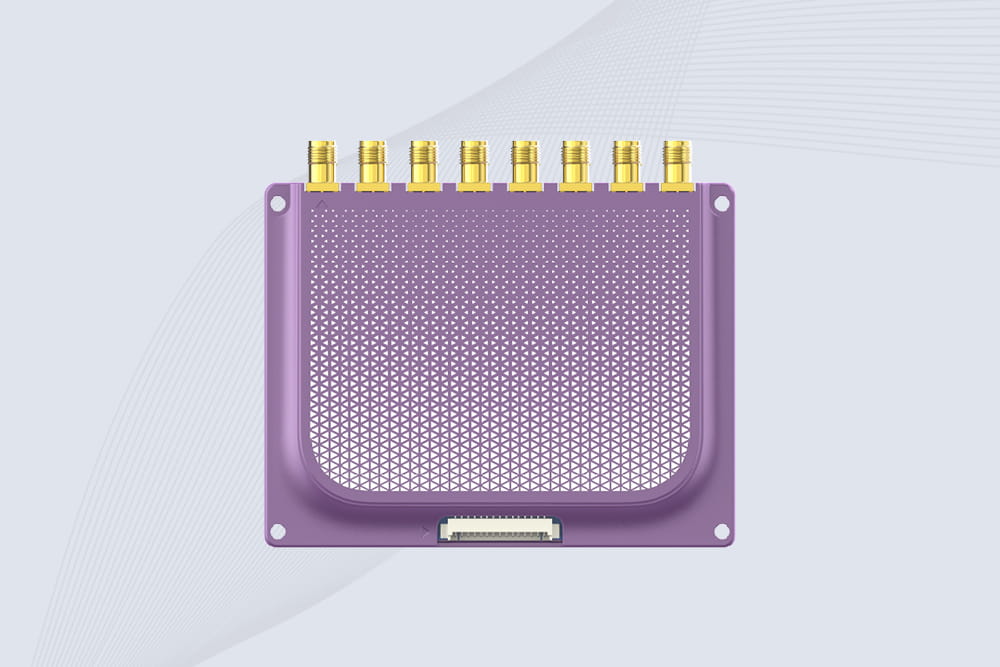
CYKEO CYKEO-M8L module RFID is a compact industrial UHF module built for dense tag and multi-antenna environments. With 8 RF ports, adjustable 33 dBm output, and ISO & GB protocol support, it is widely used in factories, warehouses, and automated tracking systems.
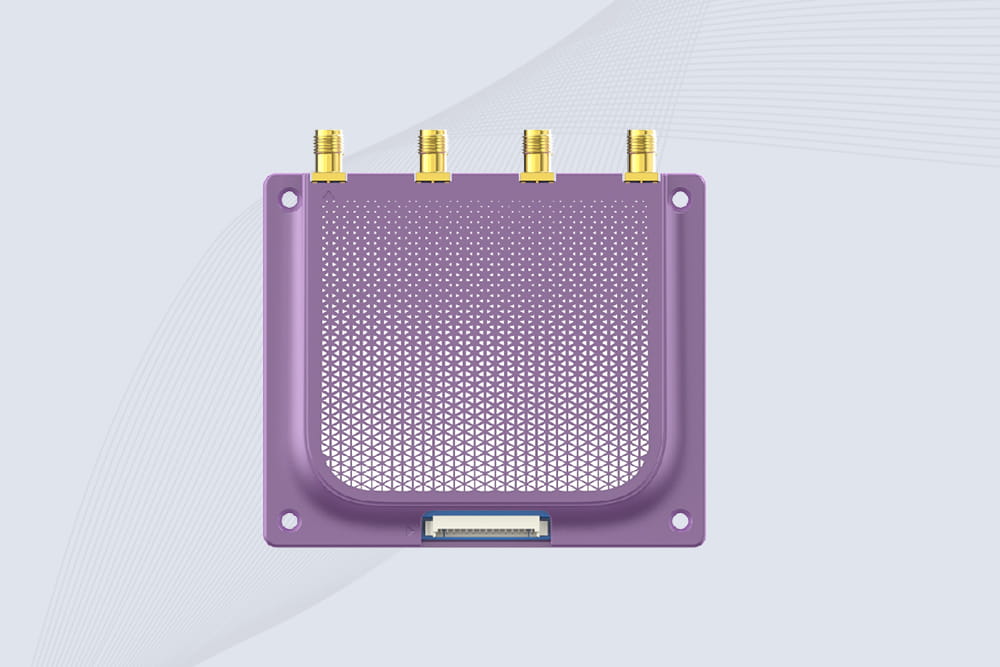
CYKEOCYKEO-M4L UHF RFID Module is a compact 4-channel RFID tag reader module designed for dense tag environments. Supporting ISO and GB protocols, it delivers stable reads up to 10 meters for industrial and IoT systems.
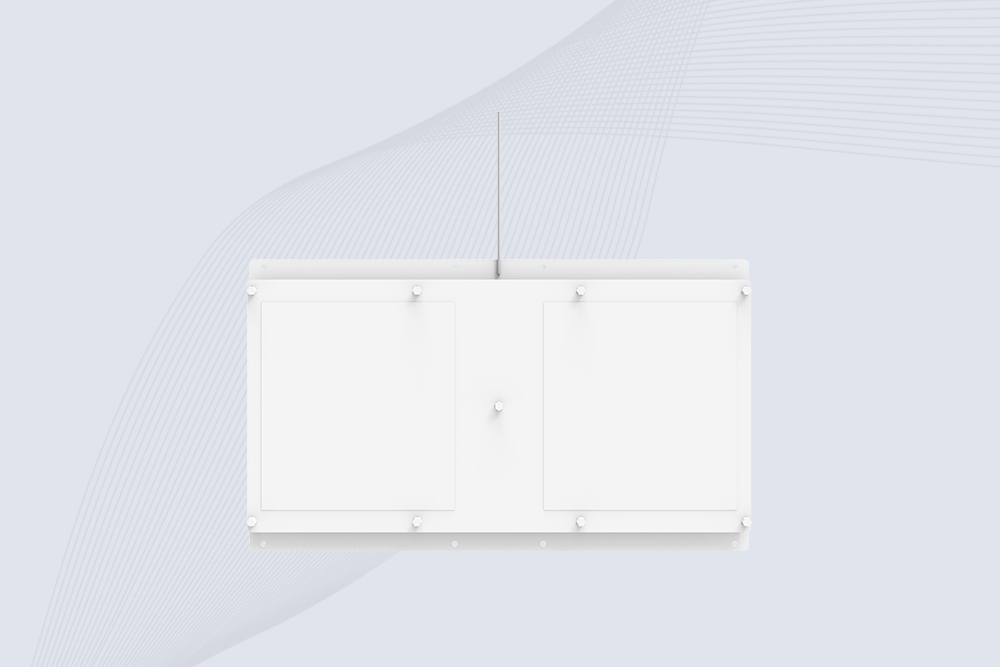
Cykeo CYKEO-A11 UHF RFID reader antenna delivers 11dBi gain, 840-960MHz frequency range, and IP65 ruggedness for retail, logistics, and industrial RFID systems. Features low VSWR and easy installation.

CYKEO Antenna RFID Reader delivers stable long-range UHF performance with a 10.5dBi directional design, built for warehouses, conveyor portals, and industrial RFID systems. This rfid reader antenna provides 20m+ read distance and rugged IP67 protection.

Cykeo CYKEO-PHF3 industrial HF RFID Antenna offers 24-point dynamic tracking, ISO 14443A/15693 protocols, metal-environment stability for archives/libraries/manufacturing.

Cykeo CYKEO-A5B industrial Linear RFID Antenna delivers 5dBi gain, ≤1.5:1 VSWR, and IP65 rugged design for warehouse, production line, and logistics UHF systems.

Cykeo’s CYKEO-B12 Long Range RFID Antenna delivers 15m+ read range with 12dBi gain, IP65 rugged design, and global 840-960MHz UHF support. Ideal for warehouse/logistics asset tracking.
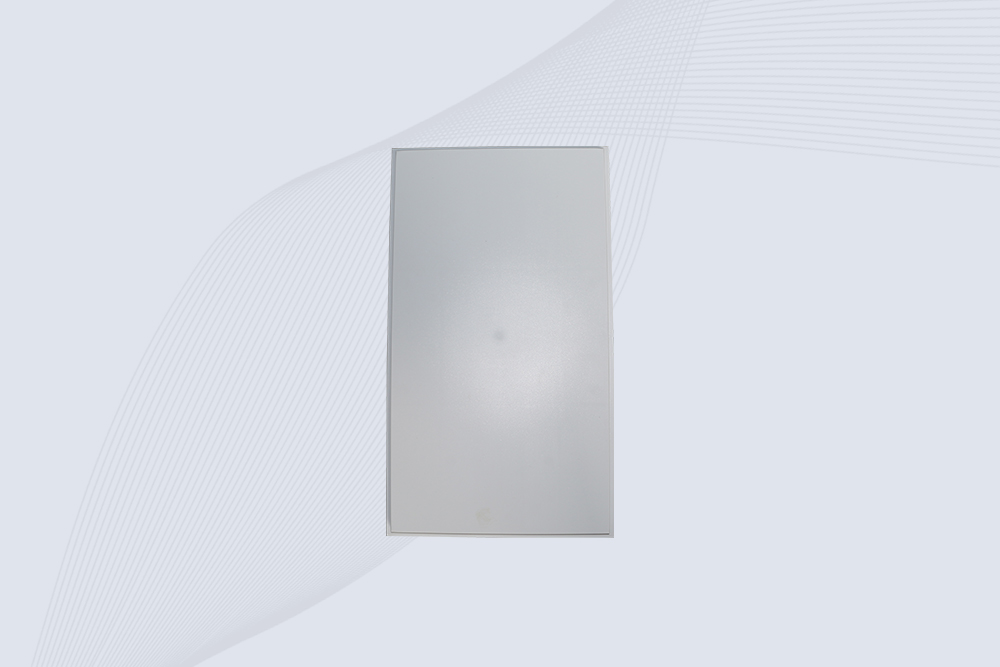
Cykeo CYKEO-B10 Long Distance RFID Antenna offers 10dBi gain, 840-960MHz frequency range, IP65 rating, and 20m+ coverage for logistics/warehousing/ETC systems. Low VSWR ensures stable signal transmission.
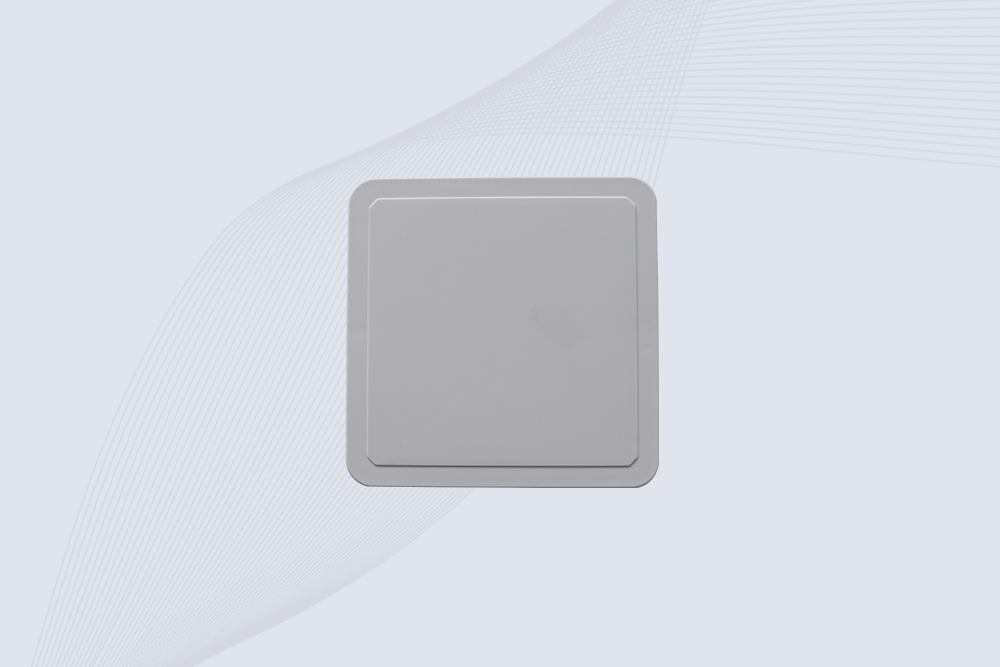
Cykeo CYKEO-A6 UHF RFID panel antenna features 6dBi gain, 840-960MHz broadband, IP65 metal-ready housing for logistics/smart retail. 18mm ultra-thin design with tool-free mounting.

Cykeo CK-A3 industrial antenna RFID UHF offers 5m+ tag detection, ≤1.3:1 VSWR, IP65 rugged design, and global UHF spectrum compatibility (840-960MHz) for warehouses, factories, and retail.
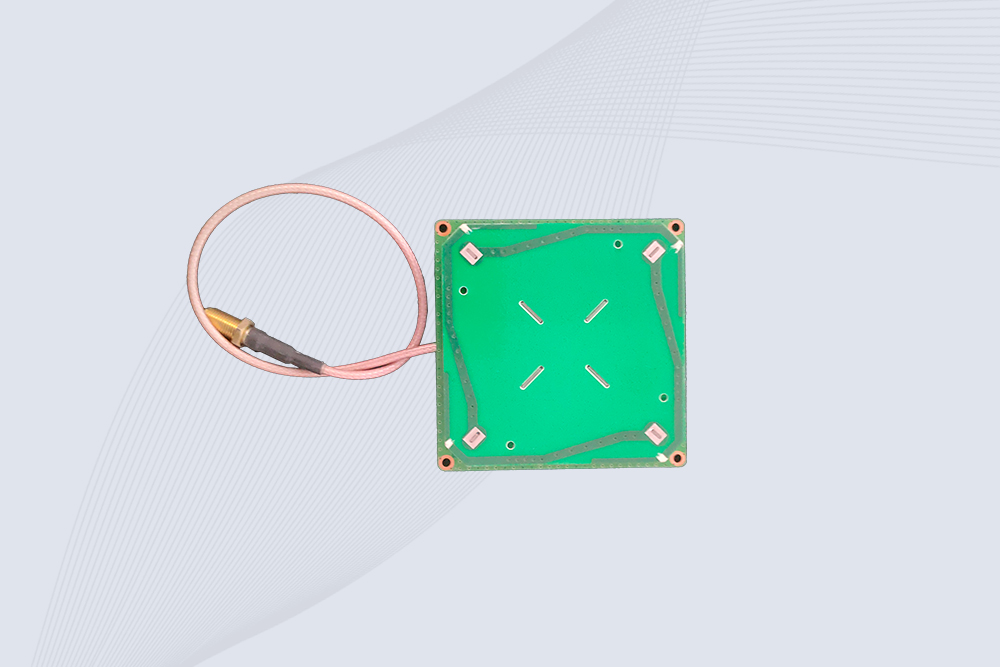
Cykeo CYKEO-B5 directional RFID antenna provides 5dBi gain with 60° narrow beamwidth for precise inventory tracking. IP65-rated, global UHF frequency support, and low VSWR.
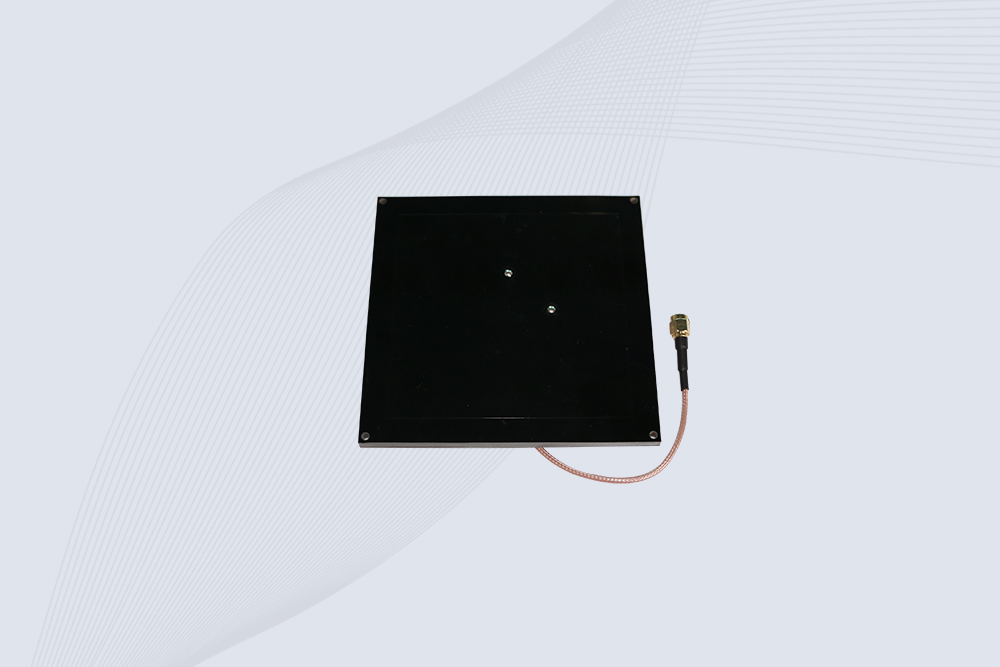
Create your own high-performance DIY RFID antenna! 5dBi gain, 840-960MHz tunable, step-by-step guides. Compatible with Arduino, Raspberry Pi, and commercial UHF readers.
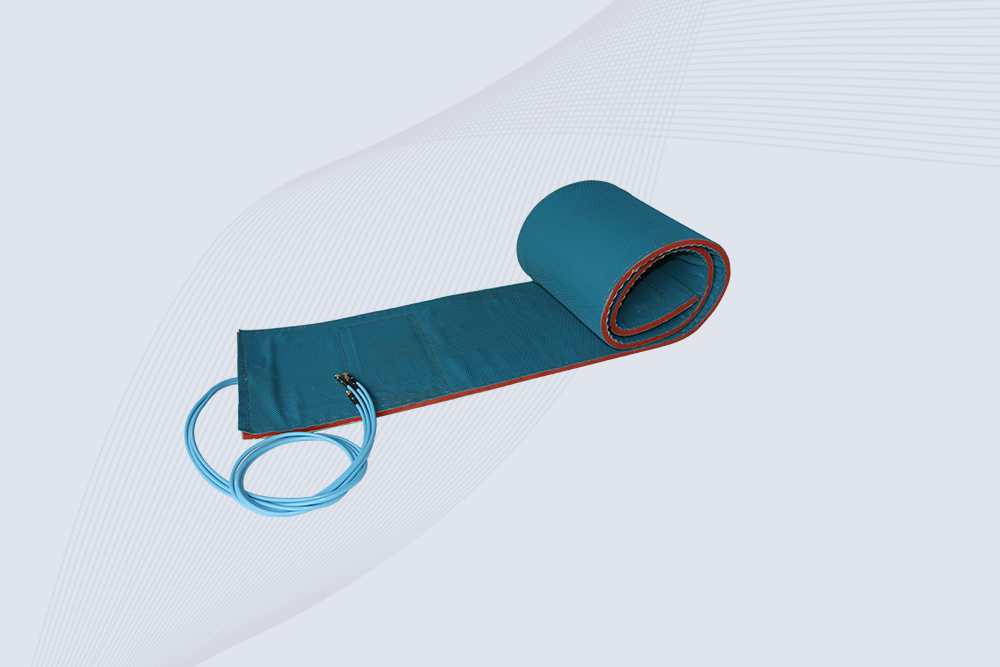
Cykeo CYKEO-A7 Flexible RFID Antenna features 840-960MHz wideband tuning, 7dBi gain, and IP68 rating for medical/retail/industrial curved surface deployments. 98% read accuracy with peel-and-stick installation.

Cykeo CYKEO-B5A industrial Passive RFID Antenna delivers 5dBi gain, 70° beamwidth, and -40°C~55°C operation for warehouses/smart cabinets. Compatible with Zebra/Impinj readers.
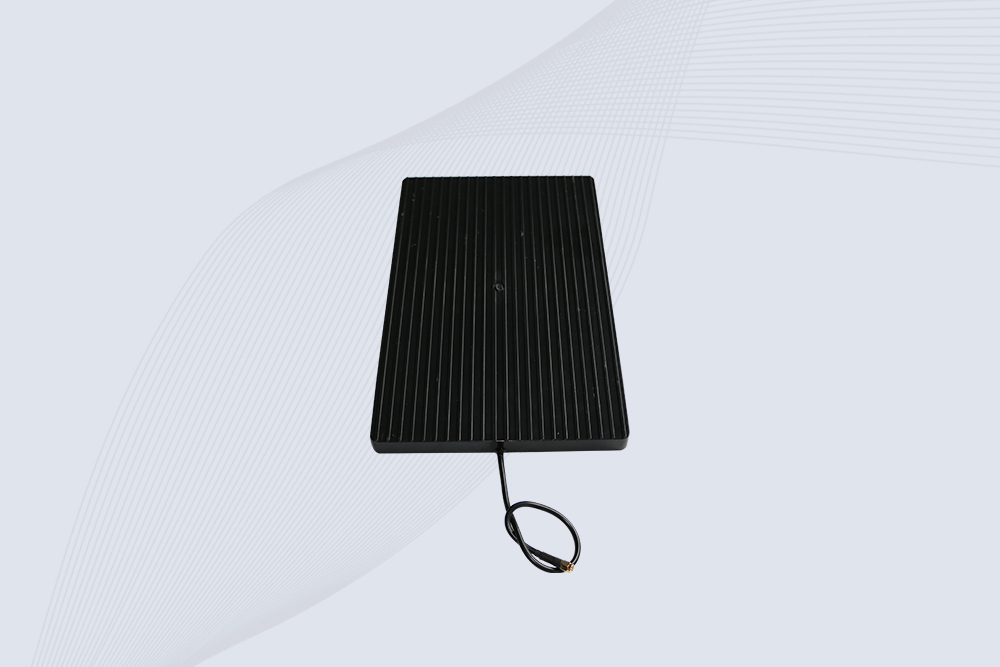
Cykeo’s CYKEO-A9B High Gain RFID Antenna delivers 15m+ read range with 9dBi amplification. Features IP54 rugged design, 840-960MHz bandwidth, and 80° beamwidth for warehouse/manufacturing RFID systems.

Cykeo’s enterprise-grade 8dbi Impinj RFID Antenna 10m+ read range with 840-960MHz tuning. Features IP65 housing, 1.4 VSWR, 35° beamwidth for retail/warehouse RFID systems.
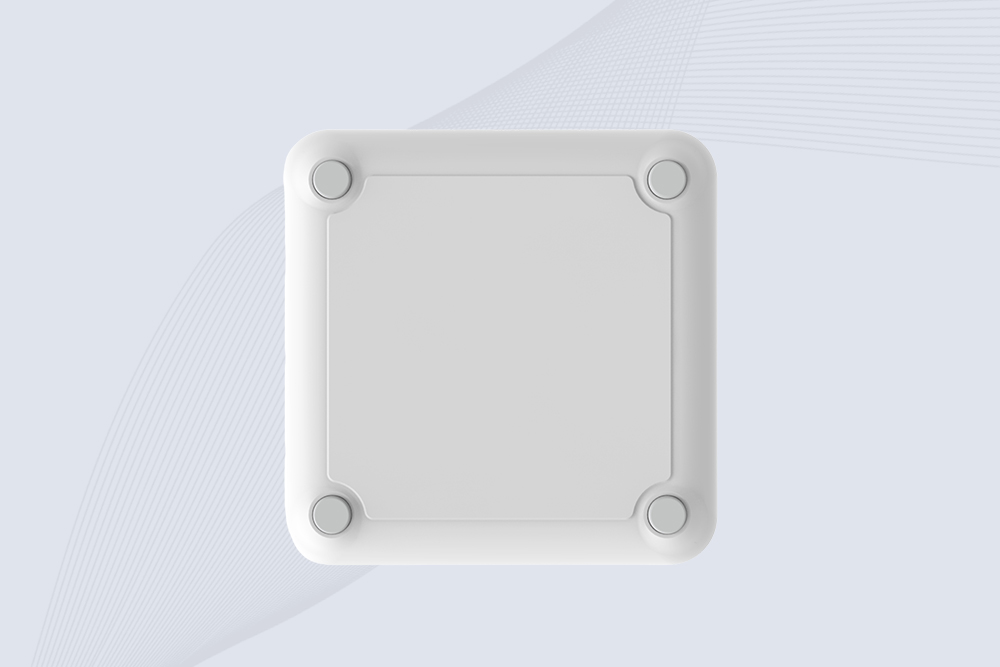
Cykeo CYKEO-A9 industrial UHF RFID antenna delivers 9dBi gain, 840-960MHz frequency range, and IP65 protection for warehouse/logistics/retail RFID systems. Features N-type connector and ≤1.3:1 VSWR.
CYKEO UHF RFID Antenna built for long-distance and industrial applications. This antenna rfid uhf delivers strong gain, outdoor durability, and reliable tag performance in warehouses, yards, and vehicle ID systems.
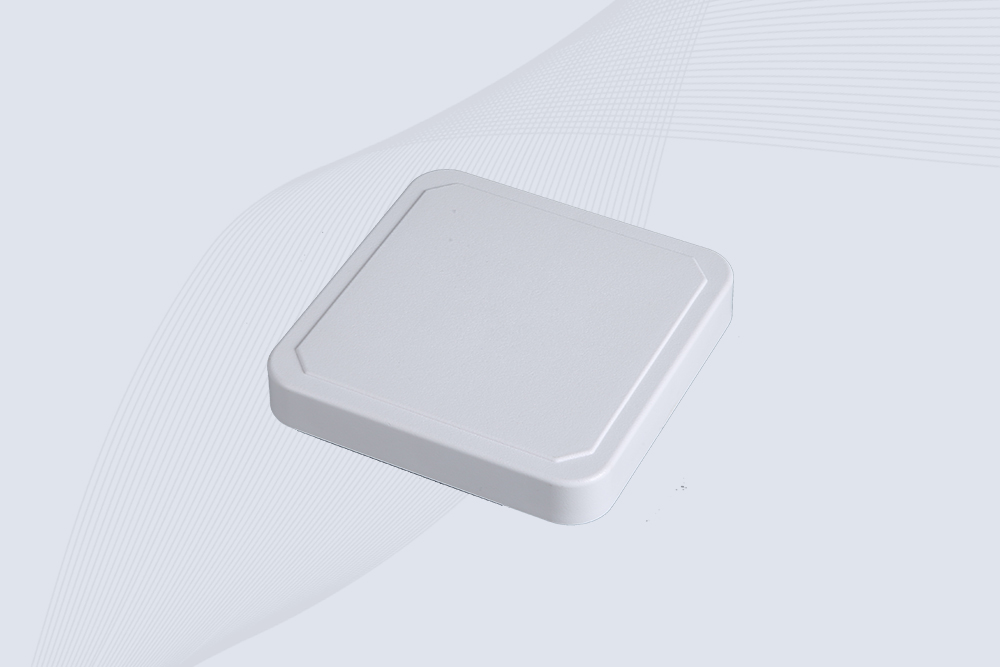
CYKEO Antenna RFID delivers reliable long-range UHF performance in warehouses, retail shelves, and cold-chain environments. This compact uhf rfid antenna provides stable reads with circular polarization and ultra-wide 840–960 MHz support, ideal for industrial tracking, smart shelves, and asset monitoring.
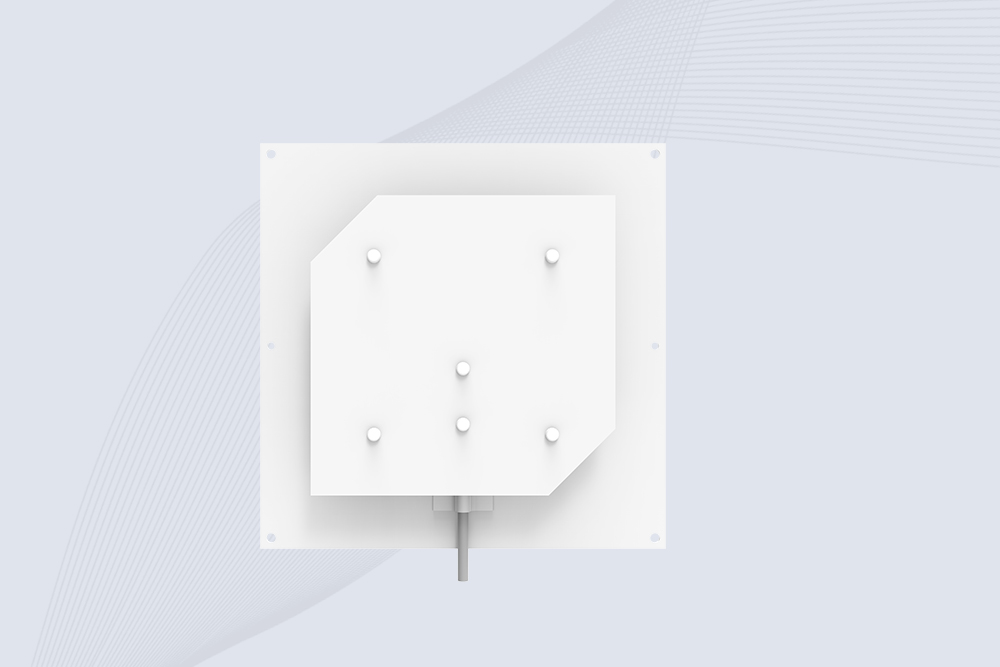
Cykeo’s CYKEO-C8 UHF RFID antennas delivers 8dBi gain, 840-960MHz full-band coverage, and IP65 ruggedness for manufacturing/warehouse RFID systems. Industrial RFID Antennas Features

Metal RFID tags deliver reliable UHF asset tracking on metal surfaces for industrial equipment, warehouse inventory, and manufacturing environments with high read accuracy.
More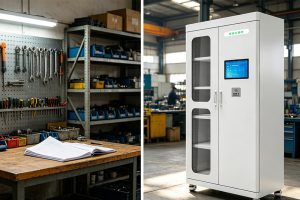
Comparing RFID tool cabinets and traditional tool rooms? Learn the real differences in efficiency, control, and cost based on actual industrial use cases.
More
Not sure which RFID reader to buy? Learn how to choose RFID readers by frequency, range, antenna, tags, environment, interfaces and application requirements.
More
RFID tool cabinets and traditional tool storage both organize shared equipment, but they differ in automation, accountability, inventory visibility, and acce...
More