 Cykeo RFID IoT Solution Products R&D Manufacturer
Impinj RFID Reader in Retail: From Manual Inventory to Smart, Real-Time Tracking
168Discover how Impinj RFID reader solutions transform retail inventory management and enable unmanned store operations with real-time tracking and automation.
MoreAll RFID Product
I got an interesting question from a customer last week: how can I make a RFID reader read backwards? They were setting up a warehouse system and needed to read tags behind shelving without walking around every time. It’s not as crazy as it sounds. Sometimes you need your reader to work in directions it wasn’t designed for. The short answer is yes, you can make a reader read “backwards” , but it depends on what you mean by backwards—physical direction, signal polarization, or data order. Let me walk you through the options.
How can I make a RFID reader read backwards? That depends entirely on your situation. If you need the reader to physically read tags behind it, you can aim the antenna differently or add a second antenna. If you need to read tags that are oriented the wrong way, you might need polarization switching. If you need the data itself to come out reversed, that’s a software setting. Each approach works, but they’re different solutions for different problems.
The most common meaning of “backwards” is wanting to read tags that are behind the reader instead of in front. Standard RFID readers have antennas that project energy in specific directions. Most handheld readers point forward. Most fixed readers point where you aim them. But how can I make a RFID reader read backwards physically?
Aim the antenna differently. This sounds obvious, but people forget. If your reader has a separate antenna, you can literally turn it around. The signal projects straight out from the front of most antennas . Point it backwards, and you read backwards. Zebra’s documentation makes this clear: “By aiming directly at the tags you are attempting to scan you will see much faster read rates” . Same principle applies—aim where you want to read.
Use multiple antennas. Some readers support connecting two or more antennas. You can point one forward, one backward, and switch between them electronically. The ST25RU3993 reader from STMicroelectronics has APIs that let developers control antenna selection and even implement custom protocols . You could literally have one antenna facing each direction and toggle as needed.
Bistatic configuration. Motorola has a patent on a bistatic RFID reader where the transmit and receive antennas don’t point in the same direction . Their design creates an intersection zone where the two antenna lobes overlap. Tags outside that overlap show significantly reduced signal strength. You could theoretically set this up to read “backwards” by having the receive antenna pointing where the transmit antenna doesn’t—creating a weird but functional reverse read zone.
Sometimes “backwards” means the tag is oriented perpendicular to your reader’s signal. This is a common problem with linear antennas. A linear RFID antenna sends radio waves in a straight line, in one fixed orientation—either horizontal or vertical . If your tag is rotated 90 degrees from that orientation, your read rate drops to nearly zero.
How can I make a RFID reader read backwards in terms of polarization? Research shows that when a linearly polarized reader antenna and a linearly polarized tag have a 90-degree angular deviation, radio communication is generally not possible . The test data shows the reader could only read in a narrow frequency range, and at those frequencies, read distance dropped to about one meter . Basically, the tag can’t get enough energy.
The solution is polarization switching. Some readers have dual-polarized antennas. The patent from 2008 describes a handheld reader with both horizontal and vertical antenna elements . A sensor detects whether the reader is oriented horizontally or vertically, and an RF switch automatically selects the correct antenna element. So if you hold the reader “backwards” or sideways, it still transmits with the right polarization.
The RF IDeas pcProx reader even has configuration options for reversing data order, inverting Wiegand data, and reversing byte order . That’s useful if your “backwards” problem is actually about data format, not physics.
Here’s where how can I make a RFID reader read backwards gets high-tech. What if you could steer the beam electronically without physically moving the reader?
Phased array antennas can do exactly this. By carefully controlling the timing of signals sent to multiple antenna elements, you can steer the combined beam in different directions . The Boeing Company holds a patent on a portable RFID reader that uses an active antenna array with multiple elements, plus circuitry that analyzes sum and difference signals to determine exactly where a particular tag is located .
The reader can then tell you which way to go, or even steer the beam to track the tag as you move. So if you need to read a tag that’s physically behind you, the reader could electronically steer its beam backward without you turning around.
The term “backwards” has a technical meaning in RFID that might confuse things. RFID communication literally works through backscatter—tags reflect the reader’s signal back to it . So in a sense, every RFID reader reads “backwards” by listening to reflected signals.
The Olin College RFID exploration project explains this well: “Using the sent signal as both a power source and a clock, the RFID tag flips a transistor in a predefined sequence… to send a sequence of HIGH and LOW values through the backscattered signal back to the reader” . The tag doesn’t generate its own signal. It just reflects the reader’s signal in a pattern.
So if you’re asking how can I make a RFID reader read backwards in the sense of “how does it receive reflected signals,” the answer is that’s how it always works. You don’t need to do anything special.
Sometimes “backwards” means the data itself needs to be reversed. Some systems read card data in reverse order, and you need to configure your reader accordingly.
The pcProx reader from RF IDeas has specific configuration options for this. Under the Wiegand tab, you can “Reverse Wiegand data” which reverses the order of Wiegand bits—primarily used for Card Key proximity cards . You can also “Reverse bytes” to read card data in reverse byte order, useful with MIFARE CSN readers .
So if your question how can I make a RFID reader read backwards is about data format, check your reader’s configuration software. The setting probably exists.
I’ve seen some interesting data on how orientation affects reads. One study tested RFID tags at different angles and found that read angle and tag orientation matter more at UHF than lower frequencies . A tag that reads perfectly at one angle might disappear entirely if rotated 90 degrees.
The same study showed that with a 90-degree angle between reader and tag, the reader only worked in a narrow frequency range—900MHz to 909MHz instead of the full band—and read distance dropped to about one meter . That’s a dramatic difference.
For handheld reader localization, researchers found that “depending on the orientation of the reader and its antenna, the received signal strength indication (RSSI) of the reference tags showed different patterns as the handheld reader was moved along the path” . They also noted that “the polarization of the reader antenna also affected the detection of the reference tags” . So orientation matters, and you can use it intentionally.
If you need to make your reader work “backwards,” here’s what helps:
For physical direction: Use external antennas you can aim separately. Some readers support multiple antennas—point one forward, one backward. Test with a tag walk to confirm coverage .
For polarization problems: Get a reader with circular polarization or switchable linear polarization. Circular antennas work better when tag orientation varies . Linear antennas give longer range but require alignment.
For electronic steering: Look into phased array systems if you have budget and complex needs. Not cheap, but powerful.
For data reversal: Check your reader’s configuration software. Many readers have settings for reversing bit order, byte order, or Wiegand data .
For general troubleshooting: Remember the Cykeo advice: “Before committing to a full deployment, I always run a ‘tag walk test.’ Hold a tagged item and walk slowly through the read zone at different angles. You’ll immediately see whether the polarization is a good match. This five-minute test can save you weeks of troubleshooting later” .
Can I make my handheld reader read tags behind me? Not easily unless you have an antenna that radiates in both directions or you turn around. Most handhelds project forward. Add a second antenna if your reader supports it.
Does turning the reader upside down change polarization? Yes, if you have a linearly polarized antenna. Some readers have sensors that detect orientation and switch polarization automatically to compensate .
Will reading backwards reduce range? Usually yes. Signals are optimized for the intended direction. Reading off-axis typically reduces effective range .
Can I reverse the data from a card? Yes, many readers have configuration options for reversing bit order or byte order . Check your settings.
What about through-metal reading backwards? That’s a different problem. Metal blocks RFID signals regardless of direction . You need on-metal tags, not backwards aiming.
At CYKEO, we get asked how can I make a RFID reader read backwards in many forms. Sometimes customers need to read tags on the other side of a pallet. Sometimes they need to handle tags applied in random orientations. Sometimes they just want to understand how backscatter works.
Our readers incorporate features that help with all these situations. Some models support external antennas you can position anywhere. Others have circular polarization that reads tags regardless of orientation. And our configuration software includes options for data formatting that let you handle reversed bit orders.
We also emphasize testing. Every environment is different. What works in a lab might fail in your warehouse. Run tag walks. Try different angles. Move antennas around. The five-minute test saves weeks of regret .
How can I make a RFID reader read backwards? It depends on what “backwards” means to you.
For physical direction, aim antennas differently or add more antennas. For polarization problems, use circular polarization or switchable linear antennas. For electronic steering, explore phased array systems. For data reversal, check your configuration settings.
The key is understanding that RFID signals have direction, polarization, and data formats—all of which can be adjusted. You’re not stuck with default behavior. With the right equipment and a little experimentation, you can make your reader work in ways that seem “backwards” but actually solve real problems.
And remember—when all else fails, sometimes the simplest answer is just turning the reader around.
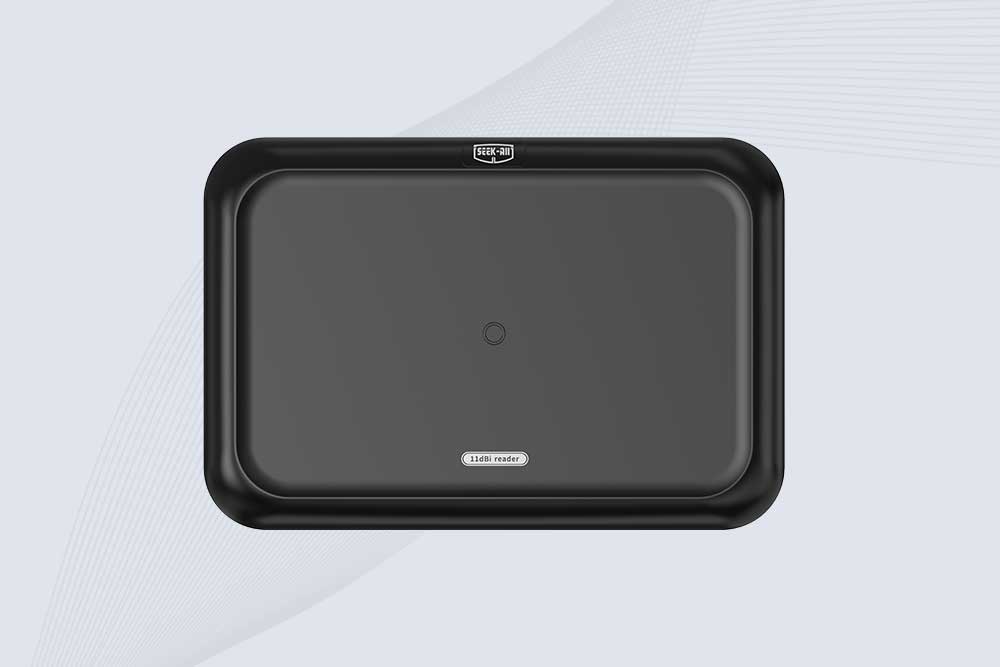
SSD-RA11L is an 11 dBi UHF RFID reader with up to 15m reading distance, 600+ tags/s speed, integrated antenna and flexible connectivity.
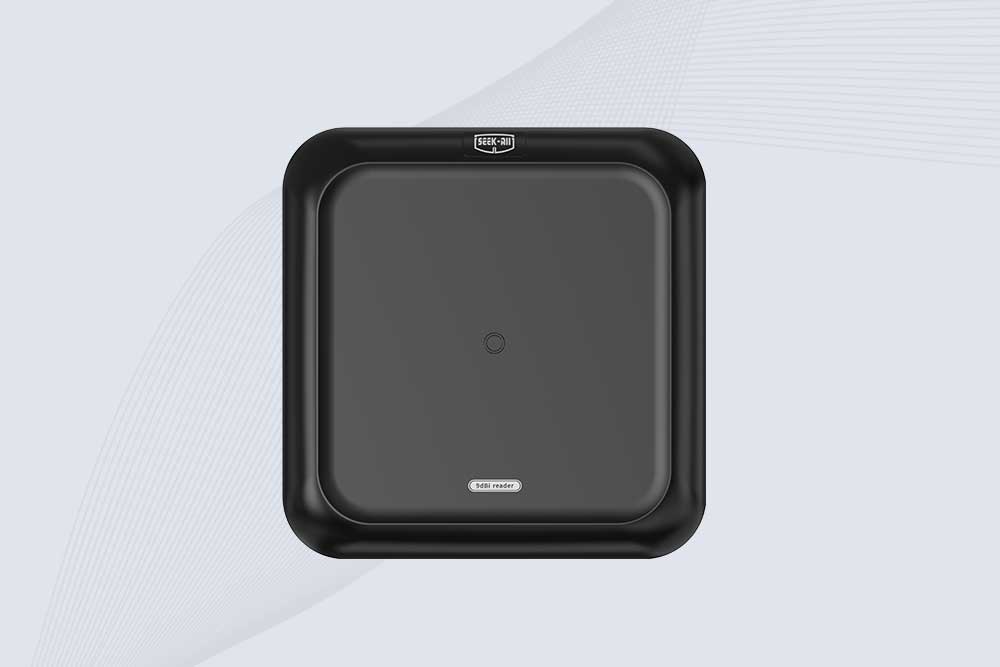
SSD-RA09L is a long range UHF RFID reader with a built-in 9 dBi antenna, 10m reading range, 600+ tags/s speed and flexible interfaces.
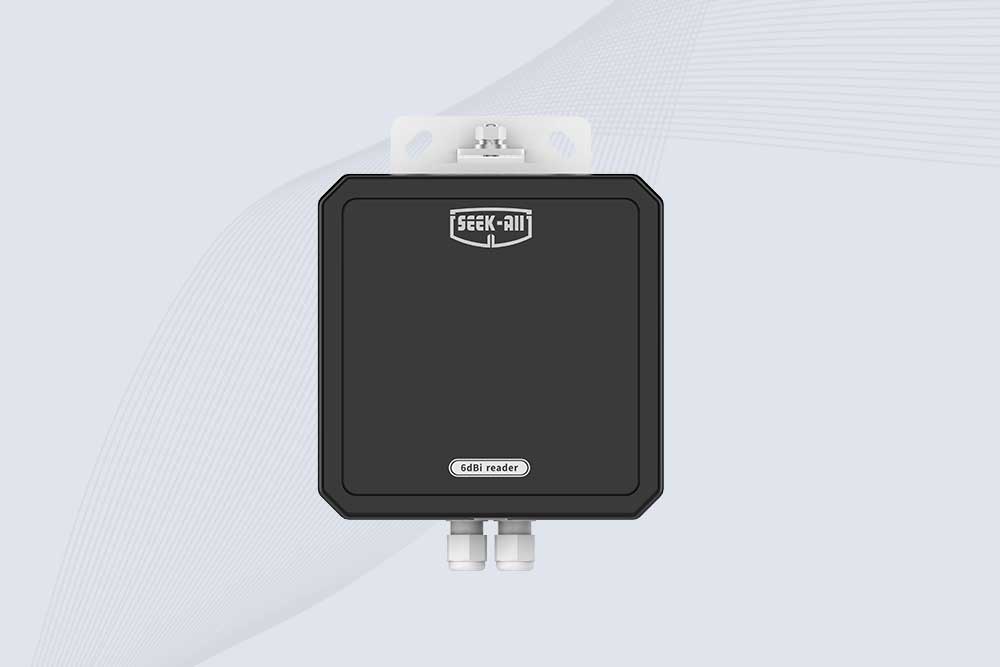
SSD-RA06L is an industrial UHF RFID reader with a built-in 6 dBi antenna, 3 m read range, 600+ tags/s, Ethernet, RS232, and optional Wi-Fi, 4G, and PoE.
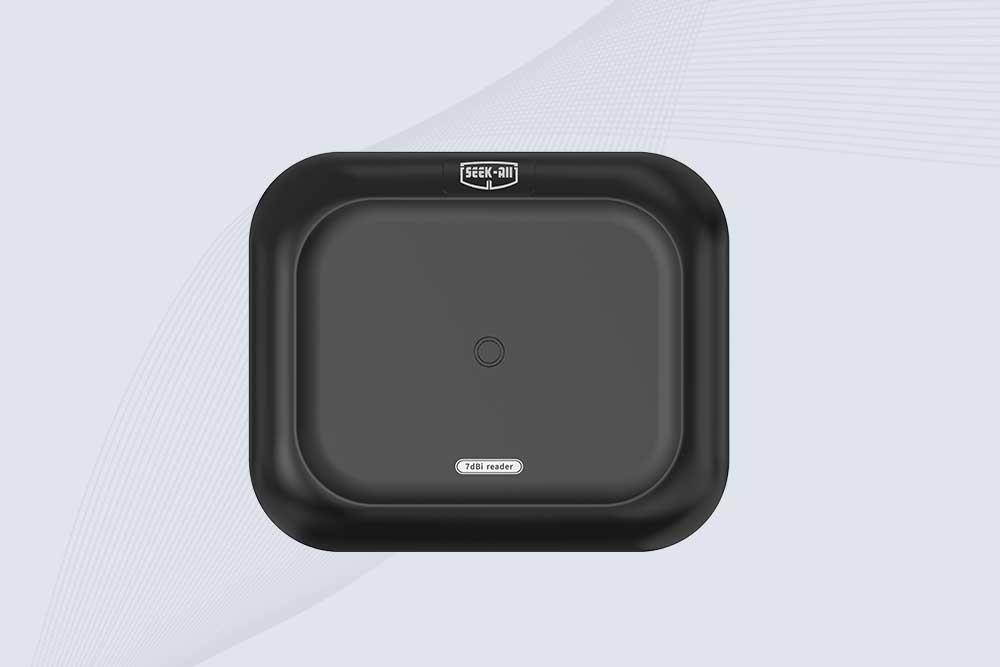
SSD-RA07L industrial UHF RFID reader with integrated 7 dBi antenna, up to 6 m reading distance, over 600 tags/s, Ethernet, RS232, and optional Wi-Fi, 4G, and PoE.
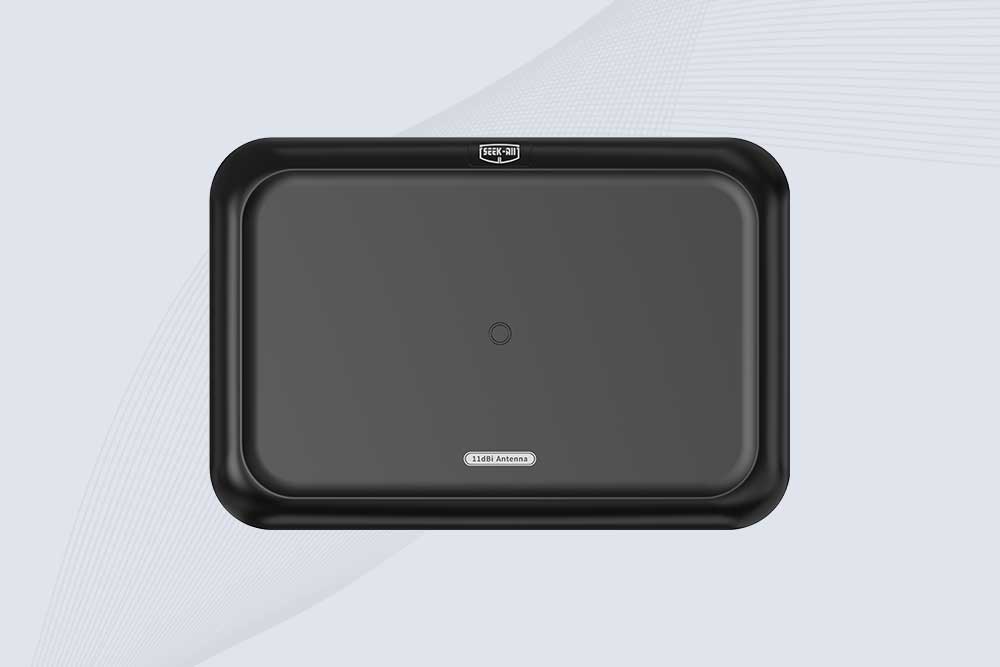
SSD-A11 UHF RFID antenna features 840–960 MHz adjustable frequency, ≥10.5 dBi gain, circular polarization and 50Ω impedance for fixed RFID systems.
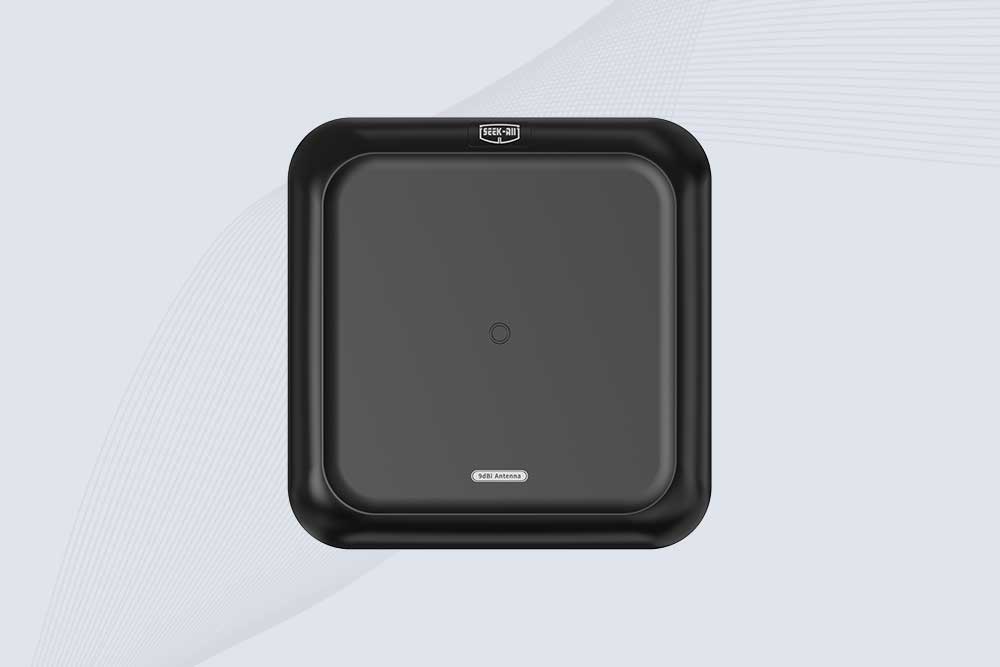
SSD-A09 is a 9 dBi UHF RFID antenna with 840–960 MHz adjustable frequency, circular polarization, 50Ω impedance and directional 60° × 60° coverage.
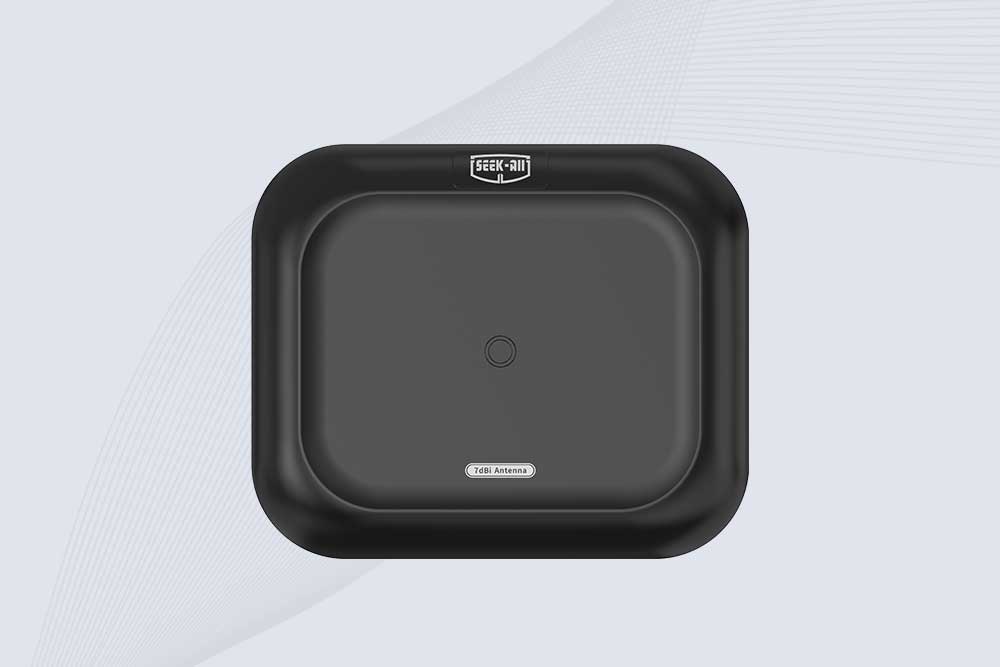
Explore the SSD-A07 UHF RFID antenna with 7 dBi gain, circular polarization, adjustable 840–960 MHz frequency, and 60°/75° beamwidth for stable RFID read/write performance.

SSD-A06 UHF RFID antenna with circular polarization, adjustable 840–960 MHz frequency, ≥4.5 dBi gain, and a compact directional design for RFID systems.
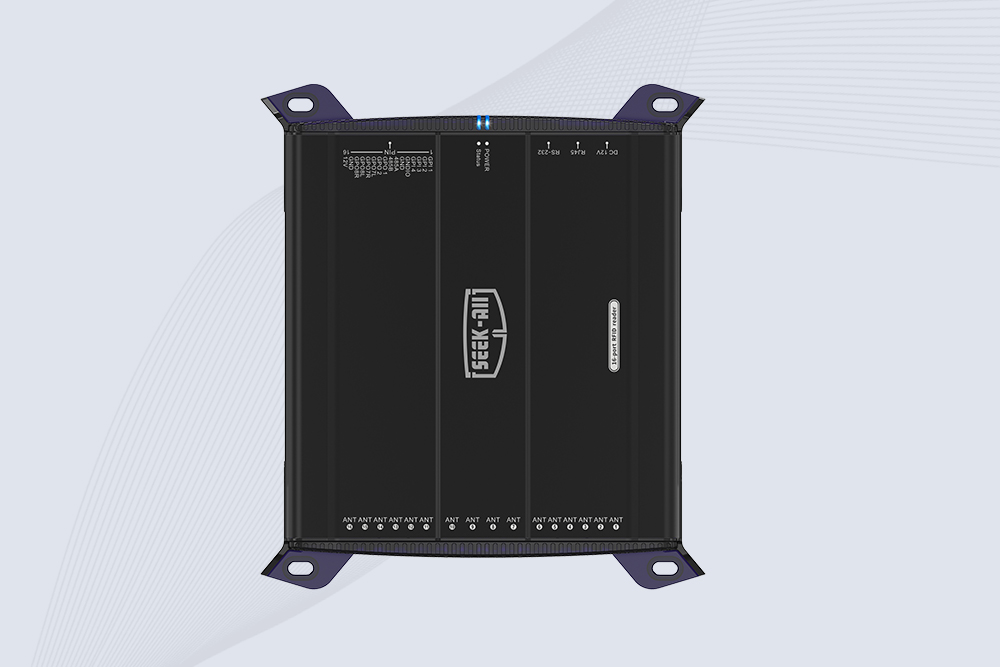
SSD-R16L Multi-Channel RFID Infrastructure for Automated Inventory Management ✔️ 16-Port High-Density RFID Reading Equipped with 16 SMA antenna ports, SSD-R16L supports multi-antenna deployment for warehouses, retail stores, logistics, production lines, and large-area RFID identification. ✔️ High-Speed & Long-Range Performance With up to 33…
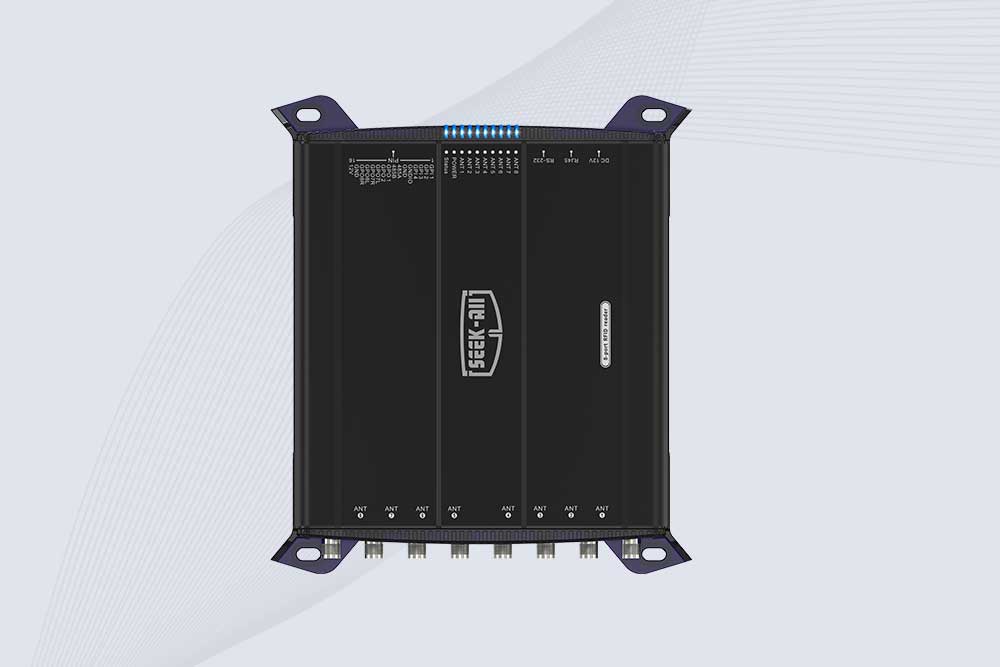
SSD-R8L 8-port UHF RFID reader with 33dBm output, up to 20m reading range and 600+ tags/s recognition. Ideal for warehouse, logistics, retail and asset tracking.
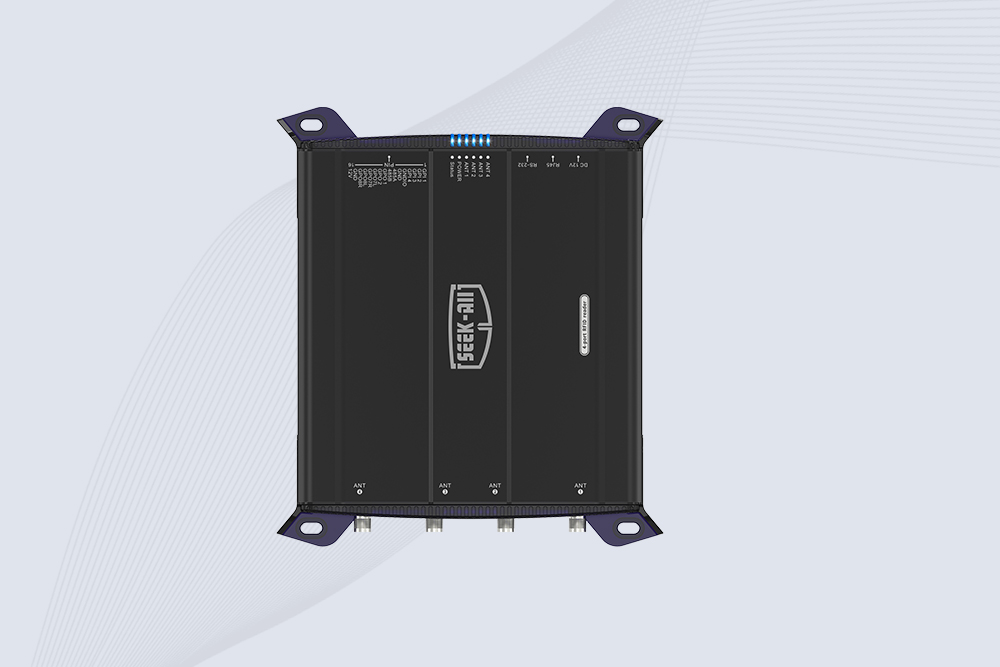
SSD-R4L is a 4-port UHF RFID fixed reader with 33dBm output power, up to 20m reading range, EPC C1G2 support and 600+ tags/s reading speed.
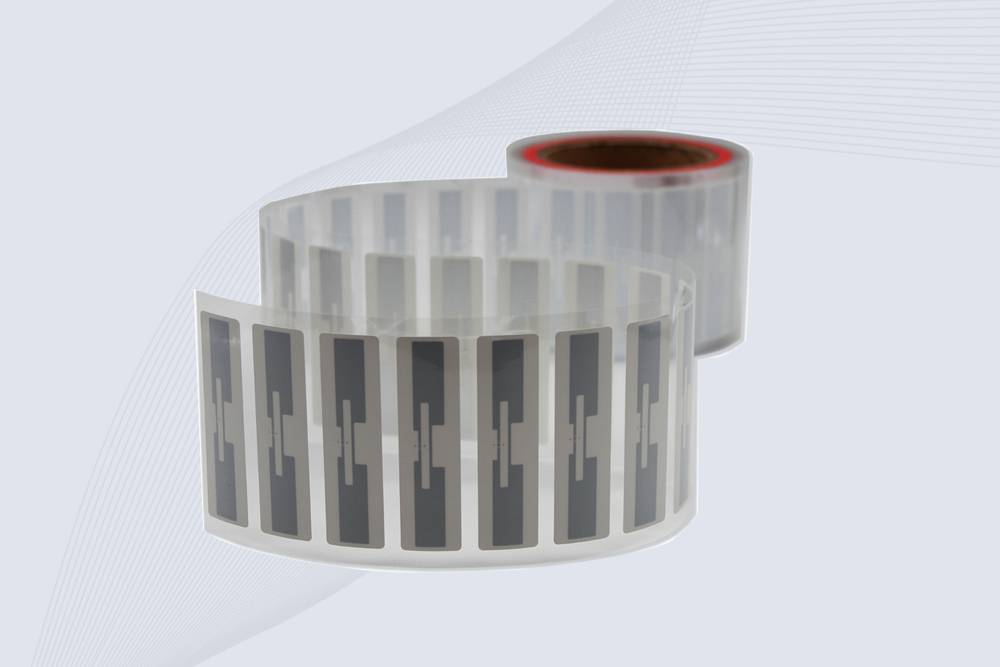
CYKEO Passive RFID Tags are made for wet and high-humidity environments where standard labels do not last. This rfid passive tag is often used around liquids, chemicals and temperature changes, providing stable reading distance and long data life for industrial tracking.
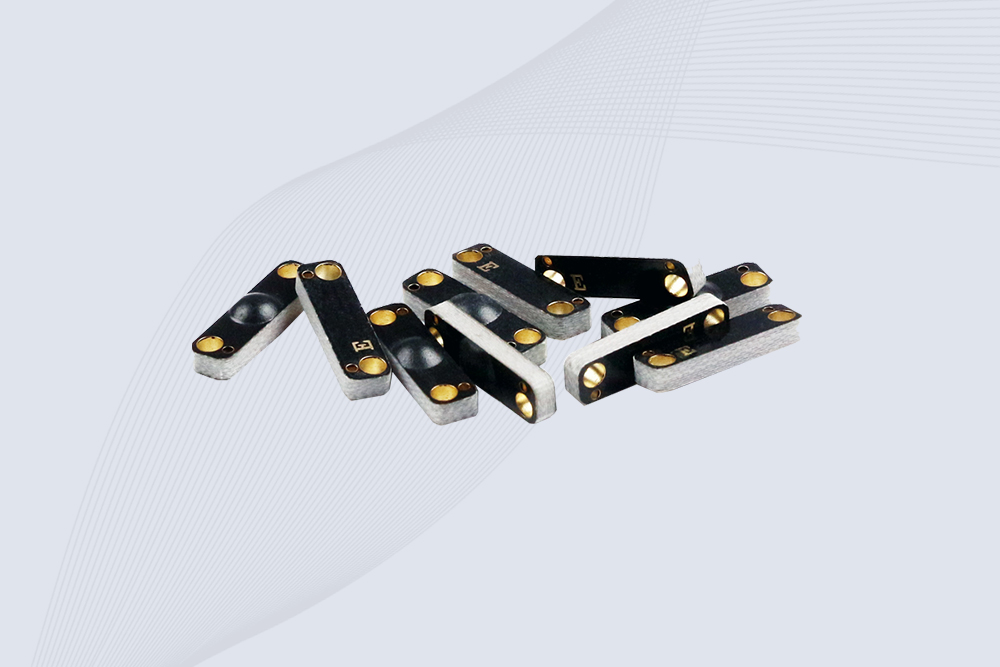
CYKEO CYKEO-PCB1504 Metal RFID Tags is a compact anti-metal UHF RFID solution built for direct mounting on metal surfaces. With stable 8-meter read range, Ucode-8 chip, and long data retention, this rfid metal tag fits tools, containers, automotive parts, and industrial asset tracking.
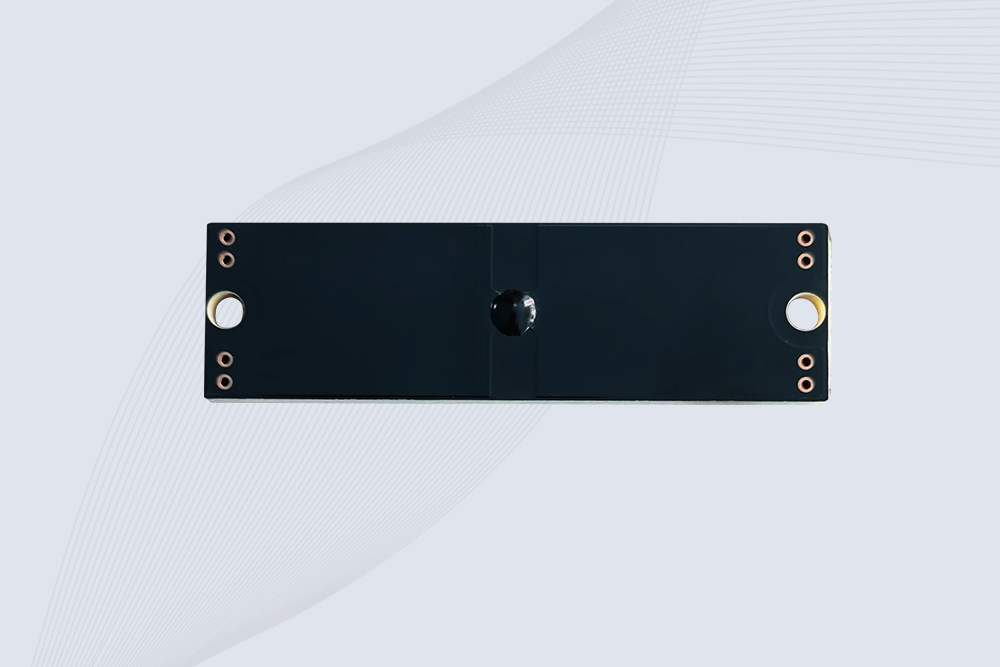
CYKEO CYKEO-PCB7020 On-Metal RFID Tags are designed for reliable tracking on steel and metal surfaces. Built with an FR4 epoxy body and industrial-grade chips, these On-Metal RFID Tags deliver stable performance, long data life, and chemical resistance, making them a dependable RFID anti-metal tag for harsh environments.
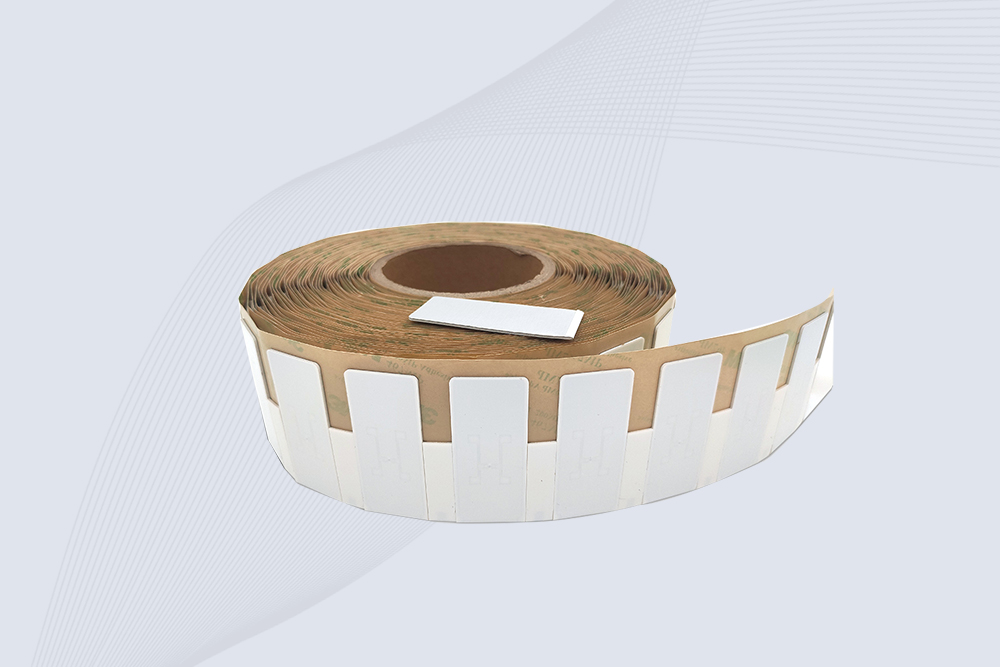
The CYKEO CYKEO-60-25 Anti-Metal RFID Tag is built for metal surfaces where standard tags fail. Designed for long-range performance, harsh environments, and stable data retention, this Anti-Metal RFID Tag is ideal for industrial assets, containers, and equipment tracking using on metal RFID tags.
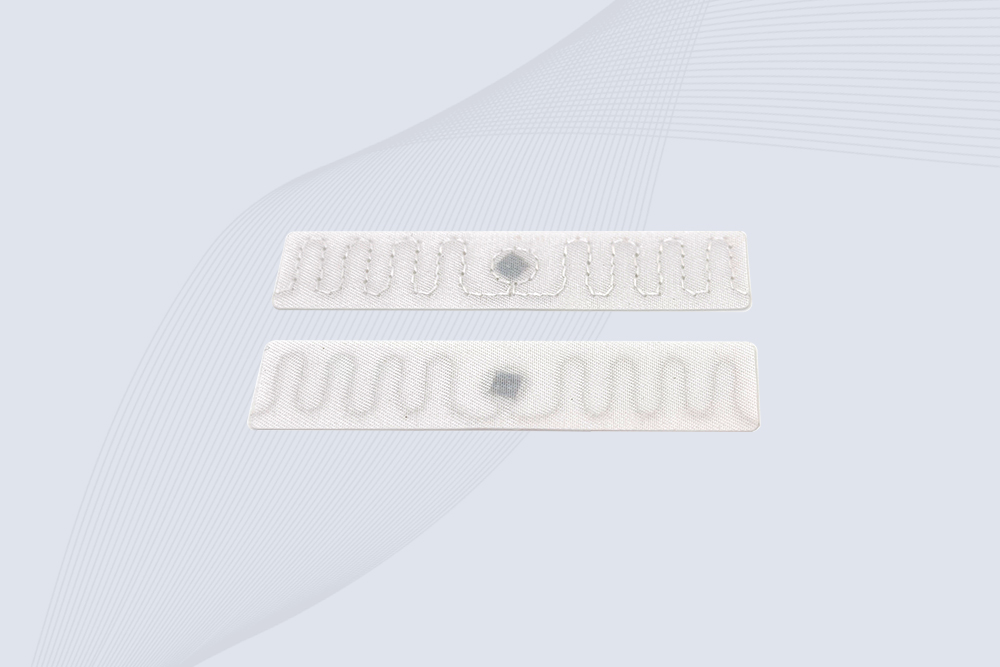
The CYKEO RFID Laundry Tag is designed for long-term textile identification in harsh laundry environments. Built to withstand high heat, chemicals, and repeated washing, this RFID Laundry Tag delivers stable performance for hotels, hospitals, and industrial laundry operations using laundry rfid tags at scale.
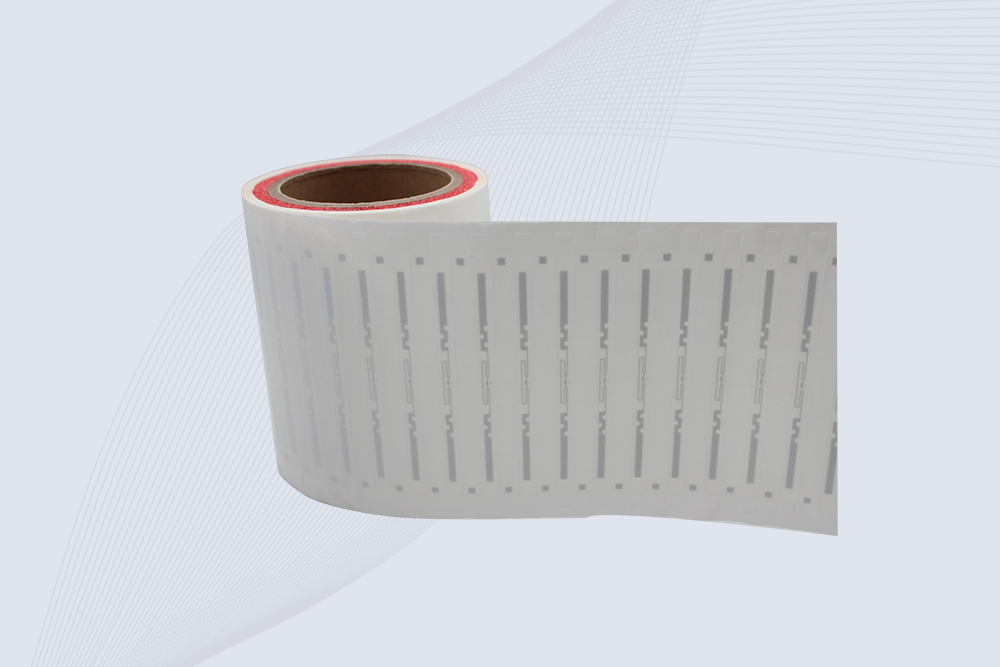
The CYKEO CYKEO-125-7 RFID Book Tag is designed for reliable book and document tracking in libraries and archives. This RFID Book Tag delivers long read range, dense placement support, and stable performance on shelves, making it a practical rfid tag on books for library automation, file management, and archival systems.
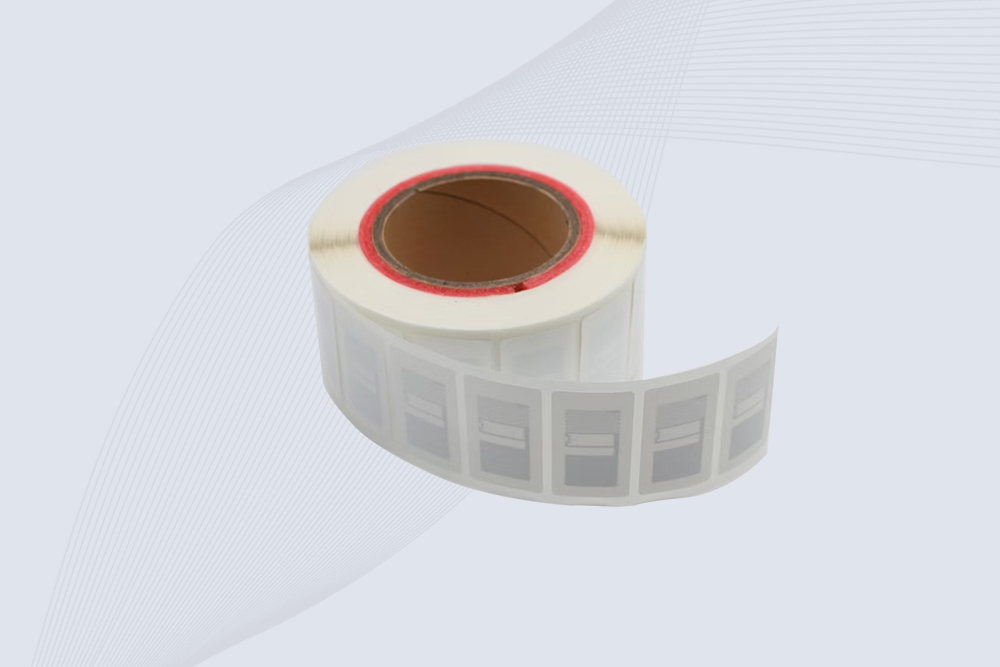
CYKEO RFID tags in hospitals are designed for sterile environments where accuracy matters. These autoclavable RFID tags support long-term tracking of surgical tools, implants, and medications, helping hospitals improve visibility, compliance, and patient safety.

CYKEO RFID Cable Tie Tag is built for reliable identification on metal surfaces. This UHF RFID Cable Tie Tag is widely used in rfid tags for inventory systems, industrial asset management and Hospital RFID Tags, offering stable read performance, long service life and global EPC Gen2 compatibility.
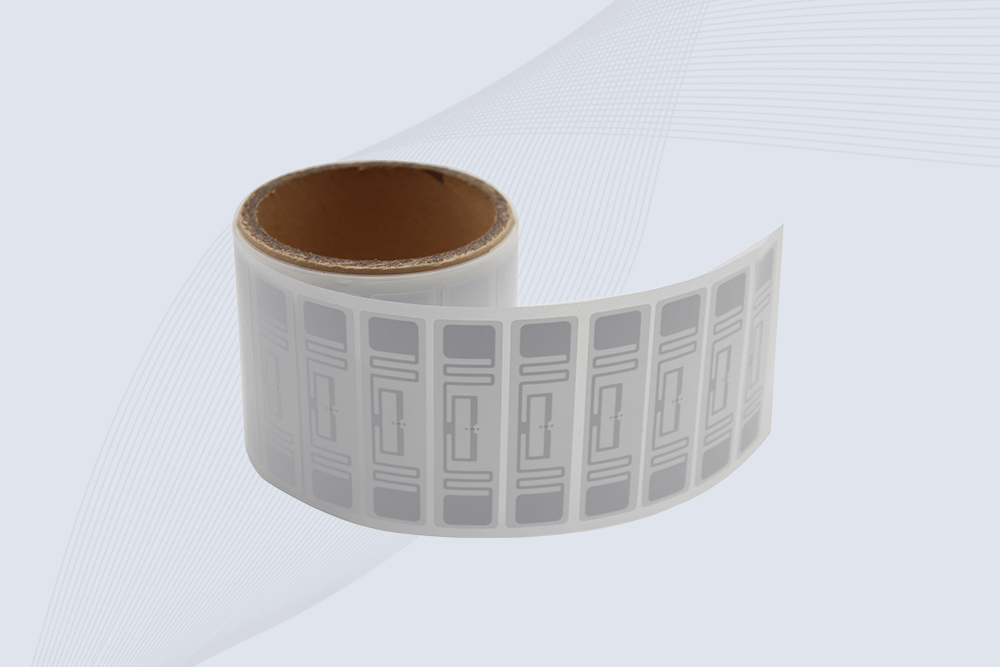
CYKEO RFID Asset Tag is designed for stable identification of metal assets in industrial environments. This UHF RFID Asset Tag is commonly used for rfid tag asset tracking on equipment, tools and containers, providing reliable reads, long service life and ISO/IEC 18000-6C support.
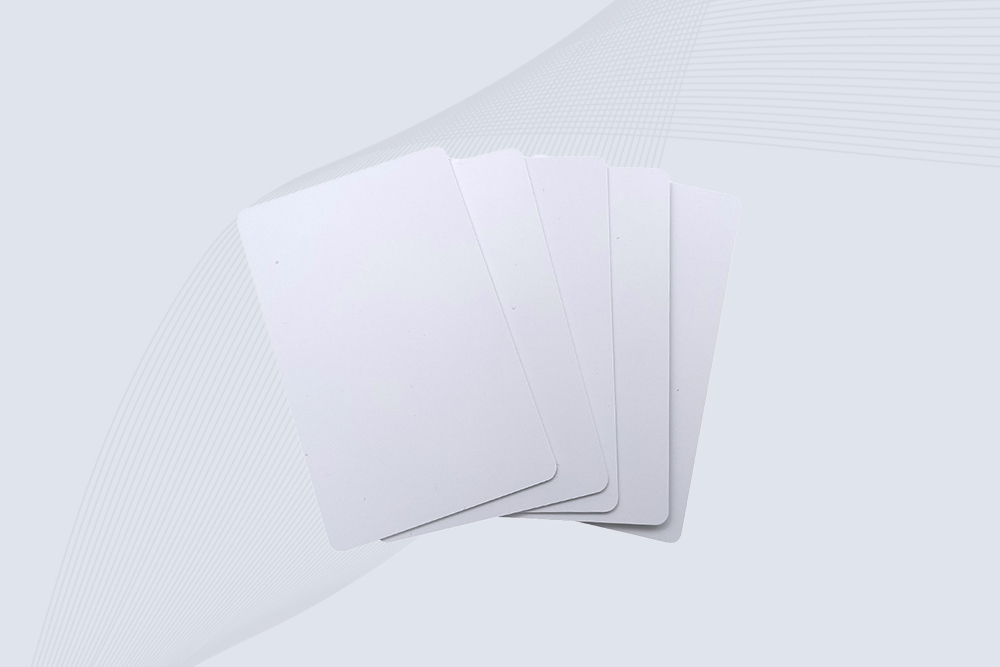
CYKEO UHF RFID Card is designed for fast identification and long-term use in industrial and commercial systems. Supporting ISO 18000-6C, this UHF RFID Card works at 860–960 MHz and is suitable for custom RFID cards used in asset tracking, access control and inventory management.
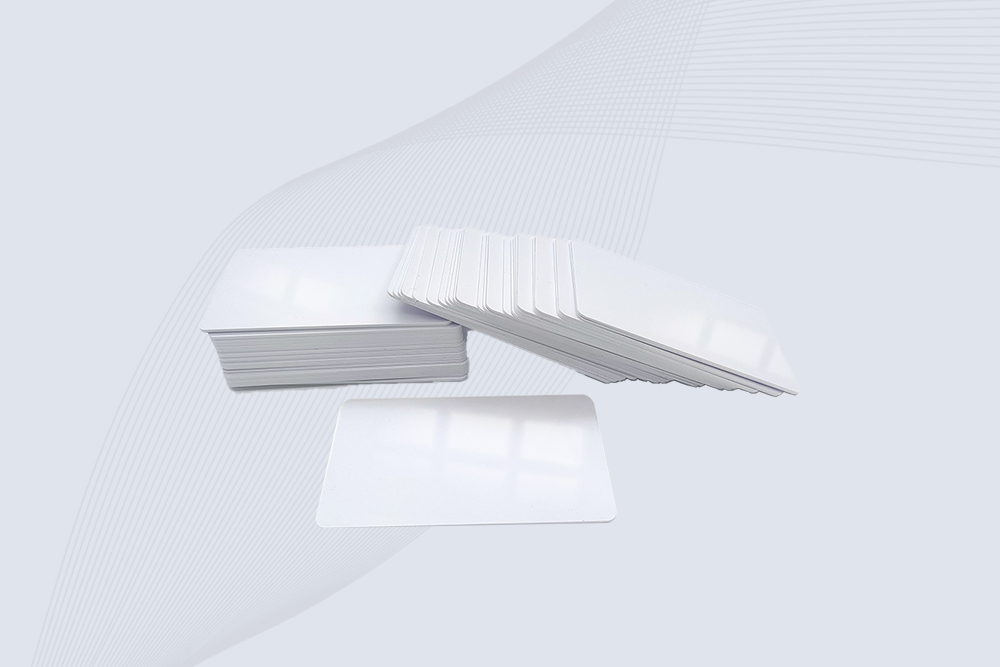
CYKEO HF RFID Cards are designed for secure and stable access control systems. These 13.56 MHz RFID key cards support ISO 14443-A, reliable rewriting and long service life, making HF RFID Cards suitable for offices, campuses, events and membership management.
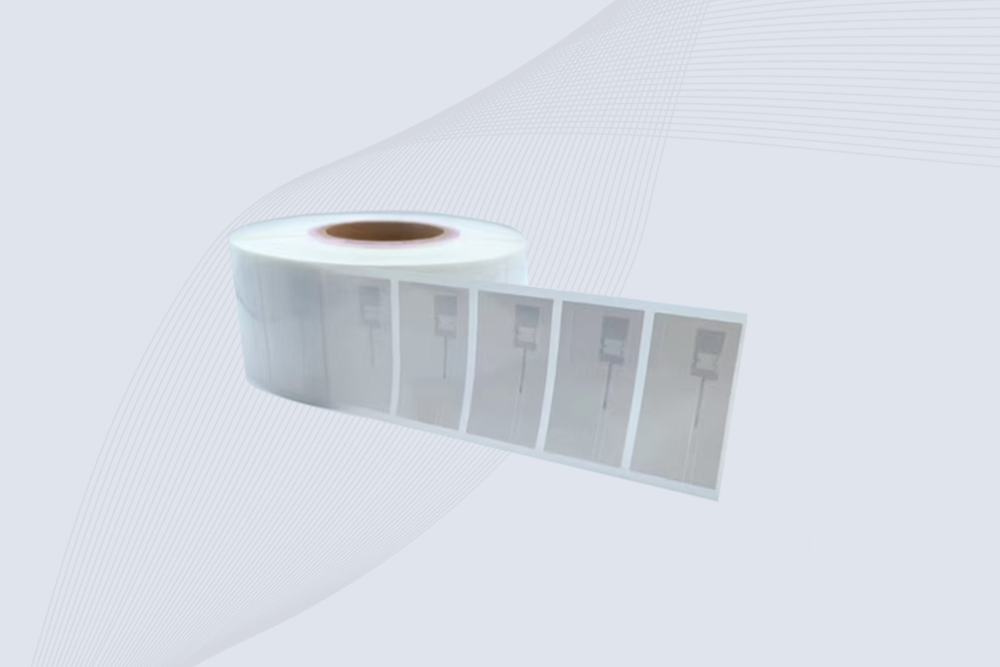
CYKEO UHF RFID Tag is designed for reliable tracking of metal jewelry and high-value items. This Jewelry RFID Tag supports long-range reading up to 8 meters, anti-counterfeit protection and stable performance on metal, making it suitable for retail, inventory control and asset management.
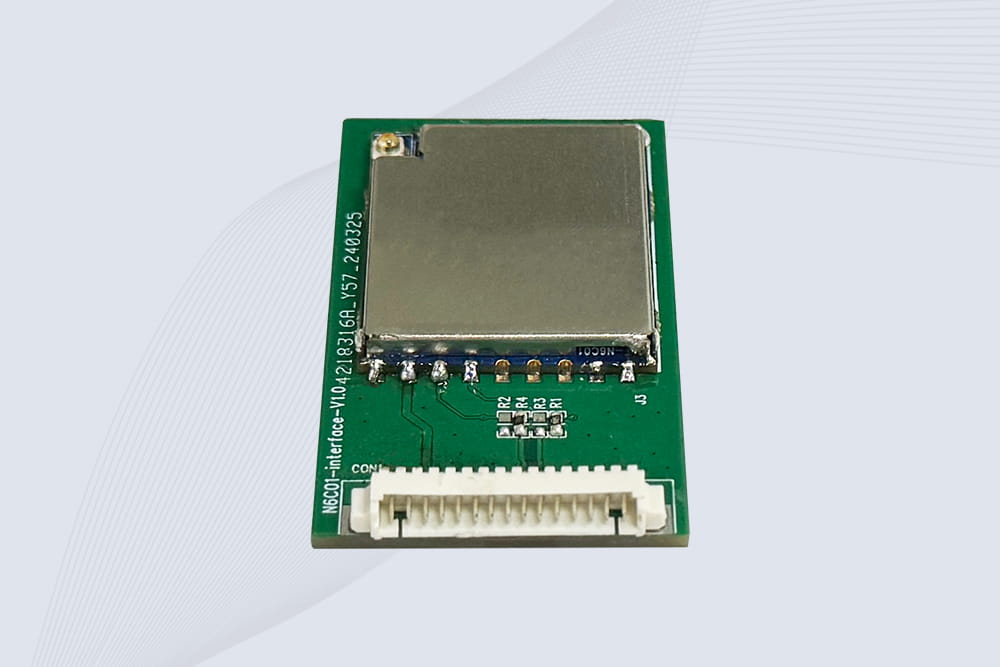
CYKEO Embedded RFID Modules are designed for compact industrial and IoT devices that require stable UHF performance. These UHF RFID Modules support global protocols, flexible power control, and reliable multi-tag reading for smart cabinets, production lines, and asset tracking systems.
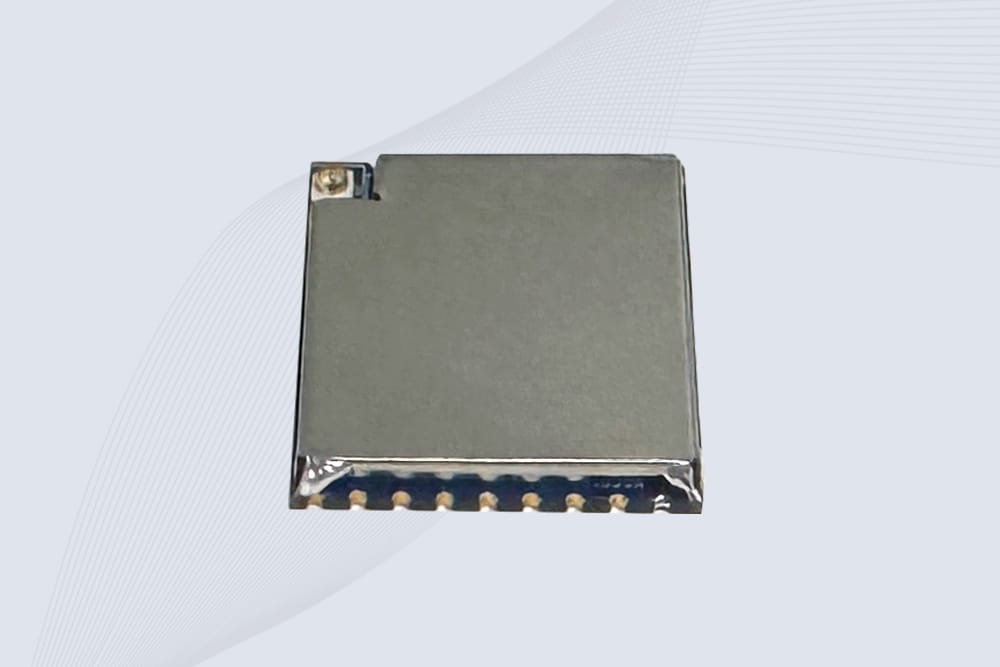
CYKEO Embedded RFID Module is built for compact IoT and industrial devices that need stable UHF performance. This UHF module supports global protocols, low power operation, and reliable multi-tag reading for smart lockers, production lines, and always-on RFID systems.
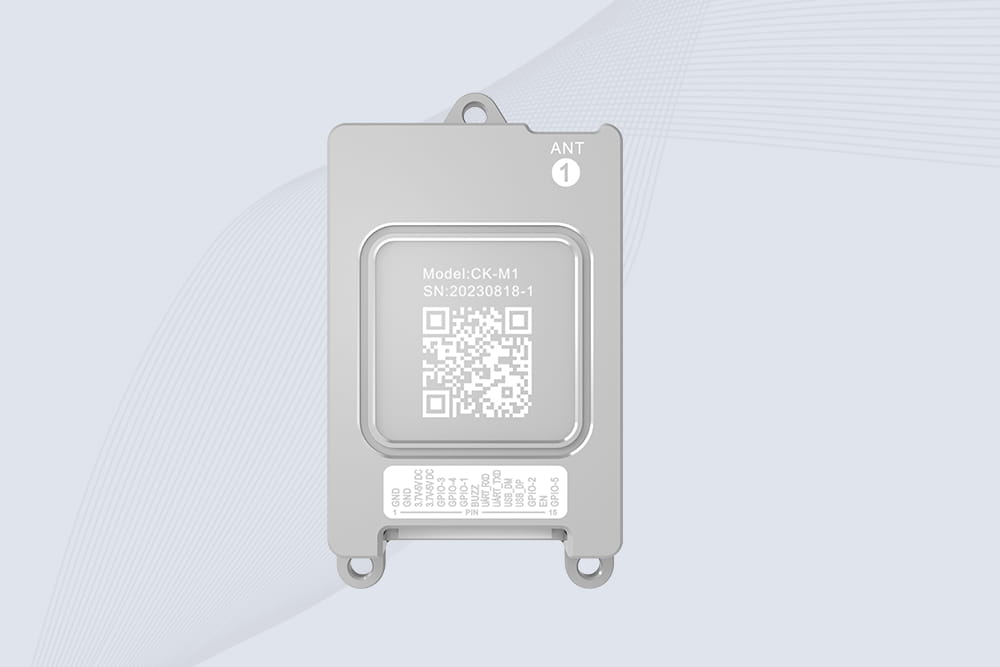
CYKEO CYKEO-M1 drone rfid module is a compact UHF RFID reader module designed for drones and UAV platforms. It supports long-range aerial scanning, fast multi-tag reading, and stable performance in wind, vibration, and outdoor environments.
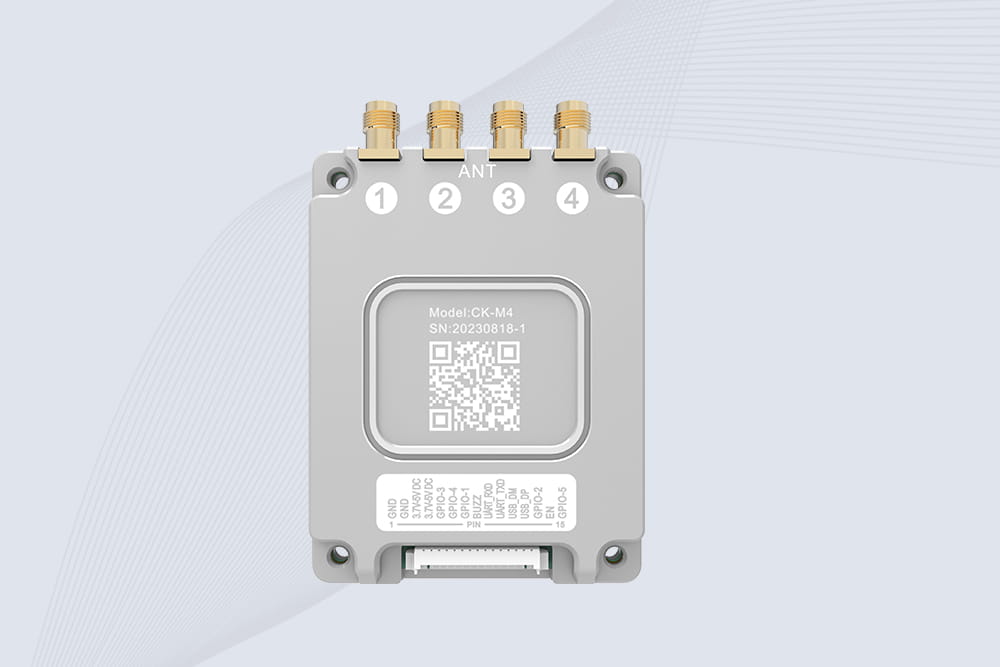
CYKEO CYKEO-M4 RC522 RFID Module is an industrial-grade UHF RFID reader with 4 ports, supporting ISO, EPC, and GB protocols. High-speed, accurate reading for IoT, automation, and warehouse applications.
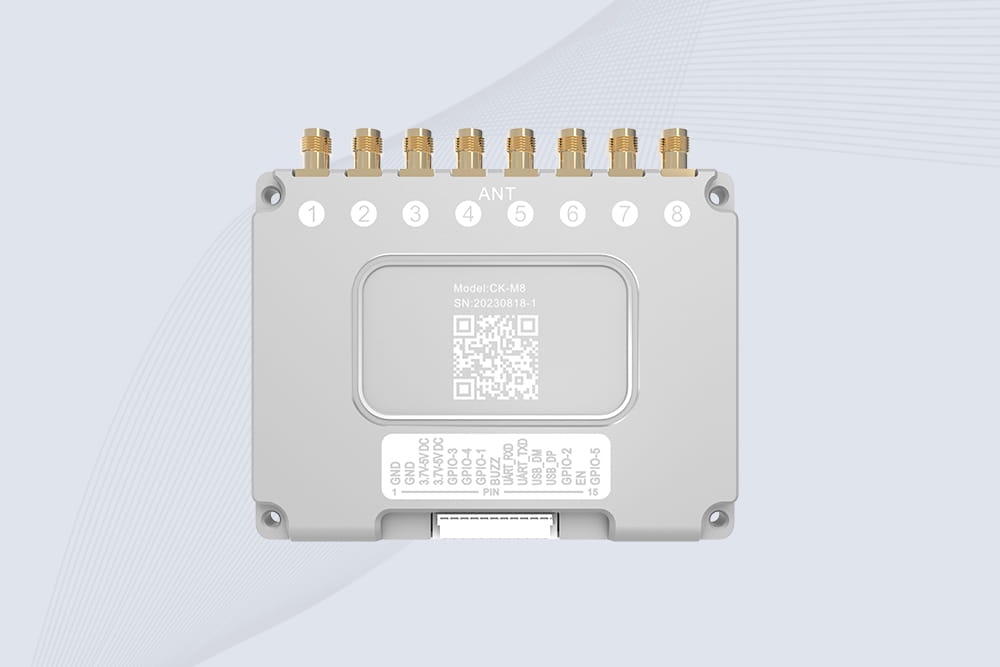
CYKEO CYKEO-M8 Module RFID is an 8-port UHF R2000 RFID Module designed for high-density, multi-tag environments. Stable 33dBm output, ISO & GB protocol support, ideal for warehouses, factories, and automated systems.
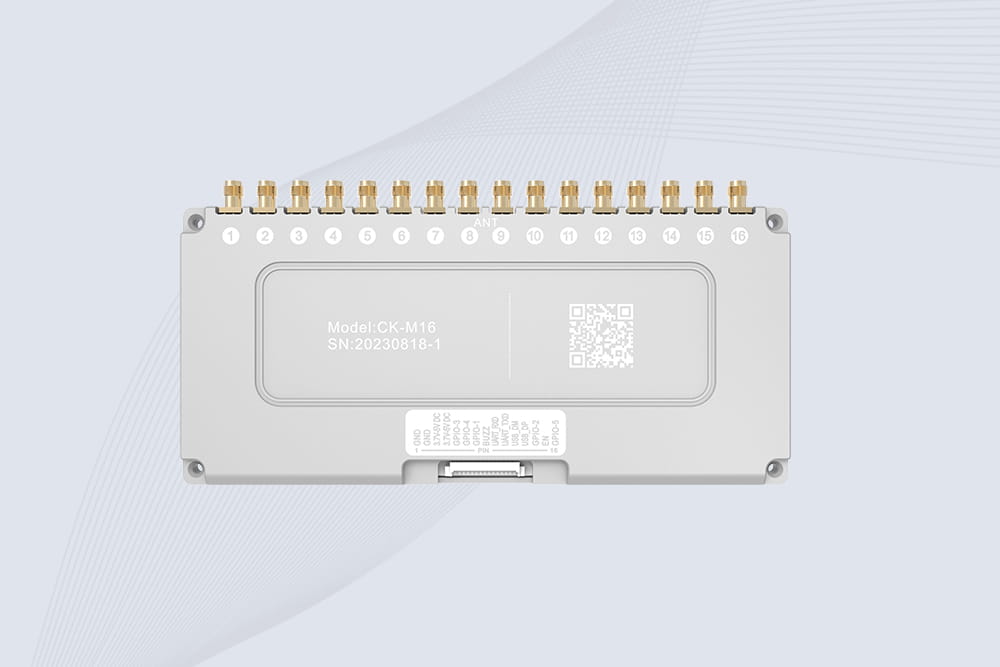
CYKEO CYKEO-M16 RFID Module is a 16-port UHF RFID reader module based on the R2000 chipset. Designed for dense tag environments, it supports ISO and GB standards and delivers stable multi-antenna control for industrial automation.
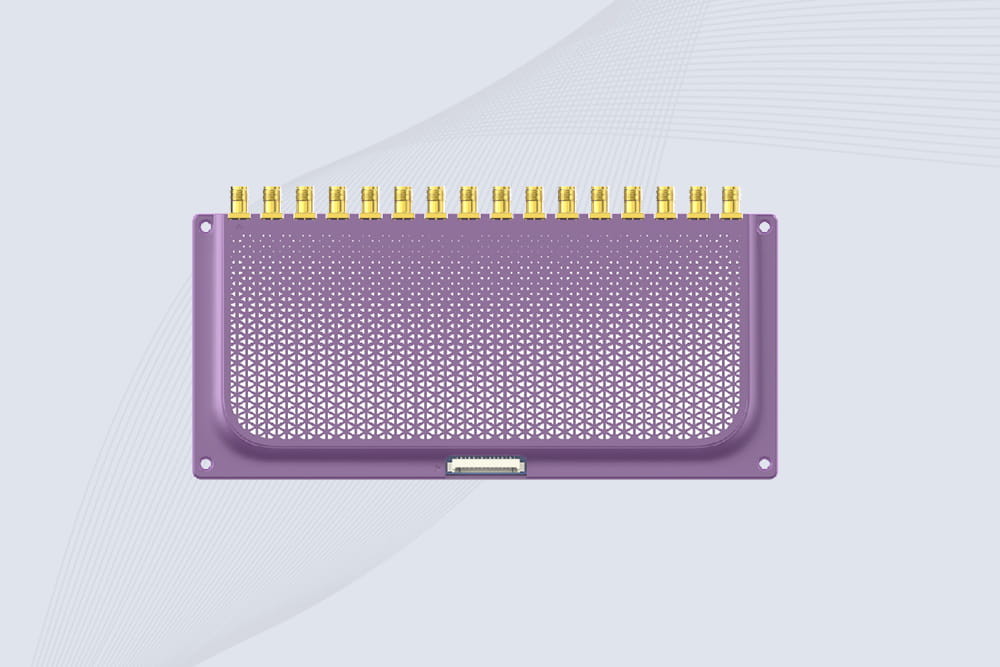
The CYKEO CYKEO-M16L RFID Reader Module is a 16-channel UHF RFID core designed for dense tag environments. With adjustable 33dBm output, multi-protocol support, and stable multi-antenna control, this RFID Tag Reader Module fits industrial automation, warehouse systems, and large-scale IoT deployments.
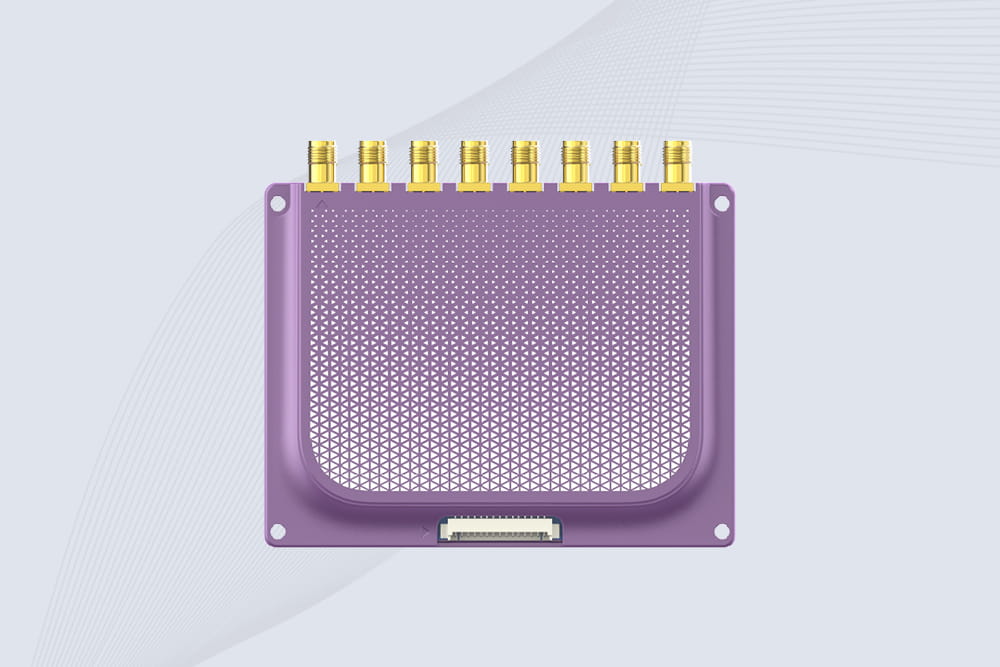
CYKEO CYKEO-M8L module RFID is a compact industrial UHF module built for dense tag and multi-antenna environments. With 8 RF ports, adjustable 33 dBm output, and ISO & GB protocol support, it is widely used in factories, warehouses, and automated tracking systems.
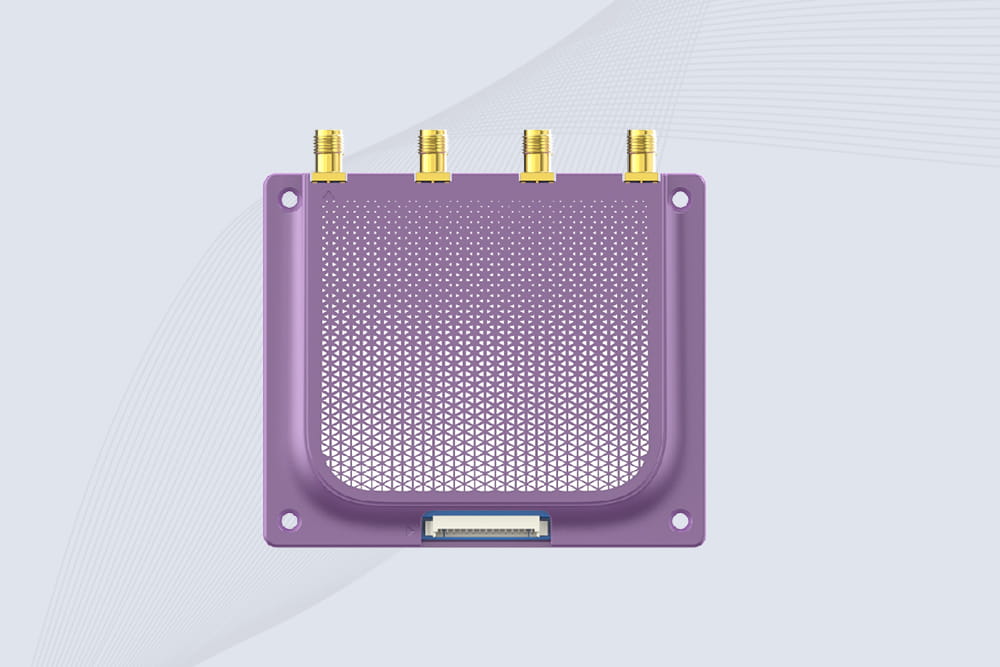
CYKEOCYKEO-M4L UHF RFID Module is a compact 4-channel RFID tag reader module designed for dense tag environments. Supporting ISO and GB protocols, it delivers stable reads up to 10 meters for industrial and IoT systems.
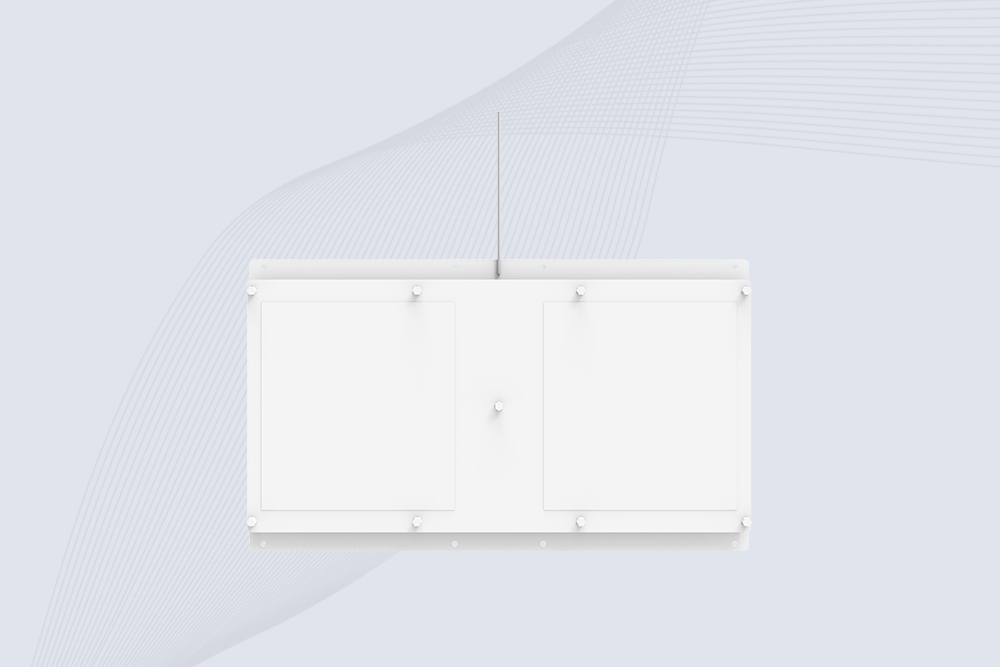
Cykeo CYKEO-A11 UHF RFID reader antenna delivers 11dBi gain, 840-960MHz frequency range, and IP65 ruggedness for retail, logistics, and industrial RFID systems. Features low VSWR and easy installation.
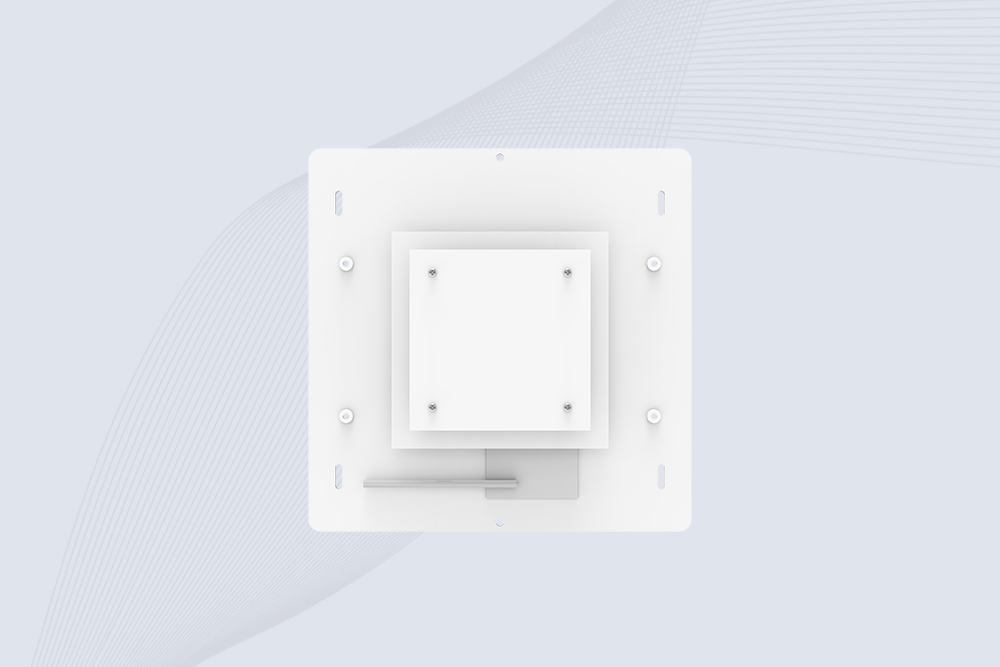
CYKEO Antenna RFID Reader delivers stable long-range UHF performance with a 10.5dBi directional design, built for warehouses, conveyor portals, and industrial RFID systems. This rfid reader antenna provides 20m+ read distance and rugged IP67 protection.

Cykeo CYKEO-PHF3 industrial HF RFID Antenna offers 24-point dynamic tracking, ISO 14443A/15693 protocols, metal-environment stability for archives/libraries/manufacturing.

Cykeo CYKEO-A5B industrial Linear RFID Antenna delivers 5dBi gain, ≤1.5:1 VSWR, and IP65 rugged design for warehouse, production line, and logistics UHF systems.

Cykeo’s CYKEO-B12 Long Range RFID Antenna delivers 15m+ read range with 12dBi gain, IP65 rugged design, and global 840-960MHz UHF support. Ideal for warehouse/logistics asset tracking.
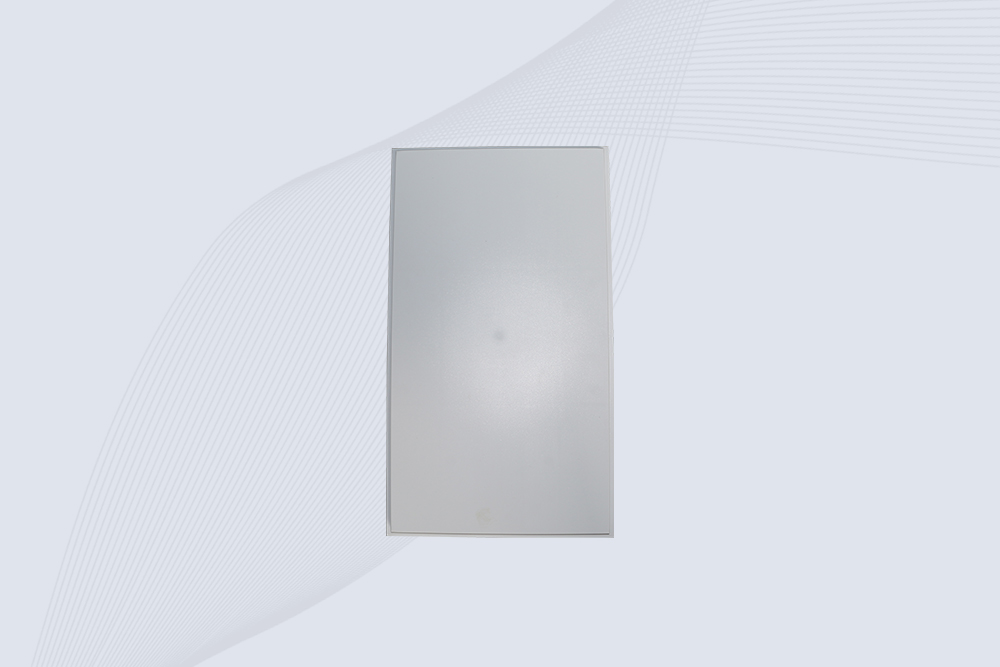
Cykeo CYKEO-B10 Long Distance RFID Antenna offers 10dBi gain, 840-960MHz frequency range, IP65 rating, and 20m+ coverage for logistics/warehousing/ETC systems. Low VSWR ensures stable signal transmission.
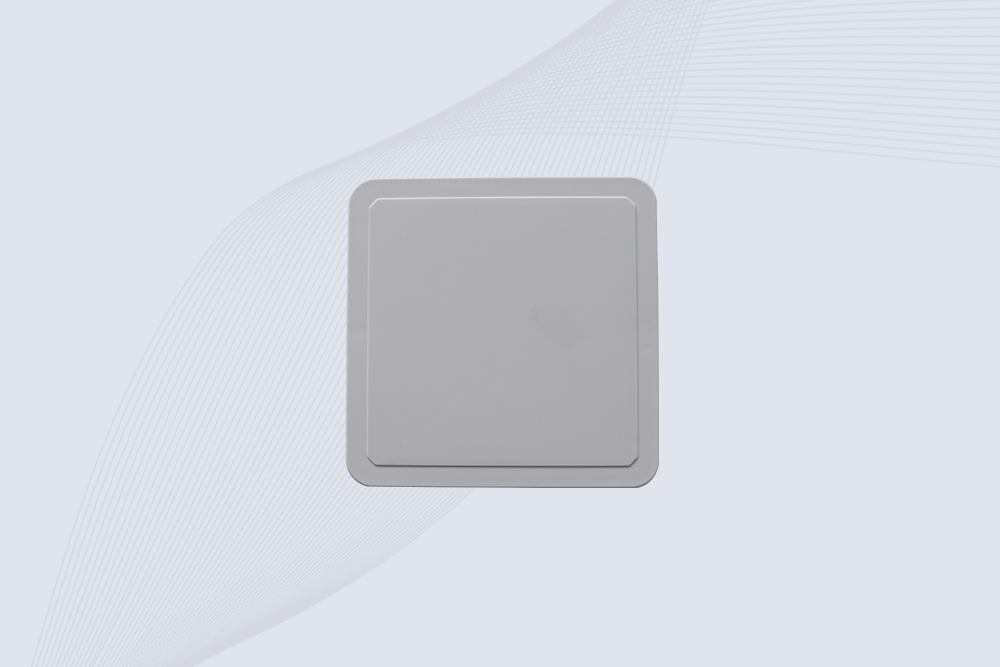
Cykeo CYKEO-A6 UHF RFID panel antenna features 6dBi gain, 840-960MHz broadband, IP65 metal-ready housing for logistics/smart retail. 18mm ultra-thin design with tool-free mounting.

Cykeo CK-A3 industrial antenna RFID UHF offers 5m+ tag detection, ≤1.3:1 VSWR, IP65 rugged design, and global UHF spectrum compatibility (840-960MHz) for warehouses, factories, and retail.
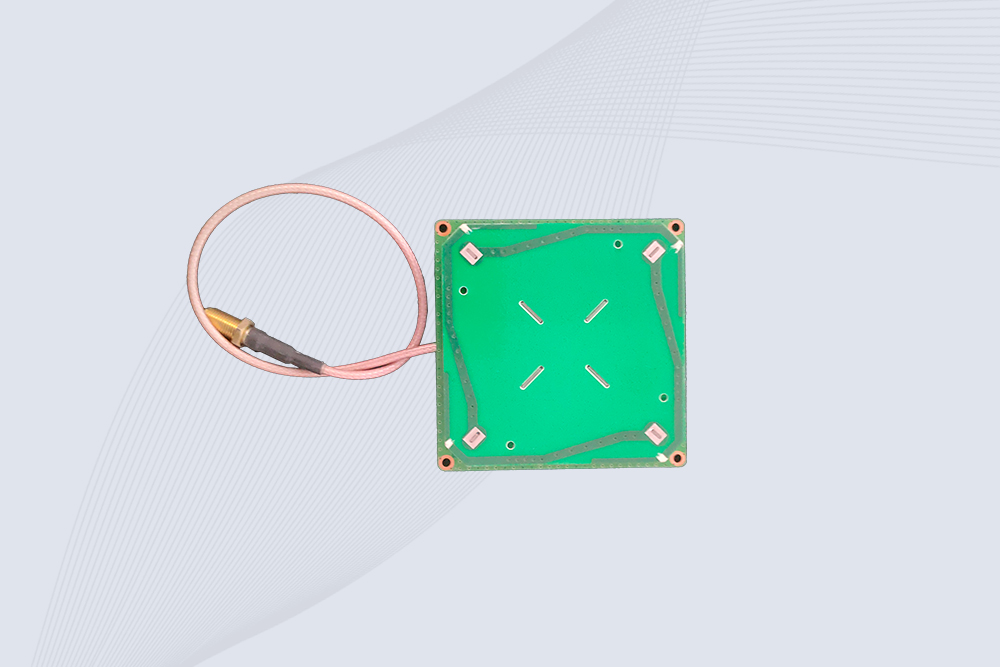
Cykeo CYKEO-B5 directional RFID antenna provides 5dBi gain with 60° narrow beamwidth for precise inventory tracking. IP65-rated, global UHF frequency support, and low VSWR.
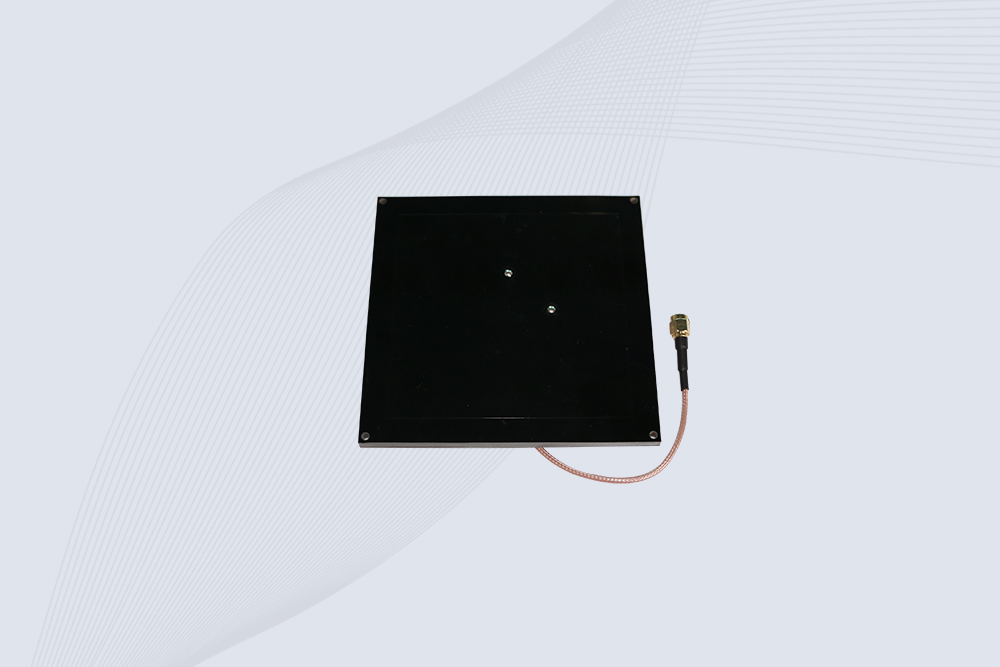
Create your own high-performance DIY RFID antenna! 5dBi gain, 840-960MHz tunable, step-by-step guides. Compatible with Arduino, Raspberry Pi, and commercial UHF readers.
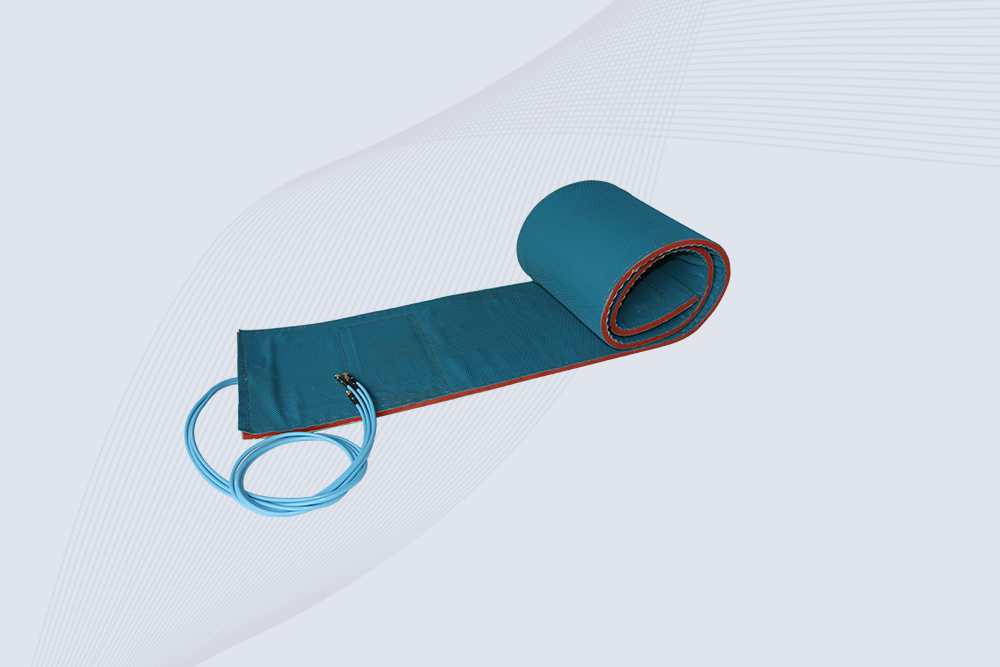
Cykeo CYKEO-A7 Flexible RFID Antenna features 840-960MHz wideband tuning, 7dBi gain, and IP68 rating for medical/retail/industrial curved surface deployments. 98% read accuracy with peel-and-stick installation.
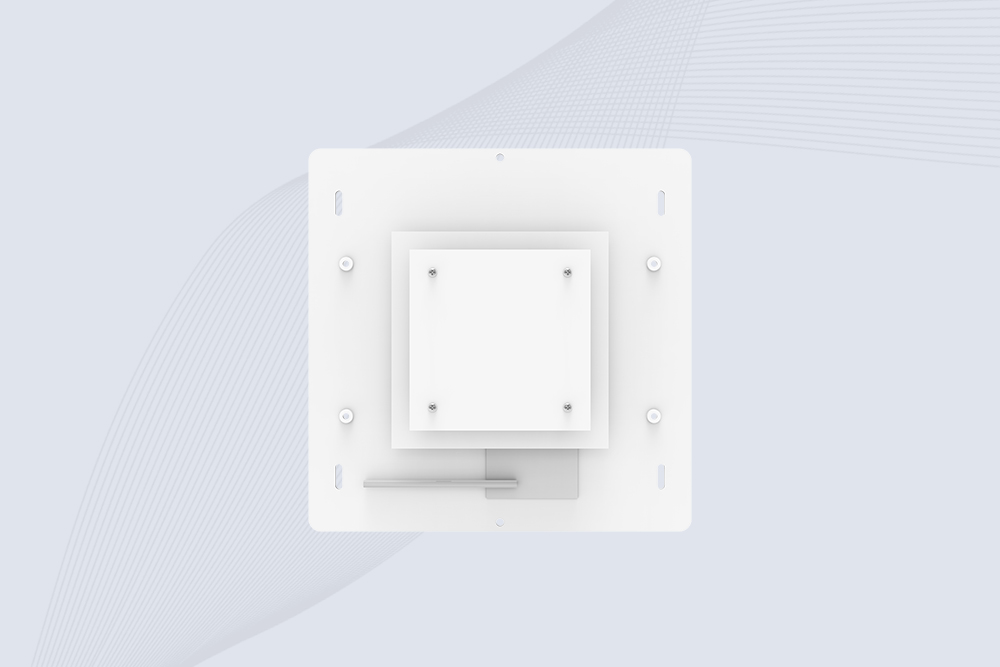
Cykeo CYKEO-B5A industrial Passive RFID Antenna delivers 5dBi gain, 70° beamwidth, and -40°C~55°C operation for warehouses/smart cabinets. Compatible with Zebra/Impinj readers.
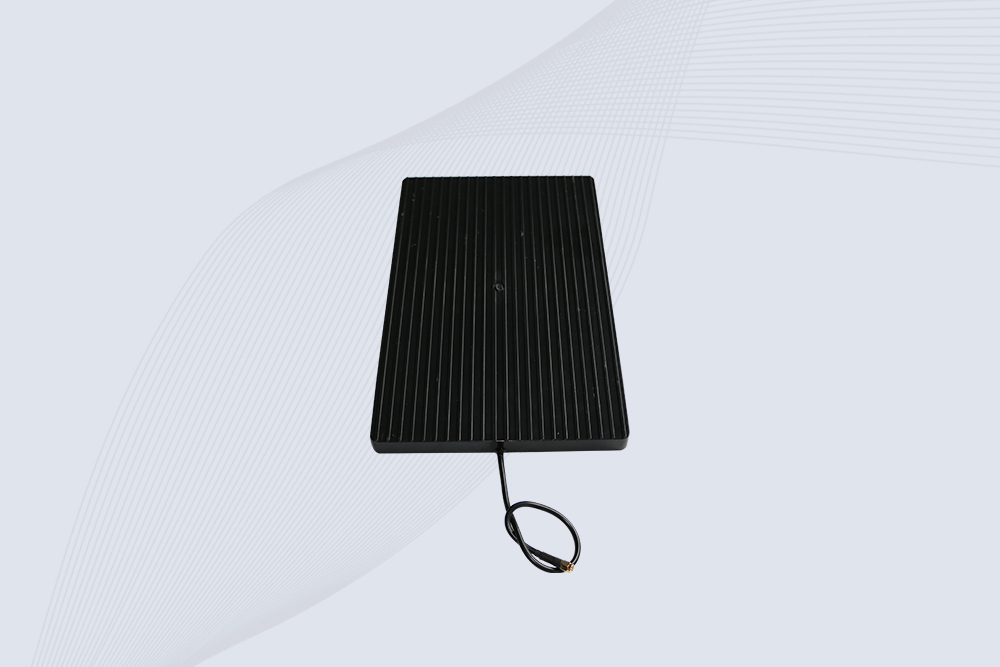
Cykeo’s CYKEO-A9B High Gain RFID Antenna delivers 15m+ read range with 9dBi amplification. Features IP54 rugged design, 840-960MHz bandwidth, and 80° beamwidth for warehouse/manufacturing RFID systems.

Cykeo’s enterprise-grade 8dbi Impinj RFID Antenna 10m+ read range with 840-960MHz tuning. Features IP65 housing, 1.4 VSWR, 35° beamwidth for retail/warehouse RFID systems.
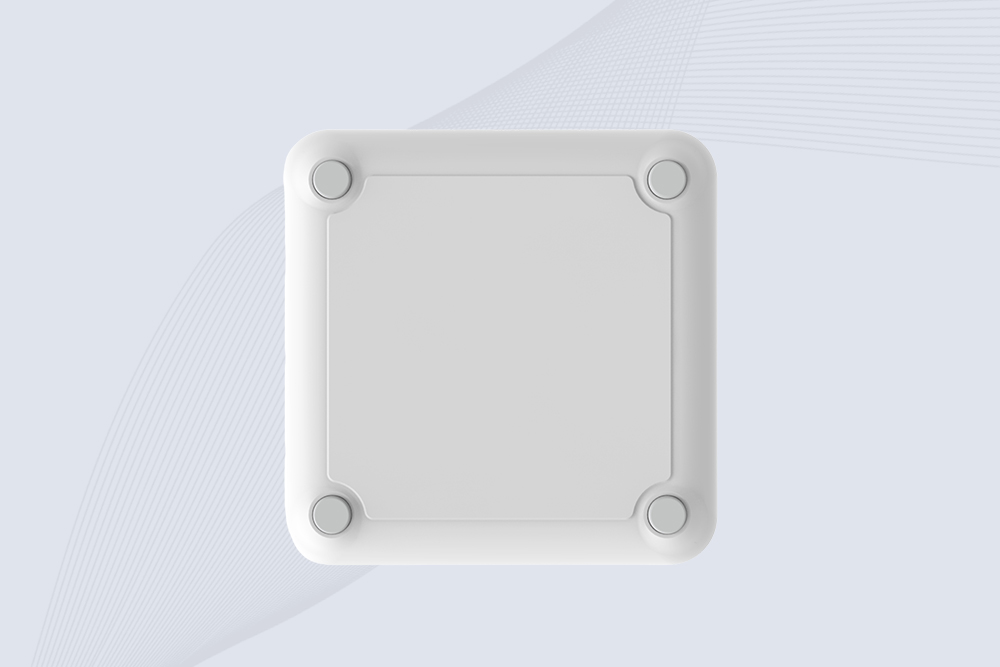
Cykeo CYKEO-A9 industrial UHF RFID antenna delivers 9dBi gain, 840-960MHz frequency range, and IP65 protection for warehouse/logistics/retail RFID systems. Features N-type connector and ≤1.3:1 VSWR.
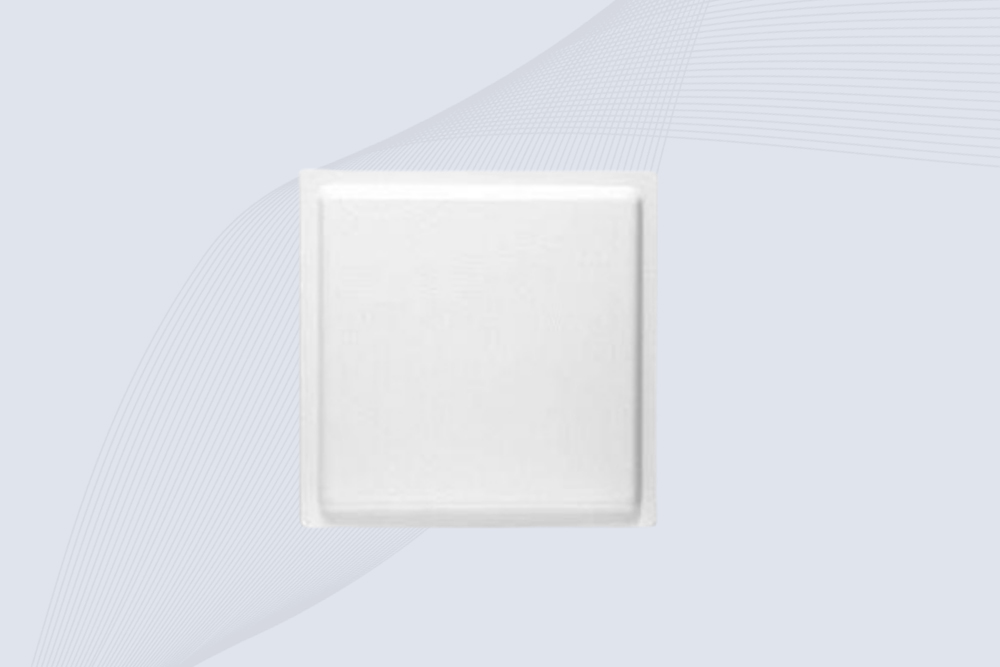
CYKEO UHF RFID Antenna built for long-distance and industrial applications. This antenna rfid uhf delivers strong gain, outdoor durability, and reliable tag performance in warehouses, yards, and vehicle ID systems.
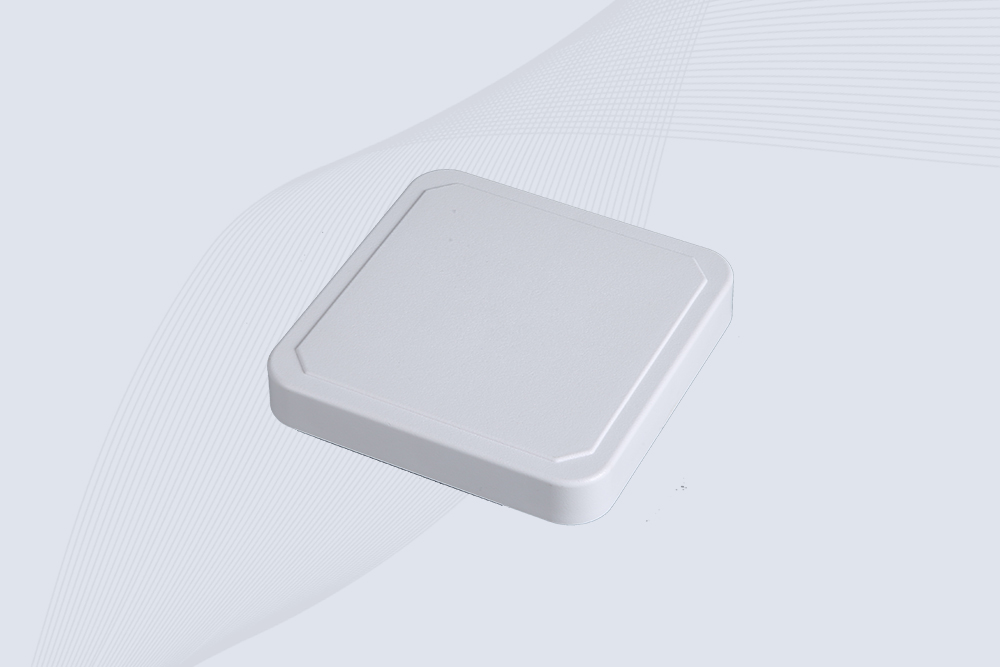
CYKEO Antenna RFID delivers reliable long-range UHF performance in warehouses, retail shelves, and cold-chain environments. This compact uhf rfid antenna provides stable reads with circular polarization and ultra-wide 840–960 MHz support, ideal for industrial tracking, smart shelves, and asset monitoring.
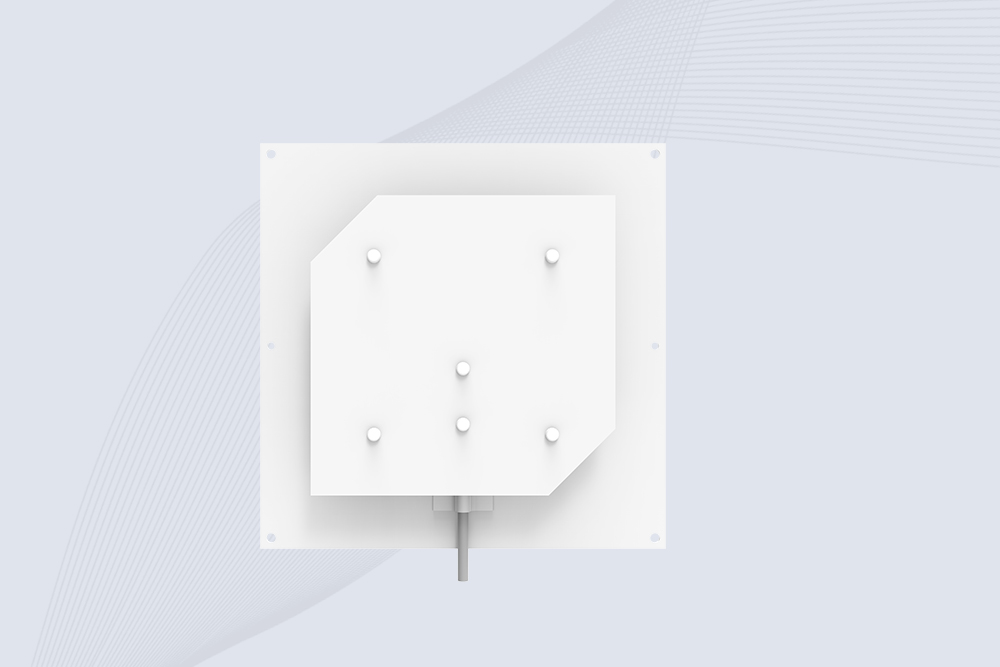
Cykeo’s CYKEO-C8 UHF RFID antennas delivers 8dBi gain, 840-960MHz full-band coverage, and IP65 ruggedness for manufacturing/warehouse RFID systems. Industrial RFID Antennas Features

Discover how Impinj RFID reader solutions transform retail inventory management and enable unmanned store operations with real-time tracking and automation.
More
A long range RFID scanner can automate shipment identification at warehouse entrances, loading docks, and logistics checkpoints. By combining UHF RFID reader...
More
Can RFID readers withstand extreme cold or heat? Discover how industrial-grade designs ensure reliability in freezing or scorching environments.
More
Ever wonder how an RFID reader actually works? This article breaks it down in a human way — how the reader talks to tags, what happens in warehouses or metro gates, and why it’s quietly powering daily life everywhere.
More