 Cykeo RFID IoT Solution Products R&D Manufacturer

Does Aluminum Foil Stop RFID Signals, or Is That Just a Myth?
569Does aluminum foil stop RFID signals? Learn what really happens, when it works, when it fails, and how RFID behaves around metal in real use.
MoreAll RFID Product
To check an RFID tag number, use a compatible RFID reader and software to scan the tag, retrieve its available identifier, and compare the result with the number stored in your inventory system. The exact steps depend on the tag’s frequency, protocol, memory layout, and whether you need its EPC, TID, or application-specific number.
A tag can be physically present and still be difficult to identify correctly. The reader may detect its radio response, the software may display an identifier, and yet that identifier might not be the same number printed on the label or shown in the asset database.
This is why checking an RFID tag number involves more than moving a scanner close to an item. You need to know what the reader has actually returned and what that value means in your application.
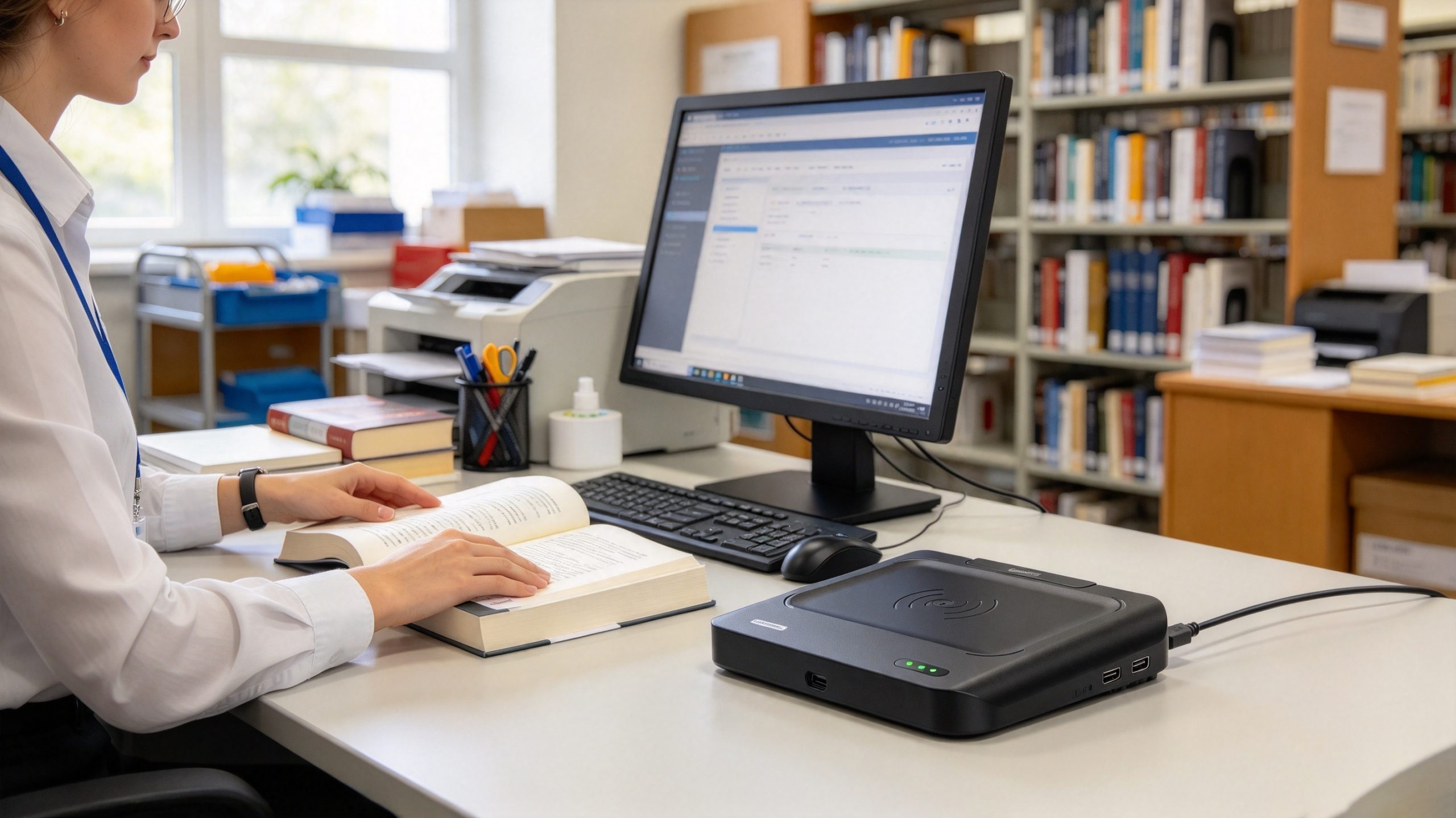
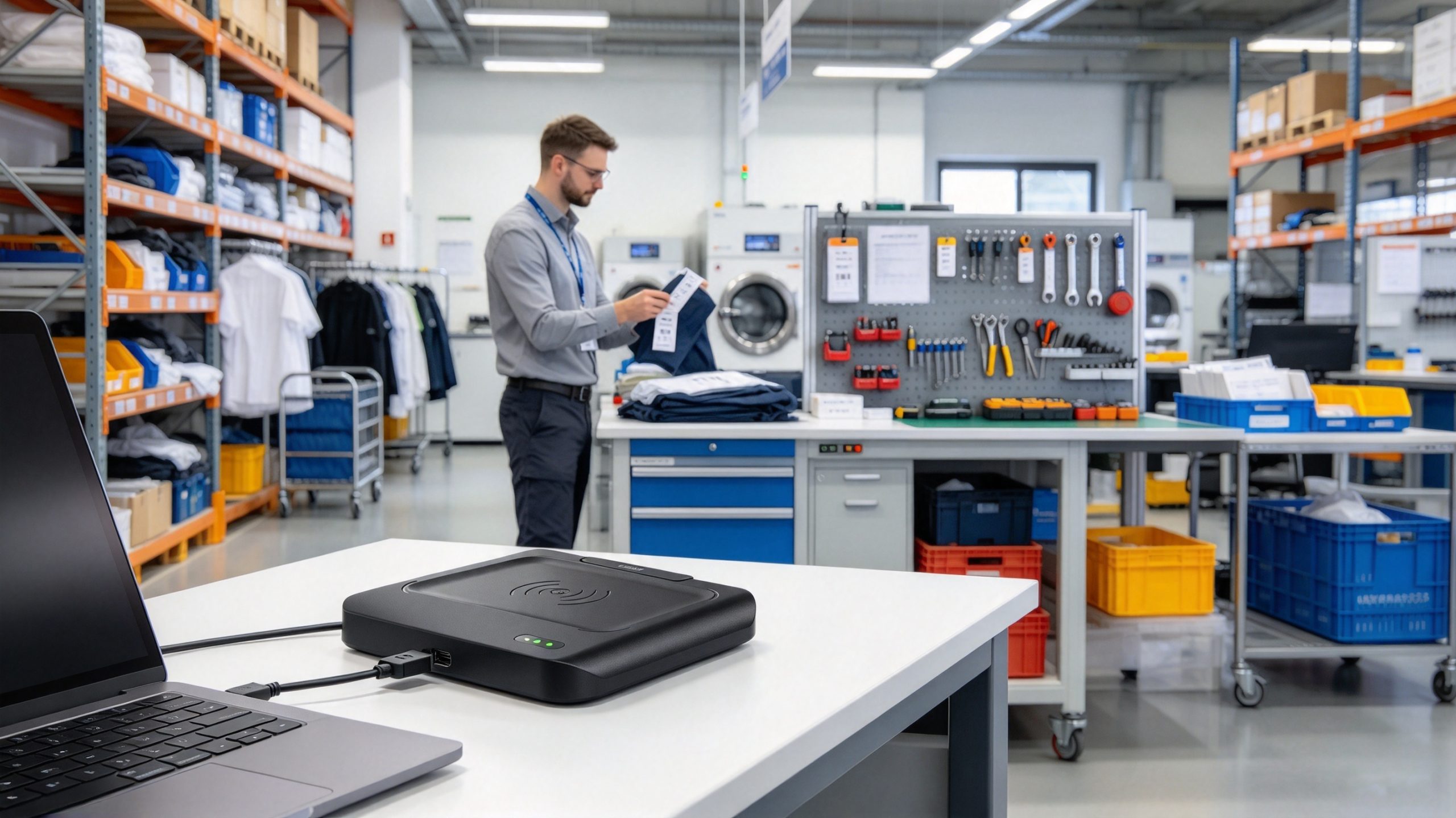
For libraries, tool inventories, and linen-management operations, a USB-connected UHF RFID desktop reader can make individual tag checks easier to control. Cykeo’s described desktop platform supports tag identification, filtering, RSSI information, and computer-based administration, making it suitable for workflows where staff need to inspect tags and verify records at a workstation.
An RFID tag number is an identifier or data value that a reader retrieves from an RFID tag. The precise meaning depends on the technology and the system using it. In UHF RFID applications, staff commonly work with EPC values, but a tag can contain other information as well.
The three terms most likely to cause confusion are EPC, TID, and user memory.
| Data type | What it represents | What to know when checking it |
|---|---|---|
| EPC | An electronic product code or identifier stored in EPC memory on compatible UHF tags | Often used by inventory applications to identify tagged items |
| TID | Tag Identifier information associated with the chip | Generally identifies characteristics of the tag IC and is commonly manufacturer-programmed |
| User memory | Additional memory available on some tags | May contain application-specific data, if supported and programmed |
| Database identifier | A value associated with an item in the management software | May not be identical to every value stored on the physical tag |
| Printed number | A human-readable number printed on a label or product | May represent an EPC, an internal asset number, or another reference |
GS1’s RAIN RFID documentation describes the organization of tag memory, including EPC and TID. Available memory and the information returned by a reader depend on the specific tag and the reader command being used.
Some RFID applications display identifiers as hexadecimal strings, while staff may expect decimal digits or a human-readable item number. These representations are not necessarily interchangeable without conversion.
For example, a printed asset number such as 10427 could be stored directly in an application-specific field, encoded as part of an EPC scheme, or linked to a separate database identifier. The number alone does not tell you how it was stored.
Treat that example as an illustration, not a universal RFID format. To interpret the result correctly, check the encoding rules used by the tag and application.
For routine UHF RFID inventory work, the most reliable approach is to read the tag, identify the returned data, and confirm that it belongs to the expected item. You do not need to rewrite a tag simply to inspect its number.
First, identify the tag technology. A UHF desktop reader cannot automatically read every RFID tag: LF, HF, NFC, and UHF use different operating frequencies and may require different readers.
For a compatible UHF tag, connect the reader to the computer and open the manufacturer’s supported application or your integrated inventory software. Confirm the reader is recognized and configured for the correct region and protocol.
Position the tagged item near the reader antenna. With a desktop reader, begin with one tag at a time. This makes it easier to establish which item corresponds to the returned identifier.
The supplied Cykeo desktop platform specifications state a reading range of within 30 cm and a writing range of within 10 cm. These are different operating ranges, and neither should be treated as a universal distance for all tags. Tag antenna design, orientation, materials, and the surrounding environment can affect actual results.
Use the reader software’s tag-reading or inventory function. Depending on the application, the result may include an EPC, TID information, RSSI, or other available data.
Do not assume every field will appear automatically. Some software displays only the EPC during a standard inventory operation; additional memory data may require a separate read command supported by the reader and tag.
Check the returned value against the system’s expected format. If the tag is used in a GS1-based application, the EPC may represent a standardized identifier such as a serialized product code. The GS1 EPC Tag Data Standard defines supported encoding schemes and how identifiers are represented.
For other applications, the tag may use an internally assigned identifier linked to a database record. If the result is displayed in hexadecimal, use an appropriate decoder or the application’s encoding rules before comparing it with a printed decimal number.
Finally, search for the identifier in the inventory, library, or asset-management system. Check that the record belongs to the physical item in front of you.
If the tag reads successfully but the application cannot find a record, the tag may be valid while its identifier has not been registered in the database. That is a registration or data-mapping issue, not necessarily a reader failure.
If the reader detects no tag, work through the likely causes one at a time:
For developers, the Cykeo desktop platform’s supplied specifications include USB connectivity, tag filtering, multi-tag identification, RSSI support, and C# and Java development materials. These functions can support custom registration and query workflows, provided the application uses the reader’s supported interface correctly.
The right way to verify an RFID tag depends on what the item is and how its identifier is used. A book, a maintenance tool, and a reusable linen item may all carry UHF RFID tags, but their management systems may store different information against each tag.
Library staff may need to verify a newly registered book, investigate a failed checkout, or confirm that a replacement tag points to the correct catalogue record.
A practical check involves reading the tag at a desktop workstation, recording the returned identifier, and searching for that value in the library management software. If the tag is readable but the record is missing, check whether the book was registered correctly before assuming the tag is defective.
When checking multiple books, process them in a way that keeps each physical book matched to its identifier. A reader may identify several tags within its field, but that does not guarantee that staff can immediately tell which returned number belongs to which book in a stack.
In a tool crib or maintenance department, the identifier should match the physical equipment and its inventory record. A quick read is useful, but it should be followed by a record check when investigating missing tools, incorrect assignments, or replacement tags.
For example, if a tagged power tool appears under the wrong department in an asset system, read the tag and compare its identifier with the assigned record. If the EPC is correct but the department is wrong, the problem may lie in the database rather than the tag itself.
Avoid rewriting the tag simply because the software displays unexpected information. First determine whether the issue concerns the physical identifier, the database mapping, or another field in the application.
Laundry and linen operations often involve reusable items that pass through repeated handling, washing, sorting, and inventory checks. When a tag cannot be associated with the expected item, confirm that the reader returns an identifier and that the management system links it to the correct record.
Replacement tags require extra care. The new tag may have a different identifier from the original, so the database must be updated according to the organization’s replacement procedure. A successful RFID read alone does not confirm that the old item record has been linked correctly.
When an RFID tag number cannot be verified, separate the problem into three questions: can the reader detect the tag, can the software interpret its data, and does the management system recognize the item?
| Symptom | Possible cause | What to do |
|---|---|---|
| No tag is detected | Incompatible reader, poor positioning, or damaged tag | Confirm frequency compatibility and test the tag in the recommended reading zone. |
| The reader detects a tag, but no number is displayed | The software may not show the relevant memory field | Check the inventory output and supported memory-read functions. |
| The number appears in an unfamiliar format | The application may display hexadecimal or encoded data | Confirm the encoding scheme before converting or comparing values. |
| Several numbers appear at once | Multiple tags are inside the reading field | Isolate the target tag or use supported selection and filtering functions. |
| The number is readable but the item cannot be found | The tag may not be registered or linked correctly | Search the database and check the tag-to-item mapping. |
| The same tag is read repeatedly | The application may be continuously inventorying tags | Use the software’s supported filtering, session, or duplicate-handling options. |
RSSI, or received signal strength indication, provides information about the strength of a tag’s response as detected by the reader. It can help when adjusting tag placement or investigating inconsistent reads.
However, RSSI is not a unique identifier. A stronger signal does not prove that the tag belongs to the expected item, nor does it guarantee a particular distance. Antenna orientation, surrounding materials, and the local radio environment can all affect the reading.
For that reason, use RSSI as a diagnostic aid and use the actual identifier to confirm the tag’s identity.
Use a compatible RFID reader and its inventory or read function. Retrieve the available identifier and compare it with the expected value in your software. Reading a tag does not require rewriting its memory. Avoid write commands unless you specifically intend to modify tag data.
Place a compatible UHF RFID tag within the reader’s operating zone and run an inventory operation. The software may display its EPC directly. If it does not, check the reader application’s output settings and supported memory-read functions. The EPC may be shown in hexadecimal or another representation, depending on the software.
Some phones can read compatible NFC or HF tags, but an ordinary phone cannot directly read every UHF RFID tag. If the tag is UHF, use a compatible UHF reader or a supported external reader connected to an appropriate application.
Not necessarily. A barcode may display a product number, serial number, or internal asset identifier, while an RFID tag may store an EPC or another data value. A business can link the two in its database, but the values are not automatically identical. Confirm the system’s identifier mapping before comparing them.
The displayed value may be a hexadecimal EPC, TID information, or another encoded identifier. Check which memory field the software is showing and what encoding scheme the application uses. Do not interpret the string as a decimal asset number without confirming the conversion rules.
The appropriate distance depends on the tag, reader, antenna, and operating environment. For the Cykeo desktop platform described in this article, the specified reading range is within 30 cm and the writing range is within 10 cm. These are supplied product specifications, not guaranteed distances for every tag or setup. Start within the recommended zone and adjust as necessary.
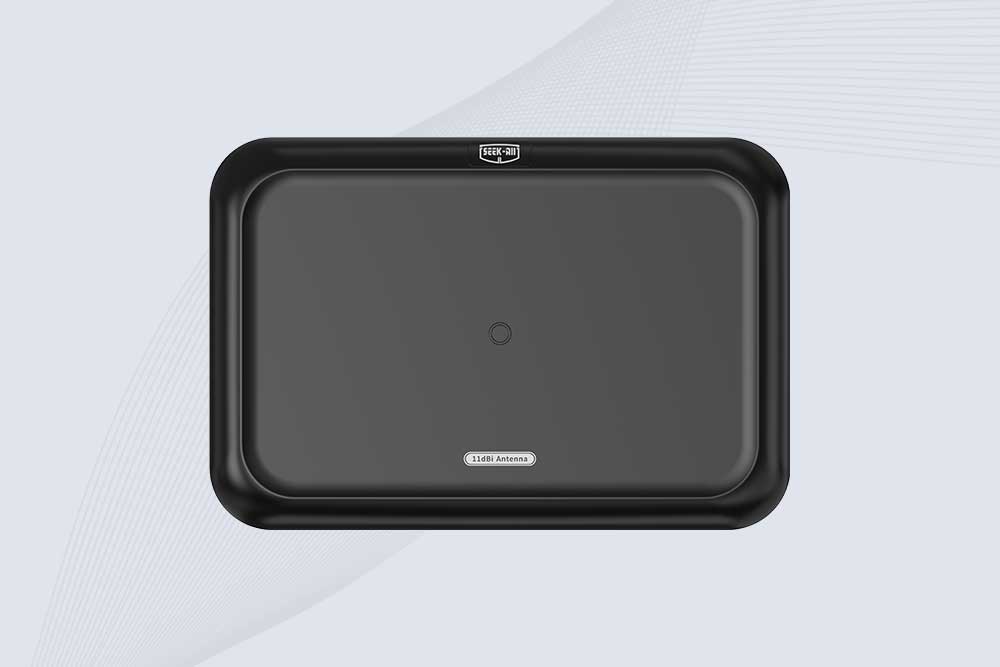
SSD-A11 UHF RFID antenna features 840–960 MHz adjustable frequency, ≥10.5 dBi gain, circular polarization and 50Ω impedance for fixed RFID systems.
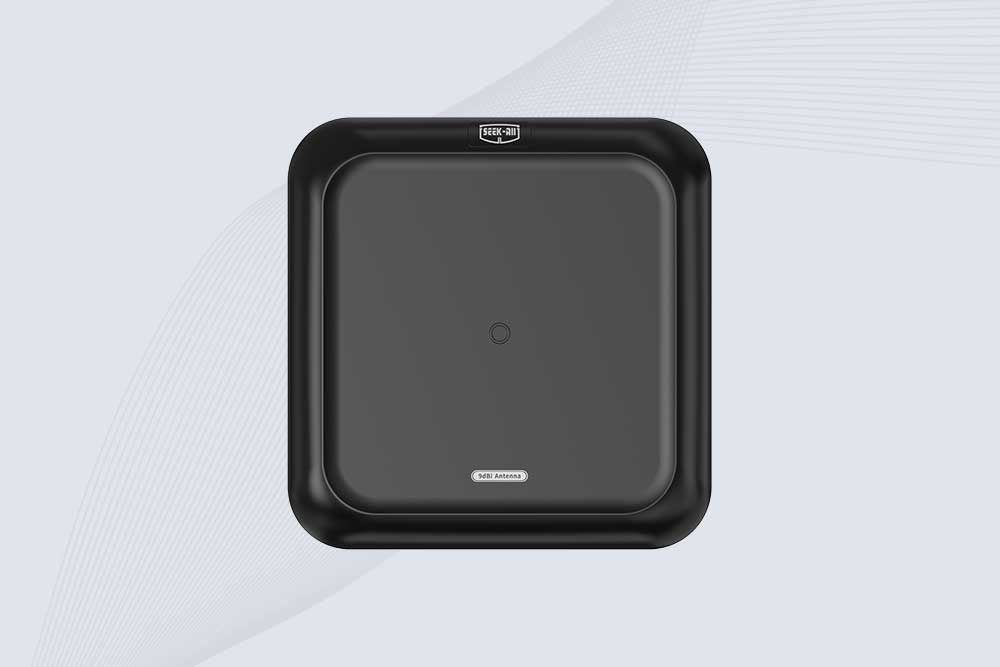
SSD-A09 is a 9 dBi UHF RFID antenna with 840–960 MHz adjustable frequency, circular polarization, 50Ω impedance and directional 60° × 60° coverage.
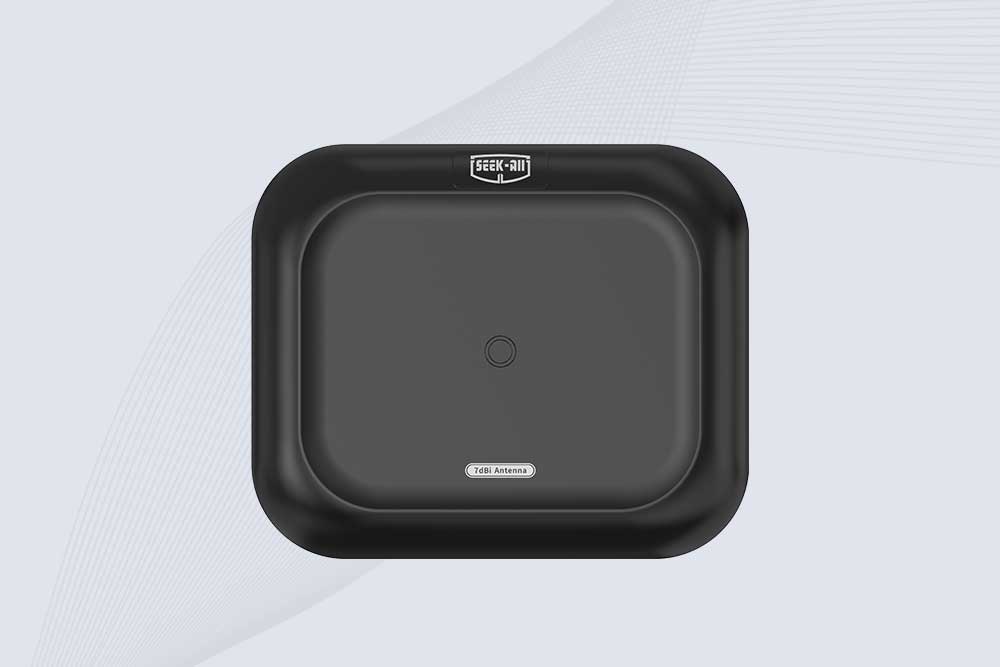
Explore the SSD-A07 UHF RFID antenna with 7 dBi gain, circular polarization, adjustable 840–960 MHz frequency, and 60°/75° beamwidth for stable RFID read/write performance.

SSD-A06 UHF RFID antenna with circular polarization, adjustable 840–960 MHz frequency, ≥4.5 dBi gain, and a compact directional design for RFID systems.
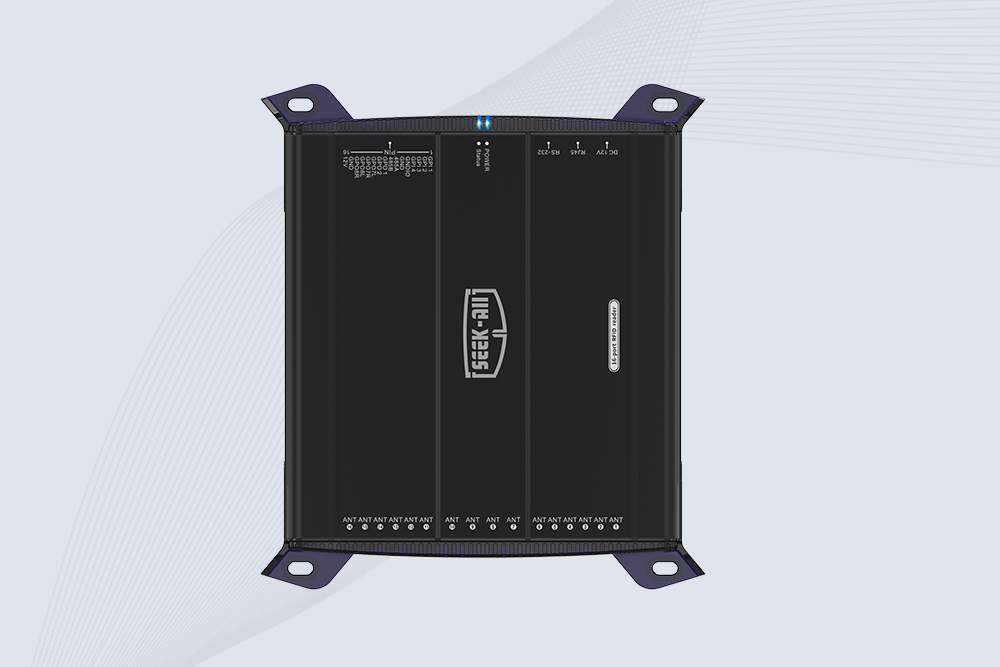
SSD-R16L Multi-Channel RFID Infrastructure for Automated Inventory Management ✔️ 16-Port High-Density RFID Reading Equipped with 16 SMA antenna ports, SSD-R16L supports multi-antenna deployment for warehouses, retail stores, logistics, production lines, and large-area RFID identification. ✔️ High-Speed & Long-Range Performance With up to 33…
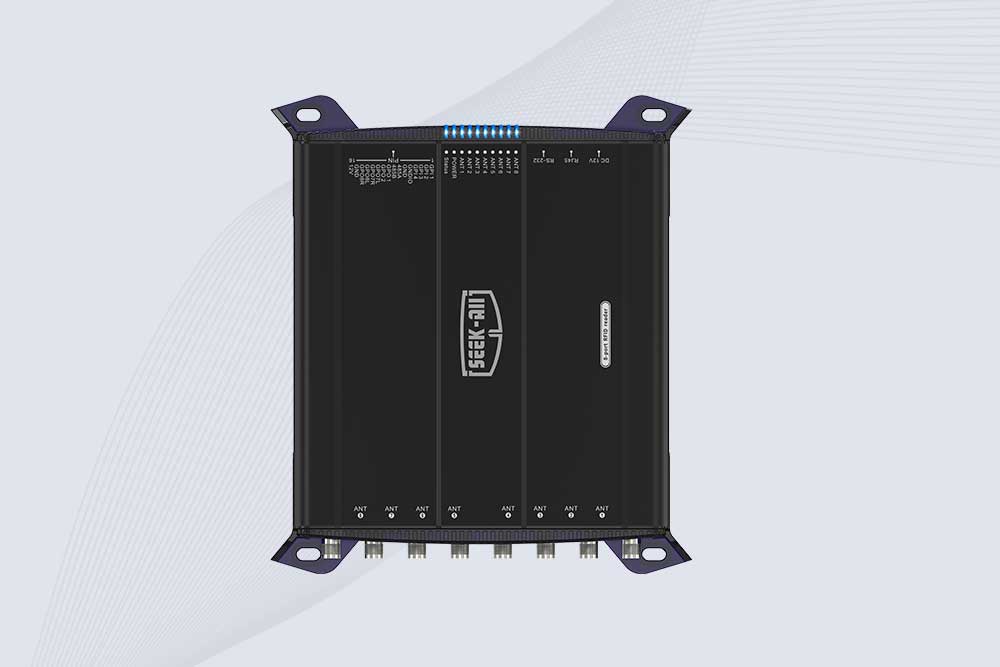
SSD-R8L 8-port UHF RFID reader with 33dBm output, up to 20m reading range and 600+ tags/s recognition. Ideal for warehouse, logistics, retail and asset tracking.
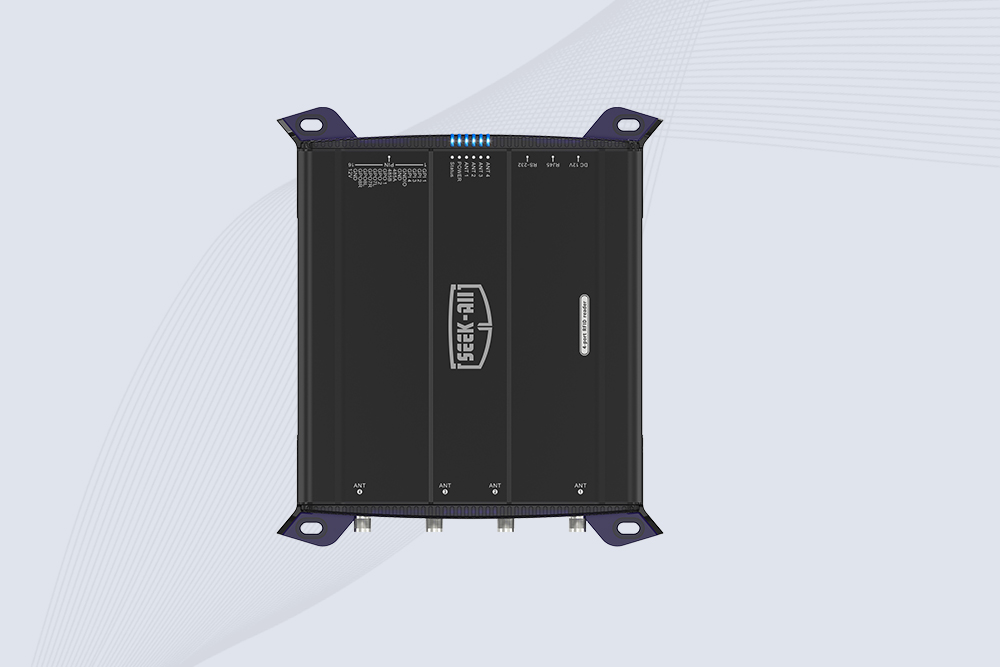
SSD-R4L is a 4-port UHF RFID fixed reader with 33dBm output power, up to 20m reading range, EPC C1G2 support and 600+ tags/s reading speed.
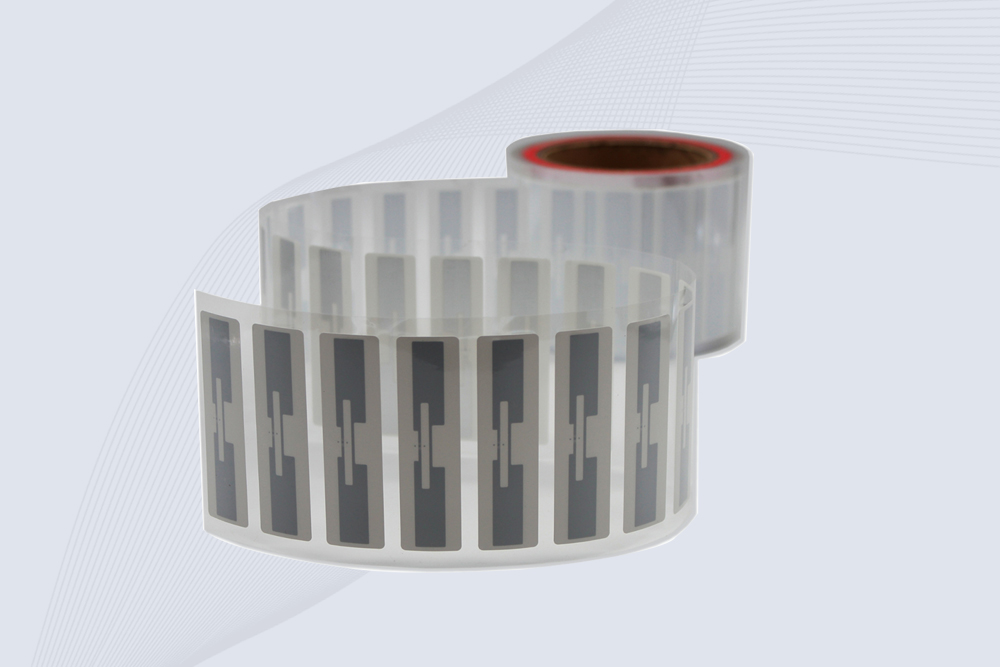
CYKEO Passive RFID Tags are made for wet and high-humidity environments where standard labels do not last. This rfid passive tag is often used around liquids, chemicals and temperature changes, providing stable reading distance and long data life for industrial tracking.
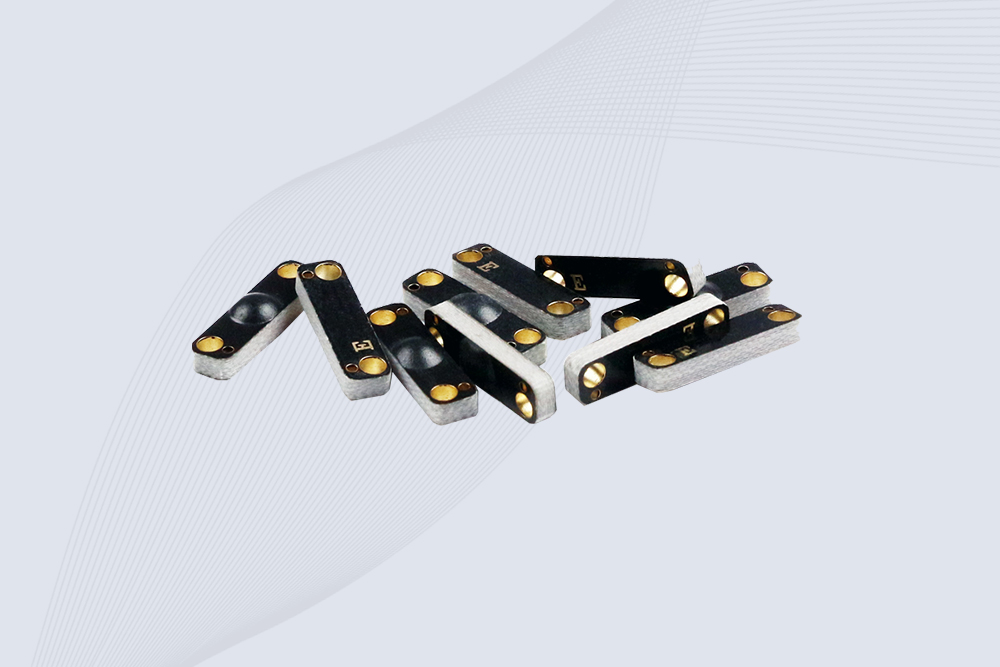
CYKEO CYKEO-PCB1504 Metal RFID Tags is a compact anti-metal UHF RFID solution built for direct mounting on metal surfaces. With stable 8-meter read range, Ucode-8 chip, and long data retention, this rfid metal tag fits tools, containers, automotive parts, and industrial asset tracking.
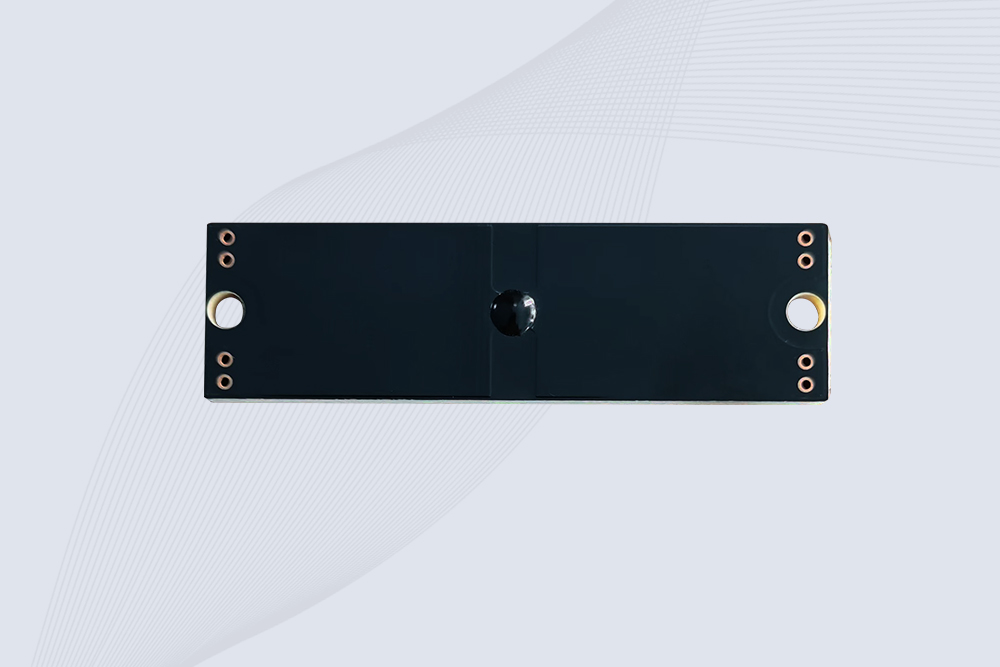
CYKEO CYKEO-PCB7020 On-Metal RFID Tags are designed for reliable tracking on steel and metal surfaces. Built with an FR4 epoxy body and industrial-grade chips, these On-Metal RFID Tags deliver stable performance, long data life, and chemical resistance, making them a dependable RFID anti-metal tag for harsh environments.
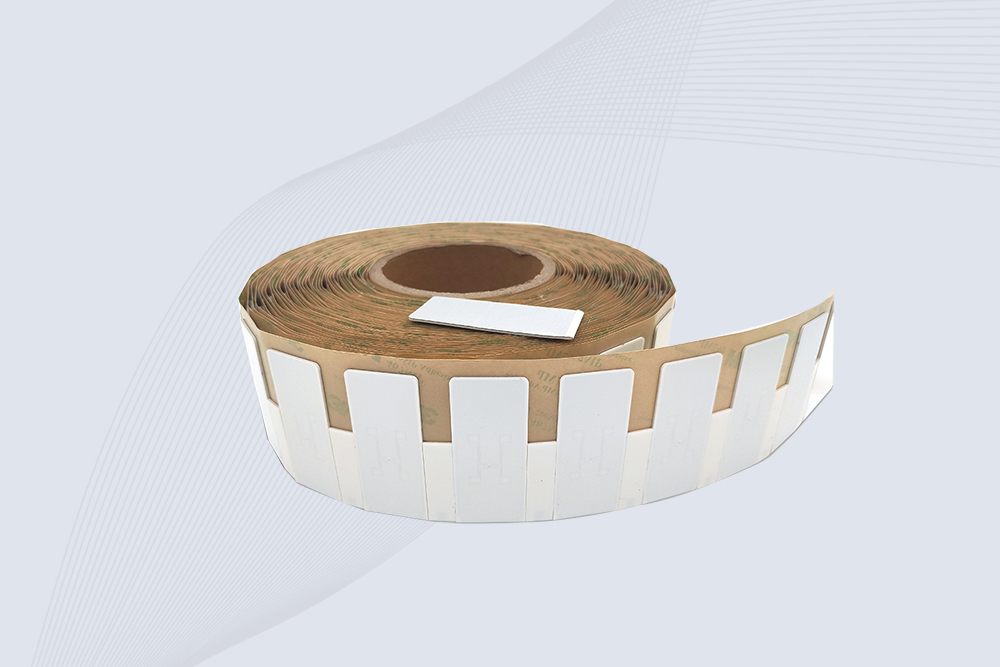
The CYKEO CYKEO-60-25 Anti-Metal RFID Tag is built for metal surfaces where standard tags fail. Designed for long-range performance, harsh environments, and stable data retention, this Anti-Metal RFID Tag is ideal for industrial assets, containers, and equipment tracking using on metal RFID tags.
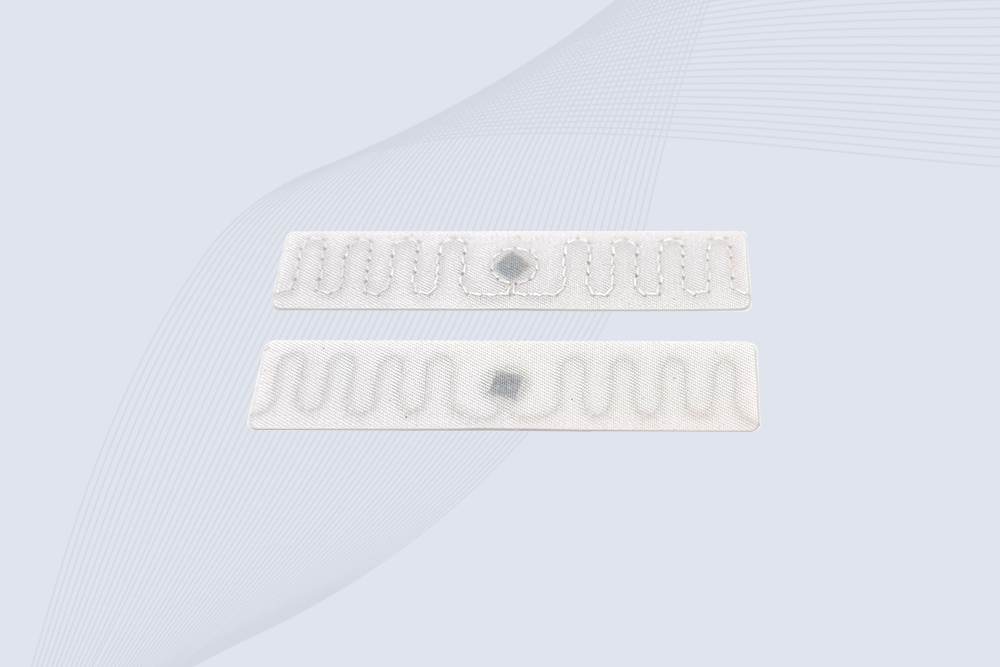
The CYKEO RFID Laundry Tag is designed for long-term textile identification in harsh laundry environments. Built to withstand high heat, chemicals, and repeated washing, this RFID Laundry Tag delivers stable performance for hotels, hospitals, and industrial laundry operations using laundry rfid tags at scale.
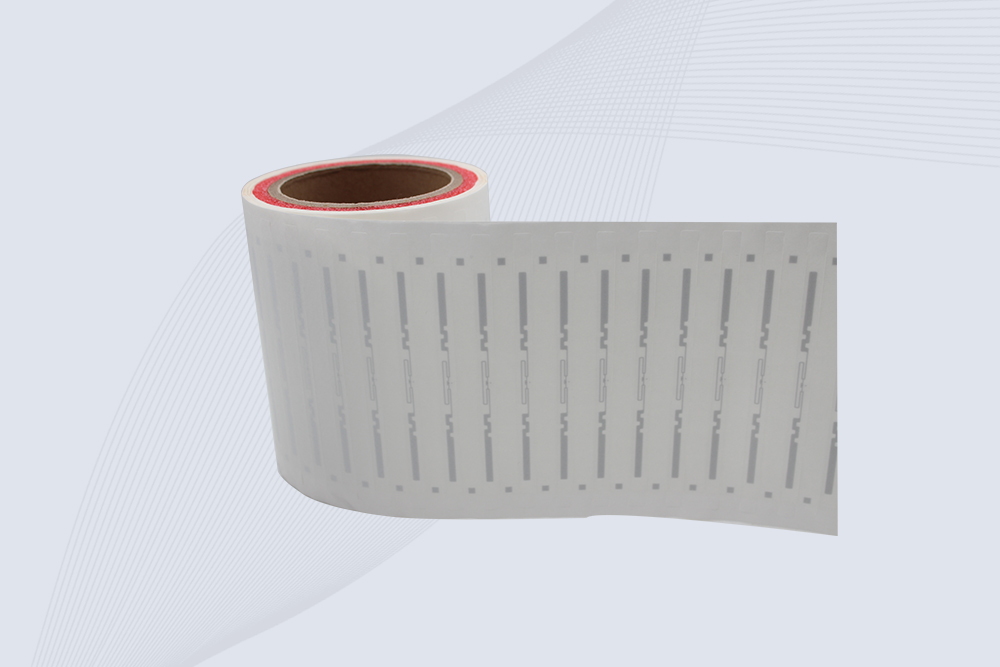
The CYKEO CYKEO-125-7 RFID Book Tag is designed for reliable book and document tracking in libraries and archives. This RFID Book Tag delivers long read range, dense placement support, and stable performance on shelves, making it a practical rfid tag on books for library automation, file management, and archival systems.
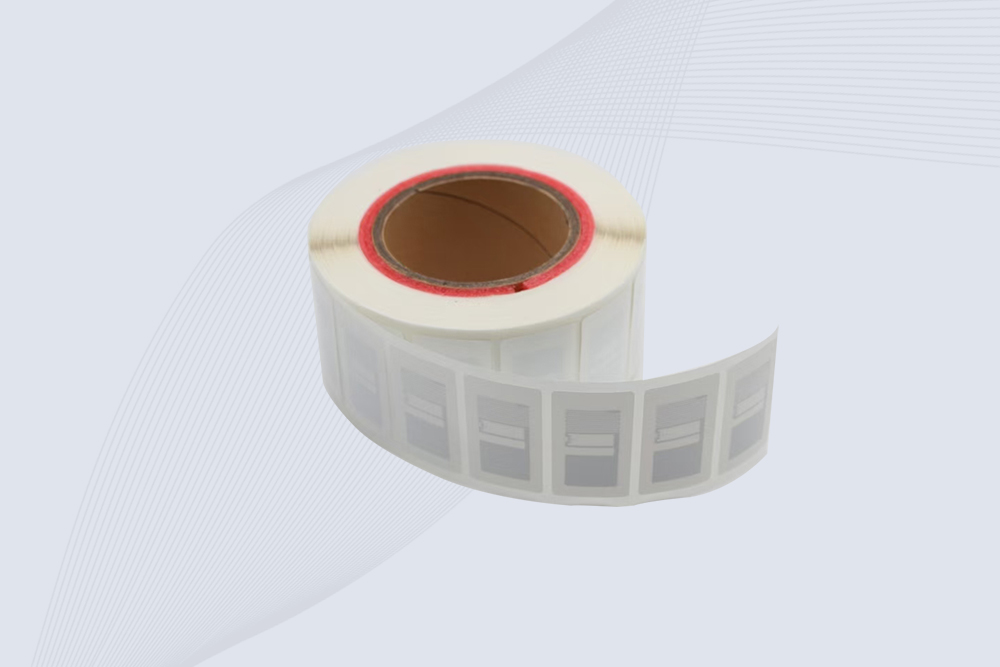
CYKEO RFID tags in hospitals are designed for sterile environments where accuracy matters. These autoclavable RFID tags support long-term tracking of surgical tools, implants, and medications, helping hospitals improve visibility, compliance, and patient safety.

CYKEO RFID Cable Tie Tag is built for reliable identification on metal surfaces. This UHF RFID Cable Tie Tag is widely used in rfid tags for inventory systems, industrial asset management and Hospital RFID Tags, offering stable read performance, long service life and global EPC Gen2 compatibility.
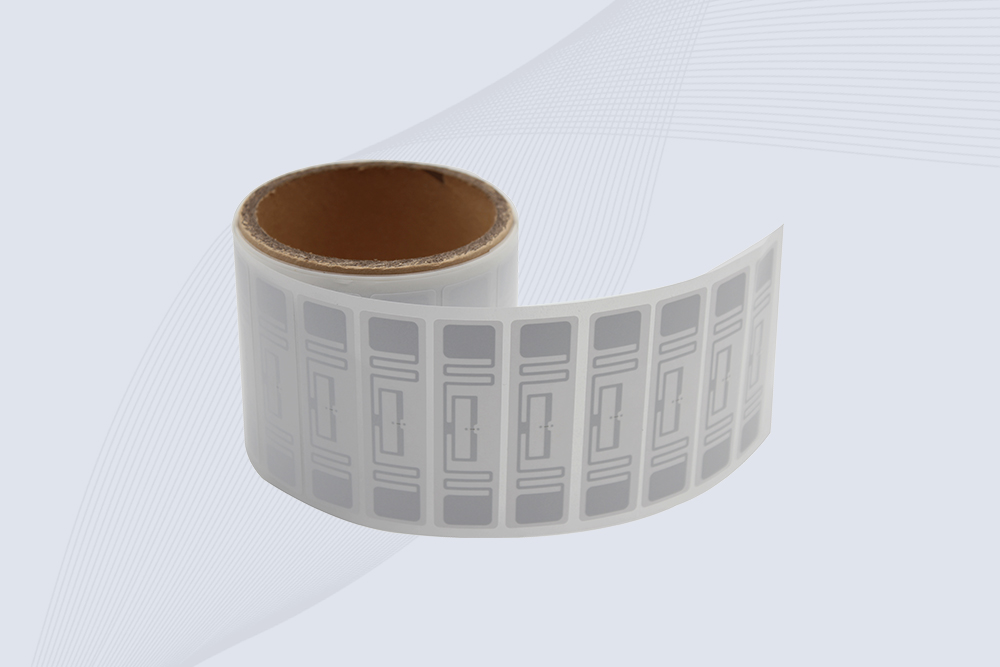
CYKEO RFID Asset Tag is designed for stable identification of metal assets in industrial environments. This UHF RFID Asset Tag is commonly used for rfid tag asset tracking on equipment, tools and containers, providing reliable reads, long service life and ISO/IEC 18000-6C support.

CYKEO UHF RFID Card is designed for fast identification and long-term use in industrial and commercial systems. Supporting ISO 18000-6C, this UHF RFID Card works at 860–960 MHz and is suitable for custom RFID cards used in asset tracking, access control and inventory management.
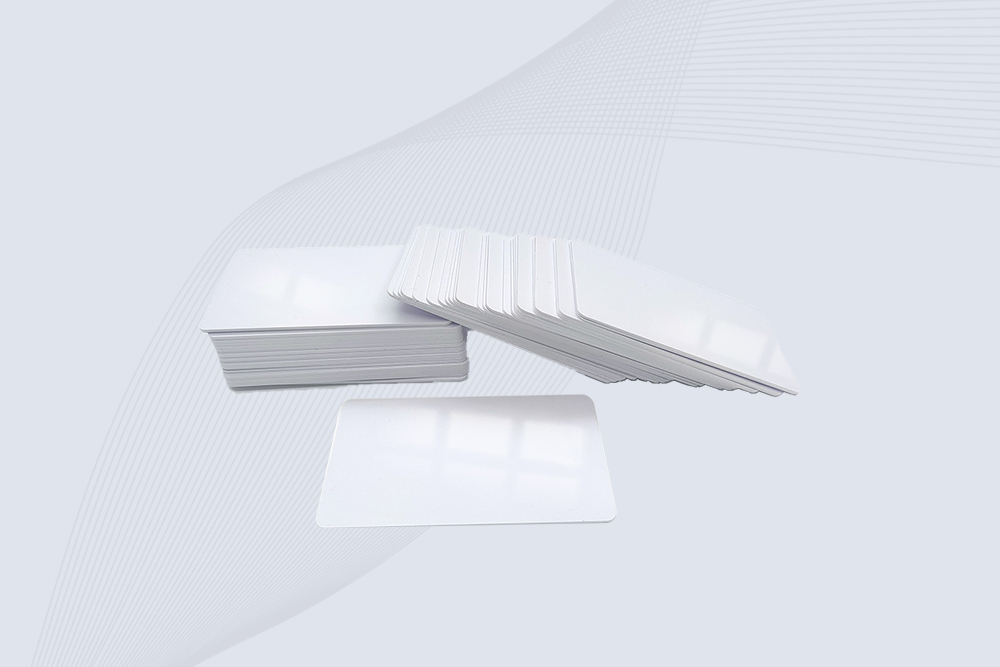
CYKEO HF RFID Cards are designed for secure and stable access control systems. These 13.56 MHz RFID key cards support ISO 14443-A, reliable rewriting and long service life, making HF RFID Cards suitable for offices, campuses, events and membership management.
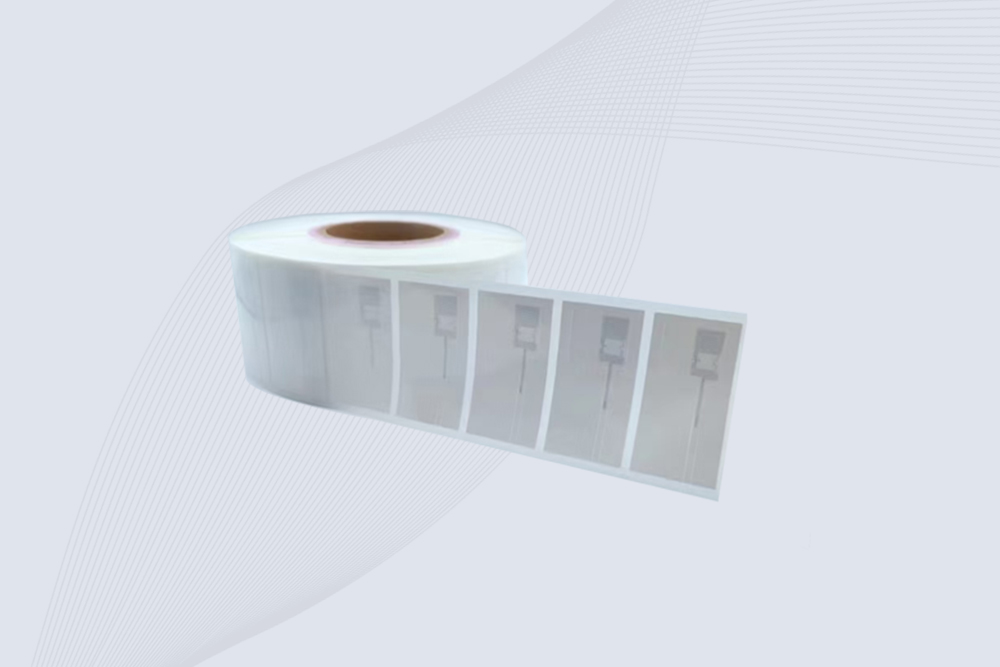
CYKEO UHF RFID Tag is designed for reliable tracking of metal jewelry and high-value items. This Jewelry RFID Tag supports long-range reading up to 8 meters, anti-counterfeit protection and stable performance on metal, making it suitable for retail, inventory control and asset management.
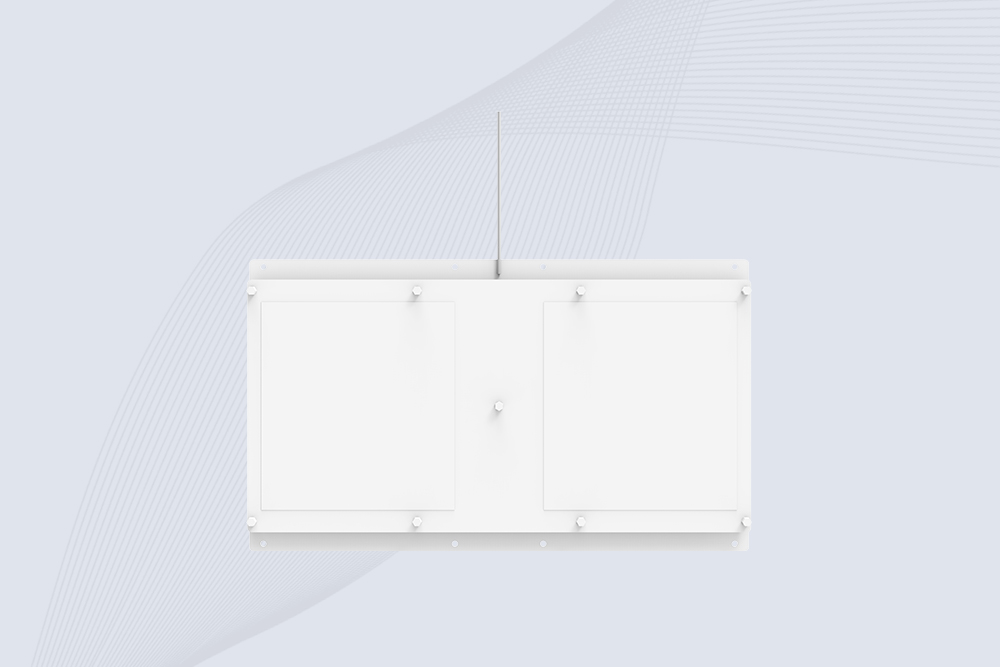
Cykeo CYKEO-A11 UHF RFID reader antenna delivers 11dBi gain, 840-960MHz frequency range, and IP65 ruggedness for retail, logistics, and industrial RFID systems. Features low VSWR and easy installation.

CYKEO Antenna RFID Reader delivers stable long-range UHF performance with a 10.5dBi directional design, built for warehouses, conveyor portals, and industrial RFID systems. This rfid reader antenna provides 20m+ read distance and rugged IP67 protection.

Cykeo CYKEO-PHF3 industrial HF RFID Antenna offers 24-point dynamic tracking, ISO 14443A/15693 protocols, metal-environment stability for archives/libraries/manufacturing.

Cykeo CYKEO-A5B industrial Linear RFID Antenna delivers 5dBi gain, ≤1.5:1 VSWR, and IP65 rugged design for warehouse, production line, and logistics UHF systems.

Cykeo’s CYKEO-B12 Long Range RFID Antenna delivers 15m+ read range with 12dBi gain, IP65 rugged design, and global 840-960MHz UHF support. Ideal for warehouse/logistics asset tracking.
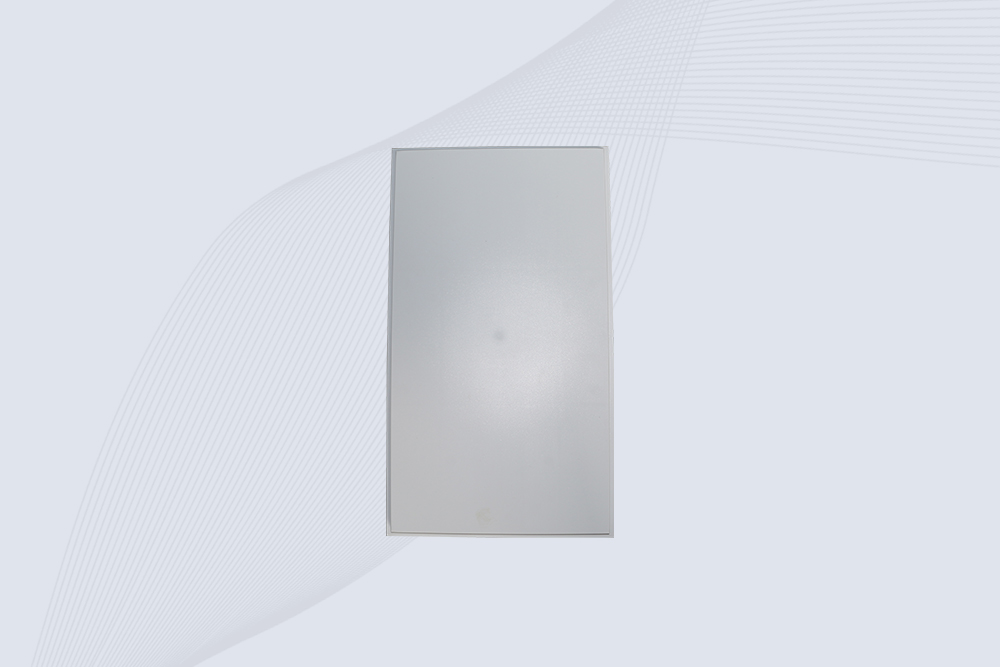
Cykeo CYKEO-B10 Long Distance RFID Antenna offers 10dBi gain, 840-960MHz frequency range, IP65 rating, and 20m+ coverage for logistics/warehousing/ETC systems. Low VSWR ensures stable signal transmission.
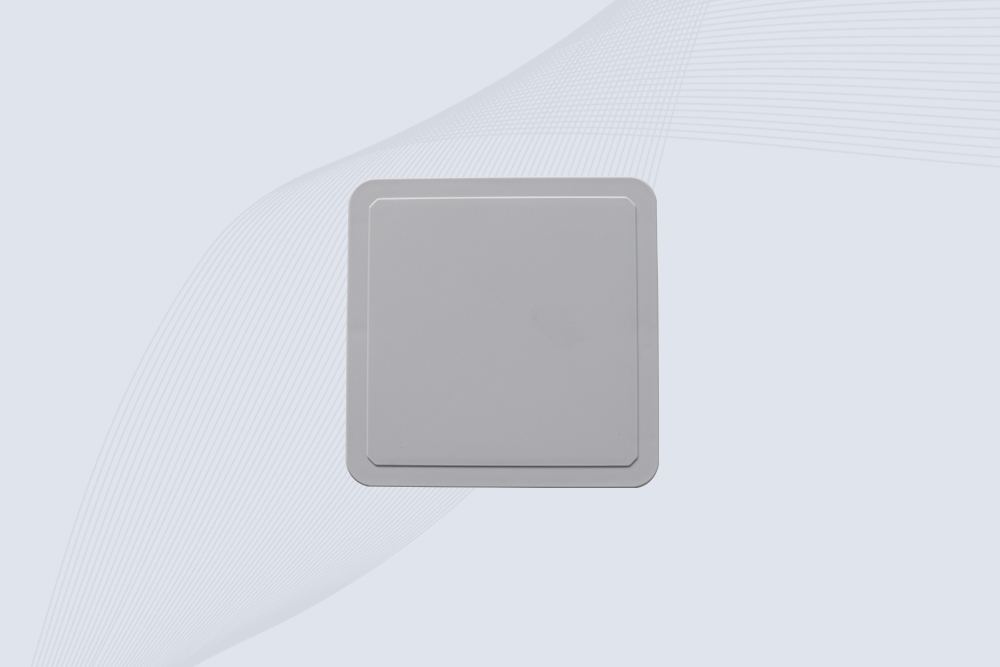
Cykeo CYKEO-A6 UHF RFID panel antenna features 6dBi gain, 840-960MHz broadband, IP65 metal-ready housing for logistics/smart retail. 18mm ultra-thin design with tool-free mounting.

Cykeo CK-A3 industrial antenna RFID UHF offers 5m+ tag detection, ≤1.3:1 VSWR, IP65 rugged design, and global UHF spectrum compatibility (840-960MHz) for warehouses, factories, and retail.
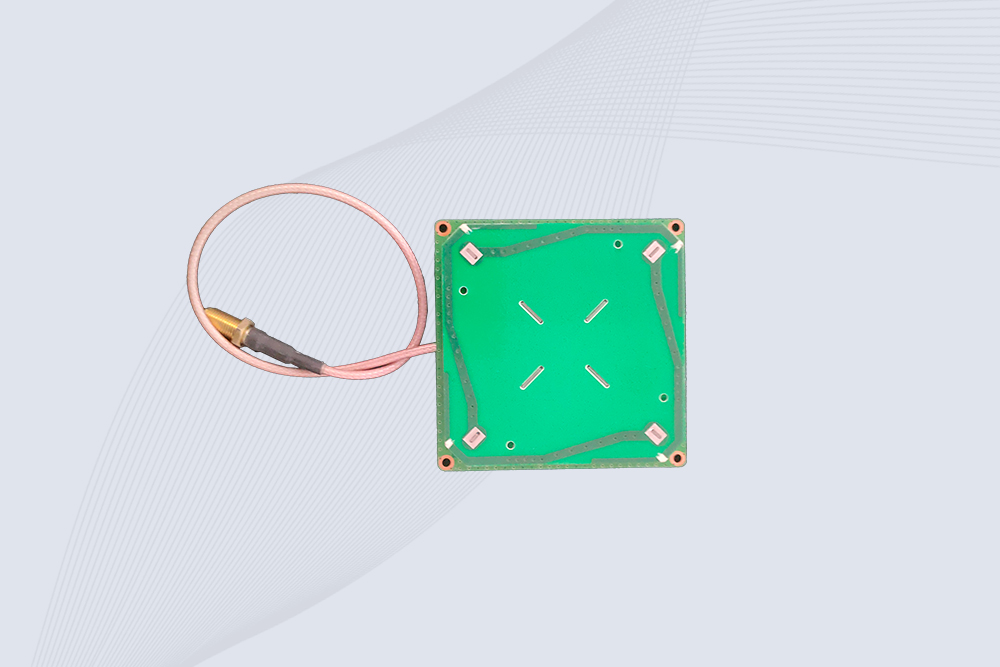
Cykeo CYKEO-B5 directional RFID antenna provides 5dBi gain with 60° narrow beamwidth for precise inventory tracking. IP65-rated, global UHF frequency support, and low VSWR.
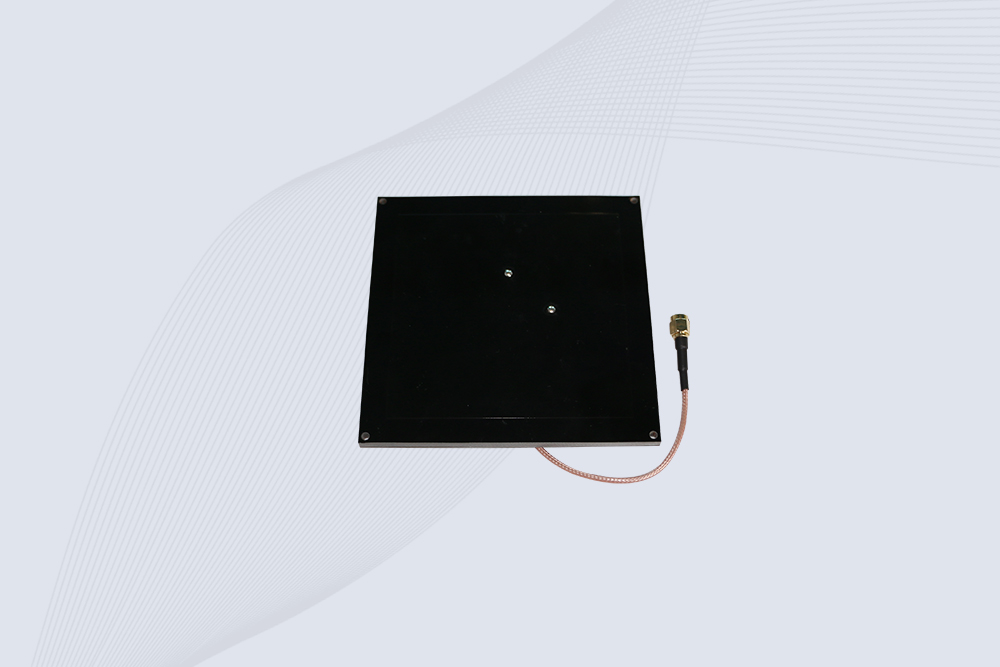
Create your own high-performance DIY RFID antenna! 5dBi gain, 840-960MHz tunable, step-by-step guides. Compatible with Arduino, Raspberry Pi, and commercial UHF readers.
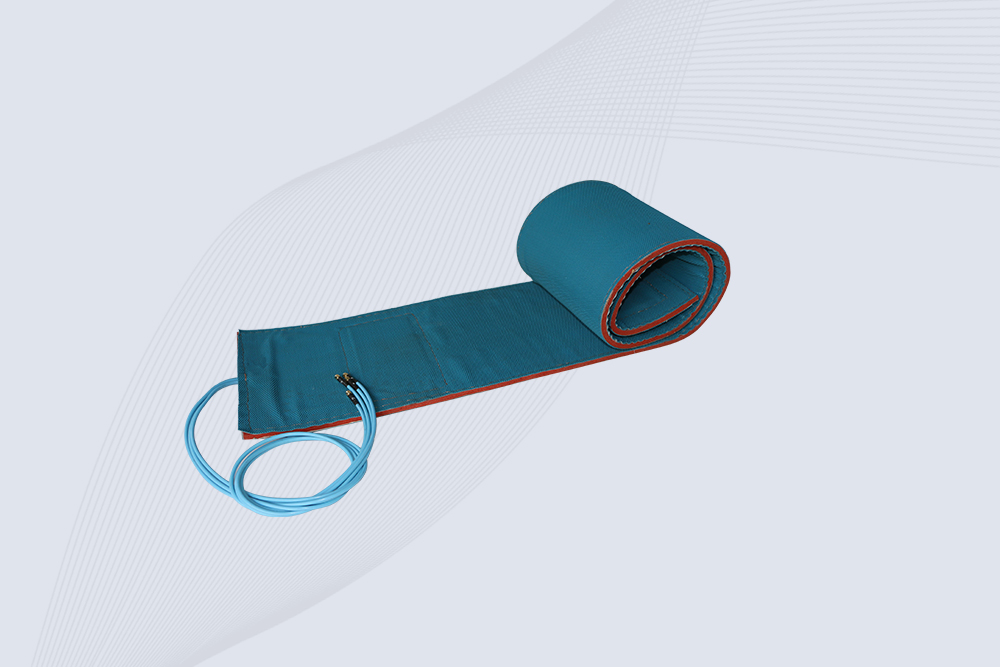
Cykeo CYKEO-A7 Flexible RFID Antenna features 840-960MHz wideband tuning, 7dBi gain, and IP68 rating for medical/retail/industrial curved surface deployments. 98% read accuracy with peel-and-stick installation.

Cykeo CYKEO-B5A industrial Passive RFID Antenna delivers 5dBi gain, 70° beamwidth, and -40°C~55°C operation for warehouses/smart cabinets. Compatible with Zebra/Impinj readers.
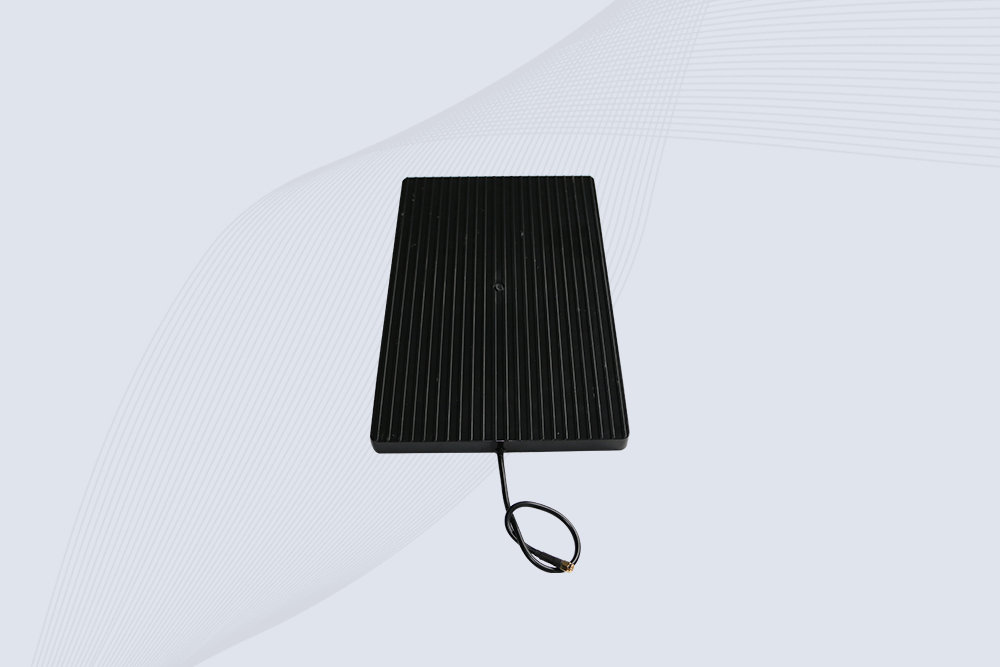
Cykeo’s CYKEO-A9B High Gain RFID Antenna delivers 15m+ read range with 9dBi amplification. Features IP54 rugged design, 840-960MHz bandwidth, and 80° beamwidth for warehouse/manufacturing RFID systems.

Cykeo’s enterprise-grade 8dbi Impinj RFID Antenna 10m+ read range with 840-960MHz tuning. Features IP65 housing, 1.4 VSWR, 35° beamwidth for retail/warehouse RFID systems.
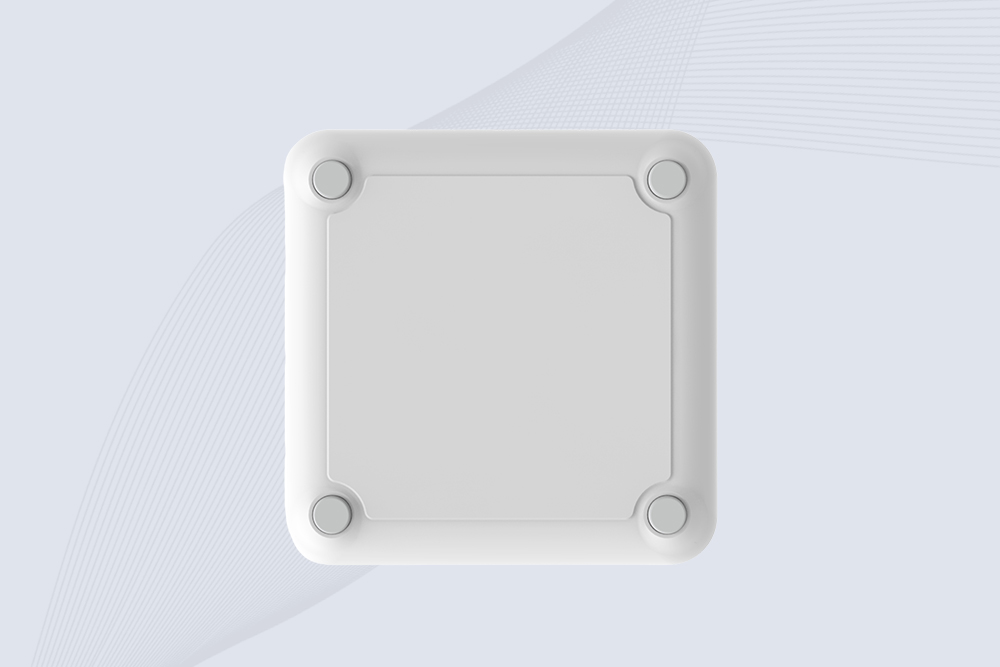
Cykeo CYKEO-A9 industrial UHF RFID antenna delivers 9dBi gain, 840-960MHz frequency range, and IP65 protection for warehouse/logistics/retail RFID systems. Features N-type connector and ≤1.3:1 VSWR.
CYKEO UHF RFID Antenna built for long-distance and industrial applications. This antenna rfid uhf delivers strong gain, outdoor durability, and reliable tag performance in warehouses, yards, and vehicle ID systems.
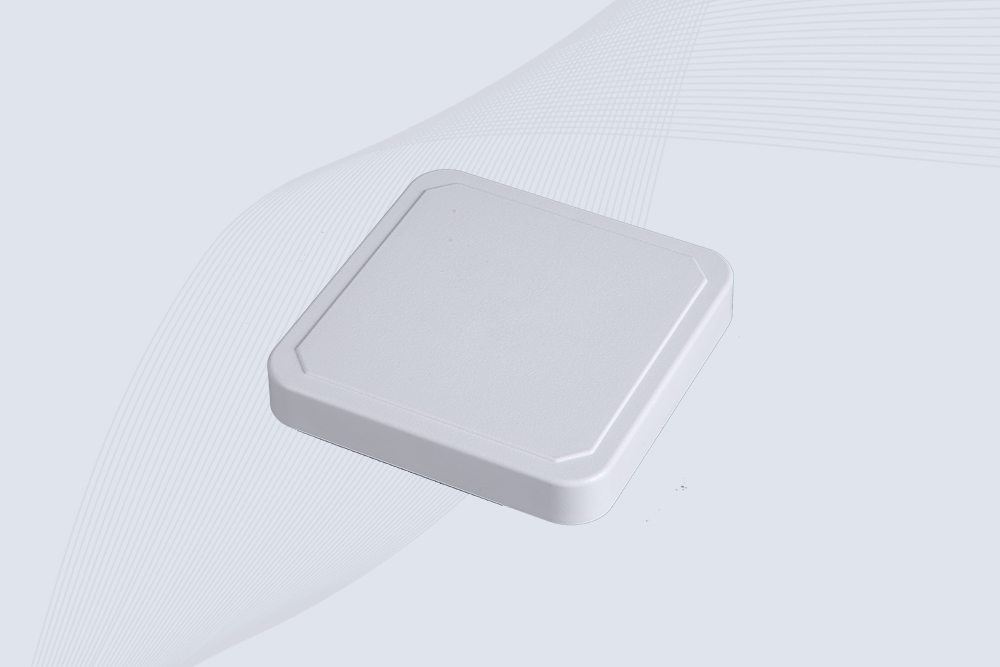
CYKEO Antenna RFID delivers reliable long-range UHF performance in warehouses, retail shelves, and cold-chain environments. This compact uhf rfid antenna provides stable reads with circular polarization and ultra-wide 840–960 MHz support, ideal for industrial tracking, smart shelves, and asset monitoring.
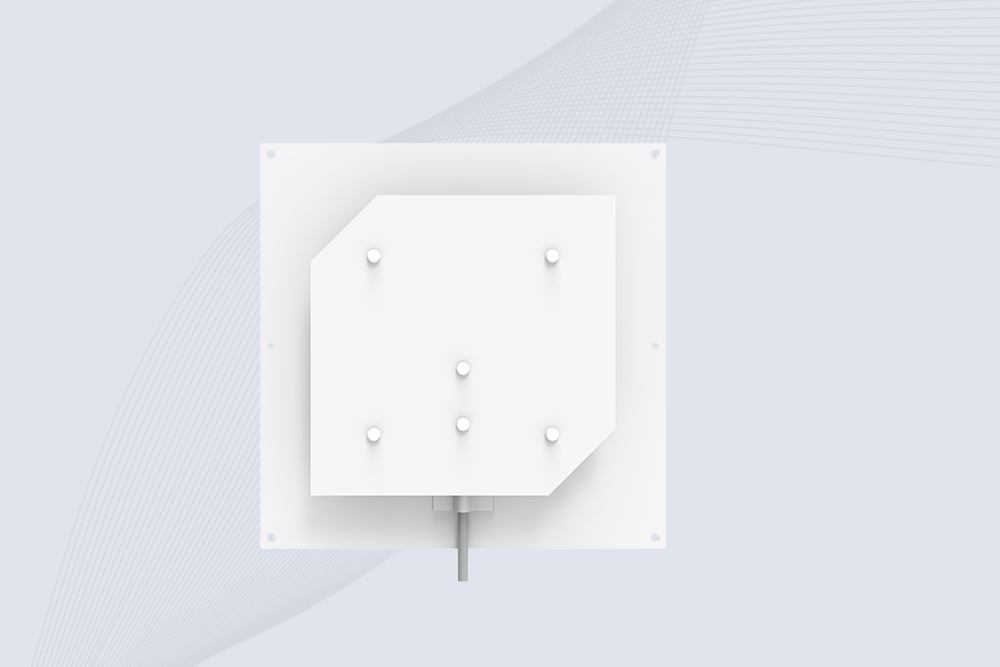
Cykeo’s CYKEO-C8 UHF RFID antennas delivers 8dBi gain, 840-960MHz full-band coverage, and IP65 ruggedness for manufacturing/warehouse RFID systems. Industrial RFID Antennas Features
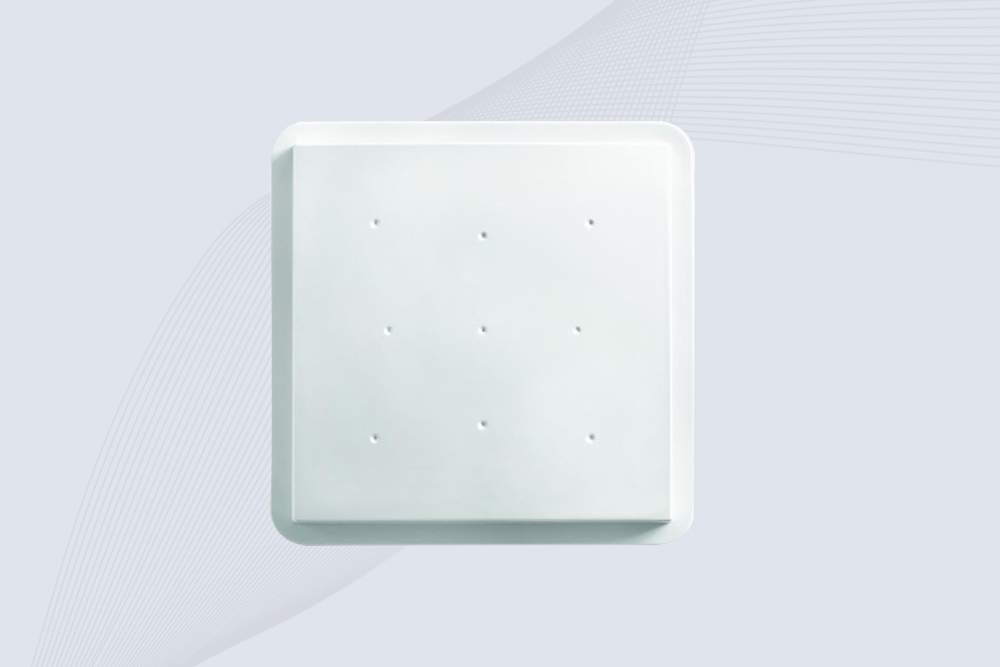
Cykeo’s 8dBi UHF RFID antenna and reader kit delivers 10m+ range, 840-960MHz broadband, and IP65 ruggedness for factories, warehouses, and logistics. ISO 18000-6C & EPC Gen2 certified.
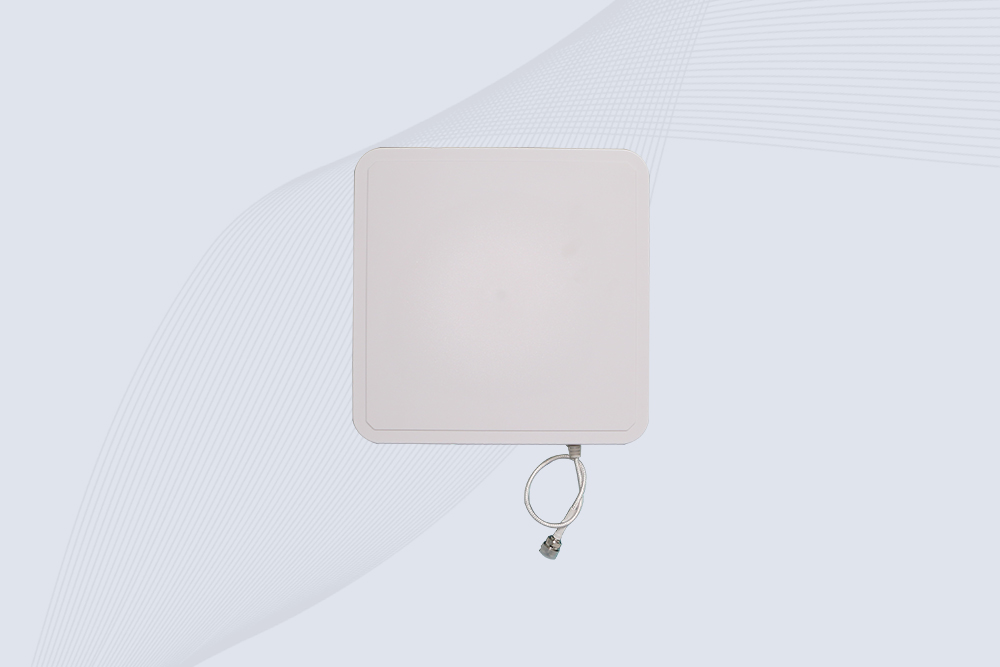
Cykeo CYKEO-A9A industrial UHF RFID reader and antenna kit delivers 10m range, 500 tags/sec, IP65 ruggedness for manufacturing/logistics. Supports EPC Gen2, ISO18000-6C.
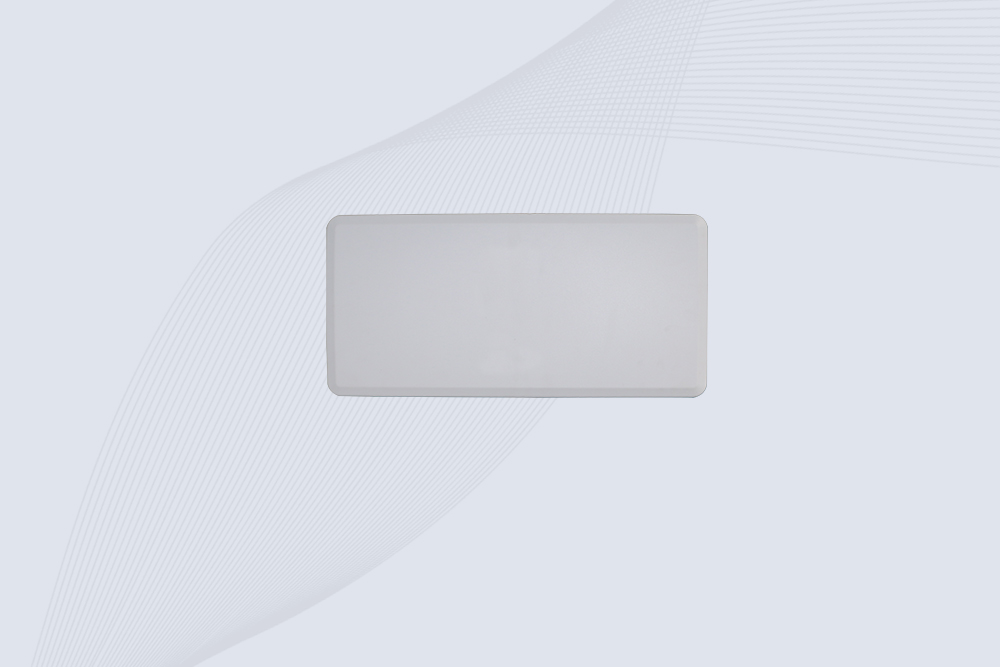
Cykeo’s CYKEO-A12C UHF Large RFID Antenna delivers 12dBi gain, 840-960MHz global frequency, IP65 ruggedness for logistics/warehousing/automotive. 40° beamwidth ensures stable 15m+ tag reads.

CYKEO Near Field RFID Antenna provides precise 5–30 cm reading for shelves, cabinets, and workstations. This compact rfid shelf antenna delivers stable short-range performance around metal and clutter, ideal for pharmacies, libraries, and electronics sorting.
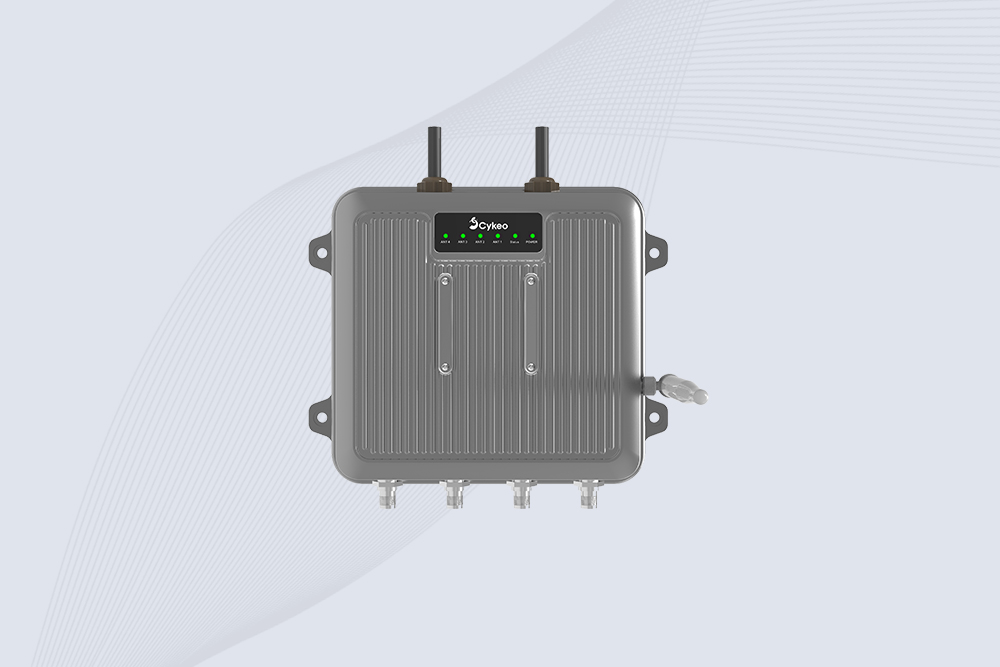
Cykeo CYKEO-C1 industrial Forklift RFID Reader features 20m read range, 600 tags/sec scanning, Impinj R2000 chipset, and IP67 rugged design. Ideal for warehouse logistics and manufacturing. Supports ISO 18000-6C/6B protocols.
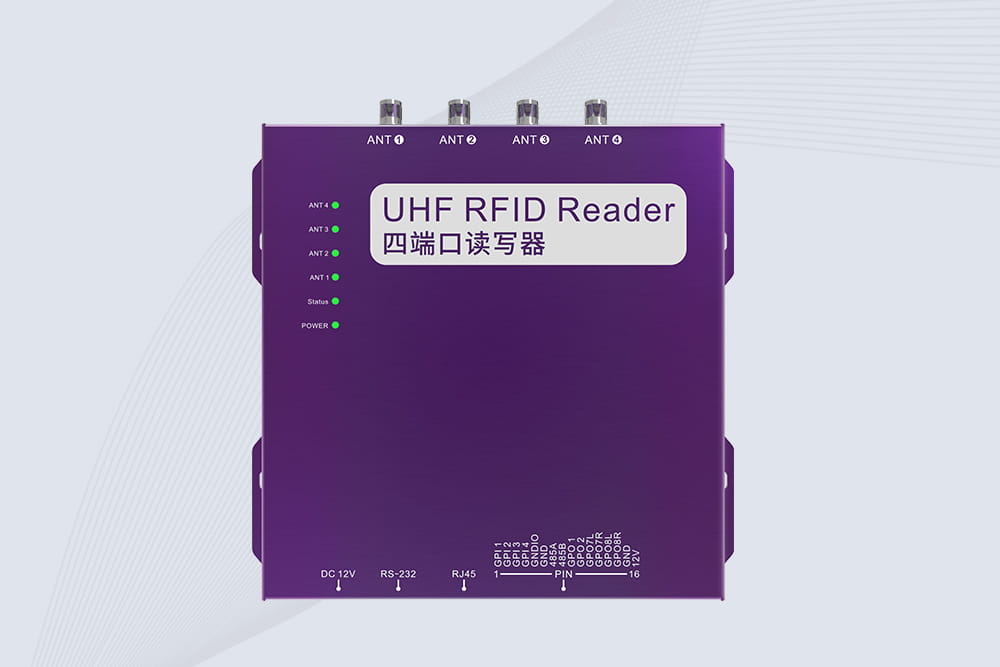
Cykeo CYKEO-R4 industrial UHF RFID Fixed Reader features 4 TNC ports, 400+ tags/sec speed, IP67 housing, and global frequency compliance for vehicle inspection, smart warehouse, and asset management systems.
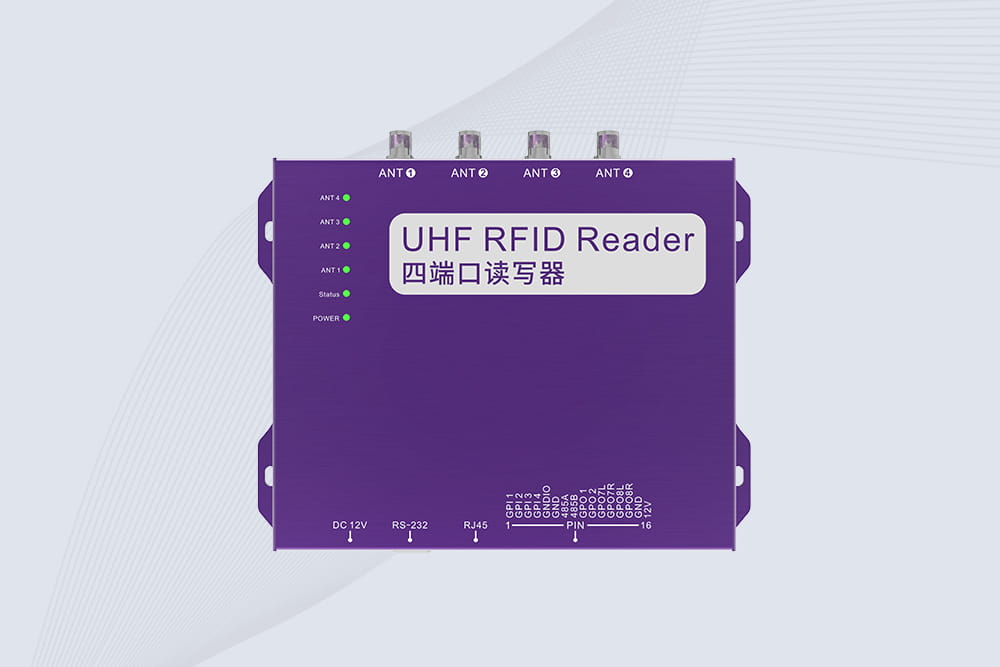
Cykeo’s CYKEO-R4L 4-port Fixed UHF RFID Reader delivers 400 tags/sec scanning, ISO 18000-6C compliance, and IP65 protection. Ideal for warehouse automation, manufacturing WIP tracking, and logistics management.
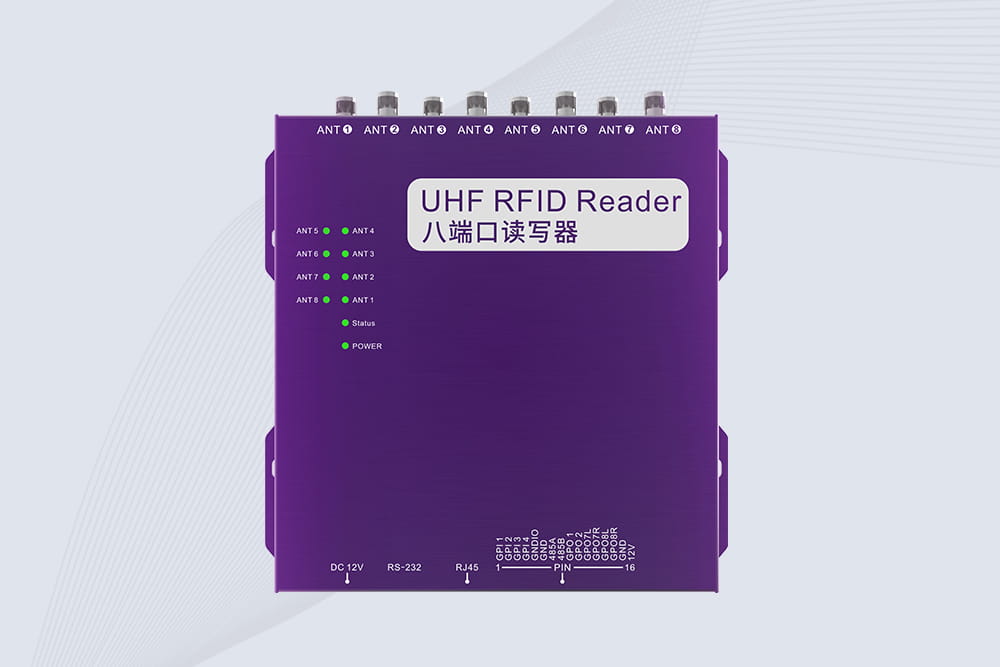
CYKEO CYKEO-R8L Fixed RFID Reader with 8-port UHF design, Impinj-based RF core and up to 20m read range. An industrial Fixed RFID Reader for vehicle inspection, warehouse portals, smart manufacturing lines and secure access checkpoints.
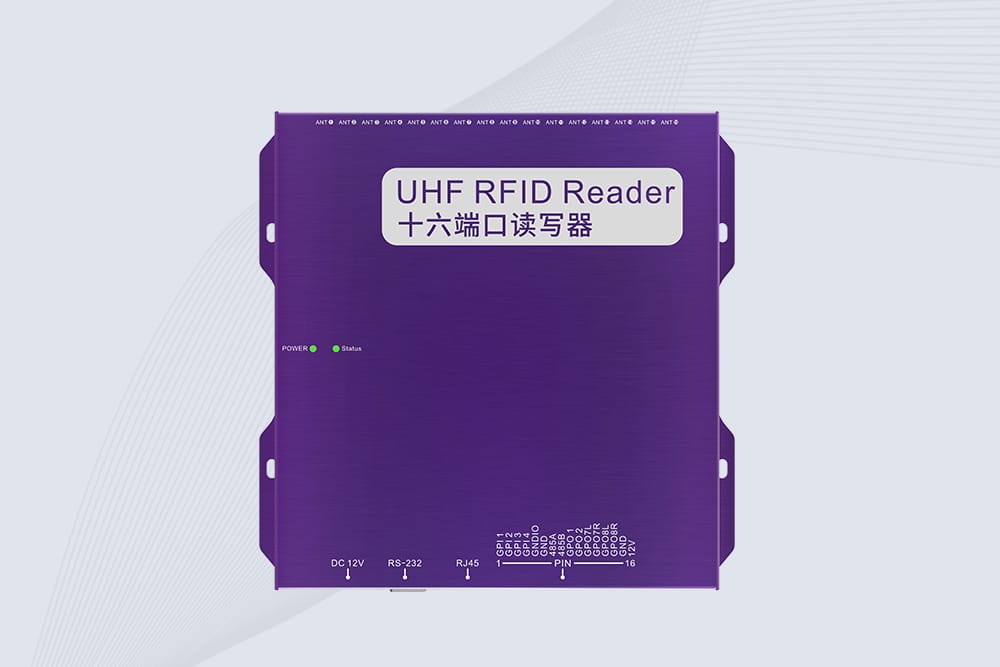
RFID Fixed Reader from CYKEO – the CYKEO-R16L 16-port UHF fixed reader for warehouses, smart cabinets, and production lines. Long-range, multi-tag reading, stable performance for 24/7 industrial use.

Does aluminum foil stop RFID signals? Learn what really happens, when it works, when it fails, and how RFID behaves around metal in real use.
More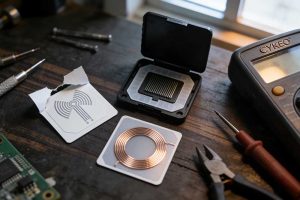
Get a clear answer on which type of antenna is used in an RFID tag. We explain dipole, loop, and custom designs for metal, logistics, and asset tracking.
More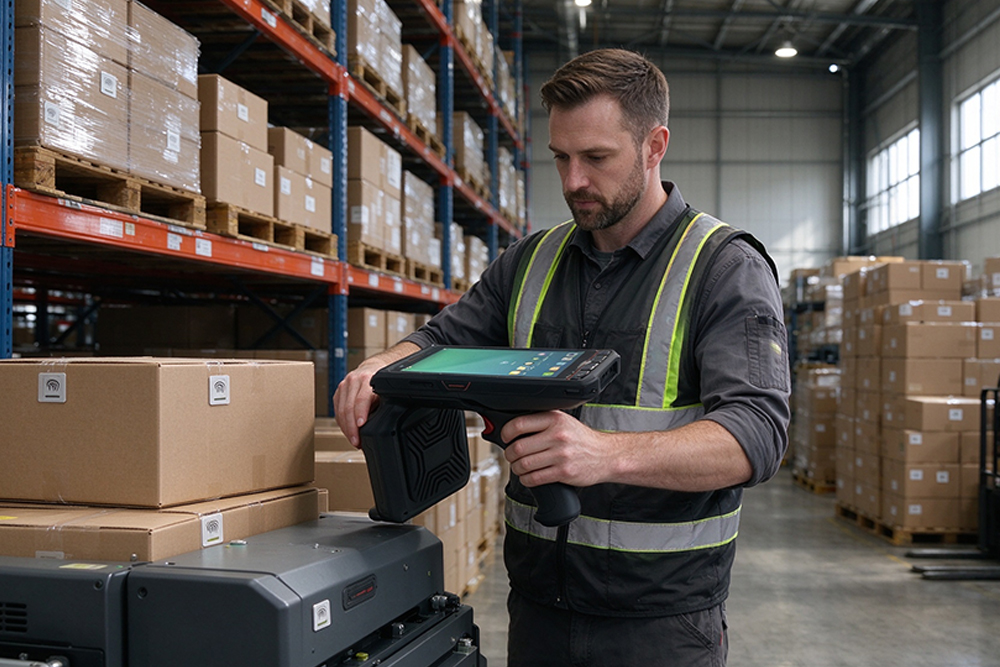
RFID tags help businesses identify items, improve inventory visibility, reduce repetitive manual scanning, and record item movements. Their effectiveness dep...
More
Explore how rfid jobs improve tool tracking, workforce accountability, and inventory automation with Cykeo UHF RFID systems for industrial workplaces.
More