 Cykeo RFID IoT Solution Products R&D Manufacturer

What an RFID Tunnel Scanner Actually Changes in a Busy Warehouse
369Learn how RFID tunnel scanners automate carton scanning in warehouses, improve inventory accuracy, and increase logistics throughput.
MoreAll RFID Product
To change RFID tag data, use a compatible RFID reader/writer and software to read the existing tag, select the writable memory area, enter the new data, write it, and verify the result. The exact procedure depends on the tag type, memory layout, access permissions, and whether you need to change the tag’s identifier or its associated software record.
The phrase “change RFID” can mean several different things. A library may need to convert an existing book tag to a new data format. A tool manager may need to register a newly tagged tool. A linen service may need to rewrite a label after an item is reassigned. In other cases, the RFID tag itself is fine, but the database record linked to it needs updating.
These tasks are related, but they are not interchangeable.
For applications using passive UHF RFID tags, a desktop reader/writer provides a convenient way to read, register, and rewrite compatible tags at a workstation. Cykeo’s desktop RFID reading platform is designed for tag administrators who handle item registration, tag conversion, borrowing and returns, document registration, shelf-label registration, item queries, transaction statistics, and log queries.
The practical objective is to ensure that the tag contains the intended data and that the management system recognizes the tag correctly afterward.
Before writing to a tag, identify which part of the system needs to change. This simple distinction prevents a common source of administrative errors: rewriting a tag when the required change belongs in the software database.
| Type of change | What changes | Typical example |
|---|---|---|
| Rewrite tag data | Information stored in a writable tag memory area | Updating an EPC identifier |
| Convert tag format | Data representation or encoding used by a management system | Converting legacy library tags to a supported format |
| Register a tag | Association between a tag identifier and an item record | Registering a newly tagged tool |
| Update a database record | Information held in the application rather than on the tag | Changing an item’s assigned department |
| Replace a damaged tag | The physical tag attached to an item | Replacing a label that can no longer be read reliably |
A compatible RFID reader/writer can support direct tag operations, but the application must manage the relationship between the tag and the item.
For example, suppose a library book has an RFID tag containing an identifier that the library system already recognizes. If the book is transferred to another shelf, the administrator may only need to update its location record. Rewriting the tag could be unnecessary and could create a mismatch if the software expects the original identifier.
If the tag’s data format itself must change, the administrator needs to follow the library system’s conversion procedure and verify that the resulting tag remains compatible with the application.
A UHF RFID desktop reader/writer is suitable for controlled, close-range work such as registering tags, updating supported memory fields, and converting compatible tag data. A desktop platform is especially useful when administrators process individual items or small batches at a fixed workstation.
First, confirm that the tag supports the frequency and protocol used by the reader. A desktop UHF reader cannot automatically rewrite every RFID tag: LF, HF, and UHF tags use different radio technologies, and the supported tag protocol must match the hardware.
For common RAIN RFID tags based on the GS1 EPC Gen2 standard, tag memory is organized into logical banks:
Not every tag provides writable user memory, and memory sizes vary by chip. The TID area is generally intended for manufacturer-assigned identification and should not be treated as an ordinary field for changing the product’s EPC.
GS1 documents these memory banks and explains how EPC data and additional user information are represented in RAIN RFID tags.
Place the tag within the reader’s intended reading area and run the software’s read or inventory function. Record the existing identifier and any data that must be retained.
For a desktop platform with a near-field antenna, close placement helps keep the intended tag within the working area. Cykeo’s supplied specifications state a maximum effective reading range of 30 cm and a writing range of 10 cm or less. These are equipment specifications, not guarantees that every tag will be readable or writable at the edge of those distances.
During setup, check that the software displays the expected tag. If several tags are close together, use the available filtering or tag-selection functions to avoid writing to the wrong one.
Do not start a batch rewrite until the target tags have been positively identified.
Once the tag has been identified, select the memory bank and address that correspond to the intended operation. For a typical UHF tag, changing the EPC means writing to the EPC memory bank. Updating additional application data may require user memory, if the chip supports it.
The new data must fit the available memory and follow the format expected by the application. EPC identifiers are not arbitrary text fields: their length, encoding, and structure must be compatible with the tag and the data scheme in use.
For example, a tool management system may assign an identifier to a newly registered tool and associate that identifier with its database record. A library may use a prescribed encoding scheme for a book tag. In both cases, the administrator should use the format defined by the relevant management software rather than inventing an identifier format.
GS1 provides an EPC Tag Data Standard describing EPC representation and the organization of data stored on compatible tags. Its EPC User Memory Encoder and Decoder can also help users encode and decode supported user-memory data.
Send the write command through the compatible reader software or application API. Wait for the device to report the operation’s result before proceeding to the next tag.
A successful command response is useful, but it should not be the only verification step. Read the tag again and compare the stored value with the intended data. Where the application supports it, also confirm that the management software can resolve the identifier to the correct item record.
A practical verification checklist is:
If a write fails, do not repeatedly send the same command without checking the cause. Confirm the tag is compatible, the target memory area is writable, any required access password is correct, and the tag remains within the effective writing zone.
GS1 explains that RAIN RFID tag memory can be protected through access-control and locking mechanisms. Depending on the tag and its configuration, a locked memory area may not be available for ordinary rewriting.

For organizations managing many tagged items, changing RFID data is only one part of the daily workload. Administrators may also need to register items, check records, convert tag formats, investigate discrepancies, and review transaction histories.
Cykeo’s UHF RFID desktop reading platform is designed around these administrative tasks. Its supplied specifications include a USB interface, near-field antenna, multi-tag identification, tag-data filtering, RSSI signal-strength information, and support materials for C# and Java development.
| Platform feature | Administrative value |
|---|---|
| USB interface | Provides a convenient connection to a workstation |
| Tag registration | Associates a tag with an item record |
| Tag conversion | Supports compatible tag-data conversion workflows |
| Borrowing and returns | Supports circulation workflows where integrated with the management application |
| Item and document registration | Helps administrators maintain item records |
| Shelf-label registration | Supports registration of shelf-location identifiers |
| Queries and statistics | Helps review transactions and registration activity |
| Logs | Supports operational review and troubleshooting |
| RSSI | Provides a received-signal-strength indicator for supported reader operations |
| C# and Java development resources | Helps developers integrate reader functions into compatible applications |
The platform’s stated maximum port output is 33 dBm, with a reading range within 30 cm and a writing range within 10 cm. Actual performance depends on tag compatibility, antenna alignment, environmental conditions, and software configuration.
The combination of a controlled reading area and tag-selection functions is particularly useful for administrative tasks. When several tags are on a desk, restricting the working area and confirming the selected identifier before writing can reduce the chance of modifying an unintended tag.
The correct workflow depends on what the tag represents and how the management system uses its data. Rewriting a tag is only one part of the process: the new value must also match the database, reader configuration, and identification rules used by the business.
In a library, staff may need to register a new book, convert an existing tag format, or associate a tag with a catalogue record. Before writing, read the tag and confirm that the book on the workstation is the item shown in the software.
A practical workflow is to:
If the library uses an established RFID data standard, the new encoding must follow that system’s requirements. GS1’s EPC Tag Data Standard describes EPC encoding structures, while library RFID implementations may have their own data conventions. Do not assume that writing a new EPC automatically converts every field or application-specific format.
For tools, changing RFID data may mean assigning a tag to a newly registered tool, replacing a damaged tag, or updating a record after equipment is transferred. The safest approach is to keep the tag identifier and the tool’s business record synchronized.
For example, if a tagged drill is reassigned to another department, the administrator may only need to update its department and custodian in the management database. Rewriting the physical tag is not necessarily required. If the tag itself must be re-encoded, first check whether the system uses the EPC as its key or relies on a separate database mapping.
This distinction prevents a common data-management problem: changing the tag while leaving the software record unchanged, or updating the software without confirming that the physical tag can still be read.
Laundry and linen operations often involve repeated identification of garments, towels, or reusable textiles. If a tag needs to be replaced or re-registered, staff should confirm that the replacement tag is compatible with the existing reader system and that its identifier is correctly linked to the item’s record.
A desktop RFID reader/writer can support controlled registration and encoding at a workstation. It is not a substitute for testing the tag in its real operating environment. Textile composition, tag placement, nearby materials, and the reader setup can affect reading performance. For large batches, validate a representative sample before processing the entire lot.
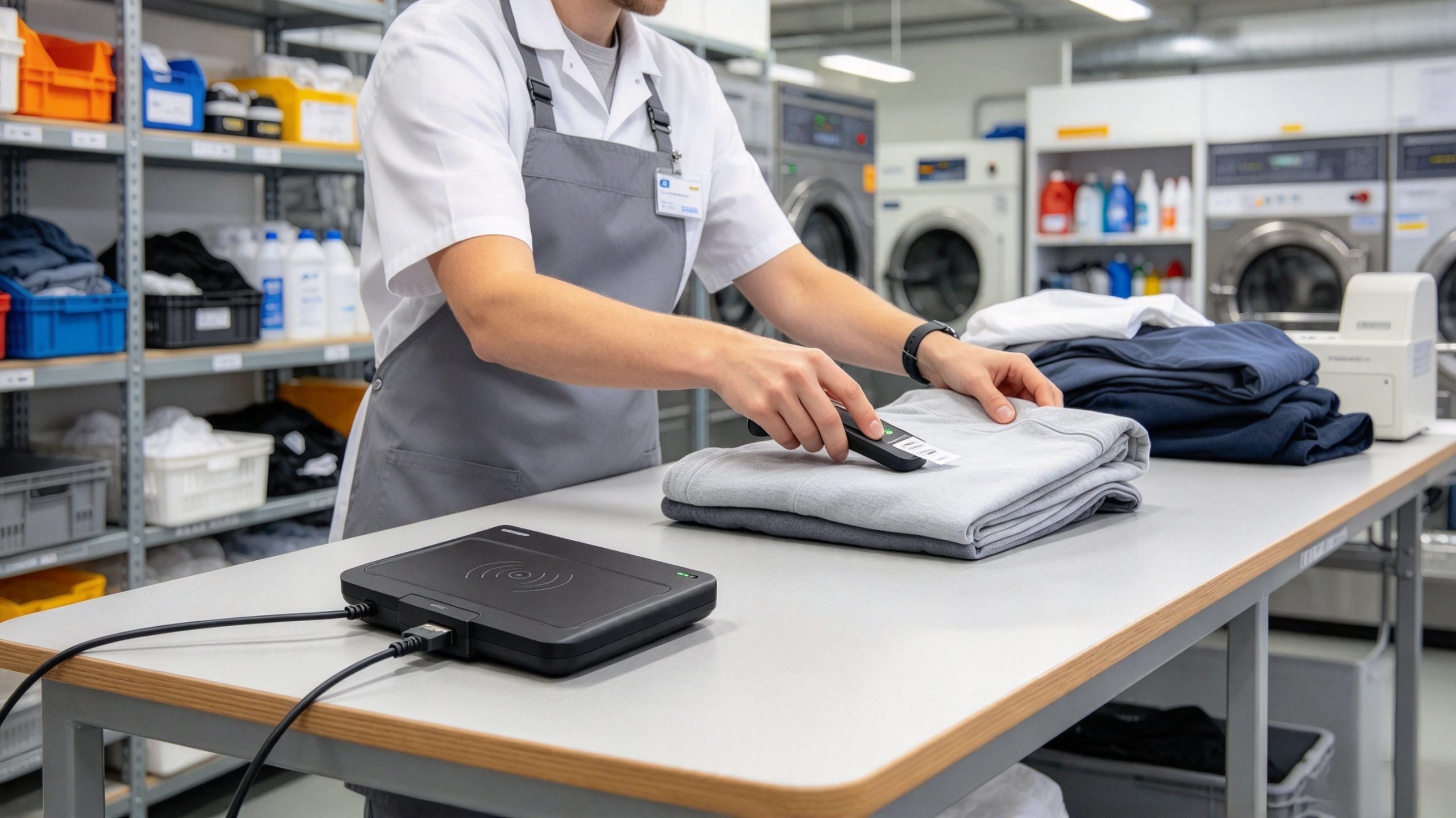
A failed write does not always mean the reader is defective. Check the tag, the memory area, the write settings, and the application record before repeating the operation.
| Problem | Likely cause | What to check |
|---|---|---|
| Tag can be read but not rewritten | Memory is locked or password-protected | Confirm the lock status and authorized access credentials. |
| Write command succeeds, but the old value appears | Wrong memory bank, address, or encoding format | Read the intended memory area again and compare the raw data. |
| Reader detects several tags | Multiple tags are inside the reading zone | Isolate the target tag and use supported filtering or selection functions. |
| Tag writes inconsistently | Poor coupling, unsuitable placement, or unstable conditions | Reposition the tag and reader, then test with a known-compatible tag. |
| Tag data changes but the software shows the old item | Database mapping or application cache has not updated | Refresh the record and confirm which identifier the application uses. |
| Some tags cannot be written at all | Tag type, chip capability, or memory layout is incompatible | Check the tag datasheet and supported protocol before proceeding. |
GS1 documentation explains that compatible RAIN RFID tags can use password-based memory locking, and some lock states can be permanent. A permanently locked memory area cannot simply be made writable by changing software settings
Important: Do not write to reserved memory or change access passwords unless the application specifically requires it and the administrator understands the consequences. Keep a record of the original identifier and the new value before making bulk changes.
For routine tag registration and rewriting, a desktop RFID platform should match the tags, the encoding workflow, and the software used by the organization.
The Cykeo desktop platform specifications supplied for this article include a USB interface, near-field antenna, tag filtering, multi-tag identification, RSSI support, and C# and Java development materials. The stated read range is within 30 cm, and the write range is within 10 cm. Maximum port output is specified as 33 dBm. These are product specifications, not a guarantee that every tag will perform identically; actual results depend on tag design, setup, and operating conditions.
Before choosing a device, confirm:
GS1 provides an EPC User Memory Encoder/Decoder for supported data structures, which can help developers understand how application data is encoded in user memory. It does not replace checking the actual tag’s memory capacity or the requirements of the deployed system.
Yes, if the tag supports writing to the required memory area and that area is not permanently locked. The available memory and access rules depend on the chip and tag configuration. Read the tag specifications before attempting to change its contents.
Connect a compatible reader/writer to the computer, open its software, read the target tag, select the correct writable memory area, enter the new data, write it, and read it again to verify the result. Keep the tag isolated when writing to avoid updating the wrong item.
On compatible tags, the EPC can generally be rewritten if the memory is writable and the required access conditions are met. However, changing an EPC may break the link between the physical item and its database record. Update and verify the application mapping as part of the process.
Generally, no. TID memory identifies characteristics of the RFID chip and is normally programmed by the manufacturer. For most ordinary tag-administration workflows, focus on the EPC or supported user memory rather than trying to modify TID.
Common reasons include unsupported tag memory, a locked memory area, an incorrect password, an incompatible encoding format, or an unstable read/write setup. Check the tag’s capabilities and write permissions first. If the tag is permanently locked, software alone cannot restore write access.
Not necessarily. If the tag carries only an identifier and the management system stores ownership or location separately, updating the database may be sufficient. Rewrite the physical tag only when the application’s data design requires it, and ensure the new value remains correctly associated with the item.
To understand how to change RFID, first determine whether the task requires rewriting tag memory, converting a data format, registering a tag, or updating a software record. Use a compatible reader/writer, verify write permissions, change only the intended memory area, and read the tag again after writing. For libraries, tool inventories, and linen management, controlled desktop encoding can help administrators maintain accurate tag-to-item records.
Technical content note: Prepared by the Cykeo RFID Technical Content Team. Technical explanations are supported by the GS1 references cited above; product specifications in this article are based on the information provided for the Cykeo desktop RFID platform.
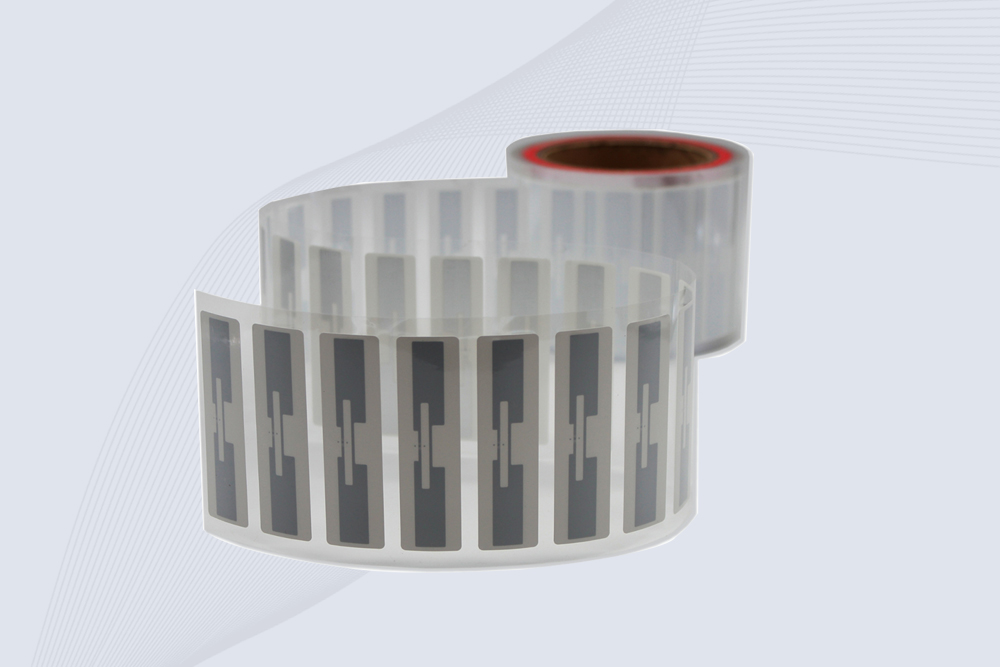
CYKEO Passive RFID Tags are made for wet and high-humidity environments where standard labels do not last. This rfid passive tag is often used around liquids, chemicals and temperature changes, providing stable reading distance and long data life for industrial tracking.
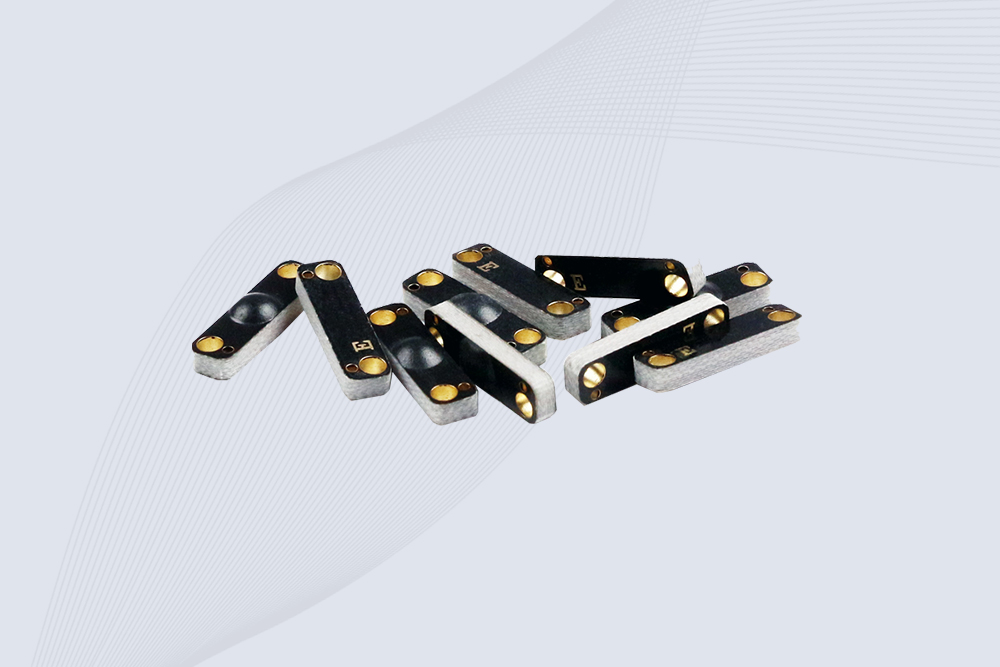
CYKEO CYKEO-PCB1504 Metal RFID Tags is a compact anti-metal UHF RFID solution built for direct mounting on metal surfaces. With stable 8-meter read range, Ucode-8 chip, and long data retention, this rfid metal tag fits tools, containers, automotive parts, and industrial asset tracking.
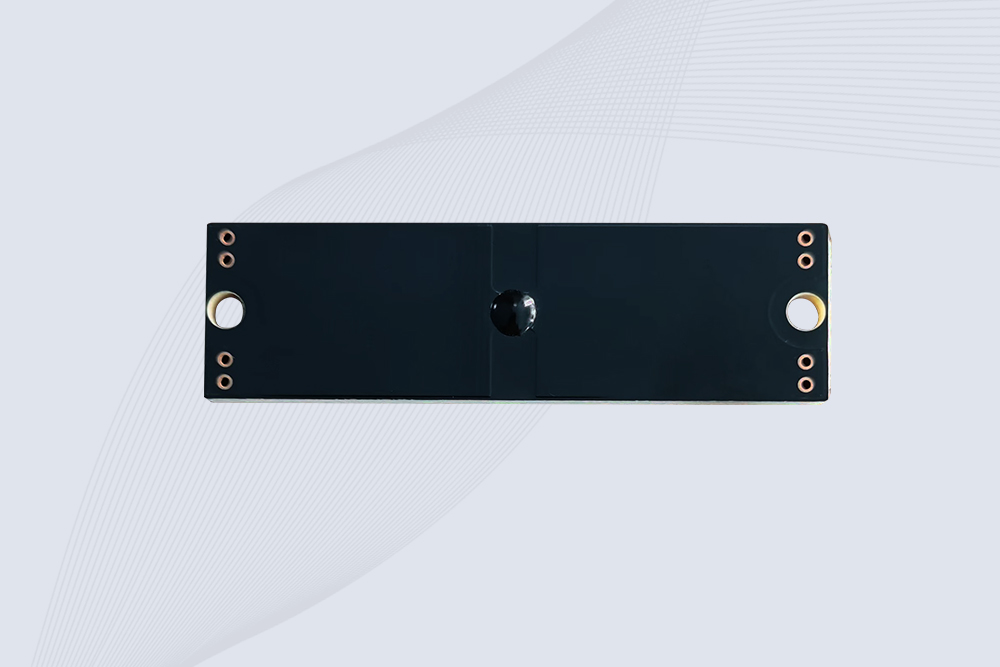
CYKEO CYKEO-PCB7020 On-Metal RFID Tags are designed for reliable tracking on steel and metal surfaces. Built with an FR4 epoxy body and industrial-grade chips, these On-Metal RFID Tags deliver stable performance, long data life, and chemical resistance, making them a dependable RFID anti-metal tag for harsh environments.
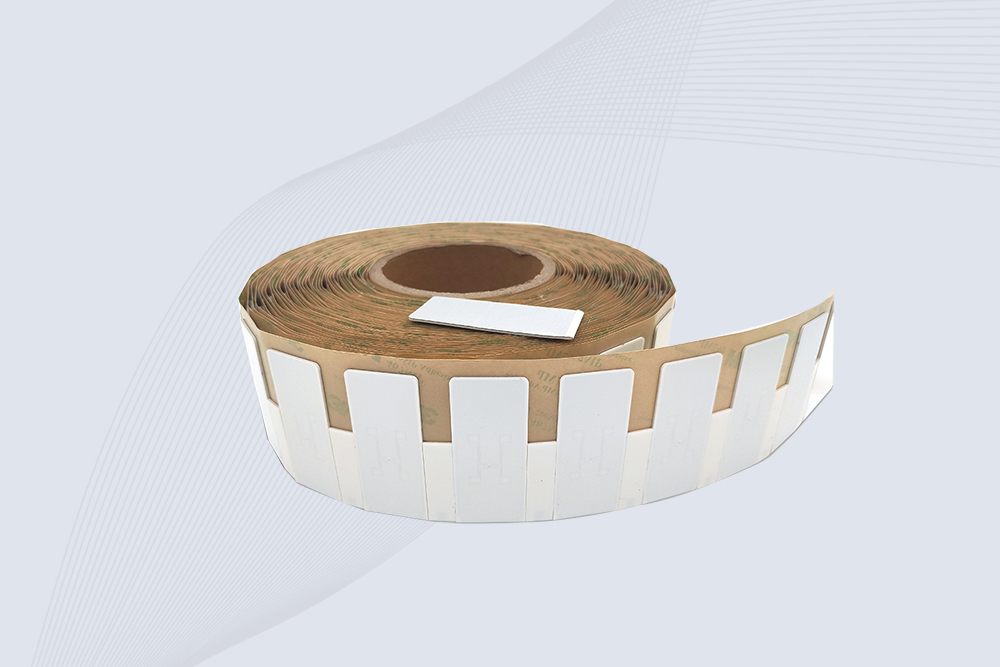
The CYKEO CYKEO-60-25 Anti-Metal RFID Tag is built for metal surfaces where standard tags fail. Designed for long-range performance, harsh environments, and stable data retention, this Anti-Metal RFID Tag is ideal for industrial assets, containers, and equipment tracking using on metal RFID tags.
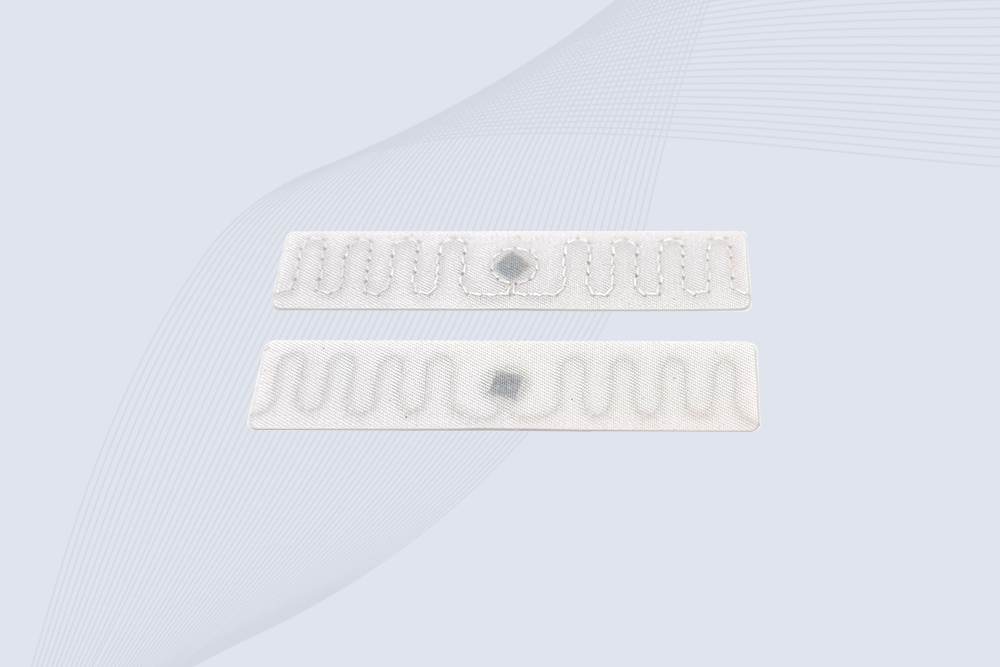
The CYKEO RFID Laundry Tag is designed for long-term textile identification in harsh laundry environments. Built to withstand high heat, chemicals, and repeated washing, this RFID Laundry Tag delivers stable performance for hotels, hospitals, and industrial laundry operations using laundry rfid tags at scale.
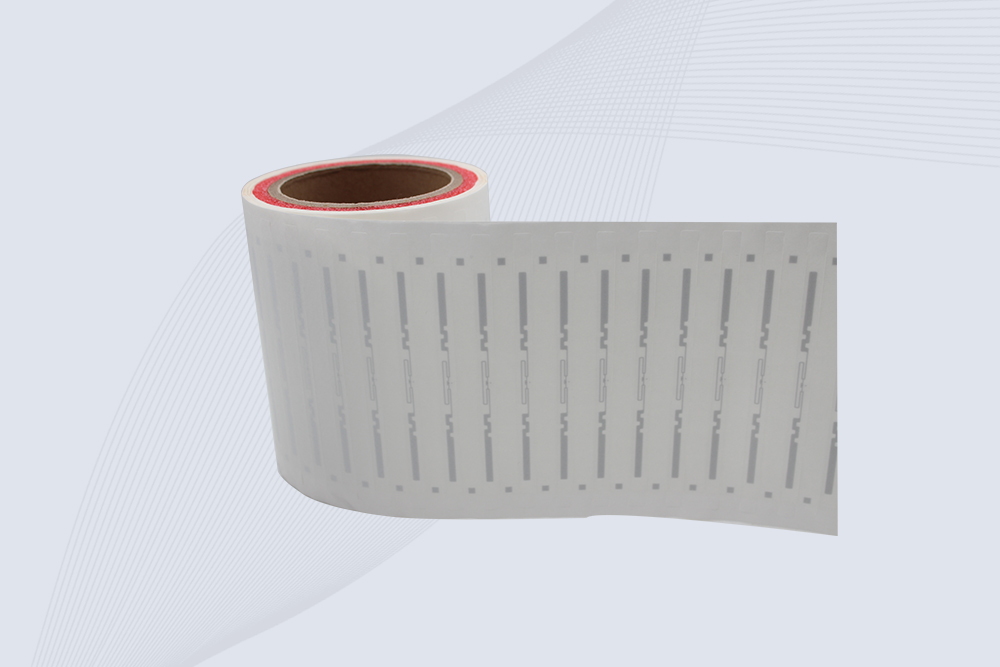
The CYKEO CYKEO-125-7 RFID Book Tag is designed for reliable book and document tracking in libraries and archives. This RFID Book Tag delivers long read range, dense placement support, and stable performance on shelves, making it a practical rfid tag on books for library automation, file management, and archival systems.
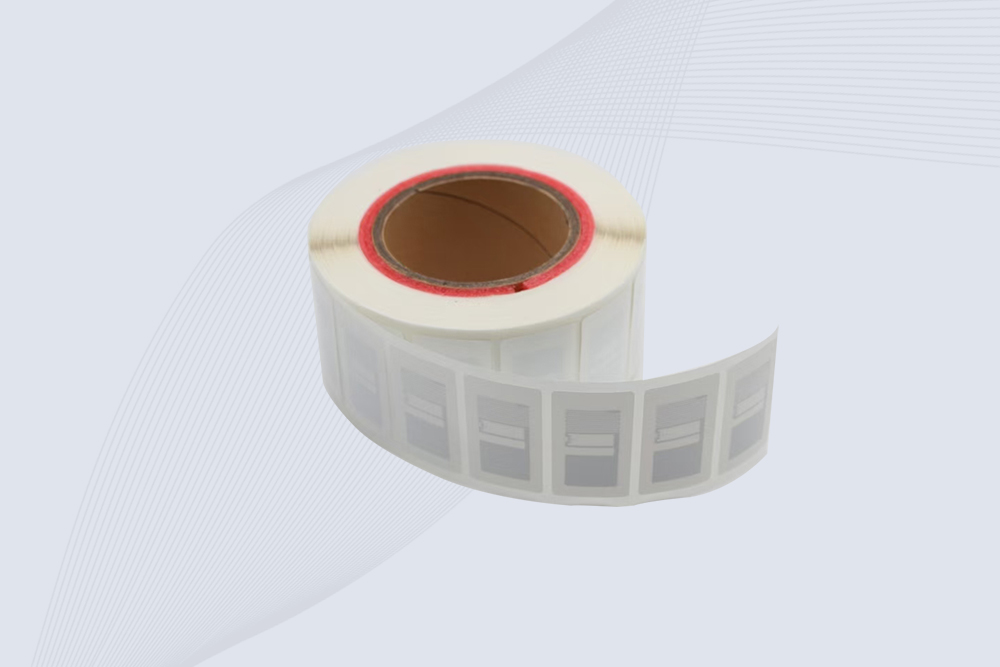
CYKEO RFID tags in hospitals are designed for sterile environments where accuracy matters. These autoclavable RFID tags support long-term tracking of surgical tools, implants, and medications, helping hospitals improve visibility, compliance, and patient safety.

CYKEO RFID Cable Tie Tag is built for reliable identification on metal surfaces. This UHF RFID Cable Tie Tag is widely used in rfid tags for inventory systems, industrial asset management and Hospital RFID Tags, offering stable read performance, long service life and global EPC Gen2 compatibility.
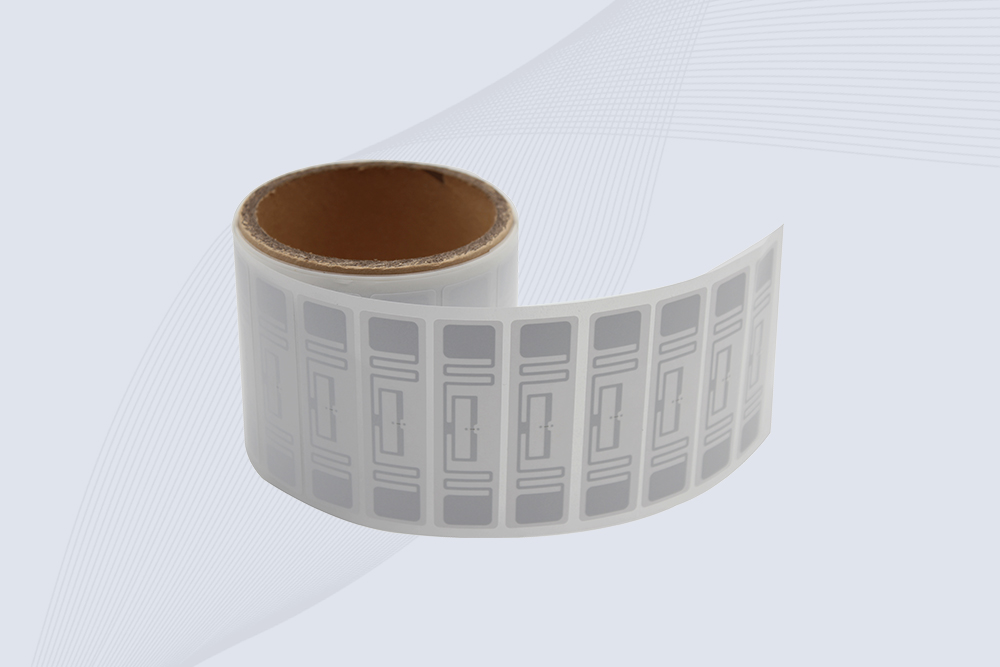
CYKEO RFID Asset Tag is designed for stable identification of metal assets in industrial environments. This UHF RFID Asset Tag is commonly used for rfid tag asset tracking on equipment, tools and containers, providing reliable reads, long service life and ISO/IEC 18000-6C support.
CYKEO UHF RFID Card is designed for fast identification and long-term use in industrial and commercial systems. Supporting ISO 18000-6C, this UHF RFID Card works at 860–960 MHz and is suitable for custom RFID cards used in asset tracking, access control and inventory management.
CYKEO HF RFID Cards are designed for secure and stable access control systems. These 13.56 MHz RFID key cards support ISO 14443-A, reliable rewriting and long service life, making HF RFID Cards suitable for offices, campuses, events and membership management.
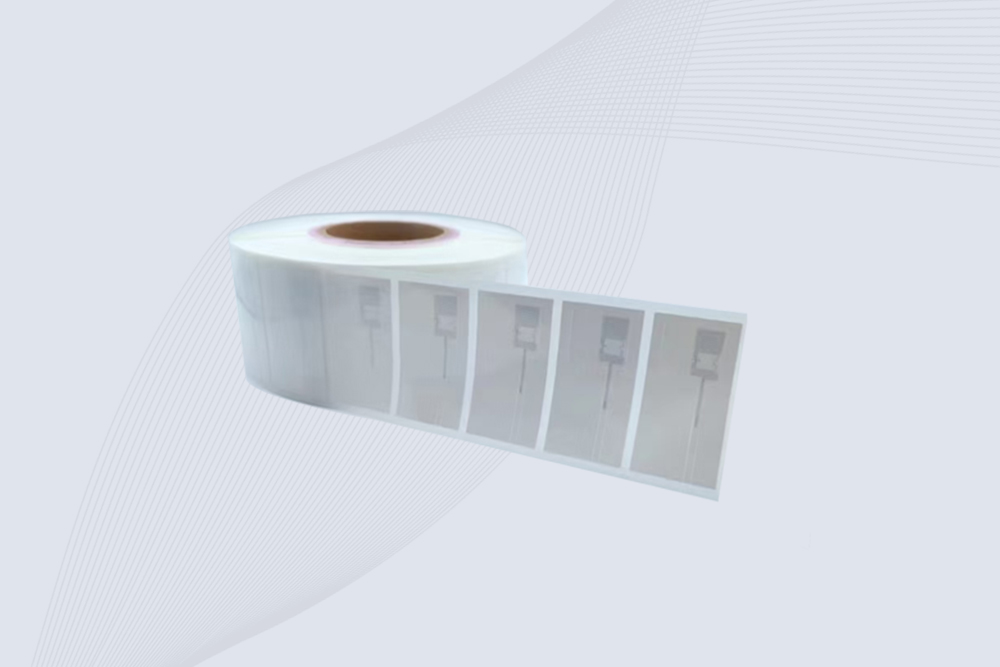
CYKEO UHF RFID Tag is designed for reliable tracking of metal jewelry and high-value items. This Jewelry RFID Tag supports long-range reading up to 8 meters, anti-counterfeit protection and stable performance on metal, making it suitable for retail, inventory control and asset management.
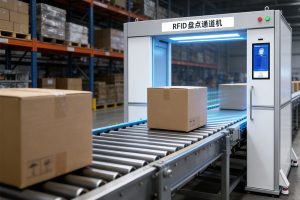
Learn how RFID tunnel scanners automate carton scanning in warehouses, improve inventory accuracy, and increase logistics throughput.
More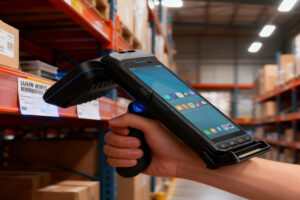
Learn how UHF RFID sled readers work, what to look for when selecting one, and how solution providers can choose the best model for logistics, warehousing, and asset management projects. A hands-on, experience-based guide — not marketing fluff.
More
Discover cost-effective RFID modules tailored for small businesses. Learn how to streamline inventory management without breaking the budget.
More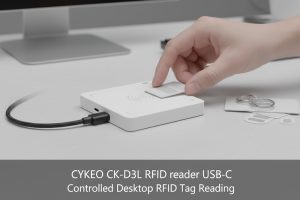
CYKEO RFID reader USB-C designed for developers and system integrators. This USB-C RFID reader supports tag reading, writing, and conversion, connects directly to PC software, and integrates easily with custom RFID management systems.
More