 Cykeo RFID IoT Solution Products R&D Manufacturer

What Is USB RFID Reader and How Does It Work?
183This article explains how USB RFID readers work, the differences between LF, HF/NFC, and UHF technologies, and their applications in inventory management, as...
MoreAll RFID Product
To connect multiple RFID readers, choose a suitable interface such as Ethernet, USB, or serial communication, configure each reader with a unique address or connection identity where required, and integrate them through a host computer or application. Then coordinate read zones, reader timing, and data handling to reduce interference and duplicate records.
Connecting several RFID readers is not simply a matter of plugging them into the same computer or network. The right design depends on where the readers are installed, how quickly tags move through each read zone, how the devices communicate with the host, and whether nearby readers operate at the same time.
A warehouse portal may need multiple antennas connected to one reader, while a conveyor system may use several independent readers positioned along a production line. These are different architectures. Confusing them can lead to unnecessary hardware, difficult troubleshooting, or missed tag reads.
For Cykeo RFID deployments, the first design decision is to distinguish multiple antennas connected to one reader from multiple independent RFID readers connected to one application. The hardware, communication setup, and coordination requirements are not the same.
Before choosing cables or network equipment, map the physical installation. Count the reader devices, not just the antennas, and determine which devices need to report data to the same application.
Some fixed RFID readers support several antenna ports. In this arrangement, one reader controls multiple antennas, switching between ports or operating them according to its supported configuration.
This can be appropriate when several antennas cover different sides of a single portal, a conveyor, or a defined inspection area. The host application may see data from one reader, while the reader software identifies the antenna port associated with each observation if that information is supported.
The advantage is a simpler reader-to-host connection. The limitation is that the number of antenna ports and the reader’s operating modes determine what can be connected. A four-port reader, for example, cannot directly control an arbitrary number of antennas without compatible additional hardware.
In a multi-reader system, each reader has its own radio hardware and typically its own connection to the host or network. This arrangement is useful when read zones are physically separated, such as different warehouse doors, workstations, conveyor sections, or production areas.
Each reader should be identifiable to the application. Depending on the interface, that identity may come from a network address, serial-port mapping, device identifier, or configuration record.
The application then combines the data, associates observations with their source, and applies business rules such as duplicate suppression, item movement tracking, or event logging.
| Design consideration | Multiple antennas, one reader | Multiple independent readers |
|---|---|---|
| Reader hardware | One reader with supported antenna ports | Two or more reader devices |
| Host connections | Usually one reader connection | Separate connections or network sessions |
| Read-zone control | Managed through reader antenna settings | Managed across reader devices and locations |
| Source identification | May use antenna-port information | Usually requires reader identity and often location identity |
| Typical use | One portal or a compact inspection area | Separate workstations, portals, or process stages |
A useful planning rule: if the application must know which physical station observed a tag, design that location identity into the data model from the beginning. A tag EPC by itself does not explain where or when it was read.
The physical interface determines how the readers communicate with the application. Ethernet is often practical for fixed installations, while USB and serial connections can suit workstations or devices installed close to a host computer. The correct choice depends on the reader model and the distances involved.
Ethernet is a common option when readers are installed at different points in a warehouse, production line, or facility. Each reader can connect to a network switch, and the host application communicates with the devices using the protocols supported by their firmware.
A typical layout looks like this:
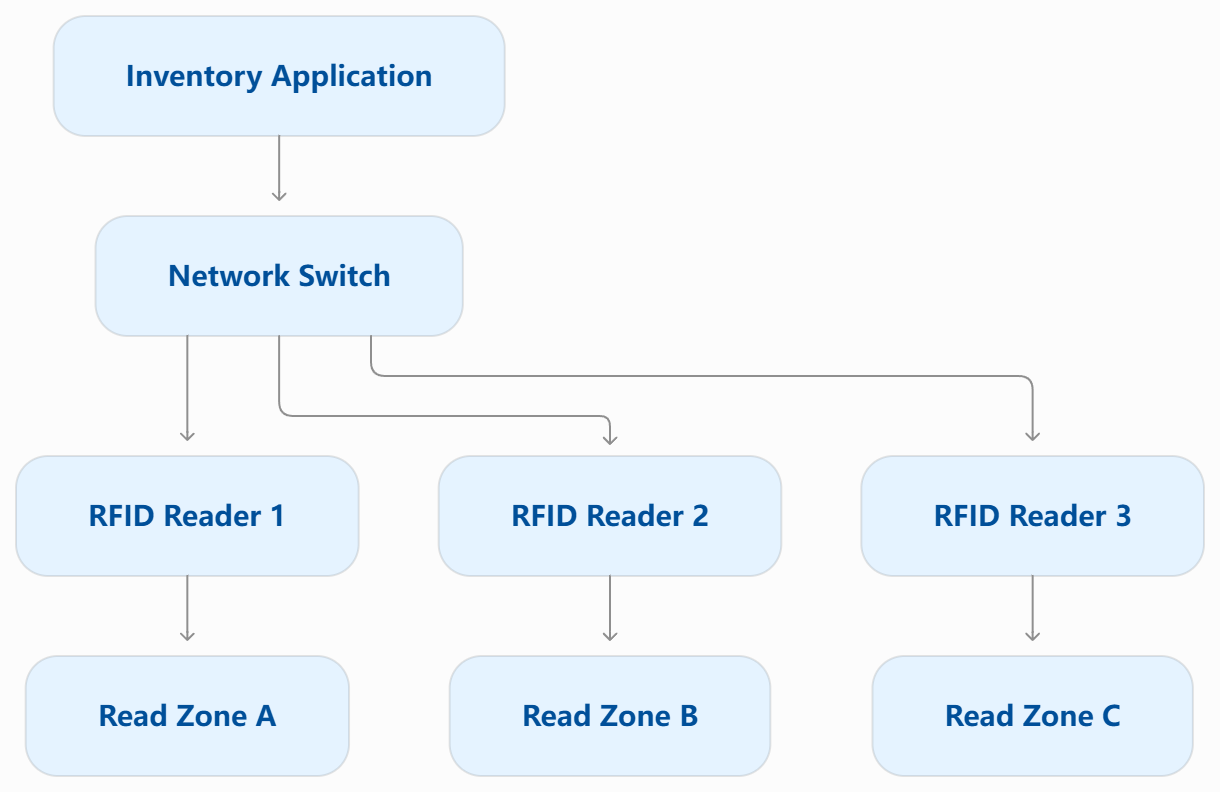
The diagram illustrates the network structure, not a universal wiring specification. Readers may require separate power supplies or Power over Ethernet, depending on their design. Confirm the device’s Ethernet, power, and communication requirements before installation.
USB is convenient when readers are connected directly to a computer or an industrial PC. However, connecting several USB readers to one host requires more than adding a hub and assuming the application will recognize each device independently.
Check whether the readers appear as separate devices or virtual serial ports. The application should associate each connection with the correct reader and handle disconnections, reconnections, and simultaneous data streams.
A USB hub does not coordinate the radio transmissions of multiple UHF readers. It only provides a connection path for supported USB devices.
Some fixed RFID readers offer RS-232 or another serial interface. Multiple serial readers may be connected through separate host ports or compatible serial-to-network equipment.
The software must know which port belongs to which reader. If the host receives data from several devices, it should preserve the source identity rather than merging all incoming values into one undifferentiated stream.
For any interface, verify the manufacturer’s supported connection method. Do not assume every reader supports Ethernet, USB, RS-232, or a standard host protocol.
Once the physical connections are established, configure each reader and confirm that the host can communicate with it.
For network-connected devices, assign or reserve appropriate IP addresses according to the site’s network policy. Avoid accidental address conflicts. For serial or USB-connected devices, record the port or device mapping so the application can identify each reader reliably.
Next, check the communication protocol. GS1’s Low Level Reader Protocol (LLRP) provides a standardized interface between RFID readers and client software, including control over reader operations and air-interface parameters. It is not supported by every reader, so confirm compatibility before designing around it.
At the application level, a useful reader record includes:
This structure becomes important when an item appears in two nearby read zones. Without a reader or location identity, the system may know that a tag was seen but not where the observation occurred.
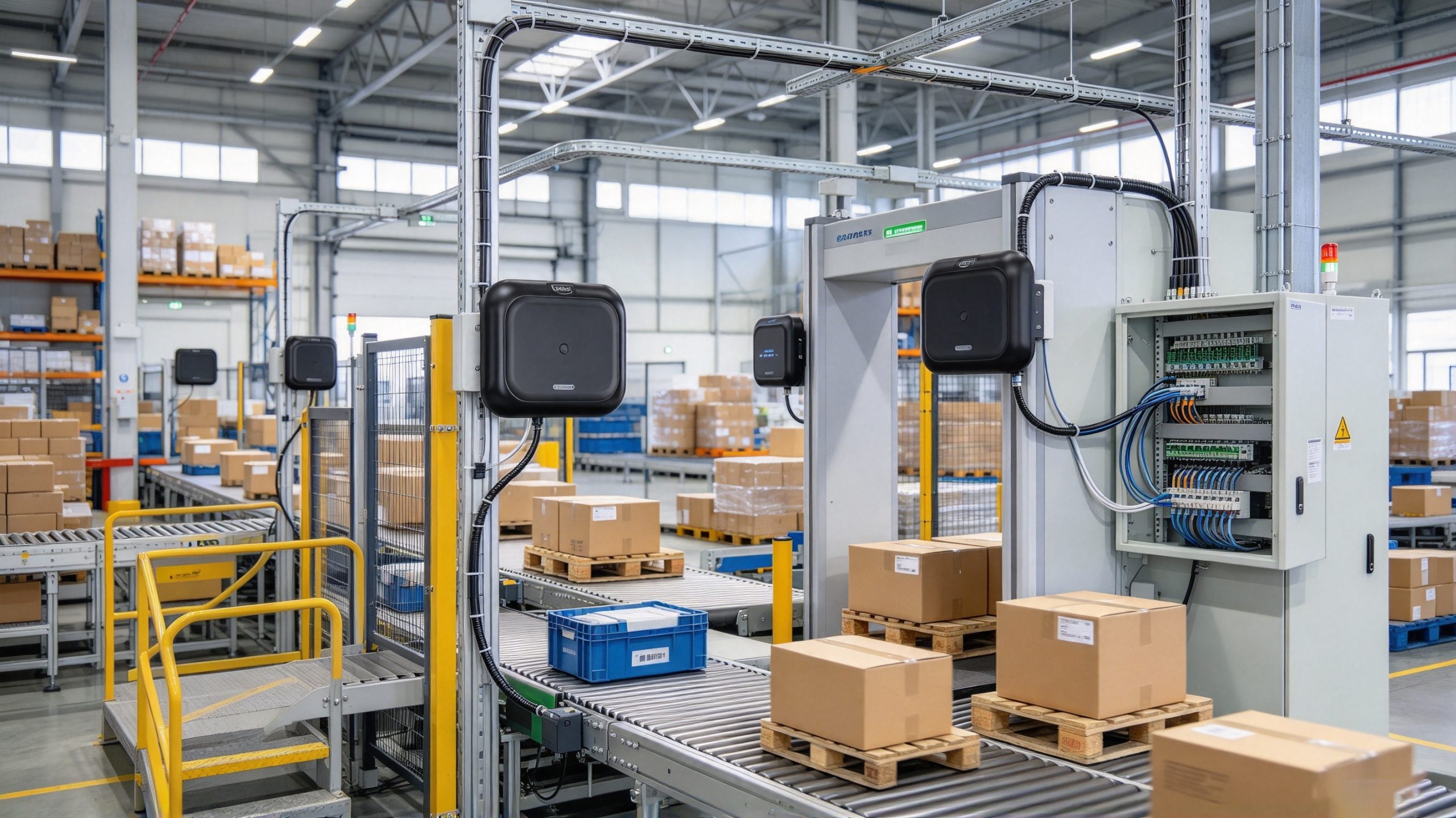
Network connectivity does not guarantee reliable RFID reading. Multiple readers can communicate perfectly with the host while their radio transmissions interfere with nearby read zones.
This matters particularly for passive UHF RFID. The RAIN RFID System Design Guidelines explain that tags in a multi-reader environment may be affected by commands from multiple readers, which can affect their ability to respond.
Practical measures include:
The aim is not always to eliminate every overlapping radio field. Some installations deliberately use overlapping coverage. The objective is to make read events predictable and ensure that the application can distinguish useful observations from stray reads.
Connecting several readers to a network is only the first step. The application must also identify which reader generated each event, process incoming data reliably, and decide when repeated reads represent the same item rather than separate inventory movements.
For a warehouse with readers at receiving, packing, and dispatch, each read event should carry enough context to identify its origin. A practical record may include:
GS1’s Low Level Reader Protocol (LLRP) defines communication between an RFID reader and a client application, helping software interact with compatible readers through a standardized interface. However, compatibility still depends on the reader’s supported protocol version, implementation, and configuration. Check the manufacturer’s documentation before assuming that every reader can be controlled in the same way.
Passive RFID tags can be detected repeatedly while they remain in a reader’s field. If the application writes every detection directly into an inventory transaction, one physical item may appear to have been processed several times.
A better approach is to separate raw reads from business events. The software can collect repeated tag observations over a defined interval, then apply rules based on the read zone and business process. For example, repeated reads at a packing station may be grouped into one observation window, while a later read at dispatch should remain a separate event if it represents a genuine movement.
Do not deduplicate solely by EPC across the entire system. The same tag may legitimately pass through multiple stations, and deleting every later observation could conceal a real movement. The deduplication rule should consider the time window, reader or zone, and the intended workflow.

Before deploying a multi-reader system, test it under representative operating conditions. A reader that performs well by itself may behave differently when nearby readers are active, products move quickly, or tagged goods are packed closely together.
Use this checklist during commissioning:
Important: Network communication and radio-frequency coordination are different problems. Ethernet connectivity may be stable even when two readers interfere with each other. RAIN RFID design guidance discusses the effects that multiple readers can have on tag responses; reader placement and supported interference-mitigation features should therefore be tested as part of the installation.
| Problem | Possible cause | Recommended action |
|---|---|---|
| One reader cannot connect | Incorrect IP address, port, cable, or communication settings | Check network reachability and the reader’s interface configuration. |
| Several readers appear under one identity | Reused application labels or incorrect device mapping | Assign a clear identifier to each reader and map it to the correct station. |
| Tags are missed when readers run together | RF interference, poor tag orientation, unsuitable power settings, or environmental effects | Test reader timing, antenna placement, supported dense-reader features, and real product loads. |
| Items appear multiple times | Repeated RF observations are being treated as separate transactions | Apply application-level event grouping using reader, zone, and time context. |
| Tags from adjacent stations are detected | Read zones overlap or antenna power is too high for the intended area | Adjust antenna direction, position, and power, then retest boundary areas. |
| The reader works, but the application receives no usable data | Protocol mismatch, incorrect data parsing, or a software integration issue | Verify the supported protocol and inspect raw reader responses and application logs. |
Metal, liquids, and tag mounting can also affect read performance. GS1 notes that metal can reflect or diffract radio waves, while water and other liquids can absorb energy or detune a tag, reducing sensitivity or read range. Test the actual tagged products rather than relying exclusively on a reader’s advertised maximum range.
There is no single limit that applies to every RFID system. The practical number depends on the reader interfaces, supported connections, host resources, application architecture, network capacity, and required read throughput. Check the manufacturer’s connection limits and test the complete setup with all readers active.
Yes. Multiple readers can send data to one PC through supported network, USB, or serial interfaces. For Ethernet readers, the application can usually manage separate reader connections over the network. USB and serial setups depend on the operating system, drivers, available ports, and the manufacturer’s software. Each reader must be identifiable to the application.
They can, especially when their RF coverage overlaps. Reader-to-reader interference can affect a reader’s ability to decode tag responses, while overlapping read zones can cause the same tag to be observed at different stations. Antenna placement, transmit power, reader timing, and supported interference-mitigation features should be validated in the actual environment.
Not necessarily, but the integration software must support each reader’s communication method and data format. GS1 LLRP is a standardized interface for compatible readers, while other devices may rely on manufacturer-specific SDKs or APIs. Using different reader models may require separate drivers or adapters within the application.
Keep the reader ID and read-zone information with each observation. Then apply deduplication rules based on the process—for example, grouping repeated reads at one checkpoint during a defined interval. Avoid suppressing every repeat of an EPC across the whole system, because a later read may represent a legitimate movement or transaction.
Yes, if the host software supports both connection types and each reader has compatible drivers or communication interfaces. However, mixing interfaces does not automatically coordinate radio operation or unify the data. Test each connection independently, then verify that the application can receive, label, and process events from all readers together.
For a small workstation, direct connections to a PC may be sufficient. For a warehouse with readers distributed across receiving, storage, packing, and dispatch, a networked architecture with centralized event handling is often easier to maintain. The right design depends on the physical layout, the reader models, and how quickly the business needs to process each event.
Before selecting equipment, document the number of read zones, expected tag volume, interface requirements, target read performance, and the software that will consume the data. Confirm whether the reader provides Ethernet, USB, serial communication, an SDK, or a supported standard interface. Do not assume that two readers with similar RF specifications have identical software capabilities.
For projects using compatible UHF readers, standards such as GS1 LLRP can simplify communication between readers and applications. They do not, by themselves, solve every issue involving radio interference, overlapping coverage, event deduplication, or business logic.
The most reliable way to determine how to connect multiple RFID readers is to validate the network, reader configuration, RF coverage, and application processing as separate layers—then test them together using the tags and products the system will actually handle.
Technical note: Prepared for Cykeo’s RFID technical content resources. Interface and performance capabilities vary by model and firmware; confirm them against the selected reader’s documentation and conduct site-specific testing before deployment.

Discover SSD-D4AL, a USB-HID UHF RFID reader with 4/8/16 antenna options, Impinj E710/X3M1 chipset, plug-and-play USB power, and OEM customization.
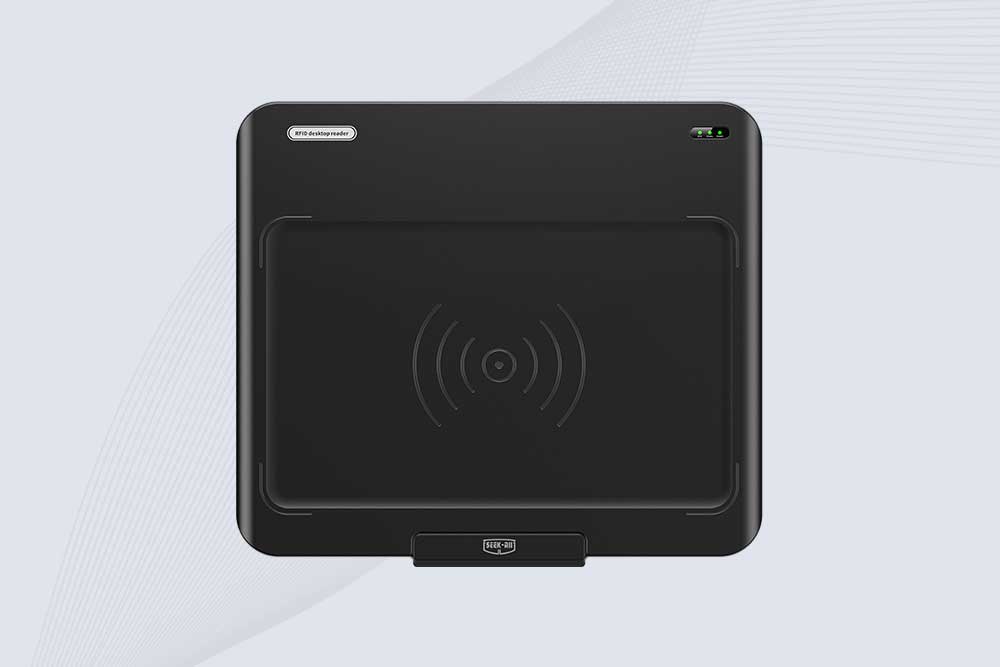
SSD-D3AL is a USB-HID UHF RFID reader with 0–30 cm reading, 0–15 cm writing, over 600 tags/s recognition, USB plug-and-play operation and OEM Logo customization.
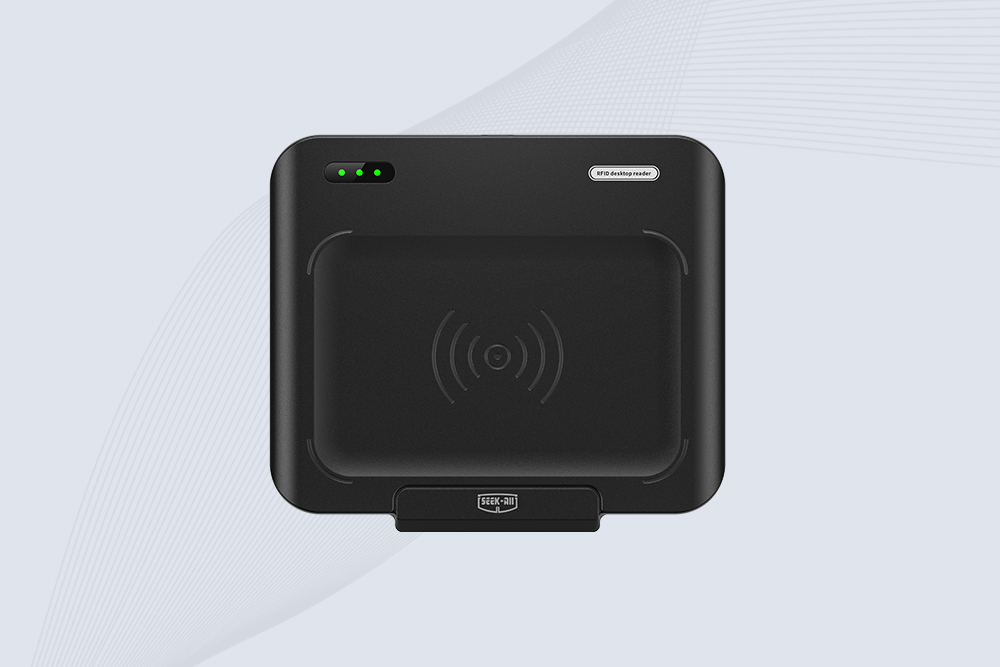
SSD-D1AL is a compact USB UHF RFID reader with Impinj E710/X3M1 chipset, USB-HID, 600+ tags/s recognition, 4/8/16 antenna support and plug-and-play USB power.
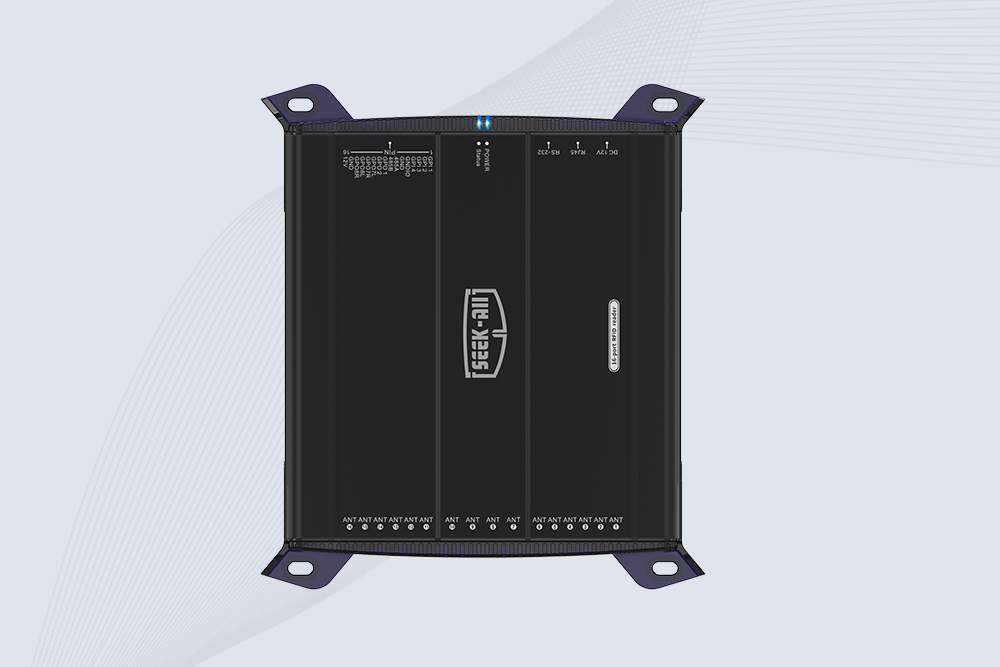
SSD-R16L Multi-Channel RFID Infrastructure for Automated Inventory Management ✔️ 16-Port High-Density RFID Reading Equipped with 16 SMA antenna ports, SSD-R16L supports multi-antenna deployment for warehouses, retail stores, logistics, production lines, and large-area RFID identification. ✔️ High-Speed & Long-Range Performance With up to 33…
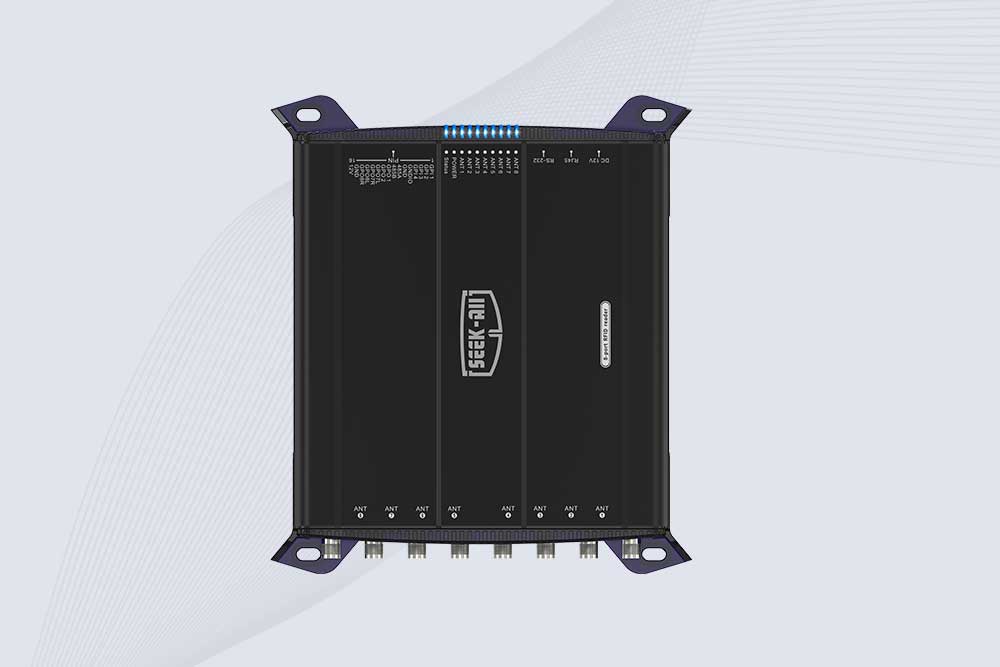
SSD-R8L 8-port UHF RFID reader with 33dBm output, up to 20m reading range and 600+ tags/s recognition. Ideal for warehouse, logistics, retail and asset tracking.
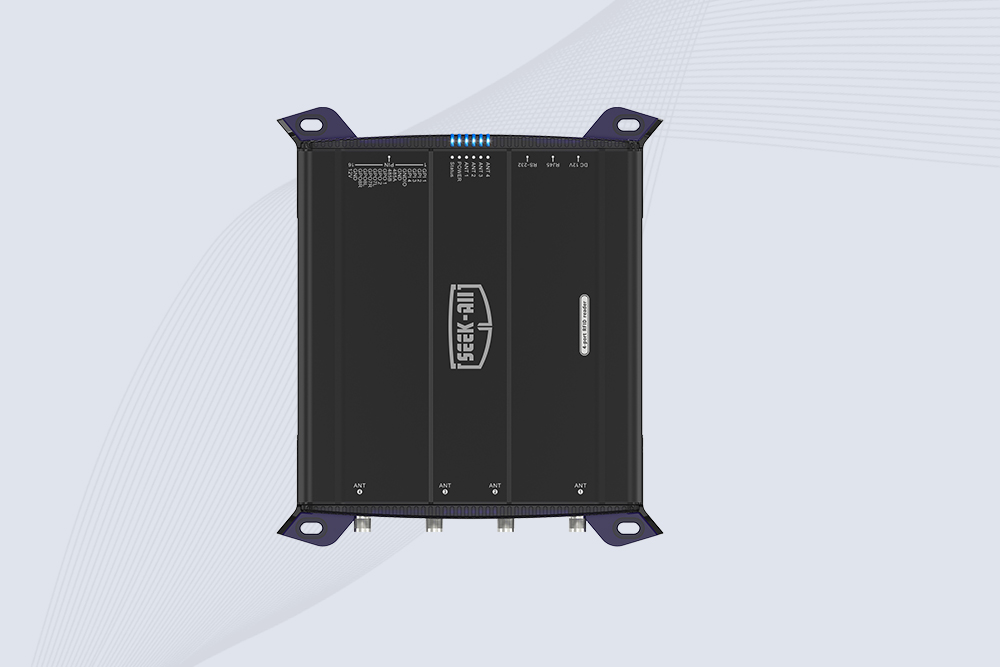
SSD-R4L is a 4-port UHF RFID fixed reader with 33dBm output power, up to 20m reading range, EPC C1G2 support and 600+ tags/s reading speed.

CYKEO CYKEO-D1LA USB RFID Reader is a compact desktop solution with near-field control for precise tag reading and encoding. Powered by USB, supporting ISO 18000-6C, and built for stable batch writing, this usb rfid tag reader fits retail, libraries, offices, and controlled RFID encoding tasks.
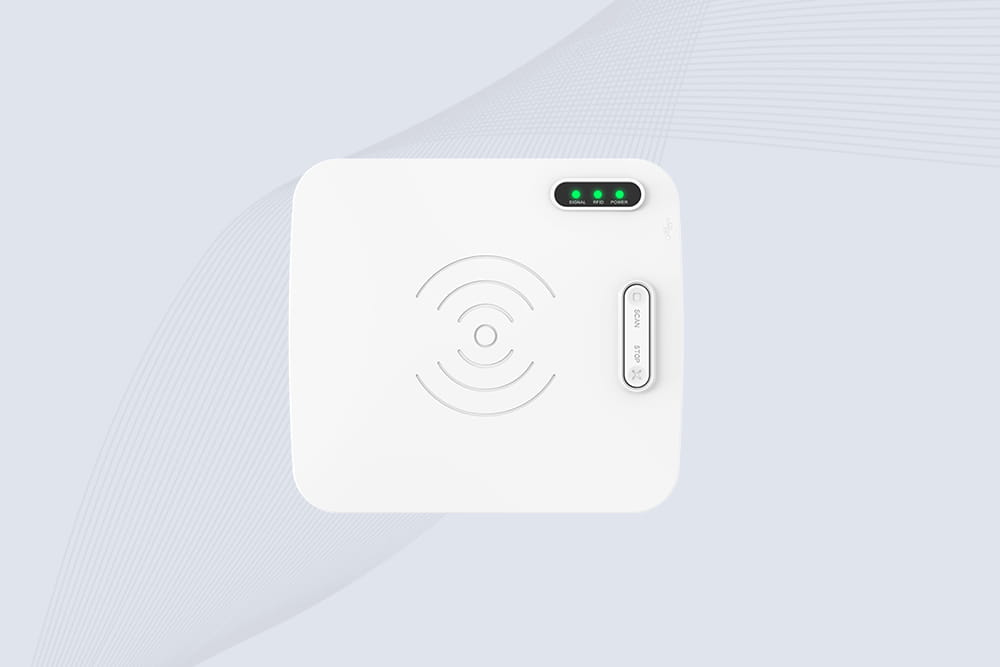
CYKEO CYKEO-D1L RFID scanner USB is a compact desktop UHF RFID scanner designed for short-range tag writing and verification. This usb rfid scanner supports batch encoding, stable 0–26 dBm output, and works across Windows, Linux, and Android systems.
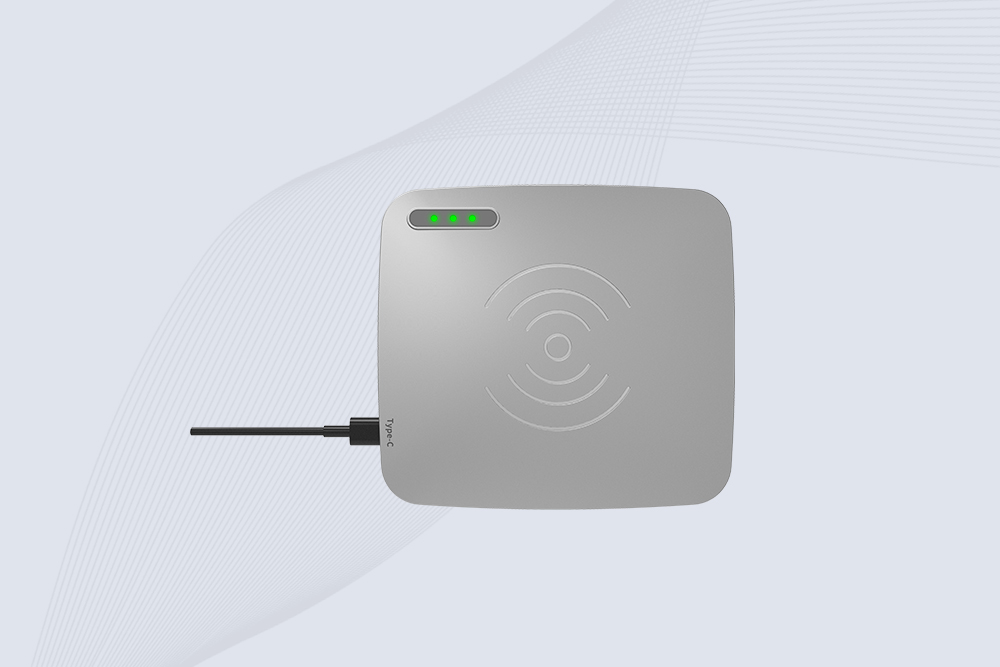
CYKEO CYKEO-D1C USB RFID Card Reader is a near-field UHF desktop writer designed for secure, short-range tag encoding. With USB-C connectivity and stable 26 dBm output, this rfid reader usb c is ideal for badge issuance, label encoding, and controlled desktop RFID workflows.
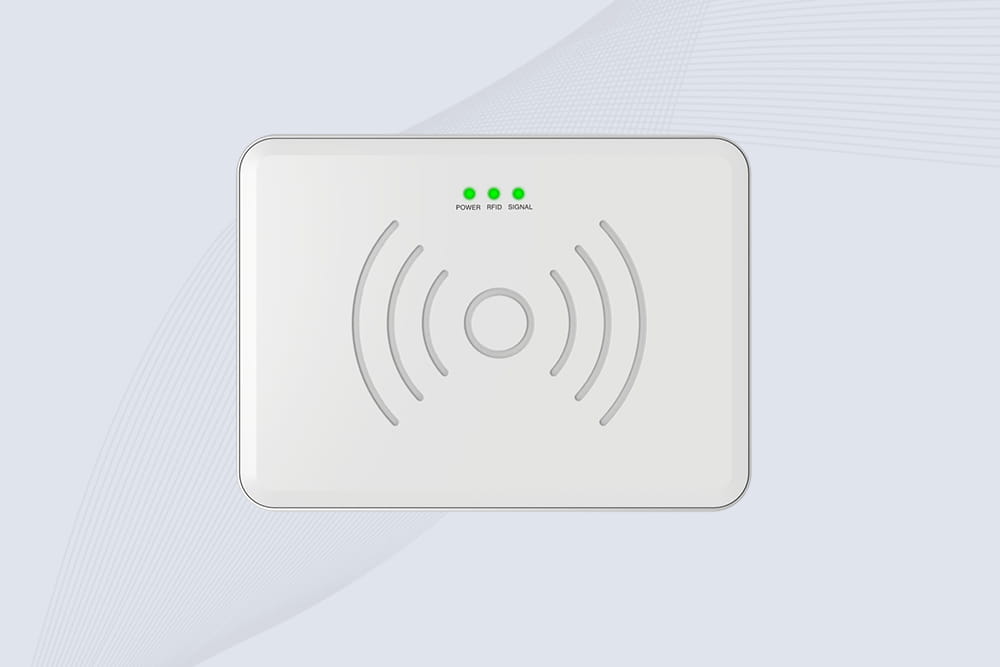
CYKEO CYKEO-D2L RFID Reader USB is a compact desktop encoder built on the Impinj R500 chip. With near-field control and stable USB power, this usb rfid card reader delivers precise tag writing for offices, retail counters, and small-scale logistics encoding tasks.
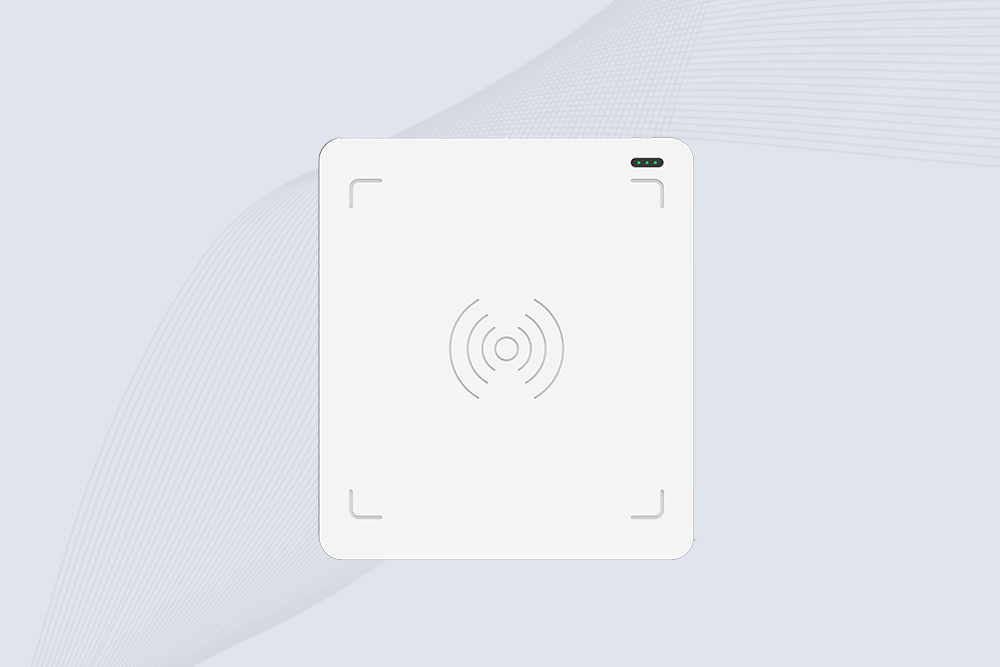
CYKEO CYKEO-D3L USB RFID Tag Reader delivers stable UHF tag reading and writing for daily desktop and light industrial tasks. Designed for controlled short-range operation, this USB RFID Tag Reader works reliably with rfid tag and reader systems in libraries, tool tracking, and inventory registration.
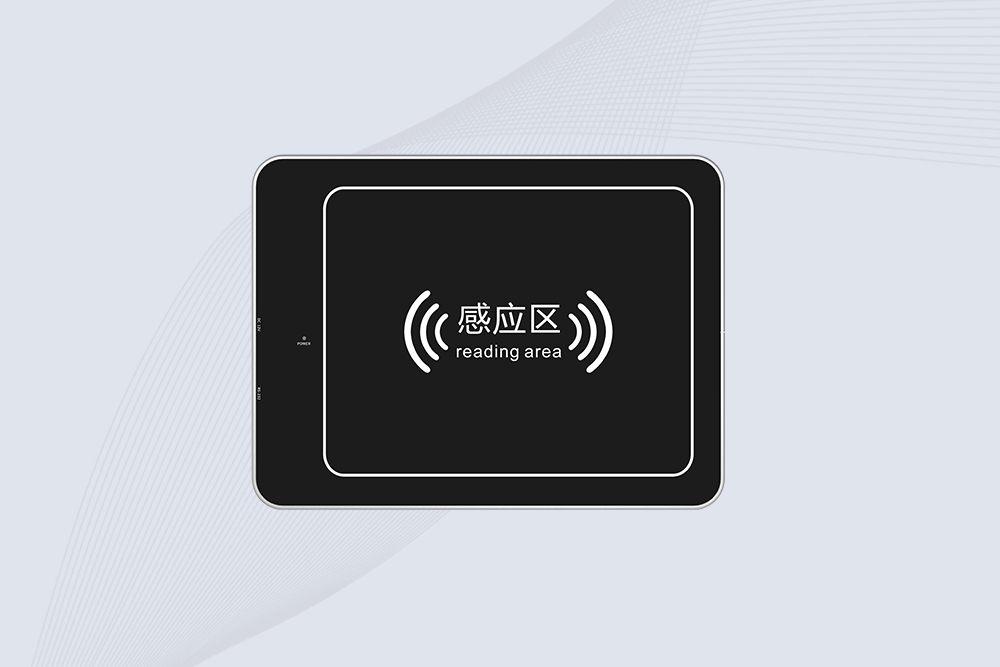
The CYKEO CYKEO-D4L UHF RFID Tag Reader is a stable Desktop RFID Reader designed for accurate tag registration, borrowing, and return workflows. Built with the Impinj R2000 chip, this UHF RFID Tag Reader delivers controlled short-range reads for libraries, asset tracking, and inventory management environments.
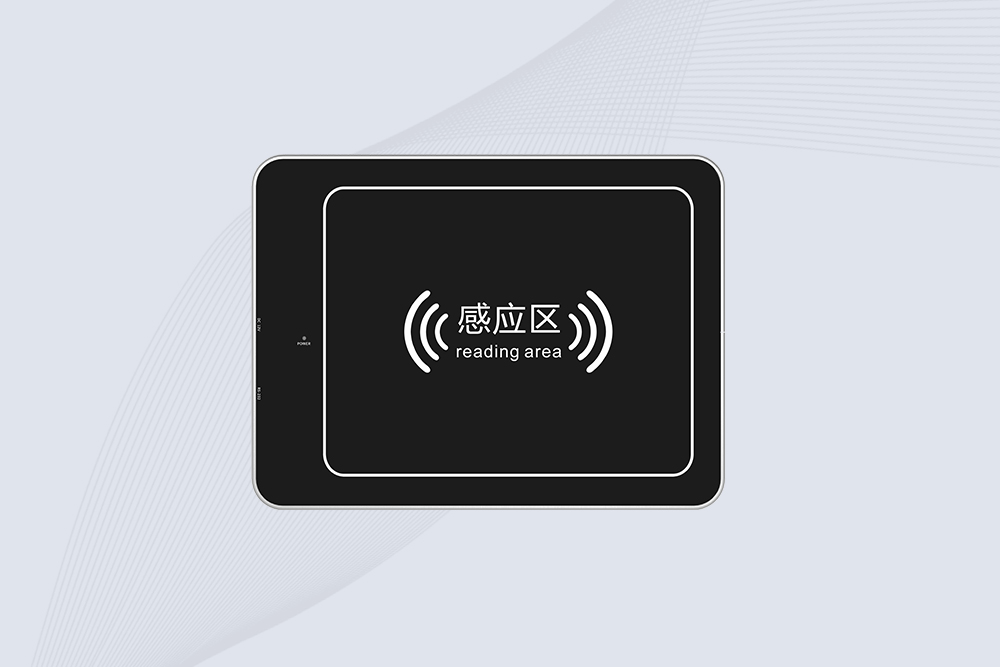
The CYKEO CYKEO-D5L Desktop RFID Card Reader is a stable UHF RFID Card Reader designed for controlled short-range reading and writing. Built for libraries, tool rooms, and asset desks, this UHF RFID Card Reader supports dense tag handling, secure data processing, and easy USB integration.
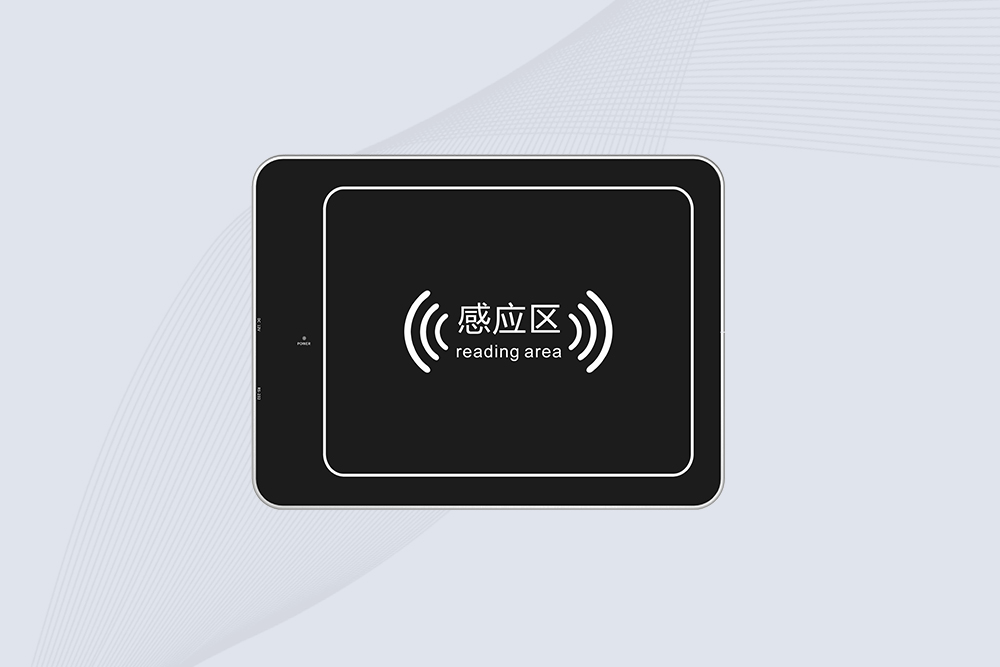
The CYKEO CYKEO-D6L RFID Reader Writer is a heavy-duty Desktop RFID Reader designed for short-range, high-accuracy tag programming. Built for libraries, labs, and asset desks, this RFID Reader Writer supports batch processing, stable 33dBm output, and seamless integration with existing management systems.
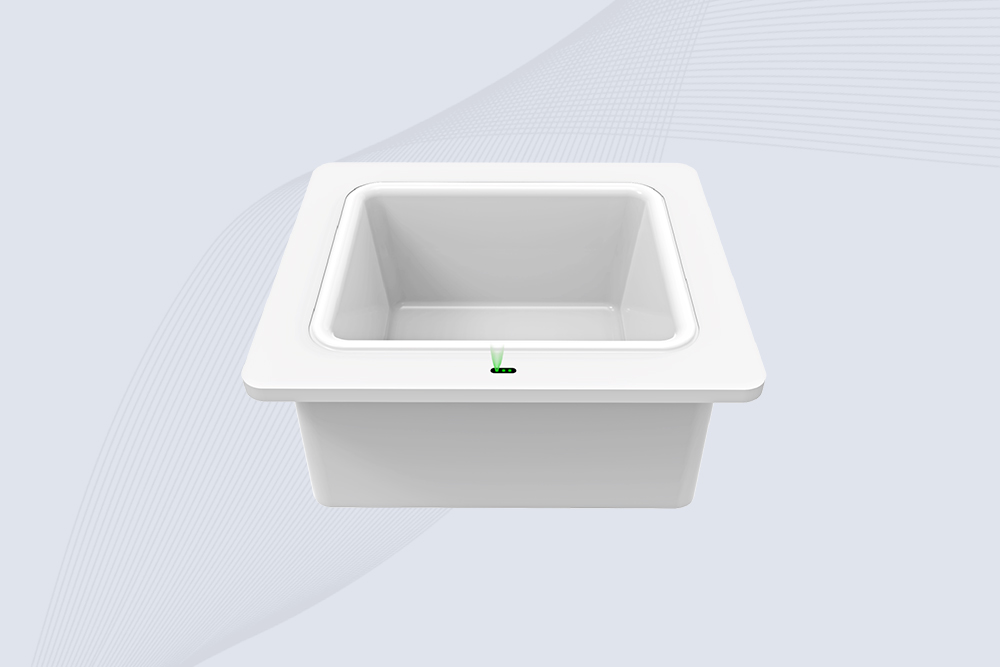
Cykeo CYKEO-D8B UHF RFID tunnel and RFID Desktop Reader features 30+ items batch reading,
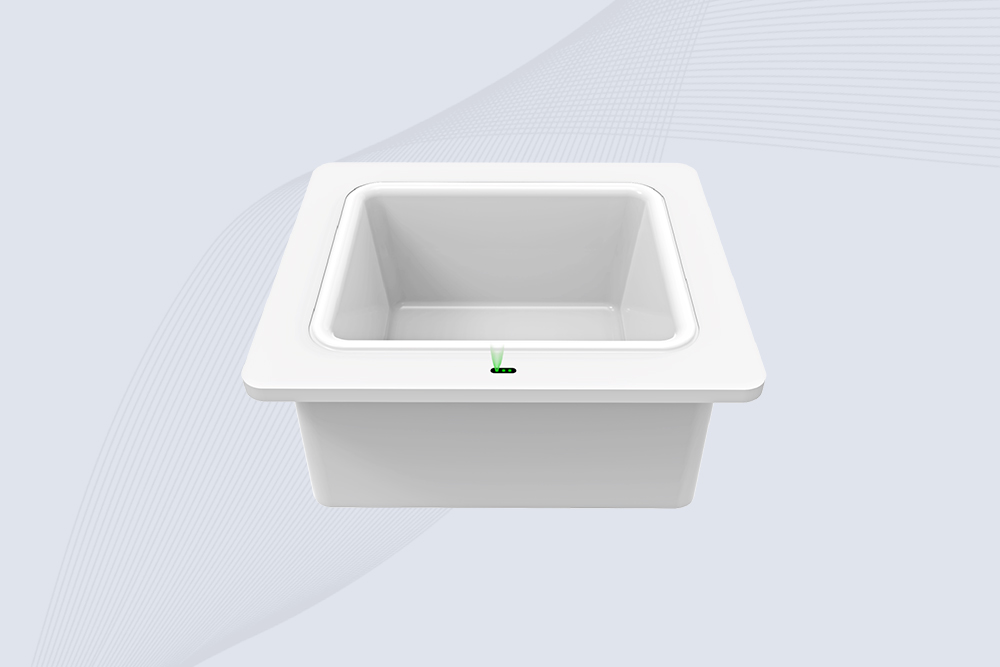
Cykeo CYKEO-D8A embedded RFID badge reader offers 30+ tags/sec scanning, 20cm anti-crosstalk precision, and DC 12V power for unmanned stores, warehouses, and smart inventory systems.
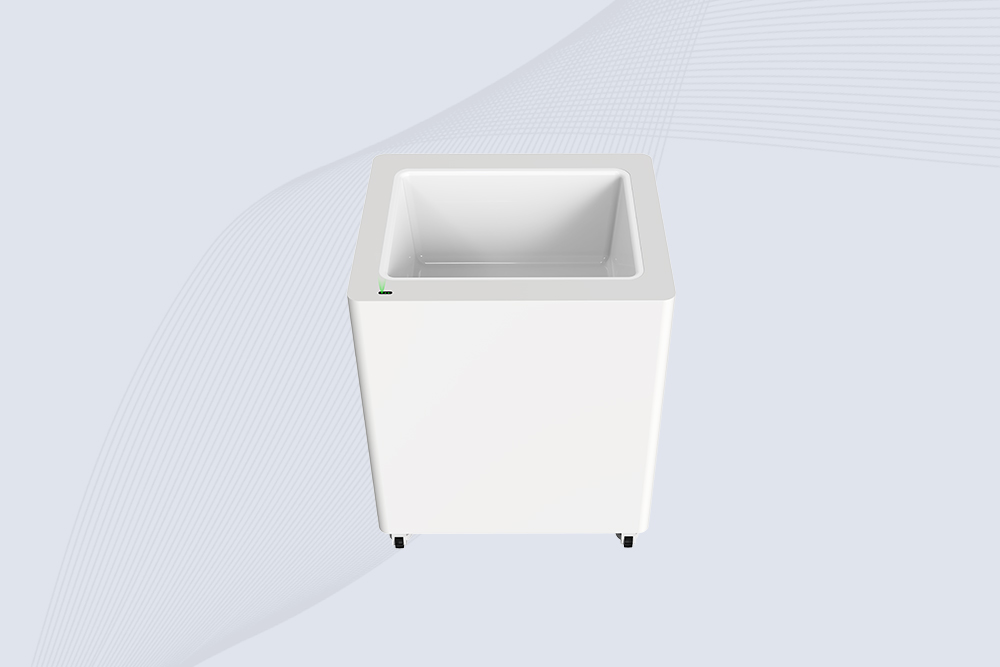
Cykeo’s CYKEO-D8C UHF RFID gate reader achieves 200-tag/batch scanning with adjustable power control, ideal for retail inventory and smart warehouse management.
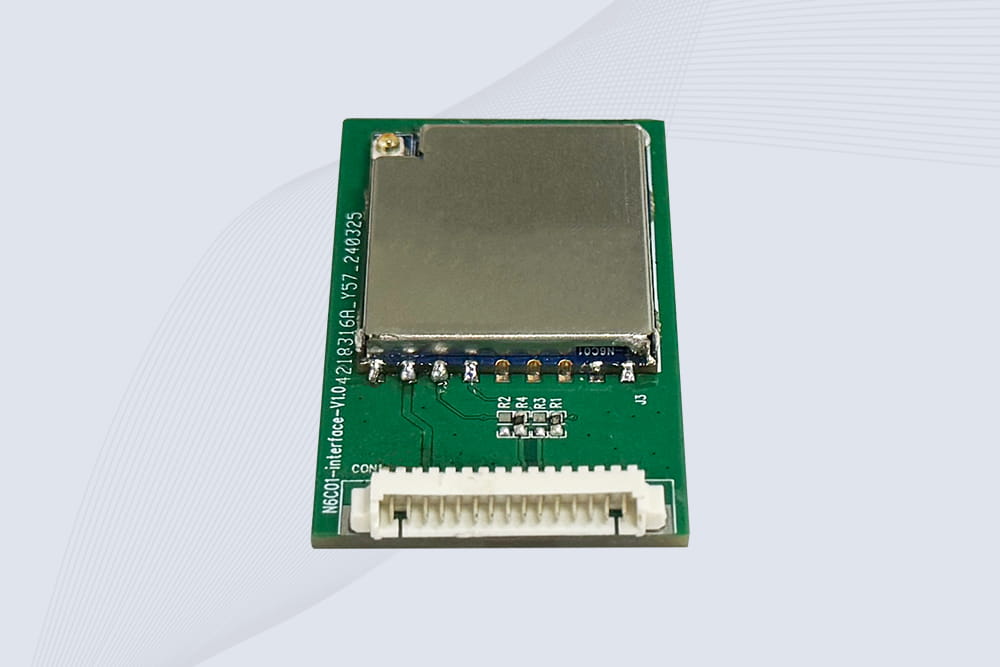
CYKEO Embedded RFID Modules are designed for compact industrial and IoT devices that require stable UHF performance. These UHF RFID Modules support global protocols, flexible power control, and reliable multi-tag reading for smart cabinets, production lines, and asset tracking systems.
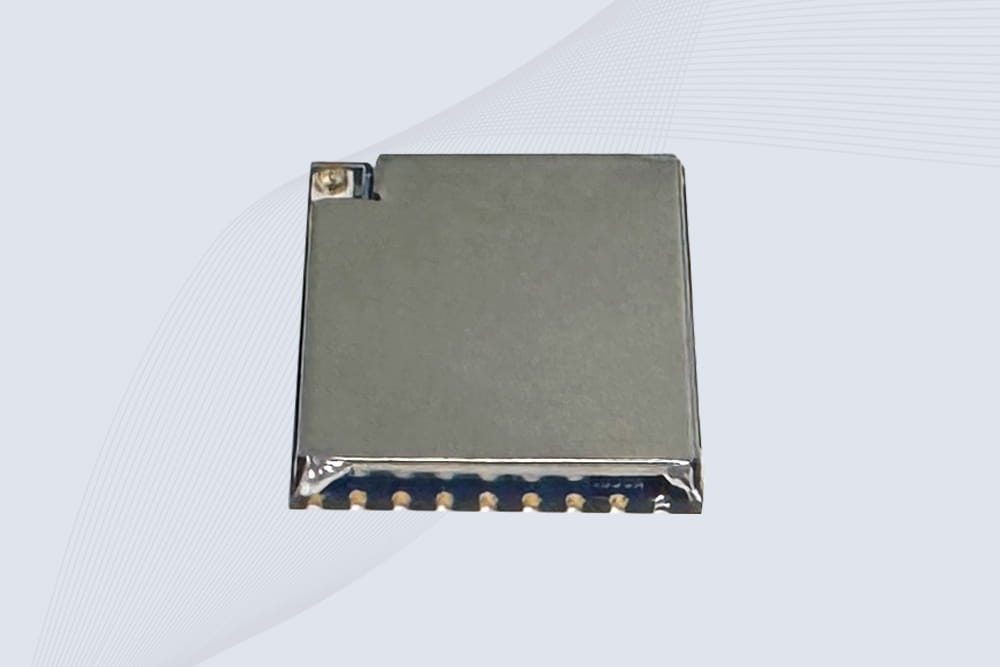
CYKEO Embedded RFID Module is built for compact IoT and industrial devices that need stable UHF performance. This UHF module supports global protocols, low power operation, and reliable multi-tag reading for smart lockers, production lines, and always-on RFID systems.
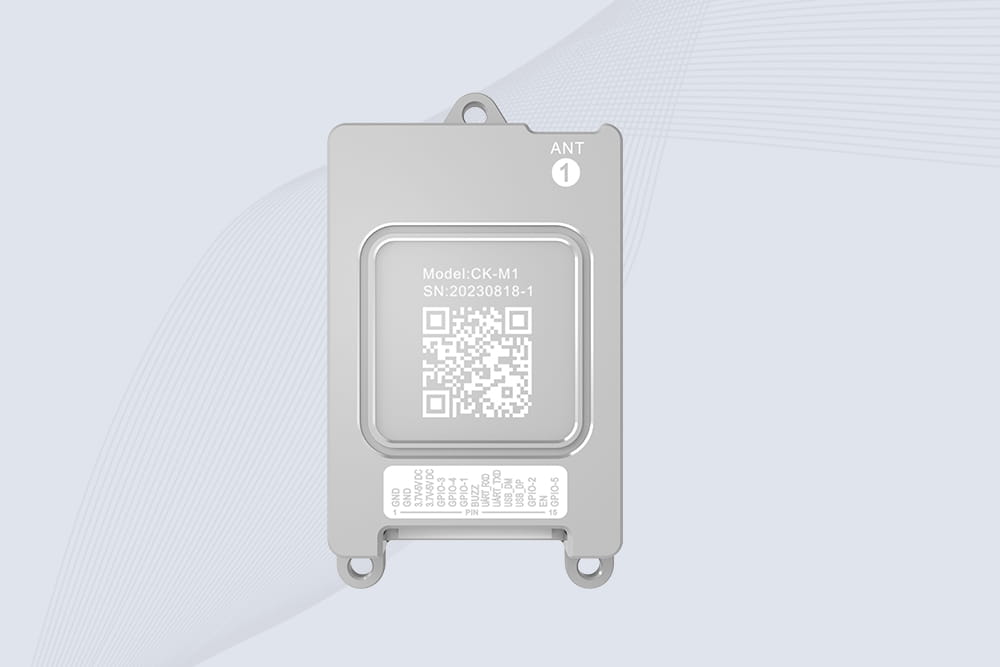
CYKEO CYKEO-M1 drone rfid module is a compact UHF RFID reader module designed for drones and UAV platforms. It supports long-range aerial scanning, fast multi-tag reading, and stable performance in wind, vibration, and outdoor environments.
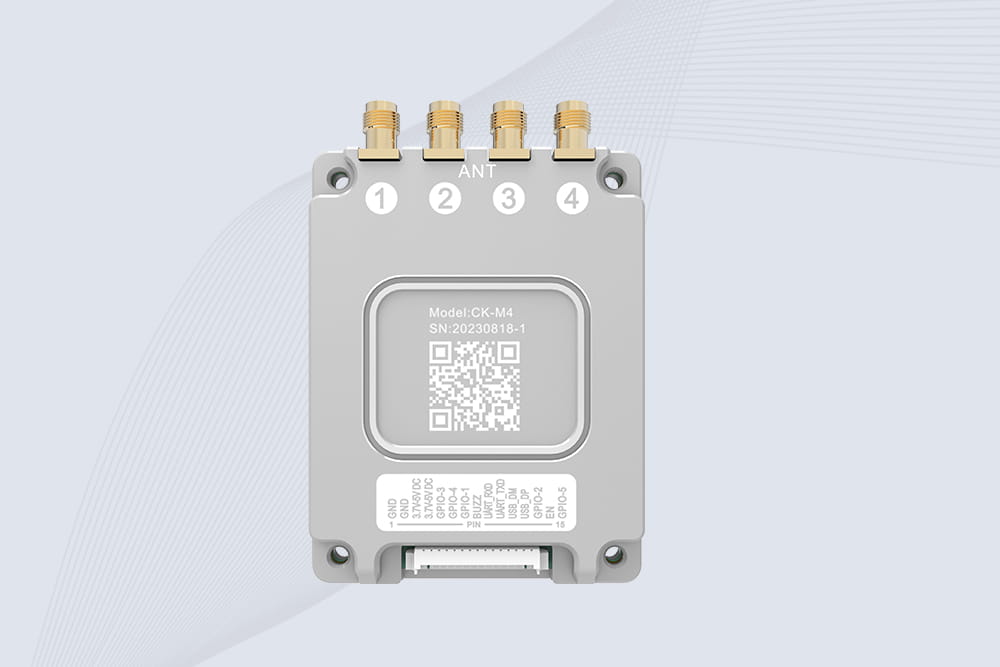
CYKEO CYKEO-M4 RC522 RFID Module is an industrial-grade UHF RFID reader with 4 ports, supporting ISO, EPC, and GB protocols. High-speed, accurate reading for IoT, automation, and warehouse applications.
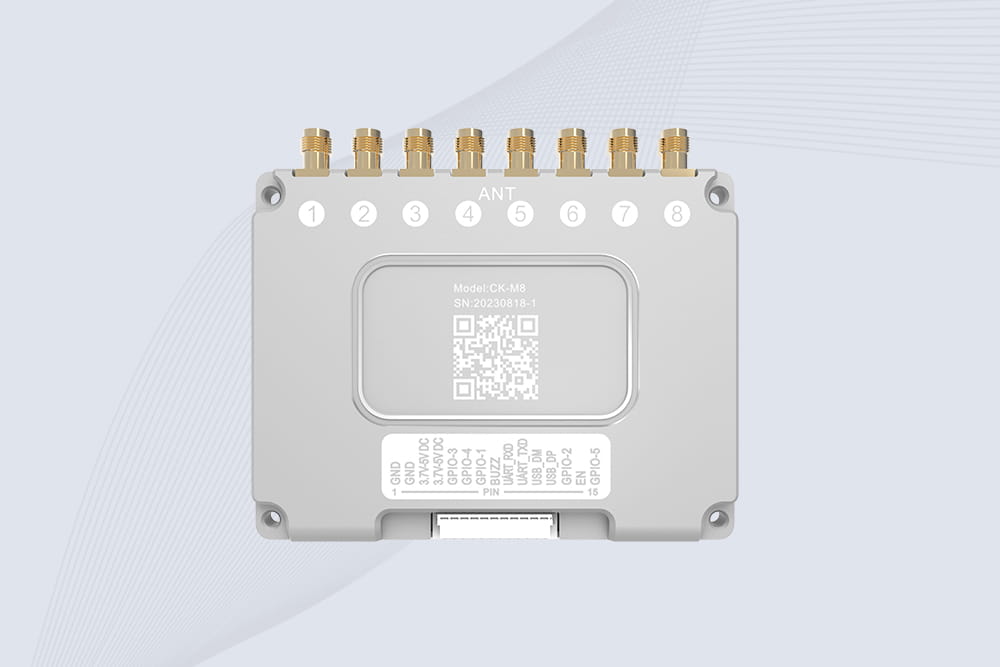
CYKEO CYKEO-M8 Module RFID is an 8-port UHF R2000 RFID Module designed for high-density, multi-tag environments. Stable 33dBm output, ISO & GB protocol support, ideal for warehouses, factories, and automated systems.
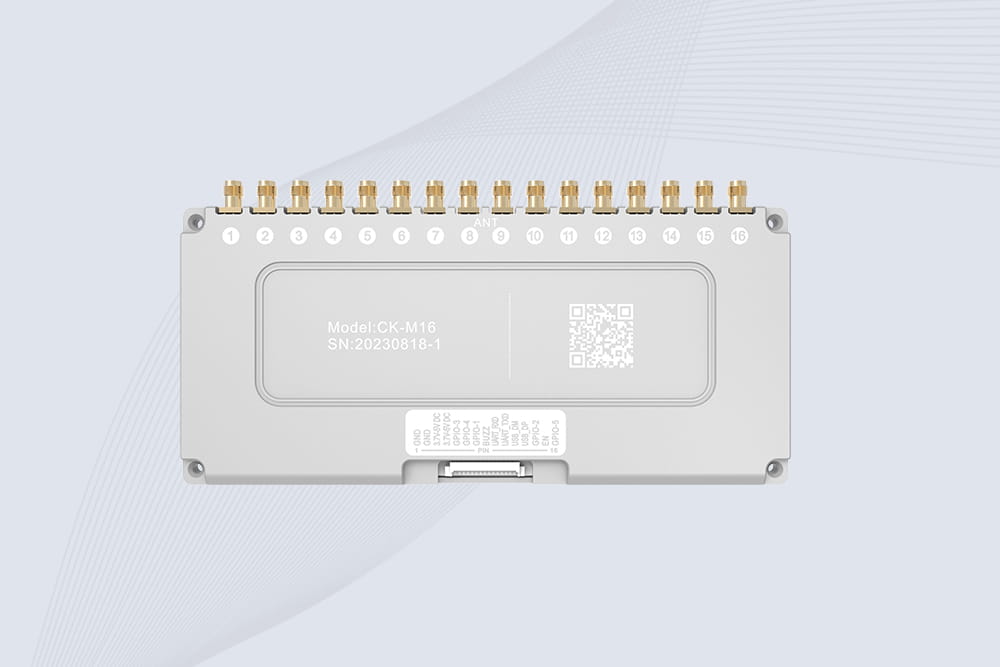
CYKEO CYKEO-M16 RFID Module is a 16-port UHF RFID reader module based on the R2000 chipset. Designed for dense tag environments, it supports ISO and GB standards and delivers stable multi-antenna control for industrial automation.
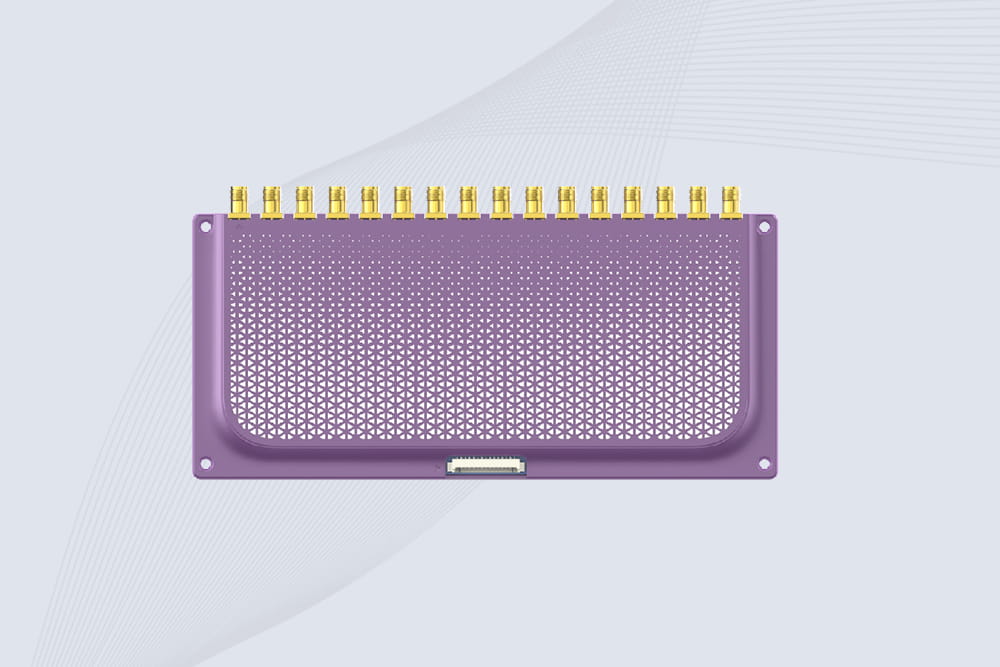
The CYKEO CYKEO-M16L RFID Reader Module is a 16-channel UHF RFID core designed for dense tag environments. With adjustable 33dBm output, multi-protocol support, and stable multi-antenna control, this RFID Tag Reader Module fits industrial automation, warehouse systems, and large-scale IoT deployments.
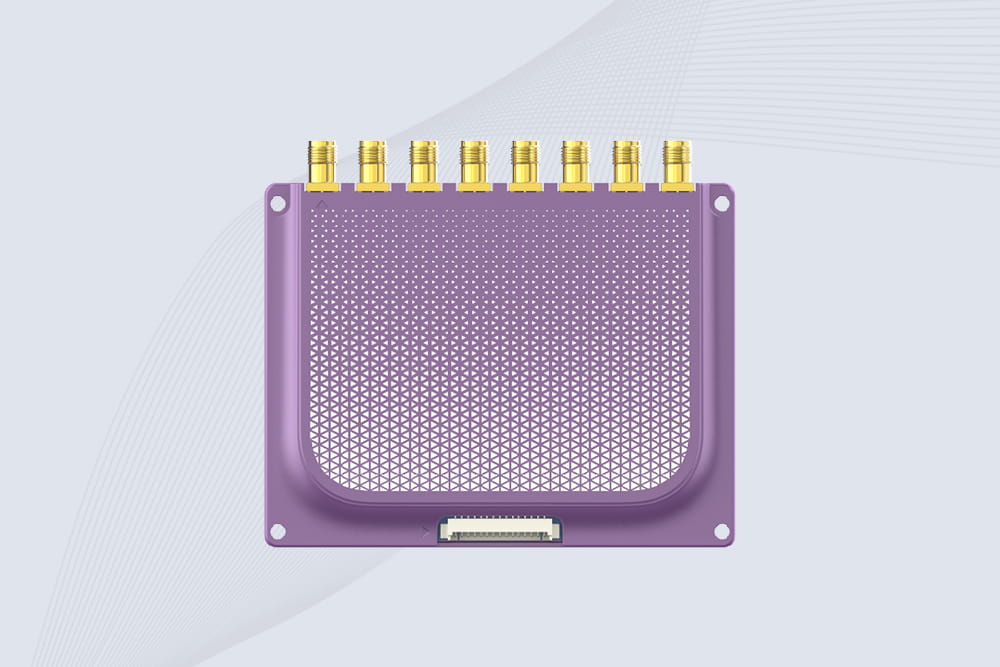
CYKEO CYKEO-M8L module RFID is a compact industrial UHF module built for dense tag and multi-antenna environments. With 8 RF ports, adjustable 33 dBm output, and ISO & GB protocol support, it is widely used in factories, warehouses, and automated tracking systems.
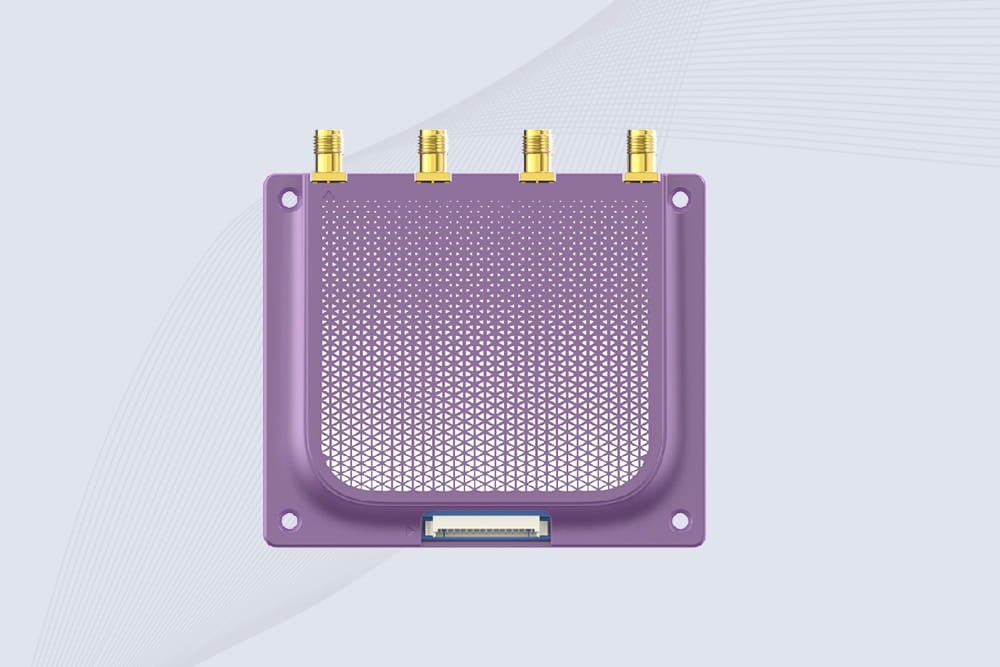
CYKEOCYKEO-M4L UHF RFID Module is a compact 4-channel RFID tag reader module designed for dense tag environments. Supporting ISO and GB protocols, it delivers stable reads up to 10 meters for industrial and IoT systems.
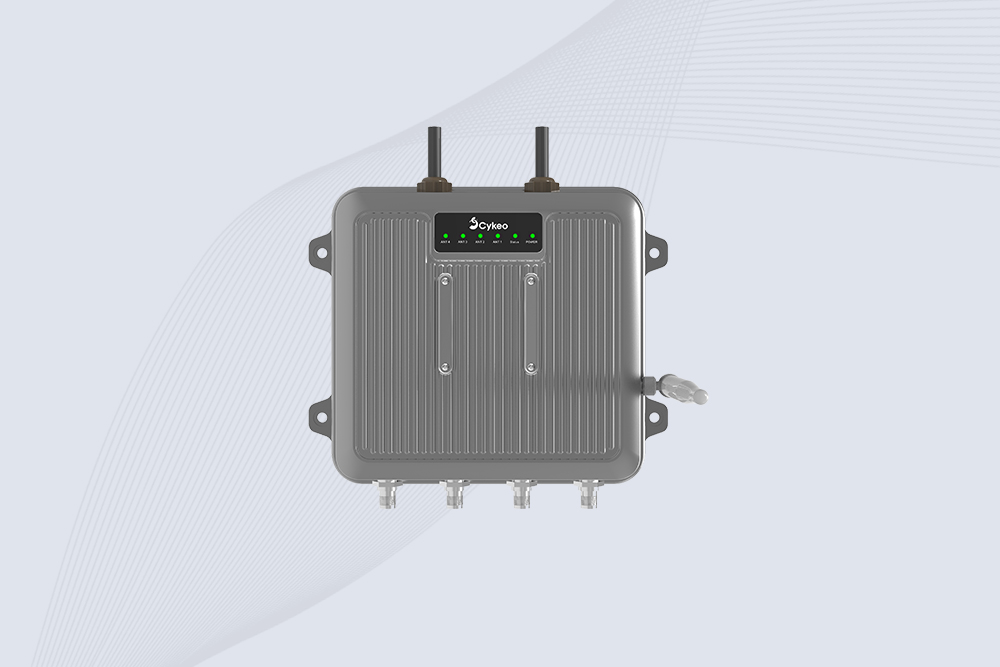
Cykeo CYKEO-C1 industrial Forklift RFID Reader features 20m read range, 600 tags/sec scanning, Impinj R2000 chipset, and IP67 rugged design. Ideal for warehouse logistics and manufacturing. Supports ISO 18000-6C/6B protocols.
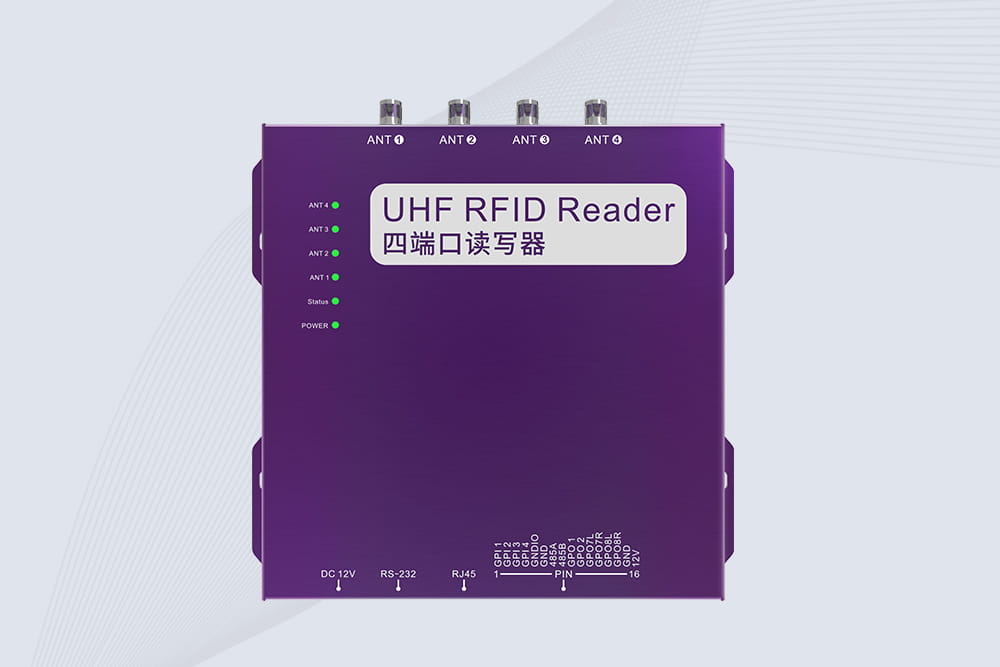
Cykeo CYKEO-R4 industrial UHF RFID Fixed Reader features 4 TNC ports, 400+ tags/sec speed, IP67 housing, and global frequency compliance for vehicle inspection, smart warehouse, and asset management systems.
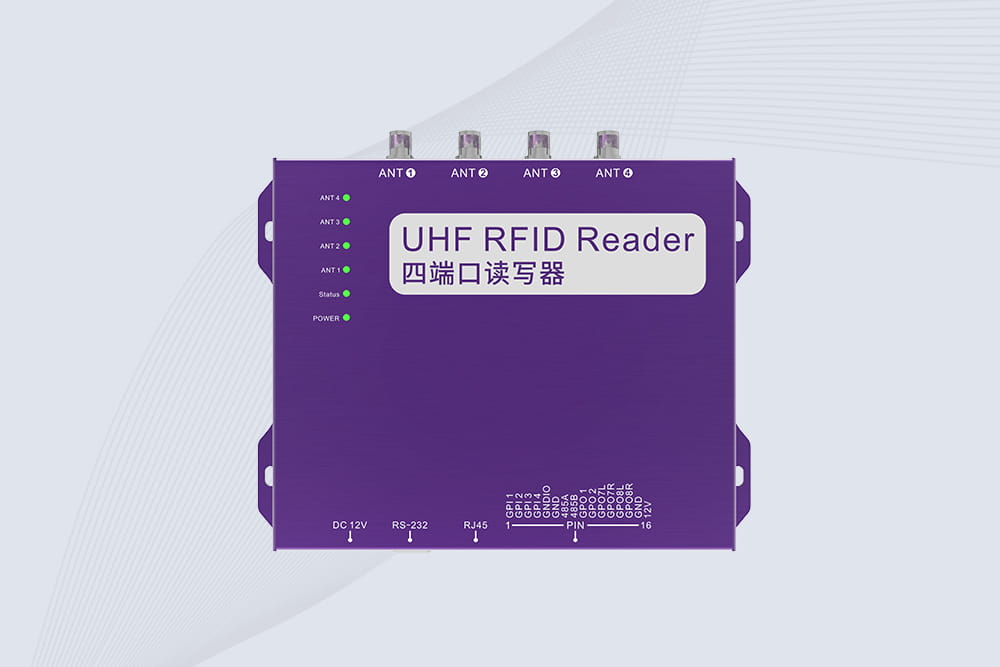
Cykeo’s CYKEO-R4L 4-port Fixed UHF RFID Reader delivers 400 tags/sec scanning, ISO 18000-6C compliance, and IP65 protection. Ideal for warehouse automation, manufacturing WIP tracking, and logistics management.
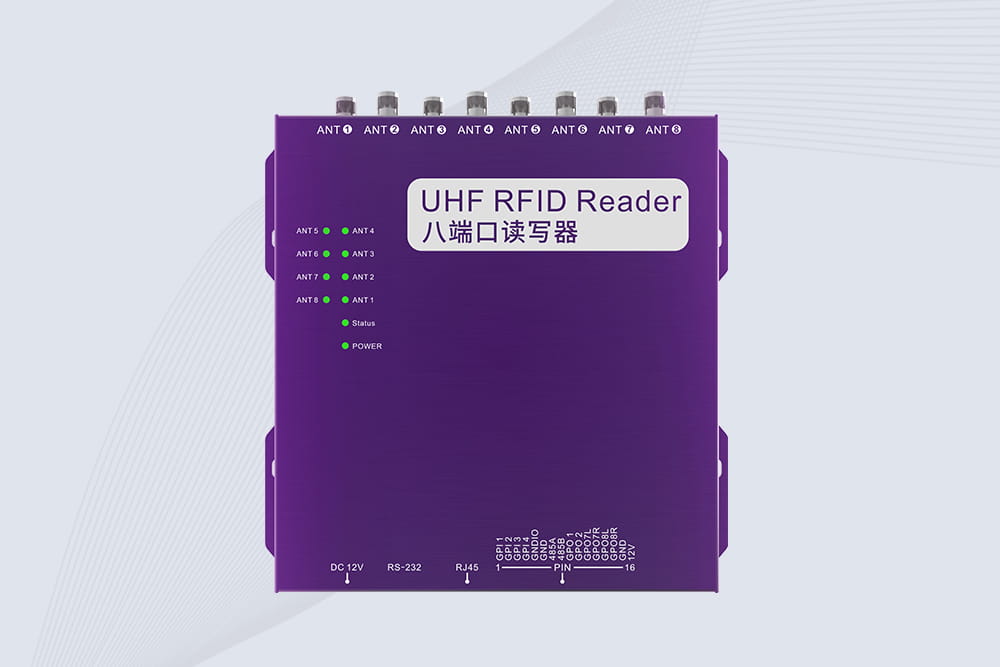
CYKEO CYKEO-R8L Fixed RFID Reader with 8-port UHF design, Impinj-based RF core and up to 20m read range. An industrial Fixed RFID Reader for vehicle inspection, warehouse portals, smart manufacturing lines and secure access checkpoints.
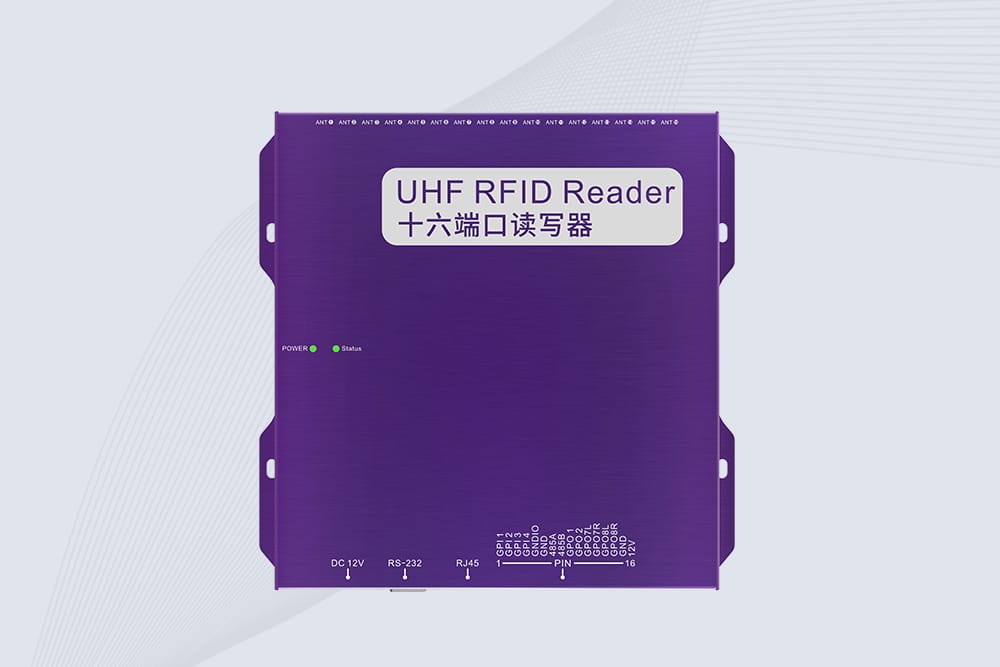
RFID Fixed Reader from CYKEO – the CYKEO-R16L 16-port UHF fixed reader for warehouses, smart cabinets, and production lines. Long-range, multi-tag reading, stable performance for 24/7 industrial use.
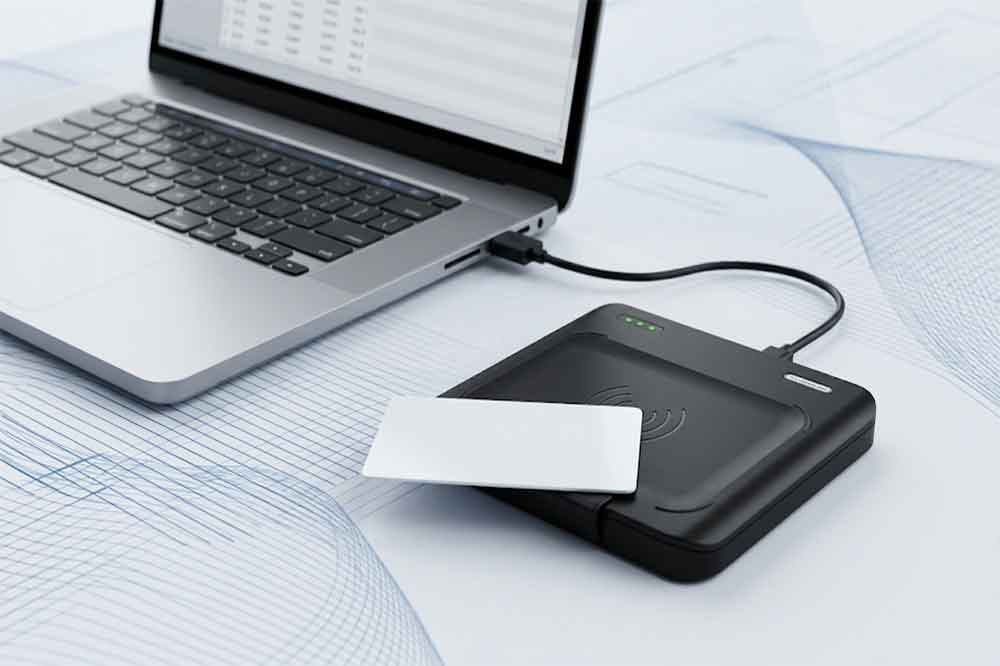
This article explains how USB RFID readers work, the differences between LF, HF/NFC, and UHF technologies, and their applications in inventory management, as...
More
Discover why long-range UHF RFID outperforms traditional barcodes and handheld scanning in warehouses, construction sites, logistics, manufacturing, and asset tracking. Improve inventory visibility and operational efficiency.
More
Wondering "how far can an RFID be read from"? Get straight answers for LF, HF, UHF passive, and active tags. Real ranges for access control, inventory, and yard management with CYKEO.
More
RFID linen tags are helping hotels, hospitals, and laundries keep track of sheets, towels, uniforms… not perfectly, but much better than before. A look at how they work, ways to attach them, and what actually happens in real life.
More