 Cykeo RFID IoT Solution Products R&D Manufacturer
RFID vs NFC Tags: How to Pick the Right Tech
1134RFID vs NFC tags: Understand key differences in range, cost & real-world use cases. Learn when NFC's phone compatibility beats RFID's bulk scanning.
MoreAll RFID Product
To program an RFID reader, configure communication parameters, set reader commands, adjust RF settings, connect the SDK or API, and test tag reading performance in the actual application environment. Proper programming ensures reliable identification, stable data transmission, and accurate RFID system operation.
Programming an RFID reader is not simply sending a command to “start reading tags.” In a production RFID project, the reader becomes a communication bridge between physical objects and software systems. The configuration determines how tags are detected, how often data is reported, how duplicate reads are handled, and how the application interprets each RFID event.
During RFID deployments, I have found that many integration problems are not caused by the reader hardware itself. They usually appear at the connection point between the reader settings and the business workflow. A warehouse reader may capture thousands of tag observations, but the inventory system only needs meaningful events. A tool-management reader may detect a tagged tool, but the software must know whether it represents borrowing, returning, or an unauthorized movement.
That difference is where professional RFID programming begins.
According to the GS1 RFID standards ecosystem, RFID systems involve multiple layers, including tag identification, reader communication, middleware processing, and event-level data exchange. Standards such as EPC Gen2 / ISO 18000-63 and EPCIS help create interoperability between RFID hardware and business applications.
A complete RFID reader setup usually involves:
| Programming Layer | Purpose | Common Configuration |
|---|---|---|
| Communication layer | Connect reader with software | USB, RS-232, Ethernet, TCP/IP |
| RF configuration | Control wireless performance | Output power, frequency, antenna ports |
| Inventory command | Control tag scanning | Start, stop, continuous inventory |
| Tag filtering | Reduce unnecessary data | EPC filtering, duplicate removal |
| Data processing | Convert reads into events | Time stamps, reader location |
| Application interface | Connect business software | SDK, API, middleware |
A common mistake is treating reader programming as a one-time setup task.
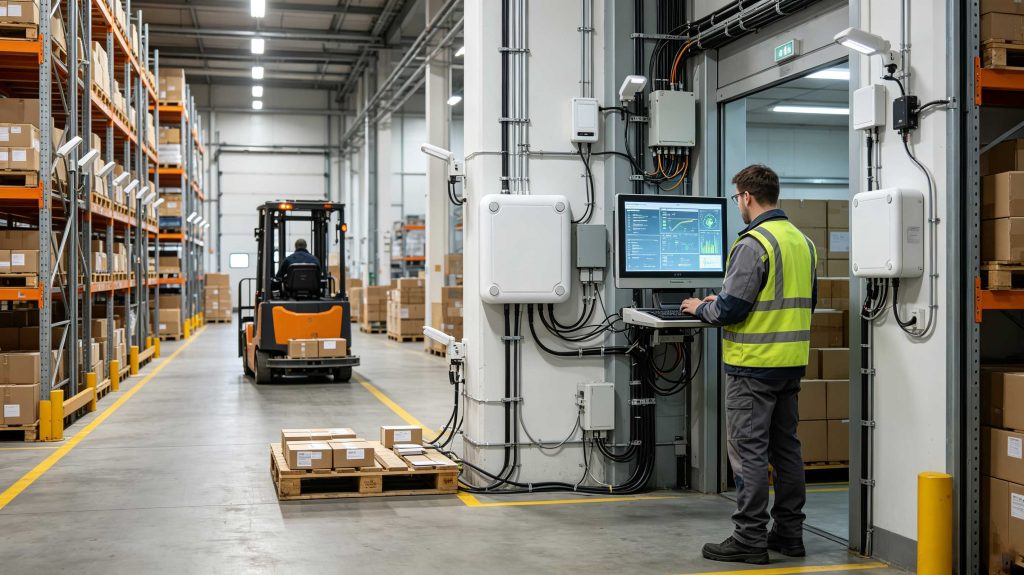
In reality, RFID readers are usually tuned during commissioning. The correct output power for a warehouse doorway may be completely different from a desktop registration station. A reader mounted beside metal shelving may require different antenna settings than one installed in an open area.
The first programming step is communication.
Depending on the RFID reader model, developers may connect through:
After connection, verify:
For industrial RFID systems, Ethernet communication is commonly preferred because fixed readers often need integration with warehouse management systems, manufacturing execution systems, or enterprise applications.
After communication is established, configure the reader according to the application.
Typical parameters include:
The UHF RFID standard ISO/IEC 18000-63 defines air-interface communication between RFID readers and tags, allowing compliant equipment from different manufacturers to communicate through standardized methods.
For example, a warehouse portal may require:
A desktop RFID writer may require:
The programming logic should follow the physical application.
Professional RFID deployments rarely communicate with readers using raw commands only.
Manufacturers typically provide:
An SDK allows developers to control functions such as:
Cykeo RFID readers support integration methods designed for engineering development, including SDK/API-based connection methods for software platforms.
For example, a warehouse application may use the reader SDK like this:
Application Software
        ↓
RFID SDK/API
        ↓
RFID Reader Driver
        ↓
Reader Hardware
        ↓
RFID Tags
The reader does not decide the business meaning. The software layer does.
A tag read event becomes useful only after the application understands:
One of the first issues developers encounter is repeated EPC data.
A fixed reader scanning a pallet may report the same tag dozens of times within seconds.
The solution usually involves:
A reader may successfully detect tags but still fail operationally.
Example:
A warehouse shipping door reader detects:
The programming challenge is not making the reader read more. It is making the system understand which reads matter.
Industrial environments may contain:
Reliable RFID programming requires testing the communication layer under actual working conditions.
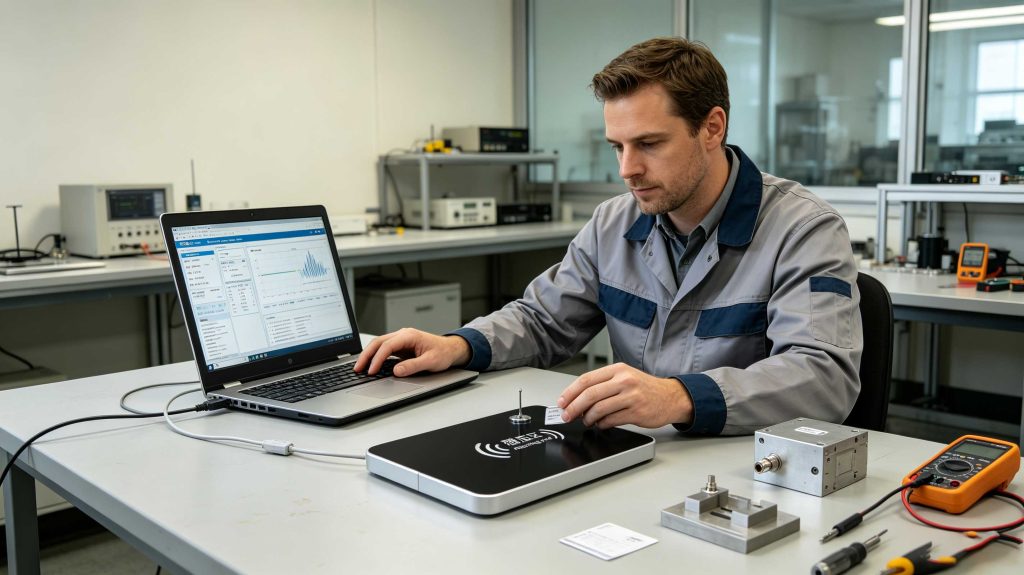
A programmed reader should always be validated using the final application scenario.
Recommended tests include:
| Test | Purpose |
|---|---|
| Single-tag test | Verify basic communication |
| Multi-tag test | Confirm anti-collision performance |
| Distance test | Validate read range |
| Write test | Confirm memory programming |
| Movement test | Simulate real workflow |
| Integration test | Verify software communication |
| Long-running test | Check system stability |
The testing process should include real tags, not only simulation tools.
RFID performance depends heavily on physical conditions. GS1 notes that read range and RFID performance are influenced by tag type, antenna characteristics, environment, and reader configuration.
This is why experienced RFID engineers avoid configuring a reader only from a datasheet.
The final environment decides whether the programming is correct.
A reliable RFID reader program is usually simple on paper:
Connect reader → configure parameters → read tags → send data.
The difficult part appears when the reader meets reality.
A warehouse has moving forklifts.
A factory has vibration and interference.
A hospital asset room has strict access requirements.
A retail environment has dense product shelves.
The programming must respect those conditions.
For Cykeo RFID solutions, reader programming is designed around the complete system: hardware configuration, software integration, tag identification, and application requirements.
The goal is not only to make the reader communicate.
The goal is to make RFID data useful.
Programming an RFID reader becomes more complex when the system moves from laboratory testing into real operational environments. A production RFID system must handle hundreds or thousands of tag interactions, network communication, data filtering, and application-level decisions.
A professional RFID implementation usually separates three functions:
This separation improves system stability because the RFID reader focuses on identification, while software determines the meaning of each event.
EPC Gen2 / ISO 18000-63-based readers commonly provide functions for inventory operations, memory access, tag selection, and filtering through SDK or API interfaces. These capabilities allow developers to control how tags are identified and processed instead of collecting uncontrolled raw data.
The most common programming operation is inventory scanning.
A typical reading workflow includes:
| Step | Reader Operation |
|---|---|
| 1 | Open communication channel |
| 2 | Initialize reader parameters |
| 3 | Select antenna |
| 4 | Start inventory command |
| 5 | Receive EPC/TID information |
| 6 | Filter duplicate reads |
| 7 | Send processed data to application |
For UHF RFID systems, the reader typically retrieves EPC information first. Additional memory areas, such as TID or USER memory, can be accessed when the application requires additional identification or data storage. EPC Gen2 memory organization includes Reserved, EPC, TID, and User memory banks.
A warehouse inventory system may only need EPC numbers.
A tool-management system may require:
The programming approach changes according to the business requirement.
RFID readers can also write information into compatible tags.
Common write operations include:
However, writing should be handled carefully.
A mistake during tag programming can create:
In professional deployments, tag writing is normally performed through controlled registration stations rather than random field operations.
For example, Cykeo’s RFID desktop reading platform can be used for controlled tag registration, conversion, and management operations where operators need a stable short-distance writing environment.
Most commercial RFID readers provide SDK libraries to reduce development complexity.
A typical application architecture looks like:
Enterprise Software
        ↓
RFID Application Layer
        ↓
Cykeo SDK / API
        ↓
RFID Reader Communication Interface
        ↓
UHF RFID Reader
        ↓
RFID Tags
The developer usually creates functions for:
A good SDK integration should also include connection recovery.
Industrial environments are rarely perfect.
A network cable may disconnect.
A reader may restart after maintenance.
A software service may temporarily stop.
The application should know how to reconnect without creating false inventory events.
One of the biggest differences between a demonstration and a production RFID system is tag quantity.
Reading one tag is simple.
Reading 500 tagged cartons on a pallet requires:
RFID SDK documentation commonly exposes anti-collision and inventory configuration parameters because multi-tag environments require tuning rather than default settings.
For example:
| Scenario | Programming Focus |
|---|---|
| Retail shelf | Fast repeated inventory |
| Warehouse pallet | High-density tag reading |
| Production line | Real-time event capture |
| Asset tracking | Stable identification |
| Library management | Accurate item-level recognition |
The correct configuration depends on how objects move.
A fixed warehouse reader and a handheld reader should not use identical inventory strategies.
Higher output power does not always create a better RFID system.
It can increase:
The correct goal is controlled identification.
A reader may report the same tag many times.
Example:
EPC001 detected
EPC001 detected
EPC001 detected
EPC001 detected
The application should transform these observations into a meaningful event:
Asset EPC001 entered warehouse zone A at 10:32:15This is the difference between RFID data collection and RFID system design.
Software configuration cannot compensate for incorrect hardware placement.
Common environmental problems include:
RFID programming must be validated together with physical deployment.
Cykeo RFID readers are designed for integration into professional RFID applications where developers need hardware control and software flexibility.
Its application scenarios include:
The important engineering principle remains the same:
The RFID reader should adapt to the application, not force the application to adapt to the reader.
Before launching an RFID system, verify:
| Item | Verification |
|---|---|
| Hardware connection | Reader communicates correctly |
| Protocol compatibility | Reader and tags support the same standard |
| Antenna setup | Coverage matches application requirements |
| RF parameters | Power and frequency are optimized |
| SDK integration | Software receives correct data |
| Tag writing | Registration process works correctly |
| Exception handling | Errors are recorded properly |
| Long-term stability | System runs continuously |
A factory production line, hospital asset system, and warehouse portal may all use RFID readers, but their programming logic will be different.
The hardware is only one part of the solution.
Yes. Some readers support direct command communication through serial or network protocols. However, SDKs usually simplify development by providing ready-made functions for inventory, configuration, and tag operations.
Many RFID readers support development with common languages such as C#, Java, C++, Python, and mobile application frameworks depending on the SDK provided.
The reader can usually connect through USB, RS-232, Ethernet, TCP/IP, or wireless interfaces. Developers then communicate through commands, SDK libraries, or APIs.
Yes. Compatible RFID readers can write EPC or user memory areas, but writing operations should be controlled carefully to prevent incorrect identification data.
Duplicate reads are normal during continuous inventory scanning. Software filtering, timing rules, and event processing are used to convert repeated observations into meaningful records.
No. Programming methods depend on reader hardware, communication interfaces, supported protocols, and manufacturer SDK design.
The development time depends on system complexity. A simple tag-reading application may require limited integration, while industrial systems connected to ERP, WMS, or MES platforms require more testing and customization.
The practical answer to how to program RFID reader is not only learning commands.
Successful RFID programming requires understanding the complete system:
In professional RFID projects, the best programmers are not only writing code. They are designing a reliable connection between physical objects and digital systems.
Cykeo approaches RFID reader programming from this complete-system perspective, combining hardware capability, software integration, and application-specific optimization.
A well-programmed RFID reader should disappear into the workflow.
Users should not notice the technology.
They should only see accurate data, faster operations, and reliable traceability.
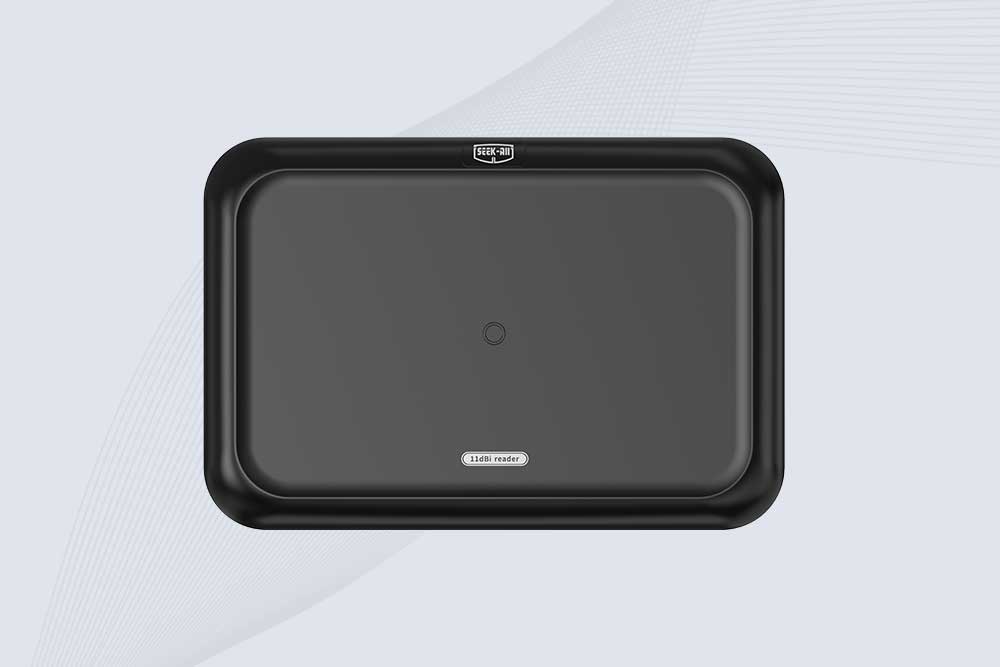
SSD-RA11L is an 11 dBi UHF RFID reader with up to 15m reading distance, 600+ tags/s speed, integrated antenna and flexible connectivity.
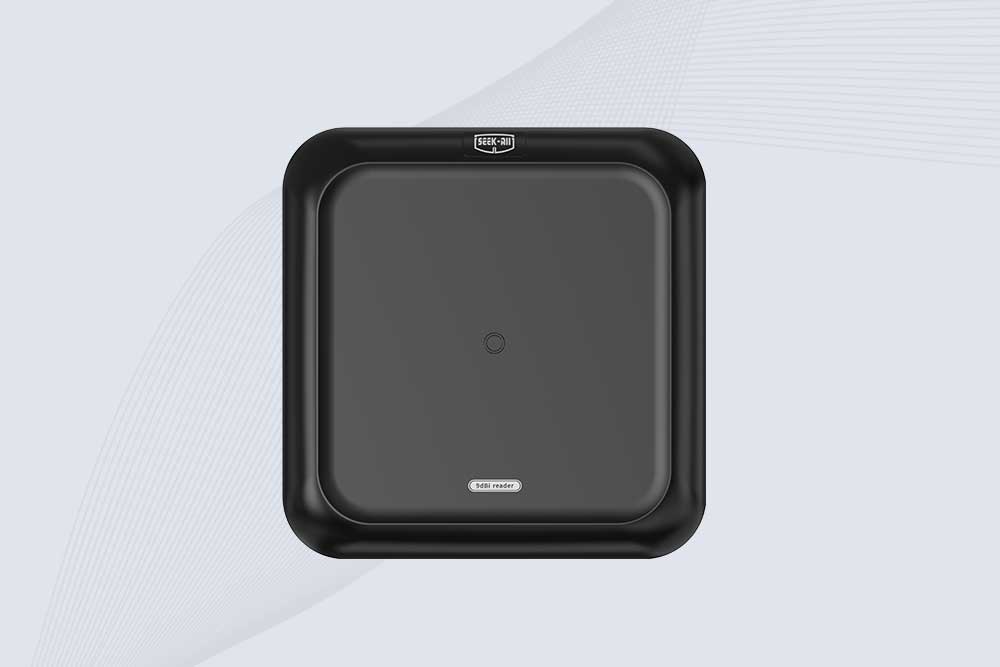
SSD-RA09L is a long range UHF RFID reader with a built-in 9 dBi antenna, 10m reading range, 600+ tags/s speed and flexible interfaces.
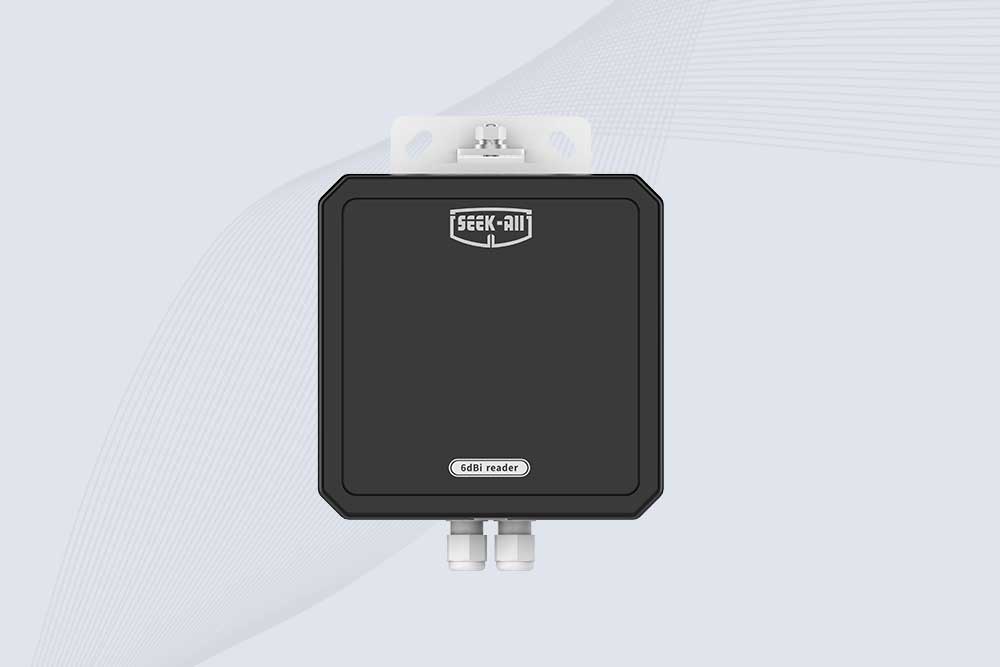
SSD-RA06L is an industrial UHF RFID reader with a built-in 6 dBi antenna, 3 m read range, 600+ tags/s, Ethernet, RS232, and optional Wi-Fi, 4G, and PoE.
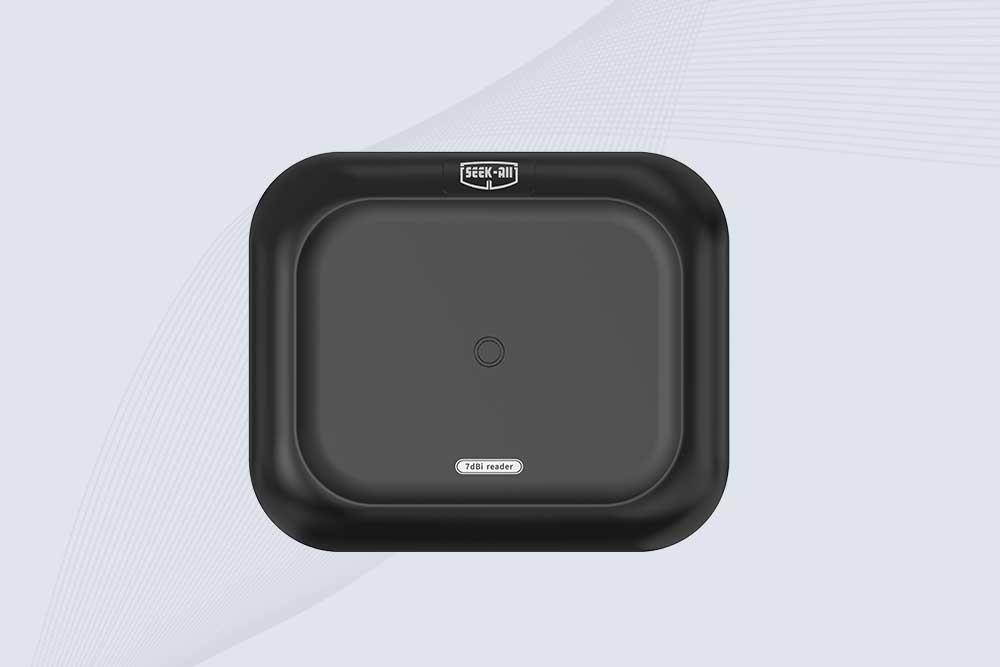
SSD-RA07L industrial UHF RFID reader with integrated 7 dBi antenna, up to 6 m reading distance, over 600 tags/s, Ethernet, RS232, and optional Wi-Fi, 4G, and PoE.
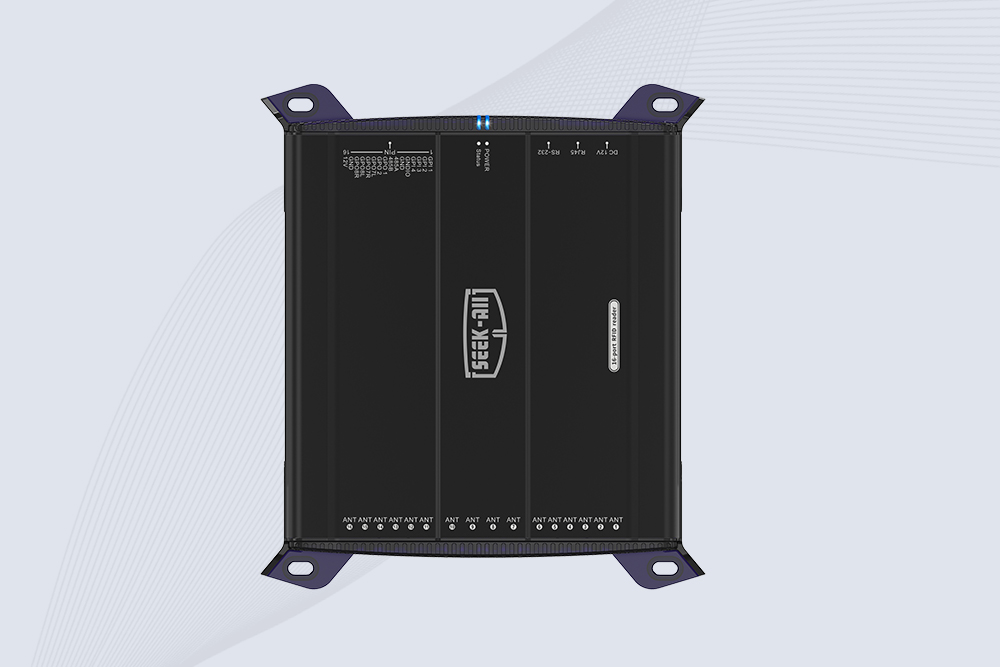
SSD-R16L Multi-Channel RFID Infrastructure for Automated Inventory Management ✔️ 16-Port High-Density RFID Reading Equipped with 16 SMA antenna ports, SSD-R16L supports multi-antenna deployment for warehouses, retail stores, logistics, production lines, and large-area RFID identification. ✔️ High-Speed & Long-Range Performance With up to 33…
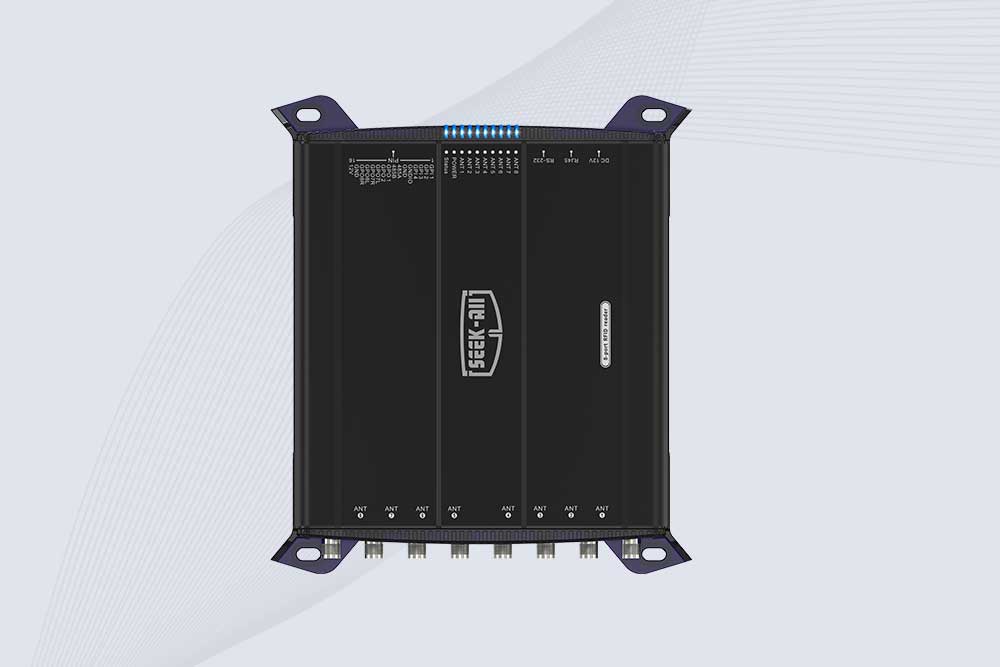
SSD-R8L 8-port UHF RFID reader with 33dBm output, up to 20m reading range and 600+ tags/s recognition. Ideal for warehouse, logistics, retail and asset tracking.
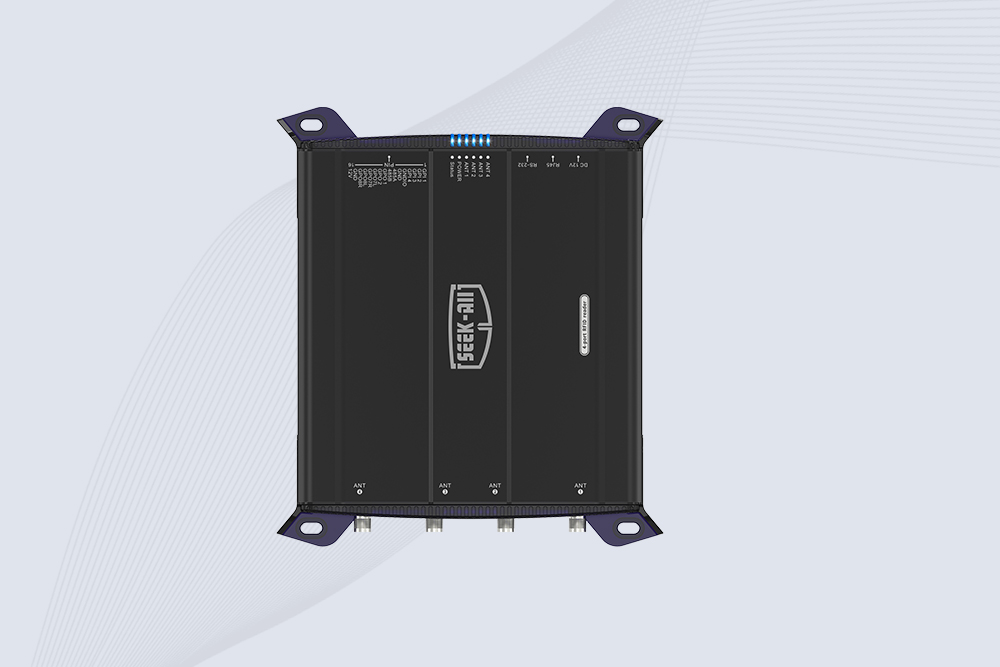
SSD-R4L is a 4-port UHF RFID fixed reader with 33dBm output power, up to 20m reading range, EPC C1G2 support and 600+ tags/s reading speed.
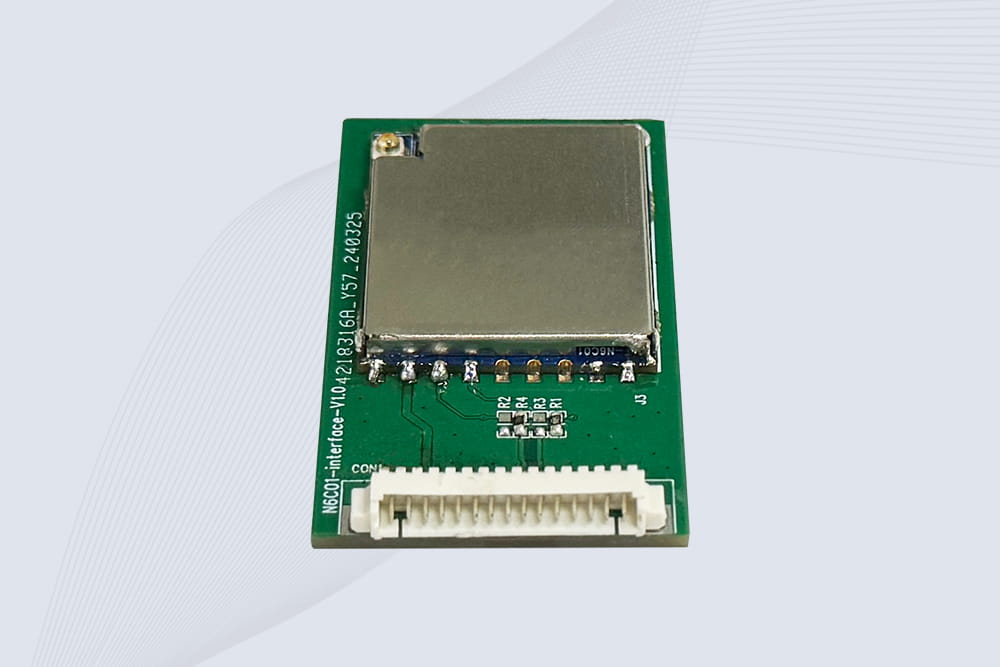
CYKEO Embedded RFID Modules are designed for compact industrial and IoT devices that require stable UHF performance. These UHF RFID Modules support global protocols, flexible power control, and reliable multi-tag reading for smart cabinets, production lines, and asset tracking systems.
CYKEO Embedded RFID Module is built for compact IoT and industrial devices that need stable UHF performance. This UHF module supports global protocols, low power operation, and reliable multi-tag reading for smart lockers, production lines, and always-on RFID systems.
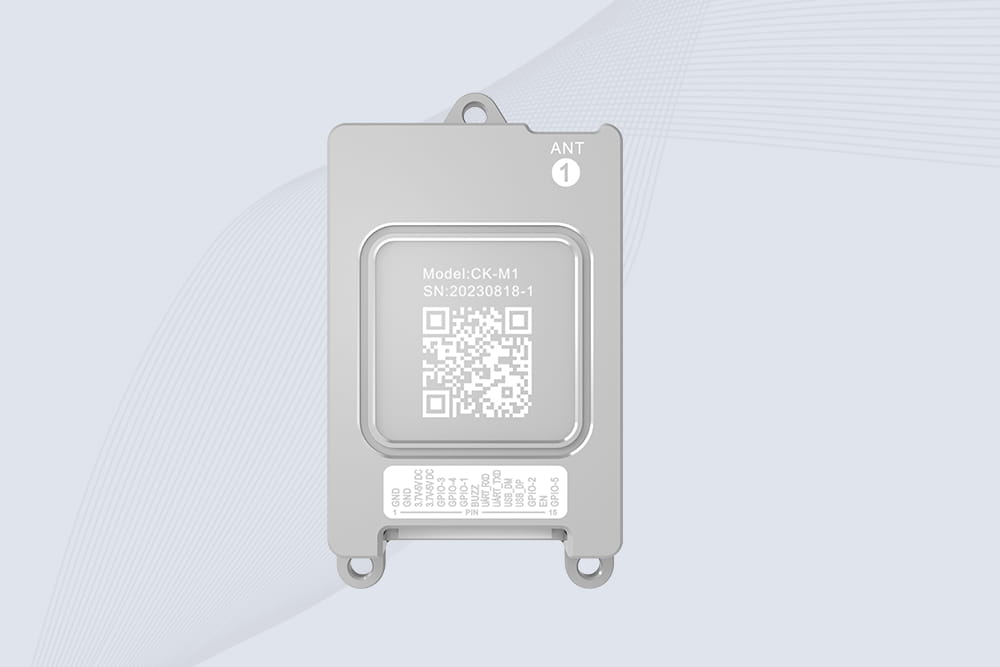
CYKEO CYKEO-M1 drone rfid module is a compact UHF RFID reader module designed for drones and UAV platforms. It supports long-range aerial scanning, fast multi-tag reading, and stable performance in wind, vibration, and outdoor environments.
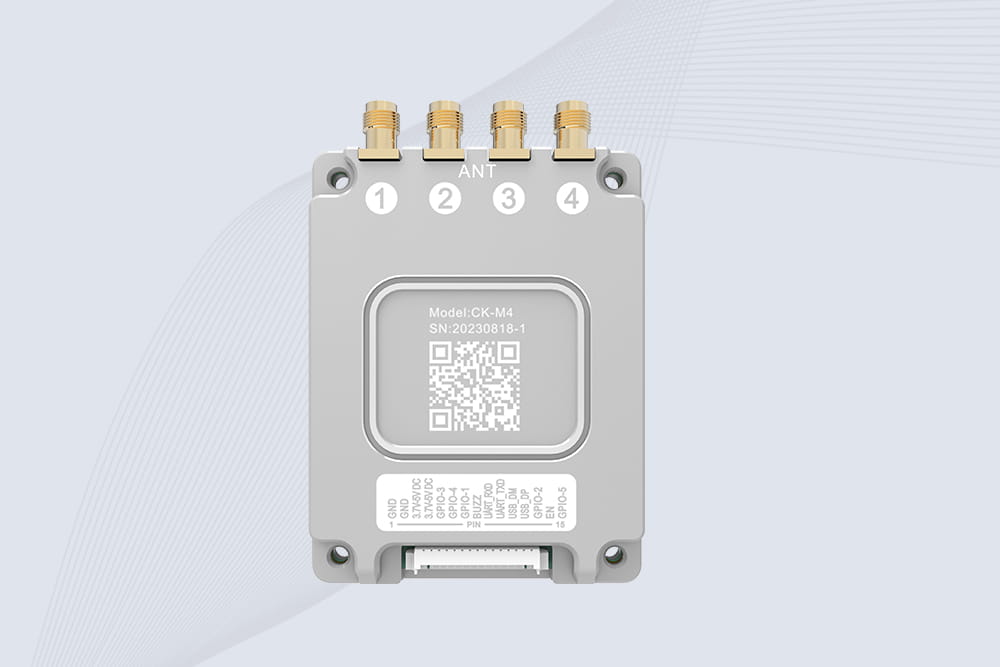
CYKEO CYKEO-M4 RC522 RFID Module is an industrial-grade UHF RFID reader with 4 ports, supporting ISO, EPC, and GB protocols. High-speed, accurate reading for IoT, automation, and warehouse applications.
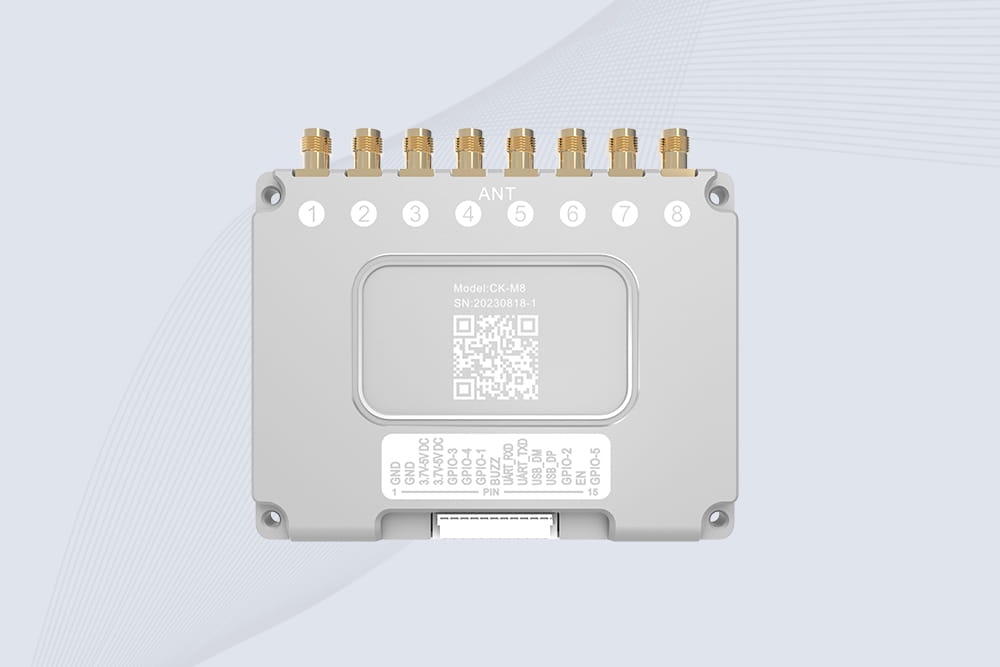
CYKEO CYKEO-M8 Module RFID is an 8-port UHF R2000 RFID Module designed for high-density, multi-tag environments. Stable 33dBm output, ISO & GB protocol support, ideal for warehouses, factories, and automated systems.
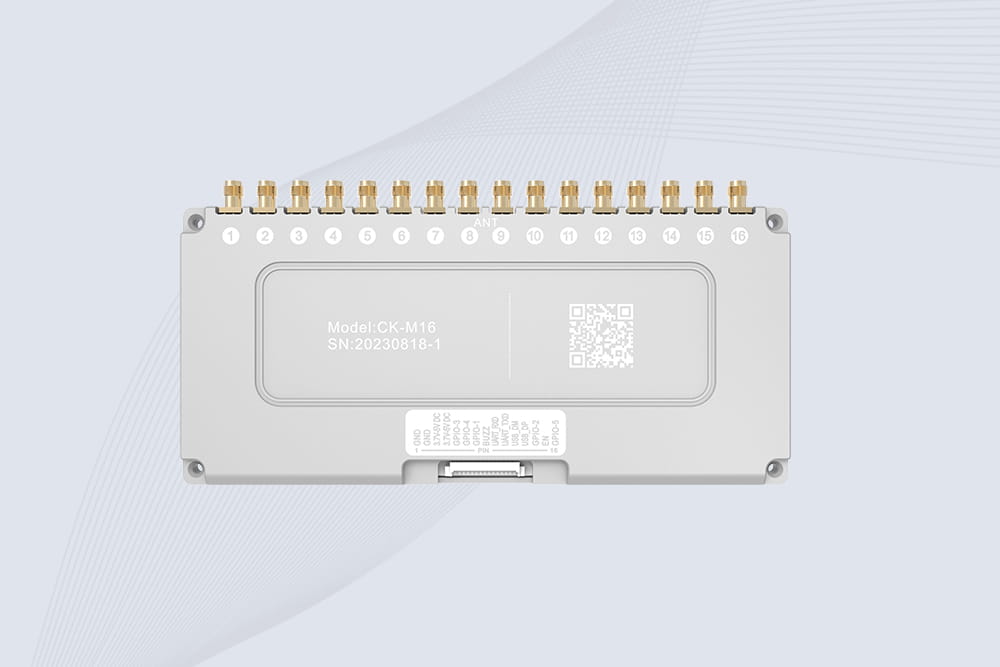
CYKEO CYKEO-M16 RFID Module is a 16-port UHF RFID reader module based on the R2000 chipset. Designed for dense tag environments, it supports ISO and GB standards and delivers stable multi-antenna control for industrial automation.
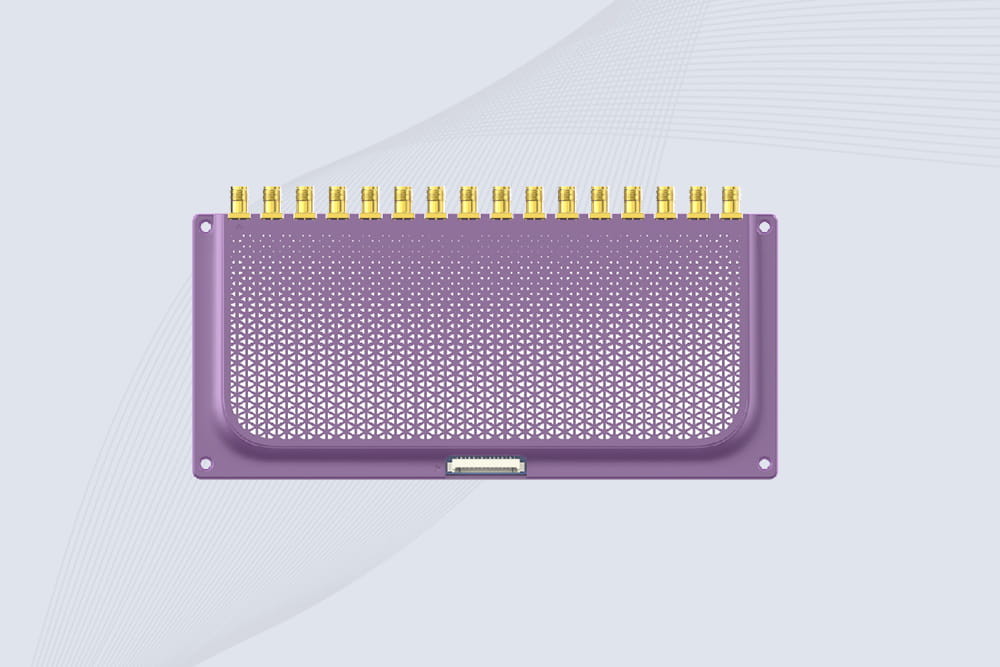
The CYKEO CYKEO-M16L RFID Reader Module is a 16-channel UHF RFID core designed for dense tag environments. With adjustable 33dBm output, multi-protocol support, and stable multi-antenna control, this RFID Tag Reader Module fits industrial automation, warehouse systems, and large-scale IoT deployments.
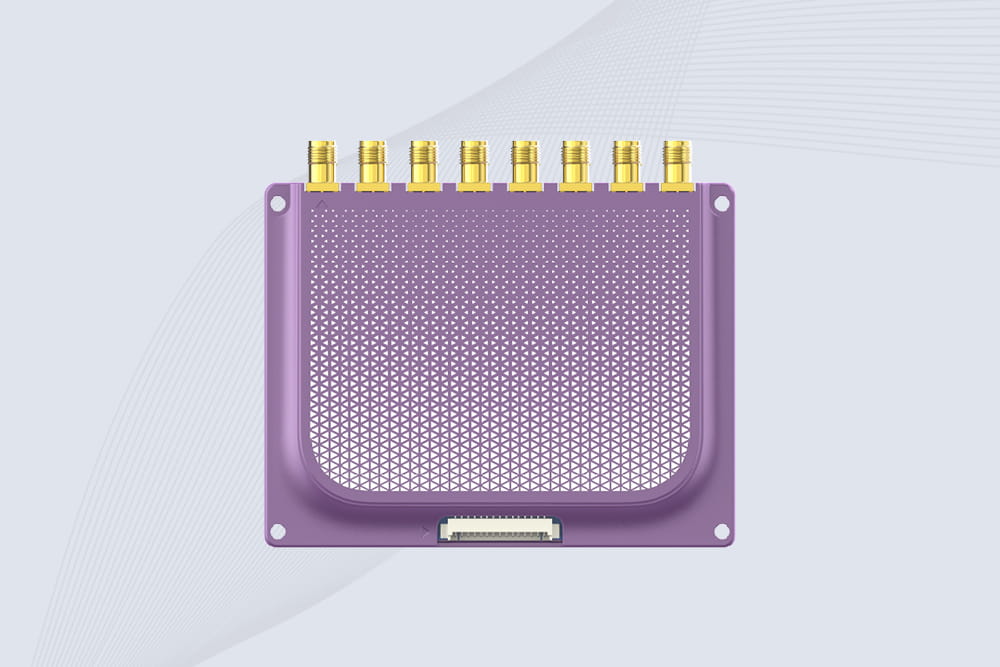
CYKEO CYKEO-M8L module RFID is a compact industrial UHF module built for dense tag and multi-antenna environments. With 8 RF ports, adjustable 33 dBm output, and ISO & GB protocol support, it is widely used in factories, warehouses, and automated tracking systems.
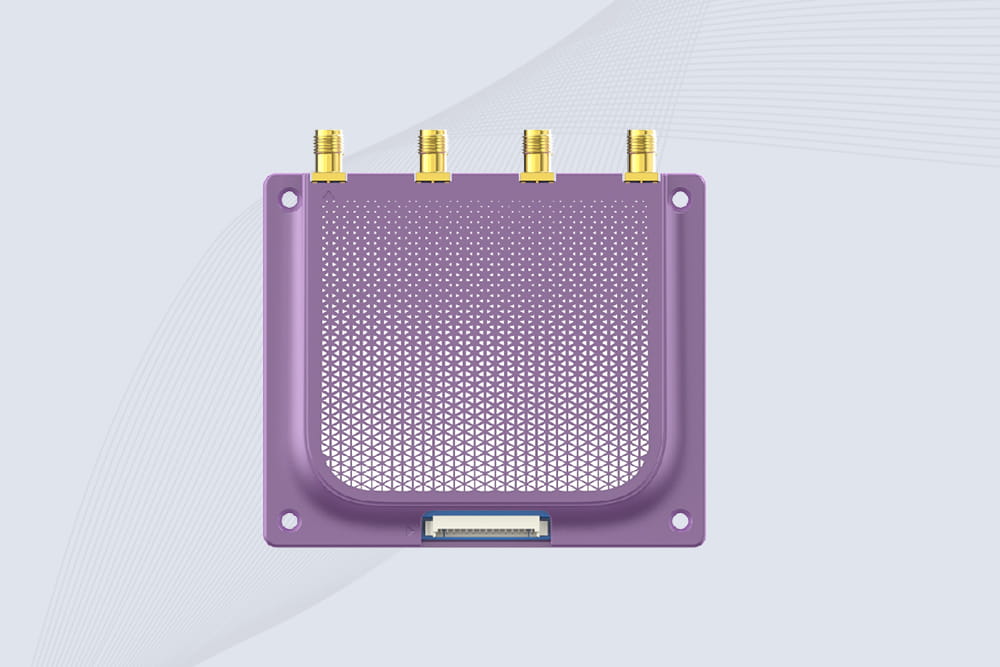
CYKEOCYKEO-M4L UHF RFID Module is a compact 4-channel RFID tag reader module designed for dense tag environments. Supporting ISO and GB protocols, it delivers stable reads up to 10 meters for industrial and IoT systems.
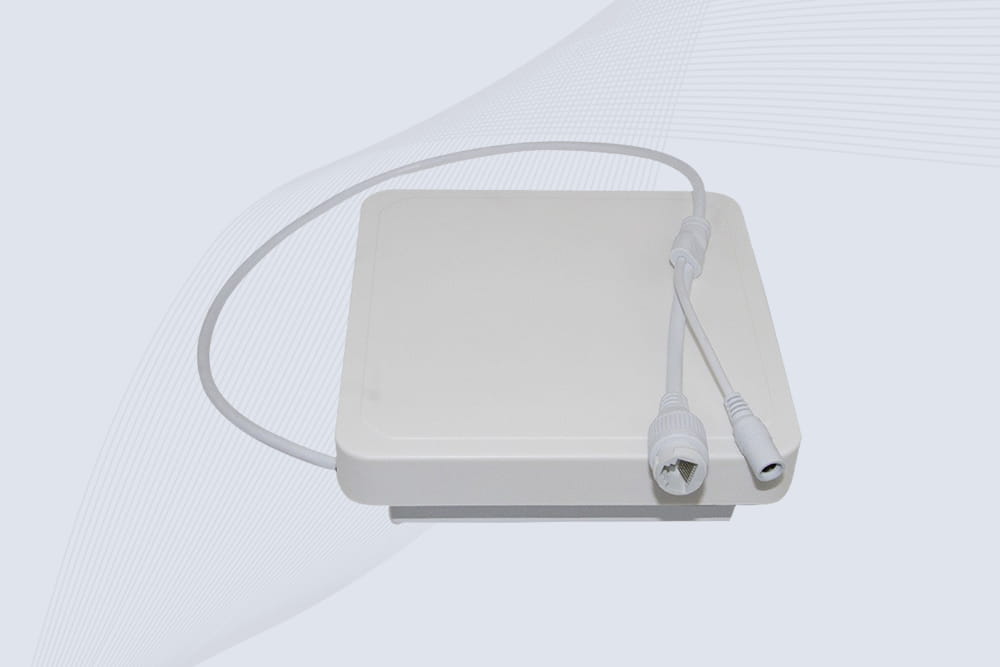
Cykeo’s industrial long range RFID reader delivers 20-meter scanning, 500+ tags/sec speed, and IP67 waterproof design for automated warehouses, logistics, and harsh environment applications.
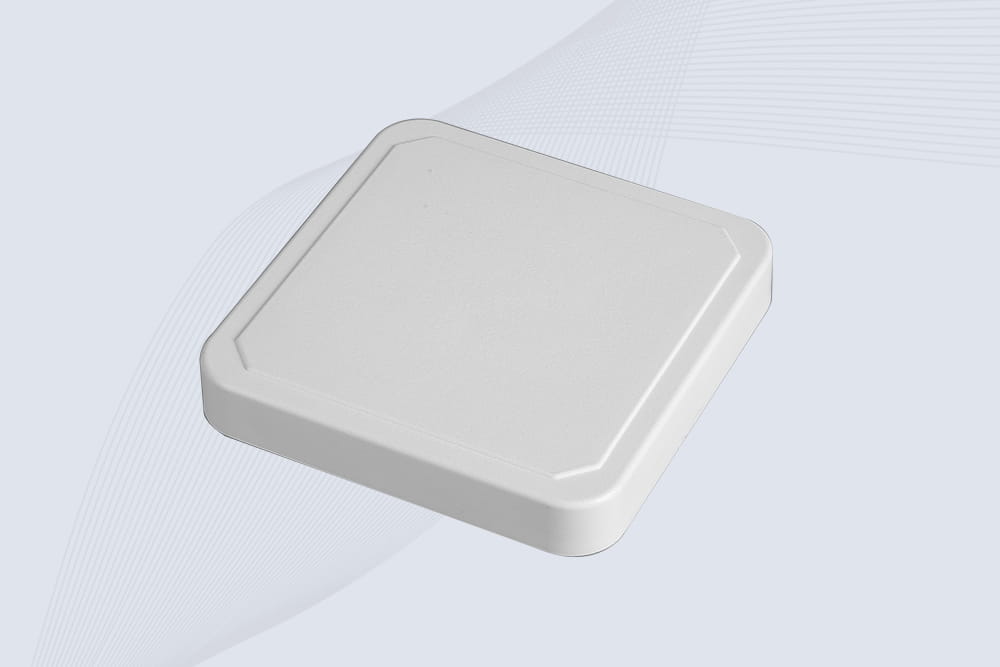
Cykeo’s CYKEO-RA6L industrial RFID long range reader features 20m read distance, 500 tags/sec speed, and IP67 protection. Ideal for warehouse automation, manufacturing WIP tracking, and smart logistics. Supports ISO 18000-6C/6B protocols.
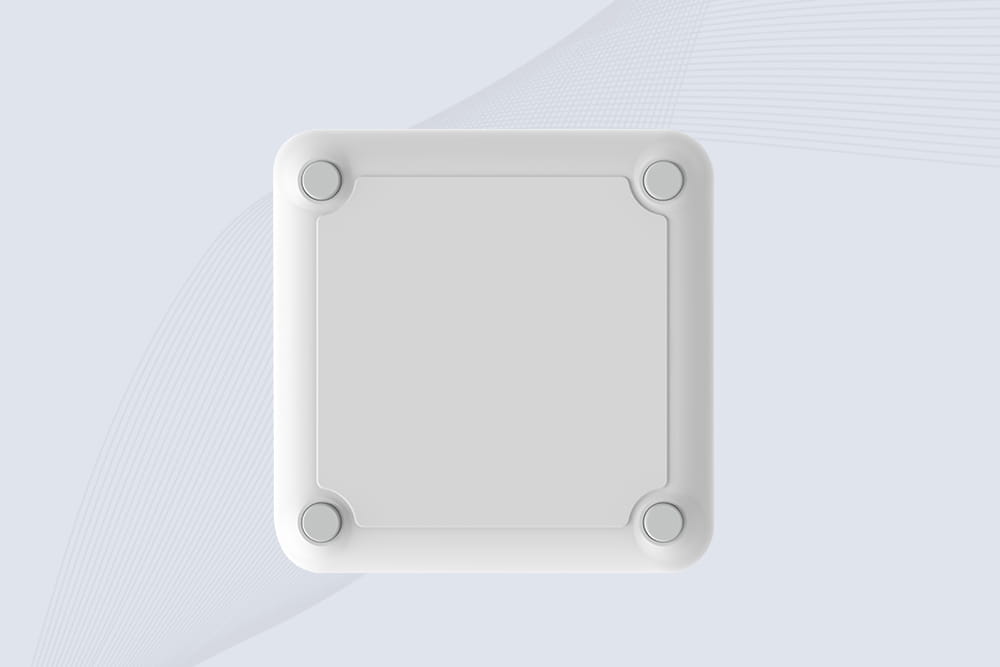
CYKEO Long Range RFID Tag Reader built for outdoor and industrial operations. This Outdoor RFID Reader delivers 20m read distance, fast tag processing, and IP67 durability for wide-area tracking.
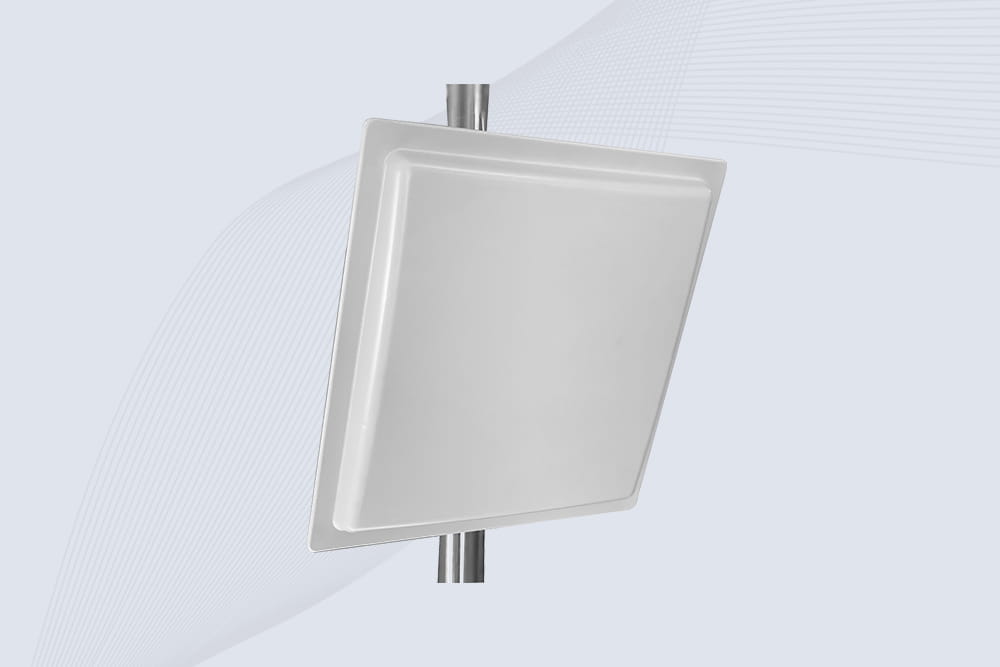
Cykeo CYKEO-RA12L industrial Long Range RFID Reader delivers 20m read range, 200+ tags/sec scanning, and IP67 protection for manufacturing/logistics applications. Supports ISO 18000-6C/GB protocols.
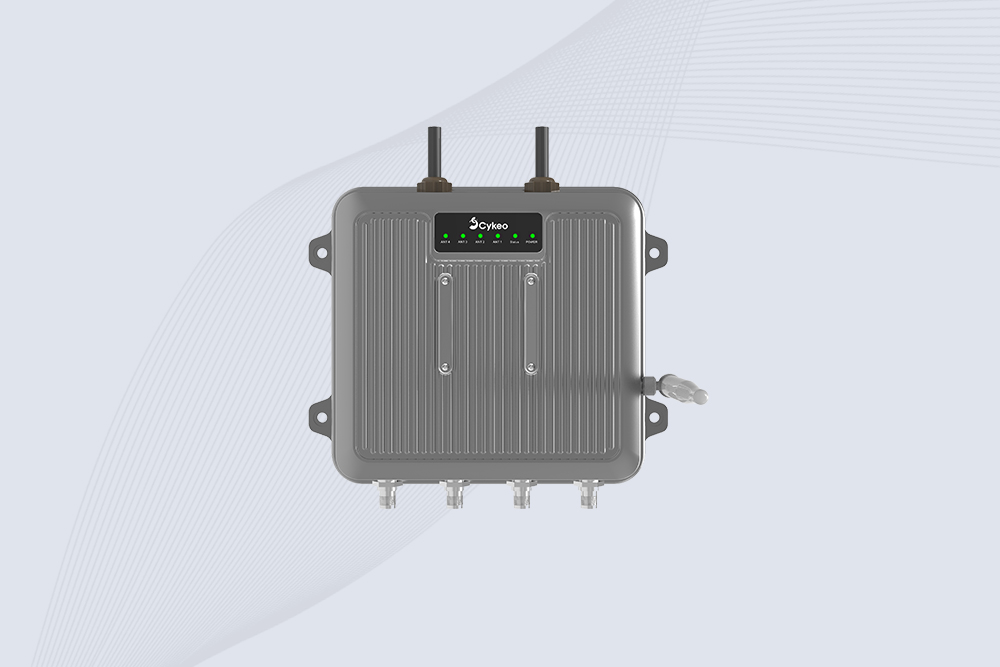
Cykeo CYKEO-C1 industrial Forklift RFID Reader features 20m read range, 600 tags/sec scanning, Impinj R2000 chipset, and IP67 rugged design. Ideal for warehouse logistics and manufacturing. Supports ISO 18000-6C/6B protocols.
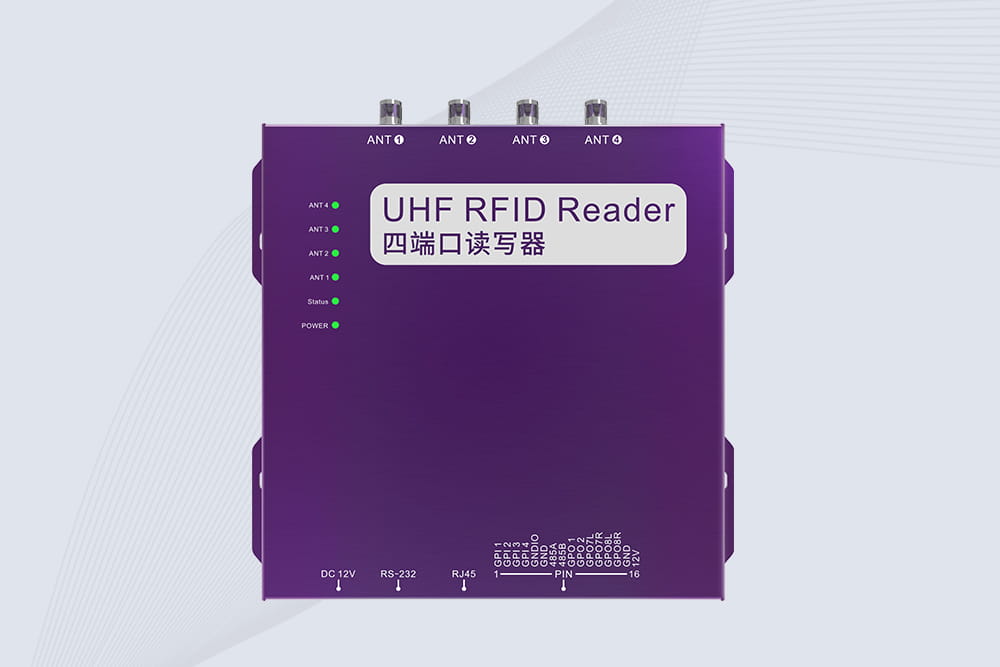
Cykeo CYKEO-R4 industrial UHF RFID Fixed Reader features 4 TNC ports, 400+ tags/sec speed, IP67 housing, and global frequency compliance for vehicle inspection, smart warehouse, and asset management systems.
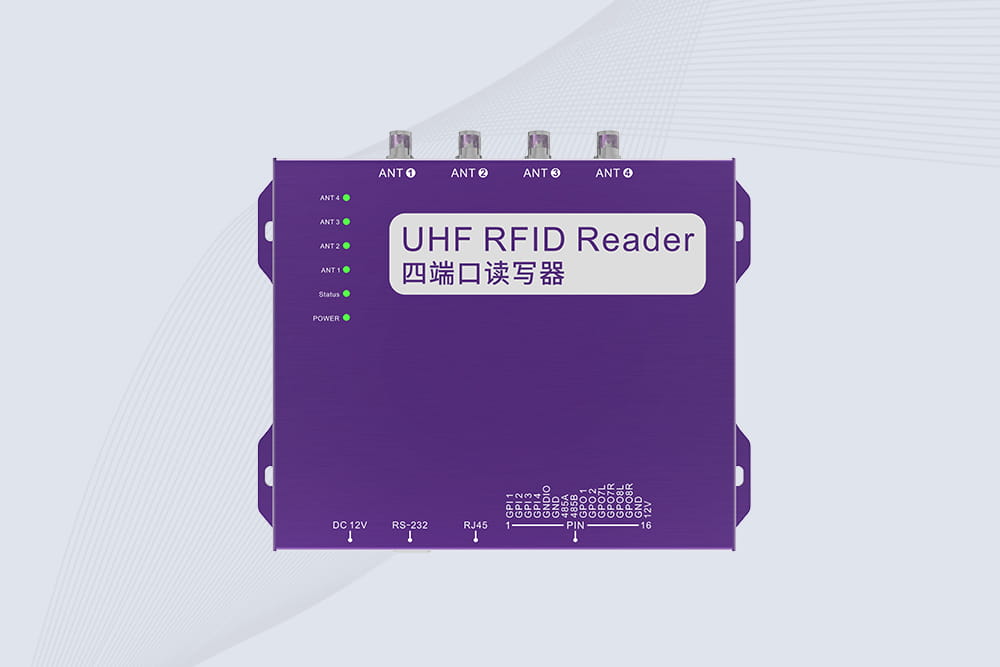
Cykeo’s CYKEO-R4L 4-port Fixed UHF RFID Reader delivers 400 tags/sec scanning, ISO 18000-6C compliance, and IP65 protection. Ideal for warehouse automation, manufacturing WIP tracking, and logistics management.
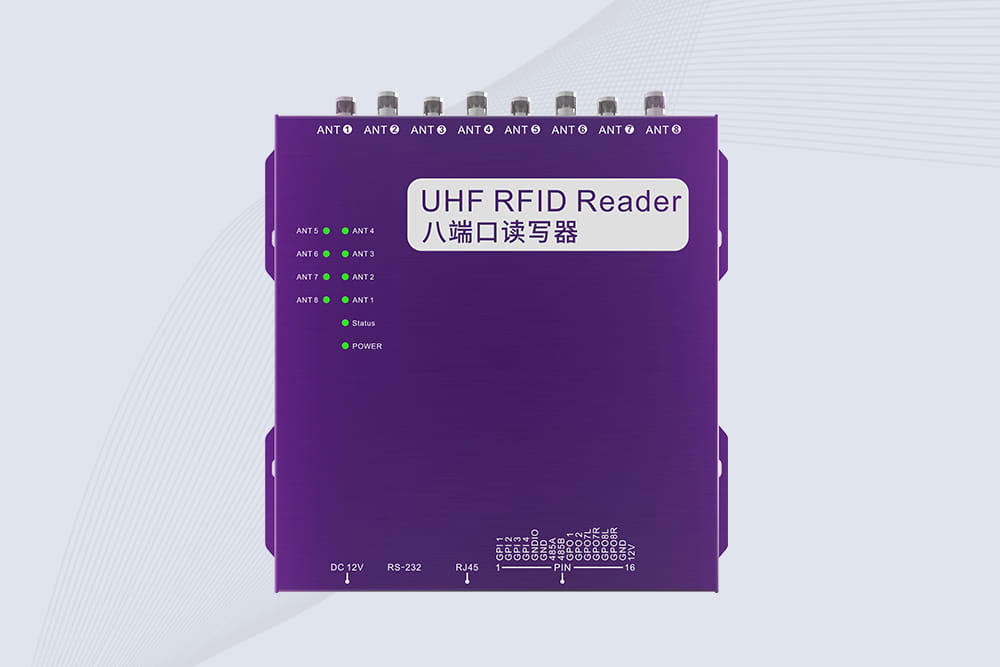
CYKEO CYKEO-R8L Fixed RFID Reader with 8-port UHF design, Impinj-based RF core and up to 20m read range. An industrial Fixed RFID Reader for vehicle inspection, warehouse portals, smart manufacturing lines and secure access checkpoints.
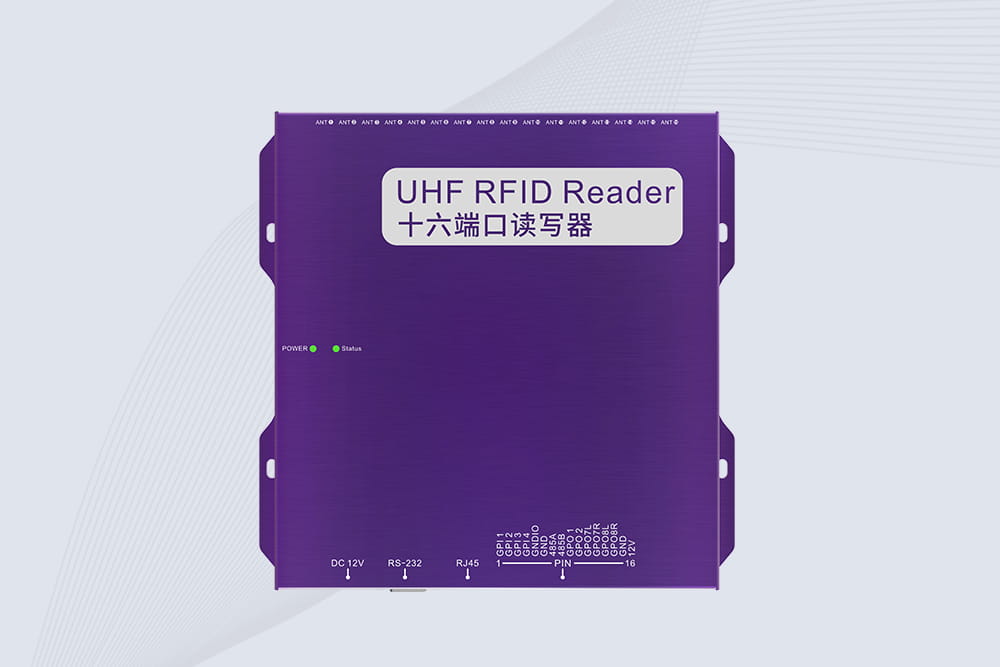
RFID Fixed Reader from CYKEO – the CYKEO-R16L 16-port UHF fixed reader for warehouses, smart cabinets, and production lines. Long-range, multi-tag reading, stable performance for 24/7 industrial use.

RFID vs NFC tags: Understand key differences in range, cost & real-world use cases. Learn when NFC's phone compatibility beats RFID's bulk scanning.
More
Learn how to build a cost-effective, secure smart attendance system using RFID card reader modules. Perfect for schools, offices, and events.
More
rfid access 13.56mhz waterproof systems provide secure identification, anti-theft detection, and visitor tracking for libraries, archives, and smart retail environments.
More
RFID stands for Radio Frequency Identification, a technology that uses radio waves to identify tagged objects and exchange data with compatible readers. It h...
More