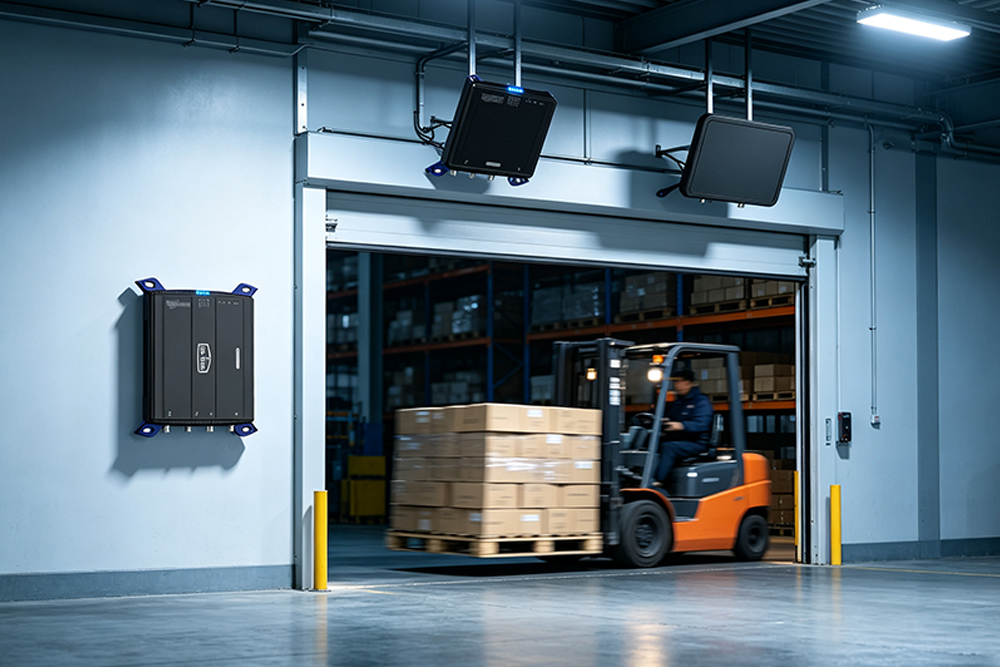
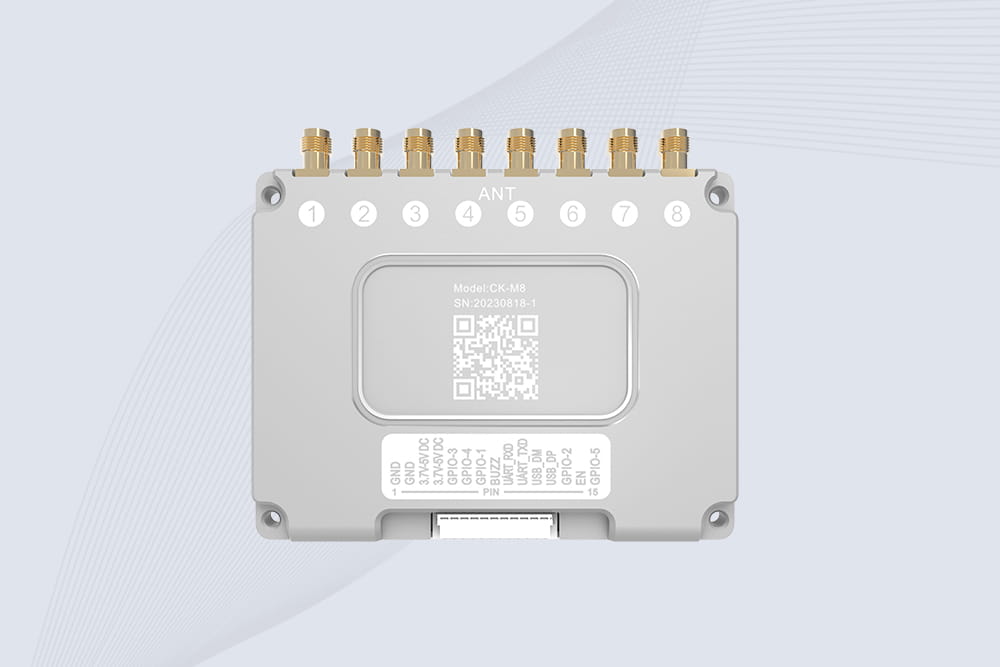
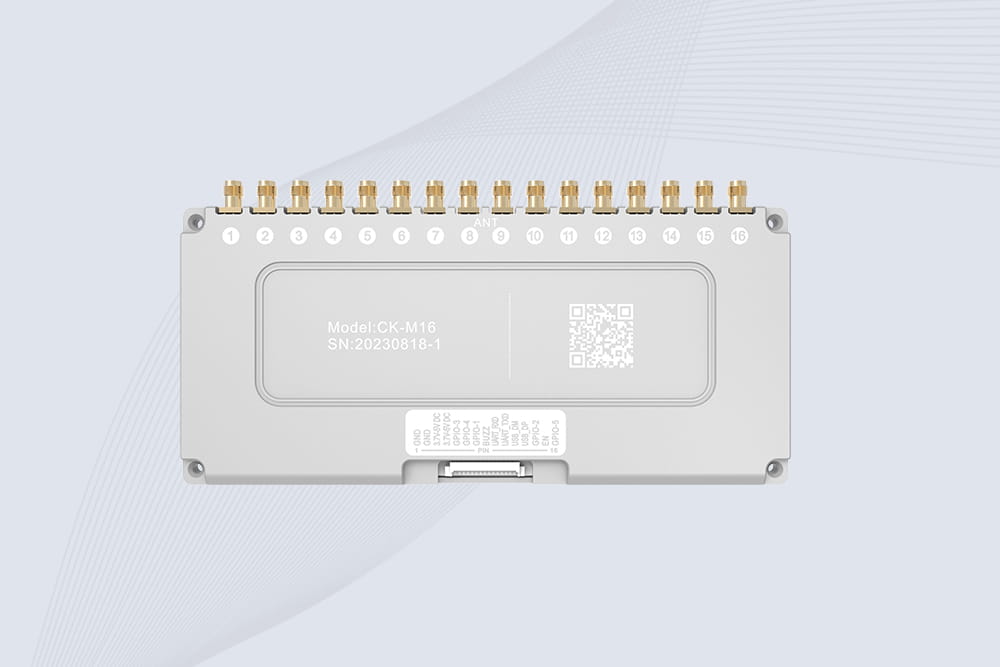
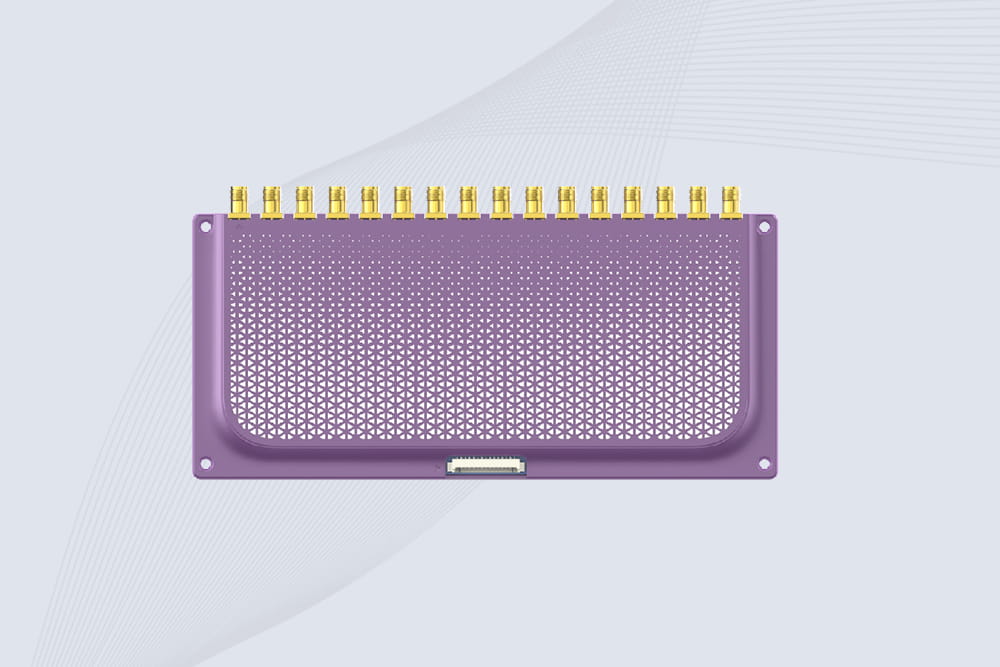
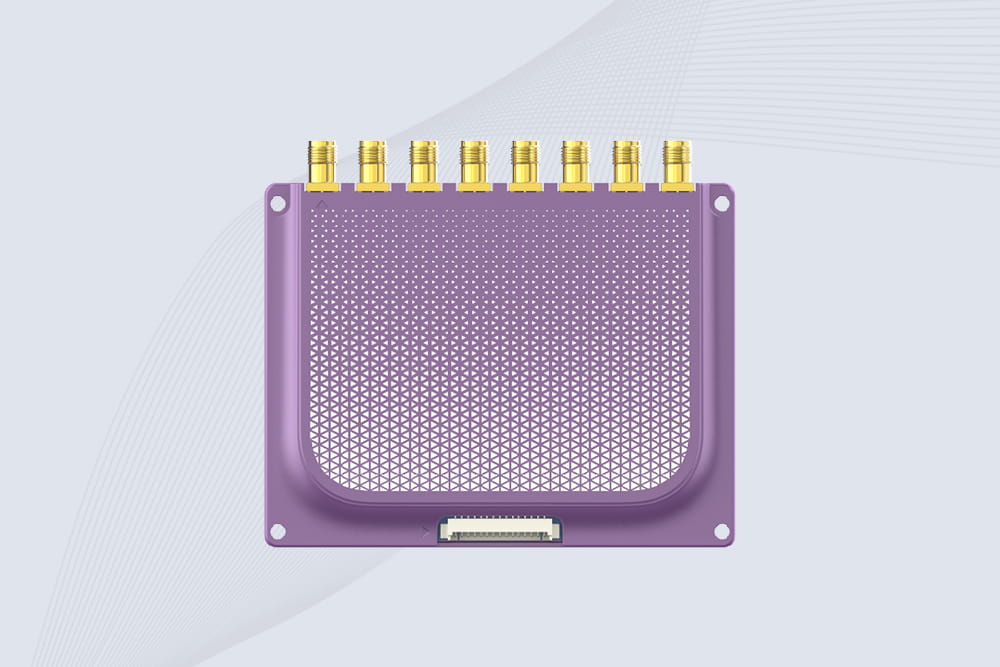
Most guides explain what fixed-mount readers are. This one answers the two questions that actually decide a project: what will it cost, and how do you prove it paid for itself. If you’re still at the “should we use fixed readers at all” stage, read our explainer on what fixed-mount readers are and how they work first — this article assumes you’ve already decided to install hardware at a dock door, conveyor, or production cell.
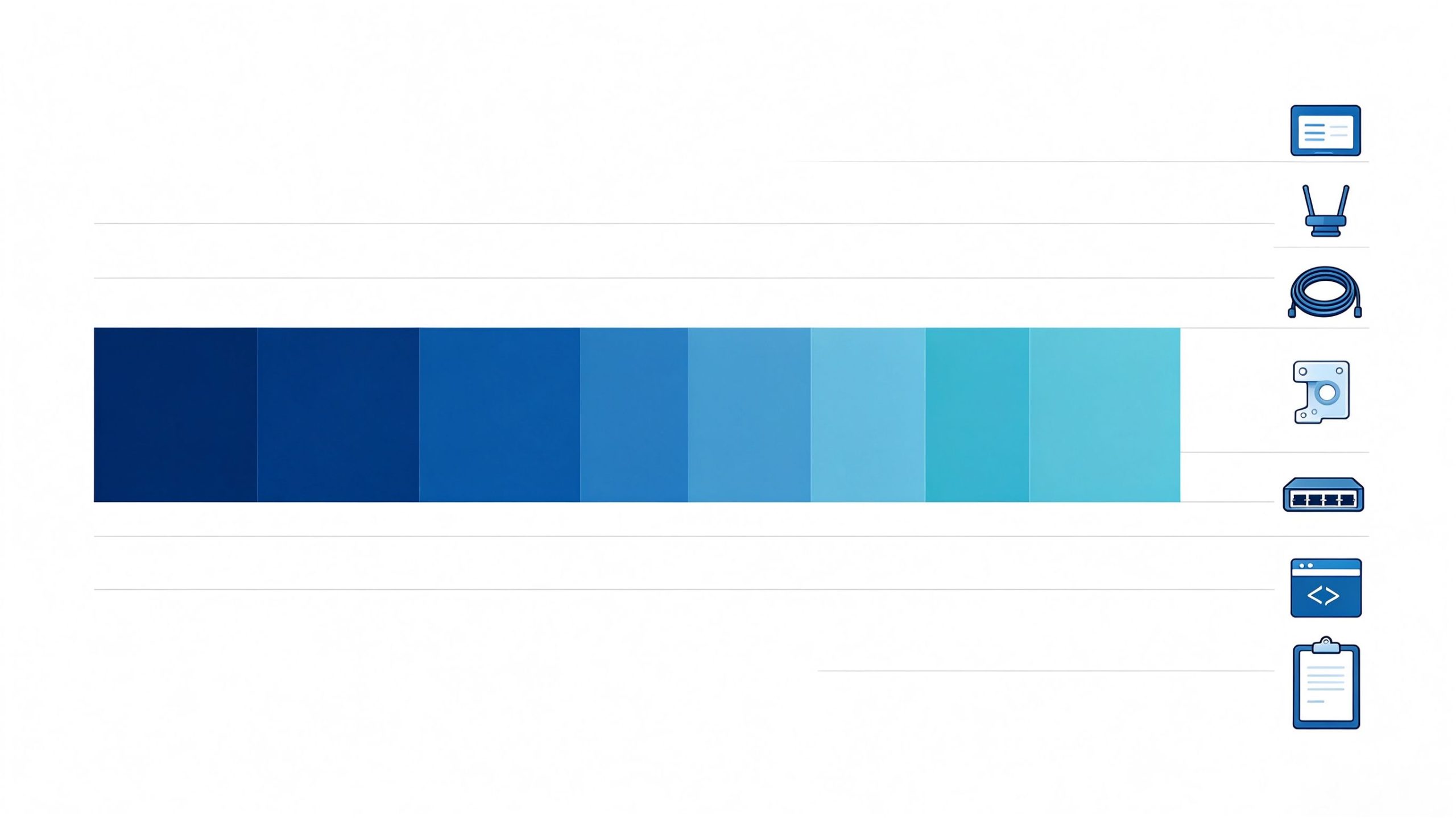
The reader is rarely the largest line item in a fixed-mount deployment — antennas, cabling and integration usually are.
What Actually Drives the Cost of a Fixed-Mount Deployment
Buyers routinely budget for the reader and forget everything around it. In a typical dock-door portal, the reader accounts for roughly 30–40% of total project cost. The rest is antennas, cabling, mounting, network work, integration, and the labour to tune it.
Cost Component
Share of Project
Typical Range (per portal)
Notes
Fixed-mount reader
30–40%
500–2,000
4-port entry models vs 8/16-port or IP67 industrial units
UHF antennas
10–20%
40–250 each
2 antennas for a single-lane portal, 4+ for wide or dual-direction
Low-loss coax cable + connectors
5–10%
30–100 per run
Cable loss quietly reduces read range more than buyers expect
The step most DIY projects skip, and the one that decides read rate
Tags + rework
5–15%
Varies
Tag choice and placement, on-metal tags where required
Add a 10–15% contingency. Physical installs always surprise — a metal rack in the read zone, a door that blocks line of sight, a network cabinet that isn’t where the drawing said.
Fixed-Mount Reader Price Ranges by Configuration
Prices below are typical 2026 hardware ranges for single-unit purchases. Treat them as budget anchors, not quotations.
Configuration
Typical Price
Typical Project
Why This Port Count
1–2 port reader (entry)
250–600
Single dock door, one reading direction
One lane, one antenna pair
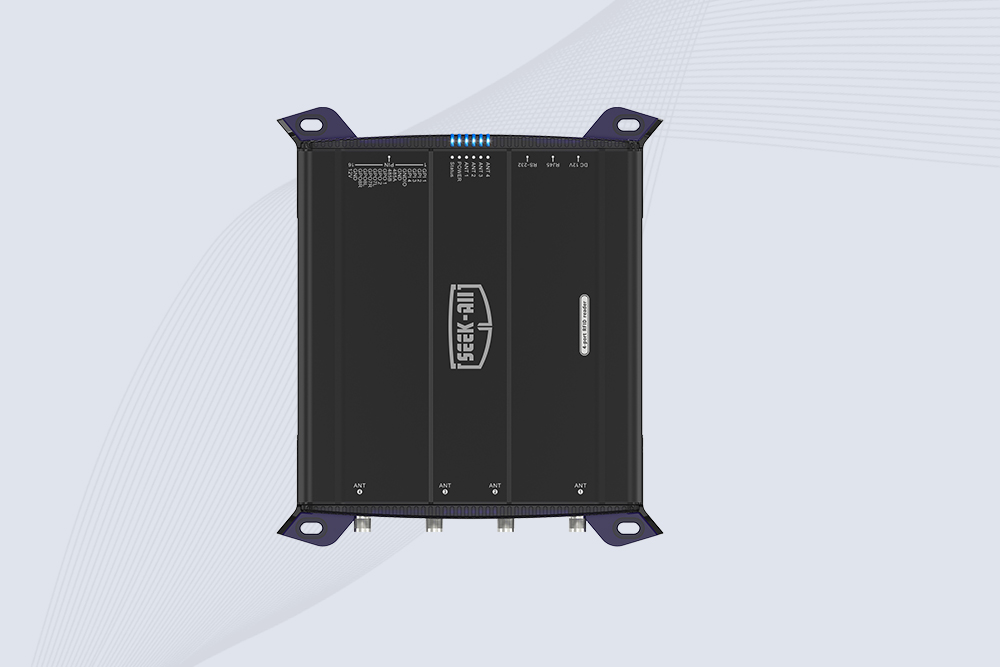
4-port reader
500–900
One portal or conveyor station
Two antennas per direction, one spare pair
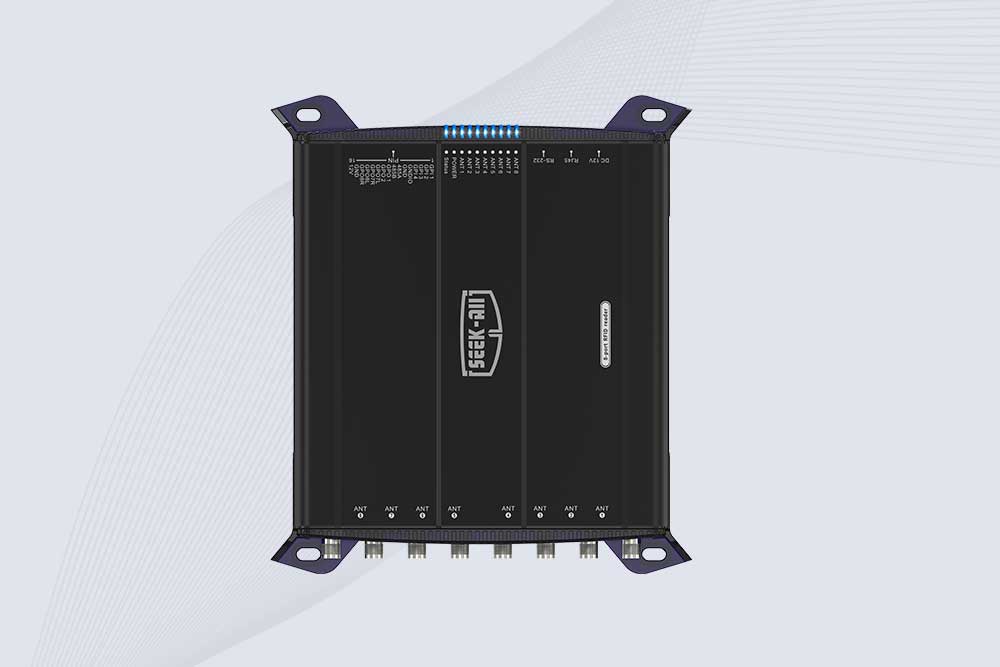
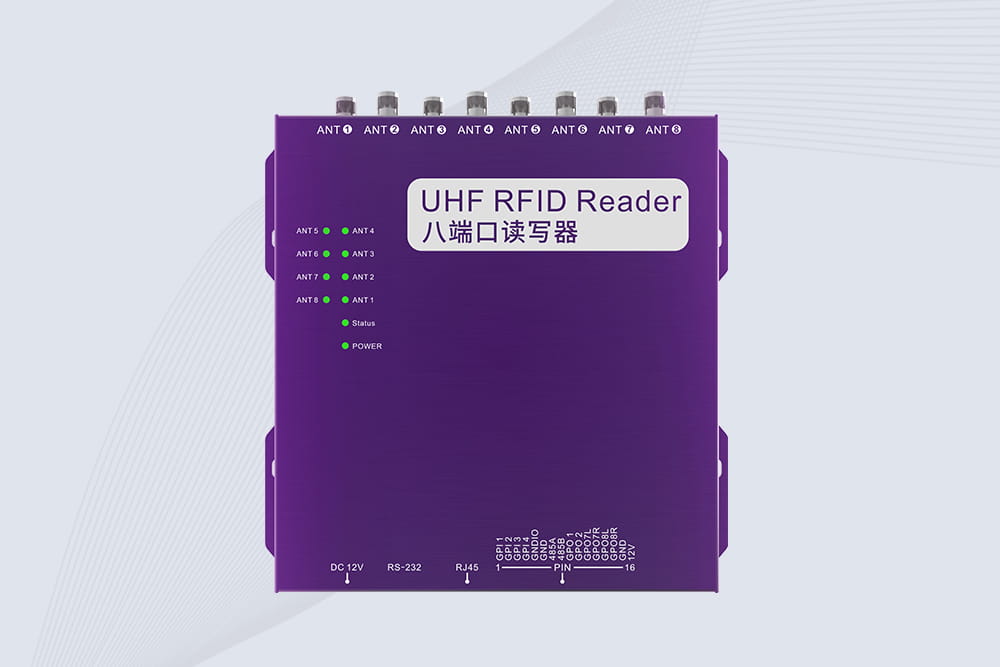
8-port reader
900–1,600
Dual-lane portal or two dock doors
Coverage of two zones from one unit
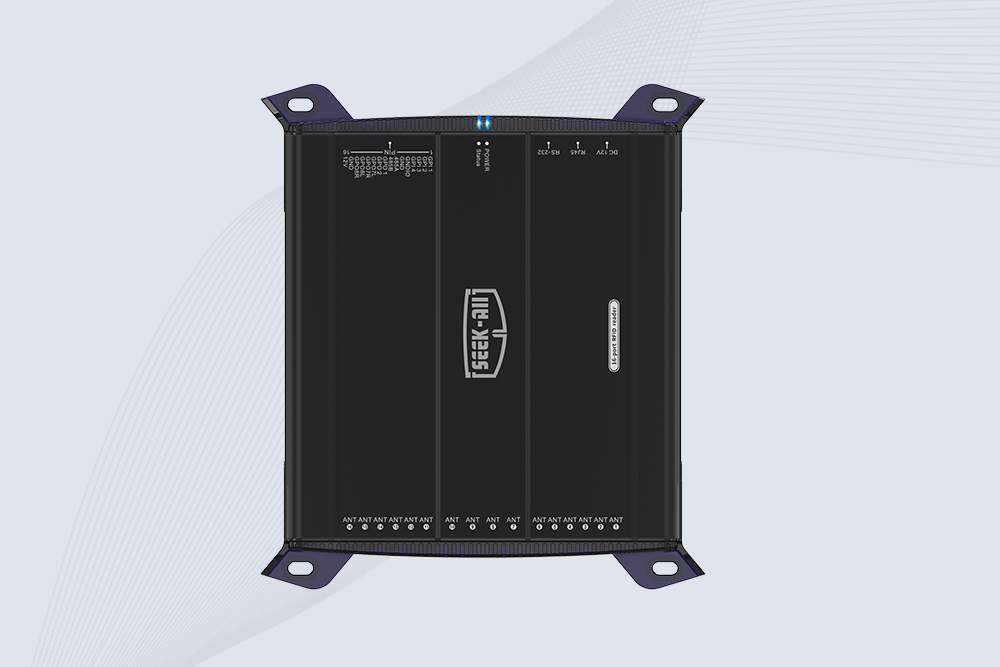
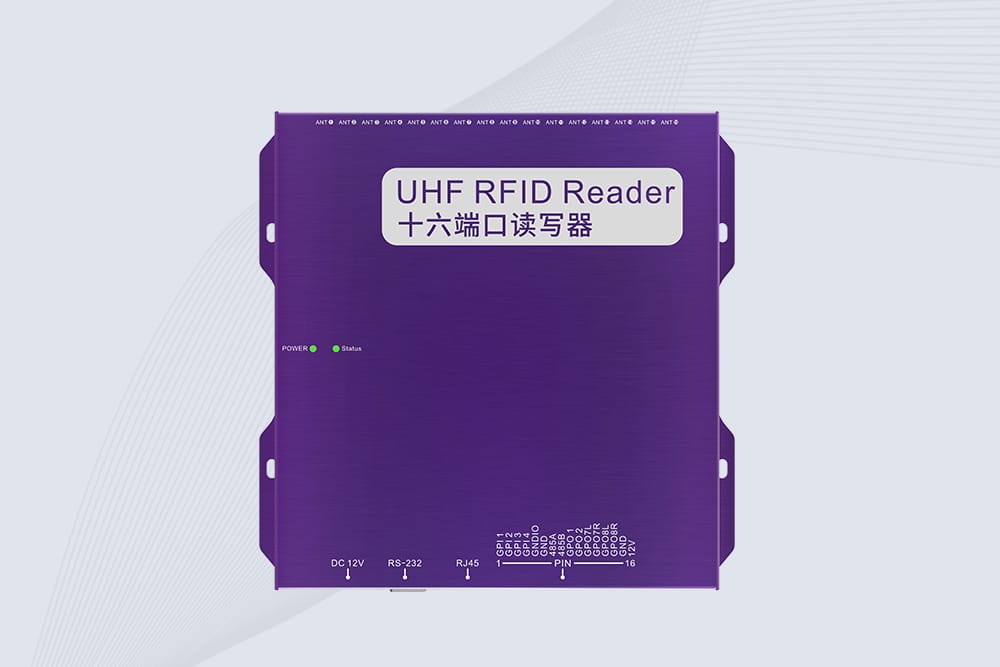
16-port reader
1,500–2,500
Large portal, rack aisle, multi-zone
High-density coverage, smart cabinets
Forklift / vehicle-mount (IP67)
1,200–2,500
Mobile reading on AGVs and forklifts
Vibration, dust and outdoor exposure
If you’re unsure how many ports you need, our comparison of 4-port vs 8-port vs 16-port fixed-mount readers works through the decision with real deployment examples. Rule of thumb: buy one port pair more than your drawing requires — retrofitting a reader costs far more than the port upgrade.
The Costs Nobody Budgets For
These six items are where project budgets break:
Antenna gain misread as range. A 12 dBi antenna doesn’t guarantee 15 metres through a metal-framed doorway. Budget for a physical test, not a spec-sheet promise.
Cable runs longer than planned. Every extra 10 m of thin coax costs signal. Low-loss cable and short runs are cheaper than a second reader.
Software integration days. SDK work to map EPC reads into WMS/ERP logic typically takes 3–10 developer days — the largest single cost after hardware for first-time deployments.
False reads across adjacent lanes. Two portals 6 m apart will read each other’s tags unless power and antenna angles are tuned. Fixing this after go-live means re-installation.
Tag re-application. On-metal items need on-metal tags; apparel needs soft tags. Budget for re-tagging your worst 10% of SKUs.
Acceptance testing time. Someone has to stand at the portal with a laptop and 200 tagged cartons for a day. Plan for it; don’t discover it.
The reader is 30–40% of the budget; antennas, cabling and integration make up the rest.
6-Step Deployment Plan (and What Each Step Costs)
Step 1 — Site survey (500–2,000). Measure the reading zone: width, height, direction of travel, tag orientation, and every metal or liquid surface nearby. Photograph the site. This is where 80% of later problems are predicted.
Step 2 — RF test with your real tags (0–500). Borrow or rent a reader and 2 antennas. Test 50–100 actual cartons/pallets at real speed. Confirm you can hit your read-rate target before buying anything.
Step 3 — Antenna layout and port plan. Place antennas so coverage overlaps at the portal centre but not into the next lane. Our guide to fixed-mount reader antenna configuration covers the geometry; the short version is: aim down and across the direction of travel, never straight at a metal wall.
Step 4 — Power, network and mounting. PoE+ or 24 V DC depending on model; Ethernet to the reader; IP-rated enclosure if the location is washdown or outdoor. Do this before the reader arrives so installation day is one day, not three.
Step 5 — Software integration. Read the SDK first, then write against it. Confirm how the reader reports duplicate reads, how you set power and session parameters remotely, and what happens on network loss. Most fixed readers run 24/7 — your software must handle a dropped link without duplicate receiving records.
Step 6 — Acceptance test and tuning. Run the portal for two full shifts with production traffic. Tune power, filtering and antenna angle. Sign off against measurable KPIs (next section).
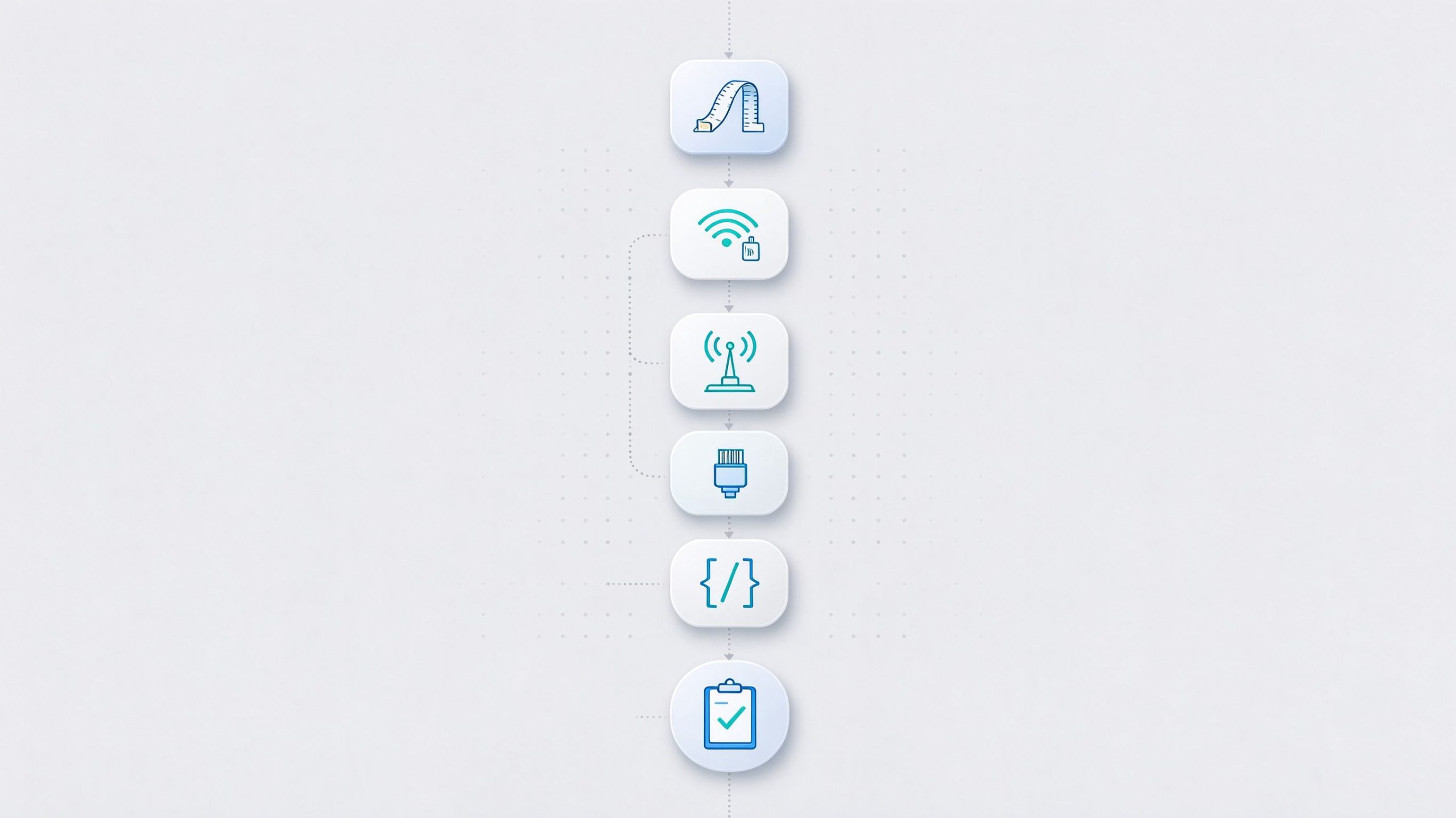
Site survey, RF test, antenna plan, infrastructure, integration, acceptance — skipping step 2 is the most expensive shortcut.
Acceptance Testing: Proving the Install Works
Don’t accept an installation on “it seems to read fine.” Define these four KPIs before go-live and measure them for two shifts:
KPI
Target
How to Measure
Portal read rate
≥99% of expected tags
200-tagged test run, 3 passes per direction
False reads (adjacent lane)
<0.5%
Simultaneous runs on both lanes
Throughput
Matches your traffic rate
Timed runs at production speed, not walking pace
Data integrity
Zero duplicate records
Compare reader log against WMS entries
If the portal passes at walking speed but fails when forklifts move at normal pace, the problem is almost always dwell time vs. read cycle, not reader power. Fix it with antenna angle and session settings before adding hardware.
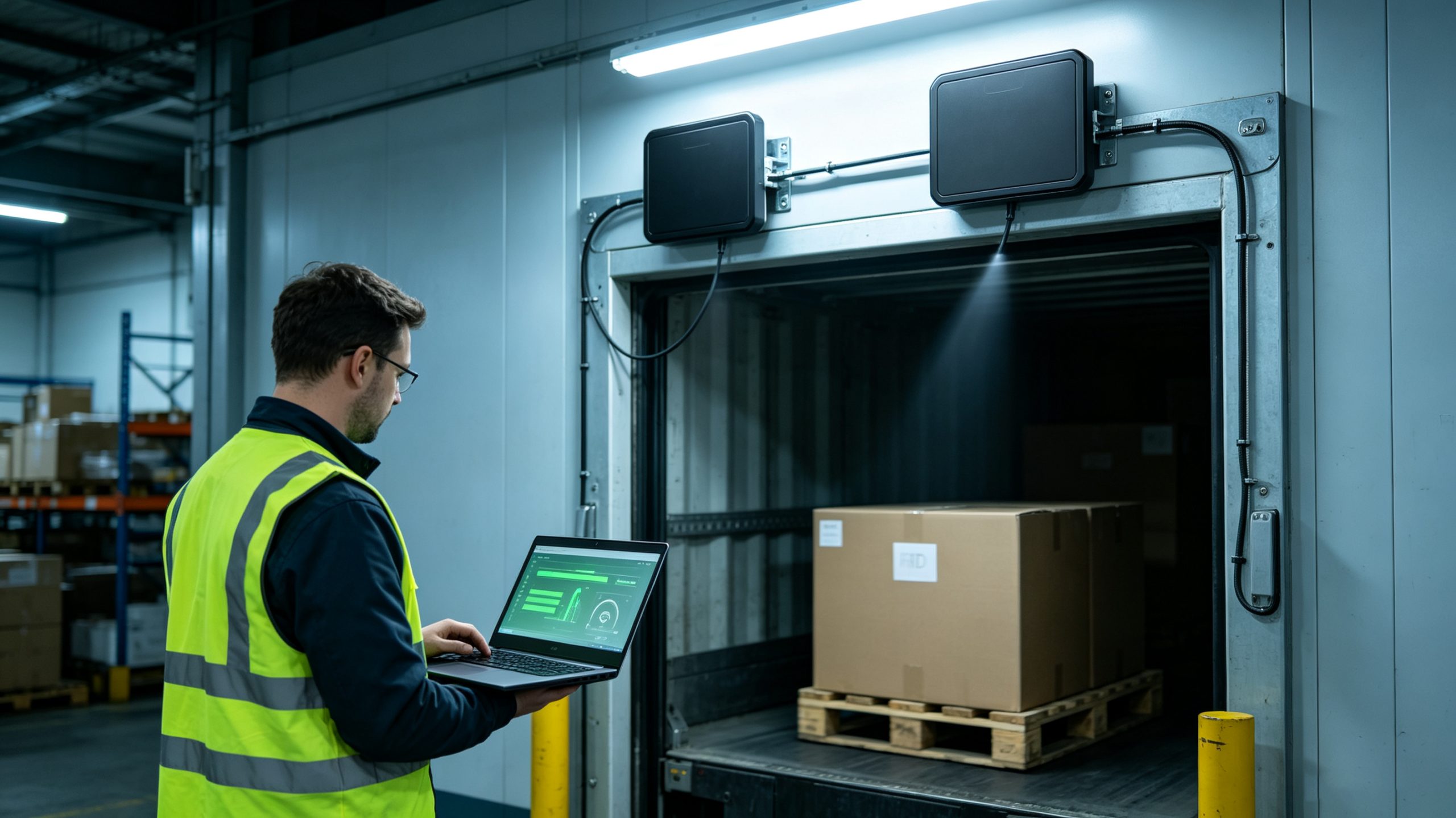
Accept on measured KPIs, not impressions — read rate, false reads, throughput and data integrity.
ROI: How to Calculate Payback Before You Commit
Use this formula, then sanity-check the answer against a real shift:
Annual saving = (manual minutes saved per transaction × transactions per day × operating days) ÷ 60 × loaded labour rate
Worked example — a mid-size distribution centre:
Receiving verification: manual check takes 6 minutes per pallet; the portal makes it 30 seconds.
60 pallets per day, 250 operating days.
Saving: 5.5 min × 60 × 250 = 82,500 minutes ≈ 1,375 labour hours per year.
At $22/hour loaded cost: **≈ $30,000 annual saving**.
Project cost for two portals (readers, 8 antennas, cabling, mounting, integration, survey): ≈ 18,000–25,000.
Payback: 9–10 months.
Add the second-order savings most business cases miss: fewer mis-shipments, lower cycle-count labour, and reduced shrinkage from dock errors. Those usually shorten payback rather than lengthen it.
A note on expectations: payback depends entirely on traffic volume through the read zone. A portal reading 5 pallets a day will not pay back on labour alone — in that case, a handheld is the correct purchase, as we explain in fixed-mount readers vs handheld RFID readers.
Two dock portals at a mid-size DC typically pay back in 9–10 months on labour savings alone.
When Fixed-Mount Readers Are the Wrong Purchase
Be honest about the fit before spending five figures:
Low traffic. Under ~20 tagged movements per day, a handheld is cheaper and more flexible.
No fixed reading point. If goods are stored anywhere and picked anywhere, there’s no portal to install.
Tiny read zones. Reading one item on a desk is a USB reader job, not a portal.
No software owner. A portal without integration into WMS/ERP/MES produces data nobody uses.
Hardware runs 250–2,500 depending on port count and IP rating. Budget 3,000–8,000 for a complete single-portal project including antennas, cabling, mounting, integration and survey; 15,000–40,000 for a multi-lane warehouse installation.
How many antennas do I need for one dock door?
Two: one per direction of travel, mounted above and offset from the doorway. Wide or double-width doors often need four. More antennas is not automatically better — overlapping coverage causes false reads.
How long does installation take?
Mechanical and network work is typically one to two days per portal; software integration is 3–10 developer days; tuning and acceptance testing is two shifts. Plan three to four weeks end to end for a first deployment.
Can fixed-mount readers run on PoE?
Some models support PoE+ (for example, units rated around 25–30 W). Confirm the power budget before specifying a PoE switch — a reader plus antennas at full output can exceed standard PoE.
Do I need a site survey?
Yes, for any portal that handles real traffic. A one-day survey with your own tags prevents the two most expensive outcomes: buying too few ports, and discovering metal interference after installation.
Bottom Line
Fixed-mount readers are a capital project, not a purchase. Budget the reader plus antennas, cable, mounting, network and integration; test with your own tags before you buy; accept on measured KPIs; and calculate payback from actual traffic volume. Do that, and the hardware decision becomes straightforward.
Ready to price a configuration? Browse Cykeo’s fixed RFID reader range — 4-port, 8-port and 16-port UHF fixed readers plus IP67 forklift units, all with free SDK, demo software and technical support. Talk to our engineers with your read-zone dimensions and tag type, and we’ll recommend a port count and antenna plan before you commit to a budget.
SSD-R16L Multi-Channel RFID Infrastructure for Automated Inventory Management ✔️ 16-Port High-Density RFID Reading Equipped with 16 SMA antenna ports, SSD-R16L supports multi-antenna deployment for warehouses, retail stores, logistics, production lines, and large-area RFID identification. ✔️ High-Speed & Long-Range Performance With up to 33…
SSD-R8L 8-port UHF RFID reader with 33dBm output, up to 20m reading range and 600+ tags/s recognition. Ideal for warehouse, logistics, retail and asset tracking.
CYKEO Embedded RFID Modules are designed for compact industrial and IoT devices that require stable UHF performance. These UHF RFID Modules support global protocols, flexible power control, and reliable multi-tag reading for smart cabinets, production lines, and asset tracking systems.
CYKEO Embedded RFID Module is built for compact IoT and industrial devices that need stable UHF performance. This UHF module supports global protocols, low power operation, and reliable multi-tag reading for smart lockers, production lines, and always-on RFID systems.
CYKEO CYKEO-M1 drone rfid module is a compact UHF RFID reader module designed for drones and UAV platforms. It supports long-range aerial scanning, fast multi-tag reading, and stable performance in wind, vibration, and outdoor environments.
CYKEO CYKEO-M4 RC522 RFID Module is an industrial-grade UHF RFID reader with 4 ports, supporting ISO, EPC, and GB protocols. High-speed, accurate reading for IoT, automation, and warehouse applications.
CYKEO CYKEO-M8 Module RFID is an 8-port UHF R2000 RFID Module designed for high-density, multi-tag environments. Stable 33dBm output, ISO & GB protocol support, ideal for warehouses, factories, and automated systems.
CYKEO CYKEO-M16 RFID Module is a 16-port UHF RFID reader module based on the R2000 chipset. Designed for dense tag environments, it supports ISO and GB standards and delivers stable multi-antenna control for industrial automation.
The CYKEO CYKEO-M16L RFID Reader Module is a 16-channel UHF RFID core designed for dense tag environments. With adjustable 33dBm output, multi-protocol support, and stable multi-antenna control, this RFID Tag Reader Module fits industrial automation, warehouse systems, and large-scale IoT deployments.
CYKEO CYKEO-M8L module RFID is a compact industrial UHF module built for dense tag and multi-antenna environments. With 8 RF ports, adjustable 33 dBm output, and ISO & GB protocol support, it is widely used in factories, warehouses, and automated tracking systems.
CYKEOCYKEO-M4L UHF RFID Module is a compact 4-channel RFID tag reader module designed for dense tag environments. Supporting ISO and GB protocols, it delivers stable reads up to 10 meters for industrial and IoT systems.
Cykeo CYKEO-C1 industrial Forklift RFID Reader features 20m read range, 600 tags/sec scanning, Impinj R2000 chipset, and IP67 rugged design. Ideal for warehouse logistics and manufacturing. Supports ISO 18000-6C/6B protocols.
Cykeo CYKEO-R4 industrial UHF RFID Fixed Reader features 4 TNC ports, 400+ tags/sec speed, IP67 housing, and global frequency compliance for vehicle inspection, smart warehouse, and asset management systems.
CYKEO CYKEO-R8L Fixed RFID Reader with 8-port UHF design, Impinj-based RF core and up to 20m read range. An industrial Fixed RFID Reader for vehicle inspection, warehouse portals, smart manufacturing lines and secure access checkpoints.
RFID Fixed Reader from CYKEO – the CYKEO-R16L 16-port UHF fixed reader for warehouses, smart cabinets, and production lines. Long-range, multi-tag reading, stable performance for 24/7 industrial use.
Choosing the right UHF RFID tag reader is critical for project success. This guide explains key factors like read range, antenna ports, interfaces, and integration to help you select the best industrial RFID reader for your application.
RFID tracking manufacturing solutions provide real-time visibility of materials, WIP, and finished goods. Discover how Cykeo RFID improves production accuracy, traceability, and operational efficiency.
Explore production tracking solutions for rfid medical device manufacturing to achieve real-time visibility, compliance, and traceability across every stage.
 Cykeo RFID IoT Solution Products R&D Manufacturer