Search “rfid test” and you’ll find two things: ways to poke a single tag with a phone, and vague advice to “run a pilot.” Both miss what buyers actually need — a structured test plan with numbers, that tells you at every stage whether to proceed or stop, and that you can hand to a supplier as a specification instead of a wish.
That’s what this article is. Four stages, each with what to test, how to measure it, and a pass/fail number. Run them in order: each stage costs a little more than the last, and each one can stop the project before you waste the next budget. Most failed RFID deployments skipped stages two and three entirely — they tested one tag on a desk, ordered thousands of labels and a portal, and discovered the truth on the warehouse floor.
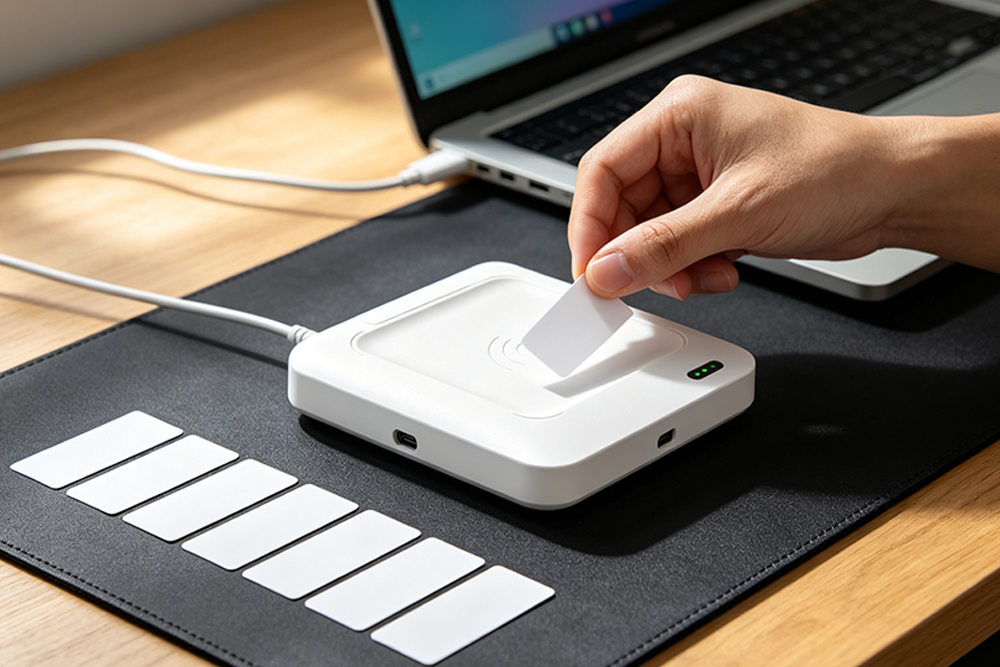
The whole protocol starts here — ten free sample tags and a $150 reader catch dead labels before they cost anything.
What You Need Before Stage 1
The whole protocol needs three props, none of them expensive:
Ten sample tags — free from any reputable tag supplier. Get them matched to your items: paper labels for cardboard, on-metal tags for steel, laundry tags for fabric.
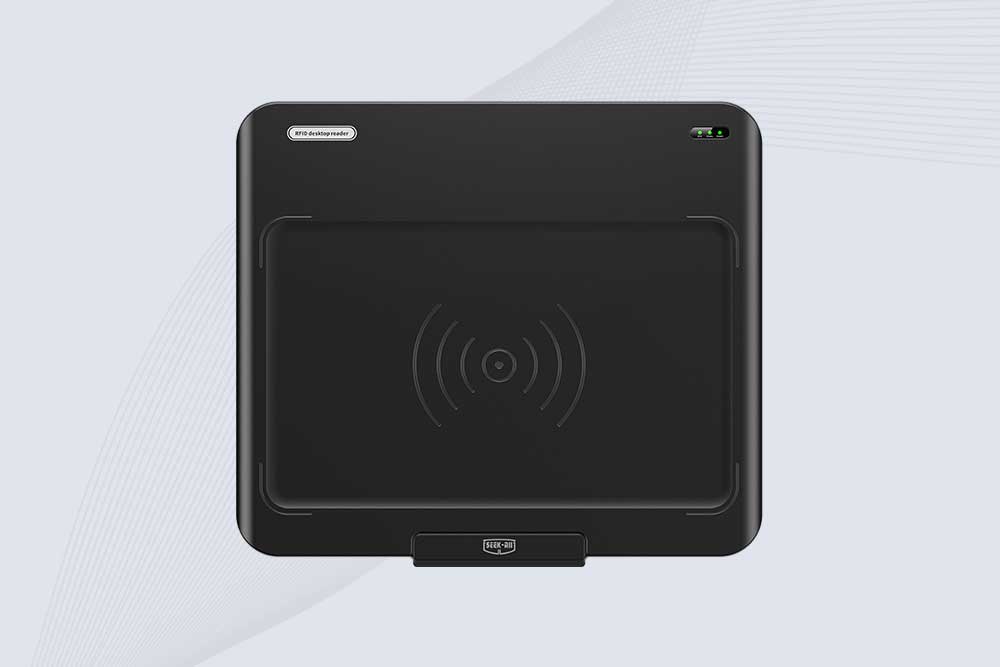
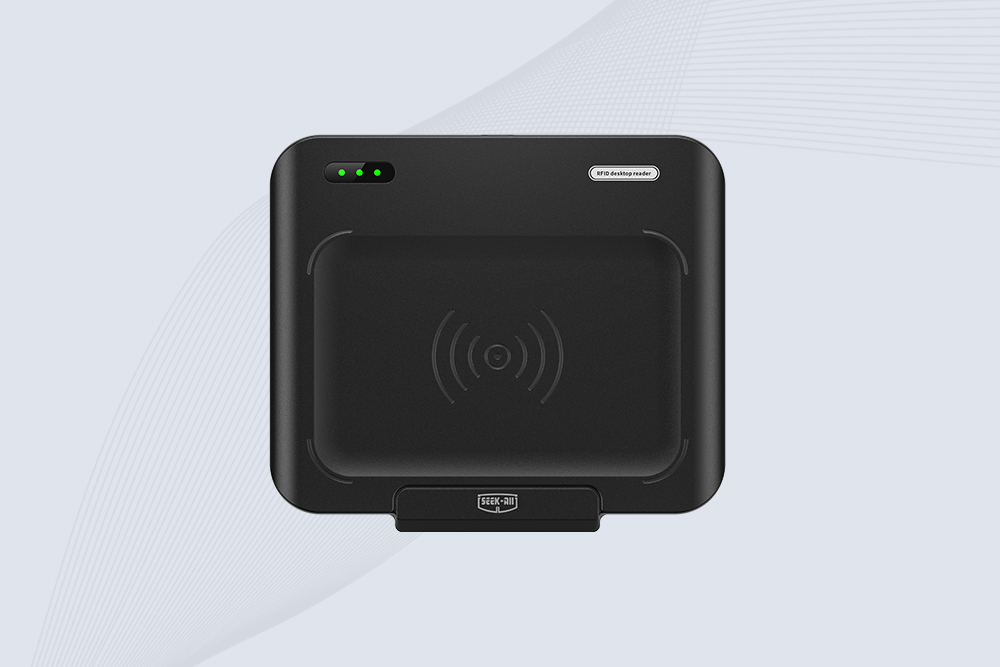
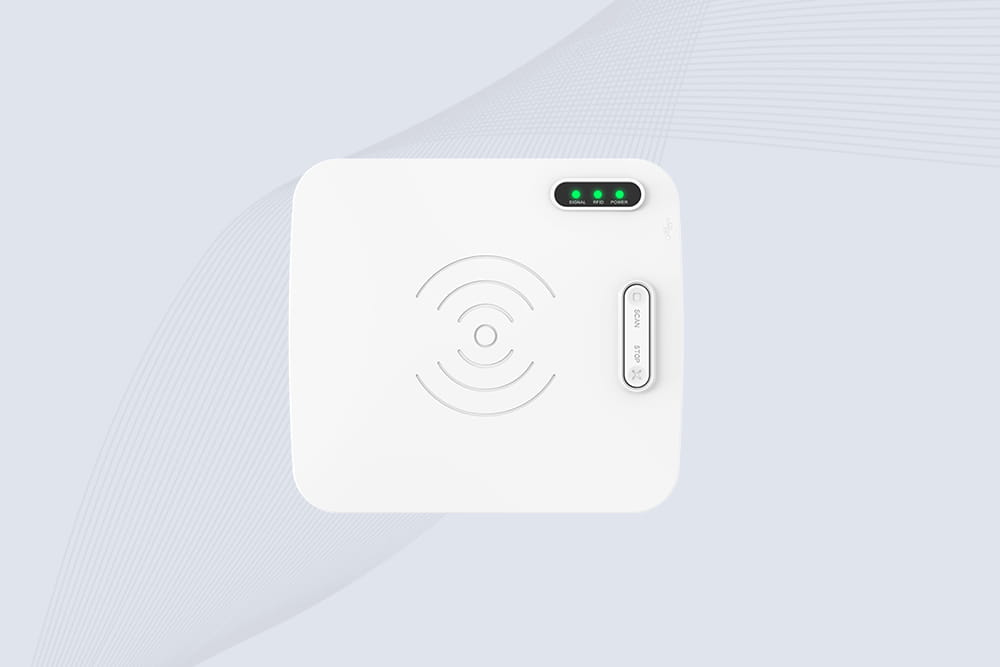
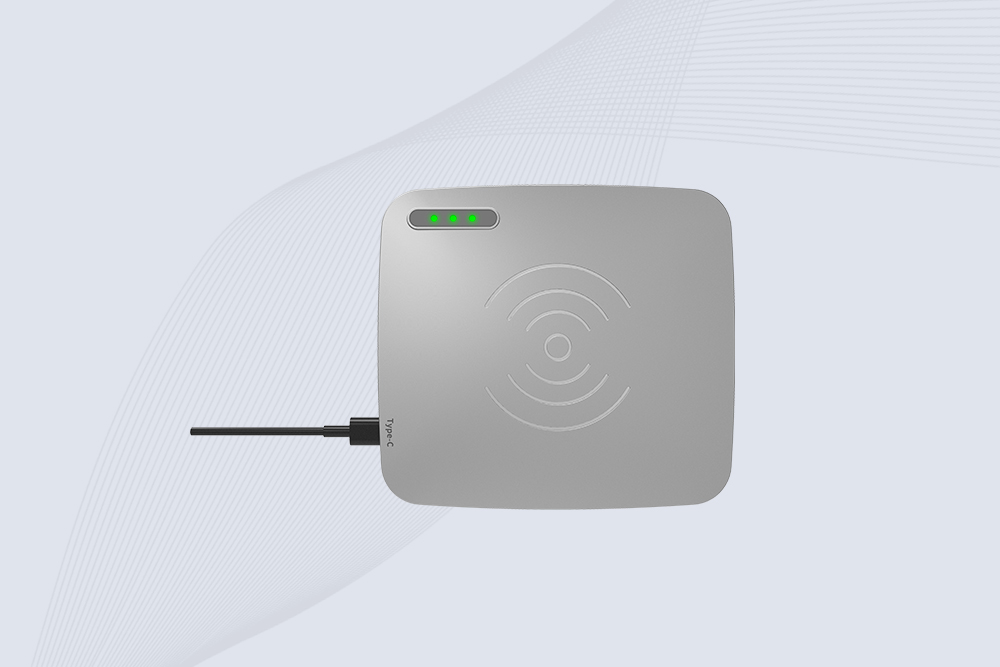
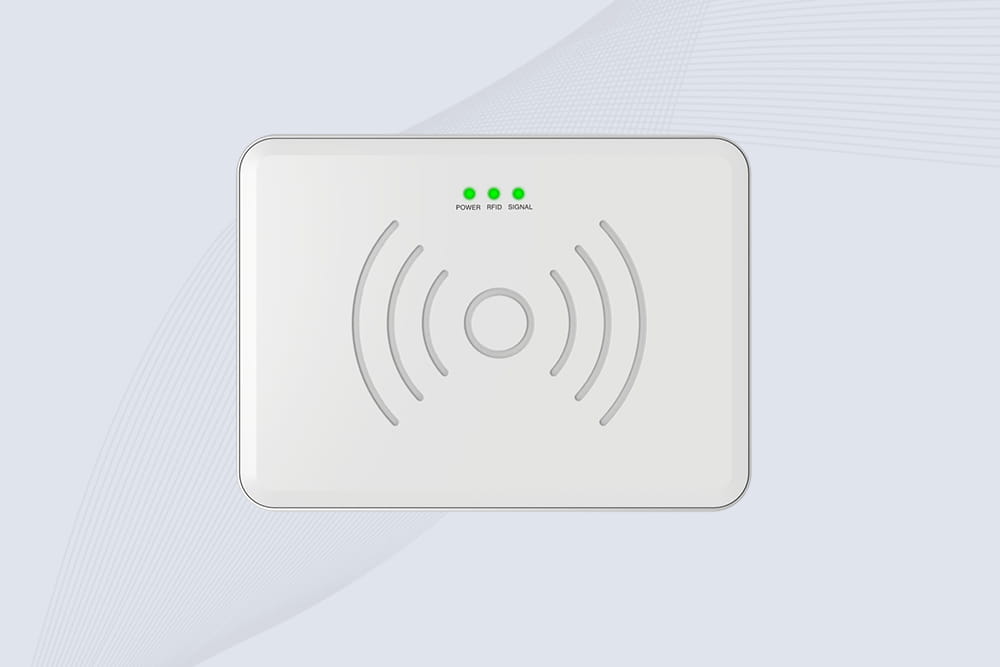
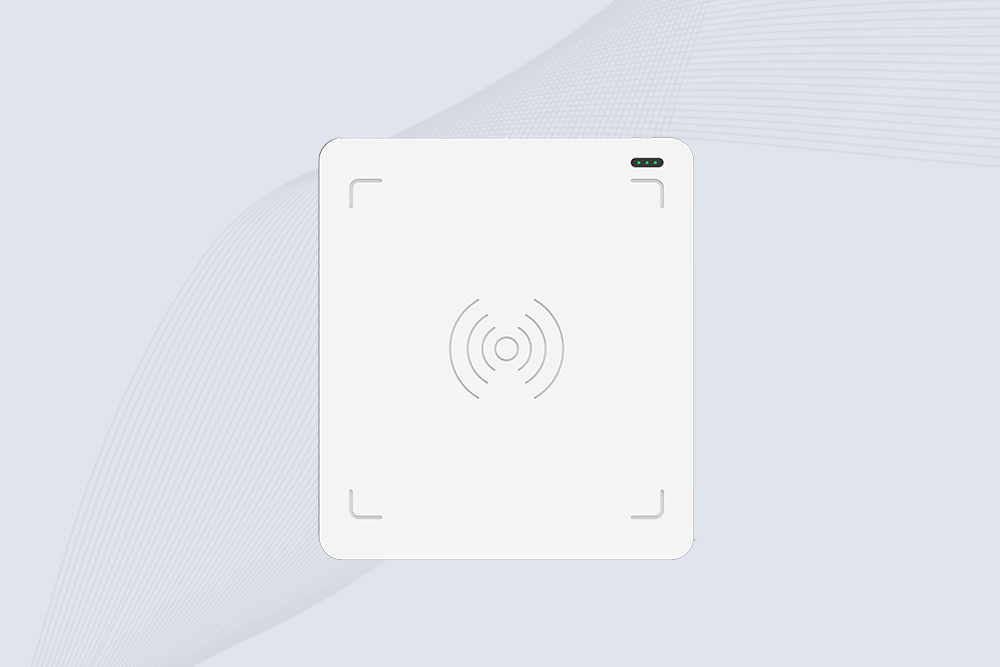
One real UHF reader — a desktop USB reader ($150–300) or a handheld if your workflow is mobile from day one. It must ship with free demo software showing EPC, TID and RSSI. (If you’re unsure what “online” reading can and can’t do first, our online RFID reader guide ⚠️ sorts the options; a phone alone cannot read UHF tags — the phone-based routes all involve a paired reader, as covered in testing tags with your smartphone.)
Your actual items — not a cardboard box on a desk. The stage-two results are only as honest as the surfaces you test on.
Total spend for stages one and two: under $300. That’s the entire cost of finding out whether RFID works for your operation.
Stage 1: The Tag Sanity Test (10 Minutes, at a Desk)
Purpose: catch dead or misencoded tags before any field testing. Place each of your ten samples on the desktop reader, one at a time, and check three things:
Check
How
Pass
Read
Demo software shows the EPC
10 of 10 tags read instantly
Identity
Both EPC and TID are displayed
TID present and unique per tag
Write-verify
Write a test value, read it back
Value matches after re-read
What a failure means here: tags that don’t read on a desk, centimetres from the antenna, are dead on arrival — a supplier problem, not a deployment problem. Send them back with the lot number. Write failures usually mean a bad chip-antenna bond or a password-locked memory bank; either way, resolve it now, because a tag you can’t write at desk distance will never cooperate in the field.
Ten for ten? Stage one passed, and you’ve also learned your demo software basics — which is the second purpose of this stage.
Stage 2: The Tag-on-Item Test (About One Hour)
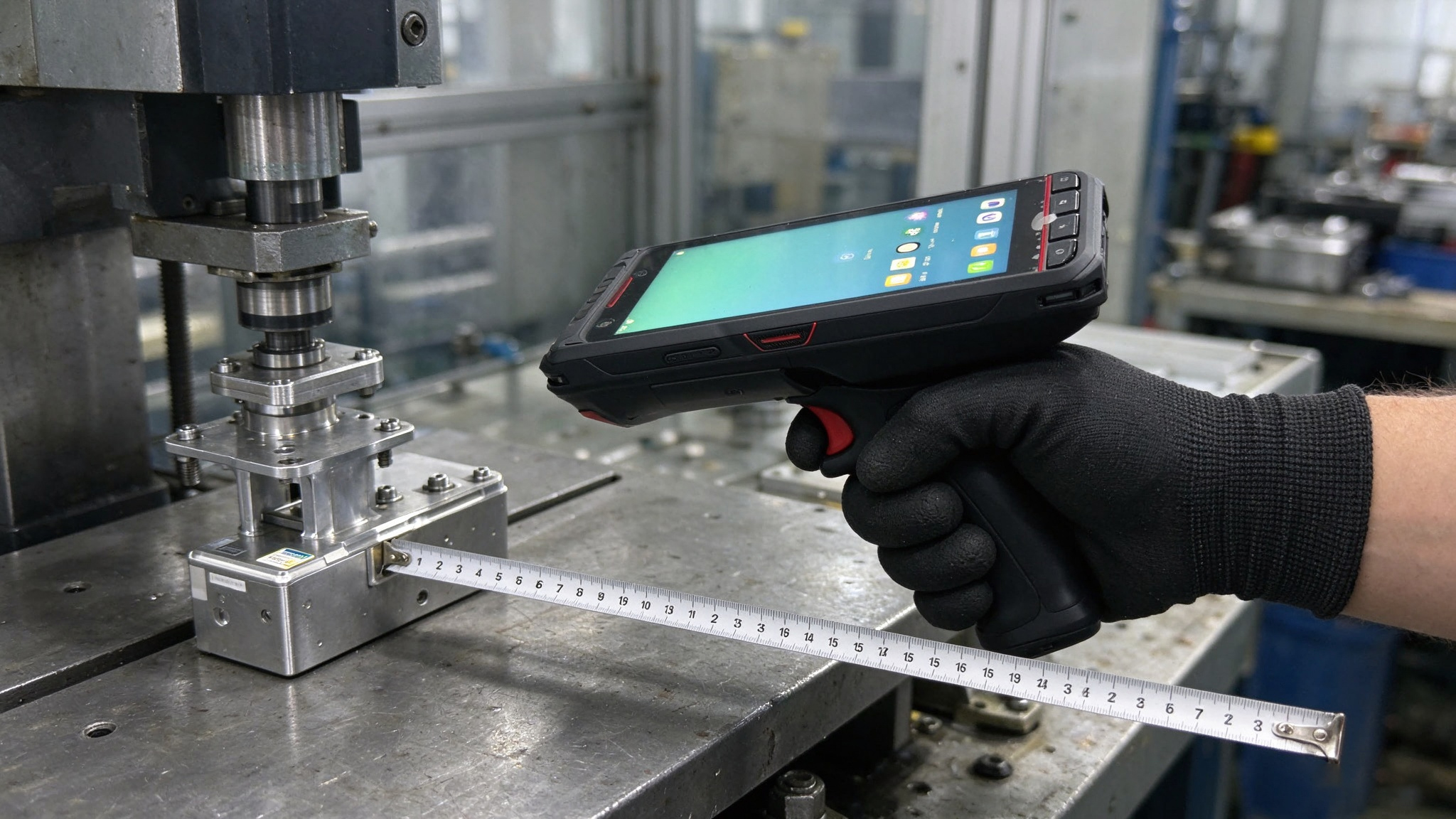
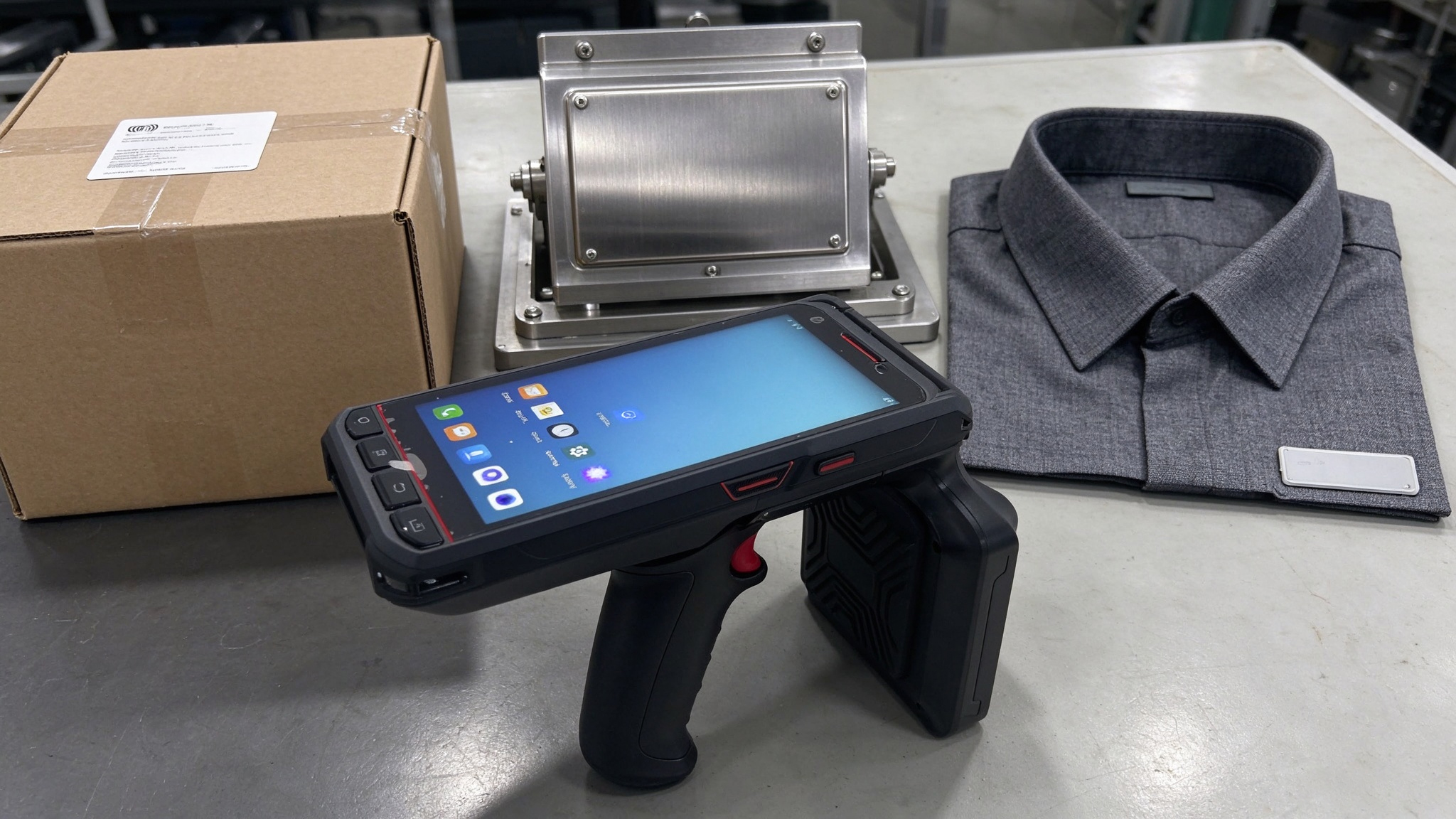
This is the stage that actually predicts field performance, and the one most often skipped. The desk proves the tag works; only your items prove it works on your items. Metal, liquid, dense stacking and packaging all detune tag antennas — a label that read 6 m in free air may read 0.5 m on a steel shelf bracket.
Mount ten tags exactly as production would (same position, same surface, same orientation), then run three measurements:
The 90% read distance on your real items — not the datasheet maximum — is the number your read zones will be built on.
1. The 90% read distance. Start at desk distance and increase until the reader misses roughly 1 tag in 10, then back off. That distance — not the datasheet maximum — is your honest range. Record it.
2. The worst-case orientation. Rotate the item until the read is weakest (usually tag edge-on to the antenna). Record that distance too. Real workflows produce every orientation eventually; the worst one defines your read zone design.
3. The interference test. Stack the tagged items as they’d actually be stored or shipped — tags between items, items touching — and count what reads. Dense packing shadows antennas; this test tells you whether inner items will be invisible in a pallet.
Pass numbers: your production read zone must deliver roughly 1.5 times the 90% distance you measured — if tags must be read at 1 m in your workflow, the 90% figure should be 1.5 m or better, leaving margin for worn labels, new surfaces, and bad days. If worst-case orientation or the stacking test collapses the distance to below workflow needs, the fix is tag choice or placement, not reader power — our tag selection guide by material exists precisely for this fork.
Stage two exists because the same tag tells three different stories on cardboard, steel and fabric.
Stage 3: The System Test (Half a Day)
Stage two proved tags on items; stage three proves the reader behaves like a system, not a demo. Three tests, all doable with the same desktop reader or a borrowed handheld:
Throughput. Present 50 tags (a stack of labeled cartons works) and time a full sweep. Modern UHF hardware resolves hundreds of tag conversations per second; if 50 tags take more than a few seconds, note the environment — but flag it if the count is incomplete. Pass: 50 of 50 IDs captured, no manual re-positioning.
Stray-read (zone leak) test. Set the read zone where your workflow needs it, then place tagged items outside the intended boundary. If the reader still captures them, your production zone will count items that shouldn’t be counted — inventory fiction at scale. Pass: zero tags read outside the intended boundary at production power settings.
Duplicate-handling test. Hold one tag in the read zone for thirty seconds. A clean setup reports the ID once per pass, or marks repeats as continuous presence — not fifty identical “reads.” Pass: one clean event per presentation after the software’s filtering.
Why these three: throughput fails from environment, leakage fails from power settings, duplicates fail from software filtering. Together they cover the three ways a working demo turns into a broken deployment. If you want to understand what the reader is doing during these tests at the protocol level, our article on how RFID tags work ⚠️ walks the four-message exchange.
Stage 4: The Pilot Acceptance Test (One to Two Weeks)
Stages one to three cost days; the pilot costs weeks — which is exactly why it comes last, with the earlier numbers already banked. A pilot is not “use it for a while and see.” It’s a defined acceptance test on your real workflow:
Volume: at least 100 tagged-item passes through your real read point (portal, handheld sweep, or desk workflow).
Read rate:≥ 99% on your primary workflow. Below that, every missing read becomes a human workaround, and workarounds are how RFID projects quietly die.
Event integrity: one physical movement should produce one clean record — a pallet through the door is one event, not fifty raw reads, not zero. This is where integration problems hide.
Exception handling: force the failures on purpose — pass a partially blocked pallet, skip a tag, scan during a busy hour — and confirm the system shows the exception instead of swallowing it.
Pass: the numbers above hold for two consecutive weeks without operator heroics. Fail: every failure mode in a pilot maps back to a stage-two or stage-three finding — which is why the protocol runs in order. Skipping to the pilot with untested tags means debugging three variables at once, and nobody solves that.
The pilot isn’t “use it for a while” — it’s a hundred passes with a 99% pass line agreed before the first one.
The Whole Protocol, As One Table
Every number in one place — this is the section to copy:
Stage
Duration
Key metric
Pass threshold
A failure points to
1. Tag sanity
10 min
Read/write-verify rate
10/10 tags
Supplier / tag lot
2. On-item
1 hr
90% read distance, worst orientation
≥1.5× workflow distance
Tag choice or placement
3. System
Half day
Throughput, stray reads, duplicates
50/50 capture; 0 strays; 1 event per pass
Environment / power / software filter
4. Pilot
1–2 weeks
Read rate on real workflow
≥99%, clean events, exceptions visible
Process or integration
Notice the diagnostic logic built in: each failure maps to exactly one suspect. That’s what makes this a protocol rather than “try it and see.”
Writing the Results Into Your Purchase Spec
The protocol’s last step costs nothing and changes how suppliers treat you: put your stage-two numbers into the order. Four lines, directly into the RFQ:
Tag model and quantity, on these surfaces: (list your actual item types)
Required 90% read distance on those surfaces: (your measured figure) metres
Worst-case orientation to be supported: (your measured figure) metres
Acceptance: pilot read rate ≥ 99% on our workflow before balance payment
A supplier who answers those four numbers in writing has tested or knows their product; a supplier who answers with “10 metres reading distance” is quoting the bench. The physics behind why those numbers differ so much between datasheet and floor is in our article on how RFID works, explained in decibels ⚠️ — worth reading before you accept any range promise.
Five Testing Mistakes That Waste the Protocol
Testing only the best case. One tag, ideal orientation, empty room — the demo that impresses and the deployment that disappoints. Stage two’s worst-case discipline exists for this.
Averaging read results. “It worked about 90% of the time” is a decoration, not a metric. Misses cluster — find the conditions that produce them and fix those, or accept them with eyes open.
Testing with different tags than you’ll buy. Sample tags from one vendor, then ordering the cheapest equivalent from another, restarts the protocol from zero. Lock the tag model with the test.
Testing on a desk only. Stage two exists because surfaces detune antennas. A desk pass proves nothing about your steel shelf or your freezer.
Treating a pilot as a demo. If stage four doesn’t have pass numbers agreed in advance, it will drift into “we got used to it” — which is not acceptance, it’s habit.
Four measured numbers copied into the RFQ change how every supplier quotes you — that’s the protocol’s cheapest step.
FAQ
How do I test RFID tags before buying in bulk?
Get ten free sample tags, read and write-verify each on a desktop reader (stage 1), then mount them on your real items and measure the 90% read distance, worst orientation and stacked-item behavior (stage 2). Ten tags and one $150–300 reader cover both stages.
What is a good read rate for an RFID system?
≥99% on your primary workflow, measured over at least 100 real passes during a pilot. Below that, operators start working around misses manually — the beginning of quiet project death.
How is RFID read distance measured properly?
Not by the datasheet’s maximum. Increase distance until roughly 1 in 10 reads is missed, then back off — that’s the honest 90% figure. Measure it again at the worst tag orientation and on stacked items, because both collapse range significantly.
Can I test RFID tags with my phone?
Not UHF tags directly — a phone’s built-in radio can’t reach the 860–960 MHz band. Phone-based testing works by pairing a pocket Bluetooth UHF reader; see our smartphone testing guide for the step-by-step.
What equipment do I need for an RFID test?
Ten sample tags, one genuine UHF desktop or handheld reader with free demo software (showing EPC, TID and RSSI), and your actual items. The demo software handles reads, writes and power tuning for all four test stages.
Why did my RFID pilot fail?
In our experience the cause is almost always one of: tags never tested on real items (stage 2 skipped), power set so high the zone leaks stray reads (stage 3), or no agreed pass numbers for the pilot (stage 4). Each maps to exactly one stage of the protocol above.
Choosing tags by surface before testing? Start with the tag selection guide.
Ready to run the protocol on your own items? Browse our RFID tag range and USB desktop readers — or contact us for free sample tags and the demo software, and we’ll support your four-stage test before any bulk order.
SSD-D3AL is a USB-HID UHF RFID reader with 0–30 cm reading, 0–15 cm writing, over 600 tags/s recognition, USB plug-and-play operation and OEM Logo customization.
SSD-D1AL is a compact USB UHF RFID reader with Impinj E710/X3M1 chipset, USB-HID, 600+ tags/s recognition, 4/8/16 antenna support and plug-and-play USB power.
SSD-R16L Multi-Channel RFID Infrastructure for Automated Inventory Management ✔️ 16-Port High-Density RFID Reading Equipped with 16 SMA antenna ports, SSD-R16L supports multi-antenna deployment for warehouses, retail stores, logistics, production lines, and large-area RFID identification. ✔️ High-Speed & Long-Range Performance With up to 33…
SSD-R8L 8-port UHF RFID reader with 33dBm output, up to 20m reading range and 600+ tags/s recognition. Ideal for warehouse, logistics, retail and asset tracking.
CYKEO CYKEO-D1LA USB RFID Reader is a compact desktop solution with near-field control for precise tag reading and encoding. Powered by USB, supporting ISO 18000-6C, and built for stable batch writing, this usb rfid tag reader fits retail, libraries, offices, and controlled RFID encoding tasks.
CYKEO CYKEO-D1L RFID scanner USB is a compact desktop UHF RFID scanner designed for short-range tag writing and verification. This usb rfid scanner supports batch encoding, stable 0–26 dBm output, and works across Windows, Linux, and Android systems.
CYKEO CYKEO-D1C USB RFID Card Reader is a near-field UHF desktop writer designed for secure, short-range tag encoding. With USB-C connectivity and stable 26 dBm output, this rfid reader usb c is ideal for badge issuance, label encoding, and controlled desktop RFID workflows.
CYKEO CYKEO-D2L RFID Reader USB is a compact desktop encoder built on the Impinj R500 chip. With near-field control and stable USB power, this usb rfid card reader delivers precise tag writing for offices, retail counters, and small-scale logistics encoding tasks.
CYKEO CYKEO-D3L USB RFID Tag Reader delivers stable UHF tag reading and writing for daily desktop and light industrial tasks. Designed for controlled short-range operation, this USB RFID Tag Reader works reliably with rfid tag and reader systems in libraries, tool tracking, and inventory registration.
The CYKEO CYKEO-D4L UHF RFID Tag Reader is a stable Desktop RFID Reader designed for accurate tag registration, borrowing, and return workflows. Built with the Impinj R2000 chip, this UHF RFID Tag Reader delivers controlled short-range reads for libraries, asset tracking, and inventory management environments.
The CYKEO CYKEO-D5L Desktop RFID Card Reader is a stable UHF RFID Card Reader designed for controlled short-range reading and writing. Built for libraries, tool rooms, and asset desks, this UHF RFID Card Reader supports dense tag handling, secure data processing, and easy USB integration.
The CYKEO CYKEO-D6L RFID Reader Writer is a heavy-duty Desktop RFID Reader designed for short-range, high-accuracy tag programming. Built for libraries, labs, and asset desks, this RFID Reader Writer supports batch processing, stable 33dBm output, and seamless integration with existing management systems.
Cykeo CYKEO-D8A embedded RFID badge reader offers 30+ tags/sec scanning, 20cm anti-crosstalk precision, and DC 12V power for unmanned stores, warehouses, and smart inventory systems.
Cykeo’s CYKEO-D8C UHF RFID gate reader achieves 200-tag/batch scanning with adjustable power control, ideal for retail inventory and smart warehouse management.
Cykeo CYKEO-C1 industrial Forklift RFID Reader features 20m read range, 600 tags/sec scanning, Impinj R2000 chipset, and IP67 rugged design. Ideal for warehouse logistics and manufacturing. Supports ISO 18000-6C/6B protocols.
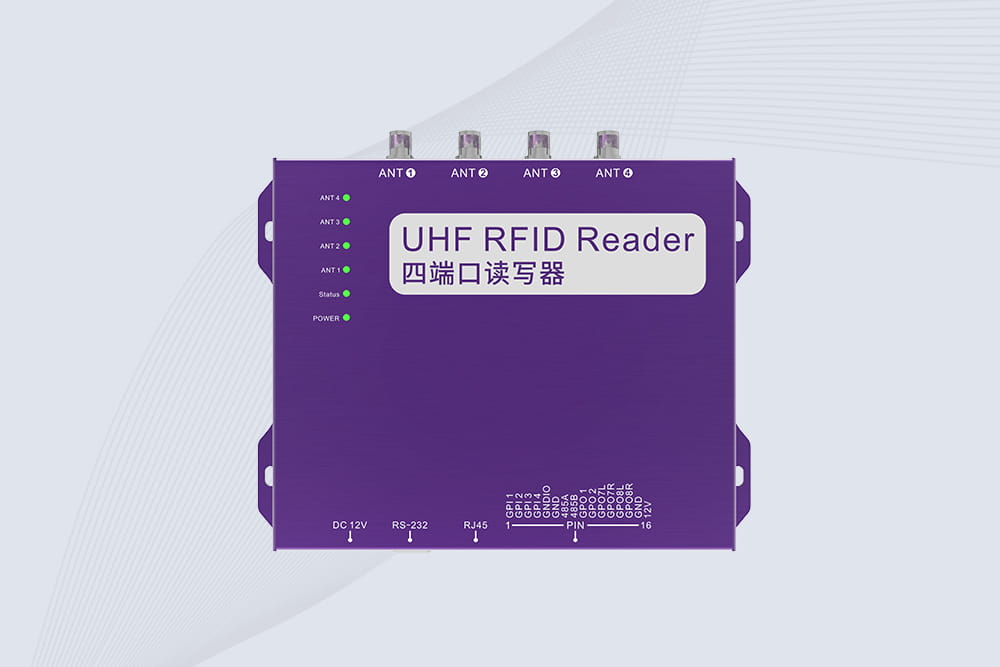
Cykeo CYKEO-R4 industrial UHF RFID Fixed Reader features 4 TNC ports, 400+ tags/sec speed, IP67 housing, and global frequency compliance for vehicle inspection, smart warehouse, and asset management systems.
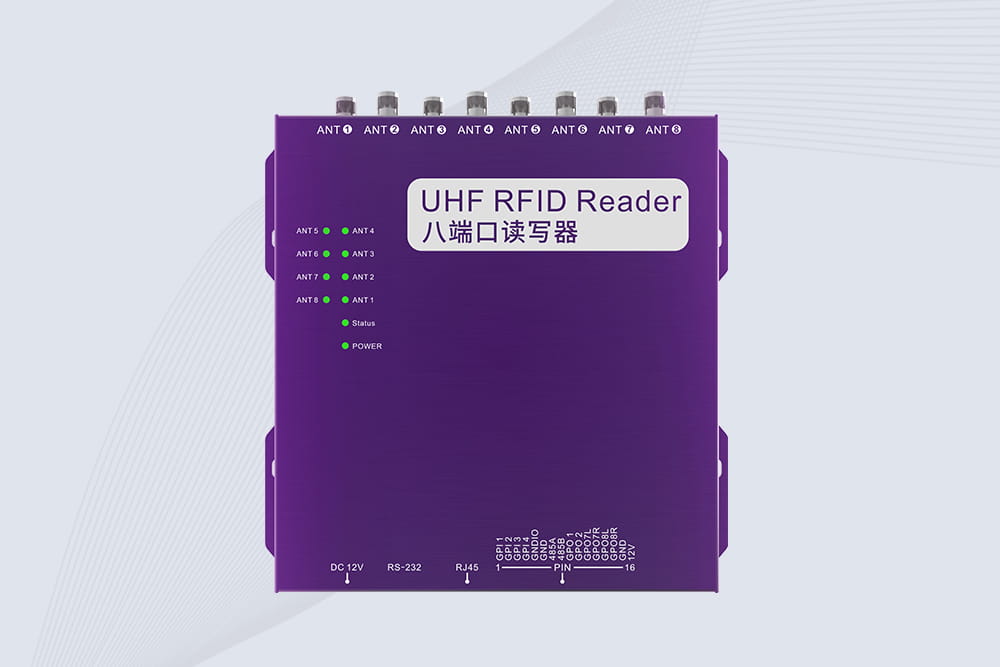
CYKEO CYKEO-R8L Fixed RFID Reader with 8-port UHF design, Impinj-based RF core and up to 20m read range. An industrial Fixed RFID Reader for vehicle inspection, warehouse portals, smart manufacturing lines and secure access checkpoints.
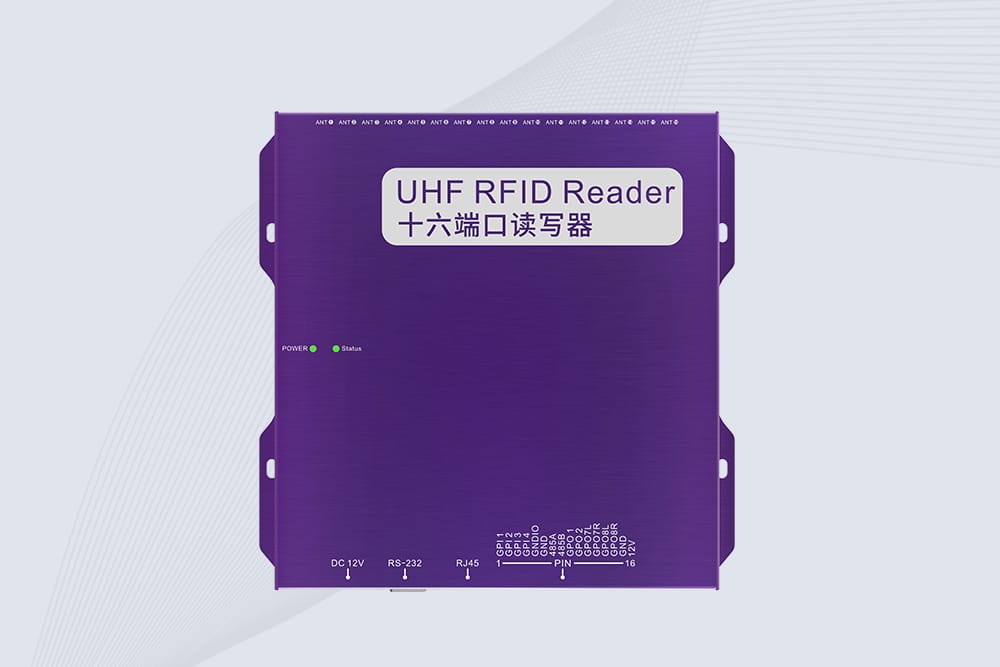
RFID Fixed Reader from CYKEO – the CYKEO-R16L 16-port UHF fixed reader for warehouses, smart cabinets, and production lines. Long-range, multi-tag reading, stable performance for 24/7 industrial use.
Learn como programar RFID access control step by step: from reading card UIDs with Arduino to enrolling credentials in commercial controllers. Practical tips, common mistakes, and best practices for a secure system.
CYKEO CK-R16L is a fixed UHF RFID reader designed for software systems. With 16 antenna ports and Ethernet, RS232, RS485, and Wi-Fi connectivity, it works with UHF RFID antennas to deliver stable tag data for smart cabinets, warehouse shelves, and...
In today digital era, businesses are increasingly demanding efficient management and precise data collection. As key technology in the age of the Internet of Things (IoT), RFID tag readers offer transformative benefits across industries through fe...
 Cykeo RFID IoT Solution Products R&D Manufacturer