Can You Really Test RFID Tags with Just an iPhone?
The Quick Reality Check
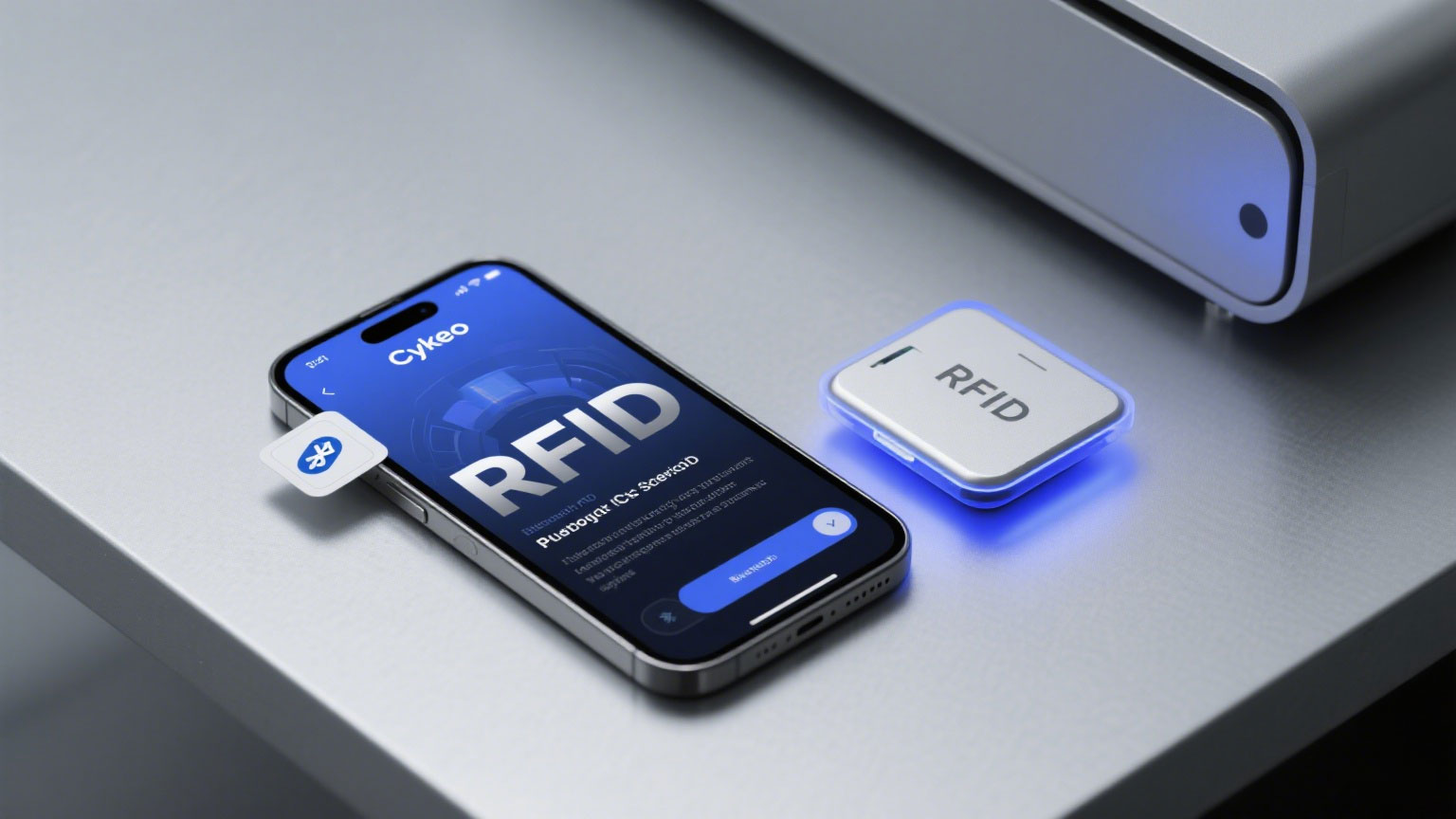
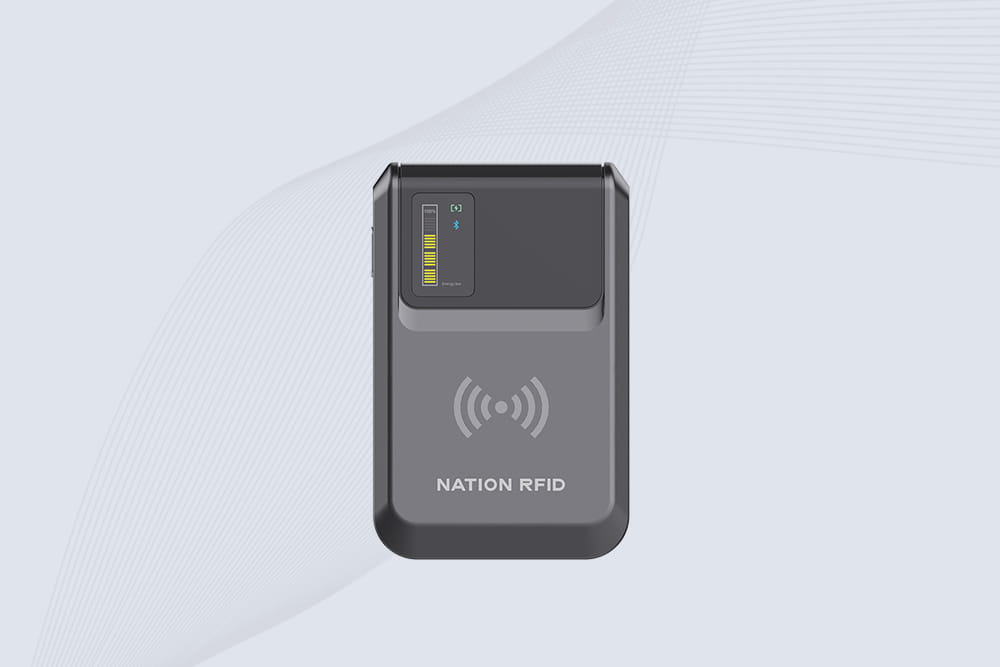
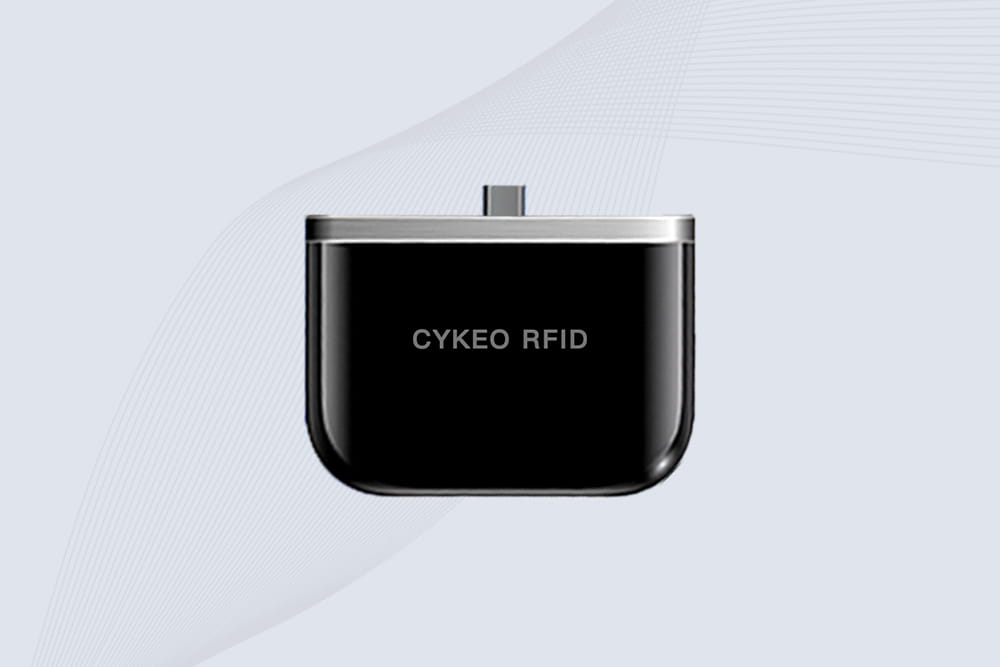
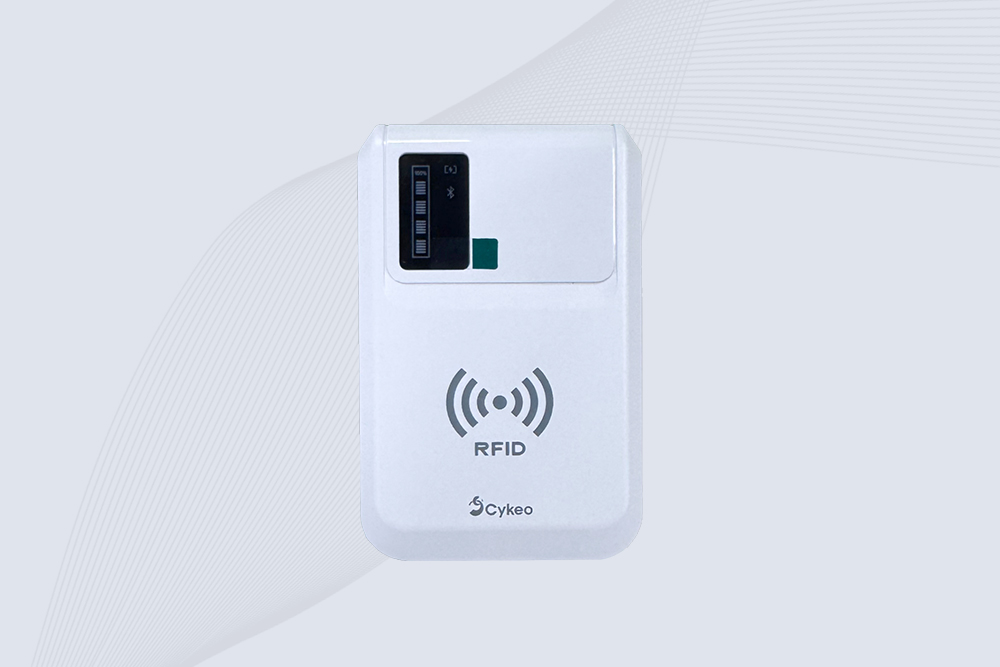
Yes – but not with your iPhone alone . While iPhones have NFC for contactless payments, they can’t read most RFID tags. The solution? A pocket-sized Bluetooth RFID reader like Cykeo ‘s iPhone-compatible model . Here’s how it works:
Step-by-Step Testing (Under 5 Minutes)
Grab a Bluetooth Reader
Download the App
Search “Cykeo RFID Tools” in the App Store (free version available)
Install and create an account
Connect & Scan
Turn on reader Bluetooth → Open app → Tap “Connect”
Hold reader near RFID tag (1-10m depending on frequency)
BEEP → Tag data appears on your iPhone screen
What You’ll See on Your iPhone
Tag Type: UHF/HF/LF identification
Unique ID: Hexadecimal or decimal number
Custom Data: If tag is pre-programmed
Signal Strength: Helps position testing
Pro Tip: Use the app’s “Write Test” feature to verify tag programmability – change a number and rescan.
Why This Beats Built-in iPhone NFC
Capability iPhone NFC Only Cykeo Reader + App Read UHF RFID tags ❌ No ✅ Yes Test from distance ❌ 0-1cm ✅ Up to 10cm Write/rewrite tags Limited ✅ Full control Industrial tags ❌ Rarely ✅ 90%+ support
Common Testing Scenarios
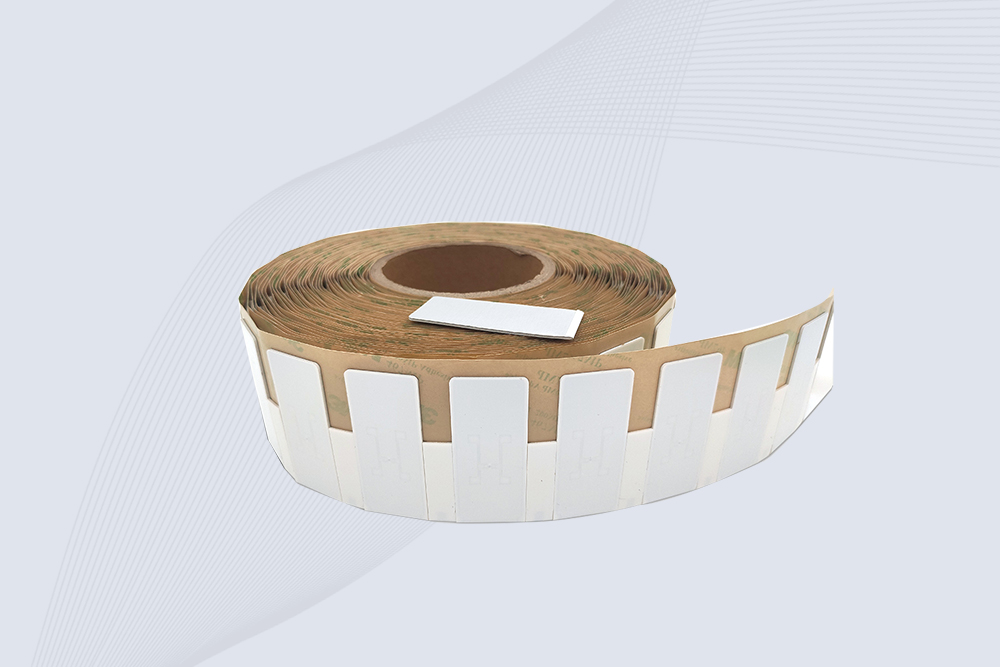
Retail: Verify clothing tags before deployment
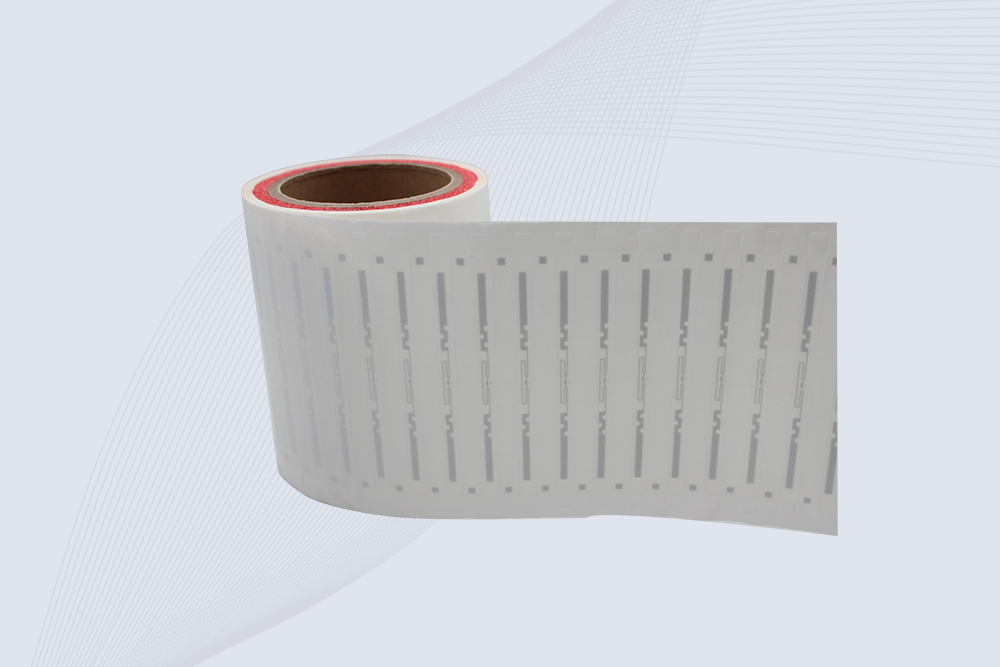
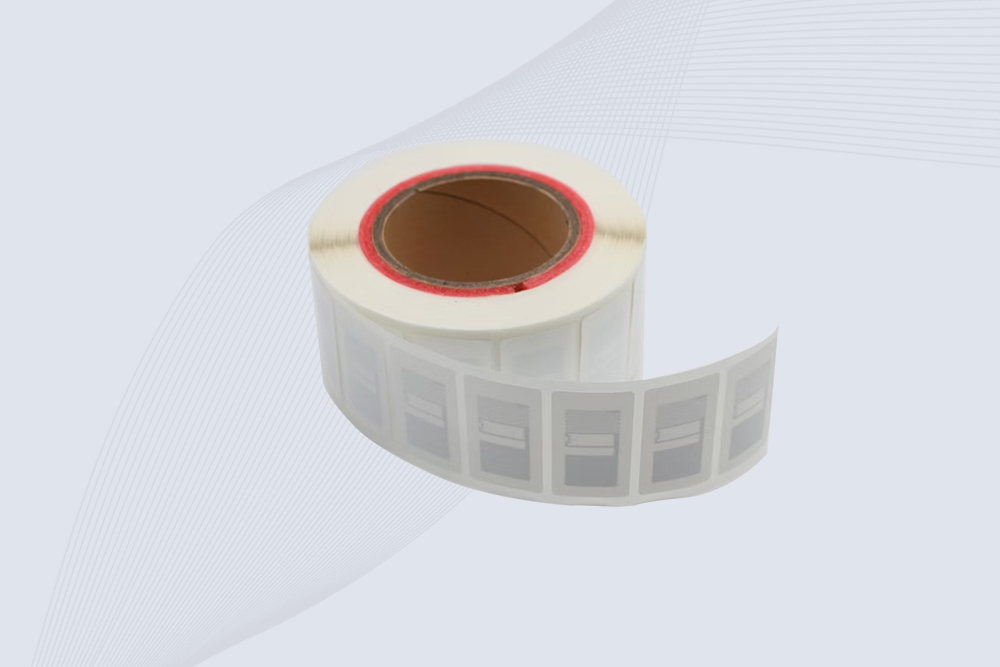
Warehouse: Check pallet tag readability
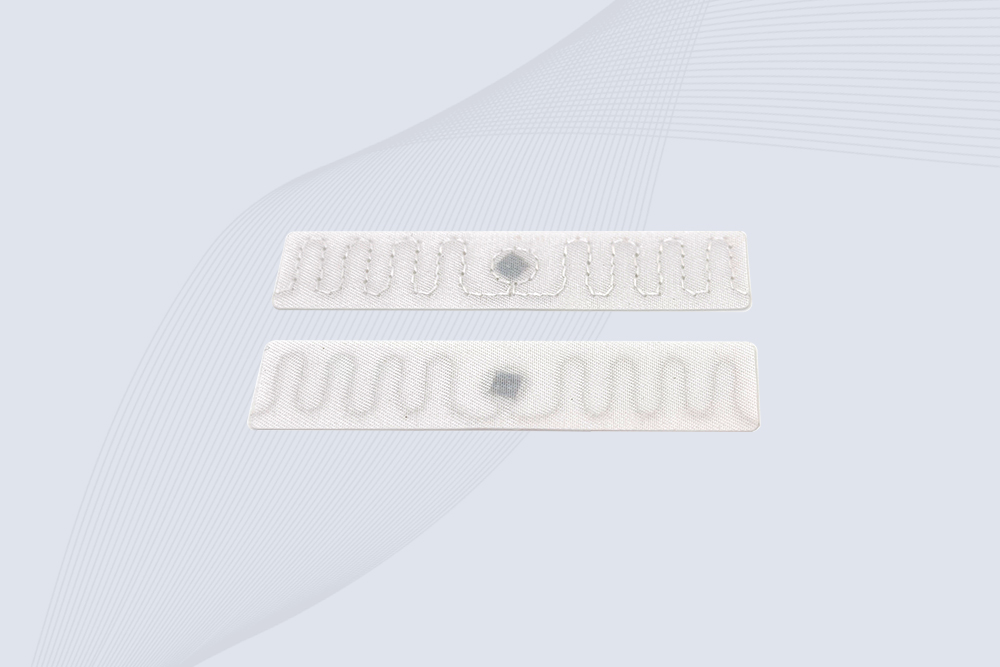
Events: Test wristband durability
Avoid: Medical/Military tags – may require specialized readers
Troubleshooting Quick Fixes
❌ No connection? Check Bluetooth permissions → Reinstall app → Update firmware
❌ Can’t read tags? Adjust distance → Try different orientation → Check battery
❌ App freezing? Background apps slow performance – close everything
Why Cykeo’s System Works Well
No subscriptions: Free app handles basic testing
Portable: Reader weighs <100g (fits in pocket)
Simple UI: Designed for quick field tests
*”I test 100+ tags daily – this setup saves me hours vs. bulky scanners.”* – Logistics Manager
Bottom Line
Testing RFID with your iPhone requires: 1️⃣ A Bluetooth reader (like Cykeo ‘s compact model) 2️⃣ The companion app 3️⃣ 30 seconds to connect
It won’t replace industrial scanners, but for quick tag checks? It’s the fastest on-the-go solution.
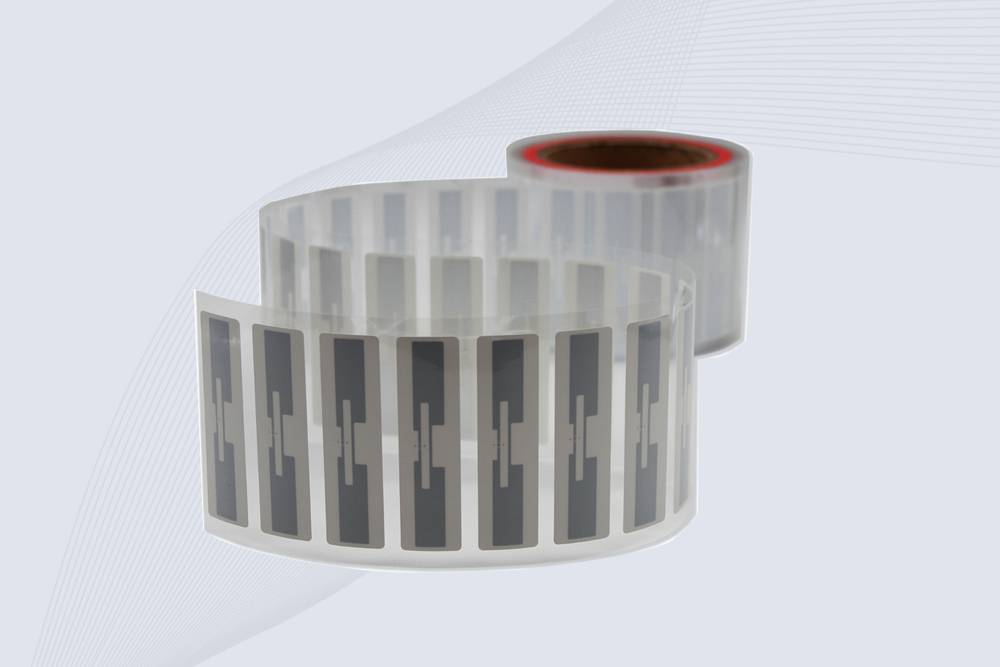
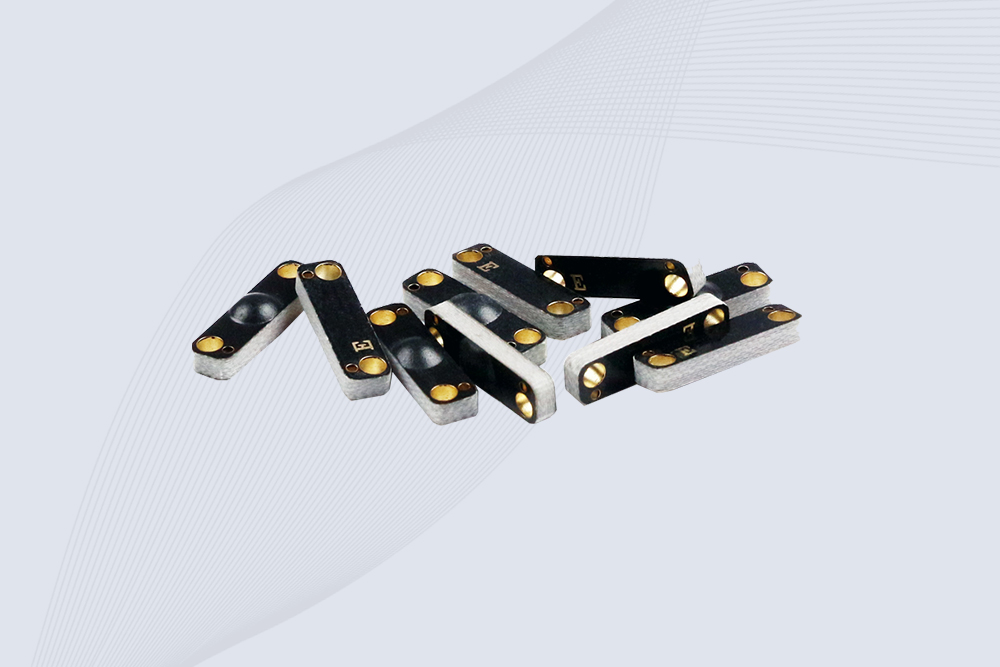
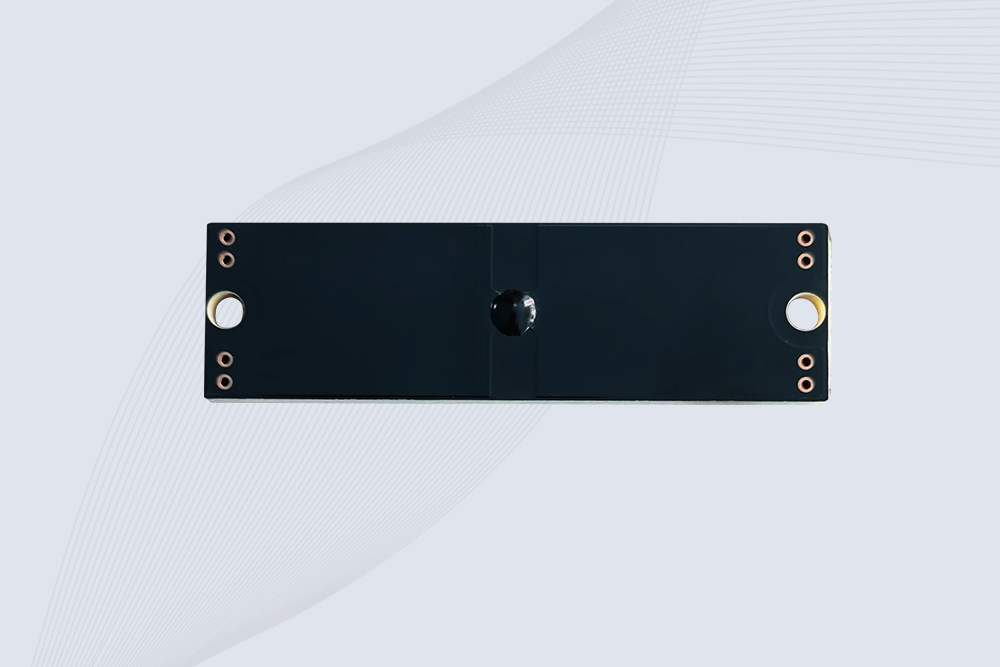
iPhone RFID Reader and RFID Tags