 Cykeo RFID IoT Solution Products R&D Manufacturer

USB RFID Reader Buying Guide for Businesses and System Integrators
168This buying guide helps businesses and system integrators evaluate USB RFID readers based on tag compatibility, reading performance, software integration, sa...
MoreAll RFID Product
You searched for how to test RFID with a phone because you have tags in a drawer and no scanner — and you want to know, today, whether they actually work. Here’s the honest answer up front: your phone cannot read UHF RFID tags by itself. No app changes that. But your phone is still the single most useful device in an RFID test — because paired with one pocket-sized reader, it becomes the console, the range finder, the data logger and the report generator for a complete tag test.
This article shows you how to build that kit in one afternoon for under $200, and exactly which seven tests to run once it’s assembled. By the end you’ll have something far more valuable than “it beeped”: measured numbers you can paste into an email to a supplier and get taken seriously.
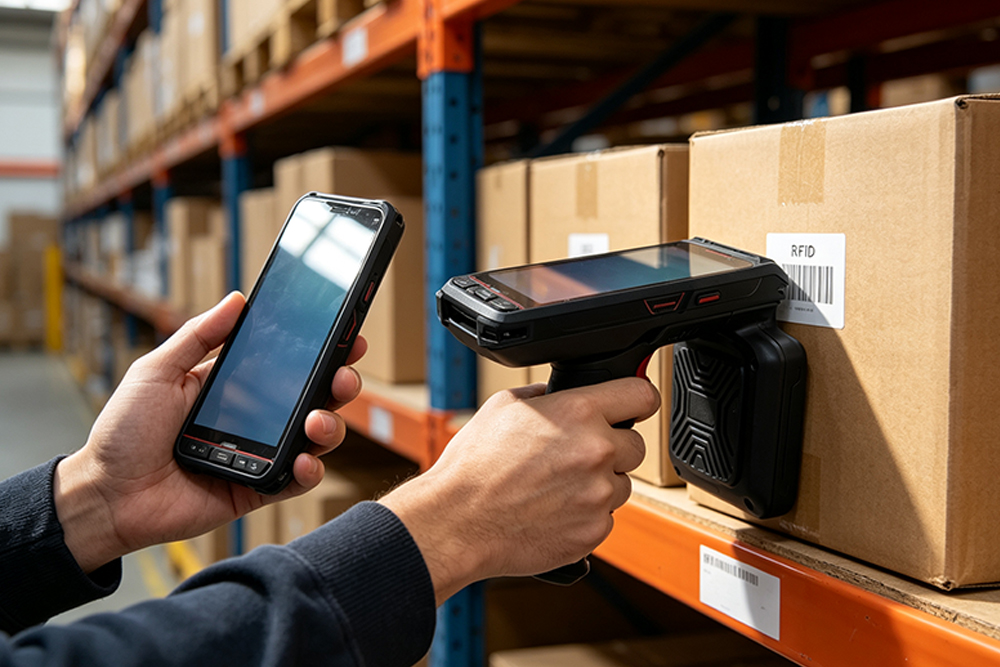
The radios built into your phone are tuned for cellular, Wi-Fi and Bluetooth — none of them transmit in the 860–960 MHz UHF band, and none of them contain the receiver architecture that passive UHF tags need. Passive tags don’t broadcast anything on their own; they reflect energy back toward the reader, and a phone has no circuitry to catch that reflection. This is physics, not a software restriction, which is why no app store listing can ever change it.
So stop looking for an app that reads UHF tags directly — that search wastes a week and ends in one-star reviews. The correct mental model is this: the phone is the test bench, the reader is the antenna. Every serious phone-based RFID workflow on the market works this way, and once you accept it, the whole project becomes simple: buy one small reader, pair it, and run disciplined tests from the screen you already carry everywhere. If you want to understand what the tag is actually doing during each read, our walkthrough of how RFID tags work ⚠️ covers the exchange step by step — useful background, but not required to run the tests below.
There are exactly three realistic ways to get UHF reads onto your phone’s screen. They differ in cost and where you can use them:
| Route | Hardware | Typical cost | Best for |
| A. Bluetooth pocket reader | Handheld UHF reader, pairs over Bluetooth | $150–300 | Walk tests in real aisles, field checks, the kit below |
| B. USB desktop reader + OTG cable | Desktop USB reader, phone connected by cable | $100–180 | Desk testing, write-verify, fastest cheapest start |
| C. Borrowed handheld | Vendor demo unit or colleague’s device | $0 | One-time sanity check, no commitment |
Route B is the cheapest way to see a UHF tag read on a screen you own — many desktop readers connect to Android phones through a simple OTG adapter and the vendor’s demo app. Route A is what we recommend building toward, because the whole point of testing “with a phone” is usually mobility: you want to walk your aisles, point at a shelf, and get answers. The routes are not exclusive; many teams end up with both. (If you’re unsure what the difference is between these small readers and full “online” systems, our online RFID reader guide ⚠️ sorts out the terminology first.)
The complete kit is four items, three of which you probably have:
Total: under $200 for routes A or B, and the tags cost nothing. That is the entire capital required to find out whether RFID works for your operation.
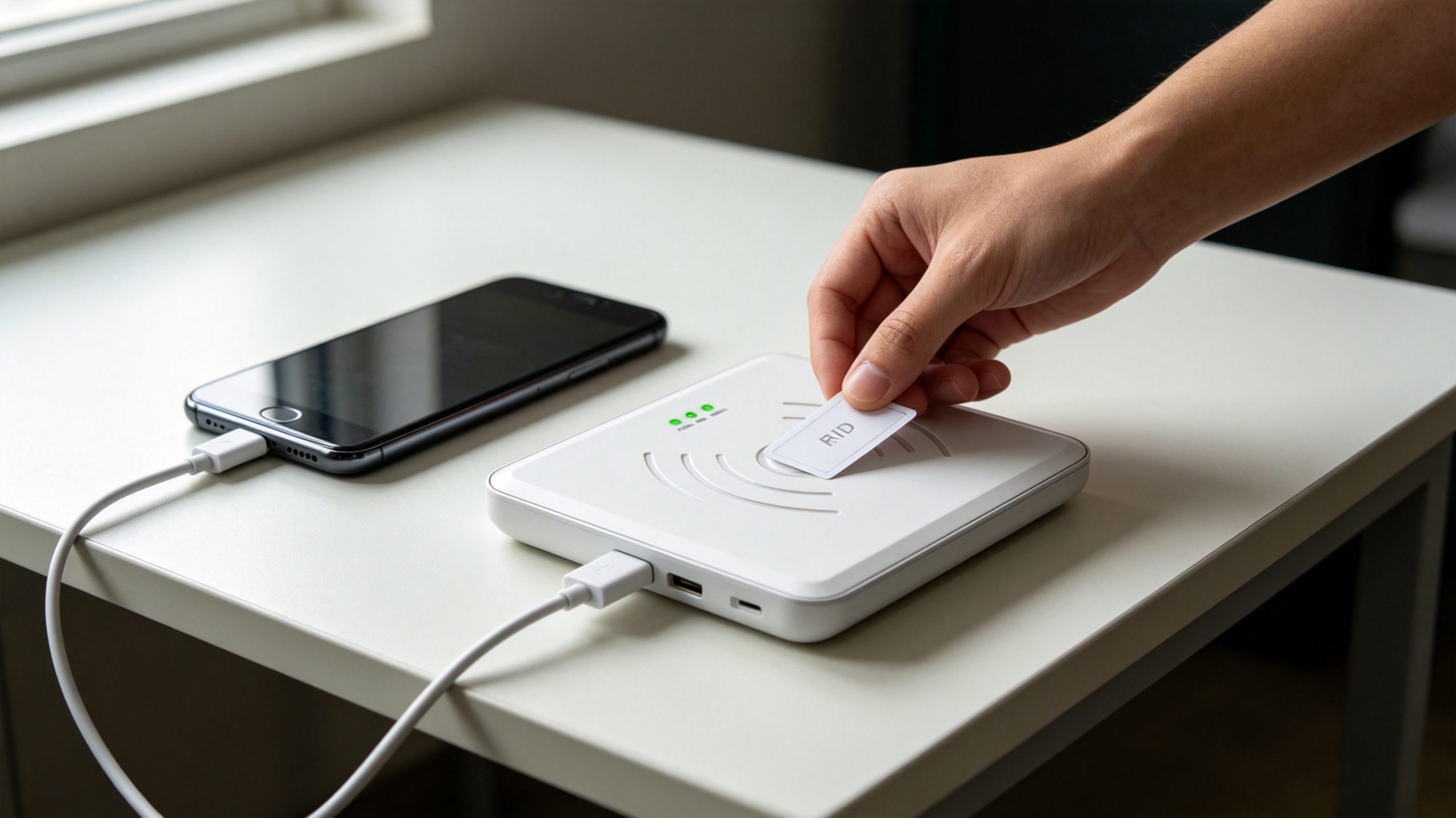
Do these six steps in order; the most common setup failures come from skipping step four.
If that first read shows all three values, your kit is live. If it shows nothing, the checklist is short: wrong region setting, tag held edge-on to the antenna, dead tag, or drained reader. In that order.
This is the heart of the article. Seven tests, in order, each with a pass criterion. Run them all before drawing any conclusion — each one answers a different question.
Test 1 — Single-tag sanity. Read each of your ten sample tags once at desk distance. The app must show both EPC and TID. Pass: 10 of 10 tags read. Tags that fail here are dead or misencoded — a supplier problem, not yours.
Test 2 — Write-verify round trip. From the app, write a short value into the tag’s memory, then read it back. Pass: the value returns unchanged. A tag that reads but won’t write-verify has a memory or bonding problem — reject it now, not in the field.
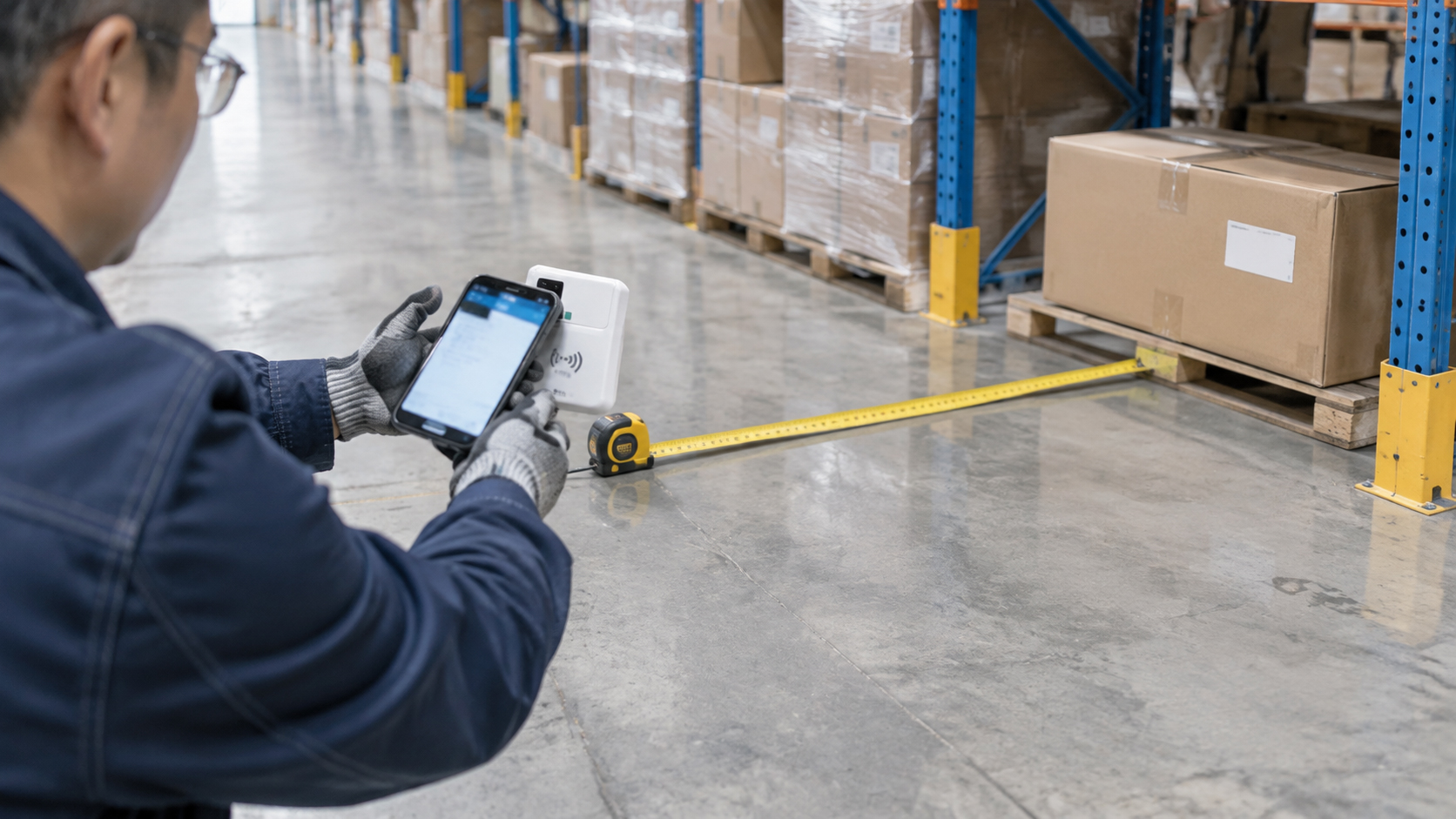
Test 3 — Walk-out range. Start at desk distance with one tagged item and walk backward until reads start missing. Step forward until reads are solid again, and measure that distance with the tape. Pass: your measured 90% distance is at least 1.5 times the distance your workflow actually needs. This measured number — not the datasheet maximum — is what your read-zone design will be built on.
Test 4 — Worst orientation. Rotate the same item until the read is weakest (usually tag edge-on to the antenna) and repeat Test 3 at that angle. Pass: worst-orientation distance still meets your workflow need with margin. Real workflows produce every orientation eventually; the worst one is the honest one.
Test 5 — Stack interference. Stack tagged items the way they’d actually be stored — tags between items, items touching — and count what reads in a sweep. Pass: inner items still read, or you know to switch to a tag designed for that surface. If cardboard read fine but the stack collapsed the range, the fix is tag choice or placement, not reader power — our tag selection guide by material exists for exactly this fork.
Test 6 — Repeat-read rate. Present one tag 100 times — walk past it, or wave it through a fixed point — and count how many reads the app logged. Pass: at least 99 reads out of 100. Below that, missing reads in daily use become manual workarounds, and workarounds are how RFID projects quietly die.
Test 7 — RSSI comparison. Read the same tag in two placements — say, label flat toward the antenna versus wrapped around the item edge — and compare the RSSI values the app shows. Pass: you can name your better placement, backed by a number. This is the cheapest optimization in all of RFID: same tag, same reader, different mounting, measurably better range.
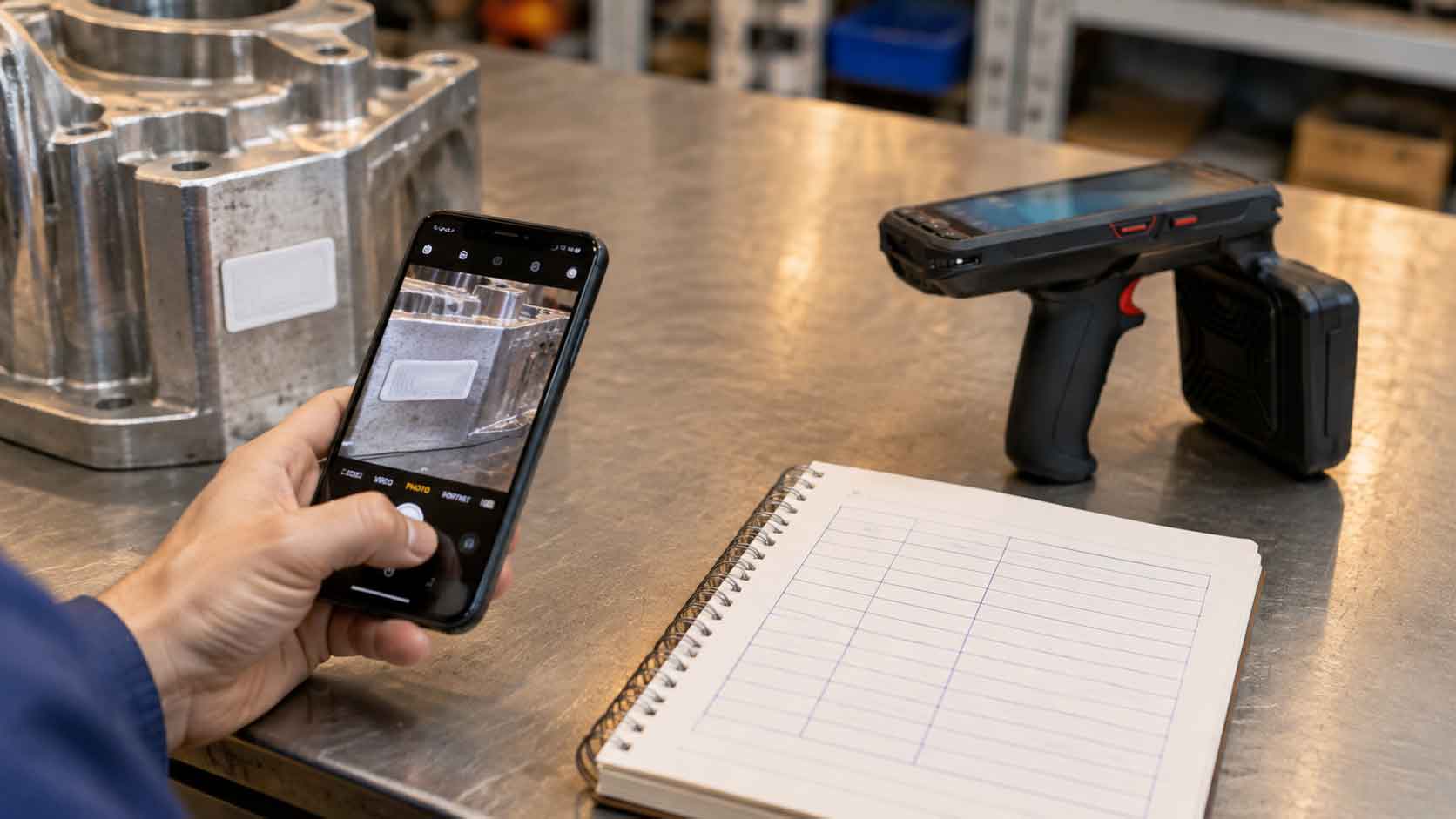
Here’s what turns the seven tests into leverage: log everything on the phone as you go. One note per test with four columns — tag ID, placement, distance, RSSI — plus a photo of each tag placement taken with the phone’s camera. Ten minutes of discipline gives you a test report that fits in an email.
Why it matters commercially: when you later send an RFQ, the supplier who receives “our 90% distance on cardboard is 1.2 m, worst orientation 0.7 m, stack test passes with tag model X at position Y” quotes you accurately and treats you as a buyer who tests. The supplier who receives “your tags didn’t work very well” gets vague answers back. The physics behind why datasheet range and measured range differ so much is explained in our decibel-level walkthrough of how RFID works ⚠️ — worth skimming before you accept any range promise from a quote.
Be clear about the boundary, because it defines when to stop and scale up. A phone-based kit proves tags and placement: identity, write-verify, range, orientation, stacking, repeat reads. It cannot prove system behavior — how a fixed portal handles 50 tags per second, whether your read zone leaks stray reads beyond its boundary, or whether your software logs one clean event per physical movement instead of fifty raw reads.
Those are the questions the next stage answers. When your seven tests pass and the tag decision is locked, graduate to the full four-stage RFID test protocol with pass/fail numbers ⚠️ — it picks up exactly where the phone kit ends, adding the system test and the pilot acceptance test with numbers you can write into a purchase spec. The phone kit keeps its role even then: it’s the fastest tool for spot-checking new tag lots and re-verifying placements for years after deployment.
Not UHF tags. The phone’s built-in radios don’t operate in the 860–960 MHz band and can’t receive a passive tag’s reflection, so a paired reader — Bluetooth pocket unit or USB-OTG desktop unit — is required. What a phone can do with zero extra hardware is a different, narrower route, which we cover in our guide to testing RFID tags with your smartphone and its iPhone version.
USB-OTG desktop readers are cheaper and fine for desk tests, write-verify and placement comparisons. Bluetooth pocket readers add mobility — aisle walk-outs, shelf checks, pallet-side testing — which is where most real answers come from. If budget allows one device, choose the pocket reader.
The demo app from your reader’s vendor — not a generic app-store app. It must display EPC, TID and RSSI per read, allow write and read-back, and expose the frequency region setting. Vendor apps are free and unlock every test in the checklist above.
For tag-level questions — does it read, what’s the honest range, which placement is better — a disciplined phone kit gives you the same numbers a bench setup would. What it can’t measure is system behavior: throughput, stray reads, integration. Those need the full four-stage protocol.
Four numbers minimum: 90% read distance on your real items, worst-orientation distance, stacked-item result, and repeat-read rate. Suppliers respond to measured numbers with measured quotes — that’s the difference between “your tags didn’t work” and a conversation that ends in the right tag model.
Under 200 total: one pocket Bluetooth UHF reader (150–300 depending on options), a free vendor app, ten free sample tags, plus a tape measure and notes app you already own. The tag suppliers ship samples free; the reader is the only real purchase.
Ready to build the kit? Browse our handheld UHF readers and USB desktop readers — or contact us for free sample tags, and we’ll help you match the reader and demo app to your phone before you order anything.

Discover SSD-D4AL, a USB-HID UHF RFID reader with 4/8/16 antenna options, Impinj E710/X3M1 chipset, plug-and-play USB power, and OEM customization.
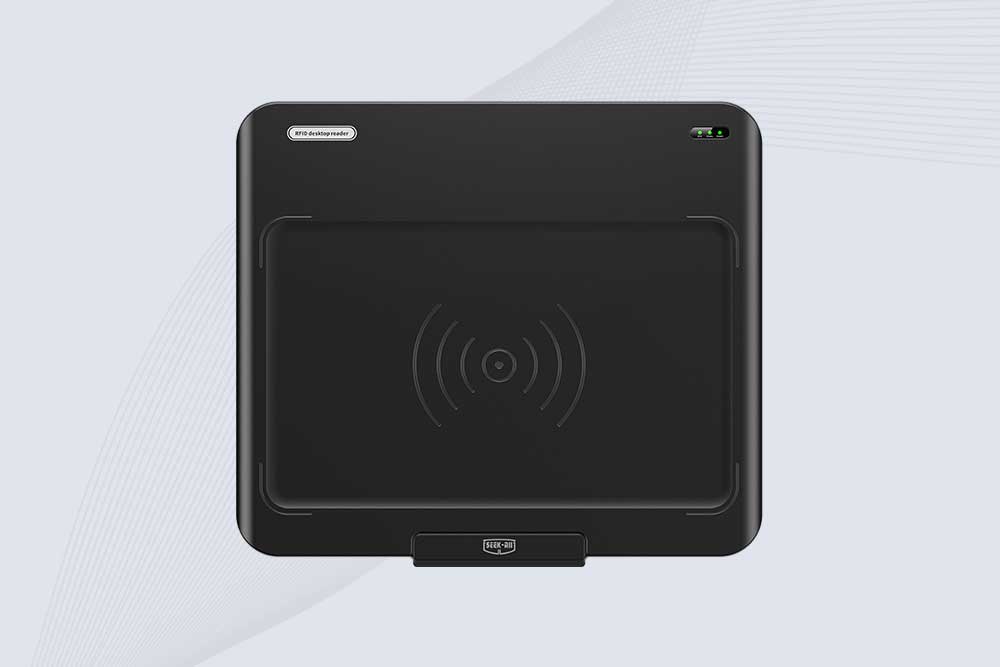
SSD-D3AL is a USB-HID UHF RFID reader with 0–30 cm reading, 0–15 cm writing, over 600 tags/s recognition, USB plug-and-play operation and OEM Logo customization.
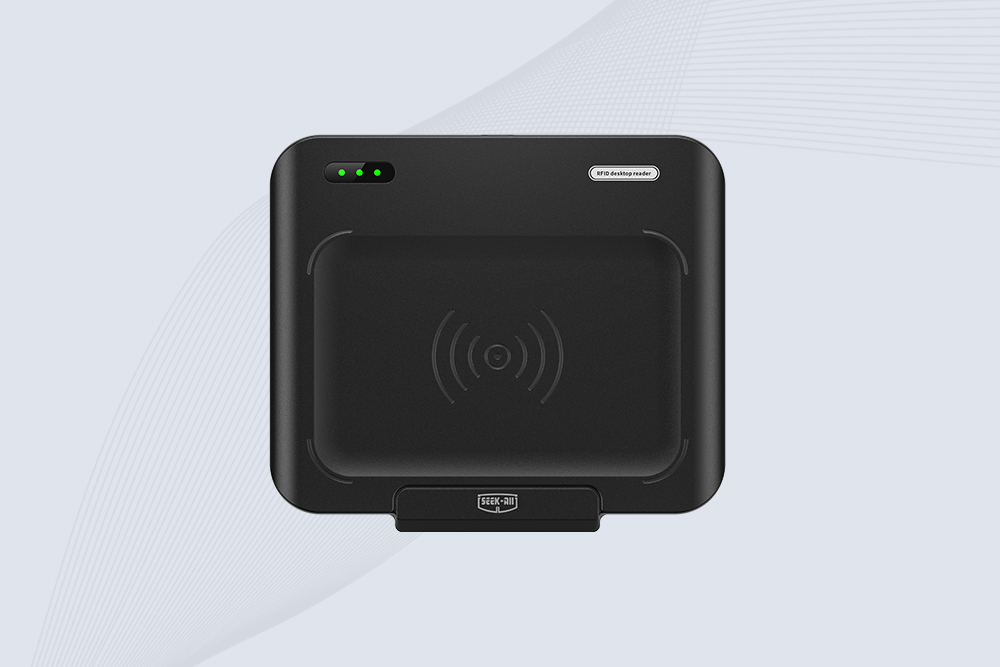
SSD-D1AL is a compact USB UHF RFID reader with Impinj E710/X3M1 chipset, USB-HID, 600+ tags/s recognition, 4/8/16 antenna support and plug-and-play USB power.

CYKEO CYKEO-D1LA USB RFID Reader is a compact desktop solution with near-field control for precise tag reading and encoding. Powered by USB, supporting ISO 18000-6C, and built for stable batch writing, this usb rfid tag reader fits retail, libraries, offices, and controlled RFID encoding tasks.
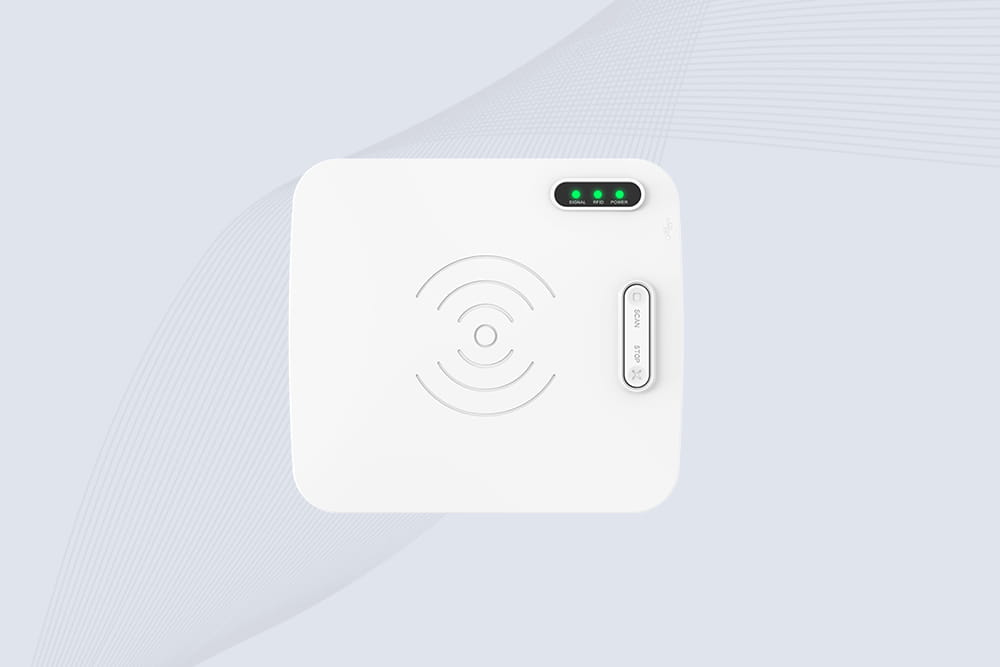
CYKEO CYKEO-D1L RFID scanner USB is a compact desktop UHF RFID scanner designed for short-range tag writing and verification. This usb rfid scanner supports batch encoding, stable 0–26 dBm output, and works across Windows, Linux, and Android systems.
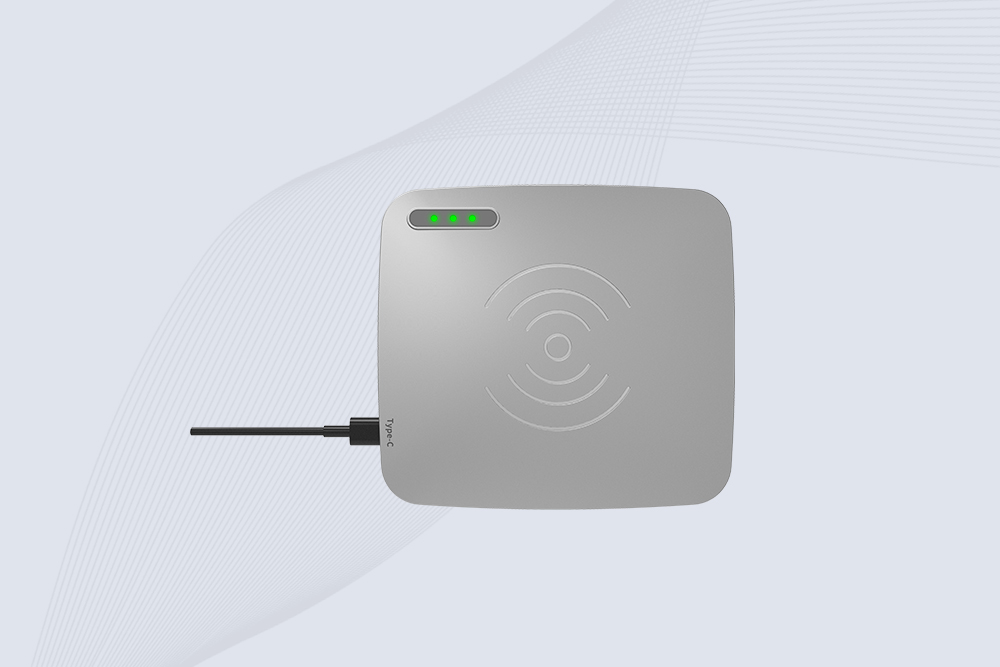
CYKEO CYKEO-D1C USB RFID Card Reader is a near-field UHF desktop writer designed for secure, short-range tag encoding. With USB-C connectivity and stable 26 dBm output, this rfid reader usb c is ideal for badge issuance, label encoding, and controlled desktop RFID workflows.
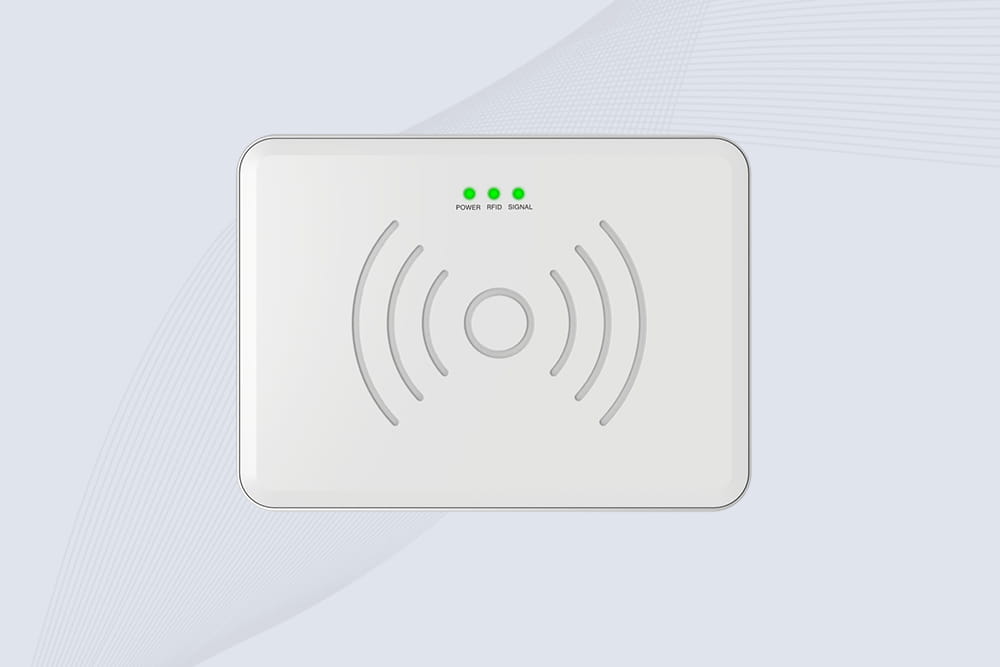
CYKEO CYKEO-D2L RFID Reader USB is a compact desktop encoder built on the Impinj R500 chip. With near-field control and stable USB power, this usb rfid card reader delivers precise tag writing for offices, retail counters, and small-scale logistics encoding tasks.
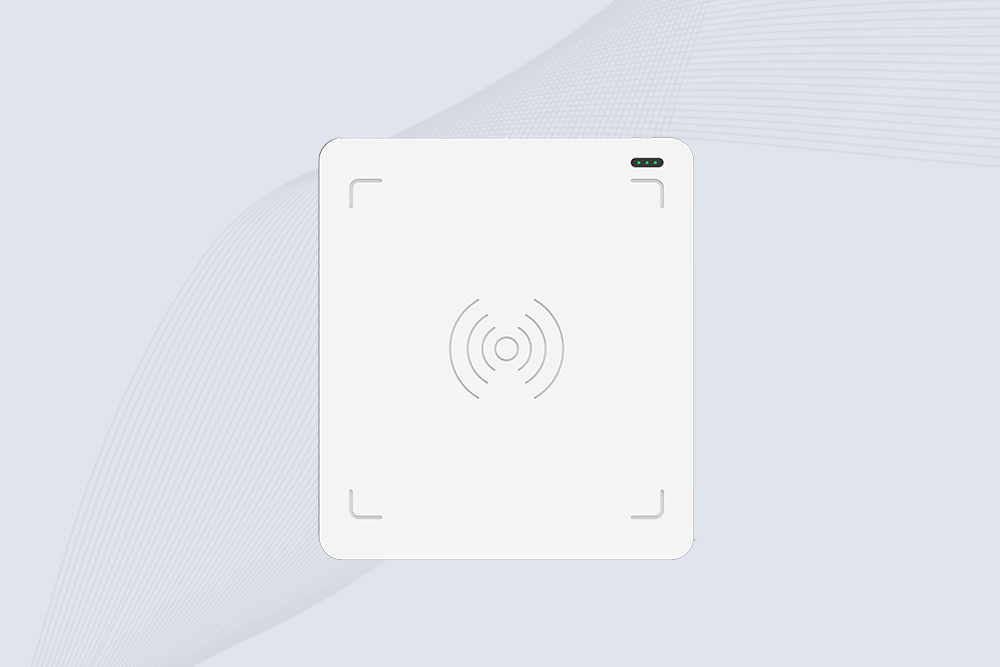
CYKEO CYKEO-D3L USB RFID Tag Reader delivers stable UHF tag reading and writing for daily desktop and light industrial tasks. Designed for controlled short-range operation, this USB RFID Tag Reader works reliably with rfid tag and reader systems in libraries, tool tracking, and inventory registration.
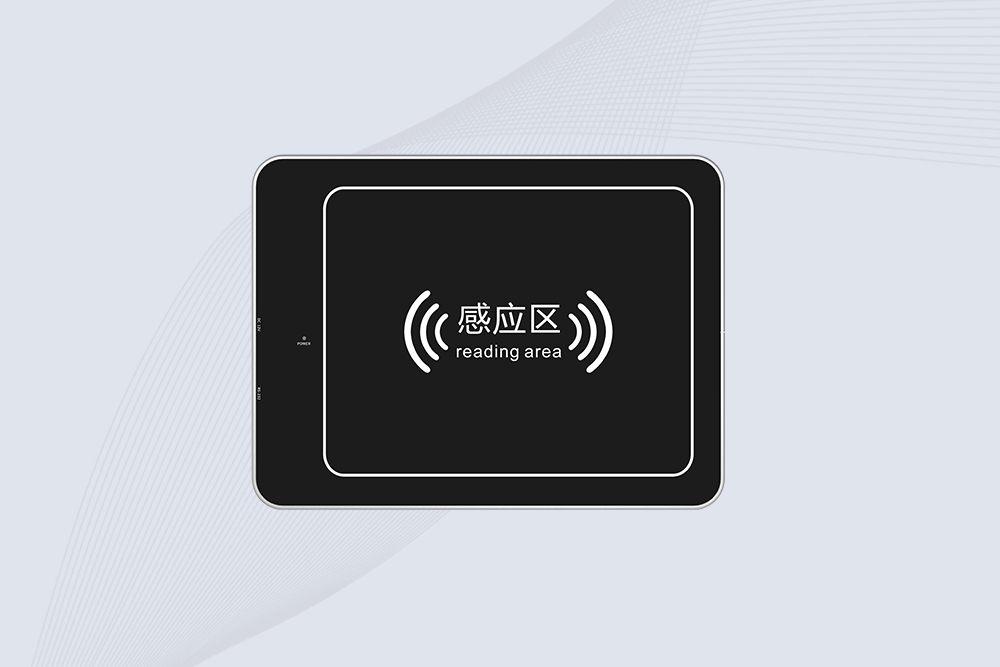
The CYKEO CYKEO-D4L UHF RFID Tag Reader is a stable Desktop RFID Reader designed for accurate tag registration, borrowing, and return workflows. Built with the Impinj R2000 chip, this UHF RFID Tag Reader delivers controlled short-range reads for libraries, asset tracking, and inventory management environments.
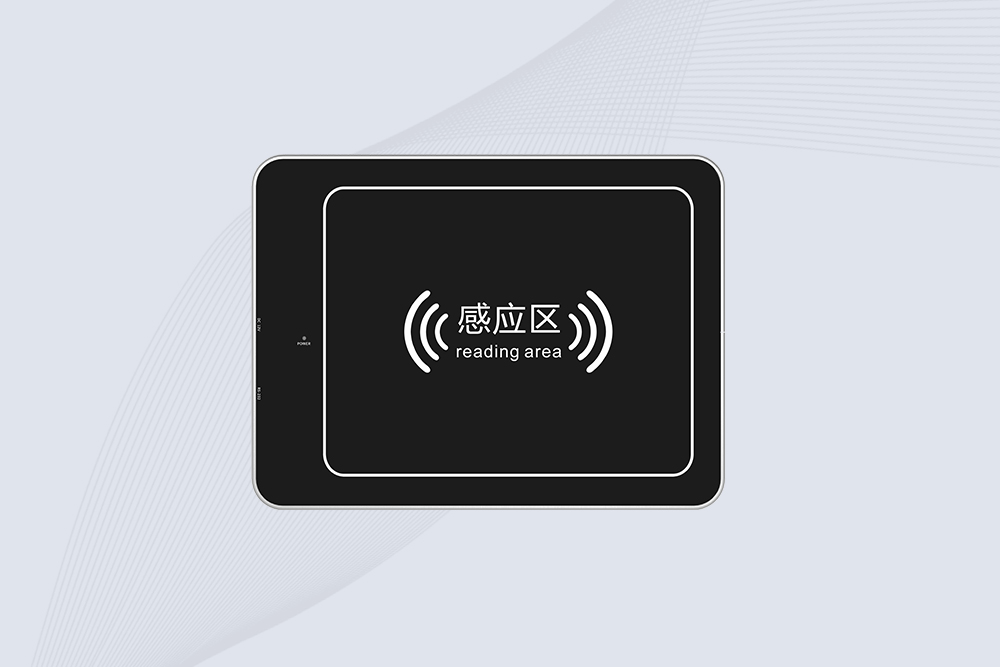
The CYKEO CYKEO-D5L Desktop RFID Card Reader is a stable UHF RFID Card Reader designed for controlled short-range reading and writing. Built for libraries, tool rooms, and asset desks, this UHF RFID Card Reader supports dense tag handling, secure data processing, and easy USB integration.
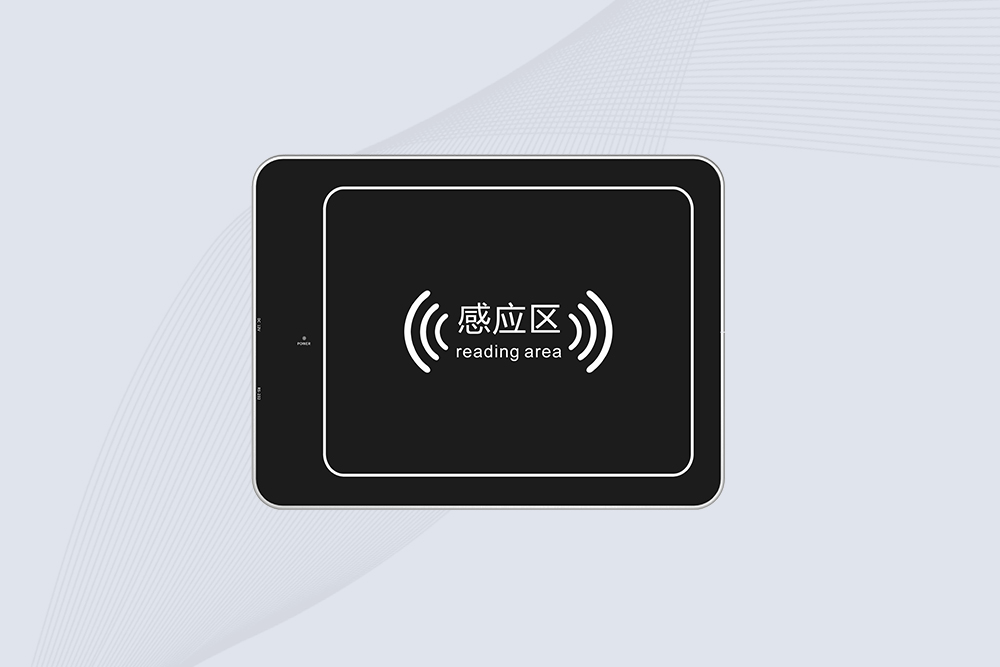
The CYKEO CYKEO-D6L RFID Reader Writer is a heavy-duty Desktop RFID Reader designed for short-range, high-accuracy tag programming. Built for libraries, labs, and asset desks, this RFID Reader Writer supports batch processing, stable 33dBm output, and seamless integration with existing management systems.
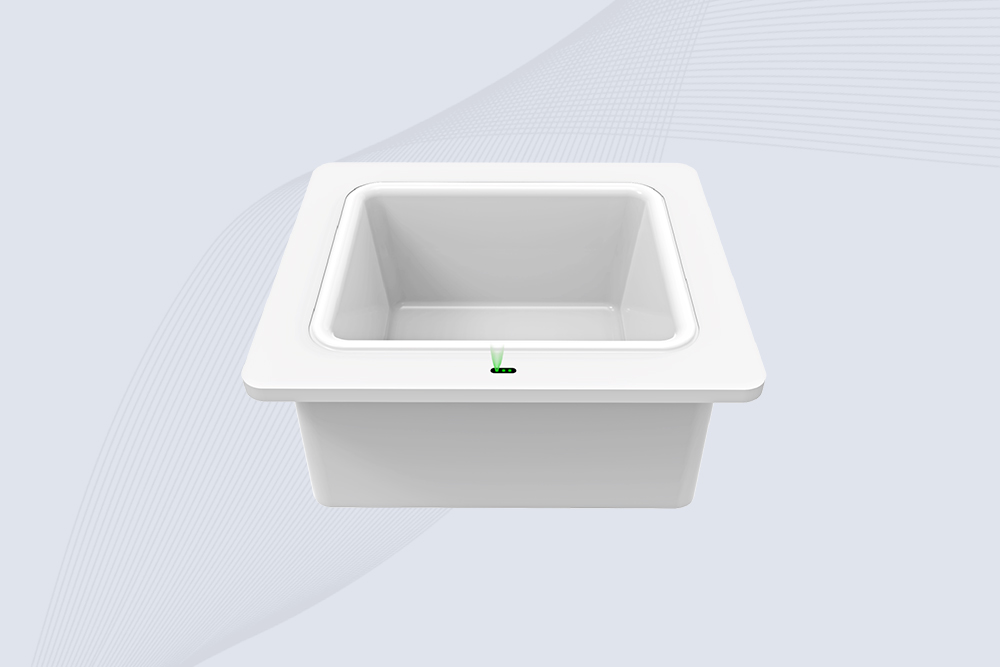
Cykeo CYKEO-D8B UHF RFID tunnel and RFID Desktop Reader features 30+ items batch reading,
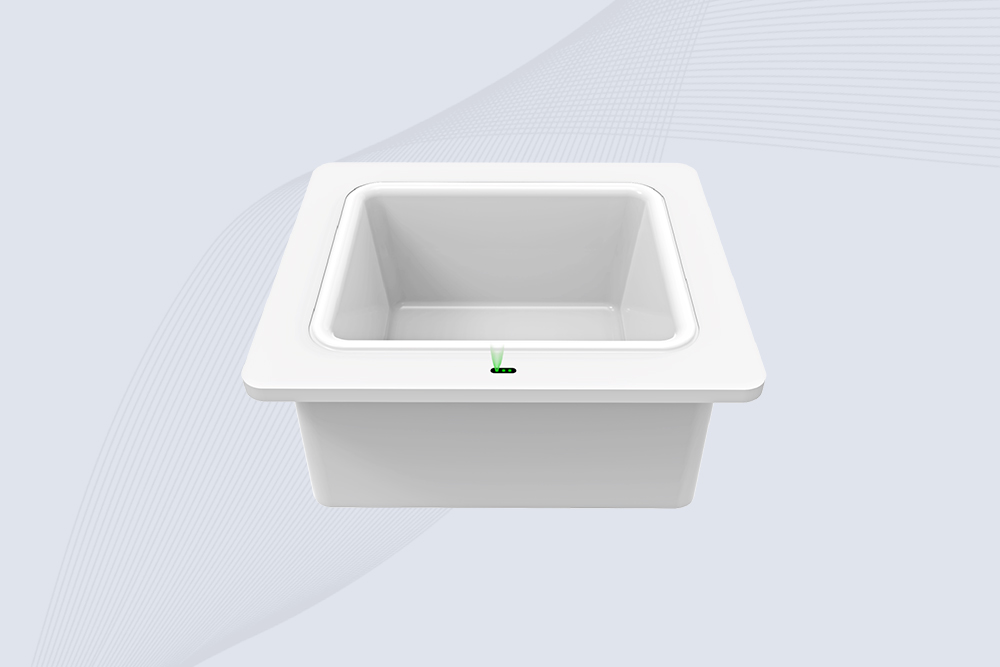
Cykeo CYKEO-D8A embedded RFID badge reader offers 30+ tags/sec scanning, 20cm anti-crosstalk precision, and DC 12V power for unmanned stores, warehouses, and smart inventory systems.
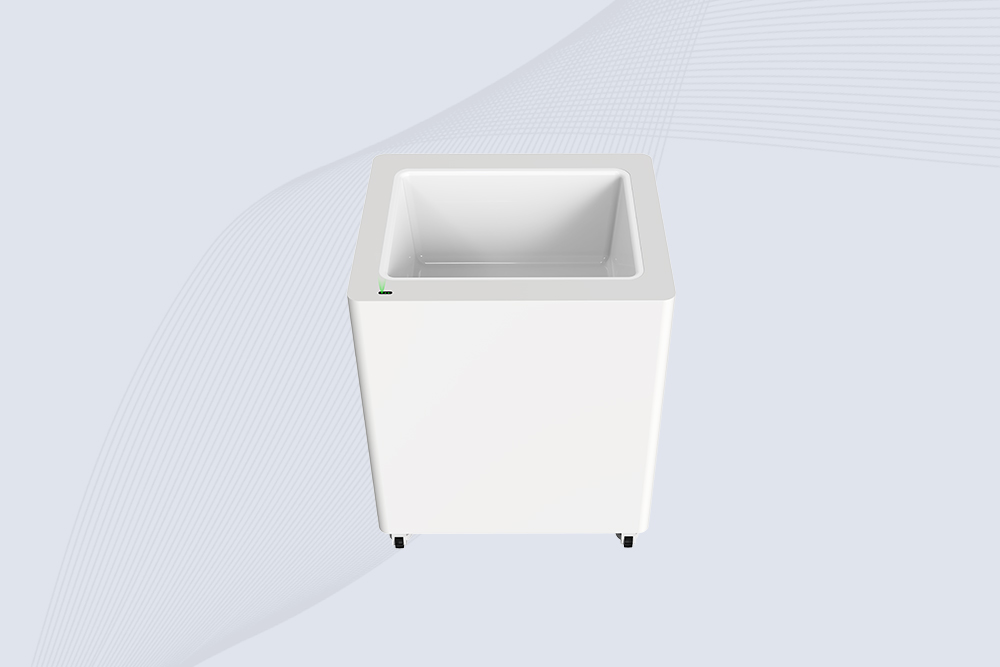
Cykeo’s CYKEO-D8C UHF RFID gate reader achieves 200-tag/batch scanning with adjustable power control, ideal for retail inventory and smart warehouse management.
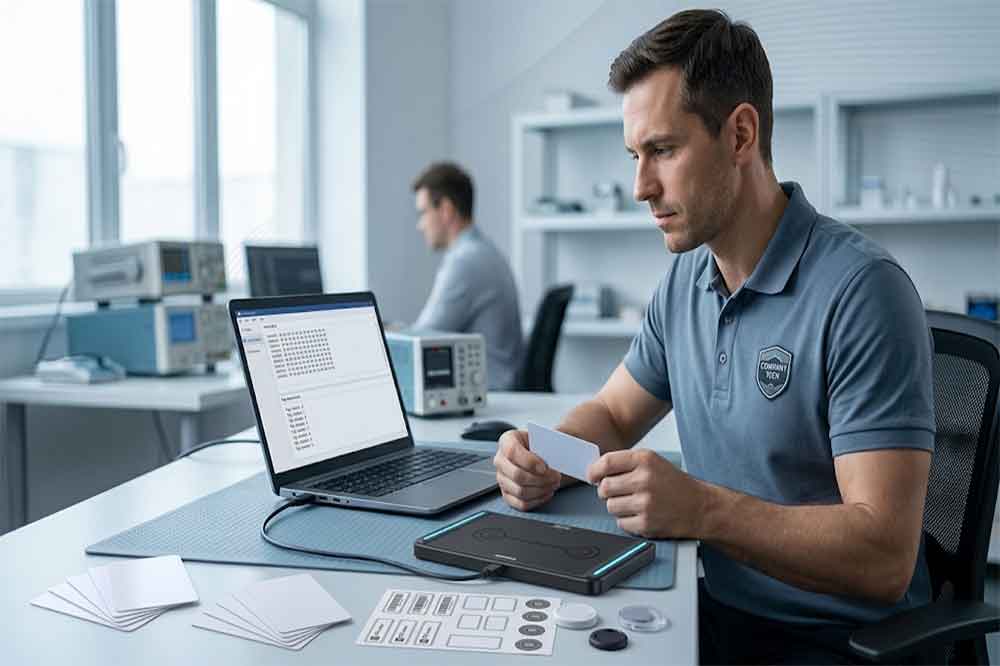
This buying guide helps businesses and system integrators evaluate USB RFID readers based on tag compatibility, reading performance, software integration, sa...
More
Learn how RFID works, its key components, and real-world applications. Discover Cykeo’s RFID solutions for industries like retail, healthcare, and logistics.
More
Discover cost-effective RFID modules tailored for small businesses. Learn how to streamline inventory management without breaking the budget.
More
USB RFID readers come in many styles—from desktop tools for office use to more capable models for warehouse and asset tracking. This guide explains the differences in a natural, human tone so you can quickly figure out which type actually fits you...
More