 Cykeo RFID IoT Solution Products R&D Manufacturer

rfid sensors: How RFID Becomes a Real-Time Sensing System
149Explore how rfid sensors enable real-time tracking, automation, and asset visibility. Improve efficiency with Cykeo UHF RFID reader solutions.
MoreAll RFID Product
Warehouse inventory work often involves more than counting boxes on shelves. Staff need to register incoming products, check item details, update stock records, investigate discrepancies, and make sure the information in the warehouse system matches the goods on hand.
In many warehouses, these tasks are handled at desktop computers. An operator may receive a shipment, bring an item to a workstation, identify it, and update its record before the product moves to storage.
A USB RFID reader can make this process more convenient when the products already carry compatible RFID tags. Instead of manually entering every identifier, staff can read the electronic information from a tag and use it to retrieve or update the corresponding inventory record.
For businesses planning an RFID warehouse inventory project, the important question is not simply whether a reader can detect a tag. The reader must fit the actual workflow, work with the selected tags, and communicate reliably with the software used by warehouse staff.
For warehouse teams evaluating suitable hardware, explore our range of [USB RFID readers for warehouse identification] and compare the available reader interfaces and application options
Desktop inventory stations are useful when warehouse operations require individual items to be checked or registered at a fixed location.
A USB RFID reader connects to a computer, allowing an operator to interact with tagged products through a suitable application. Depending on the reader model, the device may support tag identification, memory reading, writing, or other commands.
Several common warehouse tasks can benefit from this arrangement.
When a shipment arrives, the warehouse team needs to confirm which products have been received and associate them with the correct purchase order or delivery record.
If the products carry compatible RFID tags, a desktop reader can retrieve their identifiers during the registration process. The inventory application can then match each identifier against expected shipment data.
This can reduce manual entry, but it does not automatically confirm the physical quantity of every item in a shipment. Staff still need a suitable receiving procedure, particularly when products have not yet been tagged or when the system must verify quantities against packing documents.
Warehouse staff regularly need to answer practical questions: Which product is this? Has it already been registered? Which stock record belongs to this item?
Reading an RFID tag at a desktop station can help retrieve the associated product record. The application may display a product code, description, serial number, storage location, or stock status.
The information comes from the warehouse database, not necessarily from the RFID tag itself. Many workflows store only a unique identifier on the tag and maintain detailed product information in the software.
Stock adjustments are common when products are returned, moved between locations, damaged, or found during a discrepancy check.
A desktop RFID reader can help identify the item involved in the adjustment. The operator can then select the appropriate transaction and update the inventory system.
For better control, the software should record who made the adjustment, when it occurred, and why the change was necessary. RFID identification can support this process, but it does not replace transaction controls or stock reconciliation.
A desktop RFID station normally includes a compatible reader, a computer, RFID-tagged products, and an application connected to the warehouse database.
The exact setup depends on the warehouse’s inventory process. A small distributor may use a single workstation for receiving and dispatch, while a larger facility may maintain separate stations for incoming goods, returns, and quality inspection.
Warehouses that also manage reusable equipment can explore [USB RFID readers for asset tracking] to understand how tagged assets can be linked with their corresponding records.
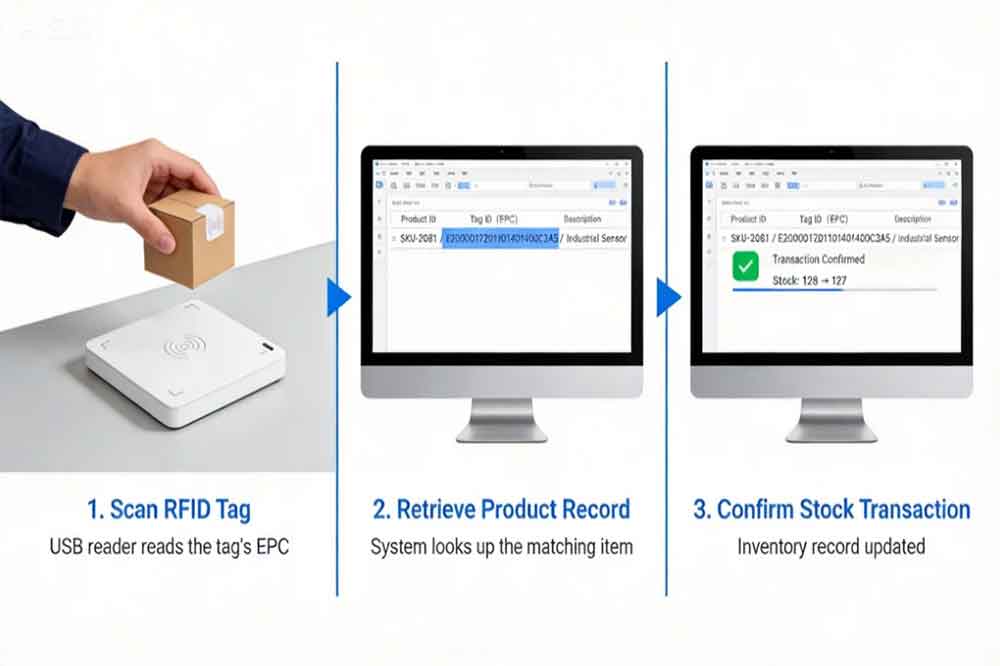
The operator places the tagged item within the reader’s effective reading area. The software requests the tag’s identifier and receives the data supported by the device.
For example, the system may retrieve a UHF EPC value or another identifier supported by the tag technology.
The reader’s frequency and protocol must match the RFID tag. A USB connection alone does not guarantee compatibility.
After receiving the identifier, the application searches its database for a matching product or asset record.
The interface can display information such as:
The information shown depends on the company’s software and database structure.
If the identifier is not found, the application should flag the item for registration or investigation instead of creating an uncontrolled duplicate record.
Reading a tag and changing inventory are separate actions.
The software should determine whether the operator is receiving a new item, checking existing stock, processing a return, or making another adjustment. This distinction helps prevent a simple identification scan from accidentally changing stock quantities.
For example, reading the same tag twice during an inventory check should not automatically add two units to the database.
After the operator confirms the transaction, the application updates the relevant inventory record.
A useful desktop workflow includes a clear success or failure message. If the database connection fails, the system should avoid reporting the transaction as completed when the update has not been saved.
This is particularly important for warehouses where multiple employees use different workstations to handle the same inventory.
The reader should be selected according to the tags, products, and working environment rather than appearance or connection type alone.
UHF RFID is commonly used for supply-chain labels and warehouse identification because it supports applications involving multiple tagged items and longer reading distances than many short-range desktop systems.
HF RFID, commonly operating at 13.56 MHz, is used for other identification applications, including compatible cards and tags.
A reader designed for one frequency does not automatically work with tags operating at another. Check the exact frequency band, protocol, and tag type before ordering equipment.
“For maintenance departments and industrial stores, [RFID readers for tool tracking and management] offer another application to consider when planning desktop identification workflows.”
Some desktop tasks require an operator to read one item at a time. Others involve several tagged products placed together.
For individual item registration, a controlled reading area can make it easier to associate the correct tag with the active transaction. If several tags are within range, the application needs a method to distinguish the intended item from nearby tags.
For batch reading, verify that the reader and software support the required multi-tag operation. Do not assume that every desktop reader can identify every tag in a stack or crowded container.
A USB reader may communicate through keyboard emulation, a serial interface, a vendor SDK, or another supported method.
Keyboard emulation can be convenient when an application simply needs to receive an identifier as text. More advanced inventory software may need direct control over tag selection, reading operations, write commands, and error responses.
Before purchasing, confirm the supported operating system, driver requirements, SDK availability, and integration method.
RFID performance can change when tags are attached to metal objects, placed near liquids, or positioned close to other tags and electronic equipment.
For this reason, a reader that performs well with a loose label on a desk may behave differently when used with the actual products.
Test the intended tags, packaging, item orientation, and workstation layout before deploying readers across the warehouse.
The main benefit of desktop RFID inventory often comes from the connection between the reader and the inventory application.
A basic application may capture an identifier and display a matching record. A more developed system can connect the same event with receiving transactions, stock movements, order processing, and inventory reporting.
For example, when a warehouse operator reads a tagged component, the application can retrieve the product record and check whether the item is expected in the current receiving order. If the identifier matches, the operator can confirm receipt. If it does not match, the system can display an exception for review.
When planning integration, check whether the reader’s SDK supports the required programming language and operating environment. The application may also need a database connection, user authentication, transaction logging, and a method for handling communication failures.
A reliable implementation should address duplicate scans, unknown tags, repeated transactions, and simultaneous updates from multiple workstations.
These details are easy to overlook during a hardware demonstration. They become much more important when real stock records depend on the system.
“Where employee identification is also part of the project, [USB RFID readers for employee ID card registration] provide a related example of connecting RFID hardware with a computer-based application.”
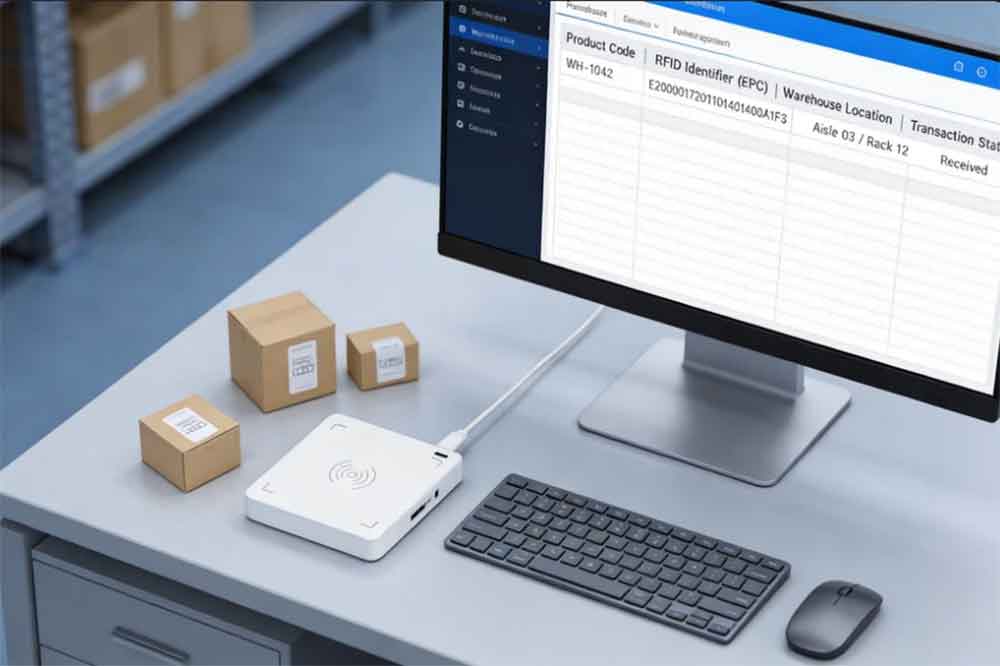
A desktop RFID reader can improve item identification, but several practical issues need attention.
The reader does not detect the tag. Check the tag’s frequency and protocol, reader configuration, USB connection, and placement. Test the actual label or product rather than a different sample tag.
The wrong product record appears. Check whether the identifier is unique and whether the database mapping is correct. The software should flag missing or conflicting records instead of selecting a similar product automatically.
Several nearby tags are detected. Adjust the reading area or tag placement where possible. The application should let the operator identify the intended item and avoid applying a transaction to every detected tag unintentionally.
Inventory quantities become inaccurate. Review the transaction logic. Repeated reads should not create repeated receipts or stock additions unless each read represents a separate, confirmed business transaction.
The reader works independently but fails in the warehouse application. Check the interface mode, SDK version, application permissions, and communication settings. Testing the reader with its own utility can help separate hardware issues from software integration problems.
A desktop reader is only one part of a warehouse RFID system.
It is generally useful for controlled, workstation-based tasks where staff need to identify individual items and work with records on a computer. Handheld RFID readers may be more suitable for mobile stocktaking, while fixed readers or RFID portals can support automated identification at designated movement points.
These devices serve different purposes. A desktop reader should not be expected to provide the same coverage as a properly designed fixed-reader installation.
Some warehouses use several types of RFID equipment together. A desktop station can register or investigate an item, while handheld devices support cycle counts and fixed readers monitor selected entry or exit points.
The most suitable arrangement depends on the number of items, the frequency of stock movements, the required level of automation, and the warehouse layout.
Before purchasing readers, define the tasks the workstation must support.
Start by identifying the products to be tagged and confirming that their tags are compatible with the proposed reader. Next, decide whether the workstation will be used for receiving, stock checks, returns, dispatch, or several activities.
Then test the complete process, including tag reading, database lookup, operator confirmation, transaction recording, and exception handling.
It is also worth measuring how long a normal transaction takes. A reader that performs well in a short demonstration may not provide the expected benefit if operators must repeatedly reposition products or correct software errors.
Finally, plan for deployment and maintenance. Document the reader configuration, software version, tag specification, and procedure for replacing faulty labels. These records make it easier to troubleshoot issues when the system expands to additional workstations.
“If your warehouse needs to prepare RFID labels before products enter stock, read our guide to using a [USB RFID reader for RFID label encoding], including tag programming and data verification.”
A USB RFID reader can be a useful part of an RFID warehouse inventory system when staff need to identify products and update records from a desktop computer.
Its value depends on more than reading speed. Compatible tags, a controlled reading area, reliable software integration, and clear transaction rules all contribute to accurate inventory records.
For warehouse operators and system integrators, the best starting point is to define the inventory workflow first, test it with actual products, and select a reader that meets those requirements.
RFID warehouse inventory uses radio-frequency identification to identify tagged products and associate them with inventory records. A USB RFID reader can support item registration and stock checks at a desktop workstation.
Yes. Depending on the model, integration may use keyboard emulation, a serial interface, an SDK, or another supported interface. The software must be designed to process the reader’s output.
Some models support multi-tag reading, but performance depends on the reader, tag protocol, tag placement, and environment. Confirm multi-tag capability if batch reading is required.
No. The reader captures tag information, while the inventory application determines how stock records change. Transaction rules are needed to prevent duplicate scans from creating incorrect quantities.
It is useful for fixed desktop tasks such as receiving and item registration. Large warehouses may combine desktop readers with handheld devices or fixed RFID systems to cover different operations.

Discover SSD-D4AL, a USB-HID UHF RFID reader with 4/8/16 antenna options, Impinj E710/X3M1 chipset, plug-and-play USB power, and OEM customization.

SSD-D3AL is a USB-HID UHF RFID reader with 0–30 cm reading, 0–15 cm writing, over 600 tags/s recognition, USB plug-and-play operation and OEM Logo customization.

SSD-D1AL is a compact USB UHF RFID reader with Impinj E710/X3M1 chipset, USB-HID, 600+ tags/s recognition, 4/8/16 antenna support and plug-and-play USB power.
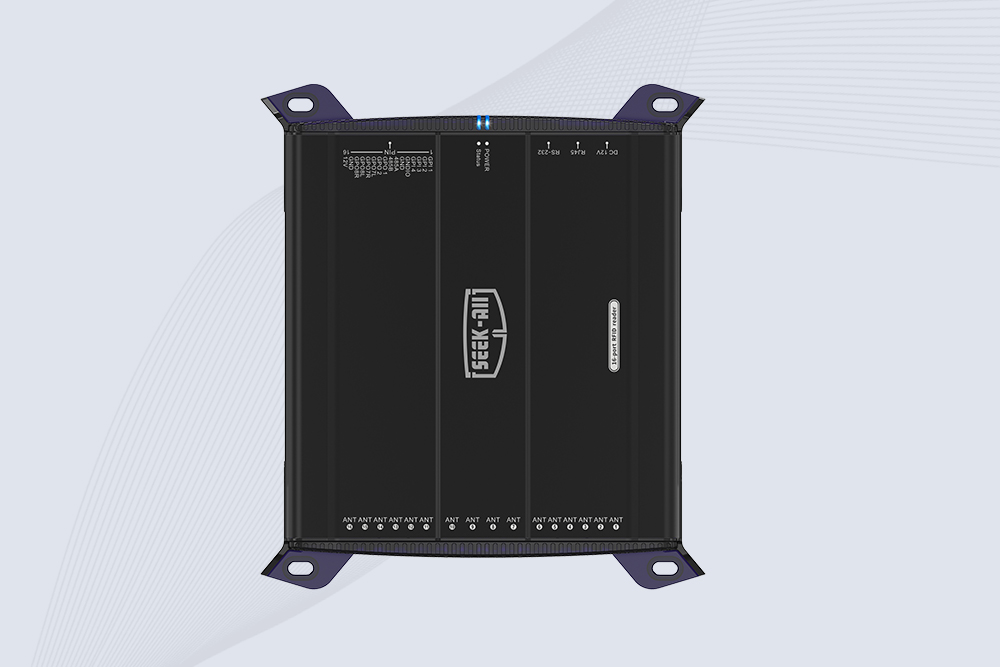
SSD-R16L Multi-Channel RFID Infrastructure for Automated Inventory Management ✔️ 16-Port High-Density RFID Reading Equipped with 16 SMA antenna ports, SSD-R16L supports multi-antenna deployment for warehouses, retail stores, logistics, production lines, and large-area RFID identification. ✔️ High-Speed & Long-Range Performance With up to 33…
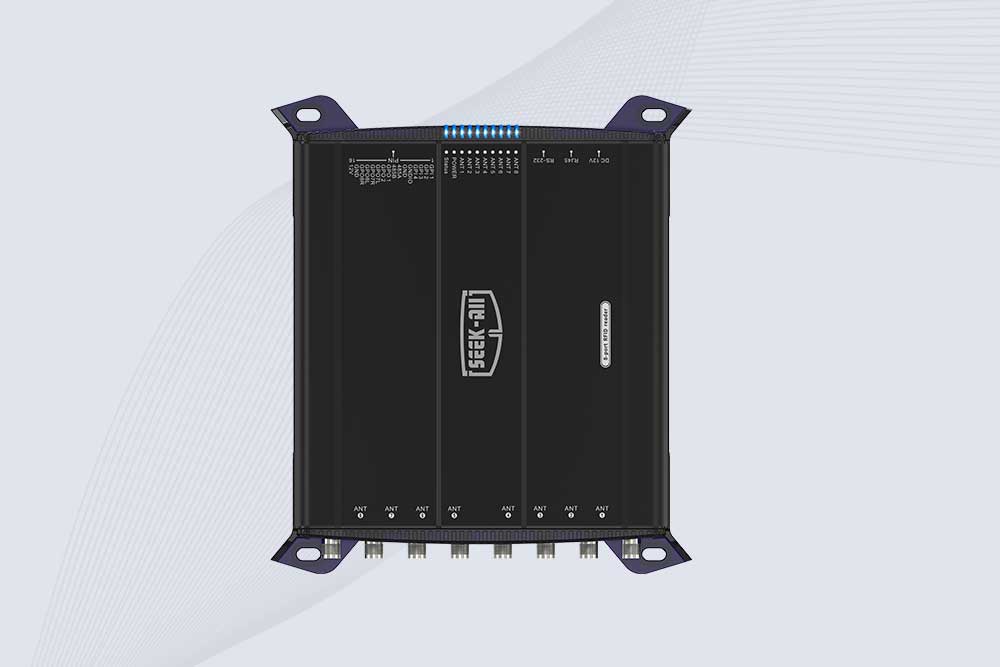
SSD-R8L 8-port UHF RFID reader with 33dBm output, up to 20m reading range and 600+ tags/s recognition. Ideal for warehouse, logistics, retail and asset tracking.
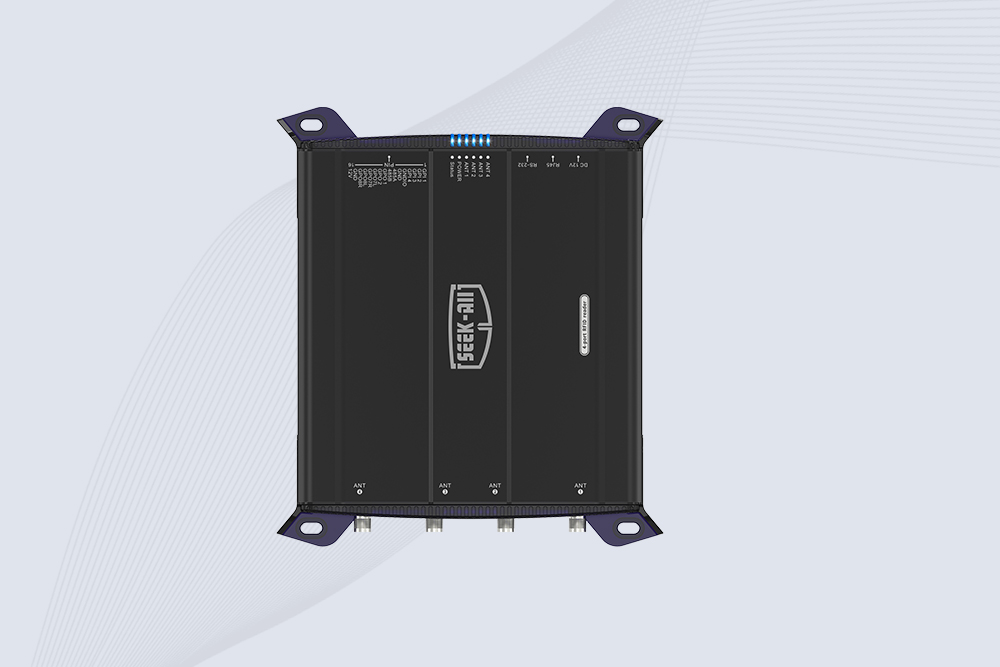
SSD-R4L is a 4-port UHF RFID fixed reader with 33dBm output power, up to 20m reading range, EPC C1G2 support and 600+ tags/s reading speed.

CYKEO CYKEO-D1LA USB RFID Reader is a compact desktop solution with near-field control for precise tag reading and encoding. Powered by USB, supporting ISO 18000-6C, and built for stable batch writing, this usb rfid tag reader fits retail, libraries, offices, and controlled RFID encoding tasks.

CYKEO CYKEO-D1L RFID scanner USB is a compact desktop UHF RFID scanner designed for short-range tag writing and verification. This usb rfid scanner supports batch encoding, stable 0–26 dBm output, and works across Windows, Linux, and Android systems.

CYKEO CYKEO-D1C USB RFID Card Reader is a near-field UHF desktop writer designed for secure, short-range tag encoding. With USB-C connectivity and stable 26 dBm output, this rfid reader usb c is ideal for badge issuance, label encoding, and controlled desktop RFID workflows.

CYKEO CYKEO-D2L RFID Reader USB is a compact desktop encoder built on the Impinj R500 chip. With near-field control and stable USB power, this usb rfid card reader delivers precise tag writing for offices, retail counters, and small-scale logistics encoding tasks.

CYKEO CYKEO-D3L USB RFID Tag Reader delivers stable UHF tag reading and writing for daily desktop and light industrial tasks. Designed for controlled short-range operation, this USB RFID Tag Reader works reliably with rfid tag and reader systems in libraries, tool tracking, and inventory registration.

The CYKEO CYKEO-D4L UHF RFID Tag Reader is a stable Desktop RFID Reader designed for accurate tag registration, borrowing, and return workflows. Built with the Impinj R2000 chip, this UHF RFID Tag Reader delivers controlled short-range reads for libraries, asset tracking, and inventory management environments.

The CYKEO CYKEO-D5L Desktop RFID Card Reader is a stable UHF RFID Card Reader designed for controlled short-range reading and writing. Built for libraries, tool rooms, and asset desks, this UHF RFID Card Reader supports dense tag handling, secure data processing, and easy USB integration.

The CYKEO CYKEO-D6L RFID Reader Writer is a heavy-duty Desktop RFID Reader designed for short-range, high-accuracy tag programming. Built for libraries, labs, and asset desks, this RFID Reader Writer supports batch processing, stable 33dBm output, and seamless integration with existing management systems.

Cykeo CYKEO-D8B UHF RFID tunnel and RFID Desktop Reader features 30+ items batch reading,

Cykeo CYKEO-D8A embedded RFID badge reader offers 30+ tags/sec scanning, 20cm anti-crosstalk precision, and DC 12V power for unmanned stores, warehouses, and smart inventory systems.

Cykeo’s CYKEO-D8C UHF RFID gate reader achieves 200-tag/batch scanning with adjustable power control, ideal for retail inventory and smart warehouse management.
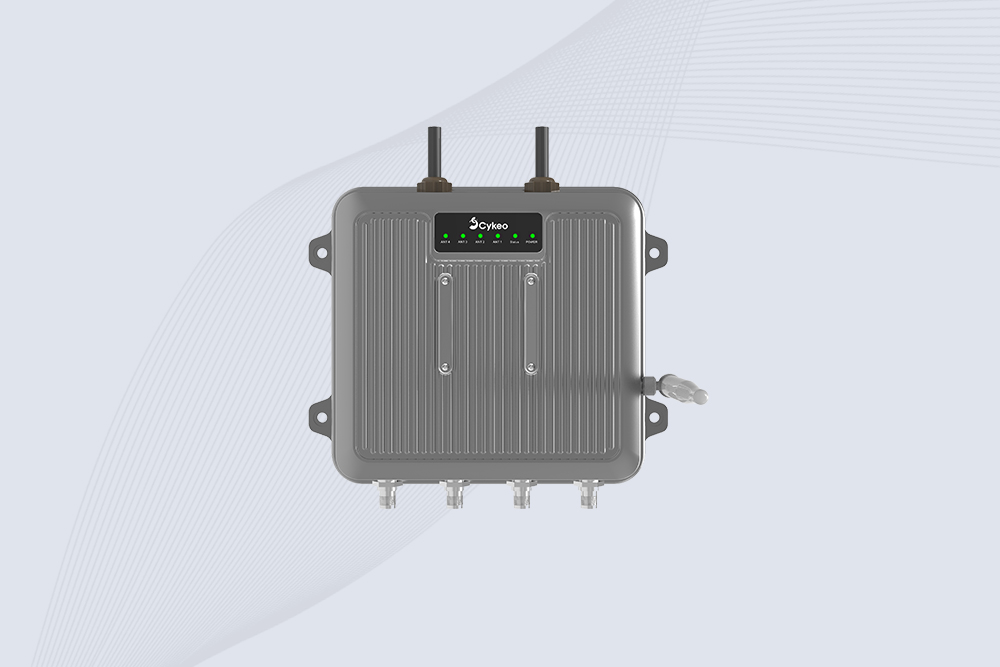
Cykeo CYKEO-C1 industrial Forklift RFID Reader features 20m read range, 600 tags/sec scanning, Impinj R2000 chipset, and IP67 rugged design. Ideal for warehouse logistics and manufacturing. Supports ISO 18000-6C/6B protocols.
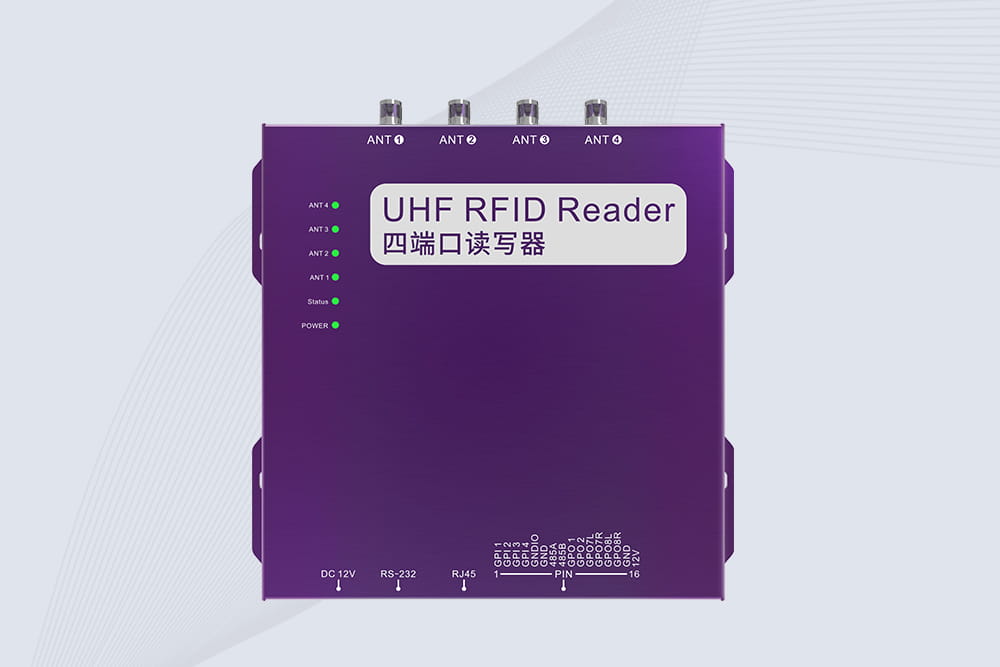
Cykeo CYKEO-R4 industrial UHF RFID Fixed Reader features 4 TNC ports, 400+ tags/sec speed, IP67 housing, and global frequency compliance for vehicle inspection, smart warehouse, and asset management systems.
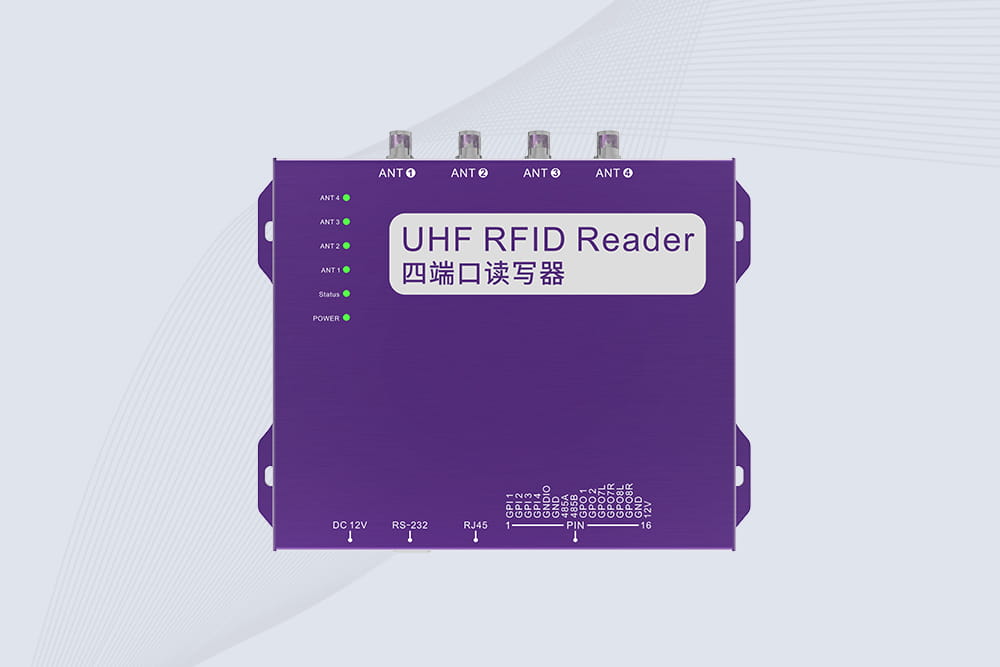
Cykeo’s CYKEO-R4L 4-port Fixed UHF RFID Reader delivers 400 tags/sec scanning, ISO 18000-6C compliance, and IP65 protection. Ideal for warehouse automation, manufacturing WIP tracking, and logistics management.
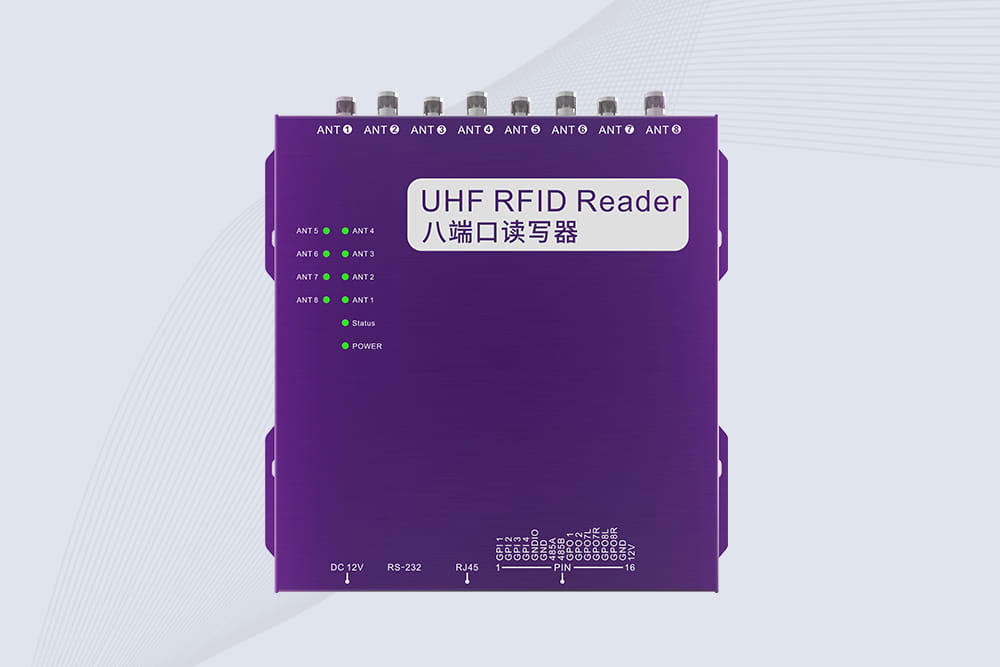
CYKEO CYKEO-R8L Fixed RFID Reader with 8-port UHF design, Impinj-based RF core and up to 20m read range. An industrial Fixed RFID Reader for vehicle inspection, warehouse portals, smart manufacturing lines and secure access checkpoints.
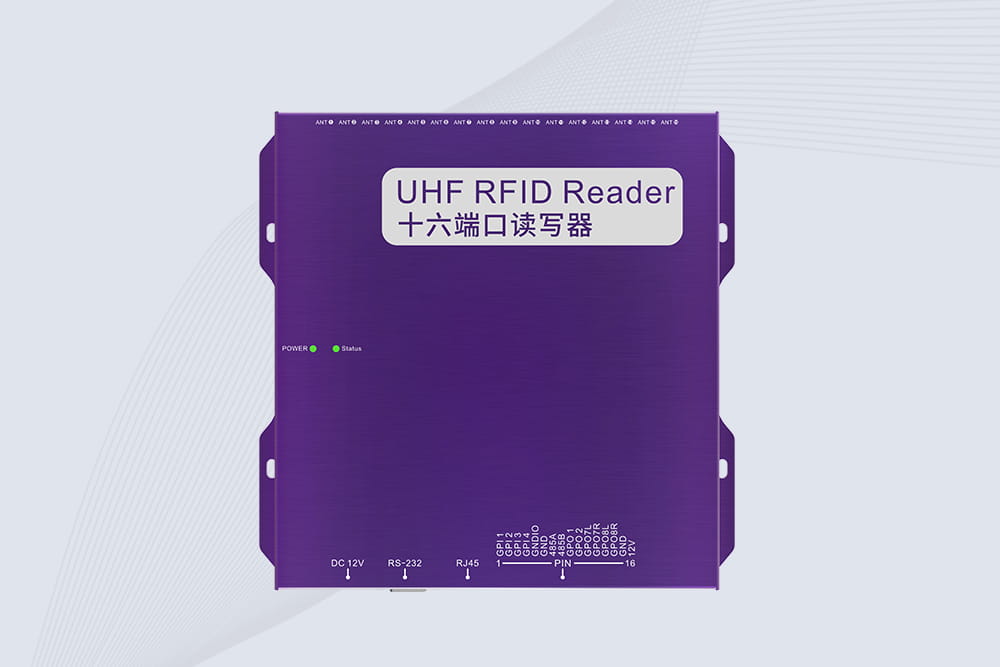
RFID Fixed Reader from CYKEO – the CYKEO-R16L 16-port UHF fixed reader for warehouses, smart cabinets, and production lines. Long-range, multi-tag reading, stable performance for 24/7 industrial use.
RFID Industry Writer | IoT & Asset Tracking Analyst
James writes about RFID technology, asset tracking, and the practical challenges of digital transformation across warehousing, retail, manufacturing, and logistics.
His work focuses on how RFID is applied in real-world operations—improving inventory visibility, automating workflows, and helping businesses manage assets with greater accuracy and efficiency.
He regularly covers topics including UHF RFID, smart cabinets, RFID portals, tool tracking, warehouse automation, and industrial IoT trends..
Explore how rfid sensors enable real-time tracking, automation, and asset visibility. Improve efficiency with Cykeo UHF RFID reader solutions.
More
Read and write MIFARE (ISO14443-A) cards using PC/SC readers like ACR122U and Omnikey. Includes the GET DATA APDU, SCard flow, sample code (C++, Python, C#) and practical troubleshooting.
More
Washable RFID tags feature high resistance to heat, chemicals, and repeated washing. They play a crucial role in managing hotel linens, industrial laundry, medical textiles, and apparel tracking. This article explores their features, applications,...
More
Discover why the RFID 13.56 MHz reader is the best choice for modern access control and industrial tracking. Real-world insights, practical tips, and lessons learned from hands-on installations.
More