In projects that touch RFID or access control, MIFARE cards show up everywhere. When you want to use a PC to talk to them, things are simple in idea but messy in practice. This is a practical write-up based on real-world work: what to send, what to expect, and when to dig deeper.
One — why use PC/SC
PC/SC is the common smart-card interface on Windows, macOS and Linux. Many USB readers speak PC/SC, so you don’t need a vendor SDK. That makes it easy to script or integrate in C, Python, Node, C# and more. The trade-off: you still need to know APDUs and card layout for non-trivial operations.
Two — reading the MIFARE UID
Reading a card’s UID is the usual first step. The UID is the card’s serial number. If you call the PC/SC transmit function and send the standard APDU, you’ll get the UID bytes back on most readers.
If you use winscard.dll on Windows or pcsc-lite on Linux, call SCardTransmit() with the GET DATA APDU and parse the returned bytes. Different card families may return 4, 7, or 10 bytes for the UID, so code must accept variable length.
Three — reading blocks and permissions
The hard part with MIFARE Classic isn’t the transport — it’s the keys. Each sector has Key A and Key B that control access. Many production systems replace default keys, so attempting to read without authenticating will fail. Tools exist that wrap the APDUs and handle common key sequences, but you still need the correct keys.
MIFARE utility tools that speak PC/SC typically wrap authentication and block read/write into convenient UI commands. They help for quick debugging and lab work, but the underlying control remains APDU-based.
Four — Proxmark and deeper work
When you need to see RF-level traffic, crack unknown keys, emulate cards, or investigate “weird” behavior, Proxmark-style tools are the right choice. They operate at the radio layer and expose commands that PC/SC does not. Many real-world cloning or emulation cases get resolved only after dumping traces with such tools and analyzing the exchanges.
Five — practical advice for projects
- Don’t hardcode UID length — support up to 10 bytes.
- Test with more than one reader if results look odd. Reader firmware and driver behavior can differ.
- Treat UID as an identifier only — it is not a cryptographic credential. Combine UID checks with server-side verification or data stored on the card for robustness.
- Use GUI PC/SC tools when you want to quickly confirm reader/card behavior before coding.
- If you need reproducible, low-level debugging, capture RF traffic with a Proxmark or equivalent.
Six — legality and safety
Reading cards you own for development is fine; cloning or altering access/payment cards without authorization can be illegal. Always get written permission or work in an isolated lab environment when doing anything that modifies or emulates cards.
Seven — final notes
PC/SC is the right first step for most read-and-identify tasks. When the UID “jumps” or you suspect cloning or hidden behavior, move to RF-level tools rather than fighting the PC/SC abstraction. Keep authentication and keys in mind: that’s where most real access issues live.

2026-09-22
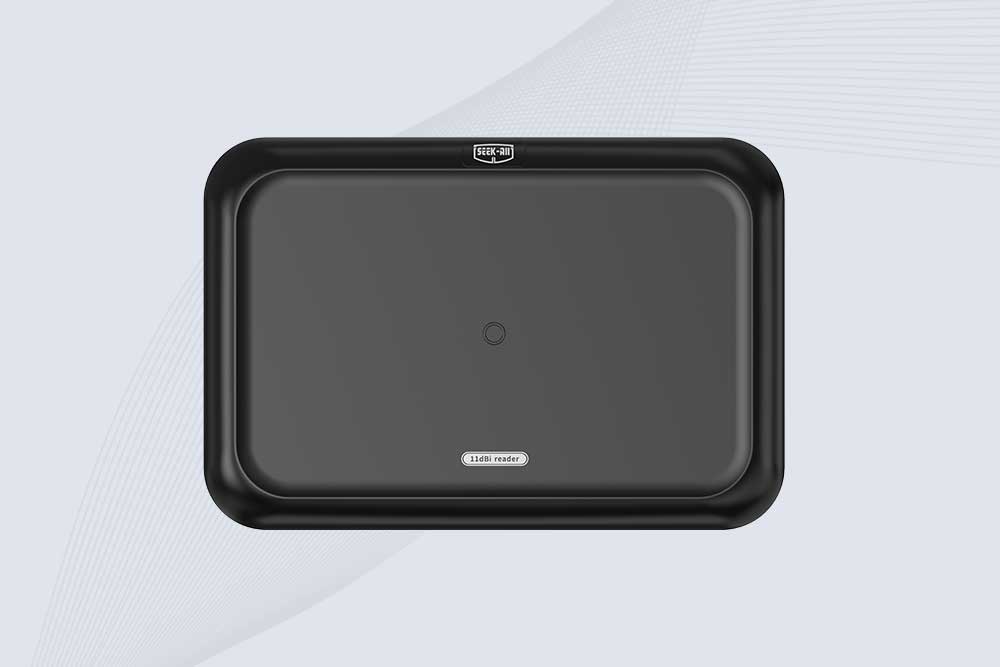
SSD-RA11L is an 11 dBi UHF RFID reader with up to 15m reading distance, 600+ tags/s speed, integrated antenna and flexible connectivity.
2026-09-22
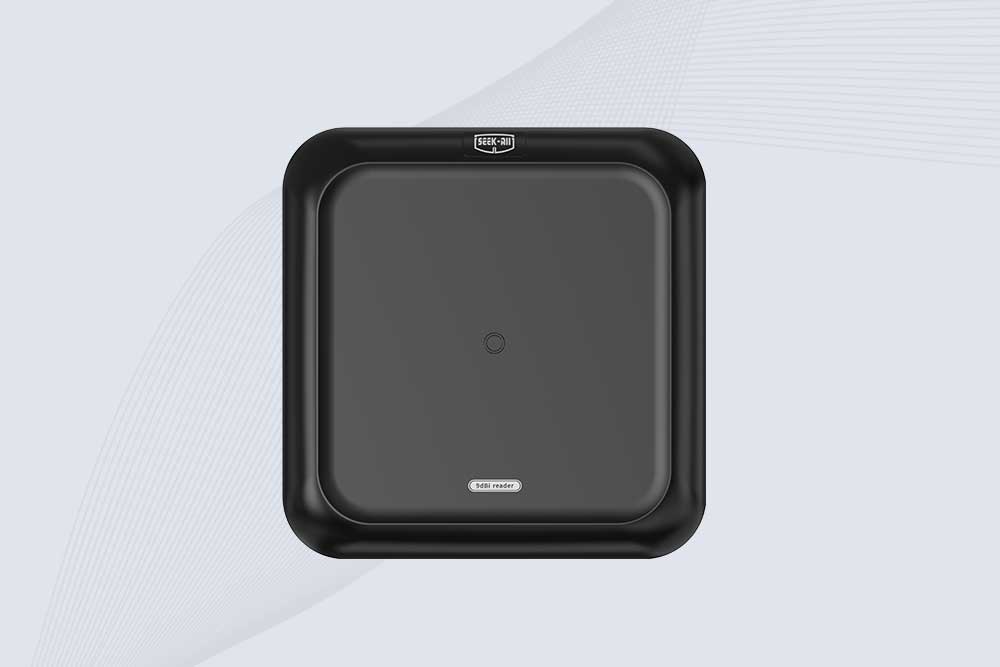
SSD-RA09L is a long range UHF RFID reader with a built-in 9 dBi antenna, 10m reading range, 600+ tags/s speed and flexible interfaces.
2026-09-21
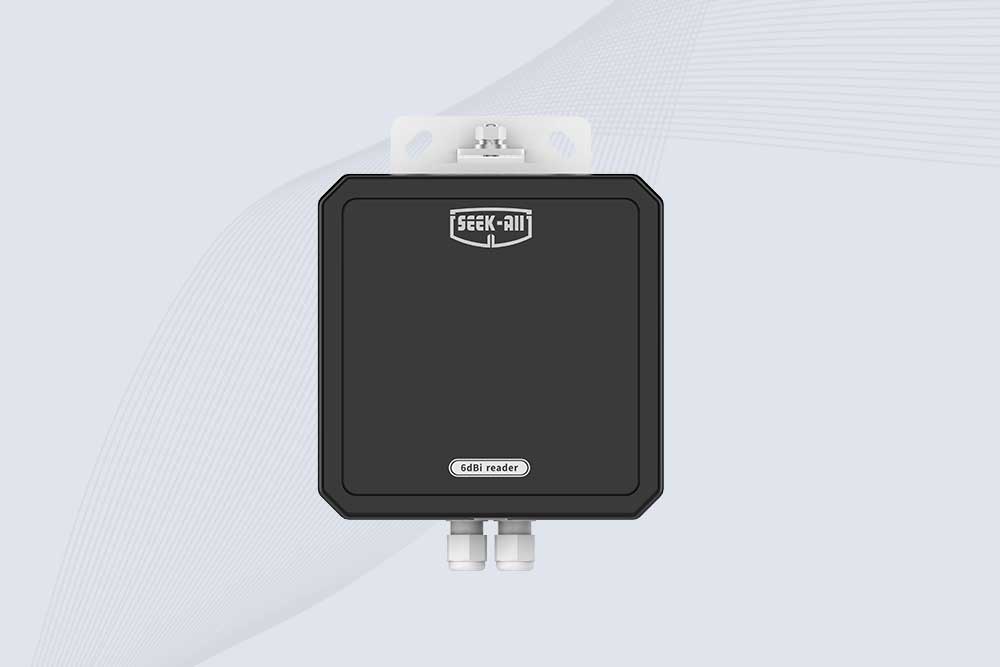
SSD-RA06L is an industrial UHF RFID reader with a built-in 6 dBi antenna, 3 m read range, 600+ tags/s, Ethernet, RS232, and optional Wi-Fi, 4G, and PoE.
2026-09-21
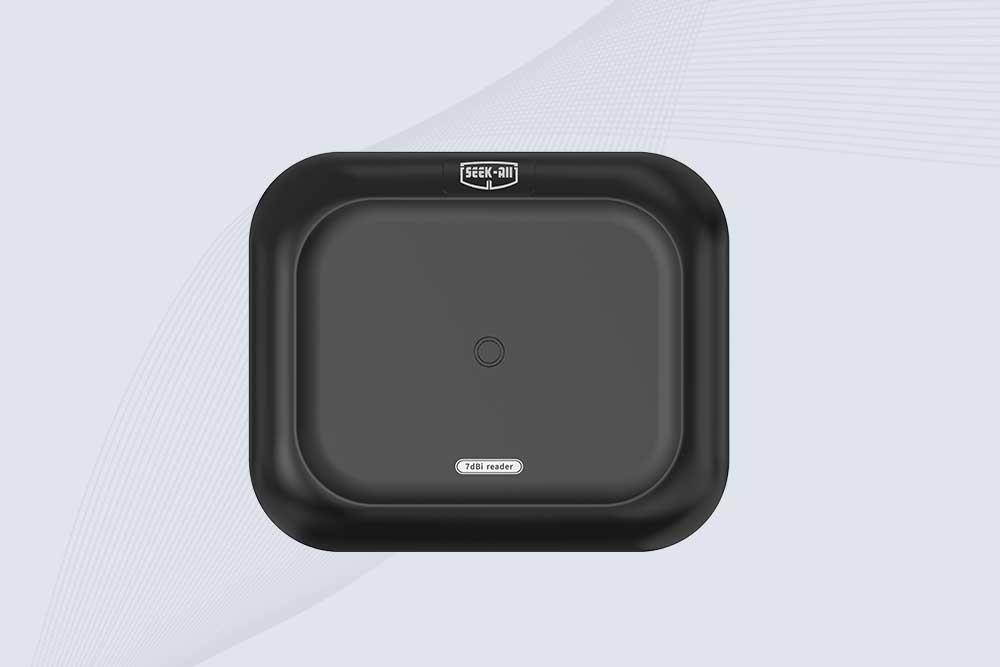
SSD-RA07L industrial UHF RFID reader with integrated 7 dBi antenna, up to 6 m reading distance, over 600 tags/s, Ethernet, RS232, and optional Wi-Fi, 4G, and PoE.
 Cykeo RFID IoT Solution Products R&D Manufacturer