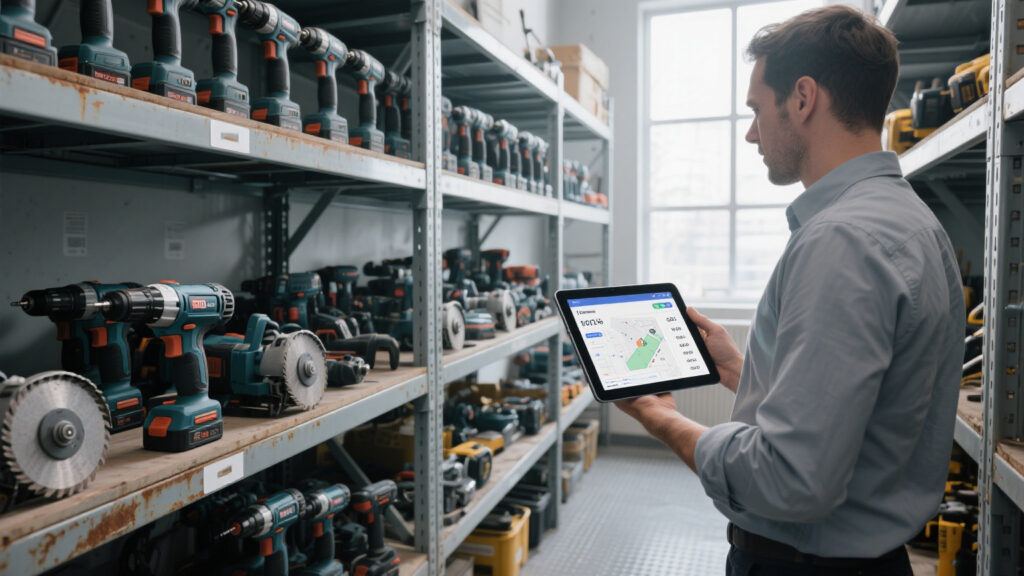
Let’s skip the corporate jargon for a second — tool management isn’t about fancy dashboards. It’s about that moment when someone yells, “Who took the torque wrench again?” and no one answers. RFID tool tracking solves that kind of mess by replacing human memory with actual, searchable data.
1. What Is RFID Tool Tracking?
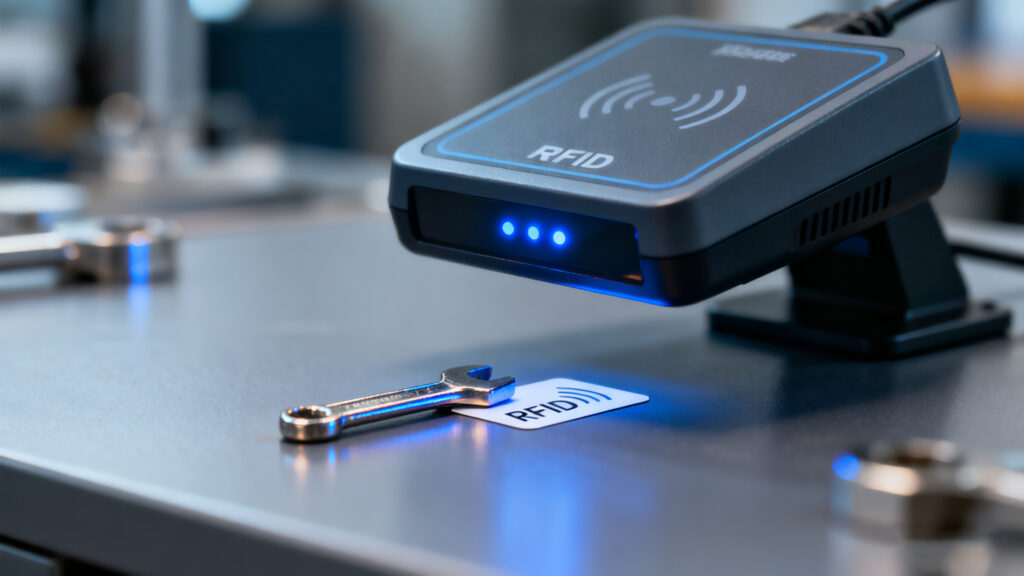
In simple terms, it means tagging tools with RFID labels and using readers plus backend software to automatically record where each tool is, who took it, and when it was returned. It transforms a frustrating manual process into something transparent and traceable.
2. Why RFID Instead of Barcodes?
Barcodes require line-of-sight and manual scanning. RFID doesn’t. When tools are stacked, boxed, or stored in drawers, RFID shines because:
No line of sight needed: Tags can be read even when hidden or stacked.
Batch scanning: Dozens of tools can be read in a single sweep.
Writable memory: Each tag can store calibration data, repair records, or tool history.
In environments where tools move fast and accountability matters, RFID becomes the natural choice.
3. Tag and Reader Configurations (From a Practical View)
Here’s the rule of thumb from real engineers: don’t start with the most expensive setup — match your tools first.
Tag types:
Passive UHF tags (affordable, ideal for most tools)
On-metal tags (for metal tools; adhesive and spacing matter a lot)
Active or semi-active tags (battery-powered, great for high-value items)
Reader types:
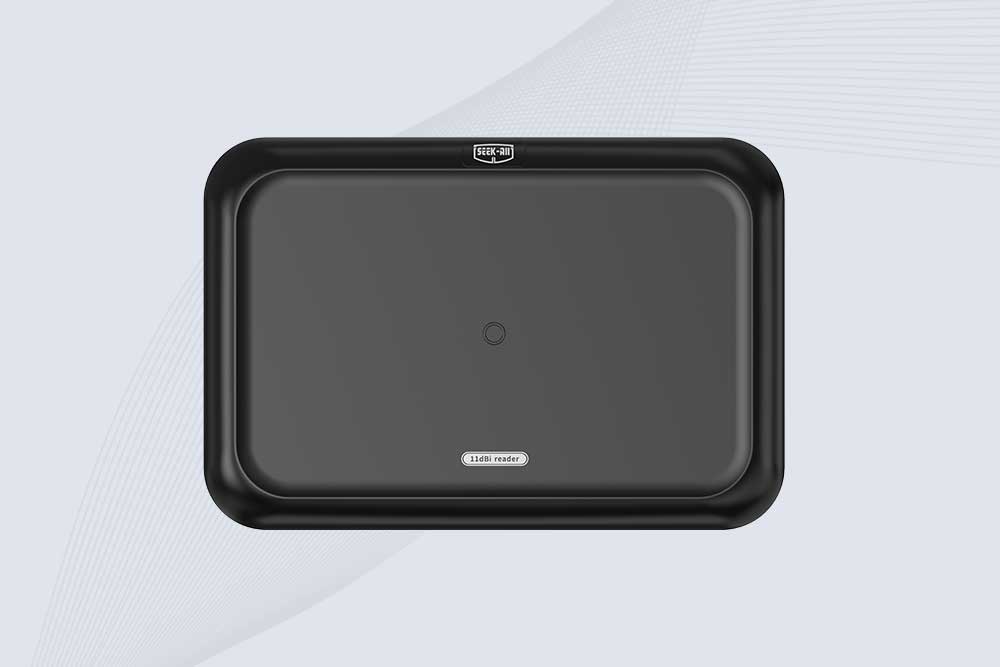
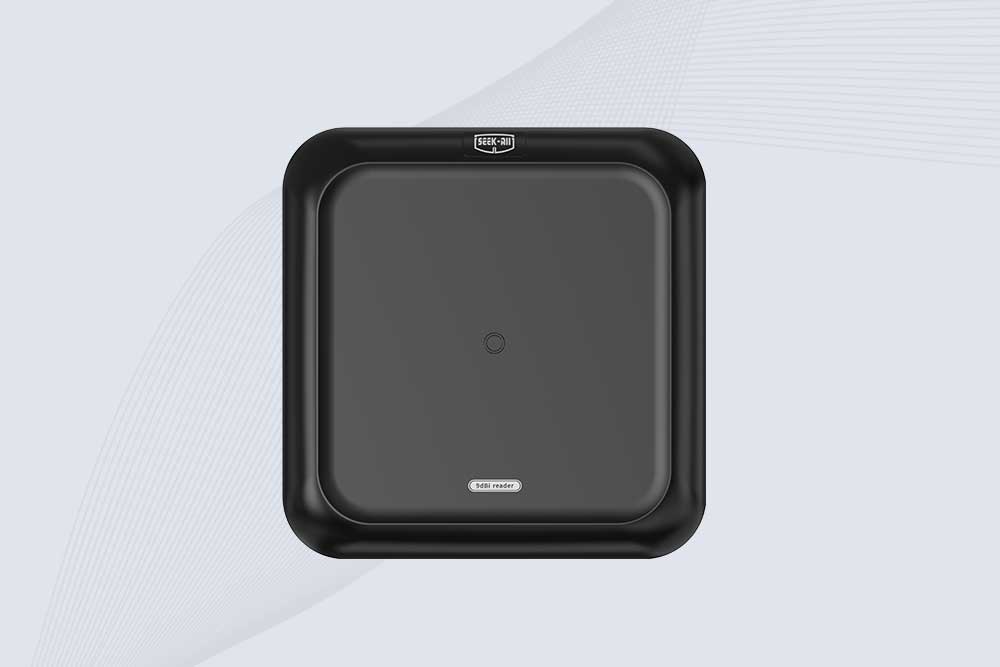
Desktop reader: for issuing or checking individual tools
Handheld reader: for inspections or mobile verification
Fixed portal/antenna: for tool cabinets or doorways to log movement automatically
Quick tip: if your tools sit on metal racks, use metal-compatible tags. If tools leave the area occasionally, combine handheld and desktop readers for balance.
4. Implementation Roadmap (The Smart Sequence)
Inventory & Categorization – Classify tools by value, usage frequency, and calibration needs.
Pilot Test – Start small: one cabinet or one work area. Record what fails and why.
Process Design – Define who scans, when, and how alerts are triggered.
Hardware Tuning – Adjust antenna angles, power levels, and tag positions onsite.
Training & Rollout – Educate staff and bake RFID use into daily habits.
Scale & Optimize – Expand step by step, fine-tuning performance and coverage.
Remember: technology is 40%, people and process are the other 60%.
5. Common Issues & Practical Fixes
Problem
Cause
Solution
Tags not reading
Metal interference or bad placement
Use on-metal tags, apply isolation pads
False reads
Reader power too high
Lower power, narrow the read zone
Tag damage
Harsh handling
Choose rugged or encapsulated tags
Missed check-ins
No reader at key point
Add fixed reader at cabinet or exit
User resistance
Too many extra steps
Make scanning part of natural workflow
Pro tip: placing a low-range near-field reader at the tool cabinet prevents cross-reads while keeping accuracy near 100%.
6. Measuring ROI (The Real-World Way)
Don’t just count equipment cost — measure time saved and losses avoided:
Reduced downtime from searching for tools
Lower replacement and loss costs
Improved calibration compliance
Drastically shorter audit times (from days to hours)
Calculate ROI by tracking hours lost each month to “missing tools,” convert that to labor cost, and compare it against RFID deployment cost. You’ll see how fast it pays off.
RFID isn’t just “tags + readers.” It’s a workflow trigger.
Borrowing a tool can auto-generate a work order.
Calibration deadlines can push reminders.
Unreturned tools can lock out user access automatically.
Once data starts moving between systems, management shifts from reactive to proactive.
8. Final Thoughts
Tool chaos is rarely a big headline problem — it’s a thousand small ones that pile up. Every missing wrench, every delayed shift, chips away at productivity. RFID tool tracking doesn’t fix human forgetfulness, but it gives visibility and accountability that make operations smoother.
The real success isn’t in how many tags you buy, but in how naturally the system fits your workflow, how consistently it’s used, and how much data you can trust. Get those right, and you’ll never hear “who took my wrench” again.
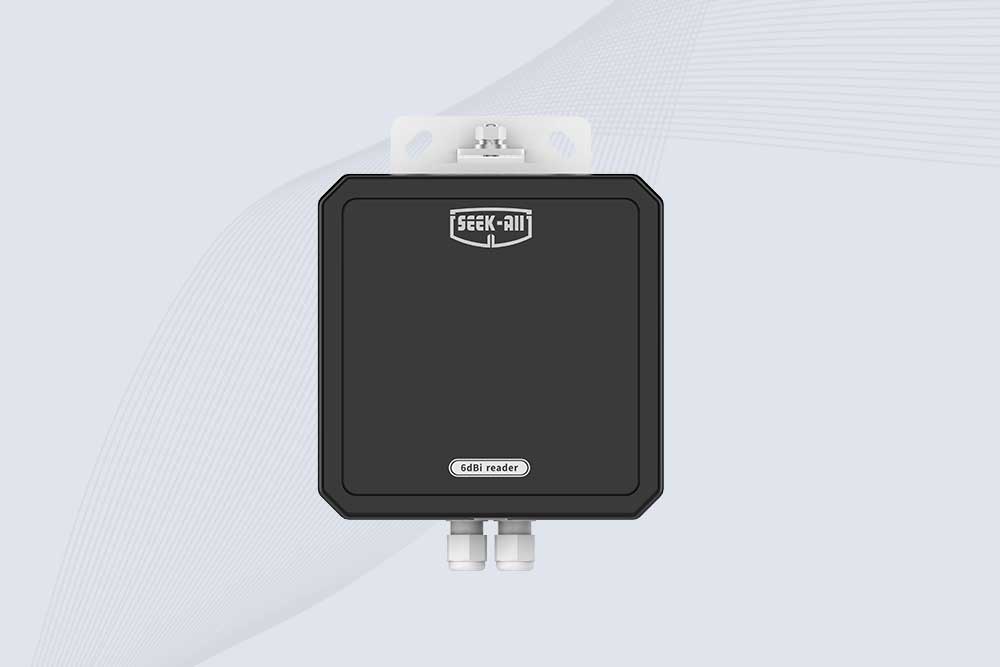
SSD-RA06L is an industrial UHF RFID reader with a built-in 6 dBi antenna, 3 m read range, 600+ tags/s, Ethernet, RS232, and optional Wi-Fi, 4G, and PoE.
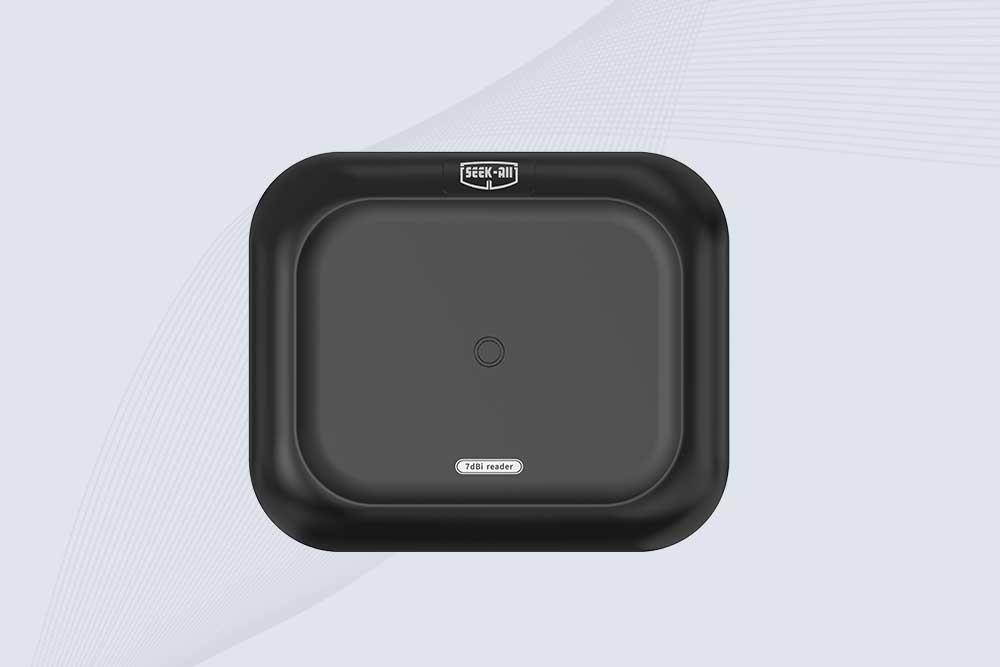
SSD-RA07L industrial UHF RFID reader with integrated 7 dBi antenna, up to 6 m reading distance, over 600 tags/s, Ethernet, RS232, and optional Wi-Fi, 4G, and PoE.
Discover how long range RFID tag readers revolutionize warehouses, logistics, and access control. Learn how passive, active, and battery-assisted tags enable extended distance scanning and real-time asset tracking.
Learn how to transfer RFID tag data to a MySQL database step-by-step. Explore hardware setup, middleware configuration, and Cykeo’s RFID-to-database solutions.
Discover the meaning of RFID, how RFID technology works, the different types of RFID tags, and where RFID is used today. Learn how RFID modules and RFID antennas power modern tracking systems.
Not all RFID tags are the same—and choosing the wrong one can mess up your whole project. If you're working on vehicle tracking, there are three main types you need to understand. RFID performance depends heavily on: Pick the wrong tag, and you’ll...
 Cykeo RFID IoT Solution Products R&D Manufacturer