 Cykeo RFID IoT Solution Products R&D Manufacturer
How to Make a RFID Reader Module
296Learn how to make a RFID reader module from scratch. Our guide covers frequency choice, key components like the MFRC522, antenna tuning, and common pitfalls for a functional prototype.
MoreAll RFID Product
If you have been looking into RFID, you have probably heard the term “RFID tagging” thrown around a lot. But what does it actually involve? Is it just slapping stickers on stuff and calling it a day? Not quite. At CYKEO, we talk to businesses all the time who think RFID is simple—until they realize that where you put the tag, how you attach it, and whether you encode it properly all matter way more than they expected. Let us walk through the real-world questions we get about RFID tagging and what you need to know before you start.
RFID tagging is the process of attaching or embedding a radio frequency identification tag to an object so that it can be tracked wirelessly . It sounds simple, but it involves a few layers. You have the tag itself—that little chip and antenna combo—plus the method of attachment, the data you encode onto it, and how it fits into your broader tracking system.
A typical RFID tagging setup includes the tag, a rfid reader device, and a software application that collects and processes the data . The tag acts like a digital license plate for whatever it is stuck to. Without the tag, the reader has nothing to talk to. So, tagging is literally the foundation of everything.
Retail is where RFID tagging has really taken off. The global RFID in retail market is projected to more than double in less than ten years . Why? Because retailers figured out that inventory accuracy is everything. With proper retail inventory tagging, you can get inventory accuracy up to nearly 100% .
Think about what that means. No more guessing if a size medium shirt is actually on the rack or sitting in the back. No more manual counts that take days and still end up wrong. Walmart and other large retailers are mandating RFID tagging on more items than just clothing now, pushing it into categories like electronics and home goods . The goal is supply chain efficiency, and it starts with getting tags on products.
Yes, location matters a ton. There is no one-size-fits-all answer. Where you tag depends on your supply chain setup and your business goals .
At the manufacturer (source tagging): This is the gold standard. Tags get applied at the point of production. The benefits? Consistent tagging across all items, lower labor costs downstream, and fewer missed items because it happens in a controlled environment . The downside is you need manufacturers to buy in.
At the distribution center: This gives you flexibility. You can tag items closer to the final retail destination and only tag products destined for RFID-enabled stores, which helps control costs .
At the warehouse: This acts as a checkpoint. You can verify and tag any items that came in untagged from manufacturers. It is a middle-ground approach .
At the store: This gives you maximum control. No dependency on suppliers. But it is labor-intensive and works best for products with short lifecycles or unpredictable demand .
There is also a concept called “source tagging” that is basically tagging upstream in the supply chain rather than downstream . The earlier you tag, the more value you get out of the system.
This is where people mess up. You cannot just grab any tag and stick it on anything. The tag has to match the item.
Metal surfaces: This is the tricky one. Metal reflects radio waves and can kill read performance. If you are tagging laptops, server racks, or any metal equipment, you need on-metal tags with built-in dielectric spacers that preserve RF tuning . Regular adhesive labels will fail on metal.
Small or curved items: Some assets just do not have flat, open space for a tag. Think barcode scanners, mobile computers, or handheld devices. You need miniaturized tags or curved-surface-compatible labels .
High-theft items: For things like electronics or high-end apparel, hard tags work better than soft labels. They combine security and durability .
Wet or outdoor conditions: Items exposed to moisture—cosmetics in a bathroom, sports gear, or outdoor equipment—need waterproof or durable tags with high IP ratings .
IT asset tagging is a whole different beast. Devices like laptops, monitors, docking stations, and servers are high-value, mobile, and everywhere. But they also come with engineering constraints .
The metal problem: Most IT assets are housed in metal enclosures or sit on metal shelving. That creates RF interference. You need tags specifically tuned for conductive surfaces .
Space is tight: A laptop does not have a lot of real estate for a big tag. Ultra-thin on-metal labels like the 0.4mm ones work well because they are thin enough to not get in the way .
Durability matters: These devices get handled, moved, reassigned, and cleaned constantly. Commodity paper labels will peel off or die. You need ruggedized labels with tested adhesives that survive frequent handling .
Placement guides: For something like a server chassis, you have to avoid blocking airflow or cables. For a laptop, placement should not interfere with docking stations. Consistency across devices is critical so audits work .
There are more ways than just peeling and sticking. The bonding method affects durability and long-term performance .
Adhesive labels: This is the most common. Works well for flat or slightly curved surfaces like cardboard boxes or plastic containers. Quick, cheap, and easy .
Hard tags with mechanical fastening: For assets that get banged around—tools, heavy machinery, returnable containers—you want more than adhesive. Rivets, screws, welding, or epoxy glue keep tags on when things get rough .
Embedded tags: For the most demanding environments or for very small electronics, you can actually embed the tag directly into the asset. This is permanent and tamper-proof .
Velcro or zip ties: Believe it or not, sometimes this works. For assets that need tags removed and reattached, or for temporary tagging, these are valid options .
You need to encode them. An RFID tag with no data is just a useless piece of plastic. Encoding is the process of writing information—like a unique ID or product code—onto the tag’s memory .
Centralized encoding: This is ideal for new deployments and high-volume tagging. You use RFID printers to encode tags in bulk before application. It ensures consistency and lets you pair barcodes with RFID data .
Field encoding: For retroactive tagging or smaller deployments, you can encode tags in the field using handheld readers. The risk is manual errors, so you need clear standard operating procedures .
EPC structure matters: The Electronic Product Code (EPC) is the data stored on the tag. Engineers need to define how tags are serialized and make sure the structure aligns with internal systems. Avoid manual serial number entry—it leads to duplicates .
Lock it down: After encoding, you should lock the EPCs to ensure data integrity. If someone can accidentally overwrite your tags, your system falls apart .
Manual tagging—sometimes called “slap and ship”—is exactly what it sounds like. Someone slaps a pre-encoded tag on a box and ships it out. It works, but it adds labor costs .
Automated RFID tagging uses print-and-apply systems. These machines encode, print, and apply tags in one continuous process. The RFID encoding step adds about 20-25 percent more time to the labeling cycle compared to non-RFID operations . But the trade-off is huge: you eliminate manual labor, reduce errors, and get consistent tagging at scale.
If you are doing high-volume tagging—say, thousands of items a day—automated is the way to go. The upfront investment is higher, but the ROI comes from reduced reworks, fewer mis-shipments, and better inventory accuracy .
Bad things. A non-compliance rate of 10 to 15 percent can severely undermine inventory accuracy and audit results . That means if one out of ten tags is wrong—wrong placement, wrong encoding, wrong tag type—your whole RFID program starts to fall apart.
Tagging compliance is the discipline of making sure every tag is applied correctly, consistently, and with the right data . The checklist includes verifying source tagging, enforcing encoding standards, ensuring proper placement, testing read rates, and having protocols for exception tagging .
If your tags are incorrect, your data will be unreliable. And unreliable data leads to bad business decisions. So do not skip the quality control step.
Yes, this is called retrofitting. It is common when businesses adopt RFID after they already have stock on hand. You basically go through your existing inventory and apply tags .
The challenge is doing it without disrupting operations. You need a clear plan for which assets to tag first, how to encode them on the fly, and how to integrate the new tags into your existing records .
For warehouses, this might mean tagging pallets of goods as they come through receiving. For IT departments, it might mean a phased approach—tagging servers in one rack at a time so you are not taking everything offline at once.
Libraries have been using RFID tagging for years. The process is pretty standardized: you scan the book’s barcode, wait for the software to say “present tag,” then tap a tag onto the encoder plate until it beeps and turns green .
Placement matters even in libraries. Tags go as close to the spine as possible, usually in a specific quadrant of the back cover. Once placed, you test it by setting the book on the reader plate to confirm it reads . Libraries mark tagged books with a small green dot so staff can see at a glance what has been done.
The same principle applies to any retrofitting project. You need a repeatable process and a way to indicate what has been tagged so you do not do the same item twice.
Keep it simple. Most RFID tagging systems store just an asset identification number on the tag itself. All the detailed information—purchase date, maintenance history, location—lives in the cloud or your database .
The tag memory types you need to know:
TID Memory (Tag ID): This is a unique, unchangeable serial number assigned to each chip at the factory. It is permanent .
EPC Memory: This functions like an electronic barcode. You can program it, password-protect it, or lock it permanently. This is where you put your asset ID .
Extended User Memory: Some chips offer extra memory if you need to store more data on the tag itself—like if you are working in an environment with limited cloud coverage .
Newer chips like the NXP UCODE X support flexible memory configurations and can store product details like lot numbers, expiration dates, and recycling information directly on the tag . That is useful for compliance requirements like the EU Digital Product Passport.
From talking to businesses that have been through this, here is what goes wrong:
Wrong tag for the surface: Using regular adhesive labels on metal. It never works. The tag either reads poorly or not at all .
Inconsistent placement: Putting tags in different spots on the same type of asset. When you go to scan, you have to hunt around for where the tag is on each item. Standardize placement .
Skipping the testing phase: Applying hundreds of tags without testing one first to make sure it reads from the angles and distances you need. Always test on a few similar products before full deployment .
Poor encoding discipline: Letting people manually type serial numbers or skipping verification. Duplicate EPCs break everything .
Ignoring environmental factors: Putting tags on outdoor equipment without checking temperature ratings or waterproofing. Industrial environments need rugged tags .
RFID tagging is the foundation of any tracking system. If you get the tagging right—right tag, right placement, right encoding, right attachment method—the rest of the system can work. If you get tagging wrong, nothing else matters.
Start by identifying what you are tracking. Then figure out the surface material, the environment, the handling it will get, and how many tags you need. Pick tags that match those conditions. Decide where in your supply chain tagging makes sense. Set up a consistent encoding process. Train people on placement. Test before you scale.
It is not rocket science, but it is also not just “slap and ship.” A little planning upfront saves a lot of headache later.
User Guide
How to Remove RFID Tags from Clothing Safely (Without Ripping Your Shirt)
The Truth About RFID Signals: Aluminum Foil, Smartphones, and Reading Range Explained
How Security Tag Readers Work: RFID vs. Magnetic Systems – Which Is More Efficient?
How to Deactivate RFID Tags Without Guesswork or Myths?
How to Test RFID Tags with Phone
How to Test RFID Tags with Your Smartphone (No Scanner Needed)
How to Use Android Phone to Emulate RFID Tag: Full Tutorial and Application Guide
Can Your RFID Tags Reader iPhone ? Here’s How It Actually Works
Can You Use an NFC Phone as an RFID Tag?
How to Choose the Right RFID Tag for Clothing? Materials, Packaging & Attachment Explained
Industrial Essentials: 2025 Guide to the Most Durable Rugged RFID Tags
Active RFID Tag Range: The Real Difference Between Active and Passive Tags
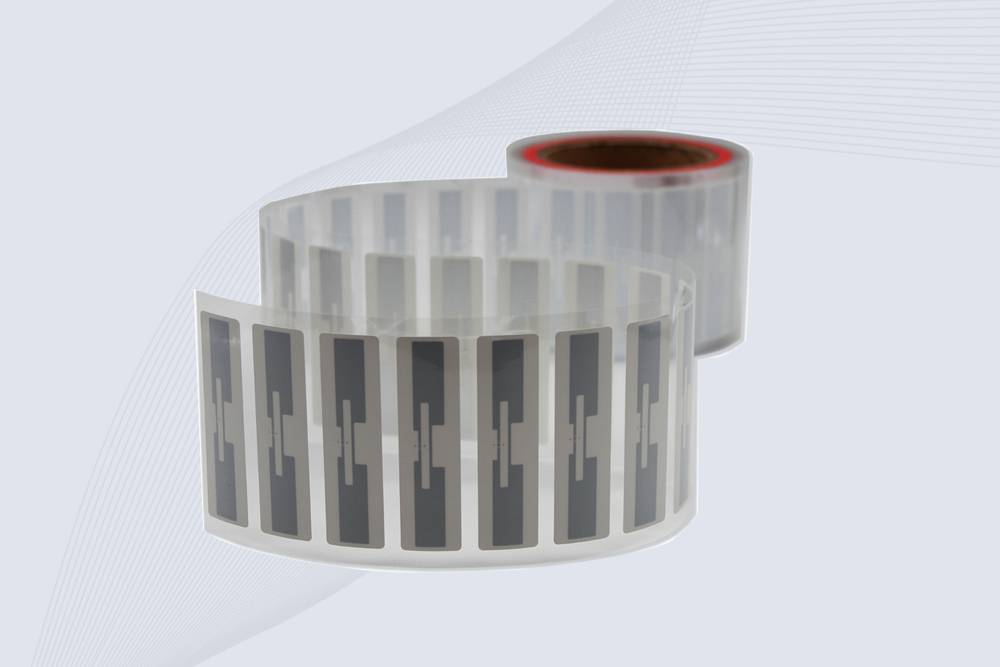
CYKEO Passive RFID Tags are made for wet and high-humidity environments where standard labels do not last. This rfid passive tag is often used around liquids, chemicals and temperature changes, providing stable reading distance and long data life for industrial tracking.
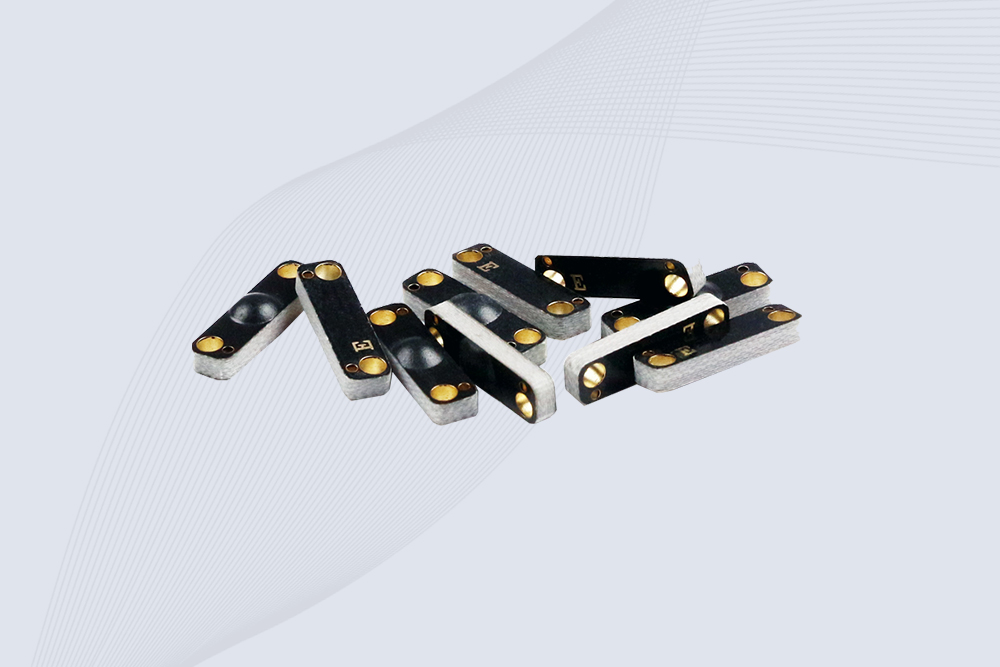
CYKEO CYKEO-PCB1504 Metal RFID Tags is a compact anti-metal UHF RFID solution built for direct mounting on metal surfaces. With stable 8-meter read range, Ucode-8 chip, and long data retention, this rfid metal tag fits tools, containers, automotive parts, and industrial asset tracking.
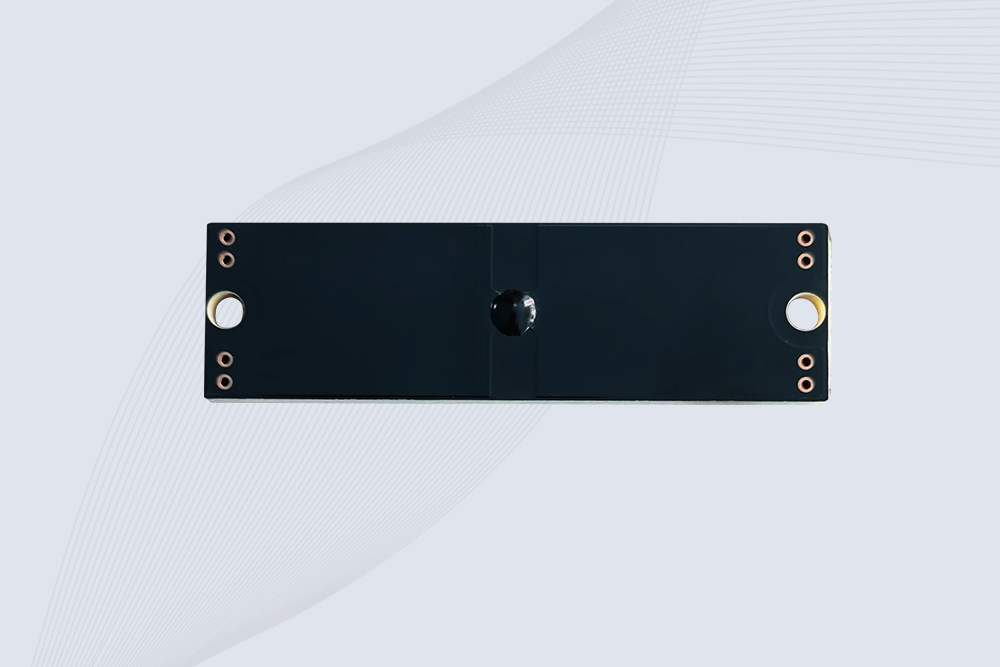
CYKEO CYKEO-PCB7020 On-Metal RFID Tags are designed for reliable tracking on steel and metal surfaces. Built with an FR4 epoxy body and industrial-grade chips, these On-Metal RFID Tags deliver stable performance, long data life, and chemical resistance, making them a dependable RFID anti-metal tag for harsh environments.
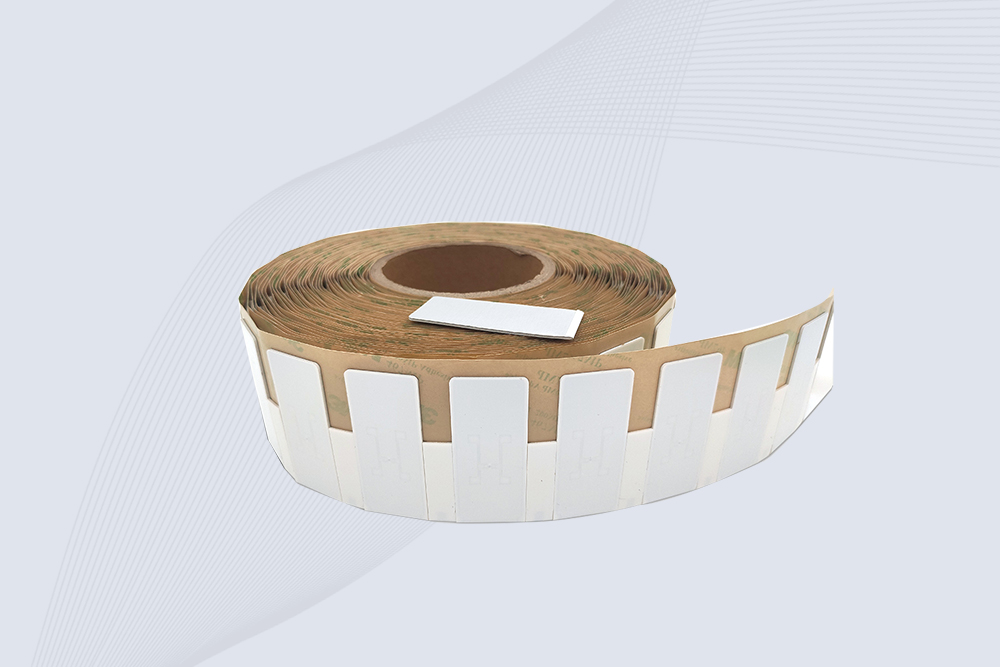
The CYKEO CYKEO-60-25 Anti-Metal RFID Tag is built for metal surfaces where standard tags fail. Designed for long-range performance, harsh environments, and stable data retention, this Anti-Metal RFID Tag is ideal for industrial assets, containers, and equipment tracking using on metal RFID tags.
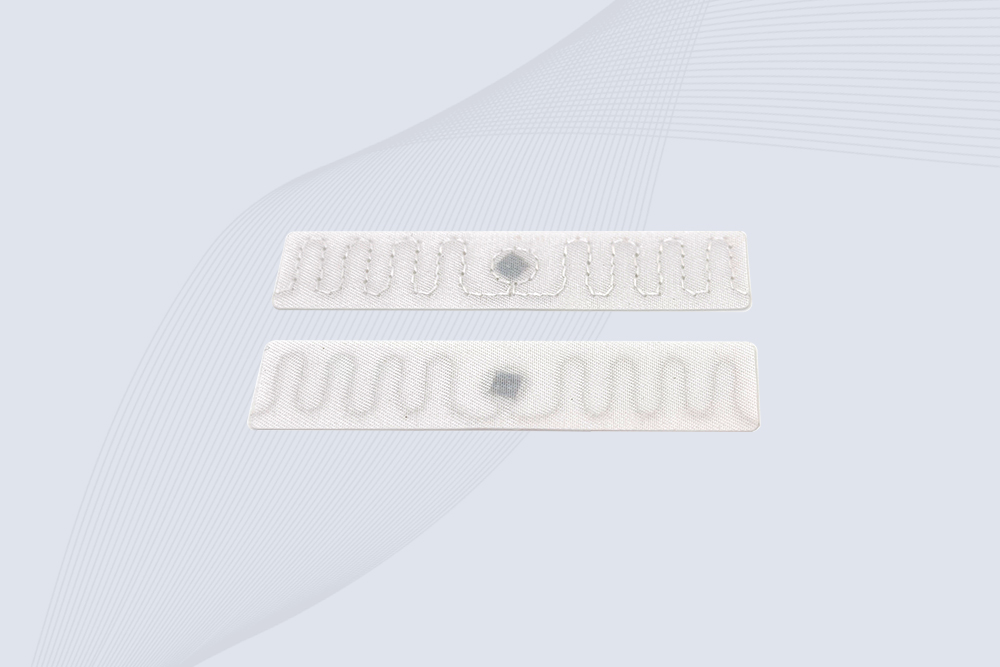
The CYKEO RFID Laundry Tag is designed for long-term textile identification in harsh laundry environments. Built to withstand high heat, chemicals, and repeated washing, this RFID Laundry Tag delivers stable performance for hotels, hospitals, and industrial laundry operations using laundry rfid tags at scale.
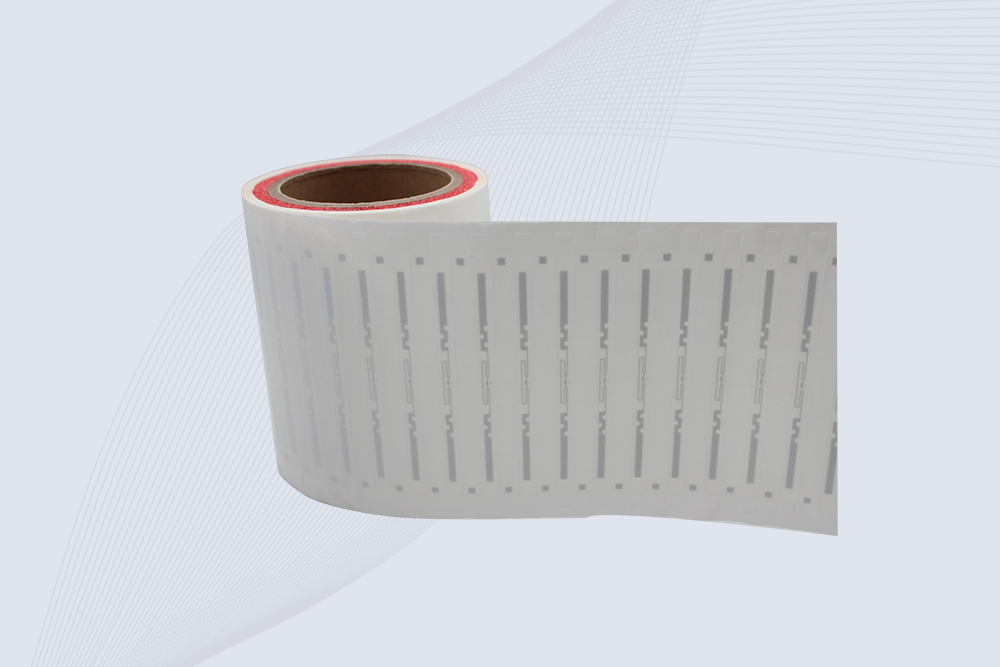
The CYKEO CYKEO-125-7 RFID Book Tag is designed for reliable book and document tracking in libraries and archives. This RFID Book Tag delivers long read range, dense placement support, and stable performance on shelves, making it a practical rfid tag on books for library automation, file management, and archival systems.
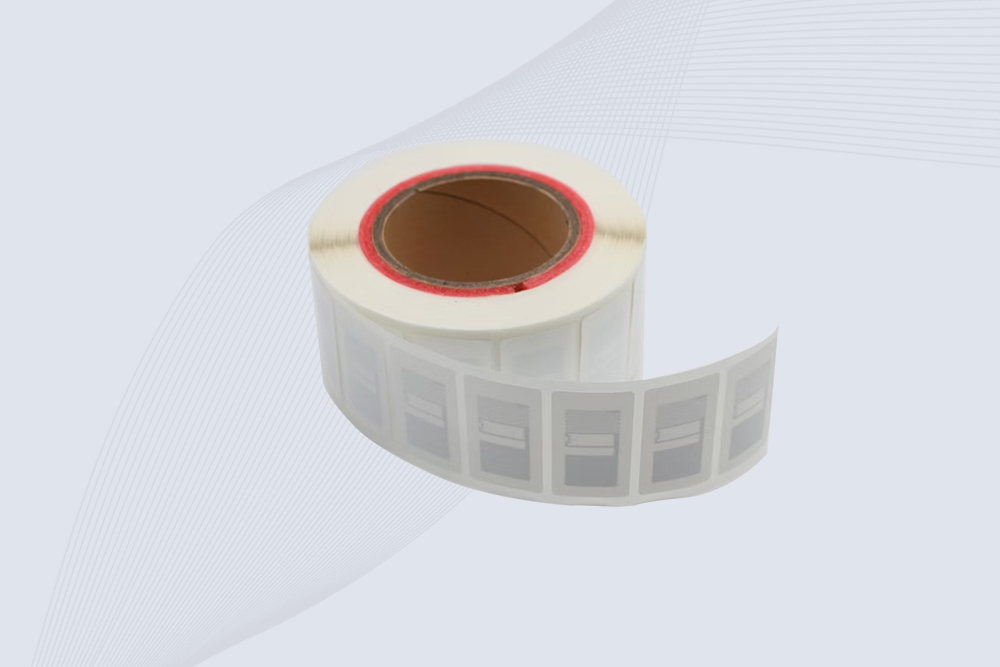
CYKEO RFID tags in hospitals are designed for sterile environments where accuracy matters. These autoclavable RFID tags support long-term tracking of surgical tools, implants, and medications, helping hospitals improve visibility, compliance, and patient safety.

CYKEO RFID Cable Tie Tag is built for reliable identification on metal surfaces. This UHF RFID Cable Tie Tag is widely used in rfid tags for inventory systems, industrial asset management and Hospital RFID Tags, offering stable read performance, long service life and global EPC Gen2 compatibility.
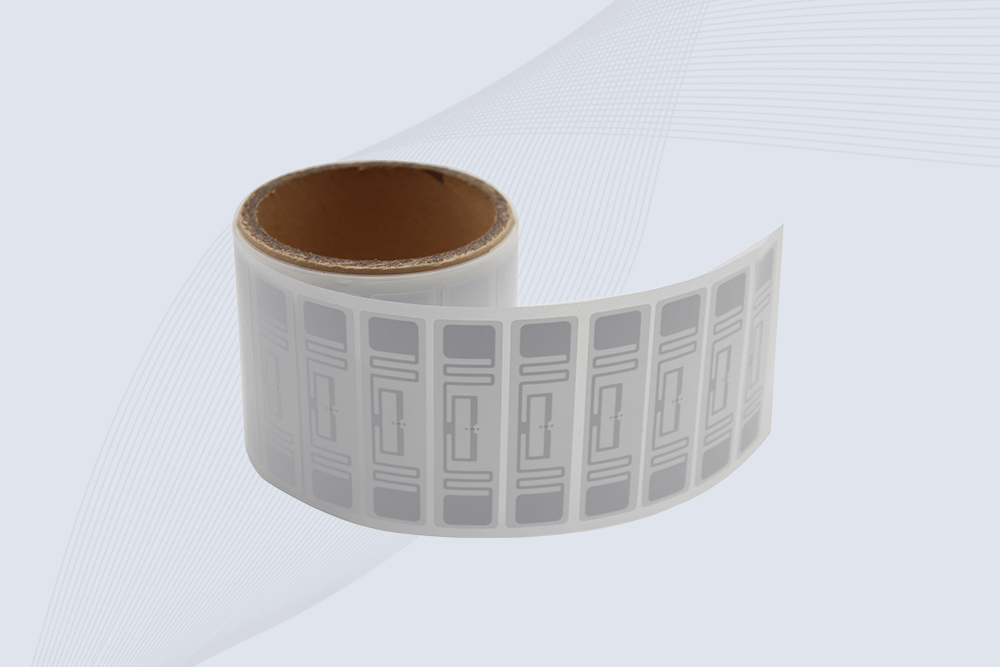
CYKEO RFID Asset Tag is designed for stable identification of metal assets in industrial environments. This UHF RFID Asset Tag is commonly used for rfid tag asset tracking on equipment, tools and containers, providing reliable reads, long service life and ISO/IEC 18000-6C support.

CYKEO UHF RFID Card is designed for fast identification and long-term use in industrial and commercial systems. Supporting ISO 18000-6C, this UHF RFID Card works at 860–960 MHz and is suitable for custom RFID cards used in asset tracking, access control and inventory management.
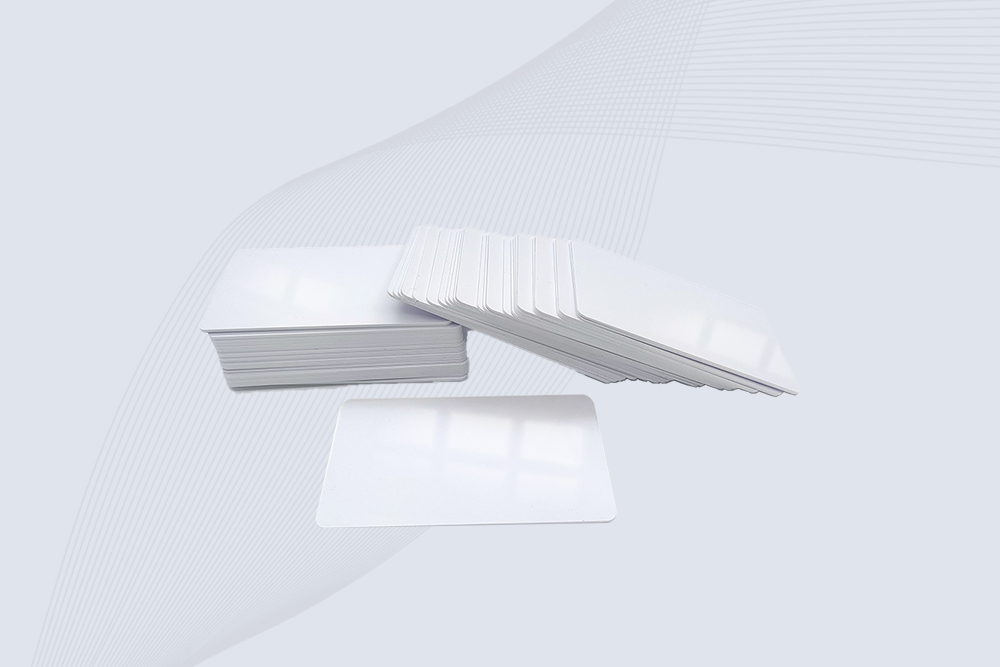
CYKEO HF RFID Cards are designed for secure and stable access control systems. These 13.56 MHz RFID key cards support ISO 14443-A, reliable rewriting and long service life, making HF RFID Cards suitable for offices, campuses, events and membership management.
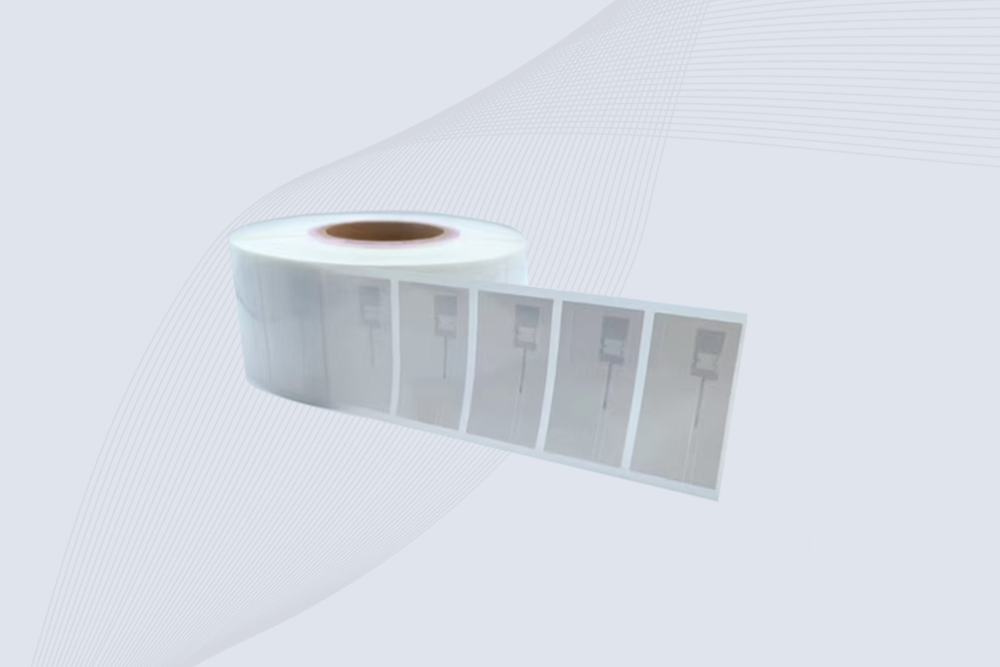
CYKEO UHF RFID Tag is designed for reliable tracking of metal jewelry and high-value items. This Jewelry RFID Tag supports long-range reading up to 8 meters, anti-counterfeit protection and stable performance on metal, making it suitable for retail, inventory control and asset management.
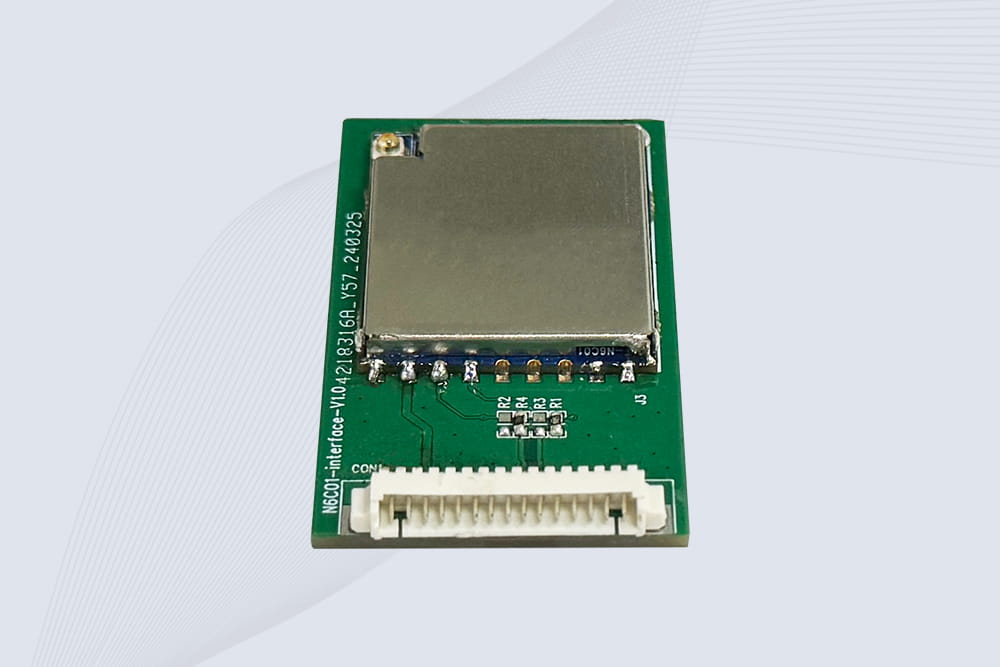
CYKEO Embedded RFID Modules are designed for compact industrial and IoT devices that require stable UHF performance. These UHF RFID Modules support global protocols, flexible power control, and reliable multi-tag reading for smart cabinets, production lines, and asset tracking systems.
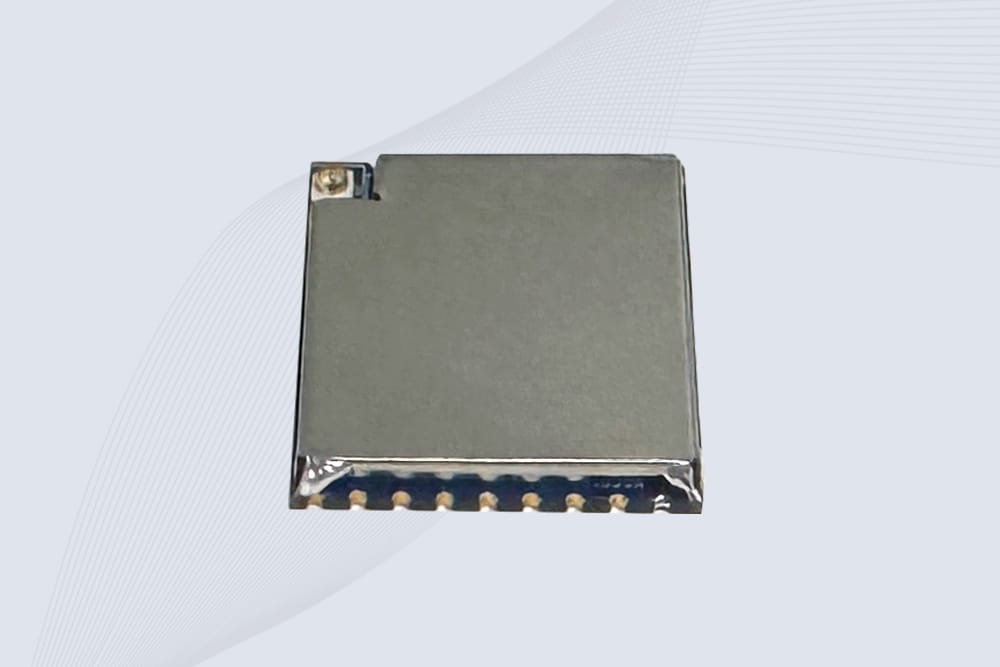
CYKEO Embedded RFID Module is built for compact IoT and industrial devices that need stable UHF performance. This UHF module supports global protocols, low power operation, and reliable multi-tag reading for smart lockers, production lines, and always-on RFID systems.
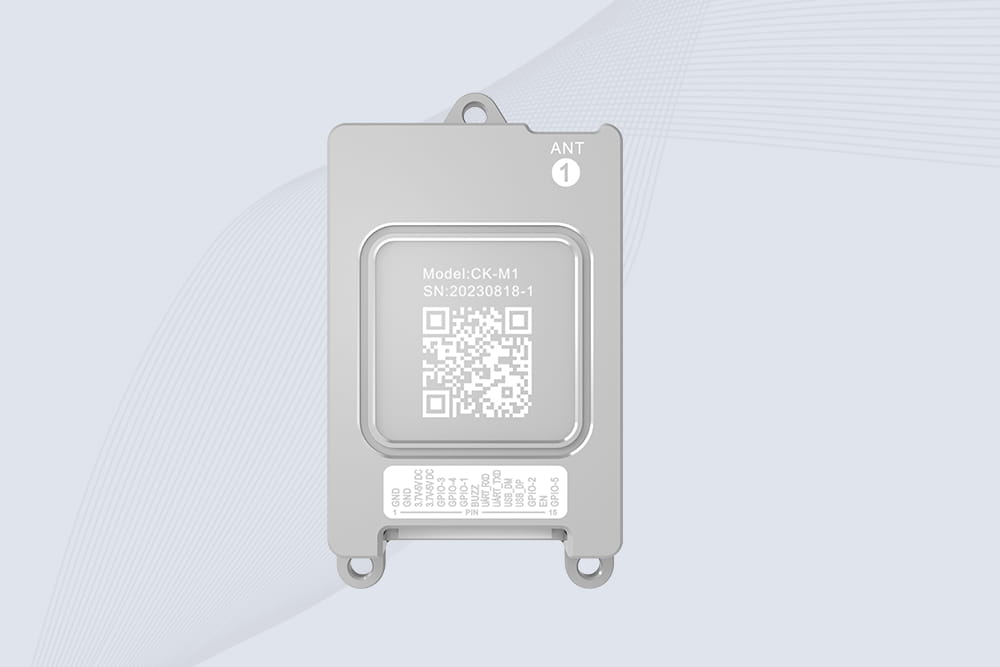
CYKEO CYKEO-M1 drone rfid module is a compact UHF RFID reader module designed for drones and UAV platforms. It supports long-range aerial scanning, fast multi-tag reading, and stable performance in wind, vibration, and outdoor environments.
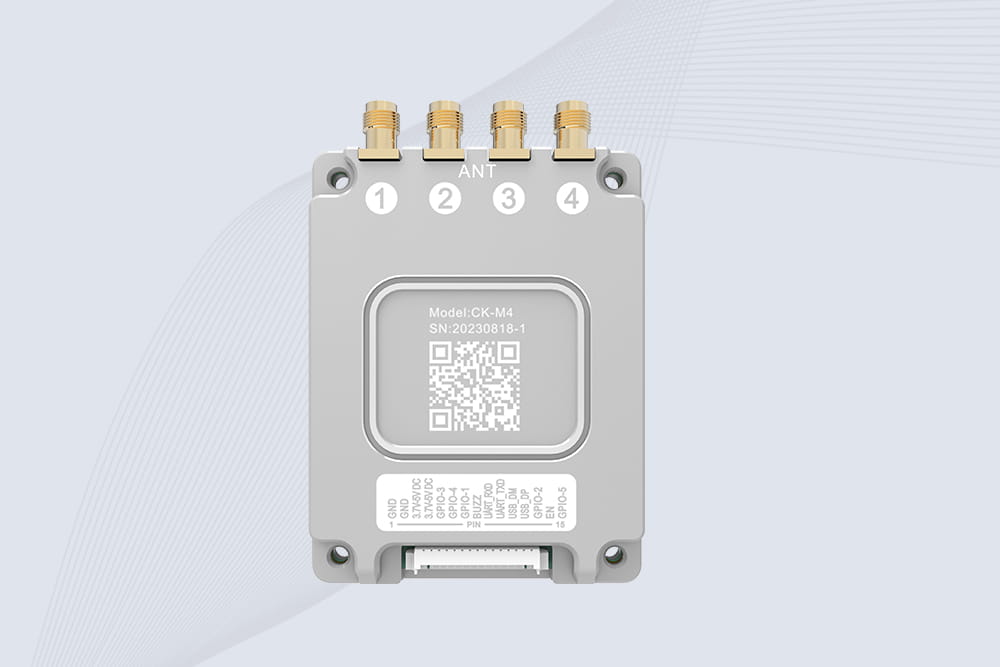
CYKEO CYKEO-M4 RC522 RFID Module is an industrial-grade UHF RFID reader with 4 ports, supporting ISO, EPC, and GB protocols. High-speed, accurate reading for IoT, automation, and warehouse applications.
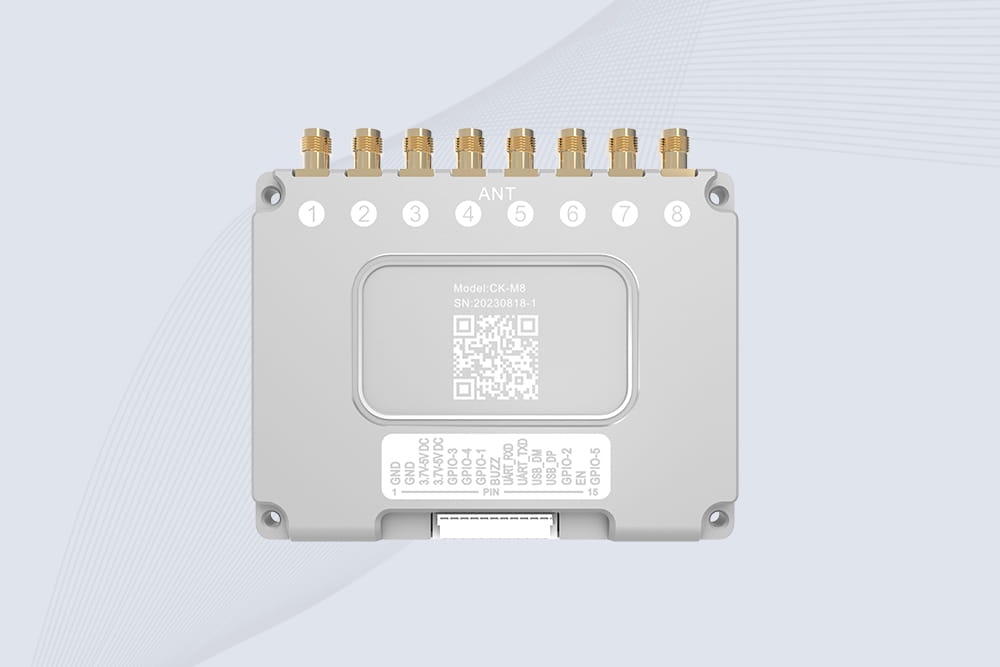
CYKEO CYKEO-M8 Module RFID is an 8-port UHF R2000 RFID Module designed for high-density, multi-tag environments. Stable 33dBm output, ISO & GB protocol support, ideal for warehouses, factories, and automated systems.
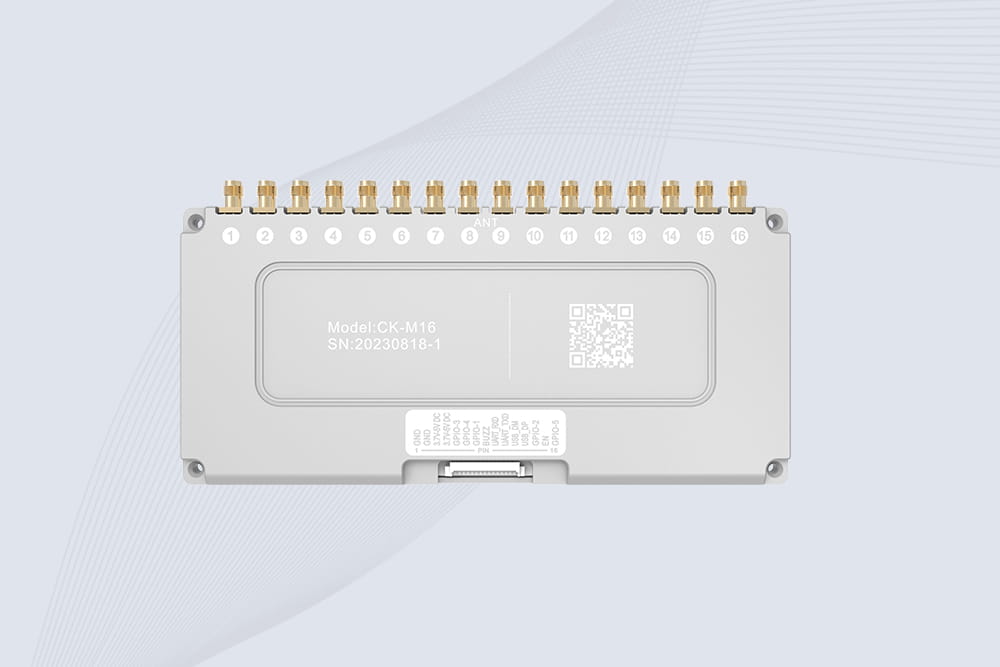
CYKEO CYKEO-M16 RFID Module is a 16-port UHF RFID reader module based on the R2000 chipset. Designed for dense tag environments, it supports ISO and GB standards and delivers stable multi-antenna control for industrial automation.
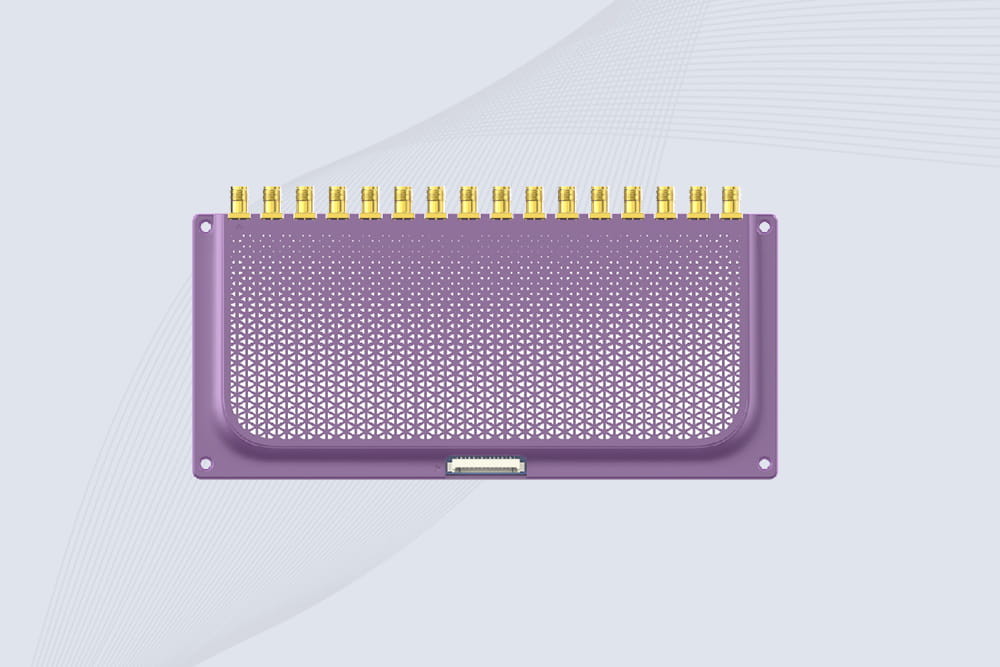
The CYKEO CYKEO-M16L RFID Reader Module is a 16-channel UHF RFID core designed for dense tag environments. With adjustable 33dBm output, multi-protocol support, and stable multi-antenna control, this RFID Tag Reader Module fits industrial automation, warehouse systems, and large-scale IoT deployments.
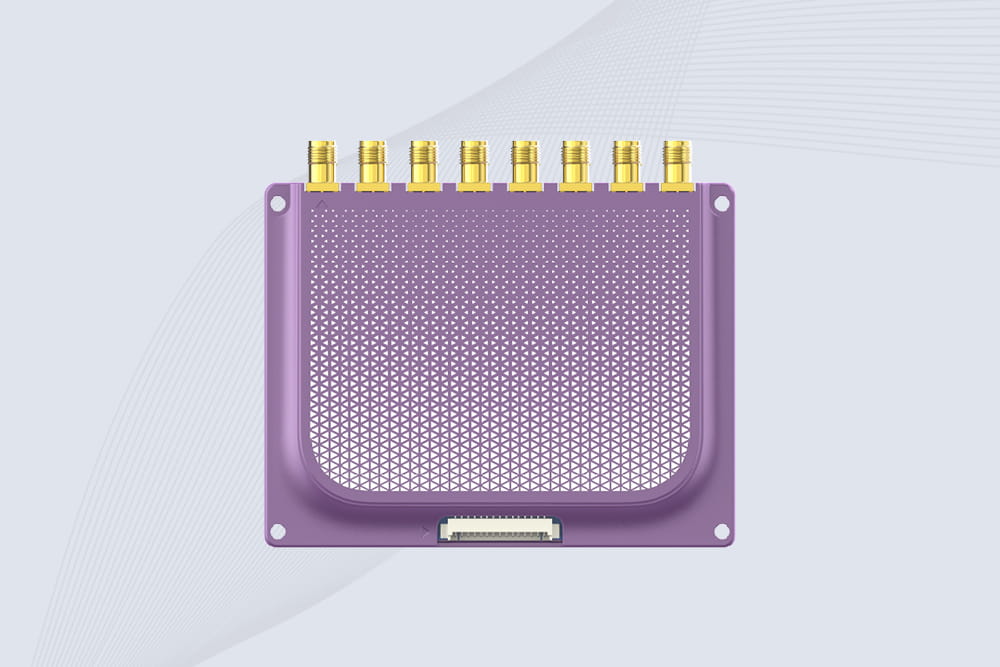
CYKEO CYKEO-M8L module RFID is a compact industrial UHF module built for dense tag and multi-antenna environments. With 8 RF ports, adjustable 33 dBm output, and ISO & GB protocol support, it is widely used in factories, warehouses, and automated tracking systems.
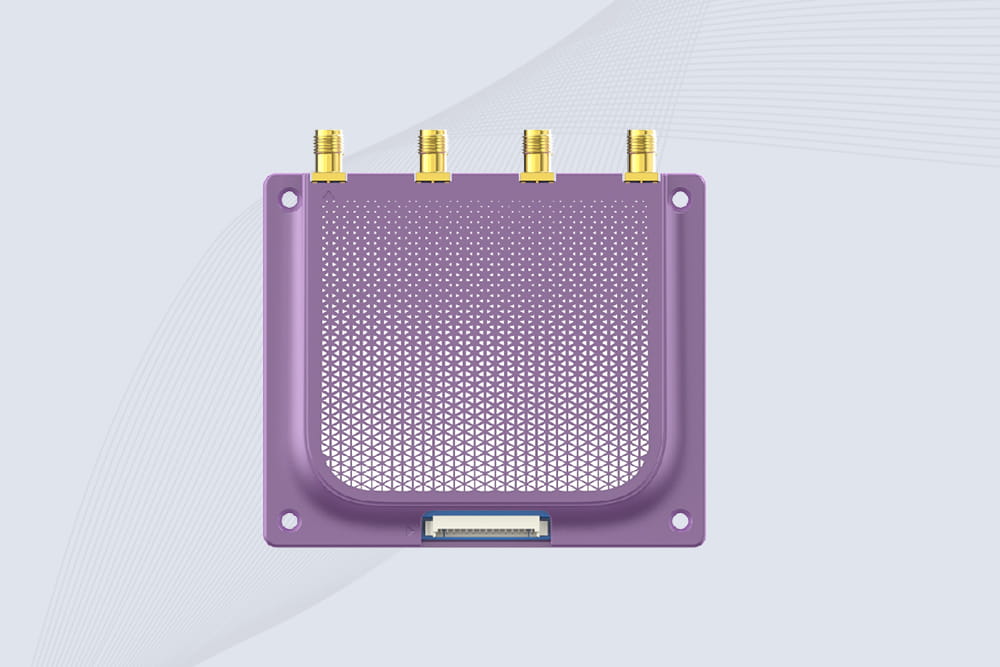
CYKEOCYKEO-M4L UHF RFID Module is a compact 4-channel RFID tag reader module designed for dense tag environments. Supporting ISO and GB protocols, it delivers stable reads up to 10 meters for industrial and IoT systems.
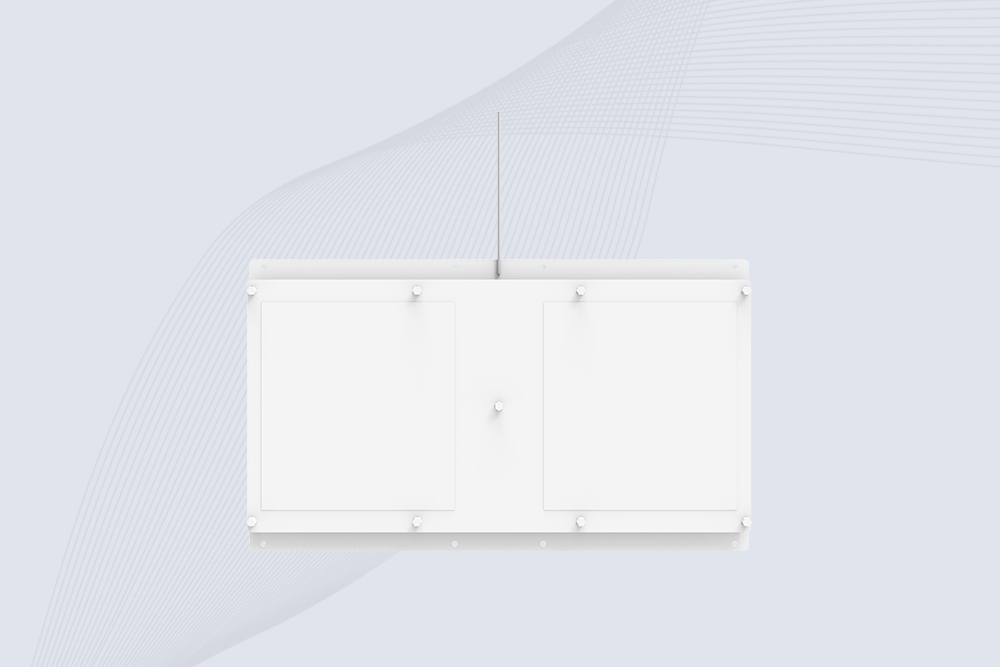
Cykeo CYKEO-A11 UHF RFID reader antenna delivers 11dBi gain, 840-960MHz frequency range, and IP65 ruggedness for retail, logistics, and industrial RFID systems. Features low VSWR and easy installation.

CYKEO Antenna RFID Reader delivers stable long-range UHF performance with a 10.5dBi directional design, built for warehouses, conveyor portals, and industrial RFID systems. This rfid reader antenna provides 20m+ read distance and rugged IP67 protection.

Cykeo CYKEO-PHF3 industrial HF RFID Antenna offers 24-point dynamic tracking, ISO 14443A/15693 protocols, metal-environment stability for archives/libraries/manufacturing.

Cykeo CYKEO-A5B industrial Linear RFID Antenna delivers 5dBi gain, ≤1.5:1 VSWR, and IP65 rugged design for warehouse, production line, and logistics UHF systems.

Cykeo’s CYKEO-B12 Long Range RFID Antenna delivers 15m+ read range with 12dBi gain, IP65 rugged design, and global 840-960MHz UHF support. Ideal for warehouse/logistics asset tracking.
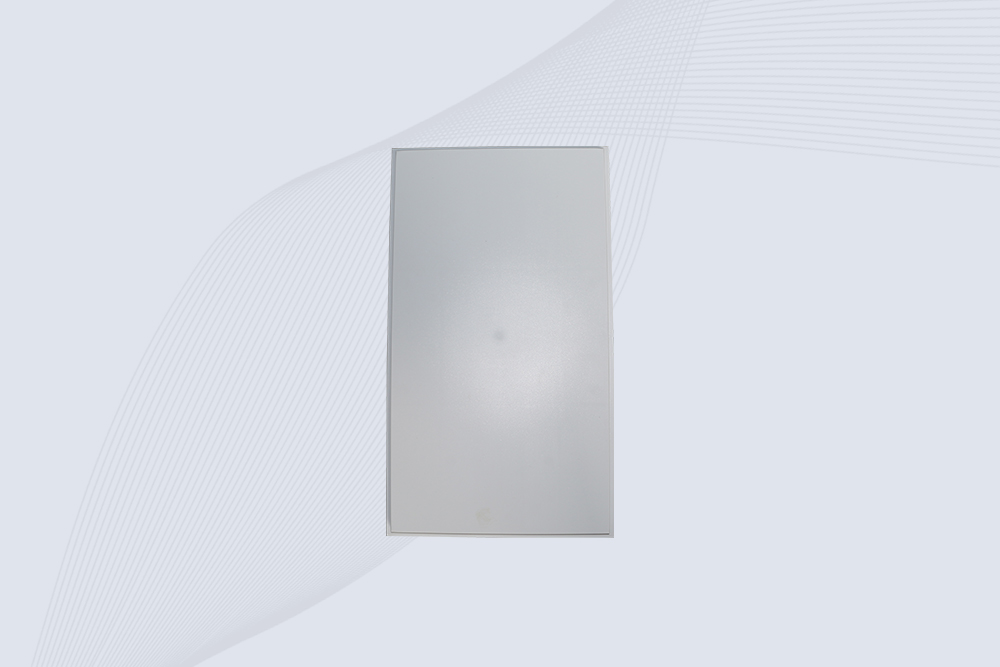
Cykeo CYKEO-B10 Long Distance RFID Antenna offers 10dBi gain, 840-960MHz frequency range, IP65 rating, and 20m+ coverage for logistics/warehousing/ETC systems. Low VSWR ensures stable signal transmission.
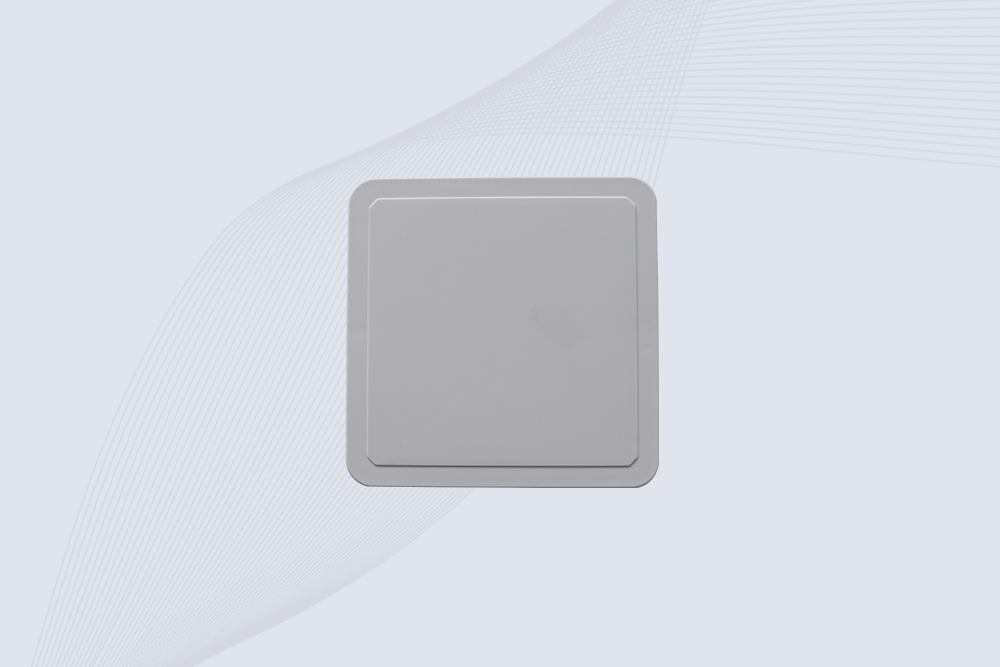
Cykeo CYKEO-A6 UHF RFID panel antenna features 6dBi gain, 840-960MHz broadband, IP65 metal-ready housing for logistics/smart retail. 18mm ultra-thin design with tool-free mounting.

Cykeo CK-A3 industrial antenna RFID UHF offers 5m+ tag detection, ≤1.3:1 VSWR, IP65 rugged design, and global UHF spectrum compatibility (840-960MHz) for warehouses, factories, and retail.
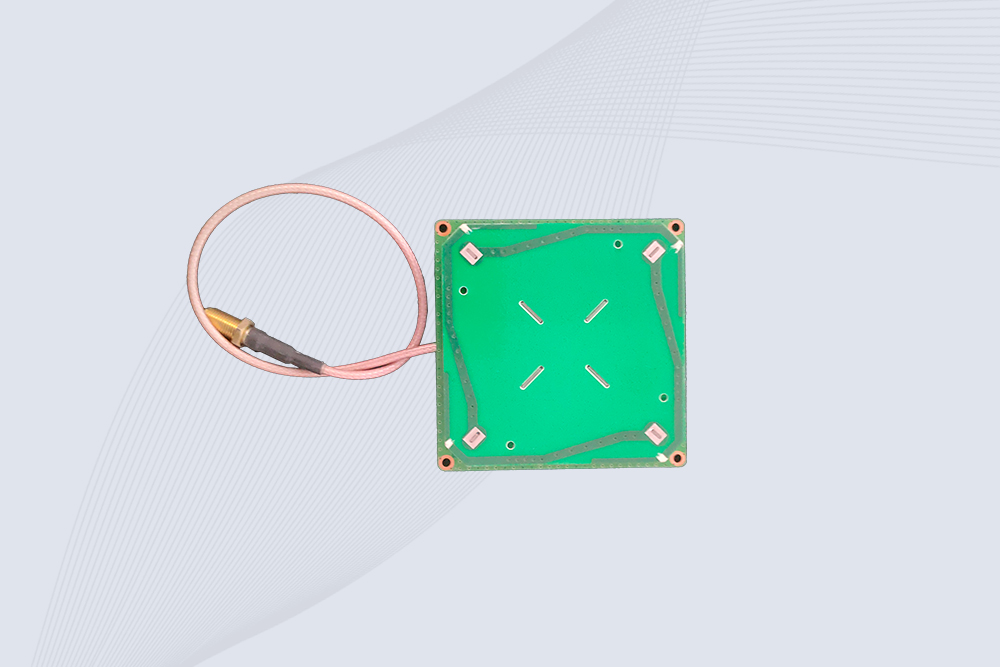
Cykeo CYKEO-B5 directional RFID antenna provides 5dBi gain with 60° narrow beamwidth for precise inventory tracking. IP65-rated, global UHF frequency support, and low VSWR.
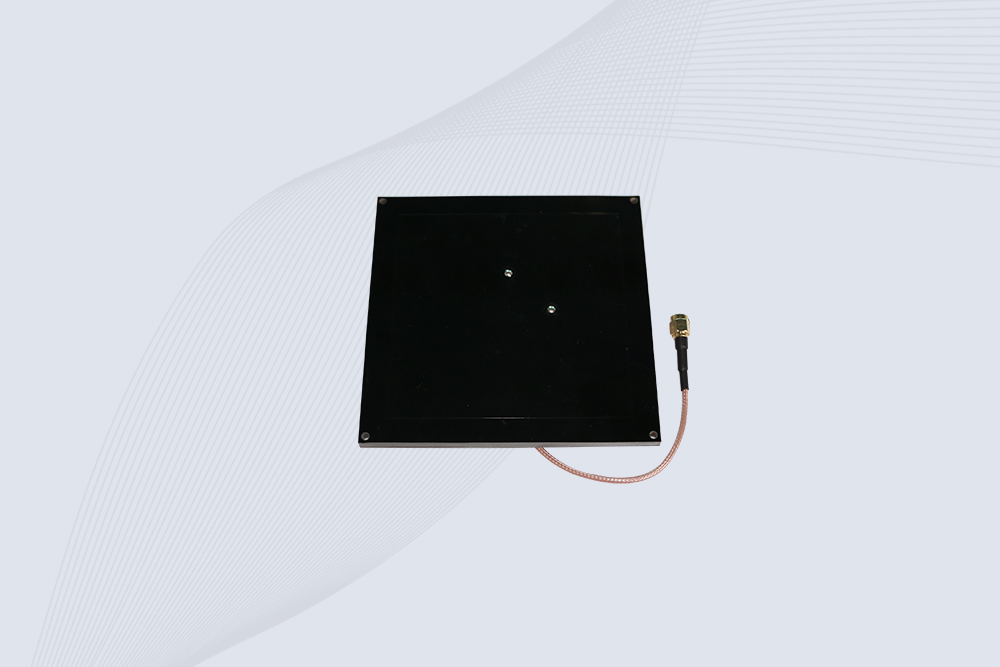
Create your own high-performance DIY RFID antenna! 5dBi gain, 840-960MHz tunable, step-by-step guides. Compatible with Arduino, Raspberry Pi, and commercial UHF readers.
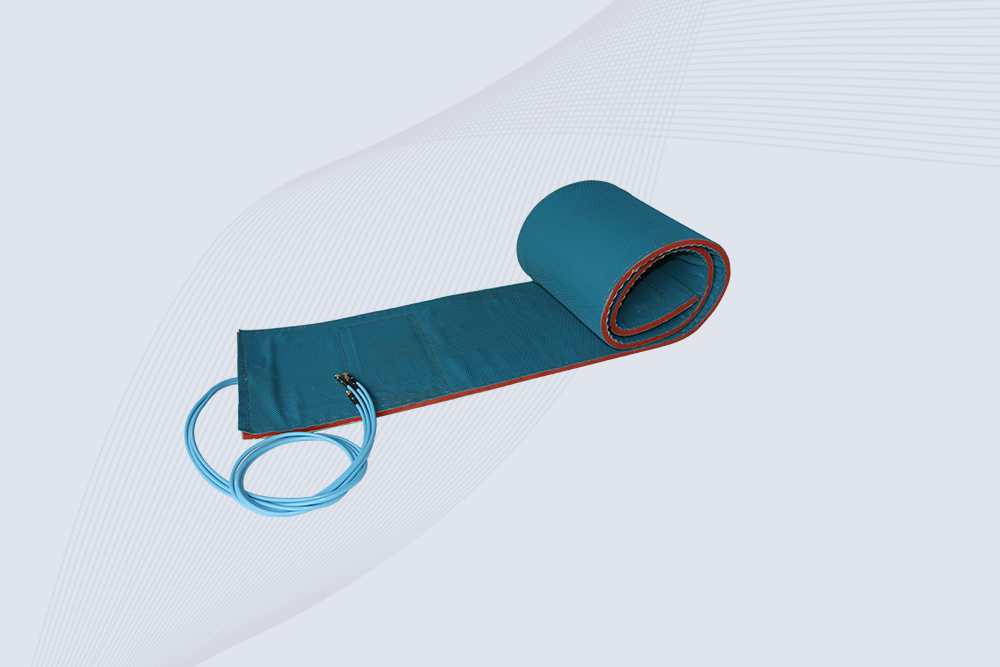
Cykeo CYKEO-A7 Flexible RFID Antenna features 840-960MHz wideband tuning, 7dBi gain, and IP68 rating for medical/retail/industrial curved surface deployments. 98% read accuracy with peel-and-stick installation.

Cykeo CYKEO-B5A industrial Passive RFID Antenna delivers 5dBi gain, 70° beamwidth, and -40°C~55°C operation for warehouses/smart cabinets. Compatible with Zebra/Impinj readers.
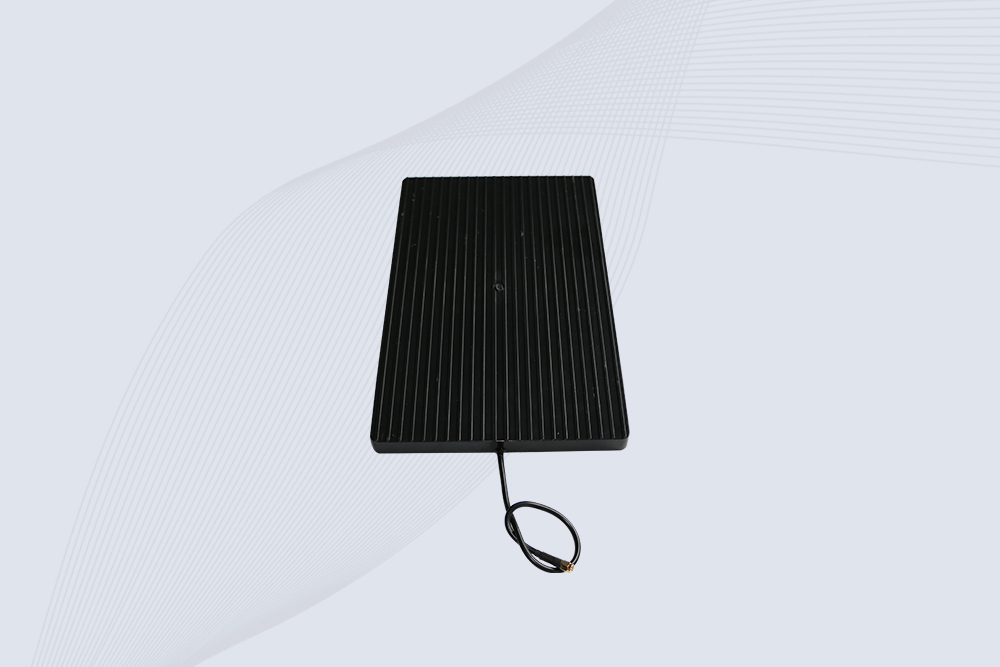
Cykeo’s CYKEO-A9B High Gain RFID Antenna delivers 15m+ read range with 9dBi amplification. Features IP54 rugged design, 840-960MHz bandwidth, and 80° beamwidth for warehouse/manufacturing RFID systems.

Cykeo’s enterprise-grade 8dbi Impinj RFID Antenna 10m+ read range with 840-960MHz tuning. Features IP65 housing, 1.4 VSWR, 35° beamwidth for retail/warehouse RFID systems.
Cykeo CYKEO-A9 industrial UHF RFID antenna delivers 9dBi gain, 840-960MHz frequency range, and IP65 protection for warehouse/logistics/retail RFID systems. Features N-type connector and ≤1.3:1 VSWR.
CYKEO UHF RFID Antenna built for long-distance and industrial applications. This antenna rfid uhf delivers strong gain, outdoor durability, and reliable tag performance in warehouses, yards, and vehicle ID systems.
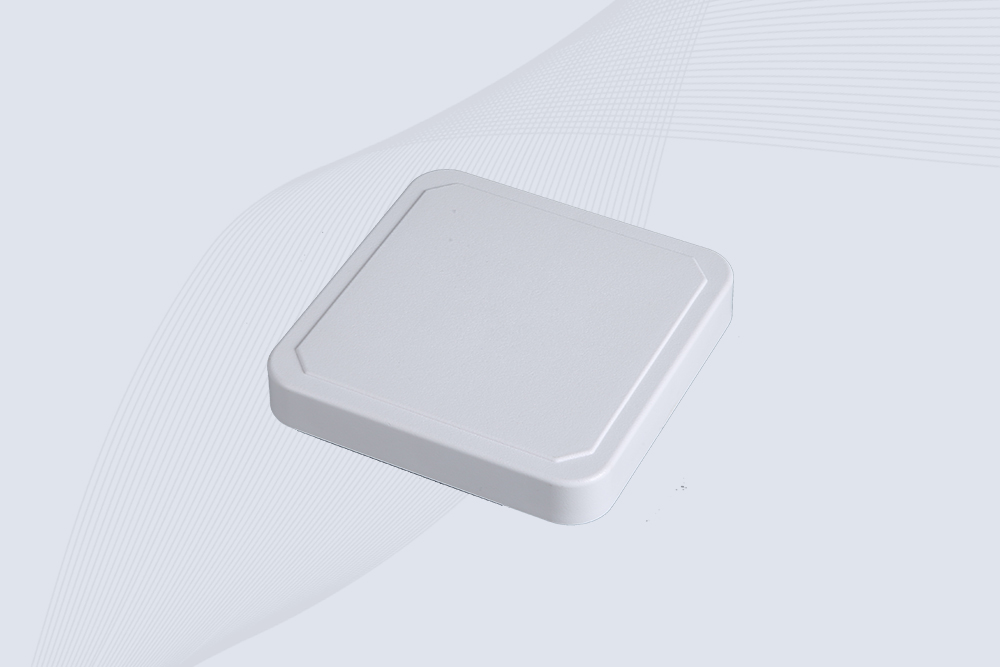
CYKEO Antenna RFID delivers reliable long-range UHF performance in warehouses, retail shelves, and cold-chain environments. This compact uhf rfid antenna provides stable reads with circular polarization and ultra-wide 840–960 MHz support, ideal for industrial tracking, smart shelves, and asset monitoring.
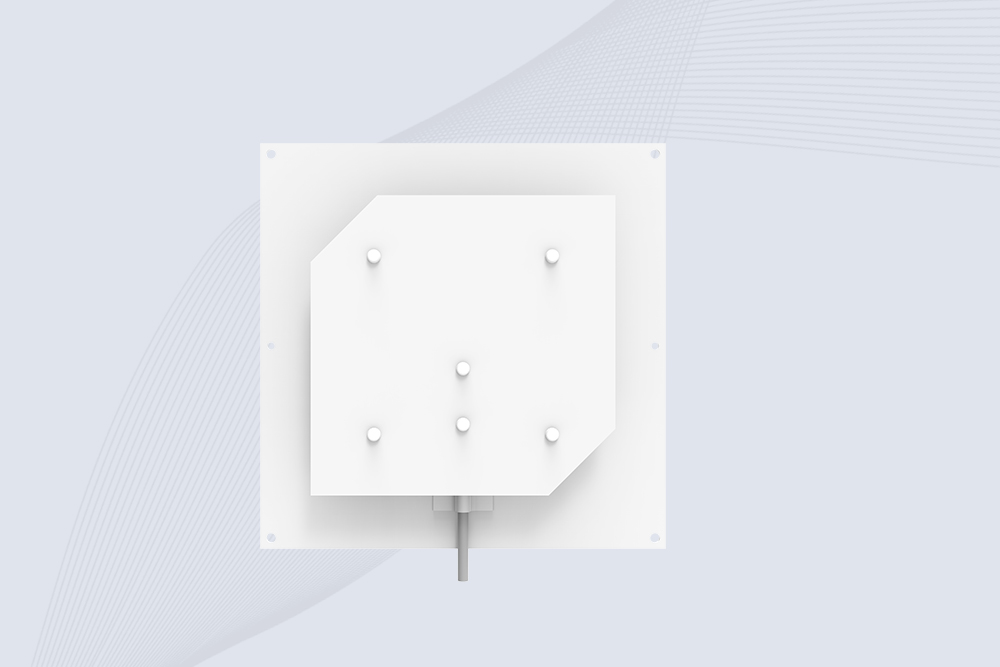
Cykeo’s CYKEO-C8 UHF RFID antennas delivers 8dBi gain, 840-960MHz full-band coverage, and IP65 ruggedness for manufacturing/warehouse RFID systems. Industrial RFID Antennas Features
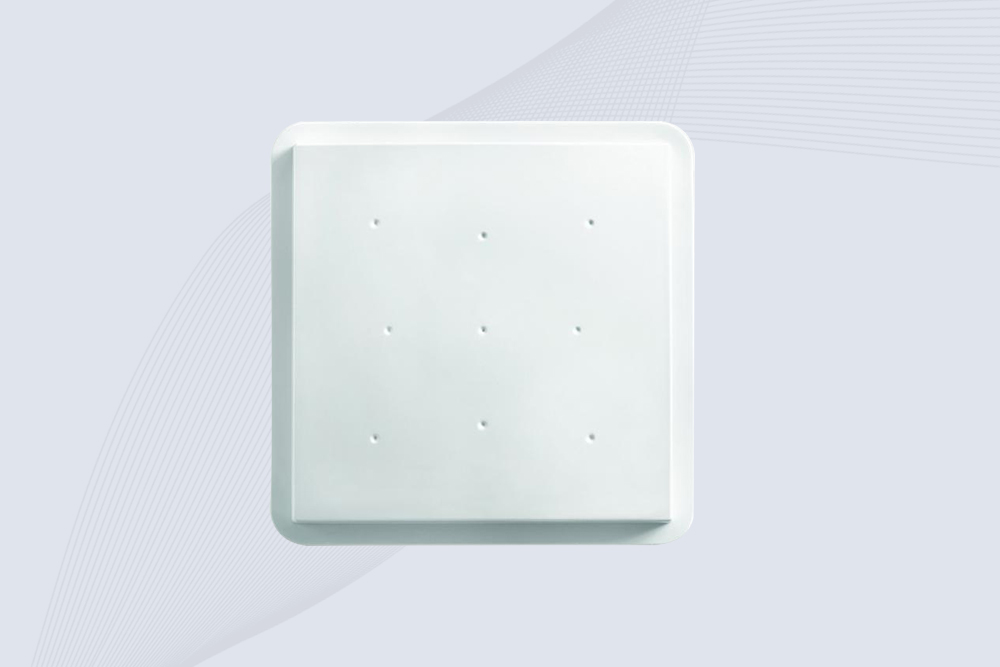
Cykeo’s 8dBi UHF RFID antenna and reader kit delivers 10m+ range, 840-960MHz broadband, and IP65 ruggedness for factories, warehouses, and logistics. ISO 18000-6C & EPC Gen2 certified.
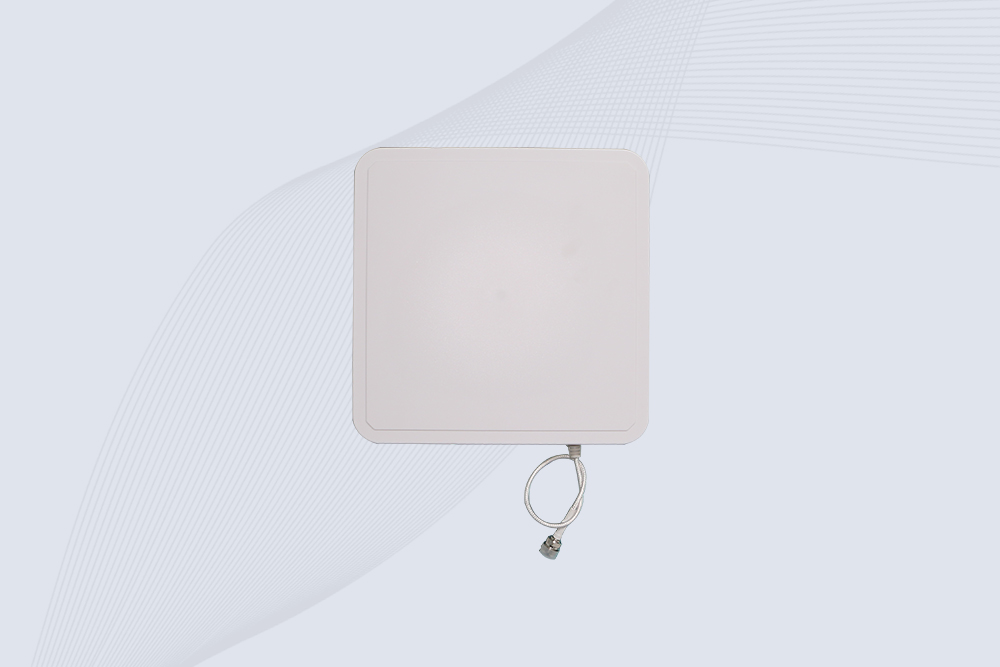
Cykeo CYKEO-A9A industrial UHF RFID reader and antenna kit delivers 10m range, 500 tags/sec, IP65 ruggedness for manufacturing/logistics. Supports EPC Gen2, ISO18000-6C.
Cykeo’s CYKEO-A12C UHF Large RFID Antenna delivers 12dBi gain, 840-960MHz global frequency, IP65 ruggedness for logistics/warehousing/automotive. 40° beamwidth ensures stable 15m+ tag reads.

CYKEO Near Field RFID Antenna provides precise 5–30 cm reading for shelves, cabinets, and workstations. This compact rfid shelf antenna delivers stable short-range performance around metal and clutter, ideal for pharmacies, libraries, and electronics sorting.
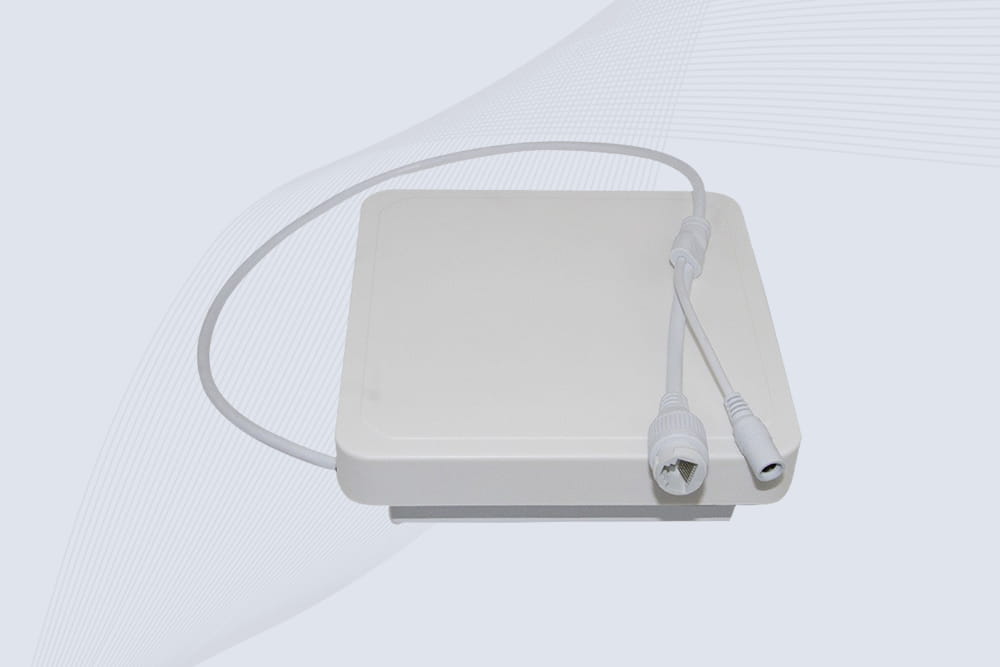
Cykeo’s industrial long range RFID reader delivers 20-meter scanning, 500+ tags/sec speed, and IP67 waterproof design for automated warehouses, logistics, and harsh environment applications.
Cykeo’s CYKEO-RA6L industrial RFID long range reader features 20m read distance, 500 tags/sec speed, and IP67 protection. Ideal for warehouse automation, manufacturing WIP tracking, and smart logistics. Supports ISO 18000-6C/6B protocols.
CYKEO Long Range RFID Tag Reader built for outdoor and industrial operations. This Outdoor RFID Reader delivers 20m read distance, fast tag processing, and IP67 durability for wide-area tracking.
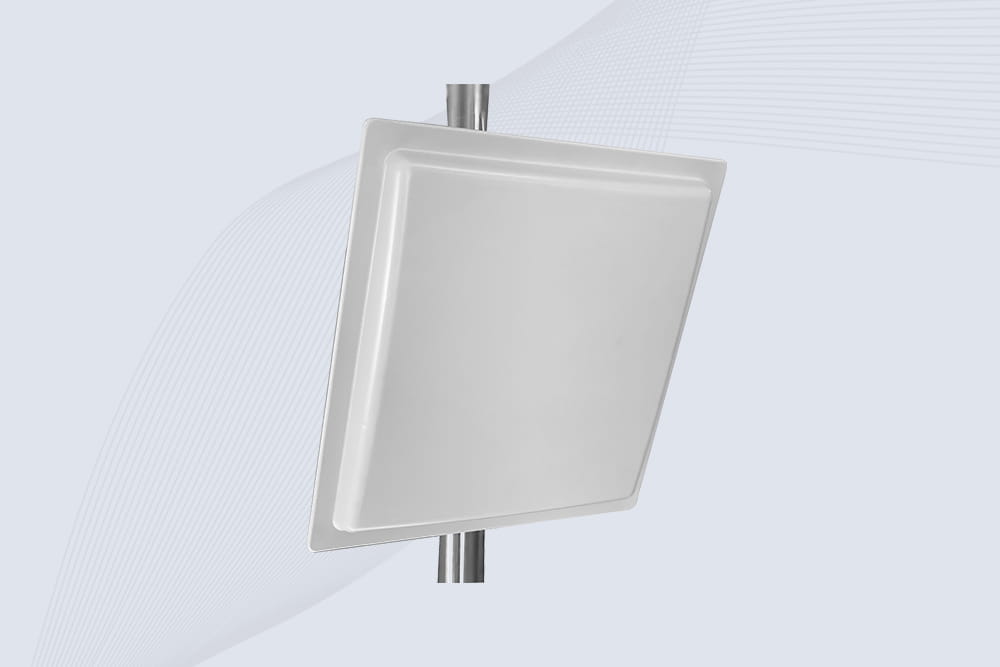
Cykeo CYKEO-RA12L industrial Long Range RFID Reader delivers 20m read range, 200+ tags/sec scanning, and IP67 protection for manufacturing/logistics applications. Supports ISO 18000-6C/GB protocols.
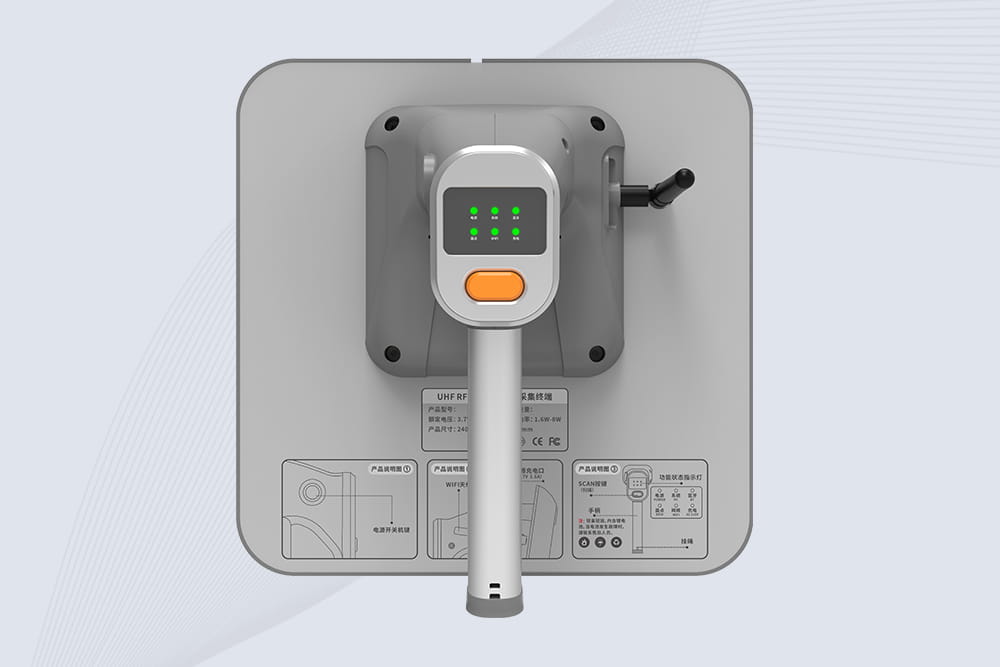
Cykeo CYKEO-B9 UHF Bluetooth handheld RFID scanner features 12m UHF range, 200+ tags/sec scanning, IP67 rugged design for retail/warehouse/pharma. Supports Android SDK & real-time Bluetooth 5.0 transmission.
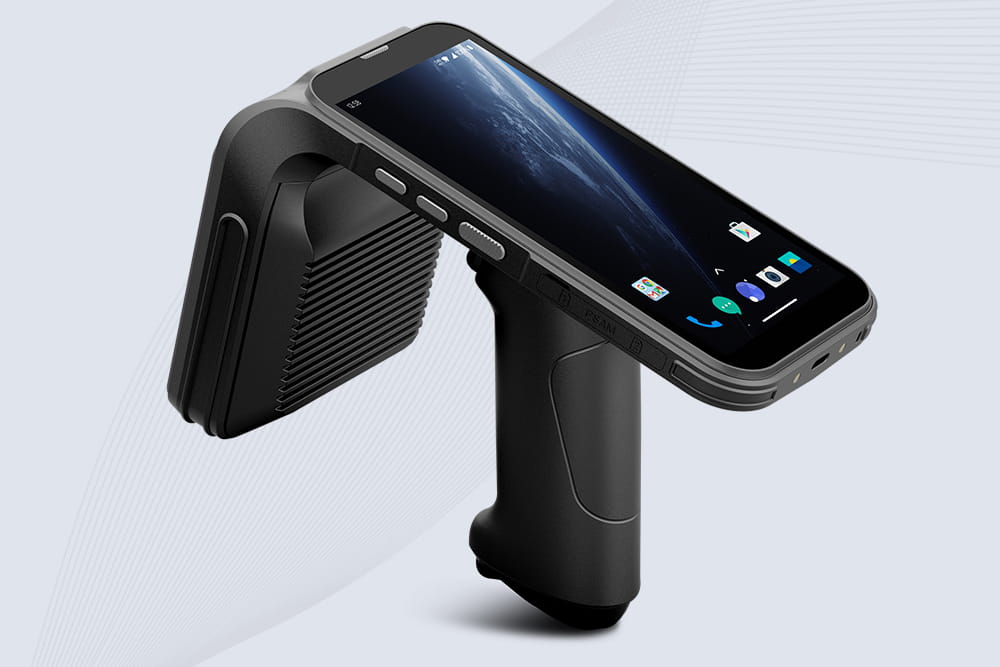
Cykeo CYKEO-B4 UHF Handheld RFID Reader scanner delivers 1300 tags/sec reading, 30m UHF range, and 12-hour battery life. IP65 rugged design with barcode/NFC/ID scanning for retail/manufacturing/logistics.
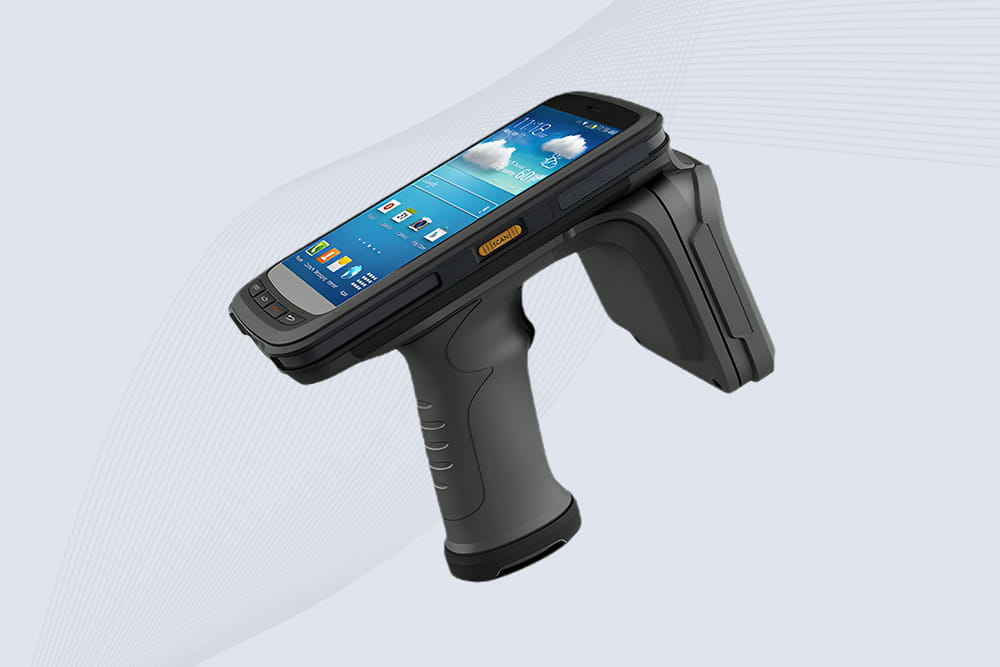
Cykeo CYKEO-B2 industrial UHF RFID handheld offers 10m range, 500 tags/sec scanning, Android 11 OS, and IP65 rugged design for retail/warehouse/manufacturing.

Learn how to make a RFID reader module from scratch. Our guide covers frequency choice, key components like the MFRC522, antenna tuning, and common pitfalls for a functional prototype.
More
Build RFID-based payment and self-checkout systems faster with the CK-DP11C. Open APIs, Windows & Android OS, and high-speed UHF RFID scanning.
More
RFID technology has extensive applications in the medical field, contributing in the following areas: Records ManagementRFID enables the rapid and accurate identification and tracking of medical records, including patient files, examin...
More
Discover why UHF fixed RFID readers are ideal for logistics tracking. Learn about long-range scanning, high-speed data capture, and warehouse automation benefits.
More