 Cykeo RFID IoT Solution Products R&D Manufacturer

What Are the Practical Benefits of RFID in Supply Chain Management?
565Discover how RFID in supply chain management boosts visibility, reduces errors, and cuts costs. Practical implementation guide with Cykeo solutions.
MoreAll RFID Product
Search “what is the rfid system” and you’ll find the same answer everywhere: it’s a tag, an antenna, a reader and software. That’s true, and it’s also why so many first projects go wrong. Because those four parts describe a device, not a system — and the difference is what decides whether your deployment works.
A real RFID system includes everything between a physical item and a business record: the tags on your goods, the read points that detect them, the network that carries the data, the middleware that filters it, and the application that decides what it means. It also has a shape — and that shape is what you’re really choosing when you budget a project.
This guide skips the component definitions (you can get those from how an RFID system works) and answers the questions that follow: what makes something a system, the four layers every one shares, and the five forms RFID systems actually take in the field.
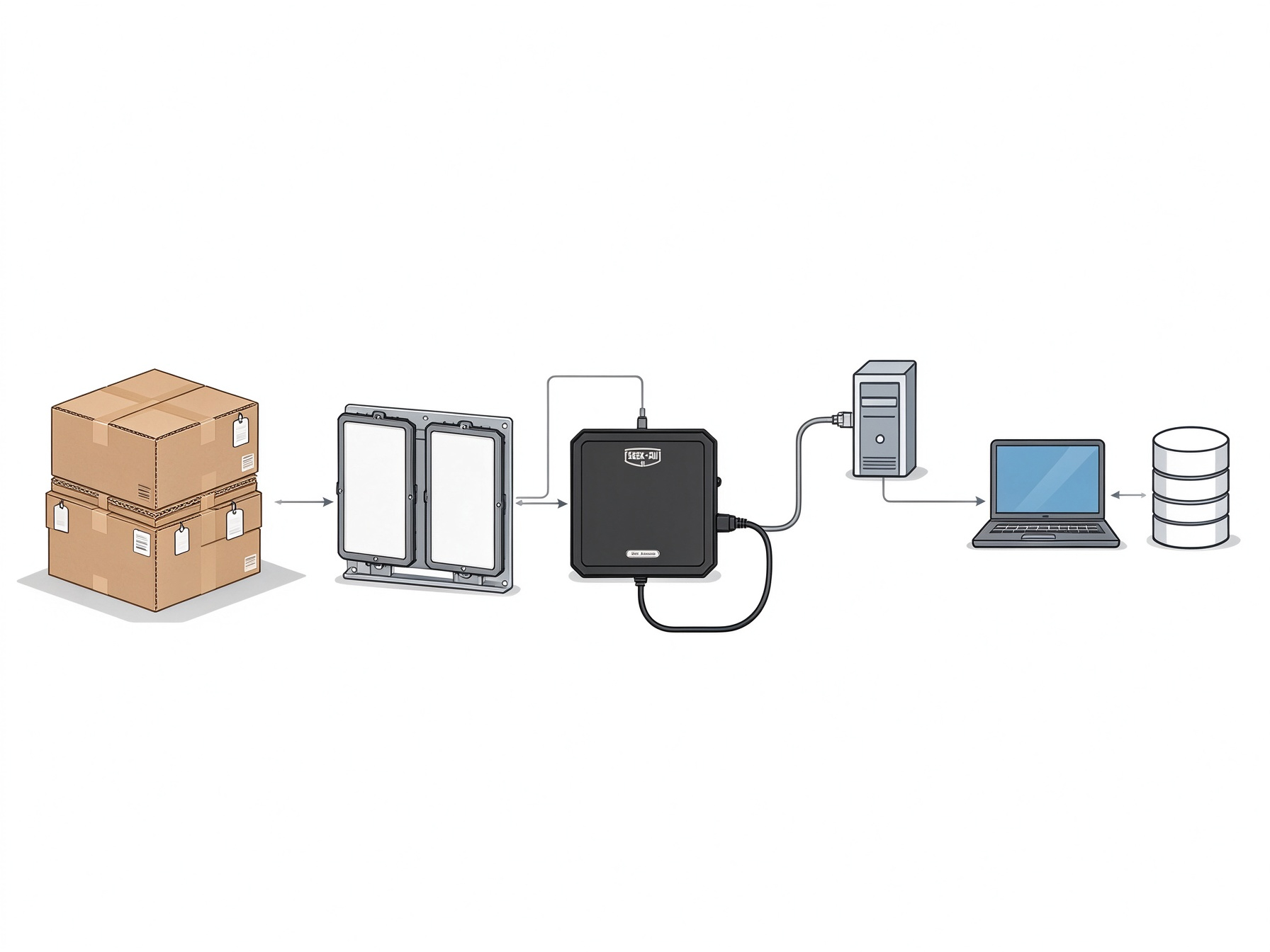
An RFID system is a complete identification chain: tags attached to objects → read points (antennas + readers) → data transport → middleware → business software. It exists to turn physical movement into reliable digital records without manual scanning.
A reader on a desk is a device. A reader on a desk plus tags on 500 assets, filtering rules, and a sync to your asset database is a system. The gap between the two is where projects succeed or fail.
| A device | A system | |
| What you buy | One reader | Reader(s) + antennas + tags + middleware + integration |
| What it produces | Tag IDs on a screen | Business events (received, shipped, checked out) |
| Who owns the result | The operator | The workflow design |
| Failure mode | “It won’t read” | “It reads, but the data is wrong or unusable” |
| Cost scale | 40–800 | 500–50,000+ |
That last row is the honest answer to “how much does an RFID system cost” — the range is enormous because the system, not the hardware, is what you’re paying for. If you only need tag IDs on a screen, our guide on what an RFID reader and tag are is enough. If you need records, you need a system.
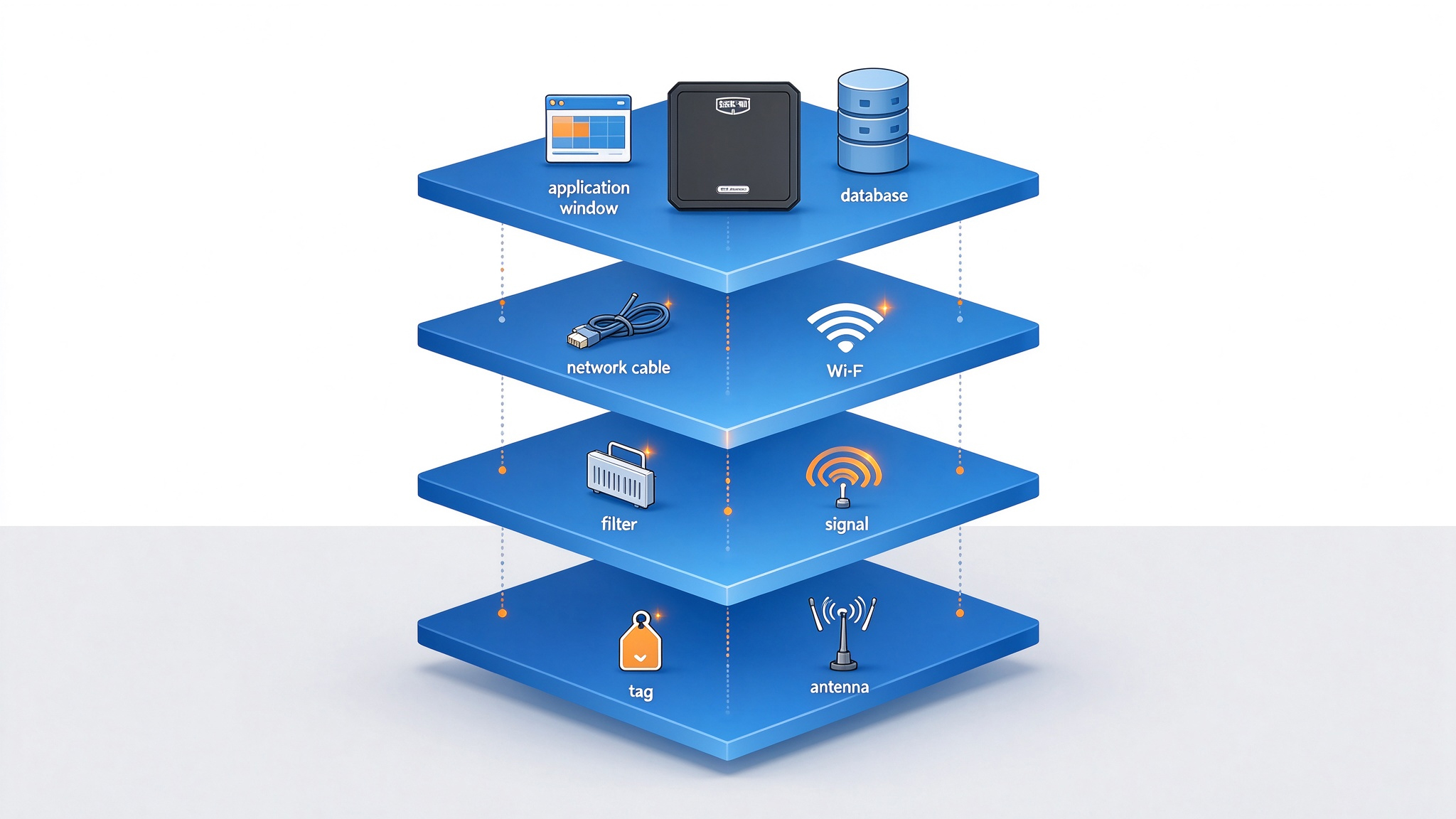
Architecturally, every RFID system — from a library desk to a 40-dock distribution center — stacks the same four layers:
| Layer | What it does | What’s in it | Where projects fail |
| 1. Physical | Detect tags in a defined zone | Tags, antennas, readers, mounting | Antenna placement, tag-on-metal mismatch |
| 2. Data / middleware | Clean raw reads into usable events | Filtering, de-duplication, RSSI/time-stamping | No filtering → duplicate floods the database |
| 3. Network | Move data from read point to server | Ethernet, Wi-Fi, RS-232, 4G | Read point installed where no cable/Wi-Fi reaches |
| 4. Application | Decide what an event means | WMS, ERP, MES, asset platform, EPCIS | Software integration started after hardware was installed |
Most failed projects fail at layer 2 or 3, not layer 1. Teams spend all their energy choosing a reader and none on filtering rules or network reach — then discover that a perfectly working reader produces unusable data.
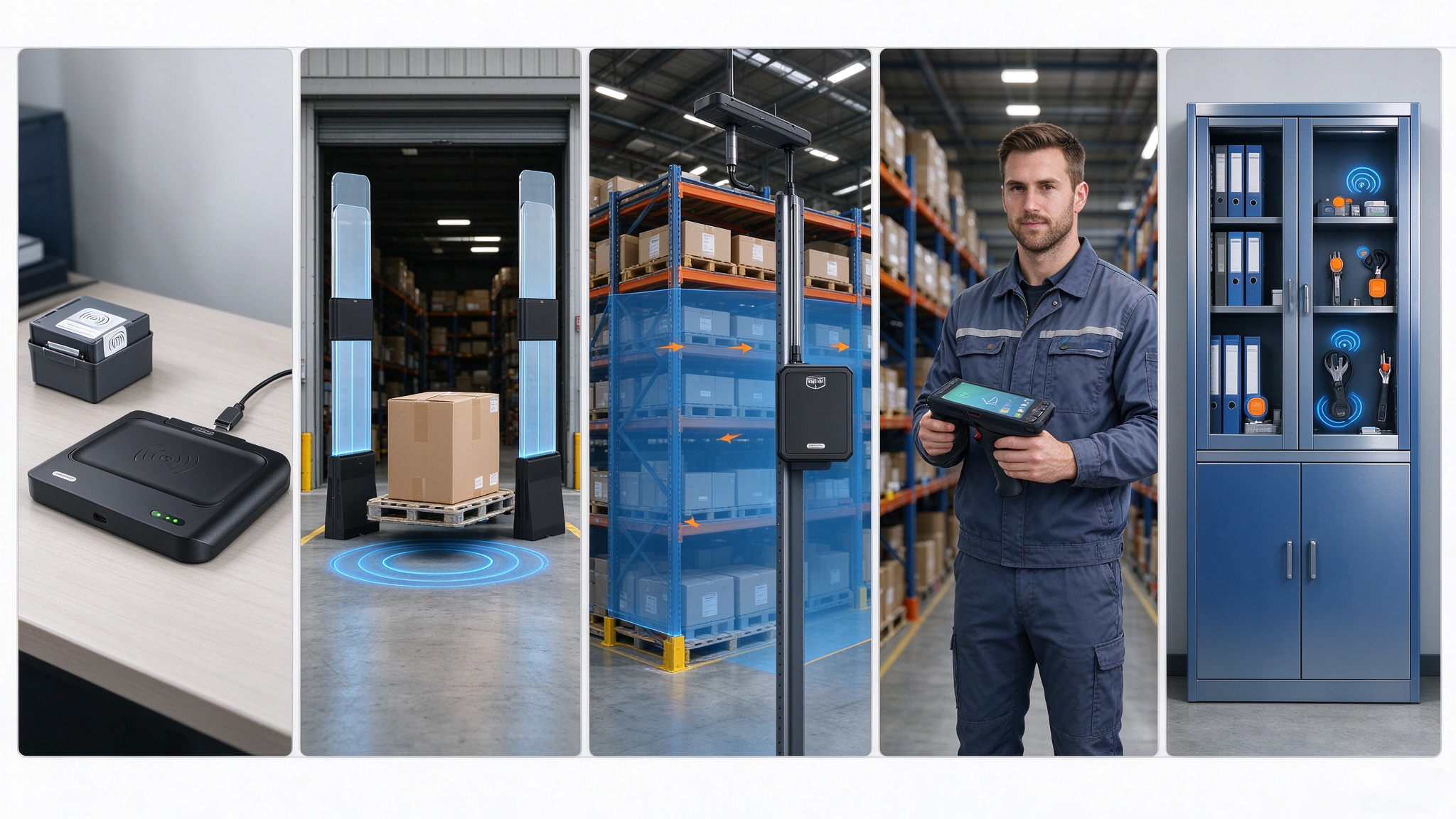
Here’s the part almost no guide covers. “RFID system” isn’t one design — it comes in five standard forms, and each has a different component list, read-point count and budget band. Choosing the form is the design decision:
| Form | How it detects | Typical components | Read points | Budget band |
| 1. Desktop point system | One item placed on/near a reader | USB reader + tags + desktop software | 1 | 50–500 |
| 2. Portal / gate system | Items pass through a fixed read zone | Fixed multi-port reader + 2–4 antennas + middleware | 1–4 per door | 1,500–8,000 per door |
| 3. Zone / shelf system | Continuous monitoring of a defined area | Fixed reader + shelf/overhead antennas + presence logic | 1–8 per zone | 2,000–10,000 per zone |
| 4. Mobile system | Worker carries the reader | Handheld or Bluetooth reader + app + sync | Unlimited (moves) | 300–1,500 per unit |
| 5. Enclosed system | Items inside a closed structure (cabinet, kiosk) | Custom RF enclosure + internal antennas + controller | 1 per enclosure | 3,000–15,000 per unit |
Most production deployments are combinations, not single forms. A typical warehouse runs a portal system at the dock, a mobile system for exception handling, and a desktop point at the receiving desk:
That combination is the most common “real” RFID system — and it’s why pricing a project from a single reader’s spec sheet never works.
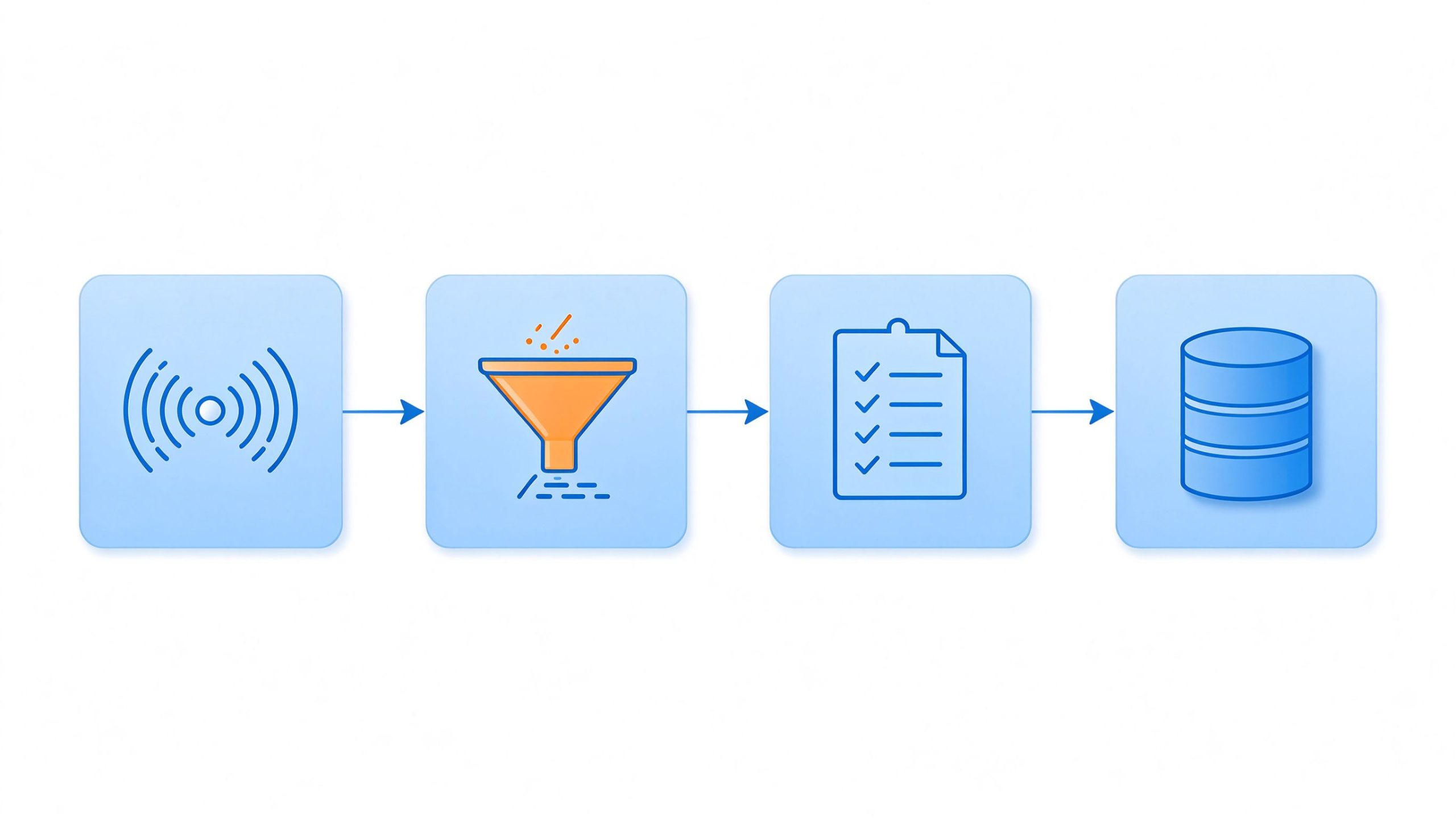
The system’s value is in what it does after the read:
Steps 1→2 is middleware. Step 3 is your application logic. Step 4 is integration. Skipping any step leaves you with data that looks impressive and means nothing — the classic “we’re reading tags but nothing changes in our system” complaint. Our guide to setting up RFID covers the integration sequencing; the practical build guide covers commissioning order.
Before you price anything, answer these — they determine the form, the layer count and the budget:
Your answers map directly onto the five forms. A “one desk, one item, no automation” answer needs a $50 system. A “both dock doors, hands-free, 300 pallets/day” answer needs a portal system plus middleware, and the budget conversation changes accordingly.
Realistic 2026 budgets, hardware + basic software, excluding integration labor:
| Tier | Form | Hardware + software | Notes |
| Starter | Desktop point | 50–500 | Enough to validate the idea |
| Small | Mobile (1 handheld) | 300–1,500 | Best first step for asset audits |
| Mid | Portal (1 door) | 1,500–8,000 | Needs cable, mounts, tuning time |
| Mid+ | Zone system | 2,000–10,000 | Presence logic is the hard part |
| Enterprise | Multi-door + cabinet + handheld fleet | 15,000–50,000+ | Integration typically 30–50% of total |
For a cost breakdown beyond hardware — antennas, cabling, installation, integration and payback math — see our fixed-mount readers cost and deployment guide. For specific scenario builds with read-point layouts, RFID for tracking: 6 proven setups maps each form onto a real workflow.
A complete chain — tags on objects, read points that detect them, a network, middleware that filters reads, and software that turns them into records. Not a single device.
Physically: tags, antennas, readers and host software. Architecturally: a physical layer, a data/middleware layer, a network layer and an application layer. Both views describe the same system.
A reader is one component that detects tags. A system includes the tags, the read points, the data path, the filtering and the software logic that turns reads into business records.
By frequency there are three (LF, HF, UHF). By physical form there are five common ones: desktop point, portal, zone, mobile and enclosed (cabinet). Most real deployments combine two or three forms.
From about $50 for a desktop validation kit to $50,000+ for a multi-door enterprise system. The hardware is often a minority of the total once cabling, tuning and software integration are included.
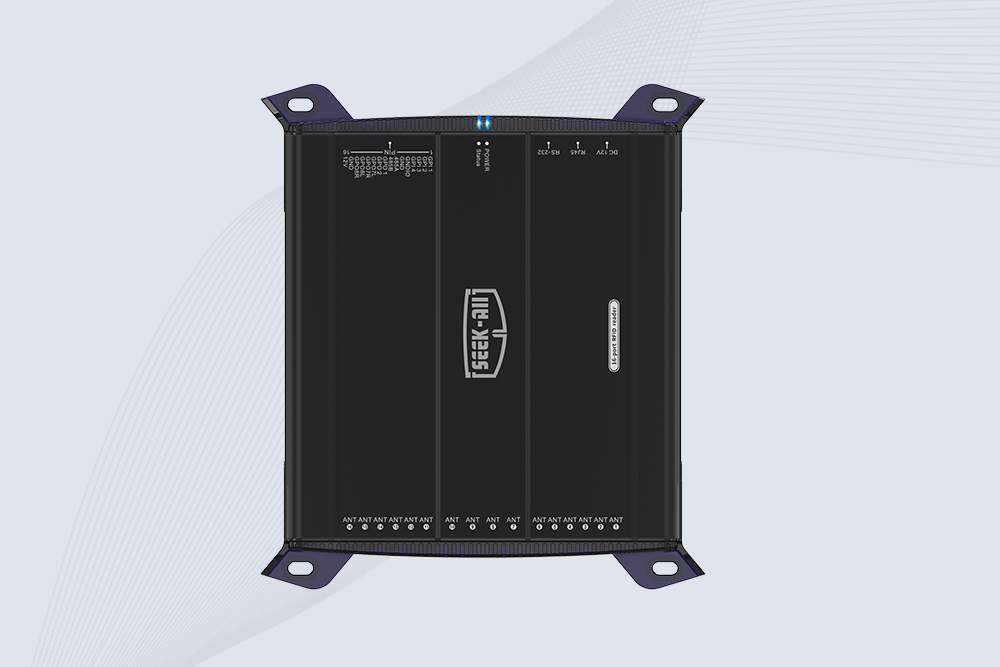
SSD-R16L Multi-Channel RFID Infrastructure for Automated Inventory Management ✔️ 16-Port High-Density RFID Reading Equipped with 16 SMA antenna ports, SSD-R16L supports multi-antenna deployment for warehouses, retail stores, logistics, production lines, and large-area RFID identification. ✔️ High-Speed & Long-Range Performance With up to 33…
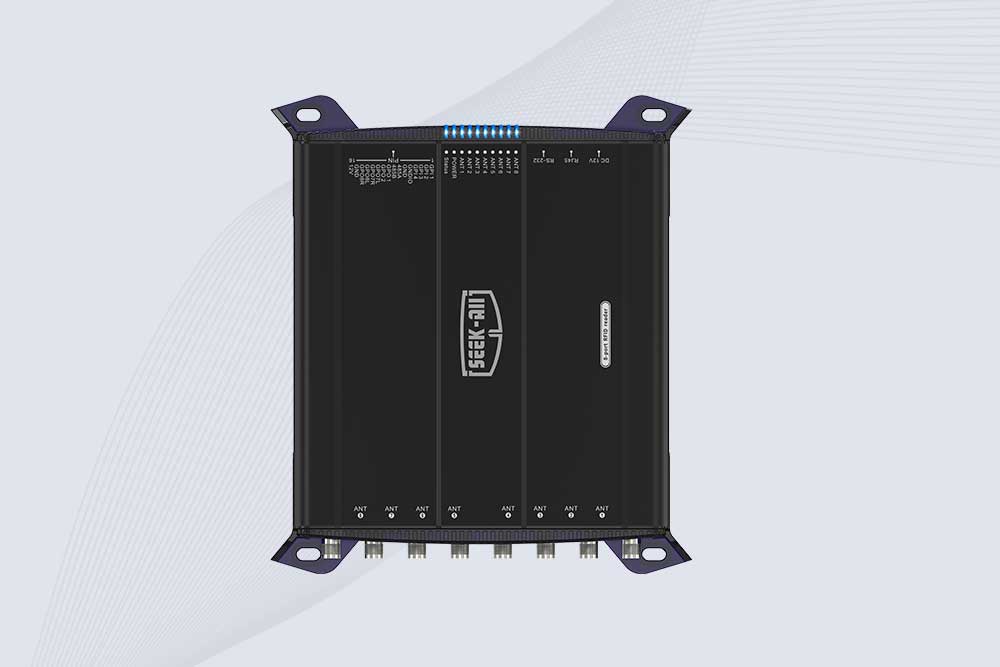
SSD-R8L 8-port UHF RFID reader with 33dBm output, up to 20m reading range and 600+ tags/s recognition. Ideal for warehouse, logistics, retail and asset tracking.
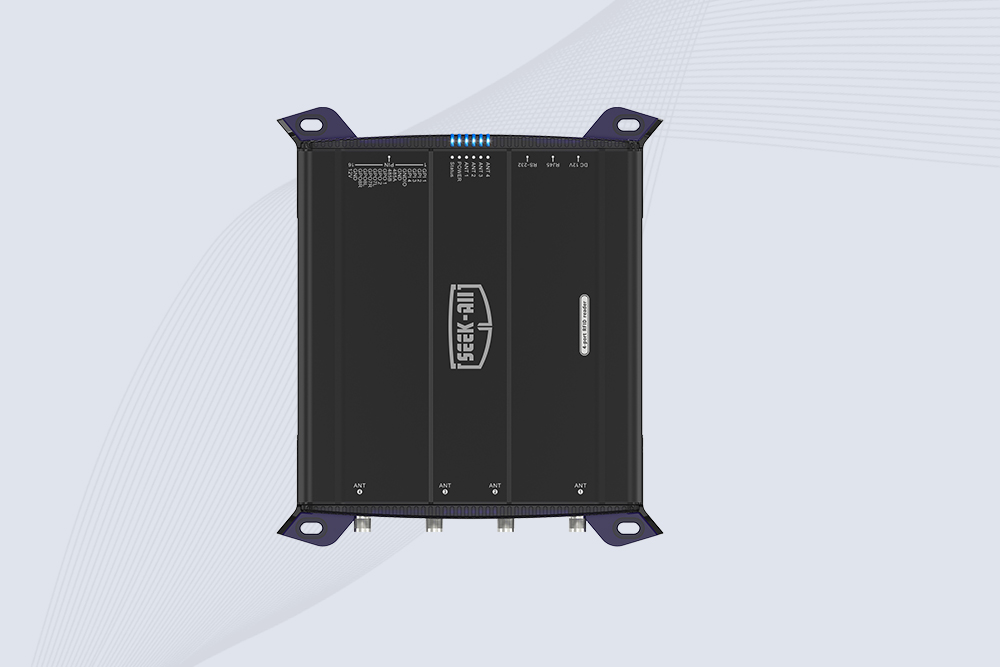
SSD-R4L is a 4-port UHF RFID fixed reader with 33dBm output power, up to 20m reading range, EPC C1G2 support and 600+ tags/s reading speed.
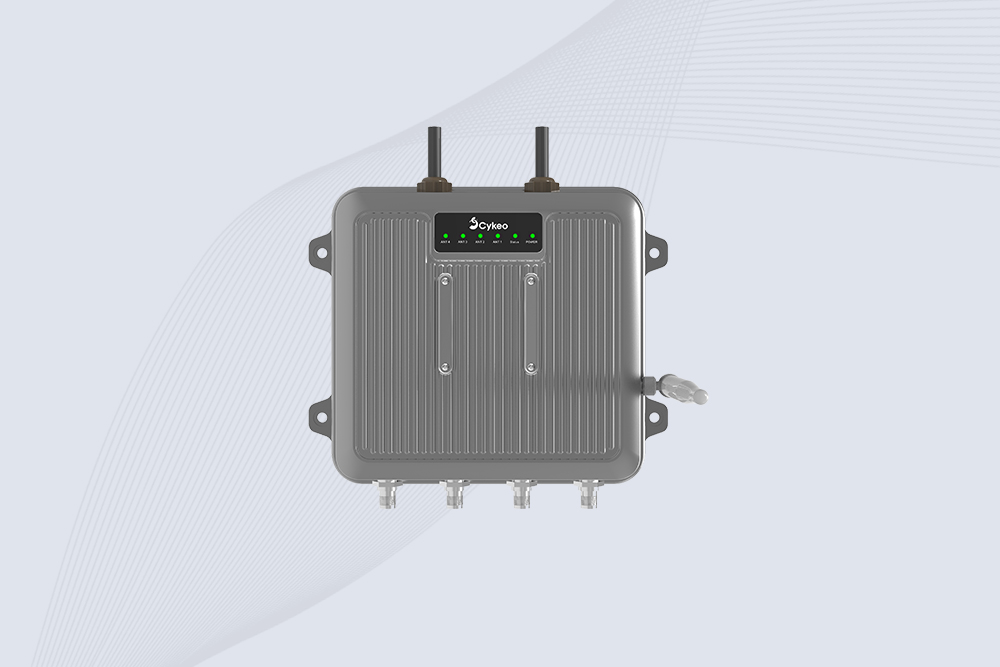
Cykeo CYKEO-C1 industrial Forklift RFID Reader features 20m read range, 600 tags/sec scanning, Impinj R2000 chipset, and IP67 rugged design. Ideal for warehouse logistics and manufacturing. Supports ISO 18000-6C/6B protocols.
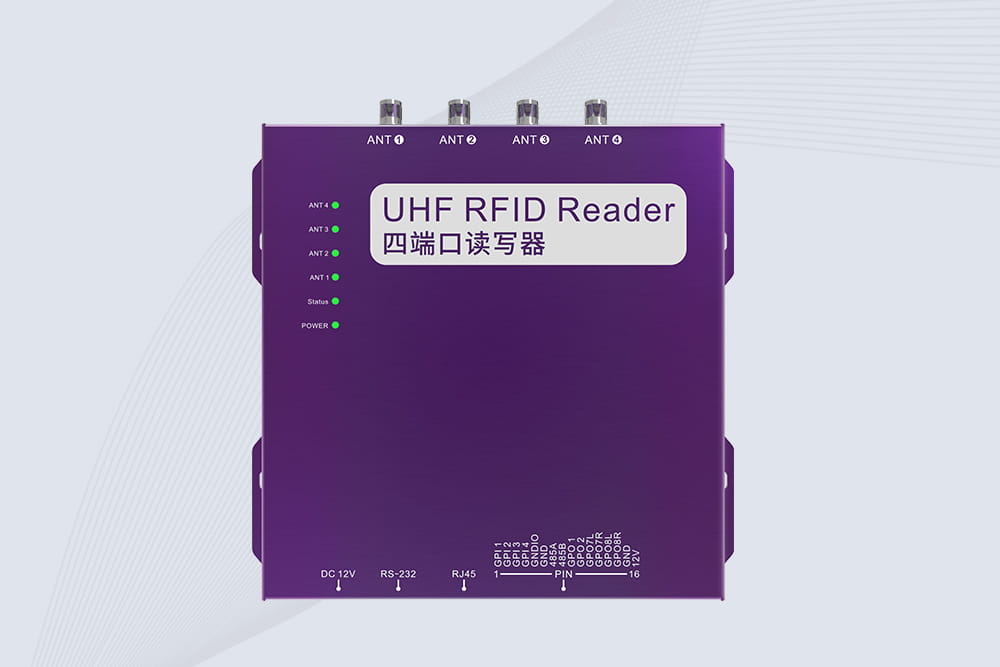
Cykeo CYKEO-R4 industrial UHF RFID Fixed Reader features 4 TNC ports, 400+ tags/sec speed, IP67 housing, and global frequency compliance for vehicle inspection, smart warehouse, and asset management systems.
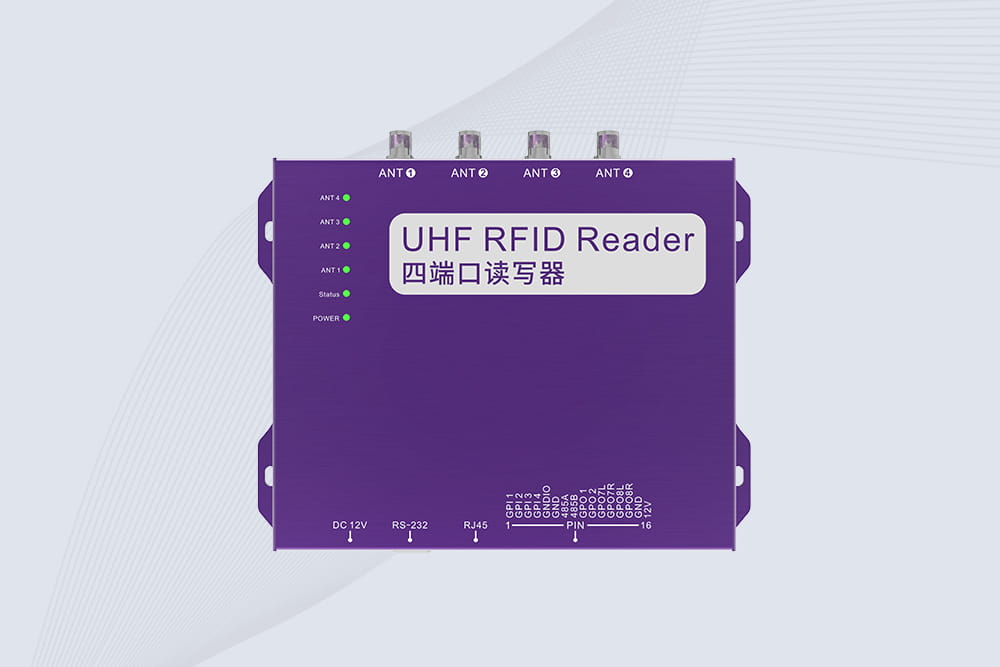
Cykeo’s CYKEO-R4L 4-port Fixed UHF RFID Reader delivers 400 tags/sec scanning, ISO 18000-6C compliance, and IP65 protection. Ideal for warehouse automation, manufacturing WIP tracking, and logistics management.
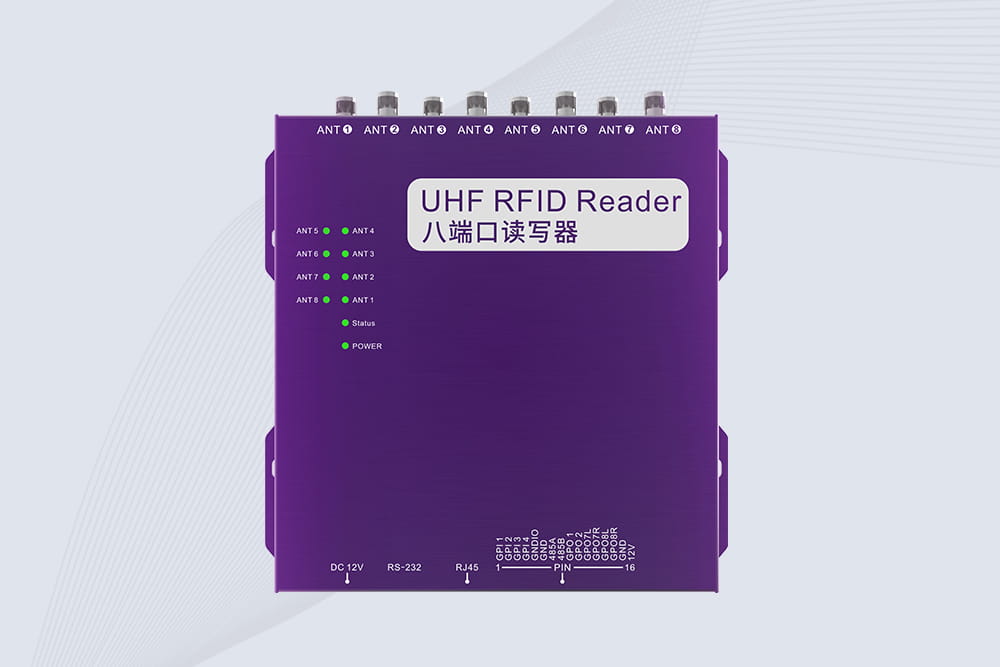
CYKEO CYKEO-R8L Fixed RFID Reader with 8-port UHF design, Impinj-based RF core and up to 20m read range. An industrial Fixed RFID Reader for vehicle inspection, warehouse portals, smart manufacturing lines and secure access checkpoints.
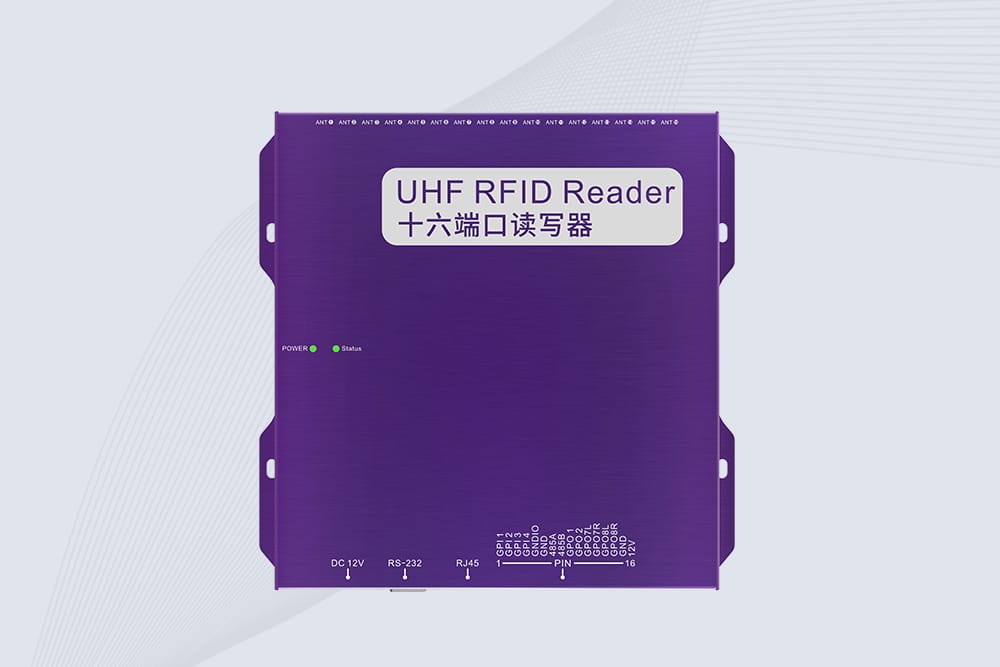
RFID Fixed Reader from CYKEO – the CYKEO-R16L 16-port UHF fixed reader for warehouses, smart cabinets, and production lines. Long-range, multi-tag reading, stable performance for 24/7 industrial use.
Discover how RFID in supply chain management boosts visibility, reduces errors, and cuts costs. Practical implementation guide with Cykeo solutions.
More
Discover how handheld RFID scanners transform retail operations—reduce stockouts, speed up checkout, and enhance customer satisfaction.
More
A practical breakdown of RFID parking access control for system integrators and solution providers. Learn how RFID vehicle access control works step by step, what affects reading distance, and why real parking projects behave differently from lab ...
More
Not sure if you need a Bluetooth RFID handheld reader? Learn when it makes sense and how it compares to integrated devices.
More