 Cykeo RFID IoT Solution Products R&D Manufacturer

RFID Tool Cabinet for Tool Sharing Management: Smarter Shared Tool Control
106RFID tool cabinet can help factories manage shared tools across departments, locations, and work teams by showing who has a tool, where it is, and when it ma...
MoreAll RFID Product
Connecting a USB RFID reader to a computer is usually straightforward. Getting it to work reliably inside an existing application takes more planning.
A developer may need to send tag IDs to an inventory database, register employee cards in a management system, connect a reader to a checkout application, or build a custom desktop tool. The right integration method depends on the reader’s communication interface and the functions exposed by its manufacturer.
An RFID Reader SDK can simplify this work by providing documented functions, programming libraries, sample projects, and device-control tools. An API defines how the application exchanges commands and data with the reader or its software interface.
Before choosing a reader, it is worth checking what the SDK actually supports. Two USB readers may look similar but expose very different programming options.
When evaluating hardware for a development project, explore our range of USB RFID readers for software integration and compare the available interfaces with your application requirements.”
An RFID Reader SDK, or Software Development Kit, is a collection of development resources for building software that communicates with RFID hardware.
Depending on the product, it may include device libraries, API documentation, code examples, configuration utilities, driver packages, and test applications. Some SDKs support only basic tag reading, while others expose additional functions such as reader configuration, writing supported tag memory, antenna control, or inventory operations.
The available functions depend on the reader model and RFID technology. An SDK for one reader should not be assumed to work with another manufacturer’s hardware.
The terms are related, but they are not interchangeable.
An API defines the commands, functions, or interfaces through which software interacts with a device. An SDK usually packages the API with additional tools that help developers build and test an application.
For example, an API might provide a function for retrieving a scanned card ID. The SDK may include that function, a sample desktop application, documentation, and instructions for connecting to the reader.
For a development team working under a tight schedule, usable sample code and clear error descriptions can be just as important as the API itself.
The first technical decision is understanding how the reader sends information to the computer. USB describes the physical connection, but it does not tell you exactly how application software receives tag data.
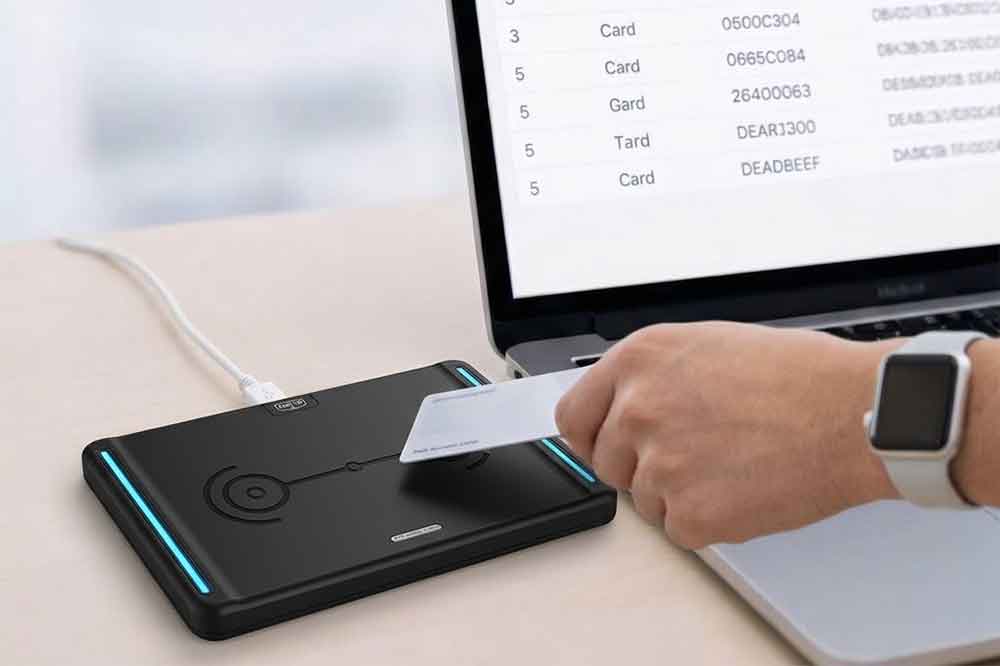
Some USB RFID readers behave like a keyboard. When a card is presented, the reader sends its identifier as simulated keystrokes into the active input field.
This approach is convenient for simple workflows. An employee can scan an ID card into a registration form, or a warehouse operator can scan a tagged item into an inventory application.
The limitation is control. Keyboard emulation may not expose advanced reader functions, and the application must handle input focus, formatting, and repeated scans appropriately.
Some readers expose a virtual serial port through USB. The application communicates through that port using the manufacturer’s documented commands or supported serial protocol.
This method can provide more control over communication and data processing than keyboard emulation, but the exact command format, baud rate, and configuration requirements depend on the device.
Developers should verify the manufacturer’s instructions rather than assuming all serial RFID readers use the same protocol.
A dedicated SDK may be the better choice when the application needs explicit device control, structured tag data, status information, or more advanced reading operations.
Before committing to a hardware model, ask for the SDK package, API reference, sample code, and a list of supported operating systems and programming languages. Confirm that the documentation matches the exact model and firmware version being evaluated.
Start by collecting the basic technical requirements:
If the project uses Windows and C#, for example, confirm that the SDK supports the required .NET environment. A Java application running on Linux may need a different interface or a separate communication layer.
This check helps avoid choosing hardware that works perfectly in a demonstration utility but cannot be integrated into the target application.
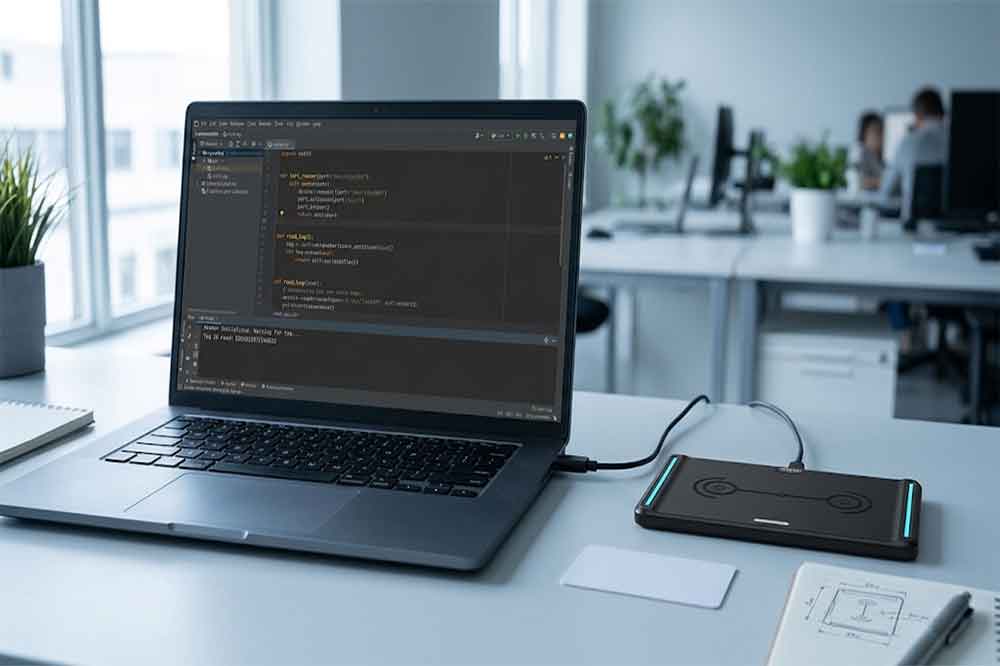
Install the appropriate driver or development package, following the supplier’s instructions. Connect the reader and check whether the operating system recognizes it.
For a serial-based reader, verify that the expected port appears. For a keyboard-emulation device, test whether scanning a card produces the expected input. If a manufacturer supplies a demo utility, use it to confirm basic operation before writing application code.
Separating hardware testing from software development makes faults easier to locate.
Use the documented SDK function or communication procedure to establish a connection.
The application should confirm that the device is available before attempting to read tags. Where supported, it should also check the reader’s status and report connection failures clearly.
Initialization should not depend on an assumption that the device is always connected. USB cables can be unplugged, ports can change, and applications may be restarted while the reader remains powered.
Once the connection is working, implement the documented tag-reading function.
A basic workflow may look like this:
The identifier format matters. Some applications expect hexadecimal strings, while others use decimal values or a specific card-number representation. Make sure the software does not accidentally change leading zeros, byte order, or character formatting.
For systems that process multiple scans, define how repeated reads should be handled. A reader may report the same tag several times while it remains in the reading field. Whether those events should be ignored, counted, or treated as separate transactions depends on the application.
The reader usually forms only one part of the complete application.
For an inventory system, the application might receive a tag ID, look up the associated item, and update its stock record. In an employee registration system, the same general process can associate a scanned card with a user record.
For larger systems, it is often useful to separate the reader communication layer from the business logic. This makes it easier to replace a reader model, change the database, or modify the workflow without rewriting the entire application.
When integrating with ERP, warehouse management, POS, or asset tracking software, confirm the required data format and interface with the receiving system. The reader SDK does not automatically provide integration with every third-party platform.
A successful single scan does not establish that an integration is ready for daily use.
Test the reader with different supported tags, repeated presentations, long operating sessions, application restarts, and USB disconnections. Check how the software behaves when a tag cannot be read or the database is unavailable.
For unattended systems, also consider logging, reconnection behavior, and recovery after an unexpected interruption. These details often determine whether the finished application is reliable outside the development environment.
C# is commonly used for Windows desktop software, including inventory tools, employee registration applications, and industrial interfaces.
Before development, confirm that the supplier provides a compatible library or documented communication interface. If the SDK is built for a particular .NET version or processor architecture, that requirement should be checked against the target application.
Java may be suitable for cross-platform applications and backend services. The integration method depends on whether the reader provides a Java library, supports serial communication, or exposes another documented interface.
Where the SDK does not support the target Java environment directly, a separate communication component may be necessary.
Python can be useful for prototyping, automation, and connecting reader data to databases or web services. Integration may use a supported library, a serial interface, or another documented communication method.
Do not assume that every SDK provides native support for every programming language. Confirm the available interfaces before selecting a development approach.
Several problems appear repeatedly during development.
The reader is not detected. Check the USB connection, driver installation, operating-system compatibility, and device status.
The application cannot communicate with the reader. Verify the interface type, port selection, communication parameters, and initialization procedure.
Tag data is incorrectly formatted. Review the documented output format, encoding, byte order, and handling of leading zeros.
The same tag appears repeatedly. Implement an application-level rule for duplicate events if the business workflow requires it.
The SDK works in a demo but not in the application. Compare dependencies, permissions, runtime versions, processor architecture, and configuration settings.
The connection drops during operation. Test reconnection behavior and make sure the application can recover without corrupting or duplicating business records.
A useful troubleshooting process starts with the manufacturer’s demo utility, then moves to a minimal application, and finally tests the complete business workflow.
For a B2B project, hardware price is only one part of the decision. Development time, integration effort, and long-term maintenance also affect the overall cost.
Check whether the supplier can provide:
Also confirm the reader’s supported tag types, frequency, read range, and operating environment. A desktop reader intended for close-range card registration may not suit a warehouse application that needs to identify multiple tagged items.
If the project requires custom software, clarify the expected development scope early. A reader that supports basic tag output may be sufficient for a registration form, while a more complex application may require explicit commands, structured responses, and access to additional reader functions.
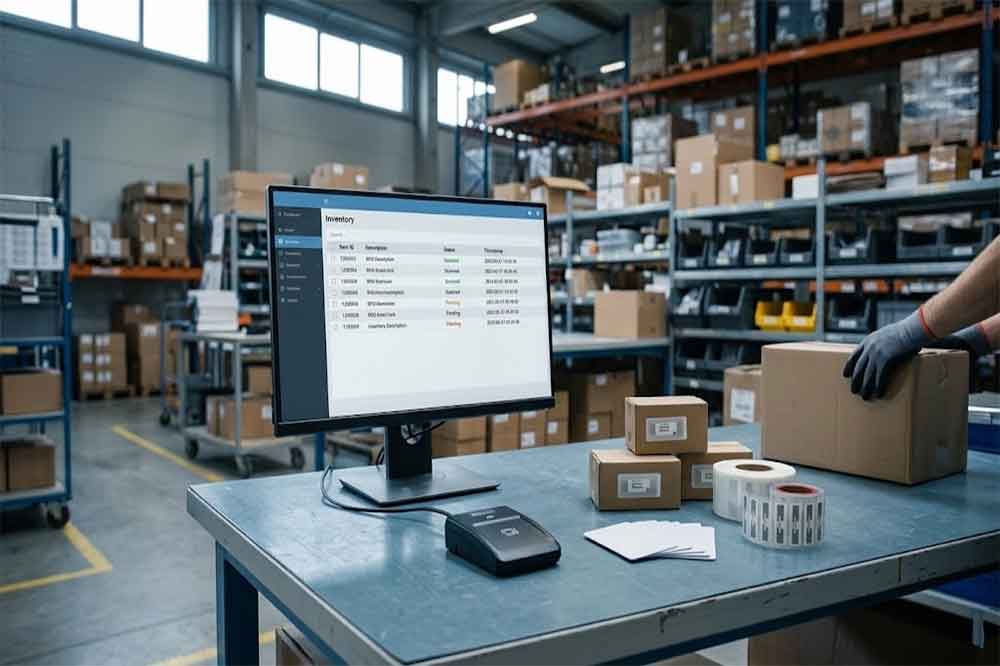
The best integration method is the one that matches the reader’s documented interface and the application’s actual requirements. A simple keyboard-emulation device can work well for basic data entry, while an SDK or API may be necessary for more controlled reading workflows and custom software.
Before selecting hardware, confirm SDK availability, language compatibility, supported commands, and the technical support available for testing. These checks give developers and system integrators a clearer idea of the work required before deployment.
For projects involving inventory management, access control, employee identification, or asset tracking, discuss the target operating system, programming language, and required reader functions with the supplier before finalizing the hardware.
An RFID Reader SDK is a set of development tools, libraries, documentation, and examples that helps software communicate with an RFID reader. Available functions vary by model.
No. Some readers output tag data as keyboard input or through a standard communication interface. An SDK is useful when the application requires additional device control or a documented programming interface.
C#, Java, Python, and other languages may be supported, depending on the reader’s SDK and communication interface. Check compatibility with the specific model.
Yes. The application can receive tag data and use it to look up items, update records, or trigger inventory workflows. The integration method depends on the reader and the software platform.
Request the SDK or API documentation, sample code, driver requirements, supported programming languages, communication specifications, and a demo utility for testing the selected reader.
For projects targeting Android devices rather than a conventional desktop environment, see our guide to connecting a USB RFID reader to Android for additional hardware and software considerations.”
For a practical application example, our guide to USB RFID readers for warehouse inventory explains how desktop RFID workflows can support item identification and inventory operations.
Developers building equipment or fixed-asset management systems can also explore RFID reader integration for asset tracking to understand how tag identification fits into an operational workflow.

Discover SSD-D4AL, a USB-HID UHF RFID reader with 4/8/16 antenna options, Impinj E710/X3M1 chipset, plug-and-play USB power, and OEM customization.

SSD-D3AL is a USB-HID UHF RFID reader with 0–30 cm reading, 0–15 cm writing, over 600 tags/s recognition, USB plug-and-play operation and OEM Logo customization.

SSD-D1AL is a compact USB UHF RFID reader with Impinj E710/X3M1 chipset, USB-HID, 600+ tags/s recognition, 4/8/16 antenna support and plug-and-play USB power.

CYKEO CYKEO-D1LA USB RFID Reader is a compact desktop solution with near-field control for precise tag reading and encoding. Powered by USB, supporting ISO 18000-6C, and built for stable batch writing, this usb rfid tag reader fits retail, libraries, offices, and controlled RFID encoding tasks.

CYKEO CYKEO-D1L RFID scanner USB is a compact desktop UHF RFID scanner designed for short-range tag writing and verification. This usb rfid scanner supports batch encoding, stable 0–26 dBm output, and works across Windows, Linux, and Android systems.

CYKEO CYKEO-D1C USB RFID Card Reader is a near-field UHF desktop writer designed for secure, short-range tag encoding. With USB-C connectivity and stable 26 dBm output, this rfid reader usb c is ideal for badge issuance, label encoding, and controlled desktop RFID workflows.

CYKEO CYKEO-D2L RFID Reader USB is a compact desktop encoder built on the Impinj R500 chip. With near-field control and stable USB power, this usb rfid card reader delivers precise tag writing for offices, retail counters, and small-scale logistics encoding tasks.

CYKEO CYKEO-D3L USB RFID Tag Reader delivers stable UHF tag reading and writing for daily desktop and light industrial tasks. Designed for controlled short-range operation, this USB RFID Tag Reader works reliably with rfid tag and reader systems in libraries, tool tracking, and inventory registration.

The CYKEO CYKEO-D4L UHF RFID Tag Reader is a stable Desktop RFID Reader designed for accurate tag registration, borrowing, and return workflows. Built with the Impinj R2000 chip, this UHF RFID Tag Reader delivers controlled short-range reads for libraries, asset tracking, and inventory management environments.

The CYKEO CYKEO-D5L Desktop RFID Card Reader is a stable UHF RFID Card Reader designed for controlled short-range reading and writing. Built for libraries, tool rooms, and asset desks, this UHF RFID Card Reader supports dense tag handling, secure data processing, and easy USB integration.

The CYKEO CYKEO-D6L RFID Reader Writer is a heavy-duty Desktop RFID Reader designed for short-range, high-accuracy tag programming. Built for libraries, labs, and asset desks, this RFID Reader Writer supports batch processing, stable 33dBm output, and seamless integration with existing management systems.

Cykeo CYKEO-D8B UHF RFID tunnel and RFID Desktop Reader features 30+ items batch reading,

Cykeo CYKEO-D8A embedded RFID badge reader offers 30+ tags/sec scanning, 20cm anti-crosstalk precision, and DC 12V power for unmanned stores, warehouses, and smart inventory systems.

Cykeo’s CYKEO-D8C UHF RFID gate reader achieves 200-tag/batch scanning with adjustable power control, ideal for retail inventory and smart warehouse management.
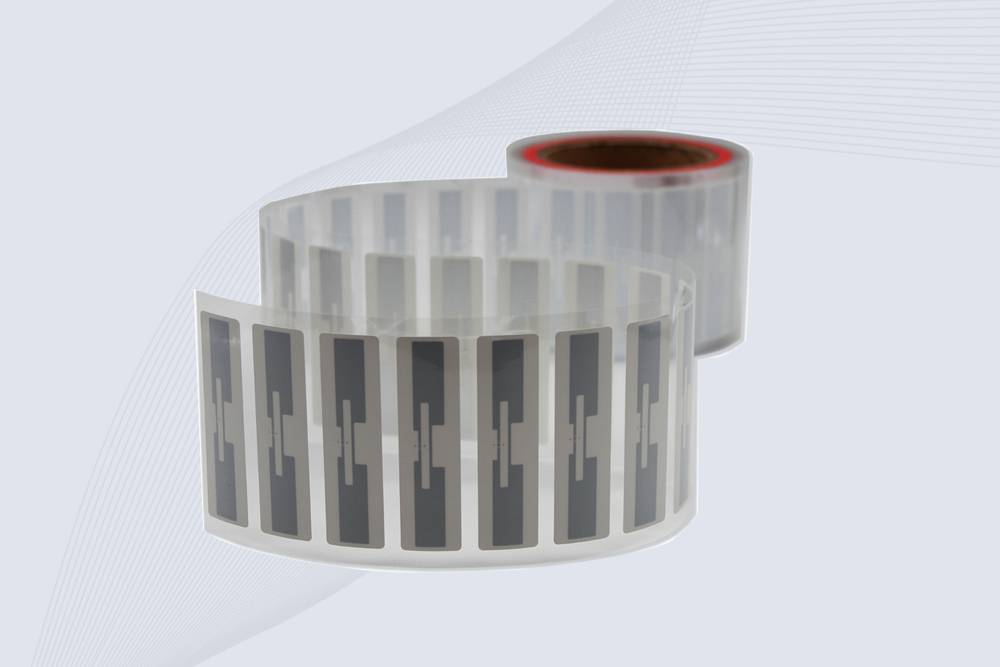
CYKEO Passive RFID Tags are made for wet and high-humidity environments where standard labels do not last. This rfid passive tag is often used around liquids, chemicals and temperature changes, providing stable reading distance and long data life for industrial tracking.
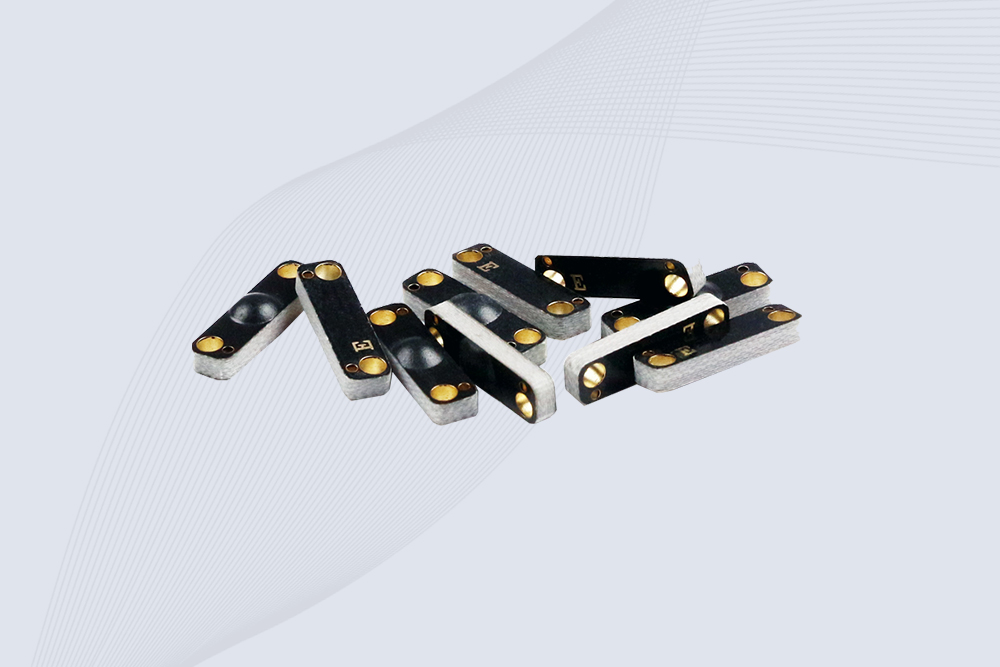
CYKEO CYKEO-PCB1504 Metal RFID Tags is a compact anti-metal UHF RFID solution built for direct mounting on metal surfaces. With stable 8-meter read range, Ucode-8 chip, and long data retention, this rfid metal tag fits tools, containers, automotive parts, and industrial asset tracking.
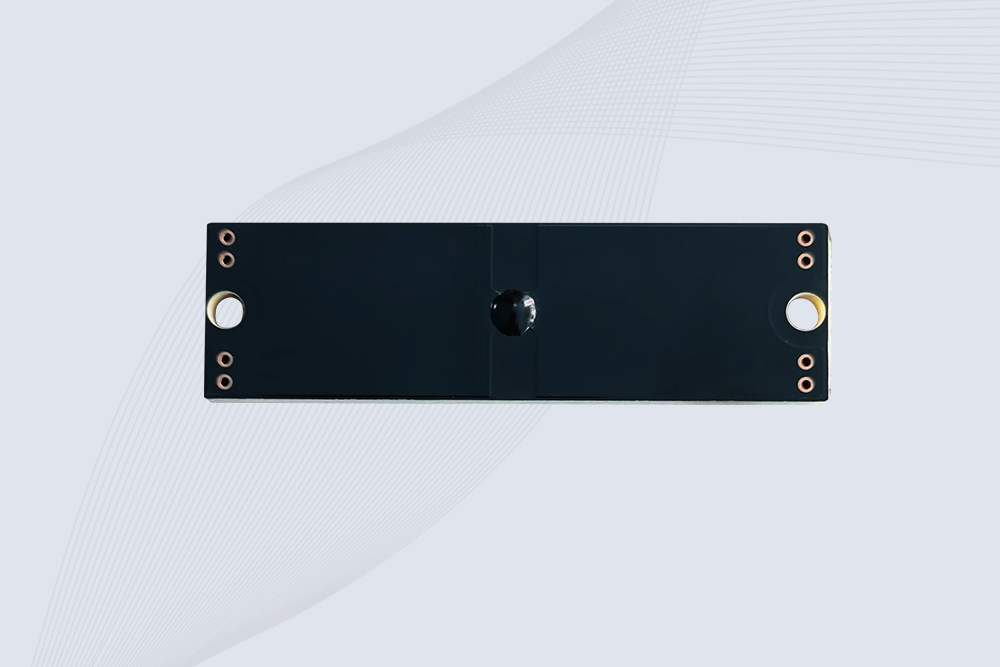
CYKEO CYKEO-PCB7020 On-Metal RFID Tags are designed for reliable tracking on steel and metal surfaces. Built with an FR4 epoxy body and industrial-grade chips, these On-Metal RFID Tags deliver stable performance, long data life, and chemical resistance, making them a dependable RFID anti-metal tag for harsh environments.
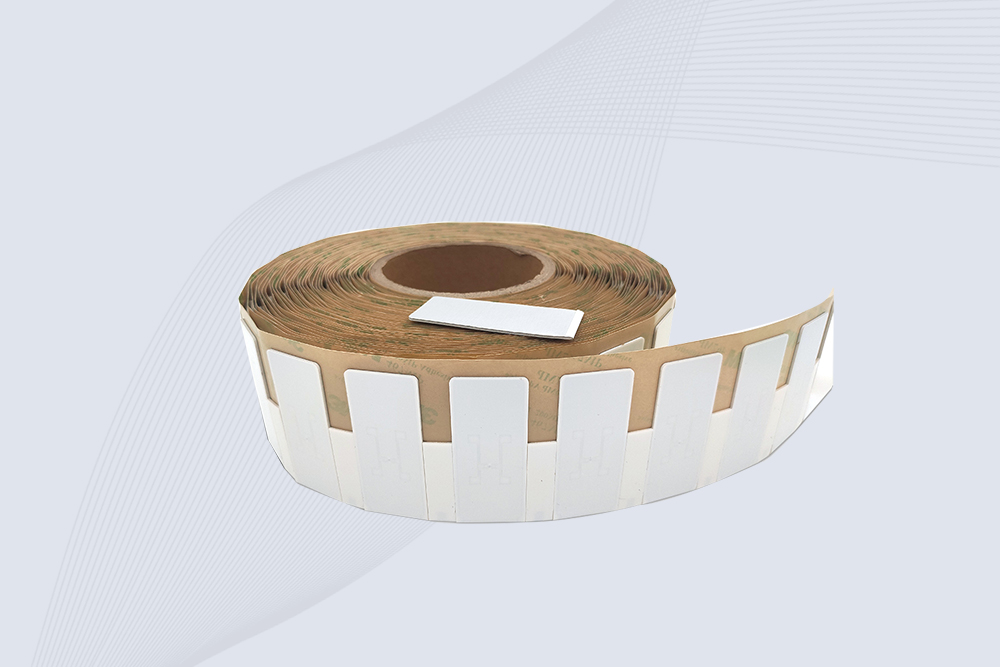
The CYKEO CYKEO-60-25 Anti-Metal RFID Tag is built for metal surfaces where standard tags fail. Designed for long-range performance, harsh environments, and stable data retention, this Anti-Metal RFID Tag is ideal for industrial assets, containers, and equipment tracking using on metal RFID tags.
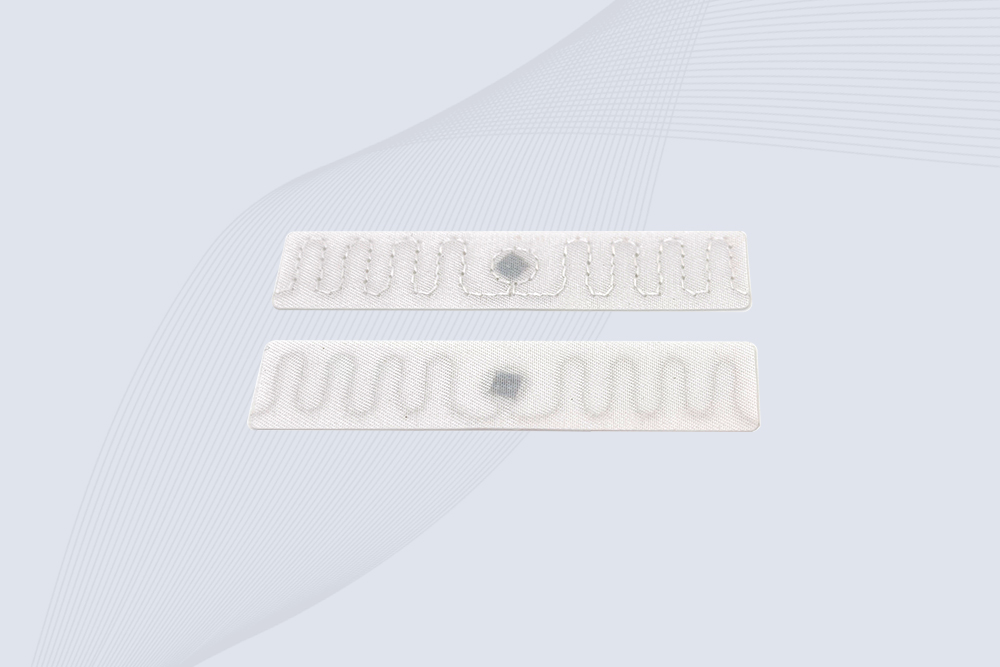
The CYKEO RFID Laundry Tag is designed for long-term textile identification in harsh laundry environments. Built to withstand high heat, chemicals, and repeated washing, this RFID Laundry Tag delivers stable performance for hotels, hospitals, and industrial laundry operations using laundry rfid tags at scale.
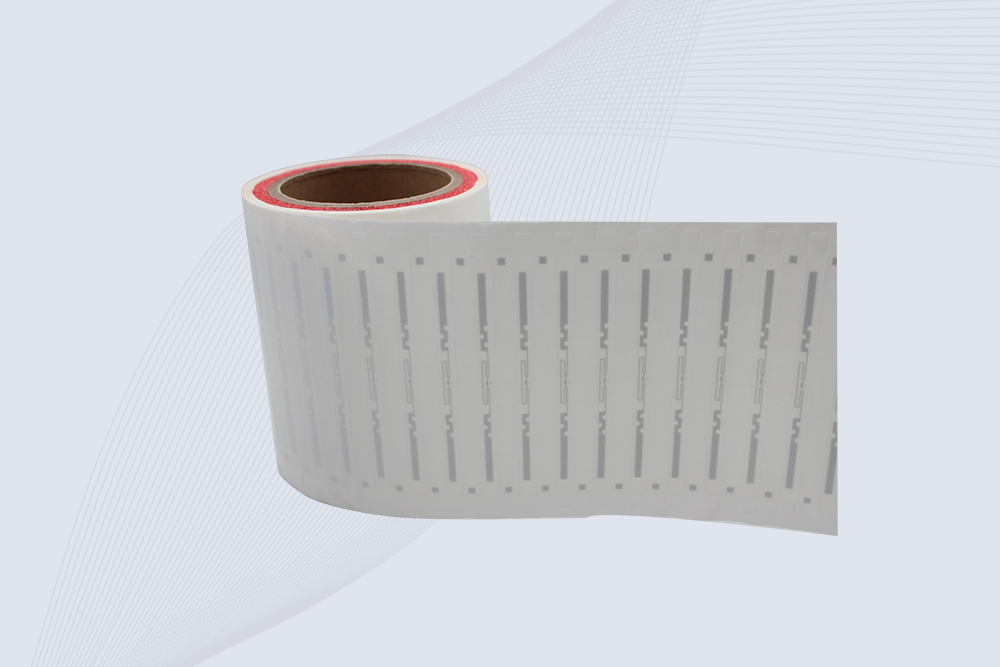
The CYKEO CYKEO-125-7 RFID Book Tag is designed for reliable book and document tracking in libraries and archives. This RFID Book Tag delivers long read range, dense placement support, and stable performance on shelves, making it a practical rfid tag on books for library automation, file management, and archival systems.
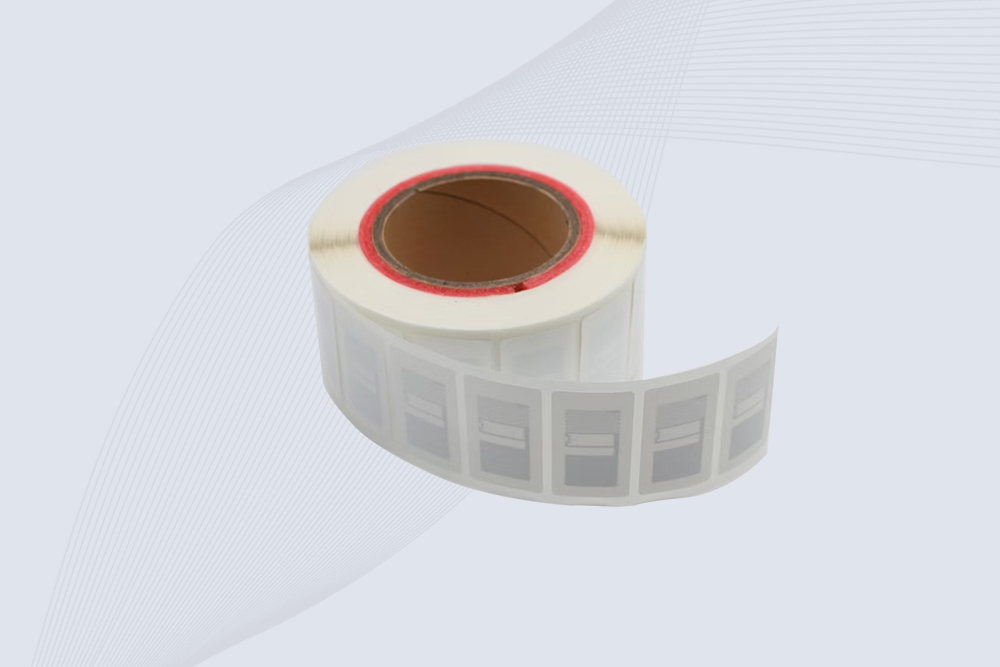
CYKEO RFID tags in hospitals are designed for sterile environments where accuracy matters. These autoclavable RFID tags support long-term tracking of surgical tools, implants, and medications, helping hospitals improve visibility, compliance, and patient safety.

CYKEO RFID Cable Tie Tag is built for reliable identification on metal surfaces. This UHF RFID Cable Tie Tag is widely used in rfid tags for inventory systems, industrial asset management and Hospital RFID Tags, offering stable read performance, long service life and global EPC Gen2 compatibility.
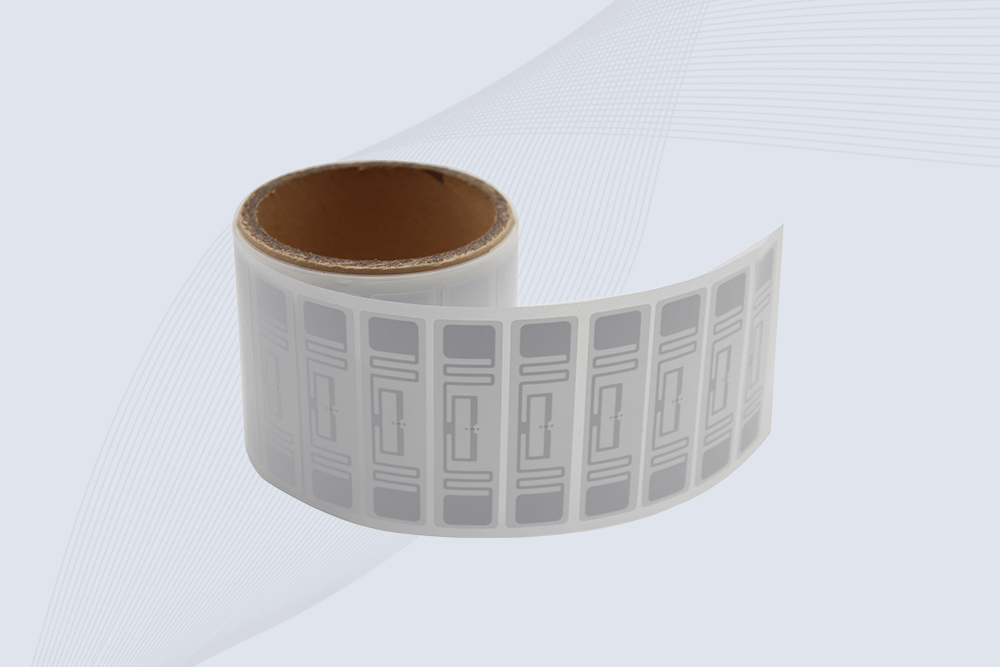
CYKEO RFID Asset Tag is designed for stable identification of metal assets in industrial environments. This UHF RFID Asset Tag is commonly used for rfid tag asset tracking on equipment, tools and containers, providing reliable reads, long service life and ISO/IEC 18000-6C support.
CYKEO UHF RFID Card is designed for fast identification and long-term use in industrial and commercial systems. Supporting ISO 18000-6C, this UHF RFID Card works at 860–960 MHz and is suitable for custom RFID cards used in asset tracking, access control and inventory management.
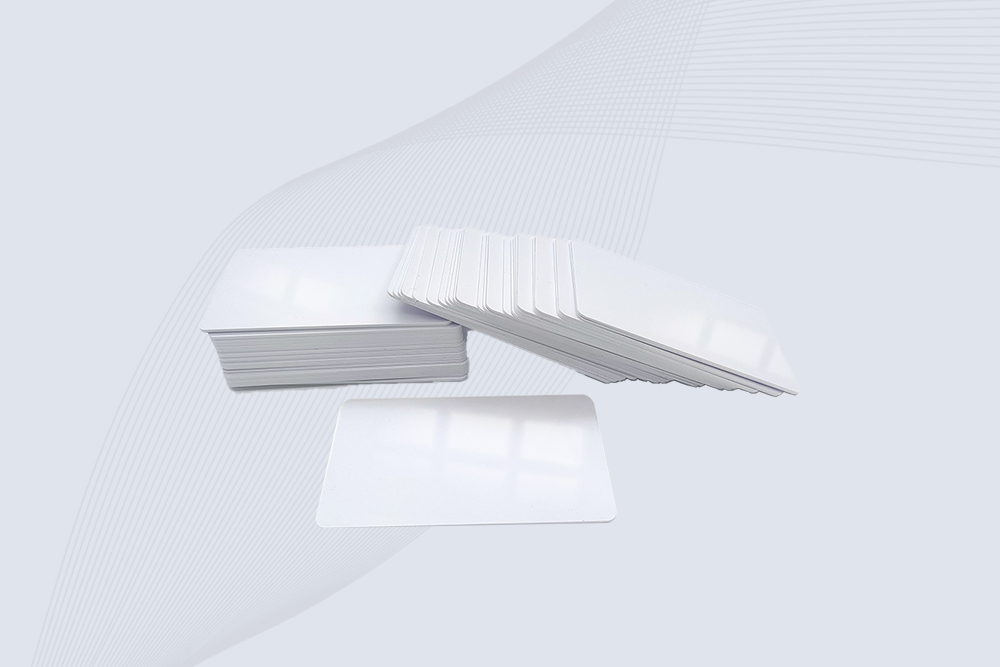
CYKEO HF RFID Cards are designed for secure and stable access control systems. These 13.56 MHz RFID key cards support ISO 14443-A, reliable rewriting and long service life, making HF RFID Cards suitable for offices, campuses, events and membership management.
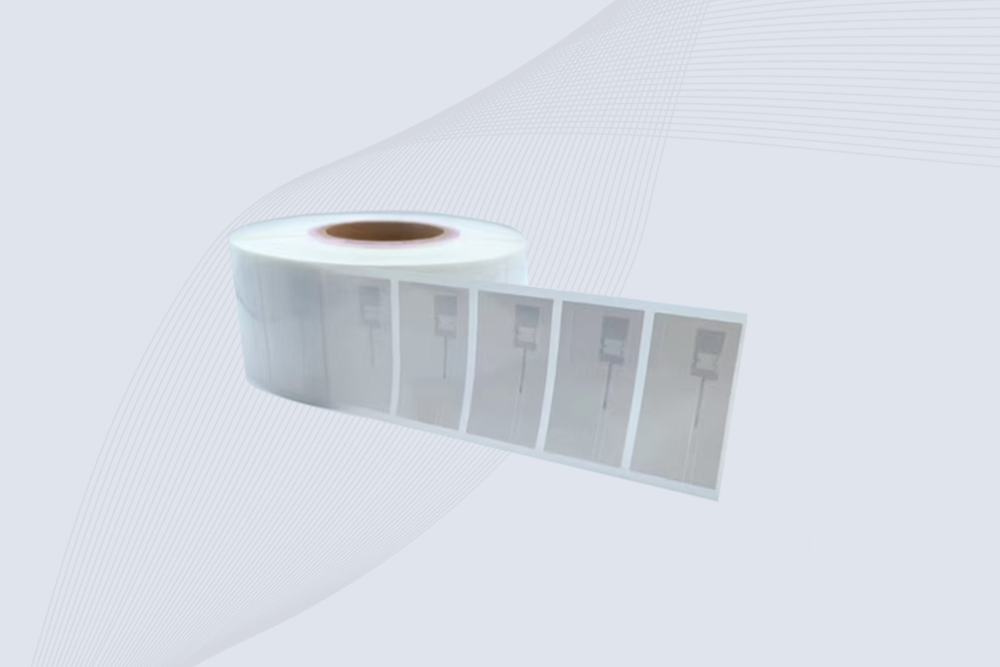
CYKEO UHF RFID Tag is designed for reliable tracking of metal jewelry and high-value items. This Jewelry RFID Tag supports long-range reading up to 8 meters, anti-counterfeit protection and stable performance on metal, making it suitable for retail, inventory control and asset management.
RFID Industry Writer | IoT & Asset Tracking Analyst
James writes about RFID technology, asset tracking, and the practical challenges of digital transformation across warehousing, retail, manufacturing, and logistics.
His work focuses on how RFID is applied in real-world operations—improving inventory visibility, automating workflows, and helping businesses manage assets with greater accuracy and efficiency.
He regularly covers topics including UHF RFID, smart cabinets, RFID portals, tool tracking, warehouse automation, and industrial IoT trends..
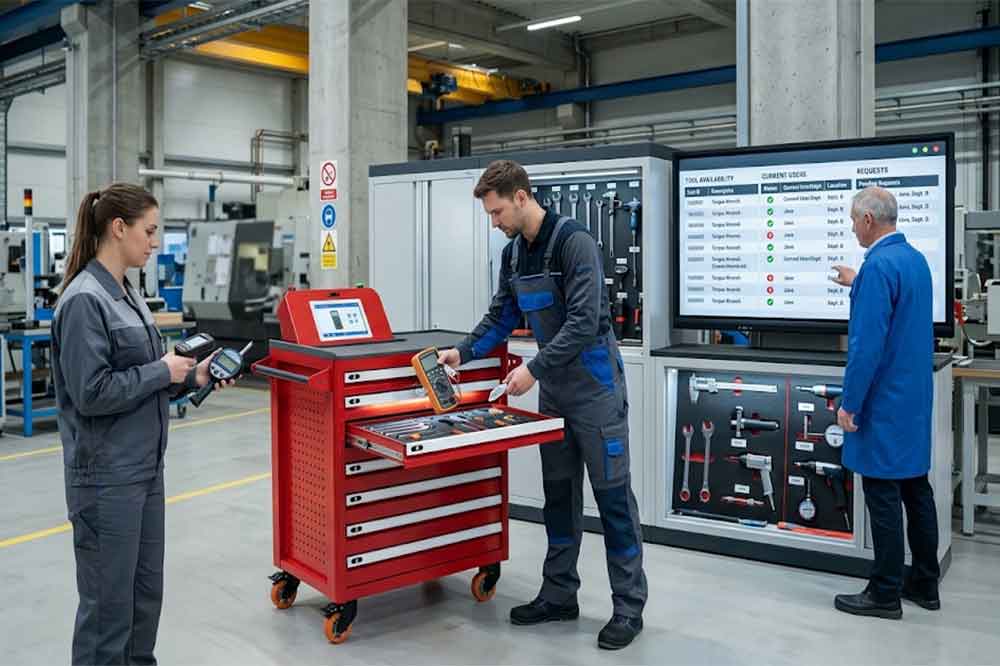
RFID tool cabinet can help factories manage shared tools across departments, locations, and work teams by showing who has a tool, where it is, and when it ma...
More
Learn what RFID asset tracking software is, how it works with RFID readers and tags, key features to look for, and how to implement it for your organization. Expert guidance from CYKEO engineers.
More
Wondering "can my phone read RFID tags"? Here’s a realistic look at what your smartphone can and cannot do, and when you need a professional RFID system.
More
RFID stands for Radio Frequency Identification, a technology that uses radio waves to identify tagged objects and exchange data with compatible readers. It h...
More