 Cykeo RFID IoT Solution Products R&D Manufacturer

Why Use RFID Tags?
68RFID tags help businesses identify items, improve inventory visibility, reduce repetitive manual scanning, and record item movements. Their effectiveness dep...
MoreAll RFID Product
To use an RFID card reader, connect it to a compatible computer, controller, or application, then present a supported RFID card within the reader’s operating range. The reader captures the card’s available identifier or data and passes it to connected software, which determines what action to take.
An RFID reader can look deceptively simple: a small desktop unit, a wall-mounted access terminal, or an industrial reader connected to an antenna. But successful operation depends on more than placing a card near a device. The reader and card must use compatible radio technology, the reader must be configured correctly, and the application must know what to do with the information it receives.
That distinction matters in real deployments. A reader may detect a card perfectly while an access-control system still rejects it. A desktop unit may read a tag’s identifier but not display a person’s name because no corresponding record exists in the software. And a UHF reader designed for warehouse inventory generally cannot replace an HF/NFC reader used for a typical contactless card.
This guide explains how to use an RFID card reader, how to check compatibility, how to interpret read results, and how to troubleshoot the problems most likely to appear during installation or everyday operation.
An RFID card reader communicates with a compatible RFID card or tag using radio-frequency signals. It captures the information the card is configured to provide and transfers that information to a connected system.
According to GS1’s explanation of RFID system operation, a typical RFID system includes a reader and a transponder, or tag, which usually contains a microchip and antenna. With passive RFID, the tag draws energy from the reader’s electromagnetic field and sends information back by modulating the signal. The reader converts the response into digital data.
In practice, the reader is only one part of the system. A complete application may also include:
For example, in an office access-control system, a reader may capture a card number and send it to a controller. The controller checks whether that credential is authorized for the door. In a library, a desktop RFID reader may capture a book tag’s identifier so the library system can locate the associated catalog record.
The key point: reading a card and authorizing a transaction are different operations. The reader captures data; the application or controller decides what that data means.
Before trying to scan a card, identify the technology used by both the card and the reader. This is the most important first check because RFID is a family of technologies, not one universal radio interface.
GS1 US describes three common frequency categories: low frequency (LF), high frequency (HF), and ultra-high frequency (UHF). Its overview lists LF at 125–134 kHz, HF at 13.56 MHz, and UHF in the 856–960 MHz range. Exact permitted UHF operating frequencies vary by region and applicable regulations.
| RFID technology | Typical applications | Practical consideration |
|---|---|---|
| LF, commonly 125–134 kHz | Some access-control cards, animal identification | Requires an LF-compatible reader and card format |
| HF, commonly 13.56 MHz | Contactless cards, library systems, NFC-related applications | Several standards and card families exist; frequency alone does not guarantee compatibility |
| UHF / RAIN RFID | Inventory, logistics, item-level and asset tracking | Designed for different use cases and generally requires compatible UHF tags and readers |
These categories should not be treated as interchangeable. A UHF inventory reader is not automatically capable of reading a 13.56 MHz NFC card, and a USB NFC reader will not automatically read a UHF warehouse tag.
Even when two devices use the same frequency, they may support different protocols, chip families, security functions, or data formats. For instance, the NFC Forum describes NFC communication with supported contactless technologies, including ISO/IEC 14443 Type A and Type B cards and ISO/IEC 15693 cards. That does not mean every NFC device supports every card function or security operation.
Do not assume that a card is compatible just because it looks like another card you have used. Two plastic cards can have nearly identical dimensions and printing while using different chips and radio protocols.
The exact procedure depends on the reader model and application, but the following workflow covers most desktop RFID reader setups and provides a useful starting point for supported access or identification systems.
Start with the manufacturer’s documentation. Determine whether the reader is intended for contactless access cards, NFC tags, UHF item tags, or another specific application.
A desktop reader designed to register library tags is not necessarily suitable for door access control. Similarly, a fixed UHF reader designed to identify multiple tagged cartons is different from a short-range reader that expects a single card to be presented deliberately.
If the reader has an external antenna, check the specified antenna connection and supported antenna configuration before powering it on.
For a USB reader, connect it to a supported USB port and follow the manufacturer’s installation instructions. Some devices work through a standard operating-system interface, while others require a vendor driver, configuration utility, SDK, or application.
For a networked reader, confirm the power supply, Ethernet connection, IP settings, and communication parameters specified by the manufacturer. For serial devices, check the correct port and communication settings, including baud rate where applicable.
Avoid assuming that a device is ready simply because an indicator light turns on. Power indicates that at least part of the device is operating; it does not prove that the host application can communicate with it.
Launch the vendor’s demo software or the application intended for the workflow. If the manufacturer provides a connection test, use it before attempting a full registration or access transaction.
Check that the software recognizes the correct reader. Where multiple devices are connected, select the intended device rather than relying on a default port or previously saved setting.
For a software-integrated system, the development team may need to use the reader’s documented API or SDK. The GS1 system architecture also distinguishes communication with the reader from the higher-level software that processes captured data. GS1 identifies the Low Level Reader Protocol (LLRP) as one standardized way for software to control compatible RFID readers.
Place one supported card within the reader’s specified operating zone. For a tap-style HF/NFC reader, bring the card close to the marked sensing area. For a UHF reader, follow the manufacturer’s recommended reading distance and antenna orientation.
Hold the card steady for a moment. Watch for a confirmation light, sound, application message, or newly displayed identifier—whichever feedback the device supports.
If nothing happens, do not immediately move the card farther away. First try a small adjustment in position or orientation, then verify compatibility and software connection. The right distance depends on the reader’s design; moving a card around randomly can obscure the actual fault.
A successful read may appear as a hexadecimal identifier, a decimal number, an EPC, a credential code, or a record displayed by the application. The format depends on the card technology, reader configuration, and software.
Do not expect every reader to return a name or complete profile. In many RFID systems, the tag carries a compact identifier that software uses to retrieve a record from a database. The RAIN Alliance notes that many RAIN tags contain a simple identifier—often 96 or 128 bits—used to look up the associated item in a database.
If the reader reports a code but the application shows “unknown card,” the radio read may have succeeded. The next step is to check whether the identifier has been registered in the application and whether the system interprets its format correctly.
A card read is only a first test. Complete the intended workflow using a test credential or item:
When testing a write-capable reader, follow the vendor’s instructions and use a test tag. Writing or locking data without understanding the tag’s memory layout can cause avoidable problems. GS1 explains that RAIN RFID tag memory can include separate banks for the EPC, user data, and access-control information, and that some memory access protections can be irreversible.
There is no single reading distance that applies to every RFID card reader. The usable range depends on frequency, antenna design, reader power, card or tag construction, orientation, and the surrounding materials.
NFC is deliberately designed for very close-proximity interactions; the NFC Forum describes typical NFC operation as occurring at around 2 cm (about one inch) or less. UHF RFID systems, by contrast, can be designed to read tags at greater distances for inventory and logistics applications. Actual performance must be checked against the specific reader and tag specifications
| Reader type | How to present the card or tag | What to check |
|---|---|---|
| Short-range NFC reader | Tap or hold the card close to the marked area | NFC/card standard, antenna position, and authentication requirements |
| Desktop HF reader | Position the card within the reader’s specified sensing zone | Supported chip type, orientation, and software status |
| Desktop UHF reader | Place the compatible tag inside the specified near-field or short-range zone | Tag design, antenna alignment, and configured read power |
| Fixed UHF reader with an external or integrated antenna | Follow the installation’s defined read zone | Antenna coverage, RF settings, interference, and unintended reads |
A useful setup principle: optimize the read zone for the task instead of trying to achieve the maximum possible range. A reader at a registration desk should reliably identify the intended card without repeatedly capturing nearby tags. A warehouse reader may need broader coverage, but that coverage must be controlled so that tags outside the intended area do not create false events.
For a desk-based UHF registration workflow, for example, a short-range reader with a near-field antenna can be more practical than a high-power reader designed to cover a larger area. A longer range is not automatically better when the operator needs to register one item at a time.
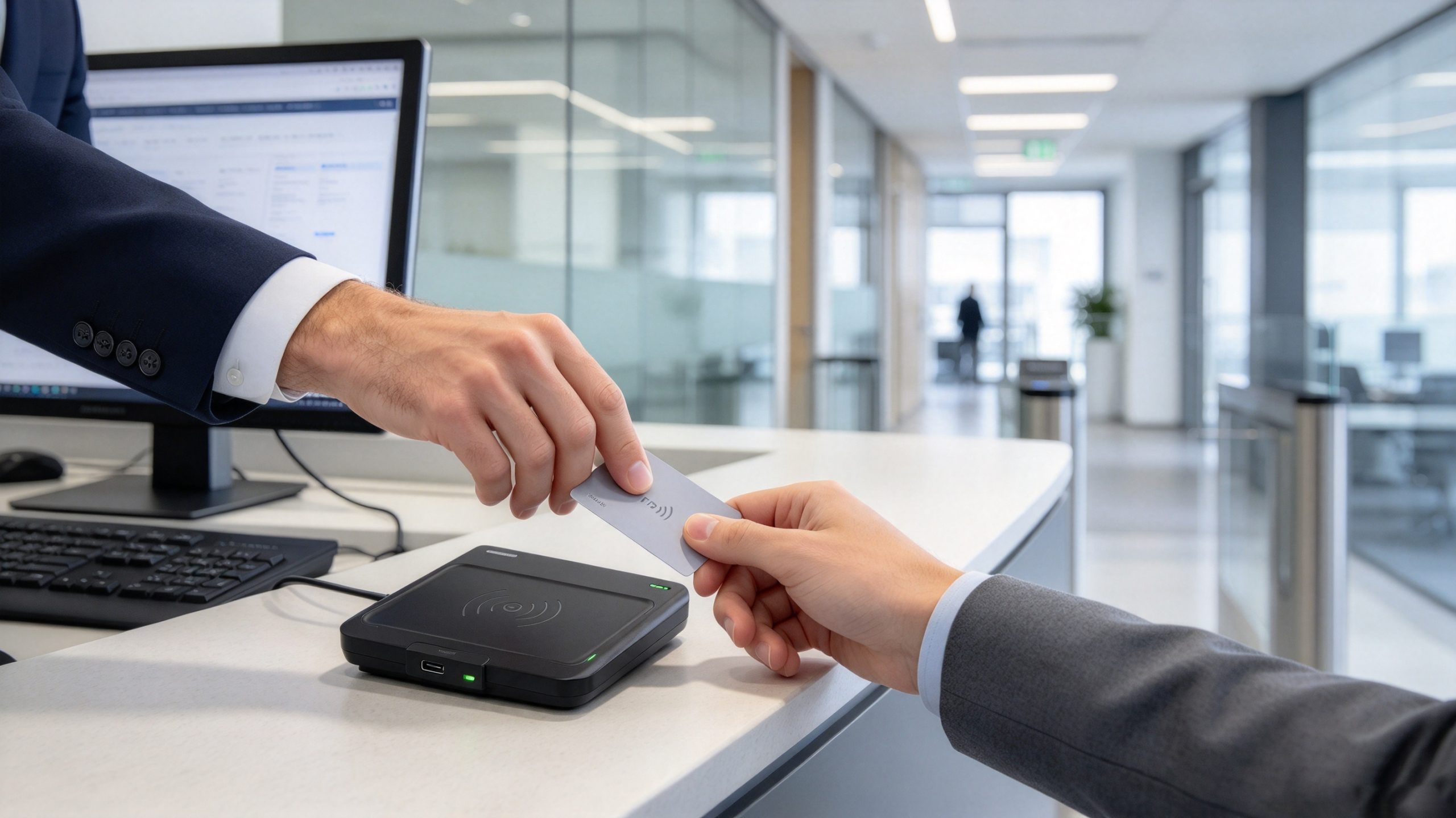
One of the most useful distinctions in troubleshooting is the difference between radio communication, data interpretation, and application authorization. These are separate stages, and a problem at any one of them can make a working reader appear faulty.
Consider a simple example. An employee presents a card, and the reader outputs 04A1... as an identifier. The access-control software then displays “credential not found.” The reader may have completed its task successfully; the identifier might simply be missing from the database, stored in a different format, or associated with an inactive account.
The same issue occurs in inventory and library applications. A tag can be detected, but its EPC may not match the record expected by the application. If a system expects a particular encoding or identifier length, the application may reject a value that the reader has captured correctly.
Use this quick diagnostic table to narrow the problem down.
| What you observe | Likely cause | Recommended check |
|---|---|---|
| No indicator or read event | No power, disconnected reader, incompatible card, or incorrect presentation | Check power, connection, card technology, and position |
| Reader powers on but software cannot connect | Driver, port, network, or application configuration issue | Confirm the selected device and communication settings |
| An identifier appears, but the card is rejected | Credential not registered, insufficient permissions, or format mismatch | Check the database record and authorization rules |
| The card works only at certain angles | Antenna coupling, card orientation, or placement issue | Test the recommended orientation and sensing area |
| Multiple tags appear when only one is intended | Read zone too broad or several tags are within range | Reduce read power if supported, reposition items, or use a more suitable antenna |
| The reader captures data but the transaction is not saved | Application logic, network, or database problem | Check application logs and confirm the save operation |
These checks are more efficient than replacing hardware immediately. They also help an integrator distinguish a defective reader from a configuration or software issue.
Once the reader can detect a compatible card, the next task is making the read useful and repeatable. This is where configuration becomes important. A device that works during a quick desk test may behave differently when connected to a database, installed near other readers, or used by several operators throughout the day.
Depending on the model, an RFID reader may communicate through one or more of these methods:
These modes are not interchangeable from the application developer’s perspective. A keyboard-emulation reader may be convenient for a simple registration form, but it offers less control over reader commands than a model accessed through an SDK. A network-connected fixed reader may require additional configuration for IP addresses, data filtering, and event handling.
Before deployment, record the reader model, firmware, communication mode, and software version. This small amount of documentation saves time when a device is replaced or a workstation is moved.
A reader may output an identifier in hexadecimal or decimal form. Some models append a carriage return, line feed, or other delimiter. Others provide additional fields, such as antenna information, signal strength, or timestamps.
For a reliable integration, define the expected data format before connecting the reader to the production database.
For example, a registration application should establish:
The RAIN Alliance’s guidance on reader communication and tag data emphasizes the importance of consistent data structures and application-level interpretation. A reader that captures a tag does not automatically know which business record the tag represents
Do not limit acceptance testing to a single successful card read. Test the process that the operator will actually perform.
For example, a library registration station should be checked with real tagged items, the intended workstation, and the library management application. Test whether the correct item record appears, whether repeated scans create duplicate entries, and whether the operator receives clear feedback when a tag is missing or already registered.
For a UHF inventory station, test the tags in their final positions. A tag that reads easily when held in the air may behave differently when attached to a metal tool, placed inside a carton, or positioned close to liquid products.
GS1 explains that RFID read range depends on the tag, reader power, frequency, interference, and antenna characteristics. It also highlights the importance of the shape of the readable area, not just the maximum distance.
RFID card readers are used in several different types of systems. The reader’s role changes with the application, so the right device should be selected according to the actual workflow rather than appearance alone.
In an access-control installation, an employee presents a compatible credential to a wall-mounted or desktop reader. The reader captures the card information and sends it to the access-control controller or connected software.
The system checks the credential against its authorization records. Depending on the configuration, it may unlock a door, record an entry event, or reject the request.
For this application, check the card technology, supported credential format, encryption or authentication requirements, and controller compatibility. A reader that can capture a basic card identifier may not support the secure authentication method required by a particular access-control system.
Libraries use RFID readers to associate physical books and other materials with digital catalog records. At a registration workstation, staff can read a tag, link its identifier to an item record, and perform supported tag-management operations.
A desktop reader is useful when items are processed individually or in small batches. The application may also support circulation functions such as borrowing, returning, registration, and record lookup.
A practical consideration is the distinction between identifying the tag and identifying the book. The RFID tag provides the machine-readable value; the library system supplies the title, author, location, and circulation status.
In inventory operations, UHF RFID readers can identify multiple tagged items without requiring every tag to be manually presented to a reader. This is useful for stock checks, tool tracking, equipment registration, and warehouse workflows.
RAIN RFID is based on the ISO/IEC 18000-63 air-interface standard, also known as GS1 UHF Gen2. It is commonly used in item identification and supply-chain applications.
The read zone must be designed carefully. If a desktop reader captures tags on a nearby shelf, or a fixed reader captures items passing through an adjacent area, the system may record events that do not belong to the intended transaction. Reader power, antenna placement, tag filtering, and the physical arrangement of tagged items all matter.
Organizations can use RFID tags to identify tools, shared equipment, uniforms, and reusable textiles. A desktop reader can support initial tag registration, while fixed or handheld readers can be used in other parts of the workflow.
For these applications, the tag itself deserves as much attention as the reader. A tag attached to a metal tool may need a different construction from a label attached to a cardboard box. A textile tag must be appropriate for the washing, drying, and handling conditions it will experience.
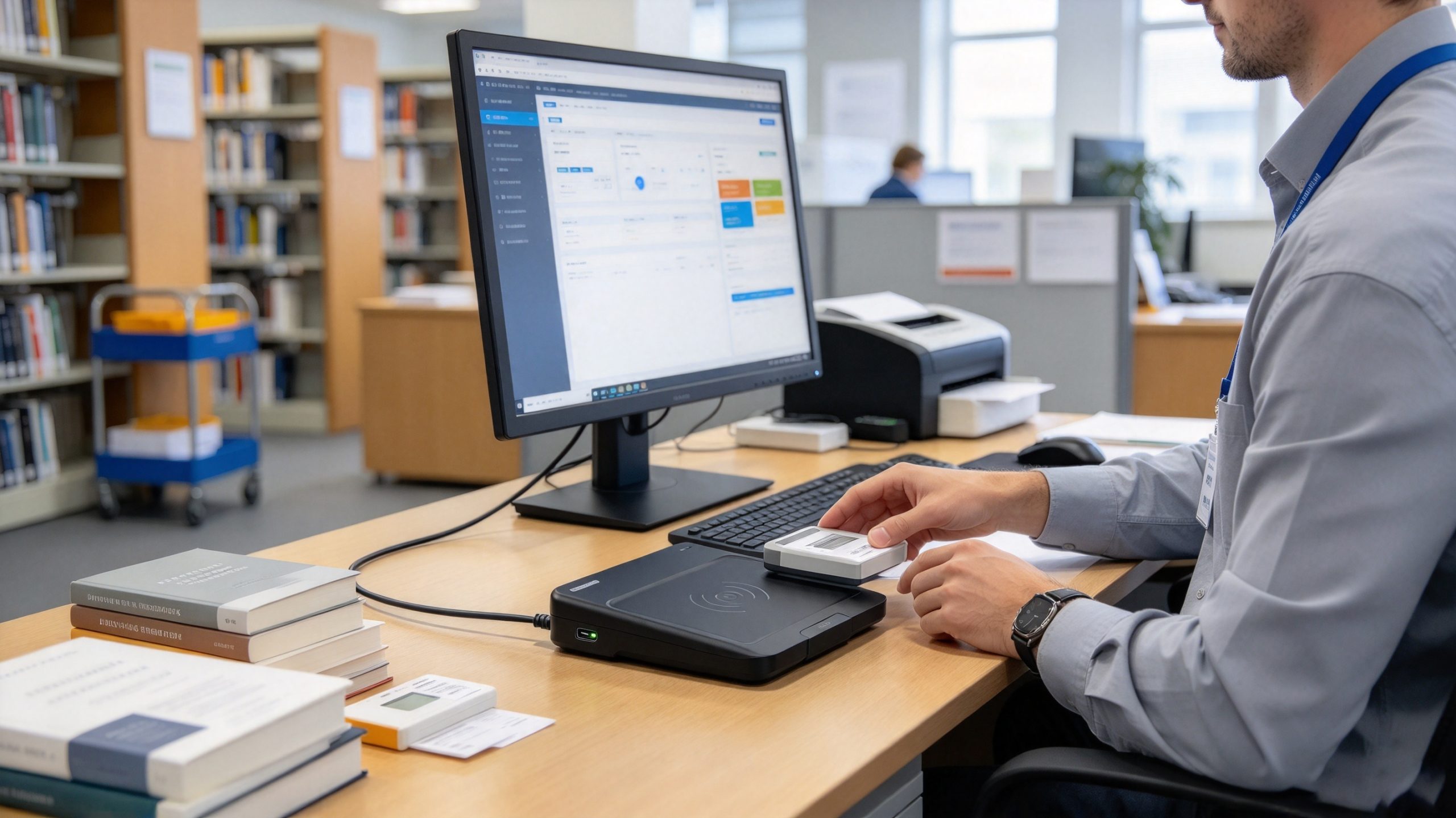
The best reader is not necessarily the one with the highest output power or longest advertised range. It is the one that performs the required operation consistently with the cards or tags already selected for the project.
Use the following comparison as an initial selection guide.
| Requirement | Reader type to consider | Main selection factor |
|---|---|---|
| Employee card enrollment | Compatible LF or HF desktop reader | Credential technology and software compatibility |
| NFC tag interaction | NFC-compatible reader | Supported NFC and card standards |
| Library tag registration | Desktop reader matched to the library tag technology | Read/write functions and circulation software integration |
| UHF asset registration | Desktop UHF RFID reader | Tag protocol, near-field performance, and data management |
| Warehouse inventory | Fixed or handheld UHF reader | Antenna coverage, tag population, and read-zone control |
| Automated production-line identification | Industrial fixed UHF reader | Environmental protection, communication interface, and integration options |
A desktop UHF reader is worth considering when the task involves registering, reading, or writing compatible UHF tags at a workstation. It is especially useful when staff need to process tagged items without installing a large industrial reader or creating a wide-area reading zone.
For example, the Cykeo desktop RFID platform is designed for tag-management workflows such as registration, identification, borrowing and returning, record queries, and tag conversion. Its USB connection supports workstation use, while its software and development materials support integration into management applications.
The SSD-D1AL desktop reader specification includes:
These figures are product specifications, not universal RFID performance guarantees. Actual results depend on the tag, antenna arrangement, environment, and configuration. The reader should also be matched to the correct UHF tag protocol. It should not be selected as a substitute for an LF or HF/NFC card reader when the application uses those technologies.
For a library or asset-registration station, the near-field design can help keep the read area manageable. Operators can position an item close to the reader, confirm its identifier, and continue with the registration workflow. That is often more useful than reading tags several meters away.
Before selecting a reader for a new project, ask the supplier to confirm:
A sample test is particularly important if the project involves a custom tag, metal-mounted tag, textile tag, or a large number of tags in a confined area. A specification sheet can narrow down the choices, but it cannot replace testing the complete application.
Connect the reader to a compatible device, open the supported software, and present a compatible card within the specified reading zone. Wait for the reader to capture the identifier, then check that the application displays or processes the expected value. If no data appears, verify the card frequency, protocol, connection, and reader settings.
No. RFID cards operate across different frequency bands and may use different communication protocols, chip types, and security methods. A 125 kHz reader, for example, cannot automatically read a 13.56 MHz card. Check the reader and card specifications together before purchasing or attempting to use them.
The reader may be returning only the card’s identifier. The application needs a database record that links this identifier to a user or item. Check whether the card has been enrolled, whether the identifier format matches the application’s requirements, and whether the software can access the relevant database.
Some USB RFID readers support writing, while others are read-only. Even write-capable devices can write only to compatible card or tag technologies and accessible memory areas. Confirm the reader’s write support, tag memory structure, authentication requirements, and software functions before attempting to change stored data.
Follow the reader manufacturer’s specified operating range. NFC and many access-control card systems require close presentation, while UHF RFID devices may work at greater distances. Card design, antenna orientation, reader power, and surrounding materials all influence the actual range. Do not assume that every RFID reader works at the same distance.
Generally, no. UHF RFID and NFC use different frequency bands and communication technologies. A UHF reader designed for RAIN RFID tags is not automatically compatible with a 13.56 MHz NFC card. If a project needs both technologies, select suitable hardware for each or use a device explicitly documented to support both.
Start by checking the power supply, USB or network connection, driver, communication port, and application status. Then test the reader with a known-compatible card or tag. If the reader captures an identifier but the application fails, investigate data formatting and database mapping. If compatible tags cannot be detected across supported configurations, consult the manufacturer’s technical support.
Knowing how to use rfid card reader devices involves more than presenting a card and waiting for a beep. The reader must support the card’s frequency and protocol, communicate correctly with the host device, and deliver data in a format the application can interpret.
For access control and NFC-related tasks, confirm the supported card technology and security requirements. For library registration, asset identification, and inventory management, evaluate whether a desktop or UHF reader provides the right read/write functions and reading zone. Test the actual tags in their intended environment before putting the system into daily operation.
Cykeo provides RFID reader and tag-management solutions for applications including desktop registration, inventory, library workflows, and industrial identification. To select a suitable device, start with the tag specifications and the required workflow, then verify the reader’s compatibility and performance with a real sample.

Discover SSD-D4AL, a USB-HID UHF RFID reader with 4/8/16 antenna options, Impinj E710/X3M1 chipset, plug-and-play USB power, and OEM customization.
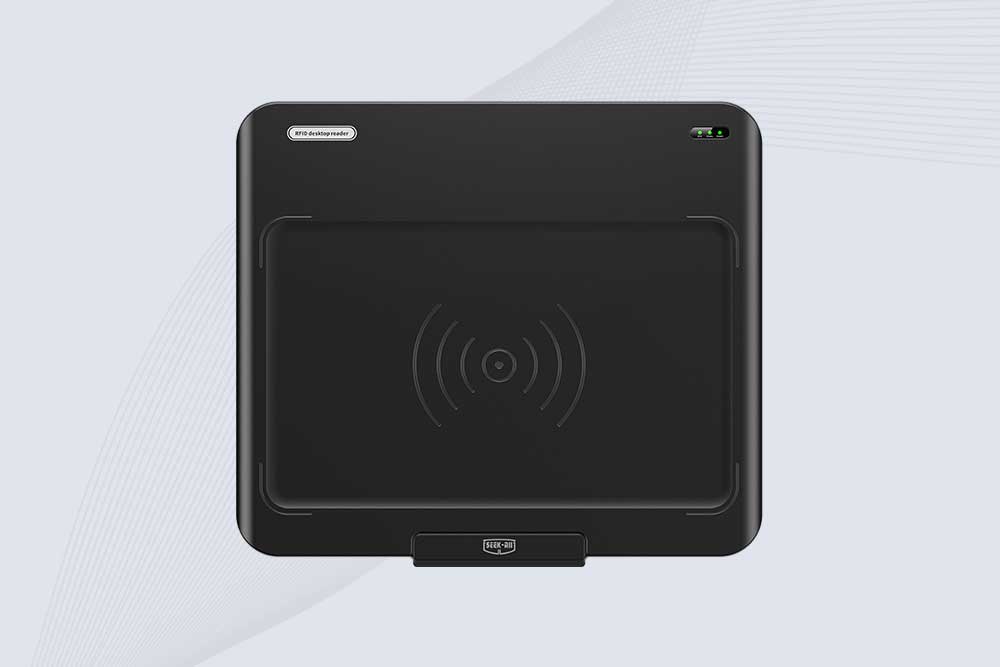
SSD-D3AL is a USB-HID UHF RFID reader with 0–30 cm reading, 0–15 cm writing, over 600 tags/s recognition, USB plug-and-play operation and OEM Logo customization.
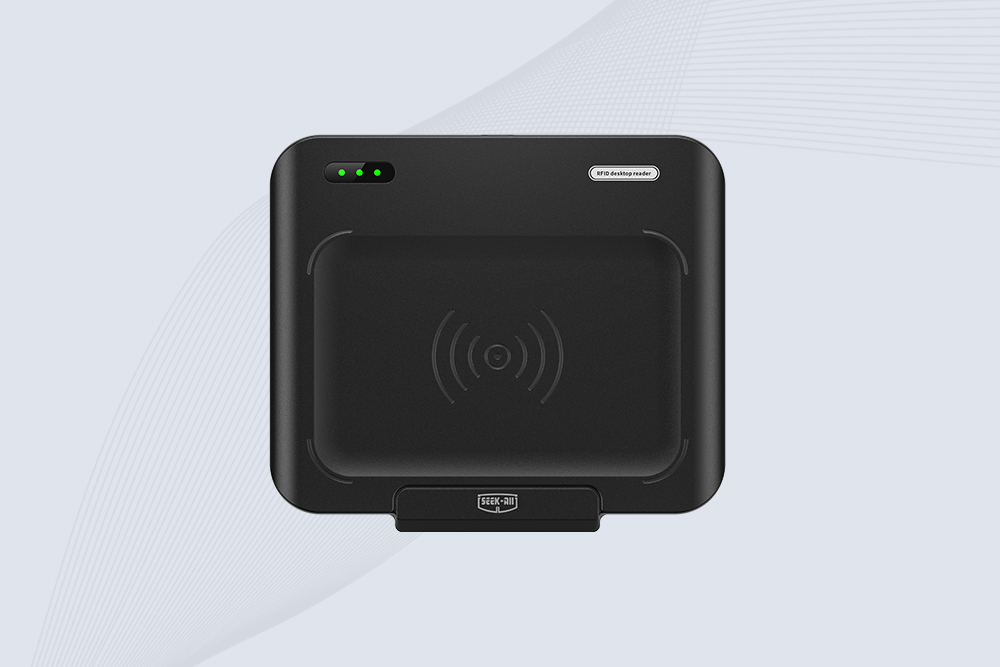
SSD-D1AL is a compact USB UHF RFID reader with Impinj E710/X3M1 chipset, USB-HID, 600+ tags/s recognition, 4/8/16 antenna support and plug-and-play USB power.
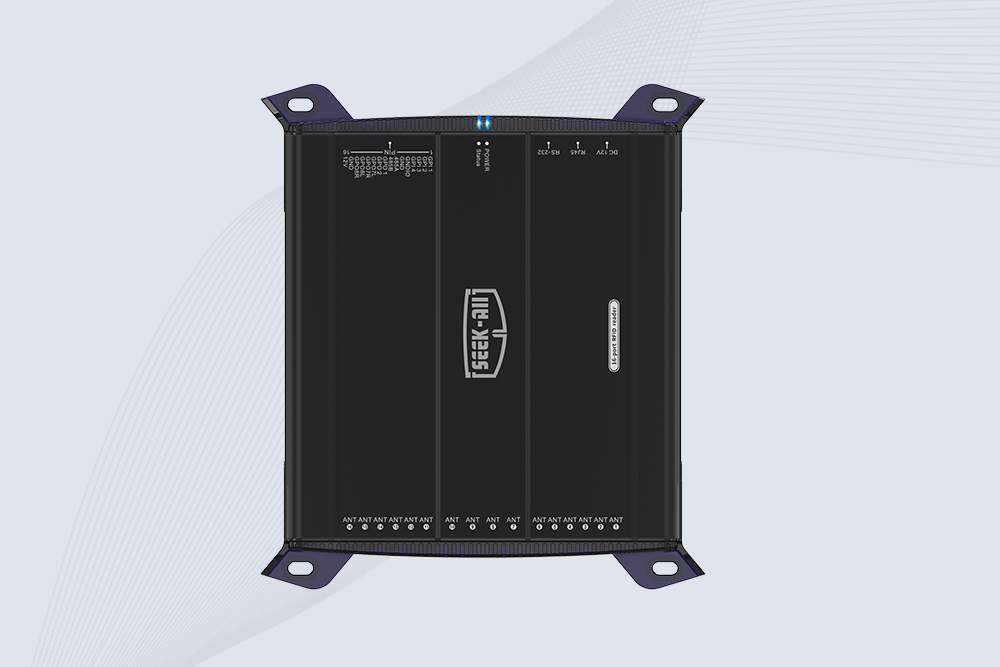
SSD-R16L Multi-Channel RFID Infrastructure for Automated Inventory Management ✔️ 16-Port High-Density RFID Reading Equipped with 16 SMA antenna ports, SSD-R16L supports multi-antenna deployment for warehouses, retail stores, logistics, production lines, and large-area RFID identification. ✔️ High-Speed & Long-Range Performance With up to 33…
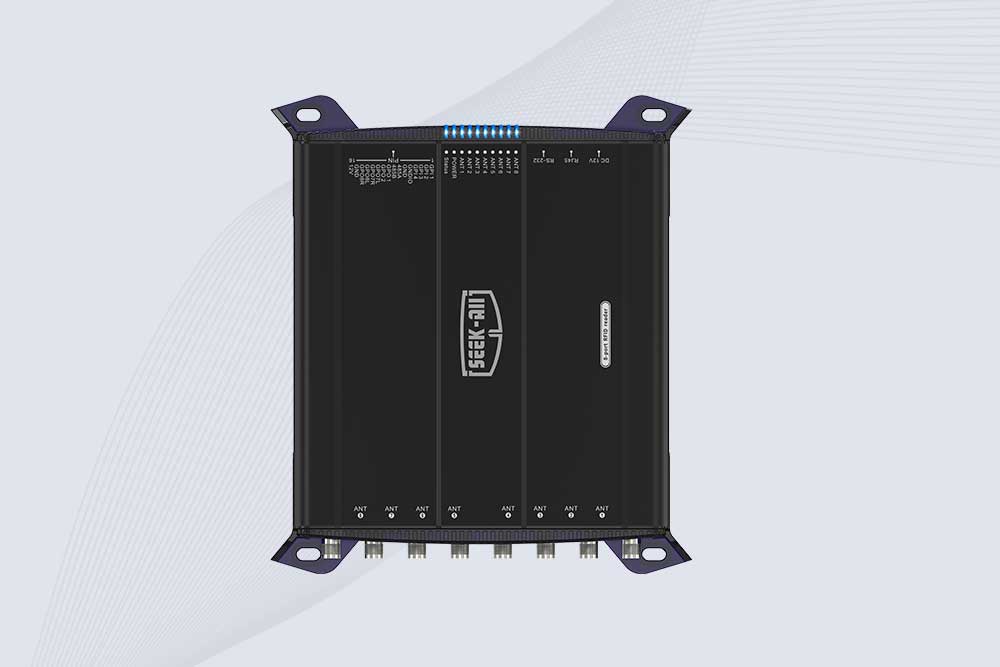
SSD-R8L 8-port UHF RFID reader with 33dBm output, up to 20m reading range and 600+ tags/s recognition. Ideal for warehouse, logistics, retail and asset tracking.
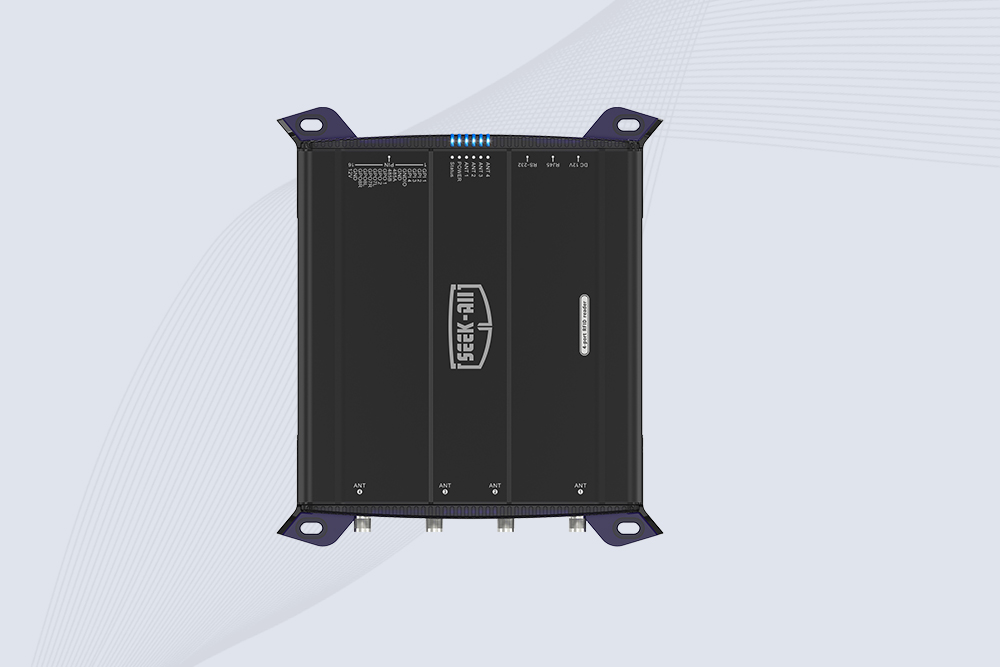
SSD-R4L is a 4-port UHF RFID fixed reader with 33dBm output power, up to 20m reading range, EPC C1G2 support and 600+ tags/s reading speed.

CYKEO CYKEO-D1LA USB RFID Reader is a compact desktop solution with near-field control for precise tag reading and encoding. Powered by USB, supporting ISO 18000-6C, and built for stable batch writing, this usb rfid tag reader fits retail, libraries, offices, and controlled RFID encoding tasks.
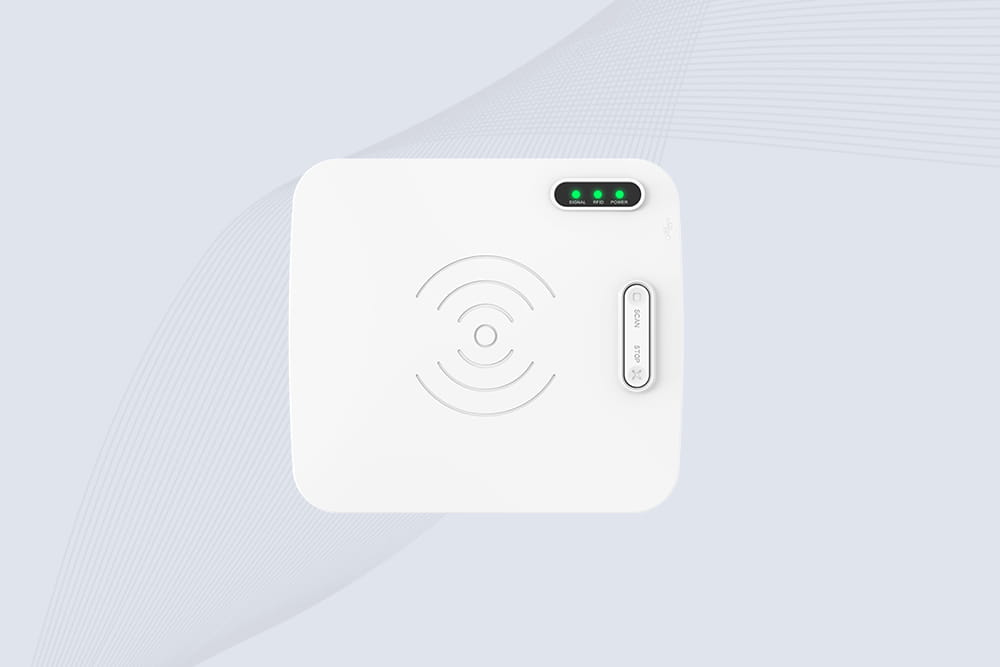
CYKEO CYKEO-D1L RFID scanner USB is a compact desktop UHF RFID scanner designed for short-range tag writing and verification. This usb rfid scanner supports batch encoding, stable 0–26 dBm output, and works across Windows, Linux, and Android systems.
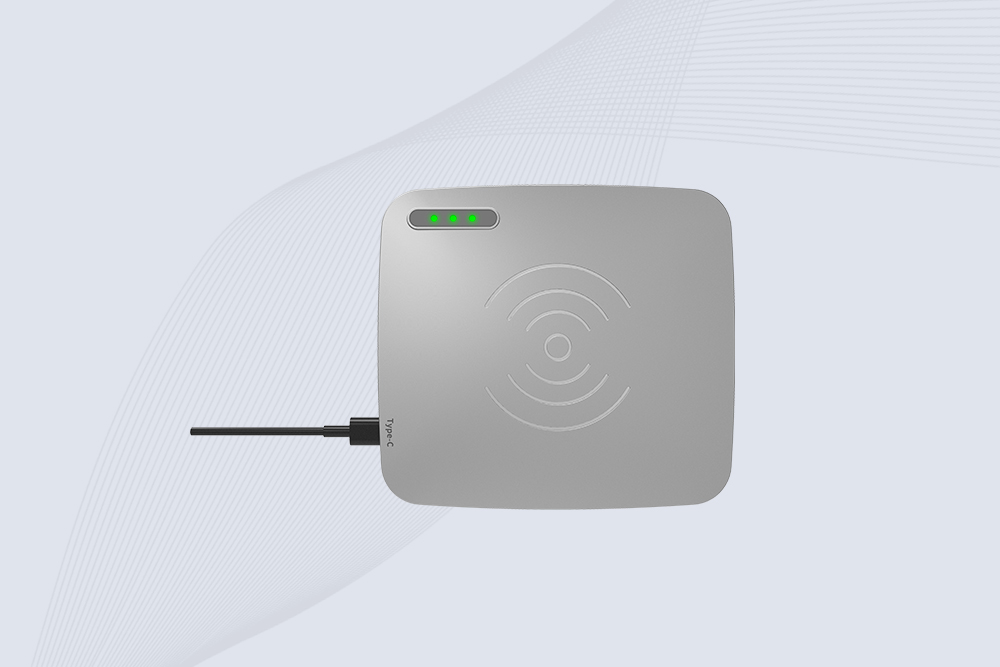
CYKEO CYKEO-D1C USB RFID Card Reader is a near-field UHF desktop writer designed for secure, short-range tag encoding. With USB-C connectivity and stable 26 dBm output, this rfid reader usb c is ideal for badge issuance, label encoding, and controlled desktop RFID workflows.
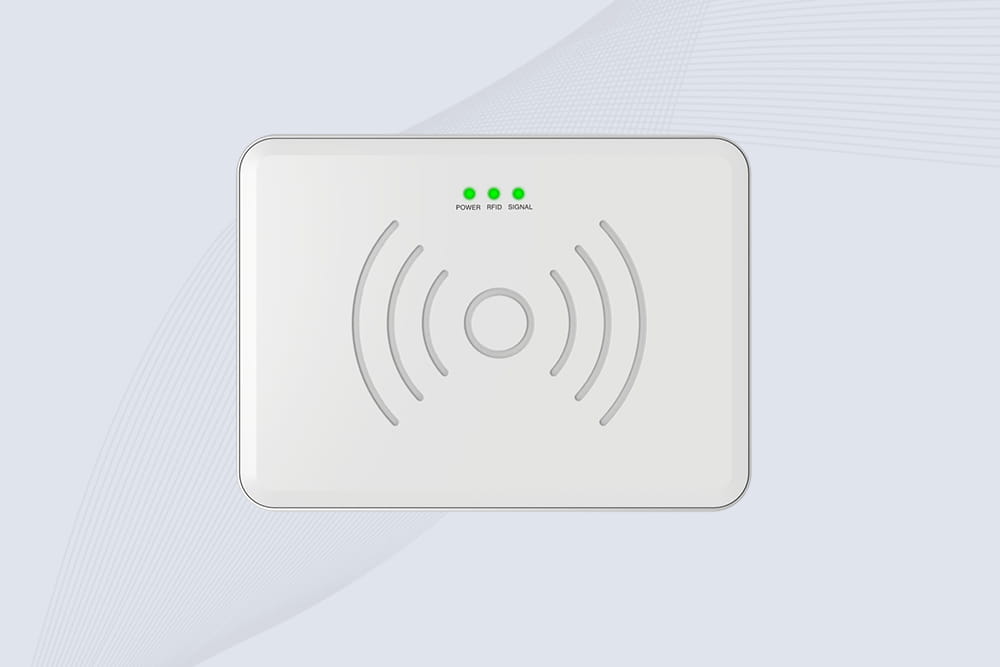
CYKEO CYKEO-D2L RFID Reader USB is a compact desktop encoder built on the Impinj R500 chip. With near-field control and stable USB power, this usb rfid card reader delivers precise tag writing for offices, retail counters, and small-scale logistics encoding tasks.
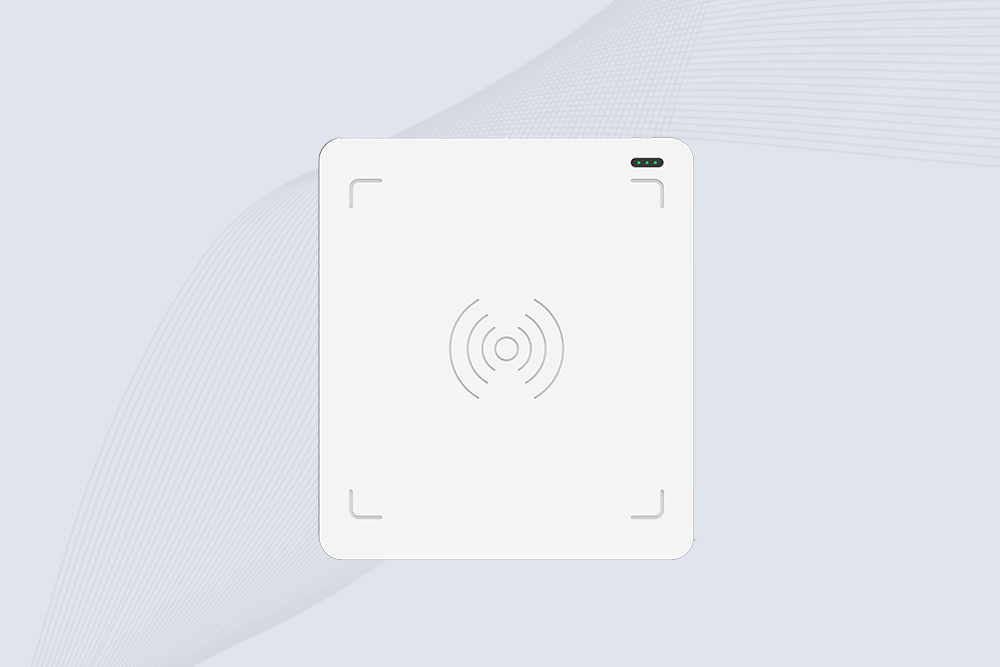
CYKEO CYKEO-D3L USB RFID Tag Reader delivers stable UHF tag reading and writing for daily desktop and light industrial tasks. Designed for controlled short-range operation, this USB RFID Tag Reader works reliably with rfid tag and reader systems in libraries, tool tracking, and inventory registration.
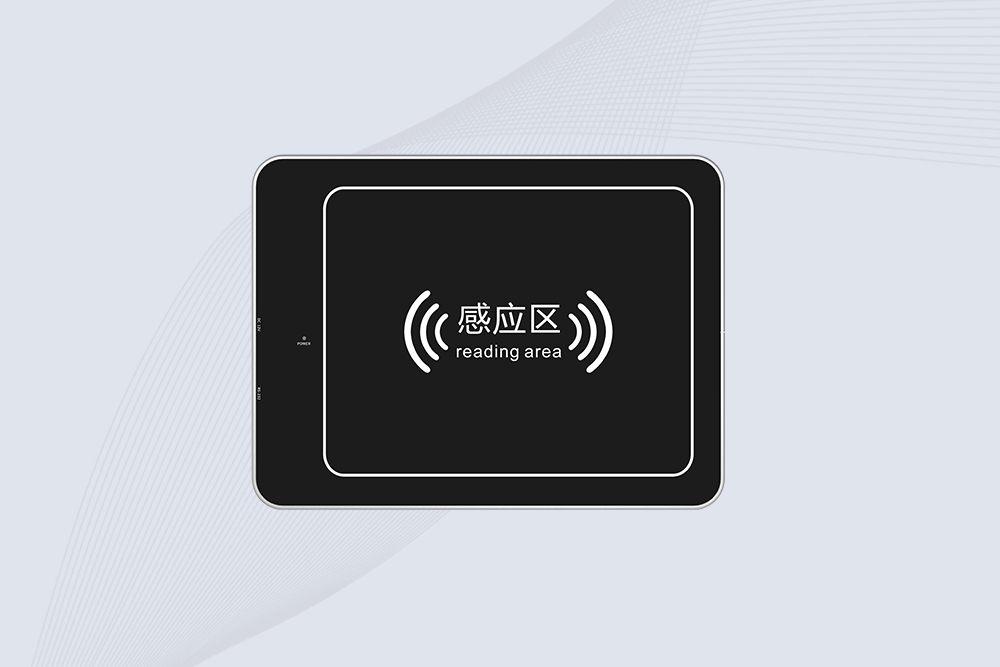
The CYKEO CYKEO-D4L UHF RFID Tag Reader is a stable Desktop RFID Reader designed for accurate tag registration, borrowing, and return workflows. Built with the Impinj R2000 chip, this UHF RFID Tag Reader delivers controlled short-range reads for libraries, asset tracking, and inventory management environments.
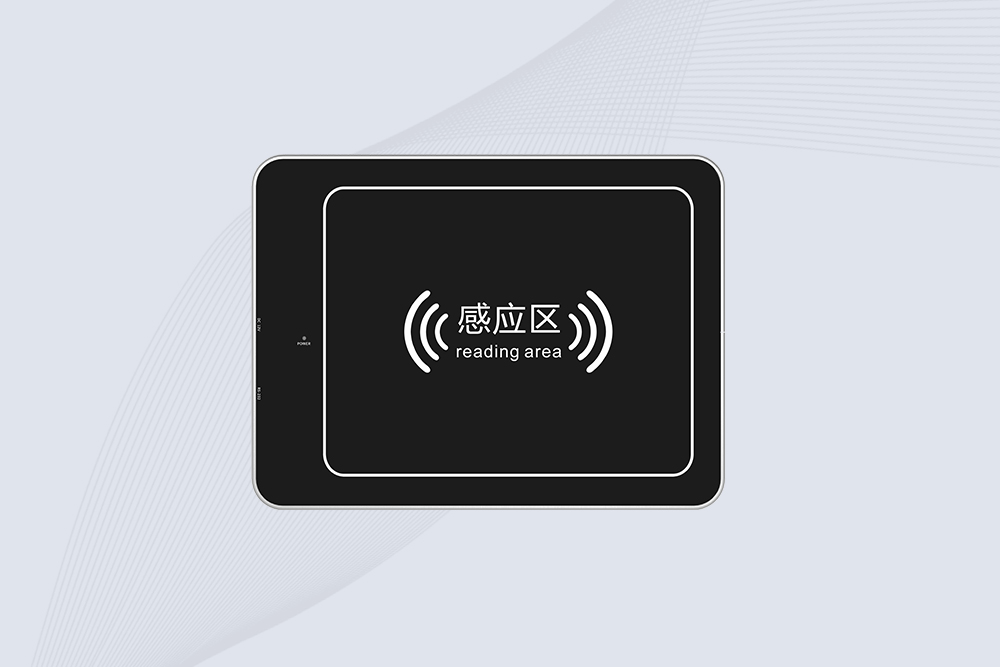
The CYKEO CYKEO-D5L Desktop RFID Card Reader is a stable UHF RFID Card Reader designed for controlled short-range reading and writing. Built for libraries, tool rooms, and asset desks, this UHF RFID Card Reader supports dense tag handling, secure data processing, and easy USB integration.
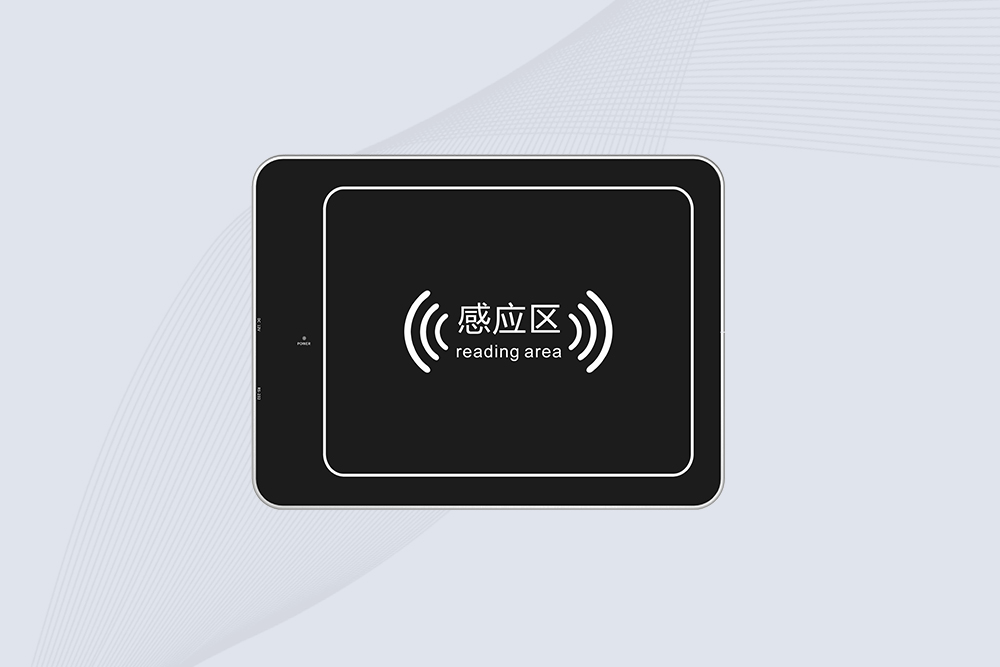
The CYKEO CYKEO-D6L RFID Reader Writer is a heavy-duty Desktop RFID Reader designed for short-range, high-accuracy tag programming. Built for libraries, labs, and asset desks, this RFID Reader Writer supports batch processing, stable 33dBm output, and seamless integration with existing management systems.
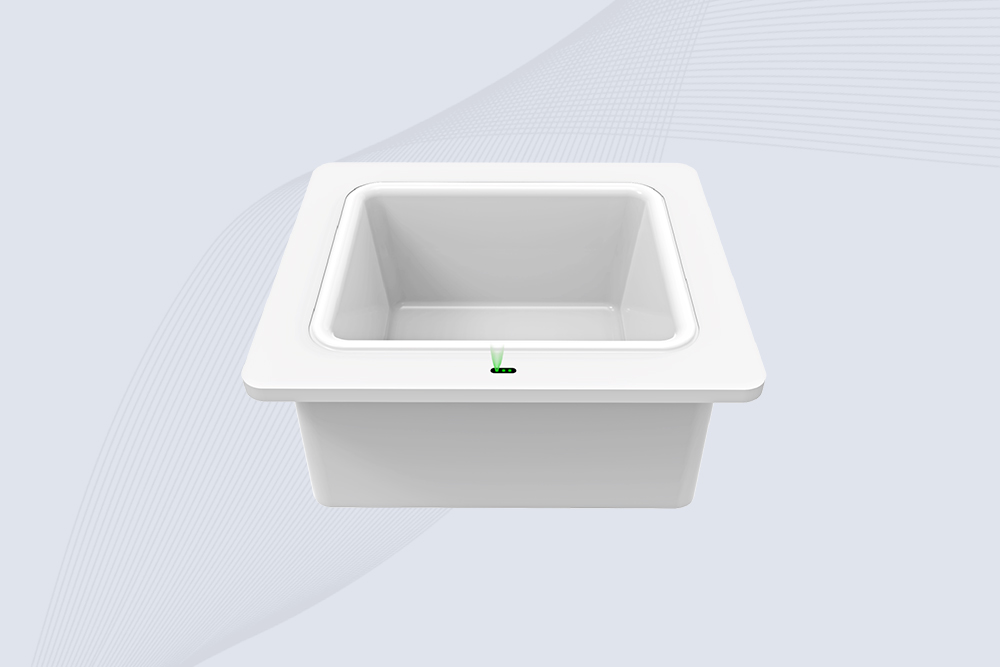
Cykeo CYKEO-D8B UHF RFID tunnel and RFID Desktop Reader features 30+ items batch reading,
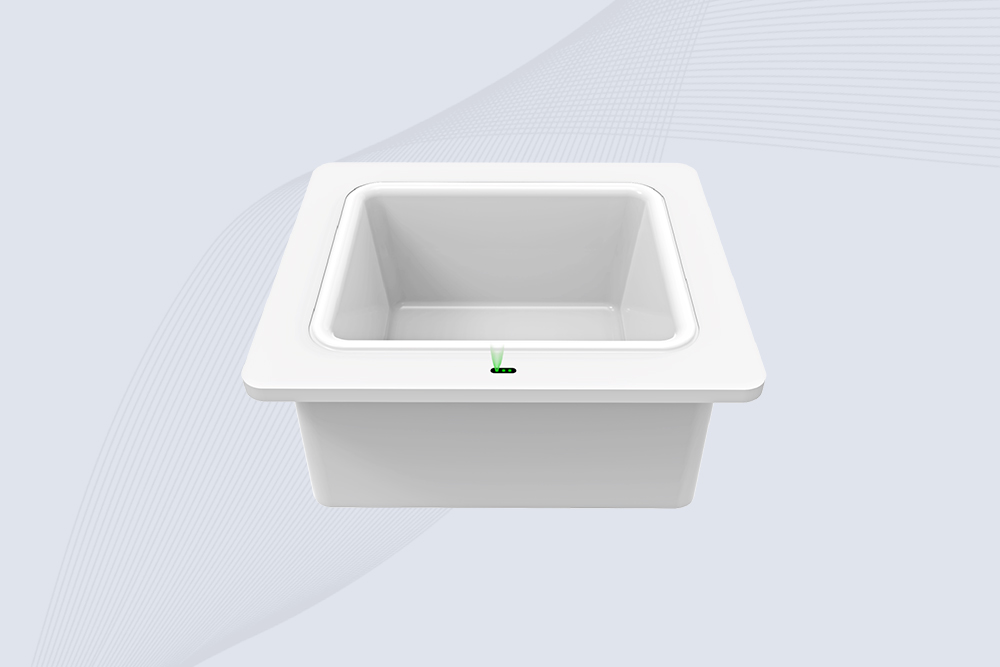
Cykeo CYKEO-D8A embedded RFID badge reader offers 30+ tags/sec scanning, 20cm anti-crosstalk precision, and DC 12V power for unmanned stores, warehouses, and smart inventory systems.
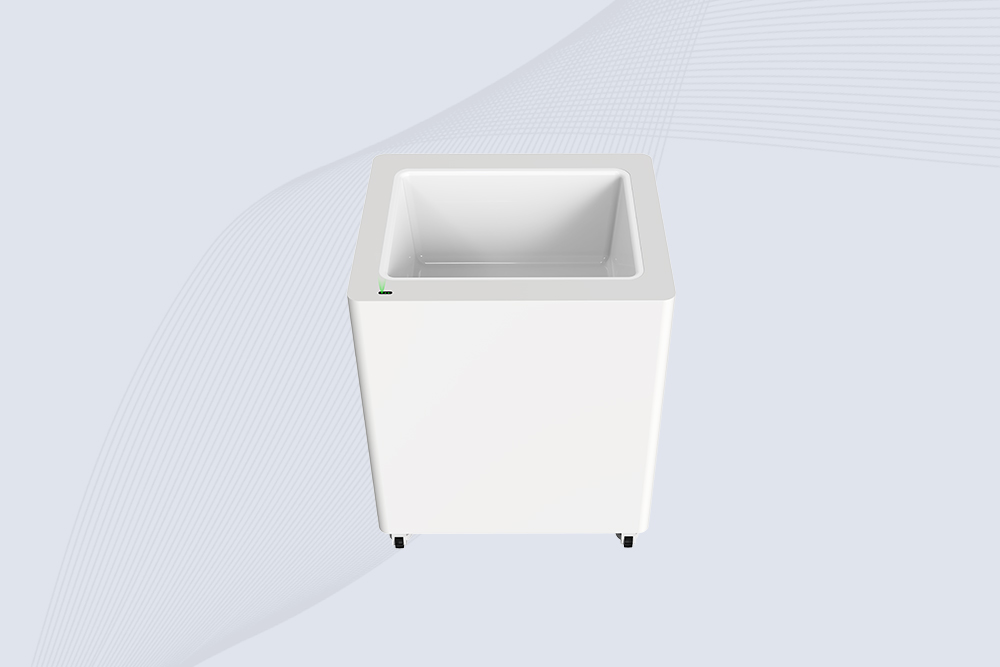
Cykeo’s CYKEO-D8C UHF RFID gate reader achieves 200-tag/batch scanning with adjustable power control, ideal for retail inventory and smart warehouse management.
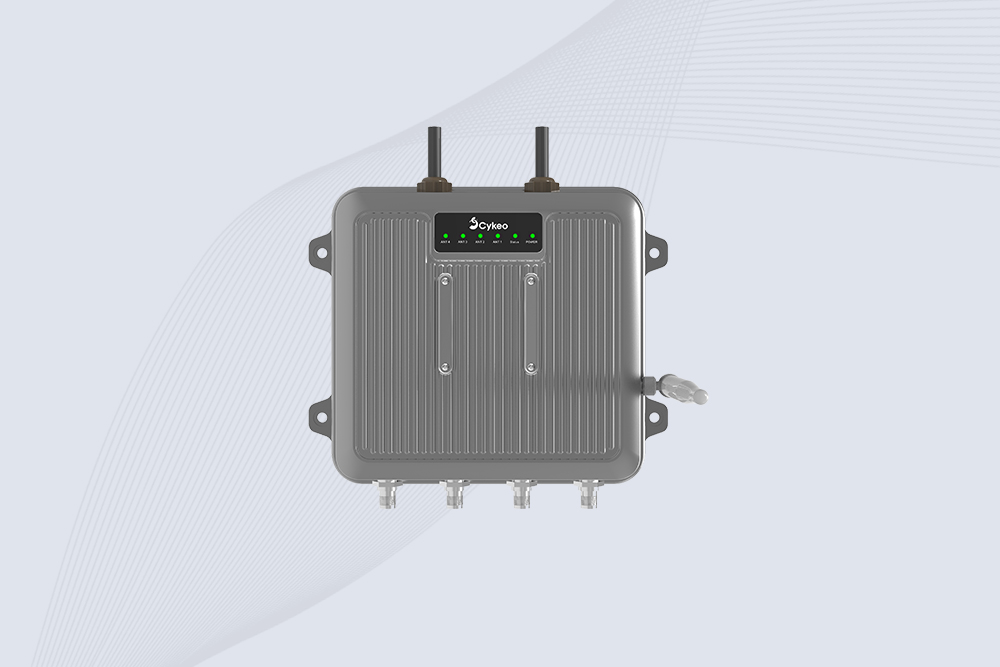
Cykeo CYKEO-C1 industrial Forklift RFID Reader features 20m read range, 600 tags/sec scanning, Impinj R2000 chipset, and IP67 rugged design. Ideal for warehouse logistics and manufacturing. Supports ISO 18000-6C/6B protocols.
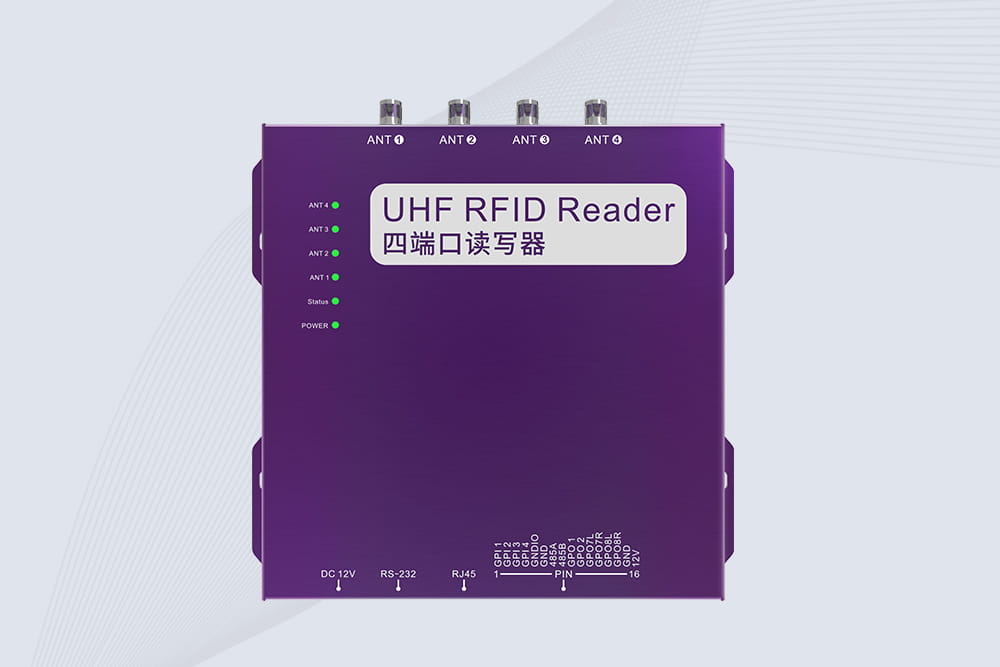
Cykeo CYKEO-R4 industrial UHF RFID Fixed Reader features 4 TNC ports, 400+ tags/sec speed, IP67 housing, and global frequency compliance for vehicle inspection, smart warehouse, and asset management systems.
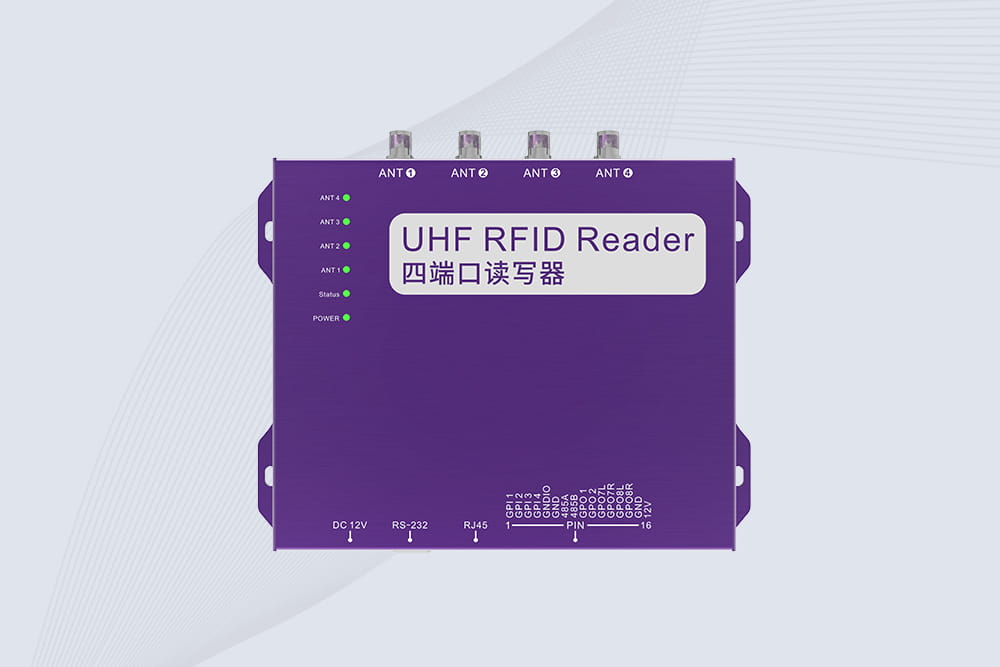
Cykeo’s CYKEO-R4L 4-port Fixed UHF RFID Reader delivers 400 tags/sec scanning, ISO 18000-6C compliance, and IP65 protection. Ideal for warehouse automation, manufacturing WIP tracking, and logistics management.
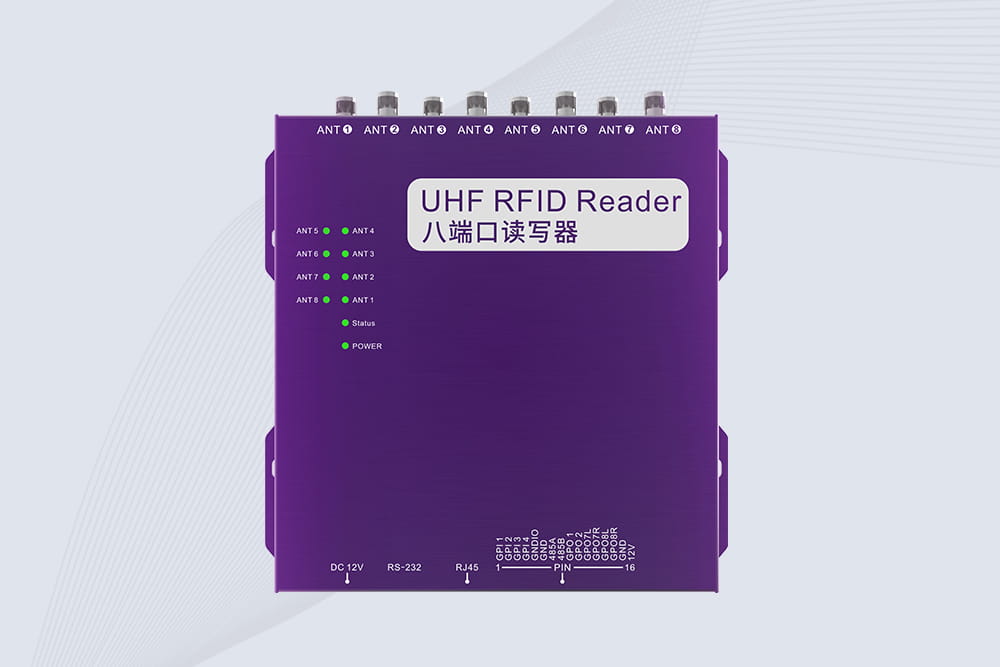
CYKEO CYKEO-R8L Fixed RFID Reader with 8-port UHF design, Impinj-based RF core and up to 20m read range. An industrial Fixed RFID Reader for vehicle inspection, warehouse portals, smart manufacturing lines and secure access checkpoints.
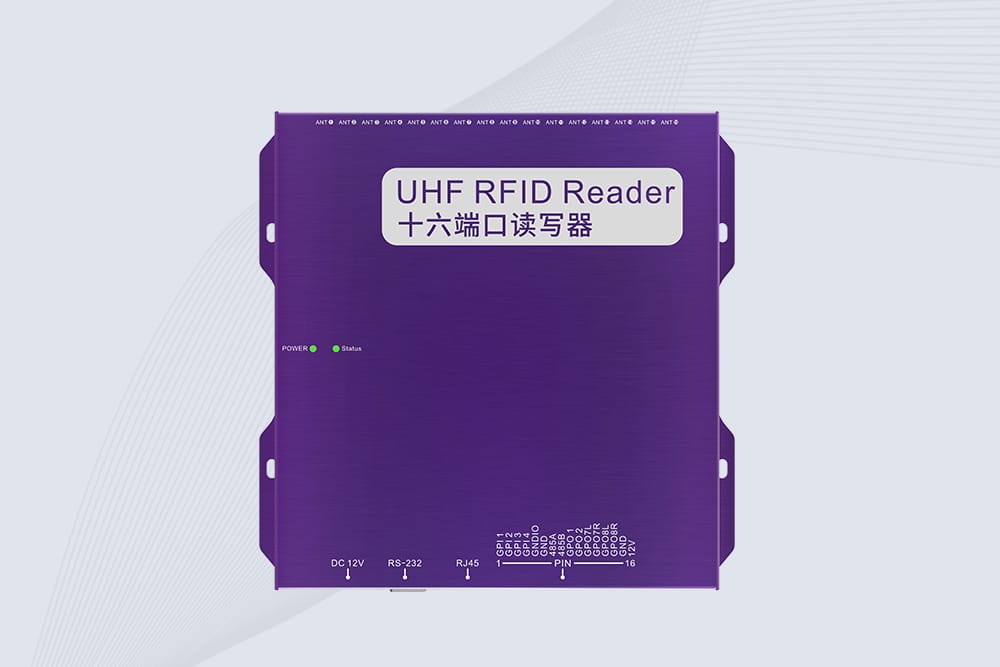
RFID Fixed Reader from CYKEO – the CYKEO-R16L 16-port UHF fixed reader for warehouses, smart cabinets, and production lines. Long-range, multi-tag reading, stable performance for 24/7 industrial use.
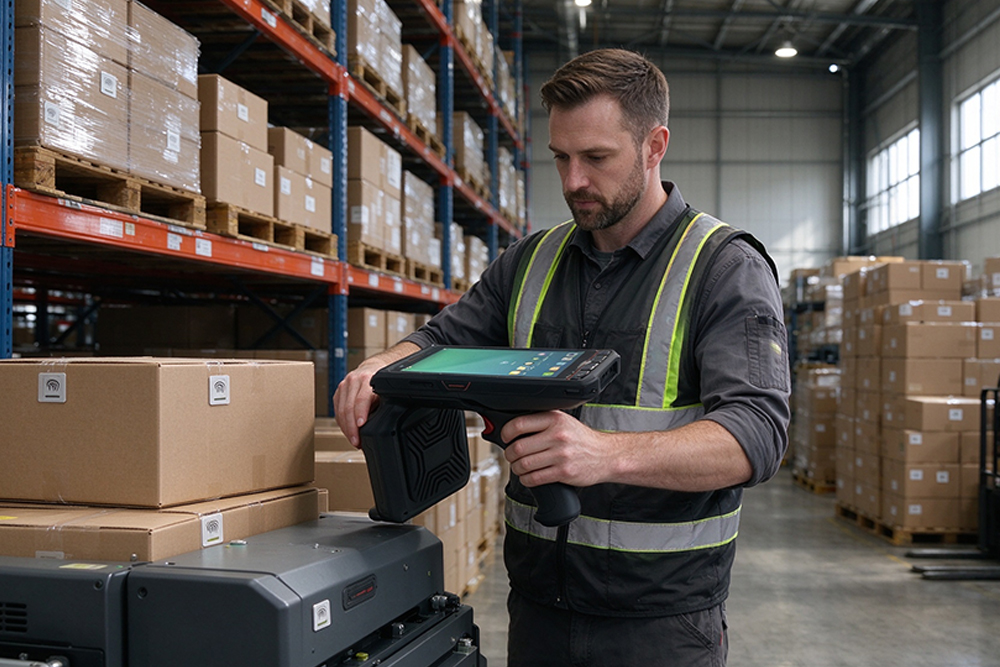
RFID tags help businesses identify items, improve inventory visibility, reduce repetitive manual scanning, and record item movements. Their effectiveness dep...
More
Rewritable RFID tags for RFID software solution providers and developers
More
What does rfid look like? Explore RFID tags, readers, and real industrial designs with expert insights, application examples, and Cykeo RFID solutions.
More
Understand RFID antenna range and the factors that affect reading distance, including antenna gain, RFID tags, reader power, installation environment, and application design.
More