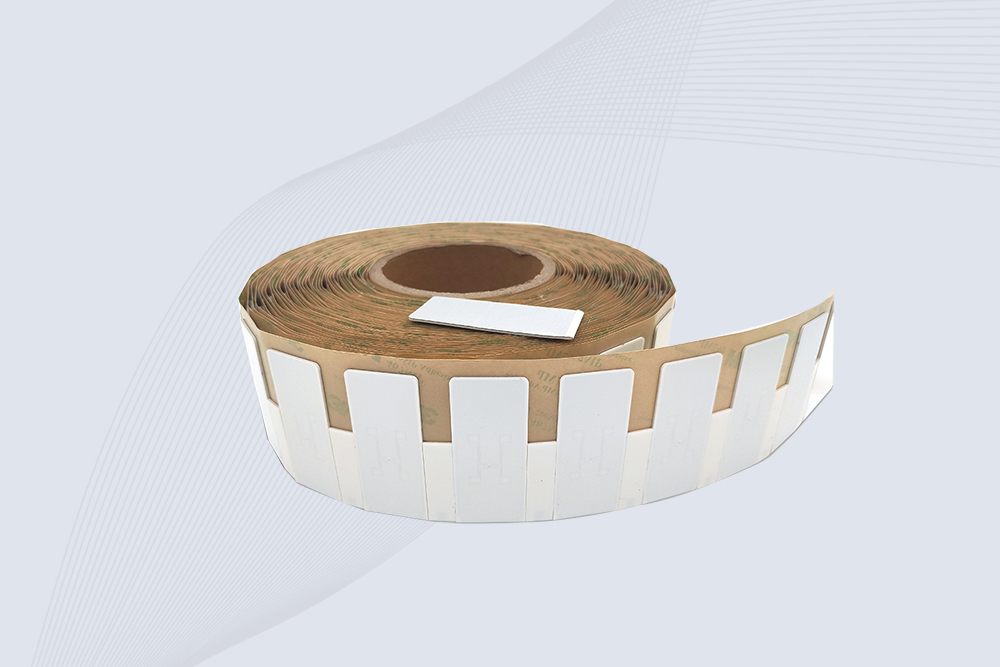
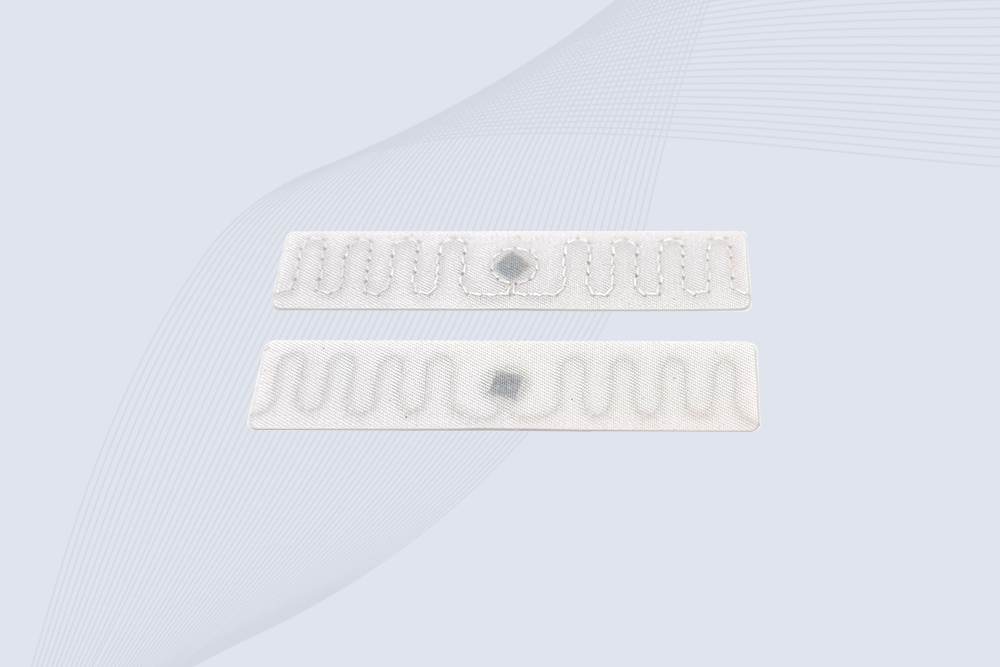
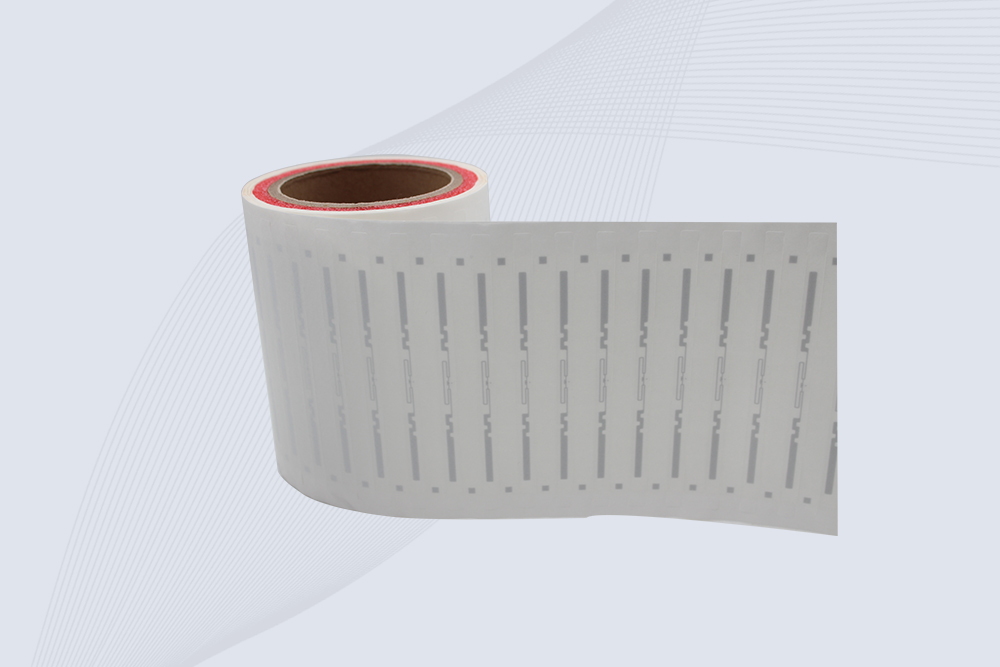
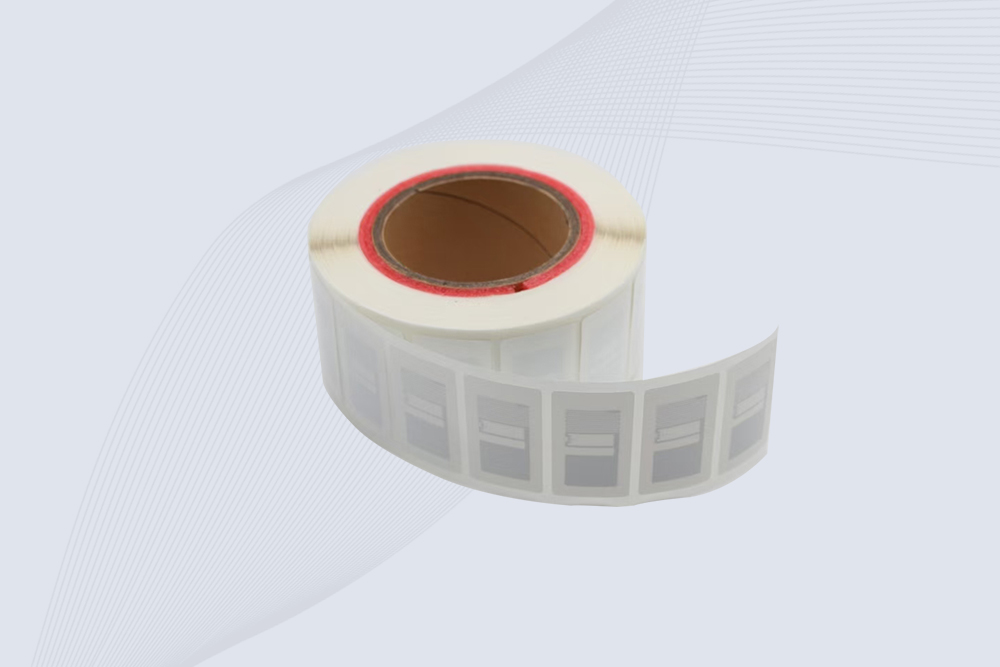
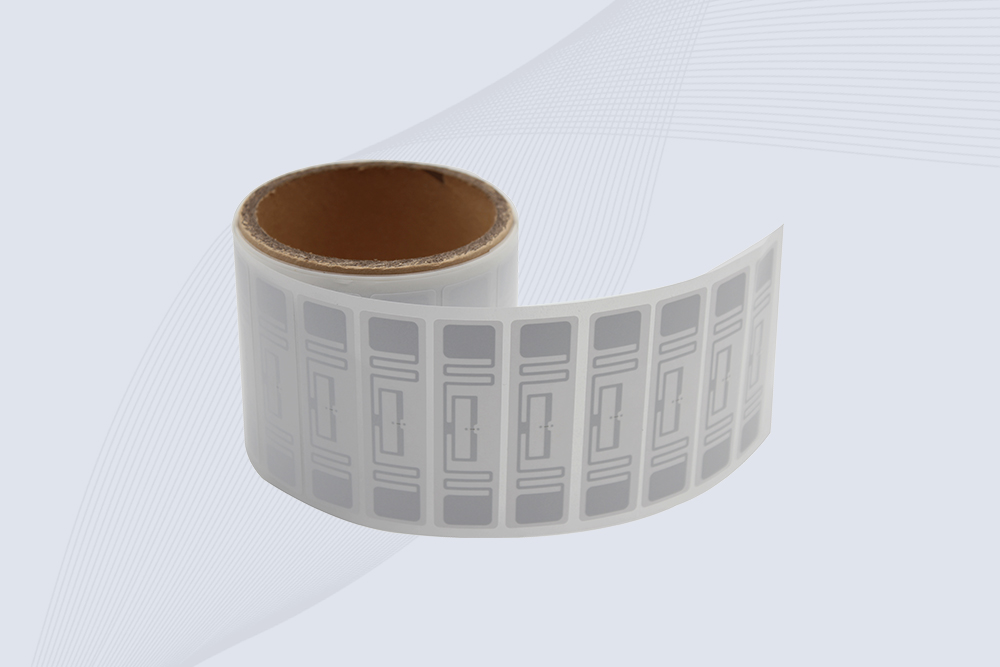
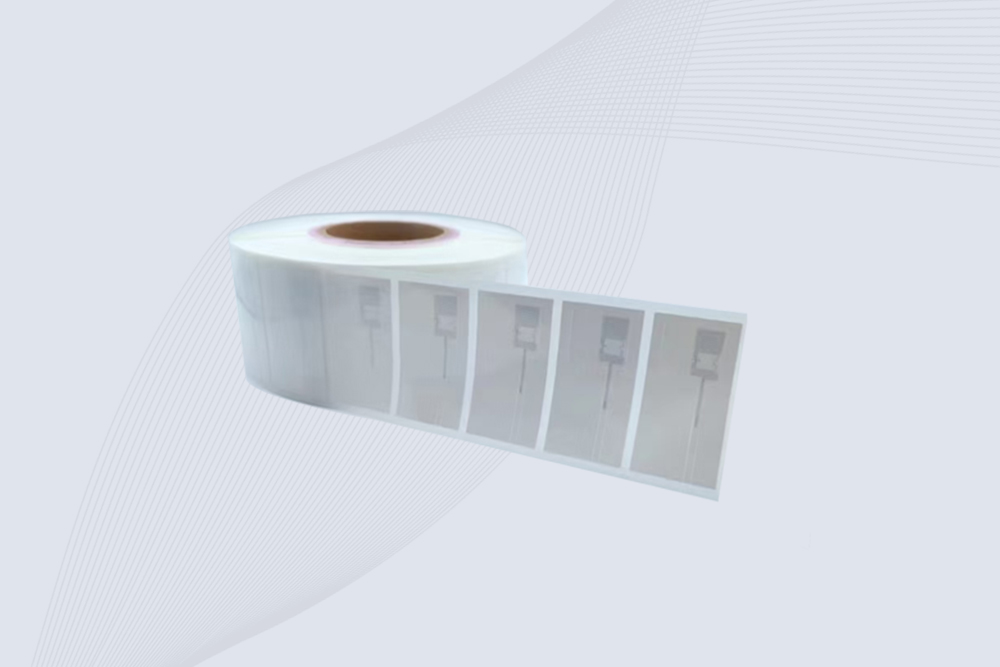
To read an RFID tag, use a reader that supports the tag’s frequency and communication protocol, then bring the tag into the reader’s effective range. The reader sends a radio signal, receives the tag’s response, and transfers its identification or accessible memory data to connected software.
Reading an RFID tag sounds straightforward until a tag that works perfectly on a test bench stops responding after it is attached to a product. A phone reads one card but not another. A handheld UHF reader detects a carton from several meters away, yet misses a tag mounted directly against a metal surface.
These situations are not necessarily signs of defective equipment. RFID reading depends on the relationship between the tag, reader, antenna, frequency, protocol, and surrounding materials.
The first thing to establish is what kind of RFID tag you are trying to read. A 13.56 MHz NFC tag, a 125 kHz access-control tag, and a passive UHF inventory label require different reading equipment. Choosing the wrong reader is one of the most common reasons a scan fails.
What Does It Mean to Read an RFID Tag?
Reading an RFID tag means retrieving information from a radio-frequency identification chip using a compatible RFID reader. The tag responds to the reader’s signal, allowing the device to identify the tag and, where supported and authorized, access additional stored information.
Unlike a barcode, an RFID tag does not normally need to be positioned directly in front of a scanner. Radio waves allow compatible RFID systems to communicate without optical line of sight. However, this does not mean that every RFID tag can be read from any direction or through every material.
A typical RFID reading process involves four elements:
RFID tag: Contains an integrated circuit and antenna that support communication with the reader.
RFID reader: Generates the radio-frequency signal and processes the tag’s response.
Antenna: Transmits and receives radio-frequency energy. It may be integrated into the reader or connected separately.
Software: Displays, stores, filters, or processes the returned tag information.
For example, when a warehouse employee scans a carton with a handheld UHF reader, the device may return an EPC identifier. The warehouse application can use that identifier to find the carton record in its database.
The tag may contain only the identifier—not the complete product name, price, stock quantity, or shipment history. Those details are often maintained in the connected business system.
RFID Tag Detection Is Not the Same as Reading All Tag Data
This distinction is important when evaluating reader performance.
A reader may detect a tag and retrieve its identification number without accessing every memory area. Some tags contain additional user memory; others have limited storage or protected data. The available information depends on the chip design and access permissions.
For UHF RFID, EPC Gen2-compatible tags use a memory structure that can include Reserved, EPC, TID, and User banks. Not every tag provides the same memory capacity or makes every area available for unrestricted reading
Identify the RFID Tag Frequency Before Scanning
Before selecting an RFID reader, determine the tag’s operating frequency. RFID systems are commonly grouped into LF, HF, and UHF categories.
Typical frequency ranges and common applications
RFID type
Typical frequency
Common applications
Reader required
LF RFID
125–134.2 kHz
Animal identification, certain access systems
LF reader
HF RFID
13.56 MHz
Smart cards, library systems, NFC
HF reader
UHF RFID
Regional bands around 860–960 MHz
Warehouse inventory, logistics, retail
UHF reader
1 How to Read an LF RFID Tag
Low-frequency RFID tags commonly operate at 125 kHz or 134.2 kHz, depending on the system.
They are used in applications such as animal identification and certain access-control installations. To read an LF tag, use a reader designed for the relevant frequency and communication format.
An HF or UHF reader will not automatically read an LF tag simply because all three technologies are described as RFID. Their radio-frequency characteristics and communication protocols differ.
When checking an unfamiliar LF tag, look for the product documentation or the specification of the access-control or identification system in which it is used.
2 How to Read an HF or NFC RFID Tag
HF RFID operates at 13.56 MHz. NFC is a closely related short-range technology that also operates at this frequency.
Common applications include:
Contactless cards.
Library book identification.
NFC product labels.
Smartphone-readable tags.
Short-range information exchange.
An NFC-enabled smartphone can read compatible NFC tags, depending on the phone, operating system, tag type, and application.
However, sharing the same frequency does not guarantee that every HF card or tag can be read by every NFC phone. Different protocols, security features, and application requirements may affect compatibility.
NXP’s NTAG213, NTAG215, and NTAG216 provide a useful example of differences between NFC tag models. Their respective user memory capacities are 144, 504, and 888 bytes. These figures describe those specific products, not all HF or NFC tags.
3 How to Read a UHF RFID Tag
UHF RFID is widely used for warehouse inventory, retail, logistics, and industrial asset identification.
Many passive UHF systems use the EPC Gen2 air interface, also standardized as ISO/IEC 18000-63. The reader communicates with compatible tags and can identify multiple tags during an inventory operation.
Unlike NFC, UHF RFID is commonly used where tags need to be detected across a larger reading area. Depending on the installation, a reader may identify tags on cartons, pallets, containers, or individual products without requiring an operator to scan each one separately.
The actual reading distance is not a fixed property of the tag alone. It depends on reader output, antenna gain, tag sensitivity, orientation, mounting surface, and the surrounding RF environment.
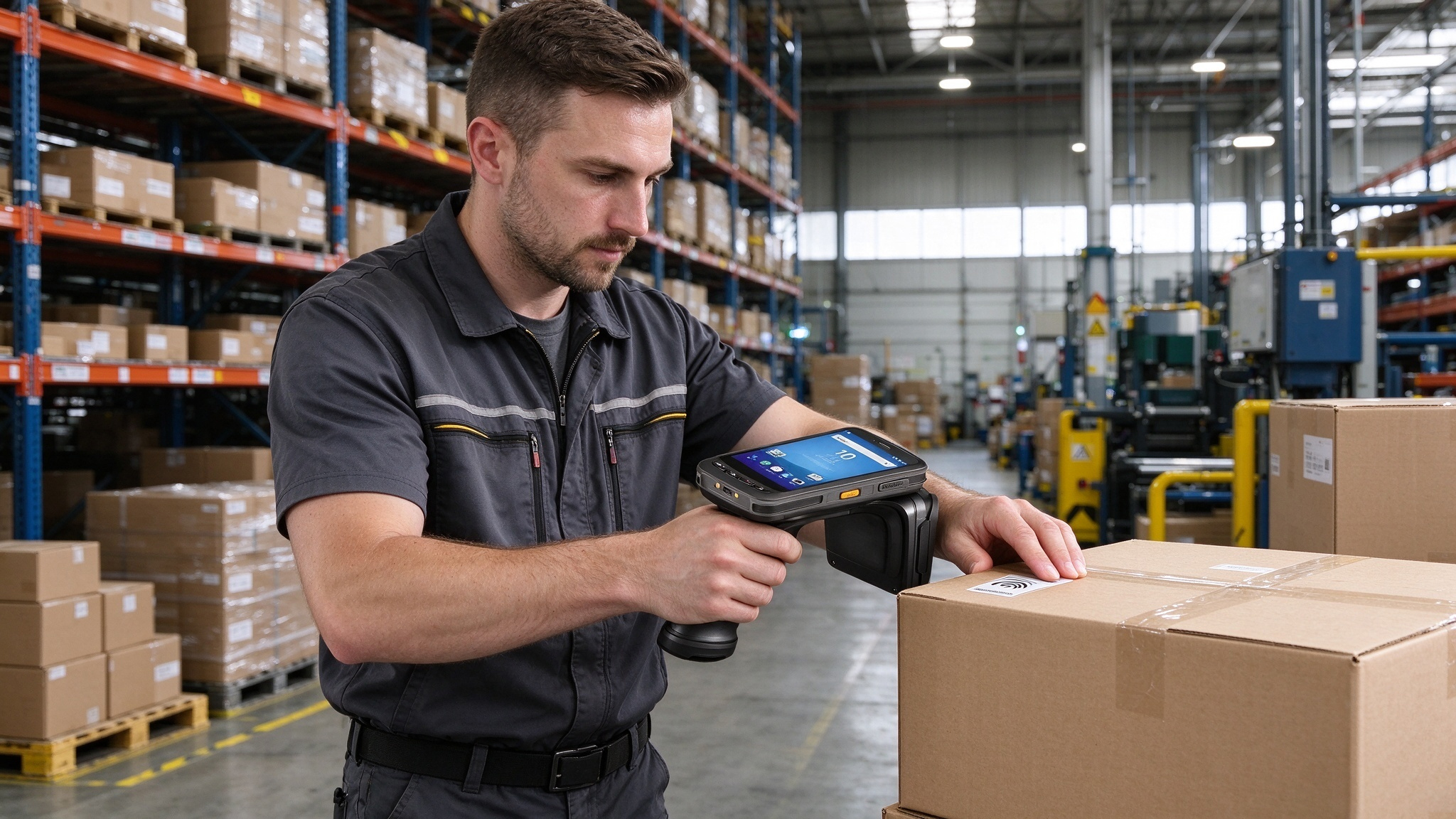
Handheld UHF RFID readers allow warehouse employees to identify tagged goods without scanning each label optically.
What Equipment Do You Need to Read an RFID Tag?
The reader should match both the tag technology and the intended working environment. A device suitable for reading one card at a desk may be unsuitable for identifying hundreds of UHF tags on a moving conveyor.
1 Smartphone with NFC
An NFC-enabled smartphone is a convenient option for reading compatible 13.56 MHz tags.
Depending on the phone and tag, it may retrieve information such as:
NDEF text records.
Web addresses.
Contact information.
Supported application data.
A phone is useful for quick NFC checks, but it should not be treated as a universal RFID scanner. Standard NFC hardware generally cannot directly read 125 kHz LF tags or passive UHF inventory labels.
2 Desktop RFID Reader
A desktop reader is suitable for workstation operations, tag testing, and certain card or label management tasks.
It can be useful when an operator needs to:
Read individual RFID tags.
Check tag identifiers.
Test memory access.
Encode supported writable tags.
Register tags in a management application.
For example, Cykeo’s SSD-D1AL desktop RFID platform is designed for tag reading and writing applications. Its supplied specifications include USB connectivity, a read range within 30 cm, and a write range within 10 cm. These are product-specific specifications; actual performance depends on the tag and operating conditions.
3 Handheld RFID Reader
A handheld reader is designed for mobile identification tasks. Warehouse staff can carry it between storage locations, scan tagged assets, and conduct inventory checks without returning to a fixed workstation.
For UHF applications, handheld readers are especially useful when operators need to identify multiple tags or locate specific tagged items within a working area.
4 Fixed RFID Reader
Fixed readers are commonly installed at warehouse entrances, conveyor stations, production lines, and other locations where tags pass through a defined reading zone.
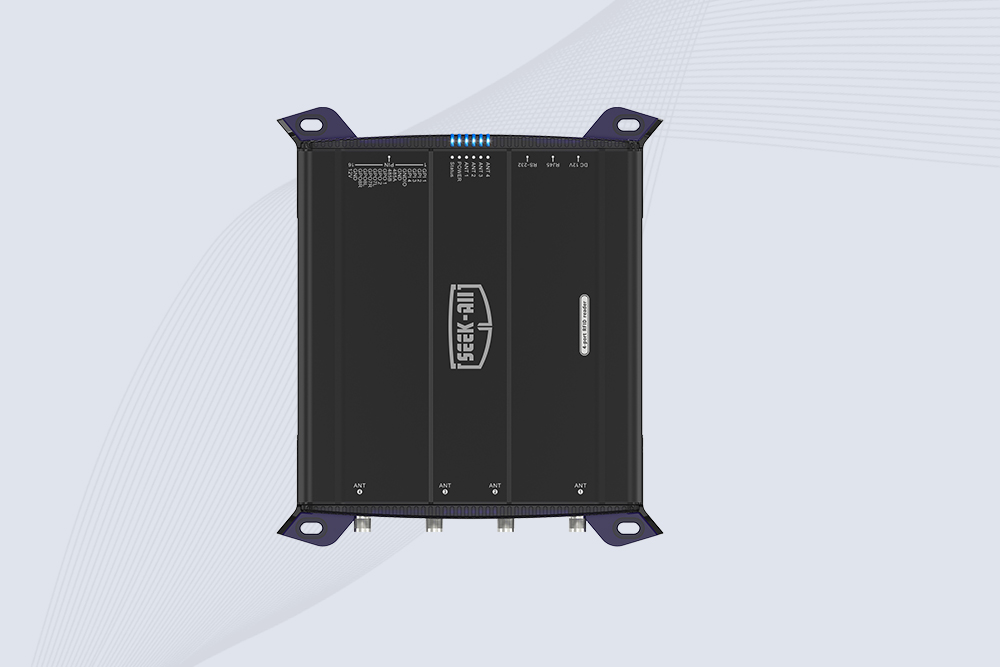
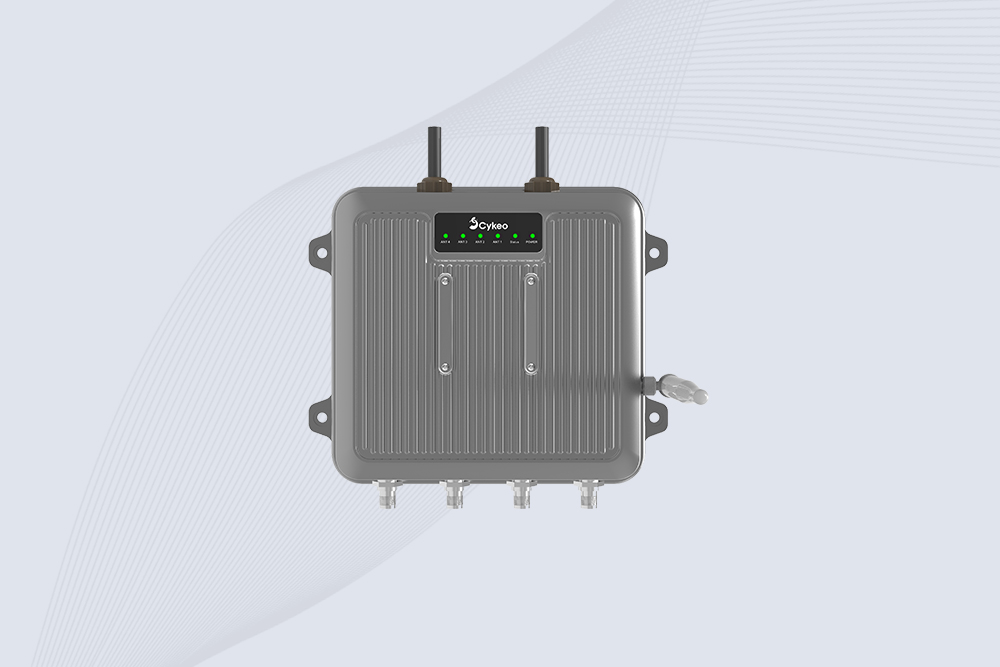
For example, the CYKEO-RA9L/CK-D9L industrial UHF reader family offers an integrated reader design with RS-232 or Ethernet interface options. It can be evaluated for automated identification projects where the reader needs to communicate with a host computer or industrial control system.
The antenna arrangement, reader settings, and software filtering must be designed around the actual movement of tagged objects. A fixed reader should not simply be positioned wherever there is available space.
How to Read an RFID Tag Step by Step
Once the tag frequency and reader type are confirmed, the next task is to retrieve the information reliably. The procedure varies between NFC, HF, and UHF systems, but the underlying process is similar: establish communication, detect the tag, retrieve the required data, and verify the result.
1: Check the Tag Specification
Start with the tag itself rather than the reader’s advertised capabilities.
Look for the following information:
RFID frequency and supported protocol.
Chip manufacturer and model, if available.
Memory structure and capacity.
Whether the tag supports read-only or read/write operations.
Any password protection or access restrictions.
If the tag is part of an existing access-control, library, or inventory system, its original documentation is often the quickest way to identify the correct reader.
A common mistake is assuming that two tags with similar appearances use the same technology. A thin adhesive label may be a UHF inventory tag, while a similarly sized label may contain an HF or NFC chip. Visual inspection alone is not enough.
2: Connect and Configure the Reader
Connect the RFID reader to a computer, mobile device, or industrial controller using its supported interface.
Common connection methods include:
Interface
Typical use
USB
Desktop readers and workstation testing
RS-232
Industrial equipment and embedded applications
Ethernet
Network-connected fixed readers
Bluetooth or Wi-Fi
Supported mobile RFID devices
SDK/API
Integration with custom business software
Open the manufacturer’s demonstration software or application. Confirm that the reader is recognized before attempting to scan a tag.
For UHF readers, check the frequency region, protocol, antenna selection, and output power. For NFC readers, confirm that the device supports the relevant NFC tag technology.
3: Position the RFID Tag
Place the tag within the reader’s effective reading field.
For NFC, the tag usually needs to be very close to the phone or reader antenna. Move it slowly across the device’s NFC detection area if the first attempt does not work.
For UHF RFID, the tag may be read from a greater distance, but the correct position depends on the antenna’s radiation pattern and the tag’s orientation.
A useful installation test is to move the tag through several positions rather than repeatedly scanning it from one fixed angle.
4: Start the Reading Operation
Use the reader software to start an inventory or scan operation.
Depending on the reader and tag, the returned information may include:
EPC or tag identifier.
TID information.
User memory data, if supported and accessible.
RSSI or signal-strength information.
Read count and antenna port.
NDEF content for compatible NFC tags.
For UHF RFID, an inventory operation commonly retrieves tag identifiers. If additional memory is required, the software may need to issue a separate memory-read command.
Do not assume that pressing the inventory button retrieves every field stored on the chip.
5: Check the Returned Data
A successful read should produce a result that the application can interpret.
For example, an EPC value may appear as a sequence of hexadecimal characters:
3034257BF4001E4000000001
This is an example of an identifier format, not a real product record. The application must know the relevant encoding scheme before decoding the identifier or looking it up in a database.
For a basic test, record:
Whether the tag was detected.
Which identifier was returned.
Whether the same identifier appears consistently.
Whether additional memory can be accessed.
Whether the application recognizes the tag.
This gives a useful baseline before the reader is connected to a production system.
How to Read an RFID Tag with a Phone
An NFC-enabled smartphone can read compatible NFC tags without requiring a separate handheld reader. This is useful for product labels, smart posters, NFC business cards, and other short-range applications.
However, a smartphone is not a universal RFID reader.
Reading an NFC Tag with an Android Phone
The exact steps depend on the phone manufacturer and Android version, but the general procedure is:
Check that the phone supports NFC.
Enable NFC in the phone’s settings if it is disabled.
Open an NFC-compatible application, if required.
Hold the back of the phone close to the tag’s antenna area.
Wait for the phone to detect the tag.
Review the information displayed by the operating system or application.
Some Android phones automatically recognize supported NFC records. Others may require a compatible application to interpret the tag content.
Reading an NFC Tag with an iPhone
Compatible iPhones can read supported NFC tags. The available behavior depends on the iPhone model, iOS version, tag format, and application.
A typical process is:
Confirm that the iPhone supports the required NFC function.
Use the appropriate NFC-reading feature or application.
Bring the top area of the phone close to the NFC tag.
Wait for the reading notification or application response.
Open the returned content if it is supported.
Can a Phone Read Every RFID Tag?
No. Standard smartphone NFC hardware operates at 13.56 MHz and cannot normally communicate directly with 125 kHz LF tags or passive UHF inventory labels.
Tag type
Can a standard NFC phone read it?
Compatible NFC tag
Yes
Compatible 13.56 MHz HF tag
Depends on protocol and application
125 kHz LF access tag
Generally no
134.2 kHz animal-identification tag
Generally no
Passive UHF inventory tag
Generally no
For a business that needs to scan hundreds of UHF tags during stocktaking, a dedicated UHF handheld reader is the more appropriate option.
How to Read an RFID Tag with a Computer
A computer-based RFID setup is useful for testing tags, managing identifiers, encoding writable tags, and integrating RFID data with business applications.
The exact procedure depends on the reader interface and the manufacturer’s software.
Using Desktop RFID Demonstration Software
A desktop reader usually connects to a computer through USB or another supported interface.
After installing the required software:
Connect the reader.
Confirm that the software recognizes the device.
Select the supported RFID frequency and protocol.
Place a compatible tag within the reading area.
Start the inventory or read operation.
Check the returned identifier and available data fields.
Export or record the results if needed.
For example, Cykeo’s SSD-D1AL desktop RFID platform is designed for tag reading and writing tasks. Its supplied specifications include USB connectivity, a maximum port output of 33 dBm, a read range within 30 cm, and a write range within 10 cm.
These figures describe the product’s stated capabilities, not guaranteed results for every tag. Actual reading performance depends on the tag, antenna arrangement, mounting material, and test environment.
Using an RFID SDK or API
When a reader must communicate with inventory software, a developer can use the manufacturer’s SDK or API, provided the device supports the required interface.
A typical software workflow looks like this:
Connect to RFID Reader | Configure Reader | Start Inventory | Receive Tag Identifier | Validate and Filter Data | Match Identifier with Database | Display or Update Inventory Record
This is where the difference between a successful RFID scan and a successful business operation becomes clear.
The reader may return the correct EPC, but the application still needs to handle duplicate reports, database matching, communication errors, and invalid records.
For a fixed UHF installation, the CYKEO-RA9L/CK-D9L reader family offers RS-232 or Ethernet interface options. These can be evaluated when connecting RFID hardware to an industrial computer or host system.
How Far Away Can You Read an RFID Tag?
RFID reading distance varies considerably. There is no single distance that applies to every RFID tag.
The operating frequency, tag antenna, reader output power, antenna gain, tag orientation, and surrounding materials all influence the effective reading range.
RFID technology
Typical reading behavior
LF RFID
Usually short-range
HF/NFC
Very short-range, commonly close to the reader
Passive UHF RFID
Can operate over several meters in suitable conditions
Active RFID
Can support longer distances, depending on system design
For a specific example, NXP lists an operating distance of up to 100 mm for its NTAG213/215/216 family, depending on parameters such as field strength and antenna geometry. This is a manufacturer specification for those NFC chips, not a universal NFC reading distance. NXP+1
Passive UHF systems can cover a much larger area. However, the maximum distance quoted in a product brochure should not be treated as the distance at which every tagged product will be detected reliably.
Why the Same RFID Tag Can Have Different Reading Distances
Consider a UHF label tested in two conditions:
Placed flat on a cardboard box.
Attached directly to a metal equipment enclosure.
The first arrangement may produce stable readings, while the second may perform poorly because the metal changes the tag antenna’s electrical environment.
The same issue can occur with liquid containers, dense packaging, and tags placed close together.
A useful engineering rule is to test the tag in its final mounting position. A loose sample tag is not a reliable substitute for the finished product configuration.
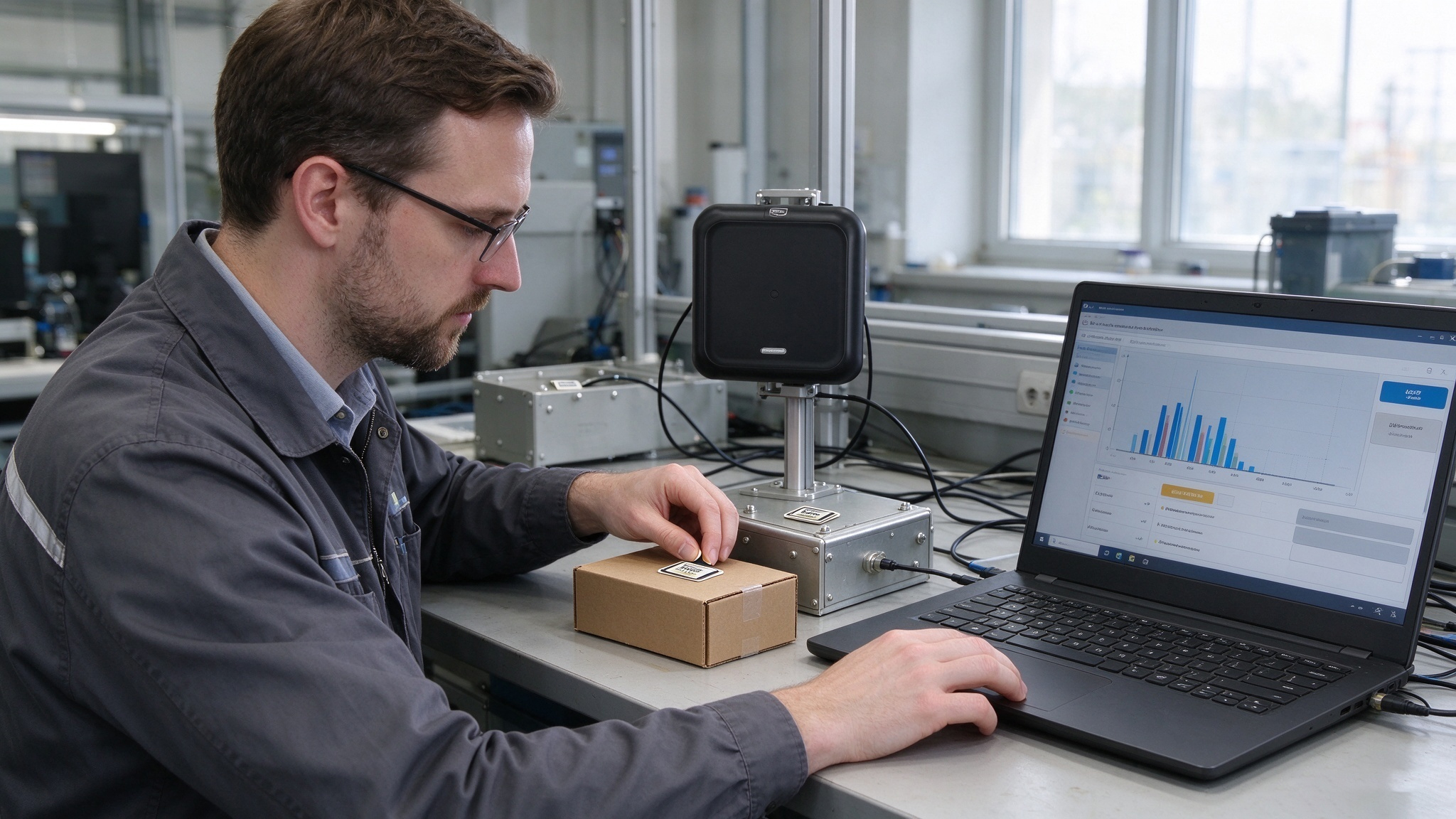
Tag mounting materials, antenna position, and orientation can change RFID reading performance.
Common RFID Tag Reading Problems and Solutions
When a tag does not read correctly, avoid changing several reader settings at once. Check compatibility first, then inspect the physical installation and software results.
Reading problem
Possible reason
What to check
Tag cannot be detected
Wrong frequency or protocol
Confirm tag specifications
Tag reads only at close range
Weak coupling or unsuitable positioning
Check orientation and antenna placement
UHF tag reads intermittently
Metal, liquid, interference, or movement
Test the actual mounting environment
Reader detects too many tags
Reading zone is too large
Adjust antenna coverage and power
Tag is detected but data is incomplete
Memory access limitations
Check tag memory and permissions
Repeated tag records appear
Continuous inventory reports
Apply application-level filtering
Phone does not detect the tag
Tag is not NFC-compatible
Verify the tag technology
1 RFID Tag Cannot Be Read at All
First confirm the frequency. A UHF reader will not normally read a 13.56 MHz NFC tag, and an NFC phone cannot directly read a passive UHF inventory label.
If the reader and tag are compatible, test another known-working tag. This helps determine whether the issue is related to the tag, reader, antenna, or configuration.
2 RFID Tag Reads Only Sometimes
Intermittent reading often points to tag positioning or the surrounding environment.
For UHF applications, check:
Whether the tag is mounted directly on metal.
Whether the product contains liquid.
Whether the tag antenna is facing the reader appropriately.
Whether cartons or products are blocking the intended reading path.
Whether the antenna covers the full movement area.
Increasing RF power may help in some cases, but it can also cause unwanted reads. Adjusting the antenna position or selecting a more suitable tag can be more effective.
3 RFID Reader Detects the Tag but Does Not Display Product Information
A reader may return a valid identifier without displaying the associated product details.
For example, the EPC may be readable, but the database may not contain a corresponding product record.
Check the returned identifier first. If the EPC is correct, investigate the database mapping and application logic rather than replacing the reader.
4 RFID Reader Detects Too Many Tags
In a retail store or warehouse, a UHF reader may detect tags beyond the intended target area.
Possible adjustments include:
Repositioning the antenna.
Reducing RF output power where appropriate.
Using a more controlled reading zone.
Applying EPC filters in software.
Adjusting the timing of inventory operations.
The objective is not to detect the greatest possible number of tags. It is to detect the correct tags at the correct location.
How to Read RFID Tags in Different Business Applications
The reading method should reflect the actual business process. A library checkout desk has different requirements from a warehouse conveyor or retail inventory operation.
Warehouse Inventory
Handheld UHF readers allow employees to identify tagged cartons, pallets, and individual products while moving through storage areas.
The returned EPC identifiers can be compared with the warehouse management system’s inventory records.
Fixed readers can also be installed at receiving and dispatch points to identify tagged goods as they pass through designated reading zones.
Retail and Clothing Stores
Retailers commonly use UHF RFID tags to identify garments and other products.
An employee can use a handheld reader to locate a specific item, count stock, or check products in a particular area. At a checkout station, a fixed or desktop reader may identify several tagged products during a transaction, depending on the system design.
Libraries
HF RFID tags are widely used in library management systems. A compatible reader retrieves the tag information, allowing library software to identify books and support borrowing, return, and inventory operations.
A self-service station may read several books placed in a designated area, provided the system and tag configuration support that operation.
Industrial Asset Management
RFID tags can be attached to tools, equipment, containers, and other assets.
Readers installed at workstations or access points collect tag identifiers. The connected asset-management application uses those identifiers to retrieve relevant records, such as equipment ownership, maintenance information, or inspection status.
Frequently Asked Questions About How to Read RFID Tag
1. How do I read an RFID tag?
Use a reader compatible with the tag’s frequency and protocol. Connect the reader to its software, position the tag within the reading field, and start an inventory or scan operation. The reader returns the tag identifier and any additional data that the chip and access settings allow.
2. Can I read an RFID tag with my phone?
Yes, if the tag supports NFC and your phone has compatible NFC hardware. Most NFC-enabled smartphones can read supported 13.56 MHz tags, but they generally cannot directly read 125 kHz LF tags or passive UHF inventory tags.
3. How do I scan an RFID tag without touching it?
Use a compatible RFID reader. Radio-frequency communication allows the reader to identify a tag without direct physical contact or optical line of sight. The actual reading distance depends on the RFID frequency, tag design, antenna, and environment.
4. Can one RFID reader read all types of RFID tags?
No. RFID readers are designed for particular frequencies and communication protocols. Some readers support multiple technologies, but a standard LF, HF, or UHF reader should not be assumed to work with every RFID tag.
5. Why is my RFID tag not being detected?
Common causes include an incompatible reader, incorrect frequency settings, tag damage, unsuitable positioning, and interference from nearby materials. Check the tag specifications first, then test it with a known-compatible reader.
6. Can an RFID reader scan multiple tags at once?
Yes. Compatible UHF RFID readers support anti-collision procedures that allow multiple tags to be identified during an inventory operation. The number of tags successfully read depends on the reader, tag population, antenna arrangement, and physical environment.
7. Can I change the information stored on an RFID tag?
Some RFID tags support writing and modifying data, provided the chip, reader, memory area, and access permissions allow it. Other tags may be read-only or have protected or permanently locked memory areas. Always check the manufacturer’s documentation before attempting to write data.
Choosing the Right RFID Reader for Your Application
Selecting a reader should start with the tag specification and the intended workflow.
Application
Recommended equipment
Main selection consideration
NFC product label reading
NFC smartphone or HF reader
NFC compatibility
Access-control card reading
Compatible LF or HF reader
Card frequency and protocol
Desktop tag testing
Desktop RFID reader
Interface and reading functions
Tag encoding and administration
RFID reader/writer
Memory access and write permissions
Mobile warehouse inventory
Handheld UHF reader
Mobility and reading coverage
Automated conveyor identification
Fixed UHF reader
Antenna configuration and integration
Embedded RFID equipment
OEM RFID module
Protocol, API, and hardware integration
For workstation-based UHF tag management, Cykeo’s SSD-D1AL desktop platform can be evaluated for reading and writing applications.
For industrial fixed-position installations, the CYKEO-RA9L/CK-D9L reader family provides an integrated UHF reader design with RS-232 or Ethernet options.
Where RFID functionality needs to be built into another device, the CYKEO-M4L OEM module can be considered. Its supplied technical specifications include support for EPC Class 1 Gen 2/ISO 18000-6C and adjustable output power up to 33 dBm.
The appropriate choice depends on the required tag protocol, reading area, number of tags, operating environment, and software integration needs.
Final Considerations: How to Read RFID Tag Reliably
Understanding how to read RFID tag information starts with identifying the tag’s frequency and selecting a compatible reader. From there, antenna positioning, reader configuration, memory access, and software interpretation determine whether the returned information is useful for the intended application.
A tag that reads successfully on a desktop may behave differently when attached to a metal asset or placed inside a carton. Test the actual tag and product combination before deploying the system.
For businesses planning RFID projects, the most useful starting point is not the reader’s maximum advertised distance. It is a clear understanding of the tags, data, and operating conditions the system must handle.
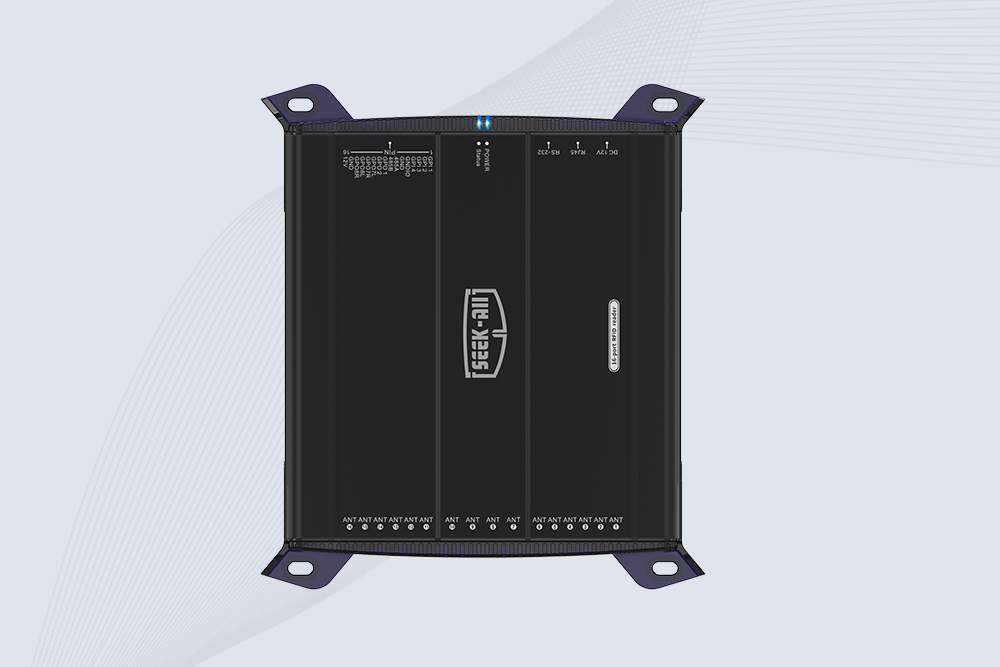
SSD-R16L Multi-Channel RFID Infrastructure for Automated Inventory Management ✔️ 16-Port High-Density RFID Reading Equipped with 16 SMA antenna ports, SSD-R16L supports multi-antenna deployment for warehouses, retail stores, logistics, production lines, and large-area RFID identification. ✔️ High-Speed & Long-Range Performance With up to 33…
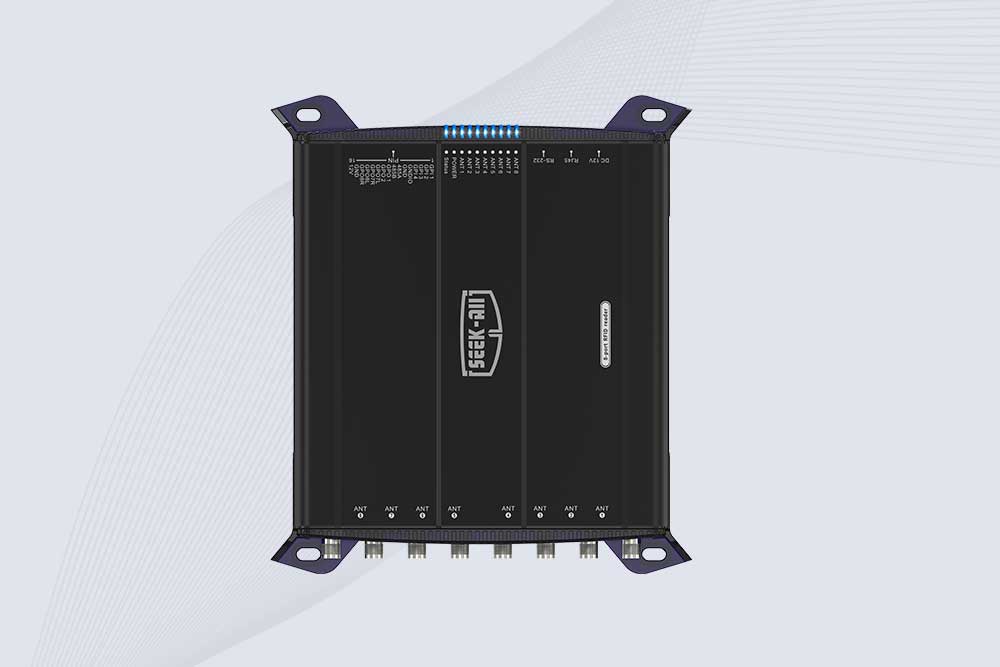
SSD-R8L 8-port UHF RFID reader with 33dBm output, up to 20m reading range and 600+ tags/s recognition. Ideal for warehouse, logistics, retail and asset tracking.
CYKEO Passive RFID Tags are made for wet and high-humidity environments where standard labels do not last. This rfid passive tag is often used around liquids, chemicals and temperature changes, providing stable reading distance and long data life for industrial tracking.
CYKEO CYKEO-PCB1504 Metal RFID Tags is a compact anti-metal UHF RFID solution built for direct mounting on metal surfaces. With stable 8-meter read range, Ucode-8 chip, and long data retention, this rfid metal tag fits tools, containers, automotive parts, and industrial asset tracking.
CYKEO CYKEO-PCB7020 On-Metal RFID Tags are designed for reliable tracking on steel and metal surfaces. Built with an FR4 epoxy body and industrial-grade chips, these On-Metal RFID Tags deliver stable performance, long data life, and chemical resistance, making them a dependable RFID anti-metal tag for harsh environments.
The CYKEO CYKEO-60-25 Anti-Metal RFID Tag is built for metal surfaces where standard tags fail. Designed for long-range performance, harsh environments, and stable data retention, this Anti-Metal RFID Tag is ideal for industrial assets, containers, and equipment tracking using on metal RFID tags.
The CYKEO RFID Laundry Tag is designed for long-term textile identification in harsh laundry environments. Built to withstand high heat, chemicals, and repeated washing, this RFID Laundry Tag delivers stable performance for hotels, hospitals, and industrial laundry operations using laundry rfid tags at scale.
The CYKEO CYKEO-125-7 RFID Book Tag is designed for reliable book and document tracking in libraries and archives. This RFID Book Tag delivers long read range, dense placement support, and stable performance on shelves, making it a practical rfid tag on books for library automation, file management, and archival systems.
CYKEO RFID tags in hospitals are designed for sterile environments where accuracy matters. These autoclavable RFID tags support long-term tracking of surgical tools, implants, and medications, helping hospitals improve visibility, compliance, and patient safety.
CYKEO RFID Cable Tie Tag is built for reliable identification on metal surfaces. This UHF RFID Cable Tie Tag is widely used in rfid tags for inventory systems, industrial asset management and Hospital RFID Tags, offering stable read performance, long service life and global EPC Gen2 compatibility.
CYKEO RFID Asset Tag is designed for stable identification of metal assets in industrial environments. This UHF RFID Asset Tag is commonly used for rfid tag asset tracking on equipment, tools and containers, providing reliable reads, long service life and ISO/IEC 18000-6C support.
CYKEO UHF RFID Card is designed for fast identification and long-term use in industrial and commercial systems. Supporting ISO 18000-6C, this UHF RFID Card works at 860–960 MHz and is suitable for custom RFID cards used in asset tracking, access control and inventory management.
CYKEO HF RFID Cards are designed for secure and stable access control systems. These 13.56 MHz RFID key cards support ISO 14443-A, reliable rewriting and long service life, making HF RFID Cards suitable for offices, campuses, events and membership management.
CYKEO UHF RFID Tag is designed for reliable tracking of metal jewelry and high-value items. This Jewelry RFID Tag supports long-range reading up to 8 meters, anti-counterfeit protection and stable performance on metal, making it suitable for retail, inventory control and asset management.
Cykeo CYKEO-C1 industrial Forklift RFID Reader features 20m read range, 600 tags/sec scanning, Impinj R2000 chipset, and IP67 rugged design. Ideal for warehouse logistics and manufacturing. Supports ISO 18000-6C/6B protocols.
Cykeo CYKEO-R4 industrial UHF RFID Fixed Reader features 4 TNC ports, 400+ tags/sec speed, IP67 housing, and global frequency compliance for vehicle inspection, smart warehouse, and asset management systems.
CYKEO CYKEO-R8L Fixed RFID Reader with 8-port UHF design, Impinj-based RF core and up to 20m read range. An industrial Fixed RFID Reader for vehicle inspection, warehouse portals, smart manufacturing lines and secure access checkpoints.
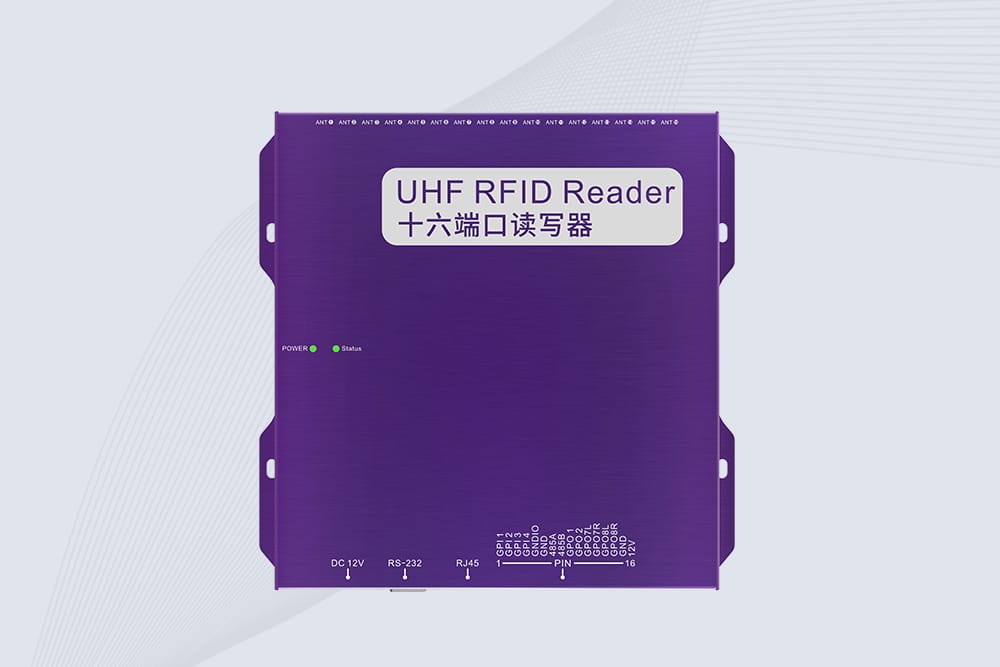
RFID Fixed Reader from CYKEO – the CYKEO-R16L 16-port UHF fixed reader for warehouses, smart cabinets, and production lines. Long-range, multi-tag reading, stable performance for 24/7 industrial use.
This article offers a systematic overview of Chipless RFID technology, including its working principles, encoding methods, technical strengths and limitations, and its emerging applications in anti-counterfeiting, sensing, and the Internet of Thin...
how important is rfid blocking? Learn when RFID blocking matters, real security risks, expert insights, and whether RFID protection is necessary in modern systems.
Discover how the anti metal RFID tag improves tracking accuracy on metal assets. Learn expert insights, real-world applications, and proven RFID performance with Cykeo.
A long range RFID scanner can support healthcare asset tracking by automatically identifying medical equipment, carts, reusable containers, and supplies as t...
 Cykeo RFID IoT Solution Products R&D Manufacturer