 Cykeo RFID IoT Solution Products R&D Manufacturer

Solar vs. Lithium-Ion Batteries for RFID Readers: Which Lasts Longer Off-Grid?
915Stuck between solar and lithium-ion batteries for your portable RFID reader? We tested both in deserts, warehouses, and forests—see which survives 24/7 scans.
MoreAll RFID Product
To replace RFID, first identify whether the problem is with the tag, its stored data, or the reader system. Then register a compatible replacement tag, write the required information, verify that it reads correctly, and update the associated item record to prevent duplicate or mismatched data.
Replacing an RFID tag sounds like a small maintenance task. In a working library, tool room, or textile-management operation, however, it can affect much more than the label attached to an item. A replacement tag must be recognized by the existing reader, associated with the correct object in the management database, and tested before the item returns to circulation.
The important distinction is that replacing a physical RFID tag is not the same as replacing the information in the management system. A new tag may have a different electronic identifier from the old one. If the software still associates the item with the previous identifier, the replacement can be physically successful but operationally useless.
This guide explains how to replace RFID tags, when rewriting an existing tag is sufficient, and how a desktop RFID reading and writing platform can support routine tag-administration work.
In most item-management applications, replacing RFID means removing or retiring an existing RFID tag and assigning a compatible new tag to the same physical item. The new tag is registered in the management system, programmed with the required data, and checked to confirm that the item can be identified correctly.
The exact procedure depends on what has failed.
For example:
These situations should not automatically be handled in the same way. If the tag is physically damaged, rewriting it will not repair the antenna. If the tag is healthy but contains incorrect data, replacing the entire label may be unnecessary.
A useful first check is to test the tag with a known-compatible reader. Confirm that the reader supports the tag’s frequency and air-interface protocol, and check whether the problem occurs with one tag or across a batch. A reader configuration issue can look very much like a failed tag
The decision comes down to whether the existing tag can still communicate reliably and whether its memory can be updated as required.
| Situation | Recommended action | Reason |
|---|---|---|
| Tag is physically damaged | Replace the tag | A damaged antenna or chip cannot normally be repaired by rewriting |
| Tag responds, but the stored data is incorrect | Check whether rewriting is supported | The existing tag may still be usable |
| Tag is readable only at an unusually short distance | Inspect the tag and installation first | Position, material, interference, or damage may affect performance |
| Item has been assigned a new identifier | Register and program a replacement or reusable tag | The database and tag data must remain consistent |
| Tag type is incompatible with the installed reader | Select a compatible tag and validate the system | Frequency and protocol compatibility are essential |
| Old tag data must be replaced during conversion | Read, record, rewrite, and verify as appropriate | The required data must be preserved and checked |
A tag that has been cut, crushed, folded beyond its design limits, or damaged by heat or moisture may stop responding. In this case, repeatedly attempting to write data is unlikely to solve the problem.
Remove or deactivate the old tag according to the organization’s asset-control procedure. Then attach a compatible replacement tag and register its identifier against the existing item record.
For books, tools, and reusable textile containers, placement matters. A new tag should be installed in a position where it can be read consistently without interfering with the item’s normal use. A tag that works on a test bench may behave differently when attached to a metal tool, a liquid-containing product, or a tightly packed group of textile items.
If a tag can be read and its writable memory is available, rewriting may be enough. This is often relevant when correcting a data field, changing an item association, or carrying out a tag-conversion task.
Before writing, identify exactly which memory area the application is expected to update. Do not assume that every RFID tag stores all information in one editable field. In passive UHF systems, for example, EPC, TID, User, and Reserved memory serve different purposes. Some areas may be locked, access-controlled, manufacturer-programmed, or not intended for routine application data.
A controlled write process should therefore include:
This read–write–read sequence is particularly important when processing multiple items. A successful write command is not, by itself, proof that the correct tag received the correct information.
Before starting a replacement batch, check the tag, reader, software, and item record together. A replacement tag is only useful when all four work as one system.
RFID tags operate at different frequencies, including LF, HF, and UHF. A tag designed for one frequency cannot normally be read by a reader designed exclusively for another. Even within the same frequency family, the communication protocol and supported features must match.
For a UHF desktop tag-administration platform, verify that the replacement tags support the reader’s UHF air interface and the data operations required by the application. Do not select tags solely because their labels say “RFID.”
Decide what information must be stored on the replacement tag and what should remain in the database.
A library may use an RFID identifier to connect a book to its circulation record. A tool-management system may associate a tag with an asset number, department, or borrowing status. A textile-management application may use tag data to identify a linen item or link it to a batch record.
Avoid copying every available field without checking its purpose. Some identifiers are manufacturer-defined; others are assigned by the organization. The replacement process should preserve the system’s intended relationship between the physical item and its electronic record.
A desktop reader with a near-field antenna can be useful when staff need to process one item at a time. A controlled reading area helps reduce the chance of accidentally reading nearby tags.
For the Cykeo desktop RFID reading platform described in this guide, the effective reading range is controlled within approximately 30 cm, while the writing range is within approximately 10 cm. These are product operating specifications, not universal RFID distances. Actual performance still depends on tag design, orientation, installation, and surrounding materials.
For UHF RFID applications using the GS1 EPC Gen2 standard, the tag’s memory is organized into four logical banks. They are not interchangeable, and not every bank is intended for routine rewriting.
| Memory bank | Main purpose | Consideration during replacement |
|---|---|---|
| Reserved | Stores access and kill passwords | Handle carefully; incorrect password management can prevent normal access |
| EPC | Stores the electronic product identifier | Often central to item identification and registration |
| TID | Identifies the tag or chip itself | Commonly includes manufacturer-related identification information; do not treat it as ordinary item data |
| User | Stores additional application data, if implemented | Available capacity and write permissions depend on the tag |
GS1’s EPC Gen2 specification defines these four memory banks and their different functions. GS1 also explains that User memory is optional, while EPC memory holds the identifier associated with the object
The memory capacity is not the same across all tags. GS1 notes that simple RAIN RFID tags commonly use 96-bit or 128-bit identifiers, while some higher-memory passive UHF tags can store up to 8 KB. The actual capacity depends on the chip and tag design.
This matters when replacing tags in an existing system. If the old tag stores only an EPC identifier but the replacement tag has a different memory layout or insufficient writable capacity, copying the old data structure without checking compatibility can create problems.
Practical recommendation: Keep the organization’s item record as the authoritative source for business information. Use the RFID tag to carry the identifier and only the additional data the application genuinely needs.
For libraries, tool rooms, and textile-management operations, tag replacement is often part of a wider daily workload. Staff may need to register new tags, correct existing records, convert tag data, check borrowed items, or investigate a failed return transaction.
A desktop RFID reading and writing platform provides a controlled workstation for these tasks. Instead of using a long-range fixed rfid reader designed to detect many items across a larger area, staff can position individual tags near a desktop antenna and perform focused operations.

A desktop platform intended for tag administration should do more than detect whether a tag is present. It needs to support stable writing, repeatable reading, and integration with the organization’s existing software.
The Cykeo desktop RFID reading platform described for this application is designed around those requirements.
| Feature | Cykeo platform specification | Why it matters during replacement |
|---|---|---|
| Connection | USB interface | Convenient connection to a desktop computer |
| Antenna | Near-field antenna | Helps create a controlled tag-reading area |
| Reading range | Within approximately 30 cm | Reduces unintended reads from distant tags |
| Writing range | Within approximately 10 cm | Helps focus write operations on the intended tag |
| Maximum port output | 33 dBm | Supports the platform’s specified writing performance |
| Tag processing | Collision handling and multi-tag identification | Helps manage tags presented in groups |
| Data functions | Filtering and RSSI support | Assists tag selection and signal-strength assessment |
| Development support | C# and Java development materials | Helps connect the reader to a custom administration application |
The platform also supports tag-intensive reading and writing, data filtering, and RSSI-based signal-strength awareness. These functions are useful when staff need to distinguish the target tag from nearby tags or investigate inconsistent reading results.
The 33 dBm figure is the platform’s stated maximum port output, not a guarantee that every tag will write successfully at every distance. Tag sensitivity, antenna coupling, chip characteristics, material interference, and software settings still affect the result. A replacement workflow should always verify the written data by reading the tag again.
Replacing a tag is often only one step in the item’s lifecycle. A library administrator, for example, may register a new book, associate its RFID identifier with a document record, and later check its borrowing or return history.
The Cykeo desktop platform is intended to assist with a wider set of administrative operations:
These functions depend on the application software and its database integration. The reader provides the RFID communication capability; the management software determines how item records, user permissions, circulation status, and logs are handled.

A reliable replacement process should preserve the relationship between the physical item and its electronic record. The old tag should not simply be removed and forgotten. Its identifier, the item’s current status, and any relevant transaction history may still be needed for auditing or troubleshooting.
The following workflow is suitable as a general model for UHF RFID item-management systems. Adapt it to the tag type, reader, software, and access-control rules used by your organization.
Start by locating the item’s record in the management application. Record its item number, description, current RFID identifier, and operational status.
Then inspect the existing tag:
If the tag still responds, save the readable information before removing it. This can help distinguish a damaged tag from an incorrect database record.
Choose a replacement based on the existing system rather than appearance alone.
Check the following:
A tag that is technically compatible may still be unsuitable for the physical item. For example, a general-purpose label may not perform well when attached directly to metal. Textile tags need to tolerate the handling and washing conditions of their intended application. The replacement should be tested in its final mounting position, not only on the desktop reader.
Connect the desktop platform to the computer through its USB interface. Open the compatible demonstration software or the organization’s RFID management application.
Before processing the replacement tag, confirm that:
For a platform integrated through a custom application, the development team can use the supplied C# or Java development materials to connect reader operations with the organization’s registration and item-management workflow.
Place the replacement tag within the reader’s effective operating area. Read its available identifier and relevant memory fields before writing.
This initial read is important because replacement tags may arrive with factory-programmed data or different memory configurations. Record the tag’s original identifier where the application requires traceability.
Do not assume that the tag’s TID is the same as its EPC. GS1 explains that EPC identifies the object associated with the tag, while TID contains information about the tag itself. TID is generally programmed by the chip manufacturer and is not intended for ordinary user rewriting.
Select the correct memory bank and write only the data required by the application.
For many UHF item-management systems, the EPC is the primary identifier used to associate the tag with an item. User memory may be used for additional application data if the tag supports it.
Take extra care with password-protected or locked memory. GS1 notes that Gen2 RFID tags can support access-controlled memory operations, including reversible or permanent protection. A locked memory area may require the correct access password before it can be rewritten.
After writing, perform a new read operation. Compare the returned data with the intended values.
A practical verification record can include:
| Verification item | What to confirm |
|---|---|
| EPC | Matches the identifier assigned by the management system |
| User memory | Contains the expected data, if used |
| TID | Recorded if required for tag traceability |
| Read response | Tag is detected consistently |
| Write result | The intended data remains after a new read |
| Item association | The database links the new tag to the correct item |
| Duplicate check | The new identifier is not assigned to another active item |
Do not rely solely on a software message saying “Write successful.” A second read confirms what is actually stored on the tag.
Once the replacement tag has passed verification, update the management database. Associate the new RFID identifier with the existing item record and retire the old identifier according to the organization’s procedures.
If the previous tag was lost or damaged, keeping its identifier in a historical record can help explain earlier transactions. Avoid leaving both identifiers active for the same item unless the application explicitly supports that arrangement.
Even with a suitable reader and replacement tag, some problems only become visible during actual operation. The following issues are worth checking before replacing an entire batch.
Possible causes include:
What to do: Read the tag first, check its memory configuration, and confirm the intended memory bank. If the memory is protected, use the authorized access procedure. Do not attempt random password combinations or issue permanent lock commands as a troubleshooting shortcut.
This can happen when replacement tags are placed too close together or when unused tags remain near the desktop antenna.
For individual tag registration, separate the target tag from other tags whenever possible. A near-field antenna helps create a more controlled reading area, but it does not eliminate every possibility of unintended reads.
The Cykeo desktop platform’s specified reading range is within approximately 30 cm, with a writing range within approximately 10 cm. Its tag-filtering and collision-handling functions can assist with tag selection, but staff should still control how tags are presented during writing.
This is often a database-association problem rather than a radio-frequency problem.
For example, a replacement tag may contain a valid EPC, but the management software may still be searching for the old EPC. The reader can detect the new tag perfectly while the application returns no item information.
Check these points:
A replacement workflow should treat tag programming and database registration as two connected operations.
A tag that reads well on a desk may perform differently after installation. Metal surfaces, liquid-containing materials, tag orientation, and nearby objects can affect UHF communication.
Test the tag in its final position. If the item is a tool, test it on the actual tool. If it is a linen item, test the tag in its intended attachment position. Moving the tag a small distance or changing its orientation may improve performance, depending on the installation.
The core process remains similar across industries, but the data and physical installation requirements vary.
In a library, replacing a book’s RFID tag should preserve the connection between the physical book and its catalogue record.
A typical workflow is:
A library may also use RFID labels for shelf identification or other management functions. These labels should not be confused with the RFID tag attached to an individual book. Each identifier needs to be registered for its intended purpose.
Tools are often handled repeatedly, moved between departments, and stored in cabinets or tool rooms. A replacement tag should remain securely attached and be positioned so the reader can identify the tool during issue and return.
A practical process includes recording the tool’s asset number, registering the replacement tag, testing the tag on the actual tool, and checking that the borrowing and return application recognizes the new identifier.
For metal tools, choose a tag designed for the installation surface. A standard label placed directly on metal may not provide dependable UHF performance.
In textile management, the tag must be appropriate for the material and handling conditions. The replacement identifier should be associated with the correct linen item or textile record.
Staff should verify the tag after attachment and, where relevant, after the process conditions that the tag is expected to withstand. A tag that reads correctly before installation is not necessarily suitable for the finished textile product.
Tag conversion is different from replacing a single damaged label. An organization may need to move a large number of items from an older tag format to a new data structure.
For this type of project, establish a conversion plan before writing any tags:
A desktop RFID platform with read, write, filtering, and RSSI functions can support controlled tag processing at an administration workstation. For larger projects, the application should also provide batch records and exception handling.
Yes, in many systems. You can retain the existing item record and associate a new RFID identifier with it. The database must be updated to recognize the replacement tag, while the item’s catalogue, asset, or inventory information can remain unchanged.
Yes, if the tag is physically functional, supports the required write operation, and the relevant memory is not permanently locked. Rewriting may be sufficient when correcting an EPC or updating supported User memory. A damaged antenna or chip, however, generally requires physical replacement.
You can copy application data when the replacement tag supports the required format and memory capacity. However, not all memory can or should be copied. TID generally identifies the tag chip itself, while EPC identifies the associated object. Passwords and protected memory require particular care.
Test it with a compatible reader and compare its response with a known-good tag. Check the tag’s physical condition, reading consistency, and performance after installation. If the reader cannot detect it under controlled conditions, inspect the antenna and chip before deciding that the tag needs replacement.
You need a UHF reader writer that supports the replacement tag’s protocol and the required memory operations. For desktop registration and individual tag replacement, a USB-connected platform with a near-field antenna can provide a controlled workstation. The Cykeo desktop platform supports USB connectivity, a specified reading range within 30 cm, a writing range within 10 cm, and C# and Java development materials.
A desktop reader writer with multi-tag identification and collision-handling algorithms can detect multiple tags within its effective reading area. However, writing should be controlled carefully. When assigning a unique identifier to an individual item, isolate the target tag or use reliable selection and filtering functions to avoid writing to the wrong tag.
Use a database validation step before activating the replacement tag. Check whether the proposed EPC is already assigned to another active item, register the new identifier against the intended record, and retire the old identifier after verification. Maintain a replacement log so that previous identifiers remain traceable when necessary.
For organizations that regularly register, rewrite, or convert RFID tags, the reader should fit the daily administration process rather than simply offer the highest possible reading distance.
The Cykeo desktop RFID reading platform is designed for this type of controlled work. Its USB connection supports convenient computer integration, while its near-field antenna helps keep the reading and writing area close to the workstation.
Its key functions include:
The platform can be used in library registration, tool entry, textile management, and other environments where RFID tags need to be read, written, or updated at a workstation.
Before selecting a device, confirm the tag frequency, protocol, required memory operations, software interface, and physical installation conditions. These checks are more useful than choosing a reader based on output power alone.
Knowing how to replace RFID means understanding both the electronic tag and the item record behind it. Identify the fault, select a compatible replacement, read and program the necessary data, verify the result, and update the database before returning the item to service.
For regular tag-administration work, a desktop RFID reading and writing platform can make this process more controlled and repeatable. With USB connectivity, near-field operation, tag filtering, and development support, the Cykeo desktop RFID platform is designed to assist with tag registration, rewriting, conversion, and related item-management tasks.

Discover SSD-D4AL, a USB-HID UHF RFID reader with 4/8/16 antenna options, Impinj E710/X3M1 chipset, plug-and-play USB power, and OEM customization.
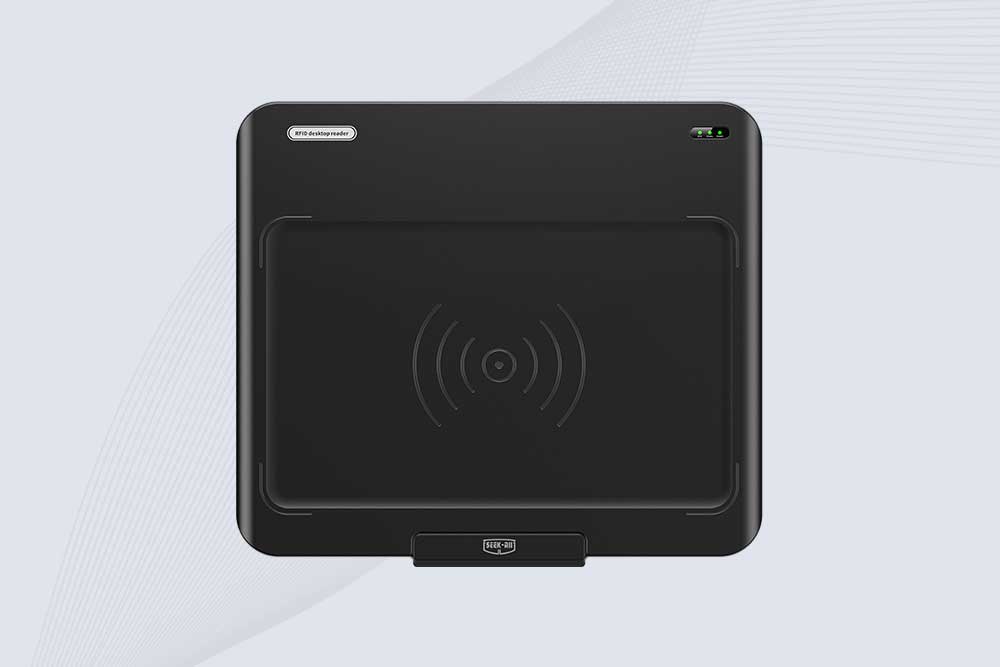
SSD-D3AL is a USB-HID UHF RFID reader with 0–30 cm reading, 0–15 cm writing, over 600 tags/s recognition, USB plug-and-play operation and OEM Logo customization.
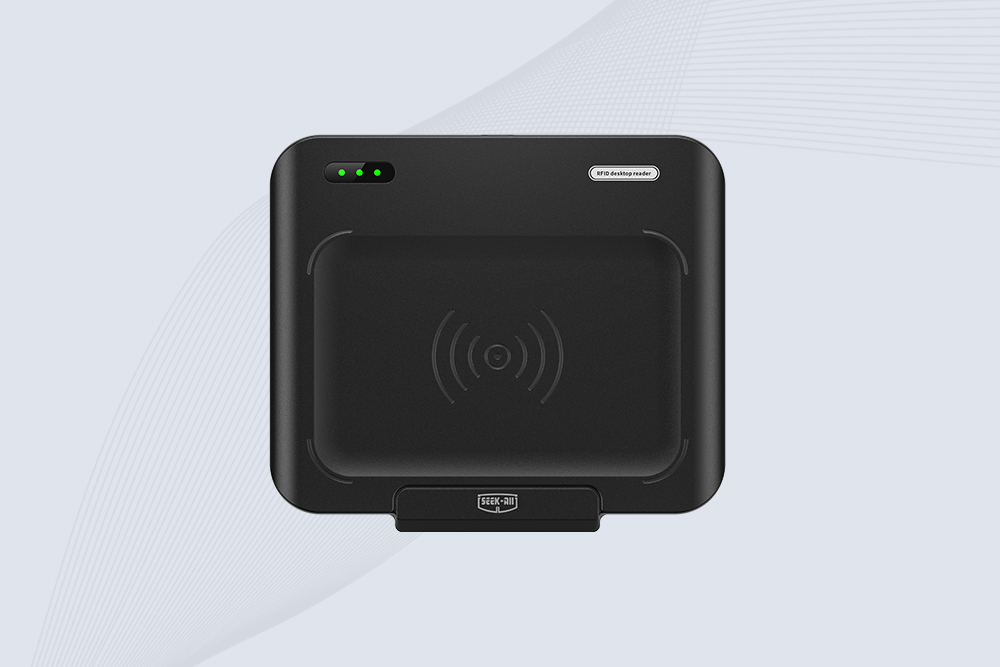
SSD-D1AL is a compact USB UHF RFID reader with Impinj E710/X3M1 chipset, USB-HID, 600+ tags/s recognition, 4/8/16 antenna support and plug-and-play USB power.
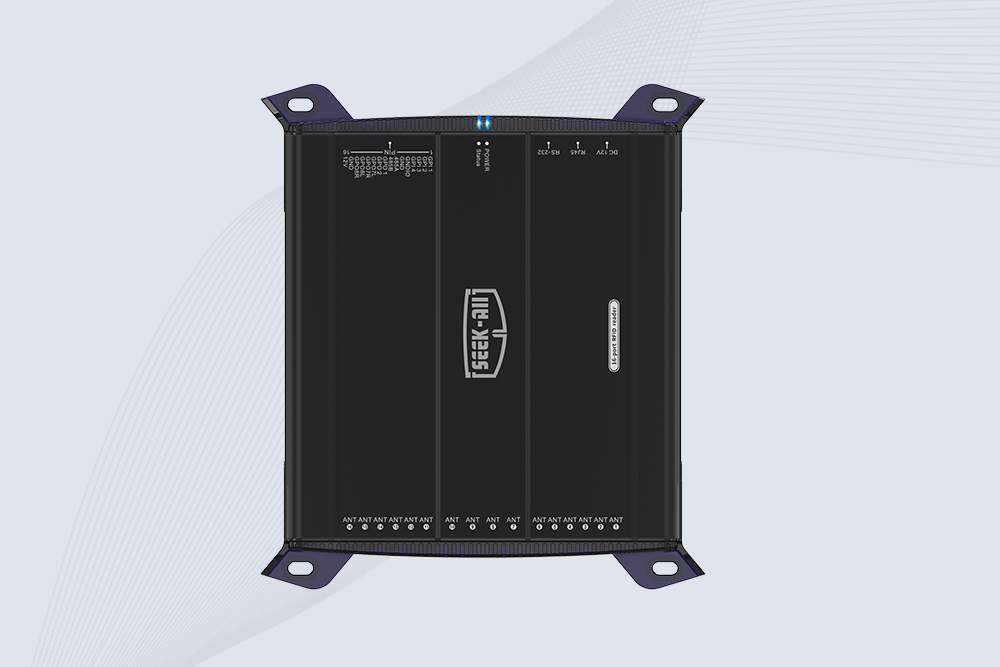
SSD-R16L Multi-Channel RFID Infrastructure for Automated Inventory Management ✔️ 16-Port High-Density RFID Reading Equipped with 16 SMA antenna ports, SSD-R16L supports multi-antenna deployment for warehouses, retail stores, logistics, production lines, and large-area RFID identification. ✔️ High-Speed & Long-Range Performance With up to 33…
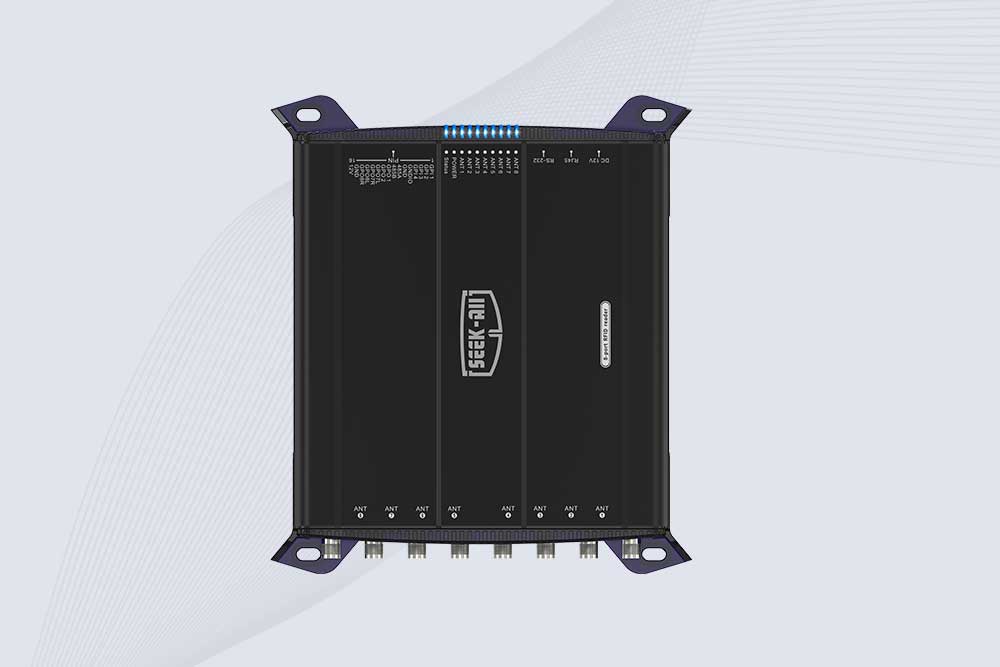
SSD-R8L 8-port UHF RFID reader with 33dBm output, up to 20m reading range and 600+ tags/s recognition. Ideal for warehouse, logistics, retail and asset tracking.
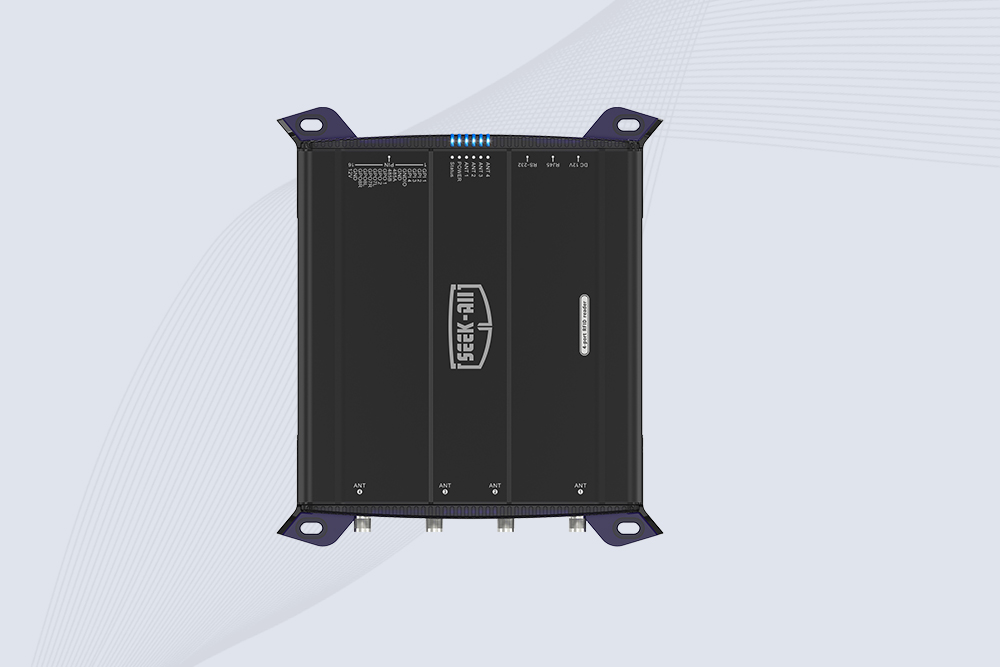
SSD-R4L is a 4-port UHF RFID fixed reader with 33dBm output power, up to 20m reading range, EPC C1G2 support and 600+ tags/s reading speed.

CYKEO CYKEO-D1LA USB RFID Reader is a compact desktop solution with near-field control for precise tag reading and encoding. Powered by USB, supporting ISO 18000-6C, and built for stable batch writing, this usb rfid tag reader fits retail, libraries, offices, and controlled RFID encoding tasks.
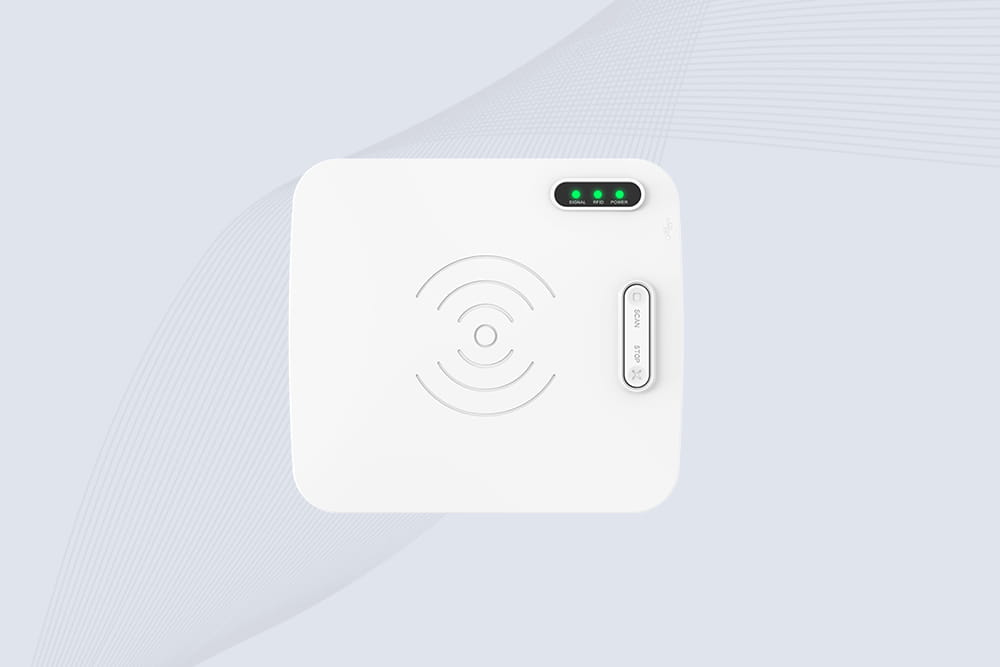
CYKEO CYKEO-D1L RFID scanner USB is a compact desktop UHF RFID scanner designed for short-range tag writing and verification. This usb rfid scanner supports batch encoding, stable 0–26 dBm output, and works across Windows, Linux, and Android systems.
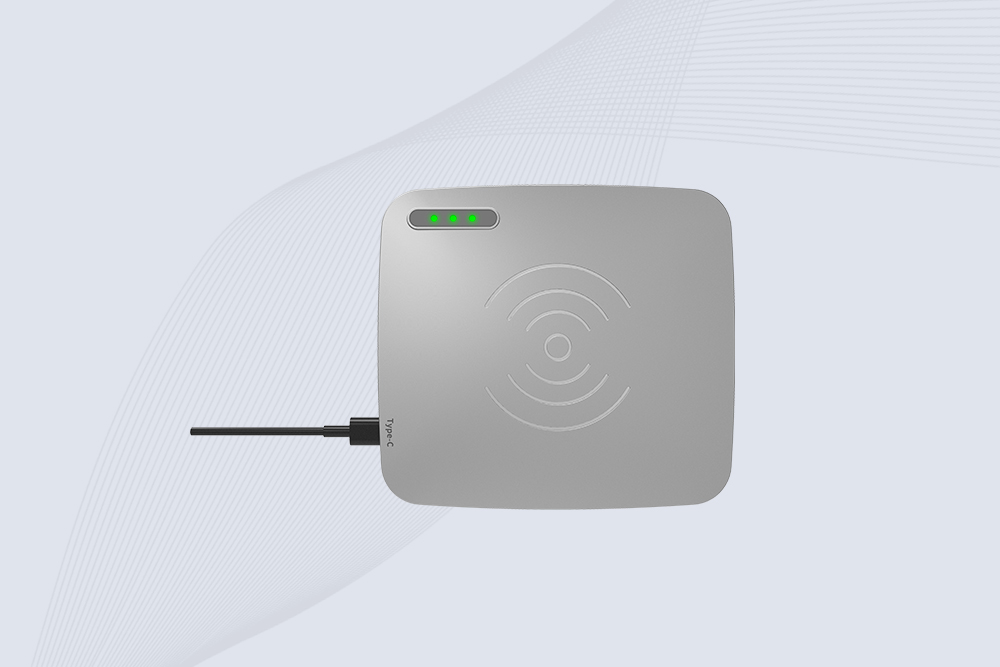
CYKEO CYKEO-D1C USB RFID Card Reader is a near-field UHF desktop writer designed for secure, short-range tag encoding. With USB-C connectivity and stable 26 dBm output, this rfid reader usb c is ideal for badge issuance, label encoding, and controlled desktop RFID workflows.
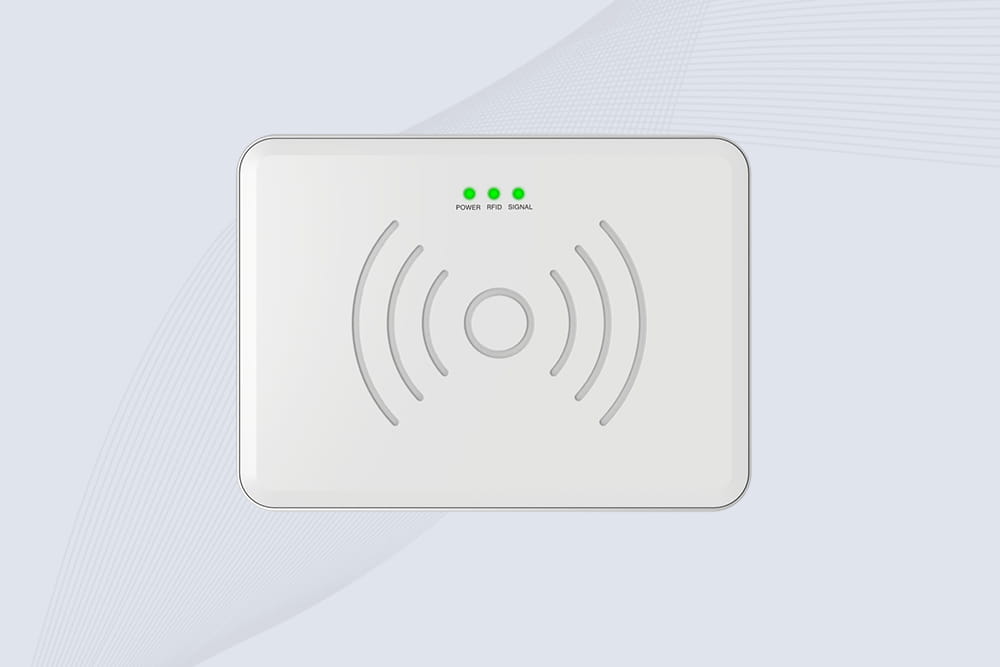
CYKEO CYKEO-D2L RFID Reader USB is a compact desktop encoder built on the Impinj R500 chip. With near-field control and stable USB power, this usb rfid card reader delivers precise tag writing for offices, retail counters, and small-scale logistics encoding tasks.
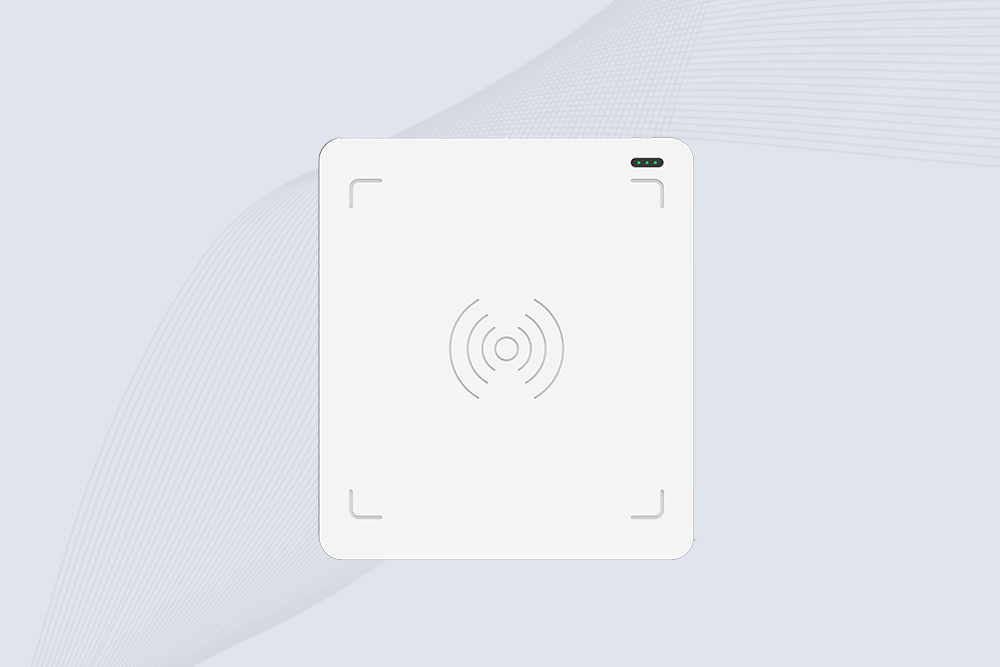
CYKEO CYKEO-D3L USB RFID Tag Reader delivers stable UHF tag reading and writing for daily desktop and light industrial tasks. Designed for controlled short-range operation, this USB RFID Tag Reader works reliably with rfid tag and reader systems in libraries, tool tracking, and inventory registration.
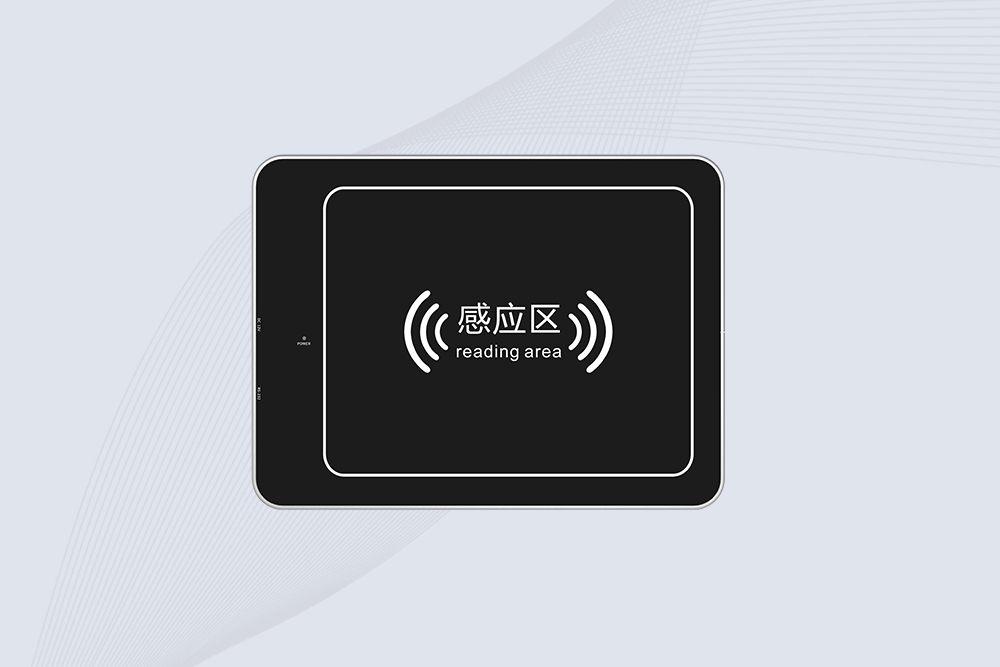
The CYKEO CYKEO-D4L UHF RFID Tag Reader is a stable Desktop RFID Reader designed for accurate tag registration, borrowing, and return workflows. Built with the Impinj R2000 chip, this UHF RFID Tag Reader delivers controlled short-range reads for libraries, asset tracking, and inventory management environments.
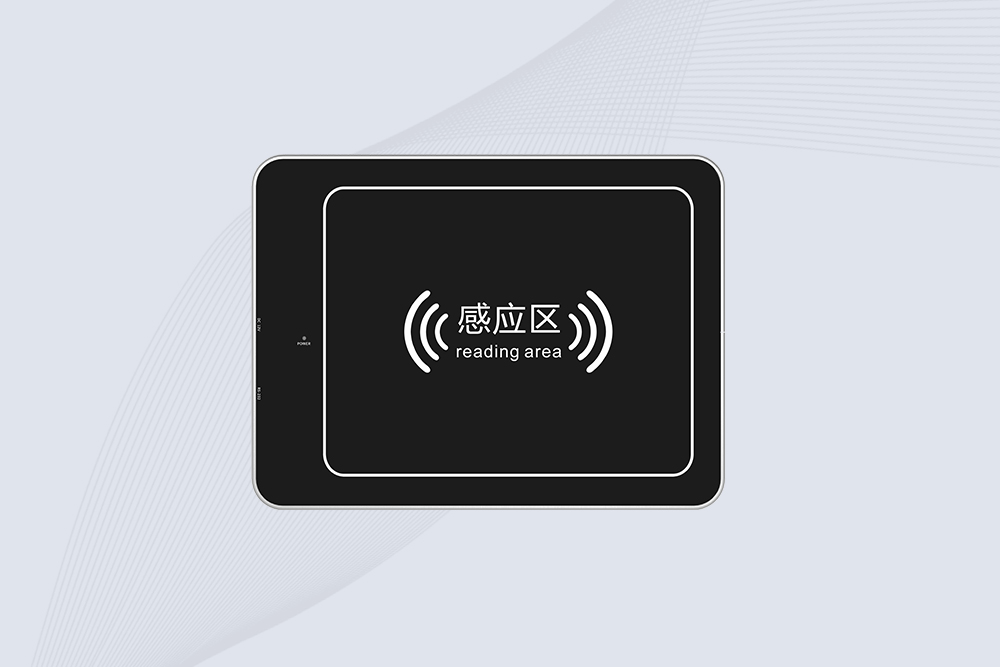
The CYKEO CYKEO-D5L Desktop RFID Card Reader is a stable UHF RFID Card Reader designed for controlled short-range reading and writing. Built for libraries, tool rooms, and asset desks, this UHF RFID Card Reader supports dense tag handling, secure data processing, and easy USB integration.
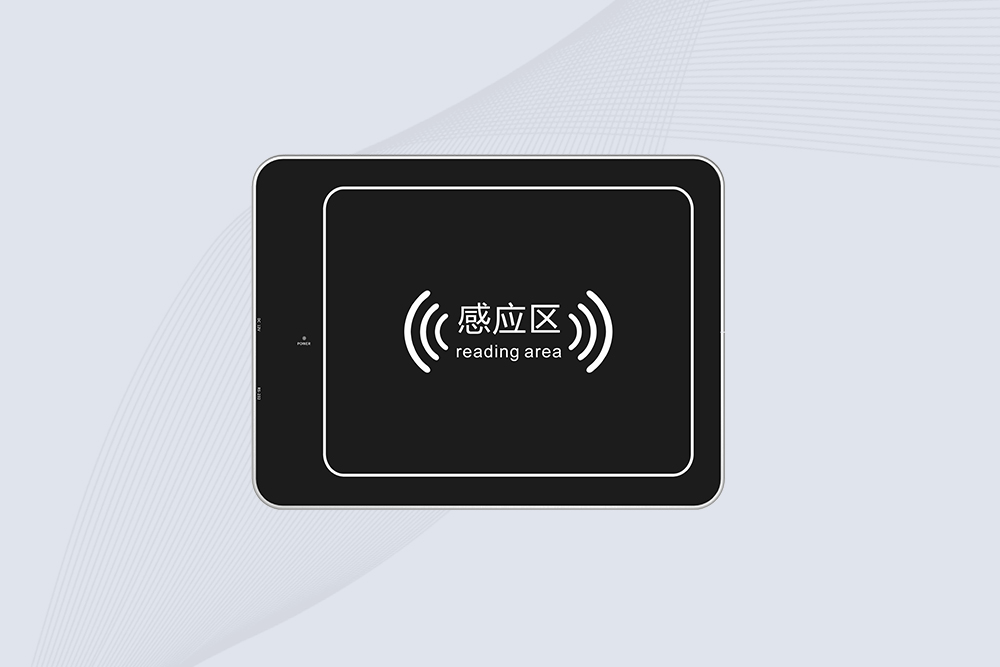
The CYKEO CYKEO-D6L RFID Reader Writer is a heavy-duty Desktop RFID Reader designed for short-range, high-accuracy tag programming. Built for libraries, labs, and asset desks, this RFID Reader Writer supports batch processing, stable 33dBm output, and seamless integration with existing management systems.
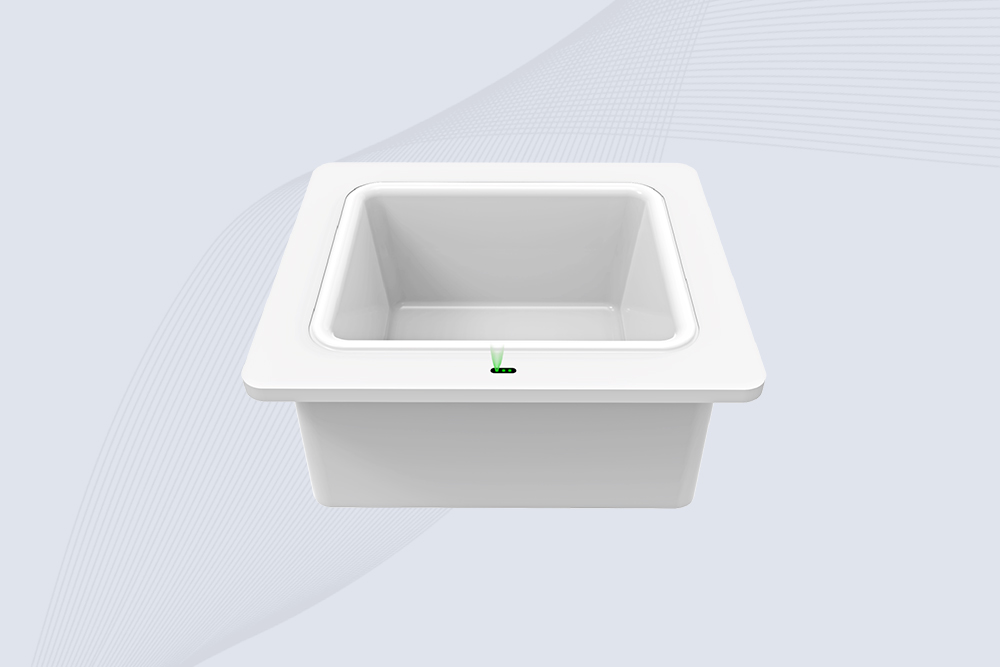
Cykeo CYKEO-D8B UHF RFID tunnel and RFID Desktop Reader features 30+ items batch reading,
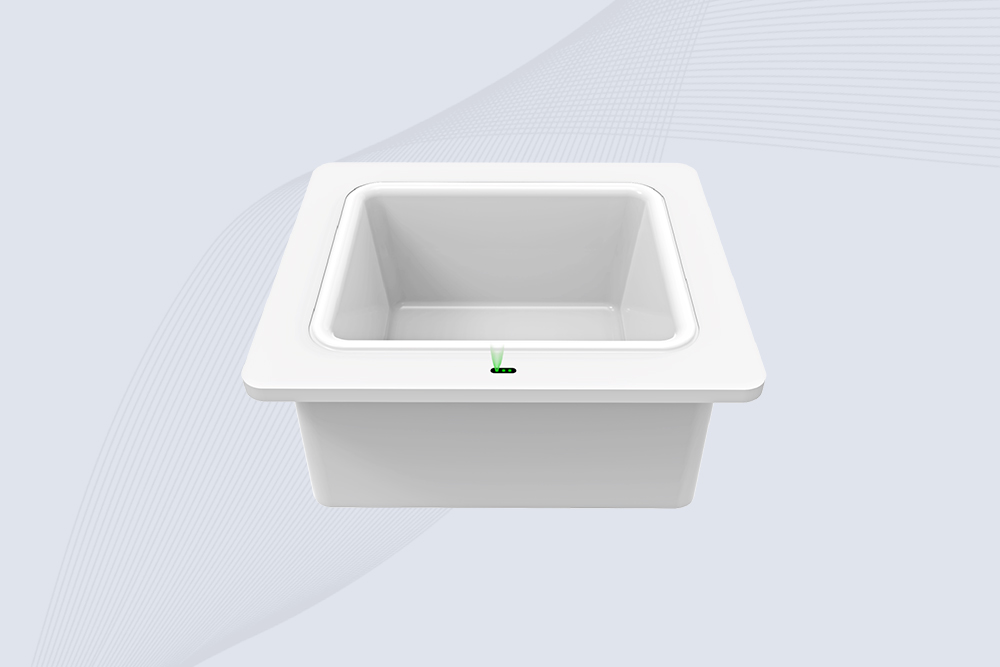
Cykeo CYKEO-D8A embedded RFID badge reader offers 30+ tags/sec scanning, 20cm anti-crosstalk precision, and DC 12V power for unmanned stores, warehouses, and smart inventory systems.
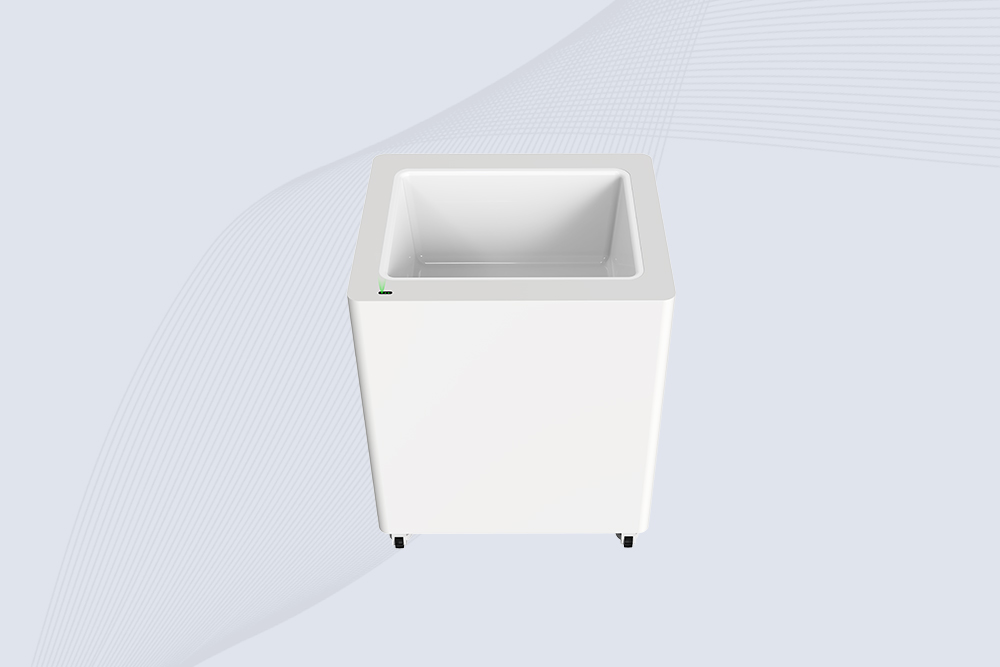
Cykeo’s CYKEO-D8C UHF RFID gate reader achieves 200-tag/batch scanning with adjustable power control, ideal for retail inventory and smart warehouse management.
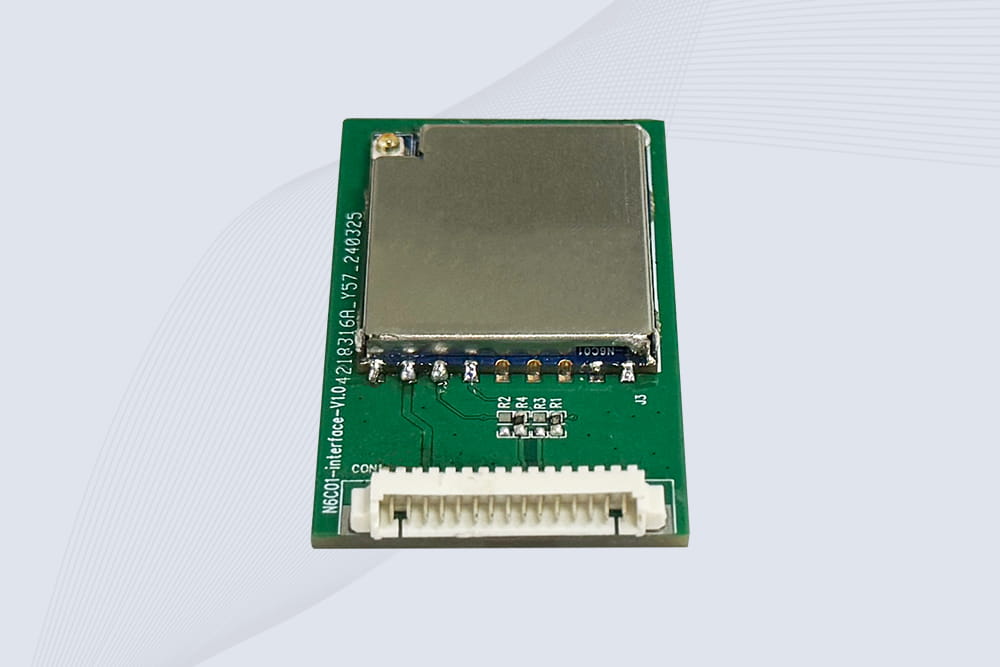
CYKEO Embedded RFID Modules are designed for compact industrial and IoT devices that require stable UHF performance. These UHF RFID Modules support global protocols, flexible power control, and reliable multi-tag reading for smart cabinets, production lines, and asset tracking systems.
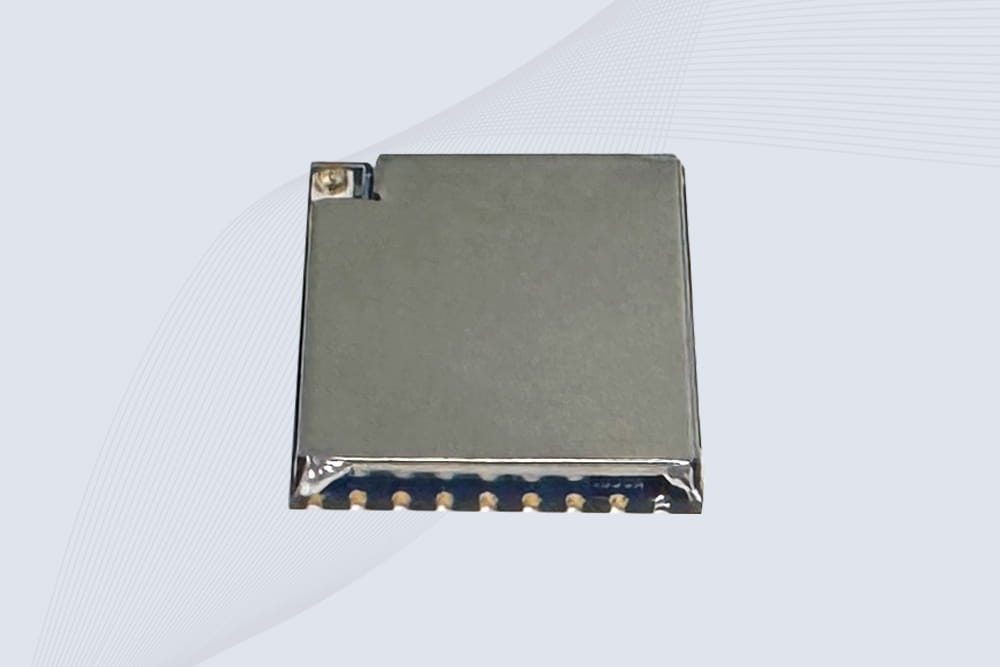
CYKEO Embedded RFID Module is built for compact IoT and industrial devices that need stable UHF performance. This UHF module supports global protocols, low power operation, and reliable multi-tag reading for smart lockers, production lines, and always-on RFID systems.
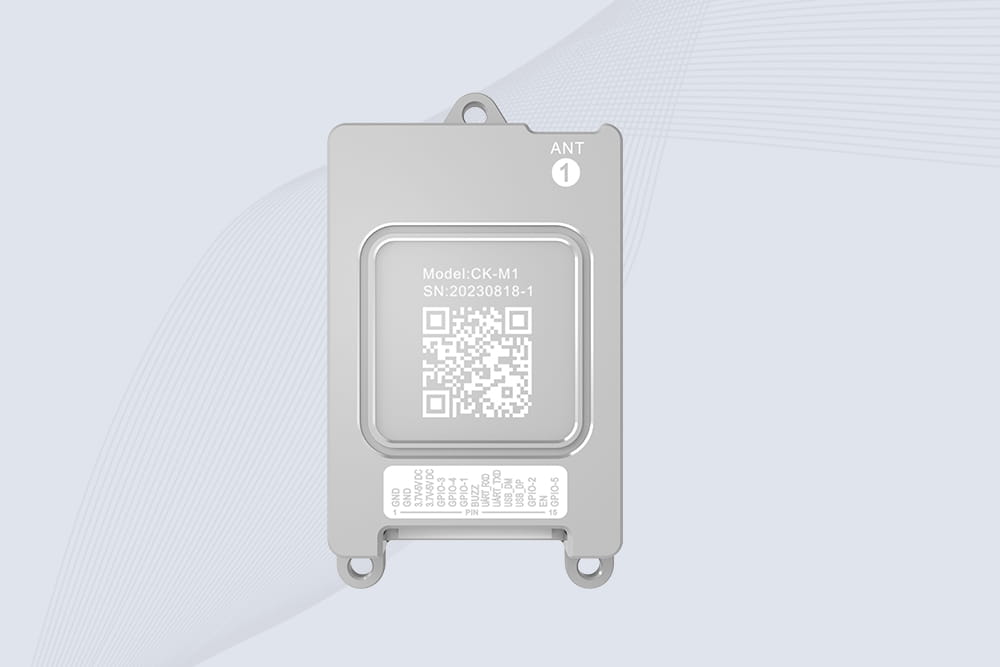
CYKEO CYKEO-M1 drone rfid module is a compact UHF RFID reader module designed for drones and UAV platforms. It supports long-range aerial scanning, fast multi-tag reading, and stable performance in wind, vibration, and outdoor environments.
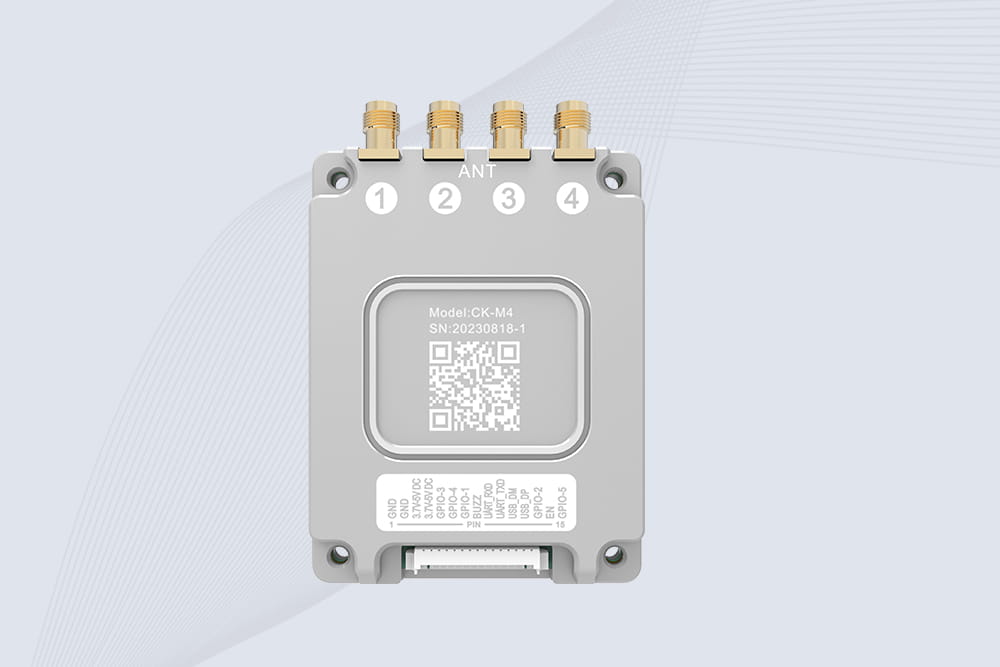
CYKEO CYKEO-M4 RC522 RFID Module is an industrial-grade UHF RFID reader with 4 ports, supporting ISO, EPC, and GB protocols. High-speed, accurate reading for IoT, automation, and warehouse applications.
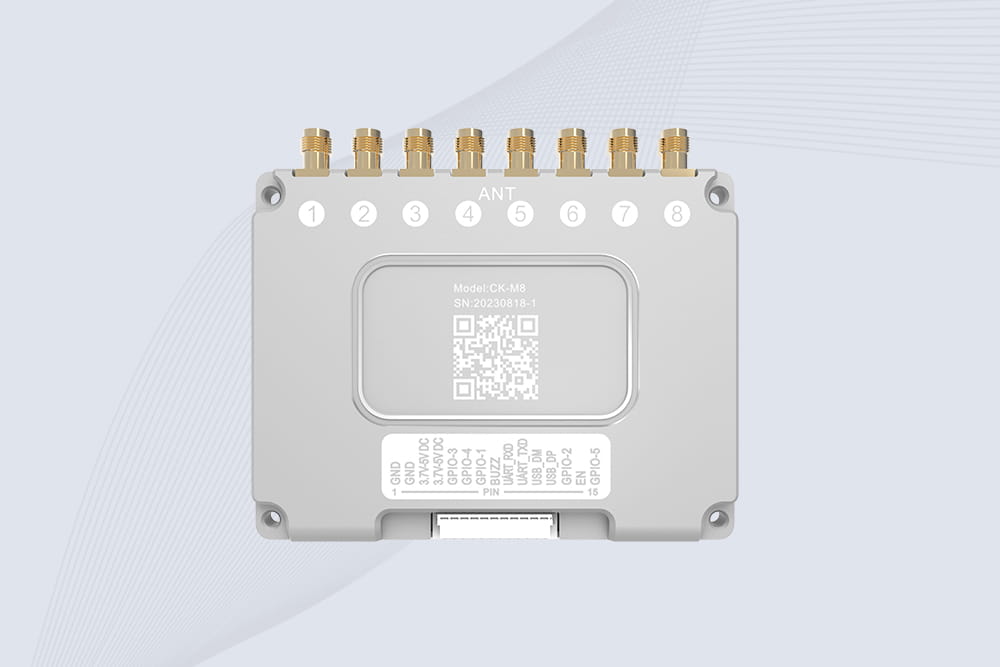
CYKEO CYKEO-M8 Module RFID is an 8-port UHF R2000 RFID Module designed for high-density, multi-tag environments. Stable 33dBm output, ISO & GB protocol support, ideal for warehouses, factories, and automated systems.
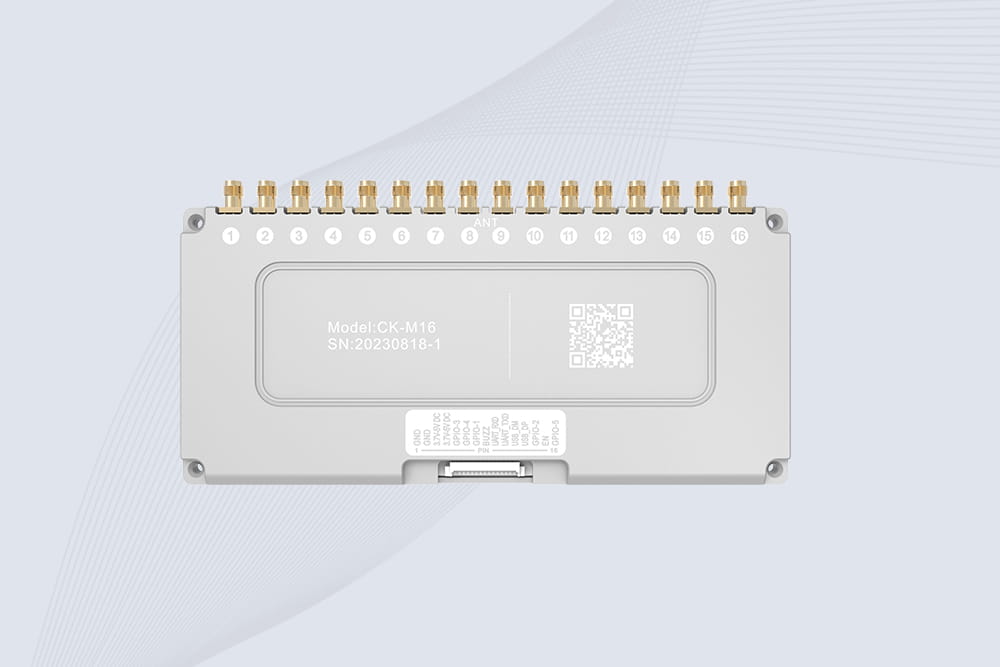
CYKEO CYKEO-M16 RFID Module is a 16-port UHF RFID reader module based on the R2000 chipset. Designed for dense tag environments, it supports ISO and GB standards and delivers stable multi-antenna control for industrial automation.
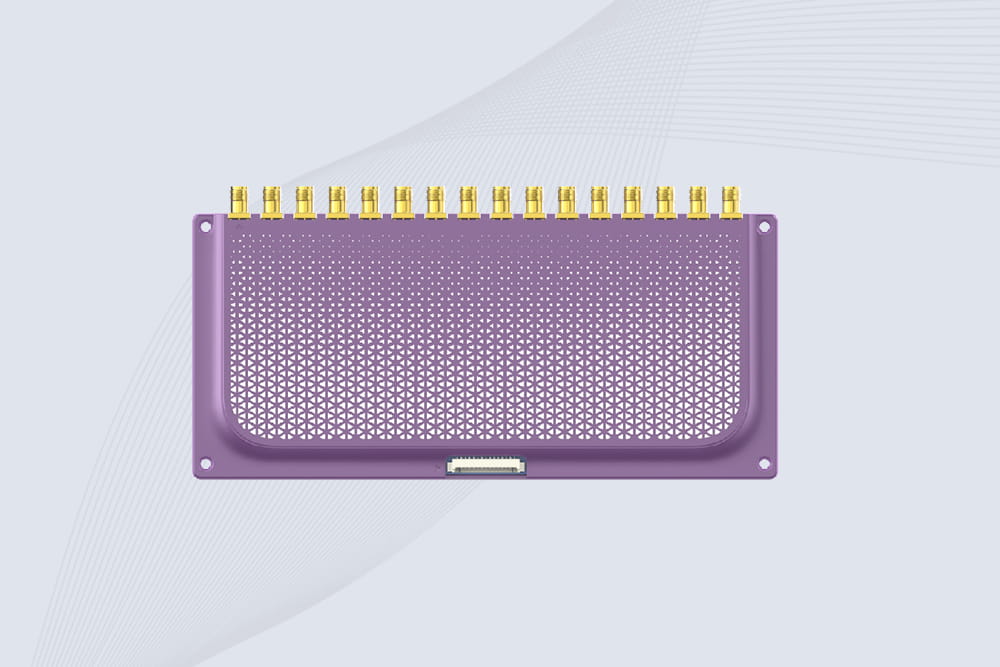
The CYKEO CYKEO-M16L RFID Reader Module is a 16-channel UHF RFID core designed for dense tag environments. With adjustable 33dBm output, multi-protocol support, and stable multi-antenna control, this RFID Tag Reader Module fits industrial automation, warehouse systems, and large-scale IoT deployments.
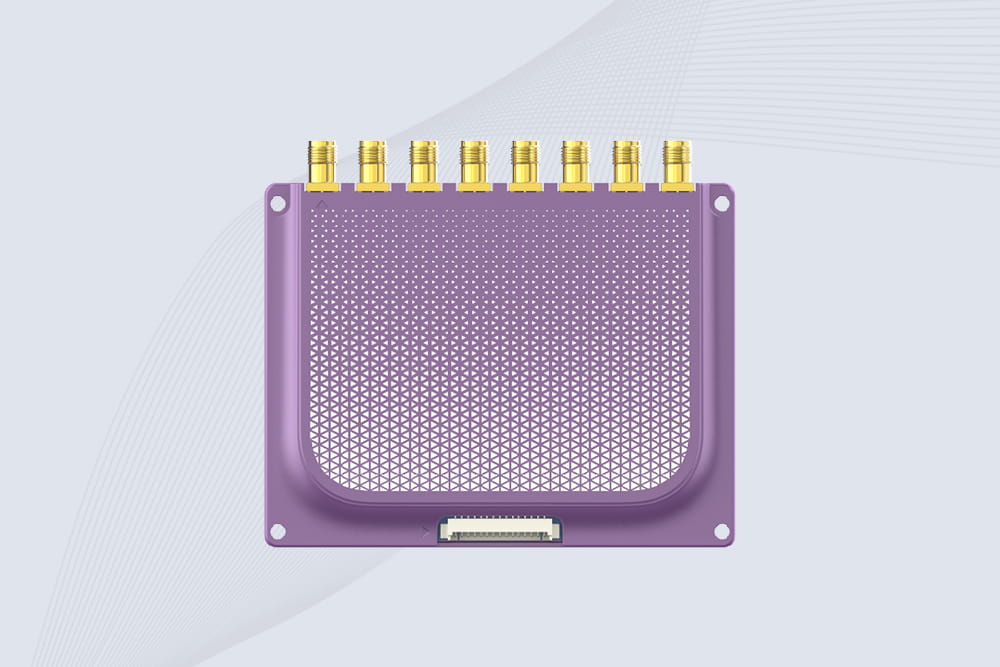
CYKEO CYKEO-M8L module RFID is a compact industrial UHF module built for dense tag and multi-antenna environments. With 8 RF ports, adjustable 33 dBm output, and ISO & GB protocol support, it is widely used in factories, warehouses, and automated tracking systems.
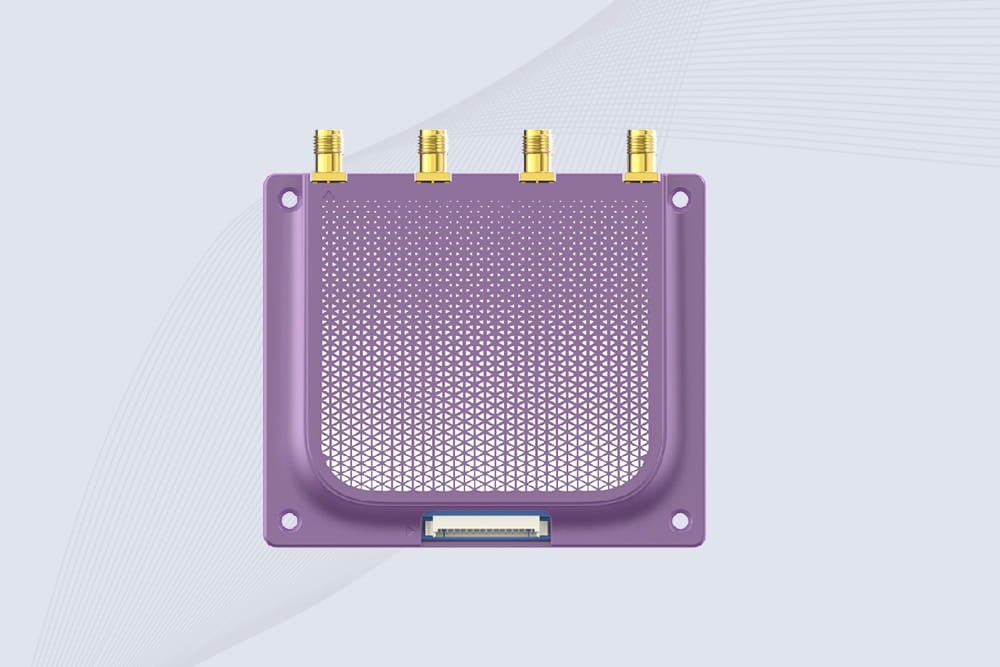
CYKEOCYKEO-M4L UHF RFID Module is a compact 4-channel RFID tag reader module designed for dense tag environments. Supporting ISO and GB protocols, it delivers stable reads up to 10 meters for industrial and IoT systems.
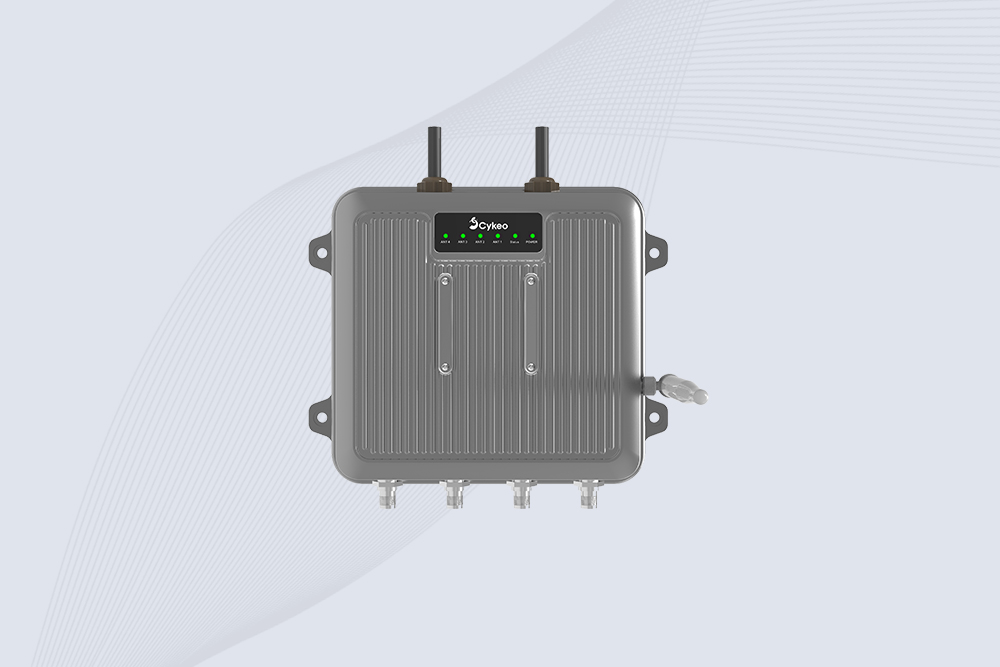
Cykeo CYKEO-C1 industrial Forklift RFID Reader features 20m read range, 600 tags/sec scanning, Impinj R2000 chipset, and IP67 rugged design. Ideal for warehouse logistics and manufacturing. Supports ISO 18000-6C/6B protocols.
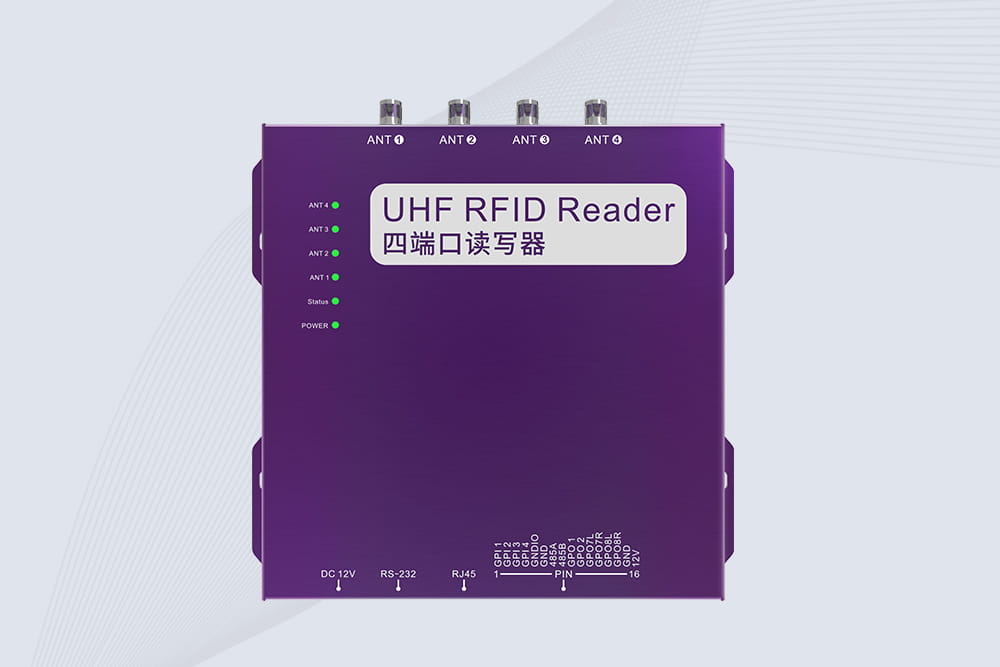
Cykeo CYKEO-R4 industrial UHF RFID Fixed Reader features 4 TNC ports, 400+ tags/sec speed, IP67 housing, and global frequency compliance for vehicle inspection, smart warehouse, and asset management systems.
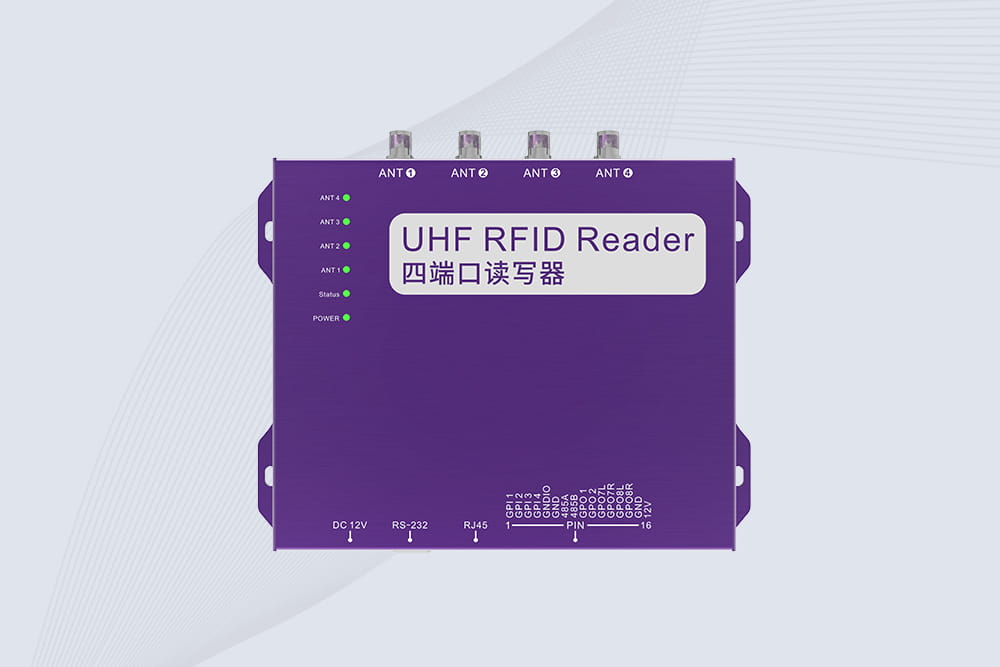
Cykeo’s CYKEO-R4L 4-port Fixed UHF RFID Reader delivers 400 tags/sec scanning, ISO 18000-6C compliance, and IP65 protection. Ideal for warehouse automation, manufacturing WIP tracking, and logistics management.
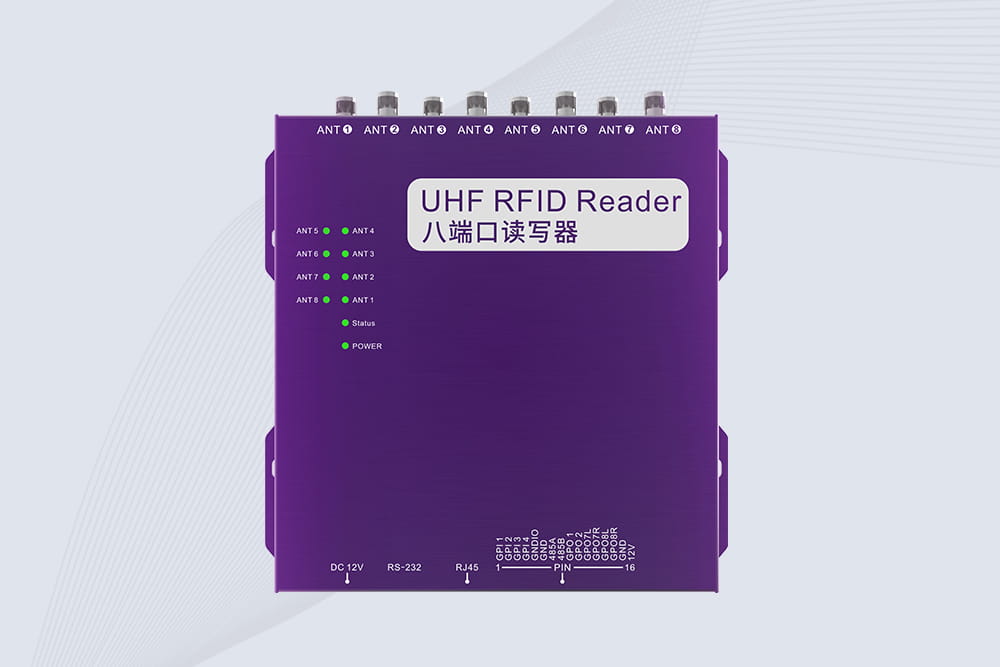
CYKEO CYKEO-R8L Fixed RFID Reader with 8-port UHF design, Impinj-based RF core and up to 20m read range. An industrial Fixed RFID Reader for vehicle inspection, warehouse portals, smart manufacturing lines and secure access checkpoints.
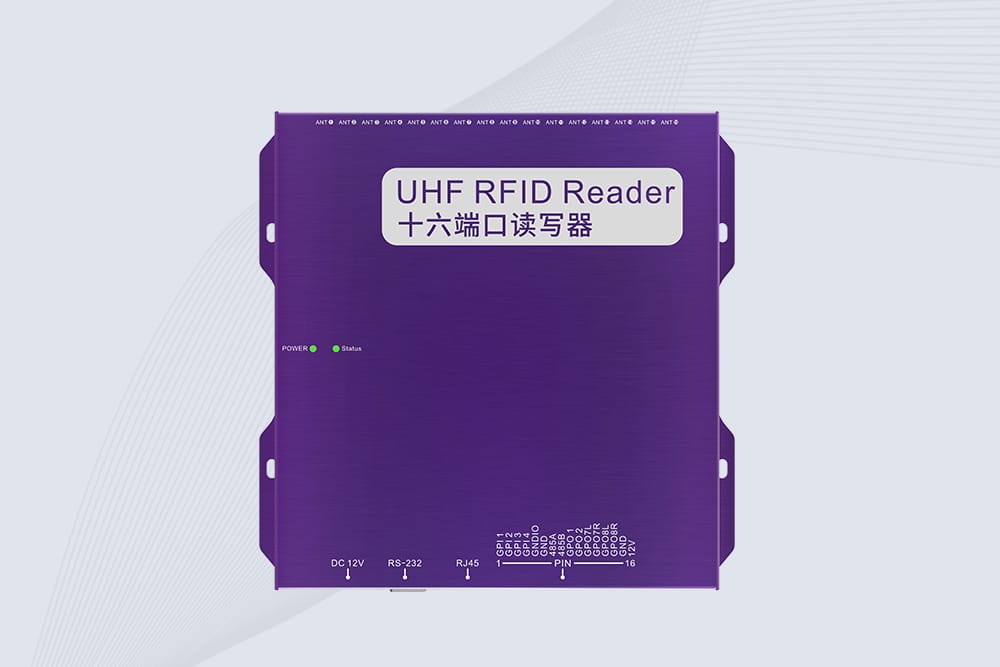
RFID Fixed Reader from CYKEO – the CYKEO-R16L 16-port UHF fixed reader for warehouses, smart cabinets, and production lines. Long-range, multi-tag reading, stable performance for 24/7 industrial use.

Stuck between solar and lithium-ion batteries for your portable RFID reader? We tested both in deserts, warehouses, and forests—see which survives 24/7 scans.
More
See how CYKEO UHF RFID Fixed Reader enables seamless system integration. Perfect for developers and solution providers needing secondary development, it fits logistics, manufacturing, access control, and asset tracking projects.
More
Explore groundbreaking RFID applications beyond logistics, including interactive art, wildlife tracking, and smart agriculture. Discover how Cykeo pioneers creative RFID solutions.
More
Discover how handheld RFID scanners reduce shipping mistakes, improve accuracy, and streamline logistics workflows. Learn best practices for implementation.
More