 Cykeo RFID IoT Solution Products R&D Manufacturer

Ultra High Frequency RFID,Why It’s the Backbone of Modern Tracking Systems
863Learn how ultra high frequency RFID powers modern logistics, manufacturing, and asset management. A practical guide for RFID solution providers.
MoreAll RFID Product
To use an RFID card, present it within the operating range of a compatible RFID reader. The reader communicates with the card and retrieves its identifier or authorized data. Connected software then uses that information to grant access, identify a user, record a transaction, or retrieve an item-management record.
RFID cards are common in office entrances, hotels, libraries, staff attendance systems, membership programs, and equipment-management environments. The interaction often takes less than a second: someone holds a card near a reader, receives a confirmation signal, and continues with the task.
That simplicity can hide an important technical detail. A reader detecting a card does not necessarily mean the card is authorized, compatible with every reader, or capable of being reprogrammed. The card technology, reader configuration, and application software must work together.
For example, a contactless access card may use high-frequency technology, while a desktop UHF RFID platform is designed for inventory tags. Both products use radio-frequency identification, but they do not automatically communicate with each other. Choosing the wrong reader can make a perfectly functional card appear defective.
This guide explains how to use an RFID card, how to scan one with a reader or compatible phone, how card data is handled, and what to check when a card does not work. It also explains where a desktop RFID reader writer fits into registration and item-management workflows.
An RFID card is a card-shaped device that uses radio waves to exchange information with a compatible reader. Many everyday RFID cards are passive, meaning they do not need their own battery. Instead, the reader generates a radio-frequency field that powers the card’s chip during communication.
A typical RFID card system has three components:
Consider an office access system. An employee presents a card, and the reader obtains the credential information. The access-control software checks whether that credential is valid for the door and the current access conditions. If the credential is authorized, the system sends the appropriate command to unlock the door.
The card does not independently decide whether someone may enter. That decision depends on the system’s configuration and authorization rules.
A library uses the same general principle differently. A member card identifies a borrower, while an RFID tag attached to a book identifies the item. The circulation software connects the two records when a book is borrowed or returned.
These terms overlap, but they do not describe exactly the same thing.
| Technology or term | Typical characteristics | Common applications |
|---|---|---|
| RFID card | Broad category covering cards that communicate by radio | Access, identification, and asset management |
| NFC card or tag | Short-range technology operating at 13.56 MHz | Contactless interaction, smart posters, and compatible mobile applications |
| Contactless smart card | A chip-based card that communicates without physical contact | Access credentials, transit, identification, and secure applications |
| UHF RFID card or tag | Uses ultra-high-frequency RFID technology | Inventory, logistics, and specialized identification systems |
The distinction matters when selecting equipment. Many access and NFC applications use 13.56 MHz technology. UHF RFID systems commonly use a different frequency range and communication protocol, often for identifying items over a larger area.
The term “RFID reader” alone does not tell you whether a device can read your card. Always verify the frequency, supported protocol, and intended application.
For everyday use, the procedure is usually straightforward. The card needs to be within the reader’s effective range, and the reader must support its technology.
Before using a card with a new reader, check the card type and the reader’s supported technologies.
Look for:
Two cards can look identical while using different chips. Appearance alone is not a reliable way to identify compatibility.
Most readers have a marked surface, contactless symbol, or designated presentation area. Hold the card close to that location.
For a wall-mounted access reader, this normally means placing the card against or just in front of the marked area. For a desktop rfid reader, place it over the reader’s antenna area according to the manufacturer’s instructions.
Do not assume that every reader supports long-distance detection. Many contactless card systems are deliberately designed for close-range use.
Present the card long enough for the reader to communicate with it. Depending on the system, confirmation may be provided by:
If nothing happens, move the card slightly and try again. The reader’s antenna position and the card’s orientation can affect communication.
A reader may successfully identify a card while the connected system rejects the requested action. For example, a reader may detect an expired access credential, but the door will remain locked.
If the reader responds but the transaction fails, check the application’s message or contact the system administrator. Replacing the card before confirming the cause may not solve the problem.
There is no single reading distance for every RFID card. The effective range depends on the frequency, antenna design, reader configuration, card construction, and surrounding materials.
For common proximity cards using ISO/IEC 14443, communication is intended for close-range use. The actual operating distance depends on the card and reader design. UHF RFID uses a different radio interface and is often used for inventory and asset identification over longer distances. ref.gs1.org+1
| Card technology | Typical application | How to present it |
|---|---|---|
| LF RFID | Some legacy access and identification systems | Hold close to the designated reader area |
| HF contactless card | Access, identification, and contactless services | Place near the reader’s sensing area |
| NFC card or tag | Short-range mobile and contactless interactions | Hold close to the NFC antenna |
| UHF RFID card or tag | Inventory, logistics, and asset management | Follow the specified range and orientation for the reader and tag |
Many contactless cards use inductive coupling. The reader produces a magnetic field, and the card’s antenna couples with that field to power the chip and exchange data.
If the card only works when held very close, that does not automatically mean it is defective. The reader may be designed for close-range operation, or the card’s antenna may require a stronger field than it receives at a greater distance.
Metal surfaces, nearby electronic equipment, card orientation, and a damaged antenna can also affect performance. For a reliable test, compare the card with a known-good card on the same reader.
The presentation method may look similar from one application to another, but the software response differs. The same broad RFID principle can support access control, library circulation, staff identification, and asset management.
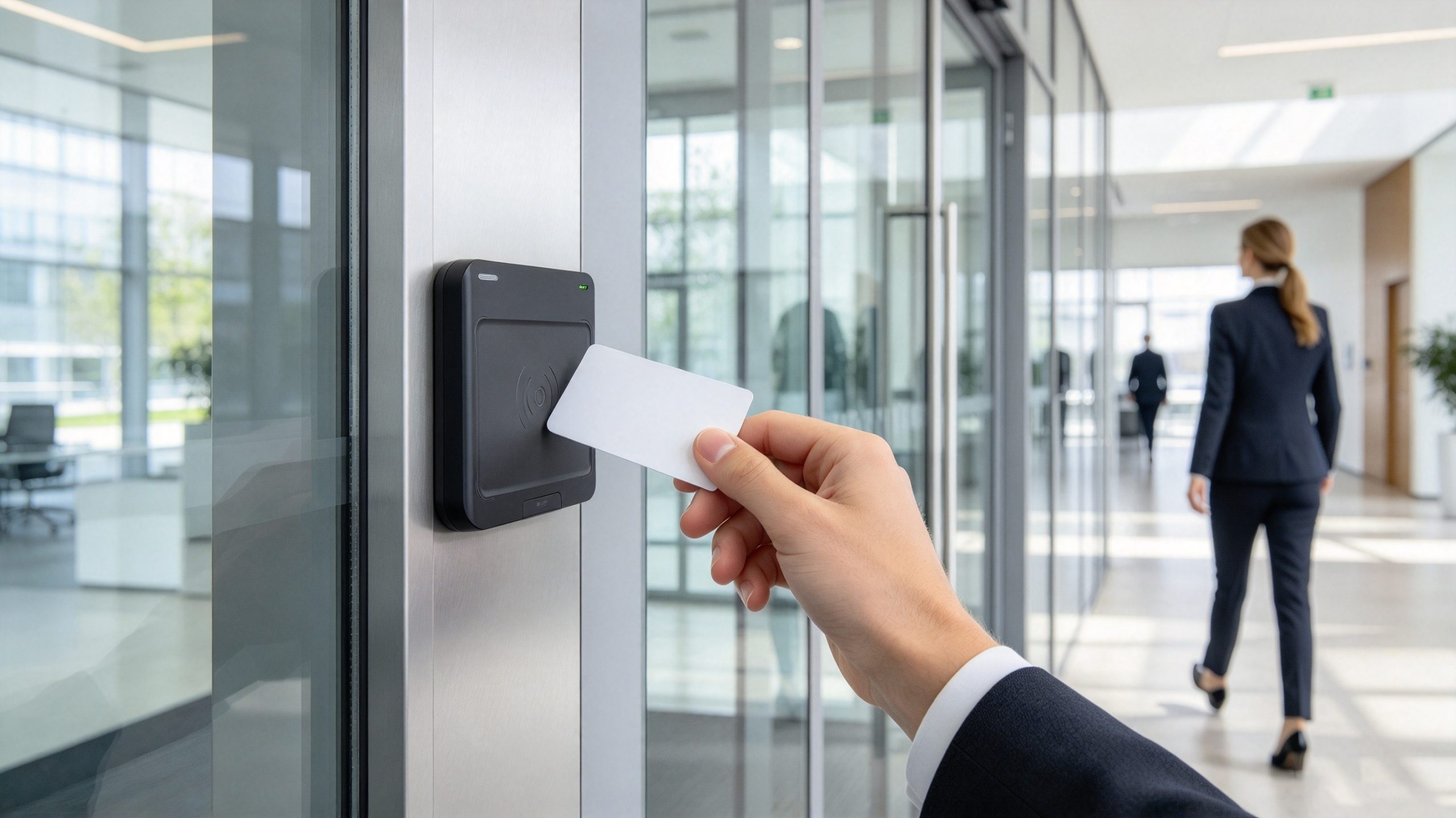
At an office entrance, the user presents an authorized card to a reader. The access-control system checks the credential and decides whether the door should unlock.
A typical sequence is:
A red indicator does not necessarily mean that the card is damaged. The credential may have expired, the user may not have permission for that door, or the access schedule may restrict entry.
A library may use a contactless card to identify a registered borrower. The member presents the card at a circulation terminal, and the software retrieves the associated account.
The card does not necessarily store the borrower’s complete history. In many systems, it supplies an identifier that the library application uses to find the relevant database record.
A typical library transaction involves:
The distinction is important. The member card identifies the borrower, while the book’s tag identifies the item. The application links those records to complete the transaction.
An employee presents a registered card at an attendance terminal. The system reads the credential and associates it with the time of the event and the employee’s record.
If the terminal detects the card but no attendance event appears, check the software and account registration before replacing the card. A network issue, inactive employee record, or failed database transaction can produce the same visible result as a card problem.
A desktop reader is useful when an administrator needs to register tags, inspect available data, or connect RFID operations to a management application. The user presents a compatible card or tag near the antenna, and the software processes the reader’s response.
The Cykeo desktop RFID reading platform described for this application is intended for UHF tag administration. It supports USB connectivity, a near-field antenna, tag filtering, multi-tag identification, and RSSI-based signal-strength awareness. The stated operating range is within approximately 30 cm for reading and 10 cm for writing.
These specifications apply to the described UHF platform. They do not mean that the device can automatically read every HF or NFC access card. Always match the reader to the card’s frequency and protocol.

The information available from an RFID card depends on its chip, memory structure, security settings, and application. Some cards mainly provide an identifier. Others support additional memory, authentication, or application-specific data.
A compatible reader might retrieve an identifier or access permitted memory. However, detecting a card does not mean that all its information is accessible.
For example, GS1’s RAIN RFID guidance describes four logical memory banks for Gen2 UHF tags: Reserved, EPC, TID, and User. Each serves a different purpose, and the amount of writable memory varies by tag.
| Data type | General purpose | Important limitation |
|---|---|---|
| Card or tag identifier | Identifies a card or associated object | Its meaning depends on the application |
| EPC | Identifies an object in a compatible UHF RFID system | Format and length depend on the application and tag |
| TID | Provides tag or chip identification information | Not ordinary application data for routine rewriting |
| User memory | Holds additional data when supported | Capacity and access permissions vary |
| Protected application data | Supports authorized system functions | May require authentication or specific software |
No. Some cards expose only limited information during normal communication, while other data requires authentication. Security settings may prevent unauthorized reading or writing.
GS1 explains that UHF Gen2 tags can use password-protected memory access controls. Depending on the lock configuration, memory may be protected against reading, writing, or both.
For this reason, card administration should use the manufacturer’s documentation and authorized software rather than assuming that all memory is available.
Sometimes. Whether a card can be programmed depends on the chip, writable memory, security settings, and the permissions available to the user.
Before writing, confirm:
For UHF tag management, GS1 US provides an EPC User Memory Encoder and Decoder for supported data formats. This illustrates why data encoding matters: the bytes written to a tag must follow the format expected by the application.
When a card fails, replacing it immediately may not be the best first step. Check whether the problem is with the radio interface, card hardware, reader configuration, or software.
Possible causes include an incompatible frequency, unsupported protocol, damaged antenna, incorrect reader configuration, or poor positioning.
Try the following:
If several known-good cards fail on one reader, investigate the reader configuration or hardware before replacing individual cards.
This often points to an authorization issue rather than a radio problem. The credential may be expired, inactive, or unauthorized for the requested location.
Check the system’s response and ask the administrator to verify the card’s status. Do not assume that a successful read automatically means the credential should be accepted.
Card orientation and antenna coupling can affect communication. Hold the card flat and close to the marked reading area. If performance remains inconsistent, test another compatible card and inspect the original for physical damage.
This can happen when several tags are placed near the antenna. During individual card registration, keep unrelated tags away from the reader and process the intended card separately unless the application supports reliable multi-tag selection.
The Cykeo desktop platform includes collision-handling, filtering, multi-tag identification, and RSSI support. These functions can assist with tag processing, but the application should still verify which identifier is being registered or written.
The reader may be working normally, while the application cannot find a matching database entry.
Check whether the identifier has been registered correctly, whether the record is active, and whether the application is connected to the right database. A valid card read and a successful business transaction are separate steps.
Make sure the card has been issued and registered by the organization or service provider. Hold it near the reader’s marked sensing area and wait for the confirmation signal. If the reader detects the card but rejects the transaction, ask the administrator to check its registration and permissions.
Not always. Many contactless cards work when held close to the reader without physical contact. The distance depends on the card and reader design. Follow the manufacturer’s instructions instead of assuming every RFID card works at the same range.
Sometimes. A phone with NFC can communicate with compatible NFC tags and supported applications, but it cannot automatically replace every RFID card. Some services require an officially provisioned mobile credential, while LF and UHF systems need different reader technology.
Yes, if you connect a compatible external reader and use suitable software. A laptop alone does not generally provide universal RFID reading capability. The reader must support the card’s frequency and protocol.
Some cards support writing, while others have fixed identifiers or protected memory. Check the chip documentation, memory permissions, and application requirements before attempting to program a card. Read the card again afterward to verify the result.
The readers may support different frequencies, protocols, or credential formats. One reader may also be configured for a particular application. Check compatibility before concluding that the card is defective.
Not necessarily. Many ordinary access cards use HF technology at 13.56 MHz, while UHF desktop platforms are designed for UHF tags. The Cykeo desktop platform described here is intended for UHF tag administration, including registration, rewriting, and conversion. Use an HF reader for cards that require HF communication.
The best reader depends on the job the card needs to perform. A door-access reader, a phone NFC interface, and a desktop UHF tag writer are designed for different use cases.
| Requirement | Suitable reader type | What to verify |
|---|---|---|
| Office door access | Compatible access-control reader | Card technology and credential format |
| NFC tag interaction | NFC reader or NFC-enabled phone | Supported tag type and application |
| Contactless smart-card processing | Compatible HF smart-card reader | Protocol and required security functions |
| UHF item identification | UHF RFID reader | Frequency region and supported air-interface protocol |
| Desktop tag registration and writing | Desktop RFID reader writer | Memory access, writing support, and software integration |
| Library or tool-management registration | Reader integrated with management software | Item registration, transaction logs, and database association |

Discover SSD-D4AL, a USB-HID UHF RFID reader with 4/8/16 antenna options, Impinj E710/X3M1 chipset, plug-and-play USB power, and OEM customization.
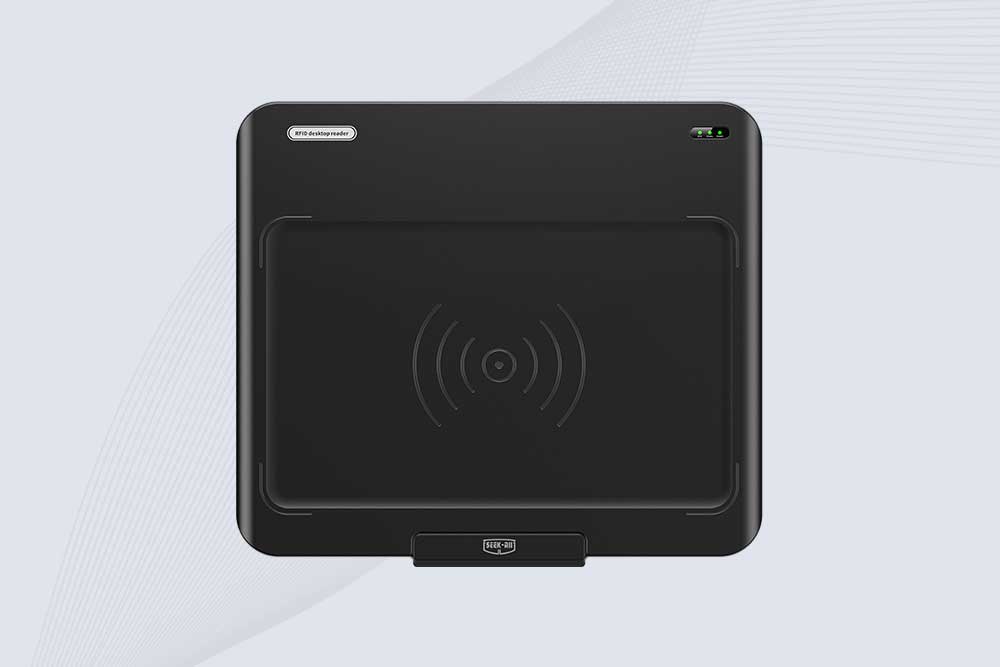
SSD-D3AL is a USB-HID UHF RFID reader with 0–30 cm reading, 0–15 cm writing, over 600 tags/s recognition, USB plug-and-play operation and OEM Logo customization.
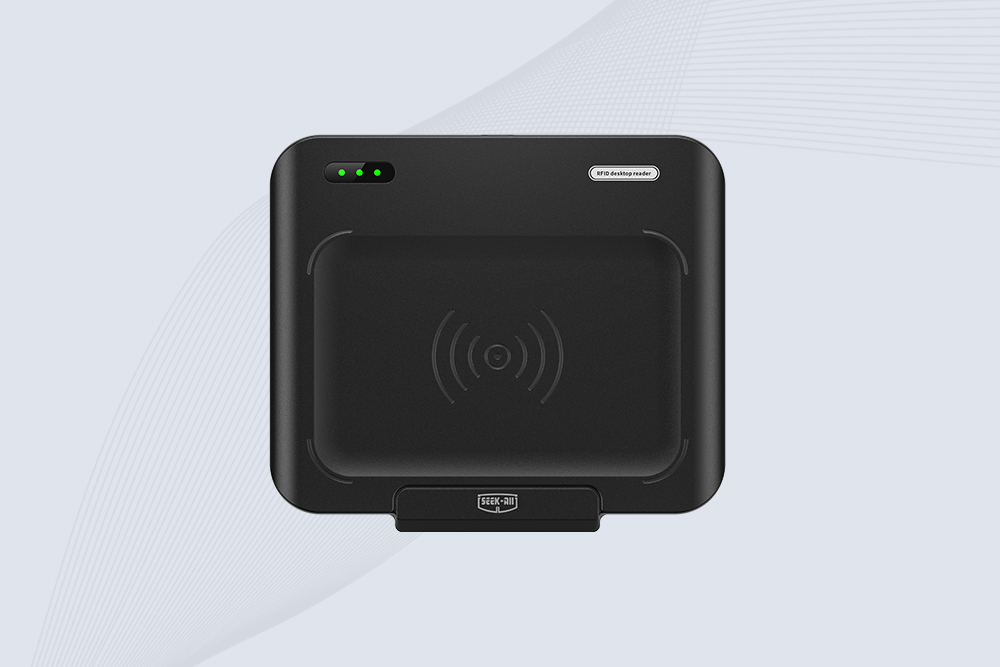
SSD-D1AL is a compact USB UHF RFID reader with Impinj E710/X3M1 chipset, USB-HID, 600+ tags/s recognition, 4/8/16 antenna support and plug-and-play USB power.
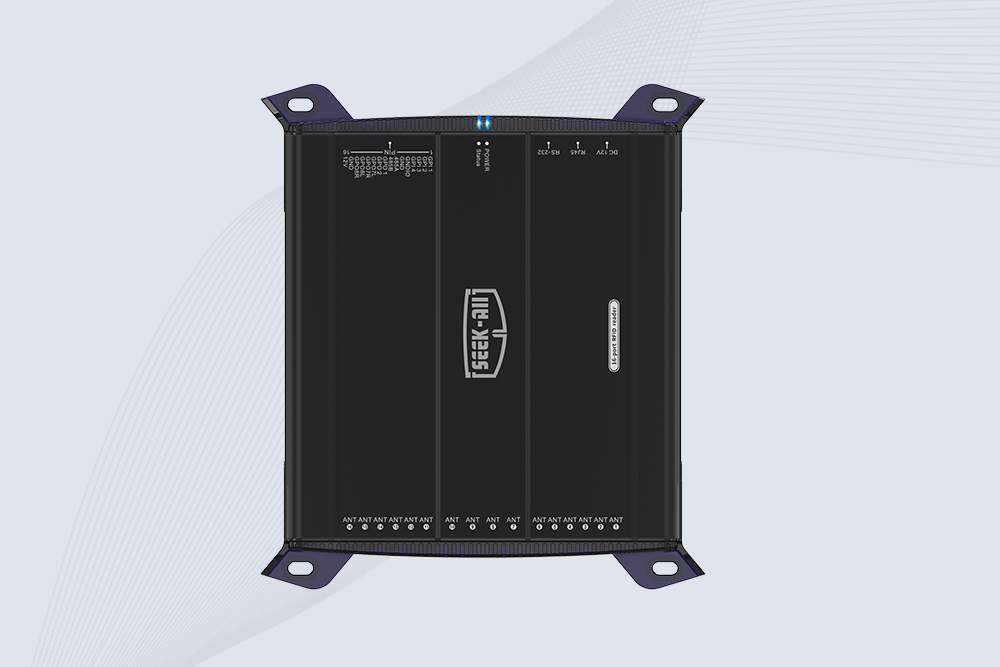
SSD-R16L Multi-Channel RFID Infrastructure for Automated Inventory Management ✔️ 16-Port High-Density RFID Reading Equipped with 16 SMA antenna ports, SSD-R16L supports multi-antenna deployment for warehouses, retail stores, logistics, production lines, and large-area RFID identification. ✔️ High-Speed & Long-Range Performance With up to 33…
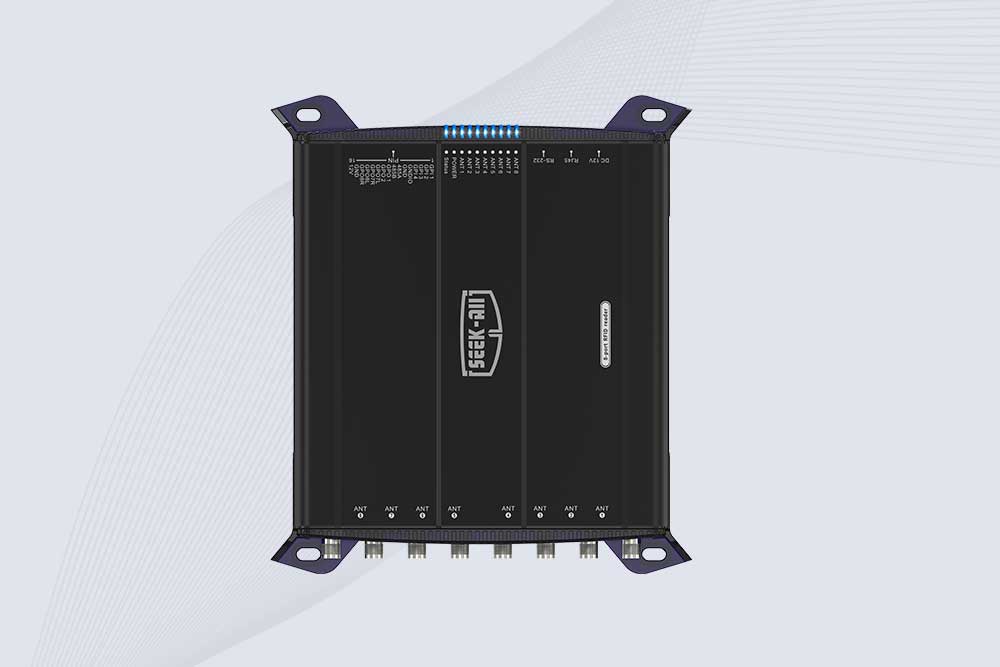
SSD-R8L 8-port UHF RFID reader with 33dBm output, up to 20m reading range and 600+ tags/s recognition. Ideal for warehouse, logistics, retail and asset tracking.
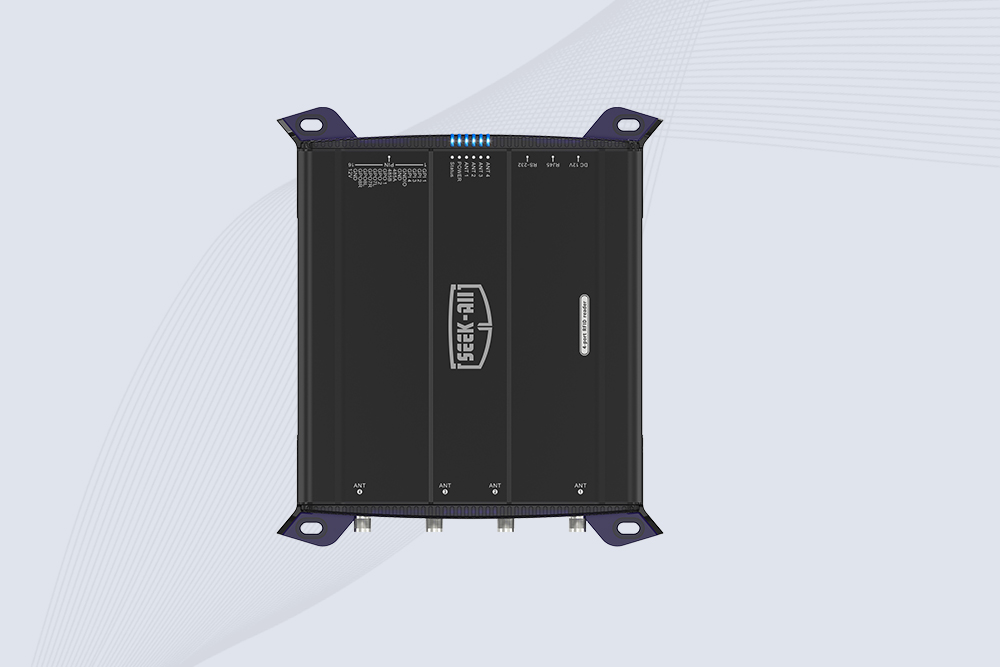
SSD-R4L is a 4-port UHF RFID fixed reader with 33dBm output power, up to 20m reading range, EPC C1G2 support and 600+ tags/s reading speed.

CYKEO CYKEO-D1LA USB RFID Reader is a compact desktop solution with near-field control for precise tag reading and encoding. Powered by USB, supporting ISO 18000-6C, and built for stable batch writing, this usb rfid tag reader fits retail, libraries, offices, and controlled RFID encoding tasks.
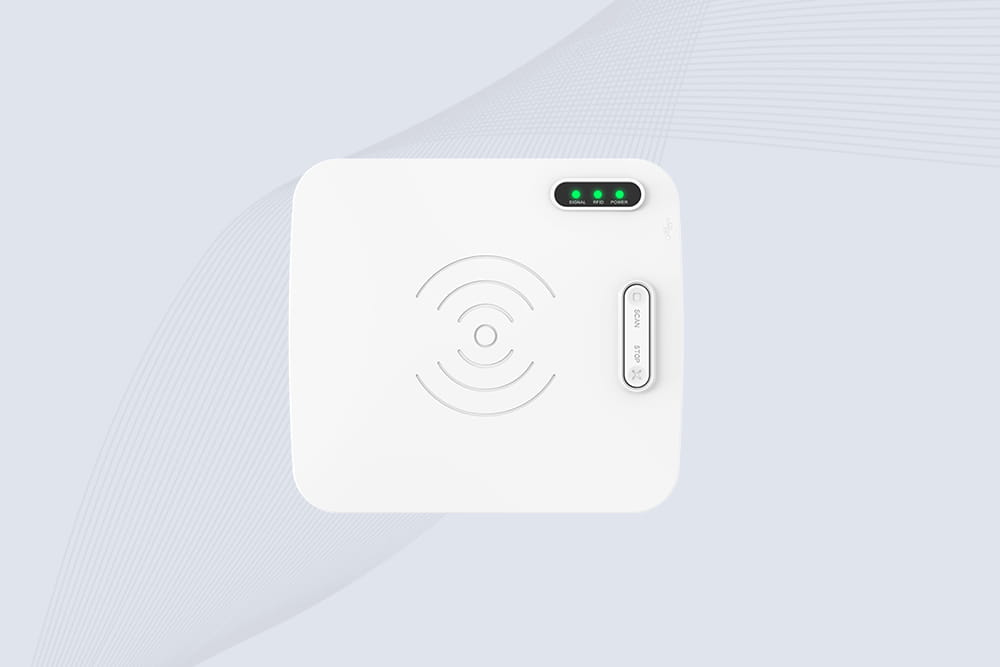
CYKEO CYKEO-D1L RFID scanner USB is a compact desktop UHF RFID scanner designed for short-range tag writing and verification. This usb rfid scanner supports batch encoding, stable 0–26 dBm output, and works across Windows, Linux, and Android systems.
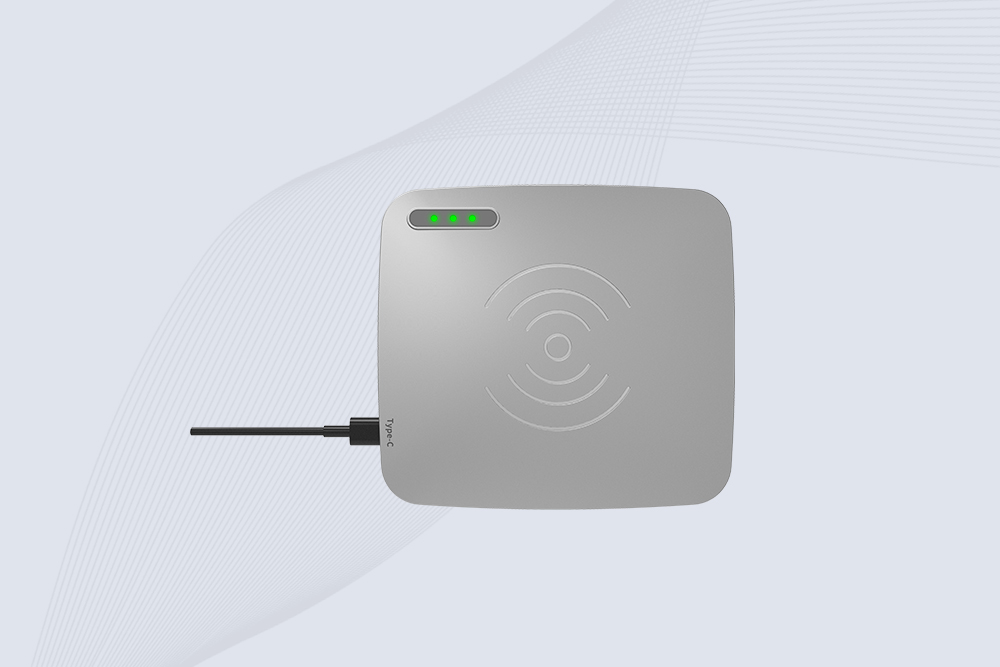
CYKEO CYKEO-D1C USB RFID Card Reader is a near-field UHF desktop writer designed for secure, short-range tag encoding. With USB-C connectivity and stable 26 dBm output, this rfid reader usb c is ideal for badge issuance, label encoding, and controlled desktop RFID workflows.
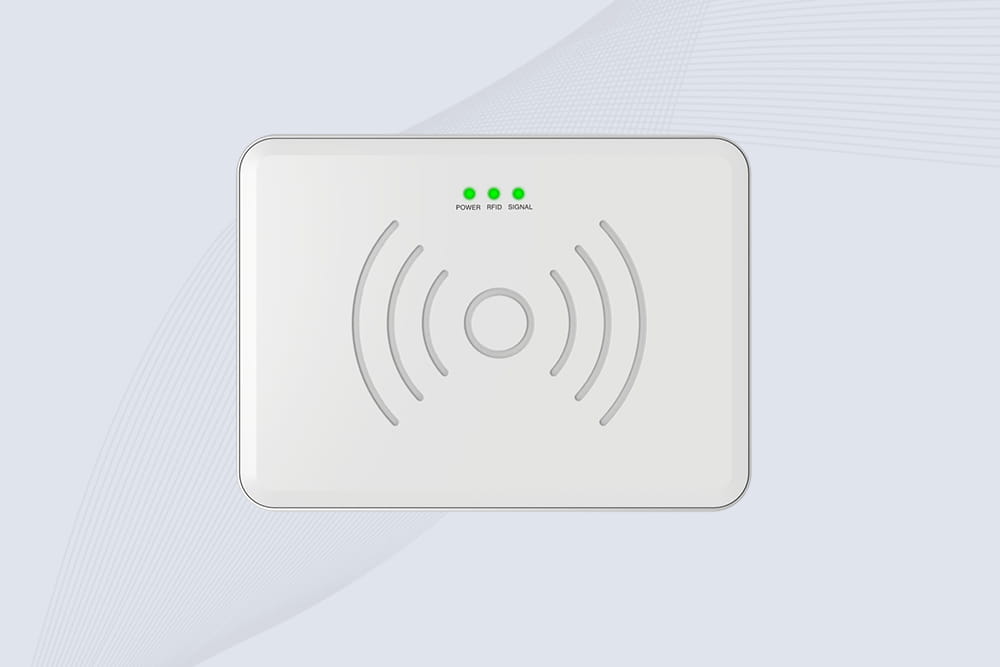
CYKEO CYKEO-D2L RFID Reader USB is a compact desktop encoder built on the Impinj R500 chip. With near-field control and stable USB power, this usb rfid card reader delivers precise tag writing for offices, retail counters, and small-scale logistics encoding tasks.
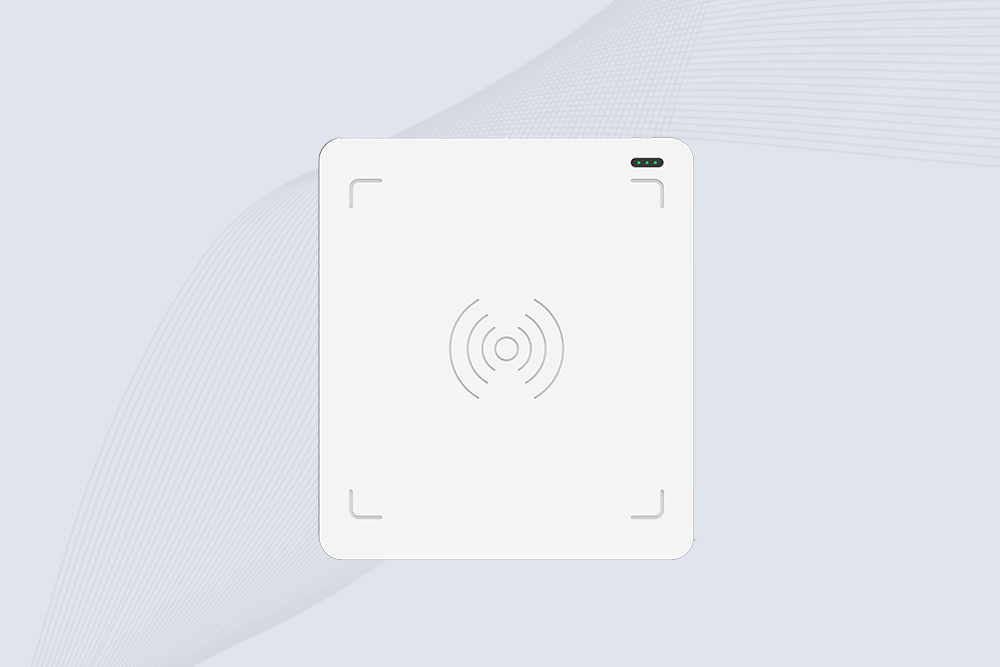
CYKEO CYKEO-D3L USB RFID Tag Reader delivers stable UHF tag reading and writing for daily desktop and light industrial tasks. Designed for controlled short-range operation, this USB RFID Tag Reader works reliably with rfid tag and reader systems in libraries, tool tracking, and inventory registration.
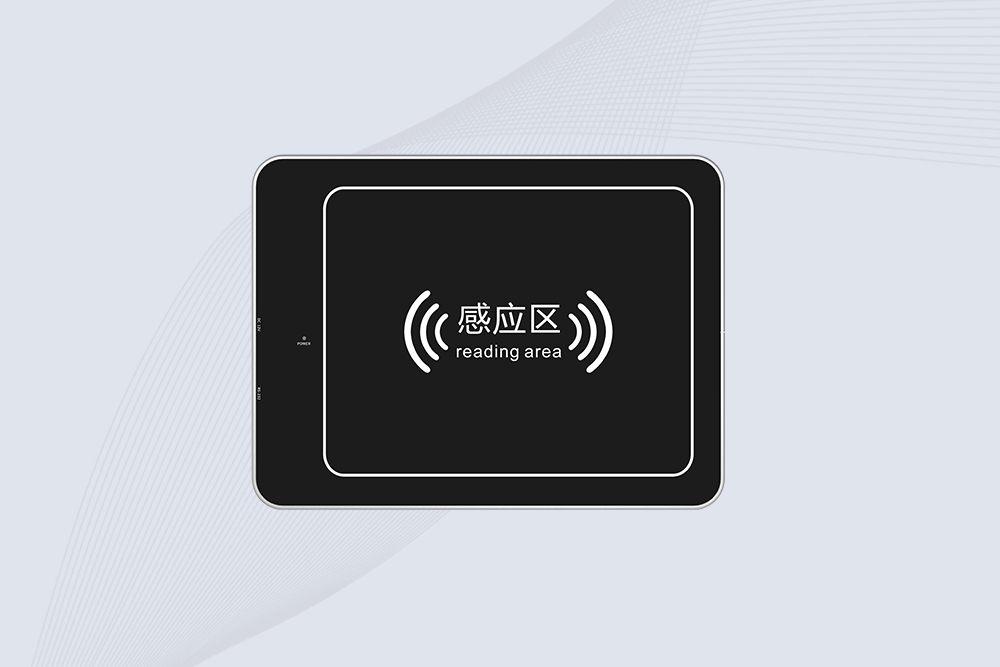
The CYKEO CYKEO-D4L UHF RFID Tag Reader is a stable Desktop RFID Reader designed for accurate tag registration, borrowing, and return workflows. Built with the Impinj R2000 chip, this UHF RFID Tag Reader delivers controlled short-range reads for libraries, asset tracking, and inventory management environments.
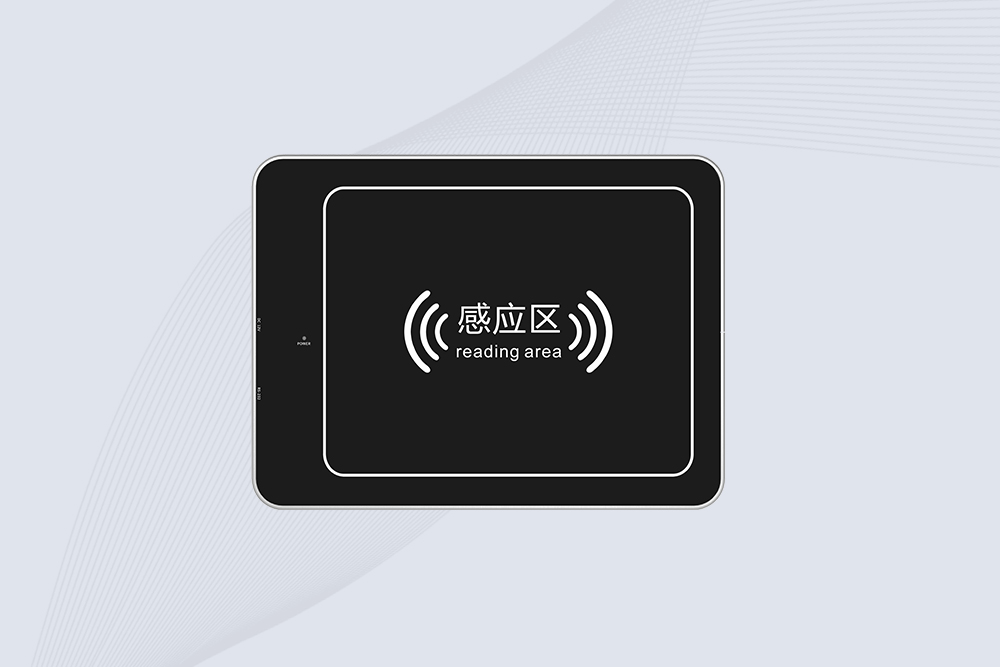
The CYKEO CYKEO-D5L Desktop RFID Card Reader is a stable UHF RFID Card Reader designed for controlled short-range reading and writing. Built for libraries, tool rooms, and asset desks, this UHF RFID Card Reader supports dense tag handling, secure data processing, and easy USB integration.
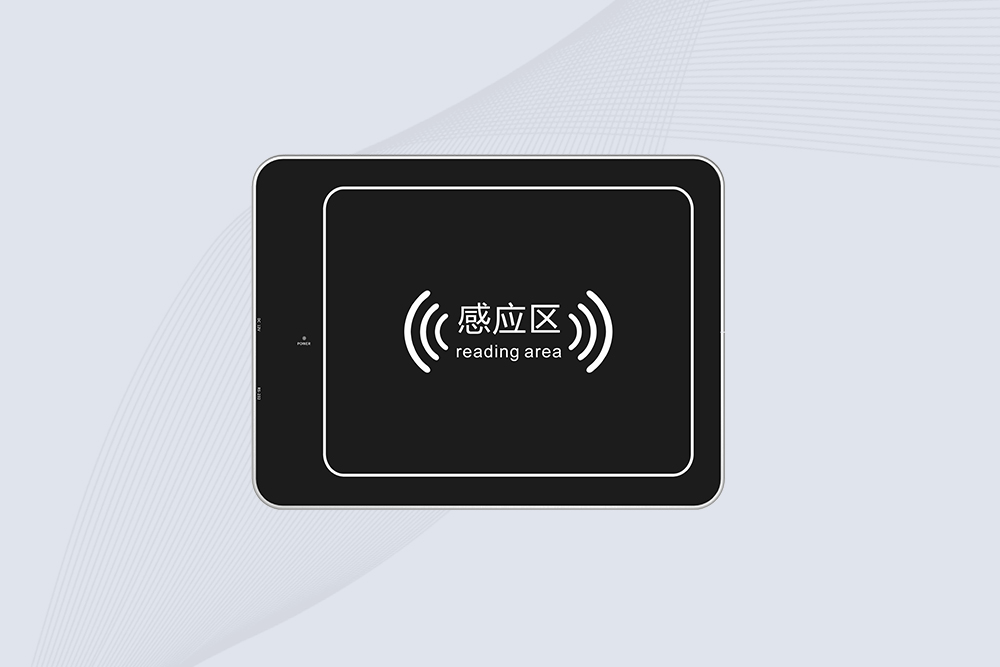
The CYKEO CYKEO-D6L RFID Reader Writer is a heavy-duty Desktop RFID Reader designed for short-range, high-accuracy tag programming. Built for libraries, labs, and asset desks, this RFID Reader Writer supports batch processing, stable 33dBm output, and seamless integration with existing management systems.
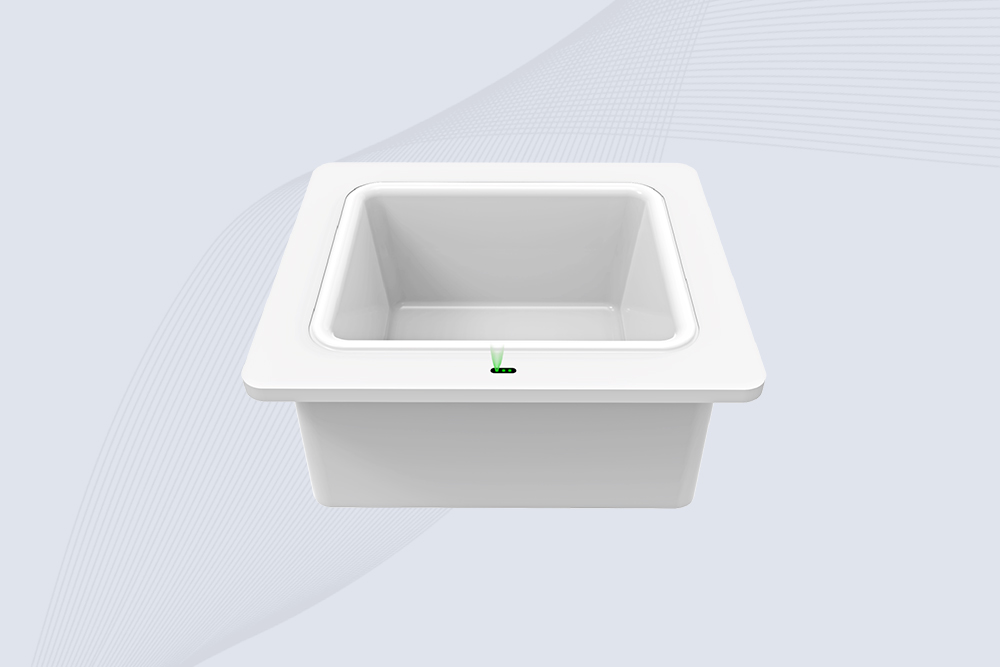
Cykeo CYKEO-D8B UHF RFID tunnel and RFID Desktop Reader features 30+ items batch reading,
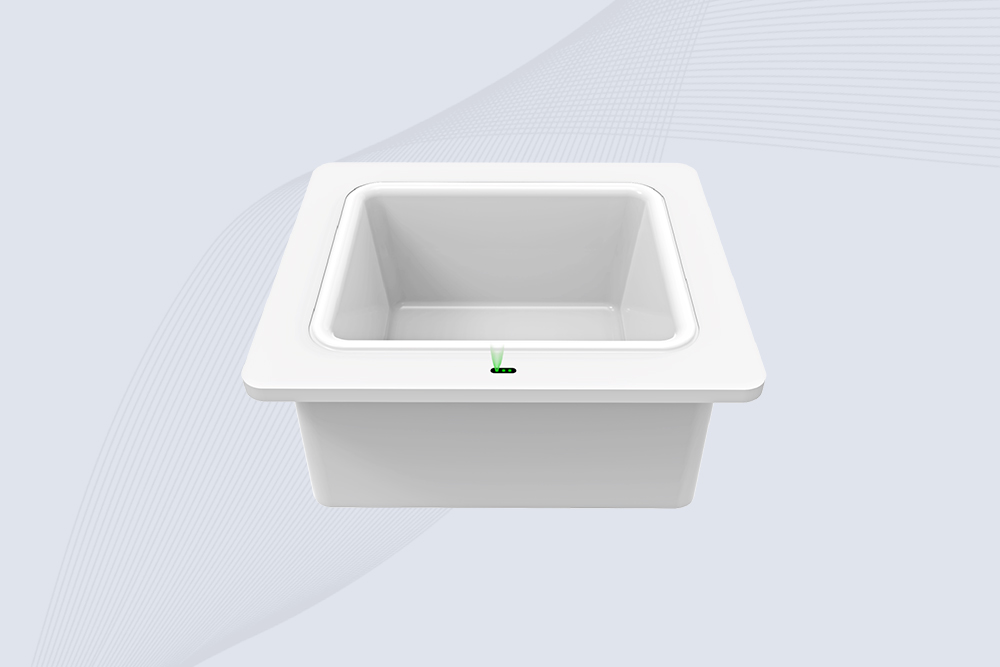
Cykeo CYKEO-D8A embedded RFID badge reader offers 30+ tags/sec scanning, 20cm anti-crosstalk precision, and DC 12V power for unmanned stores, warehouses, and smart inventory systems.
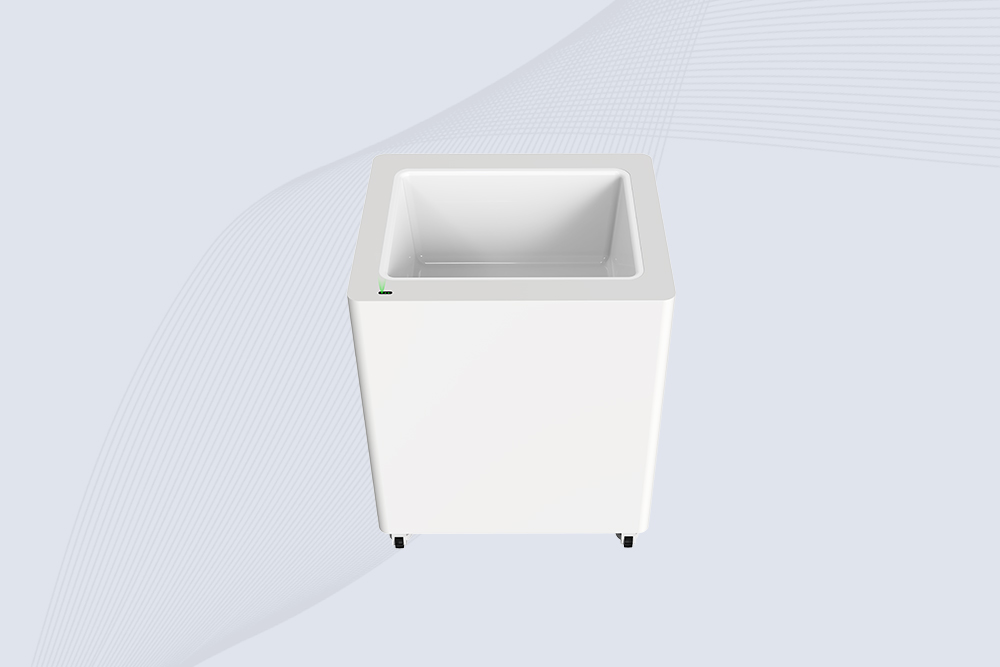
Cykeo’s CYKEO-D8C UHF RFID gate reader achieves 200-tag/batch scanning with adjustable power control, ideal for retail inventory and smart warehouse management.
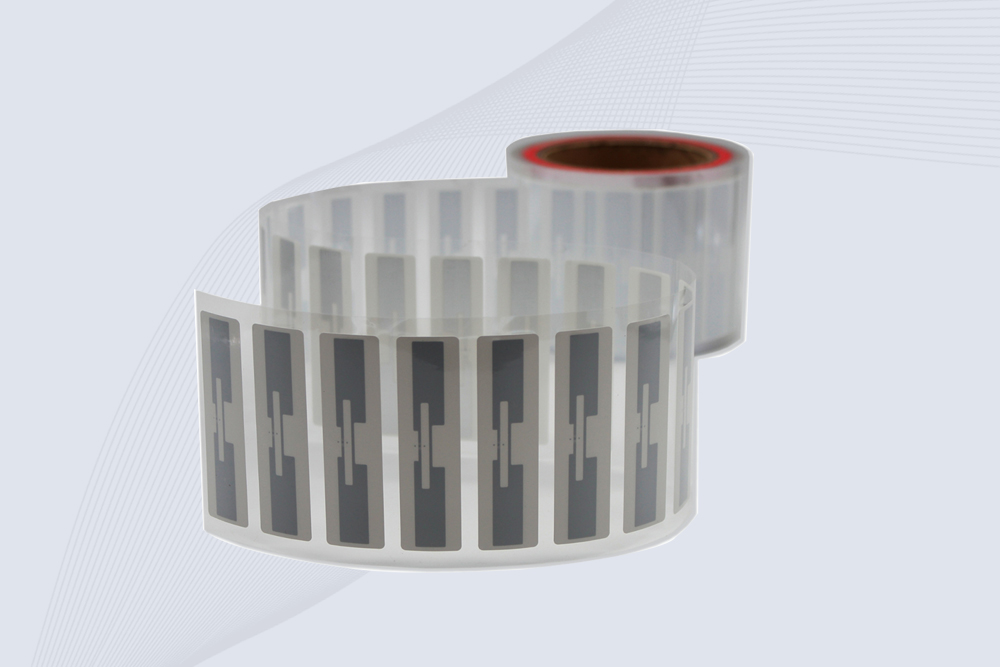
CYKEO Passive RFID Tags are made for wet and high-humidity environments where standard labels do not last. This rfid passive tag is often used around liquids, chemicals and temperature changes, providing stable reading distance and long data life for industrial tracking.
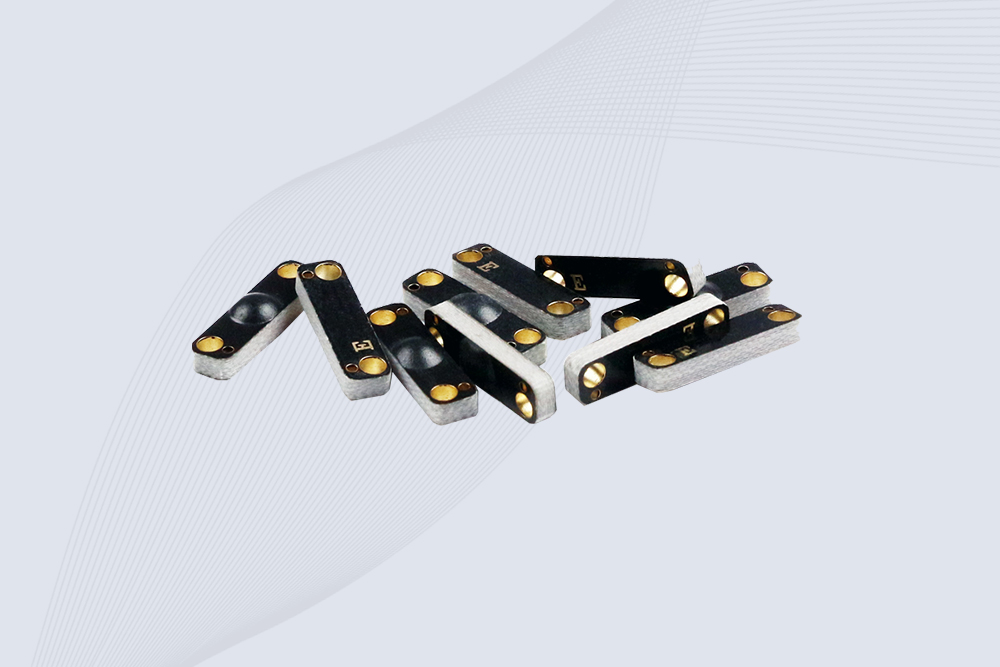
CYKEO CYKEO-PCB1504 Metal RFID Tags is a compact anti-metal UHF RFID solution built for direct mounting on metal surfaces. With stable 8-meter read range, Ucode-8 chip, and long data retention, this rfid metal tag fits tools, containers, automotive parts, and industrial asset tracking.
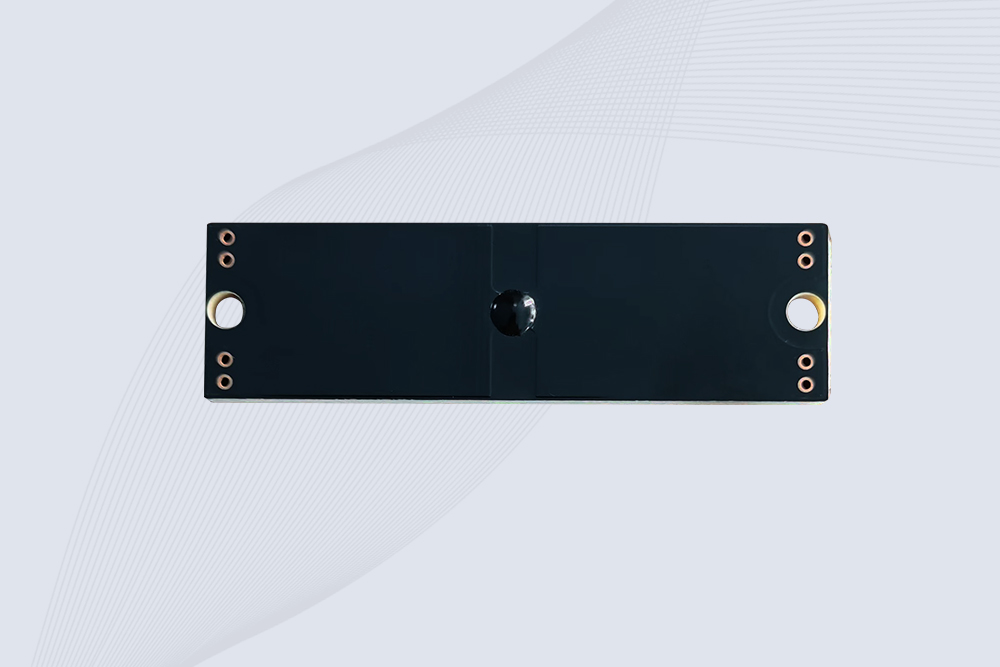
CYKEO CYKEO-PCB7020 On-Metal RFID Tags are designed for reliable tracking on steel and metal surfaces. Built with an FR4 epoxy body and industrial-grade chips, these On-Metal RFID Tags deliver stable performance, long data life, and chemical resistance, making them a dependable RFID anti-metal tag for harsh environments.
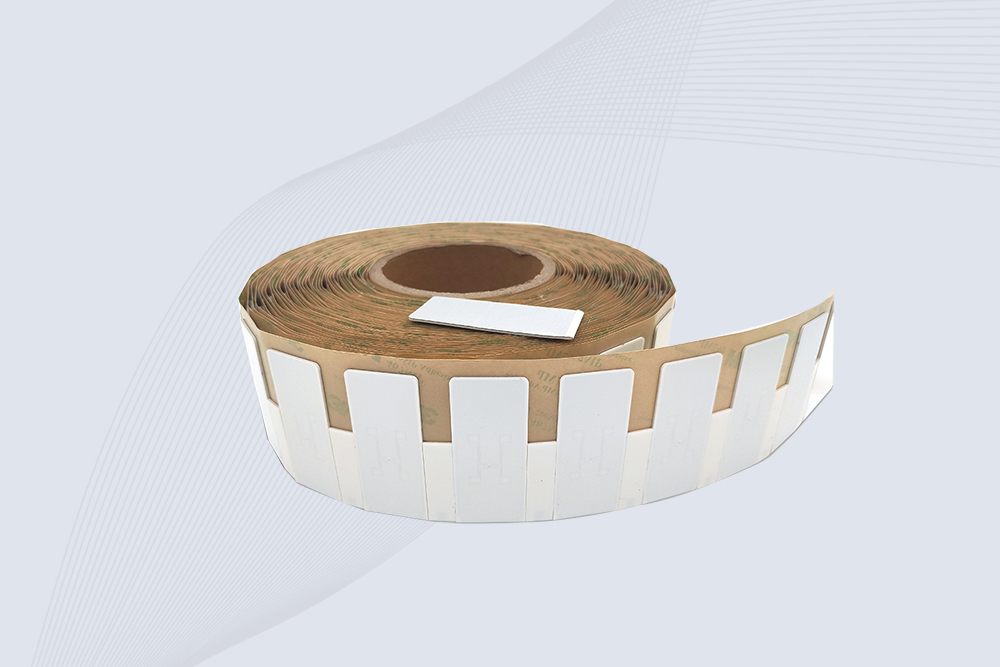
The CYKEO CYKEO-60-25 Anti-Metal RFID Tag is built for metal surfaces where standard tags fail. Designed for long-range performance, harsh environments, and stable data retention, this Anti-Metal RFID Tag is ideal for industrial assets, containers, and equipment tracking using on metal RFID tags.
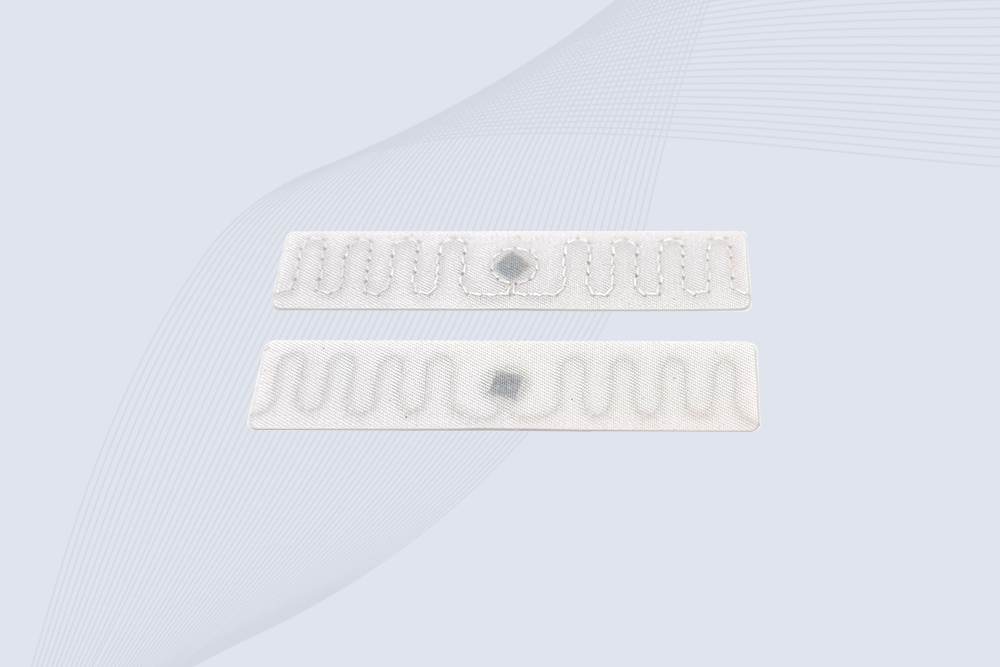
The CYKEO RFID Laundry Tag is designed for long-term textile identification in harsh laundry environments. Built to withstand high heat, chemicals, and repeated washing, this RFID Laundry Tag delivers stable performance for hotels, hospitals, and industrial laundry operations using laundry rfid tags at scale.
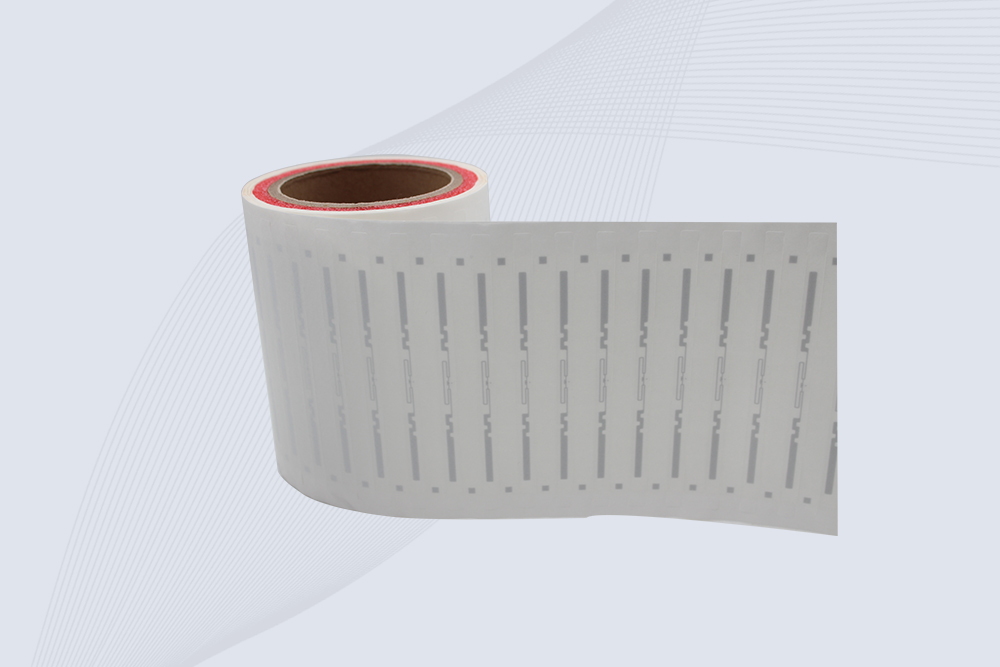
The CYKEO CYKEO-125-7 RFID Book Tag is designed for reliable book and document tracking in libraries and archives. This RFID Book Tag delivers long read range, dense placement support, and stable performance on shelves, making it a practical rfid tag on books for library automation, file management, and archival systems.
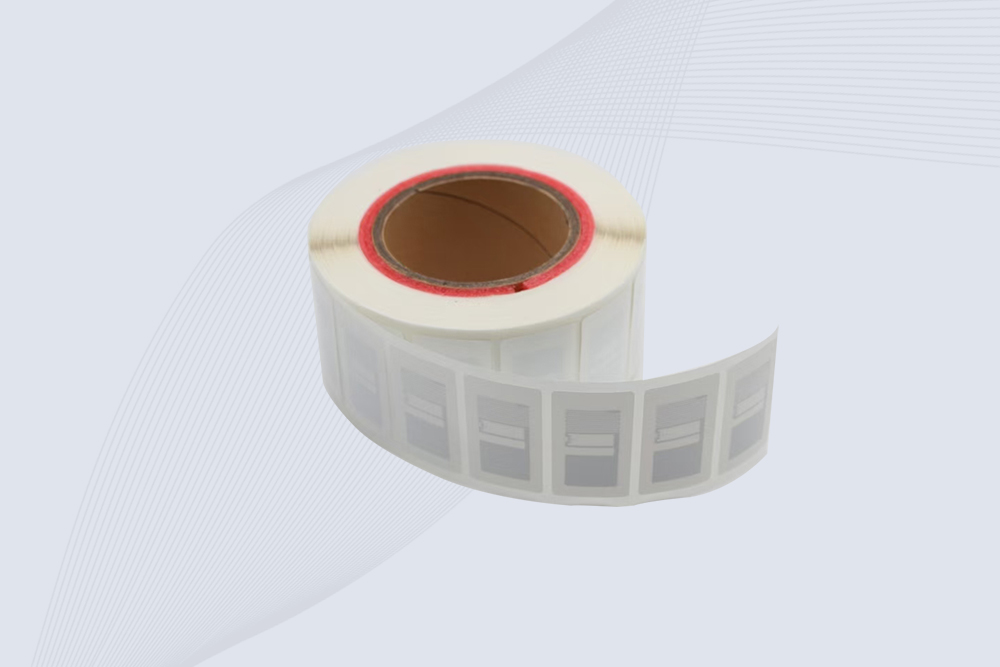
CYKEO RFID tags in hospitals are designed for sterile environments where accuracy matters. These autoclavable RFID tags support long-term tracking of surgical tools, implants, and medications, helping hospitals improve visibility, compliance, and patient safety.

CYKEO RFID Cable Tie Tag is built for reliable identification on metal surfaces. This UHF RFID Cable Tie Tag is widely used in rfid tags for inventory systems, industrial asset management and Hospital RFID Tags, offering stable read performance, long service life and global EPC Gen2 compatibility.
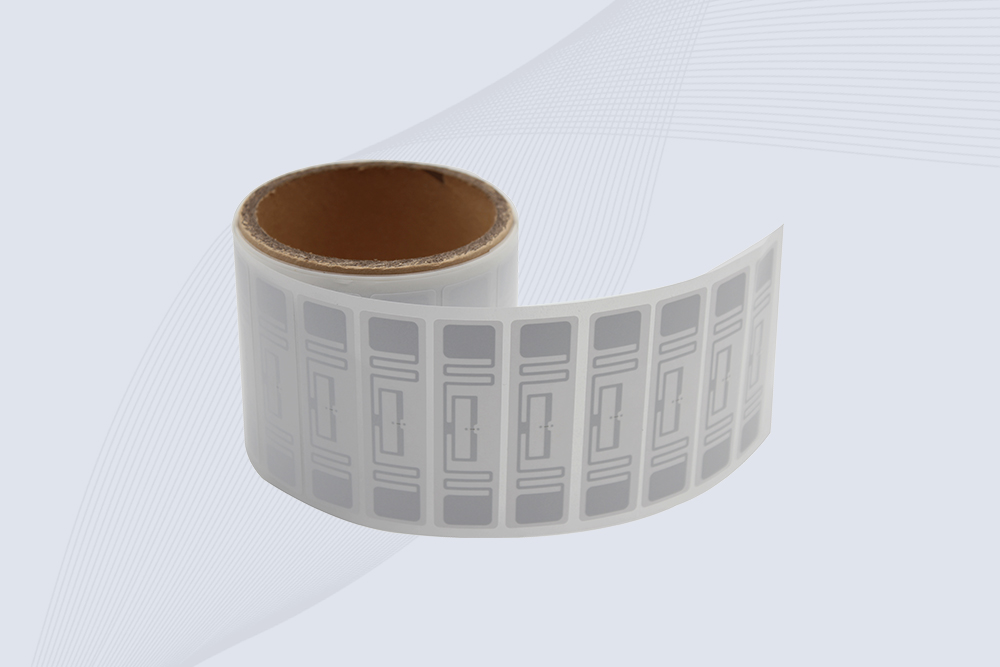
CYKEO RFID Asset Tag is designed for stable identification of metal assets in industrial environments. This UHF RFID Asset Tag is commonly used for rfid tag asset tracking on equipment, tools and containers, providing reliable reads, long service life and ISO/IEC 18000-6C support.
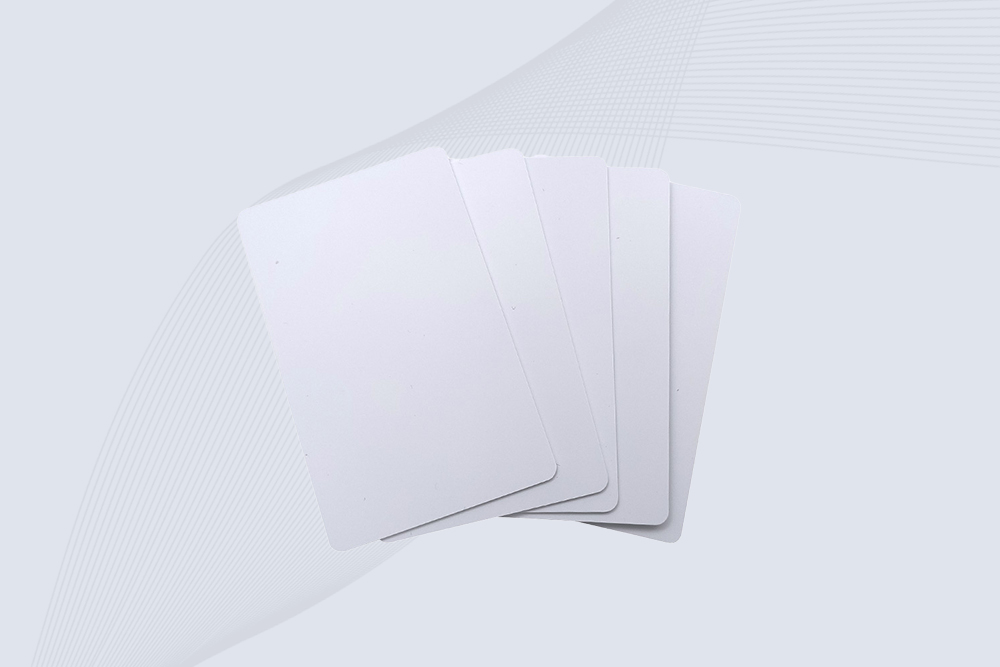
CYKEO UHF RFID Card is designed for fast identification and long-term use in industrial and commercial systems. Supporting ISO 18000-6C, this UHF RFID Card works at 860–960 MHz and is suitable for custom RFID cards used in asset tracking, access control and inventory management.
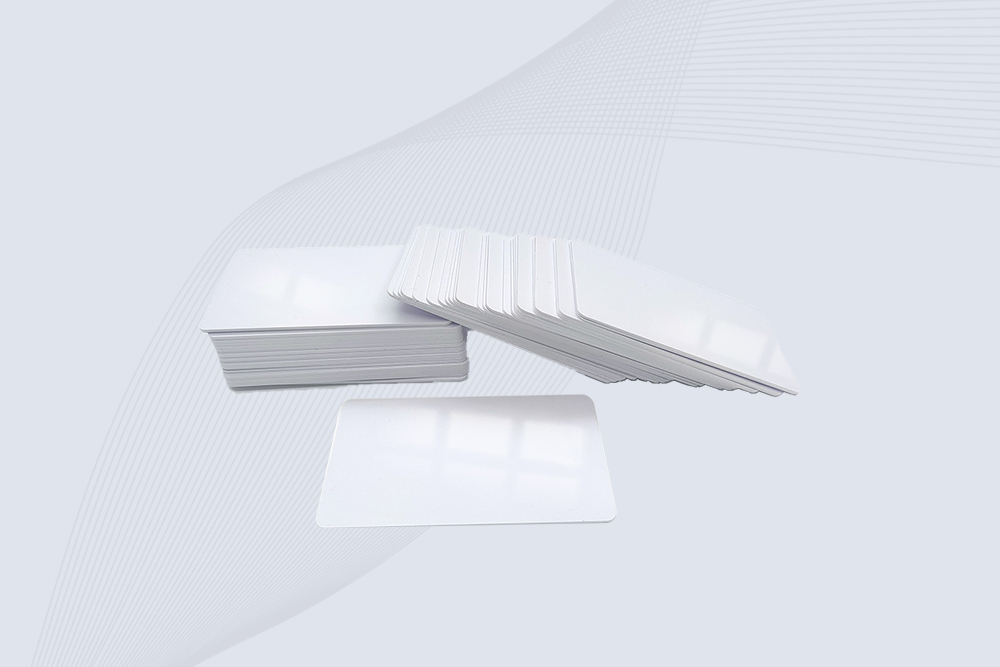
CYKEO HF RFID Cards are designed for secure and stable access control systems. These 13.56 MHz RFID key cards support ISO 14443-A, reliable rewriting and long service life, making HF RFID Cards suitable for offices, campuses, events and membership management.
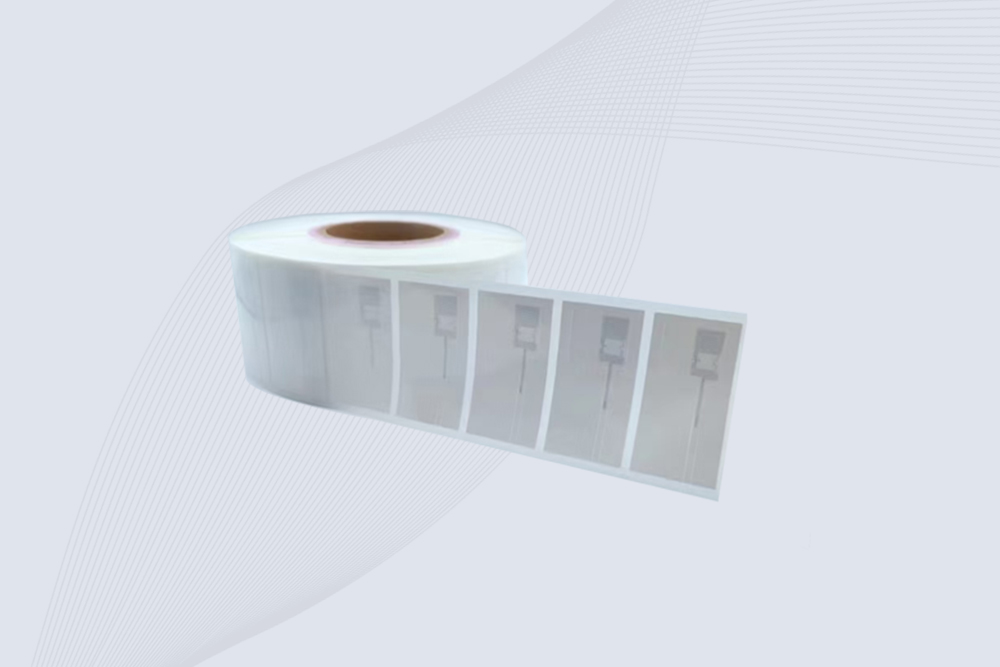
CYKEO UHF RFID Tag is designed for reliable tracking of metal jewelry and high-value items. This Jewelry RFID Tag supports long-range reading up to 8 meters, anti-counterfeit protection and stable performance on metal, making it suitable for retail, inventory control and asset management.
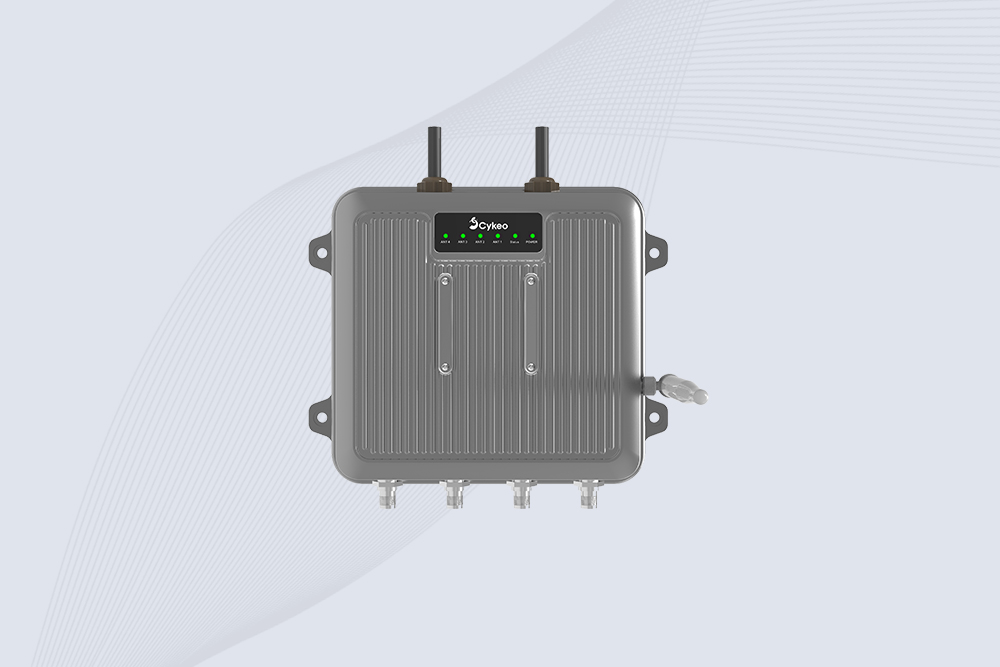
Cykeo CYKEO-C1 industrial Forklift RFID Reader features 20m read range, 600 tags/sec scanning, Impinj R2000 chipset, and IP67 rugged design. Ideal for warehouse logistics and manufacturing. Supports ISO 18000-6C/6B protocols.
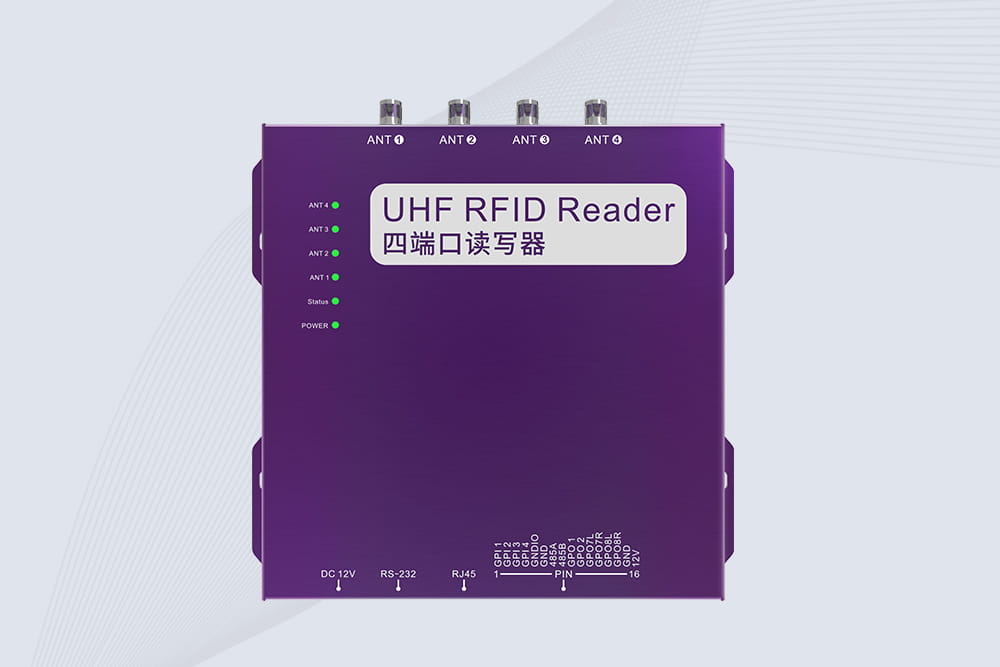
Cykeo CYKEO-R4 industrial UHF RFID Fixed Reader features 4 TNC ports, 400+ tags/sec speed, IP67 housing, and global frequency compliance for vehicle inspection, smart warehouse, and asset management systems.
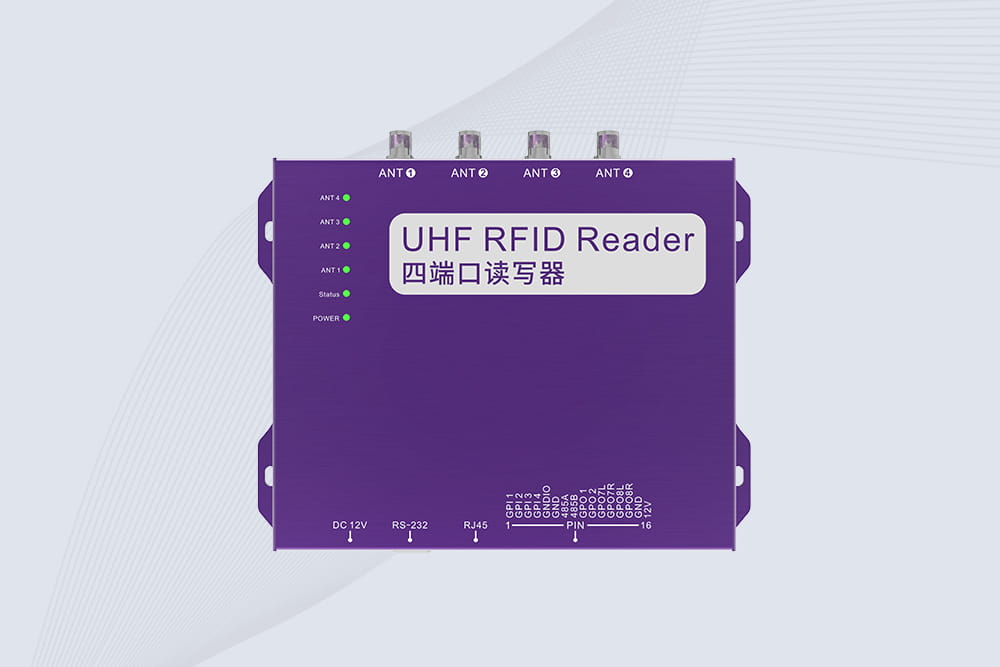
Cykeo’s CYKEO-R4L 4-port Fixed UHF RFID Reader delivers 400 tags/sec scanning, ISO 18000-6C compliance, and IP65 protection. Ideal for warehouse automation, manufacturing WIP tracking, and logistics management.
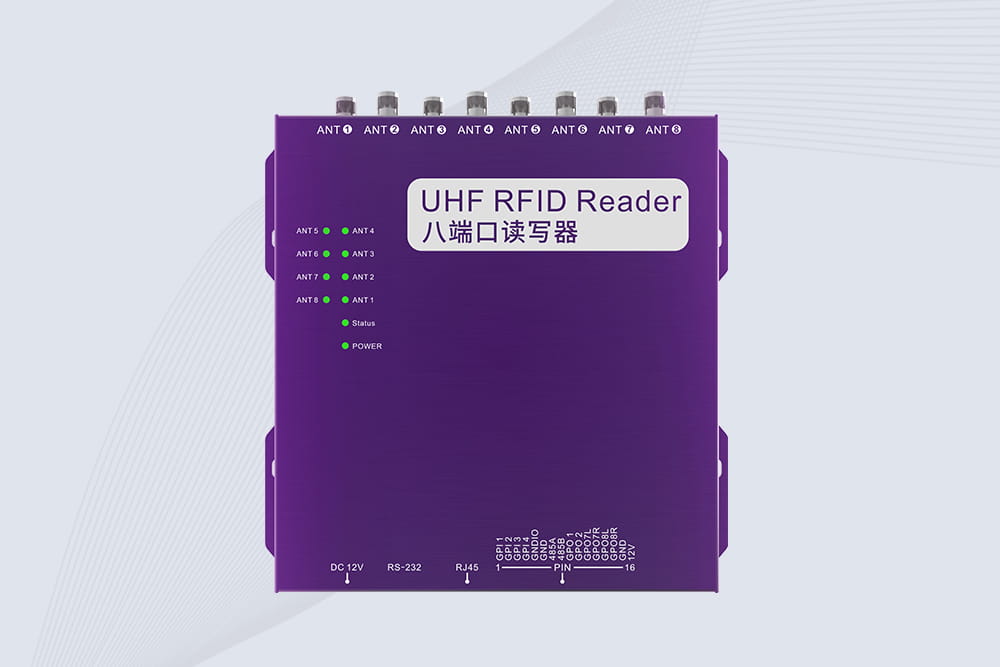
CYKEO CYKEO-R8L Fixed RFID Reader with 8-port UHF design, Impinj-based RF core and up to 20m read range. An industrial Fixed RFID Reader for vehicle inspection, warehouse portals, smart manufacturing lines and secure access checkpoints.
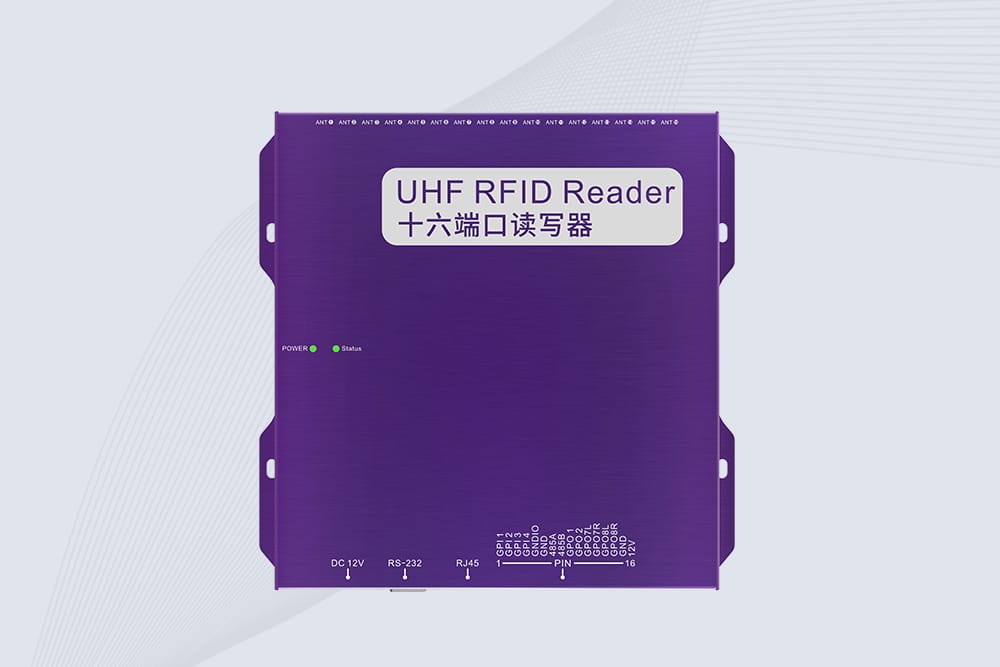
RFID Fixed Reader from CYKEO – the CYKEO-R16L 16-port UHF fixed reader for warehouses, smart cabinets, and production lines. Long-range, multi-tag reading, stable performance for 24/7 industrial use.
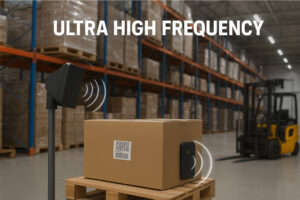
Learn how ultra high frequency RFID powers modern logistics, manufacturing, and asset management. A practical guide for RFID solution providers.
More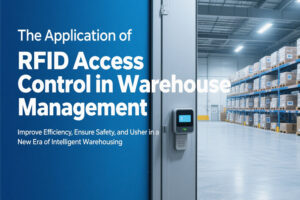
This article deeply explores how RFID gate access technology is revolutionizing warehouse management by significantly improving goods throughput efficiency, inventory accuracy, and warehouse security. Combining real-world cases and technical insig...
More
Discover the best fixed RFID readers for healthcare equipment tracking. Learn how Cykeo’s HIPAA-compliant systems improve efficiency, disinfection compliance, and patient safety.
More
Discover how access control kit rfid systems improve facility security, personnel management, and smart entry control using Cykeo ultra high frequency RFID technology.
More