You bought a USB RFID reader, plugged it in, and… nothing happens. Windows throws a driver error, your inventory software doesn’t detect it, and you’re stuck Googling tech jargon at midnight. Been there. Let’s cut through the chaos with a dead-simple guide to setting up any USB RFID reader on Windows 10 or 11—no computer science degree required.
1. What You’ll Need
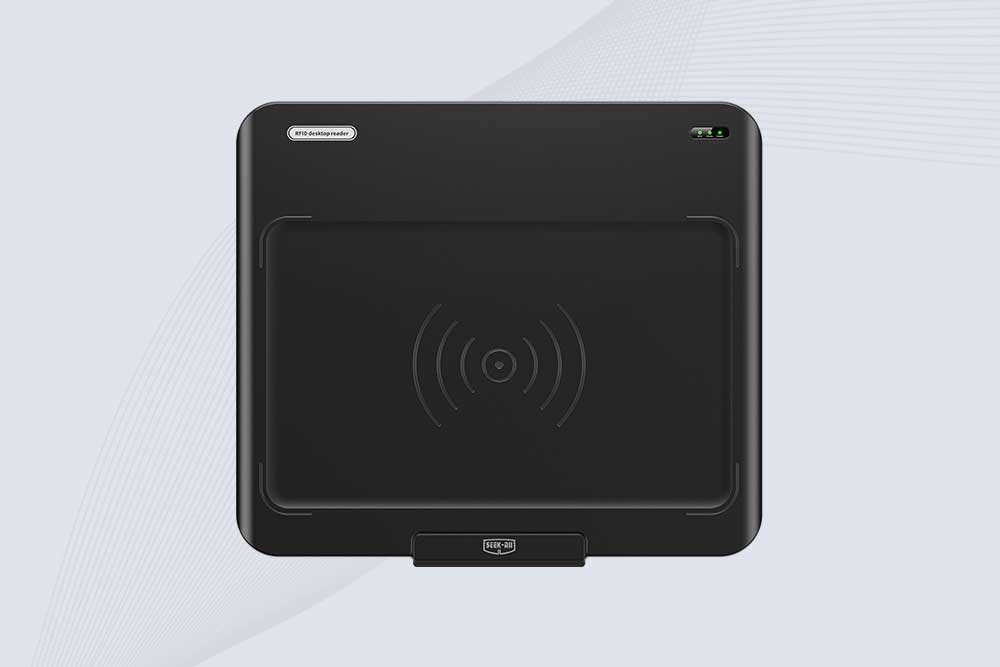
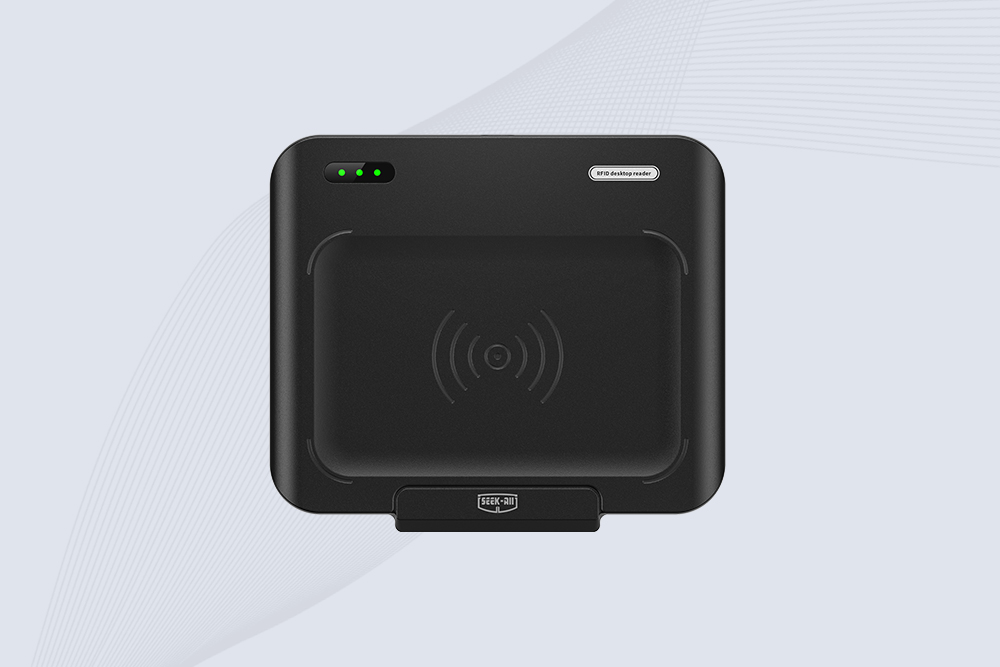
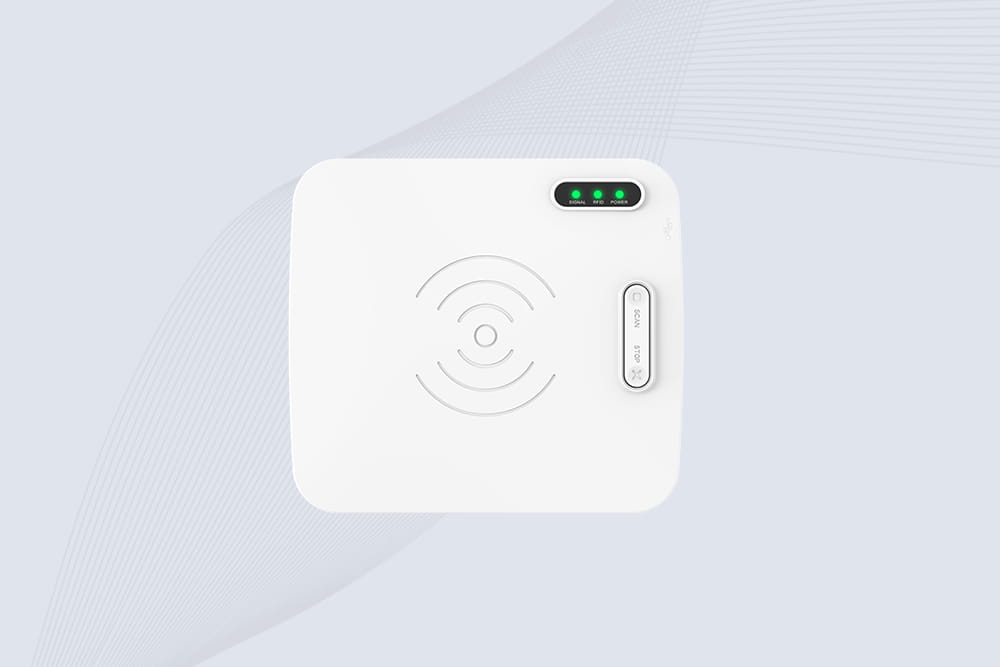
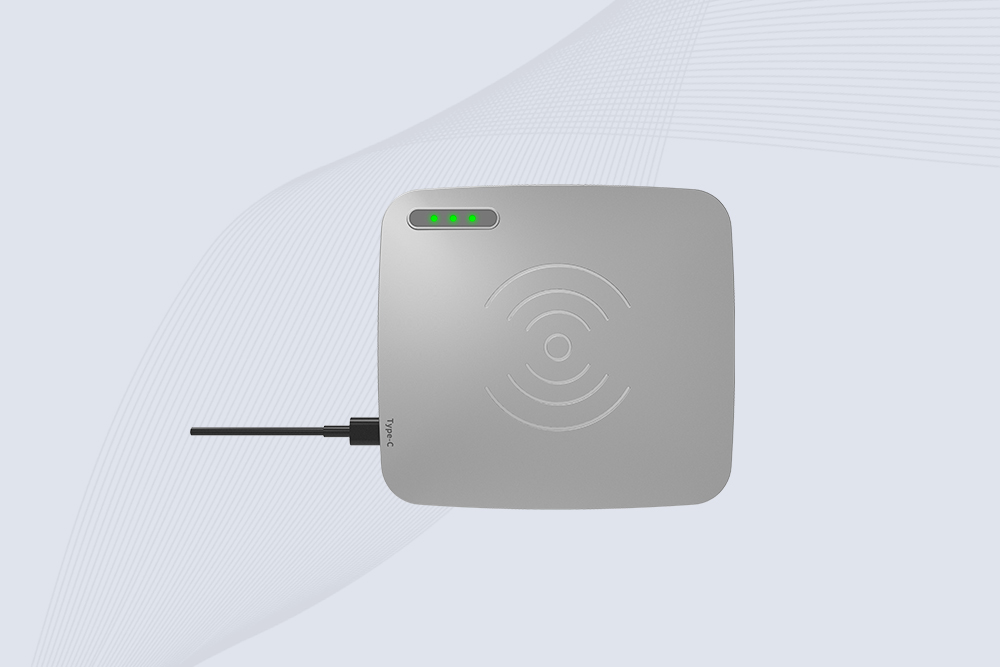
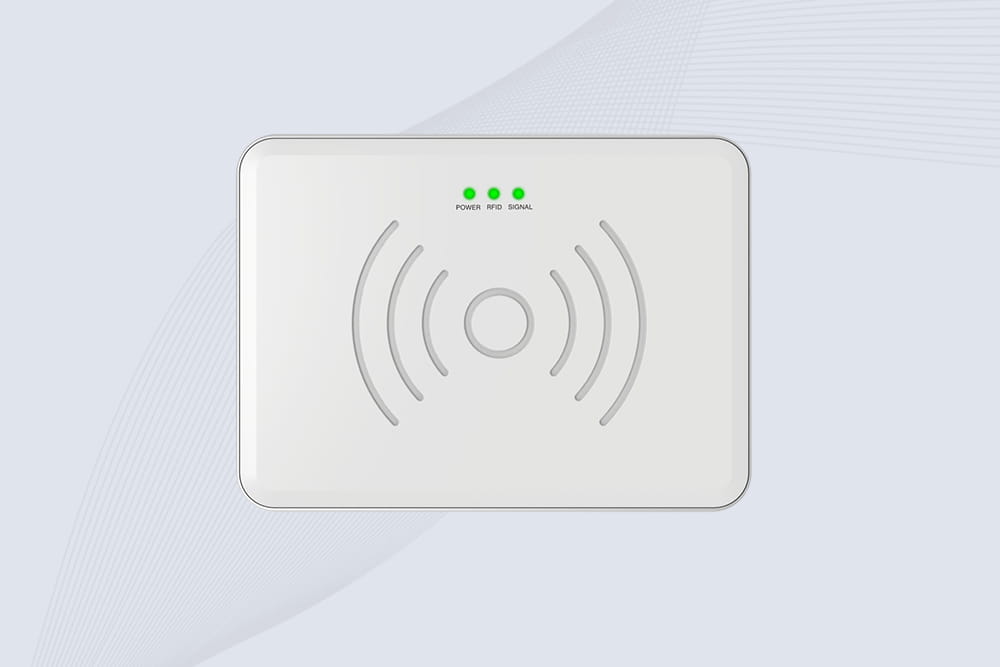
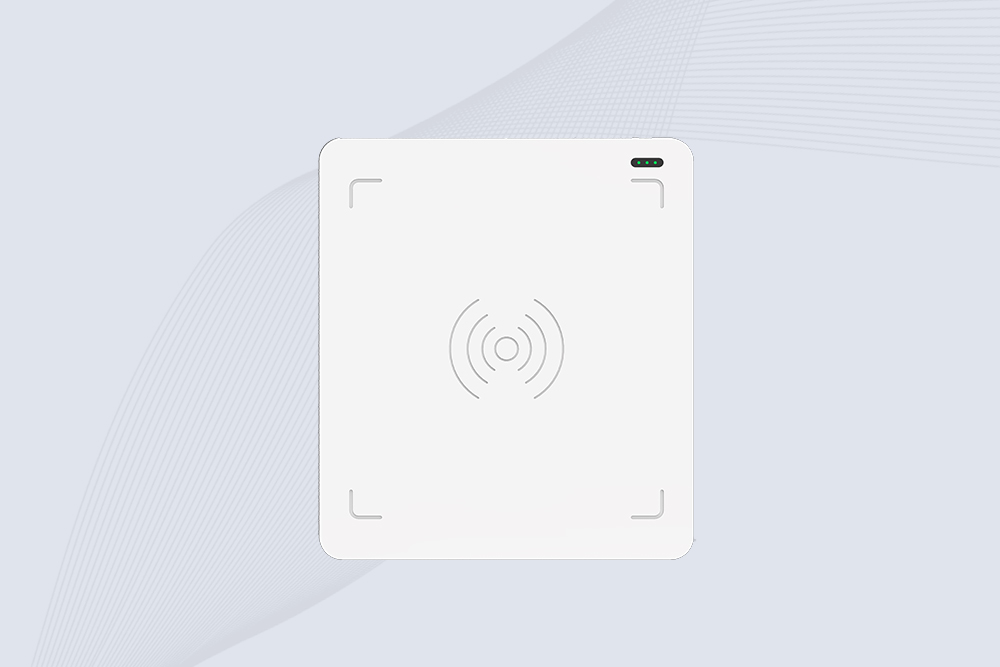
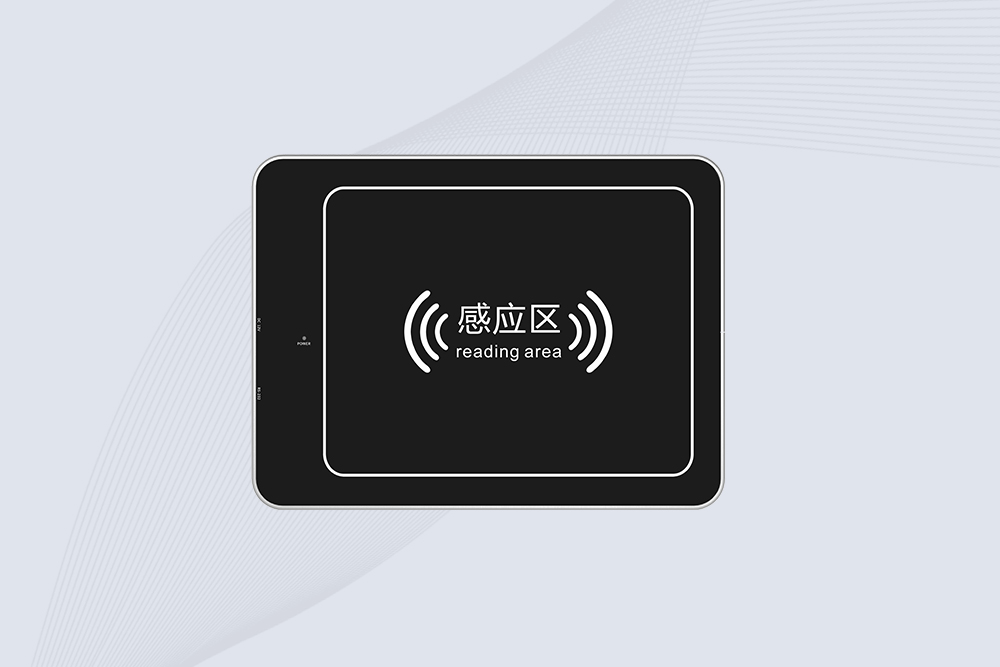
USB RFID Reader: We’ll use Cykeo’s basic model as an example.
Windows PC: Version 1909 or later (check via Settings > System > About).
USB 2.0+ Port: Avoid blue USB 3.0 ports if your reader isn’t compatible.
10 Minutes: Seriously, that’s all.
2. Step 1: Install Drivers (The Right Way)
a. Automatic Setup (For Most Readers)
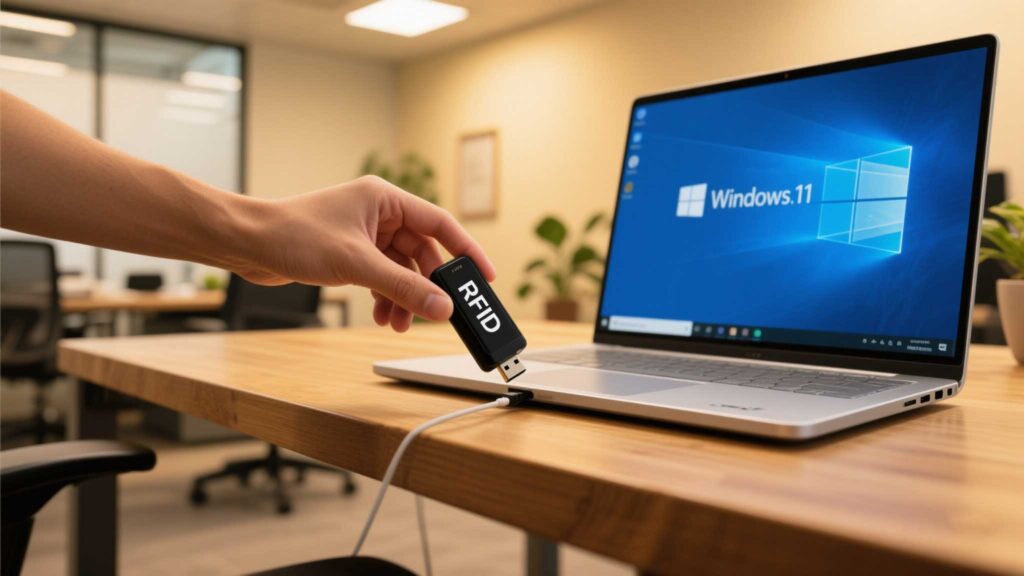
Plug the reader into your USB port.
Wait 1–2 minutes—Windows often auto-installs generic drivers.
Check Device Manager (search in Start menu):
Look under “Universal Serial Bus controllers” or “Other devices.”
If you see a yellow warning icon, right-click the device and select “Update driver.”
b. Manual Driver Install (If Auto-Fails)
Download drivers from the manufacturer’s site (e.g., Cykeo’s support page).
In Device Manager, right-click the unrecognized device > “Browse my computer for drivers.”
Navigate to the downloaded driver folder and click “Next.”
Pro Tip: Disable Windows driver updates temporarily to prevent conflicts:
Go to Control Panel > System > Advanced system settings > Hardware > Device Installation Settings > “No.”
3. Step 2: Test the Reader with Built-In Tools
a. Use Notepad (Yes, Really)
Open Notepad.
Scan an RFID tag—if the reader works, you’ll see gibberish (hex code) on the screen.
b. Check Device Manager (Again)
A working reader shows up under “Human Interface Devices” as “USB HID-compliant device.”
4. Step 3: Connect to RFID Software
a. Free Options for Small Biz
RFID Explorer: Scans tags and exports data to CSV.
Zebra RFID Tools: Basic inventory management.
b. Configure Software
Open your chosen software.
Go to Settings > Devices and select your USB reader.
Test by scanning a tag—successful reads show IDs or custom data.
Cykeo Tip: Their free “ScanLite” software auto-detects most USB readers and skips complex setups.
5. Step 4: Fix Common Windows RFID Reader Issues
a. Reader Not Detected
Fix 1: Try another USB port (avoid hubs or extensions).
Fix 2: Uninstall drivers via Device Manager, then reboot.
b. Tag Scans but Software Ignores Them
Fix: Check software settings for “Keyboard Wedge” mode—this tricks apps into thinking scans are keyboard inputs.
c. Inconsistent Reads
Fix 1: Keep tags 2–6 inches from the reader (most budget models have short range).
Fix 2: Move away from Wi-Fi routers, microwaves, or fluorescent lights.
6. Step 5: Optimize for Daily Use
a. Assign Tag IDs to Products
Use Excel to map tag hex codes to items (e.g., “A1B2C3 = Blue Widget”).
Import the CSV into your inventory software.
b. Schedule Scans During Downtime
Batch-scan items early morning or after closing to avoid USB lag during sales hours.
c. Backup Your Config
Export software settings to a USB drive—no one wants to reconfigure after a crash.
Takeaway: Setting up a USB RFID reader on Windows 10/11 isn’t rocket science—it’s about dodging driver drama and testing with free tools first. Spend 10 minutes upfront to save hours of inventory headaches later. And if your reader still acts up? Swap it. Life’s too short for janky gear.
Discover how RFID technology streamlines library processes like book lending, returns, and inventory management. Learn about automation, accuracy, and Cykeo’s library solutions.
Learning how to find the range of an RFID reader? Stop trusting datasheet claims. Step-by-step field testing, factors affecting read distance, and environment setup. Real advice from CYKEO engineers.
Discover how long range RFID scanners help hospitals track medical equipment, reduce asset loss, improve inventory visibility, and build more efficient healthcare management systems.
 Cykeo RFID IoT Solution Products R&D Manufacturer