 Cykeo RFID IoT Solution Products R&D Manufacturer
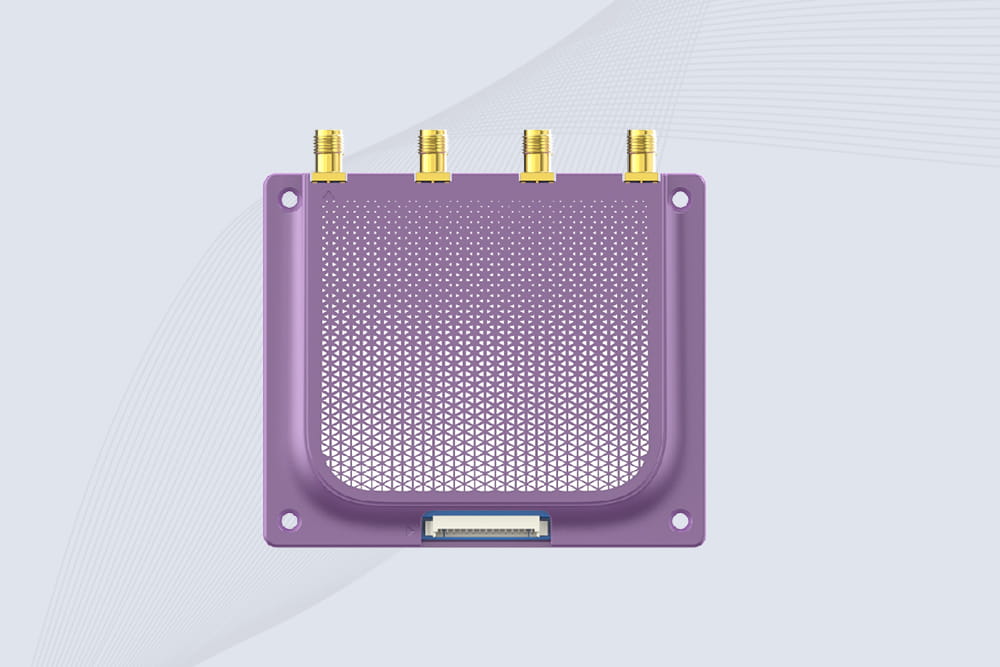
Optimizing RFID Reader Module Placement: Expert Tips for Peak Performance
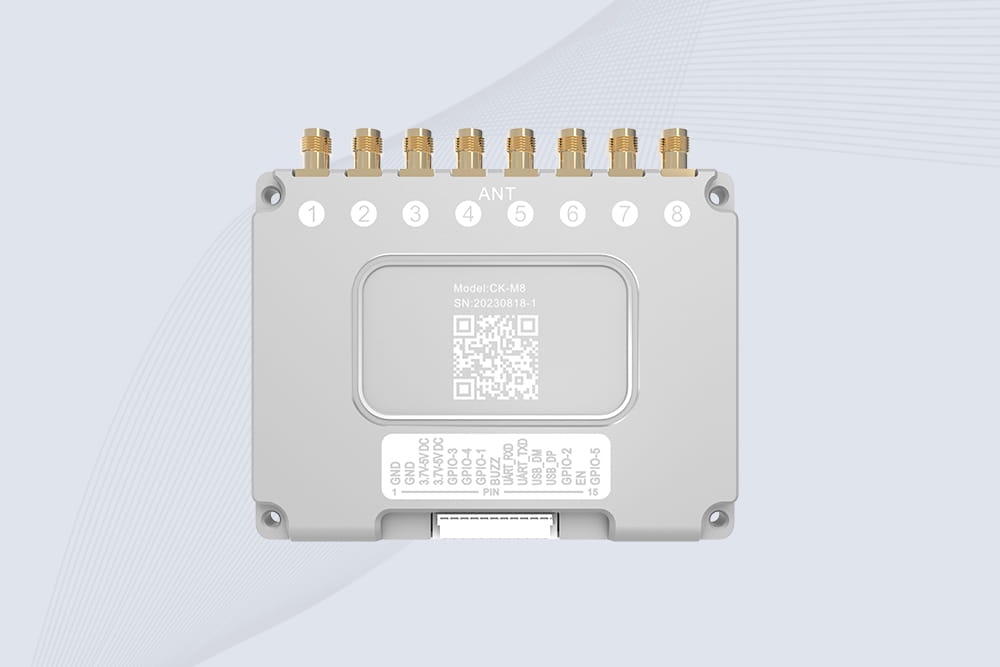
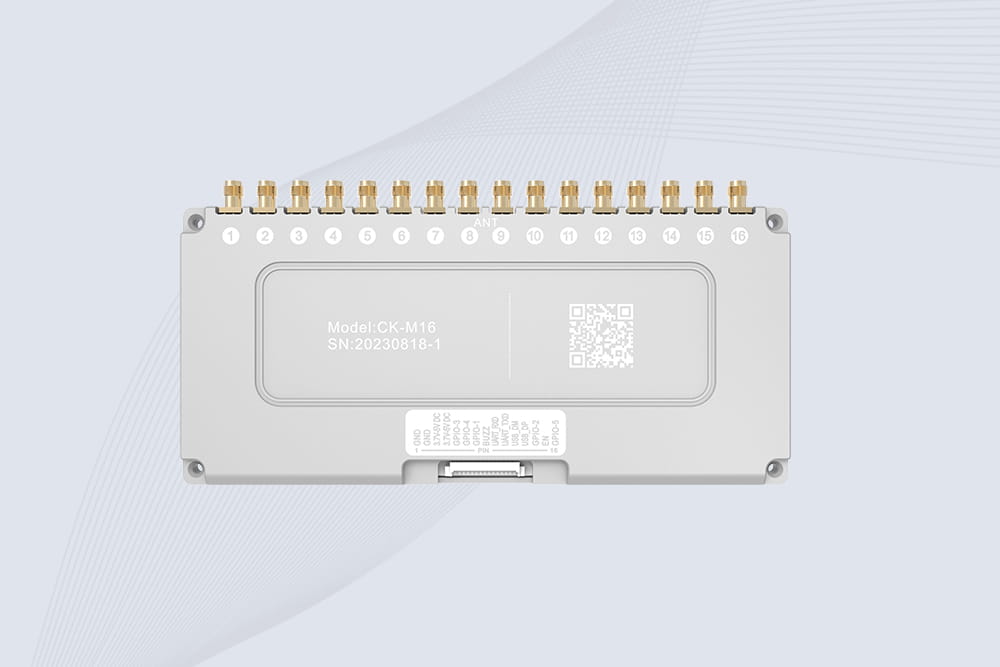
834Struggling with RFID read errors? Learn how to position RFID reader modules for maximum coverage, accuracy, and efficiency in warehouses and retail spaces.
MoreAll RFID Product
Introduction
If you’ve ever wanted to create secure access systems, inventory trackers, or smart devices, learning how to use RFID module with Arduino is a great starting point. Radio-frequency identification (RFID) technology lets you read and write data wirelessly using rfid tags and rfid readers. In this guide, we’ll walk through setting up a common RFID-RC522 module with an Arduino Uno. Even if you’re new to electronics, you’ll find the process straightforward with a bit of patience.
What You’ll Need
To follow along, gather these components:
Wiring the RFID Module to Arduino
The RFID-RC522 uses SPI communication, so connections must be precise. Here’s a typical wiring setup:
| RFID-RC522 Pin | Arduino Uno Pin |
|---|---|
| SDA (SS) | D10 |
| SCK | D13 |
| MOSI | D11 |
| MISO | D12 |
| GND | GND |
| RST | D9 |
| 3.3V | 3.3V (never 5V) |
Note: Always power the RC522 with 3.3V, as higher voltage can damage it. Double-check connections before powering up.
Installing the Required Library
In the Arduino IDE, go to Sketch > Include Library > Manage Libraries. Search for “MFRC522” by Miguel Balboa and install it. This library simplifies reading and writing RFID tags.
Uploading a Test Sketch
After wiring, open the example sketch: File > Examples > MFRC522 > ReadUidMulti. This code scans for nearby tags and outputs their UIDs (unique identifiers) to the Serial Monitor. Upload it to your Arduino, then open Serial Monitor (Tools > Serial Monitor) at 9600 baud rate. When you bring an RFID tag close to the module, you should see its ID displayed.
Troubleshooting Common Issues
Project Idea: Simple RFID Door Lock
Once you can read tags, try controlling outputs. For example, use the RFID to trigger a relay or servo. Modify the example code to check if a scanned UID matches a stored value, then activate a digital pin to simulate a lock mechanism. This is a popular Arduino RFID door lock project that adds practical security skills.
Why This Matters
Mastering how to connect RFID to Arduino Uno opens doors to automation, attendance systems, and personalized devices. The RC522 is affordable and widely supported, making it ideal for hobbyists and prototypes.
Final Tips
Need help? Check CYKEO’s project hub for more tutorials and community support.

Struggling with RFID read errors? Learn how to position RFID reader modules for maximum coverage, accuracy, and efficiency in warehouses and retail spaces.
More
Learn how to implement RFID for contactless access control in offices. Enhance security and hygiene with Cykeo’s compliant, easy-to-integrate systems.
More
Discover how uhf adhesive rfid label tag technology improves warehouse accuracy, retail inventory visibility, and logistics efficiency using Cykeo UHF RFID solutions.
More
Discover how to select the best handheld RFID reader for warehouse inventory. Compare durability, read range, software compatibility, and cost-effectiveness.
More