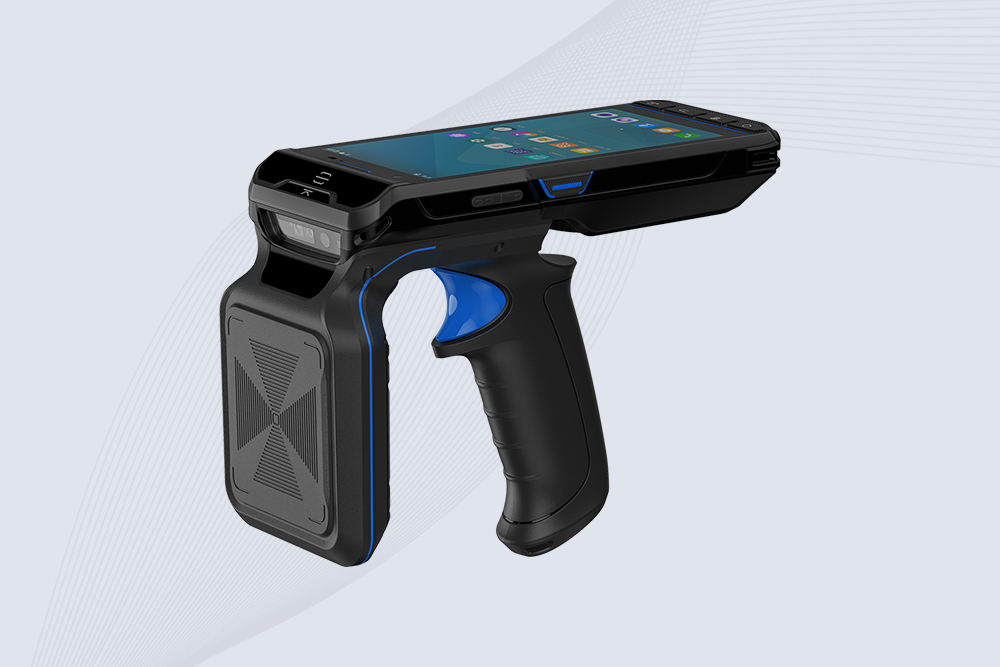
Your warehouse isn’t a quiet library—it’s a thunderdome of Wi-Fi routers, forklift radios, and metal shelves that eat RFID signals for lunch. If your UHF RFID reader struggles to scan past 10 feet, you’re not alone. Let’s fix this without burning $10K on “enterprise solutions.”
1. Why Your RFID Signals Get Murdered
Interference Culprits:
Metal Shelving: Bounces signals like a pinball machine.
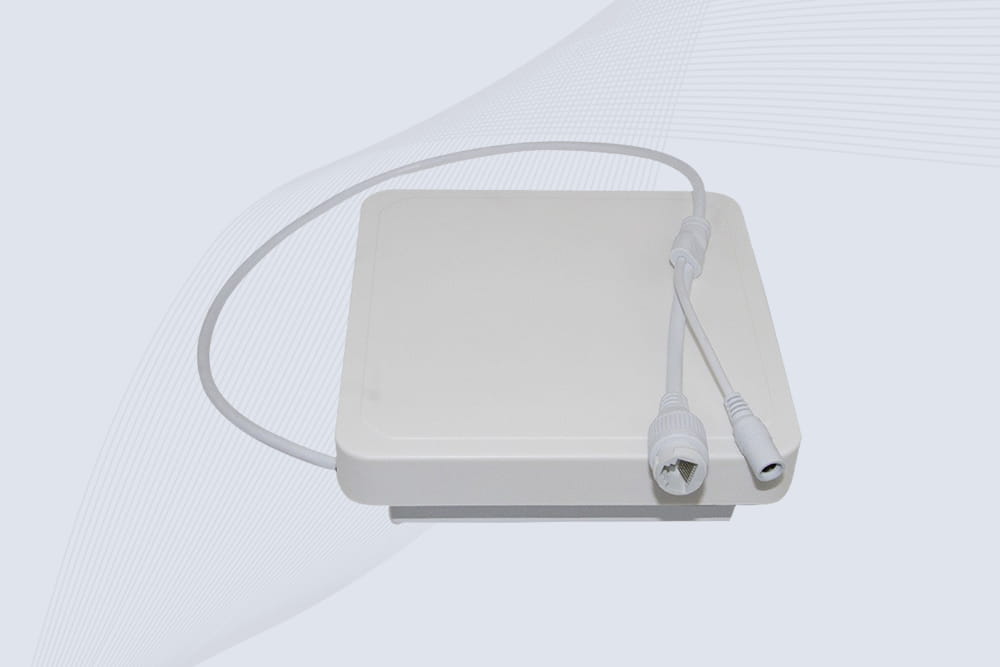
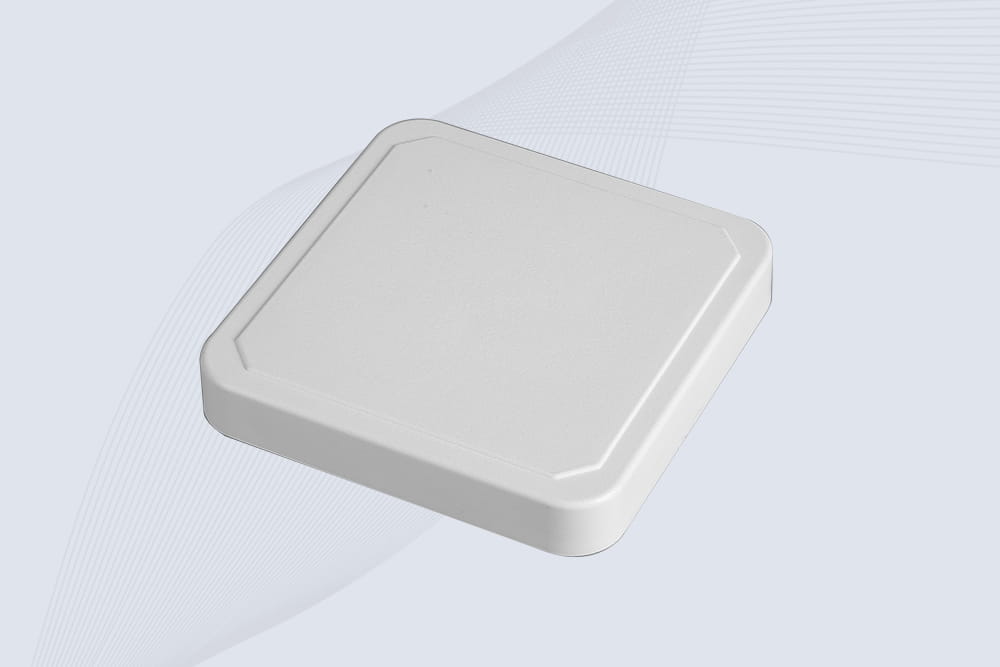
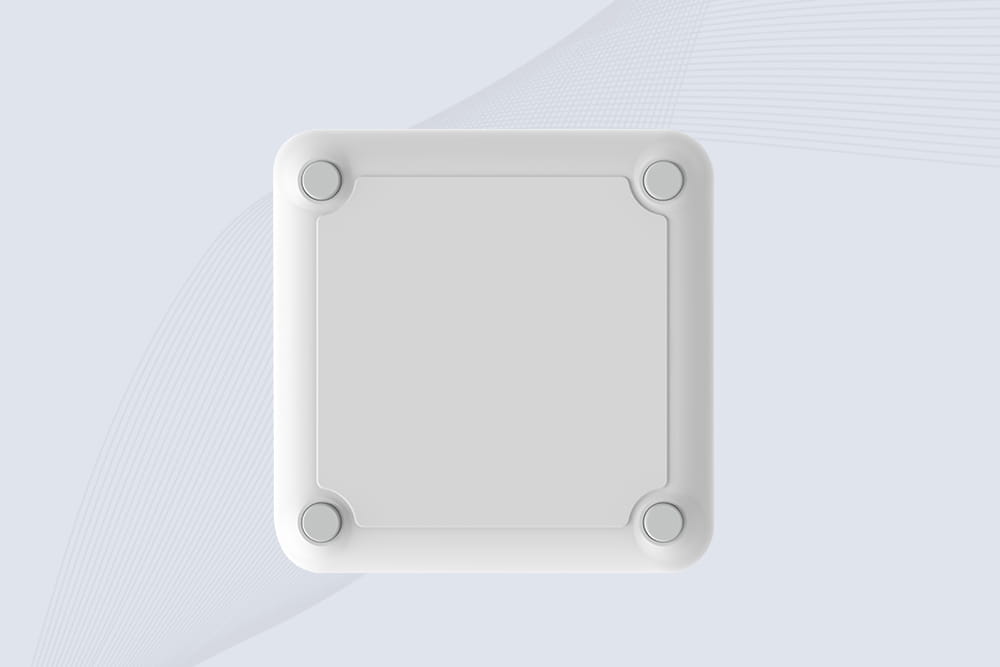
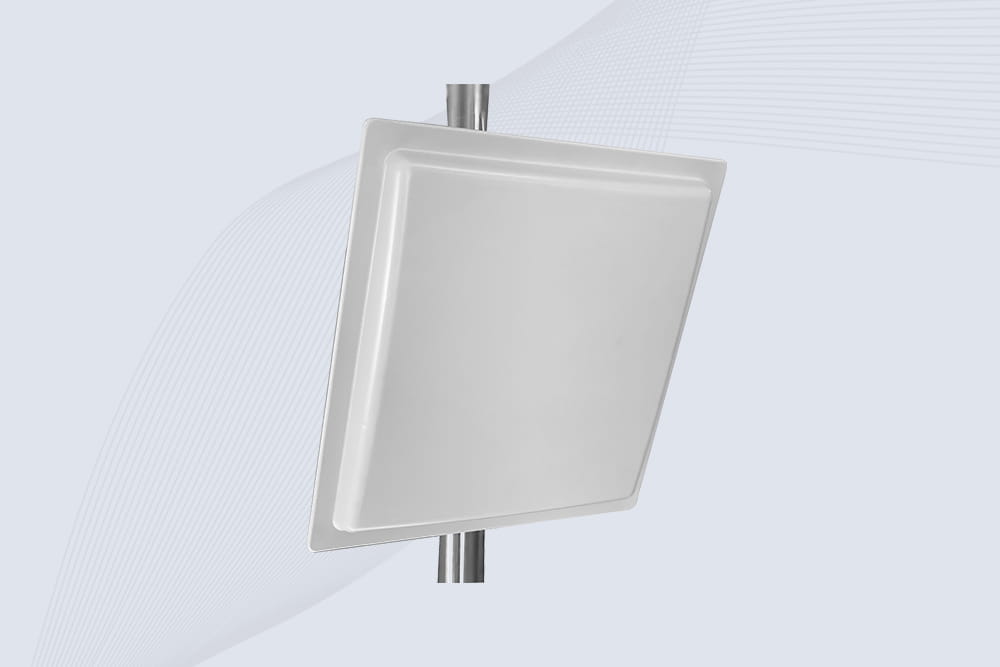
Circular Polarized Antennas: Catch signals bouncing off metal. Linear antennas? They’re one-directional divas.
Tilt It 45 Degrees: Reduces direct reflection from shelves. Think “skip a stone,” not “throw a fastball.”
Hack 2: Raise the Antenna
Mount antennas above metal shelves, not beside them. 8ft ceilings? Aim for 7ft height.
Why: Signals spread downward like a waterfall, dodging shelf edges.
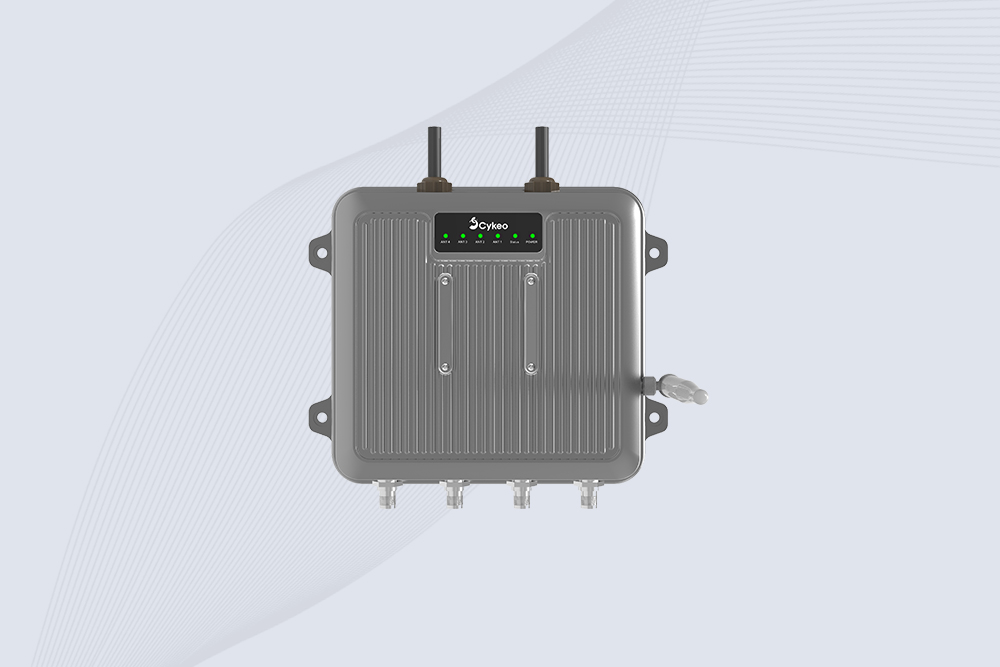
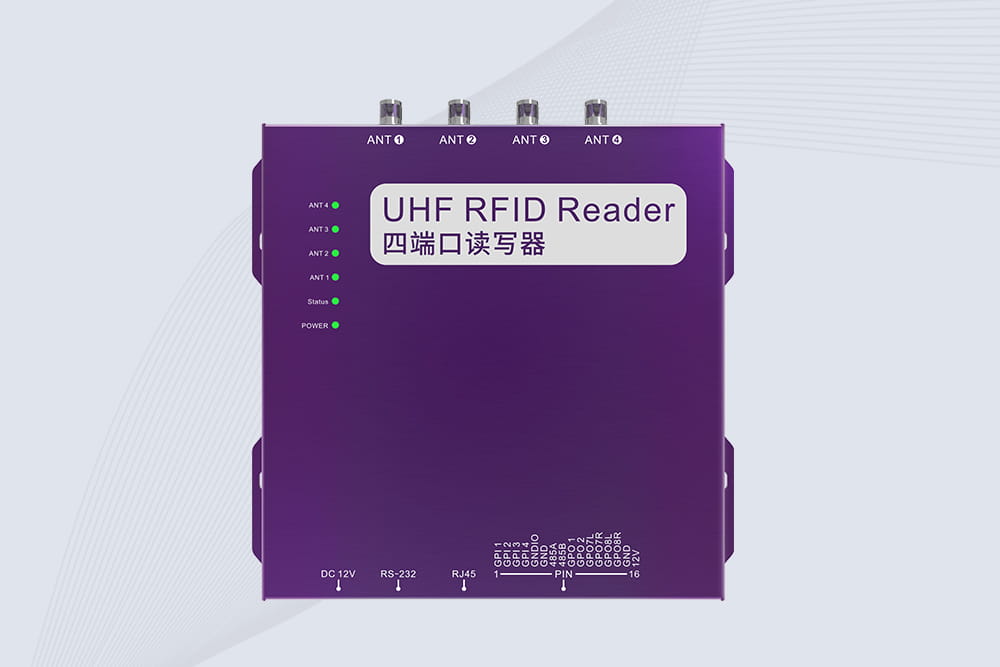
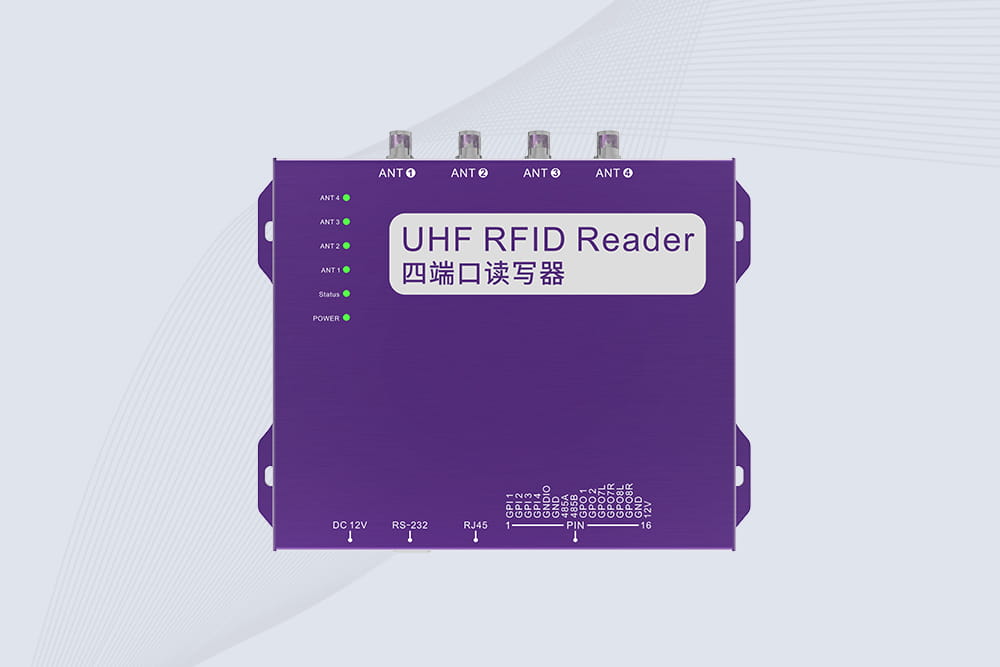
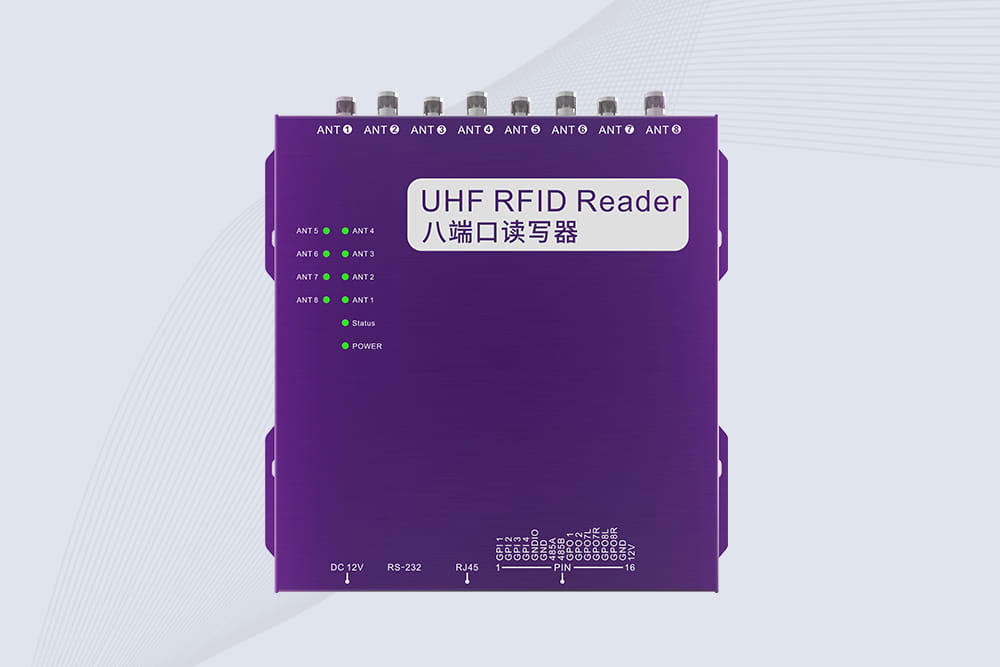
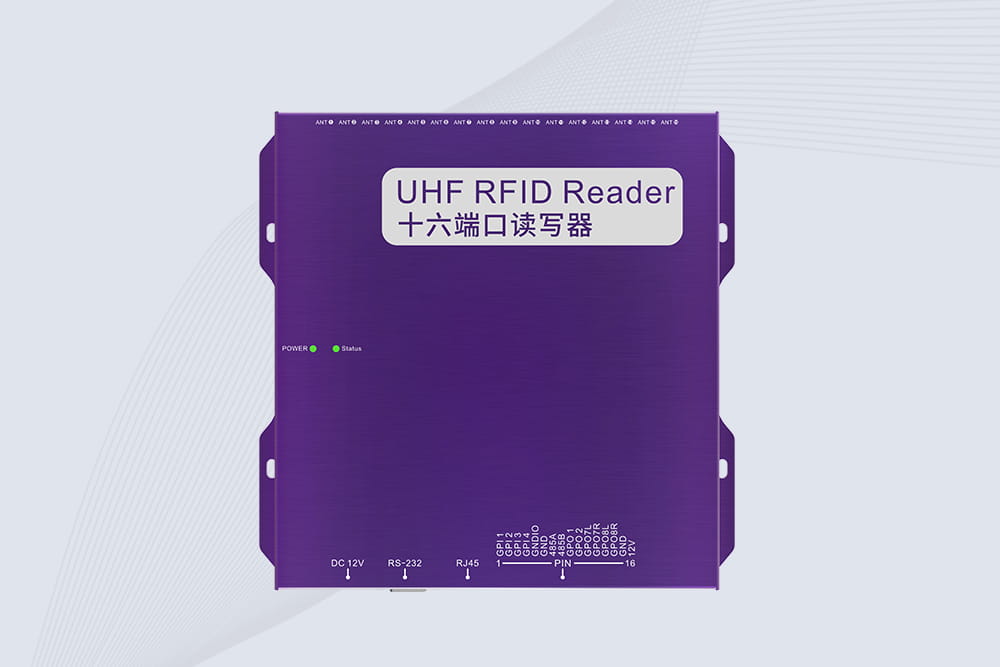
Cykeo Tip: Their warehouse-grade readers auto-adjust power based on interference. Plug-and-play for forklift-level chaos.
3. Kill Noise Sources Like a Ninja
Step 1: Map Your Warehouse’s “Dead Zones”
Walk with a reader and tag. Mark spots where scans fail.
Common Killers:
Wi-Fi routers mounted near inventory aisles.
Old CCTV cameras with janky wiring.
Step 2: Reposition or Shield
Move Wi-Fi routers 10ft+ away from RFID zones.
Wrap fluorescent light ballasts in aluminum foil (cheap Faraday cage).
Pro Move: Use a $50 RF spectrum analyzer app (like WiFiman) to spot “noise hotspots.”
4. When to Crank Up the Power (Without Breaking Laws)
Reader Transmit Power:
USA/Canada limit: 1W (30dBm). Europe: 2W EIRP.
Sweet Spot: 28–30dBm for most warehouses.
Danger: Overpowering creates signal “echoes” that confuse the reader. Test increments of 2dBm.
Cykeo Bonus: Their readers include a “warehouse mode” that optimizes power/frequency hopping automatically.
5. Real-World Test: From 10ft to 50ft Scans
Setup:
Metal shelves, 20 Wi-Fi APs, 12ft ceilings.
Cykeo UHF reader + circular antenna (mounted at 7ft).
Results:
Before: 35% read rate at 15ft.
After: 92% read rate at 40ft.
Cost: $1,200 for antenna + 2 hours of repositioning routers. Cheaper than hiring a “RFID consultant” who quotes Shakespeare.
6. “Why Didn’t This Work?” Checklist
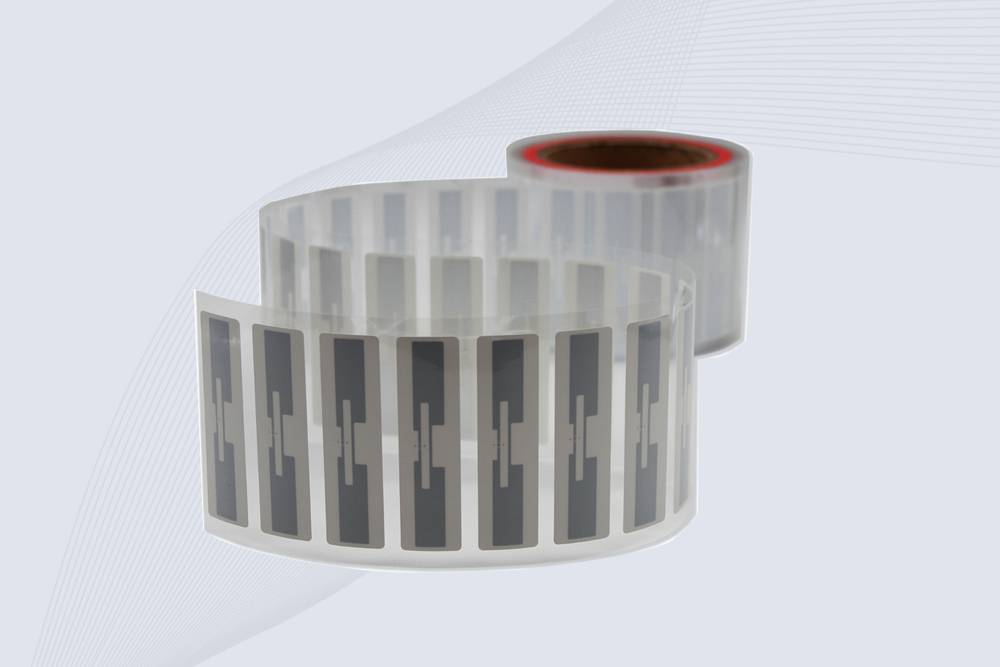
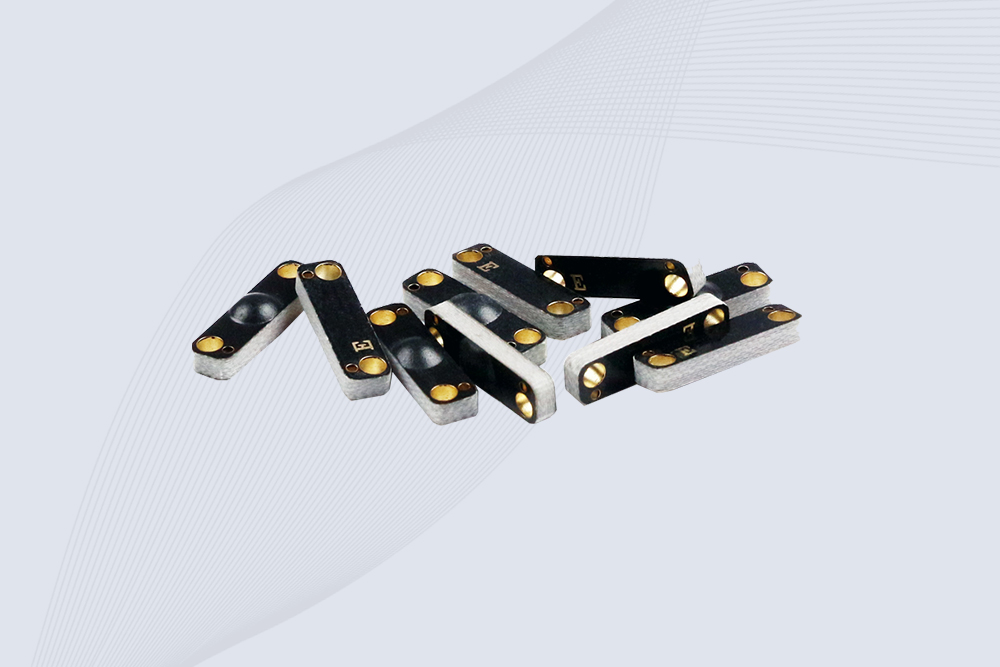
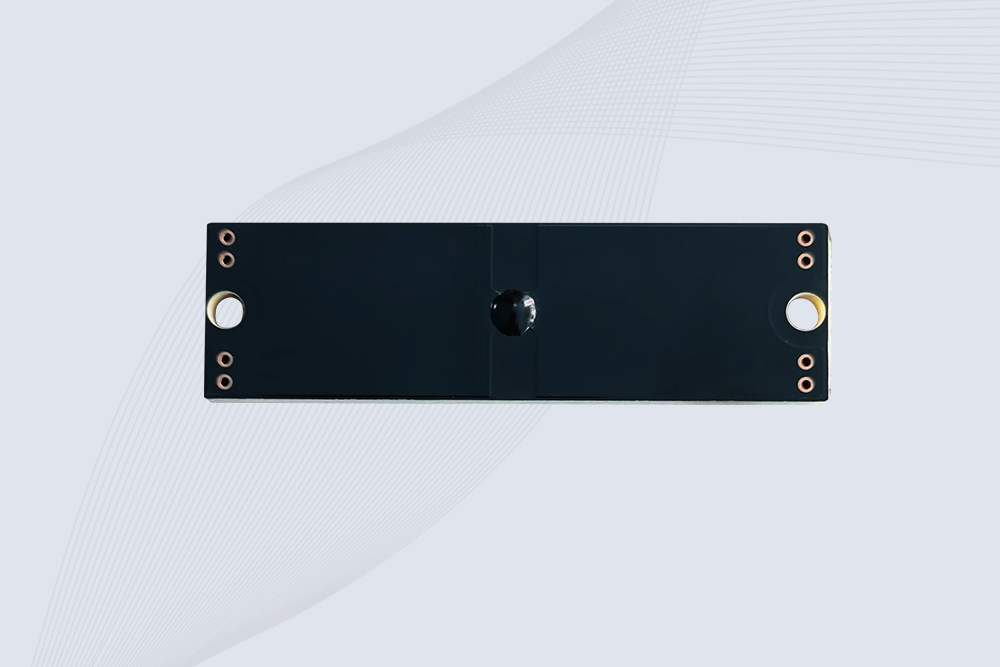
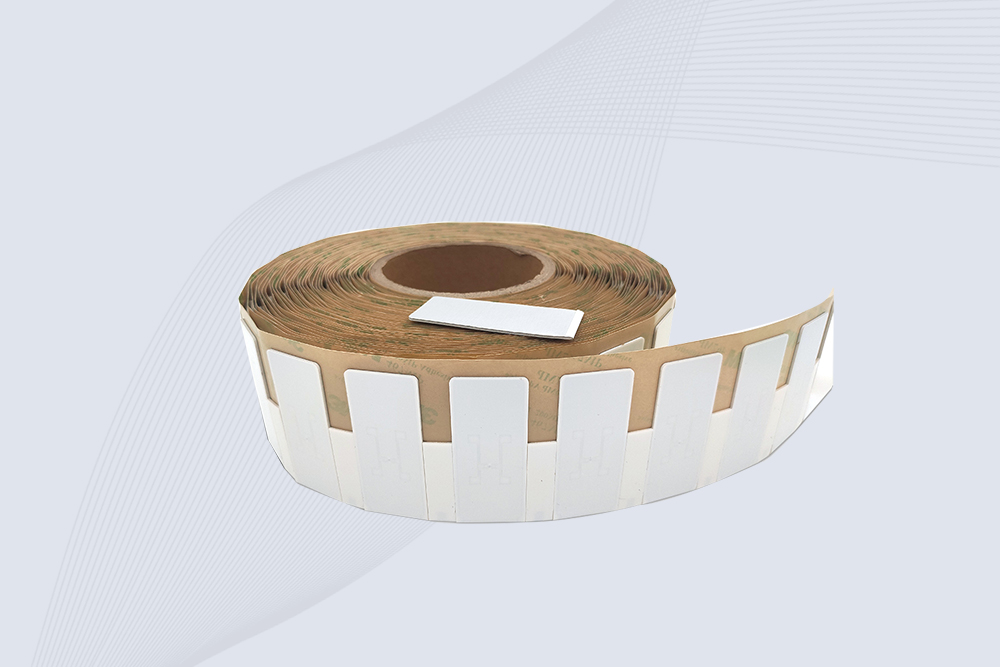
Tags Suck: Use on-metal RFID tags with ferrite layers. Paper tags on metal = wasting life.
Cable Issues: Coax cables longer than 20ft? Add an amplifier.
Reader Overload: Too many tags in view? Adjust session flags (SL or S2).
Final Takeaway
Extending UHF range in a messy warehouse isn’t about throwing money at it—it’s about outsmarting the noise. Reposition antennas, foil-wrap your lights, and stop letting Wi-Fi routers bully your RFID gear. And if you’re lazy? Grab a Cykeo reader. Their “set it and forget it” mode is for folks who’d rather fight bears than tweak RF settings.
This article offers a systematic overview of Chipless RFID technology, including its working principles, encoding methods, technical strengths and limitations, and its emerging applications in anti-counterfeiting, sensing, and the Internet of Thin...
Industry Overview With the rapid advancement of the information age, file management methods have undergone profound transformations. While traditional file cabinets meet basic storage and management needs, their efficiency and accuracy...
In the era of efficient and precise warehouse management, RFID access control technology, with its unique non-contact identification advantage, is gradually becoming a key tool for optimizing inventory control, accelerating inbound and ou...
Learn what type of antenna passive RFID tags use. We clarify the difference between coil antennas for proximity and printed dipoles for UHF logistics tracking.
 Cykeo RFID IoT Solution Products R&D Manufacturer