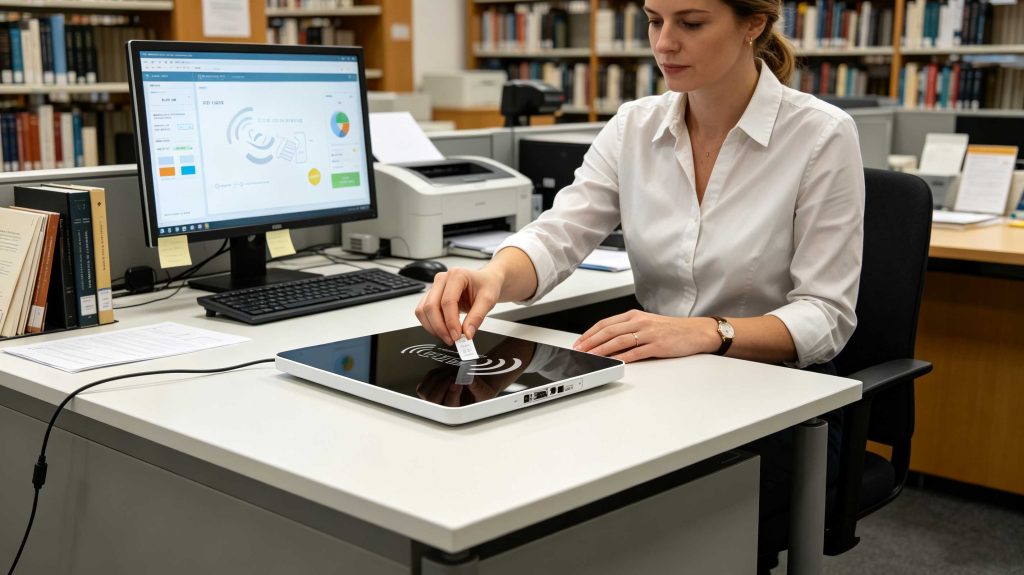
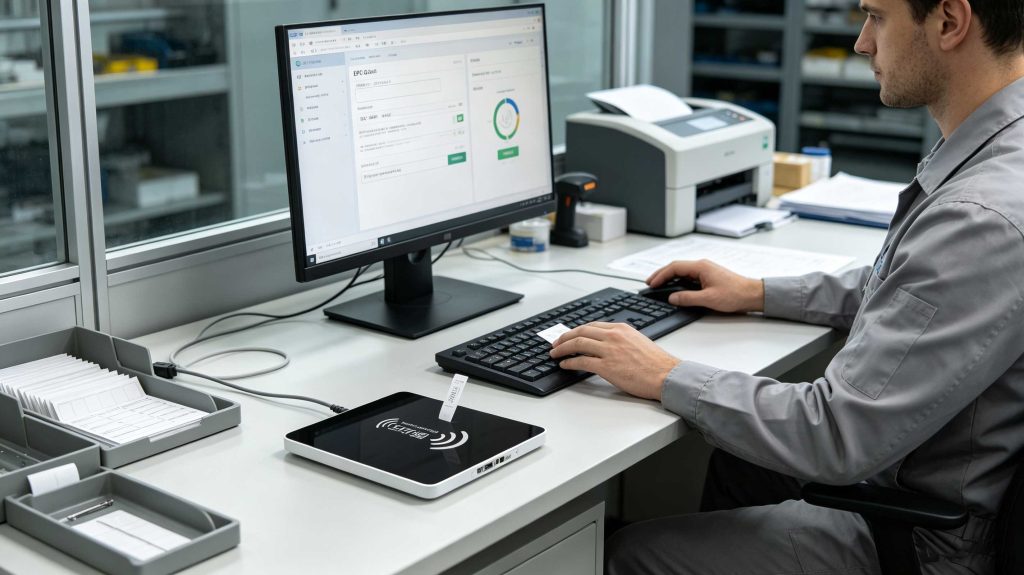
To encode RFID tags, connect a compatible RFID reader, identify the target tag, prepare the required EPC or application data, write it to the correct memory area, then read it back to verify the result. For UHF tags, a controlled near-field desktop reader can make registration and rewriting much easier.
That sounds straightforward until the first batch of tags is placed on a desk.
In actual RFID registration work, encoding is not simply “put data into the chip.” The operator has to know which tag is being written, which memory bank is being used, what identifier format the application expects, and whether the written value can be read back correctly.
GS1 defines the EPC Tag Data Standard (TDS) as the standard that specifies the Electronic Product Code and the memory contents of Gen2 RFID tags. Its current repository lists TDS version 2.3.0, ratified on October 31, 2025.
What Does RFID Tag Encoding Actually Mean?
RFID encoding means writing digital information into the memory of an RFID chip.
For a typical UHF RFID tag, the information may include:
EPC: the primary electronic identifier.
User Memory: optional application-specific information.
Reserved Memory: security-related information such as access and kill passwords.
TID: chip-related information generally associated with the tag manufacturer and chip.
The important point is that EPC and RFID are not the same thing. GS1 describes EPC as an identifier and RFID as the data carrier. An RFID tag can contain information beyond an EPC, while an EPC can also exist outside an RFID tag.
That distinction becomes useful when building a library, tool, or linen management system. The tag does not need to become the entire database. A unique identifier can point back to the application’s detailed record.
How to Write Data to a UHF RFID Tag
1. Prepare the Tag Data
Before opening the RFID writer software, determine exactly what should be encoded.
For example:
Application
Possible tag identifier
Library book
Unique book/item ID
Tool management
Tool asset ID
Linen management
Linen/item serial ID
ID registration
Card or document identifier
Shelf registration
Shelf/location identifier
For standards-based supply-chain applications, EPC encoding can follow GS1 identification and encoding rules. GS1’s RFID architecture describes how EPC identifiers can be encoded into RFID tags and translated between application-level identifiers and the tag’s binary representation.
2. Place the Tag in the Writing Area
This is where a desktop RFID platform becomes particularly useful.
Cykeo’s UHF RFID desktop reading platform uses a near-field antenna, with the effective reading range controlled within approximately 30 cm and the writing range controlled within approximately 10 cm.
That restricted writing zone is valuable in registration work. When an operator is encoding one tag on a desk, reading everything else in the room is not an advantage.
The workflow becomes deliberately local:
Place tag → identify tag → write → verify → remove tag.
3. Write the RFID Memory
The reader sends the required write command to the tag. GS1’s system architecture describes RFID readers as devices that transmit standardized commands for reading from and writing to tags. Passive tags obtain operating energy from the reader’s RF field and respond through backscatter communication.
A reliable encoding process should therefore confirm:
correct tag detected;
correct memory bank selected;
correct data length;
write command completed;
tag remains responsive after writing;
written data matches the intended value.
Why Near-Field RFID Writing Matters
A common mistake is judging an RFID desktop writer by maximum reading distance.
For tag registration, controlled distance can be more useful than maximum distance.
Imagine a library administrator registering a new RFID tag. Twenty tagged books are sitting on the same desk. If the reader has an unnecessarily broad field, the operator may see several EPCs when only one tag is being registered.
Cykeo’s desktop platform is designed around this type of controlled operation. Its near-field antenna keeps the effective read range within about 30 cm and the write range within about 10 cm. The platform also supports tag data filtering and multi-tag recognition, while RSSI support provides signal-strength information.
A controlled near-field RFID writing zone helps operators register and verify individual tags without unnecessarily reading distant tags.
How to Verify an Encoded RFID Tag
Writing success should never be assumed from the appearance of a software notification.
After encoding, perform a separate read operation and compare the returned value with the intended identifier.
A practical verification check is:
Remove the tag from the writing position.
Reposition it.
Read the tag again.
Compare the returned EPC or stored data.
Confirm the application record.
Record the registration result if required.
This becomes especially important when tags are being converted, registered, or rewritten in batches.
For Cykeo’s desktop RFID platform, the hardware combines a USB interface with dedicated signal-processing technology, dense-tag reading capability, filtering, RSSI support, and a maximum port output of 33 dBm. The stated design objective is fast tag reading and writing while maintaining high identification performance.
The number 33 dBm should not be confused with guaranteed writing distance or success rate in every environment. Actual performance still depends on tag design, antenna coupling, tag placement, reader configuration, and surrounding materials.
How to Encode RFID Tags for Batch Registration
How to encode RFID tags in a batch depends on having a controlled identifier sequence, a stable writing zone, and a verification step after each successful write. For libraries, tool rooms, linen operations, and similar registration environments, the practical objective is not maximum RF range. It is assigning the correct identity to the correct physical item without accidental cross-writing.
A batch workflow can be organized around four records:
Stage
Information to control
Before writing
Item ID and tag ID assignment
During writing
Target EPC and selected memory bank
Immediately after writing
Read-back verification
After registration
Item-to-EPC database association
This is where a desktop RFID platform has an advantage over a large-area fixed reader. The operator can keep the writing area deliberately small and work with one tag at a time.
How to Encode RFID Tags Without Creating Duplicate IDs
Duplicate EPCs are a data problem before they become an RFID problem.
A practical registration system should generate or obtain the identifier before the write operation. The application can then check whether that identifier already exists.
A simple control sequence is:
Generate or retrieve the item identifier.
Check the database for an existing assignment.
Detect the physical RFID tag.
Write the identifier.
Read the tag again.
Compare the returned value with the intended value.
Commit the item-to-tag relationship.
The last step should happen after verification, not before.
This separation is particularly useful for library registration or tool entry. If an operator accidentally moves a tag away before the write is confirmed, the database should not already claim that the tag has been successfully registered.
GS1’s EPC Tag Data Standard specifically covers EPC encoding and the memory contents of Gen2 RFID tags, including EPC, User Memory, control information, and tag-manufacturing information.
How to Encode RFID Tags for Different Applications
The identifier structure should follow the management system rather than forcing every application into the same data model.
Library RFID Tag Encoding
For a library, the RFID tag can be associated with the library’s existing item record. The RFID identifier becomes the machine-readable identity used during circulation, inventory, registration, and return operations.
A desktop platform is particularly suitable for:
new book registration;
RFID tag replacement;
item-to-tag association;
tag rewriting;
inventory preparation;
shelf-tag registration.
The physical process can be simple: place the tag within the near-field area, write the identifier, verify it, then associate it with the item record.
Tool RFID Tag Encoding
Tool management has a different problem. Tools are often made from metal, stored closely together, and moved repeatedly.
The tag should therefore be selected and mounted for the actual tool rather than chosen solely from a catalogue specification. During registration, the system can associate the RFID EPC with:
tool number;
tool category;
department;
storage location;
maintenance record;
responsible team.
The RFID tag carries the identifier; the management system carries the operational history.
Linen RFID Tag Encoding
Linen management requires attention to the physical tag as much as the encoding process. Washing, folding, stacking, transportation, and repeated handling can change the practical environment around the tag.
A registration workstation can encode the tag before the item enters circulation and verify the EPC before creating the item’s database record.
Can RFID Tags Be Rewritten?
Yes, if the tag memory and access conditions permit rewriting.
Rewriting can be useful during tag conversion, replacement, re-registration, or system migration. But rewriting should not be treated as simply overwriting arbitrary memory.
The operator should first determine:
which memory bank contains the target data;
whether that memory is writable;
whether access protection has been enabled;
whether the new value follows the application’s identifier rules;
whether the previous identifier must remain recorded for audit purposes.
GS1’s Tag Data Standard distinguishes EPC information from other tag memory, and its specifications describe the EPC memory bank as containing encoded EPC information plus control information.
For that reason, an RFID conversion workflow should include a read-before-write operation whenever the existing tag state matters.
Why RFID Write Verification Matters
A successful command response is not the same thing as a verified business record.
For professional tag registration, I recommend treating writing as a two-stage operation:
Write → Read back → Compare
The comparison can check:
EPC value;
expected data length;
tag identity;
database assignment;
registration status.
This is especially important when many tags are being processed consecutively. A workstation operator may perform hundreds of nearly identical actions in a session. A small mistake repeated hundreds of times becomes an operational issue.
Cykeo’s desktop RFID reading platform is designed for this type of administrative workflow. It uses USB connectivity, supports multi-tag recognition and tag-data filtering, provides RSSI information, and uses a near-field antenna with an effective reading range controlled within approximately 30 cm and writing range within approximately 10 cm.
The platform’s maximum port output is 33 dBm. That specification describes the reader’s RF output capability; it should not be interpreted as a guaranteed 33 dBm reaching the tag or as a universal writing-distance specification.
Reading an RFID tag again after writing confirms that the intended identifier was actually stored.
How to Handle Tag Conversion
Tag conversion is useful when an existing RFID deployment needs to change its identifier structure or move to a different management system.
The safer approach is to treat conversion as a controlled migration:
Read existing tag → capture old identifier → determine new identifier → write new value → verify → update database.
Do not erase the original value before confirming that the replacement identifier has been successfully written.
For larger projects, the conversion software should also maintain an audit record. GS1 EPCIS provides a standardized model for visibility events, including event time, location, business step, and object information.
That model illustrates an important principle: an RFID identifier by itself says very little. The useful information comes from connecting the identifier with what happened, where it happened, and when it happened.
RFID Tag Encoding Problems and Practical Fixes
The Wrong Tag Is Being Written
Use a controlled near-field writing zone and target the tag explicitly. Filtering can further reduce unrelated tag responses.
The Tag Can Be Read but Cannot Be Written
Check whether the target memory is writable and whether access protection has been configured. Also confirm that the tag supports the intended operation.
Several Tags Appear During Registration
Reduce the physical reading area, remove nearby tags, use tag filtering, and confirm that the workstation’s near-field antenna is being used correctly.
The Written EPC Is Different From the Intended EPC
Do not simply repeat the write. First read the tag, compare the returned data, check the encoding format, and inspect the application’s identifier conversion logic.
Writing Becomes Unstable With Different Tag Types
Test the actual tag model and mounting condition. RFID performance is determined by the complete combination of tag, antenna, reader settings, material, orientation, and environment.
RFID Tag Encoding FAQ
1. What information should I encode on an RFID tag?
Usually, encode the identifier required by the application. EPC is often the primary identity in UHF RFID, while additional information may be stored in User Memory when the application requires it.
2. Can I encode the same RFID tag more than once?
Yes, writable RFID tags can generally be rewritten when their memory and security settings allow it. Always verify the existing state before changing production data.
3. Do I need special software to encode RFID tags?
Yes, a reader needs software or an application interface capable of issuing the appropriate RFID write commands and managing the data format. The exact implementation depends on the reader and tag protocol.
4. Why use a desktop RFID reader for tag encoding?
A desktop reader provides a compact and controlled writing area. This is useful when an operator needs to register individual tags without unintentionally interacting with tags farther away.
5. Can RFID tags be encoded through USB?
Yes. A USB-connected RFID reader can communicate with a computer for tag registration and writing. Cykeo’s desktop RFID platform uses USB connectivity for convenient workstation deployment.
6. How do I know whether an RFID tag was encoded correctly?
Read the tag after writing and compare the returned identifier with the intended value. A verified read-back is more meaningful than relying only on a software message saying that the write command completed.
7. Is a higher RFID output power always better for encoding?
No. Higher power can expand the RF field beyond the intended workstation area. For controlled tag registration, the objective is reliable writing inside the required zone, not maximum theoretical range.
Why Cykeo RFID Desktop Encoding Platforms Fit Tag Administration
Cykeo’s UHF RFID desktop reading platform is designed around the less glamorous but very real part of RFID deployment: tag administration.
The platform supports workflows including item lending and return, tag registration, ID registration, shelf-label registration, item queries, lending statistics, registration statistics, log queries, and tag conversion. It combines a USB interface with dedicated signal-processing technology, dense-tag processing, tag-data filtering, multi-tag recognition, RSSI support, and controlled near-field reading and writing.
For a library administrator registering new books, a tool manager assigning identities to equipment, or a linen operation preparing tagged items, the value is not simply that the reader can write an RFID chip. The useful part is keeping the writing operation controlled, repeatable, and connected to the management record.
GS1’s current standards repository lists EPC Tag Data Standard 2.3.0 as the current TDS version and EPC Gen2 UHF RFID 3.0.1 as the current Gen2 air-interface version, providing a standards-based reference point for RFID tag data and UHF communication.
Final Answer: How to Encode RFID Tags
How to encode RFID tags successfully is ultimately a matter of controlled identification: prepare the correct data, place the correct tag in a defined writing zone, write the identifier, read it back, verify the database relationship, and only then complete registration.
For professional tag administration, that controlled workflow is more important than chasing maximum RF distance. A well-designed desktop RFID platform makes that distinction practical at the workstation.
SSD-D3AL is a USB-HID UHF RFID reader with 0–30 cm reading, 0–15 cm writing, over 600 tags/s recognition, USB plug-and-play operation and OEM Logo customization.
SSD-D1AL is a compact USB UHF RFID reader with Impinj E710/X3M1 chipset, USB-HID, 600+ tags/s recognition, 4/8/16 antenna support and plug-and-play USB power.
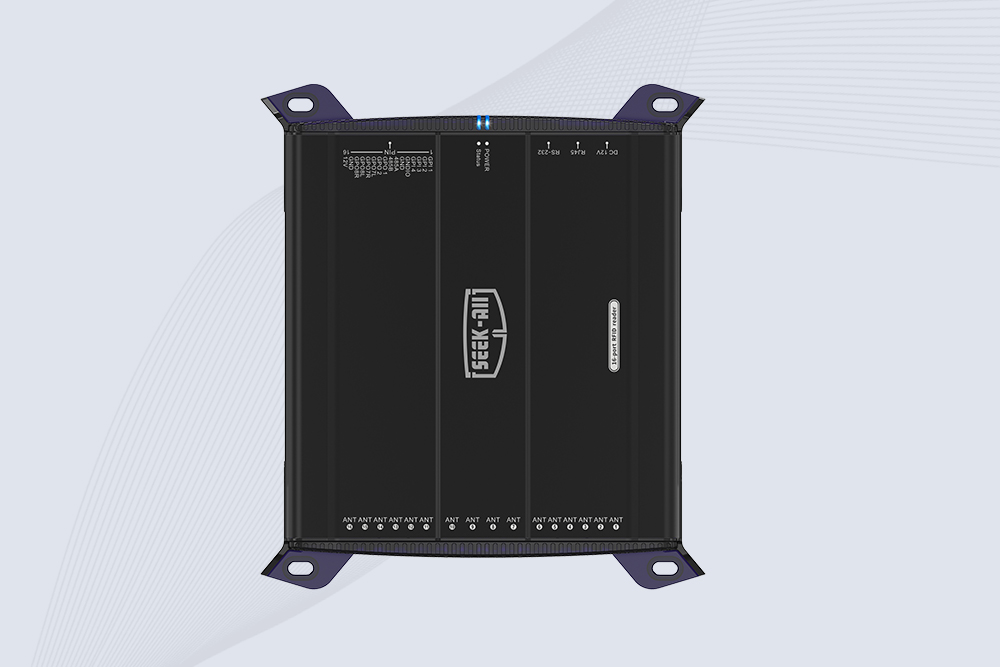
SSD-R16L Multi-Channel RFID Infrastructure for Automated Inventory Management ✔️ 16-Port High-Density RFID Reading Equipped with 16 SMA antenna ports, SSD-R16L supports multi-antenna deployment for warehouses, retail stores, logistics, production lines, and large-area RFID identification. ✔️ High-Speed & Long-Range Performance With up to 33…
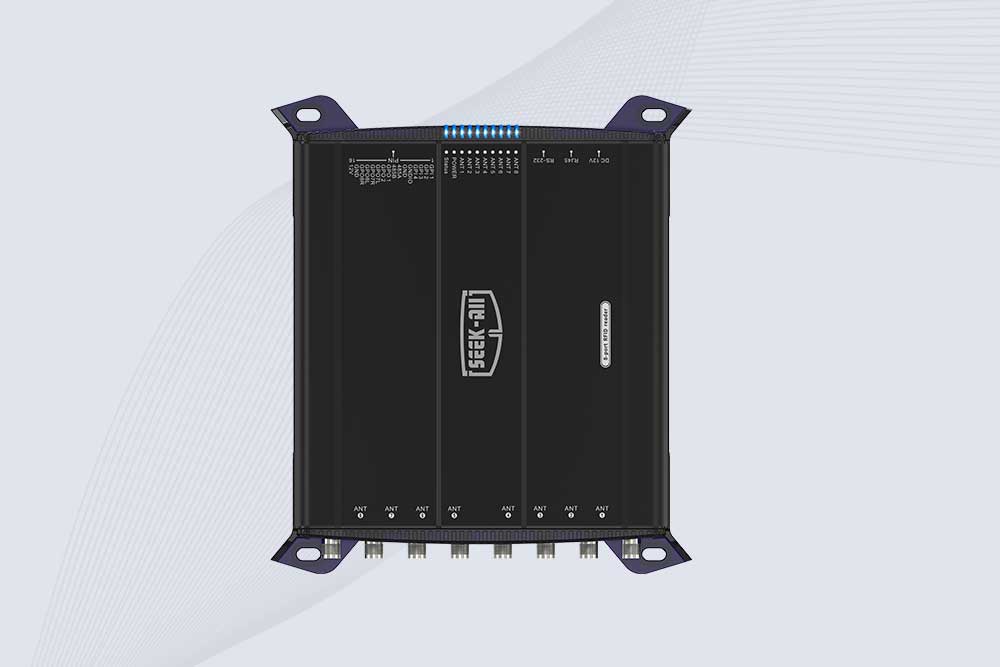
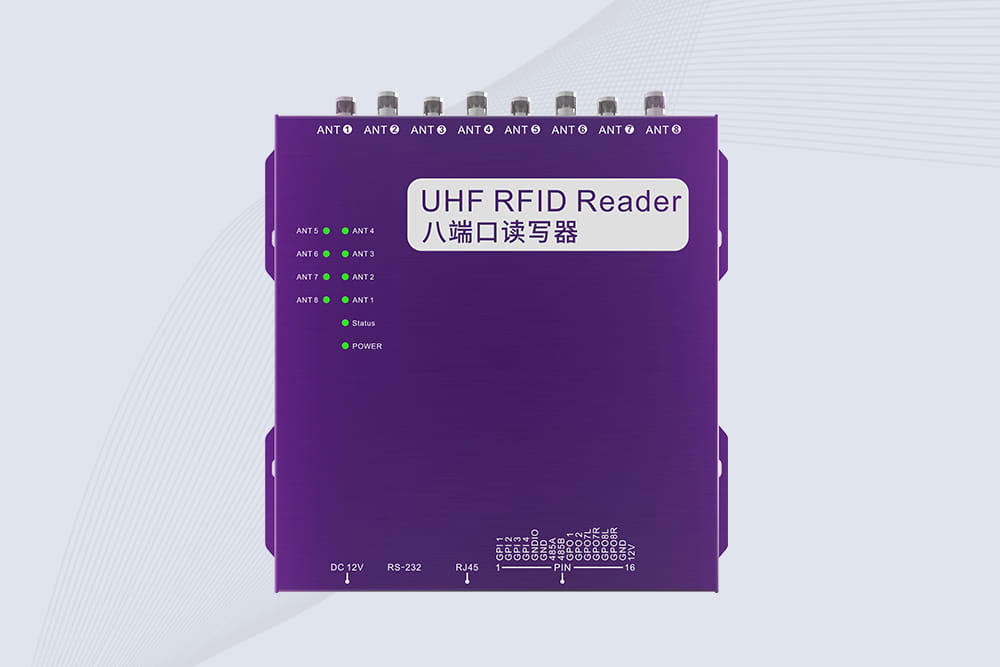
SSD-R8L 8-port UHF RFID reader with 33dBm output, up to 20m reading range and 600+ tags/s recognition. Ideal for warehouse, logistics, retail and asset tracking.
CYKEO CYKEO-D1LA USB RFID Reader is a compact desktop solution with near-field control for precise tag reading and encoding. Powered by USB, supporting ISO 18000-6C, and built for stable batch writing, this usb rfid tag reader fits retail, libraries, offices, and controlled RFID encoding tasks.
CYKEO CYKEO-D1L RFID scanner USB is a compact desktop UHF RFID scanner designed for short-range tag writing and verification. This usb rfid scanner supports batch encoding, stable 0–26 dBm output, and works across Windows, Linux, and Android systems.
CYKEO CYKEO-D1C USB RFID Card Reader is a near-field UHF desktop writer designed for secure, short-range tag encoding. With USB-C connectivity and stable 26 dBm output, this rfid reader usb c is ideal for badge issuance, label encoding, and controlled desktop RFID workflows.
CYKEO CYKEO-D2L RFID Reader USB is a compact desktop encoder built on the Impinj R500 chip. With near-field control and stable USB power, this usb rfid card reader delivers precise tag writing for offices, retail counters, and small-scale logistics encoding tasks.
CYKEO CYKEO-D3L USB RFID Tag Reader delivers stable UHF tag reading and writing for daily desktop and light industrial tasks. Designed for controlled short-range operation, this USB RFID Tag Reader works reliably with rfid tag and reader systems in libraries, tool tracking, and inventory registration.
The CYKEO CYKEO-D4L UHF RFID Tag Reader is a stable Desktop RFID Reader designed for accurate tag registration, borrowing, and return workflows. Built with the Impinj R2000 chip, this UHF RFID Tag Reader delivers controlled short-range reads for libraries, asset tracking, and inventory management environments.
The CYKEO CYKEO-D5L Desktop RFID Card Reader is a stable UHF RFID Card Reader designed for controlled short-range reading and writing. Built for libraries, tool rooms, and asset desks, this UHF RFID Card Reader supports dense tag handling, secure data processing, and easy USB integration.
The CYKEO CYKEO-D6L RFID Reader Writer is a heavy-duty Desktop RFID Reader designed for short-range, high-accuracy tag programming. Built for libraries, labs, and asset desks, this RFID Reader Writer supports batch processing, stable 33dBm output, and seamless integration with existing management systems.
Cykeo CYKEO-D8A embedded RFID badge reader offers 30+ tags/sec scanning, 20cm anti-crosstalk precision, and DC 12V power for unmanned stores, warehouses, and smart inventory systems.
Cykeo’s CYKEO-D8C UHF RFID gate reader achieves 200-tag/batch scanning with adjustable power control, ideal for retail inventory and smart warehouse management.
Cykeo CYKEO-C1 industrial Forklift RFID Reader features 20m read range, 600 tags/sec scanning, Impinj R2000 chipset, and IP67 rugged design. Ideal for warehouse logistics and manufacturing. Supports ISO 18000-6C/6B protocols.
Cykeo CYKEO-R4 industrial UHF RFID Fixed Reader features 4 TNC ports, 400+ tags/sec speed, IP67 housing, and global frequency compliance for vehicle inspection, smart warehouse, and asset management systems.
CYKEO CYKEO-R8L Fixed RFID Reader with 8-port UHF design, Impinj-based RF core and up to 20m read range. An industrial Fixed RFID Reader for vehicle inspection, warehouse portals, smart manufacturing lines and secure access checkpoints.
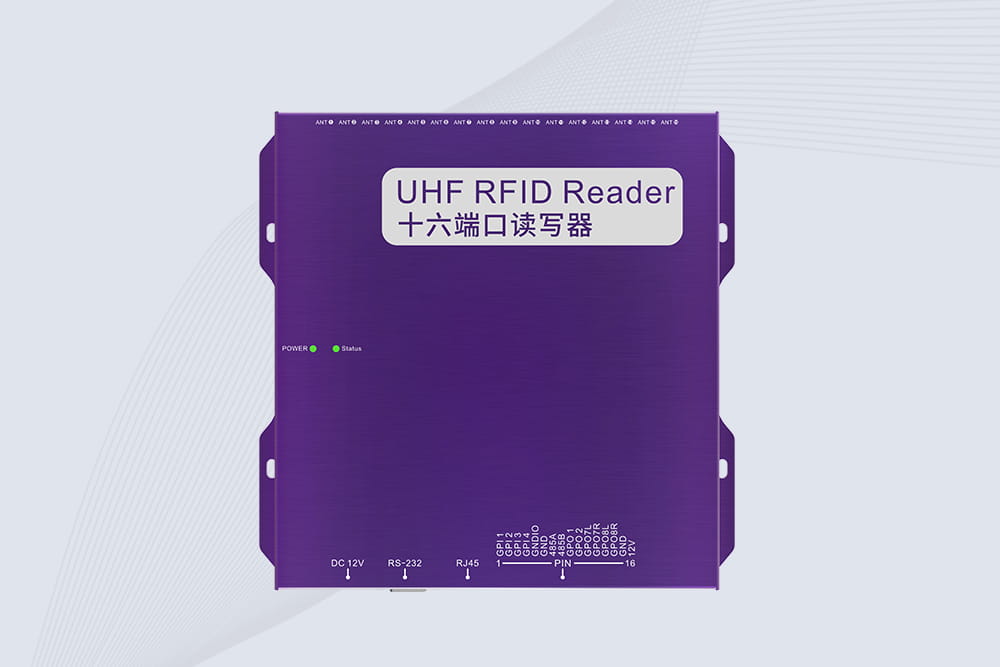
RFID Fixed Reader from CYKEO – the CYKEO-R16L 16-port UHF fixed reader for warehouses, smart cabinets, and production lines. Long-range, multi-tag reading, stable performance for 24/7 industrial use.
Learn how RFID is used in retail for inventory tracking, faster checkout, theft prevention, warehouse management, and smart retail automation. Discover real retail RFID applications and benefits for modern stores.
Learn how to build a supply chain using RFID for tracking with smart identification, real-time visibility, and automated logistics management powered by Cykeo RFID solutions.
Discover how RFID laundry tracking systems help hotels, hospitals, industrial laundries, and uniform rental companies reduce linen loss, improve inventory accuracy, automate sorting, and gain real-time visibility across the entire textile lifecycle.
Learn how to use RFID tags on metal surfaces. Explore industrial metal RFID tags, placement tips, durability, read range, and how to track tools, equipment, and metal assets reliably.
 Cykeo RFID IoT Solution Products R&D Manufacturer