 Cykeo RFID IoT Solution Products R&D Manufacturer
How Does RFID Technology Revolutionize Warehouse Management? Cykeo UHF RFID Solution Helps Boost Efficiency
568Cykeo UHF RFID Solution Helps Warehouse Management Boost Efficiency
MoreAll RFID Product
To find an RFID number, use a compatible RFID reader to scan the tag and inspect its EPC or TID data. For UHF RFID, the EPC normally identifies the tagged object, while TID identifies information about the RFID chip itself. Read the returned value through reader software or an RFID application.
The phrase “RFID number” causes confusion in real projects because an RFID tag can expose more than one identifier.
When an operator places a tag on a desktop reader, the software may display an EPC, TID, or other memory-bank information. These values are not interchangeable.
GS1 explains that EPC memory contains the Electronic Product Code, which identifies the object associated with the tag. TID memory, by contrast, describes the RFID tag itself and can contain manufacturer and model information.
That distinction is the first thing I check when troubleshooting an RFID registration system.
There is no single universal field officially called the “RFID number.”
In a UHF RAIN RFID tag, the most relevant values are usually:
| Identifier | What it represents | Typical purpose |
|---|---|---|
| EPC | Tagged object identity | Inventory and asset identification |
| TID | RFID chip identity | Tag/chip identification |
| User Memory | Optional application data | Additional item information |
| Access Password | Tag access control | Memory protection |
| Kill Password | Permanent tag deactivation | Security control |
GS1 states that RAIN RFID tag memory is divided into four logical memory banks: Reserved, EPC, TID, and User Memory.
For ordinary asset tracking, the EPC is usually the number people mean when they ask, “What is the RFID number?”
For tag diagnostics, however, the TID may be more useful.
First determine what kind of RFID tag you are dealing with.
A UHF RFID reader cannot simply be assumed to work with every RFID technology. RFID systems operate across different frequency ranges and protocols.
GS1 identifies UHF EPC/RFID as a UHF technology operating within the 860–960 MHz range under the relevant Gen2 UHF RFID framework. HF EPC/RFID operates at 13.56 MHz.
For the Cykeo desktop platform described for tag administration, the relevant application is UHF RFID.
For a workstation environment, positioning matters.
Cykeo’s UHF RFID desktop reading platform uses a near-field antenna, with the effective reading range controlled to approximately 30 cm and the writing range controlled to approximately 10 cm.
This is useful when an administrator wants to identify one physical tag without accidentally collecting tags elsewhere on the desk.
The workflow is simple:
For most UHF item-identification applications, start with the EPC.
GS1 describes the EPC as the bridge between GS1 identifiers and RAIN RFID. It allows identifiers such as GTINs to be serialized for applications involving visibility and traceability.
The important word here is serialized.
Two products may share the same GTIN because they are the same product type, but individual RFID-tagged objects can have different serial numbers within their EPC representation.
That is why an RFID inventory system can distinguish individual items rather than simply recognizing a product category.
GS1’s current standards repository lists EPC Tag Data Standard 2.3.0, which defines EPC and the memory contents of Gen2 RFID tags.
TID is different.
GS1 defines TID memory as information describing the RFID tag itself rather than the physical object to which the tag is attached. It can contain information associated with the tag manufacturer, tag model, and serialized tag identification.
This makes TID especially useful when the question is:
“Which physical RFID chip is this?”
rather than:
“Which asset does this RFID tag represent?”
That distinction becomes important during tag replacement, quality checks, commissioning, and troubleshooting.
A library administrator may care primarily about the EPC because it links the RFID tag to a book record. An RFID engineer investigating an unexpected tag may inspect the TID to understand the tag itself.
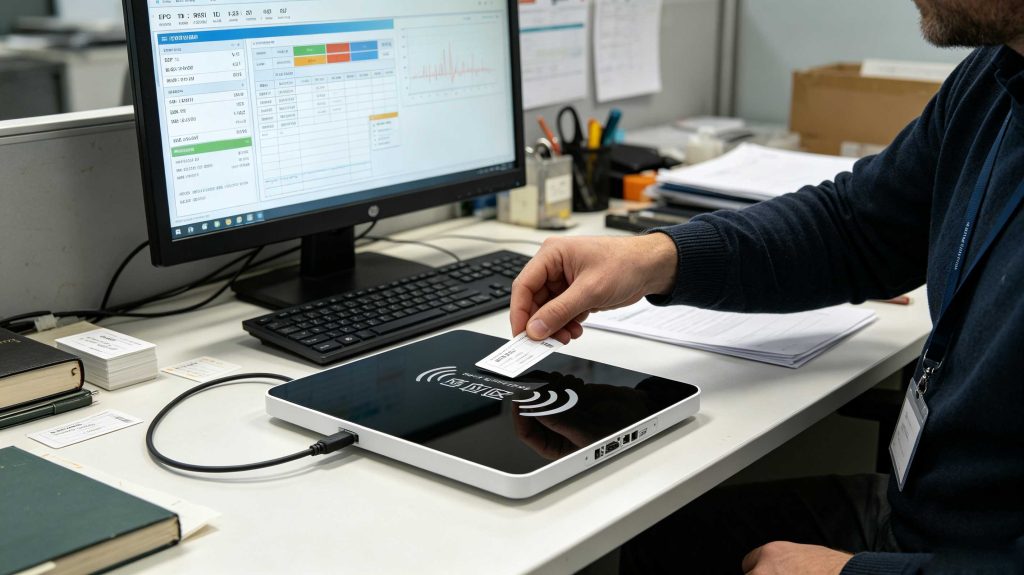
A tag can expose several different data elements, but that does not mean every value should be treated as an item number.
GS1 notes that a typical RAIN RFID tag carries no more than 8 KB of data, while simple “license plate” tags may use only 96-bit or 128-bit unique identifiers.
For many inventory applications, that is more than enough.
A practical database might therefore look like:
| RFID data | Management-system record |
|---|---|
| EPC | Asset ID 0004821 |
| TID | Tag/chip reference |
| Item name | Cordless drill |
| Location | Tool Room A |
| Status | Available |
| Registration date | Application timestamp |
The RFID tag does not need to store the entire asset history. Its identifier can act as the connection between the physical object and the database.
A barcode is normally presented visually and requires an optical reader to capture the printed symbol.
RFID communicates electronically between the tag and reader.
More importantly, an EPC is not simply a barcode copied into a chip. GS1’s architecture specifies encoding and decoding procedures that convert EPC data between its binary representation on the RFID tag and standardized data representations.
So when someone says, “I need to find the RFID number,” the first technical question should be:
Do you need the EPC that identifies the item, or the TID that identifies the RFID tag?
That one distinction prevents a surprising number of registration errors.
That is normal in some reader interfaces.
A reader may report multiple tags, multiple memory banks, or repeated observations of the same tag.
Cykeo’s desktop RFID platform supports:
The near-field design is particularly relevant to tag registration because the effective read zone is controlled to approximately 30 cm rather than being optimized for long-distance inventory.
In a desk-based environment, less RF coverage can sometimes produce better data discipline.
That is a practical observation I have found more useful than simply comparing maximum reader range.
Need the item identifier? Check the EPC.
Need information identifying the RFID chip? Check the TID.
Need additional application information? Check User Memory, if the tag supports it.
Need to identify one tag at a workstation? Use a controlled near-field reading area.
Need to validate the result? Read the tag again and compare the returned value with the registered database record.
Finding one RFID number is easy when one tag is on the reader. The situation changes when several tags are inside the RF field.
The reader may return multiple EPC values, and the same tag may appear repeatedly during inventory. In this situation, the objective is to identify the correct tag, not simply collect every number the reader reports.
For a controlled workstation, use:
Cykeo’s UHF RFID desktop reading platform uses a near-field antenna with an effective reading range controlled within approximately 30 cm, while the writing range is controlled within approximately 10 cm. This makes it suitable for administrative environments where the operator needs to work with an individual tag rather than scan an entire room.
The EPC and TID should not be treated as two versions of the same number.
GS1 identifies EPC memory as the location containing the Electronic Product Code associated with the physical object. TID memory contains information about the RFID tag itself, including information that can identify the chip manufacturer and model.
A useful distinction is:
| If you want to know… | Check… |
|---|---|
| Which asset does this tag represent? | EPC |
| Which RFID chip is this? | TID |
| What additional application data is stored? | User Memory |
| Is the tag access protected? | Reserved Memory |
The current GS1 Gen2 UHF specification explicitly defines the four logical memory banks as Reserved, EPC, TID, and User. Its current version is 3.0.1, last modified February 26, 2026.
That gives engineers a much cleaner vocabulary when diagnosing RFID data.
Different reader applications use different screen layouts, but the underlying process is similar.
Start the reader’s inventory function and inspect the returned tag record. Look for fields such as:
If the application only displays an EPC, that may be sufficient for normal asset identification.
If the purpose is tag inspection or authentication, retrieve the TID as well when the reader and tag support the required operation.
GS1 notes that the TID memory identifies characteristics of the tag itself, while a serialized TID can provide a unique tag serial number under the applicable Gen2 requirements.
A missing RFID number does not automatically mean the tag is defective.
Check the physical setup first.
UHF RFID performance can change substantially when the tag is rotated relative to the antenna.
Try several orientations instead of repeatedly scanning from the same position.
A tag attached directly to metal, surrounded by liquid, or compressed tightly against another RFID tag may behave differently from a loose sample.
For tool management, this is particularly important. A tag that works perfectly on a desk may perform differently once installed on a steel tool.
Move the tag toward the reader gradually.
With a desktop near-field system, do not assume that placing the tag farther away will produce better results. The purpose of the controlled reading area is deliberate identification.
Confirm:
If the reader sees other tags but not the target tag, the problem is more likely to involve tag condition, mounting, orientation, or compatibility than a completely inactive reader.
Yes. RSSI can help estimate relative signal strength and assist with locating a tag, but it should not be treated as a precise distance measurement.
Cykeo’s desktop platform supports RSSI, allowing the application to expose signal-strength information during tag detection.
In a practical search, an operator can move the reader or tag and observe how the signal changes. A stronger signal can help indicate that the tag is in a more favorable RF position.
But RSSI is influenced by more than distance. Antenna characteristics, tag orientation, reflections, nearby materials, reader settings, and the RF environment can all affect the reported value.
So I use RSSI as a directional clue, not a tape measure.
When hundreds or thousands of tags are involved, manually searching for an RFID number becomes inefficient.
The better approach is to build the RFID number into the application’s data model.
For example:
EPC → Asset ID → Location → Status → Event History
An EPC can act as the unique reference connecting the physical tag with the management database. GS1 explains that EPC can be used as a pointer to additional information stored in a database rather than forcing the complete business record onto the tag.
This is particularly useful for:
The tag remains small and simple. The database handles the history.
There is an important engineering advantage in retaining both identifiers.
The EPC can identify the object, while the TID can identify the tag or chip.
GS1 specifically notes that RAIN RFID’s chip-specific TID can be linked with a user-programmable EPC, helping distinguish legitimate tags from improperly duplicated EPC values.
This creates a useful relationship:
Physical Item → EPC → Database Record
and, where required:
RFID Chip → TID → EPC → Database Record
For high-value assets or controlled registration environments, maintaining this relationship can make later troubleshooting much easier.
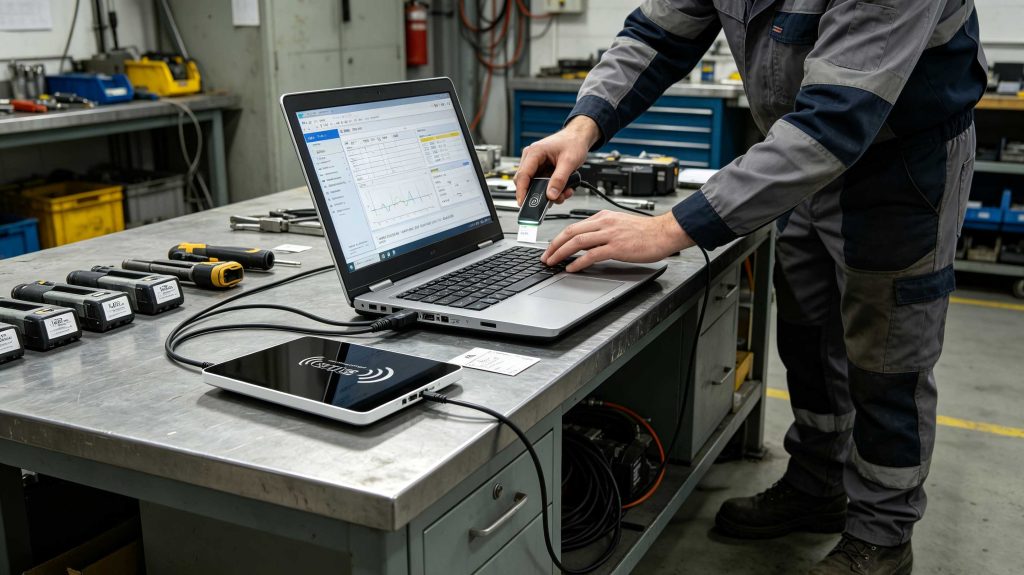
An EPC can be writable or locked depending on the tag’s memory configuration and security settings.
GS1 explains that RAIN RFID tags can use password-protected lock mechanisms to protect memory from unauthorized writing. EPC memory can be locked against overwriting while remaining readable, while permanent lock states can also be applied.
Therefore, if an RFID number suddenly appears different, check the database history before rewriting the tag.
A controlled investigation should compare:
This approach is much safer than immediately writing a new number.
| Problem | Likely area to inspect | Practical action |
|---|---|---|
| No RFID number appears | Reader/tag communication | Check protocol, power, orientation |
| Multiple numbers appear | Reading zone | Isolate target tag |
| EPC appears but TID does not | Reader/tag operation | Check TID read support |
| Tag reads intermittently | RF environment | Test orientation and mounting |
| Wrong EPC appears | Database/tag association | Compare EPC with item record |
| RSSI changes significantly | RF position | Reposition tag and antenna |
| EPC cannot be rewritten | Memory protection | Check lock/access status |
| Tag works loose but fails installed | Mounting material | Test ta |
Usually, when an RFID application asks for the number identifying an item, the EPC is the relevant value. However, “RFID number” is not a formal universal field name, so confirm whether the application requires EPC, TID, or another identifier.
No. EPC identifies the object associated with the tag, while TID contains information about the RFID tag itself.
For a passive UHF RFID tag, you normally need a compatible RFID reader or another RFID-enabled device to retrieve the electronic identifier. A printed label may provide a human-readable reference, but that is not the same as reading the RFID memory.
It depends on the RFID technology and the phone’s hardware. A typical smartphone’s NFC capability is not equivalent to a UHF RFID reader. UHF EPC/RFID requires compatible radio hardware.
They can be configured with the same EPC, but doing so can undermine item-level identification. GS1’s EPC approach supports serialized identifiers so individual tagged objects can be distinguished.
Yes. A UHF tag can contain EPC information, TID information, and optionally User Memory. GS1 describes these as separate logical memory banks.
Use a compatible reader and, where available, RSSI information to help narrow the search. Change the reader/tag position and monitor signal behavior rather than interpreting RSSI as an exact distance measurement.
At Cykeo, the useful question is rarely just “Can the reader see the tag?”
The more important question is whether the system can identify the correct tag, associate it with the correct object, and preserve that relationship in the management system.
Cykeo’s UHF RFID desktop reading platform is designed for tag administrators handling registration and daily management tasks. Its USB interface, near-field antenna, controlled read/write area, multi-tag recognition, tag-data filtering and RSSI support make it suited to environments such as library registration, tool entry, linen management, and RFID tag conversion.
For a single tag, the process may take only a moment:
Detect → read EPC/TID → identify → verify → register.
For thousands of tags, the same principle becomes a data-management discipline.
GS1’s EPCIS standard treats RFID-related visibility as events associated with real-world objects, recording information such as what happened, when, where, and in what business context. That is the point where an RFID number stops being merely a hexadecimal string and becomes an operational identifier.
How to find RFID number depends on what the application means by “number.” For item identification, start with the EPC. For chip-level identification and diagnostics, inspect the TID. Use a compatible UHF RFID reader, control the reading zone, verify the returned data, and connect the identifier to the correct database record.
That distinction—object identity versus tag identity—is the detail worth getting right before building the rest of an RFID registration workflow.
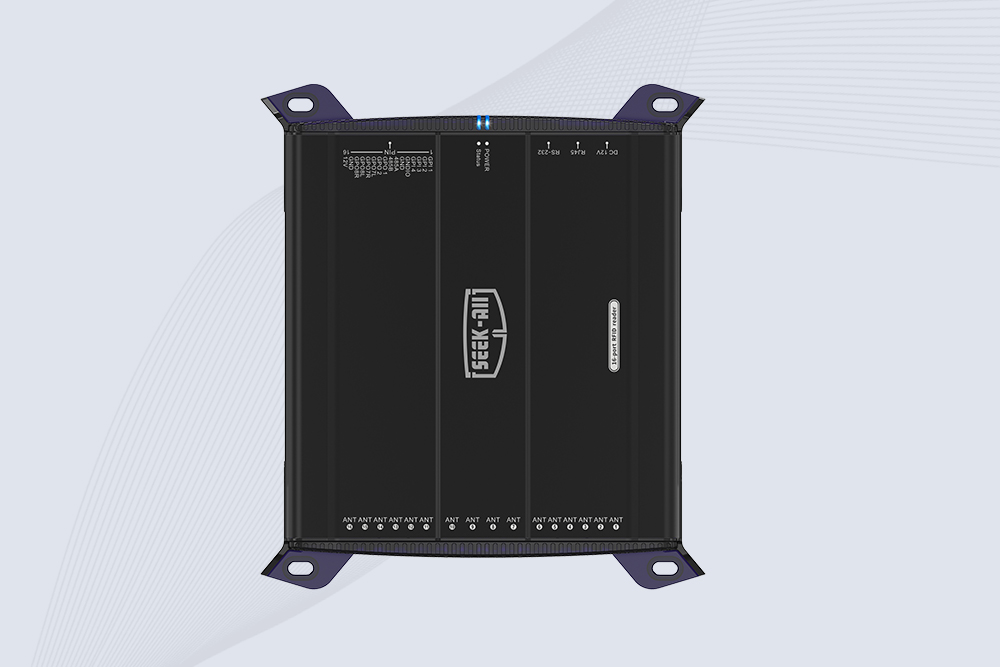
SSD-R16L Multi-Channel RFID Infrastructure for Automated Inventory Management ✔️ 16-Port High-Density RFID Reading Equipped with 16 SMA antenna ports, SSD-R16L supports multi-antenna deployment for warehouses, retail stores, logistics, production lines, and large-area RFID identification. ✔️ High-Speed & Long-Range Performance With up to 33…
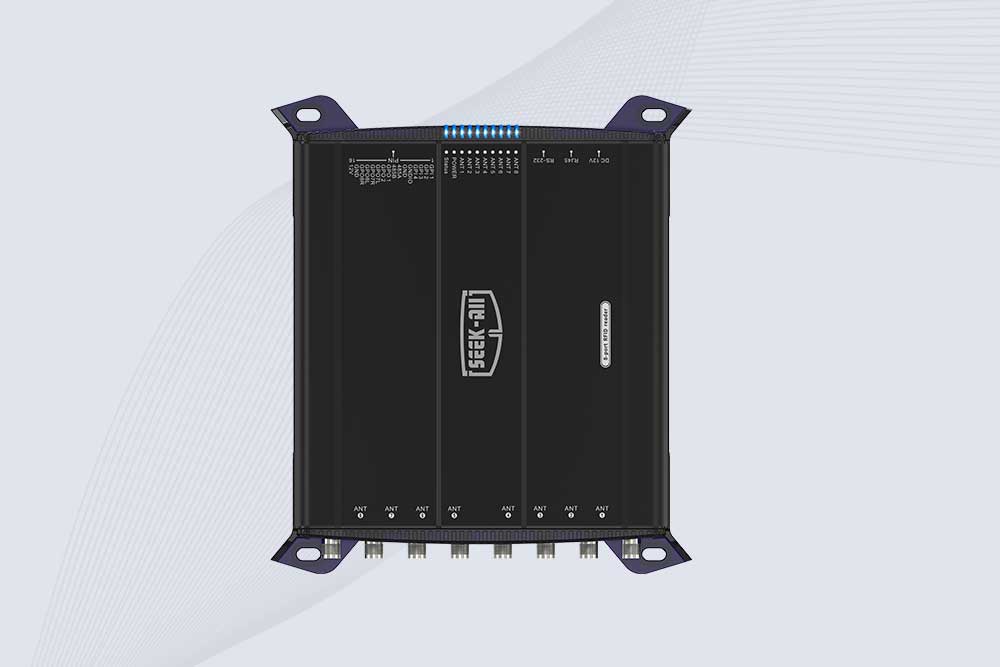
SSD-R8L 8-port UHF RFID reader with 33dBm output, up to 20m reading range and 600+ tags/s recognition. Ideal for warehouse, logistics, retail and asset tracking.
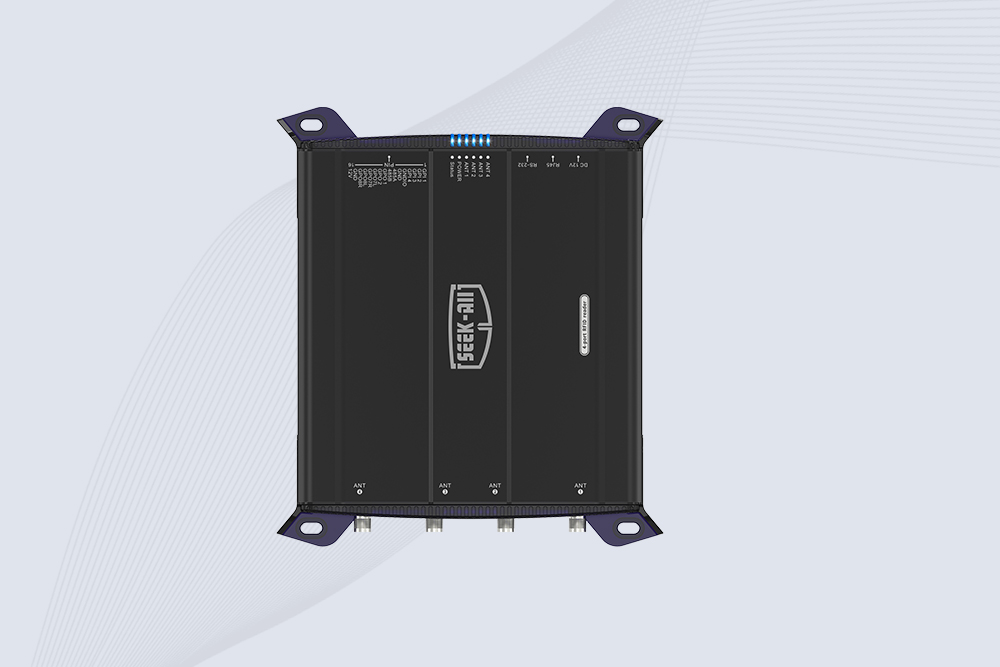
SSD-R4L is a 4-port UHF RFID fixed reader with 33dBm output power, up to 20m reading range, EPC C1G2 support and 600+ tags/s reading speed.
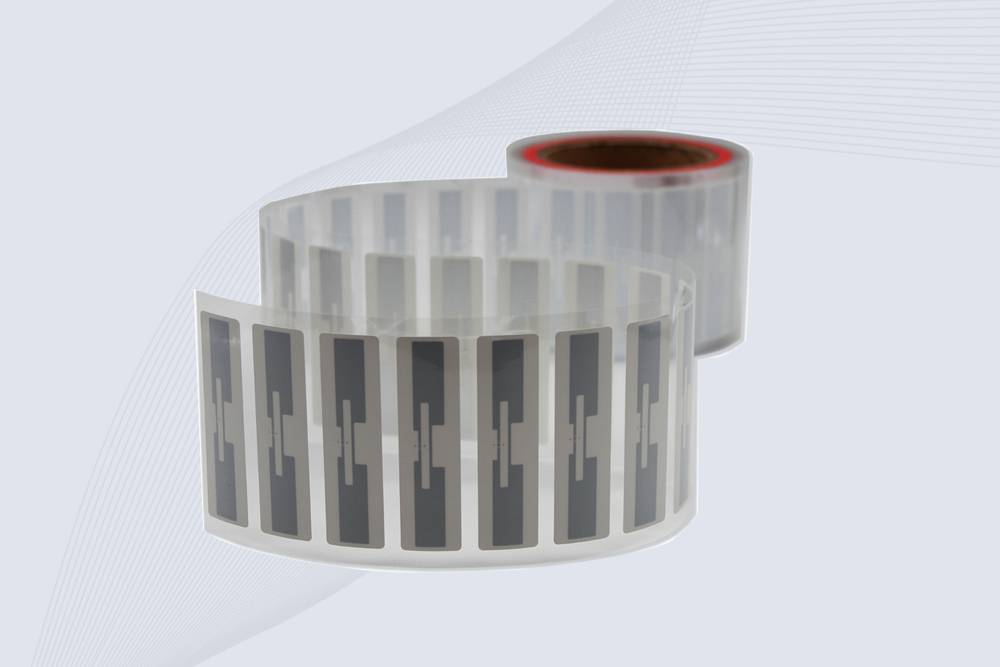
CYKEO Passive RFID Tags are made for wet and high-humidity environments where standard labels do not last. This rfid passive tag is often used around liquids, chemicals and temperature changes, providing stable reading distance and long data life for industrial tracking.
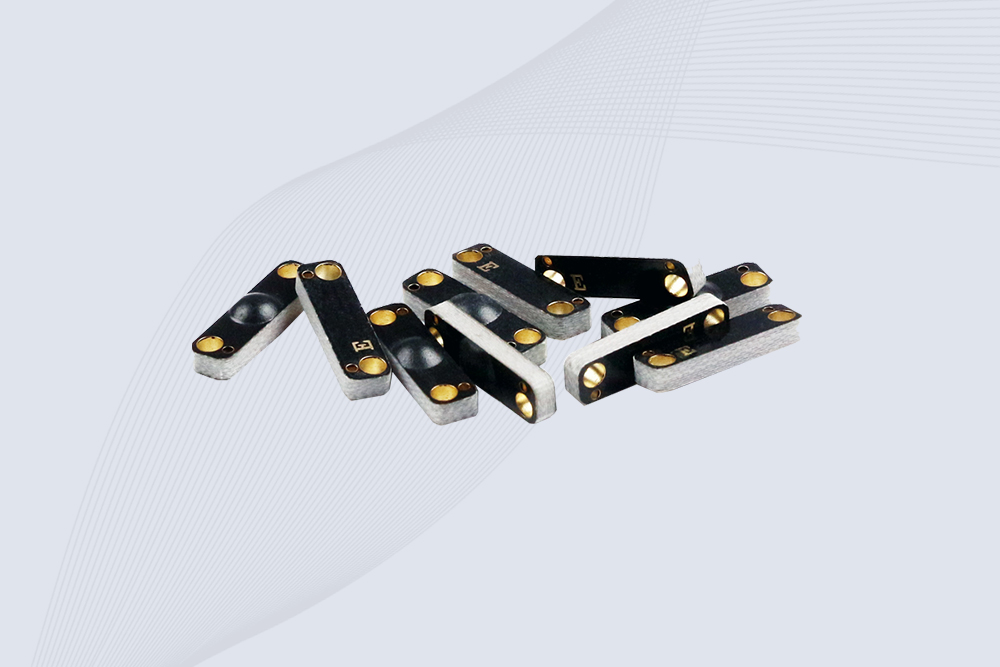
CYKEO CYKEO-PCB1504 Metal RFID Tags is a compact anti-metal UHF RFID solution built for direct mounting on metal surfaces. With stable 8-meter read range, Ucode-8 chip, and long data retention, this rfid metal tag fits tools, containers, automotive parts, and industrial asset tracking.
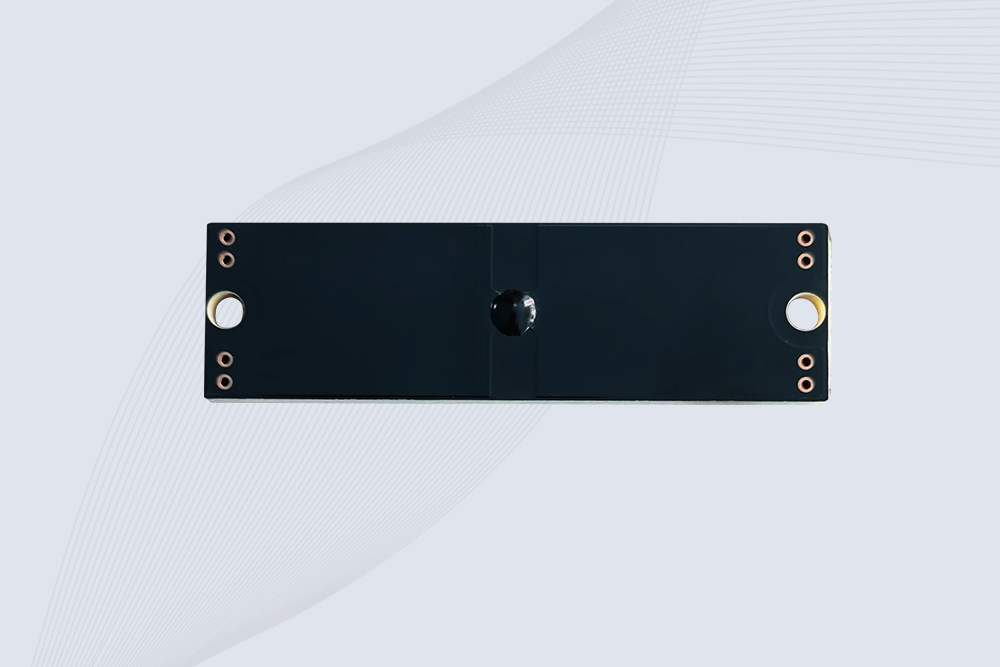
CYKEO CYKEO-PCB7020 On-Metal RFID Tags are designed for reliable tracking on steel and metal surfaces. Built with an FR4 epoxy body and industrial-grade chips, these On-Metal RFID Tags deliver stable performance, long data life, and chemical resistance, making them a dependable RFID anti-metal tag for harsh environments.
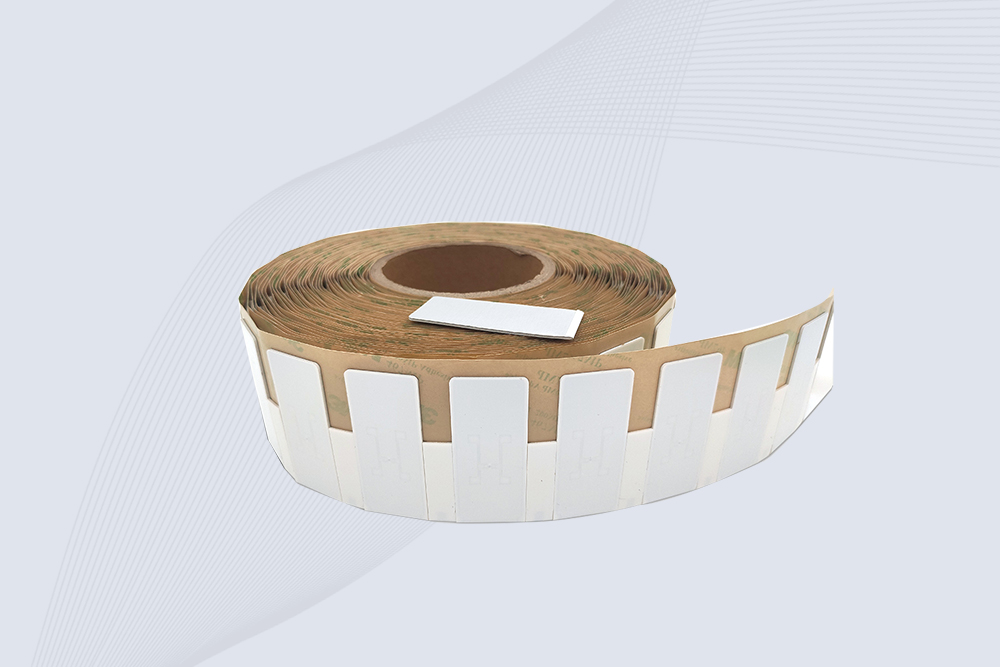
The CYKEO CYKEO-60-25 Anti-Metal RFID Tag is built for metal surfaces where standard tags fail. Designed for long-range performance, harsh environments, and stable data retention, this Anti-Metal RFID Tag is ideal for industrial assets, containers, and equipment tracking using on metal RFID tags.
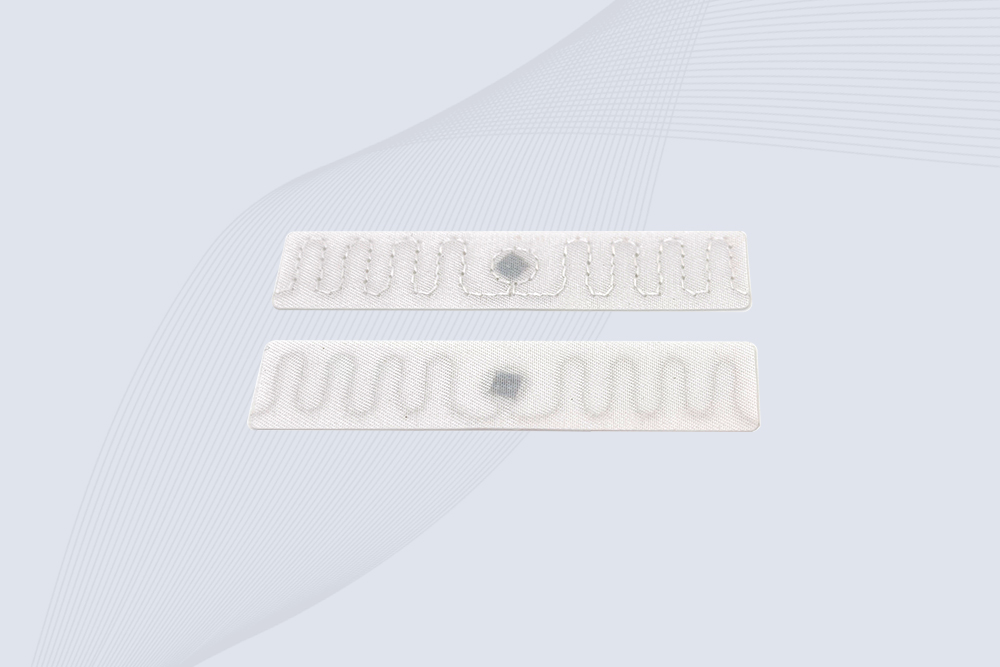
The CYKEO RFID Laundry Tag is designed for long-term textile identification in harsh laundry environments. Built to withstand high heat, chemicals, and repeated washing, this RFID Laundry Tag delivers stable performance for hotels, hospitals, and industrial laundry operations using laundry rfid tags at scale.
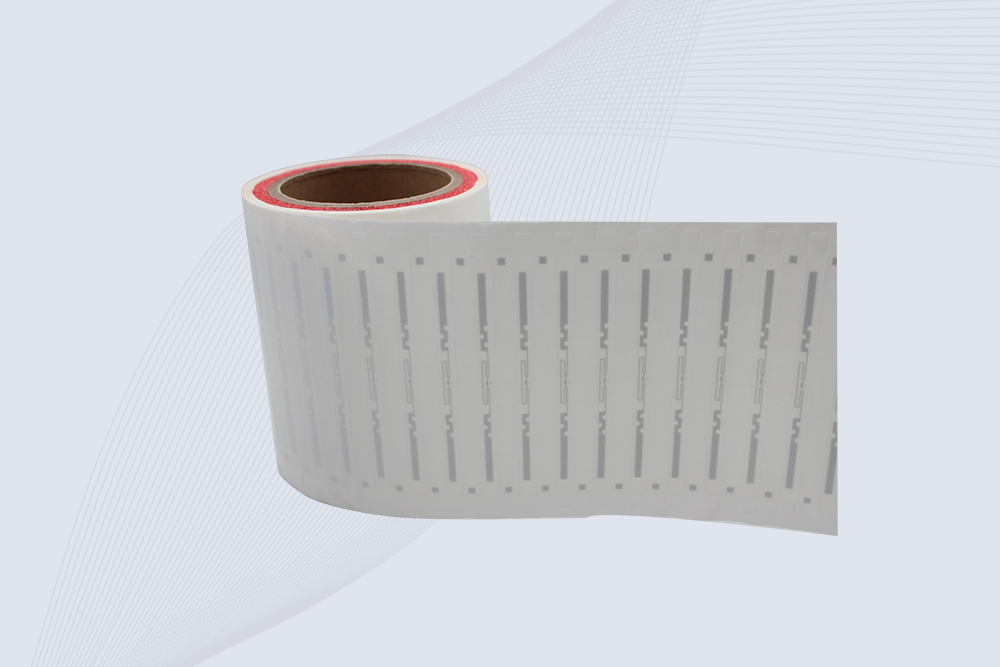
The CYKEO CYKEO-125-7 RFID Book Tag is designed for reliable book and document tracking in libraries and archives. This RFID Book Tag delivers long read range, dense placement support, and stable performance on shelves, making it a practical rfid tag on books for library automation, file management, and archival systems.
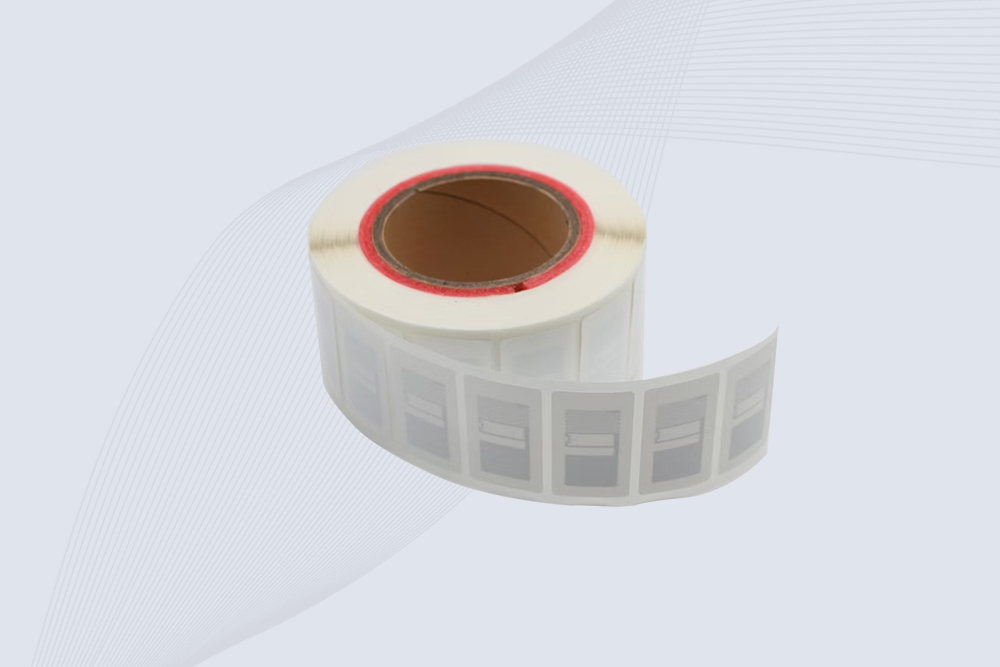
CYKEO RFID tags in hospitals are designed for sterile environments where accuracy matters. These autoclavable RFID tags support long-term tracking of surgical tools, implants, and medications, helping hospitals improve visibility, compliance, and patient safety.

CYKEO RFID Cable Tie Tag is built for reliable identification on metal surfaces. This UHF RFID Cable Tie Tag is widely used in rfid tags for inventory systems, industrial asset management and Hospital RFID Tags, offering stable read performance, long service life and global EPC Gen2 compatibility.
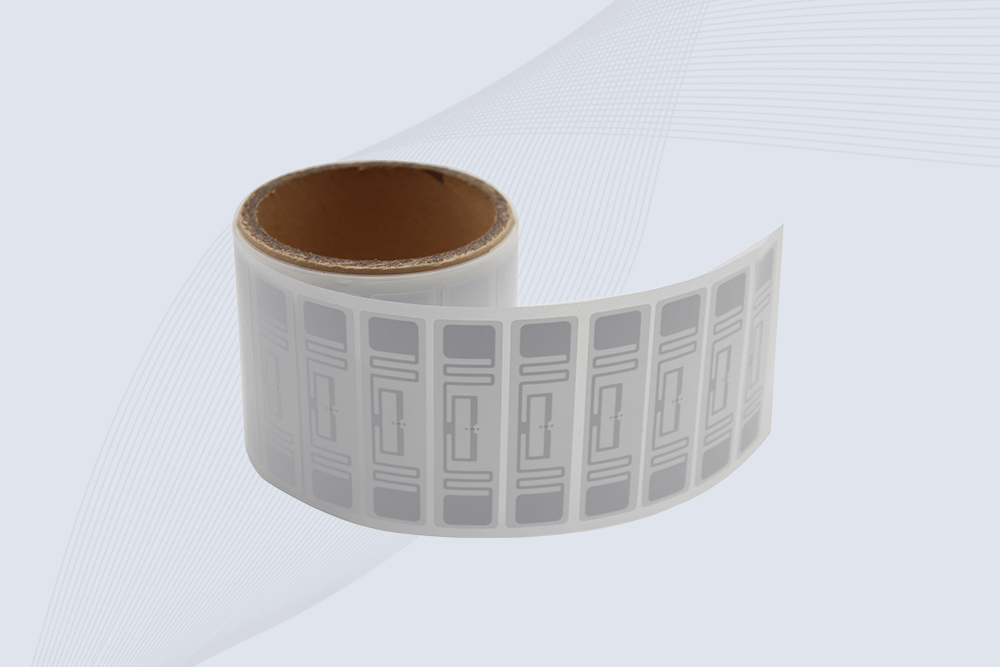
CYKEO RFID Asset Tag is designed for stable identification of metal assets in industrial environments. This UHF RFID Asset Tag is commonly used for rfid tag asset tracking on equipment, tools and containers, providing reliable reads, long service life and ISO/IEC 18000-6C support.

CYKEO UHF RFID Card is designed for fast identification and long-term use in industrial and commercial systems. Supporting ISO 18000-6C, this UHF RFID Card works at 860–960 MHz and is suitable for custom RFID cards used in asset tracking, access control and inventory management.
CYKEO HF RFID Cards are designed for secure and stable access control systems. These 13.56 MHz RFID key cards support ISO 14443-A, reliable rewriting and long service life, making HF RFID Cards suitable for offices, campuses, events and membership management.
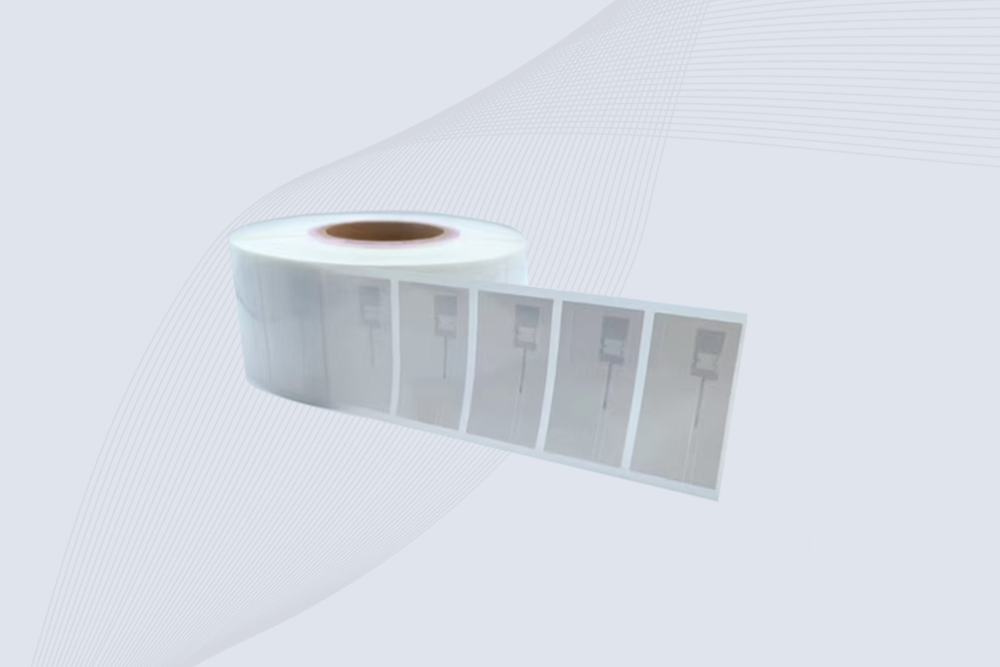
CYKEO UHF RFID Tag is designed for reliable tracking of metal jewelry and high-value items. This Jewelry RFID Tag supports long-range reading up to 8 meters, anti-counterfeit protection and stable performance on metal, making it suitable for retail, inventory control and asset management.
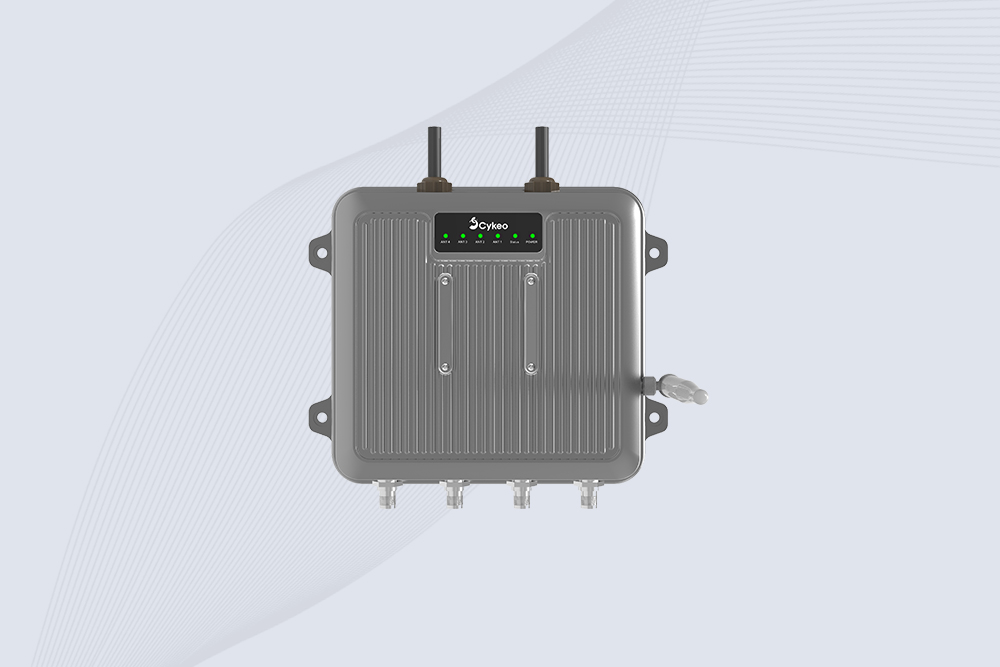
Cykeo CYKEO-C1 industrial Forklift RFID Reader features 20m read range, 600 tags/sec scanning, Impinj R2000 chipset, and IP67 rugged design. Ideal for warehouse logistics and manufacturing. Supports ISO 18000-6C/6B protocols.
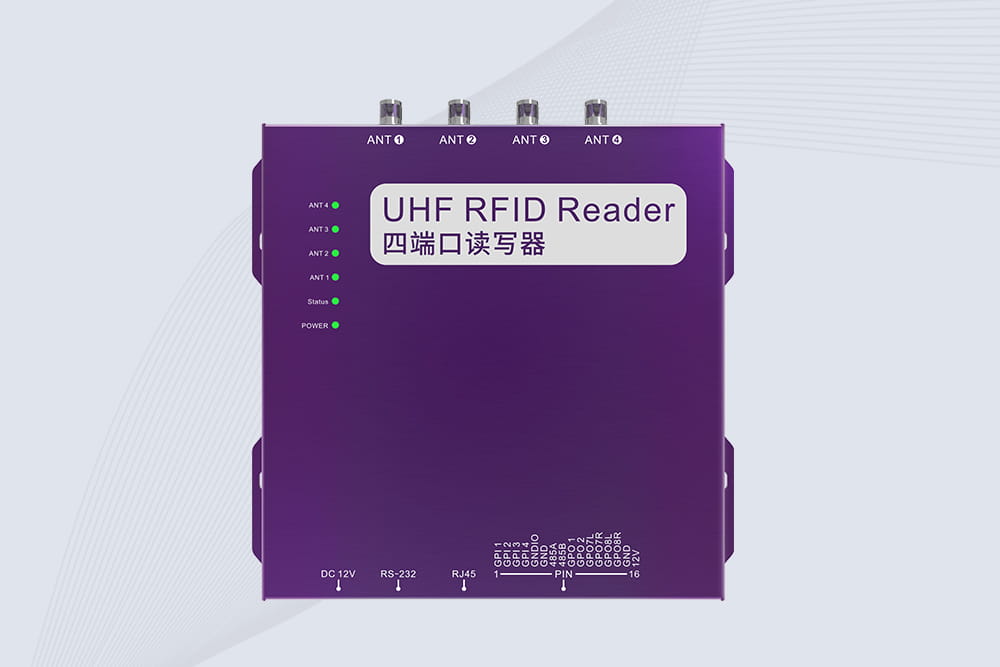
Cykeo CYKEO-R4 industrial UHF RFID Fixed Reader features 4 TNC ports, 400+ tags/sec speed, IP67 housing, and global frequency compliance for vehicle inspection, smart warehouse, and asset management systems.
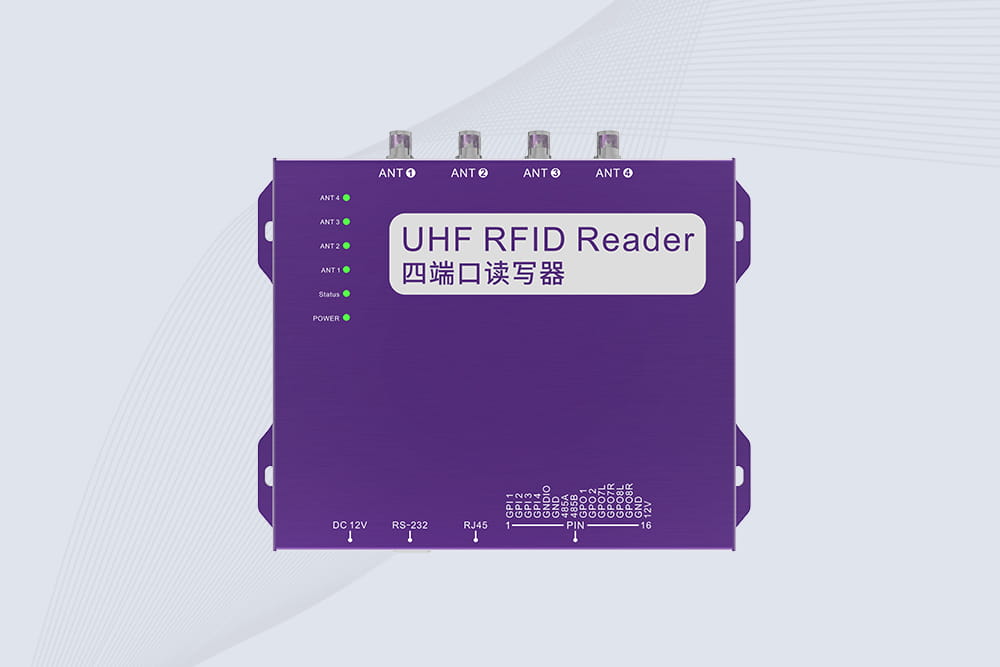
Cykeo’s CYKEO-R4L 4-port Fixed UHF RFID Reader delivers 400 tags/sec scanning, ISO 18000-6C compliance, and IP65 protection. Ideal for warehouse automation, manufacturing WIP tracking, and logistics management.
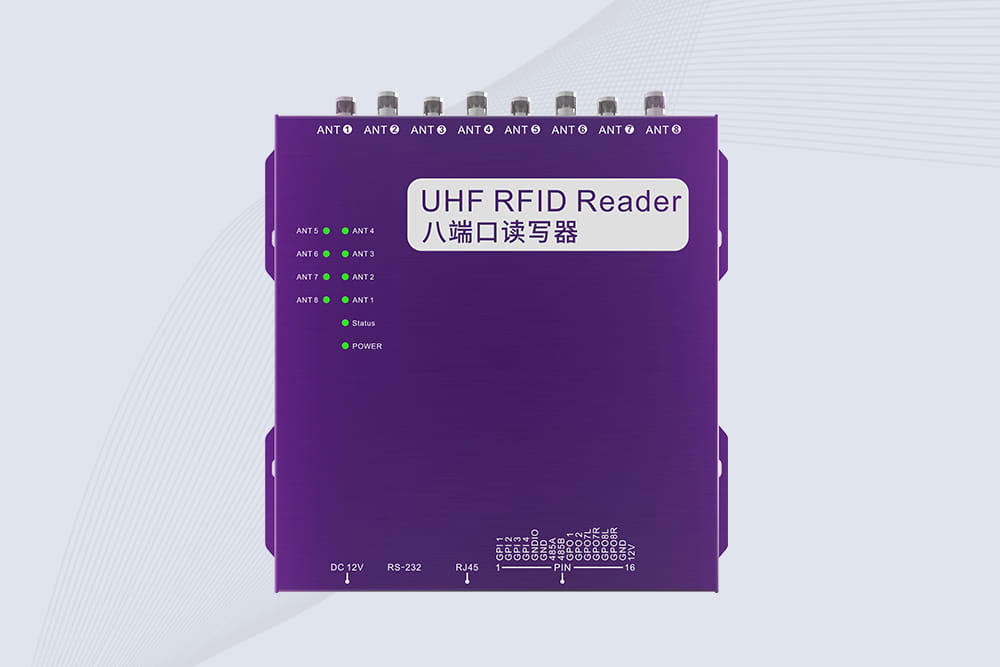
CYKEO CYKEO-R8L Fixed RFID Reader with 8-port UHF design, Impinj-based RF core and up to 20m read range. An industrial Fixed RFID Reader for vehicle inspection, warehouse portals, smart manufacturing lines and secure access checkpoints.
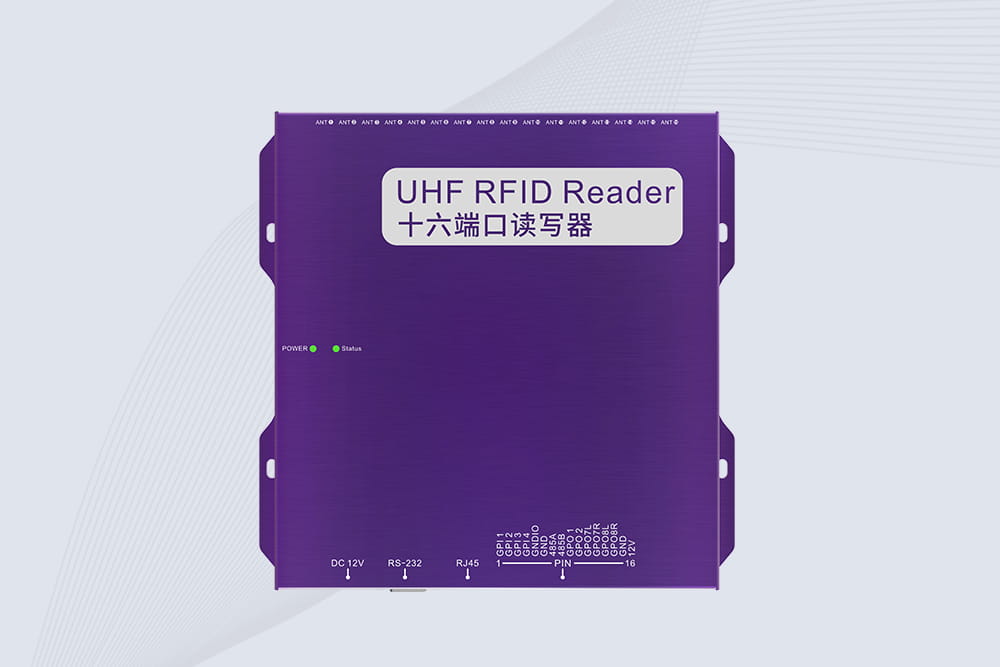
RFID Fixed Reader from CYKEO – the CYKEO-R16L 16-port UHF fixed reader for warehouses, smart cabinets, and production lines. Long-range, multi-tag reading, stable performance for 24/7 industrial use.

Cykeo UHF RFID Solution Helps Warehouse Management Boost Efficiency
More
RFID CFS systems integrate RFID technology with container freight station (CFS) management to enable automatic cargo identification, real-time tracking, and full process visibility, helping logistics companies enhance efficiency, reduce costs, an...
More
Long range RFID scanners can make warehouse inventory faster by automatically identifying multiple tagged products, pallets, and containers. The real perform...
More
Discover whether handheld RFID readers can scan through metal or liquid containers. Learn about anti-metal tags, UHF limitations, and best practices for reliable detection.
More