 Cykeo RFID IoT Solution Products R&D Manufacturer
how to check rfid number
241how to check rfid number quickly and accurately using professional readers. Learn proven methods, tools, and real-world tips to read RFID IDs with high reliability.
MoreAll RFID Product
How to change RFID sticker? First identify and record the old sticker, remove it without damaging the item, clean the mounting surface, then apply a compatible RFID sticker in the approved position. Finally, encode or verify the new EPC, scan it with the reader, and update the corresponding inventory record.
An RFID sticker should be replaced when its adhesive fails, the label is physically damaged, the printed information is unreadable, or the RFID inlay no longer communicates reliably with the reader.
In field work, I would not replace a sticker simply because the printed surface looks worn.
The first check is the RF response.
A damaged-looking label can still communicate normally. Conversely, a label that looks perfect can become unreliable because of poor attachment, unsuitable mounting material, antenna damage, or an unfavorable position.
GS1 notes that optical labels can be ripped, scraped, peeled or otherwise damaged, while RAIN RFID tags can be manufactured with stronger adhesives, protective coatings or plastic coverings for demanding environments.
That distinction matters when deciding whether replacement is actually necessary.
The most important rule is simple:
Do not remove the old RFID sticker before confirming its identity in the system.
For an inventory or asset-management application, the physical sticker and its database record should be treated as two connected pieces of information.
A practical replacement sequence is:
This sequence prevents a surprisingly common problem: a physically replaced sticker works perfectly, but the software still associates the old identifier with the asset.
Before peeling anything, place the item within the normal reader operating zone.
For UHF RFID, do not assume that every sticker will have the same reading distance. GS1 states that passive UHF RFID read range depends on factors including reader power, interference, antenna characteristics, polarization and tag orientation; typical RAIN RFID read range can reach several meters, with longer distances possible in special configurations.
Record the existing EPC or application identifier.
If the old sticker is still readable, this is the easiest opportunity to establish the correct relationship between:
Physical item → Old RFID ID → Database record
Only after that relationship has been verified should the sticker be removed.
Do not pull the label aggressively from one corner.
A damaged sticker may leave adhesive residue, tear the surface, or separate unevenly.
For ordinary paper, plastic or painted surfaces:
If the old RFID sticker is attached to metal, do not automatically replace it with a general-purpose label.
GS1 explains that metal reflects and diffracts electromagnetic waves and that dedicated on-metal RFID tags use specialized antenna and packaging designs to operate on metallic objects.
The replacement tag must match the mounting environment.

The new sticker needs a stable surface.
Remove dust, grease and old adhesive residue. Allow the surface to dry before applying the replacement.
This step looks insignificant during installation, but it affects both adhesion and tag positioning.
For difficult environments, consider whether the original tag type was appropriate.
GS1 notes that harsh environments may involve extreme temperatures, water, moisture, dirt and dust, and that RFID tags can be protected through adhesives, coatings, plastic coverings or direct embedding.
A warehouse carton and a metal machine housing should not automatically receive the same RFID sticker.
The replacement sticker should match the original system requirements.
Check:
| Parameter | What to Verify |
|---|---|
| Frequency | UHF, HF or LF as required |
| Protocol | Reader-compatible protocol |
| EPC memory | Required identifier capacity |
| Adhesive | Surface and environment compatibility |
| Antenna | Suitable for mounting material |
| Size | Fits the available surface |
| Read performance | Meets application requirements |
| Durability | Suitable for expected handling |
| Security | Required lock or password functions |
For RAIN RFID applications, GS1 explains that simple license-plate tags can use 96-bit or 128-bit identifiers, while some higher-memory passive UHF tags can provide up to 8 KB of storage.
More memory is not automatically better.
If the application only requires a serialized EPC, purchasing a higher-memory tag may add cost without adding useful functionality.
Apply the replacement sticker to the same approved location whenever possible.
Keep the surface flat and avoid wrinkles, folds or partial lifting.
For UHF RFID, orientation matters.
The tag antenna must interact correctly with the reader’s RF field. GS1 specifically identifies tag orientation, antenna polarization and reader antenna characteristics as factors affecting RFID read performance.
This is one reason I recommend photographing the original installation position during field replacement.
It gives the technician a physical reference rather than relying on memory.
For metal objects, use the specified on-metal RFID sticker rather than assuming an ordinary label will behave the same way.
After installation, the replacement tag should be read immediately.
If the application requires a new EPC, write the approved identifier and verify it.
RAIN RFID tags can contain multiple memory areas. GS1 describes four logical memory banks in Gen2 RFID tags: Reserved, EPC, TID and User memory.
Some tags also support password-protected memory access and locking functions. GS1 notes that Gen2v2 tags can use password-based protection for memory read/write operations.
Therefore, replacing a sticker is not always just a matter of printing a new label.
The encoding policy has to be defined.
The final step is software verification.
If the old EPC was:
EPC-OLD-00125
and the replacement tag receives:
EPC-NEW-00891
the asset-management system must know that both identifiers refer to the same physical item, according to the organization’s replacement policy.
Keep a replacement record containing:
This creates traceability when the same asset is inspected months later.
Replacing the physical sticker is only half of the job. The new RFID sticker must be verified after installation. In a typical replacement workflow, I check the tag ID first, then test read consistency from the same direction and working distance used in daily operations. For UHF RFID systems, ISO/IEC 18000-63 defines the air-interface requirements and tag-reader communication used for item-management applications.
A practical verification sequence is:
Do not judge the replacement only by whether the reader detects the sticker once. A tag that responds intermittently can create problems later during inventory, receiving, dispatch, or asset tracking.
A replacement sticker should not simply be attached and assumed to represent the same item. The new tag must be associated with the correct item record in the software.
If the system uses EPC as the item identifier, verify the EPC before completing the replacement. RFID tag memory can contain different logical areas, so the data structure used by the application should also be respected.
Position matters more than many replacement operators expect.
If the original sticker was placed on a specific side of a carton, plastic container, garment, tool, or equipment housing, changing its position can alter reader performance. This becomes particularly important when the item contains metal or liquid.
GS1 notes that metal can reflect and diffract electromagnetic waves, while water or liquids can absorb RF energy and detune RFID tags. Dedicated on-metal or application-specific tag designs can reduce these effects.
For that reason, when replacing a damaged sticker, I normally reproduce the original mounting position whenever the item and application allow it.
A standard adhesive RFID sticker is not automatically suitable for every item.
For ordinary cardboard or plastic surfaces, conventional labels may work well. Metal equipment, liquid-filled containers, outdoor assets, and harsh industrial environments may require a different construction.
GS1 specifically notes that RAIN RFID tags can use stronger adhesives, protective coatings, plastic coverings, or embedded construction for demanding environments.
| Application surface | Replacement consideration |
|---|---|
| Cardboard | Standard RFID sticker may be suitable |
| Plastic | Check surface curvature and adhesive |
| Metal | Consider an on-metal RFID tag |
| Liquid container | Test tag performance on the actual item |
| Outdoor equipment | Consider adhesive and environmental protection |
| Rough surface | Verify adhesion before deployment |
For metal equipment, do not assume that increasing reader power will solve the problem. The tag antenna design and mounting structure are usually more important.
For liquid-containing products, test the replacement sticker after it has been installed on the actual container rather than testing only on a dry sample. The surrounding material changes the RF environment.
ISO/IEC 18000-63 defines the communication interface between compatible interrogators and tags, but successful deployment still depends on the physical application of the tag.
This is one of the areas where a short bench test can prevent a much larger deployment problem.
The safest replacement workflow keeps the physical replacement and software replacement synchronized.
A useful record should contain:
The old sticker should be treated as retired only after the new sticker has been successfully read and associated with the correct record.
This matters particularly in warehouses and asset-management environments where an RFID sticker is not merely a printed label. The tag participates in the identification process, while the management platform determines which physical item the identifier represents.
Before returning the item to normal operation, verify these five points:
| Test | Pass condition |
|---|---|
| Physical adhesion | Sticker is firmly attached |
| Tag identification | Correct new identifier is detected |
| Data association | Identifier matches the intended item |
| Read performance | Tag reads reliably in the normal operating position |
| System record | Replacement information is saved |
For higher-volume deployments, use the same reader configuration and test procedure used in production. ISO/IEC 18047-63:2023 provides conformance test methods for RFID tags and interrogators operating under ISO/IEC 18000-63; application-specific testing can supplement the standardized tests where required.
Cykeo RFID readers and tag-management equipment can be used for the practical stages of RFID sticker replacement, including tag reading, identification, encoding, and verification.
For controlled tag-registration work, a desktop RFID platform is useful because the operator can work with one replacement tag at a time rather than attempting to identify several nearby tags simultaneously. For warehouse or industrial environments, fixed UHF RFID readers can be used to verify tags after replacement within the actual operating area.
The important point is not simply installing a new sticker. The replacement process should leave the item with one verified RFID identity and one consistent system record.

Yes. An RFID sticker can be replaced when it is damaged, unreadable, detached, or unsuitable for the application. The replacement tag must be correctly encoded or identified and associated with the original item record.
Normally, yes. Leaving an active old RFID sticker beside the replacement can create multiple-tag reads and make item identification ambiguous.
No. The replacement sticker must be compatible with the RFID system, operating frequency, mounting surface, application environment, and required read performance.
Use a tag specifically designed for metal applications and verify performance after installation. Metal can affect RFID propagation and conventional tags may perform poorly on metallic surfaces.
Test the replacement tag on the actual container. Water and other liquids can reduce RFID tag sensitivity, so a sticker that works well on a dry surface may perform differently after installation.
That depends on the application architecture. The replacement process should follow the system’s identity rules rather than automatically copying the old EPC. The new identifier must ultimately be associated with the correct item record.
Read the new sticker with the production reader, verify its identifier, confirm the associated item record, and repeat the test from the normal operating position. A successful single read alone is not sufficient for a reliable replacement.
How to change RFID sticker correctly? Replace the damaged label with a compatible RFID sticker, verify its identifier, test its read performance in the actual mounting position, and update the corresponding inventory record. For metal, liquid, outdoor, or harsh applications, select the tag construction according to the physical environment rather than using a generic label.
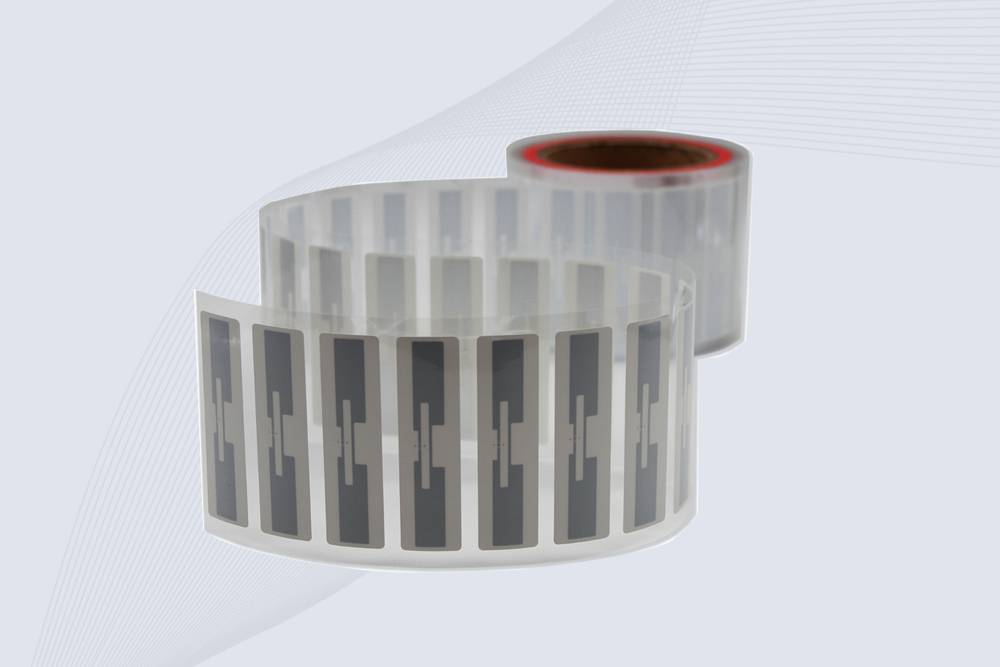
CYKEO Passive RFID Tags are made for wet and high-humidity environments where standard labels do not last. This rfid passive tag is often used around liquids, chemicals and temperature changes, providing stable reading distance and long data life for industrial tracking.
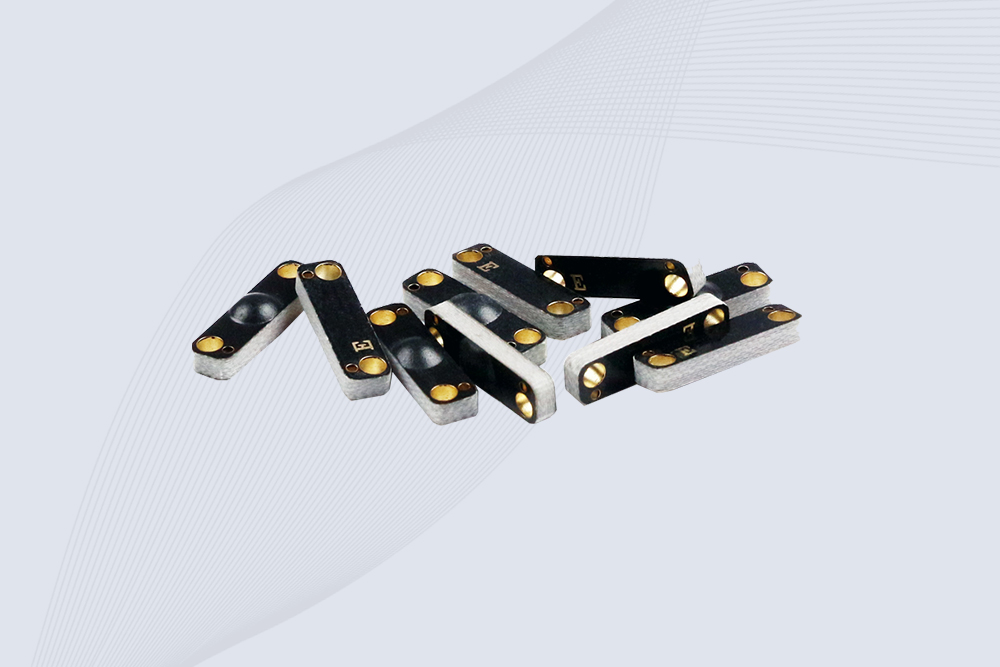
CYKEO CYKEO-PCB1504 Metal RFID Tags is a compact anti-metal UHF RFID solution built for direct mounting on metal surfaces. With stable 8-meter read range, Ucode-8 chip, and long data retention, this rfid metal tag fits tools, containers, automotive parts, and industrial asset tracking.
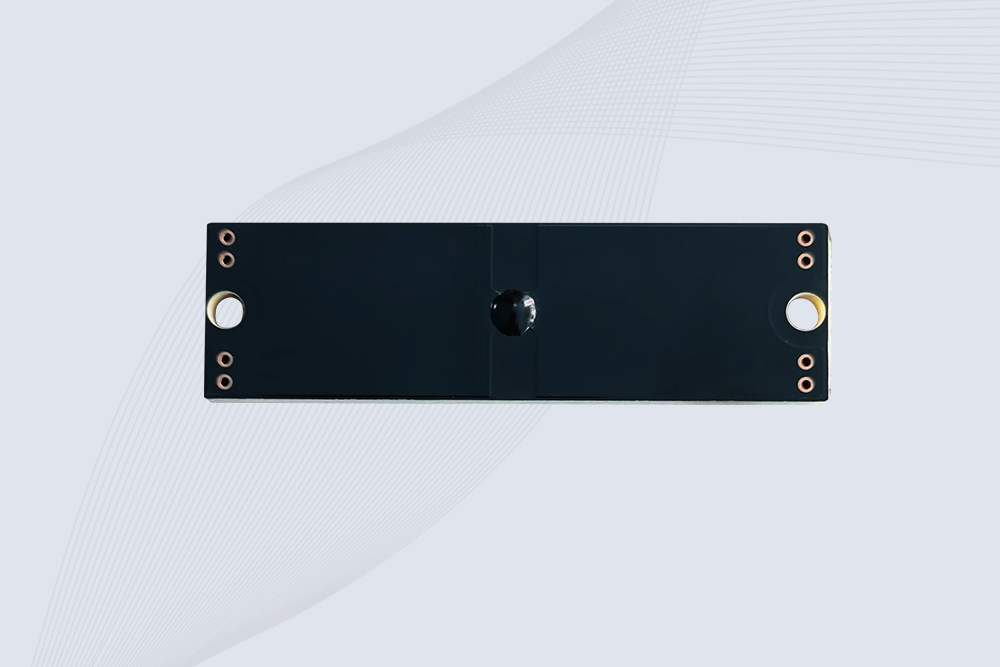
CYKEO CYKEO-PCB7020 On-Metal RFID Tags are designed for reliable tracking on steel and metal surfaces. Built with an FR4 epoxy body and industrial-grade chips, these On-Metal RFID Tags deliver stable performance, long data life, and chemical resistance, making them a dependable RFID anti-metal tag for harsh environments.
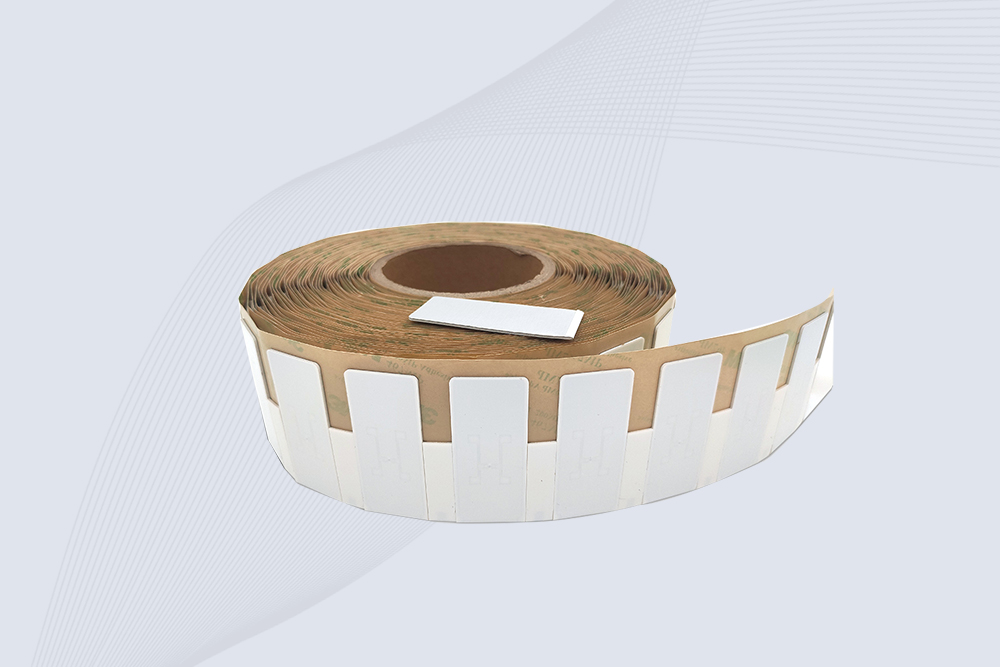
The CYKEO CYKEO-60-25 Anti-Metal RFID Tag is built for metal surfaces where standard tags fail. Designed for long-range performance, harsh environments, and stable data retention, this Anti-Metal RFID Tag is ideal for industrial assets, containers, and equipment tracking using on metal RFID tags.
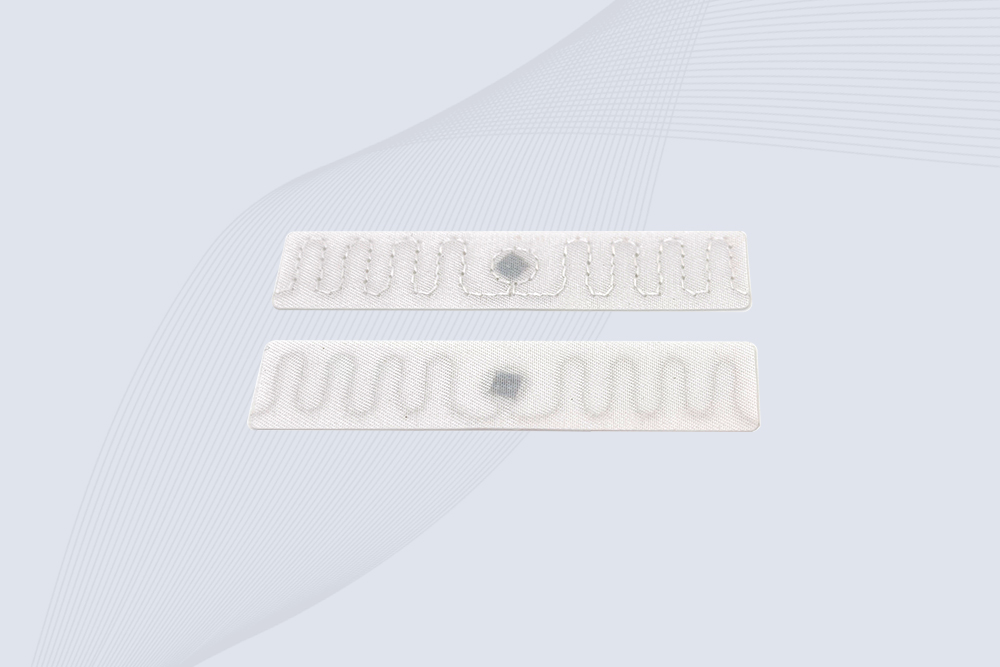
The CYKEO RFID Laundry Tag is designed for long-term textile identification in harsh laundry environments. Built to withstand high heat, chemicals, and repeated washing, this RFID Laundry Tag delivers stable performance for hotels, hospitals, and industrial laundry operations using laundry rfid tags at scale.
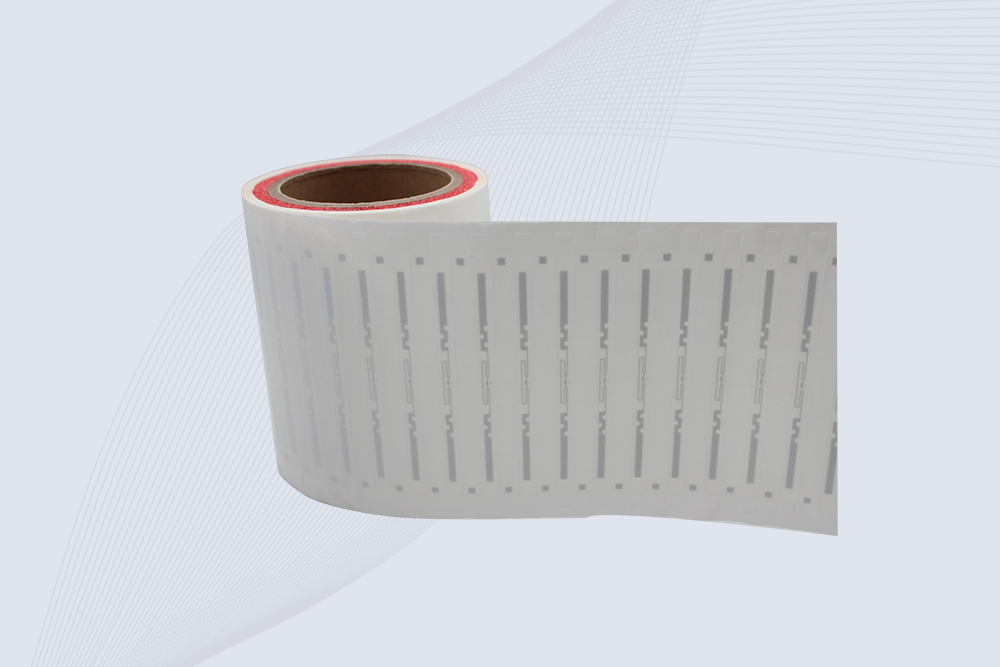
The CYKEO CYKEO-125-7 RFID Book Tag is designed for reliable book and document tracking in libraries and archives. This RFID Book Tag delivers long read range, dense placement support, and stable performance on shelves, making it a practical rfid tag on books for library automation, file management, and archival systems.
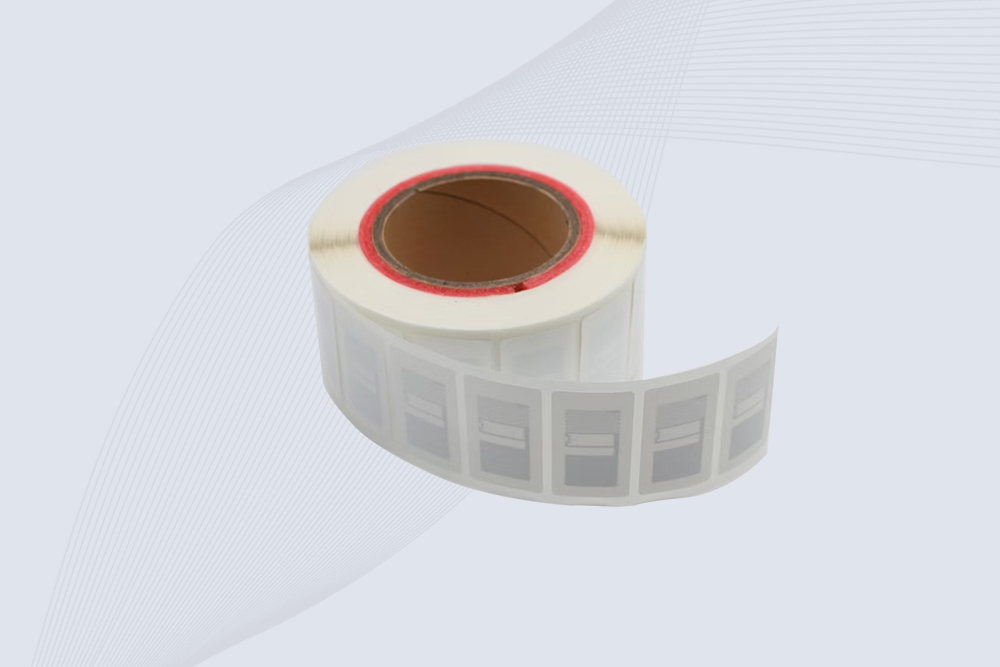
CYKEO RFID tags in hospitals are designed for sterile environments where accuracy matters. These autoclavable RFID tags support long-term tracking of surgical tools, implants, and medications, helping hospitals improve visibility, compliance, and patient safety.

CYKEO RFID Cable Tie Tag is built for reliable identification on metal surfaces. This UHF RFID Cable Tie Tag is widely used in rfid tags for inventory systems, industrial asset management and Hospital RFID Tags, offering stable read performance, long service life and global EPC Gen2 compatibility.
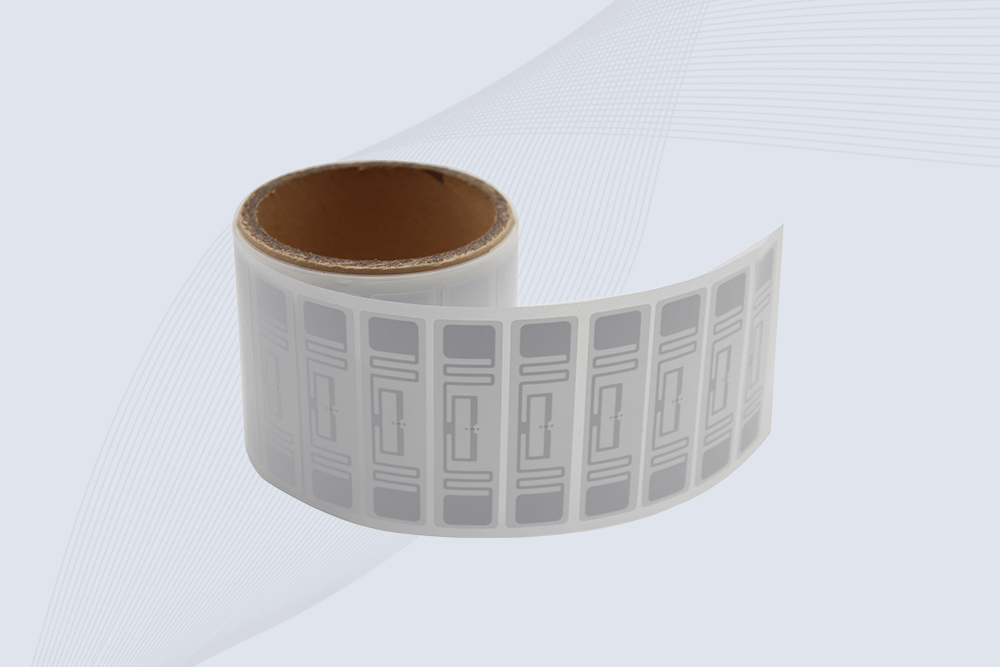
CYKEO RFID Asset Tag is designed for stable identification of metal assets in industrial environments. This UHF RFID Asset Tag is commonly used for rfid tag asset tracking on equipment, tools and containers, providing reliable reads, long service life and ISO/IEC 18000-6C support.

CYKEO UHF RFID Card is designed for fast identification and long-term use in industrial and commercial systems. Supporting ISO 18000-6C, this UHF RFID Card works at 860–960 MHz and is suitable for custom RFID cards used in asset tracking, access control and inventory management.
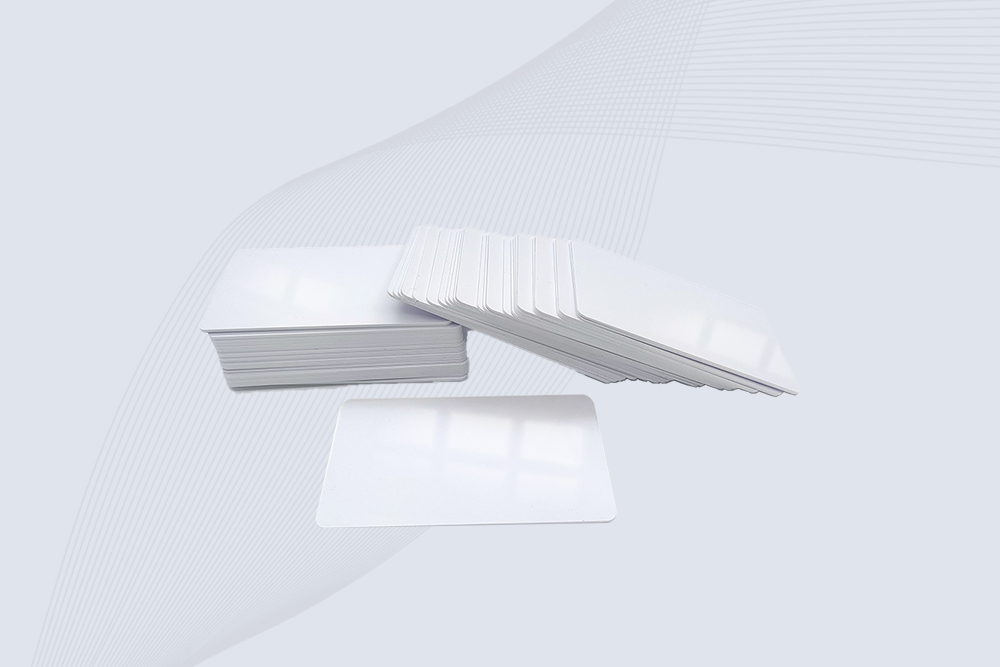
CYKEO HF RFID Cards are designed for secure and stable access control systems. These 13.56 MHz RFID key cards support ISO 14443-A, reliable rewriting and long service life, making HF RFID Cards suitable for offices, campuses, events and membership management.
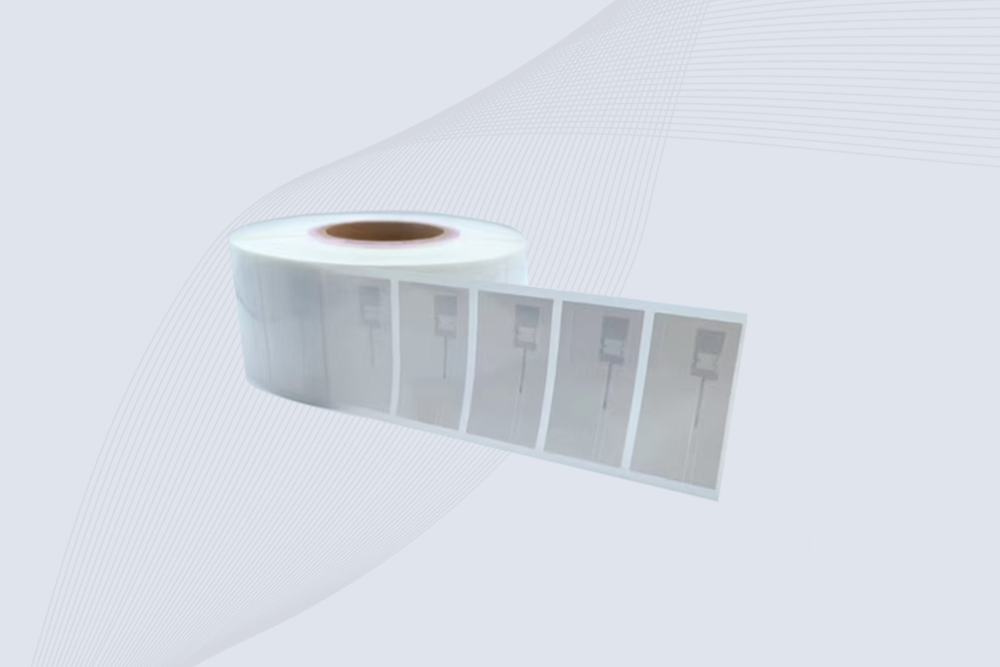
CYKEO UHF RFID Tag is designed for reliable tracking of metal jewelry and high-value items. This Jewelry RFID Tag supports long-range reading up to 8 meters, anti-counterfeit protection and stable performance on metal, making it suitable for retail, inventory control and asset management.

how to check rfid number quickly and accurately using professional readers. Learn proven methods, tools, and real-world tips to read RFID IDs with high reliability.
More
An RFID reader communicates with RFID tags through radio frequency signals to identify, read, write, and manage data for automated tracking and asset managem...
More
Discover how RFID access solutions improve security, automate entry management, and reduce operational costs. Learn about RFID cards, readers, tags, system architecture, industry applications, and how to choose the right solution for your business.
More
Learn what do rfid mean and how RFID technology enables smart tracking, automated identification, and accurate data management for modern industries with Cykeo.
More