How to edit RFID cards depends on the card’s chip, writable memory, and communication protocol. For compatible UHF RFID tags, a desktop reader/writer and suitable management software can help authorized users register tags, rewrite supported data, verify writes, and manage item records. The correct workflow starts with identifying the tag and confirming which fields can safely be changed.
For a tag administrator in a library, tool room, or commercial laundry, editing RFID data is rarely just a matter of entering a value and pressing “Write.” The tag must match the reader, the data must follow the application’s expected format, and the management software must keep the physical tag aligned with its database record.
This is where a dedicated UHF RFID desktop reading and writing platform becomes useful. Rather than functioning only as a card reader, it can support daily tag-management tasks such as item borrowing and returns, tag registration, identity registration, shelf-label registration, item searches, transaction statistics, log queries, and tag conversion—depending on the software configuration.
1. What Does It Mean to Edit an RFID Card?
An RFID card or tag stores data in a format determined by its chip and application. Editing may mean writing a new identifier, changing supported user-memory data, registering a tag in a management system, or converting an existing tag to a different data format.
These operations are related, but they are not identical.
Editing task
What it means
Example application
Tag registration
Associate a tag identifier with an item record
Registering a new library book
Data writing or rewriting
Write supported information to a writable memory area
Updating an authorized item reference
Item or credential registration
Link a tag to an approved record in a management system
Registering tools or staff-associated assets
Tag conversion
Change supported tag data or migrate a record to another format
Updating tags during a system migration
Borrowing and return management
Record a transaction using the tag and management software
Library circulation or tool checkout
Log and statistics queries
Review recorded operations and transaction history
Checking registration totals or return records
A key distinction: registering a tag in software does not necessarily change the data physically stored on the tag. Conversely, rewriting a tag does not automatically update the application database. Reliable systems handle both operations where the workflow requires them.
RFID card editing is not the same as changing every field
Some RFID products provide writable user memory. Others protect particular memory areas or use a manufacturer-programmed identifier that ordinary write commands cannot change.
For example, NXP’s NTAG213, NTAG215, and NTAG216 NFC chips provide 144, 504, and 888 bytes of user memory, respectively. These figures apply to those specific chip models and illustrate how writable capacity varies by product. They are not specifications for UHF RFID tags in general.
For UHF tags, the EPC and user-memory banks serve different purposes. GS1 explains that the EPC identifies an object, while user memory can hold additional information where the tag supports it. The amount of available memory depends on the tag
Before writing, determine whether the intended change belongs in the tag’s EPC, user memory, or the application database. Putting a value in the wrong place can cause a tag to be readable at the hardware level but unusable in the business application.
2. Why Use a UHF RFID Desktop Reader/Writer?
A UHF desktop platform is designed for controlled, close-range tag-management work. It is particularly useful when an operator needs to process individual tags or small batches at a workstation, rather than identify moving items across a warehouse doorway.
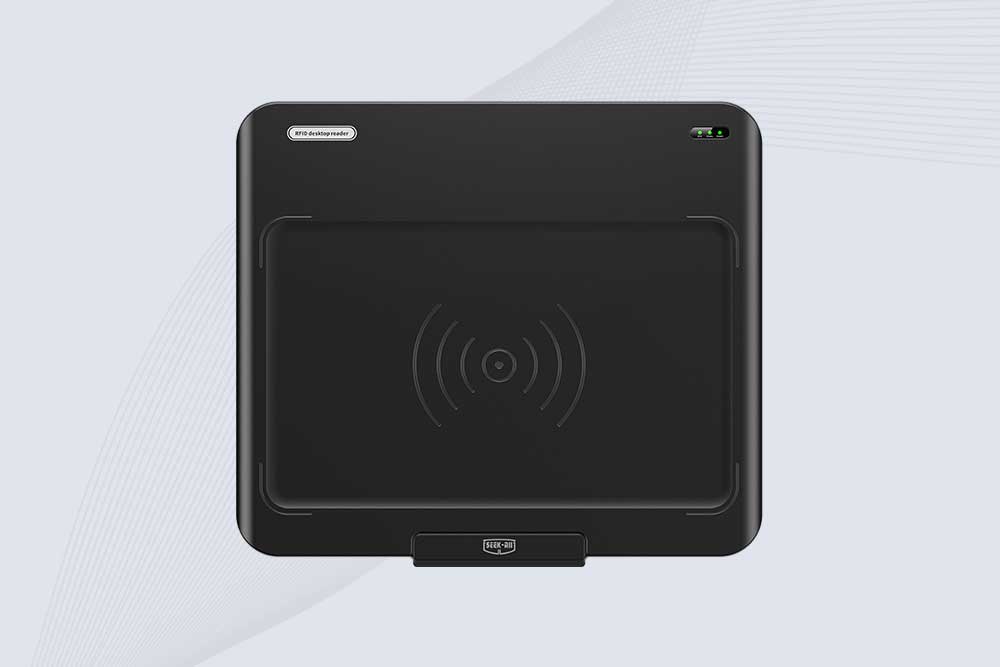
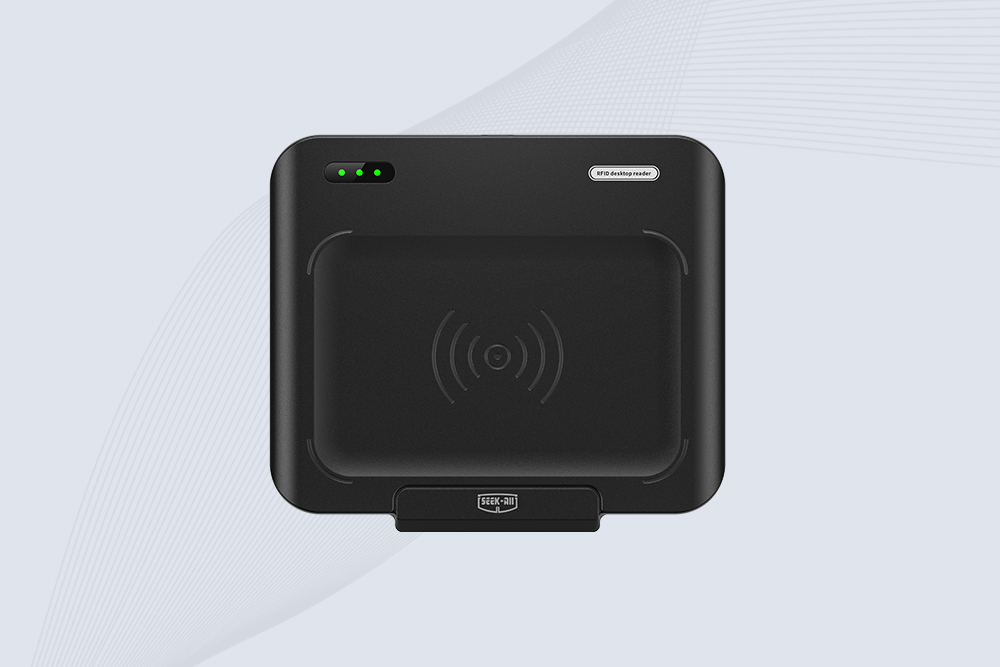
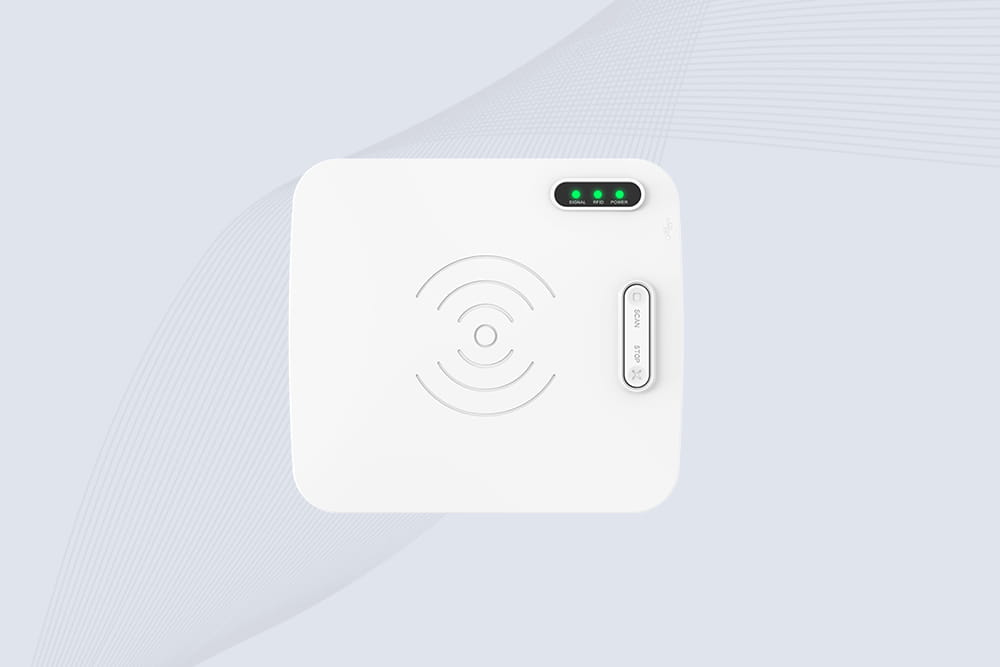
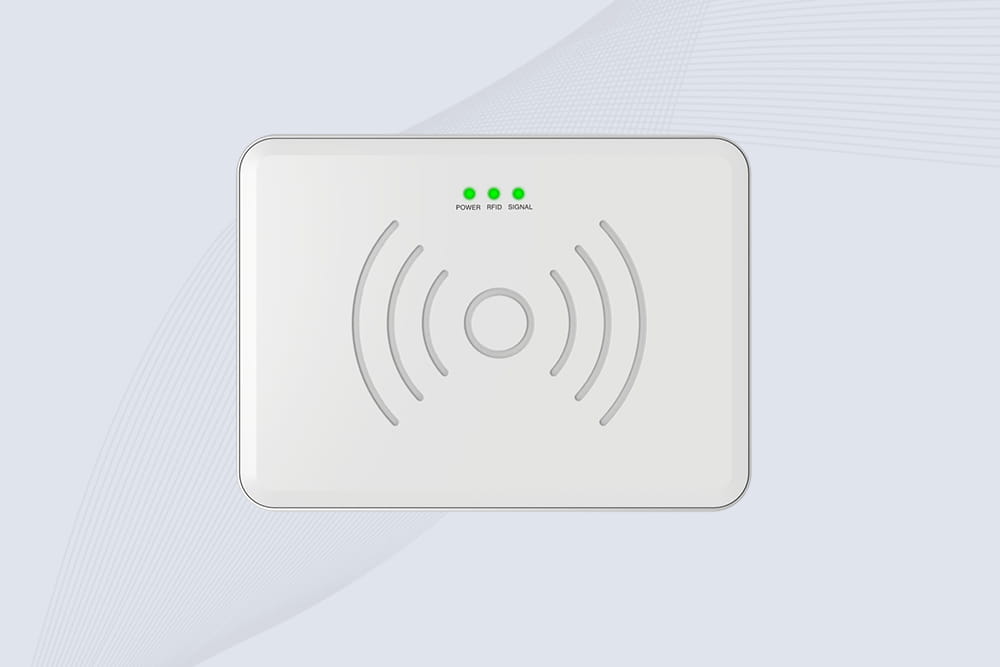
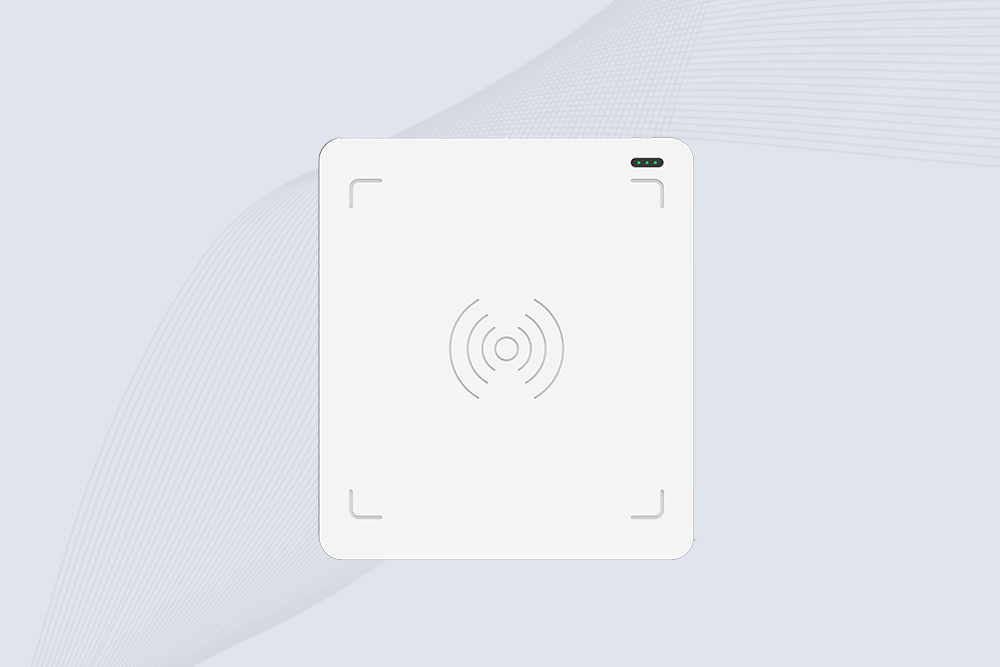
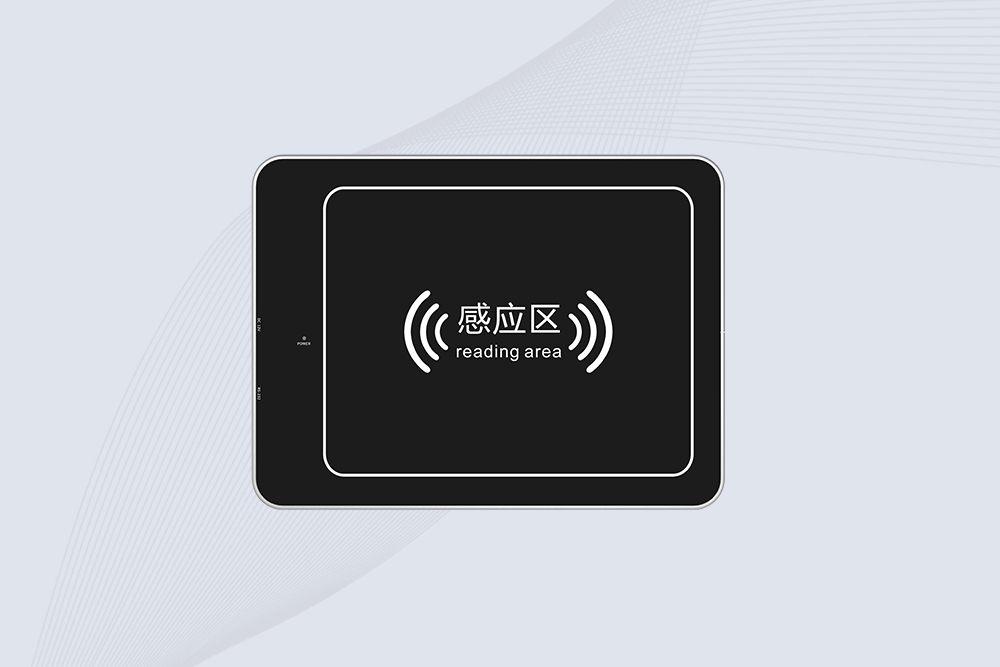
For example, Cykeo’s UHF RFID desktop reading platform is designed to support the daily work of tag administrators. Its intended management functions include:
Item borrowing and return operations.
RFID tag registration.
Identity or document registration.
Shelf-label registration.
Item lookup and transaction queries.
Borrowing and return statistics.
Registration statistics and log queries.
Supported RFID tag conversion workflows.
The exact functions available in a deployment depend on the application software and its configuration. The platform’s purpose is to combine RFID read/write capability with practical management workflows, rather than leave the operator to work with raw tag data alone.
Key hardware characteristics
The supplied Cykeo platform specifications describe the following capabilities:
Feature
Supplied specification
Practical significance
Host interface
USB
Convenient connection to a workstation
Maximum port output
33 dBm
Provides adjustable design headroom where supported; actual output depends on configuration
Reading range
Within 30 cm
Supports controlled desktop reading
Writing range
Within 10 cm
Helps confine writing to the intended tag
Tag processing
Multi-tag recognition and dense tag reading/writing
Useful for supported batch workflows
Tag filtering
Supported
Helps the application select relevant tag data
RSSI
Supported
Provides a received-signal-strength measurement
Development resources
C# and Java materials
Helps integrate the platform into custom software
These are supplied specifications for the described platform, not universal performance figures for all desktop RFID writers. The actual reading and writing results depend on tag design, orientation, nearby materials, reader settings, and the software workflow.
The distinction between the reading and writing ranges is especially useful. A desktop administrator may need to detect several tags during inventory work but write only to the specific tag placed in the intended work area. A shorter writing zone helps reduce unintended writes, although it does not replace proper tag selection and verification.
3. How to Edit RFID Cards with a Desktop Reader/Writer
For authorized UHF tag administration, the following workflow provides a practical starting point. The exact commands and interface labels depend on the device and software, so follow the platform’s documentation rather than assuming every RFID writer uses the same process.
Step 1: Identify the tag and its intended use
Confirm that the tag is compatible with the desktop platform. Check its frequency, supported protocol, memory layout, and intended application.
A UHF reader/writer should not be assumed to support HF or NFC cards simply because both are described as RFID. Even within UHF, supported protocols and memory operations can differ between devices.
For an inventory project, decide whether the application needs to store an item identifier in the EPC, use user memory for additional data, or simply associate the existing tag ID with a database record.
Step 2: Connect the platform and open the management software
Connect the desktop reader/writer to the computer through its USB interface. Launch the compatible application and confirm that the device is detected before presenting tags.
In a tag-administration workflow, the software should ideally make the current operation clear. Registering a new book, looking up a tool, and rewriting supported tag data are different tasks; the operator should not have to guess which action is being performed.
If the application does not recognize the reader, check the USB connection, required drivers, software compatibility, and device status before attempting to write any tags.
Step 3: Read the existing tag information
Present the tag within the reader’s supported operating range and retrieve its available information.
Record the identifier and relevant application fields before making changes. This gives the operator a reference for later verification and helps identify tags that have already been registered.
For an established inventory system, avoid overwriting a tag simply because its record appears incomplete. First determine whether the missing information belongs on the tag, in the database, or in both places.
Step 4: Register the tag or write the intended data
Choose the operation that matches the task.
For tag registration, associate the tag with the correct item record in the management application.
For data rewriting, select the supported writable field and provide the correctly formatted value.
For tag conversion, verify the source format, target format, and compatibility of the destination system.
For borrowing or returns, use the application’s transaction workflow rather than treating the operation as a generic memory write.
Where an application writes directly to tag memory, confirm the target memory area and any required access permissions. Do not assume that all returned fields are writable.
Step 5: Verify the result
Read the tag again and compare the returned information with the intended value. Where the workflow involves registration, check the associated database record as well.
A successful hardware write and a successful business transaction are not the same thing. The tag might contain the correct identifier while the application links it to the wrong item. Verification should cover the part of the system that the task actually changes.
Step 6: Test a small batch before routine use
If you are preparing a batch of library books, tools, or laundry items, test a small sample first. Check for duplicate registrations, failed writes, incorrect associations, and inconsistent data formats.
Once the process is reliable, expand the batch size based on the platform’s documented capabilities and the application’s ability to handle the resulting reads and writes.
4.UHF RFID Tag Registration at a Desktop Workstation
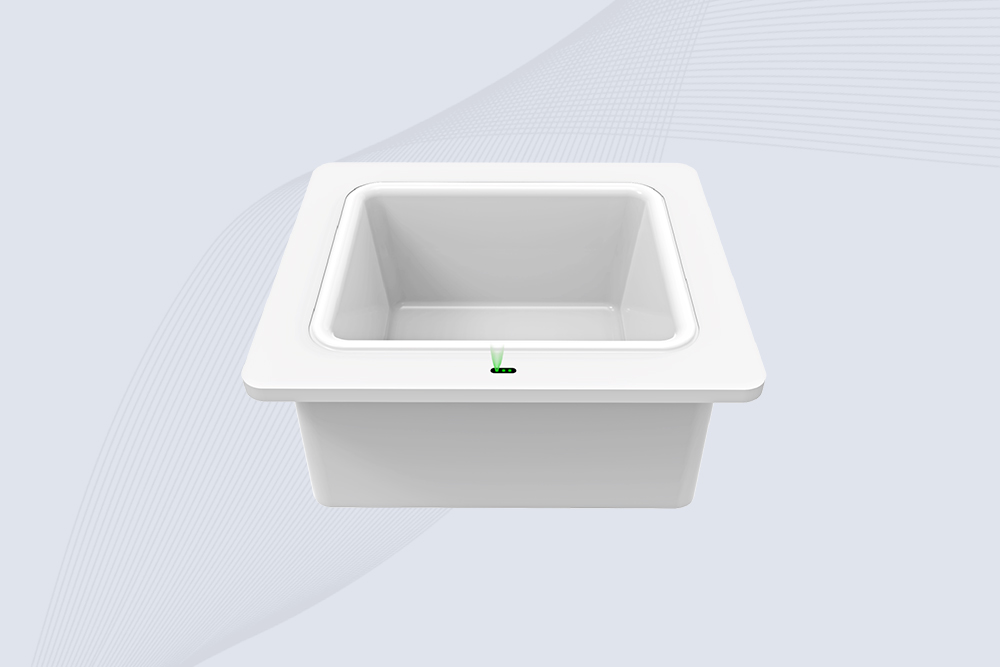
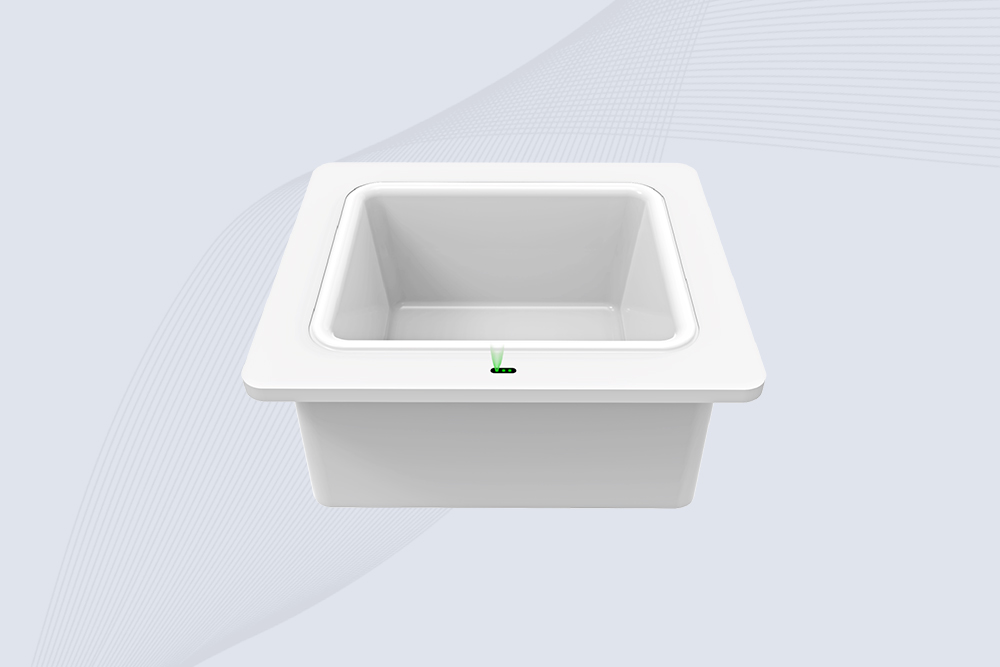
A desktop RFID platform helps tag administrators register items, verify tag data, and manage records from a workstation.
5. Why Close-Range Reading and Stable Writing Matter
A desktop platform is useful because the operator controls how tags are presented. That makes it easier to separate a deliberate write operation from the surrounding items on the desk.
The supplied Cykeo platform uses a near-field antenna design intended to keep reading within approximately 30 cm and writing within approximately 10 cm. These are stated operating ranges for the described device, not guaranteed distances for every tag or environment.
The platform also uses a tag-collision processing algorithm and supports multi-tag identification. In practice, anti-collision capability helps a reader inventory multiple compatible tags, but it does not eliminate every source of error. Tag placement, overlapping responses, software filtering, and the operator’s workflow still matter.
RSSI—the received signal strength indicator—provides another useful diagnostic value. It can help an application assess the strength of a tag response, but RSSI alone should not be treated as an exact distance measurement.
For daily administration, the useful question is not simply “How many tags can the reader detect?” It is whether the software can reliably identify the intended tag, complete the required operation, and confirm the result without creating duplicate or incorrect records.
6. Where RFID Card Editing Is Used in Daily Operations
The value of a desktop RFID reader/writer becomes clearer when tag administration is part of a recurring business process. Libraries, tool rooms, and commercial laundries all need to associate physical items with electronic records, but their workflows differ. The writing process should reflect those differences rather than use one generic method for every tag.
Library registration and circulation
In a library, RFID tag administration can involve registering books, linking tags to bibliographic or item records, assigning shelf labels, and supporting borrowing and return transactions.
A desktop platform gives staff a controlled place to process tags before books enter circulation. When a book is returned, the management application can use the tag to identify the item and record the transaction. The actual borrowing or return status is normally managed by the library software; it should not be assumed to be stored entirely on the RFID tag.
A useful operational check is to compare the tag identifier with the library’s item record before completing registration. If the identifiers are duplicated or linked to the wrong book, the reader may still detect the tag successfully while the circulation system records the wrong item.
Tool registration and asset tracking
Tool rooms often handle many similar-looking items. An RFID tag can provide an electronic identifier that links a physical tool to a record containing its description, assigned location, or management status.
A desktop reader/writer can support initial tag registration and authorized data updates. When a tool is issued or returned, the application can record the transaction and make it available for later queries.
For this workflow, consistency is more important than storing as much information as possible on the tag. A stable identifier linked to a well-maintained database can be easier to manage than duplicating large amounts of changing operational data in tag memory.
Commercial laundry and linen management
Commercial laundry operations may need to register linen items and associate their tags with records used to manage stock, circulation, or processing history. A desktop station can be used during initial registration or when authorized tag updates are required.
The tag must be suitable for the intended laundry environment. Temperature, moisture, detergents, mechanical stress, and tag construction can affect long-term performance. A desktop writer cannot compensate for an unsuitable tag or poor installation.
For all three applications, the same principle applies: the reader/writer handles communication with the tag, while the management application determines how the tag relates to the business record.
7. Common RFID Card Editing Problems and How to Solve Them
When a desktop RFID reader/writer appears to work but the tag-management task fails, the cause may be the tag, the reader configuration, or the application. Troubleshooting is faster when these are checked separately.
Problem
Possible cause
Recommended solution
The tag cannot be detected
Incompatible tag type, poor positioning, or unsupported protocol
Confirm tag compatibility and reposition it within the specified read zone.
The tag can be read but not written
Protected memory, missing authentication, or unsupported write commands
Check the chip documentation and confirm that the intended memory area is writable.
The wrong tag is updated
Multiple tags are inside the write zone or the software selects the wrong identifier
Process tags in a controlled area and verify the selected tag before writing.
The write reports success but data is incorrect
Incorrect memory address, data format, or application mapping
Read the data back and compare it with the expected value.
A tag is detected repeatedly
Repeated observations are being treated as separate records
Apply software filtering and event-handling rules appropriate to the workflow.
The tag data is correct, but the item record is wrong
The application database contains an incorrect association
Check the tag-to-item mapping and correct the authorized database record.
Batch processing produces inconsistent results
Mixed tag types, inconsistent positioning, or an unsuitable workflow
Test a representative sample and validate the process before scaling up.
A note on UHF memory and write protection
GS1’s RAIN RFID guidance describes four logical memory banks in Gen2 tags: Reserved, EPC, TID, and User. The EPC bank stores the Electronic Product Code, TID contains tag-identification information, and User memory is optional. Reserved memory contains access and kill passwords where implemented. The available memory and permissions depend on the tag.
GS1 also explains that Gen2V2 tags can use password-based memory protection, including permanent locking in supported configurations. Before changing protection settings, check the chip documentation carefully: an irreversible lock can prevent future updates.
For routine administration, the safest habit is to test one tag, read back the result, verify the corresponding application record, and only then proceed with a larger batch.
8.RFID Tag Programming for Tools and Linen
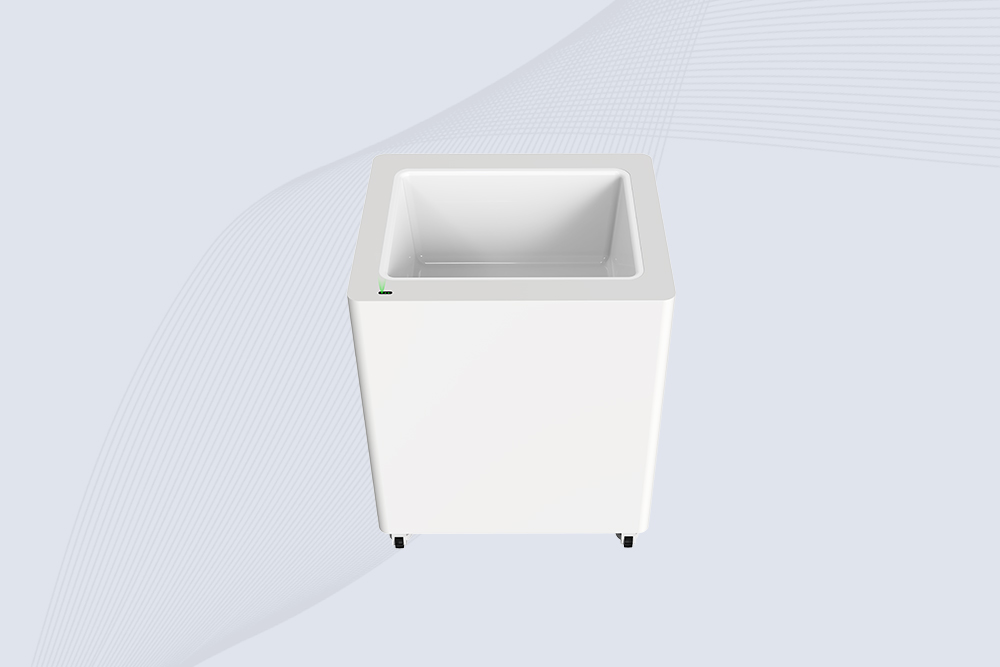
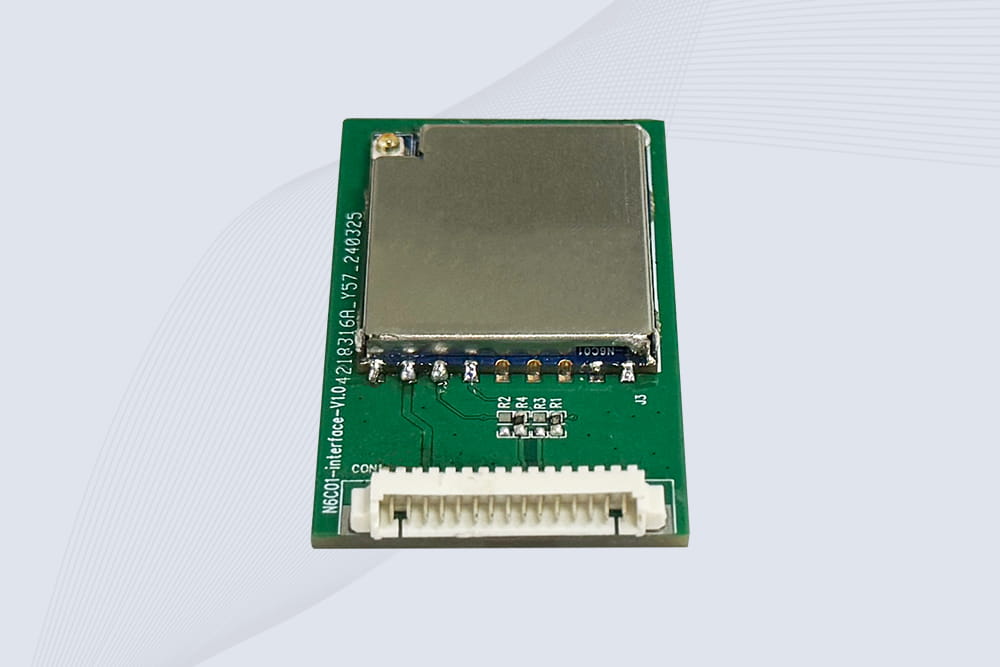
Desktop RFID programming supports controlled tag registration and data verification for tools, workwear, and linen assets.
9. Frequently Asked Questions
How to edit RFID cards without damaging the existing data?
First identify the card or tag type and determine which memory areas are writable. Record the existing data where appropriate, write only to the intended field, and read the tag again to verify the result. Avoid changing lock settings unless the consequences are understood.
Can I edit a UHF RFID tag with a desktop reader/writer?
Yes, if the reader/writer supports the tag’s protocol and the intended operation. A compatible UHF desktop platform can support tag reading, EPC writing, supported user-memory operations, and registration workflows. Exact capabilities depend on the tag, device, firmware, and software.
Can I change an RFID card’s UID?
Usually not with ordinary write commands on standard cards that have a manufacturer-programmed identifier. Some specialized products have different identifier behavior, but they are not representative of all RFID cards. For business systems, use the authorized process for issuing or replacing credentials instead of trying to alter protected identifiers.
What is the difference between RFID tag registration and RFID data writing?
Registration links a tag to an item or record in management software. Data writing changes information stored in a writable area of the physical tag. A workflow may require one or both operations, but they are not interchangeable. Always check that the tag and database remain correctly associated.
Why does my RFID reader read a tag but fail to write to it?
Reading and writing have different requirements. The tag may have protected memory, the reader may not support the required write command, or the application may lack the correct authentication or configuration. Confirm the chip specifications and write permissions before repeating the operation.
Is a UHF RFID desktop platform suitable for batch tag registration?
It can be suitable when the reader, tags, and application support the intended batch workflow. Multi-tag identification and anti-collision processing can help with dense tag reading, while filtering and controlled positioning help the software select the intended items. Validate write accuracy and read-back results with a representative sample before processing a large batch.
10. Choosing a Desktop RFID Platform for Your Workflow
When evaluating a desktop RFID reader/writer, focus on the work that operators actually perform every day—not just the maximum RF output.
For a tag-administration station, the most relevant criteria are:
Compatibility: support for the required UHF frequency range and tag protocols.
Controlled working area: suitable reading and writing distances for the items being processed.
Reliable write verification: the ability to confirm the intended data after a write.
Software functions: registration, item lookup, transaction records, logs, and any required tag-conversion workflow.
Integration support: available SDKs or development materials, including C# and Java where applicable.
Batch handling: multi-tag recognition, filtering, and anti-collision features appropriate to the application.
Cykeo’s described UHF RFID desktop reading platform is designed for tag administrators working with applications such as library registration, tool management, and linen control. Its supplied specifications include USB connectivity, a maximum port output of 33 dBm, reading within 30 cm, writing within 10 cm, tag filtering, RSSI support, and C# and Java development materials. Confirm the specifications and supported features for the exact model before deployment.
A well-designed workflow should make it difficult to write the wrong data to the wrong tag. That requires more than a capable reader: it requires clear operator actions, correct record mapping, and verification after each important operation.
Ultimately, how to edit RFID cards depends on the tag technology and the job being performed. For authorized UHF tag administration, a compatible desktop reader/writer can combine controlled close-range reading and writing with registration, lookup, and record-management software—helping keep physical tags and business data consistent.
Technical note: Prepared for Cykeo’s RFID technical content resources. Hardware specifications are based on the supplied platform information. Confirm device-specific compatibility and use the manufacturer’s documentation for tag memory operations and security settings.
SSD-D3AL is a USB-HID UHF RFID reader with 0–30 cm reading, 0–15 cm writing, over 600 tags/s recognition, USB plug-and-play operation and OEM Logo customization.
SSD-D1AL is a compact USB UHF RFID reader with Impinj E710/X3M1 chipset, USB-HID, 600+ tags/s recognition, 4/8/16 antenna support and plug-and-play USB power.
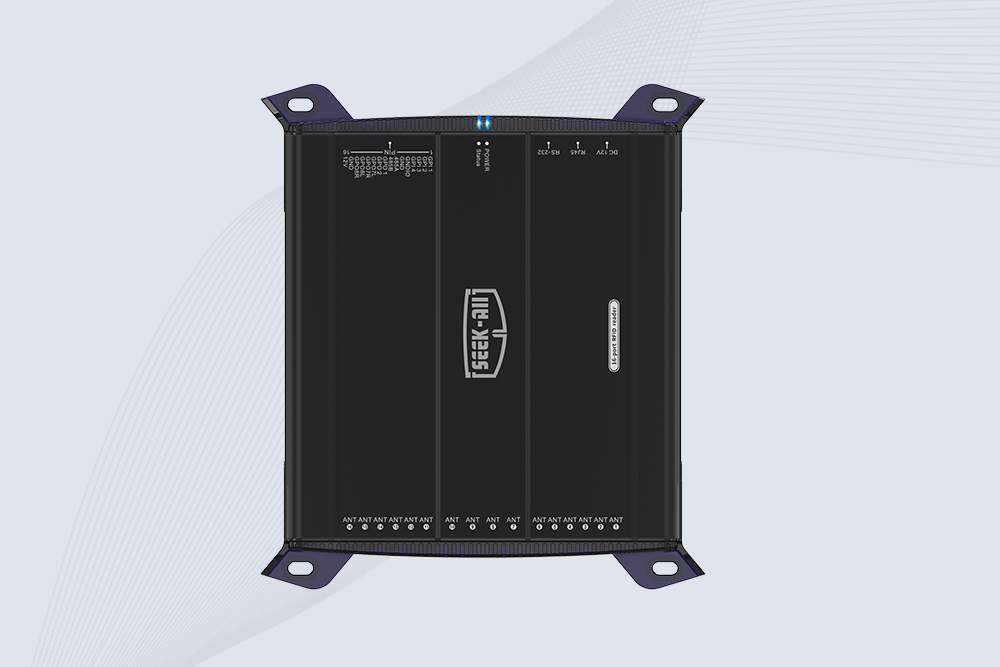
SSD-R16L Multi-Channel RFID Infrastructure for Automated Inventory Management ✔️ 16-Port High-Density RFID Reading Equipped with 16 SMA antenna ports, SSD-R16L supports multi-antenna deployment for warehouses, retail stores, logistics, production lines, and large-area RFID identification. ✔️ High-Speed & Long-Range Performance With up to 33…
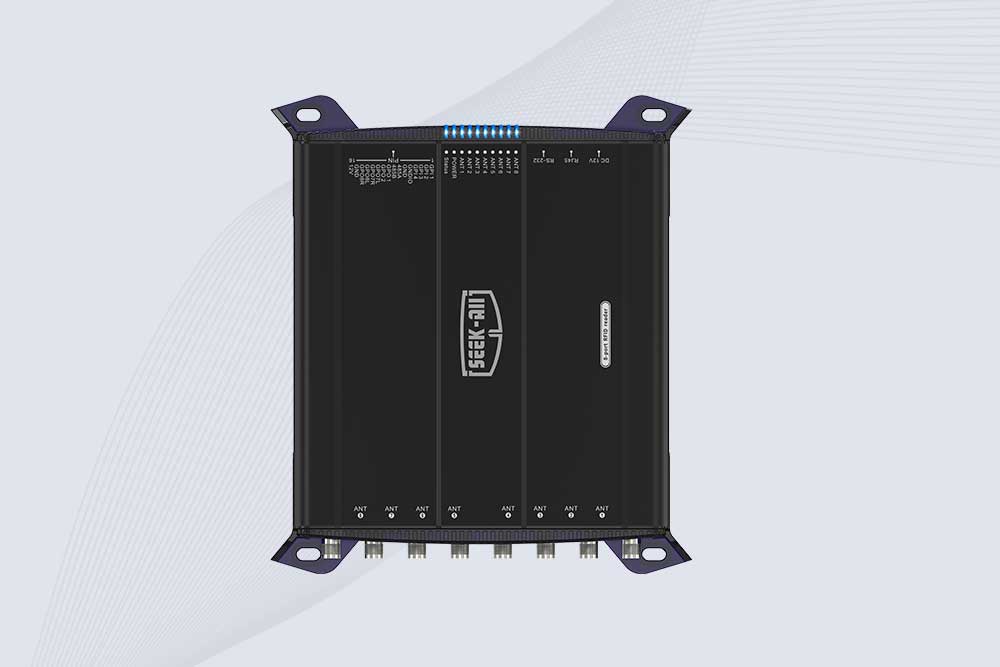
SSD-R8L 8-port UHF RFID reader with 33dBm output, up to 20m reading range and 600+ tags/s recognition. Ideal for warehouse, logistics, retail and asset tracking.
CYKEO CYKEO-D1LA USB RFID Reader is a compact desktop solution with near-field control for precise tag reading and encoding. Powered by USB, supporting ISO 18000-6C, and built for stable batch writing, this usb rfid tag reader fits retail, libraries, offices, and controlled RFID encoding tasks.
CYKEO CYKEO-D1L RFID scanner USB is a compact desktop UHF RFID scanner designed for short-range tag writing and verification. This usb rfid scanner supports batch encoding, stable 0–26 dBm output, and works across Windows, Linux, and Android systems.
CYKEO CYKEO-D1C USB RFID Card Reader is a near-field UHF desktop writer designed for secure, short-range tag encoding. With USB-C connectivity and stable 26 dBm output, this rfid reader usb c is ideal for badge issuance, label encoding, and controlled desktop RFID workflows.
CYKEO CYKEO-D2L RFID Reader USB is a compact desktop encoder built on the Impinj R500 chip. With near-field control and stable USB power, this usb rfid card reader delivers precise tag writing for offices, retail counters, and small-scale logistics encoding tasks.
CYKEO CYKEO-D3L USB RFID Tag Reader delivers stable UHF tag reading and writing for daily desktop and light industrial tasks. Designed for controlled short-range operation, this USB RFID Tag Reader works reliably with rfid tag and reader systems in libraries, tool tracking, and inventory registration.
The CYKEO CYKEO-D4L UHF RFID Tag Reader is a stable Desktop RFID Reader designed for accurate tag registration, borrowing, and return workflows. Built with the Impinj R2000 chip, this UHF RFID Tag Reader delivers controlled short-range reads for libraries, asset tracking, and inventory management environments.
The CYKEO CYKEO-D5L Desktop RFID Card Reader is a stable UHF RFID Card Reader designed for controlled short-range reading and writing. Built for libraries, tool rooms, and asset desks, this UHF RFID Card Reader supports dense tag handling, secure data processing, and easy USB integration.
The CYKEO CYKEO-D6L RFID Reader Writer is a heavy-duty Desktop RFID Reader designed for short-range, high-accuracy tag programming. Built for libraries, labs, and asset desks, this RFID Reader Writer supports batch processing, stable 33dBm output, and seamless integration with existing management systems.
Cykeo CYKEO-D8A embedded RFID badge reader offers 30+ tags/sec scanning, 20cm anti-crosstalk precision, and DC 12V power for unmanned stores, warehouses, and smart inventory systems.
Cykeo’s CYKEO-D8C UHF RFID gate reader achieves 200-tag/batch scanning with adjustable power control, ideal for retail inventory and smart warehouse management.
CYKEO Embedded RFID Modules are designed for compact industrial and IoT devices that require stable UHF performance. These UHF RFID Modules support global protocols, flexible power control, and reliable multi-tag reading for smart cabinets, production lines, and asset tracking systems.
CYKEO Embedded RFID Module is built for compact IoT and industrial devices that need stable UHF performance. This UHF module supports global protocols, low power operation, and reliable multi-tag reading for smart lockers, production lines, and always-on RFID systems.
CYKEO CYKEO-M1 drone rfid module is a compact UHF RFID reader module designed for drones and UAV platforms. It supports long-range aerial scanning, fast multi-tag reading, and stable performance in wind, vibration, and outdoor environments.
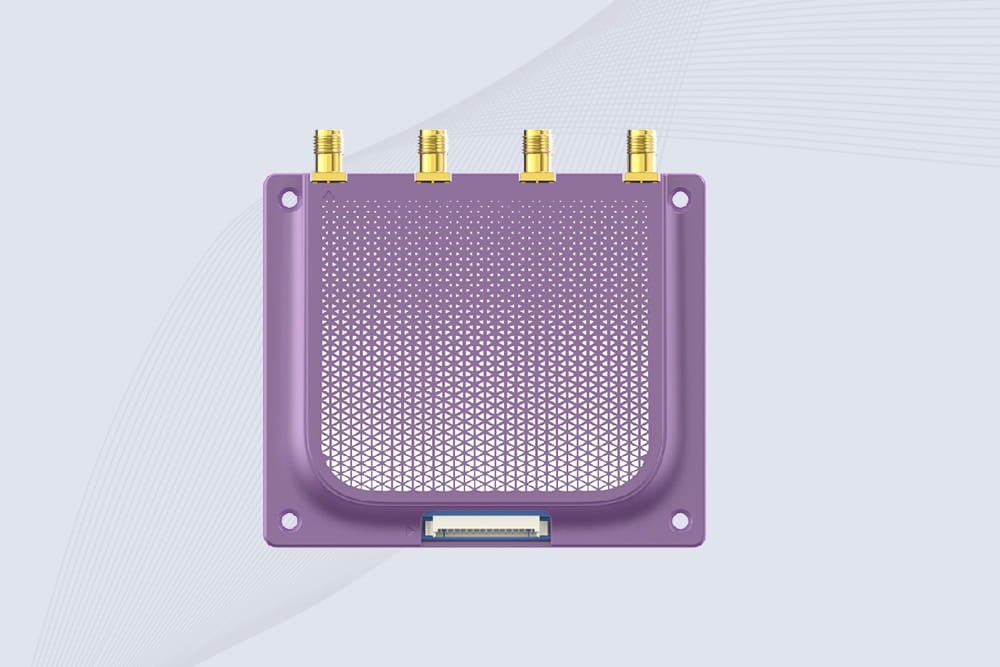
CYKEO CYKEO-M4 RC522 RFID Module is an industrial-grade UHF RFID reader with 4 ports, supporting ISO, EPC, and GB protocols. High-speed, accurate reading for IoT, automation, and warehouse applications.
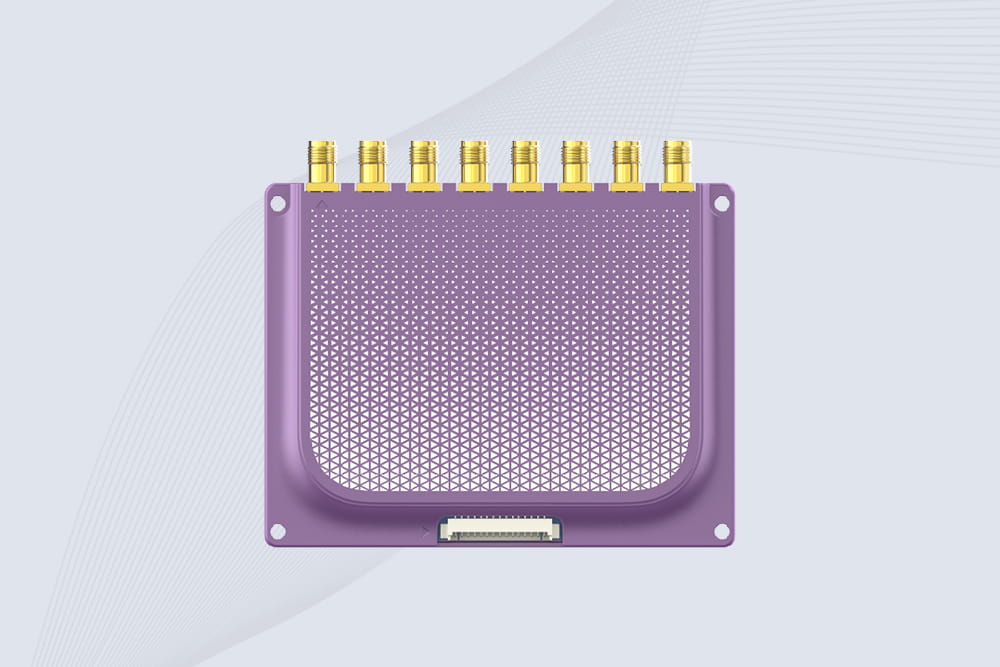
CYKEO CYKEO-M8 Module RFID is an 8-port UHF R2000 RFID Module designed for high-density, multi-tag environments. Stable 33dBm output, ISO & GB protocol support, ideal for warehouses, factories, and automated systems.
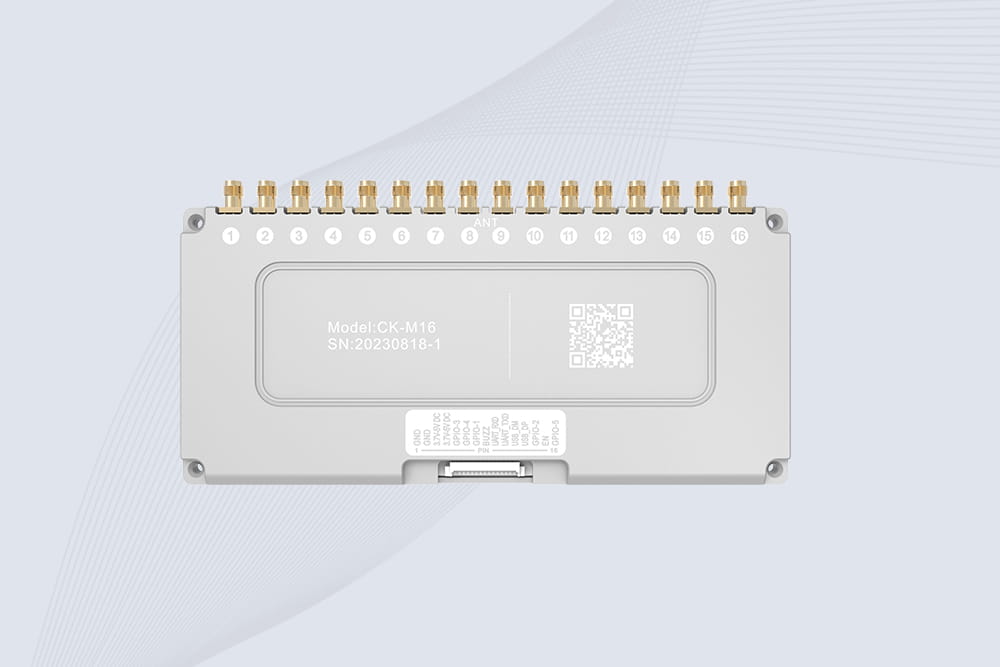
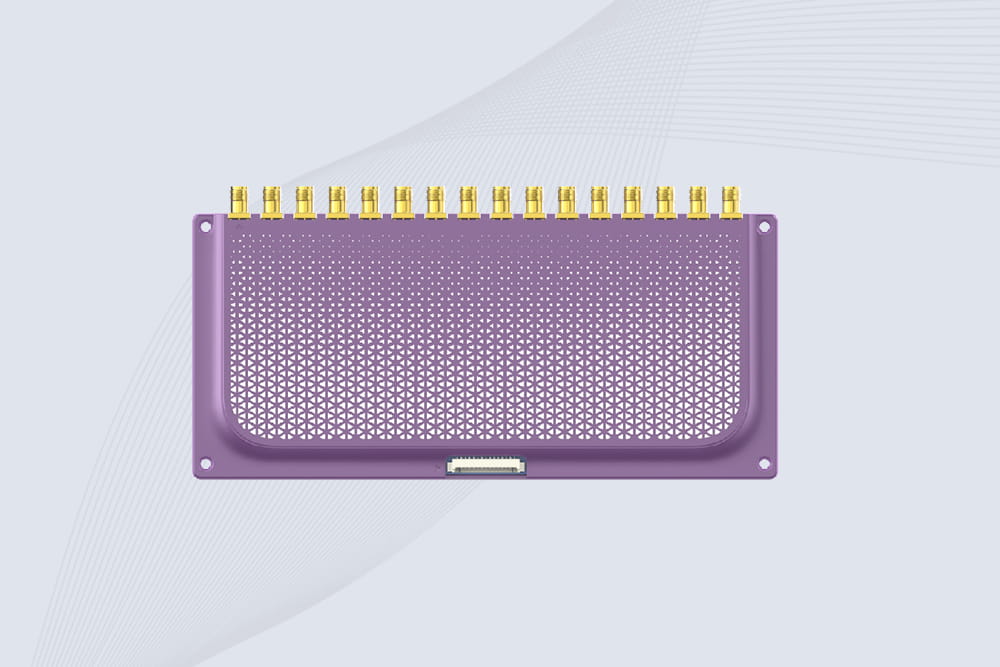
CYKEO CYKEO-M16 RFID Module is a 16-port UHF RFID reader module based on the R2000 chipset. Designed for dense tag environments, it supports ISO and GB standards and delivers stable multi-antenna control for industrial automation.
The CYKEO CYKEO-M16L RFID Reader Module is a 16-channel UHF RFID core designed for dense tag environments. With adjustable 33dBm output, multi-protocol support, and stable multi-antenna control, this RFID Tag Reader Module fits industrial automation, warehouse systems, and large-scale IoT deployments.
CYKEO CYKEO-M8L module RFID is a compact industrial UHF module built for dense tag and multi-antenna environments. With 8 RF ports, adjustable 33 dBm output, and ISO & GB protocol support, it is widely used in factories, warehouses, and automated tracking systems.
CYKEOCYKEO-M4L UHF RFID Module is a compact 4-channel RFID tag reader module designed for dense tag environments. Supporting ISO and GB protocols, it delivers stable reads up to 10 meters for industrial and IoT systems.
Cykeo CYKEO-C1 industrial Forklift RFID Reader features 20m read range, 600 tags/sec scanning, Impinj R2000 chipset, and IP67 rugged design. Ideal for warehouse logistics and manufacturing. Supports ISO 18000-6C/6B protocols.
Cykeo CYKEO-R4 industrial UHF RFID Fixed Reader features 4 TNC ports, 400+ tags/sec speed, IP67 housing, and global frequency compliance for vehicle inspection, smart warehouse, and asset management systems.
CYKEO CYKEO-R8L Fixed RFID Reader with 8-port UHF design, Impinj-based RF core and up to 20m read range. An industrial Fixed RFID Reader for vehicle inspection, warehouse portals, smart manufacturing lines and secure access checkpoints.
RFID Fixed Reader from CYKEO – the CYKEO-R16L 16-port UHF fixed reader for warehouses, smart cabinets, and production lines. Long-range, multi-tag reading, stable performance for 24/7 industrial use.
Learn how RFID is used in retail for inventory tracking, faster checkout, theft prevention, warehouse management, and smart retail automation. Discover real retail RFID applications and benefits for modern stores.
Discover how does a RFID reader work, from radio signals and tag identification to data processing. Explore RFID frequencies, antennas, and real-world applications.
Learning how to connect RFID reader to your system? Step-by-step guide for USB, Bluetooth, and Ethernet connections. Fixed readers and handhelds. Real setup advice from CYKEO engineers.
Struggling with read errors in your long-range RFID system? Learn step-by-step fixes for interference, tag placement, and hardware issues using Cykeo’s proven strategies.
 Cykeo RFID IoT Solution Products R&D Manufacturer