 Cykeo RFID IoT Solution Products R&D Manufacturer














Long Range RFID Scanner for E-commerce Fulfillment Centers
129A long range RFID scanner helps e-commerce fulfillment centers automatically identify tagged totes, cartons, picking carts, order batches, and return contain...
MoreAll RFID Product
Scanning Mifare RFID cards on a Mac requires compatible hardware, driver configuration, and specialized software. While macOS doesn’t natively support Mifare protocols, third-party tools and devices like Cykeo’s RFID readers simplify the process. Here’s a detailed guide to get started.
A U.S. university automated student attendance tracking using Cykeo’s Mac-compatible readers, scanning 500+ Mifare cards daily with 99.8% accuracy.

A long range RFID scanner helps e-commerce fulfillment centers automatically identify tagged totes, cartons, picking carts, order batches, and return contain...
More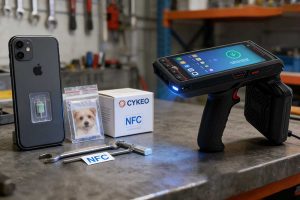
Can iPhone read RFID chips? We explain which embedded chips work with iPhone NFC and which don't—plus when you need industrial RFID solutions.
More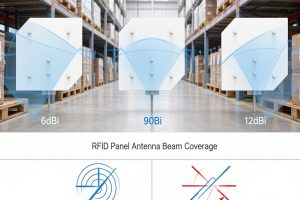
Not sure whether to choose a 6dBi, 9dBi, or 12dBi RFID antenna? This practical guide compares antenna gain, beam width, and circular vs. linear polarization to help integrators and buyers choose the right UHF RFID antenna for real projects.
More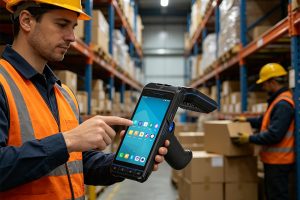
A few years ago, choosing an RFID handheld reader was mostly about hardware. Range, speed, durability. Now, that’s only part of the decision. What really matters in most projects today is: How easily the device works with your system. That’s one o...
More