 Cykeo RFID IoT Solution Products R&D Manufacturer
uhf label RFID Smart Identification and Industrial Tracking Solution
123Discover uhf label RFID solutions for industrial tracking, logistics, and asset management. Improve accuracy, speed, and visibility with Cykeo smart labeling systems.
MoreAll RFID Product
When people first look into RFID for tools, it often sounds straightforward.
Put tags on tools, install a cabinet, connect the software—and everything should run automatically.
In reality, it doesn’t always work that way.
I’ve seen projects where the system was barely used after a few months.
Others had constant read errors, and teams went back to manual tracking.
The issue is usually not the technology itself.
It’s how the system is implemented.
Here are the most common mistakes—and what to do instead.
This is probably the most common problem.
Especially with metal tools.
Standard RFID tags often don’t perform well on metal surfaces. What you get is:
Once people stop trusting the data, the system is basically done.
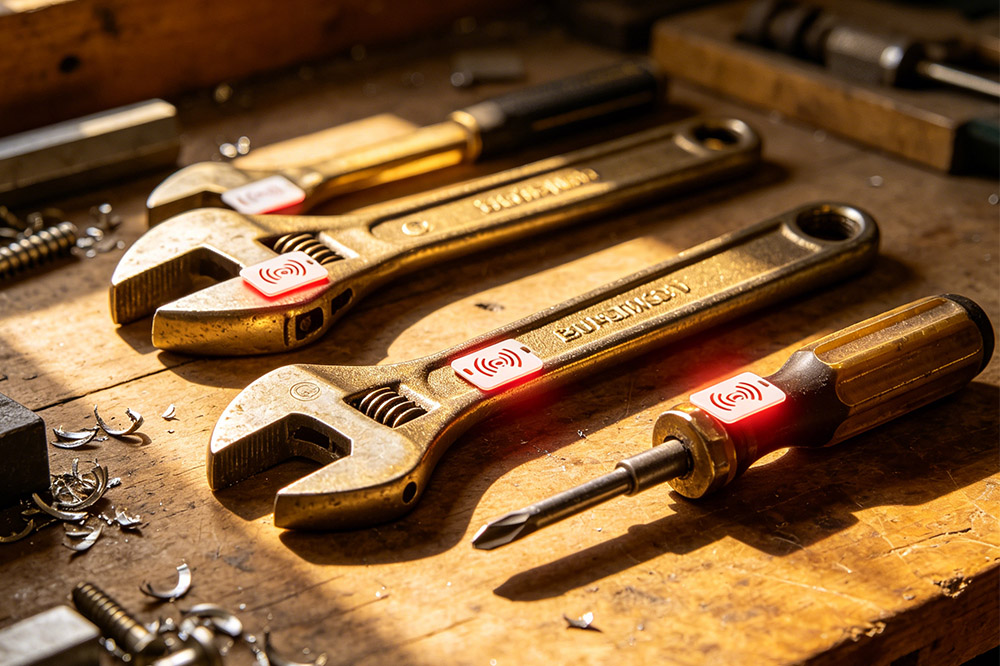
For metal tools, use UHF anti-metal RFID tags.
And don’t rely only on datasheets—test them in your actual environment before scaling.
Some systems look perfect on paper.
But once they’re installed, they slow people down.
Typical issues:
When that happens, workers will find ways around the system.
Keep it simple.
Systems that combine storage, tracking, and access control (like integrated RFID tool cabinets) tend to fit daily operations better.
It’s tempting to go for a “fully loaded” system:
But in many cases, those features don’t get used.
Instead, they make the system harder to operate.
Start with the basics:
Once that runs smoothly, you can expand.
This is where projects get expensive.
Some companies roll out the system across the entire site from day one.
Then problems show up:
Fixing this at scale is costly.
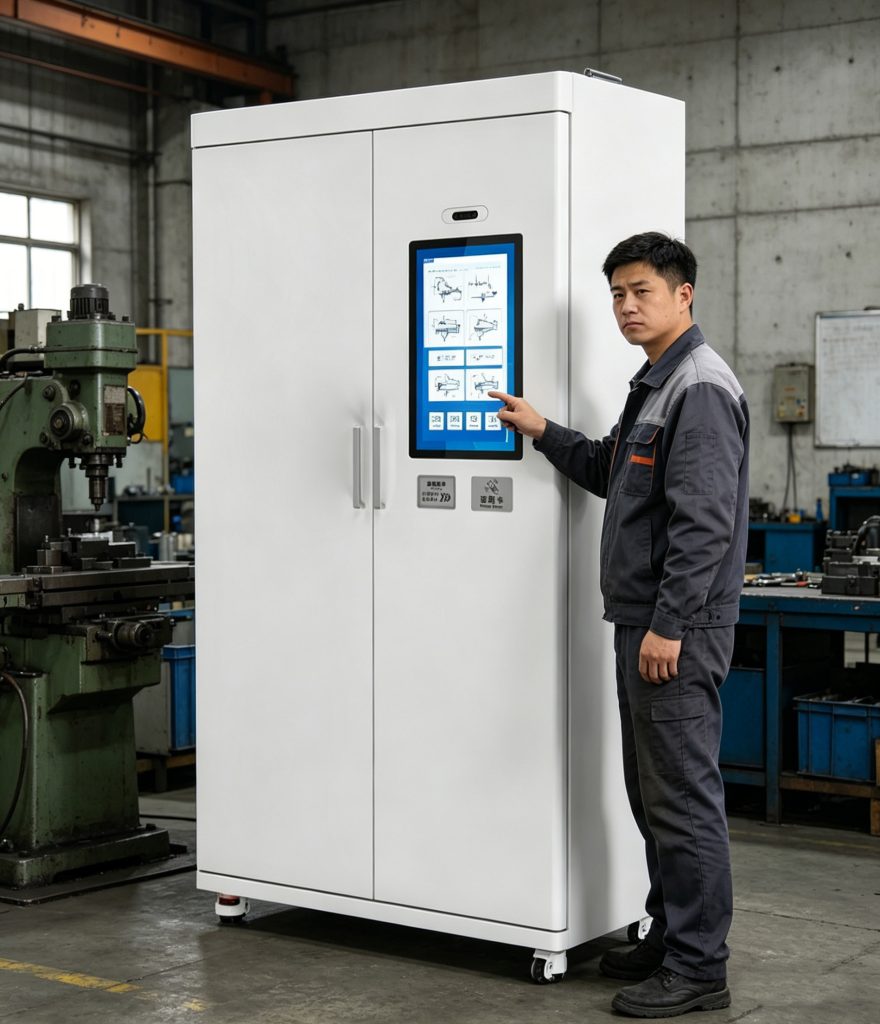
Start small.
Test in one area, with one group of tools.
Once it works in real conditions, expand step by step.
A lot of buyers focus on:
But in daily use, what really matters is:
how the system works as a whole
That includes:
Look at the full solution:
Not just individual components.
Even with a good system, things can go wrong if no one is responsible.
Common situations:
Over time, the system becomes passive.
Set clear rules:
RFID supports accountability—but it doesn’t replace management.
From experience, systems that actually work share a few things:
The best systems are the ones people don’t have to think about.
They just work.
RFID for tools is not difficult to implement.
But getting it to work well in a real environment takes some thought.
Most failures come from small decisions early on—
wrong tags, complicated workflows, or skipping testing.
Avoid those, and the system usually runs smoothly.
If you’re planning an RFID tool tracking setup—or already have one that’s not performing well—it’s worth stepping back and reviewing:
Once those are clear, choosing the right setup becomes much easier.
RFID Tool Cabinets
CYKEO-GT1 RFID Intelligent Tool Cabinet
CYKEO-GGT1 Intelligent Weighing Cabinet
CYKEO-GT7 RFID Inventory Tool Cabinet
CYKEO-TC RFID Multi-Drawer Tool Cart
CYKEO-GTC4 INDUSTRIAL RFID TOOL CART
CYKEO-GTC7 RFID Aviation Maintenance Cart
CYKEO-GTC7A RFID Real-Time Tool Tracking Cart
CYKEO-GTC4B RFID Mobile Tool Cart
CYKEO-GTC4C RFID Workshop Tool Control Cart
CYKEO-GTC4A Multi-drawer RFID Tool Cart
CYKEO-GTC4D RFID Tool Tracking Cart
CYKEO-GT3A COMPACT RFID TOOL CABINET
CYKEO-GT1A INDOOR RFID CABINET
CYKEO-GT4A RFID Secure Tool Cabinet
CYKEO-GT2B RFID Aviation Tool Cabinet
CYKEO-GTC5 RFID tool tracking system
CYKEO-GT3B RFID Tool Inventory System Cabinet
CYKEO-GT3 UHF RFID Tool Cabinet
CYKEO-GT4 RFID Multi-Drawer Tool Cabinet
CYKEO-GT2 INDUSTRIAL RFID TOOL CABINET
CK-GT2A INDUSTRIAL RFID CABINET
CK-GT1B INDUSTRIALRFID TOOL CABINET
CK-GT3C RFID Tool Checkout System Cabinet
RFID Reader Antennas
CYKEO-A11 UHF RFID reader antenna
CYKEO-A10 UHF RFID HIGH GAIN ANTENNA
CYKEO-PHF3 SMART HIGH-FREQUENCY POSITIONING ANTENNA
CYKEO-A5B 5dBi Industrial Linear RFID Antenna
CYKEO-B12 12dBi UHF Long Range RFID Antenna
CYKEO-B10 Long Distance RFID Antenna
CYKEO-A6 UHF RFID panel antenna
CK-A3 industrial antenna RFID UHF
CYKEO-B5 directional RFID antenna
CYKEO-A5C High-Gain UHF RFID Antenna System
CYKEO-A7 Flexible RFID Antenna
CYKEO-B5A industrial Passive RFID Antenna
CYKEO-A9B High Gain RFID Antenna
CYKEO-A8A INDUSTRIAL UHF RFID ANTENNA
CYKEO-A9 9dBi UHF RFID Antenna
CYKEO-A12 12dBi RFID Circular Polarized Antenna
CYKEO-A5 5dBi UHF RFID Circular Polarized Antenna
CYKEO-A8 8dBi HIGH-GAIN UHF RFID ANTENNA
CYKEO-A9A 9dBi UHF RFID HIGH-GAIN ANTENNA

Discover uhf label RFID solutions for industrial tracking, logistics, and asset management. Improve accuracy, speed, and visibility with Cykeo smart labeling systems.
More
Wondering how to check if your RFID is working? Learn simple and effective steps to test your RFID system, ensuring it’s operating correctly. Discover tips for troubleshooting RFID issues with Cykeo technology.
More
Compare USB RFID readers and handheld scanners for inventory, retail, and logistics. Learn which suits your workflow: portability vs fixed setup.
More
Discover how embeddable RFID tags improve asset tracking, inventory control, manufacturing visibility, and lifecycle management. Learn tag types, applications, installation methods, and wholesale sourcing tips.
More