 Cykeo RFID IoT Solution Products R&D Manufacturer














Can Aluminum Foil Block RFID: How Metal Shielding Affects RFID Signals
243Can aluminum foil block RFID? Learn how metal shielding affects RFID signals, protection methods, and professional RFID insights from Cykeo engineers.
MoreAll RFID Product
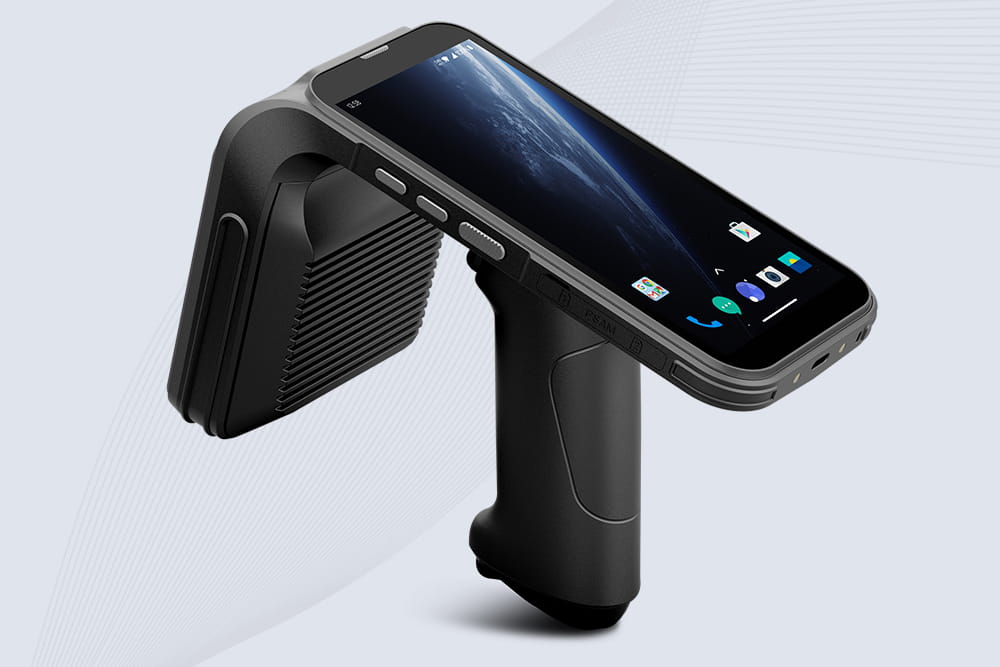
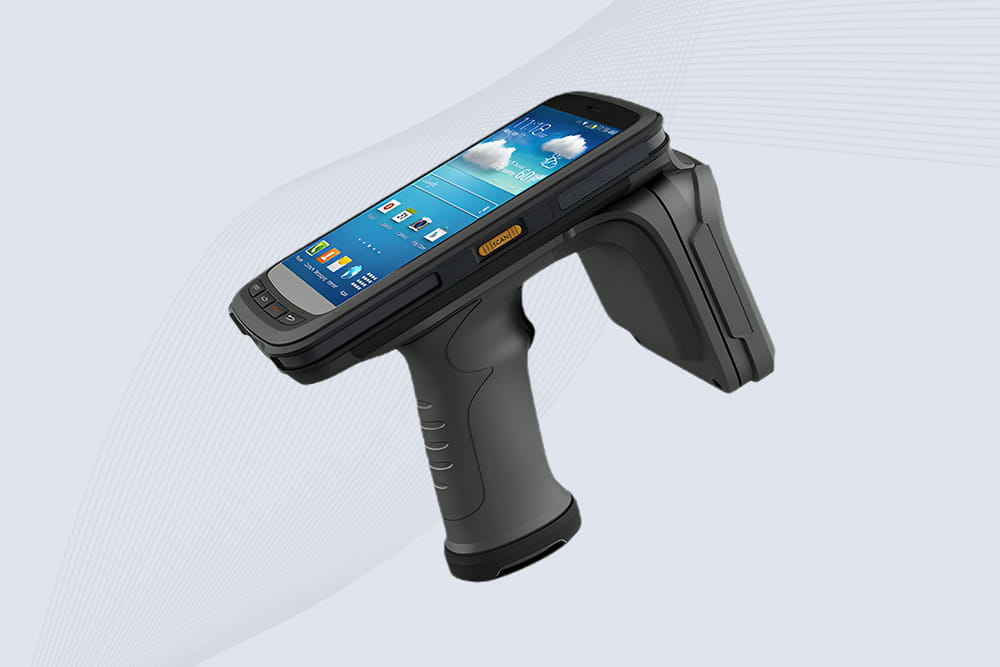
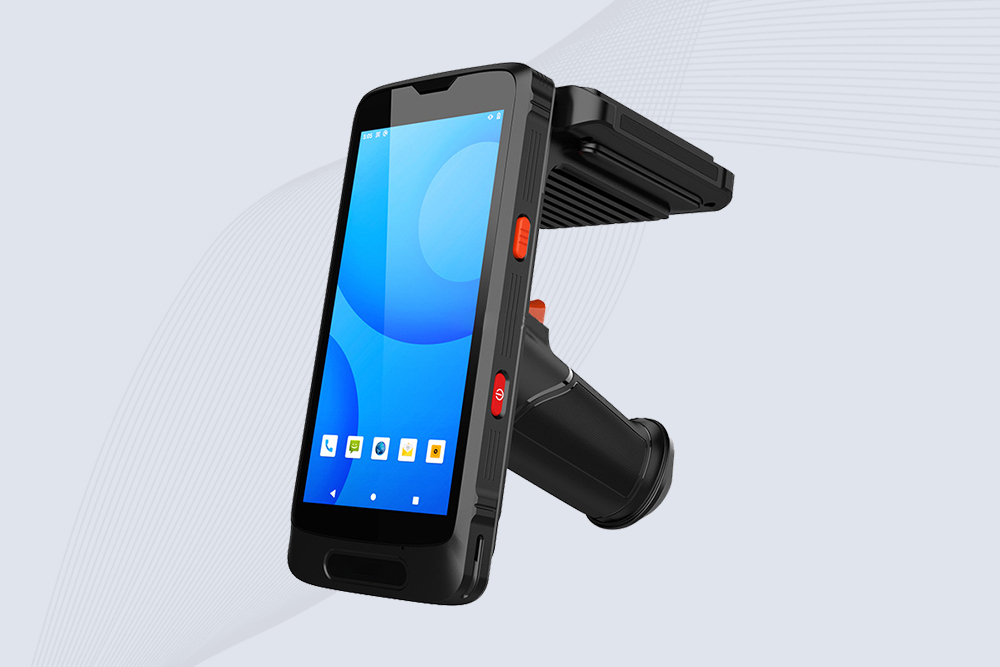
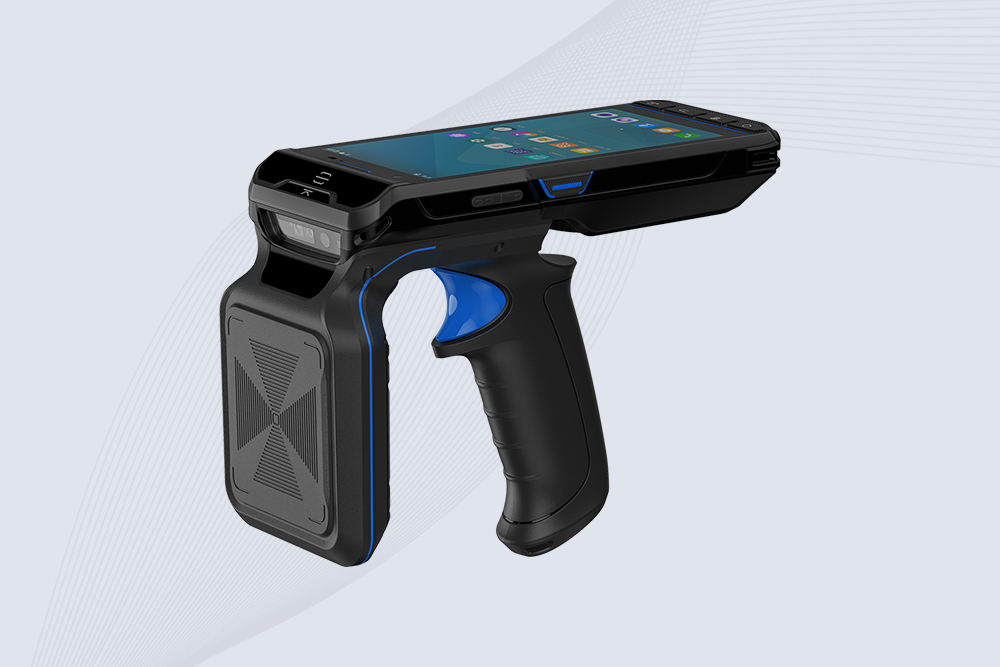
Modern retail demands tools that combine inventory management and frictionless checkout. Cykeo’s RFID scanners with NFC (Near Field Communication) support enable retailers to track products and accept mobile payments (Apple Pay, Google Wallet) in one device. Here’s how to leverage this dual functionality for faster transactions and happier customers.
Pro Tip: Use dynamic NFC tags on loyalty cards for personalized discounts during checkout.

Can aluminum foil block RFID? Learn how metal shielding affects RFID signals, protection methods, and professional RFID insights from Cykeo engineers.
More
RFID UHF reader delivers fast multi-tag capture and long-range identification for logistics and industry. Learn real deployment insights, standards, and Cykeo use cases today.
More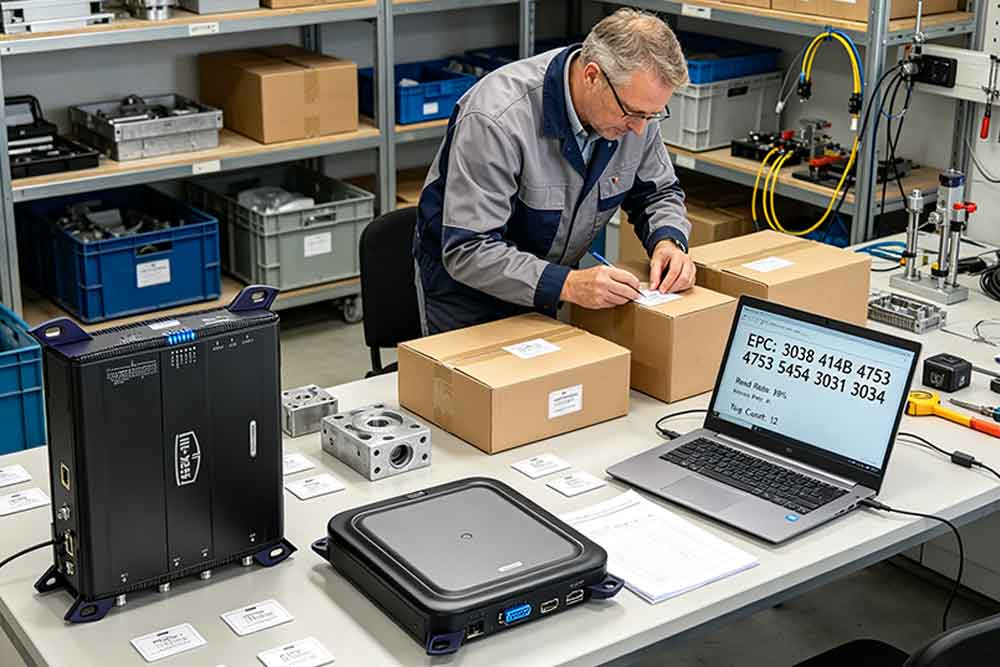
Passive RFID tags are battery-free devices that use reader RF energy to communicate identification data, supporting automated UHF identification across inven...
More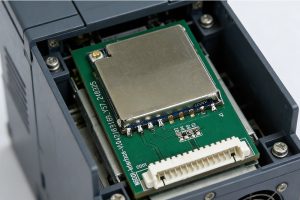
Looking for RFID modules compatible with industrial protocols like Modbus, PROFINET, or EtherNet/IP? Learn how to choose the right industrial or embedded UHF RFID module for seamless PLC and MES integration.
More