 Cykeo RFID IoT Solution Products R&D Manufacturer








what does rfid stand for and what does it do
107RFID stands for Radio Frequency Identification. It uses radio waves, tags, readers, and software to automatically identify, collect, and manage object inform...
MoreAll RFID Product
You bought an RFID reader,RFID tags, and RFID antennas—but half your scans fail, and the other half ghost-read items that don’t exist. Frustrating, right? The problem isn’t your gear; it’s compatibility. Like mixing diesel in a gasoline engine, mismatched RFID components sputter and stall. Here’s how to pair readers, antennas, and tags so your system hums like a tuned orchestra.
RFID systems fail when these three clash:
Pro Tip: Always check regional frequency bands (e.g., FCC in the U.S., CE in EU) to avoid legal headaches.
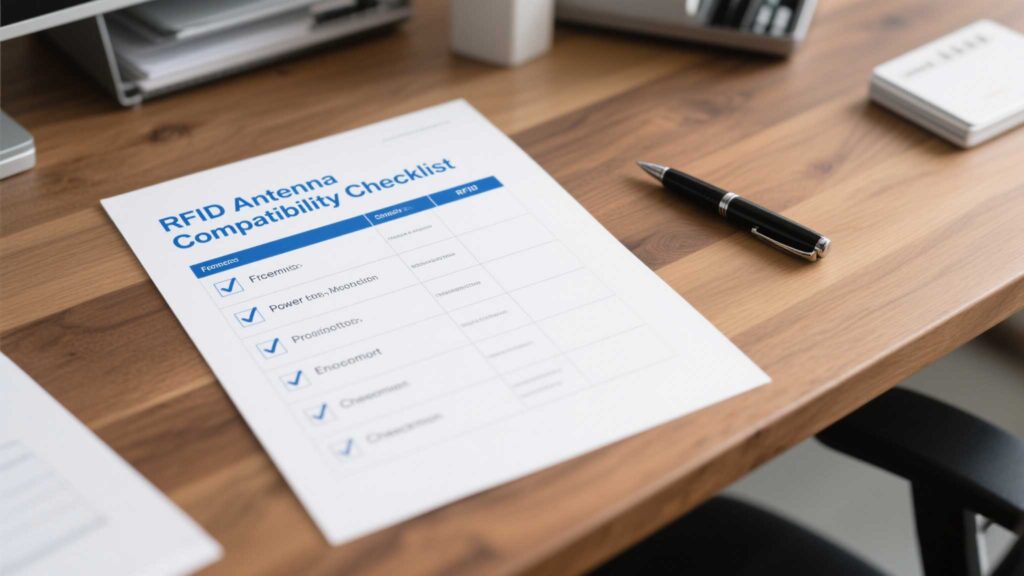
a. Match Frequency First
b. Balance Power and Sensitivity
c. Protocol Handshakes
Case Study: A Cykeo client fixed 90% of read errors by switching tags to match their reader’s EPC Gen 2 protocol.
a. Antenna-Reader Impedance
b. Cable Calibration
c. Polarization Matters
a. Tune Tag Memory
b. Adjust Tag Read Sensitivity
c. Avoid “Dirty” Tags
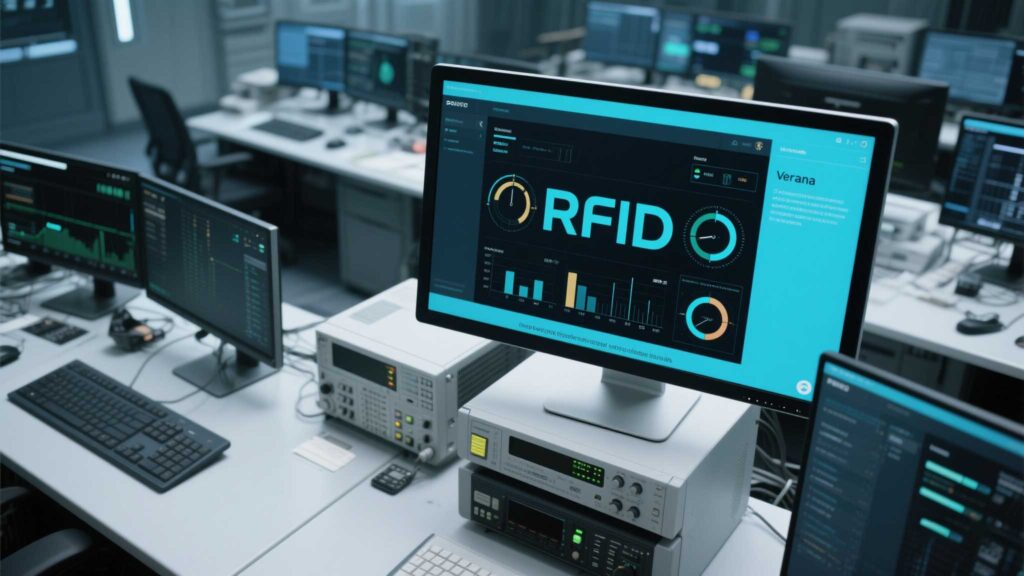
Red Flags:
Takeaway: RFID compatibility isn’t rocket science—it’s about methodical matching. Test each layer (frequency, power, protocols) like a chef tasting soup. Start small, fix one variable at a time, and never assume “it should work.” Because in RFID, “should” is the enemy of “does.”

RFID stands for Radio Frequency Identification. It uses radio waves, tags, readers, and software to automatically identify, collect, and manage object inform...
More
Chipless RFID is considered the next-generation RFID technology due to its low cost and environmental advantages. But can it truly replace traditional RFID? This article analyzes its potential and limitations from aspects like reading distance, da...
More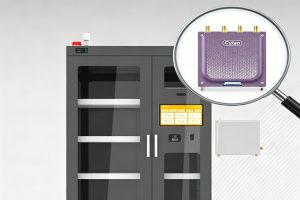
Learn how RFID reader modules are used in smart cabinets for automated inventory tracking, tool management, medical storage, and industrial asset control systems.
More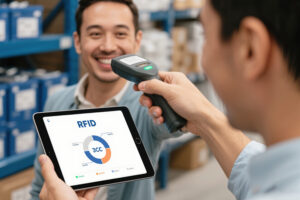
Explore the true cost of RFID systems for small businesses. Learn how SMEs can calculate ROI, reduce operational expenses, and choose budget-friendly solutions like Cykeo.
More