 Cykeo RFID IoT Solution Products R&D Manufacturer
Does Aluminum Foil Stop RFID Signals, or Is That Just a Myth?
61Does aluminum foil stop RFID signals? Learn what really happens, when it works, when it fails, and how RFID behaves around metal in real use.
MoreAll RFID Product
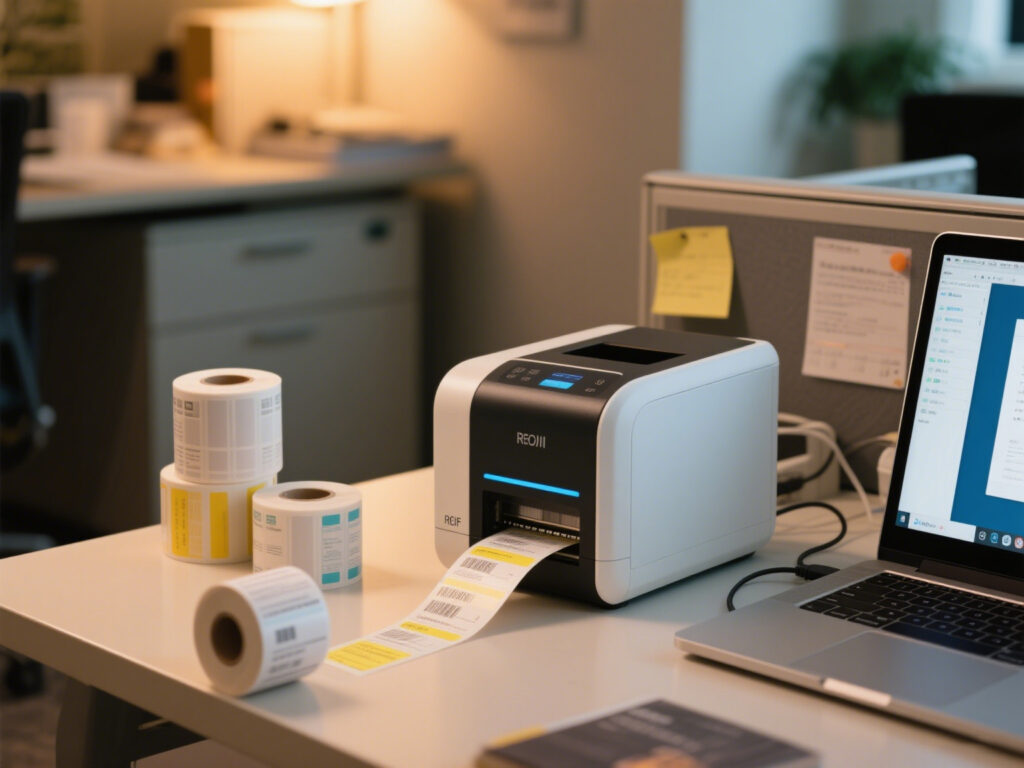
In the RFID world, many people buy their first RFID printer thinking: “As long as it prints labels, that’s enough.”
But once it’s set up in the office, they quickly realize: this machine not only needs to “print text,” it must also encode EPCs, support different chips, and match with the right consumables.
I remember the first time I set up a desktop RFID printer in the office. Just to find labels that could be encoded consistently, I had to visit three different suppliers. The conclusion was clear—buying the wrong device hurts far more than buying an expensive one.

Tuning Tips:

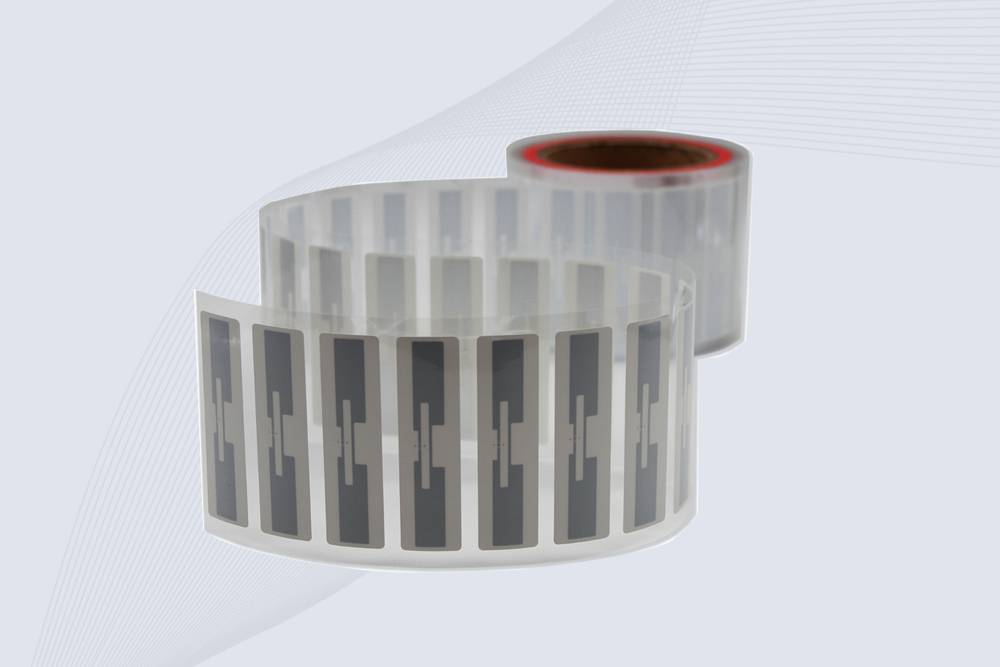
CYKEO Passive RFID Tags are made for wet and high-humidity environments where standard labels do not last. This rfid passive tag is often used around liquids, chemicals and temperature changes, providing stable reading distance and long data life for industrial tracking.
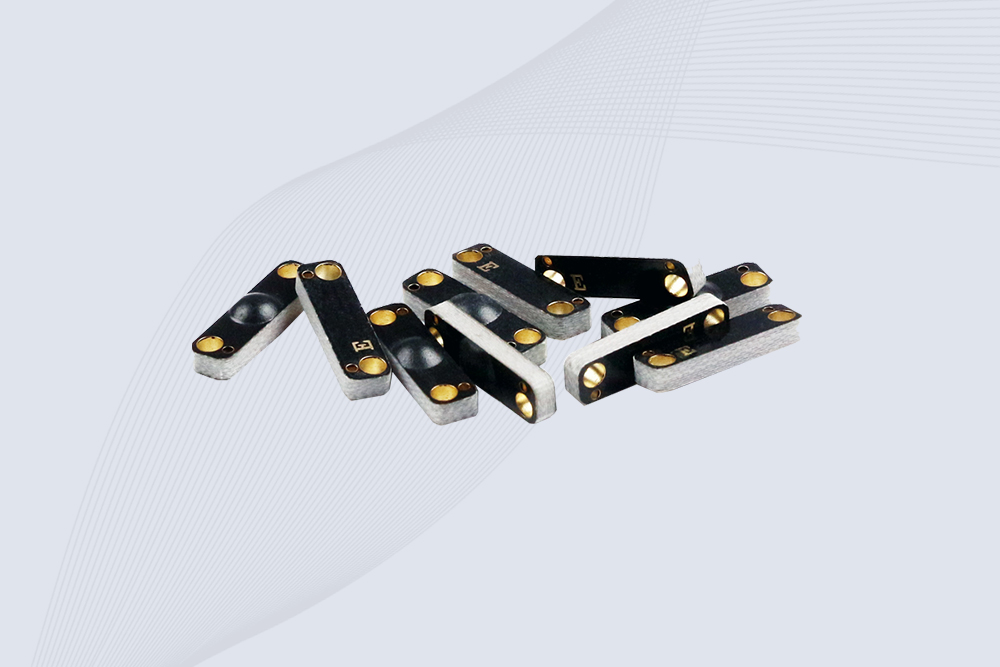
CYKEO CK-BQ1504 Metal RFID Tags is a compact anti-metal UHF RFID solution built for direct mounting on metal surfaces. With stable 8-meter read range, Ucode-8 chip, and long data retention, this rfid metal tag fits tools, containers, automotive parts, and industrial asset tracking.
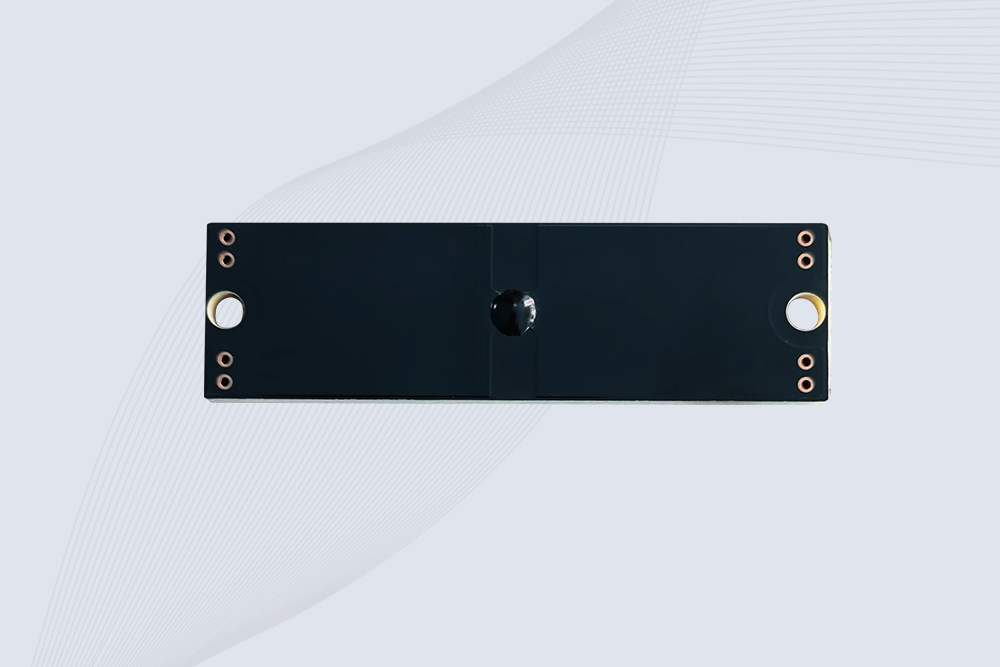
CYKEO CK-BQ7020 On-Metal RFID Tags are designed for reliable tracking on steel and metal surfaces. Built with an FR4 epoxy body and industrial-grade chips, these On-Metal RFID Tags deliver stable performance, long data life, and chemical resistance, making them a dependable RFID anti-metal tag for harsh environments.
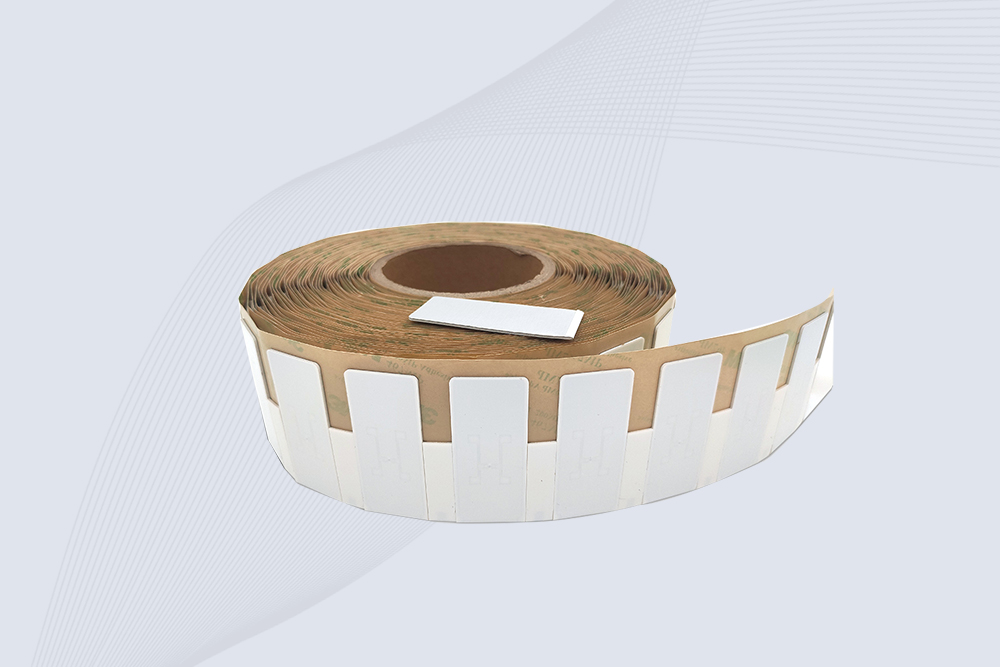
The CYKEO CK-BQ6025 Anti-Metal RFID Tag is built for metal surfaces where standard tags fail. Designed for long-range performance, harsh environments, and stable data retention, this Anti-Metal RFID Tag is ideal for industrial assets, containers, and equipment tracking using on metal RFID tags.

Does aluminum foil stop RFID signals? Learn what really happens, when it works, when it fails, and how RFID behaves around metal in real use.
More
Explore the benefits and challenges of using long-range RFID readers for retail inventory. Learn how Cykeo’s solutions streamline stock management in stores and warehouses.
More
RFID multiple tag reading tested: Discover real-world speeds, interference solutions, and how Cykeo users scan pallets in seconds. No hype - just warehouse results.
More
The aviation industry is known for its stringent safety requirements, where even the smallest detail can impact flight safety. However, traditional tool management methods often suffer from inefficiency and human error, posing significant...
More