 Cykeo RFID IoT Solution Products R&D Manufacturer



Top 10 Benefits of Using Handheld RFID Scanners in Retail
1047Discover how handheld RFID scanners transform retail operations—reduce stockouts, speed up checkout, and enhance customer satisfaction.
MoreAll RFID Product
UHF RFID reader connectivity issues in factories often stem from environmental interference, hardware malfunctions, or software misconfigurations. These problems can halt production lines and cause costly downtime. Below, we outline a systematic approach to diagnose and resolve common connectivity failures, ensuring seamless RFID operations in harsh industrial environments.
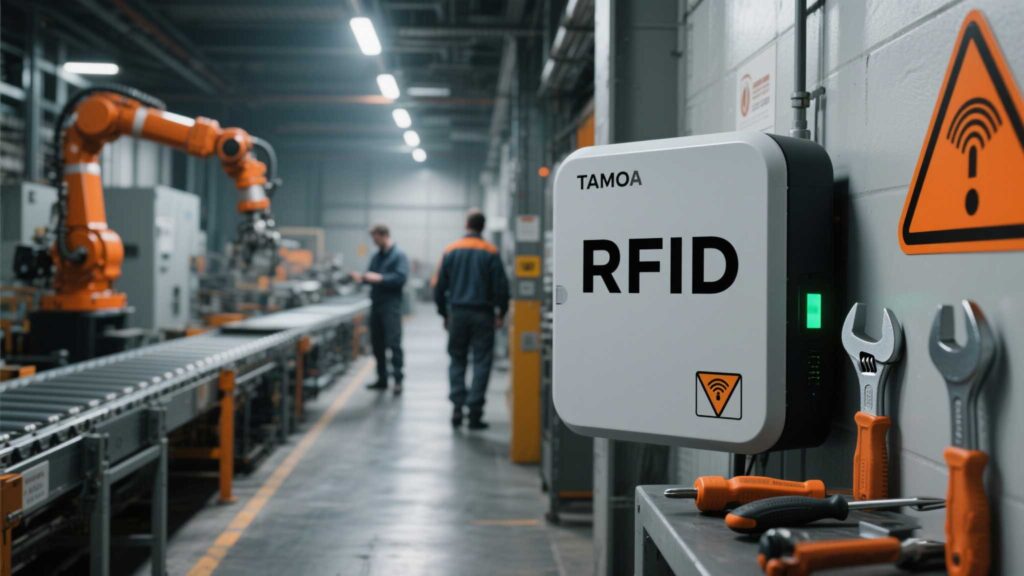
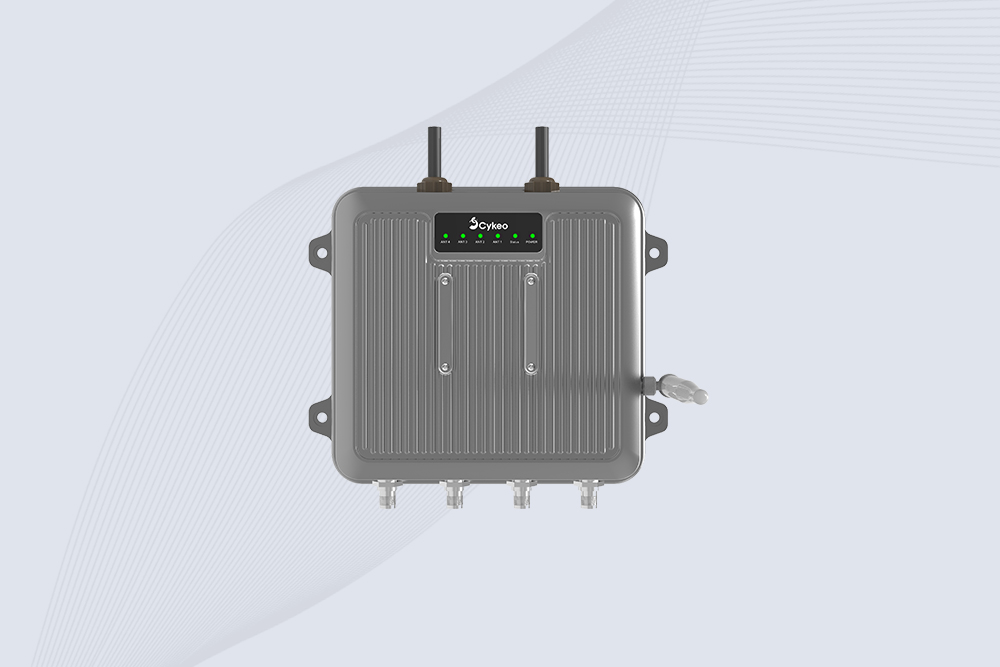
Cykeo’s readers include built-in self-diagnostic LEDs that flash red for power faults or antenna mismatches, simplifying initial checks.
A German auto plant resolved intermittent connectivity by replacing a damaged coaxial cable causing signal attenuation.
Cykeo’s industrial readers feature dual-network failover (Ethernet + Wi-Fi) and generate automated health reports via email/SMS. Their support team provides live interference mapping for factories with persistent RFI.

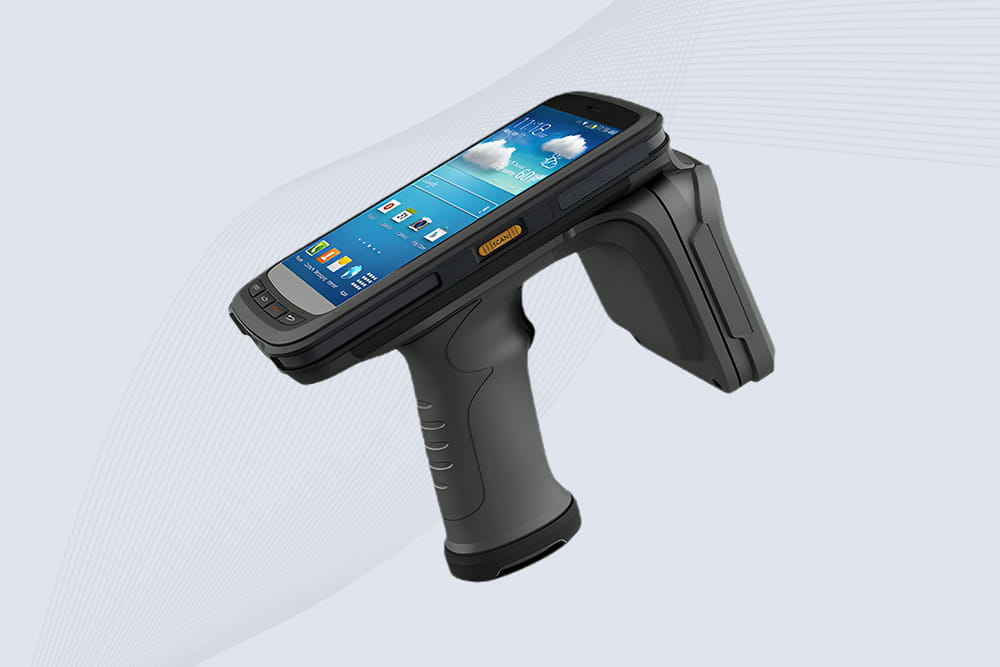
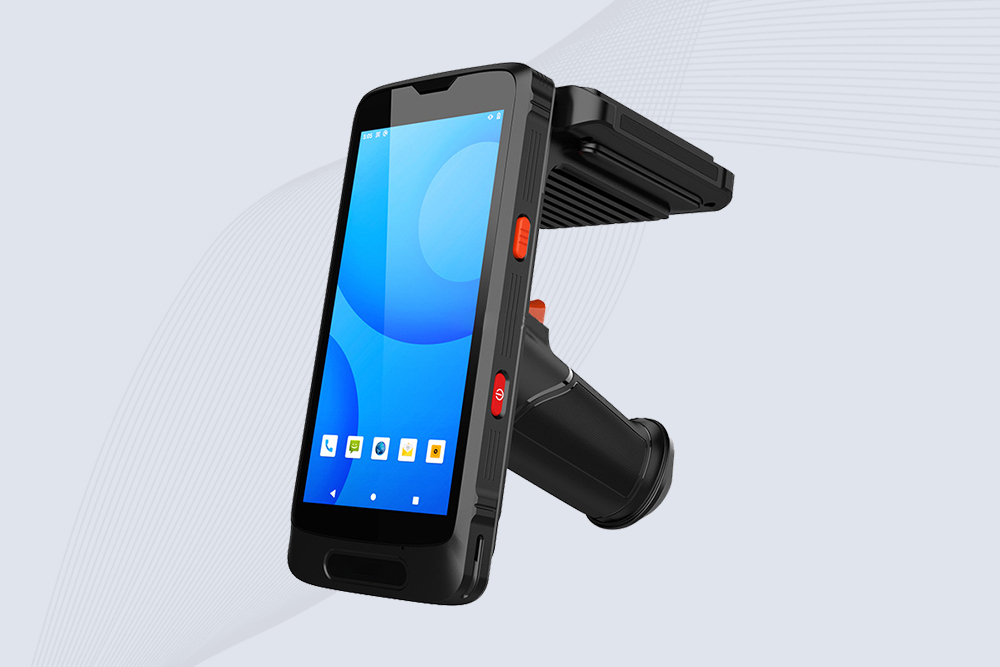
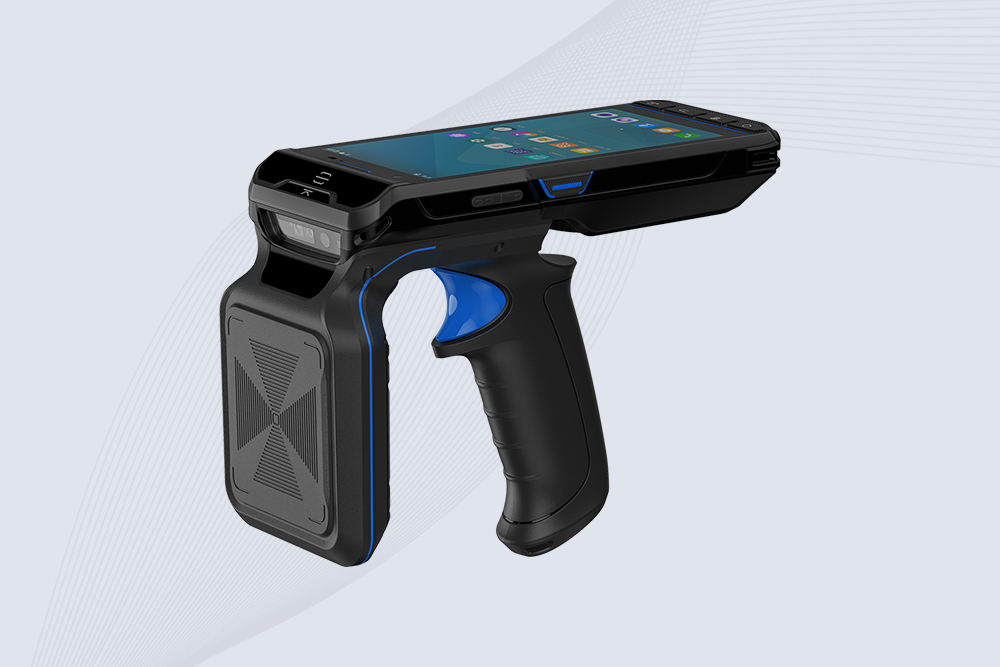
Discover how handheld RFID scanners transform retail operations—reduce stockouts, speed up checkout, and enhance customer satisfaction.
More
Need a smaller but powerful UHF RFID antenna? Learn how a fractal-based circularly polarized UHF RFID reader antenna delivers full performance in compact handheld and embedded designs.
More
The aviation industry is known for its stringent safety requirements, where even the smallest detail can impact flight safety. However, traditional tool management methods often suffer from inefficiency and human error, posing significant...
More
Learn how to read RFID tags with Android for real projects. We break down built-in NFC limits and show how to connect CYKEO UHF readers via SDK for inventory apps.
More