 Cykeo RFID IoT Solution Products R&D Manufacturer
How to Build a RFID Antenna: A Hands-On Learning Experience
475Thinking about how to build a RFID antenna? Our guide walks through the DIY process for learning, while explaining the value of commercial solutions.
MoreAll RFID Product
How to transfer RFID: use a compatible UHF RFID reader/writer to read the tag, select the required memory bank, write or update the data, and verify the result. For system-level transfer, send RFID read data from the reader to software through a supported interface such as Ethernet, RS-232, USB, or an SDK/API.
The phrase “transfer RFID” can mean two different things in actual projects. Sometimes the requirement is to transfer information to an RFID tag—for example, writing an EPC or application data into User Memory. In other cases, the requirement is to transfer RFID data from the reader to a computer, database, warehouse system, or application.
Those are different engineering tasks. Mixing them together is one reason RFID demonstrations can look successful while the production integration remains unfinished.
In a UHF RFID system, the reader communicates wirelessly with the tag. GS1 describes RFID readers as devices that send standardized commands to tags for reading and writing, while passive tags receive operating energy from the reader’s continuous-wave signal and return information through backscatter.
That means there is no conventional cable connection between a passive RFID tag and the reader. Data transfer takes place over the RF interface. The reader then becomes the bridge between the tag and the rest of the application.
| Transfer direction | Typical operation | Example |
|---|---|---|
| Reader → RFID tag | Write / update tag memory | Program an EPC or User Memory |
| RFID tag → reader | Read / inventory | Capture EPC and TID |
| Reader → computer | Data communication | Send tag reads to software |
| Application → reader | Control command | Set reader parameters or issue operations |
| Application → database | Business data transfer | Store RFID events and item status |
To transfer data to a UHF RFID tag, use an RFID reader/writer and write the required information into an appropriate writable memory area. The tag must be compatible with the reader protocol, within a suitable RF field, and writable memory must not be locked against modification.
GS1 identifies four logical memory banks in Gen2 RFID tags: Reserved, EPC, TID and User Memory. EPC memory contains the Electronic Product Code associated with the tagged object, while User Memory, when present, can hold additional application information.
This distinction becomes important when programming tags in production. An EPC is normally used as the identifier of the physical object. User Memory is intended for additional application information.
GS1’s EPC User Memory tools demonstrate that application information can be encoded into a form suitable for storage in User Memory. GS1 also specifies ISO/IEC 15962 as the general framework for encoding and decoding RFID tag memory.
EPC: commonly used as the tag’s object identifier.
TID: identifies information about the RFID chip and its capabilities; it is generally not an application field to rewrite.
User Memory: optional space for additional application information.
Reserved Memory: contains security-related information and should not be treated as ordinary application storage.
In a tag-encoding workstation, the process is usually less glamorous than the marketing diagrams suggest. A tag is placed in a controlled read/write area. The software identifies the intended tag, sends the write operation, waits for confirmation, then reads the tag again.
I treat that final read-back as mandatory during commissioning. A “write successful” message from software is not enough evidence that the complete workflow is correct. The stored value needs to be read back and compared with the intended value.
Connect the UHF RFID reader/writer to the host system.
Select the correct RFID communication protocol and reader parameters.
Place the target tag inside the controlled write area.
Inventory and identify the intended tag.
Select the required memory bank and address.
Encode the application data into the required format.
Write the data to the tag.
Read the tag again.
Compare the returned value with the source data.
Record the programming result in the application database.
This workflow also reduces a common production mistake: writing correct data to the wrong physical tag. Tag selection should happen before the write operation, especially when several UHF tags are present in the same RF field.
RFID tags are not miniature databases. Memory capacity depends on the chip and tag design. GS1 states that a RAIN RFID tag typically carries no more than 8 KB of data, while simple license-plate-style tags may use only 96-bit or 128-bit identifiers.
For most supply-chain applications, storing a compact identifier and keeping the detailed product record in the enterprise system is usually more practical than placing the entire record on the tag.

Once a reader has captured a tag, the next transfer occurs outside the RF interface. The reader sends the event to a host computer or application through its communication interface. The exact method depends on the reader and integration architecture.
For embedded systems, this may involve an SDK or API. For industrial fixed readers, Ethernet or RS-232 may be used. USB is common for desktop RFID encoders and development workstations. GS1 also describes LLRP as an interface between RFID readers and client applications where deployments require control over reader operations and air-interface commands.
EPC or tag identifier
TID when required for identification or diagnostics
Reader ID
Antenna or port information
Timestamp
RSSI or other available RF diagnostics
Read/write result
Application status
The useful data is therefore not simply “RFID number = 12345.” A production system needs to know which tag, which reader, when, where, and what operation occurred. GS1’s EPCIS framework is specifically designed around visibility event data and standardized interfaces for sharing such information.
When integrating a Cykeo UHF RFID reader into an application, I would separate the RF test from the software test. First confirm that the reader consistently identifies the intended tags. Then confirm that the host receives the same identifiers without duplication, truncation or unexpected formatting.
Cykeo UHF RFID hardware supports interfaces such as Ethernet and RS-232 on applicable fixed-reader products, while SDK/API resources can be used for software integration. The CYKEO-M4L module also provides an integration-oriented architecture with API support, firmware upgrade capability, filtering and anti-collision functions.
That separation makes troubleshooting much faster. If a tag is visible at the reader but missing from the application, the problem is probably no longer the RFID tag itself. The investigation should move toward communication, middleware, filtering, event handling or application logic.
When RFID data does not transfer correctly, isolate the problem into three layers: tag memory, RF communication, and host software. This sounds obvious, but separating these layers saves considerable time during commissioning. Otherwise, engineers can spend an afternoon changing antenna settings when the actual problem is a locked memory bank or an incorrect data format.
Start by checking the target memory bank and write permissions. A tag can respond normally to inventory commands while refusing a write operation because the relevant memory is locked or because the command parameters are incorrect.
GS1’s EPC Gen2 documentation includes tag error conditions associated with memory access, including locked memory and insufficient power. These are useful diagnostic clues rather than reasons to immediately replace the tag.
Read the tag again immediately after writing and compare the returned data with the source value byte by byte or word by word, depending on the application. Check hexadecimal representation, bit length, byte order and encoding rules before changing RF parameters.
This is particularly important for batch programming. A workstation that writes 500 tags successfully but records the wrong association between EPC and product ID can create a much larger operational problem than a simple failed write.
In this situation, move downstream. Confirm the physical reader event first, then inspect the communication packet or SDK/API response received by the host. Verify whether filtering rules, duplicate suppression, middleware or database logic is changing the original RFID event.
| Observed problem | First area to inspect |
|---|---|
| Tag cannot be inventoried | RF environment, tag orientation, reader configuration |
| Tag reads but write fails | Memory bank and access permissions |
| Write succeeds but verification fails | Address, data format and memory capacity |
| Reader sees tag but software does not | Communication interface and SDK/API integration |
| Duplicate events appear | Reader filtering and application event logic |
| Wrong tag is programmed | Tag selection and write-zone control |
Batch RFID programming requires more control than simply repeating a single write command. When several tags are present, the system needs to identify the intended tag before writing and verify each result afterward.
A practical production sequence is:
Load the source product list or database records.
Present one tag or one controlled group of tags.
Inventory the tags in the write zone.
Match the selected tag with the intended product record.
Write the required EPC or application data.
Read back the programmed value.
Compare the returned value with the source record.
Save the result and timestamp.
Move the verified item out of the programming zone.
The physical workflow matters as much as the software. If completed and unprogrammed tags are allowed to remain together inside the same RF field, an otherwise correct application can select the wrong tag. A short, controlled write zone is often easier to manage than a high-power reader covering the entire workstation.
Not every memory area should remain freely writable. UHF RFID systems provide mechanisms for controlling access to protected tag memory. In production, the decision to lock memory should be made only after the encoding and verification process has been validated.
For example, a manufacturer may program an EPC during production and subsequently protect that information from accidental modification. The exact locking strategy depends on the tag, reader implementation and business requirements.
GS1’s EPC Gen2 specifications define memory-access and security-related commands as part of the UHF RFID air interface.
Cykeo approaches RFID data transfer as an integration task rather than simply a wireless write operation. Applicable Cykeo UHF RFID readers provide host communication interfaces such as Ethernet and RS-232, while SDK/API resources can support connection to application software.
For desktop encoding applications, Cykeo’s RFID reader/writer products can be used for controlled read/write operations, tag registration and verification. For embedded projects, the CYKEO-M4L module provides an OEM-oriented architecture with API support, firmware upgrade capability, filtering and anti-collision functions.
One useful engineering practice is to keep three records during commissioning: source data, tag data and application data. If all three match, the transfer path is working. If they differ, the point of failure becomes much easier to locate.
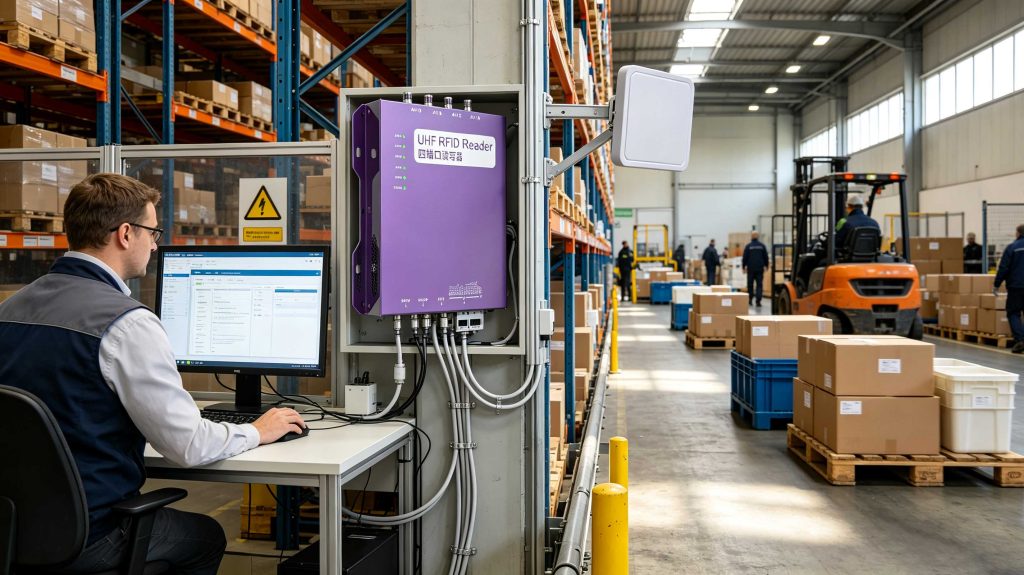
Confirm the reader supports the required UHF RFID protocol.
Identify the correct tag memory bank before writing.
Check available writable memory.
Keep the write zone physically controlled.
Identify the target tag before programming.
Verify every write operation by reading the tag again.
Record the original and programmed values.
Check reader-to-host communication independently from RF performance.
Test batch operations with realistic tag quantities.
Apply memory locking only after successful verification.
Yes. A compatible UHF RFID reader/writer can write information to writable tag memory. The specific operation depends on the tag’s supported memory banks, available capacity, access permissions and RFID protocol. After writing, the stored information should be read back and verified.
Use the reader’s supported host interface, such as Ethernet, RS-232 or USB, or use the manufacturer’s SDK/API where available. The reader captures the RFID tag data and passes the resulting event to the host application, where it can be processed or stored.
Many UHF RFID tags have writable memory, so data can be changed when the relevant memory is not locked. Whether a specific tag can be rewritten depends on its chip configuration and access settings. Always verify the tag’s memory and locking status before attempting an update.
Depending on the tag, information can include an EPC and additional application data stored in User Memory. GS1 identifies EPC, TID and User Memory as distinct memory areas with different purposes.
Yes. The RF communication between a passive UHF RFID tag and reader does not itself require an internet connection. A reader can communicate with a local computer or controller through an appropriate physical interface. Internet or cloud connectivity becomes relevant when the application needs remote data access or centralized services.
Capacity varies by chip and tag design. GS1 states that RAIN RFID tags typically carry no more than 8 KB, while many simple applications use much smaller EPC identifiers.
Verification confirms that the intended value was actually stored in the intended tag. It can also expose wrong memory addresses, incorrect encoding, insufficient capacity or an incorrect tag selection. For production encoding, read-back verification is a practical safeguard rather than an optional demonstration step.
rfid is not limited to writing a value into a tag. A dependable UHF RFID deployment must control the tag memory operation, RF transaction, verification process and reader-to-application data path. When those four areas are tested separately, RFID data transfer becomes far easier to validate, troubleshoot and integrate into real Cykeo applications.
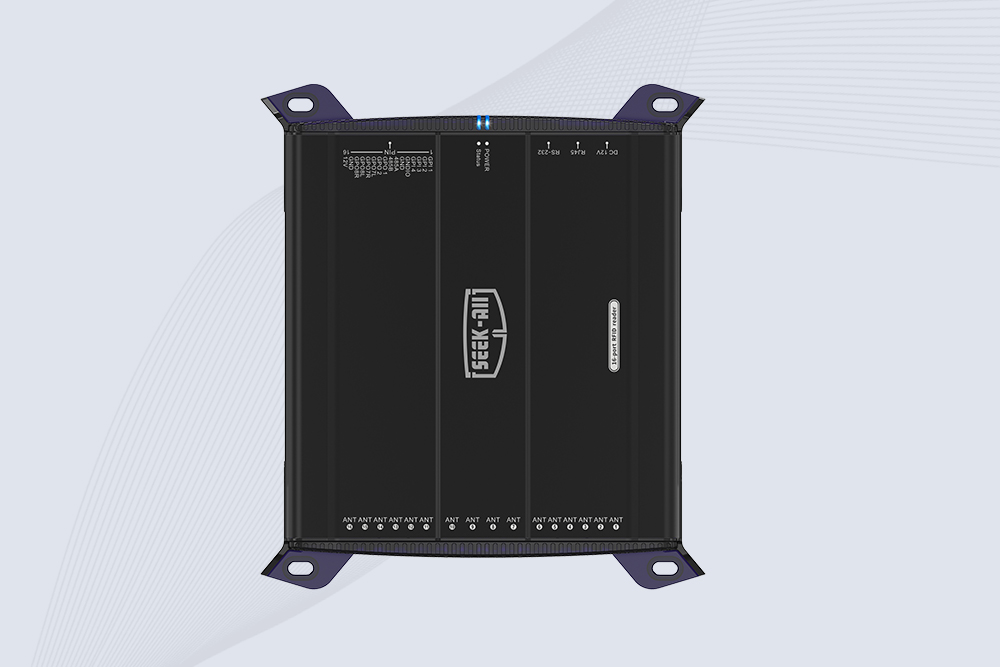
SSD-R16L Multi-Channel RFID Infrastructure for Automated Inventory Management ✔️ 16-Port High-Density RFID Reading Equipped with 16 SMA antenna ports, SSD-R16L supports multi-antenna deployment for warehouses, retail stores, logistics, production lines, and large-area RFID identification. ✔️ High-Speed & Long-Range Performance With up to 33…
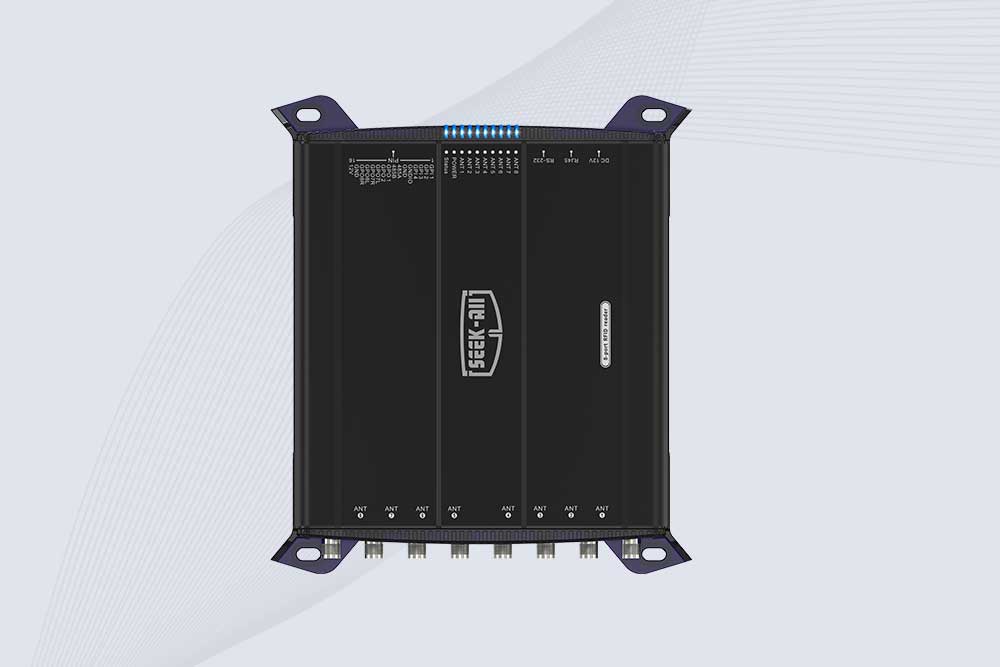
SSD-R8L 8-port UHF RFID reader with 33dBm output, up to 20m reading range and 600+ tags/s recognition. Ideal for warehouse, logistics, retail and asset tracking.
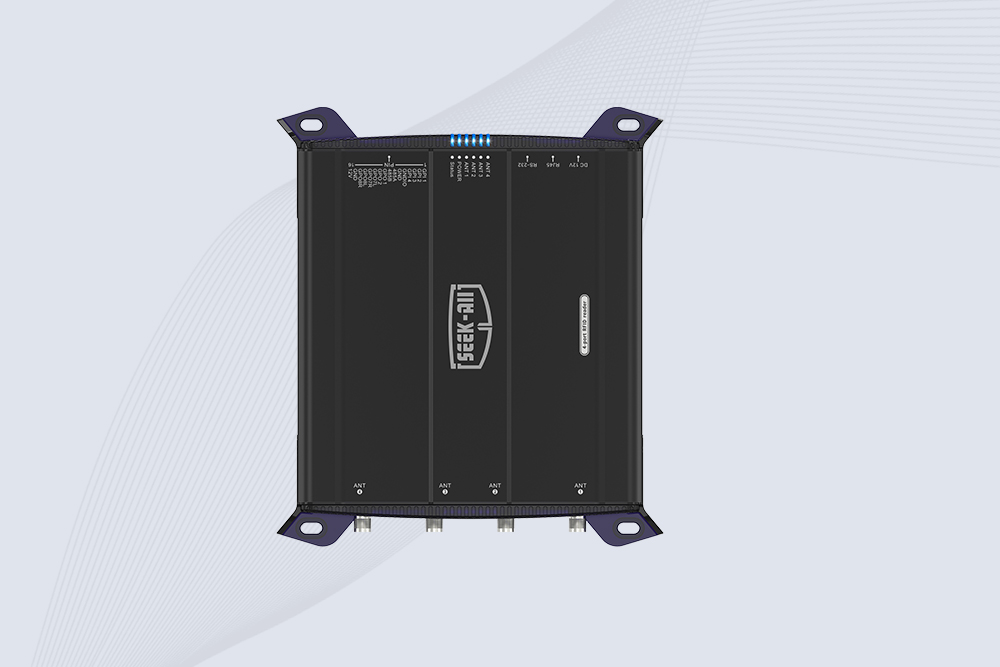
SSD-R4L is a 4-port UHF RFID fixed reader with 33dBm output power, up to 20m reading range, EPC C1G2 support and 600+ tags/s reading speed.
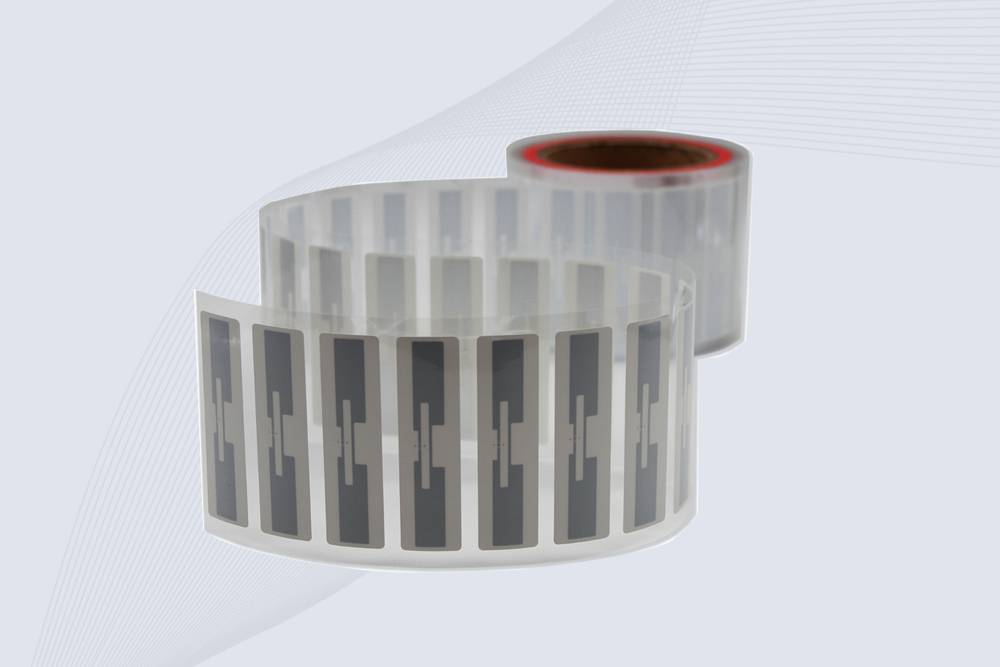
CYKEO Passive RFID Tags are made for wet and high-humidity environments where standard labels do not last. This rfid passive tag is often used around liquids, chemicals and temperature changes, providing stable reading distance and long data life for industrial tracking.
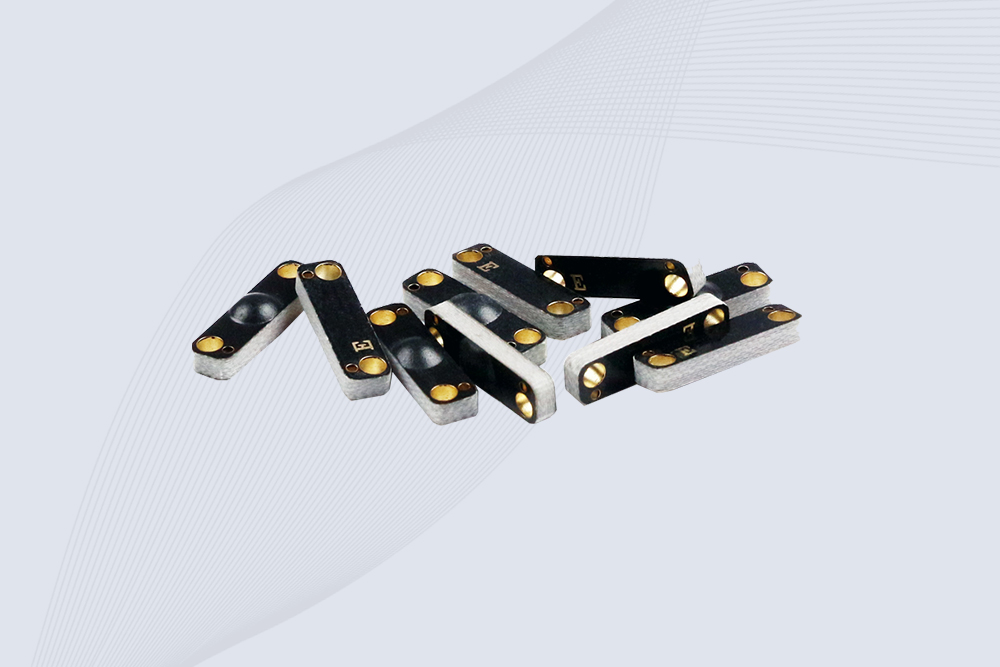
CYKEO CYKEO-PCB1504 Metal RFID Tags is a compact anti-metal UHF RFID solution built for direct mounting on metal surfaces. With stable 8-meter read range, Ucode-8 chip, and long data retention, this rfid metal tag fits tools, containers, automotive parts, and industrial asset tracking.
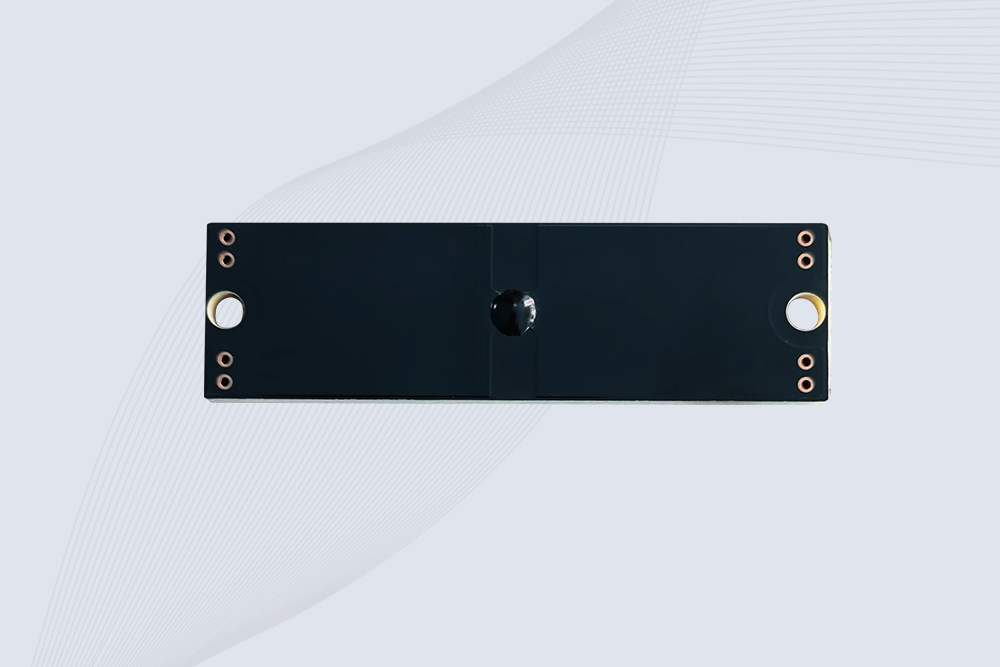
CYKEO CYKEO-PCB7020 On-Metal RFID Tags are designed for reliable tracking on steel and metal surfaces. Built with an FR4 epoxy body and industrial-grade chips, these On-Metal RFID Tags deliver stable performance, long data life, and chemical resistance, making them a dependable RFID anti-metal tag for harsh environments.
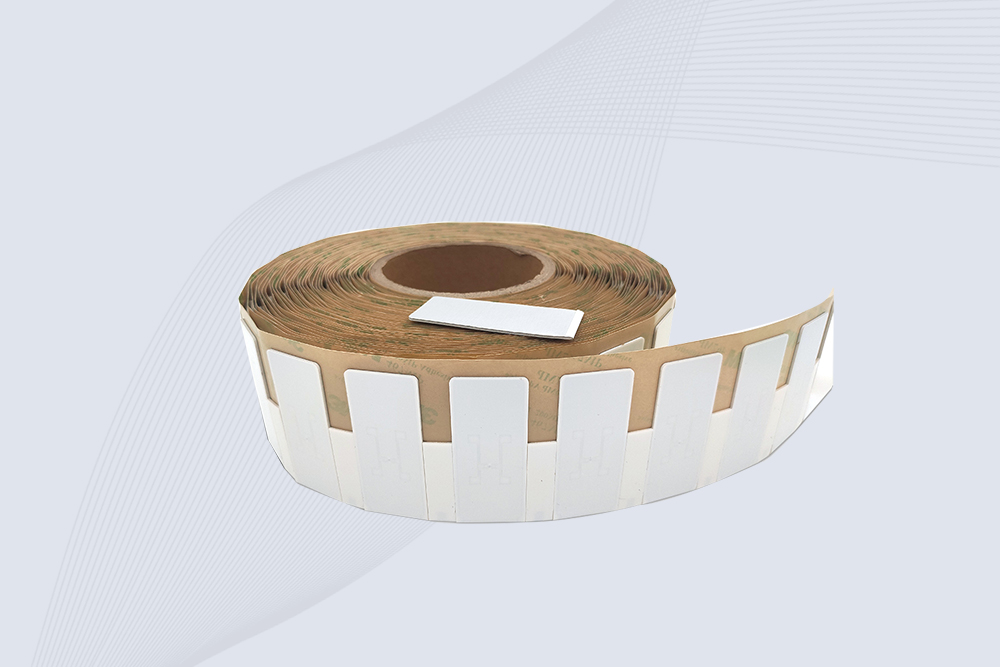
The CYKEO CYKEO-60-25 Anti-Metal RFID Tag is built for metal surfaces where standard tags fail. Designed for long-range performance, harsh environments, and stable data retention, this Anti-Metal RFID Tag is ideal for industrial assets, containers, and equipment tracking using on metal RFID tags.
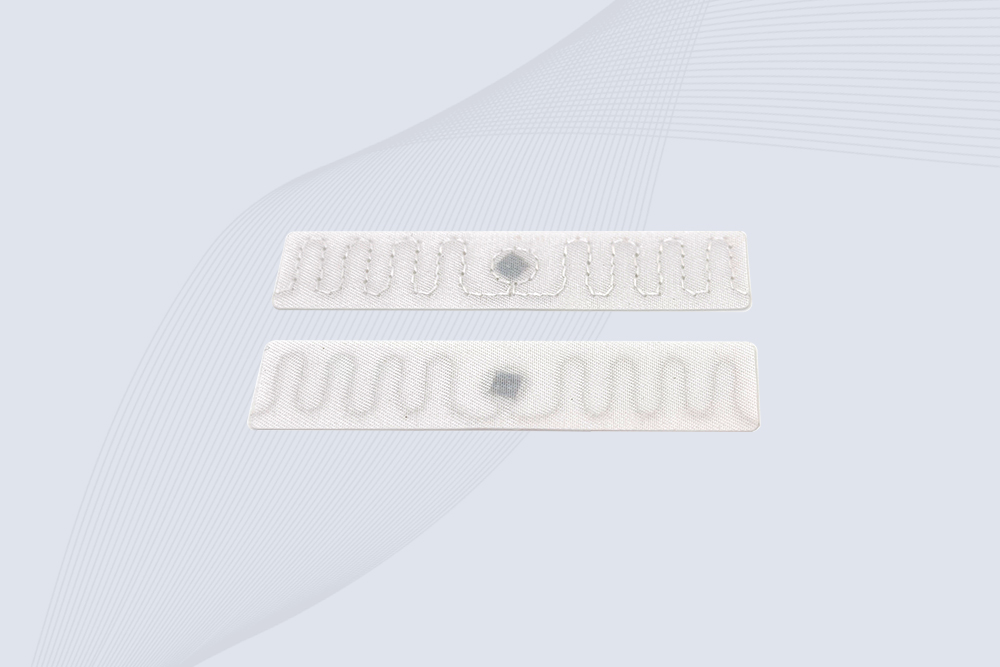
The CYKEO RFID Laundry Tag is designed for long-term textile identification in harsh laundry environments. Built to withstand high heat, chemicals, and repeated washing, this RFID Laundry Tag delivers stable performance for hotels, hospitals, and industrial laundry operations using laundry rfid tags at scale.
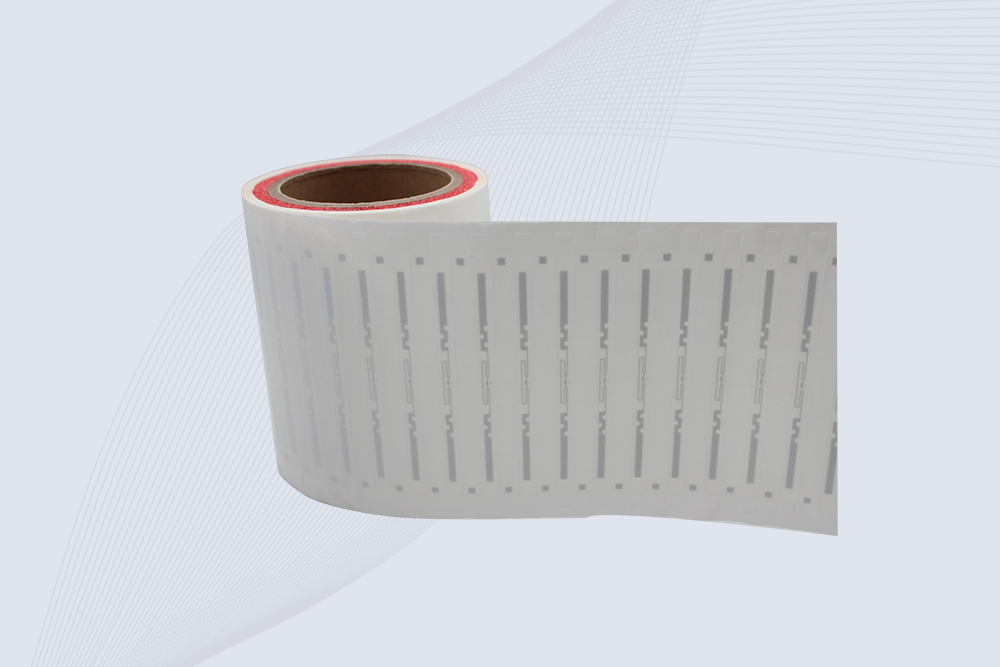
The CYKEO CYKEO-125-7 RFID Book Tag is designed for reliable book and document tracking in libraries and archives. This RFID Book Tag delivers long read range, dense placement support, and stable performance on shelves, making it a practical rfid tag on books for library automation, file management, and archival systems.
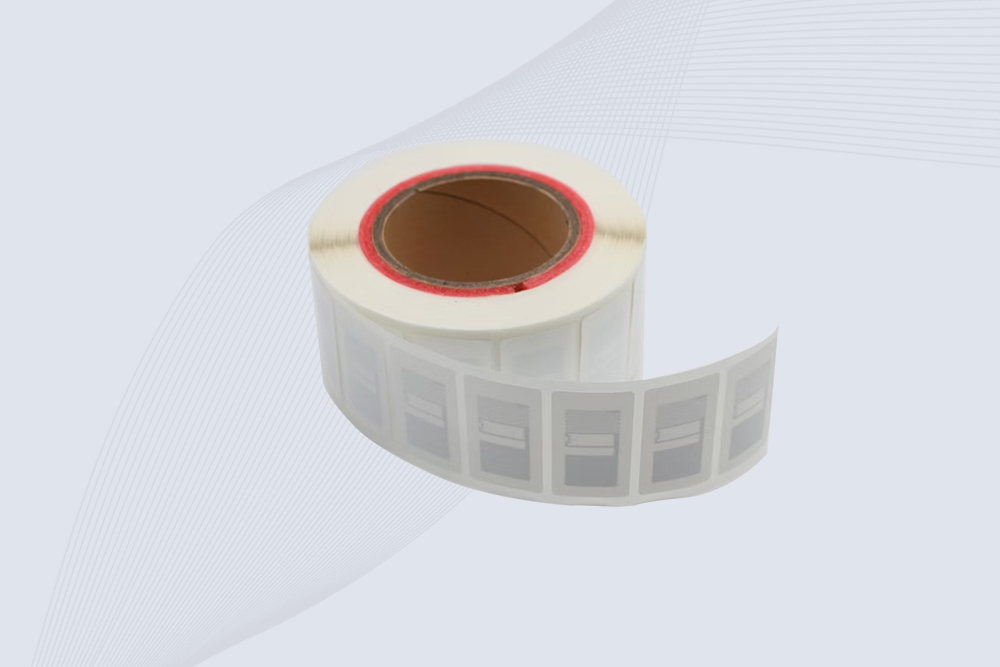
CYKEO RFID tags in hospitals are designed for sterile environments where accuracy matters. These autoclavable RFID tags support long-term tracking of surgical tools, implants, and medications, helping hospitals improve visibility, compliance, and patient safety.

CYKEO RFID Cable Tie Tag is built for reliable identification on metal surfaces. This UHF RFID Cable Tie Tag is widely used in rfid tags for inventory systems, industrial asset management and Hospital RFID Tags, offering stable read performance, long service life and global EPC Gen2 compatibility.
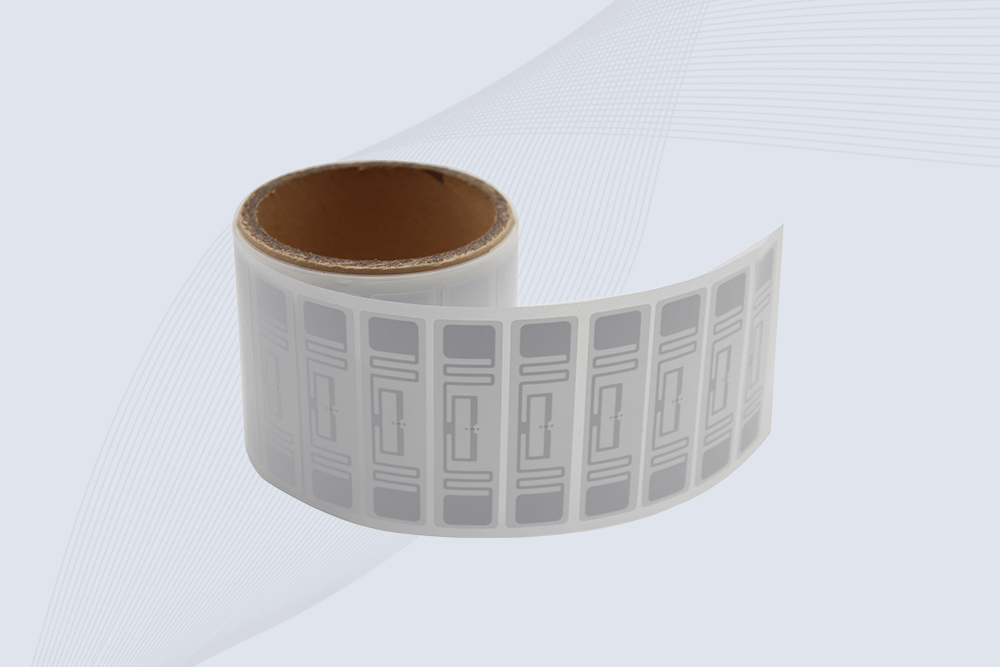
CYKEO RFID Asset Tag is designed for stable identification of metal assets in industrial environments. This UHF RFID Asset Tag is commonly used for rfid tag asset tracking on equipment, tools and containers, providing reliable reads, long service life and ISO/IEC 18000-6C support.

CYKEO UHF RFID Card is designed for fast identification and long-term use in industrial and commercial systems. Supporting ISO 18000-6C, this UHF RFID Card works at 860–960 MHz and is suitable for custom RFID cards used in asset tracking, access control and inventory management.
CYKEO HF RFID Cards are designed for secure and stable access control systems. These 13.56 MHz RFID key cards support ISO 14443-A, reliable rewriting and long service life, making HF RFID Cards suitable for offices, campuses, events and membership management.
CYKEO UHF RFID Tag is designed for reliable tracking of metal jewelry and high-value items. This Jewelry RFID Tag supports long-range reading up to 8 meters, anti-counterfeit protection and stable performance on metal, making it suitable for retail, inventory control and asset management.
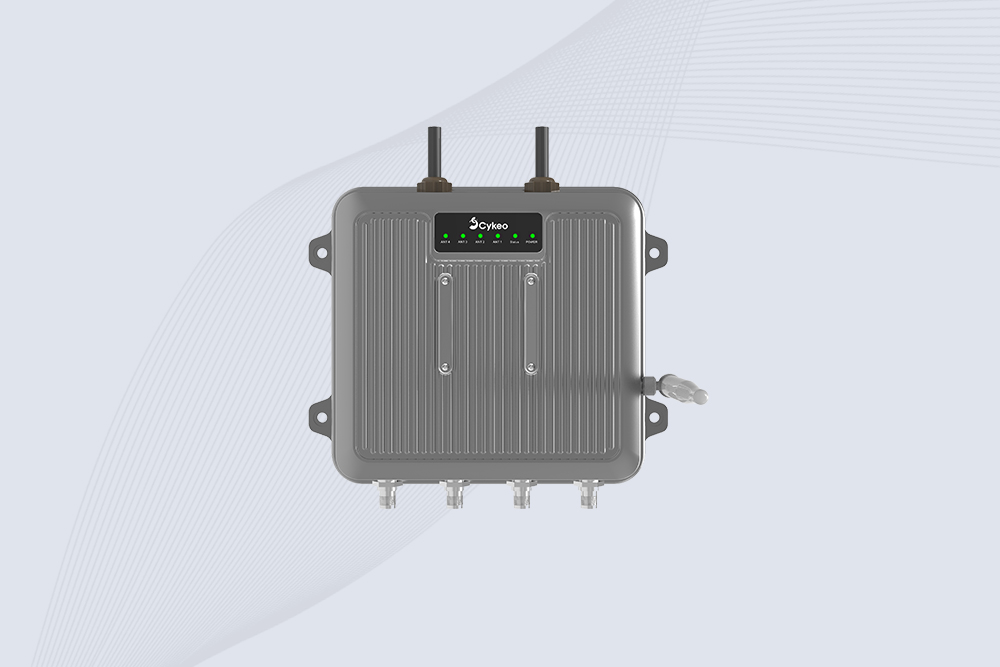
Cykeo CYKEO-C1 industrial Forklift RFID Reader features 20m read range, 600 tags/sec scanning, Impinj R2000 chipset, and IP67 rugged design. Ideal for warehouse logistics and manufacturing. Supports ISO 18000-6C/6B protocols.
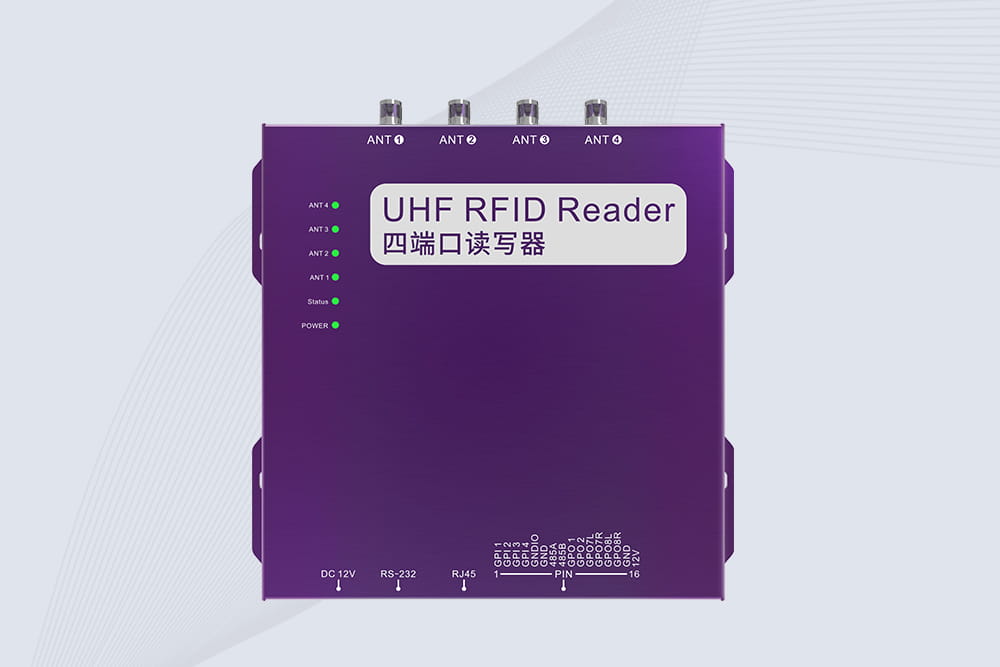
Cykeo CYKEO-R4 industrial UHF RFID Fixed Reader features 4 TNC ports, 400+ tags/sec speed, IP67 housing, and global frequency compliance for vehicle inspection, smart warehouse, and asset management systems.
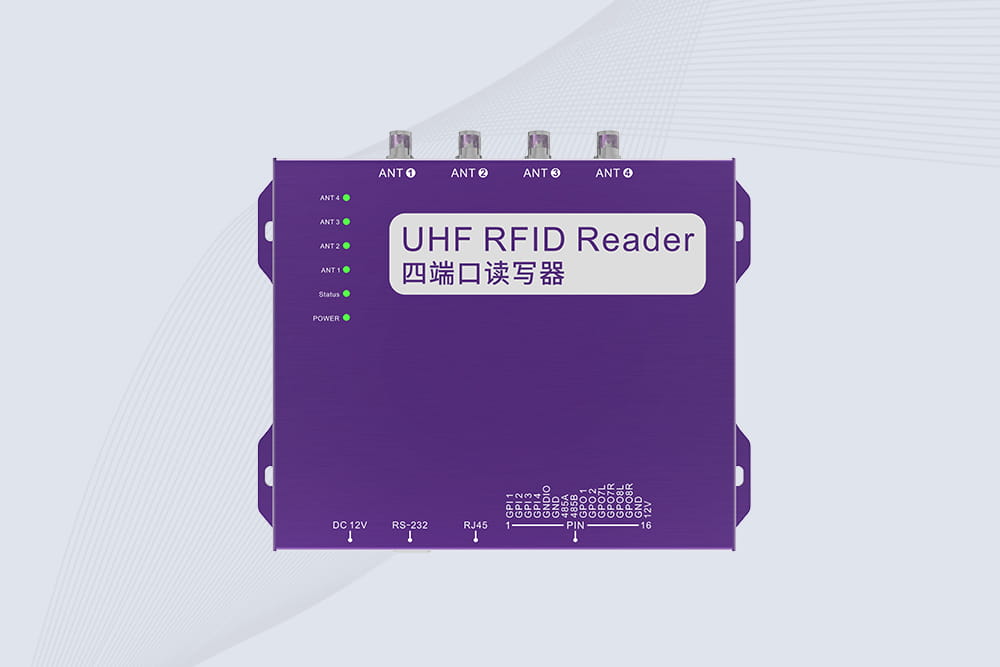
Cykeo’s CYKEO-R4L 4-port Fixed UHF RFID Reader delivers 400 tags/sec scanning, ISO 18000-6C compliance, and IP65 protection. Ideal for warehouse automation, manufacturing WIP tracking, and logistics management.
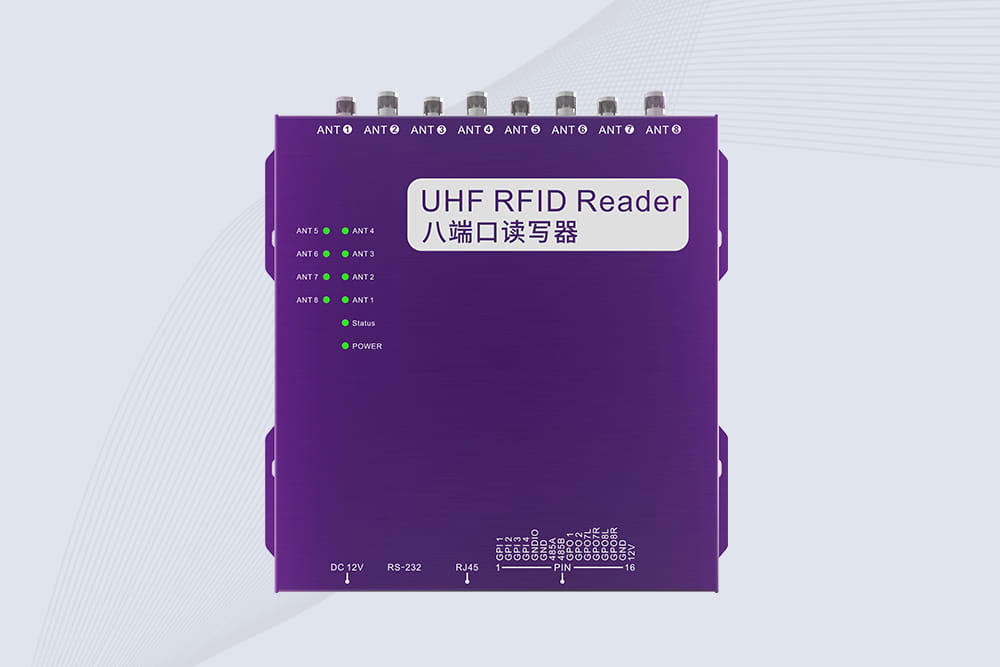
CYKEO CYKEO-R8L Fixed RFID Reader with 8-port UHF design, Impinj-based RF core and up to 20m read range. An industrial Fixed RFID Reader for vehicle inspection, warehouse portals, smart manufacturing lines and secure access checkpoints.
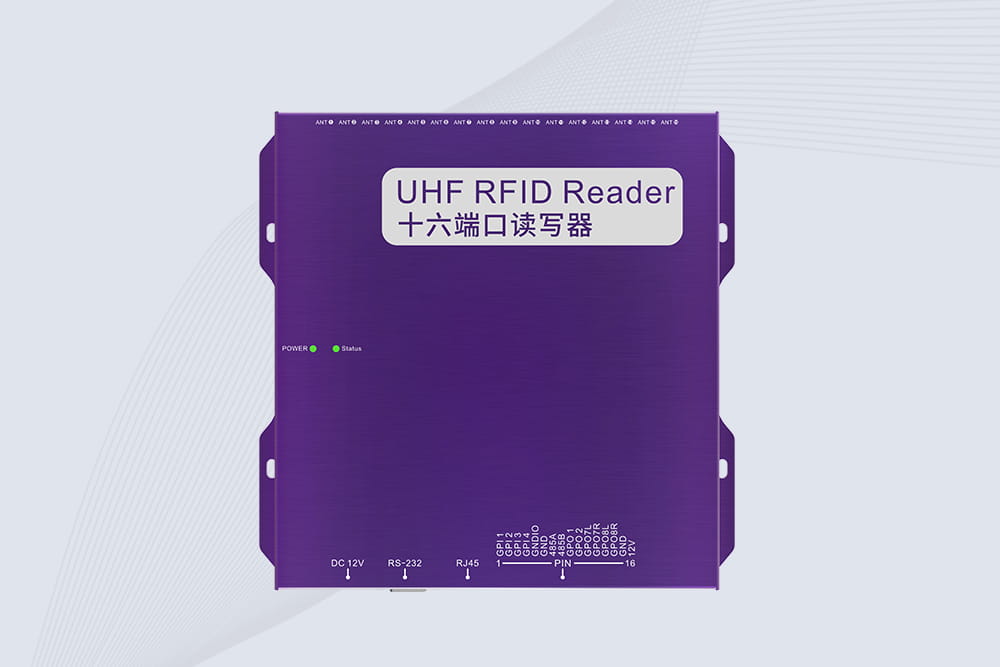
RFID Fixed Reader from CYKEO – the CYKEO-R16L 16-port UHF fixed reader for warehouses, smart cabinets, and production lines. Long-range, multi-tag reading, stable performance for 24/7 industrial use.
Thinking about how to build a RFID antenna? Our guide walks through the DIY process for learning, while explaining the value of commercial solutions.
More
Discover how RFID readers support asset tracking for tools, equipment, containers and valuable items. Learn about fixed and handheld RFID readers, tags and s...
More
RFID integration with SAP uncovered: Learn why 60% of projects overrun budgets. See real timelines, SAP transaction fixes, and how Cykeo clients avoid IDoc hell.
More
Discover the key functions of RFID tags: from asset tracking to security. Learn how they automate identification, enhance supply chains, and enable IoT connectivity.
More