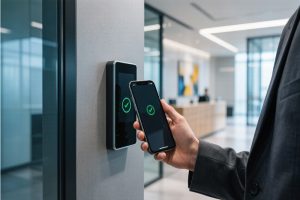
An UHF RFID card is set up by selecting a compatible UHF reader and card, configuring the reader for the correct regional frequency, then reading or writing the card’s EPC memory with encoding software. For standardized deployments, use an EPC Gen2 / ISO/IEC 18000-63 compatible RFID system and verify the written data afterward.
What Is Required to Set Up a UHF RFID Card?
For a practical UHF RFID deployment, the hardware is fairly simple. The important part is matching the card, reader, software, and data structure before encoding anything.
UHF RFID card: Select a passive card compatible with the intended UHF RFID protocol. UHF RFID reader/writer: Use a reader capable of inventory and write operations. RFID antenna: Choose an antenna suitable for the required read/write zone. Encoding software: Use software that can access the required tag memory bank. Data structure: Define the EPC, serial number, or application data before batch encoding. Verification process: Read the card again after writing and compare the returned data with the source record.
GS1 identifies passive UHF RFID, also known as RAIN RFID, as operating in the 860–930 MHz range and complying with GS1/EPC Gen2 and ISO/IEC 18000-63 standards. GS1 also notes that UHF RFID can provide read ranges of up to 10 meters depending on the environment.
How to Configure a UHF RFID Card Before Writing
The first step is not pressing “Write.” It is checking whether the card and reader are actually speaking the same UHF RFID protocol.
For an EPC-based application, EPC memory normally carries the identifier used to distinguish the RFID item. GS1 explains that the EPC provides a way to encode GS1 identifiers on RAIN RFID tags, including serialized identifiers for individual items.
A field deployment should therefore define:
Setup Item
Recommended Check
Frequency
Confirm the UHF regional operating range
Protocol
EPC Gen2 / ISO/IEC 18000-63 compatibility
Memory
Confirm EPC and User memory requirements
Reader power
Start conservatively and adjust according to the read/write zone
Encoding data
Prepare unique identifiers before batch writing
Verification
Read the card after writing and compare the returned value
A Practical Point From UHF RFID Deployment
In real RFID commissioning, failed writes are often treated as a software problem when the actual issue is the RF environment. A card placed directly against another RFID card, metal surface, or unsuitable antenna position can behave differently from the same card tested individually.
That is why the initial setup should be tested with one card first. Confirm its EPC, write it, remove it from the field, and read it again. Only after that repeatable result is obtained should batch encoding begin.
GS1’s current standards repository lists EPC UHF Gen2 version 3.0.1 as the current version, updated February 26, 2026. The standard specifies the UHF RFID air interface for 860–930 MHz communications.
UHF RFID Card Setup Workflow
Identify the UHF RFID card and its supported protocol. Connect the UHF RFID reader/writer to the computer or control system. Configure the reader for the appropriate regional frequency and operating parameters. Place one RFID card inside the intended encoding area. Read the existing EPC before making changes. Write the required EPC or permitted user data. Read the card again and verify the returned value. Record the RFID identifier in the business database.
A technician encodes and verifies a UHF RFID card using a desktop RFID reader/writer.
How Cykeo Handles UHF RFID Card Setup
For a UHF RFID card project, Cykeo focuses on the part that tends to cause trouble after the first successful test: consistent identification and writing under actual operating conditions.
Cykeo UHF RFID readers support ISO/IEC 18000-6C / EPC C1G2, with multi-tag recognition, adjustable RF output, tag filtering, anti-collision processing, and software integration through SDK/API interfaces. This makes the same reader architecture suitable for card registration, identity management, asset identification, library management, access-related applications, and other item-level identification workflows.
A typical Cykeo setup can be organized as:
UHF RFID card → RFID reader/writer → encoding software → application database
The reader does not need to become the business system. It handles RF communication and tag operations, while the application determines what the identifier means.
Choosing the Right UHF RFID Reader
A desktop reader is usually appropriate when cards are encoded individually at a controlled workstation. A fixed UHF reader is more suitable when cards must be identified automatically as they pass a defined area.
Cykeo’s CYKEO-D4 desktop RFID platform is designed around near-field reading and writing, with a read distance of up to 30 cm and write distance of up to 10 cm in its specified operating configuration. It supports functions such as tag registration, item/tag identification, label registration, query, statistics, logging, and tag conversion.
For a production line or automated registration station, Cykeo’s CYKEO-M4L rfid module provides a different approach. The compact OEM module integrates the RF front end and baseband DSP and supports ISO18000-6C/EPC C1G2. Its output can be adjusted up to 33 dBm in 1 dBm steps, with dense multi-tag recognition exceeding 400 tags per second under specified test conditions.
That distinction matters. A card enrollment desk and a high-throughput identification point should not be engineered as if they were the same RF problem.
How to Set Up UHF RFID Card Writing in a Real Deployment
Before a batch of cards is encoded, establish a repeatable writing position.
Keep the card inside the intended RF field, avoid unnecessary nearby UHF tags during the first test, and confirm that the reader returns the expected EPC after writing. If the application stores the card identifier in a database, the database record should be created only after successful verification.
A practical registration sequence is:
Card detection: Detect the UHF RFID card before writing. Pre-read: Capture the existing EPC and check whether the card has already been registered. Data assignment: Allocate the correct identifier from the application. Encoding: Write the approved data to the appropriate memory area. Verification: Read the card again and compare the returned value. Database binding: Associate the verified RFID identifier with the corresponding business record. Exception handling: Send failed, duplicate, or unreadable cards to a separate inspection process.
The last step is easy to overlook. In an operating environment, a failed write should not simply disappear from the workstation screen. The system needs to distinguish not detected, write failed, duplicate identifier, and verification failed. That makes later troubleshooting much faster.
UHF RFID Card Setup: Common Problems
Problem
Likely Cause
Practical Response
Card cannot be detected
Wrong frequency/protocol or poor RF position
Confirm UHF compatibility and reader configuration
Card reads but cannot be written
Memory permissions or unsupported operation
Check memory bank and access configuration
Writing is inconsistent
RF environment or card positioning
Standardize the encoding zone
Multiple cards respond
Nearby tags entering the RF field
Use controlled placement and filtering
EPC is duplicated
Identifier allocation problem
Generate and validate unique IDs
Written value appears incorrect
Application/database mismatch
Verify card data before database binding
UHF systems are particularly sensitive to the physical environment. Metal work surfaces, liquids, neighboring tags, antenna orientation, reader power, and the size of the RF zone can all affect practical performance. The laboratory result from one card does not automatically represent the behavior of 50 cards stacked together.
Why UHF RFID Cards Are Useful for Item Identification
The attraction of UHF RFID is not simply that a card has an electronic identifier. The useful part is being able to identify multiple tagged objects without requiring the operator to visually locate and scan every card one at a time.
GS1 describes RAIN RFID as supporting automatic identification and data capture and notes that passive UHF RFID can be used for item-level identification across supply-chain environments.
For a UHF RFID card setup, this creates opportunities for:
Employee or visitor identification cards Library and archive item registration Asset identification Tool and equipment management Document and file tracking Warehouse or production identification
The application determines how the EPC is used; the RFID reader provides the communication layer needed to identify the card.
UHF RFID cards are registered, verified, and associated with records at a controlled RFID workstation.
FAQ: How to Set Up a UHF RFID Card
1. What reader do I need to set up a UHF RFID card?
You need a UHF RFID reader/writer that supports the card’s operating frequency and RFID protocol. For EPC-based cards, an EPC Gen2 / ISO/IEC 18000-63-compatible reader is a practical choice.
2. Can a UHF RFID card be programmed?
Yes. A compatible UHF RFID reader/writer can write supported data to the card’s writable memory. The exact operation depends on the card’s memory structure, access permissions, and reader capabilities.
3. Should I test one card before encoding a batch?
Yes. Test one card first. Read its existing identifier, perform the write operation, remove it from the RF field, and read it again. This confirms that the encoding process is repeatable before batch production.
4. Why does my UHF RFID card sometimes fail to write?
Common causes include unsuitable card positioning, RF interference, memory protection, incorrect reader configuration, and other RFID tags entering the operating field. Physical testing is important because UHF performance depends strongly on the deployment environment.
5. Can multiple UHF RFID cards be read together?
Yes. UHF RFID systems are designed for multi-tag identification. Reader anti-collision and filtering functions help manage multiple cards or tags responding within the same RF field.
6. What information should be stored on a UHF RFID card?
For many identification applications, the EPC provides the primary unique identifier, while application software maintains the associated business record. Additional user-memory data can be used when the selected card and application require it.
7. How does Cykeo support UHF RFID card setup?
Cykeo provides UHF RFID readers, OEM modules, desktop RFID read/write equipment, SDK/API resources, and application-oriented RFID solutions. Its UHF products support functions including EPC C1G2/ISO18000-6C communication, multi-tag recognition, filtering, adjustable power, and integration with software systems.
Conclusion
how to set up rfid card is fundamentally a UHF RFID compatibility, encoding, and verification task. Select the correct UHF card and reader, configure the regional operating parameters, write the required EPC or permitted user data, then verify the card before binding it to the application database. With the right reader architecture and controlled RF environment, Cykeo supports both individual card registration and larger automated UHF RFID identification deployments.
SSD-D3AL is a USB-HID UHF RFID reader with 0–30 cm reading, 0–15 cm writing, over 600 tags/s recognition, USB plug-and-play operation and OEM Logo customization.
SSD-D1AL is a compact USB UHF RFID reader with Impinj E710/X3M1 chipset, USB-HID, 600+ tags/s recognition, 4/8/16 antenna support and plug-and-play USB power.
SSD-R16L Multi-Channel RFID Infrastructure for Automated Inventory Management ✔️ 16-Port High-Density RFID Reading Equipped with 16 SMA antenna ports, SSD-R16L supports multi-antenna deployment for warehouses, retail stores, logistics, production lines, and large-area RFID identification. ✔️ High-Speed & Long-Range Performance With up to 33…
SSD-R8L 8-port UHF RFID reader with 33dBm output, up to 20m reading range and 600+ tags/s recognition. Ideal for warehouse, logistics, retail and asset tracking.
CYKEO CYKEO-D1LA USB RFID Reader is a compact desktop solution with near-field control for precise tag reading and encoding. Powered by USB, supporting ISO 18000-6C, and built for stable batch writing, this usb rfid tag reader fits retail, libraries, offices, and controlled RFID encoding tasks.
CYKEO CYKEO-D1L RFID scanner USB is a compact desktop UHF RFID scanner designed for short-range tag writing and verification. This usb rfid scanner supports batch encoding, stable 0–26 dBm output, and works across Windows, Linux, and Android systems.
CYKEO CYKEO-D1C USB RFID Card Reader is a near-field UHF desktop writer designed for secure, short-range tag encoding. With USB-C connectivity and stable 26 dBm output, this rfid reader usb c is ideal for badge issuance, label encoding, and controlled desktop RFID workflows.
CYKEO CYKEO-D2L RFID Reader USB is a compact desktop encoder built on the Impinj R500 chip. With near-field control and stable USB power, this usb rfid card reader delivers precise tag writing for offices, retail counters, and small-scale logistics encoding tasks.
CYKEO CYKEO-D3L USB RFID Tag Reader delivers stable UHF tag reading and writing for daily desktop and light industrial tasks. Designed for controlled short-range operation, this USB RFID Tag Reader works reliably with rfid tag and reader systems in libraries, tool tracking, and inventory registration.
The CYKEO CYKEO-D4L UHF RFID Tag Reader is a stable Desktop RFID Reader designed for accurate tag registration, borrowing, and return workflows. Built with the Impinj R2000 chip, this UHF RFID Tag Reader delivers controlled short-range reads for libraries, asset tracking, and inventory management environments.
The CYKEO CYKEO-D5L Desktop RFID Card Reader is a stable UHF RFID Card Reader designed for controlled short-range reading and writing. Built for libraries, tool rooms, and asset desks, this UHF RFID Card Reader supports dense tag handling, secure data processing, and easy USB integration.
The CYKEO CYKEO-D6L RFID Reader Writer is a heavy-duty Desktop RFID Reader designed for short-range, high-accuracy tag programming. Built for libraries, labs, and asset desks, this RFID Reader Writer supports batch processing, stable 33dBm output, and seamless integration with existing management systems.
Cykeo CYKEO-D8A embedded RFID badge reader offers 30+ tags/sec scanning, 20cm anti-crosstalk precision, and DC 12V power for unmanned stores, warehouses, and smart inventory systems.
Cykeo’s CYKEO-D8C UHF RFID gate reader achieves 200-tag/batch scanning with adjustable power control, ideal for retail inventory and smart warehouse management.
Cykeo CYKEO-C1 industrial Forklift RFID Reader features 20m read range, 600 tags/sec scanning, Impinj R2000 chipset, and IP67 rugged design. Ideal for warehouse logistics and manufacturing. Supports ISO 18000-6C/6B protocols.
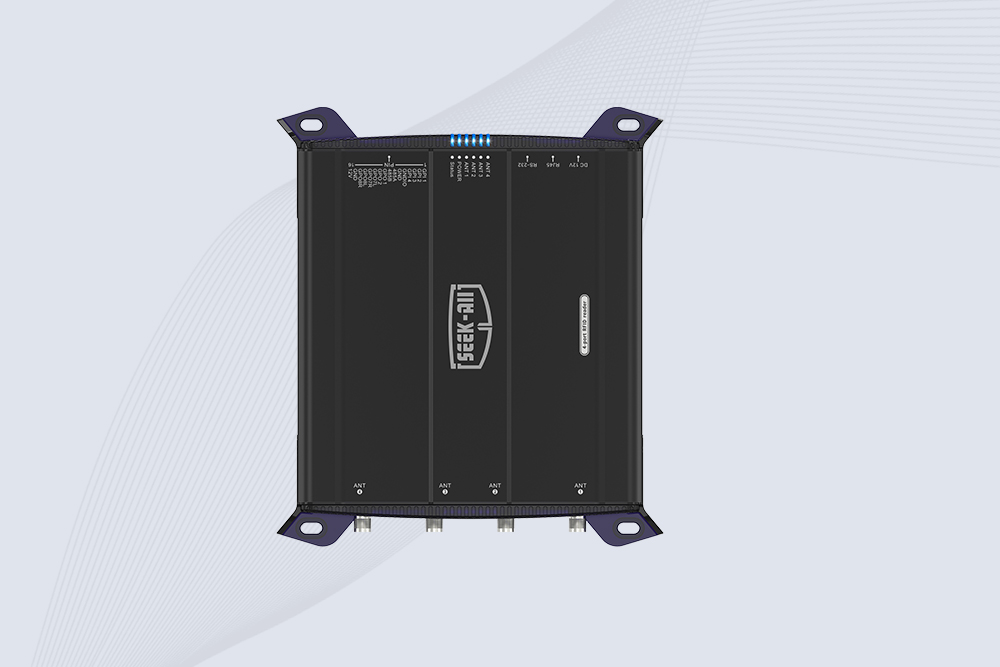
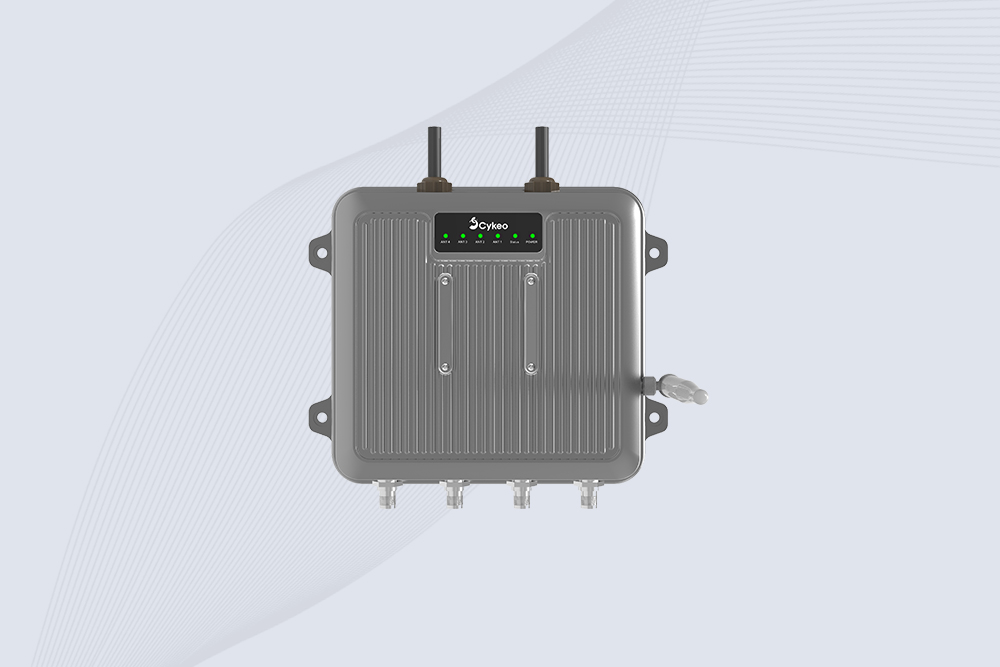
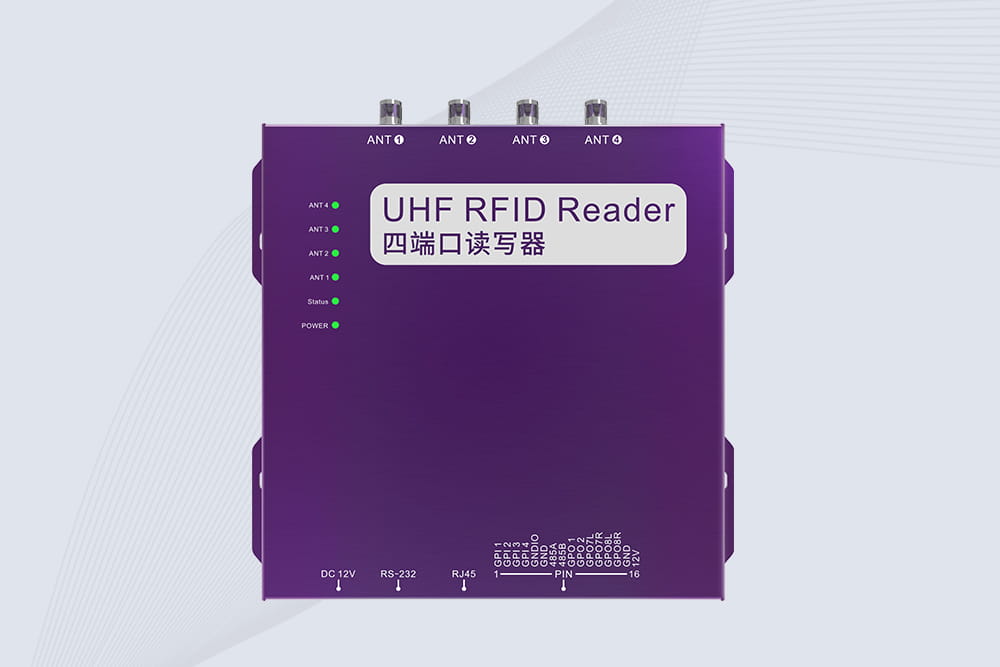
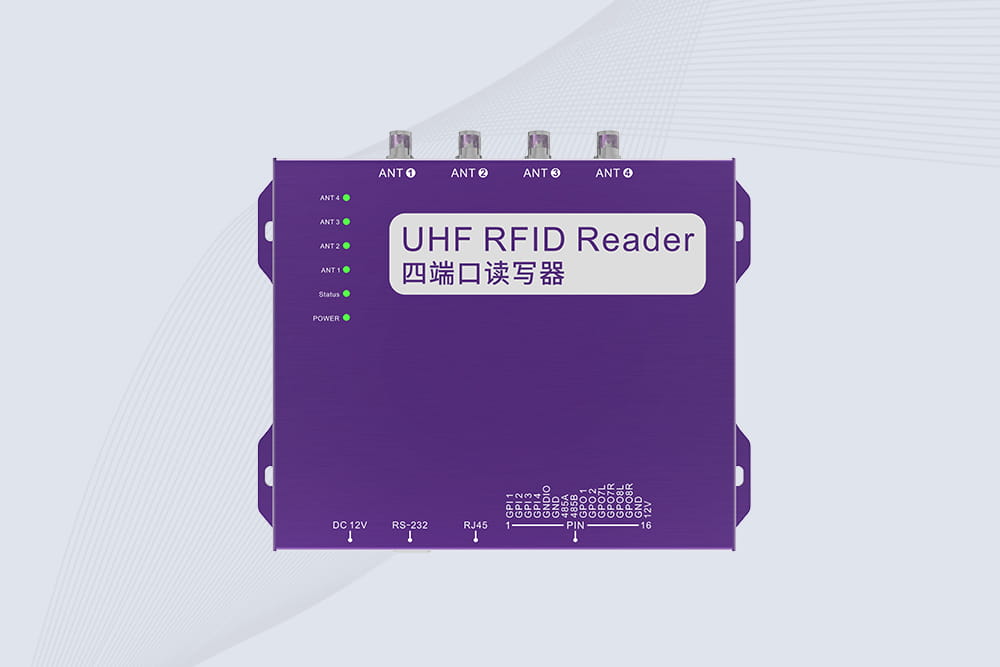
Cykeo CYKEO-R4 industrial UHF RFID Fixed Reader features 4 TNC ports, 400+ tags/sec speed, IP67 housing, and global frequency compliance for vehicle inspection, smart warehouse, and asset management systems.
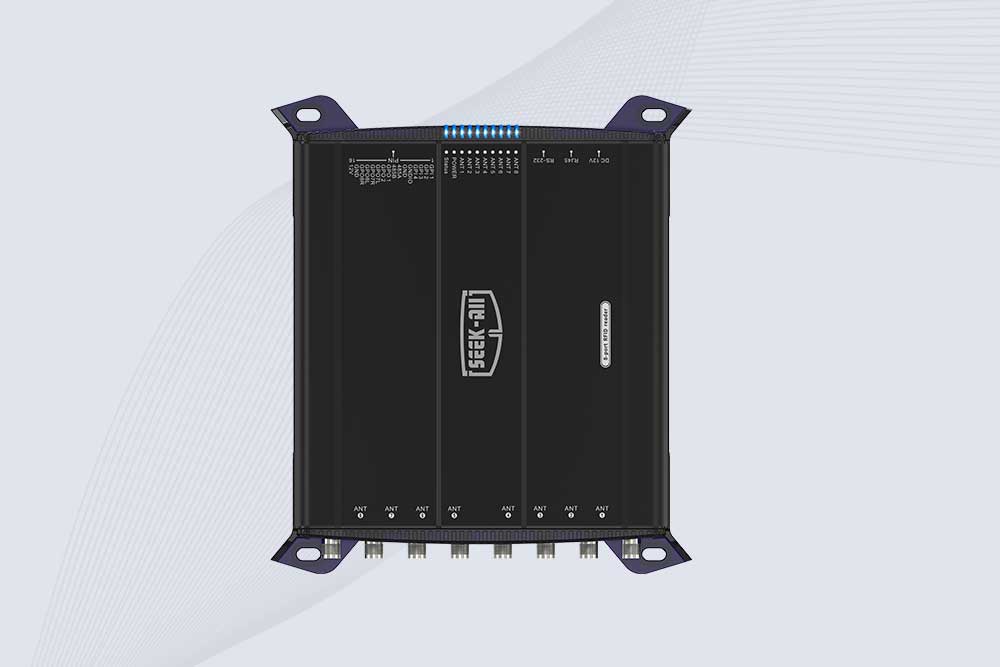
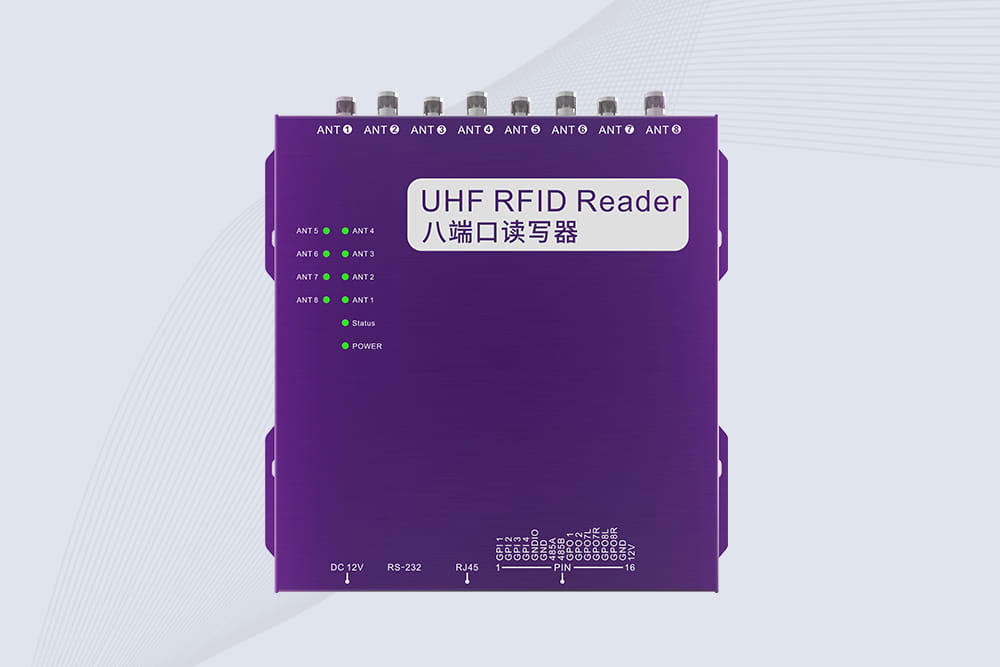
CYKEO CYKEO-R8L Fixed RFID Reader with 8-port UHF design, Impinj-based RF core and up to 20m read range. An industrial Fixed RFID Reader for vehicle inspection, warehouse portals, smart manufacturing lines and secure access checkpoints.
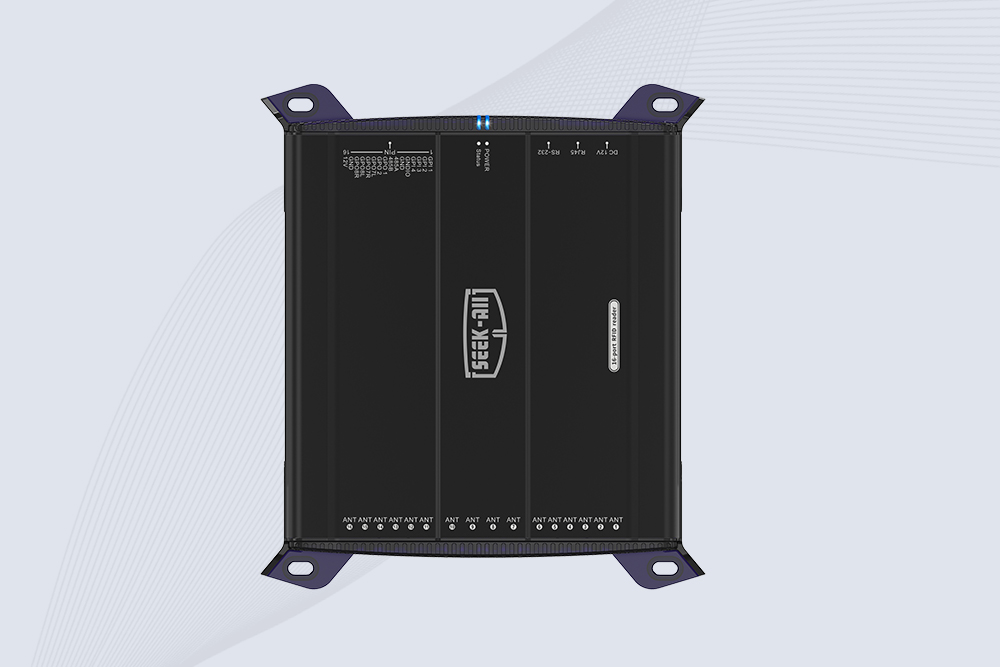
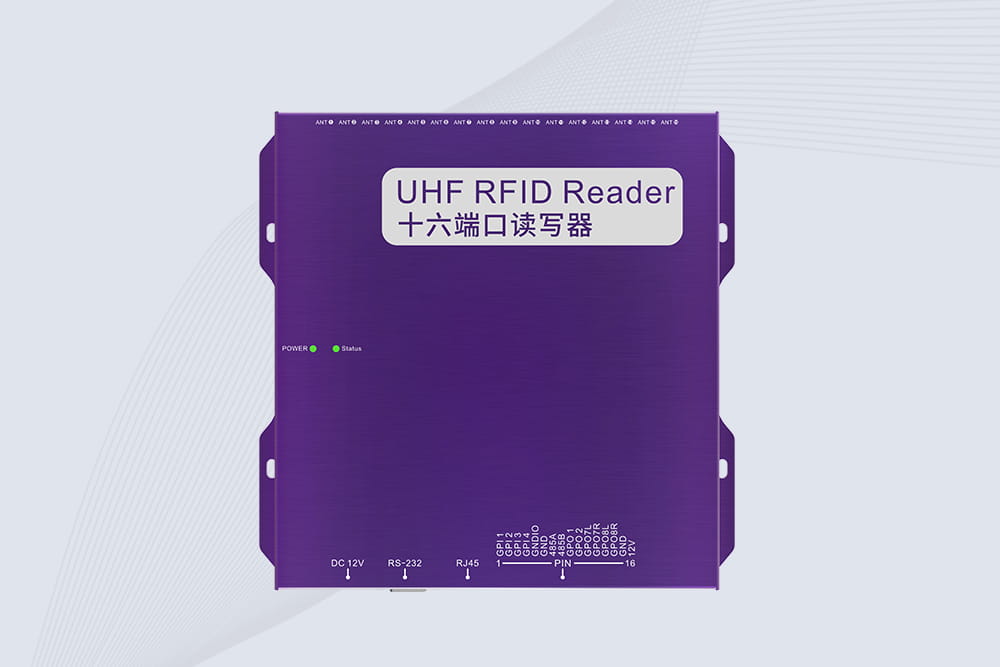
RFID Fixed Reader from CYKEO – the CYKEO-R16L 16-port UHF fixed reader for warehouses, smart cabinets, and production lines. Long-range, multi-tag reading, stable performance for 24/7 industrial use.
Discover how rfid for inventory tracking improves inventory accuracy with Cykeo HF RFID smart storage cabinets featuring automatic inventory, compartment-level management, touchscreen control, and SDK integration.
RFID cable tags vs barcode labels: compare cost, efficiency, durability, and ROI. Find out which solution is better for industrial asset tracking and cable management.
Discover what are rfid tags and how are they used in modern tracking systems. Learn RFID technology, applications, and Cykeo solutions for smart identification.
Can you copy an access card to your iPhone? Learn the difference between RFID and NFC access cards, what iPhones can and cannot do, and why some access cards cannot be cloned to a smartphone.
 Cykeo RFID IoT Solution Products R&D Manufacturer