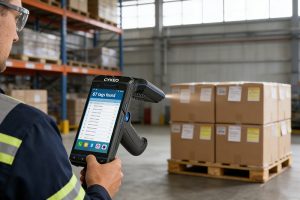
To scan RFID, power on a reader, select the correct frequency and protocol, then trigger a scan while aiming at tagged items. The reader emits RF signals, captures tag responses, and displays data instantly. Proper angle, distance, and filtering ensure fast, accurate multi-tag detection.
What scanning RFID really looks like in the field
You don’t “scan” RFID the way you scan barcodes. You walk, sweep, pause—then adjust.
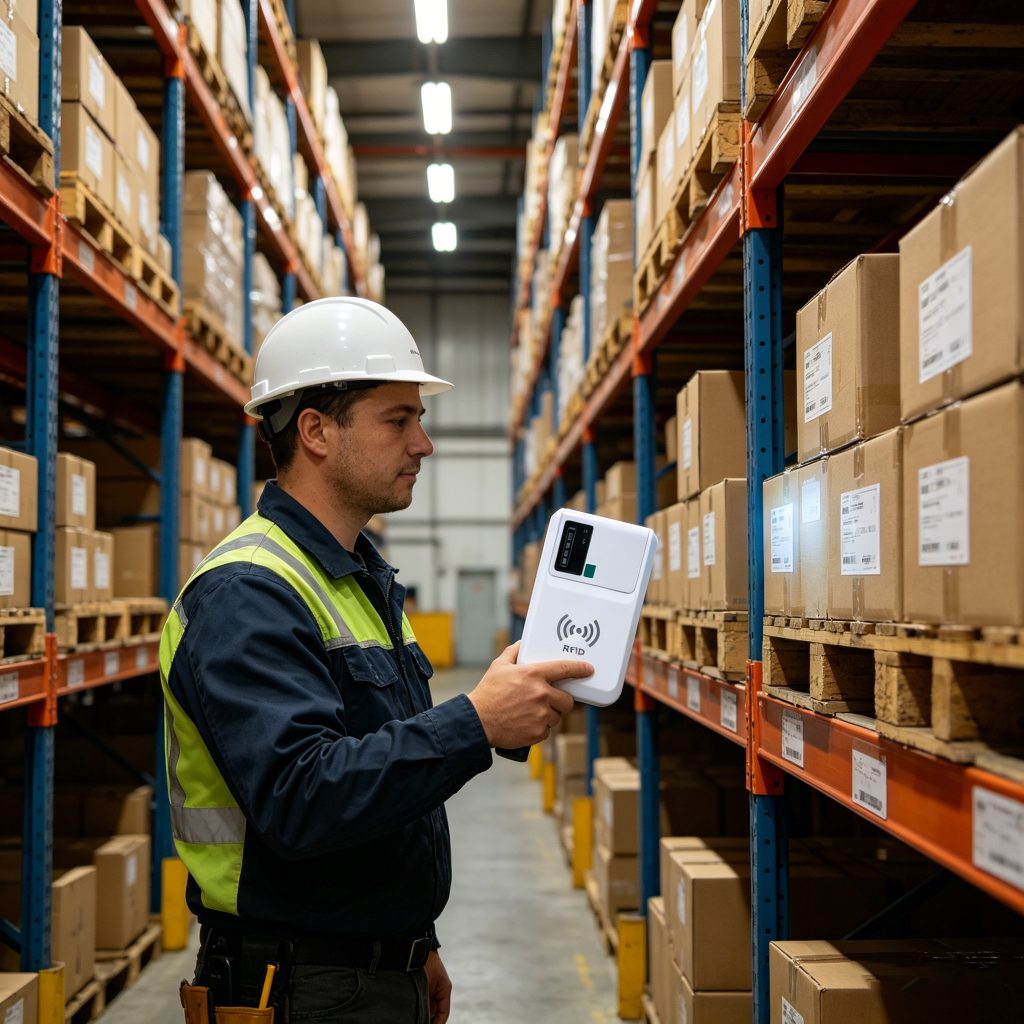
Using a handheld like Cykeo B5L, the difference becomes obvious within minutes. It’s not just about range. It’s about stability when tags are everywhere—stacked cartons, metal shelves, moving pallets.
Actual scanning workflow
Power on device (battery-backed, no cable constraints)
Select region frequency (865–928 MHz depending on deployment)
Start continuous scan mode
Sweep across target area (not point-and-shoot)
Apply filtering to isolate target tags
Export or sync collected data
There’s rhythm to it. New operators rush—and miss tags.
Why handheld RFID changes efficiency
Capability
Impact in real use
Multi-tag reading
Hundreds of items scanned per second
865–928 MHz global band
Works across US/EU/Asia deployments
10000 mAh battery
Full-shift operation without downtime
Protocol support
ISO 18000-6C/6B and more
According to RAIN RFID Alliance, UHF RFID systems can read over 1,000 tags per second under optimal conditions. In real warehouses, you won’t hit that number—but even 200–300 tags/sec changes inventory cycles completely.
Field observation: the first 10 minutes matter
I’ve onboarded teams where scanning accuracy varied wildly—not because of hardware, but behavior.
Common mistakes:
Holding the reader too close (ironically reduces read field)
Moving too fast across dense tag zones
Ignoring RSSI signal strength feedback
Not switching channels in high-interference environments
One logistics site reduced missed reads from 12% to under 2% just by adjusting scanning angle and speed. No firmware updates. Just technique.
Fast RFID inventory scanning with handheld UHF reader
Dense tag environments: where performance is tested
RFID scanning sounds easy—until tags overlap, reflect, or collide.
What helps
Anti-collision algorithms – Signal optimization-Controlled sweep patterns
What hurts
Metal interference – Liquid-heavy goods – Overlapping tag orientation
A GS1 EPCglobal study (epcglobalinc.org) shows that improper tag orientation alone can reduce read rates by 15–25% in UHF systems.
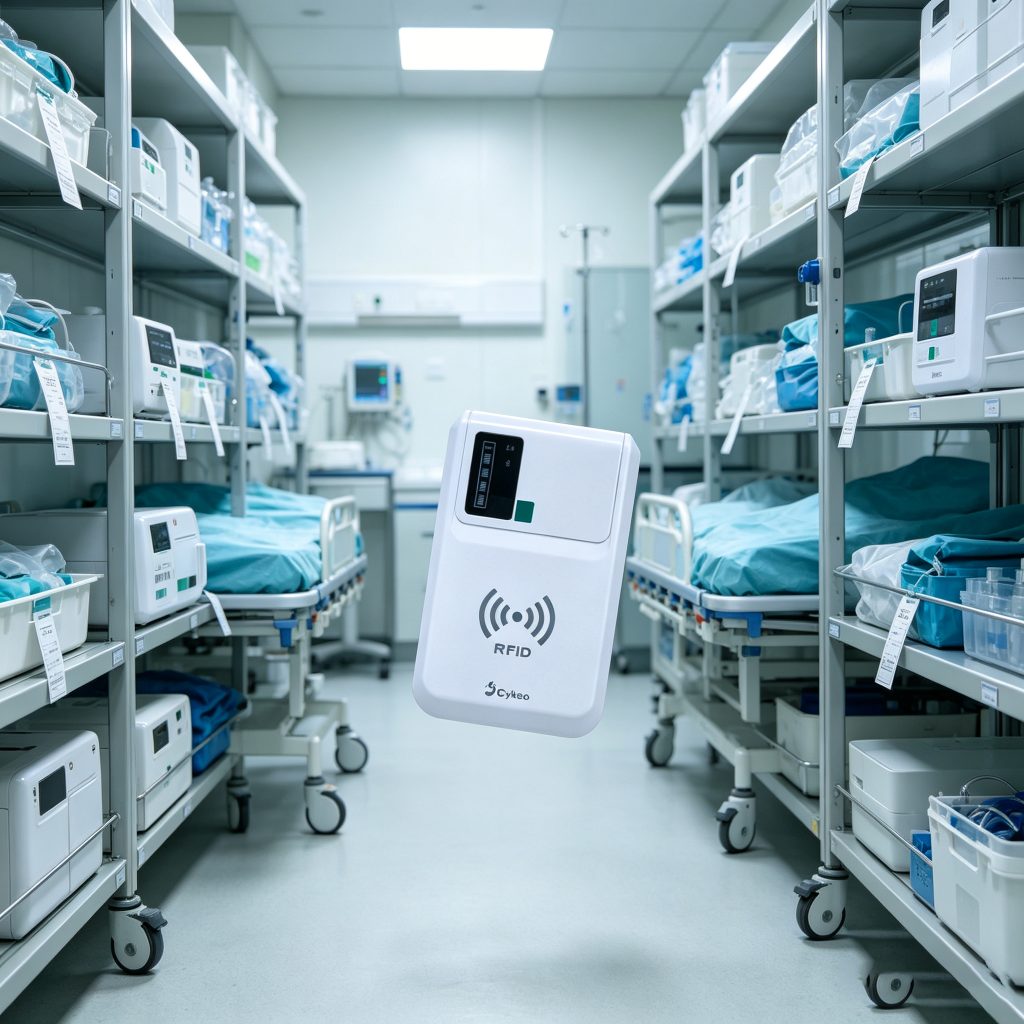
RFID improves visibility in hospital asset management
Battery and endurance: overlooked advantage
Most discussions focus on read range. But in practice, uptime wins.
In one factory audit, switching from smaller handhelds to high-capacity devices reduced downtime by over 18% per shift—not because scanning was faster, but because it didn’t stop.
FAQ: how to scan rfid
How far can RFID be scanned?
With UHF handhelds, typically several meters depending on environment and rfid tag type.
Can RFID scan multiple items at once?
Yes. That’s its core advantage over barcodes—simultaneous multi-tag reading.
Why are some tags not detected?
Usually due to orientation, interference, or distance—not tag failure.
Do I need software to scan RFID?
Yes. Most devices include demo apps, but integration improves workflow automation.
Final insight
Understanding how to scan rfid isn’t about pressing a trigger.
It’s about reading environments—angles, materials, movement. The hardware gives you range. The operator determines accuracy.
And once that clicks, scanning stops feeling like work—and starts feeling fast.
Wondering what does RFID tag look like? Discover RFID tag types, internal structure, real industrial applications, and expert insights from Cykeo. Learn how to identify the right RFID tag for every environment.
Wondering what is RFID handheld reader? We explain the definition, how it differs from fixed readers, key features, and real-world applications for inventory and asset tracking. Clear guidance from CYKEO engineers.
 Cykeo RFID IoT Solution Products R&D Manufacturer