 Cykeo RFID IoT Solution Products R&D Manufacturer

Custom Fixed-Mount Readers for OEM & Industrial Projects
10Cykeo's custom fixed-mount readers are built for OEM and industrial integration projects, offering 4/8/16 antenna ports, an Impinj R2000 RF core and an open ...
MoreAll RFID Product
How to program RFID cards depends on the card’s frequency, chip type, memory structure, and the reader-writer being used. The usual process is to identify the card, connect a compatible device, configure the software, write authorized data, and read the card back to verify the result.
Programming an RFID card means storing or configuring information on a compatible RFID chip. Depending on the card, that might involve writing an identification number, updating a user data block, encoding an application-specific record, or configuring access permissions. It does not automatically mean changing every identifier stored on the card.
This distinction matters because RFID cards are not all programmable in the same way. Some cards allow ordinary user data to be written after authentication. Others expose only limited writable memory, use factory-programmed identifiers, or require proprietary tools and credentials. A reader that can detect a card is not necessarily capable of writing to it.
In a typical office, library, warehouse, or equipment-management project, programming is part of a larger data workflow. The physical card holds an identifier or application data; the connected software determines what that information means and how it is used.
For example, a library might associate a card or tag identifier with a book record. An employee access system might associate an authorized credential with a user account. An inventory application could use an RFID label to identify a product during receiving or stocktaking. These applications may all use RFID, but their card types, data models, and security requirements can differ substantially.
The terms are sometimes used interchangeably, although they describe different operations.
| Operation | What it does | Typical example |
|---|---|---|
| Reading | Retrieves information the reader is permitted to access | Checking a card’s identifier |
| Writing | Stores new data in writable memory | Writing an inventory reference |
| Encoding | Formats information according to an application or data standard | Preparing a tag for an inventory system |
| Enrollment | Registers a credential in the connected application | Linking a card to an employee account |
| Authentication | Verifies a credential or proves authorized access | Authenticating before a protected memory operation |
A card can be successfully written but still fail in its intended application. The data might be in the wrong memory block, formatted incorrectly, or missing from the software’s records. That is why a successful write message should not be treated as the final acceptance test.
Before selecting a reader-writer, identify the card technology. Frequency is a useful starting point, but it is not enough: cards operating at the same frequency can use different chips, protocols, memory structures, and security mechanisms.
Low-frequency (LF) RFID commonly operates around 125 kHz or 134.2 kHz, depending on the technology and application. Some LF credentials are designed mainly for identification, while others have different data or configuration capabilities.
A reader that detects one LF credential does not automatically support writing to it. Some systems use fixed or manufacturer-defined identifiers; others require a dedicated compatible programming device. Check the chip documentation before purchasing equipment or attempting to modify a card.
High-frequency (HF) RFID commonly operates at 13.56 MHz. This category includes several technologies used in contactless credentials, ticketing, library systems, and NFC applications.
The important point is that 13.56 MHz is a frequency, not a guarantee of compatibility. A reader-writer must support the relevant card technology and commands. Writable memory may also be protected by authentication keys or application-level permissions.
Before programming an HF card, confirm:
For access-control or payment-related credentials, use the official issuer or system administrator’s supported enrollment process. Do not assume that copying visible data reproduces the credential’s security properties.
Ultra-high-frequency (UHF) RFID is commonly used for inventory, logistics, asset tracking, and item-level identification. Passive UHF systems often use air-interface standards such as EPC Class 1 Gen 2, also standardized as ISO/IEC 18000-63.
A UHF reader-writer may support reading an identifier and writing to permitted tag memory, but the exact operation depends on the tag IC and its access controls. Many UHF labels are not conventional access cards; they are designed to identify products, cartons, pallets, or assets.
In a warehouse, for instance, a team might encode a product identifier into a compatible UHF tag, scan it at a receiving station, and confirm that the inventory application associates it with the correct item. The practical objective is not simply to write bytes. It is to ensure that the written value is unique where required, readable in the actual environment, and interpreted correctly by the business system.
Standards and technical references: GS1 publishes specifications and implementation resources for EPC/RFID technologies, while ISO/IEC 18000 standards describe air-interface parameters for different RFID frequencies. Consult the relevant version for the technology being deployed rather than applying UHF instructions to HF or LF cards.
The equipment list is usually short, but compatibility needs to be confirmed before buying anything. A basic setup may include a compatible reader-writer, programming software, a computer or supported host device, and a sample card whose chip type is known.
| Component | Purpose | What to check |
|---|---|---|
| RFID card or tag | Stores an identifier or writable data | Frequency, chip model, memory, access permissions |
| RFID reader-writer | Communicates with the card | Supported protocol and actual write capability |
| Programming software | Defines the data and sends commands | Card support, encoding format, error reporting |
| Computer or host | Runs the software or application | USB, serial, Ethernet, SDK, or API requirements |
| Test record or database | Links the programmed value to a real item or user | Unique identifiers, field format, duplicate handling |
Do not select a reader based on the word RFID alone. Ask the supplier for the supported chip families and a clear description of the writing functions. If the card uses protected memory, also establish how authorized authentication is handled.
For a desktop UHF application, a device such as Cykeo’s SSD-D1AL desktop RFID tag administration platform may be appropriate when its supported tag type and interface match the project. The supplied product specifications describe a USB-connected platform with a maximum port output of 33 dBm, a reading range within 30 cm, and a writing range within 10 cm. Those figures are product-specific, not universal performance figures for RFID card writers; actual performance depends on the tag, antenna, installation, and operating conditions.
A desktop writer intended for UHF inventory tags should not be assumed to program a 13.56 MHz NFC card. The reverse is also true. Confirm the exact product specification before connecting a card.
Software can range from a simple vendor demonstration tool to a custom application connected to an inventory or access-management database. For an initial test, use the manufacturer’s supported demo software where available. It helps separate a hardware compatibility problem from an application integration problem.
Before writing anything, check that the software can:
If a project will eventually use hundreds or thousands of cards, confirm that the SDK or API supports the intended workflow. A desktop tool that works for one card may not provide the batch controls, audit records, or duplicate checks needed for production.
The exact commands differ by technology, but the following workflow applies to many authorized card-personalization and tag-encoding tasks.
Start with the card’s label, supplier documentation, chip part number, or a known-compatible diagnostic reader. Record the frequency and supported protocol. Where the chip cannot be identified confidently, ask the supplier rather than testing random write commands.
Keep the first test simple. Use a spare card that is not currently assigned to an employee, customer, or live access system. This avoids disrupting a credential that somebody relies on.
Connect the device using its supported interface, such as USB, and install the manufacturer’s driver or application if required. Place one test card in the reader’s specified operating area.
Confirm that the software detects the device and can read the card. If the software cannot detect the card at all, writing is premature. Check the reader mode, card compatibility, connection, and positioning first.
Define the data field before typing a value into the software. Depending on the project, this may be an application identifier, inventory reference, NDEF record, or a value stored in an authorized writable memory area.
Use the format required by the receiving application. A number displayed as decimal text is not necessarily stored in the same way as a hexadecimal value. Leading zeros, byte order, character encoding, and field length can all affect how another device interprets the data.
For an inventory deployment, avoid placing unnecessary personal or confidential information directly on the card. A unique reference linked to a controlled database is often easier to manage than writing a full record to every tag.
Select the correct card and memory area in the supported software. Enter the intended data, confirm the target, and perform the write operation using the manufacturer’s documented procedure.
Do not change access keys, lock bits, configuration pages, or protected sectors unless the project explicitly requires it and the responsible administrator has authorized the change. Some lock operations are irreversible. A card that has been made read-only may no longer be reusable for the intended purpose.
The distinction is supported by chip-level documentation. For example, NXP’s NTAG213/215/216 documentation describes user read/write memory and configurable password protection, while its MIFARE Classic EV1 documentation specifies block writes and authentication-controlled memory operations. These are different card technologies, and their commands should not be treated as interchangeable.
A software message saying “write successful” is useful, but it is not enough by itself. Read the card again and compare the result with the original value. Then, if possible, test the card using the application or reader that will be used in daily operations.
For example, a card may contain the expected identifier while the database still has no matching record. The card has been programmed, but the business process is incomplete. Test both sides: the physical data and the system that consumes it.
A simple acceptance record can capture:
This small record becomes useful when a card fails later or when several operators are programming cards on different workstations.
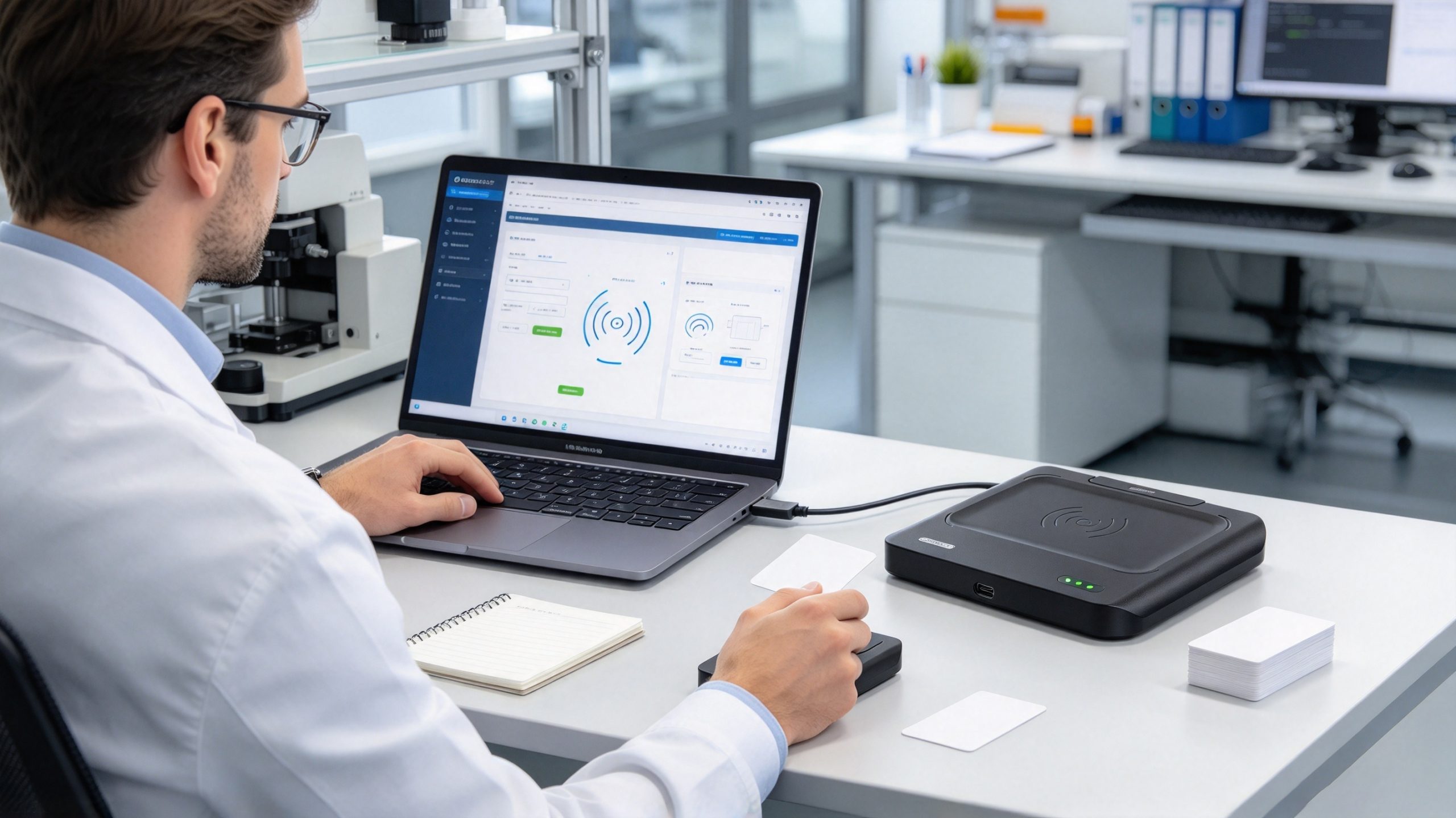
Problems often arise from a mismatch between the card, the reader, and the data format rather than from the write operation itself.
| Problem | Likely cause | Recommended action |
|---|---|---|
| The reader detects no card | Unsupported technology, poor positioning, connection issue | Confirm card type, reader compatibility, and connection |
| The card can be read but not written | Read-only area, missing authentication, or unsupported writer | Check the chip documentation and authorized permissions |
| The write reports success, but the data looks wrong | Incorrect format, byte order, encoding, or target memory | Read back the data and compare it field by field |
| The card works on one reader but not another | Different protocol support or application expectations | Test with the intended production equipment |
| The card becomes unusable after configuration | A protected area or irreversible lock setting was changed | Follow the chip manufacturer’s instructions; use a spare test card first |
| The application cannot find the card record | Identifier was not registered or mapped correctly | Check the database, enrollment process, and duplicate handling |
Consider a contactless card that offers writable user memory. That does not mean every page or block is available for unrestricted use. Some locations hold configuration information; others may be reserved or protected. A value written to the wrong location can overwrite data needed by the application or change how the card behaves.
The same principle applies to UHF tags. GS1 explains that RAIN RFID tag memory is divided into logical banks for different purposes, including EPC data and reserved access information. Its guidance also describes password-based protection and permanent locking options. Before writing or locking a UHF tag, identify the target memory bank and understand the consequences of the chosen operation.
For production work, avoid experimenting with configuration settings on cards already in service. Test the workflow on spare cards, document the expected result, and retain a known-good sample for comparison.
Programming a card is only one part of the job. Before deploying it, confirm that the data was written correctly, the card behaves as expected on the target reader, and the connected application recognizes it. These checks become especially important when preparing cards in batches or enrolling credentials for a live business system.
A reliable verification process checks three separate things: the data stored on the card, the ability of the intended reader to retrieve it, and the way the receiving application processes that data. Passing one check does not guarantee that the other two will pass.
After writing, remove the card from the reader’s field and present it again. Use the supported software to read the relevant memory area and compare the returned value with the intended data.
For example, if a UHF tag is supposed to contain an inventory identifier, check that the identifier is present in the expected memory bank and that its formatting matches the application’s requirements. If an HF card is supposed to contain an application record, verify that the intended record can be retrieved using a compatible reader.
Do not rely only on a green success indicator. A successful command may confirm that the reader completed an operation, but a separate read-back test provides stronger evidence that the intended value is stored correctly.
Use the reader and software that will be used after deployment. A card may work with a programming utility but fail in the production application because the application expects a different data format, a registered identifier, or a particular authentication process.
Check the complete sequence:
For access-control credentials, perform this test through the system administrator’s approved enrollment procedure. For inventory tags, check the association between the tag identifier and the relevant product or asset record.
For a small number of cards, a simple verification log may be enough. For larger deployments, use a controlled process that records the card reference, intended data, read-back result, and any error encountered.
A practical log can contain:
| Field | Example or purpose |
|---|---|
| Card reference | Internal serial or assigned test ID |
| Intended data | The value that should be written |
| Read-back result | The value returned after writing |
| Reader-writer | Model or workstation identifier |
| Verification status | Pass, fail, or requires review |
| Notes | Authentication error, formatting issue, or retest |
Use test data in examples rather than publishing real access credentials or sensitive card contents. Keep any operational logs in accordance with your organization’s privacy and retention requirements.
Programming ten cards manually is manageable. Preparing hundreds for a warehouse, library, or employee credential system introduces a different set of risks: duplicated identifiers, skipped cards, incorrect associations, and cards that pass a write test but fail during actual use.
Before starting a production batch, test a small sample that represents the card types and operating conditions in the project. Confirm the encoding format, write permissions, and verification procedure first.
A practical batch workflow looks like this:
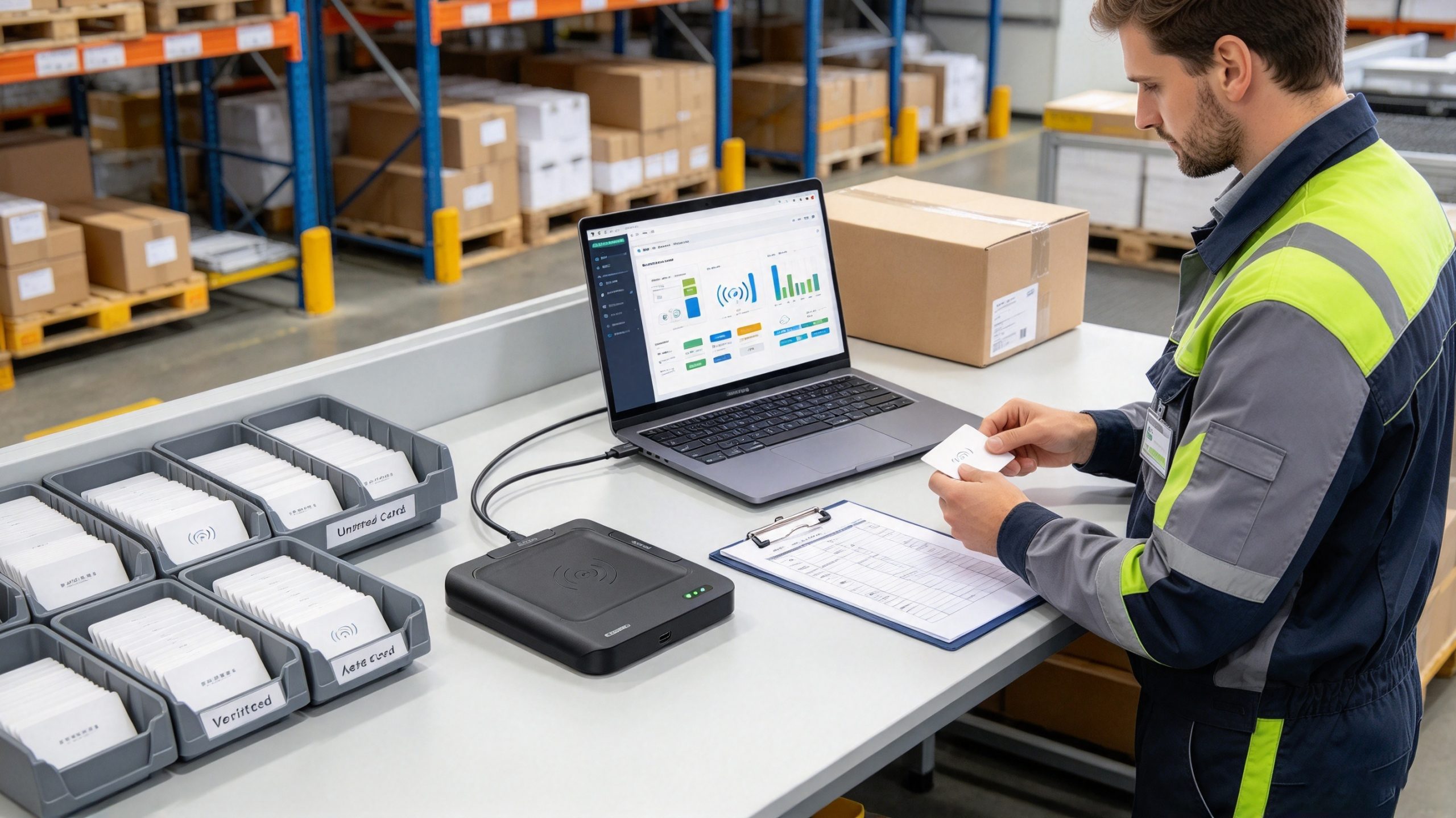
A simple workstation layout can reduce avoidable errors. Keep unprogrammed cards on one side, the active card at the reader, and verified cards in a clearly marked tray on the other side. This is a process-control recommendation, not a substitute for software-enforced validation.
For a batch of cards, calculate the first-pass verification rate:
For example, if 196 of 200 cards pass on the first attempt, the first-pass verification rate is 98%. The remaining four cards should be investigated and recorded separately; they should not disappear from the result just because a later retry succeeds.
This is an illustrative calculation, not an industry benchmark. Track first-pass results alongside final acceptance, retry count, and the most common failure reason. Together, these measurements help distinguish a card-quality problem from an operator, software, or reader configuration issue.
Programming an RFID card can change more than its visible contents. Depending on the chip, the process may also configure access permissions or lock writable memory. These settings deserve particular attention when cards will be reused, distributed to staff, or placed into a live identification system.
Different chips implement security in different ways. NXP’s NTAG213, NTAG215, and NTAG216 documentation, for example, describes password protection for configurable memory areas and locking features that can prevent future writes. The same documentation warns that stronger security requirements may call for cryptographic methods at the application layer. NXP+1
GS1’s RAIN RFID guidance likewise explains that memory protection can be reversible or permanent, depending on the tag and the selected operation. Its guidance also distinguishes access-control features from encryption of sensitive data.
Before applying a lock or changing a password:
An identifier is useful for distinguishing one card from another, but it is not necessarily proof of identity or authorization. If a system grants access based only on a value that can be copied or observed, changing the stored identifier may not provide meaningful security.
For access-control systems, use supported credential issuance, authentication, and revocation procedures. Do not attempt to clone credentials or bypass access protections. For inventory and asset tracking, avoid storing unnecessary personal data directly on a tag; use a controlled application or database to manage information that should not be exposed to every compatible reader.
The appropriate security design depends on the card technology and the consequences of misuse. A public product label and an employee access credential should not be treated as equivalent simply because both communicate over RFID.
Some NFC-compatible phones can write supported data to compatible NFC tags, such as a suitable NDEF record. However, this does not mean a phone can program every 13.56 MHz card or every RFID technology. Support depends on the phone, operating system, chip type, app, and card permissions. LF and UHF cards generally require compatible dedicated equipment.
No. Some cards have writable user memory, while others restrict writing, require authentication, or contain identifiers that ordinary users cannot change. Certain memory areas can also be permanently locked. Check the manufacturer’s documentation before attempting to modify a card, especially one already used by a live system.
You need software that supports both the reader-writer and the card technology. For a basic test, start with the reader manufacturer’s demo utility. For a production application, look for the required encoding functions, read-back verification, error reporting, and SDK or API support. UHF inventory encoding and NFC record writing may require different tools.
Capacity depends on the chip and its memory layout. For example, NXP specifies 144 bytes of user memory for NTAG213, 504 bytes for NTAG215, and 888 bytes for NTAG216. These figures apply to those particular NFC chips, not to all RFID cards. Some UHF inventory tags store only an identifier, while others provide additional user memory.
Common causes include unsupported write commands, protected memory, missing authentication, an incorrect target memory area, or a reader that supports reading but not writing for that card type. Confirm the chip model and reader specifications, then check the manufacturer’s supported procedure using a test card.
Only if the lock operation is required and its consequences are understood. Depending on the chip, a lock may be reversible or permanent. Test the configuration first and verify that the intended application can still read the required data. Do not permanently lock a production batch without an approved procedure and a recovery plan where one is possible.
Choose compatible tags and a reader-writer, define an identifier format, and encode the required data using the appropriate software. Then read each tag back and link its identifier to the correct inventory record. For UHF systems using EPC, follow the relevant GS1 EPC Tag Data Standard rather than inventing an incompatible data structure. GS1 also provides an EPC Encoder/Decoder tool for supported EPC formats.
Before purchasing a card writer or preparing a large batch, confirm three things: the exact card technology, the memory or credential operations the device supports, and the format expected by the receiving application.
For a desktop UHF tag-encoding workflow, a compatible reader-writer and its supported demo software can help establish a reliable starting point. For NFC cards or access credentials, use tools designed for the specific chip and the authorized system. These are different tasks, even when the cards look similar.
A dependable process includes more than a write command. It includes a known card type, a controlled data format, read-back verification, application-level testing, and clear handling of failed cards. For business deployments, that process is what makes how to program RFID cards a repeatable operation rather than a one-time experiment.

Discover SSD-D4AL, a USB-HID UHF RFID reader with 4/8/16 antenna options, Impinj E710/X3M1 chipset, plug-and-play USB power, and OEM customization.
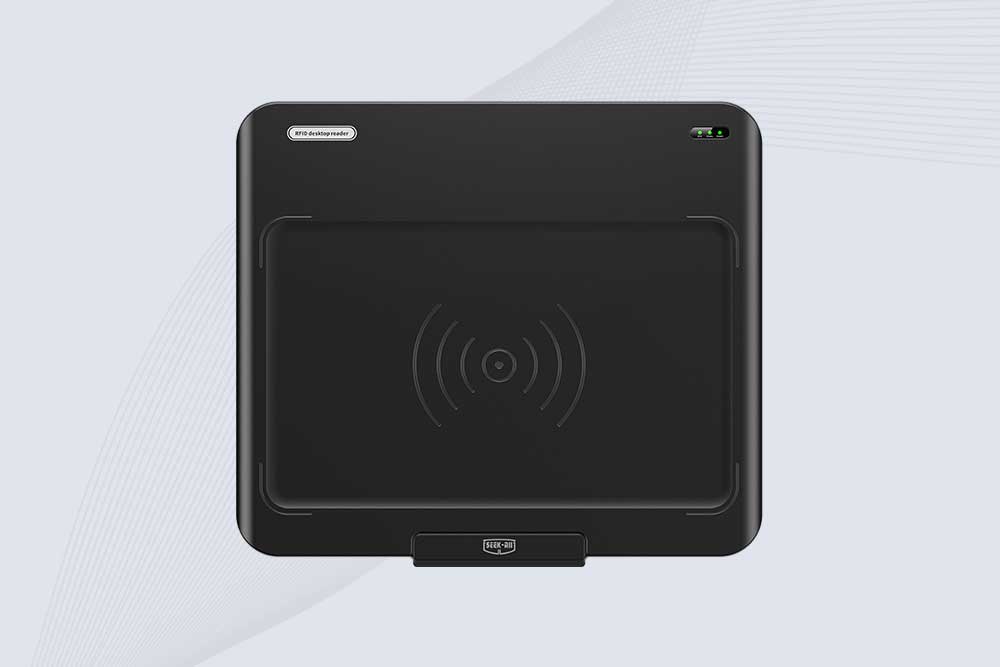
SSD-D3AL is a USB-HID UHF RFID reader with 0–30 cm reading, 0–15 cm writing, over 600 tags/s recognition, USB plug-and-play operation and OEM Logo customization.
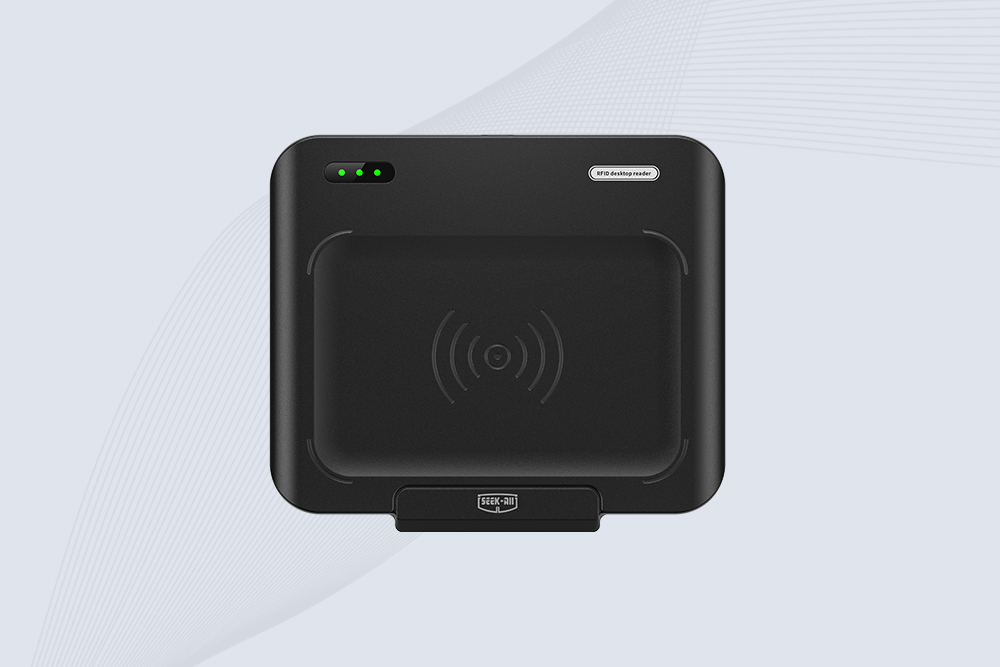
SSD-D1AL is a compact USB UHF RFID reader with Impinj E710/X3M1 chipset, USB-HID, 600+ tags/s recognition, 4/8/16 antenna support and plug-and-play USB power.

CYKEO CYKEO-D1LA USB RFID Reader is a compact desktop solution with near-field control for precise tag reading and encoding. Powered by USB, supporting ISO 18000-6C, and built for stable batch writing, this usb rfid tag reader fits retail, libraries, offices, and controlled RFID encoding tasks.
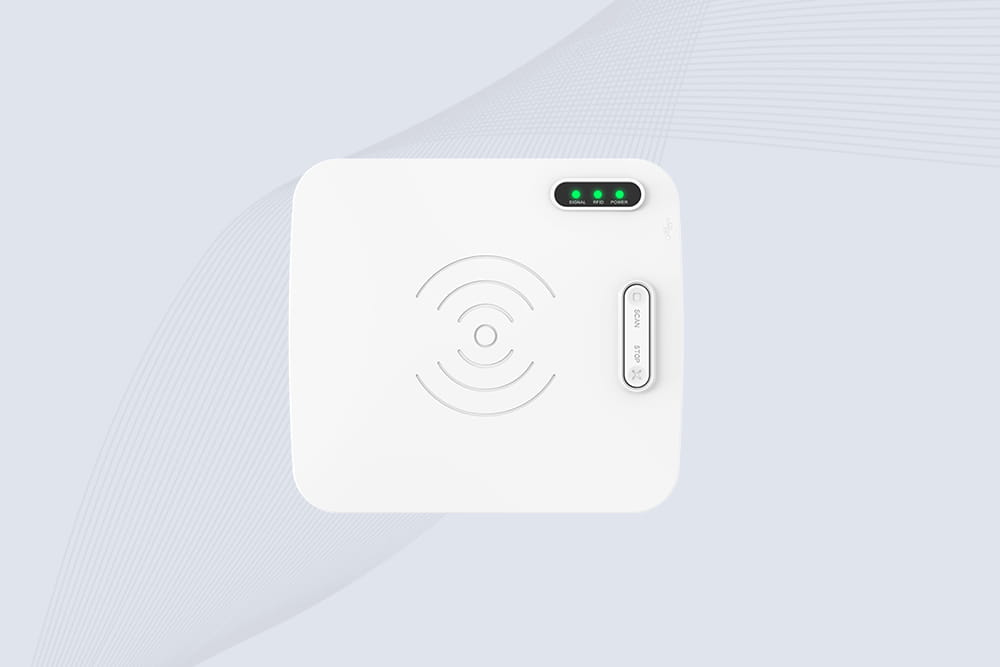
CYKEO CYKEO-D1L RFID scanner USB is a compact desktop UHF RFID scanner designed for short-range tag writing and verification. This usb rfid scanner supports batch encoding, stable 0–26 dBm output, and works across Windows, Linux, and Android systems.
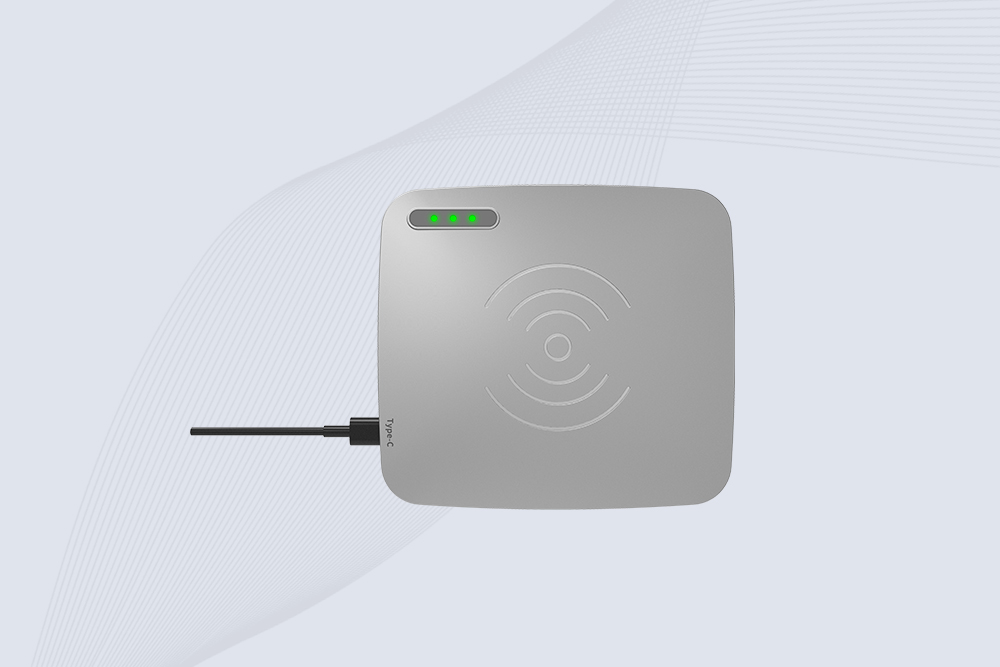
CYKEO CYKEO-D1C USB RFID Card Reader is a near-field UHF desktop writer designed for secure, short-range tag encoding. With USB-C connectivity and stable 26 dBm output, this rfid reader usb c is ideal for badge issuance, label encoding, and controlled desktop RFID workflows.
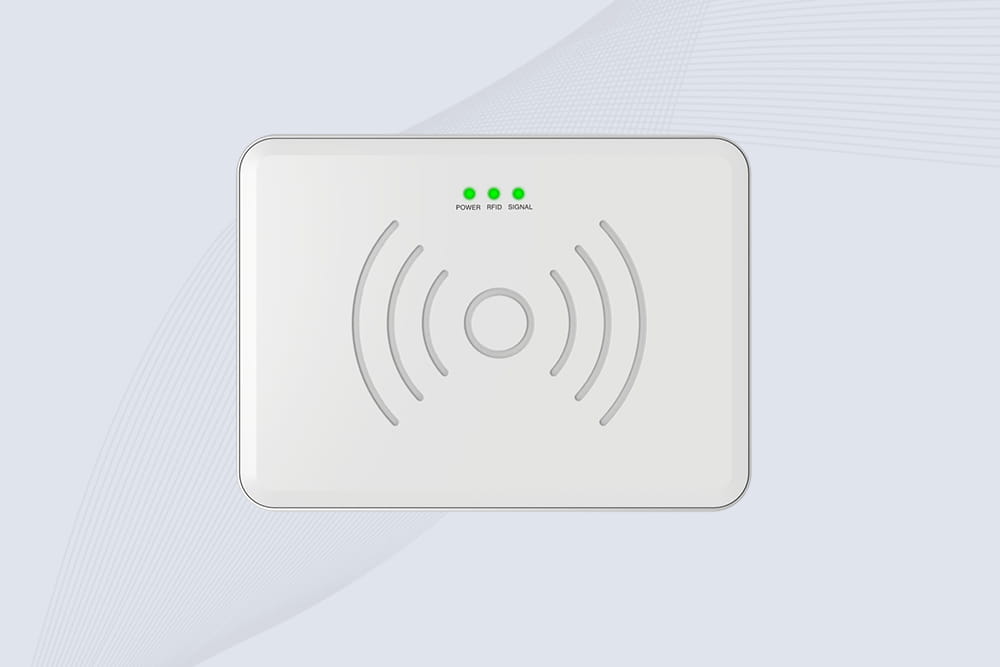
CYKEO CYKEO-D2L RFID Reader USB is a compact desktop encoder built on the Impinj R500 chip. With near-field control and stable USB power, this usb rfid card reader delivers precise tag writing for offices, retail counters, and small-scale logistics encoding tasks.
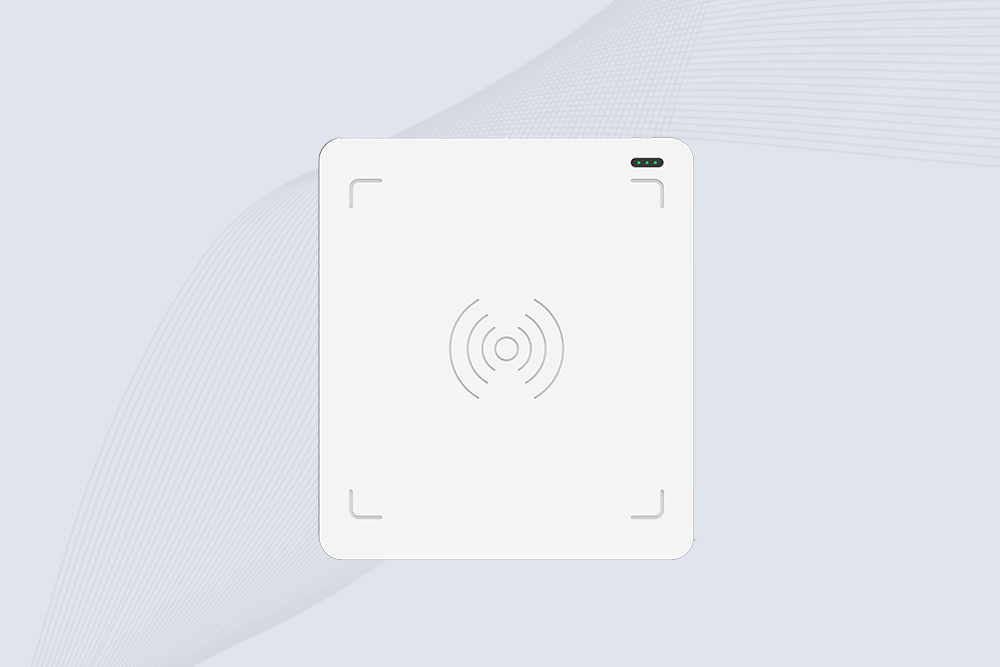
CYKEO CYKEO-D3L USB RFID Tag Reader delivers stable UHF tag reading and writing for daily desktop and light industrial tasks. Designed for controlled short-range operation, this USB RFID Tag Reader works reliably with rfid tag and reader systems in libraries, tool tracking, and inventory registration.
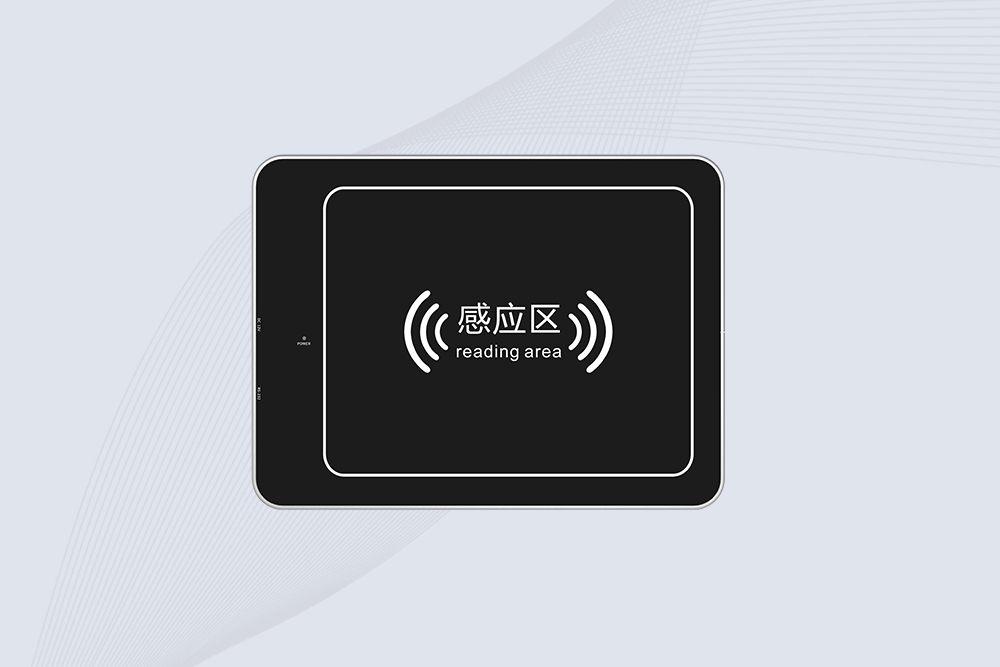
The CYKEO CYKEO-D4L UHF RFID Tag Reader is a stable Desktop RFID Reader designed for accurate tag registration, borrowing, and return workflows. Built with the Impinj R2000 chip, this UHF RFID Tag Reader delivers controlled short-range reads for libraries, asset tracking, and inventory management environments.
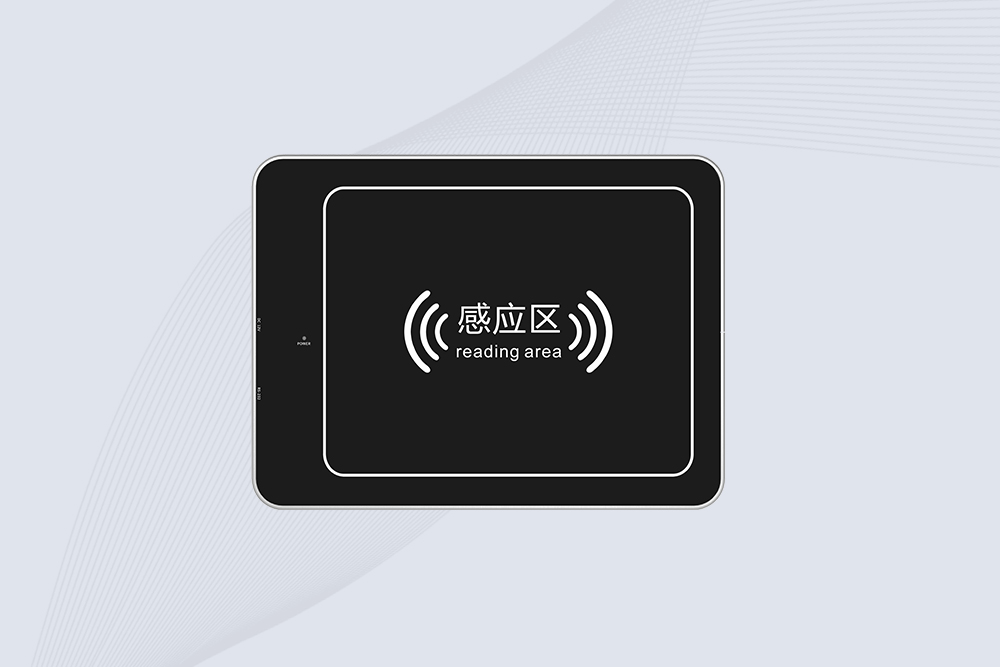
The CYKEO CYKEO-D5L Desktop RFID Card Reader is a stable UHF RFID Card Reader designed for controlled short-range reading and writing. Built for libraries, tool rooms, and asset desks, this UHF RFID Card Reader supports dense tag handling, secure data processing, and easy USB integration.
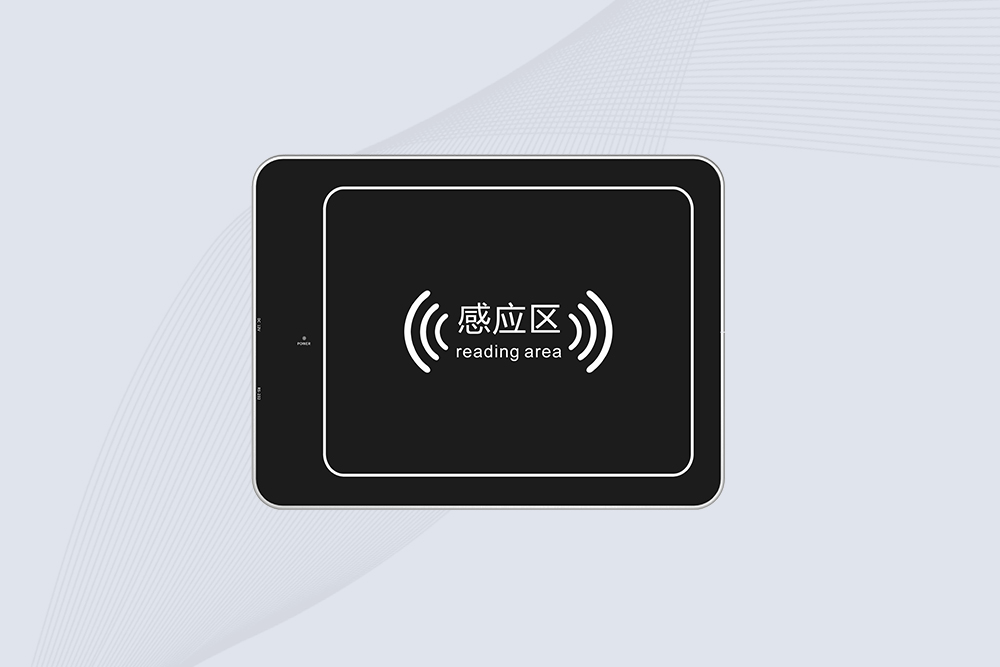
The CYKEO CYKEO-D6L RFID Reader Writer is a heavy-duty Desktop RFID Reader designed for short-range, high-accuracy tag programming. Built for libraries, labs, and asset desks, this RFID Reader Writer supports batch processing, stable 33dBm output, and seamless integration with existing management systems.
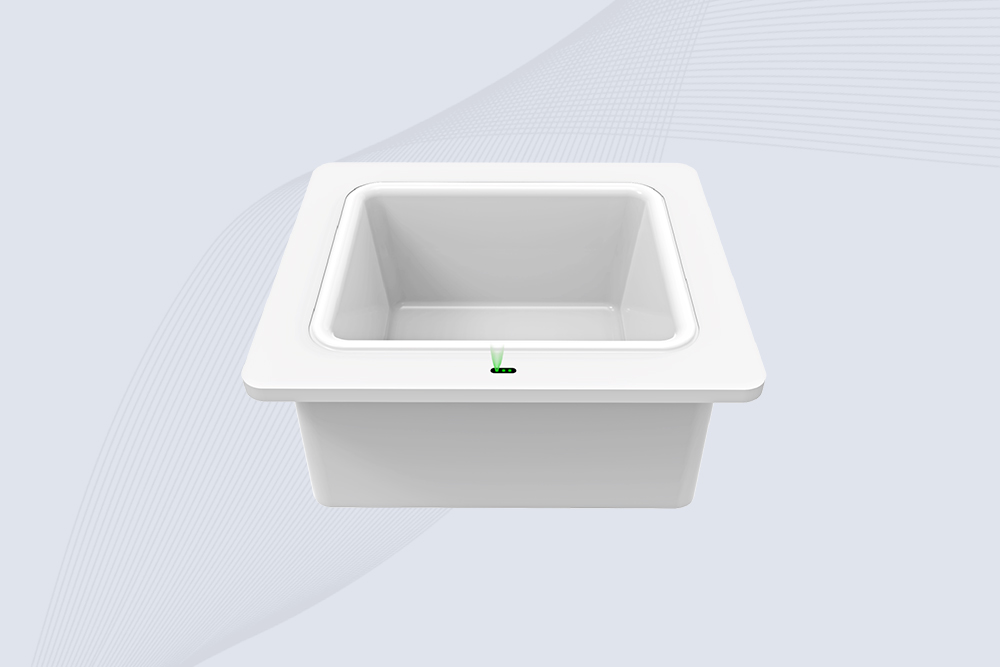
Cykeo CYKEO-D8B UHF RFID tunnel and RFID Desktop Reader features 30+ items batch reading,
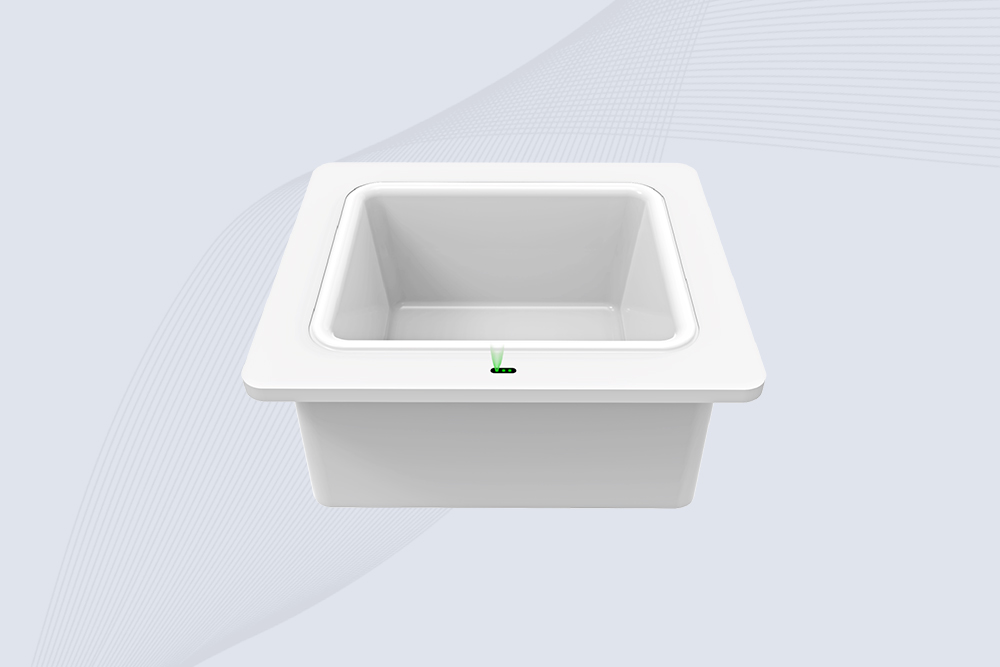
Cykeo CYKEO-D8A embedded RFID badge reader offers 30+ tags/sec scanning, 20cm anti-crosstalk precision, and DC 12V power for unmanned stores, warehouses, and smart inventory systems.
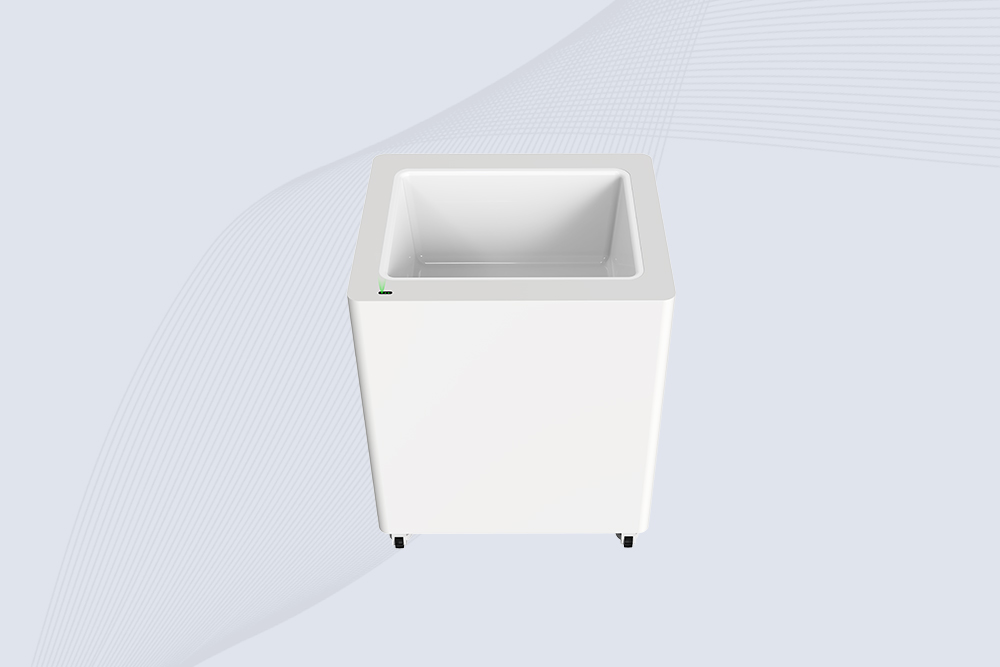
Cykeo’s CYKEO-D8C UHF RFID gate reader achieves 200-tag/batch scanning with adjustable power control, ideal for retail inventory and smart warehouse management.
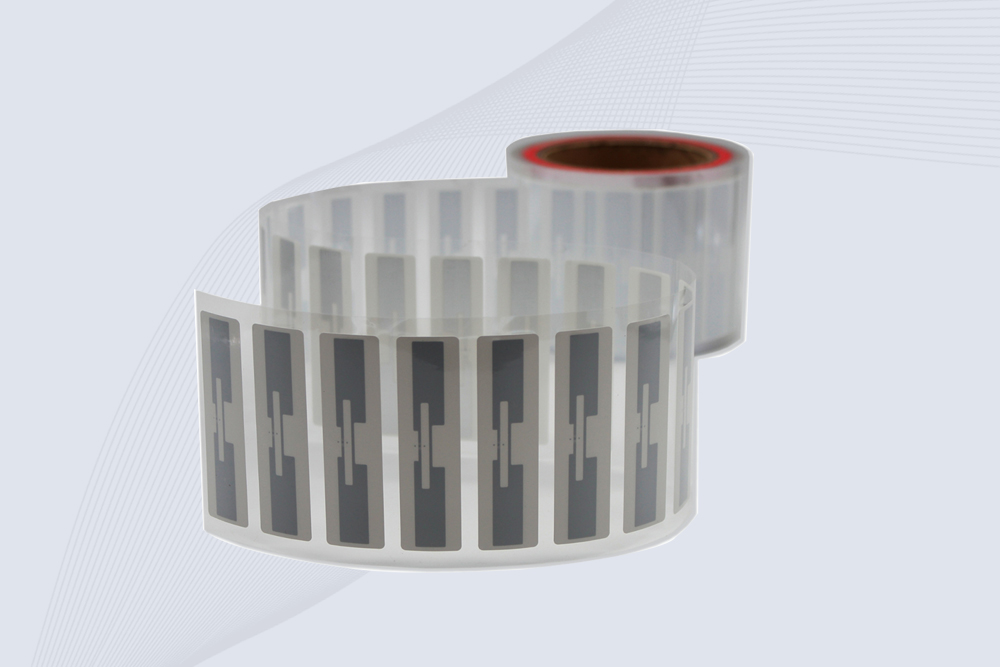
CYKEO Passive RFID Tags are made for wet and high-humidity environments where standard labels do not last. This rfid passive tag is often used around liquids, chemicals and temperature changes, providing stable reading distance and long data life for industrial tracking.
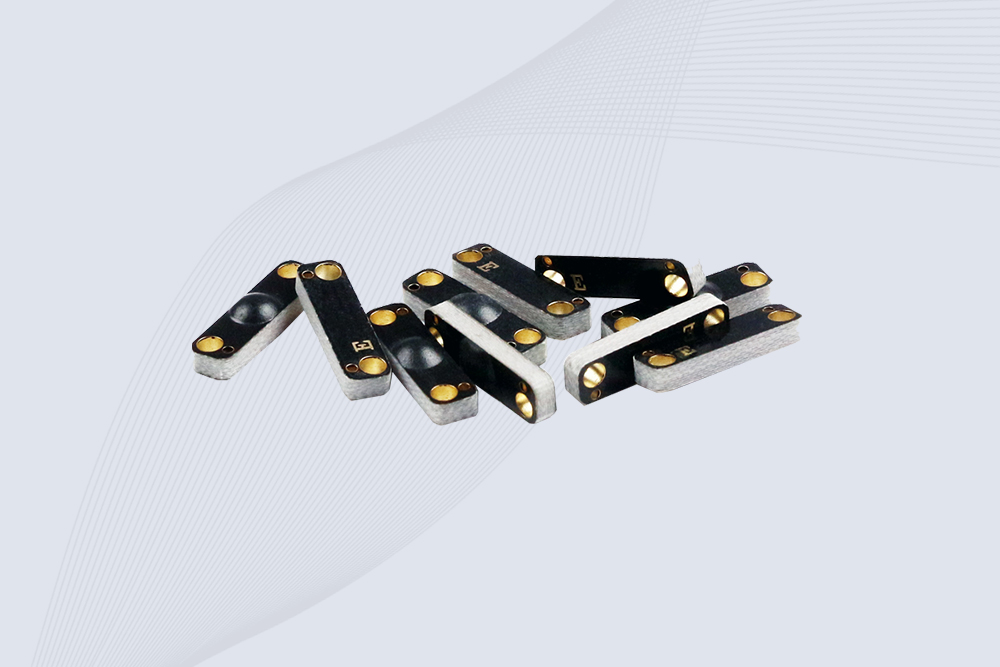
CYKEO CYKEO-PCB1504 Metal RFID Tags is a compact anti-metal UHF RFID solution built for direct mounting on metal surfaces. With stable 8-meter read range, Ucode-8 chip, and long data retention, this rfid metal tag fits tools, containers, automotive parts, and industrial asset tracking.
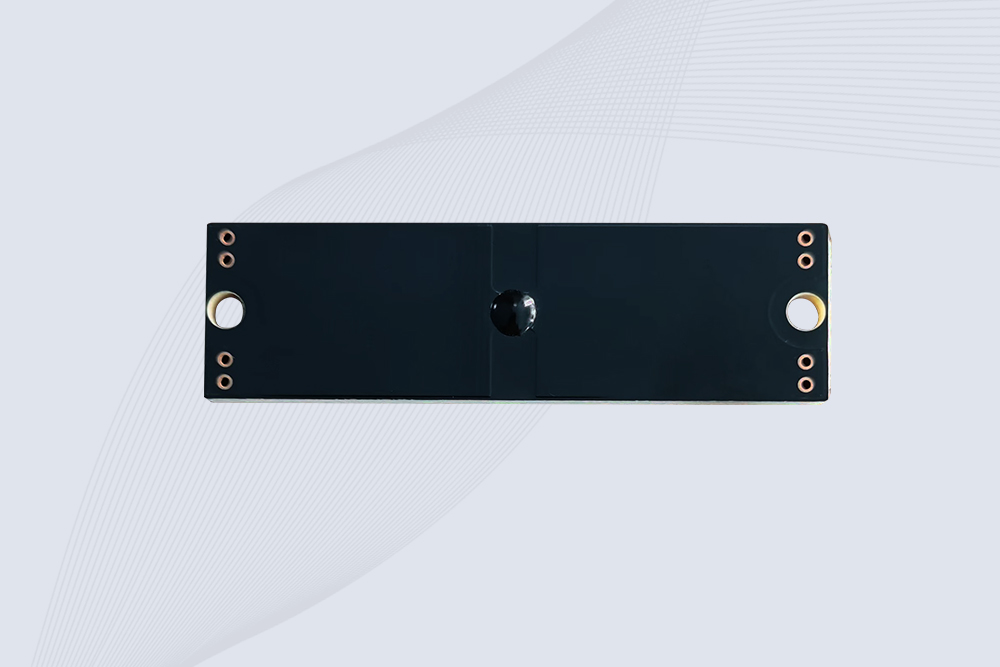
CYKEO CYKEO-PCB7020 On-Metal RFID Tags are designed for reliable tracking on steel and metal surfaces. Built with an FR4 epoxy body and industrial-grade chips, these On-Metal RFID Tags deliver stable performance, long data life, and chemical resistance, making them a dependable RFID anti-metal tag for harsh environments.
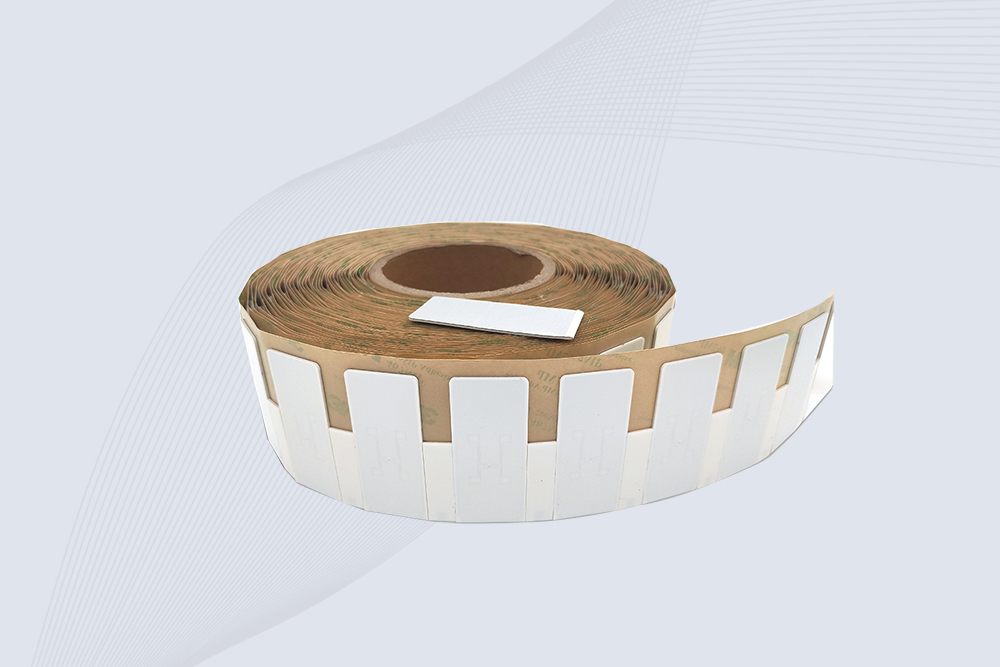
The CYKEO CYKEO-60-25 Anti-Metal RFID Tag is built for metal surfaces where standard tags fail. Designed for long-range performance, harsh environments, and stable data retention, this Anti-Metal RFID Tag is ideal for industrial assets, containers, and equipment tracking using on metal RFID tags.
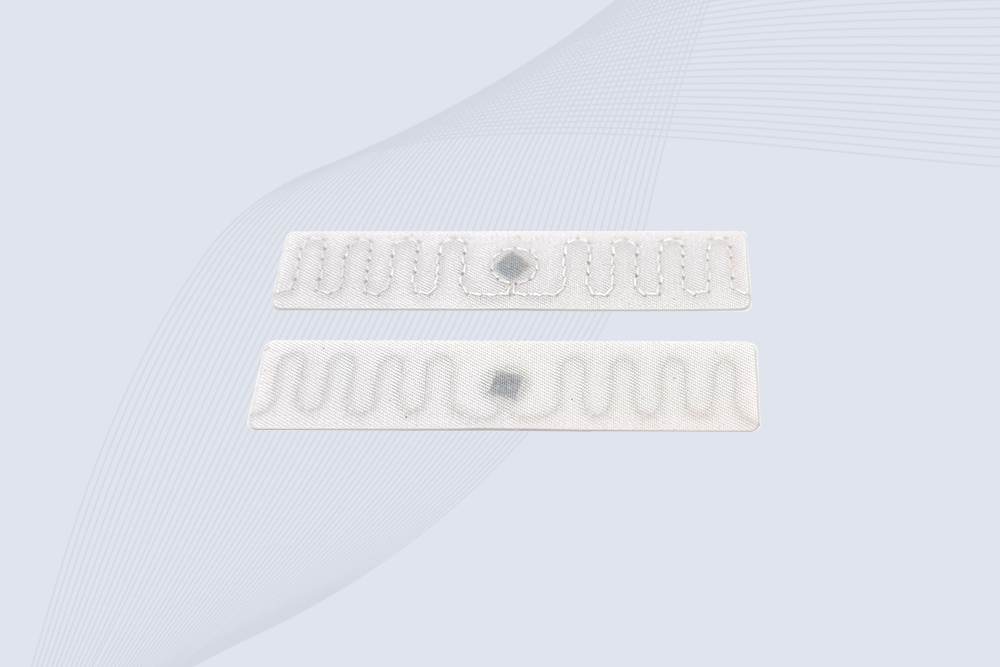
The CYKEO RFID Laundry Tag is designed for long-term textile identification in harsh laundry environments. Built to withstand high heat, chemicals, and repeated washing, this RFID Laundry Tag delivers stable performance for hotels, hospitals, and industrial laundry operations using laundry rfid tags at scale.
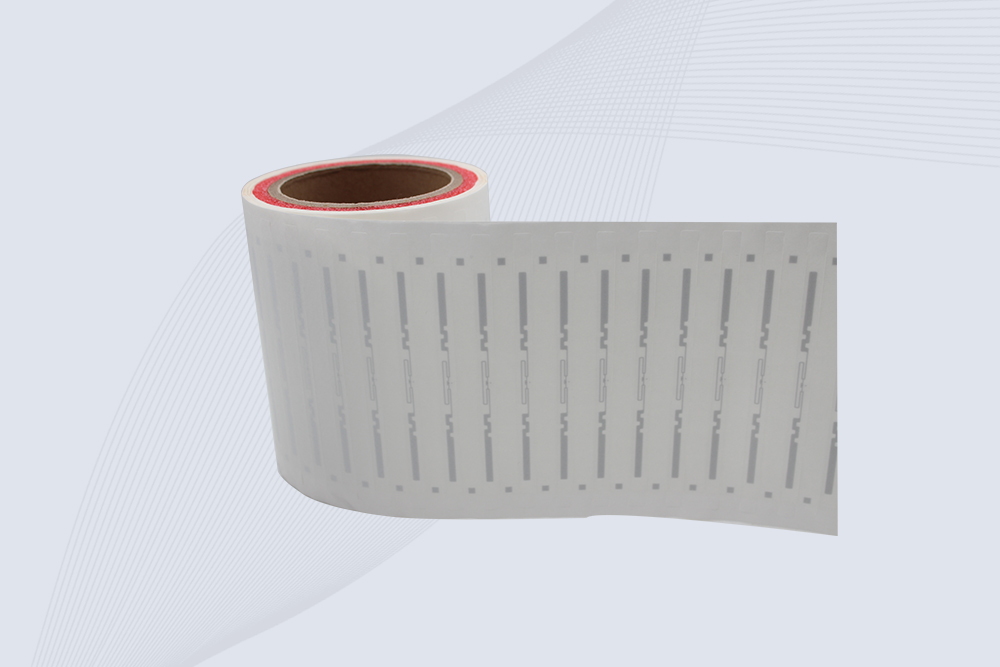
The CYKEO CYKEO-125-7 RFID Book Tag is designed for reliable book and document tracking in libraries and archives. This RFID Book Tag delivers long read range, dense placement support, and stable performance on shelves, making it a practical rfid tag on books for library automation, file management, and archival systems.
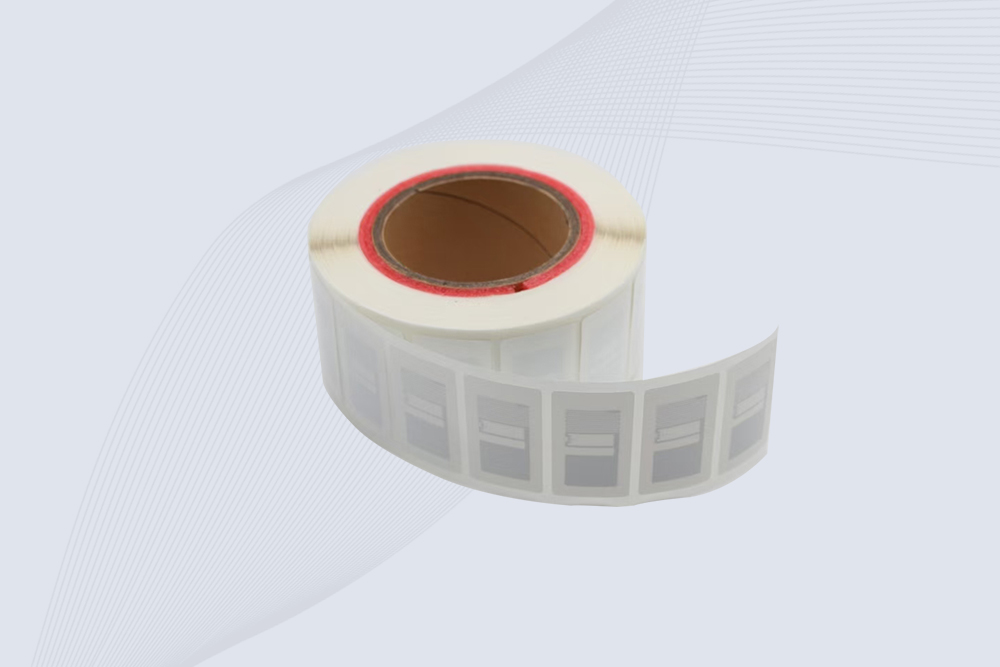
CYKEO RFID tags in hospitals are designed for sterile environments where accuracy matters. These autoclavable RFID tags support long-term tracking of surgical tools, implants, and medications, helping hospitals improve visibility, compliance, and patient safety.

CYKEO RFID Cable Tie Tag is built for reliable identification on metal surfaces. This UHF RFID Cable Tie Tag is widely used in rfid tags for inventory systems, industrial asset management and Hospital RFID Tags, offering stable read performance, long service life and global EPC Gen2 compatibility.
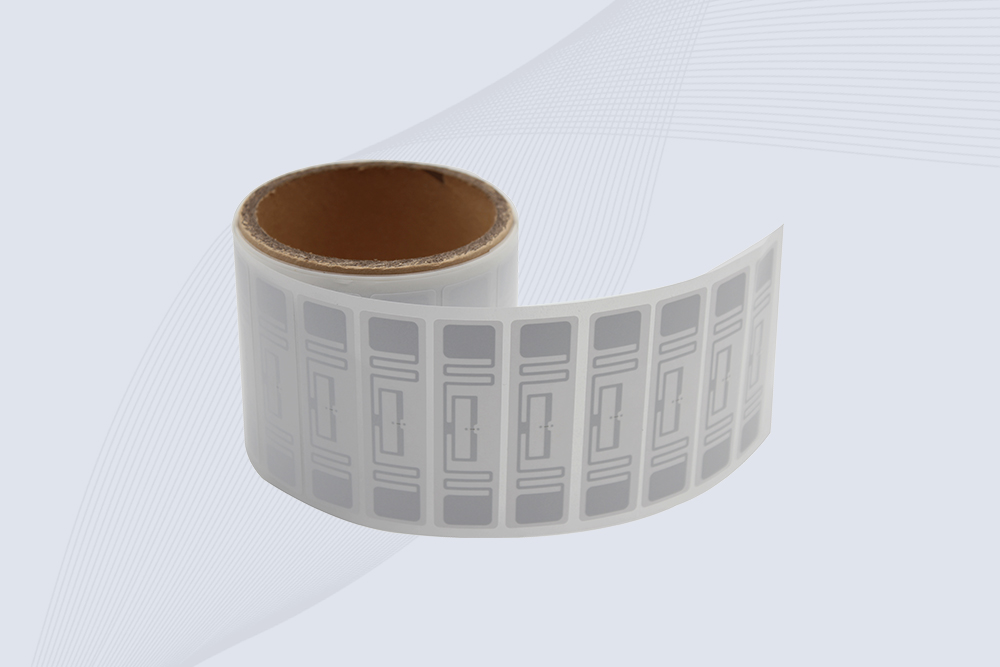
CYKEO RFID Asset Tag is designed for stable identification of metal assets in industrial environments. This UHF RFID Asset Tag is commonly used for rfid tag asset tracking on equipment, tools and containers, providing reliable reads, long service life and ISO/IEC 18000-6C support.
CYKEO UHF RFID Card is designed for fast identification and long-term use in industrial and commercial systems. Supporting ISO 18000-6C, this UHF RFID Card works at 860–960 MHz and is suitable for custom RFID cards used in asset tracking, access control and inventory management.
CYKEO HF RFID Cards are designed for secure and stable access control systems. These 13.56 MHz RFID key cards support ISO 14443-A, reliable rewriting and long service life, making HF RFID Cards suitable for offices, campuses, events and membership management.
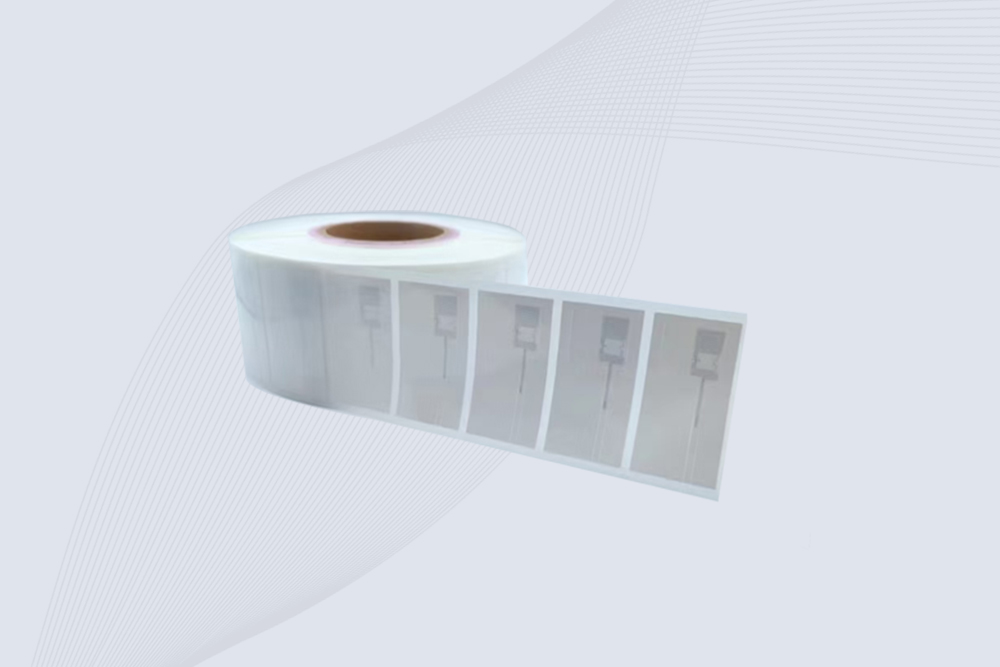
CYKEO UHF RFID Tag is designed for reliable tracking of metal jewelry and high-value items. This Jewelry RFID Tag supports long-range reading up to 8 meters, anti-counterfeit protection and stable performance on metal, making it suitable for retail, inventory control and asset management.
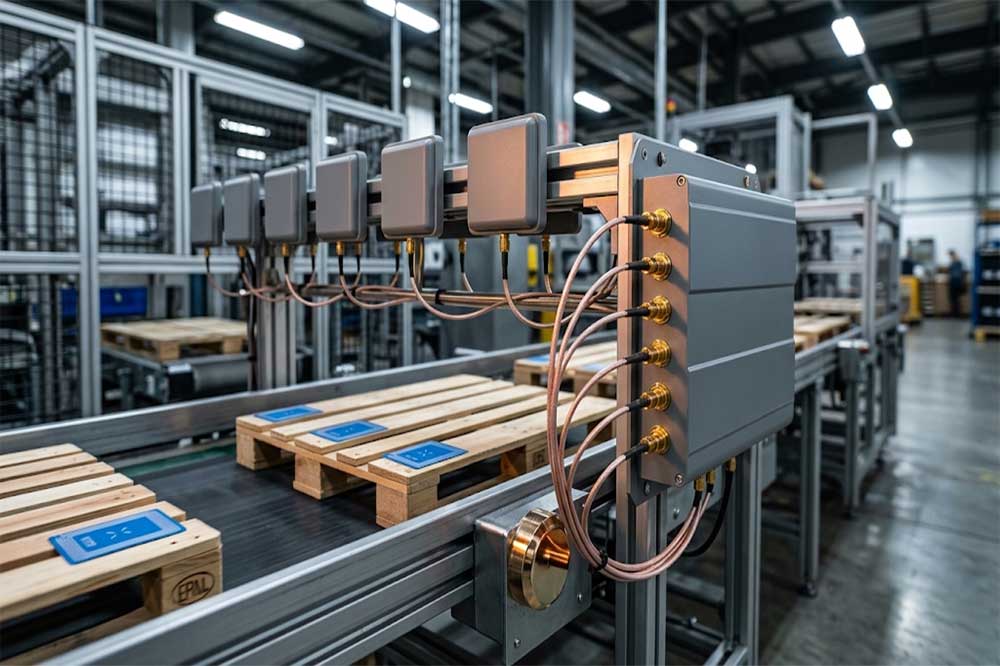
Cykeo's custom fixed-mount readers are built for OEM and industrial integration projects, offering 4/8/16 antenna ports, an Impinj R2000 RF core and an open ...
More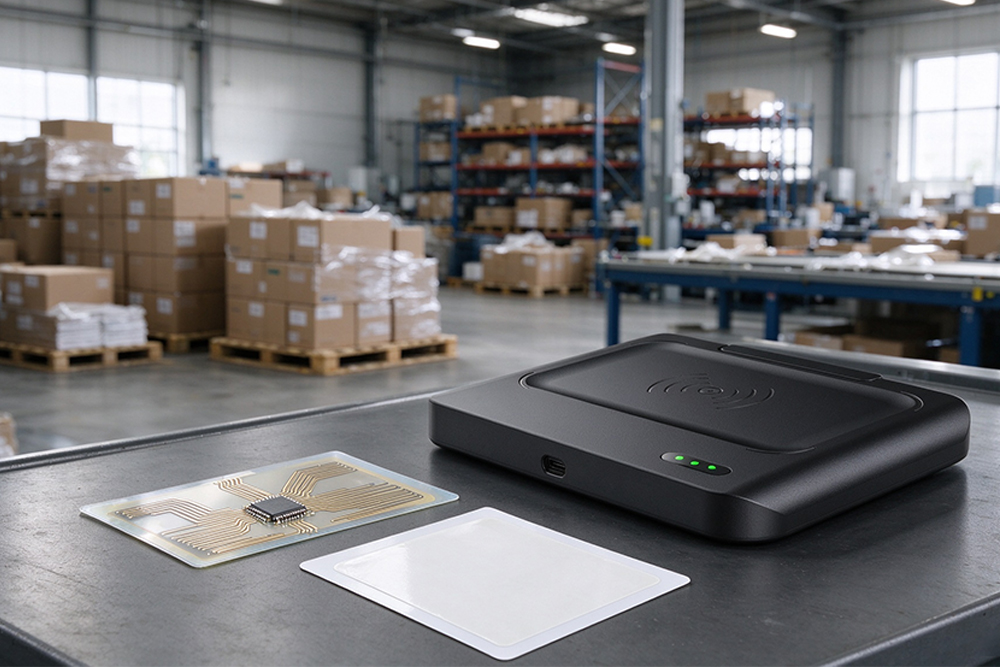
RFID uses radio waves to exchange identification data between tags and readers. The captured data is processed by software to support inventory management, a...
More
A system integrator’s practical view on deploying a hospital parking system using RFID, focusing on modular reader integration, antenna placement, on-site tuning, and system compatibility.
More
Control high-value medical consumables with RFID medical cabinets. Improve traceability, reduce loss, and ensure compliance with real-time inventory tracking in hospitals.
More