 Cykeo RFID IoT Solution Products R&D Manufacturer

RFID Tool Cabinet Cost and Implementation Considerations
166Learn what affects RFID tool cabinet cost, including cabinet size, RFID tags, software, access control, integration, installation, testing, and support.
MoreAll RFID Product
How to read and write RFID card data requires a compatible RFID reader-writer, software that supports the card’s chip and protocol, and permission to access the relevant memory. First identify the card, read its accessible data, write only to authorized writable areas, and verify the result with a second read.
Reading an RFID card means retrieving information that the card and reader are configured to exchange. Writing means sending data or a supported command to a writable area of the card. The exact process depends on the chip, frequency, communication protocol, memory layout, and security settings.
These operations are often combined in a single desktop reader-writer, but reading capability does not automatically mean writing capability. A reader may identify a card without supporting memory writes, and a card may allow its identifier to be read while protecting other memory areas.
That distinction matters in practical deployments. A library might read a tag identifier to locate a book record. A warehouse might write a product identifier to a UHF tag before associating it with an inventory database. An NFC application might write a supported data record to a compatible HF tag. All three involve RFID, but the hardware and software requirements are not interchangeable.
| Operation | Meaning | Example |
|---|---|---|
| Read | Retrieve accessible card or tag data | Read an RFID identifier |
| Write | Store data in an authorized writable area | Write an inventory reference |
| Encode | Format data according to an application or standard | Encode a supported EPC value |
| Register | Link a card or tag to a system record | Associate a tag with a book |
| Verify | Read back data and check the result | Compare the written value with the intended value |
A card can be written successfully yet still fail in the target application. The data may be in the wrong memory location, use the wrong format, or lack a corresponding record in the connected software. Treating the reader’s success message as the entire test can hide these problems until the card reaches the workplace.
The first task is not to open the software and press Write. It is to determine which technology the card uses and what operations that technology supports.
RFID operates across multiple frequency bands. Cards can look almost identical while using different chips and communication methods. Frequency alone is not enough to establish compatibility.
Low-frequency RFID commonly operates around 125 kHz or 134.2 kHz, depending on the application and technology. It is used in some identification and access-control systems.
Some LF credentials primarily expose a fixed identifier. Others support different configuration or data functions. A compatible reader may be able to detect a card without being able to modify it.
Before attempting to write an LF card, confirm the chip model and the manufacturer’s supported programming method. Do not assume that a generic RFID writer can change a factory-defined identifier.
High-frequency RFID commonly operates at 13.56 MHz. This category includes NFC-compatible tags and other contactless technologies used in identification, ticketing, libraries, and access systems.
The frequency does not determine the complete set of supported operations. Two 13.56 MHz cards may use different protocols, memory layouts, or authentication mechanisms. A reader-writer must support the relevant card family and commands.
For an NFC tag that supports NDEF, for example, a compatible application may write a text record or URL. That is different from writing to a protected sector on a different contactless card. If the card is part of an access-control or payment system, use the authorized issuer’s or administrator’s enrollment procedure.
Ultra-high-frequency (UHF) RFID is commonly used for item-level inventory, warehouse tracking, logistics, and asset identification. Many passive UHF tags use the EPC Class 1 Gen 2 air interface, standardized internationally as ISO/IEC 18000-63.
A UHF reader-writer may be able to read an Electronic Product Code (EPC) and write to permitted tag memory. However, available operations depend on the tag IC, reader firmware, access settings, and software.
For an inventory workflow, the goal is usually to ensure that a tag carries the expected identifier and that the business application associates it with the correct product or asset. Writing a value is only one step in that process.
A basic setup usually requires four things: a compatible RFID card or tag, a reader-writer, supported software, and a computer or host device. The specific equipment depends on whether the project uses LF, HF/NFC, or UHF technology.
| Component | What it does | What to confirm before purchase |
|---|---|---|
| RFID card or tag | Stores an identifier or other supported data | Frequency, chip model, memory, and permissions |
| RFID reader-writer | Communicates with the card | Supported protocols and actual write capability |
| Programming software | Sends commands and displays results | Chip compatibility, data format, read/write functions |
| Computer or host | Runs the software or application | USB, serial, Ethernet, SDK, or API requirements |
| Business application | Uses the card data | Database mapping, enrollment, and validation rules |
For a desktop encoding workflow, check the device’s supported chip types before comparing read range or output power. A reader-writer intended for UHF inventory tags cannot automatically read or write an HF/NFC card.
Cykeo’s SSD-D1AL desktop RFID tag administration platform is one example of equipment intended for compatible UHF tag management. Its supplied specifications describe a USB-connected platform with a maximum port output of 33 dBm, a reading range within 30 cm, and a writing range within 10 cm. These are product-specific figures, not guaranteed distances for every tag or installation.
For applications such as inventory tagging, the platform’s suitability should be assessed against the required tag protocol, encoding workflow, software integration, and operating environment. If you are working with NFC cards, confirm that the reader supports the relevant NFC technology instead.
At a minimum, look for the ability to:
For development projects, SDK or API access can be important. A demonstration application may be sufficient for a single-card test, but batch programming or integration with an inventory database often requires additional application logic.
The workflow below is a general process for authorized RFID card and tag operations. The exact commands, screens, and memory addresses vary by technology, so use the reader and chip manufacturer’s documentation for the actual procedure.
Connect the reader-writer using its supported interface. Install the required driver or application if necessary, then open the vendor’s supported software.
Place one known-compatible test card in the reader’s operating area. Confirm that the software detects it and can retrieve the data it is permitted to read.
If the card is not detected, do not proceed to writing. Check the connection, card positioning, operating mode, and protocol compatibility first.
Read the card’s accessible identifier or memory area and save the result for comparison. Depending on the software, the output may be displayed as hexadecimal values, decimal numbers, text, or a decoded application record.
Do not assume that the displayed value represents the entire card contents. A card may contain multiple memory areas, some of which are protected or unavailable to the current reader.
Determine the exact value and format required by the receiving application. For example, an inventory workflow may need a valid EPC identifier, while a compatible NFC tag may be configured with a supported NDEF record.
Check field length, character encoding, byte order, and any standard the application expects. These details matter: the same logical number can have different representations in decimal and hexadecimal, and a value stored in the wrong format may not be recognized by the software.
Select the correct writable memory area and follow the manufacturer’s documented write procedure. Use a spare card for initial testing, especially if the operation could affect configuration or access permissions.
Avoid changing passwords, locking memory, or modifying reserved areas unless the task specifically requires it and you have authorization. Some configuration changes can restrict future access or make a tag permanently unusable.
After the write operation, read the card again and compare the returned data with the intended value. Then test it using the application that will consume the data.
For example, a warehouse tag may contain the correct identifier but still be missing from the inventory database. In that case, the write itself may have succeeded, but the complete business workflow has not.

RFID memory is not necessarily one open area where any value can be written. Different chips organize memory differently, and some regions contain identifiers, manufacturer data, configuration information, or security settings.
GS1 explains that RAIN RFID tags can use four logical memory banks: Reserved, EPC, TID, and User. The User bank is optional, while the EPC bank is used for the EPC identifier. This structure is specific to RAIN RFID tags and should not be confused with the memory organization of HF/NFC cards.
For NFC, memory capacity also varies by chip. NXP’s published specifications list 144 bytes of user memory for NTAG213, 504 bytes for NTAG215, and 888 bytes for NTAG216. These figures refer to those particular chips, not to every RFID card. The same product family supports features such as configurable password protection and read-only locking. NXP+1
That is why the chip model should be known before programming begins. A reader can communicate with a card while still lacking permission to change a particular memory area.

Reading and writing RFID cards reliably requires more than a compatible reader. The card must support the intended operation, the software must use the correct data format, and the receiving application must interpret the result correctly. These checks are especially important when preparing cards for inventory, libraries, or access-management systems.
When a card does not behave as expected, avoid changing several settings at once. Start by identifying whether the problem occurs during card detection, reading, writing, or application processing. Each stage points to a different set of possible causes.
| Problem | Possible cause | Recommended action |
|---|---|---|
| The reader cannot detect the card | Incompatible frequency or protocol, poor positioning, connection issue | Confirm card specifications, reader support, and connection |
| The card can be read but not written | Protected memory, missing authentication, or unsupported write function | Check the chip documentation and authorized permissions |
| The written value differs from the intended value | Incorrect data format, byte order, or memory location | Read back the data and compare it field by field |
| The card works in the demo tool but not in the application | Different data expectations or missing database association | Check application settings, enrollment, and record mapping |
| Some tags are detected inconsistently | Antenna placement, tag orientation, nearby metal or liquid, or RF interference | Test the tag in its actual mounting and operating environment |
| A card becomes read-only unexpectedly | A memory lock or configuration setting was changed | Review the chip documentation and test configuration on spare cards |
This is a common source of confusion. Reading and writing are separate capabilities, and access to memory may depend on the card’s security configuration. The reader may correctly identify the card while the write command fails because the selected area is protected or the device does not support the required command.
Check these items in order:
Do not attempt to bypass protected memory. For credentials managed by an employer, building, or service provider, ask the authorized system administrator to issue or configure the card.
First compare the intended value with the raw value returned by the reader. Look for differences in hexadecimal versus decimal representation, character encoding, byte order, and field length.
Then check whether the application expects data in a particular standard. A correctly written identifier can still be unusable if the application expects another format or if the identifier has not been registered in its database.
For UHF inventory deployments, verify the EPC structure and the memory area being used. GS1’s EPC/RFID resources provide relevant standards and implementation information. For NFC, consult the specific chip’s datasheet and the application’s supported record format.
Batch processing introduces a different challenge: a small error can affect multiple cards before anyone notices. A repeatable procedure should therefore include source-data validation, individual write verification, and a clear way to isolate failures.
For a small desktop operation, simple trays and a checklist may be sufficient. For a larger deployment, software-enforced duplicate detection and audit logs can reduce reliance on manual handling.
If 196 out of 200 cards pass the first verification, the first-pass rate is 98%. This is an illustrative calculation, not an industry benchmark. The four failed cards should remain in the record even if they pass after a retry.
Tracking first-pass results, final acceptance, and failure reasons can help identify whether a problem comes from the cards, reader configuration, software, or operator workflow. A high final pass rate alone may hide repeated failures and unnecessary rework.
An RFID card’s identifier should not automatically be treated as proof of identity. Depending on the technology, an identifier may be readable by compatible equipment, while access to other memory areas may be restricted by authentication or security settings.
Before changing card data, determine whether the operation affects ordinary user memory, application data, access settings, or a permanent lock. The consequences differ by chip.
For example, NXP’s NTAG213/215/216 family provides configurable password protection and locking features. These capabilities are specific to that product family; other RFID technologies have different security models. Consult the relevant datasheet rather than applying one card’s instructions to another.
Recommended precautions include:
A reader may retrieve an identifier without establishing that the person presenting the card is its authorized owner. For systems where unauthorized access could cause harm, use the credential technology and authentication controls approved by the system provider.
For inventory tracking, the priority may instead be reliable identification, database association, and prevention of duplicate records. The right controls depend on the use case. An asset label, a library tag, and a secure access credential should not be assigned the same security assumptions.
Yes, if the device supports both reading and writing for the specific card technology. A reader-writer may support one type of UHF tag but not a 13.56 MHz NFC card, for example. Confirm the supported chip families, protocols, and write functions before purchasing equipment.
No. Many NFC-enabled phones can interact with supported NFC tags and records, but they do not provide universal support for LF, HF, and UHF technologies. Compatibility also depends on the phone, operating system, application, chip, and security permissions.
The card may have protected or read-only memory, require authentication, or use a technology that your reader does not support for writing. Some identifiers are fixed or not ordinarily user-writable. Check the chip documentation and use an authorized programming procedure.
Read the card again after writing and compare the returned value with the intended data. Then test the card with the target application to confirm that it recognizes the identifier or record. A successful write message alone does not prove that the complete business workflow is correct.
Capacity depends on the card’s chip and memory structure. For example, NXP specifies 144 bytes of user memory for NTAG213, 504 bytes for NTAG215, and 888 bytes for NTAG216. Other RFID cards may have different capacities, memory areas, or restrictions.
Not necessarily. UHF and NFC systems use different air interfaces and often require different reader hardware, commands, and data-handling methods. Choose software that explicitly supports the card technology and the intended operation.
Use compatible tags and a reader-writer, define a consistent identifier format, and verify every write by reading the data back. Link each identifier to the correct inventory record, then test tags on actual products or packaging. For UHF systems using EPC identifiers, follow the relevant GS1 specifications.
Before putting programmed RFID cards into service, confirm the following:
For Cykeo’s business customers, the practical starting point is to define the application before selecting the hardware. A desktop UHF reader-writer may suit inventory-tag encoding, while NFC and access-control projects may require different readers, card technologies, and enrollment procedures.
The core principle behind how to read and write RFID card is straightforward: identify the technology, use compatible equipment, write only what you are authorized to change, and verify the data in the system that will use it. That approach makes RFID programming more reliable, traceable, and easier to troubleshoot.
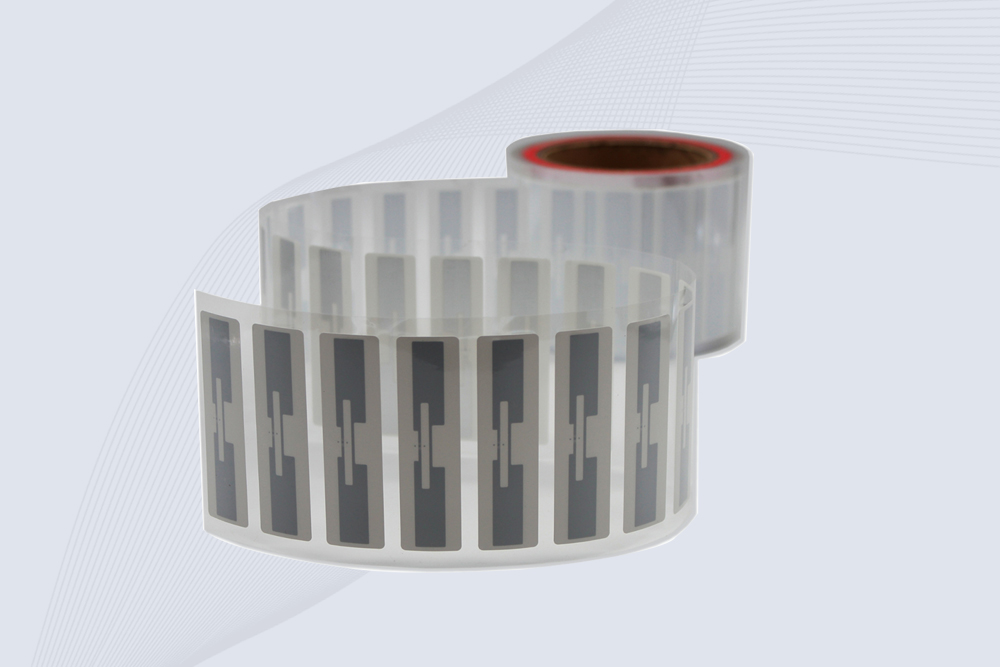
CYKEO Passive RFID Tags are made for wet and high-humidity environments where standard labels do not last. This rfid passive tag is often used around liquids, chemicals and temperature changes, providing stable reading distance and long data life for industrial tracking.
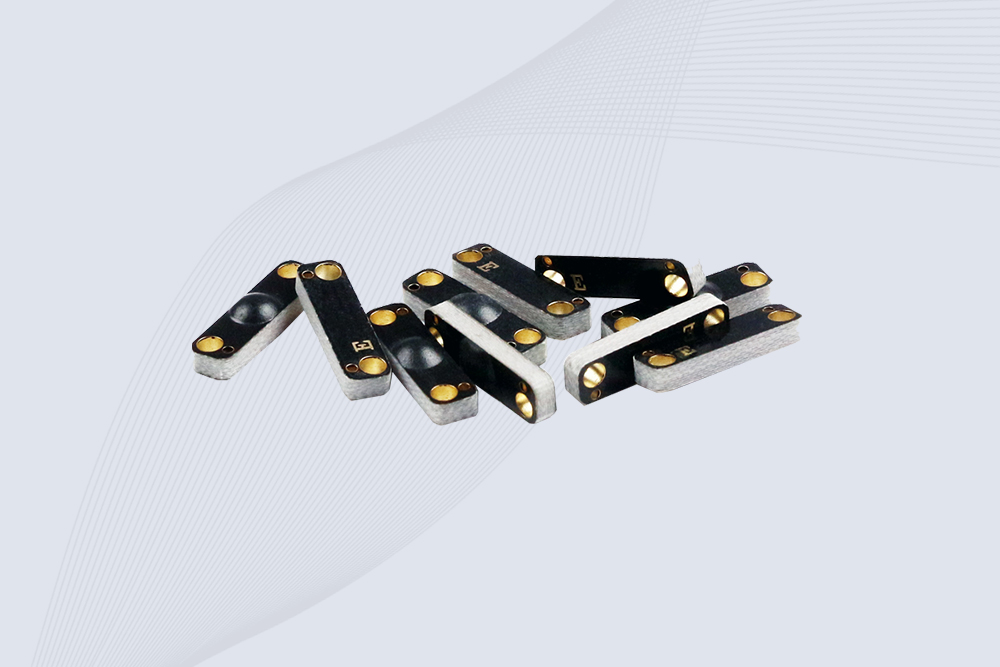
CYKEO CYKEO-PCB1504 Metal RFID Tags is a compact anti-metal UHF RFID solution built for direct mounting on metal surfaces. With stable 8-meter read range, Ucode-8 chip, and long data retention, this rfid metal tag fits tools, containers, automotive parts, and industrial asset tracking.
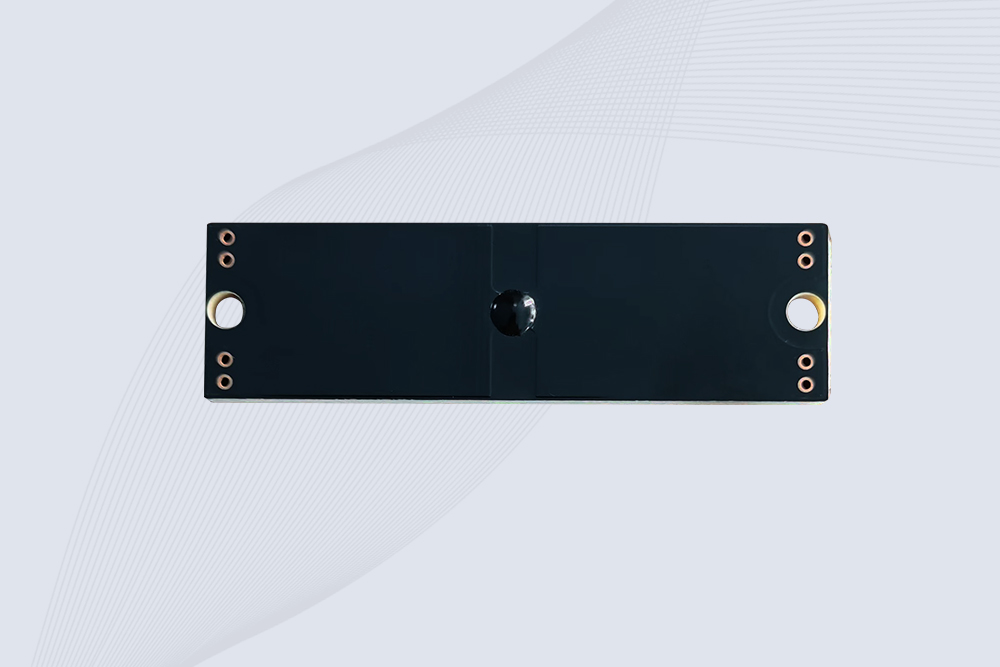
CYKEO CYKEO-PCB7020 On-Metal RFID Tags are designed for reliable tracking on steel and metal surfaces. Built with an FR4 epoxy body and industrial-grade chips, these On-Metal RFID Tags deliver stable performance, long data life, and chemical resistance, making them a dependable RFID anti-metal tag for harsh environments.
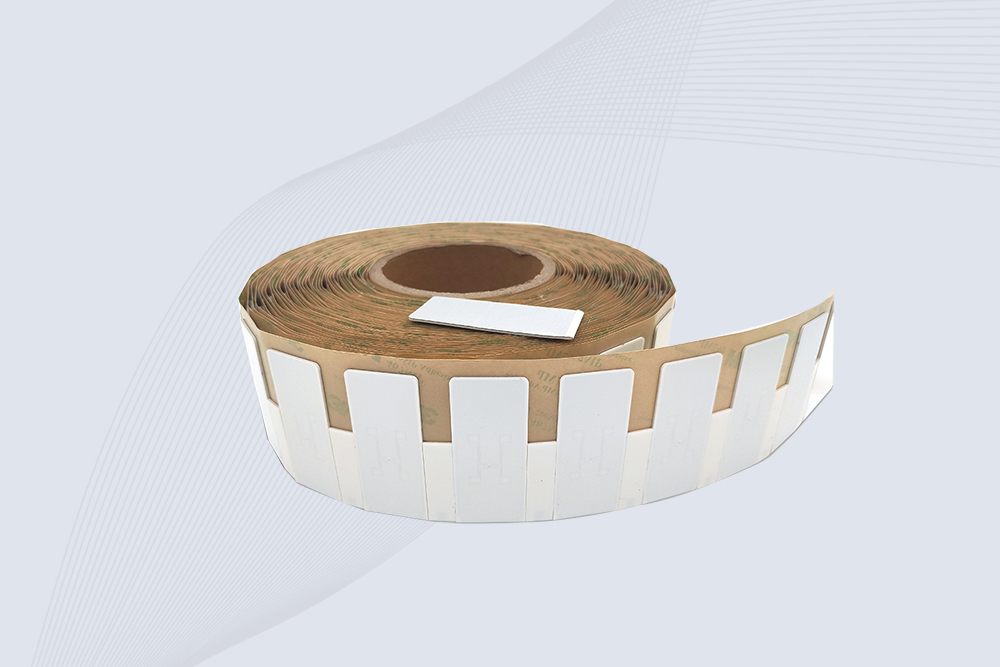
The CYKEO CYKEO-60-25 Anti-Metal RFID Tag is built for metal surfaces where standard tags fail. Designed for long-range performance, harsh environments, and stable data retention, this Anti-Metal RFID Tag is ideal for industrial assets, containers, and equipment tracking using on metal RFID tags.
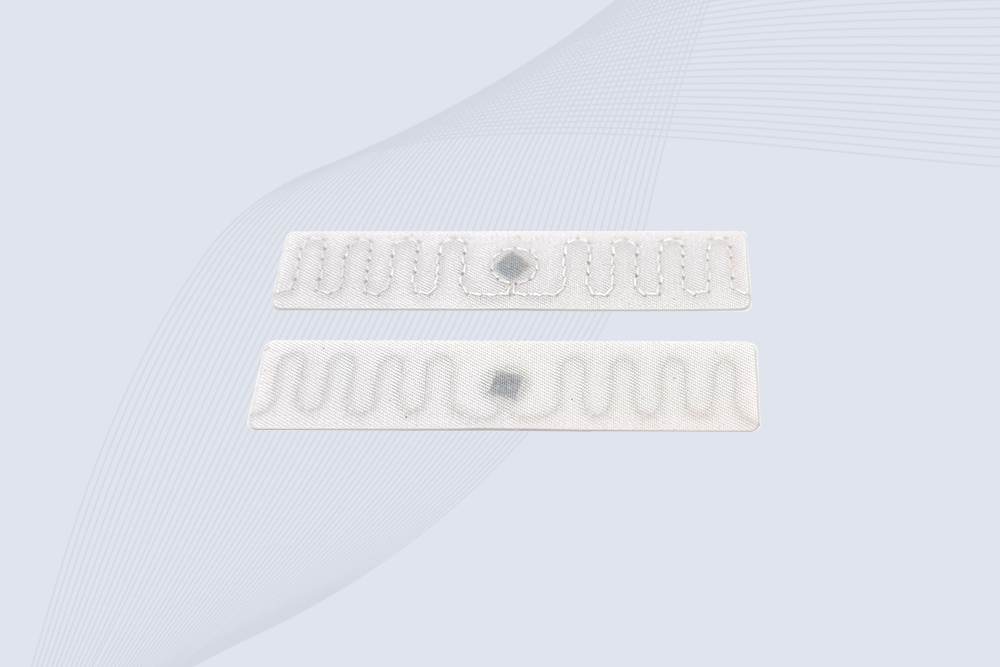
The CYKEO RFID Laundry Tag is designed for long-term textile identification in harsh laundry environments. Built to withstand high heat, chemicals, and repeated washing, this RFID Laundry Tag delivers stable performance for hotels, hospitals, and industrial laundry operations using laundry rfid tags at scale.
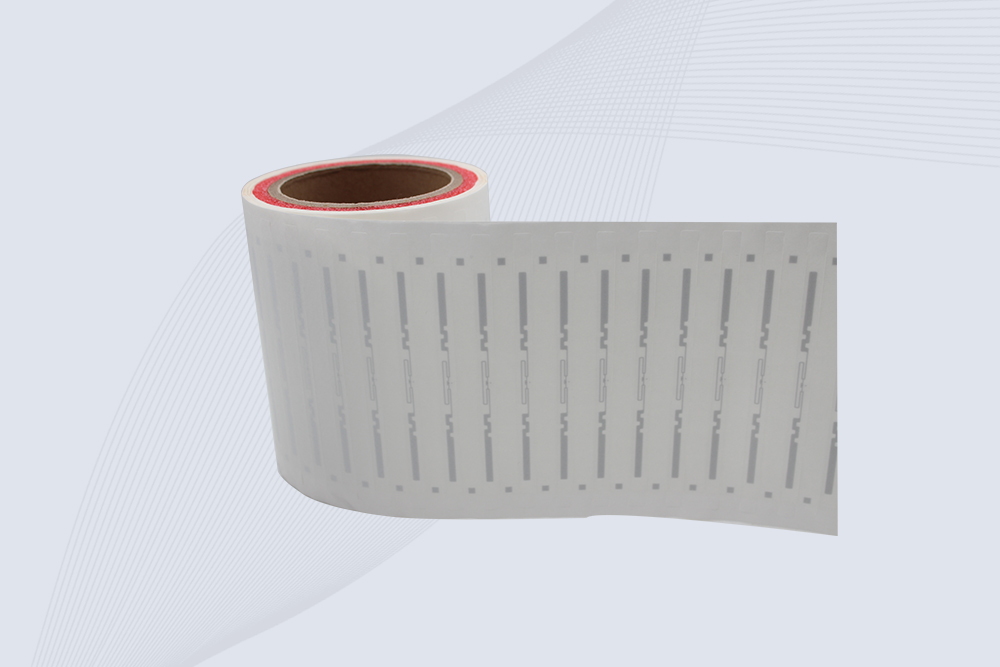
The CYKEO CYKEO-125-7 RFID Book Tag is designed for reliable book and document tracking in libraries and archives. This RFID Book Tag delivers long read range, dense placement support, and stable performance on shelves, making it a practical rfid tag on books for library automation, file management, and archival systems.
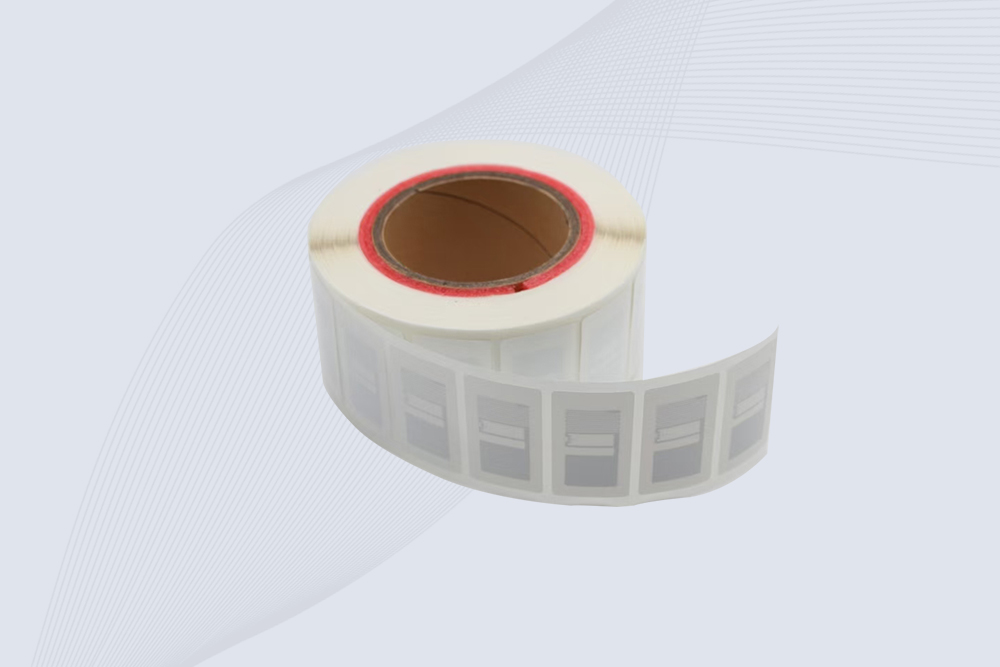
CYKEO RFID tags in hospitals are designed for sterile environments where accuracy matters. These autoclavable RFID tags support long-term tracking of surgical tools, implants, and medications, helping hospitals improve visibility, compliance, and patient safety.

CYKEO RFID Cable Tie Tag is built for reliable identification on metal surfaces. This UHF RFID Cable Tie Tag is widely used in rfid tags for inventory systems, industrial asset management and Hospital RFID Tags, offering stable read performance, long service life and global EPC Gen2 compatibility.
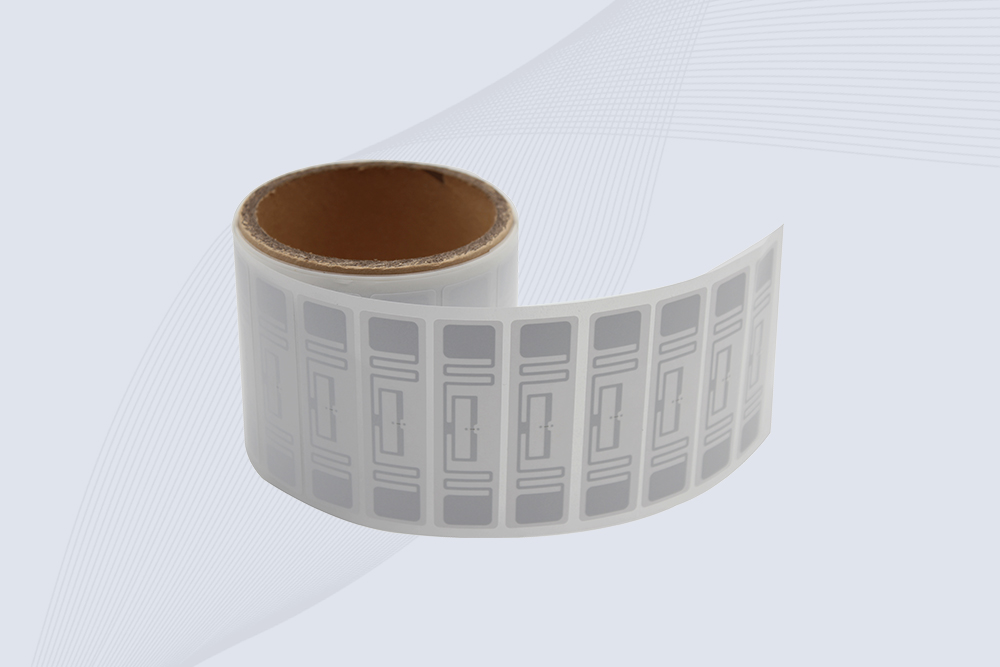
CYKEO RFID Asset Tag is designed for stable identification of metal assets in industrial environments. This UHF RFID Asset Tag is commonly used for rfid tag asset tracking on equipment, tools and containers, providing reliable reads, long service life and ISO/IEC 18000-6C support.
CYKEO UHF RFID Card is designed for fast identification and long-term use in industrial and commercial systems. Supporting ISO 18000-6C, this UHF RFID Card works at 860–960 MHz and is suitable for custom RFID cards used in asset tracking, access control and inventory management.
CYKEO HF RFID Cards are designed for secure and stable access control systems. These 13.56 MHz RFID key cards support ISO 14443-A, reliable rewriting and long service life, making HF RFID Cards suitable for offices, campuses, events and membership management.
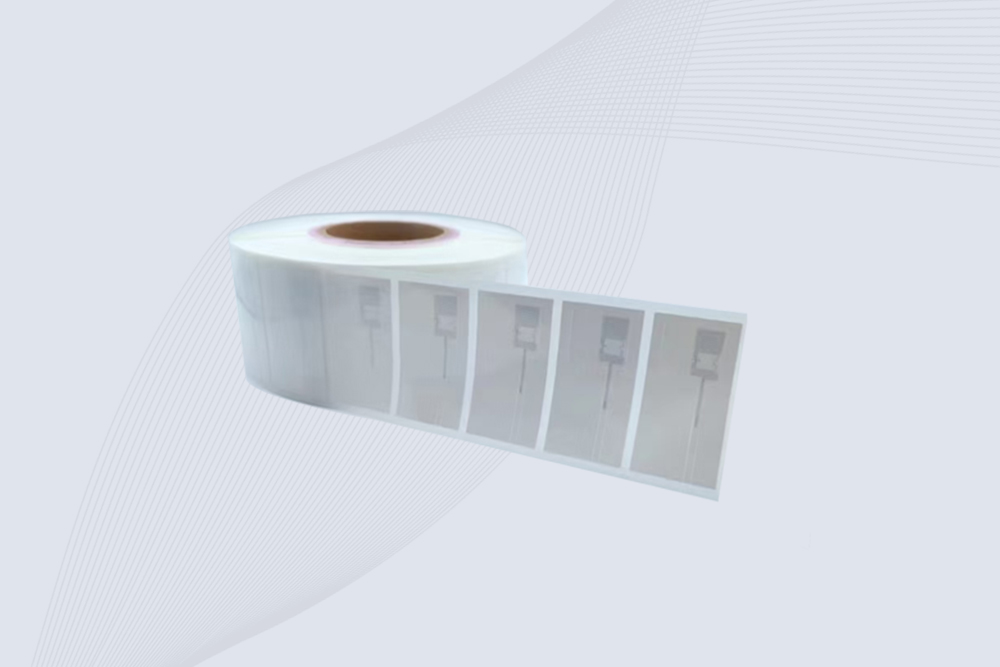
CYKEO UHF RFID Tag is designed for reliable tracking of metal jewelry and high-value items. This Jewelry RFID Tag supports long-range reading up to 8 meters, anti-counterfeit protection and stable performance on metal, making it suitable for retail, inventory control and asset management.
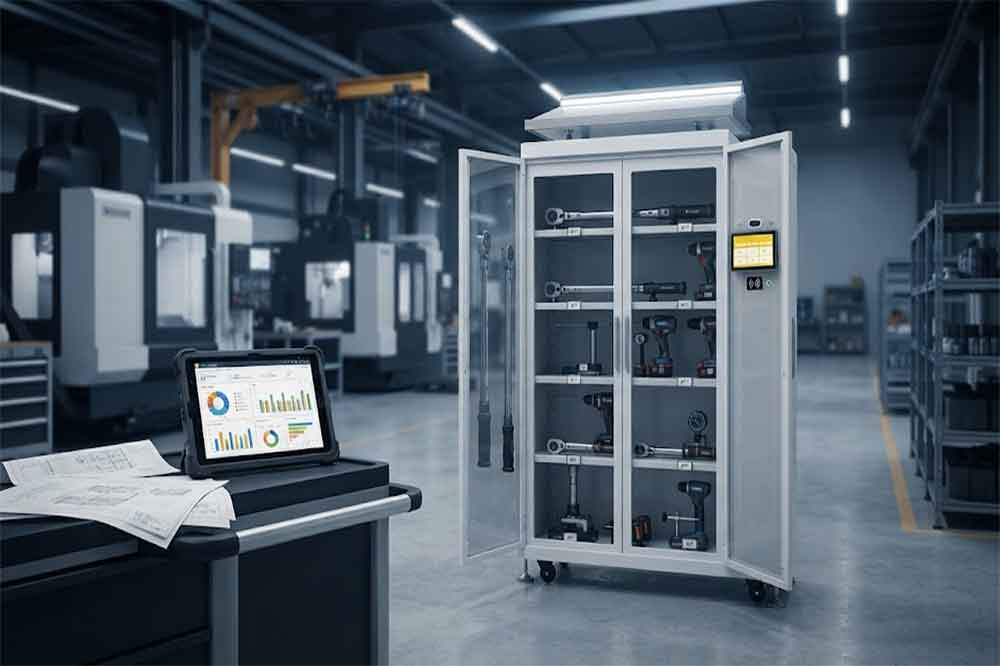
Learn what affects RFID tool cabinet cost, including cabinet size, RFID tags, software, access control, integration, installation, testing, and support.
More
Learn about radio frequency identification tags—what they are, how they work, the different types (LF, HF, UHF), and their applications in retail, logistics, and access control. Expert guidance from CYKEO engineers.
More
People ask me all the time, can NFC read and write to RFID? I break down the frequency battle, real-world hacks, and which CYKEO gear gets the job done without the jargon.
More
Discover the hidden costs of handheld RFID scanners—hardware, software, maintenance, and more. Learn how to calculate ROI and avoid budget surprises.
More