If you’re planning to sell or deploy an RFID tool tracking system, here’s the truth:
Most failures don’t come from bad products.
Putting tags on tools is easy.
This guide walks you through how to build one properly.
Step 1: Start with the right control point
Before thinking about antennas or readers, decide where the system will actually “control” tools .
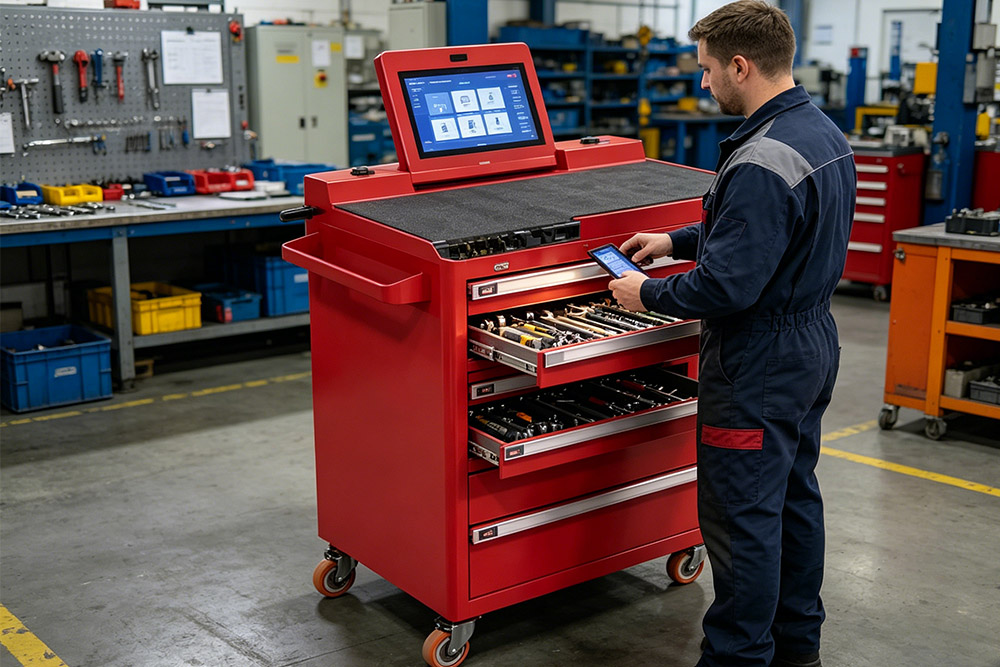
In most industrial projects, that control point is a smart RFID Tool cabinet .
Why cabinets work:
They create a closed environment (no signal interference from outside)
You get clear check-in / check-out records
It’s easier to assign responsibility to users
If tools are just moving around an open space, accuracy drops fast.
Step 2: Define your tracking logic
Before hardware, define how the system should behave:
Do you track tools only when taken/returned?
Or do you need continuous monitoring?
Do you need user authentication?
Should the system trigger alarms?
This step determines how everything else is configured.
Step 3: Design the antenna layout (this is where most projects fail)
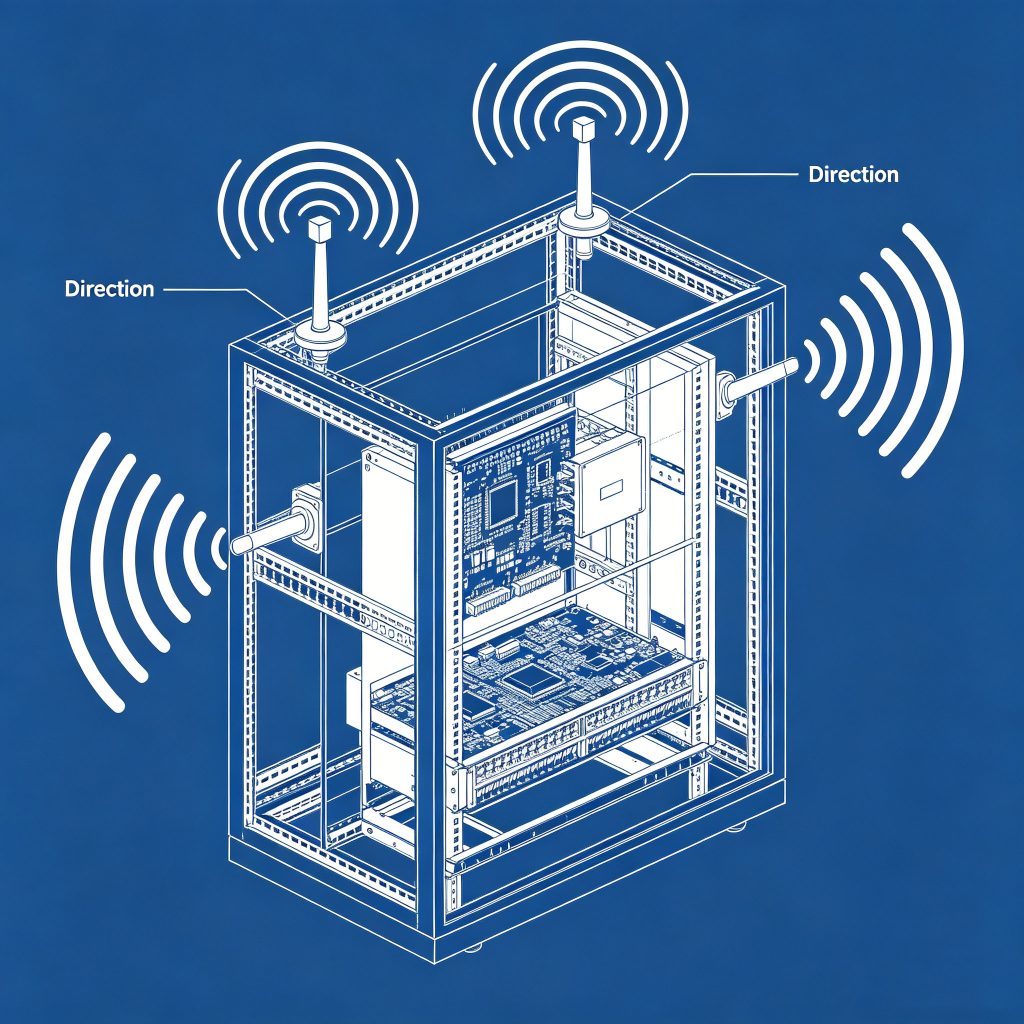
Inside a cabinet, antennas define your read zone .
You’re not trying to read “far”—you’re trying to read accurately .
Typical setup:
Side antennas for vertical coverage
Shelf-level antennas for dense tools
Tuned power to avoid reading outside the cabinet
You can explore rfid antenna options here
A common mistake is using too much power.
Step 4: Choose the right RFID module
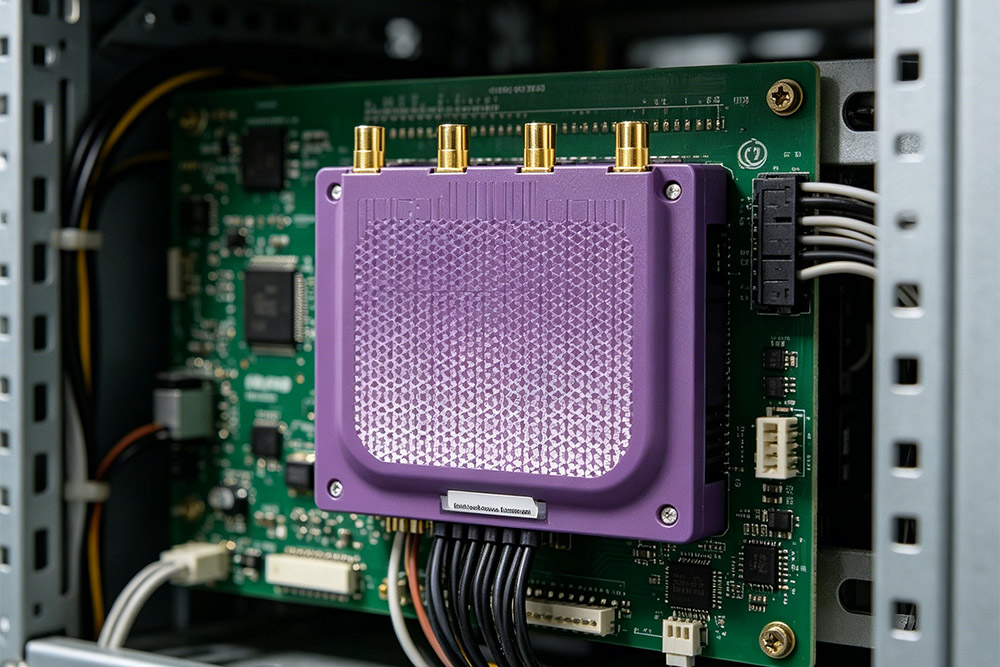
The rfid module is the part that actually reads the tags and processes data.
What to look for:
Stable multi-tag reading
Fast response time
Support for multiple antennas
Easy integration (API / SDK)
If you’re doing OEM or bulk projects, this is where you’ll customize the system.
Step 5: Make sure everything works together
Now comes the part most people underestimate.
A working RFID tool tracking system depends on how these pieces interact:
Cabinet → defines the physical space
Antennas → define the read zone
Module → reads and processes data
Software → records and controls everything
If any one of these is off, the system won’t be reliable.
Step 6: Test for real-world conditions
Before deployment, test under actual conditions:
Multiple tools being removed at once
Metal interference
Different tag positions
Fast open/close cycles
You’re not testing if it works once—you’re testing if it works every time .
Step 7: Plan for scaling (important for distributors)
If you’re selling to clients:
Can the system handle multiple cabinets?
Can data be centralized?
Is remote monitoring possible?
This is where a simple setup turns into a real solution.
What buyers actually care about
When clients evaluate systems, they usually ask:
Will it miss tools?
Can it handle metal tools reliably?
How long does installation take?
Can it integrate with our ERP?
If you can answer these clearly, you’re already ahead of most suppliers.
Common mistakes to avoid
1. Treating RFID as plug-and-play
2. Ignoring antenna tuning
3. Using low-end modules
4. No real testing
Final thoughts
A reliable RFID tool tracking system isn’t built around a single device.
It’s built around how everything fits together:
The cabinet controls the environment
The antennas control the signal
The module controls the data
Get that right, and you don’t just have a product—you have a solution clients are willing to pay for.
RFID Tool Tracking System Guide
 Cykeo RFID IoT Solution Products R&D Manufacturer